Customer Ratings & Reviews
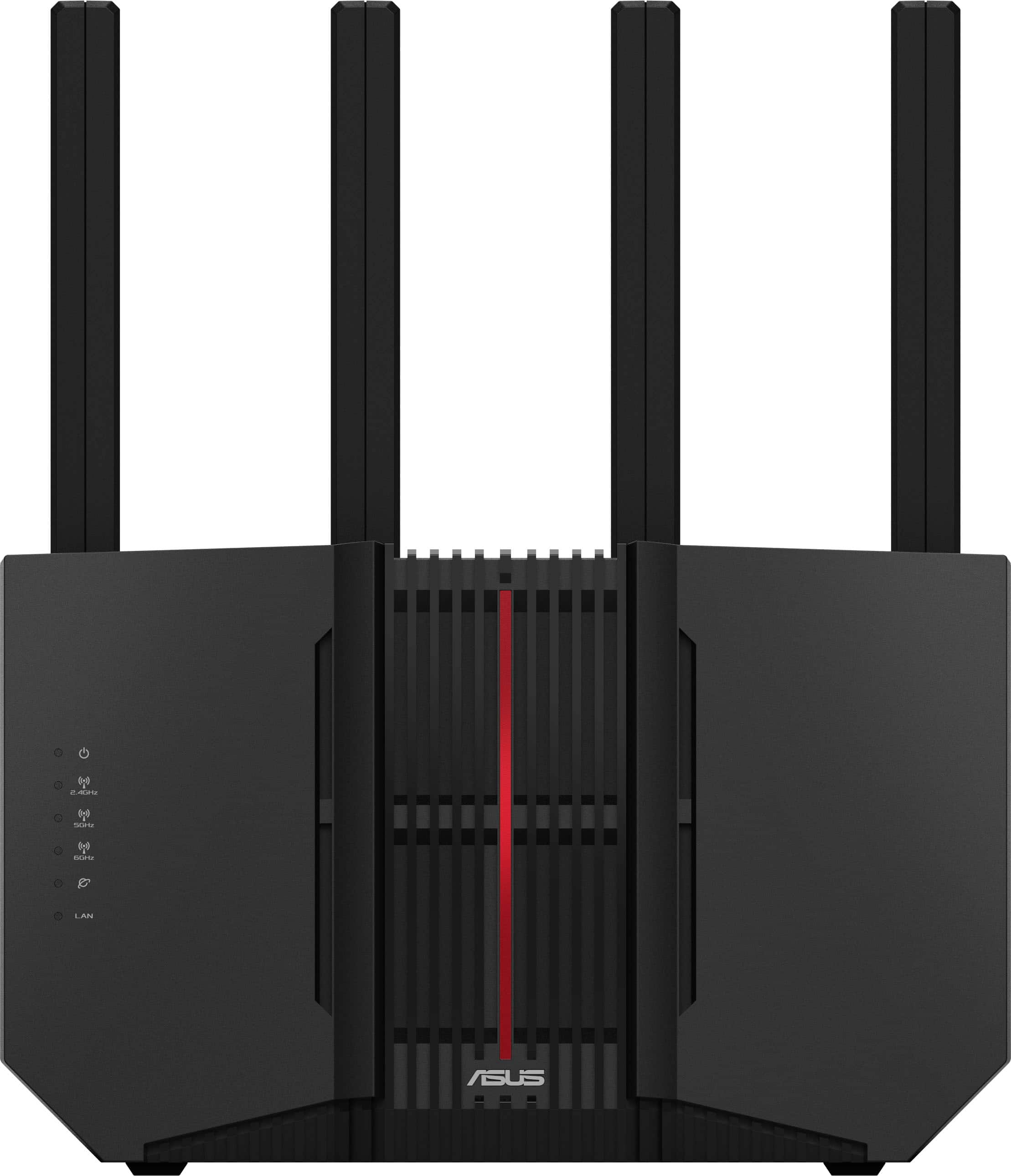
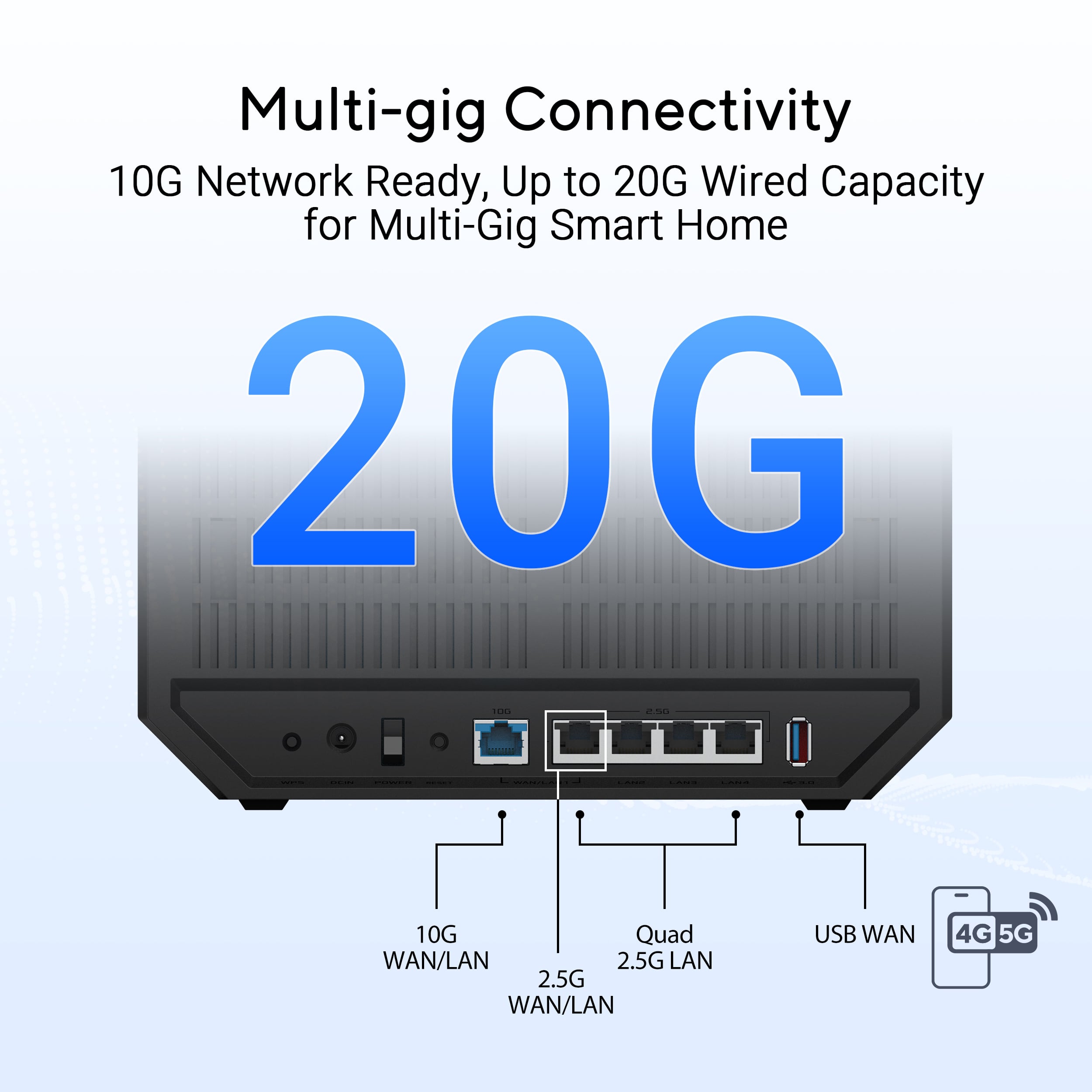
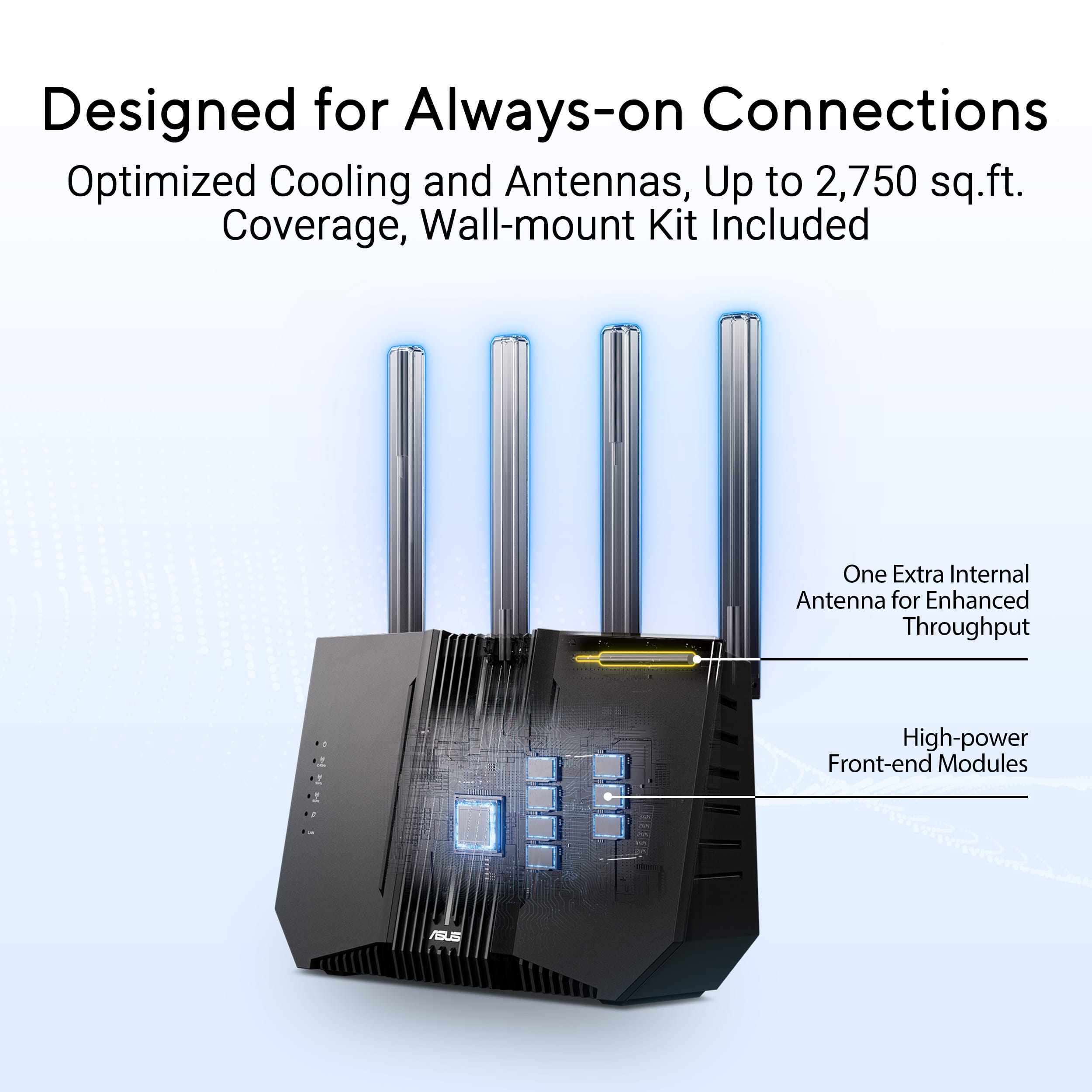



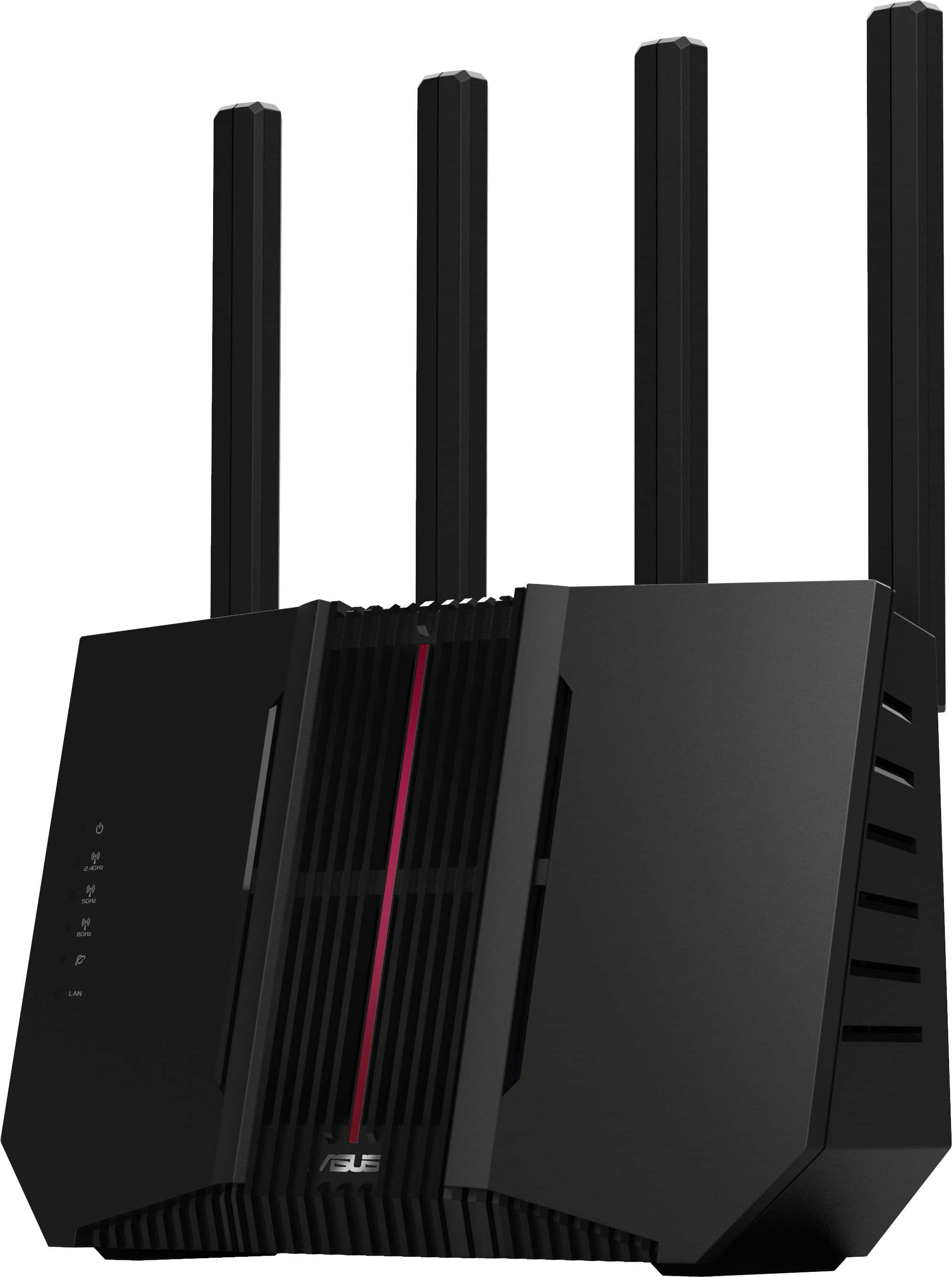
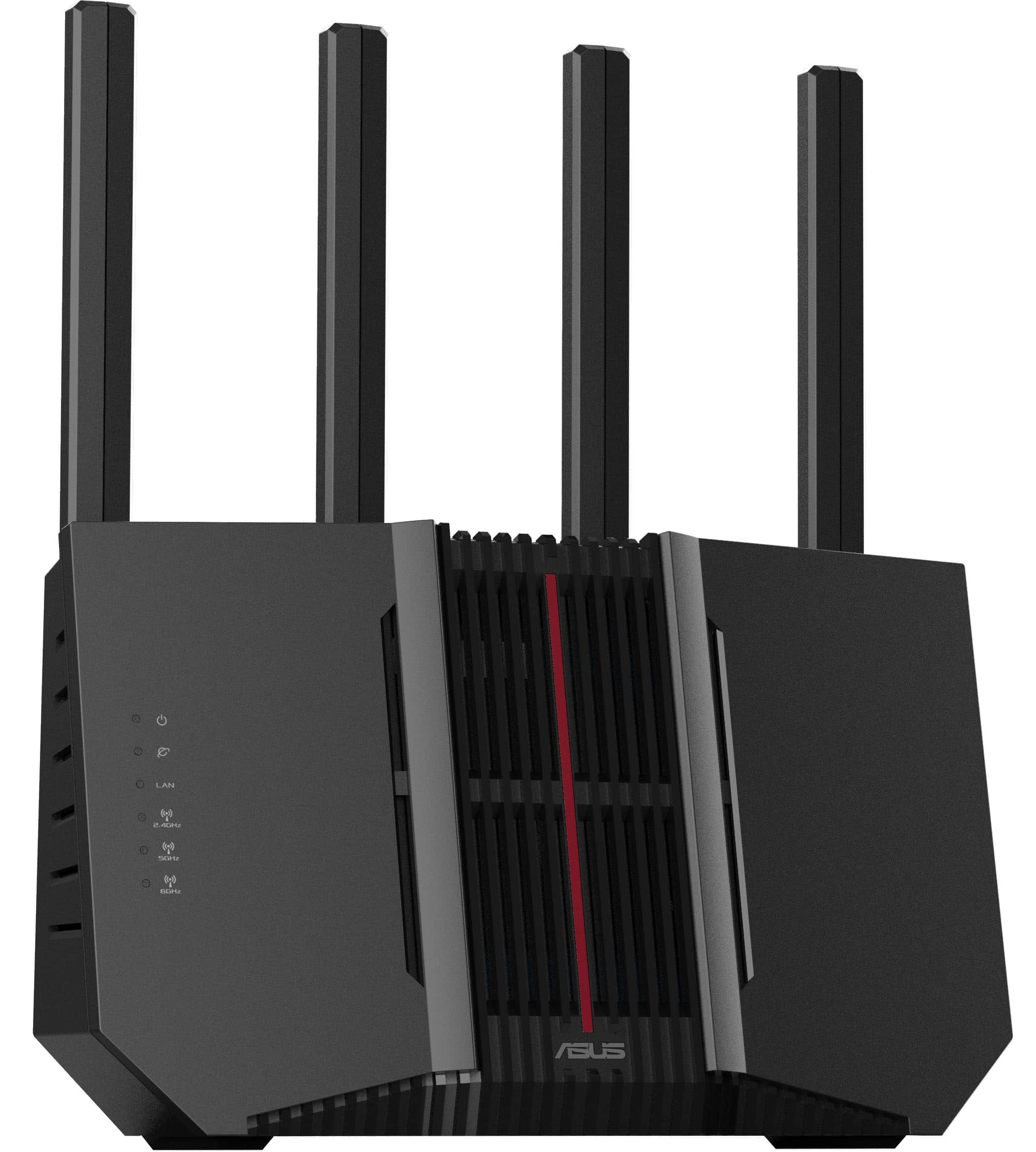
- Model:
- RT-BE92U
- SKU:
- 6594276
Rating by feature
- Setup
Rating 4.4 out of 5 stars
- Range
Rating 4.4 out of 5 stars
- Signal Strength
Rating 4.4 out of 5 stars
Customers are saying
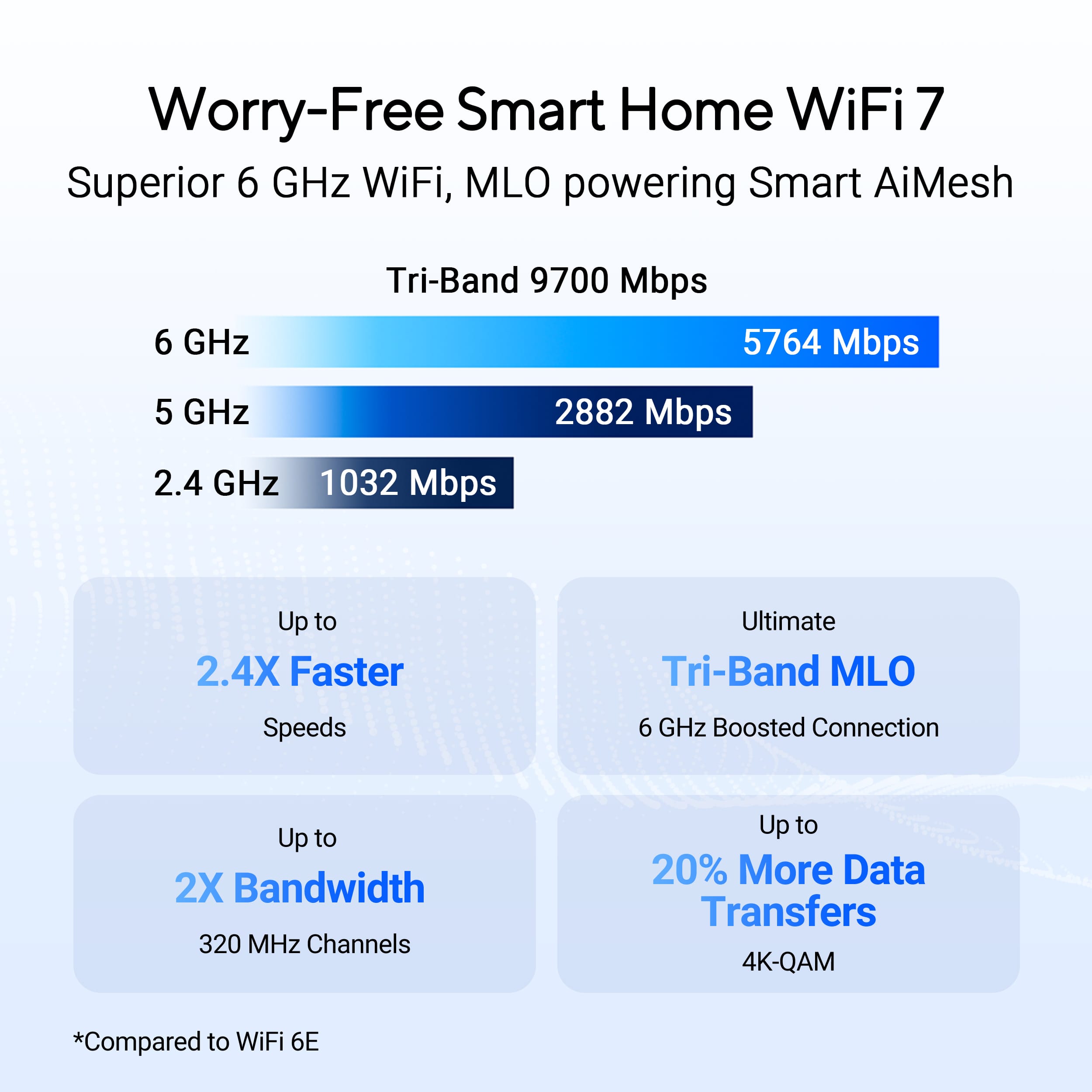
Customers appreciate the RT-BE92U BE9700 Tri-Band Wi-Fi 7 Router for its speed, overall performance, and range. Many find it easy to set up and value its WiFi 7 capabilities and strong signal strength. However, some customers have reported connectivity issues and concerns about CPU usage. A few also feel the firmware needs improvement and that the router's price is high.
This summary was generated by AI based on customer reviews.
- Pros mentioned:Overall performance, Range
Asus is the best
||Posted . Owned for 1 month when reviewed.This reviewer received promo considerations or sweepstakes entry for writing a review.Works exactly as expected. I am using this as a mesh extender off of my main asus router. Made my whole house have good wifi
I would recommend this to a friend - Cons mentioned:Connectivity
nice upgrade
||Posted . Owned for less than 1 week when reviewed.This reviewer received promo considerations or sweepstakes entry for writing a review.I replaced my ASUS WiFi6 router with this one. I saw no significant boost in speed. I have several tplink plugs which had a problem connecting, after numerous attempts the problem was wpa2/wpa3 security. I changed it to wpa2 only for the 2.4 ghz network and they connected then put it back to wpa3/wpa2 and they are fine. It also doesn't connect to the internet sometimes and needs to reboot through the web page
I would recommend this to a friend - Pros mentioned:Speed
More reliable than the other brands now available
||Posted . Owned for 10 months when reviewed.This reviewer received promo considerations or sweepstakes entry for writing a review.Very stable wifi with great speed. Good value compared to the mesh systems when your house is two floors and don't really need a mesh system. Very robust configuration options as well, without yet another subscription.
I would recommend this to a friend - Pros mentioned:Range, Speed
WiFi 7 upgrade
||Posted . Owned for less than 1 week when reviewed.This reviewer received promo considerations or sweepstakes entry for writing a review.Saved config to a pc from my gt-ax6000, restored on rt-be92u. Updated firmware. No flakiness, better WiFi in a traditional hard to reach area, better switching, and now our WiFi 7 devices get more bandwidth - laptop used to get 100MB/s now gets 150 MB/s.
I would recommend this to a friend An Epic Wi-Fi 7 router for the price
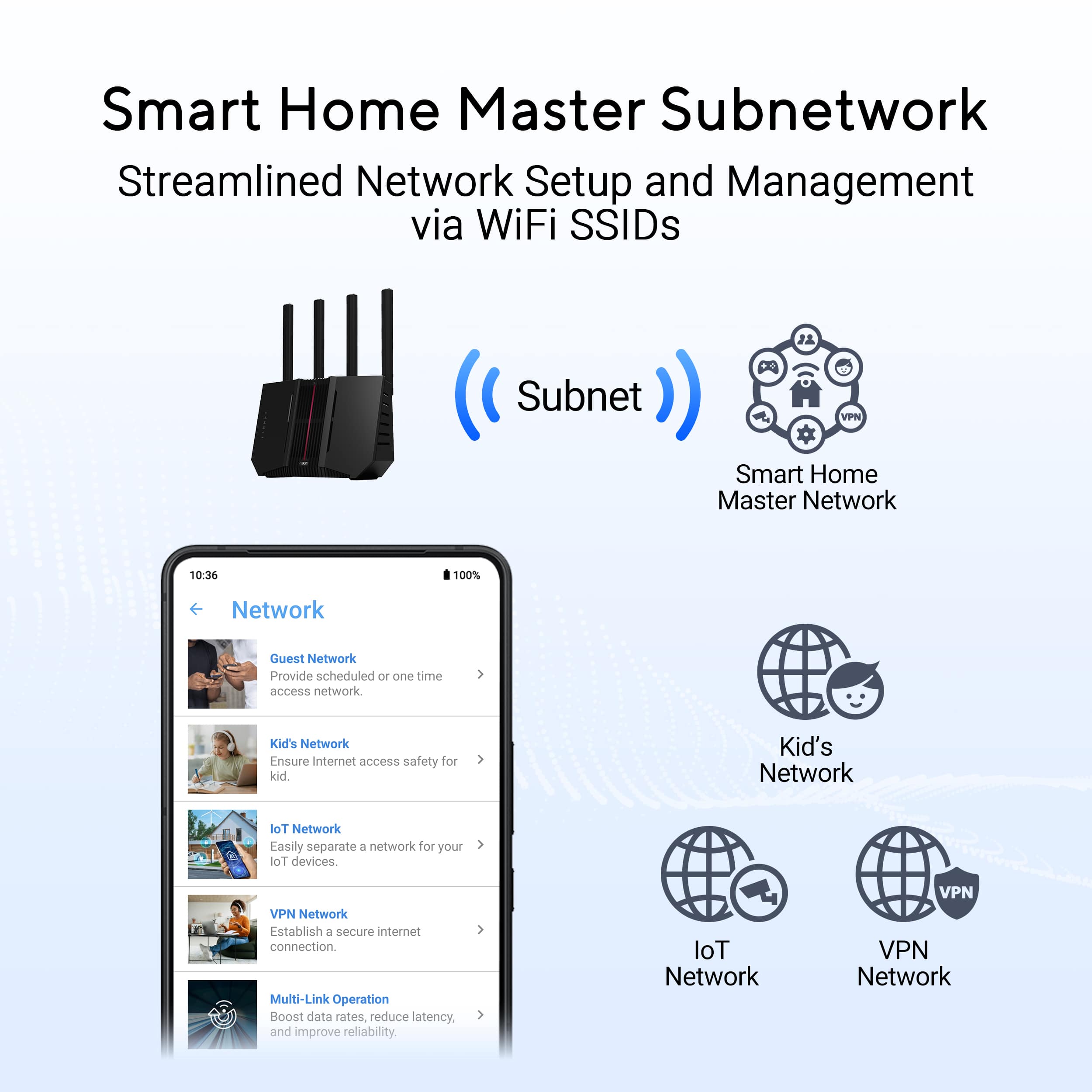
||Posted . Owned for 2 weeks when reviewed.This reviewer received promo considerations or sweepstakes entry for writing a review.For a "starter" ASUS router with Wi-Fi 7, this is an epic choice. Not only is it a really quick setup, it offers a ton of features with the ASUS firmware. As well, it's price is great for a Wi-Fi 7 router. That said, there's a few features I wished it had or supported. Granted these are rather niche features, but support for VLAN would be awesome to have. Having the 4 LAN ports receive different VLAN's would be amazing. The mini-support for guest networks and IoT networks is nice, but they can still communicate with each other.
I would recommend this to a friend- Cons mentioned:Firmware
Buggy early firmware hampering a good router
||Posted . Owned for 1 week when reviewed.This reviewer received promo considerations or sweepstakes entry for writing a review.Suffering from buggy firmware. Several complaints in the forums of random disconnects, and other issues (in the logs) Asus (in forums) has suggested a process of firmware update and then a hard reset. Fixed for some, not for others. I'm in the middle. My random disconnects have lessened, but I'm having intermittent delays and a lot of errors in the log (thermal errors, deauth errors, etc.). I've written to Asus (sending logs) and haven't heard back.... It may be fixed over time, but if you can, wait a bit... Asus, if you're listening, I'd like some support.
I would recommend this to a friendBrand response from ASUS Answers
Posted .Dear IMAGNE,
We sincerely apologize for the issues you've faced with the router and for the inconvenience caused. This is not the kind of quality to expect from our products and it's not the norm. We would like to make your experience with ASUS a better one.
Please send us an email at [email protected] and include the case number "N2501038506-0002" as a reference so that we can further investigate this issue. We know that maintaining a functioning unit is an urgent matter, and we are committed to helping you.
We stand behind our products and continuously strive to improve our products and processes to achieve customer service excellence. We will do our best to resolve your case quickly. Your feedback is very important to us, and it enables us to improve our support channels. Thank you for choosing ASUS.
Best Regards,
Chantae
ASUS Customer Loyalty US Support
- Cons mentioned:Connectivity
The only Asus router I've used that is terrible.
||Posted .This reviewer received promo considerations or sweepstakes entry for writing a review.I've been using Asus routers for 15 years. They had always provided a rock solid wired and wireless network. The RT-BE92U was the first Asus router I've used that could not do that. I tried just one as a router. One as a router and one as a node. Then two as nodes and three as nodes. No matter what configuration I setup, devices would drop off wifi and the BE92U units would reboot periodically. This is with the newest firmware from late November 2025. It was extremely frustrating. So, I purchased a couple of the RT-BE96U routers. One for the router and one for a mesh node. I copied over the settings file from the BE92U router and instantly my network was rock solid. It's been ten days now and no device has dropped off the network and neither BE96U unit has rebooted. This was never the case in the eight days of use I had with the RT-BE92U units. I only wish I had listened to the people that said to stay away from the RT-BE92U. It certainly has some serious problems. It's the extremely rare dud from Asus.
No, I would not recommend this to a friendBrand response from ASUS Answers
Posted .Dear Aaronwt,
Thank you for sharing your detailed experience with the ASUS RT-BE92U router. We sincerely apologize for the connectivity issues and unexpected reboots you encountered, and we understand how frustrating this must have been given your long history of using ASUS routers.
We appreciate your feedback and the comparison you provided with the RT-BE96U, as this insight is valuable in helping us identify areas for improvement. Your comments will be passed along to our product team for review to ensure we continue enhancing both performance and reliability across our router lineup.
We stand behind our products and continuously strive to improve our products and processes to achieve customer service excellence. If you require any further assistance, please email us at [email protected] and include the case number "N2410039925-0042" as a reference. We will do our best to resolve your case quickly. Your feedback is very important to us, and it enables us to improve our support channels. Thank you for choosing ASUS.
Best Regards,
Chantae
ASUS Customer Loyalty US Support
- Cons mentioned:Connectivity
Great when working but has major issues. Stay Away
||Posted .This reviewer received promo considerations or sweepstakes entry for writing a review.When this is up and running, this router is great. However, this thing has major issues with connectivity if your *modem* loses power. There are multiple forum posts out there stating they have problems getting this router and other similar ASUS routers to work after power failures/modem power outages and I can confirm. My office used to trip the breaker a few times every few months which caused me major headaches due to the router not being able to get an internet connection afterwards. The only way to get it back up was to wait until the next morning and reset the router and modem and start the setup from ground zero. If you do get this router, be sure to hook everything up and get the wifi working, and then power off your MODEM, then plug it back in to see if the ASUS router has issues getting internet connectivity back. If so, return it ASAP... I've read that ASUS routers have had this issue for over 10+ years and there does not seem to be a fix in sight. I will be staying away from ASUS routers from now on.
No, I would not recommend this to a friendBrand response from ASUS Answers
Posted .Dear AnthonyN,
Thank you for sharing your experience with your ASUS RT-BE92U router. We are sorry to hear about the connectivity issues you’ve encountered after modem power outages, and we sincerely apologize for the frustration this has caused. This is not the quality of product performance we aim to provide, and we regret that your experience did not reflect our standards.
Please rest assured that your feedback will be passed along to our product team for further review.
To help resolve the issue described, we recommend following the steps outlined in our FAQ guide linked below. If the issue persists after completing these steps, please contact our support team directly at https://www.asus.com/us/support/callus/ so we can assist with further diagnostics or provide warranty service if necessary.
We stand behind our products and continuously strive to improve our products and processes to achieve customer service excellence. For more information, email us at [email protected] and include the case number "N2410039925-0047" as a reference. We will do our best to resolve your case quickly. Your feedback is very important to us and enables us to improve our support channels. Thank you for choosing ASUS.
Best Regards,
Chantae
ASUS Customer Loyalty US Support
[Troubleshooting] WiFi signal is often disconnected: https://www.asus.com/us/support/faq/1030641/
- Pros mentioned:Overall performance
Perfect router after firmware updates
||Posted . Owned for 8 months when reviewed.This reviewer received promo considerations or sweepstakes entry for writing a review.Router had cpu/reboot issues in the past but they are now fixed. Make sure to factory reset the router with the reset button on the back, then flash the latest firmware (3.0.0.6.102_38962) of this review. then do one final reset with the button on the back for a 100% fresh slate.
I would recommend this to a friend - Pros mentioned:Speed
Great Router
||Posted .This reviewer received promo considerations or sweepstakes entry for writing a review.I’ve had this router for 11 months now and it’s been great. I’ve never had issues with connectivity or internet speeds. I have 1 Gig internet and the speed is the same anywhere in my house
I would recommend this to a friend - Pros mentioned:Range, Speed
Great product
||Posted . Owned for 3 weeks when reviewed.This reviewer received promo considerations or sweepstakes entry for writing a review.Great range and crazy fast. I've gotten near full gig speed via wifi on some devices.
I would recommend this to a friend - Cons mentioned:Connectivity, Firmware
Bad Router, probably chipset issue. Avoid.
||Posted . Owned for less than 1 week when reviewed.This reviewer received promo considerations or sweepstakes entry for writing a review.Amazingly bad. Seems the firmware is not ready. Coming from the AX88U-Pro to this I thought I might be getting some better features and ports. Come to find out the firmware looks the same but seems not to function correctly. Then you have the strange disbursement of the bandwidth across the bands, leaving the 5GHz band with an oddly small amount of bandwidth while the new 6ghz network just basically sits there because it only functions within a 10 feet radius of it. Basically you need to be within eyesight of the router in order to get WIFI7. It's propbably not a bad device for a 1 bedroom apartment or a small economy room, but not much else. Also, VPN fusion does not function correctly, the router bogs down and seems to save settings and then never be able to change those ever again. Directly from a full fresh initialization this thing takes a poop.
No, I would not recommend this to a friendBrand response from ASUS Answers
Posted .Dear ShoutHouse,
Thank you for your feedback
We do understand your disappointment with the product and the inconvenience this may have caused if you are experiencing connection problems. To resolve the unstable connection, please verify if the PC or device connecting to the router is working properly and within range to the router, the router is within 30 feet to the ISP's modem, if not wired with a network cable, and ISP's internet service or connection is working properly or stable. Additionally, check if the router matches the credentials of your ISP's modem. Legacy devices may not work properly with WIFI-6 and WIFI-7, please check updates for these devices. Also, try connecting this manually to either 2.4GHz or 5GHz. Should you need further assistance with the product, please email me at [email protected] and I would be more than happy to help. Or, you are most welcome to call Product Support Hotline at: 1(888) 678-3688. Also, you can chat with an ASUS live support agent from the link: https://www.asus.com/us/support/article/1135/.
Thank you for choosing an ASUS product.
Regards,
Rodel
ASUS Customer Loyalty
- Pros mentioned:Overall performance
Quality Router for Wi-Fi 7
||Posted .This reviewer received promo considerations or sweepstakes entry for writing a review.So far so good. The router was easy to set up and upgrade my network. There was some minor retooling but everything was up and running fairly quick. Haven't had any issues with the router so far. The attached app make operating router remotely easy. Very happy with purchase
I would recommend this to a friend - Cons mentioned:Connectivity, Price
Asus needs to fix the firmware, randomly crashes.
||Posted . Owned for less than 1 week when reviewed.This reviewer received promo considerations or sweepstakes entry for writing a review.If you are using this with wifi 6 band, please disablw Ai protection and limit the devices resources. It seems it will reboot itself or lock up once a day. It looks like its a known problem. This is why its super cheap period. The manufacture knows something js wrong and discounted it.
No, I would not recommend this to a friendBrand response from ASUS Answers
Posted .Dear MrBean,
We sincerely apologize for the issues you're experiencing with the router and for the inconvenience this may have caused you. To troubleshoot the auto reboot issue described, we recommend following the steps in the FAQ below. Should the issue persist, please contact our support team at https://www.asus.com/us/support/CallUs to further investigate the problem or assist with repairing the device.
We stand behind our products and continuously strive to improve our products and processes to achieve customer service excellence. For more information, email us at [email protected] and include the case number "N2412010337-0003" as a reference. We will do our best to resolve your case quickly. Your feedback is very important to us and enables us to improve our support channels. Thank you for choosing ASUS.
Best Regards,
Chantae
ASUS Customer Loyalty US Support
[Troubleshooting] Router restarts automatically on a regular or irregular basis - https://www.asus.com/us/support/faq/1050723/
- Pros mentioned:Overall performance, Speed
Good Performing Router
||Posted . Owned for 3 weeks when reviewed.This reviewer received promo considerations or sweepstakes entry for writing a review.This Tri Band Router offers the features and performance I wanted. Wifi download speeds in the 550 - 610 Mbps to my cell phone. Straightforward setup and a mobile app to tinker with.
I would recommend this to a friend - Pros mentioned:Overall performance
New Asus Router
||Posted . Owned for 1 month when reviewed.This reviewer received promo considerations or sweepstakes entry for writing a review.It works better than my old Linksys Router. I'm happy with it!
I would recommend this to a friend - Pros mentioned:Overall performance, Speed
Buy this product!
||Posted . Owned for 1 week when reviewed.This reviewer received promo considerations or sweepstakes entry for writing a review.Solid product. WiFi speeds increased, no lags, kids are happy
I would recommend this to a friend Solid router
||Posted .This reviewer received promo considerations or sweepstakes entry for writing a review.Good router, solid guest network and range works well. Set up AiMesh with older ASUS, whole house is covered with good signal strength.
I would recommend this to a friend- Cons mentioned:Connectivity
Great Router
||Posted . Owned for 2 weeks when reviewed.This reviewer received promo considerations or sweepstakes entry for writing a review.I used this to replace some google mesh units i had. Its a good unit that has a good amount of customization you can do to optimize things. The range isn’t amazing so be aware you may need to invest in a range extender.
I would recommend this to a friend - Pros mentioned:Overall performance
Reliable eqy
||Posted .This reviewer received promo considerations or sweepstakes entry for writing a review.This router replaced my 10 year old Asus router. I never had any problems with the previous router, it just became outdated. I hope to have another long run without any issues. Easy to install and setup. I like the option to add the mesh, as my house is 3 floors.
I would recommend this to a friend