Customer Ratings & Reviews
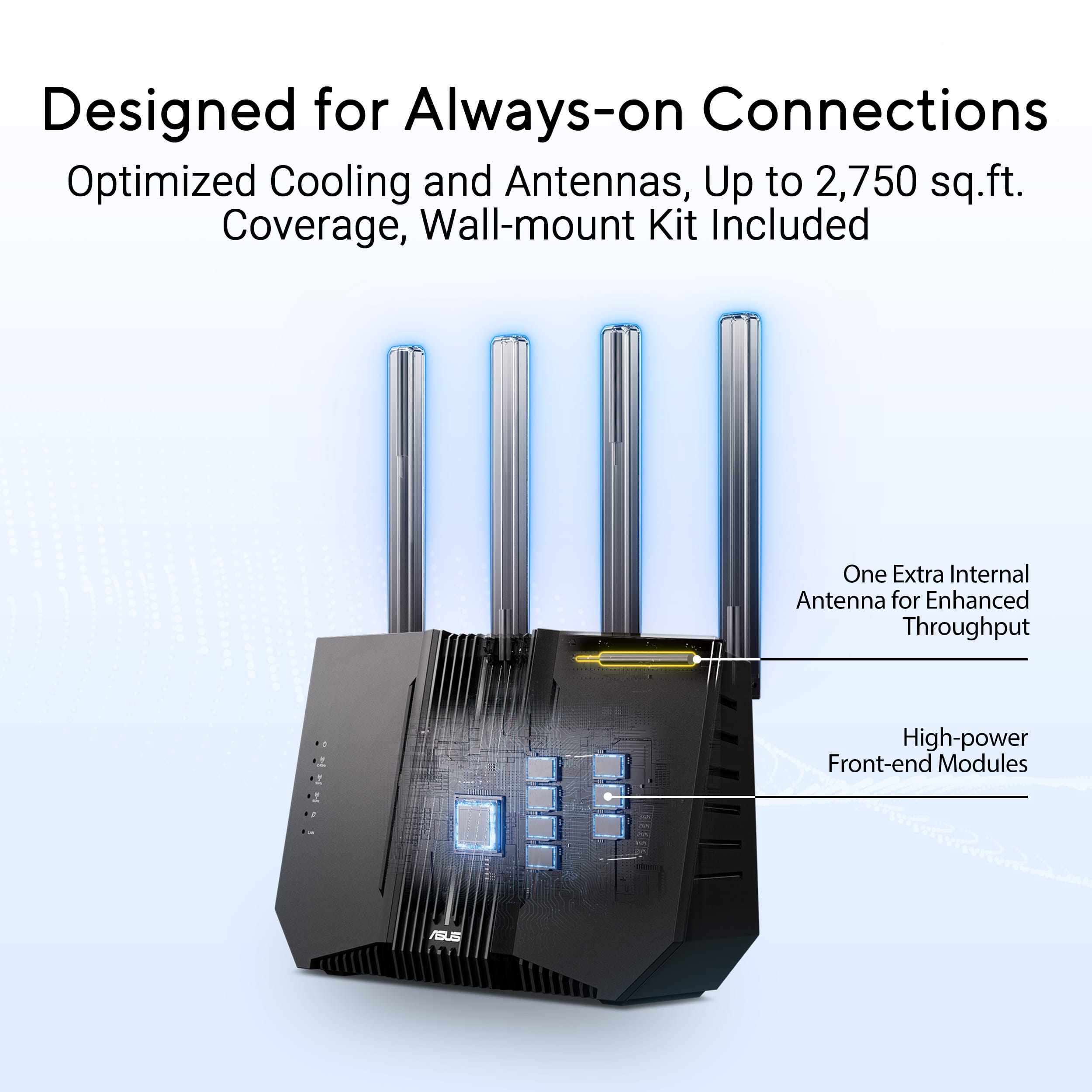

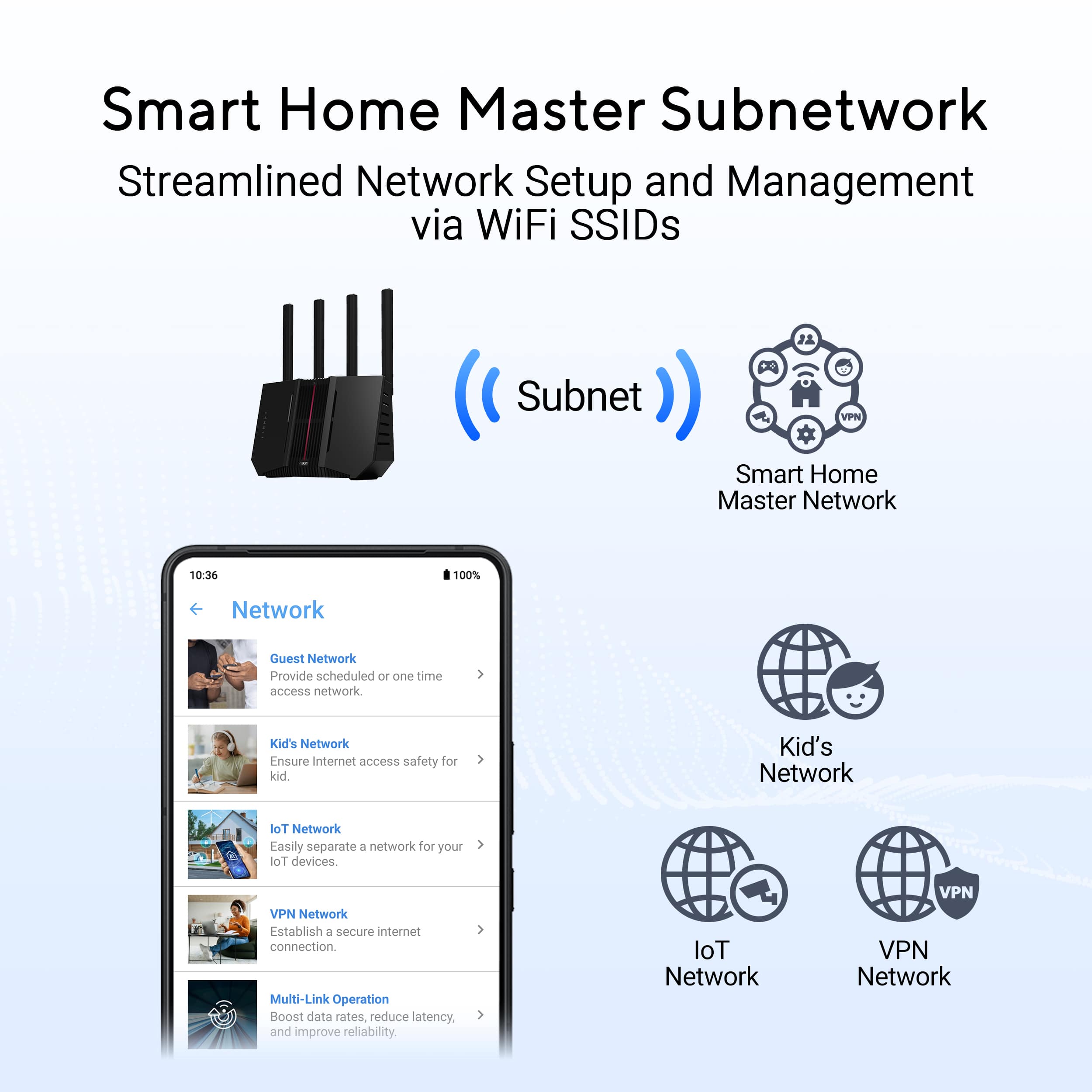


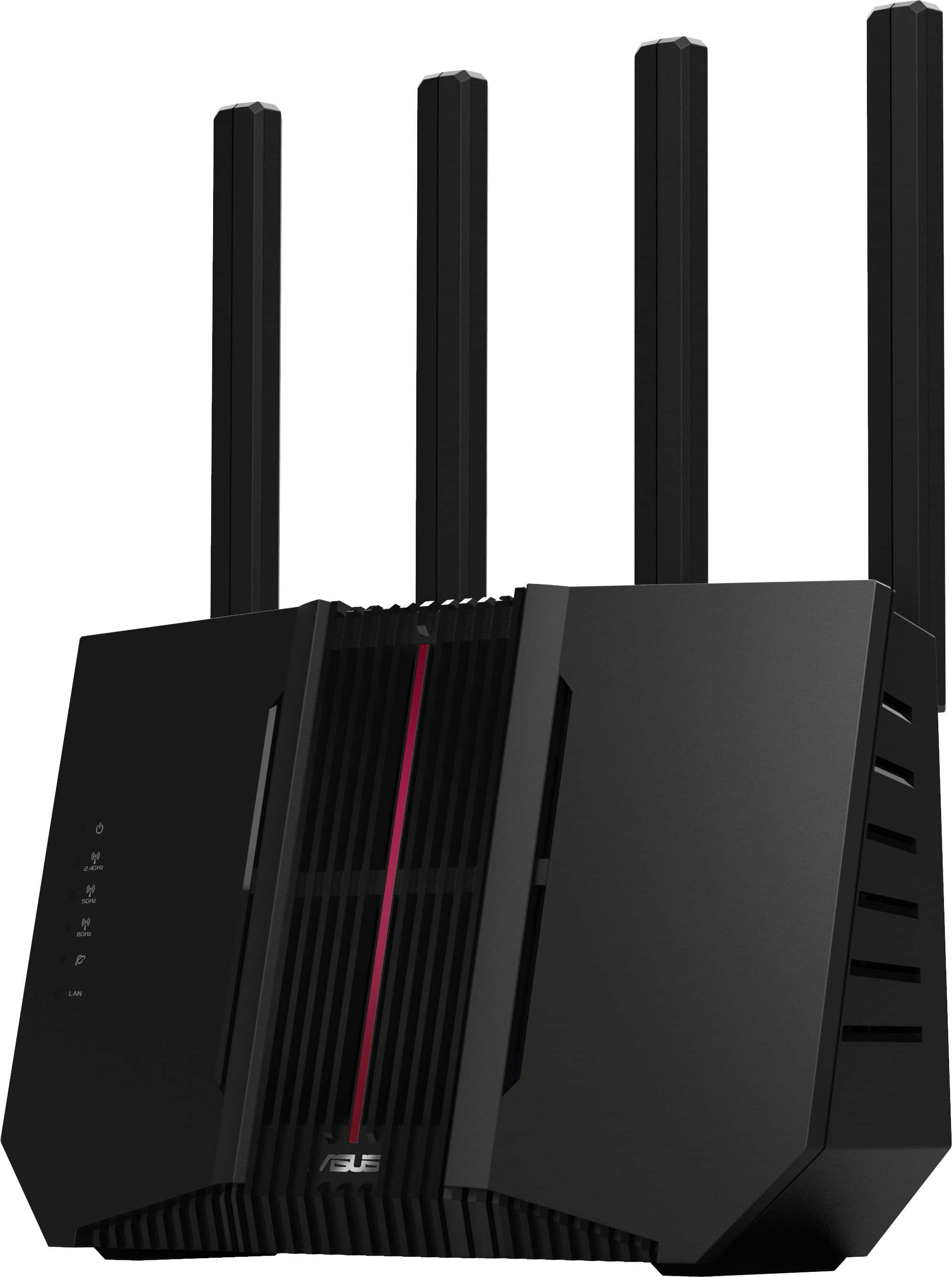
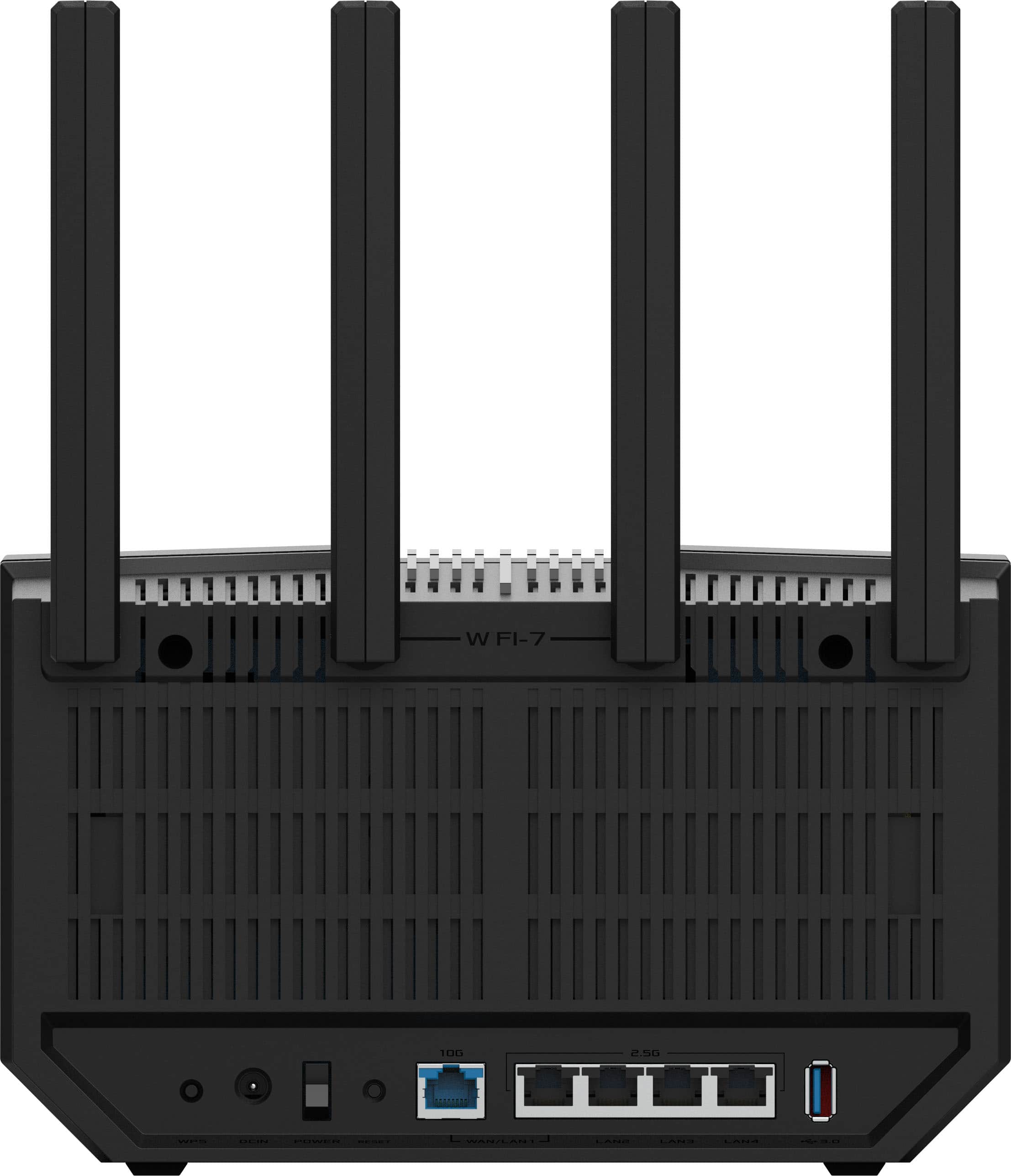
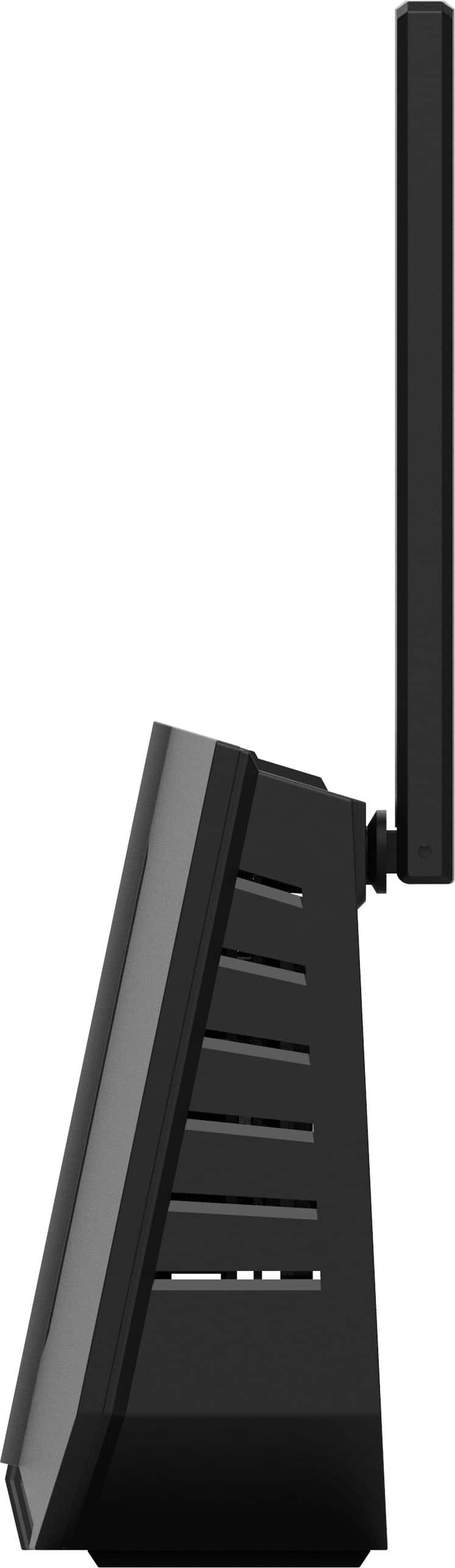
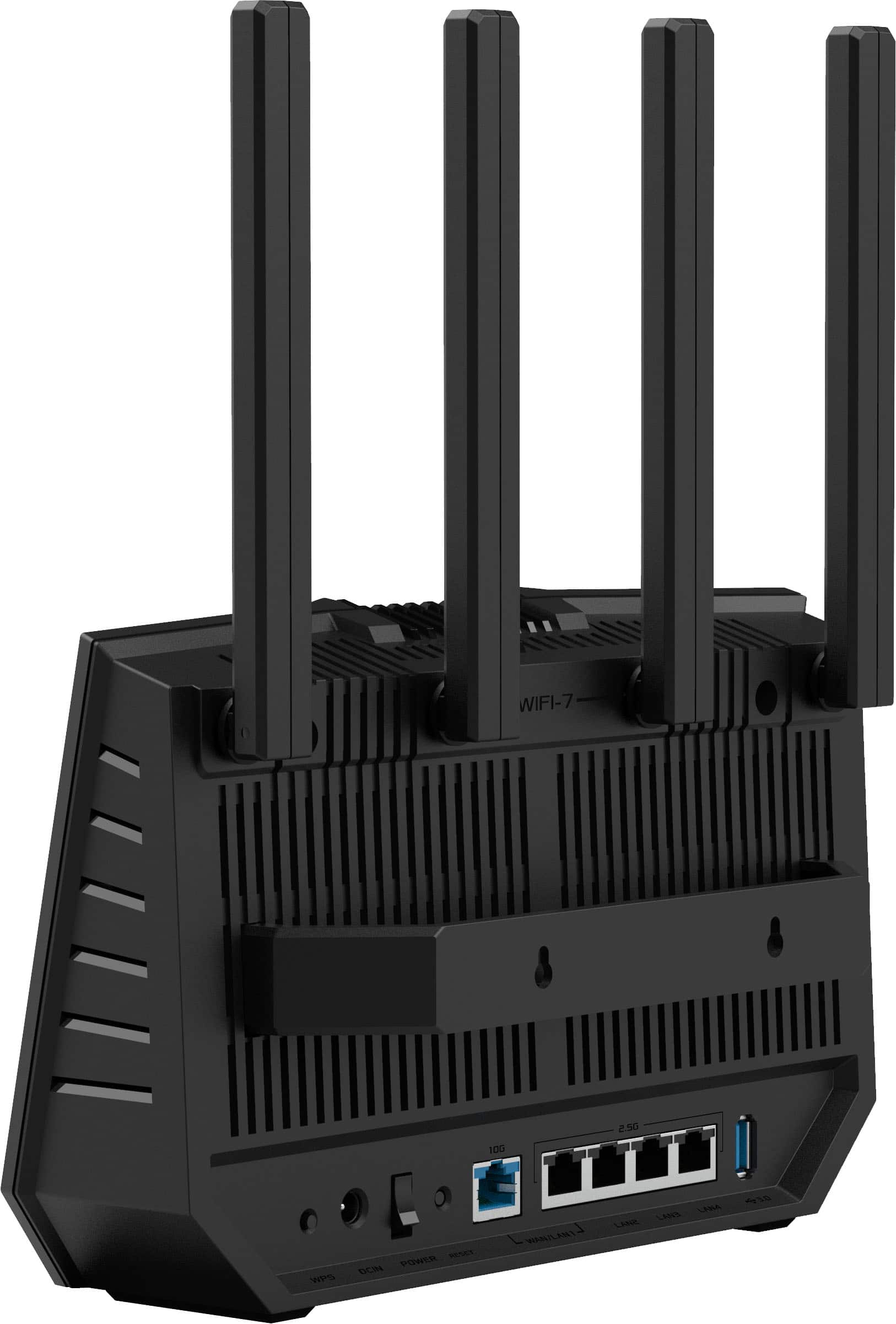
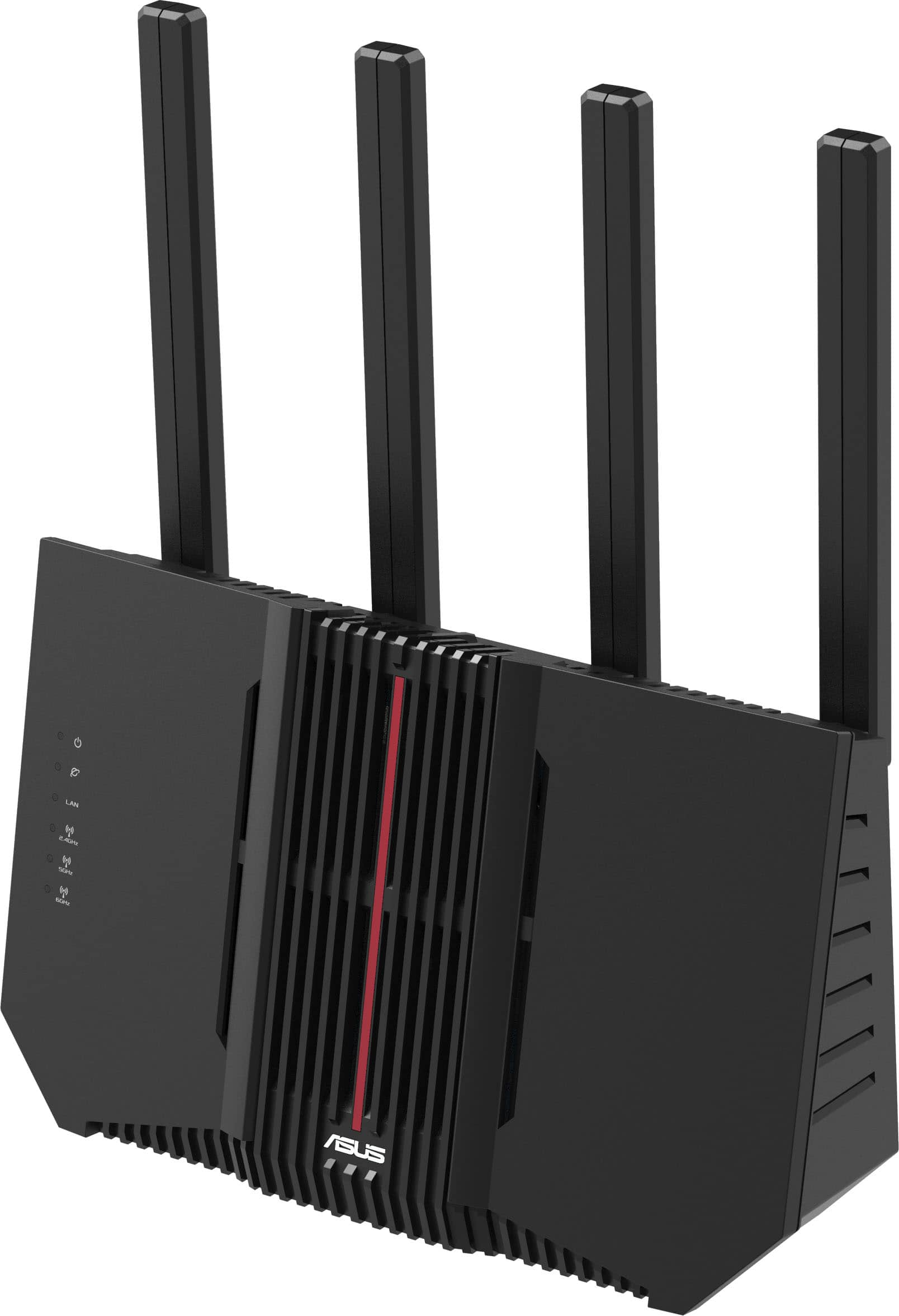
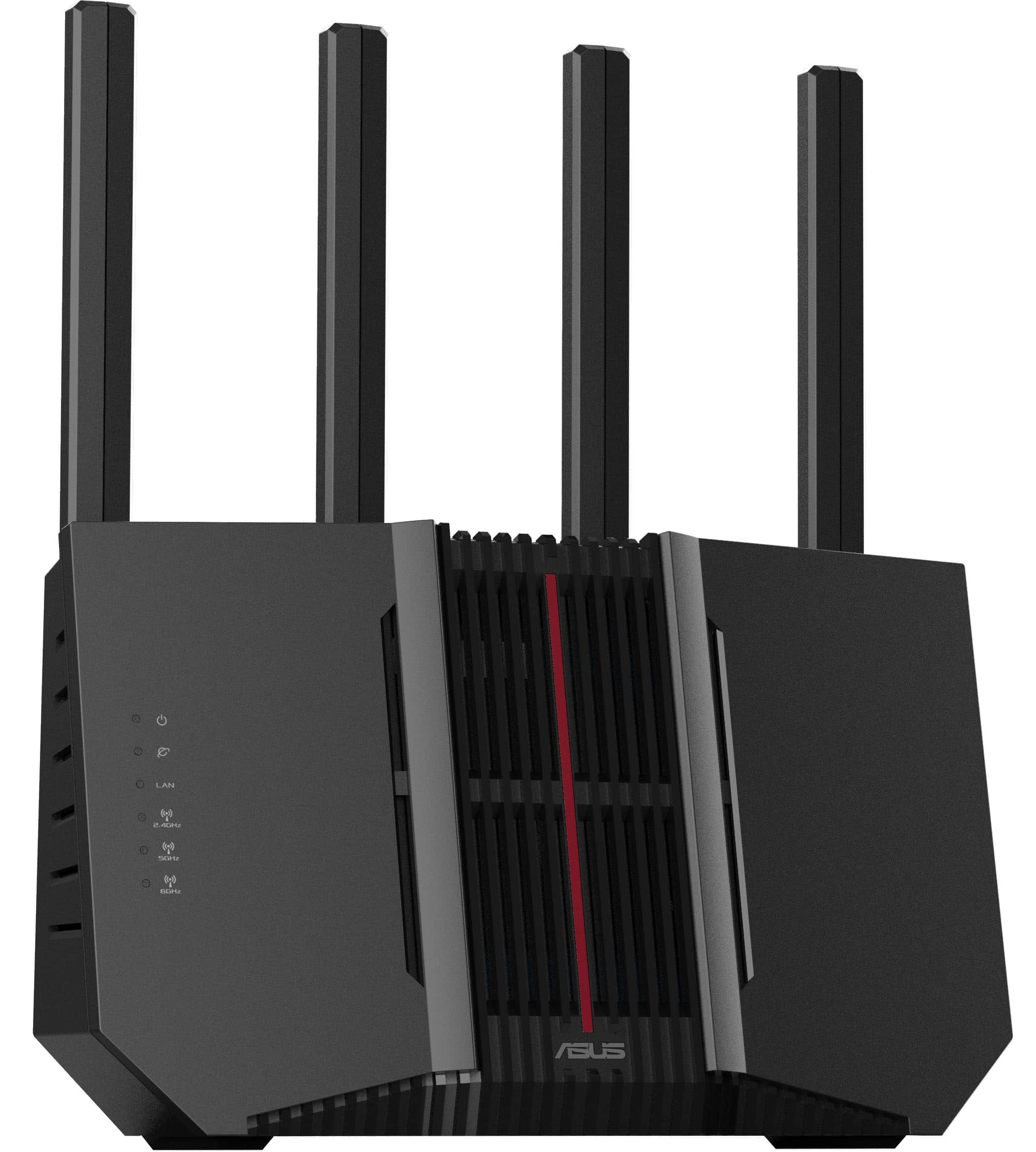
- Model:
- RT-BE92U
- SKU:
- 6594276
Rating by feature
- Setup
Rating 4.4 out of 5 stars
- Range
Rating 4.4 out of 5 stars
- Signal Strength
Rating 4.4 out of 5 stars
Customers are saying
Customers appreciate the RT-BE92U BE9700 Tri-Band Wi-Fi 7 Router for its speed, overall performance, and range. Many find it easy to set up and value its WiFi 7 capabilities and strong signal strength. However, some customers have reported connectivity issues and concerns about CPU usage. A few also feel the firmware needs improvement and that the router's price is high.
This summary was generated by AI based on customer reviews.
- Pros mentioned:Overall performance
Router
||Posted . Owned for 2 weeks when reviewed.This reviewer received promo considerations or sweepstakes entry for writing a review.Works great, covers the whole house. works much better than my old one.
I would recommend this to a friend - Pros mentioned:Overall performance
Great router
||Posted .This reviewer received promo considerations or sweepstakes entry for writing a review.Easy setup, fantastic features and UI, some not so great quirks (streaming across different networks, etc). Overall a great router even with the minor negatives. If all you need is a high performance router for gaming or streaming, this is a solid choice. We especially like the family controls, content filtering, etc. I personally use a few of the other features like VPN and SMB with success as well. Overall a great router for the price even with the quirks.
I would recommend this to a friend - Pros mentioned:Overall performance
IOT and VPN
||Posted . Owned for 3 months when reviewed.This reviewer received promo considerations or sweepstakes entry for writing a review.Good. Cool options like setting up a VPN on an SSID so my wife can watch her korean drama shows as if shes in Korea. I have 25 IOT and other devices hooked up to this thing and its performing like a beast. The only thing is that URL filtering doesnt work, and never has on any ASUS router I have ever owned. Not sure why.
I would recommend this to a friend - Pros mentioned:Speed
Fast Bu Unreliable Connection
||Posted . Owned for less than 1 week when reviewed.This reviewer received promo considerations or sweepstakes entry for writing a review.My old linksys started to fail, so, I began the search to replace it. This router seemed to offer the speed and features we needed in our house. It is fast. the AI Mesh network is phenomenal! However, this thing will drop connections 2-3x a day. It comes back after 2-3 minutes, but causes major interruptions. You are better off buying one of the older units for reliability. This one is probably going back.
No, I would not recommend this to a friendBrand response from ASUS Answers
Posted .Dear Valued Customer,
We're sorry to hear that the RT-BE92U router wi-fi signal is often disconnected and we apologize for the inconvenience this has caused. This is not the kind of quality to expect from our products and it's not the norm. To troubleshoot the issue described, we recommend following the steps in the FAQ below. Should the issue persist, please contact our support team at https://www.asus.com/us/support/CallUs to further investigate the problem.
We stand behind our products and continuously strive to improve our products and processes to achieve customer service excellence. For more information, email us at [email protected] and include the case number "N2501038506-0003" as a reference. We will do our best to resolve your case quickly. Your feedback is very important to us and enables us to improve our support channels. Thank you for choosing ASUS.
Best Regards,
Chantae
ASUS Customer Loyalty US Support
[Troubleshooting] WiFi signal is often disconnected - https://www.asus.com/support/faq/1030641/
- Pros mentioned:Setup
Less work
||Posted . Owned for 3 weeks when reviewed.This reviewer received promo considerations or sweepstakes entry for writing a review.Was pretty easy to set up works really good easy to connect to. App lets You know what is going on with it and who is on using it.
I would recommend this to a friend Great options for the price
||Posted .This reviewer received promo considerations or sweepstakes entry for writing a review.Router and app work great after initial firmware update. I'd suggest updating before setting up net work because I had to re-set everything because of internet drops like many people describe. Going on 5 days with no issues. Seems the memory usage was at 80% and after complete factory reset it's at 65% which must help also.
I would recommend this to a friend- Cons mentioned:Connectivity
Weak router
||Posted .This reviewer received promo considerations or sweepstakes entry for writing a review.Router doesn't have much power. Get many dead spots and devices keep disconecting. My old model worked better.
No, I would not recommend this to a friendBrand response from ASUS Answers
Posted .Dear Jimg50,
We regret to learn that you are experiencing connectivity issues. To troubleshoot this issue, we recommend following the steps in the FAQ below. Should the issue persist, please contact our support team at https://www.asus.com/us/support/CallUs to further investigate the problem or assist with repairing the device.
We stand behind our products and continuously strive to improve our products and processes to achieve customer service excellence. For more information, email us at [email protected] and include the case number "N2501038506-0010" as a reference. We will do our best to resolve your case quickly. Your feedback is very important to us and enables us to improve our support channels. Thank you for choosing ASUS.
Best Regards,
Schottky
ASUS Customer Loyalty US Support
FAQ-How to improve Wi-Fi Connection https://www.asus.com/support/faq/1047919/
- Pros mentioned:Range, Speed
Great router
||Posted . Owned for 3 weeks when reviewed.This reviewer received promo considerations or sweepstakes entry for writing a review.Works great. Good range and fast. Make sure you are on the latest firmwaare
I would recommend this to a friend - Pros mentioned:Overall performance
Great
||Posted .This reviewer received promo considerations or sweepstakes entry for writing a review.Great router, faster than the old one, paired with an extender for extra coverage
I would recommend this to a friend Good, but returned it.
||Posted . Owned for 1 month when reviewed.This reviewer received promo considerations or sweepstakes entry for writing a review.Good coverage, not the easiest t set up, App was good but couldn't get it to WPS with printers etc... Eventually returned item
No, I would not recommend this to a friend- Pros mentioned:Speed
SOLID
||Posted . Owned for 3 weeks when reviewed.This reviewer received promo considerations or sweepstakes entry for writing a review.This is our thrird ASUS router on our mesh and although its the least expensive it has WiFi 7 and is super clean. I get consistantly faster speeds on this router (probably because this wing of the house has less devices) than my other 2 routers. Including my base router the ROG GT. Generally my iPhone is the only device to see the 7. But, even on the wiFi 5 its a solid performer.
I would recommend this to a friend - Pros mentioned:Overall performance
good router
||Posted . Owned for 2 weeks when reviewed.This reviewer received promo considerations or sweepstakes entry for writing a review.works great easy to setup the app makes it easy !!
I would recommend this to a friend Stick with your old router or Wait for Wi-Fi 8
||Posted . Owned for 1 month when reviewed.This reviewer received promo considerations or sweepstakes entry for writing a review.Purchased this as an upgrade to our Asus RT-AX86U Pro, and the new router is a frustrating failure, with glitchy performance and lower signal quality after placing it in the exact same location and environment as the previous unit. Background: We live in a small wood built 2-story home and have a relatively low client count. Maybe half-dozen 2.4Ghz smart switches, a few computers/tablets that are mostly Wifi 6/6e, a new Sony TV, and a couple of updated smart phones, one or two of which are Wifi7. First issue was signal drop off and freezing of streaming services on to the TV when running the microwave. Apparently the new router auto provisions between 2.4/5/6/7Ghz as it sees fit, so we toggled off the 2.4Ghz on the main network to resolve the issue, since microwaves can interfere on that frequency. It didn't impact the separate 2.4/5Ghz IOT network, so that was resolved, but it seems silly that we should have to hobble the main network by turning off 2.4Ghz. Second: Wifi to the mobile devices has degraded, with frequent unexplained drop offs and phones switching to their cell networks while inside our home (not the best scenario, since our carrier's mobile signal is weak). No explanation or resolution for this other than the new router is delivering a weaker signal. Third: Random signal drop offs where the entire system goes offline and cycles back on after a minute or so. Very frustrating when trying to complete work when connected to what should be a reliable router. We have professionally reviewed all of the settings (firmware updates) and they are standard and there is no enhanced features activated (like Adaptive QoS). Lastly: For whatever silly reason, when accessing the routers GUI via asusrouter.com, it constantly lags when toggling between tabs and menu selections and even times out with a blank screen. It only serves to pile on to the many challenges of the RT-BE92U, which I do not recommend.
No, I would not recommend this to a friendBrand response from ASUS Answers
Posted .Dear AndyCant,
Thank you for sharing your detailed experience with the ASUS RT-BE92U Router. We sincerely apologize for the frustration you’ve encountered with performance, signal quality, and interface responsiveness. We understand how important reliable connectivity is, and we regret that this router has not met your expectations. Your feedback is very valuable, and we will ensure that your comments are passed along to our product team for review.
To assist with troubleshooting, we recommend following the steps outlined in our FAQ guide linked below. If the issue continues, please contact our support team at https://www.asus.com/us/support/CallUs so we can assist you further.
We stand behind our products and continuously strive to improve our products and processes to achieve customer service excellence. For more information, email us at [email protected] and include the case number "N2410039925-0044" as a reference. We will do our best to resolve your case quickly. Your feedback is very important to us and enables us to improve our support channels. Thank you for choosing ASUS.
Best Regards,
Chantae
ASUS Customer Loyalty US Support
[Troubleshooting] WiFi signal is often disconnected - https://www.asus.com/support/faq/1030641/
Router With Many Issues
||Posted .This reviewer received promo considerations or sweepstakes entry for writing a review.This router has given me nothing but grief for the past 3 months. I bought it late July 2025. The last fee months it constantly will just quit working for no reason. After the last firmware update a week ago, the 2.4 ghz band quit working. I installed Merlin on it and that was ok for a few days. Now it just randomly stops working yet again. I dont have fancy settings and use suggested channels. I also disable wps. Im calling support tomorrow and if they dont give me a solution I’m never buying another Asus product. I have an AX58U that never gave me a moment if trouble anc I’ve had to go back to using it so now I cant take advantage of the higher speeds on the 1.2 gps fiber optic internet I have. Really annoying. I game and watch videos plus we have multiple devices. I thought this Wi-Fi 7 router could handle it. From what I’ve read this router has nothing but issues.
No, I would not recommend this to a friendBrand response from ASUS Answers
Posted .Dear FeenixT,
Thank you for your comment.
We do understand your disappointment with this router and the inconvenience this may have caused if you are experiencing connection problems, and the 2.4GHZ connection finally stop after a firmware update. To resolve the unstable connection problem, ensure the router is placed in the center of the area you want to cover, avoid placing the router near metal objects, electronic devices or direct sunlight, position the router on a flat, hard surface and halfway between the floor and ceiling. Additionally, dense building materials, such as gypsum, concrete walls and planks can affect Wi-Fi signal penetration. If after the firmware update, the 2.4Ghz bandwidth quit working, check in the Wireless Scheduler, if 2.4GHz was not scheduled to turn off. Also, try to disable "Smart Connect" and try setting up the 2.4GHz or 5GHz bandwidth separately. Furthermore, check if your PC or devices are running with the most current wireless drivers.
Should you need further assistance with the product, please email me at [email protected] and I would be more than happy to help. Or, you are most welcome to call Product Support Hotline at: 1(888) 678-3688. Also, you can chat with an ASUS live support agent from the link: https://www.asus.com/us/support/article/1135/.
Thank you for choosing an ASUS product.
Regards,
Rodel
ASUS Customer Loyalty
- Pros mentioned:Speed
Excellent home router.
||Posted . Owned for 1 week when reviewed.This reviewer received promo considerations or sweepstakes entry for writing a review.I've had it about 2 weeks give or take, so far no issues. It is very fast, and works much better with my fiber internet. Firmware is good enough, easy to setup. Reaches everywhere in my house, no signal issues between top floor and basement.
I would recommend this to a friend - Pros mentioned:Overall performance
Rocket Ship
||Posted . Owned for 3 weeks when reviewed.This reviewer received promo considerations or sweepstakes entry for writing a review.Make sure you do a firmware update, All good after, excellent speeds!!!
I would recommend this to a friend - Cons mentioned:Connectivity
Connection to Internet
||Posted . Owned for 1 month when reviewed.This reviewer received promo considerations or sweepstakes entry for writing a review.Upgrade the firmware ASAP. Hard to connect at first but once connected the router seems “rock solid”.
I would recommend this to a friend - Pros mentioned:Overall performance
Asus Wi-Fi
||Posted . Owned for 3 weeks when reviewed.This reviewer received promo considerations or sweepstakes entry for writing a review.Absolutely fantastic. Needed to re-network my home and upgraded to this beast. Works fantastic! I couldn't get it to set up with the app but the Rep was fast and on point and I've had no issues at all since I did the upgrade!
I would recommend this to a friend - Pros mentioned:Overall performance, Setup
Happy customer
||Posted . Owned for 3 weeks when reviewed.This reviewer received promo considerations or sweepstakes entry for writing a review.No problems with setup. Works well with our internet
I would recommend this to a friend I was hesitant about this router but...
||Posted . Owned for 1 month when reviewed.This reviewer received promo considerations or sweepstakes entry for writing a review.I read many low rating reviews of this router so I was a little hesitant of buying this router but i did. What a big surprise that I had none of those connection issues with my BE92U. Maybe the HW version 5.1 is a good one.
I would recommend this to a friend