Customer Ratings & Reviews


![ASUS Vivobook Esc 2 F1 F2 F3 F4 F5 F6 F7 FB 8 F9 F10 F11 F12 Prt Sc and Delete - & I 1 Q 2 # 3 $ 4 % 5 A 6 & 7 * 8 I 9 - O - I + = Backspace Tab Q W E R T Y U I O P I [ ] | / Ctrl Lock A S D F G H J K L : : I Enter Shift Z X C V B N M V ? / Shift Ctrl Fn Alt Alt Ctrl Home A PgUp PgDn End b ON/Off SonicMaster 7 8 9 / 4 5 6 * 1 2 3 I % 0 Enter + =](https://pisces.bbystatic.com/image2/BestBuy_US/images/products/590718ff-3c92-4e3a-9253-355eb67098a5.jpg)

- Model:
- X1404VA-I38128
- SKU:
- 10922749
Rating by feature
- Battery Life
Rating 4.5 out of 5 stars
- Speed
Rating 4.4 out of 5 stars
- Display
Rating 4.5 out of 5 stars
Customers are saying
Customers are positive about the Vivobook 14's overall performance and portability, finding it capable of handling various tasks with ease. The screen quality and processor speed also receive praise, alongside its reasonable battery life. However, the limited storage capacity is a concern for some users.
This summary was generated by AI based on customer reviews.
- Pros mentioned:Portability, Processor speed
Great office/school laptop, easy to upgrade
||Posted . Owned for 1 month when reviewed.This reviewer received promo considerations or sweepstakes entry for writing a review.Great laptop for office use, especially with some upgrades. On sale I picked it up for $220. The SSD and RAM slots are immediately accessible after removing the bottom cover, and for $300 total (not including tax) I had a 16GB/1TB setup. An 8GB stick of DDR4 RAM costs about $25, and a 1TB SSD about $55. My pictures show a 2TB SSD- I also did a 512MB with no problems. The 14 inch frame is the perfect portable size for me- just large enough to be useful, but not getting unwieldy like 15 or 17 inch laptops. Three pound weight is nice, less than that and you're paying a huge premium for "ultrabook" weight laptops. The keyboard is centered (I hate offset keyboards on laptops) with no physical ten-key. I can confirm that this particular model (i3-1315u, 8GB/128GB) comes with one SODIMM slot open from the factory, so all you have to do is drop in an 8GB stick to upgrade to 16GB total RAM. The factory RAM on board is DDR4-3200, so get a stick of that rating or higher to match. The NVME slot is PCI-E gen 3, so pretty much anything on the market will work- gen 5 is just starting to sell, gen 4 is the bulk of the market, and gen 3 if you can find it might be a bit cheaper. I had no issues with a 512GB, 1TB, or 2TB SSD replacements. Macrium Reflect Home (free) is your friend for SSD cloning. The factory installed Windoze 11 Home uses 50GB, so you only have a little over 67GB free after initial setup and updates (that were available in Aug 2025). Benchmarks: The i3-1315u benches on PassMark around 11500, so it's more than enough to be plenty speedy for office and school work. It's not going to do heavy lifting for 3D rendering or AI training, but at this price point that's not what you're looking for. For gaming, it's not going to play AAA titles, but the integrated graphics can actually run e-sports level titles decently well. Before adding memory (and therefore running single channel), it scored 8032 on 3DMark for the Night Raid DX12 test. The i3-1315u has 64 execution units, and an i3-1115G4 with 48EUs that I just set up but running dual channel memory scored 8464 on the same benchmark, so I expect the 1315u to be able to score above 10000. Either way, more than enough to run a few rounds of Rocket League or Minecraft when you feel like it. Get this for yourself for a cheap capable office laptop, or for the student that you don't want wasting their time playing Doom Dark Ages or Cyberpunk. My gamer son would be frustrated with this laptop, so that makes it perfect!
I would recommend this to a friend - Pros mentioned:Screen quality
Great Laptop for School!!!
||Posted .This reviewer received promo considerations or sweepstakes entry for writing a review.Great laptop for school! So far this thing has not let me down at all. I was in need of a new laptop for school and I snagged this one during a flash deal. Holy crap I'm glad I did! I was looking for a laptop with at least 8GB of RAM for school (as I feel that is a must in today's standards) and came across this one. So far it has been able to handle all the basic daily multi-tasking I can think of it with no problem, word processing, music, youtube ect. Another huge plus is the keyboard on this thing. It feels so exteremely nice to type on. This was another thing that I had to make sure felt good as I will be writting a lot of paper on this thing I'm sure. I'm acutally writting this review on it currently. The numberpad on the track pad takes a little while to get used to but use you do it's a nice addition. Especially if you use a mouse with it. (Might I reccomend the Logitech Peble 2, amazing mouse to pair with this laptop). Battery life is about average I will say that. I currently have be using this thing pretty heavily and I'm at 60% battery life with an estimated 2hrs 39mins remaining. So don't plan going the whole day with out the charger as you most likely won't be getting more that 6 hours out of it. On the flip side this thing charges super fast for having just a standard DCIN charger (I do wish it was usb-c but oh well).
I would recommend this to a friend - Pros mentioned:Portability, Screen quality
great everyday laptop
||Posted .This reviewer received promo considerations or sweepstakes entry for writing a review.The ASUS - Vivobook 14 is a great laptop. It was purchased as a gift and perfectly suited the needs of the recipient: lightweight, responsive, great screen, quiet. Well-suited for everyday tasks.
I would recommend this to a friend - Pros mentioned:Overall performance
Specks and upgrades
||Posted .This reviewer received promo considerations or sweepstakes entry for writing a review.The ASUS Vivobook 14 is a budget-friendly all-around laptop that hits the sweet spot for everyday computing. It’s not a powerhouse, but for its price, it offers reliable performance, a good display, and essential features most people need for daily tasks. If your usage is mostly web browsing, office apps, and entertainment, this is a solid pick — especially given its high user rating and value. Very easy to upgrade and cooler is beautiful
I would recommend this to a friend - Pros mentioned:Overall performance, Portability
Vivobook 14
||Posted .This reviewer received promo considerations or sweepstakes entry for writing a review.Laptop runs great! It runs just like a MacBook Air, and it's upgradable. just that the charger is the old school pin style, nothing wrong with it, works fine. Nice matte style , lightweight and portable
I would recommend this to a friend u get what u buy for
||Posted . Owned for 10 months when reviewed.This reviewer received promo considerations or sweepstakes entry for writing a review.Bought this laptop in hope it can run a certain Dj software, unfortunately it couldn’t run at full capability ( so if that’s what ur looking for maybe not ur choice). So i ended up using it as a on the go device i can use to do simple things on autocad (yes it runs that) yeah it was a tad bit slow but it got the job done when i wasn’t home at my desktop and needed to work on some things! nonetheless great small laptop for a budget price can’t expect more than what u pay
I would recommend this to a friend- Pros mentioned:Overall performance, Portability
Jahed Hossain
||Posted .This reviewer received promo considerations or sweepstakes entry for writing a review.Laptop is excellent, easy to use,working is verry good.
I would recommend this to a friend - Pros mentioned:Portability
Loving my new toy
||Posted . Owned for 2 weeks when reviewed.This reviewer received promo considerations or sweepstakes entry for writing a review.It is easy-to-use. to carry, slick design, faster than the one i had. I'm glad i got it for that price. that's all for me.
I would recommend this to a friend - Pros mentioned:Processor speed
Good bought
||Posted .This reviewer received promo considerations or sweepstakes entry for writing a review.Excellent size for traveling, good procesor so you cant got mad for freezing system.
I would recommend this to a friend - Pros mentioned:Overall performance
Love it, no complains
||Posted . Owned for 1 month when reviewed.This reviewer received promo considerations or sweepstakes entry for writing a review.So, I got this for web browsing on the fior it's size and price. But it handles windows 11 like a dream it runs through web browsing within chrome and edge flawlessly and eve some more demanding programs. For the value it's quite good. It's still a value buy though. The specs show it but it works better than the specs and cost would Lead you t believe.
I would recommend this to a friend - Pros mentioned:Overall performance
No problem so far
||Posted .This reviewer received promo considerations or sweepstakes entry for writing a review.It is great so far. No issues getting it up and rolling. I miss the days where Microsoft Office came with a computer instead of 365, but that is no fault of the unit I purchased.
I would recommend this to a friend - Cons mentioned:Storage capacity
ASUS Vivobook
||Posted . Owned for 1 month when reviewed.This reviewer received promo considerations or sweepstakes entry for writing a review.Great simple laptop, does what needs to be done. Wifi works well on it, only thing is it does not have a very long battery life and the storage isn't big enough for large downloads.
I would recommend this to a friend - Pros mentioned:Overall performance
Runs Like A Champ
||Posted .This reviewer received promo considerations or sweepstakes entry for writing a review.Peforms great, extremely happy I chose this laptop over a chromebook. The price is right especially if you are able to find it on sale.
I would recommend this to a friend - Pros mentioned:Overall performance
Laptop works very good
||Posted .This reviewer received promo considerations or sweepstakes entry for writing a review.Good laptop works every nice nice storage and all of it
I would recommend this to a friend - Pros mentioned:Processor speed
Great starter laptop
||Posted .This reviewer received promo considerations or sweepstakes entry for writing a review.Very sleek and great value! I bought this for Microsoft office task and I was impressed by the speed and storage.
I would recommend this to a friend - Pros mentioned:Portability
Good purchase
||Posted .This reviewer received promo considerations or sweepstakes entry for writing a review.I liked it a lot; it’s very lightweight and the ideal size if you’ll be carrying it regularly. It’s fast and has good memory.
I would recommend this to a friend - Pros mentioned:Overall performance
Worth it!
||Posted . Owned for 1 month when reviewed.This reviewer received promo considerations or sweepstakes entry for writing a review.Great product, everything as described! Got everything that I needed!
I would recommend this to a friend Lenovo
||Posted . Owned for 3 weeks when reviewed.This reviewer received promo considerations or sweepstakes entry for writing a review.I was given excellent service. They saved me money and helped with my computers and my purchase. I would recommend Best Buy and the Geek Squad to all of my friends.
I would recommend this to a friend- Pros mentioned:Portability, Processor speed, Screen quality

Great value laptop to send to college or on a trip
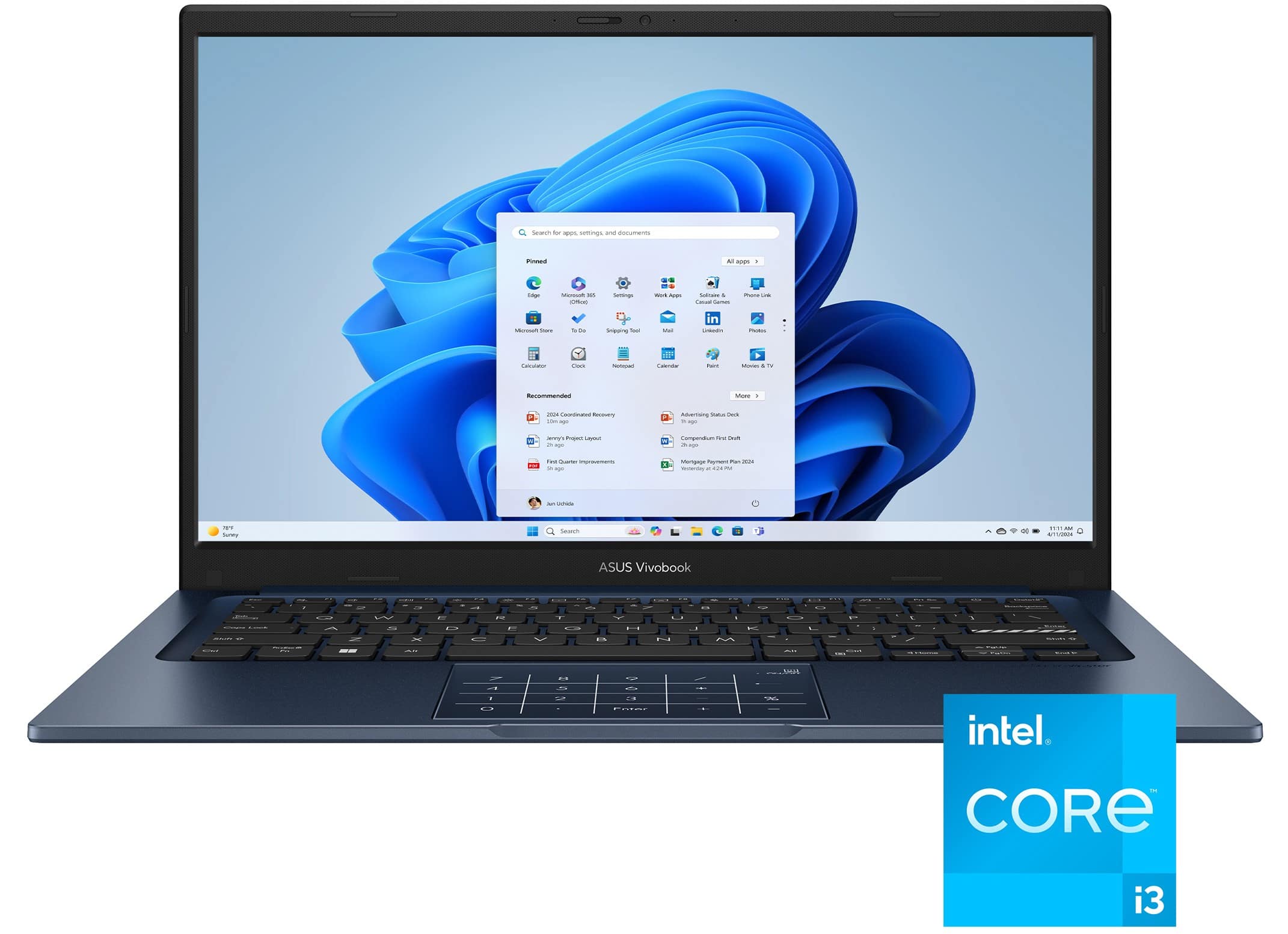
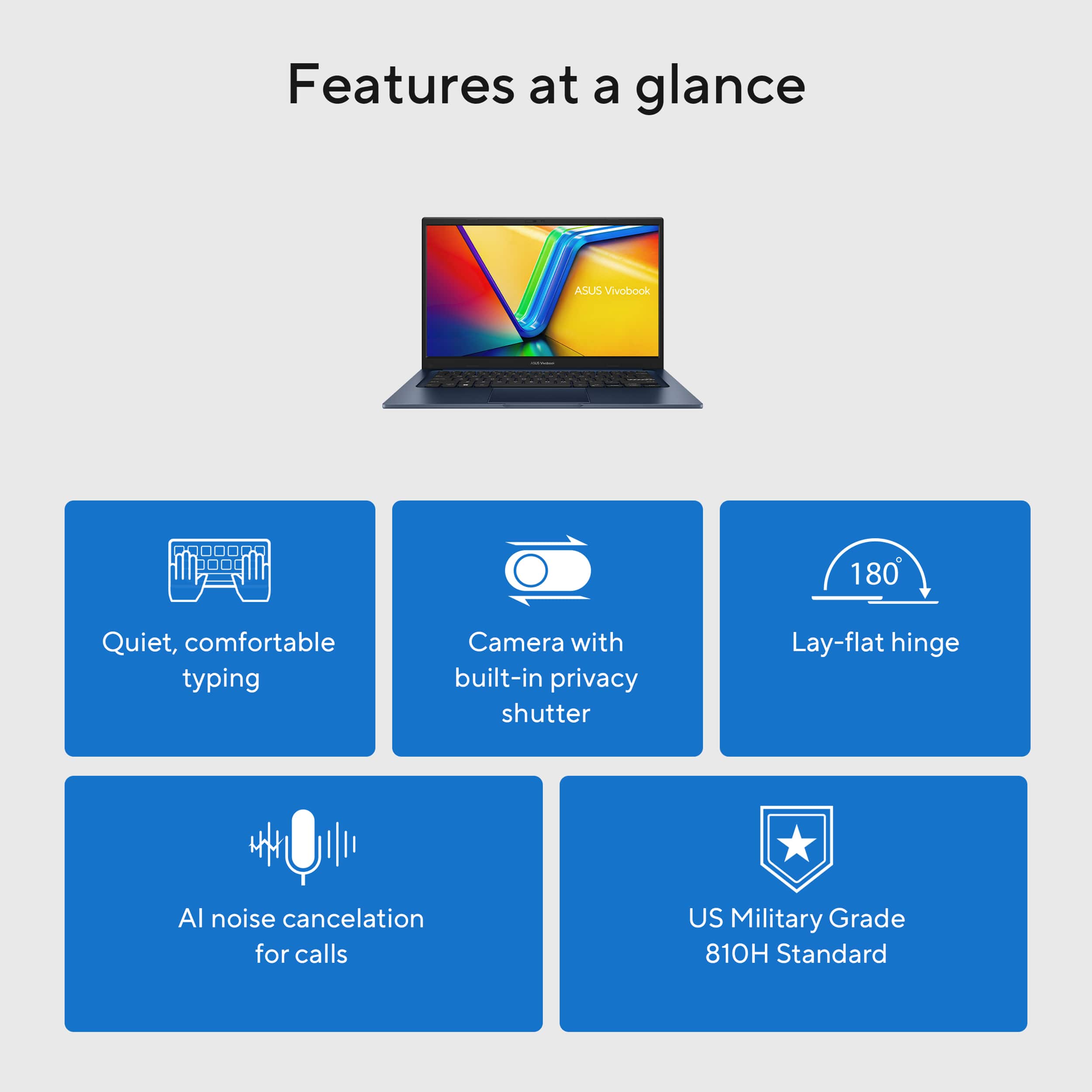
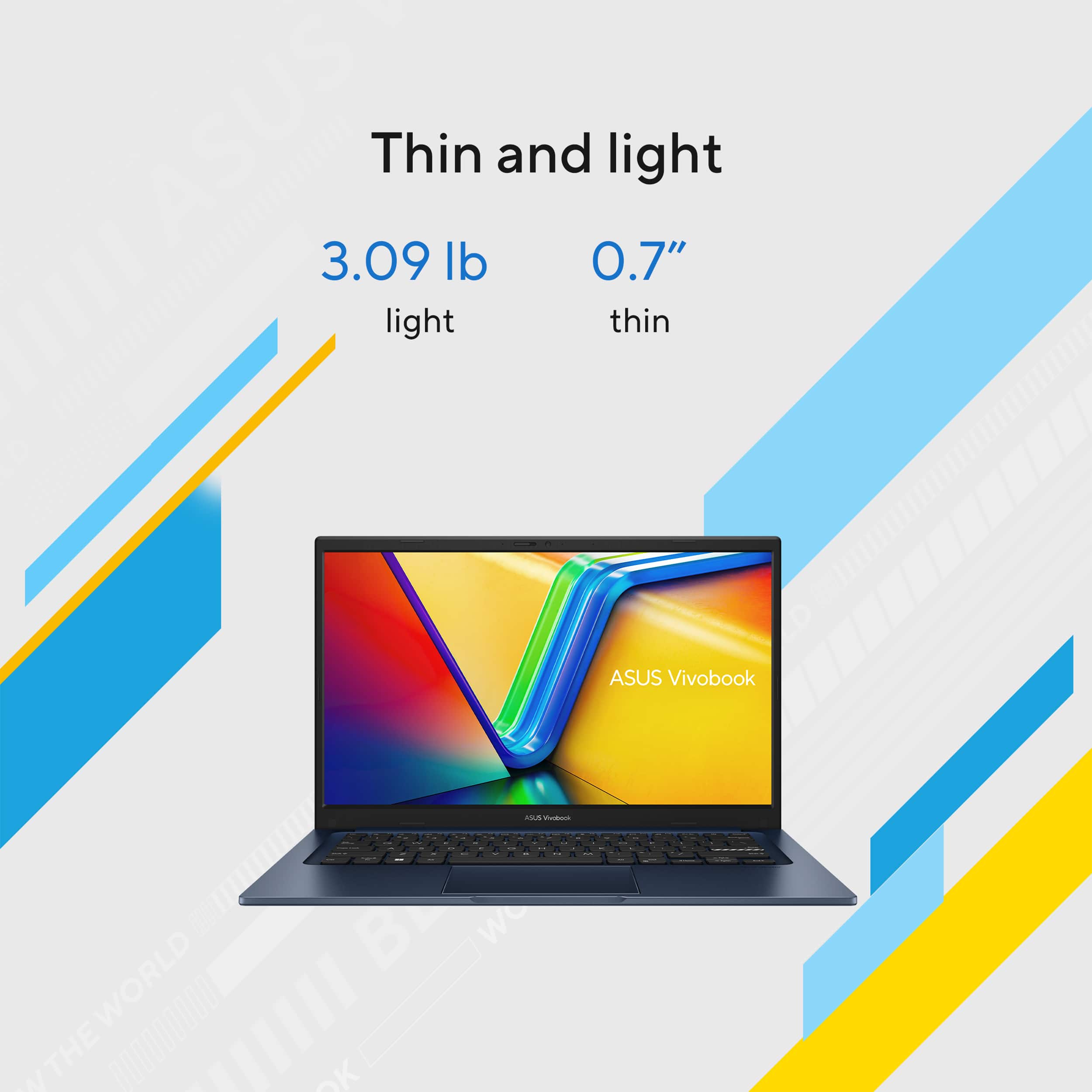
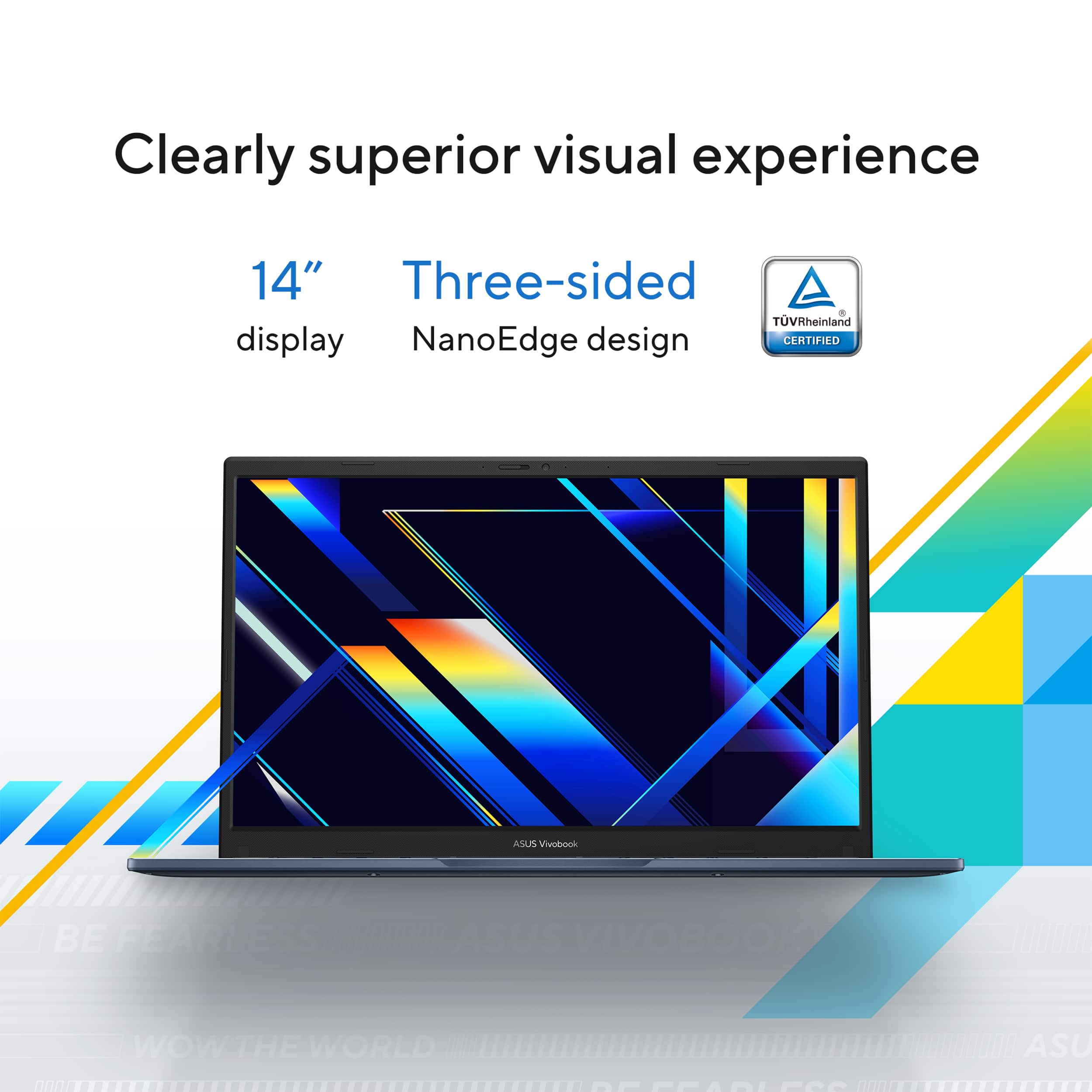
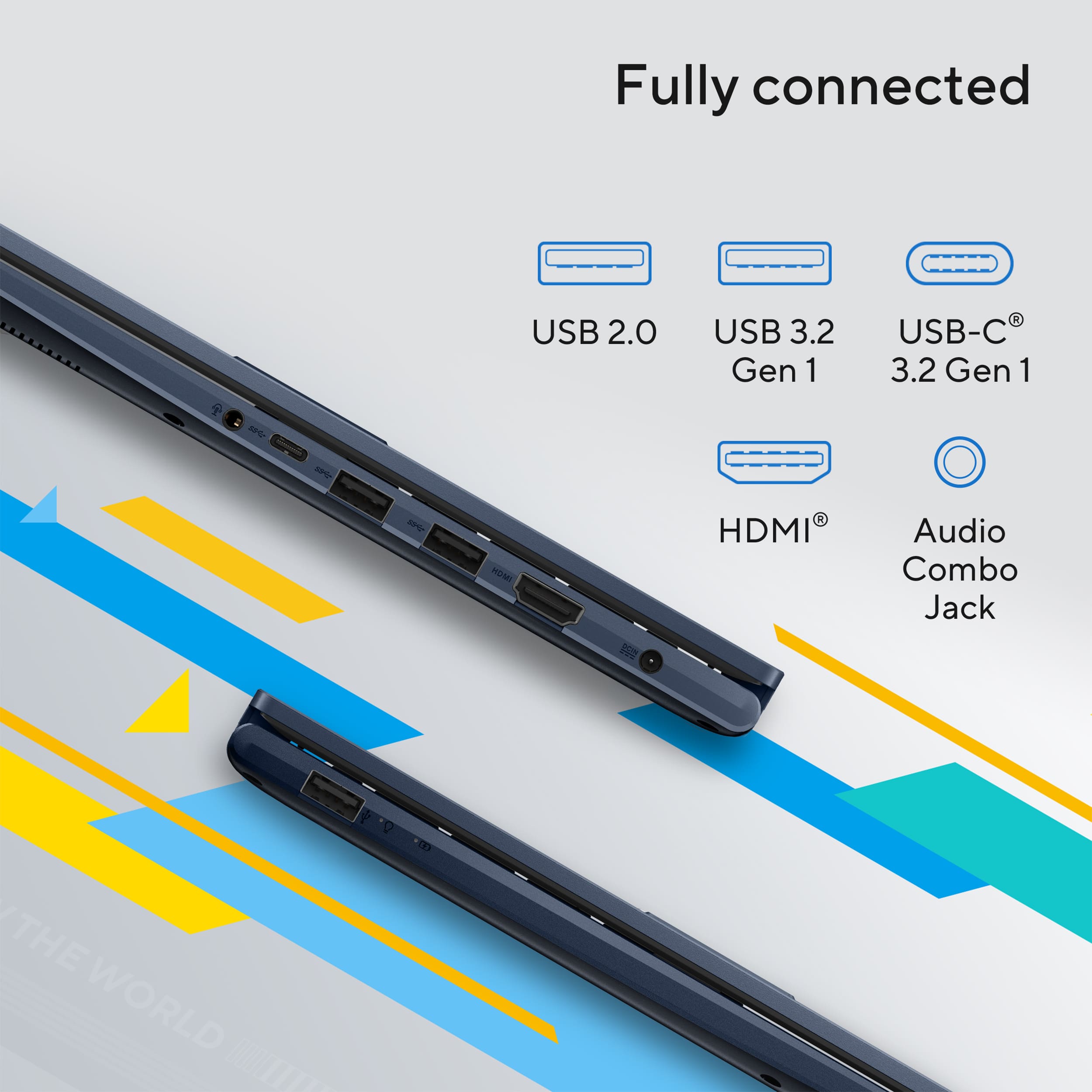
|Posted .This reviewer received promo considerations or sweepstakes entry for writing a review.I have a teen that is headed off to multiple college experience camps this year and we needed to find her a highly portable, rugged, laptop for basic school functions as well as staying connected with friends and family back home. The ASUS Vivobook 14 is checking all of those boxes and more, with its compact and sturdy design and (college relevant) capable processing specs. In the box is the laptop and power cable, setup is easy in the fact that it's the normal Windows plug and play workflow. Starting with the build, things to note - the underside has an elevated ridge to provide a slight angle when sitting on a table, this also reduces some of the force on the hinge when the screen is laid open flat. The number pad is built into the mouse pad, controlled through the on/off touch sensor in the mouse pad. The keyboard layout affords a decent amount of space, even for those with larger hands, key press is semi-firm, and average responsiveness. The number of ports is generous for this compact build, included ports are headphones, HMDI port, 2x USB-A 3.2, USB-C 3.2, and a USB-A 2.0 port. There is a front facing 720p camera with indicator LED for video calls, with a physical cover for privacy. As far as internals go, this build has an i3 processor (geared for school work and surfing), Intel UHD graphics (can support limited gaming applications), upgradable 8 GB RAM (supports photoshop and basic engineering course applications), 128 GB SSD and 14" FHD LED screen. The thing that surprised me the most about this build is the Intel Gen12 i3 processor isn't as cumbersome as I had anticipated. I had predicted that this laptop would only be able to surf and support doc editing. While I did see CPU utilization peg while testing, the i3 hung in there and was able to deliver on excel workbooks, with some light macros. Looking at what most college courses require, I didn't see any software that this i3 couldn't tackle. However I would absolutely recommend the RAM upgrade if doing more intensive work. On the flip side, this build is somewhat loud, the fan runs the majority of the time, even with light loads. The fans are located in the back, so while the bottom of the laptop stays relatively cool, the back edge blows hot air so I find that it's more comfortable on a desk than in my lap. Speakers are as expected, somewhat flat, but work for streaming and have enough volume to be effective even with background noise. Monitor quality is good, viewable from all angles 90* through laying flat. The camera is better than expected, I don't look washed out against a light colored background, and it manages low light settings decently. Bottom line - at 3 lbs, this is highly portable and feels sturdy enough to go anywhere. My recommendation is to get this for college, travel, basic tasks, and video conferencing. It's a great value build if you need the basic efficiency functions but want something that can also be used for streaming, surfing, and relaxing. The trade offs are that it's not going to be great at gaming, it won't manage complex tasks such as data analysis software, and you're not going to edit 4k images. If these tasks weren't on your 'to do' list today or unlikely in the next year, then I recommend this build.
I would recommend this to a friend - Pros mentioned:Battery life, Screen quality
Inexpensive & easy to use
|Posted .This reviewer received promo considerations or sweepstakes entry for writing a review.I needed a laptop for work and I needed something relatively inexpensive and simple and the Vivobook 14 checked the boxes. This i3 version is not for everyone as I can see that there are some tradeoffs that may be a deal breaker for some. I like how fast I received my device and have spent sometime with it and have gotten used to its quirks is it fancy and is not top notch, but it is meant for work and has a military spec build so it is not flimsy. I will not go over specifications because there are different options you can choose. I chose the i3 model and it is a base model. So, to answer a few questions some may have why buy this? This is perfect for anyone who needs an inexpensive work device. I do not want to call it cheap because there is value in the device. The screen is good and plenty bright, the keyboard is great a classic ASUS design so I know it is good this is not my first ASUS laptop. I am unsure of the higher end version of the Vivobook but the keyboard has no backlight do be aware of that. The keyboard feels solid no spongy feeling to it, nice solid clicks and the trackpad is plenty large and has the number keypad there it nice feature exclusive to ASUS. You will find the usual I/O and there is a full-sized HDMI port, a plethora of USB ports. The downside to this device is that there is no USB charging capability. You can only use the included barrel tip connector. I am no fan of a proprietary charger, and unfortunately that is the only option. Battery life is good and will get you through part of your workday depending on what it is you do, so your mileage may vary. The device is light and is a fingerprint magnet, that does bug me a bit. The camera and mic are good quality and will do the job for video conferences like team’s meetings. :::Pros & Cons::: Pros - Price (Good Value) - Keyboard - Simple to use - Full sized I/O ports Cons - No USB charging - No backlit keyboard Overall, this is a good product if you have realistic expectations and know why you are buying this and the purpose it will serve; then you will be happy with it. I believe you may be able to upgrade the RAM and storage, but I am uncertain if that is possible.
I would recommend this to a friend