Customer Ratings & Reviews
![Esc F4 F2 F3 F5 F6 F7 F11 F12 PrtScn Shift Delete A I 1 2 # 3 $ 4 % 5 A 6 & 7 8 - 9 - 0 | - + - Backspace Tab Q W E R T Y U I O P I [ I ] I / Ctrl Lock A S D F G H J K L ; I M Enter Shift Z X C V N M ? / Shift Command F1 F2 F3 F4 F5 F6 F7 F8 F9 F10 F11 F12 PgUp PgDn End b Dolby Atmos SOUND - harman kardon](https://pisces.bbystatic.com/image2/BestBuy_US/images/products/6c9c7f98-50f1-4bd7-928e-029dd9a57aa1.jpg)


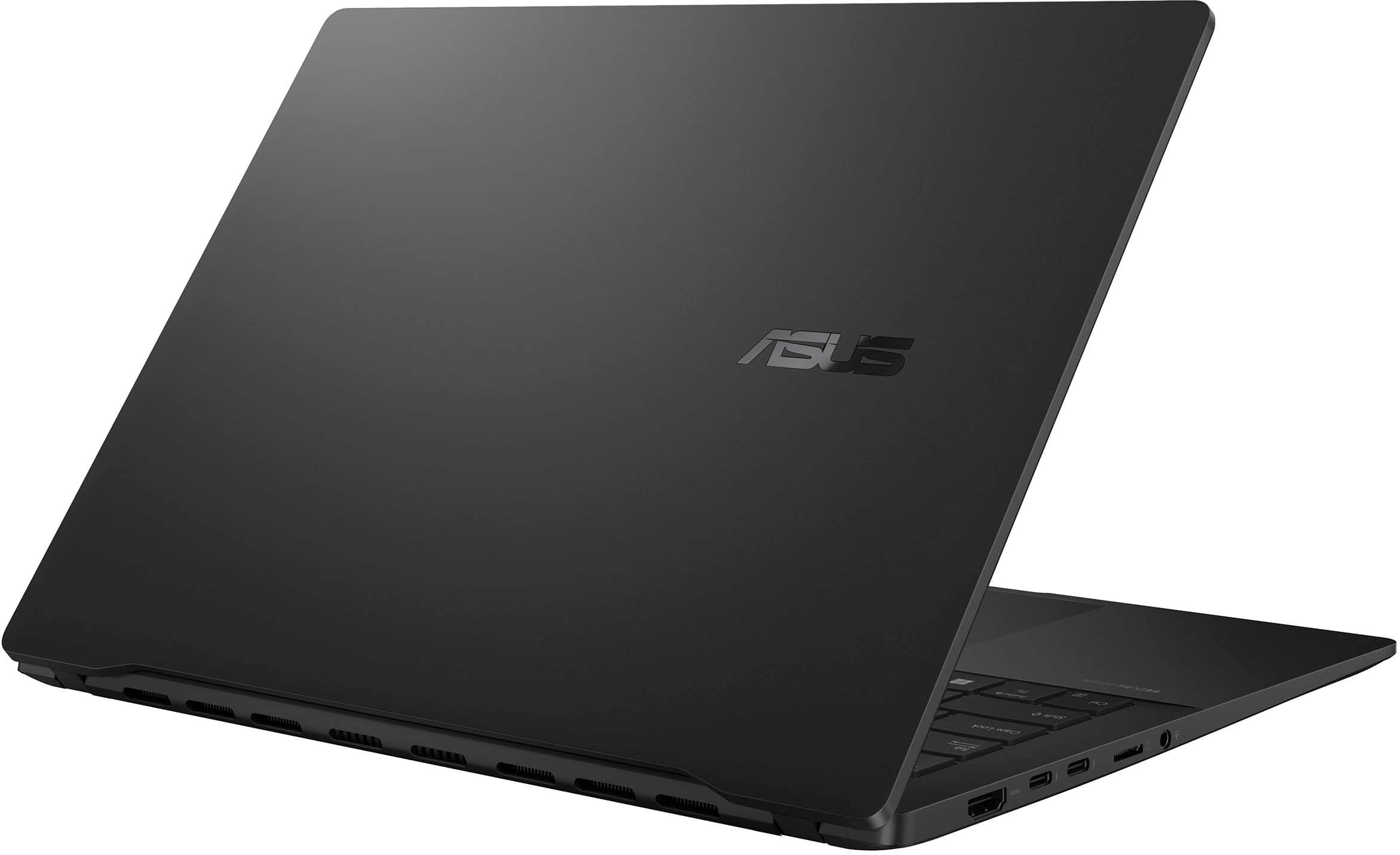
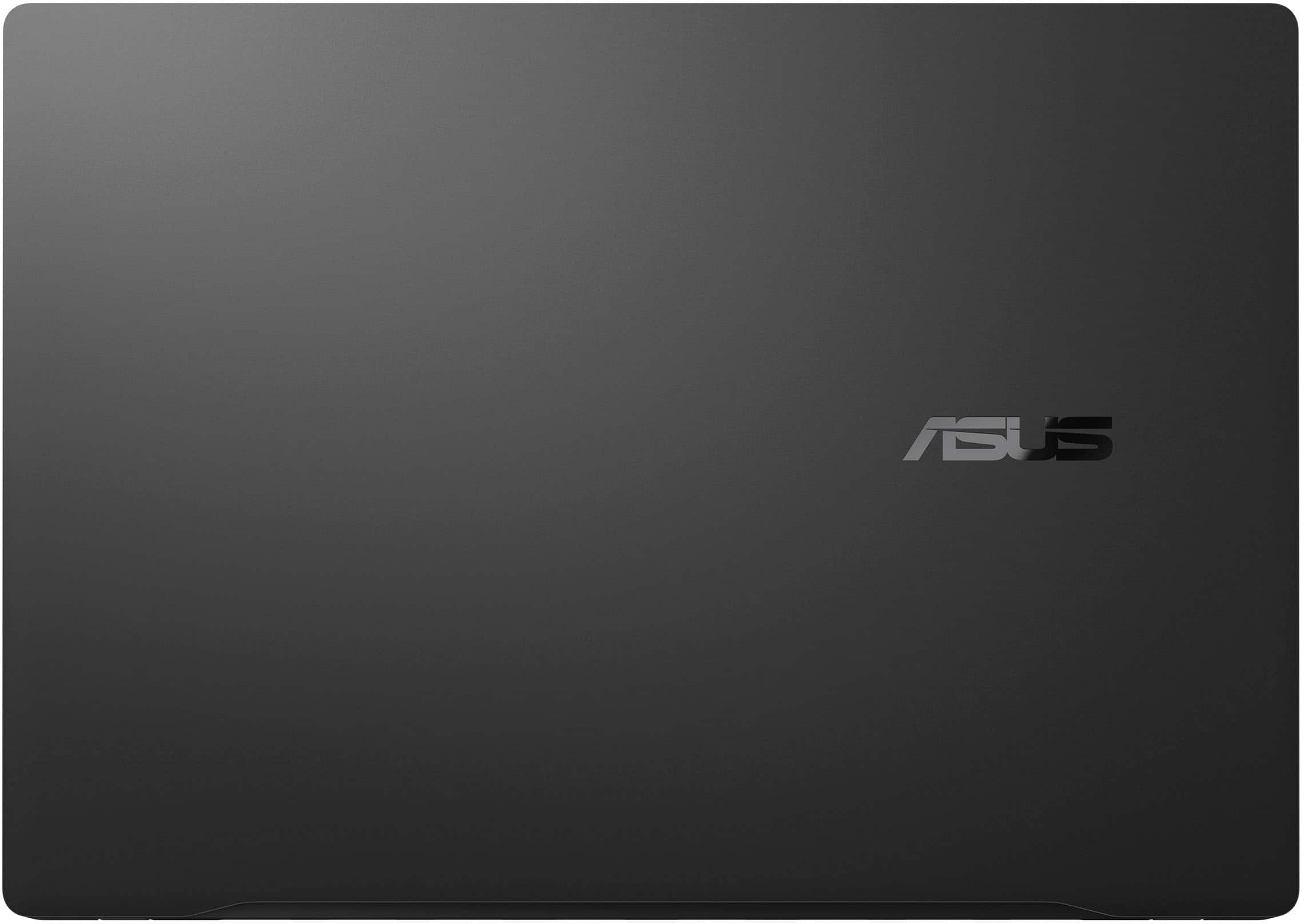
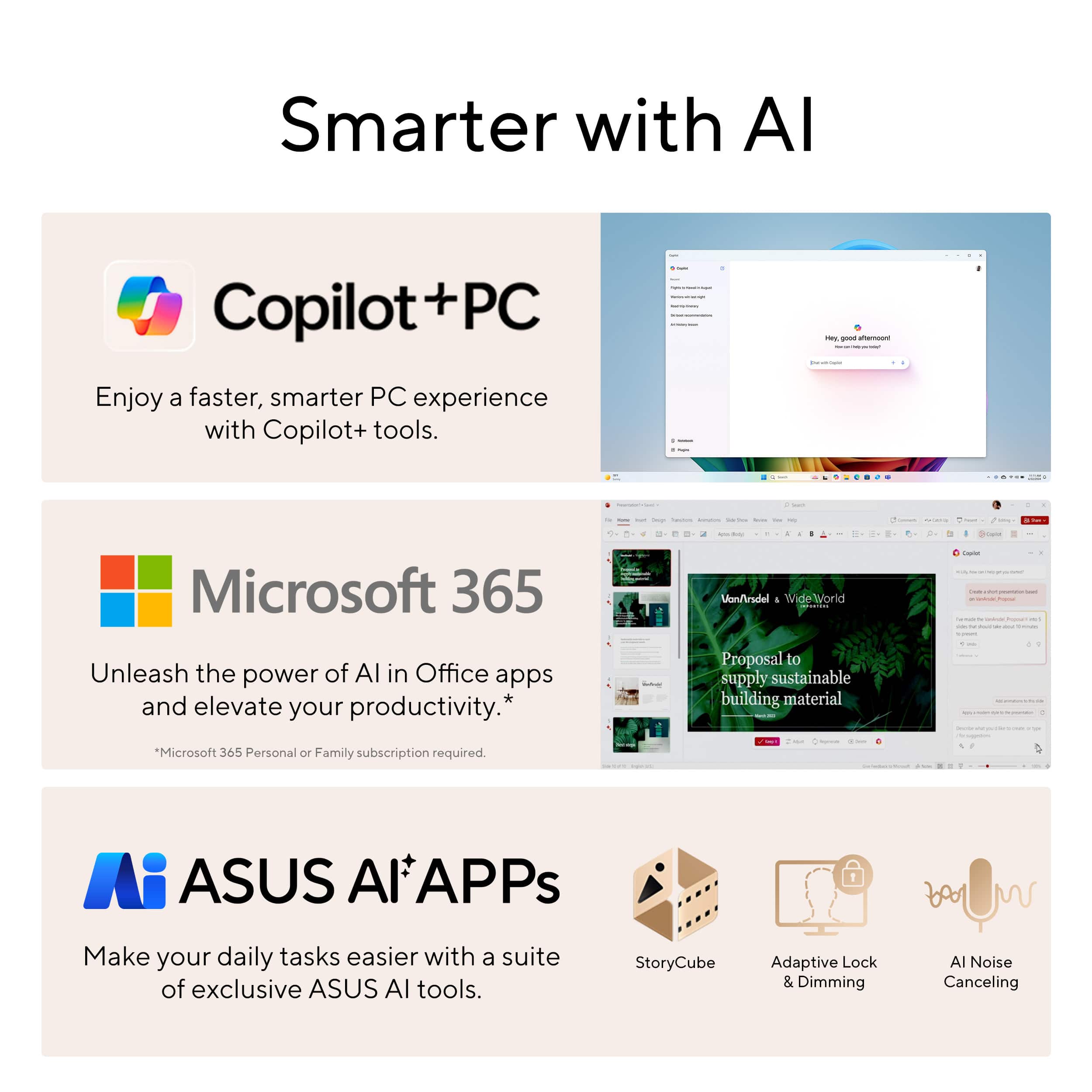
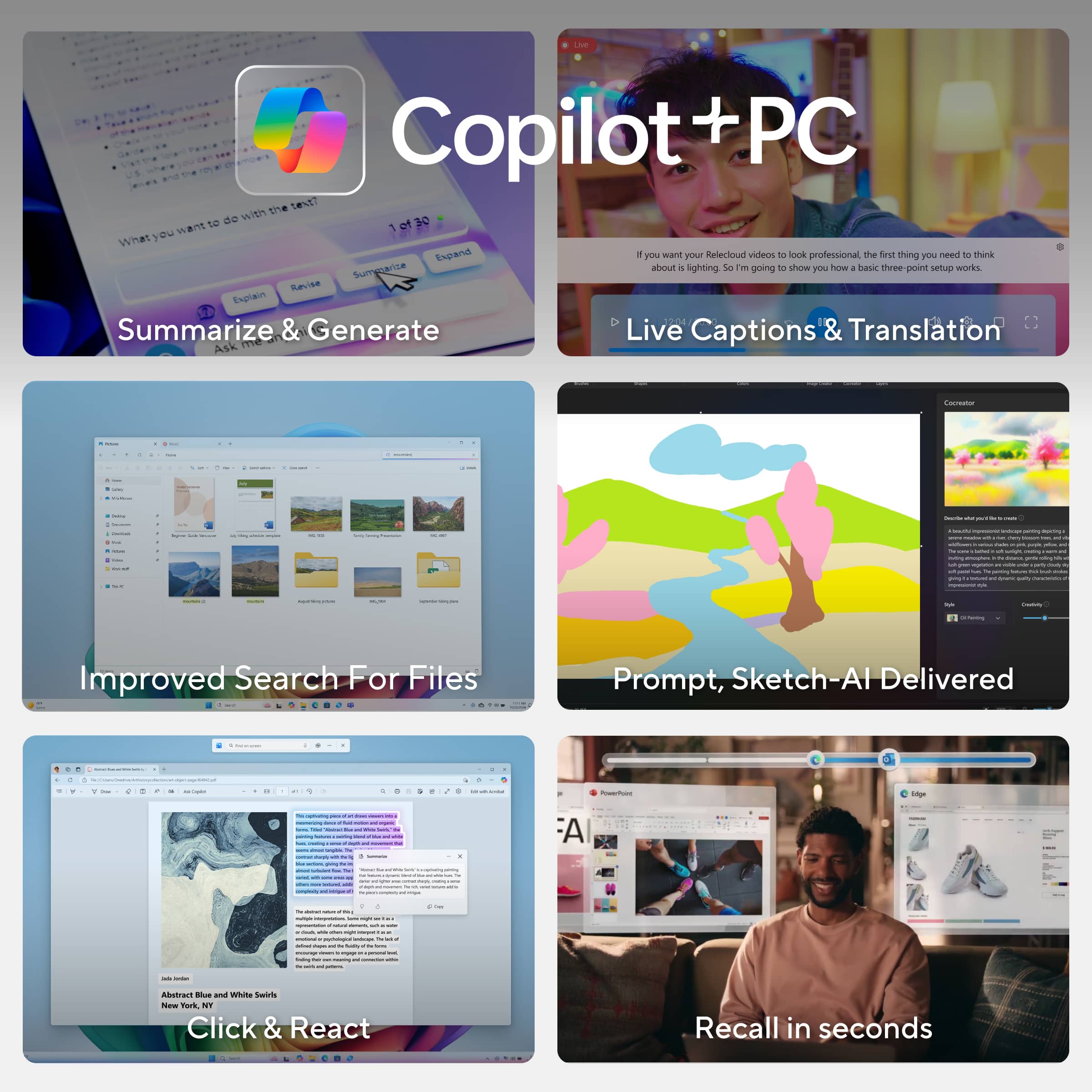








- Model:
- Q423SA-U5512
- |
- SKU:
- 6595523
Customer reviews
Rating 4.5 out of 5 stars with 341 reviews
(341 customer reviews)Rating by feature
- Battery Life4.7
Rating 4.7 out of 5 stars
- Speed4.6
Rating 4.6 out of 5 stars
- Display4.7
Rating 4.7 out of 5 stars
Customers are saying
Customers frequently mention the Vivobook S 14's excellent screen quality, long battery life, and convenient portability. Positive feedback also highlights its strong performance and light weight, making it ideal for both work and travel. The ample RAM and selection of ports are also frequently praised. However, some users note that the laptop's finish is susceptible to fingerprints.
This summary was generated by AI based on customer reviews.
- Pros mentioned:Battery life, Processor speed, Screen quality
Rated 5 out of 5 stars
Exceptional Performance & Value: ASUS VivoBook S14
||Posted . Owned for 5 months when reviewed.This reviewer received promo considerations or sweepstakes entry for writing a review.I’ve been using the ASUS VivoBook S 14 for the past five months, averaging twelve hours of daily use—from web browsing and Python development to online courses, virtual meetings, and movie streaming—and it has consistently exceeded my expectations. Below, I highlight the key features that make this laptop an outstanding choice for a wide range of users: Powerful Performance: Equipped with an Intel Core Ultra‑5 processor and 16 GB of RAM, the VivoBook S 14 handles routine tasks—web surfing, document editing, and multimedia playback—with ease. It also tackles programming workloads smoothly, making it an excellent option for students, junior developers, and professionals alike. All‑Day Battery Life: Thoughtfully engineered for efficiency, the VivoBook S 14 easily lasts a full workday on a single charge. Whether you’re attending back‑to‑back meetings or working remotely, you won’t need to scramble for an outlet. AI‑Enhanced Productivity: As part of Microsoft’s Copilot+ PC lineup, this laptop offers built‑in AI features that streamline everyday tasks—like smart note taking, automated summaries, and content generation—at an accessible price point. Vibrant Display: The 14‑inch panel delivers crisp color and sharp detail, whether you’re reviewing spreadsheets, editing code, or unwinding with your favorite films and series.
I would recommend this to a friend - Pros mentioned:Battery life, Screen quality
Rated 5 out of 5 stars
Long Lasting Portable Performer
||Posted . Owned for less than 1 week when reviewed.This reviewer received promo considerations or sweepstakes entry for writing a review.My old Surface Book finally died so I've been in the market for a general all-purpose laptop for light work and home use, and knew I wanted either Intel's Lunar Lake or AMD's Strix Point. The ASUS Vivobook came up on sale and without too many professional reviews out there, decided that it was too good to pass up and give it a try at $650 ($300 off). Overall, really really good and happy with this! Pros: -Battery Life. The battery is genuinely fantastic and as advertised, getting close to Snapdragon X levels. No formal benchmarking tools for me but taking it on a holiday trip and it lasted a whole day doing web browsing, streaming a basketball game, and testing out some games while visiting family. It handled it no problem over the entire day which is all I can ask for. -Performance. A lot of reviews talk about the Core Ultra Series 2 CPUs being weaker in multithreading from the last gen, but honestly for day to day use it's been fine for me. Web, Email, Office, Streaming are all perfectly fine which is what I'd expect at this price point. Andrew Marc David has a great review on YouTube showing that the Core Ultra 5 is not too far behind the Core Ultra 7 in performance, and on sale the price difference seemed worth the sacrifice for the lower end model. 16 GB of RAM is fine for general use as well. -Build. Really solid metal build. Zenbooks seem lauded for their chassis so I was worried that Vivobooks would feel much cheaper, but the metal construction is solid and the 14 inch laptop size is great and lightweight. -Features/Ports. OLED screen is great and beautiful, especially at this price point. Love having both USB-C and A, as I still have tons of USB A devices and charging cables. Full sized HDMI port is great to avoid needing adapters. -Light Gaming. There's no dedicated GPU, but using PC Game Pass I can play light games without an issue. Small games like Pentiment, Ori and the Blind Forest, and tried out the game Nine Sols and they all run just fine. Pretty nice for integrated graphics to play some older games or indies, which is great for me to pass the time. Cons: -Fingerprint Magnet. The metal chassis is nice, but definitely leaves fingerprints everywhere. Throw a micro fiber cloth in your bag if you're OCD about it looking clean. -Other Features. Hard to be picky at this price, but it would be nice to get a higher refresh rate screen since this is only 60hz, and there's also no touch screen. Not a huge deal for me, but people that are looking for those in a laptop and you'll need to look at higher end options. Overall, extremely happy with this laptop. It's already been on a plane with me and travels well because it's light weight, and performance is great for office use and light gaming. Power users will probably look elsewhere or want 32 GB RAM since the RAM isn't ugpradeable, and gamers will probably want AMD Strix Point or a dedicated Nvidia GPU, but I definitely recommended for anyone that just needs a portable machine for home and office work that doesn't break the bank.
I would recommend this to a friend - Pros mentioned:Battery life, Processor speed, Screen quality
Rated 5 out of 5 stars
Impressive Performance and Sleek Design
||Posted . Owned for 3 weeks when reviewed.This reviewer received promo considerations or sweepstakes entry for writing a review.I recently purchased the Asus Zenbook 16" from Best Buy, and I’m thoroughly impressed. The performance is lightning-fast thanks to the powerful processor and ample RAM — perfect for multitasking, content creation, and even some light gaming. The 16” OLED display is absolutely stunning with vibrant colors and deep contrast, making movies and design work a pleasure. The build quality feels premium, with a sleek, lightweight design that’s easy to carry around. The keyboard is comfortable to type on, and the battery life has been surprisingly good for such a powerful machine. Overall, this Zenbook strikes a perfect balance between performance, portability, and style. Highly recommended for anyone looking for a high-end laptop that delivers on all fronts!
I would recommend this to a friend - Pros mentioned:Battery life, Screen quality
Rated 5 out of 5 stars
The best balance of power and efficiency ever
||Posted . Owned for less than 1 week when reviewed.This reviewer received promo considerations or sweepstakes entry for writing a review.Absolutely blown away by what this computer gives you for the price. We are definitely entering a new era of computing. Full disclosure, I recently purchased and made a glowing review of this computer's cousin, the Vivobook S15 with the Snapdragon X Plus processor. Well, almost everything I said about that computer applies to this one because functionally and build-wise they're almost identical, except for the screen size and resolution (and the fact that screen is 120hz and this one is only 60hz, which is a slight disappointment but not a huge deal for me personally because I would always set that one at 60hz anyway for battery life), and that fact that this one doesn't include a numpad because of the change in body size. But unfortunately after about a week of use I started to see the cracks in app compatibility for my own personal usage, with one of my Canon printers not working (a modern one, too) and one of the very important applications I need for work not functioning properly, so I decided to revert back to Intel, HOPING that I wouldn't lose that much in the efficiency department that I loved so much about the Qualcomm processor. Well, the short answer is that I didn't, thankfully. So, let me share some things I wrote in that other review about the other PC that also apply here: "Typical of ASUS, the all-metal build quality is great, the battery life is INSANE at somewhere between 10 and 14 hours typically under a typical workload for me - at least coming off a 13th Generation i7 Zenbook that could barely muster 5.5 hours with battery saver on and my screen barely bright enough to see - ... The trackpad isn't haptic but it feels great is is very responsive and the keyboard has a wonderful feel to it, just the right amount of key travel. I like the customizable backlight as well." "I really have nothing substantial to complain about with this PC. I guess just to balance things out, if I had to mention some things, it's a major fingerprint magnet (doesn't bother me really), it has downward facing speakers (not a huge deal, but kind of annoying if you have the computer resting on your lap a lot. You will get horrible muffled sound)... With my personal workflow I don't need or want a touchscreen, so if you personally do need that or need pen support, that may be something that has you look elsewhere." ALSO: "I previously had a Zenbook Pro, which I actually mostly loved, but as I mentioned before, the battery life was atrocious when not plugged in, and it would often blow so much hot air out, it made the room I was in uncomfortable. It got really laggy and stuttery after waking from sleep sometimes, and I had to restart the whole device to get it working properly again. The trackpad at times also did weird stuff, and although the screen was also an OLED and gorgeous, it seemed to be an older technology that looked AWFUL in bright sunlight and had horrible color distortion and shimmering effect. I've got none of that with this screen, it seems like an improved quality OLED and its just so smooth and beautiful and accurate." I also want to mention something that I didn't mention in my prior review of the other device, I absolutely LOVE the very minimalist branding. I like that there aren't a ton of logos or designs or wording all over the chassis of this thing. I love the minimalist black design with the singular ASUS logo on the exterior shell and the singular ASUS logo under the screen. Very classy, very clean, and very undistracting. Again, the fingerprint issue is unfortunately present, but it doesn't really bother me much at all. It might bother you. I always carry a microfiber cloth with me, anyway. Just to summarize and finish, what impresses me so much about this computer is that with its Lunar Lake architecture for the Core Ultra Series 2, Intel is in a completely new category for battery life. I've already gotten TRUE all-day battery life from this thing at work, using it all day for nearly 10 hours and not even making any concessions for screen brightness or workload, AND on performance mode, and after a full day's use, I still had 52 percent battery remaining. That is just unbelievable. And even being a Core Ultra 5 model, and not an Ultra 7, I have not found this computer to lag or work slowly in any way. All of the video and photo editing tasks I've thrown at it have been pulled of effortlessly. What I've noticed is just a slightly increased delay at times in loading programs or when clicking something there's a couple of extra moments to wait until whatever you need to happen happens. But once the program or task begins, everything is smooth sailing and multitasking is effortless. I'm one of those 50 tabs open people and this computer doesn't skip a beat. I couldn't be happier with my purchase and switch back to Intel Lunar Lake Core Ultra 5 Series 2. If you're going to Intel, MAKE SURE you get one that is Series 2, not Series 1, as I have heard from reviews and also from some friends that the Series 1 chips are NOT as efficient and also don't perform as well. Hopefully they keep the Lunar Lake magic into their next series of efficient processors, which I'm hearing have the code name "Panther Lake". Good Intel-based laptop computers have long suffered from mediocre battery life, but honestly, it truly seems like that era is over.
I would recommend this to a friend - Pros mentioned:Battery life, Performance, Screen quality
Rated 5 out of 5 stars
Great Value at a Discount
||Posted .This reviewer received promo considerations or sweepstakes entry for writing a review.Very good laptop when purchased on discount! The quality isnt a 5 star but its a good 4. The laptop is quick due to the specs. The battery life is between average and good. full charge gives about 12 hours. Display is super beautiful and amazing! If there’s a great deal on this laptop please don’t hesitate!
I would recommend this to a friend - Pros mentioned:Battery life, Processor speed, Screen quality
Rated 5 out of 5 stars
Great Laptop
||Posted .This reviewer received promo considerations or sweepstakes entry for writing a review.Great laptop. Battery life is excellent. The screen is very clear and sharp. The speed is great. The only downside is that the lid doesn’t seem to close completely, leaving a very slight gap, and the color and finish show fingerprints very easily. Other than that, it’s a 10/10 laptop.
I would recommend this to a friend - Pros mentioned:Battery life, Portability
Rated 5 out of 5 stars
The Do Everything Laptop: ASUS Vivobook S 14
||Posted . Owned for 5 months when reviewed.This reviewer received promo considerations or sweepstakes entry for writing a review.I bought the ASUS Vivobook S 14 to be my do-everything laptop, and it’s been exactly that. The OLED display is the star text is crisp, colors pop, and Netflix looks ridiculous (in a good way). Battery life easily gets me through a full day of classes/work without outlet anxiety. It’s light enough to throw in a backpack, the keyboard feels great for long writing sessions, and the port selection (USB-A, USB-C, HDMI, microSD, headphone jack) means I rarely reach for a dongle. Performance is snappy for docs, 20+ browser tabs, Zoom, and light photo edits. It’s quiet under normal use, too. Downsides? The glossy screen reflects bright lights, and this isn’t a gaming/workstation rig no dedicated GPU but that’s expected at this size and price. Bottom line: If you want a portable 14" with a gorgeous OLED and legit all-day battery, the Vivobook S 14 hits the sweet spot.
I would recommend this to a friend - Pros mentioned:Battery life, Portability
Rated 5 out of 5 stars
Works as advertised!
||Posted . Owned for 3 weeks when reviewed.This reviewer received promo considerations or sweepstakes entry for writing a review.I got a great deal on this laptop! I got it on sale for $499. Retail price for this is $949. The laptop is small, light, and very portable. The battery life on this is really good so far. The OLED display is very clear and crisp. There is a little bit of bloat ASUS software. But all of it is useful and I recommend not removing it. The buying process was easy as I did an in-store pickup.
I would recommend this to a friend - Pros mentioned:Battery life, Screen quality
Rated 5 out of 5 stars
Amazing
||Posted . Owned for 1 week when reviewed.This reviewer received promo considerations or sweepstakes entry for writing a review.Got it at a special discount price of $450. Laptop is great, good screen with good battery backup and lightweight.
I would recommend this to a friend - Pros mentioned:Battery life
Rated 5 out of 5 stars
Nice Premium Thin and Light
||Posted . Owned for 1 week when reviewed.This reviewer received promo considerations or sweepstakes entry for writing a review.This is a very nice thin and light sporting notable features like an OLED screen, Intel's Lunar Lake processor for greater electrical efficiency and longer battery life, good I/O with 2 thunderbolt ports as well as 2 - 10 Gbps USB ports and Wifi 7. All of the components are very nice quality and have a good feel. The screen is gorgeous, though 1920x1200 and 60 Hz, which for me is perfectly good at the 14" size. Battery life and electrical efficiency appear to be as advertised, in other words, it's a step up for intel chips and makes it more competitive with Apple M chips. The machine supports 2 external monitors for a total of 3 screens at one time. It also comes with a micro SD slot which is nice. The performance is good and should meet most everyday type needs. You can do more intense compute tasks but they just take longer such as a video render. It is not meant to be workstation substitute. It has AI stuff in it. I don't know what to do with it, but if I ever do, I'm ready. Linux is almost there. I tried Ubuntu MATE 24.10 for a little bit by running it from an external drive and noticed that YouTube videos were skipping a few frames on a consistent basis and it wouldn't connect to the wifi network automatically after waking from suspension. I got it on sale with an extra discount for some BB membership at $550. At that price there's little competition if this meets your performance needs.
I would recommend this to a friend - Pros mentioned:Screen quality
Rated 5 out of 5 stars
Asus vivobook S14
||Posted . Owned for 1 week when reviewed.This reviewer received promo considerations or sweepstakes entry for writing a review.Realy good laptop, fast for regular use like reading, browsing etc. So light but resistant at the same time. The screen is amazing. Battery is good but not perfect, 6-7 hour using it for browsing, videos and office. Fingerprints are so apparent. Nice computer for students and business.
I would recommend this to a friend Rated 4 out of 5 stars
Solid Effort From Asus
||Posted . Owned for 1 week when reviewed.This reviewer received promo considerations or sweepstakes entry for writing a review.Overall this is a very good productivity laptop, great for office work/docs, can casually game esport titles. First off, the display of this device is fantastic, colors pop and it's bright. The refresh rate is only 60hz but if this is on sale, it's still a deal below $600. When shut, the lid does not stay flush with the rest of the laptop, which really doesn't effect anything but makes you question build quality. Given Asus lately questionable support reputation this does not inspire confidence. Keyboard is very good, feels great to type on and customizable backlight is a bonus (under windows settings - personalization). Setting fan profiles (Alt + F) is a breeze and fans are moderately loud at full performance mode but still a big improvement over the last two gens of Intel. Runs hot as expected under load but coil wine is minimal, like a noticeable gust more than anything. Performance is snappy, iGPU is very good, capable of handling Marvel Rivals on low, DOTA 2 and LOL on high with no sweat. Even DOOM (2016) runs great at medium/low settings. The only real cons of this device are the build quality and trackpad. Case is sturdy but gets dirty easily, big fingerprint magnet as other reviews point out. Trackpad is just sub par and doesn't register clicks, taps or scrolling reliably. You either need a mouse or to temper your expectations significantly. Screen is also very reflective which I'm not a fan of. Overall the value is there, if you're looking for a starter/student/basic/office laptop this is it and then some. Display is truly amazing to look at, but right now I am returning only because my m1 MacBook Air will suffice for at least another year.
I would recommend this to a friend- Pros mentioned:Battery life
Rated 4 out of 5 stars
Good deal for open box
||Posted .This reviewer received promo considerations or sweepstakes entry for writing a review.I ordered a open box version and there were some smudges on the laptop( I think this variant of the laptop is prone to smudging from other reviews), but that can be fixed by putting stickers or a laptop skin over it. Over all the laptop is fast with a nice screen and has great battery life for browsing. I don't think you can get a better deal on a lunar lake laptop than this when one sale and choosing an open box option. Attached below is picture of some smudges from ultrabookreviews because I gave the laptop away as a gift so I don't have pictures of it.
I would recommend this to a friend - Pros mentioned:Processor speed, Screen quality
Rated 5 out of 5 stars
Great laptop
||Posted . Owned for 1 month when reviewed.This reviewer received promo considerations or sweepstakes entry for writing a review.Works great! Good screen display with vibrant colors and good speed.
I would recommend this to a friend - Cons mentioned:Fingerprint resistance
Rated 4 out of 5 stars
Good for travel
||Posted . Owned for 1 month when reviewed.This reviewer received promo considerations or sweepstakes entry for writing a review.I've been using this for several weeks now. The screen is amazing. It does pick up fingerprints as others said - but i've gotten used to it. I haven't used the co-pilot as much yet as I hoped to, but need to get into the habit. I primarily have been using on travel and have zero complaints other than the fingerprints. It performs very well and the audio quality is good too. Purchased on sale and felt at that price it was a great value.
I would recommend this to a friend Rated 4 out of 5 stars
A good midrange laptop
||Posted .This reviewer received promo considerations or sweepstakes entry for writing a review.I purchased this computer during a flash sale for $500 and its a terrific value. The OLED screen is gorgeous and something rarely seen at this price point. There’s ample storage with 512gb on board plus an SD card reader and USB ports to use external drives. The 16GB RAM ensures the computer will be able to multi task and be quick for the foreseeable future. Apps launch quickly and are responsive thanks to the core 5 ultra. Battery life is just okay. Ive been getting 8-10 hours, which compared to a MacBook is disappointing but I’m not sure how other Windows laptops compare. The keyboard is responsive and nice to type on. It’s also backlit and you can change the colors in the settings. The trackpad is just ok. Sometimes I feel like it’s not responsive. The laptop itself is a fingerprint magnet too but that’s no bid deal. Overall I think it’s a good mid range laptop.
I would recommend this to a friendRated 5 out of 5 stars
Best laptop I've owned yet
||Posted .This reviewer received promo considerations or sweepstakes entry for writing a review.I've never gamed on my laptop before, but this laptop has been able to decently play Black Ops 2 and Black Ops 3. I also use it for video editing with DaVinci Resolve. I'm able to use 7 different virtual desktops for different projects without any noticeable hiccups.
I would recommend this to a friend- Pros mentioned:Battery life
Rated 4 out of 5 stars
Good laptop, excellent battery life
||Posted .This reviewer received promo considerations or sweepstakes entry for writing a review.Good product. The battery life is the best. Has a little noise of the operating system or something but overall it's good
I would recommend this to a friend Rated 5 out of 5 stars
College Kid
||Posted . Owned for 5 months when reviewed.This reviewer received promo considerations or sweepstakes entry for writing a review.It has been 6 months and am really enjoying this laptop, plenty of pros and plenty of cons.
I would recommend this to a friendRated 5 out of 5 stars
Fantastic Laptop!
||Posted . Owned for 1 month when reviewed.This reviewer received promo considerations or sweepstakes entry for writing a review.Wow, this Vivobook is light years ahead of my old Dell, lightning fast and beautiful display. I got $300 off for Black Friday and I couldn't be happier.
I would recommend this to a friend