Customer Ratings & Reviews




- Model:
- Q425MA-U71TB
- |
- SKU:
- 6568761
Customer reviews
Rating 4.6 out of 5 stars with 772 reviews
(772 customer reviews)Rating by feature
- Battery Life4.6
Rating 4.6 out of 5 stars
- Speed4.7
Rating 4.7 out of 5 stars
- Display4.8
Rating 4.8 out of 5 stars
Customers are saying
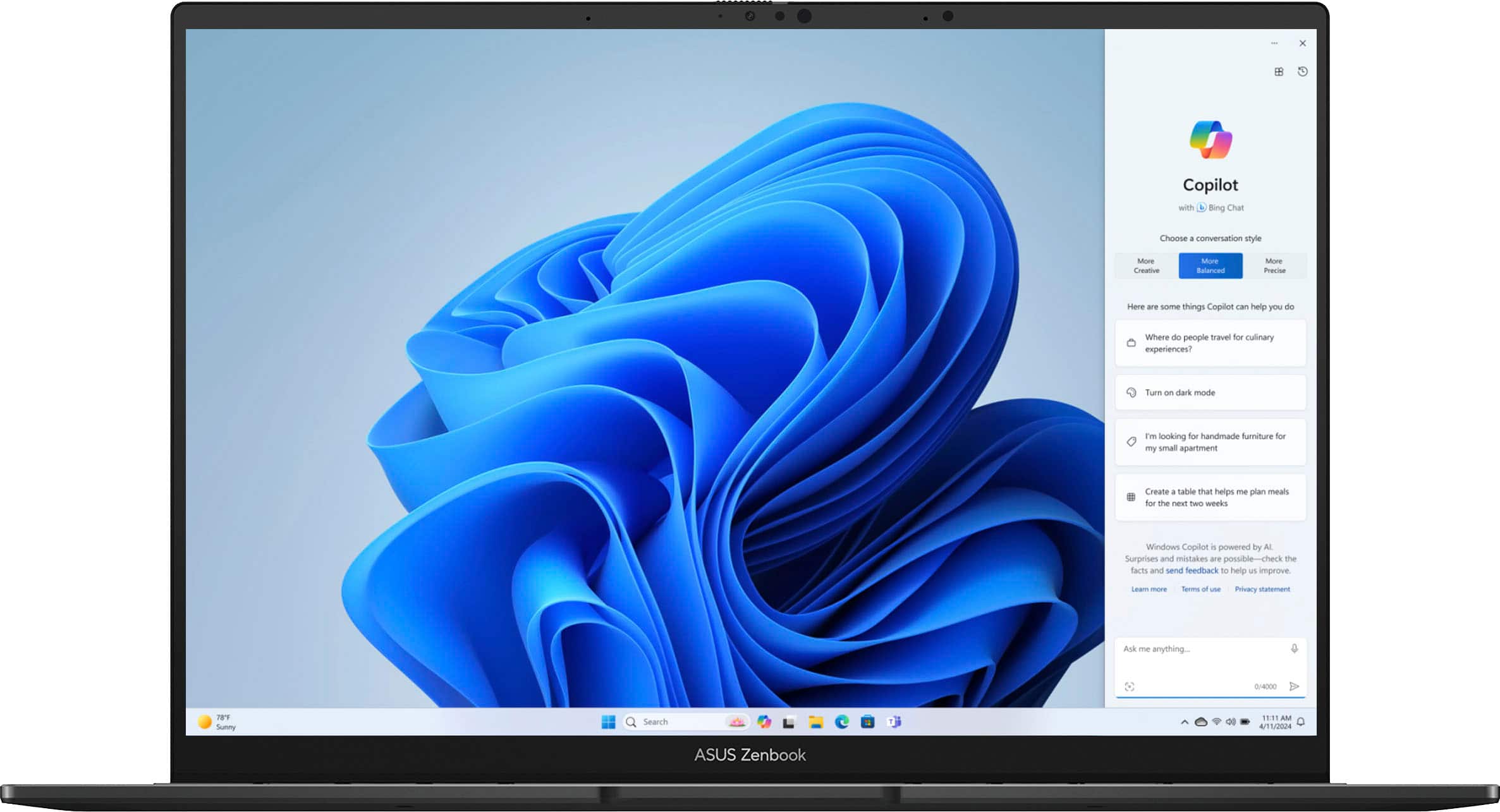
Customers have good things to say about the Zenbook 14's battery life, screen quality, lightweight design, and performance. Many appreciate its portability and the ample RAM. However, some users have noted issues with heat generation, the limited number of USB-C ports, and occasional keyboard or speaker problems.
This summary was generated by AI based on customer reviews.
- Pros mentioned:Battery life, Performance, Screen quality
Rated 5 out of 5 stars
Really good laptop with new Intel processor.
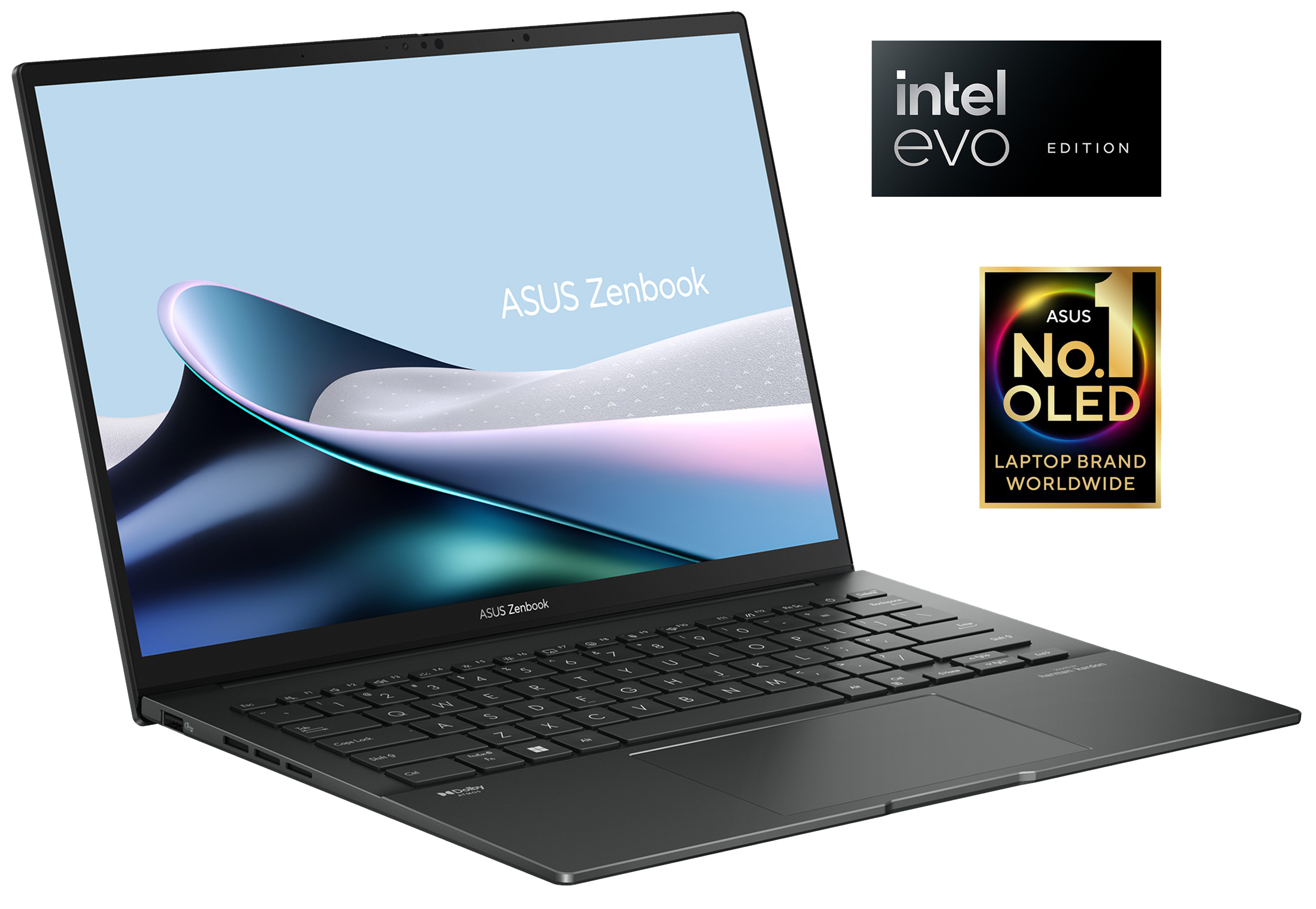
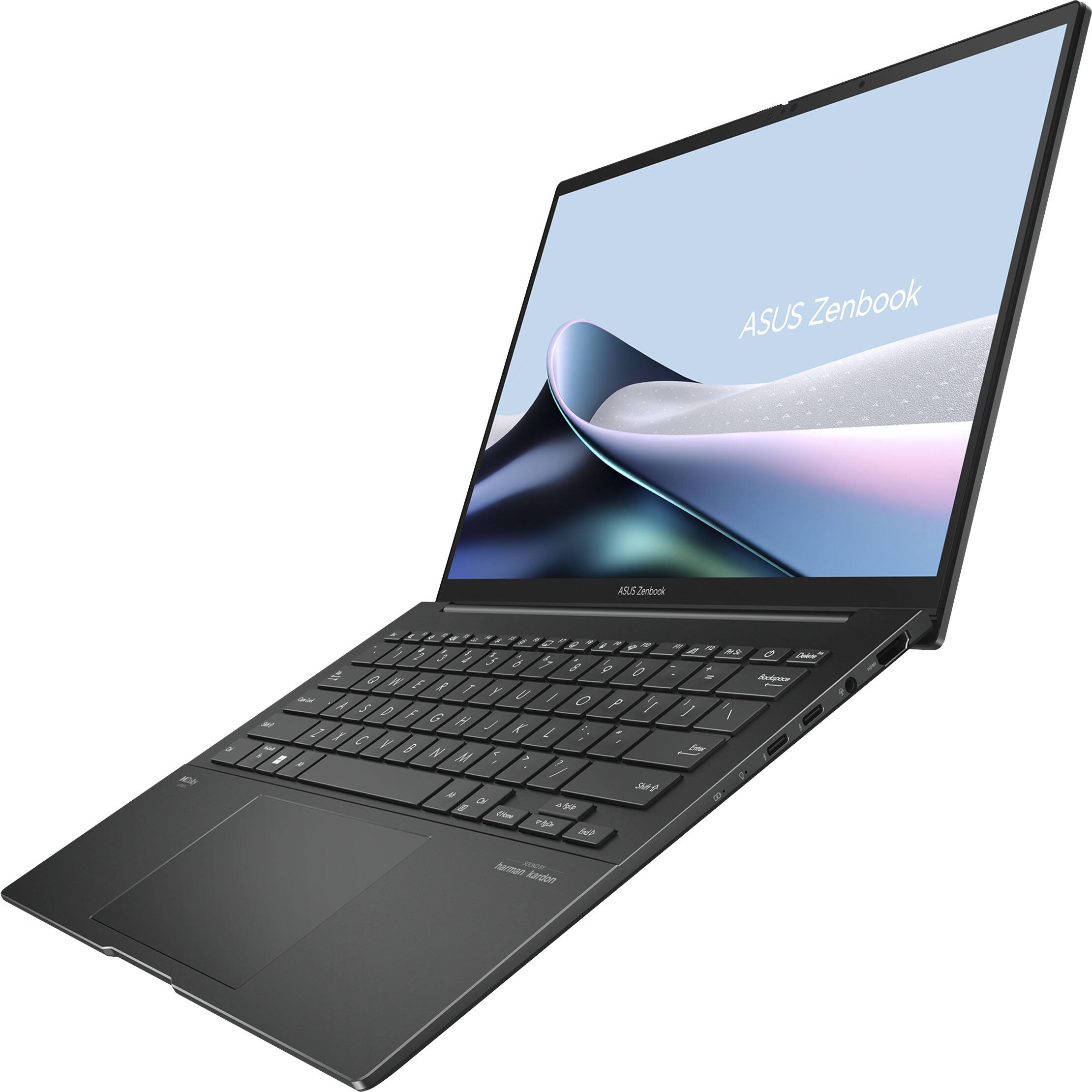
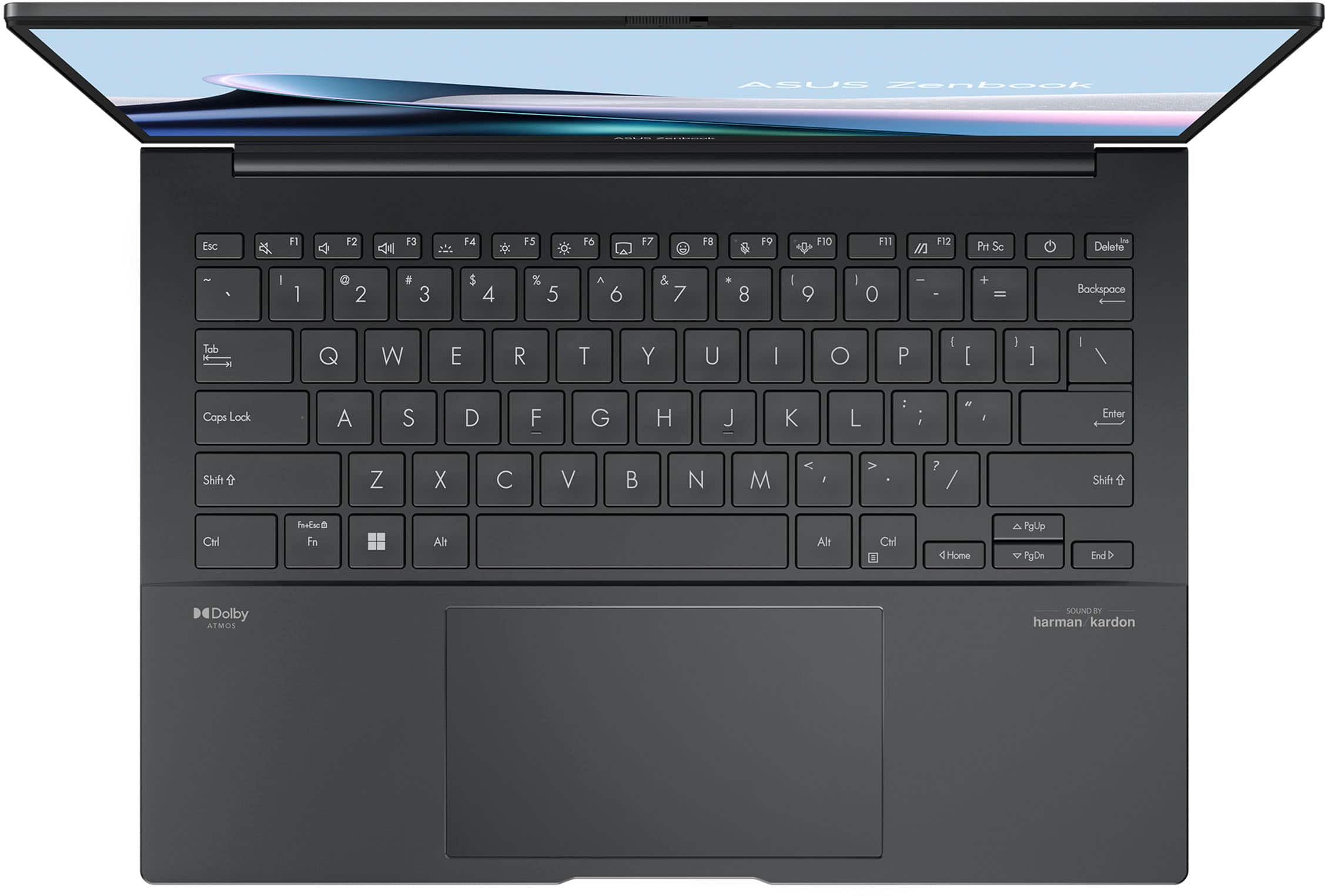
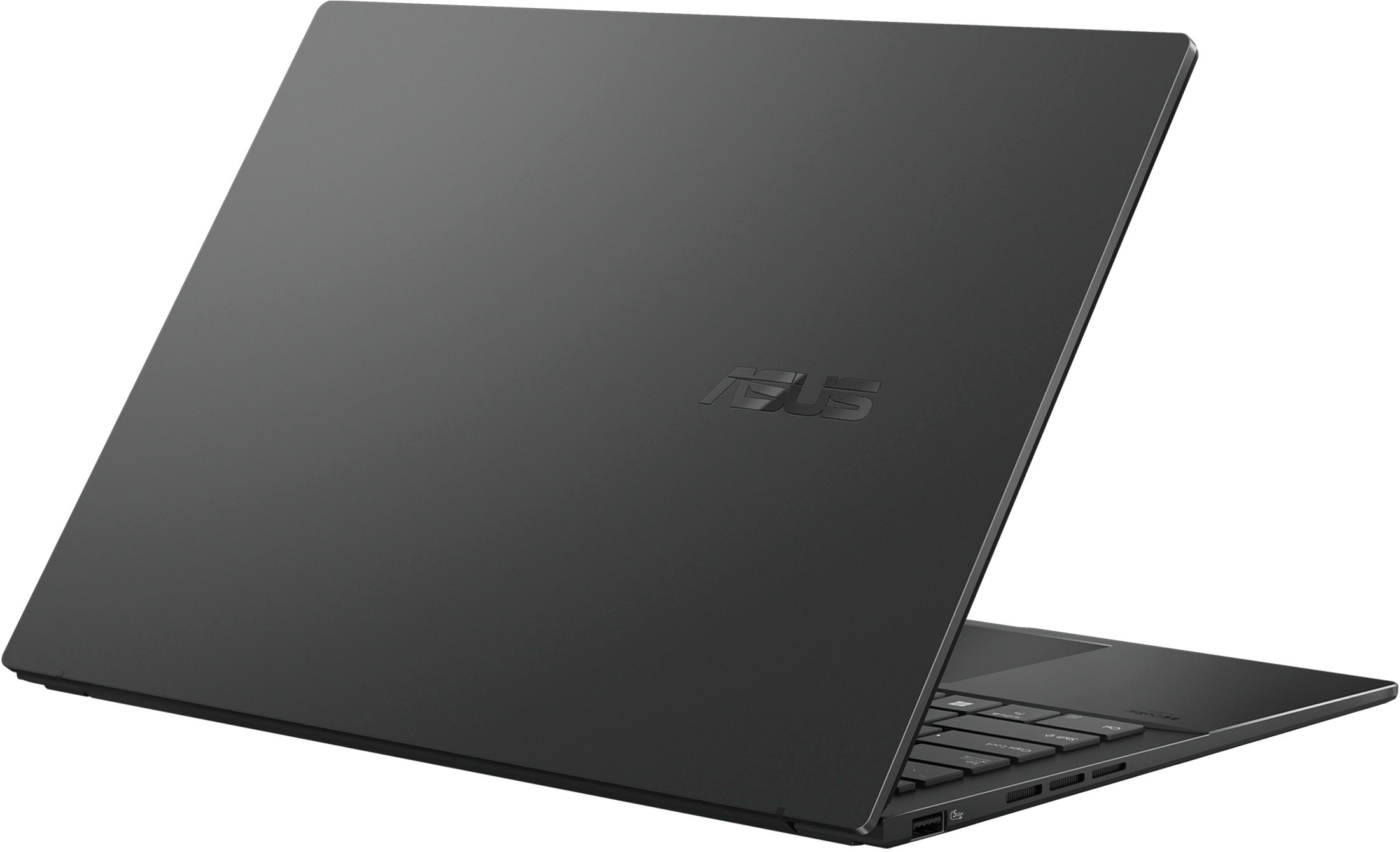
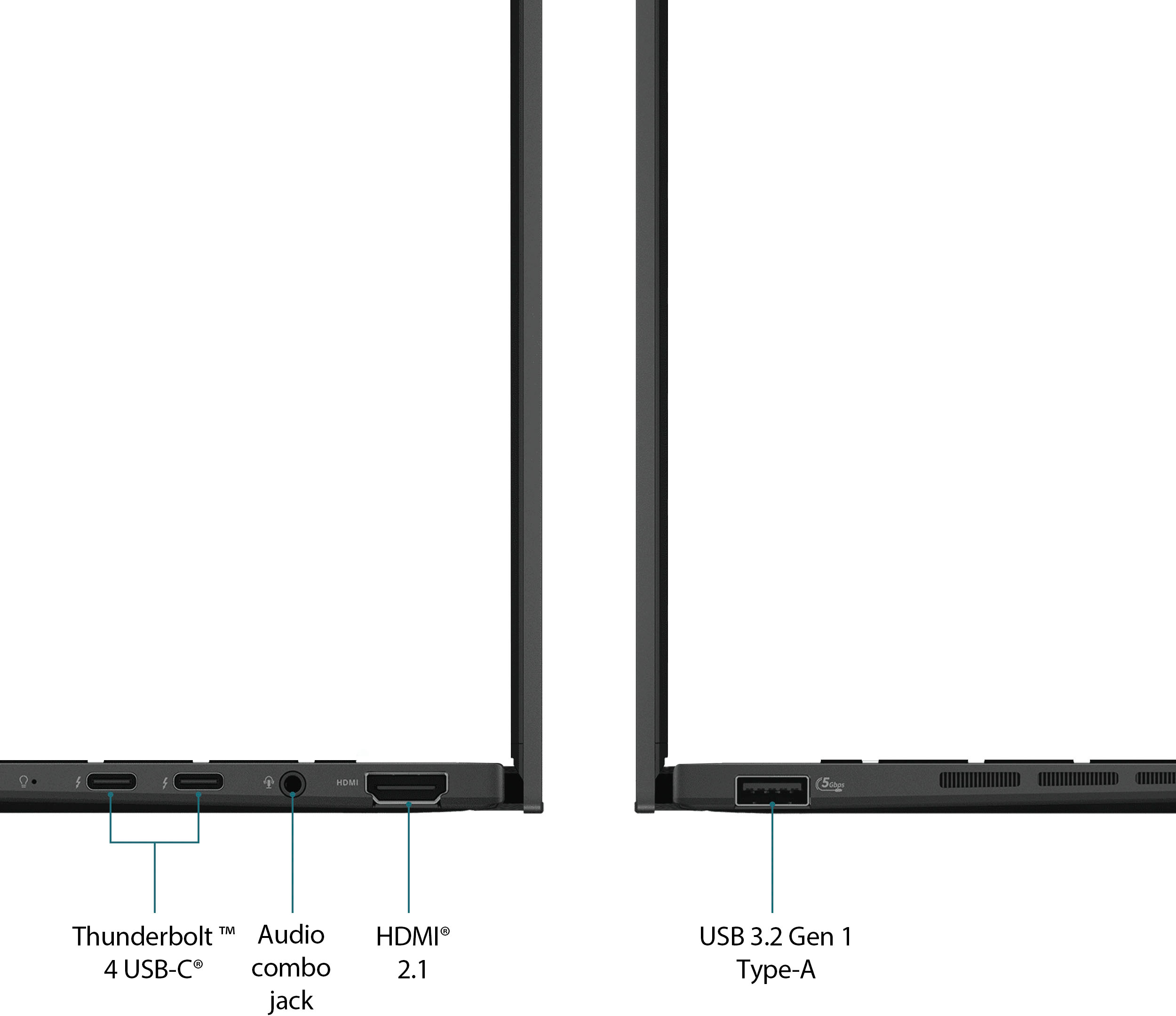
||Posted . Owned for less than 1 week when reviewed.This reviewer received promo considerations or sweepstakes entry for writing a review.The laptop is solid and well constructive, it is possible to open the lid with one hand. The usage of the device is really good, I don't see any freeze on daily tasks. I use it to connect to my VM and surf on internet without issues (Social networks, videos, music). I think the ports on this device are good, 1 HDMI, 2 USB C, 1 USB A and a headphone jack. Battery life it is good, I don't use it on battery more than 4 hours without problem, most of the time is connected to a docking station. Display is OLED 60 hz refresh, it looks great, the form factor is 16:10 and I added a magnetic privacy screen than help to keep your work out of other eyes. Keyboard and mouse pad are really comfortable to use, the only bad thing is the full keyboard plate going down when you are typing, maybe something to improve on next model or revision of this laptop. Software made by Asus, the laptop came with the utility My Asus, this suite gives you some configurations to protect your device, like drives and firmware updates, some helpful settings to keep your battery on good shape, like only charging up to 80% and also the possibility to override this setting and charge to full load for a special occasion. Also, it has the possibility to make some changes to protect the oled display and prevent to burn pixels, like refresh pixel, dark mode on the background windows and only keep brilliant the current window, auto hide the taskbar. 2 things than I'm missing from my Dell laptop is the possibility to auto turn on when you plug in to the docking station or the option to turn on when you open the lid. I already check My Asus app and BIOS settings without find it. I wish than ASUS or other vendor creates cover like the one for Apple laptops to prevent your device and keep your fingerprints out of the cover (Yes, the color is really nice but it is easy to catch fingerprints on it). I will check the IA settings on this new processor but as I read on reviews it is still behind from Apple Silicon chips but it is a really good start.
I would recommend this to a friend - Pros mentioned:Battery life, Processor speed, Weight
Rated 5 out of 5 stars
Zenbook 14 OLED - Impressive Laptop
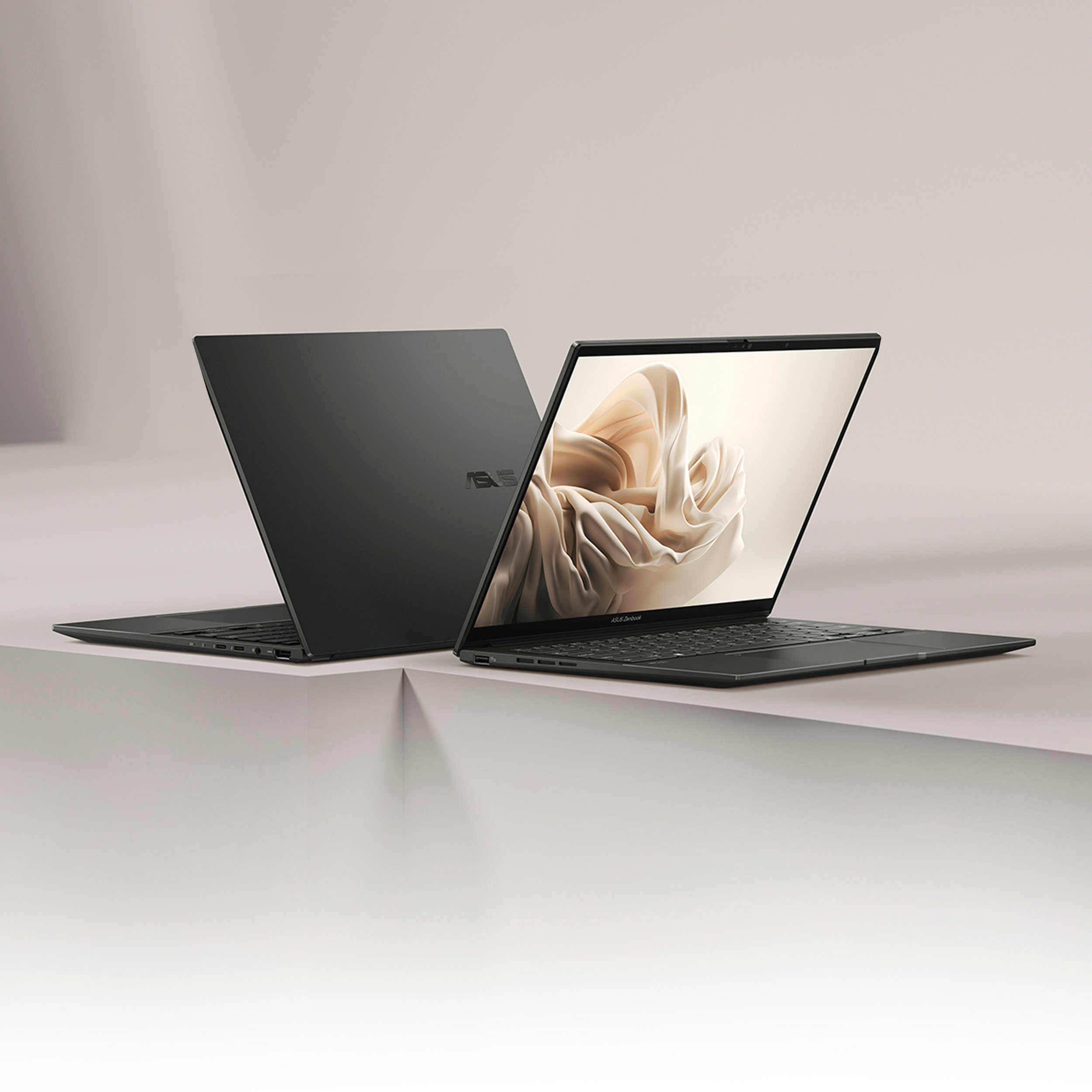
||Posted . Owned for 3 weeks when reviewed.This reviewer received promo considerations or sweepstakes entry for writing a review.Ultra 7 processor and 16GB memory make multitasking a breeze, providing a smooth and efficient experience. Loving the 14” WUXGA OLED touch display... vibrant colours and crisp visuals. Long battery life, it lasts all day on a single charge for my use. Lightweight & Gray finish gives it a sophisticated look that stands out in any setting. Can open the lid with one hand due to stable hinges. Got it in a good deal, happy with the purchase. I would definitely recommend.
I would recommend this to a friend - Pros mentioned:Battery life, Weight
Rated 5 out of 5 stars
DON'T BUY IF YOU MIND COIL WHINE
||Posted . Owned for 3 weeks when reviewed.This reviewer received promo considerations or sweepstakes entry for writing a review.I was using a Dell XPS 9510 before this. It worked excellently however the battery life was pathetic, like 3-4 hours on a good day. However, I did not mind that as I had easy access to charging ports. While working on my XPS I spilled some coffee onto it. The laptop obviously stopped working and is stuck in a boot loop. I now have stopped drinking coffee. The money saved went towards this ASUS Zenbook. The Zenbook has an amazing display and an even better battery life. Easily lasts 2 days on light use or an entire work day with heavy use. Since this is 60HZ, its battery life is better than the versions of the same model with a higher refresh rate. The one thing I noticed is that the trackpad is a little smaller than the XPS by about 25%. I would have preferred it but this is fine, just takes about 2 weeks to get used to. I would also have preferred if there were type c ports on both sides as that would make charging possible from either direction. I love the fact that the laptop has a physical camera cover, and is extremely light. The laptop has most features that are standard now such as battery protection and noise reduction. KEEP IN MIND THAT THE LAPTOP HAS SOME SERIOUS COIL WHINE. If you don't know what that is, it is a high-pitched noise that occurs when current flows through electrical components. According to ASUS "It is neither a hardware defect nor affecting the device". It is only audible in quiet environments. There are a few downsides to the laptop, firstly it does not have a fingerprint sensor which is an issue in high brightness areas or when there is a light right behind you as the facial recognition does not work. Second, the RAM is not upgradable. Fortunately, the SSD is, though there is only one stot without a heat sink. I now only drink tea while using my laptop. I am told that tea may also damage my laptop if spilled but I don't believe the people telling me that. I will update this post and to let all of you know if it is true or not in case I were to spill tea on this laptop. I bought the laptop for $596 toward the end of July 2024. I don't know why it said fair condition, I got it in perfect condition as if it were brand new.
I would recommend this to a friend - Pros mentioned:Processor speed, Screen quality, Weight
Rated 5 out of 5 stars
Best mid-range business laptop - ASUS
||Posted . Owned for 11 months when reviewed.This reviewer received promo considerations or sweepstakes entry for writing a review.This laptop is an ideal business laptop for students as well as for professionals. Lightweight, sturdy and sleek, it has a premium feel. The touch screen display and audio systems are top notch. The camera does a decent job and can be upgraded to a better qualityat the given price point. Smooth multitasking and it's 1 TB hard disk is super fast to access. Asus lives upto the expectation overall ! Writing this review after 1 year of regular use - worth the investment
I would recommend this to a friend - Pros mentioned:Battery life, Processor speed, Screen quality
Rated 5 out of 5 stars
Just fantastic, no hesitation to recommend
||Posted . Owned for less than 1 week when reviewed.This reviewer received promo considerations or sweepstakes entry for writing a review.First of all, Im very happy with my purchase. Im coming from a m1 macbook and surface laptop and let me tell you, this laptop is not going to dissapoint you. Very good battery life, very good oled display, fast for my all the work(im an engineering student), good storage(you can change it too). Oh forgot to mention i love asus keyboards they are really good in my opinion. Best of all i was able to get it in a discount of 699. Just by it. Again i can recommend this to anyone without any hesitation.
I would recommend this to a friend - Pros mentioned:Performance, Weight
Rated 4 out of 5 stars
Great travel laptop
||Posted . Owned for 1 month when reviewed.This reviewer received promo considerations or sweepstakes entry for writing a review.I bought this Zenbook mostly for travel. Fantastic size and weight, power brick is small. Screen is crisp and bright. Trackpad is as good as a Windows machine's going to get, a shadow of Mac trackpad usability. The overall performance is good but not quite the leap I expected compared to my 8-year old Core I7 machine. Mostly meets my expectations, especially for travel. Photos show size comparison of laptop and charger with Dell XPS 14 (9550), my previous travel laptop.
I would recommend this to a friend - Pros mentioned:Battery life, Screen quality
Rated 5 out of 5 stars
A MUST BUY!
||Posted . Owned for less than 1 week when reviewed.This reviewer received promo considerations or sweepstakes entry for writing a review.I originally purchased the i5, 8 gig model of this model and was with that, so I sold it and upgraded to the Intel Core Ultra 7 - Intel Evo Edition - 16GB Memory - 1TB version when it went on sale for $700. After installing Linux on it, it is now my daily driver for work plus, in my opinion, a much better Macbook alternative with good build quality and premium features for much less than the competition. It has a beautiful screen, a great typing experience and a long battery life. To compare with a similar M3 Macbook in specs, it would cost $1500 before taxes. A M3 is only slightly better according to NanoReivew CPU matrix: NanoReview Final ScoreGeneric CPU rating Core Ultra 7 155H. 60 Apple M3 66 You definitely pay a premium for 1TB SSD & 16 gigs with the MacBook Air. In my user-case, all the app/programs I use for Linux are free compared to macOS where I would have to pay, so I'm extremely happy with this laptop.
I would recommend this to a friend - Pros mentioned:Battery life, Processor speed
Rated 5 out of 5 stars
Excellent Laptop
||Posted . Owned for 2 weeks when reviewed.This reviewer received promo considerations or sweepstakes entry for writing a review.This laptop helps me a lot in my college and my work. It is fast and capable to do multitask and hard work, it is super portable and the battery can last for maybe a day depending of the work difficulty. I recommend this laptop has a college student and has a worker
I would recommend this to a friend - Pros mentioned:Battery life
Rated 5 out of 5 stars
Best deal at 799 USD.
||Posted . Owned for 1 week when reviewed.This reviewer received promo considerations or sweepstakes entry for writing a review.Overall very satisfied using this laptop. Previously I have used MacBook pro for almost 6 years, finally answered to Windows. My initial impressions of using zenbook are really great. I'm very much impressed with the OLED screen quality. Initially I'm skeptical enough regarding the screen but so far I haven't faced any issues. The viewing angles and the colors are good. Also you can play around with your display in MyASUS app suiting your interests. This zenbook also supports the Windows hello, it's okay enough but really wish it would have a fingerprint scanner. The sound is good not really comparable to Mac's. The touch and type experience is very good. Battery life is also decent enough almost gives me around 7 hours and also supports the fast charging. CPU is really powerful it handles all the tasks that I throw without any lag. I don't give a lot so can't really talk about the graphics. I mainly use it for coding, watching movies and web browsing. To summarize the above Positives 1) screen quality 2) fast CPU 3) sound and typing experience 4) battery life Cons 1) facing Wi-Fi issues here and then 2) not 100% reliable face unlock, wish they add some updates to improve. These are my initial impressions of using this laptop. Will update after a month of my use.
I would recommend this to a friend - Pros mentioned:Battery life, Performance
Rated 5 out of 5 stars
Best Laptop under $700
||Posted . Owned for 3 weeks when reviewed.This reviewer received promo considerations or sweepstakes entry for writing a review.Asus Zenbook 14: A Sleek and Powerful Performer The Asus Zenbook 14 offers a winning combination of style and substance. Its sleek, aluminum chassis and slim design make it a joy to carry, while its powerful processor and stunning OLED display deliver exceptional performance. Whether you're working, gaming, or streaming, this laptop has the power to handle it all. The battery life is impressive, allowing for all-day productivity without the need for frequent charging. If you're looking for a versatile and high-quality laptop that won't break the bank, the Asus Zenbook 14 is an excellent choice! You will never regret buying this steal deal!
I would recommend this to a friend - Pros mentioned:Battery life, Performance
Rated 5 out of 5 stars
ASUS Zenbook
||Posted . Owned for 1 month when reviewed.This reviewer received promo considerations or sweepstakes entry for writing a review.ASUS Zenbook is an amazing and reliable laptop. I use it for programming, video editing, sketching graphic designs and it does its job very well. The battery is the most amazing part of this laptop, it will last for a long period of time! Overall, you can not go wrong with ASUS Zenbook, so definitely buy it!
I would recommend this to a friend - Pros mentioned:Processor speedCons mentioned:Heat
Rated 5 out of 5 stars
Very solid laptop.
||Posted . Owned for 3 weeks when reviewed.This reviewer received promo considerations or sweepstakes entry for writing a review.I got this on sale for $750. At that price it's a very good choice, but I probably wouldn't buy it for any more than that. I use Arch Linux on it and it runs well but some parts of setup were complicated. I primarily use it for schoolwork and some gaming and it does well. The only complaint I have is the fact that it gets very hot very easily.
I would recommend this to a friend - Pros mentioned:Battery life, Weight
Rated 5 out of 5 stars
Slim and beautiful laptop
||Posted . Owned for 1 month when reviewed.This reviewer received promo considerations or sweepstakes entry for writing a review.Very good laptop. I love the Led screen, it is slim and barely will feel the weight of the laptop. Look and feel is great and also funcyions well with great battery back up. Xopilot features also works well.
I would recommend this to a friend - Pros mentioned:Battery life, Screen quality
Rated 5 out of 5 stars
I recommend!
||Posted . Owned for 3 weeks when reviewed.This reviewer received promo considerations or sweepstakes entry for writing a review.So happy I selected this laptop! Love its set up, display, and audio. Great for getting work done and for entertainment purposes. Battery life is awesome too.
I would recommend this to a friend - Pros mentioned:Performance, Screen quality
Rated 4 out of 5 stars
A comfortable laptop
||Posted . Owned for 6 months when reviewed.This reviewer received promo considerations or sweepstakes entry for writing a review.I recently upgraded to the ASUS Zenbook 14 OLED. I am very happy with this purchase. The keyboard is comfortable and responsive, and the screen is bright and clear. The overall performance is very good, and even the sound is good. For the price, this is a very good laptop.
I would recommend this to a friend - Pros mentioned:Battery life, Weight
Rated 5 out of 5 stars
Worthy of a Next-Gen Title
||Posted . Owned for 1 month when reviewed.This reviewer received promo considerations or sweepstakes entry for writing a review.It's much lighter that the Q420 variant that I used to daily. Battery life is just superior than the i9 or i7 series with the ultra series. I am disappointed that on system idle half of the RAM is already utilized.
I would recommend this to a friend - Pros mentioned:Battery life
Rated 5 out of 5 stars
Great Laptop
||Posted . Owned for 4 months when reviewed.This reviewer received promo considerations or sweepstakes entry for writing a review.Great Laptop! Great performance and good battery life. The laptop has great out of the box Linux support. I chose to use Linux and found that Manjaro works great on this device. Manjaro is the only distro I have tried, but I imagine it will work well with other distros too. The laptop has been great while traveling. I appreciate the USB Type-C charging that allows me to bring fewer chargers to keep my laptop, phone, and earbuds all charged.
I would recommend this to a friend - Pros mentioned:Screen quality, Weight
Rated 5 out of 5 stars
Laptop Review
||Posted . Owned for 1 month when reviewed.This reviewer received promo considerations or sweepstakes entry for writing a review.Excellent laptop. Nice and lightweight for travel. Easy keyboard. Vents on the side to keep machine cool. I would recommend this to anyone.
I would recommend this to a friend - Pros mentioned:Performance
Rated 5 out of 5 stars
5 STAR
||Posted . Owned for 1 month when reviewed.This reviewer received promo considerations or sweepstakes entry for writing a review.This laptop is nothing short of exceptional. As someone who demands performance, portability, and sleek design, this laptop has exceeded all my expectations.
I would recommend this to a friend - Pros mentioned:Battery life
Rated 5 out of 5 stars
Great battery, better performance than anticipated
||Posted . Owned for 1 month when reviewed.This reviewer received promo considerations or sweepstakes entry for writing a review.Great all around on the go device. The screen is fantastic and when I’m in my dorm, I use it as a second monitor using a capture card and watching movies on it is fantastic. Great keyboard and sturdy frame for getting work done. Touchscreen is nice but you may see fingerprints but still nice to have. Super long battery life, never had a problem with it even playing Minecraft for four hours straight. Overall very happy and feels sturdy and reliable enough to last a while!
I would recommend this to a friend















