Customer Ratings & Reviews


- Model:
- ZenWIfi BE5000 3-PK
- SKU:
- 6594274
Rating by feature
- Setup
Rating 3.5 out of 5 stars
- Range
Rating 3.8 out of 5 stars
- Signal Strength
Rating 3.8 out of 5 stars
Customers are saying
Customers find value in the ZenWiFi BE5000's speed and coverage, with many reporting excellent speeds from the main router and ample coverage for their homes. The performance, range, and signal strength are also generally well-received. However, some customers have experienced connectivity issues and difficulties during the initial setup process.
This summary was generated by AI based on customer reviews.
Value for the money
||Posted .This reviewer received promo considerations or sweepstakes entry for writing a review.Connectivity is Amazing and no issues in setting it up. Had no issues till this date. Bought it almost 10 months ago.
I would recommend this to a friend- Cons mentioned:Connectivity
Not impressed with this wifi
||Posted . Owned for 1 week when reviewed.This reviewer received promo considerations or sweepstakes entry for writing a review.Thought would be a great upgrade. But wasn't! I had a 1 gig mesh system that was just as fast due to it offered more channels as this wifi 7 had. Returned and went with a different company.
No, I would not recommend this to a friendBrand response from ASUS Answers
Posted .Dear JustAlan,
Thank you for sharing your comments regarding the ZenWIfi BE5000. We understand that it didn't meet your full expectations, and we sincerely apologize for that as we do understand your concerns. Our top priority is providing our customers with high-quality products, and we'll forward your feedback to our team for review.
We stand behind our products and continuously strive to improve our products and processes to achieve customer service excellence. If you require any further assistance, please email us at [email protected] and include the case number "N2412010246-0007" as a reference. We will do our best to resolve your case quickly. Your feedback is very important to us and enables us to improve our support channels. Thank you for choosing ASUS.
Best Regards,
Chantae
ASUS Customer Loyalty US Support
Would recommend
||Posted . Owned for 1 month when reviewed.This reviewer received promo considerations or sweepstakes entry for writing a review.These work great to spread the wifi around my house. App is intuitive to use
I would recommend this to a friend- Cons mentioned:Connectivity
Doesn’t work.
||Posted .This reviewer received promo considerations or sweepstakes entry for writing a review.Could not connect to the internet. I spent hours on the phone with ASUS and my ISP. No bueno.
No, I would not recommend this to a friendBrand response from ASUS Answers
Posted .Dear MarkL,
Thank you for reaching out.
We do understand your disappointment with the product and the inconvenience this may have caused if you cannot connect to the internet. To resolve this, check if the PC or device connecting to the router is working properly and within range to the router, the router is within 30 feet to the ISP's modem, if not wired with a network cable, and your ISP's internet service or connection is working properly or stable. Additionally, check if the Mesh routers security credentials matches with your ISP's modem/gateway security information. Furthermore, legacy devices may not work properly with WIFI-7, please check updates for these devices. Try connecting these legacy devices manually to either 2.4GHz or 5GHz. Also, we recommend updating the Mesh routers firmware if it is running with an older version. Firmware is available for download at: https://www.asus.com/us/networking-iot-servers/whole-home-mesh-wifi-system/zenwifi-wifi-systems/asus-zenwifi-bd5/helpdesk_bios?model2Name=ASUS-ZenWiFi-BD5. For helpful tips on how to setup these Mesh router properly, please visit our Product Support page at: chrome-extension://efaidnbmnnnibpcajpcglclefindmkaj/https://dlcdnets.asus.com/pub/ASUS/wireless/BE5000/E24190_ZenWiFi_BE5000_UM_WEB.pdf?model=ZenWiFi%20BE5000.
Should you need further assistance with the product, please email me at [email protected] and I would be more than happy to help. Or, you are most welcome to call Product Support Hotline at: 1(888) 678-3688. Also, you can chat with an ASUS live support agent from the link: https://www.asus.com/us/support/article/1135/.
Thank you for choosing an ASUS product.
Regards,
Rodel
ASUS Customer Loyalty
There's better, here's why...
||Posted . Owned for 1 month when reviewed.This reviewer received promo considerations or sweepstakes entry for writing a review.Very low tier router that suffers in comparison to routers like deco or orbi. The UI asus provides is horrific, seamless setup up just terrible UI and setup process. For a similiar price you can purchase the XE75 3 pack from Tp-Link which has more range and same price.
No, I would not recommend this to a friendBrand response from ASUS Answers
Posted .Dear ARUnder,
Thank you for your comment.
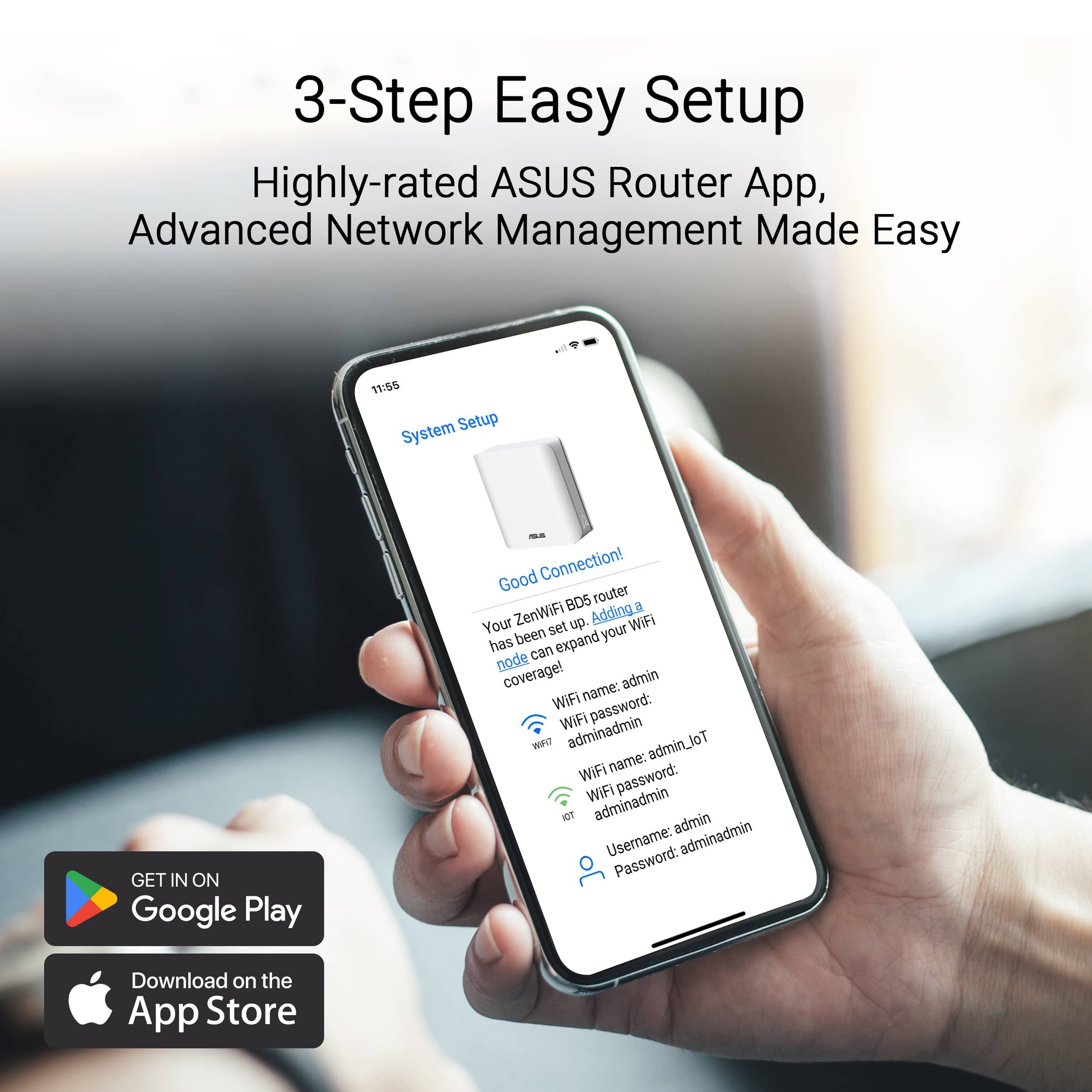
We do understand your disappointment and the inconvenience this may have caused if the ASUS Router App didn't meet your expectation. This ASUS ZenWiFi BE5000 was designed for easy setup using the ASUS Router Application. This application guides users through the a few simple steps, making it simple for those who not tech-savvy. For helpful tips on how to use the ASUS Router application, visit our Product Support page at: https://www.asus.com/us/content/asus-router-app/ .
Should you need further assistance with the product, please email me at [email protected] and I would be more than happy to help. Or, you are most welcome to call Product Support Hotline at: 1(888) 678-3688. Also, you can chat with an ASUS live support agent from the link: https://www.asus.com/us/support/article/1135/.
Thank you for choosing an ASUS product.
Regards,
Rodel
ASUS Customer Loyalty
Terrible
||Posted . Owned for 6 months when reviewed.This reviewer received promo considerations or sweepstakes entry for writing a review.This is the worst wifi system I have ever owned. Also the most expensive. The connection just randomly goes out all the time. Sometimes I have to reset them 3-4 times for everything to finally connect.
No, I would not recommend this to a friendBrand response from ASUS Answers
Posted .Dear Patrick,
We regret to learn that you are experiencing connectivity issues. To troubleshoot this issue, we recommend following the steps in the FAQ below. Should the issue persist, please contact our support team at https://www.asus.com/us/support/CallUs to further investigate the problem or assist with repairing the device.
We stand behind our products and continuously strive to improve our products and processes to achieve customer service excellence. For more information, email us at [email protected] and include the case number "N2412010246-0016" as a reference. We will do our best to resolve your case quickly. Your feedback is very important to us and enables us to improve our support channels. Thank you for choosing ASUS.
Best Regards,
Schottky
ASUS Customer Loyalty US Support
FAQ:[Wireless Router] How to improve Wi-Fi Connection https://www.asus.com/us/support/faq/1047919/
- Cons mentioned:Setup
Waste of money
||Posted . Owned for 1 month when reviewed.This reviewer received promo considerations or sweepstakes entry for writing a review.Hard to set up. Stopped working after a month and is not returnable.
I would recommend this to a friendBrand response from ASUS Answers
Posted .Dear Robert D,
We're sorry to hear that the ZenWIfi BE5000 stopped working and we apologize for any inconvenience this may have caused you. This is not the kind of quality to expect from our products and it's not the norm. To troubleshoot the issue described, we recommend following the steps in the FAQ below. Should the issue persist, please contact our support team at https://www.asus.com/us/support/CallUs to further investigate the problem or assist with repairing the device.
We stand behind our products and continuously strive to improve our products and processes to achieve customer service excellence. For more information, email us at [email protected] and include the case number "N2412010246-0008" as a reference. We will do our best to resolve your case quickly. Your feedback is very important to us and enables us to improve our support channels. Thank you for choosing ASUS.
Best Regards,
Chantae
ASUS Customer Loyalty US Support
[Troubleshooting] ASUS router or adapter is No Power/No Boot/Power LED is not ON - https://www.asus.com/support/faq/1050634/
WiFi 7 done right
||Posted . Owned for 2 weeks when reviewed.This reviewer received promo considerations or sweepstakes entry for writing a review.Bought this to complete my mesh for my very large house. Now have WiFi 7 everywhere and no hassle setting up sign-in to each unit in the house
I would recommend this to a friendmost affordable wifi7
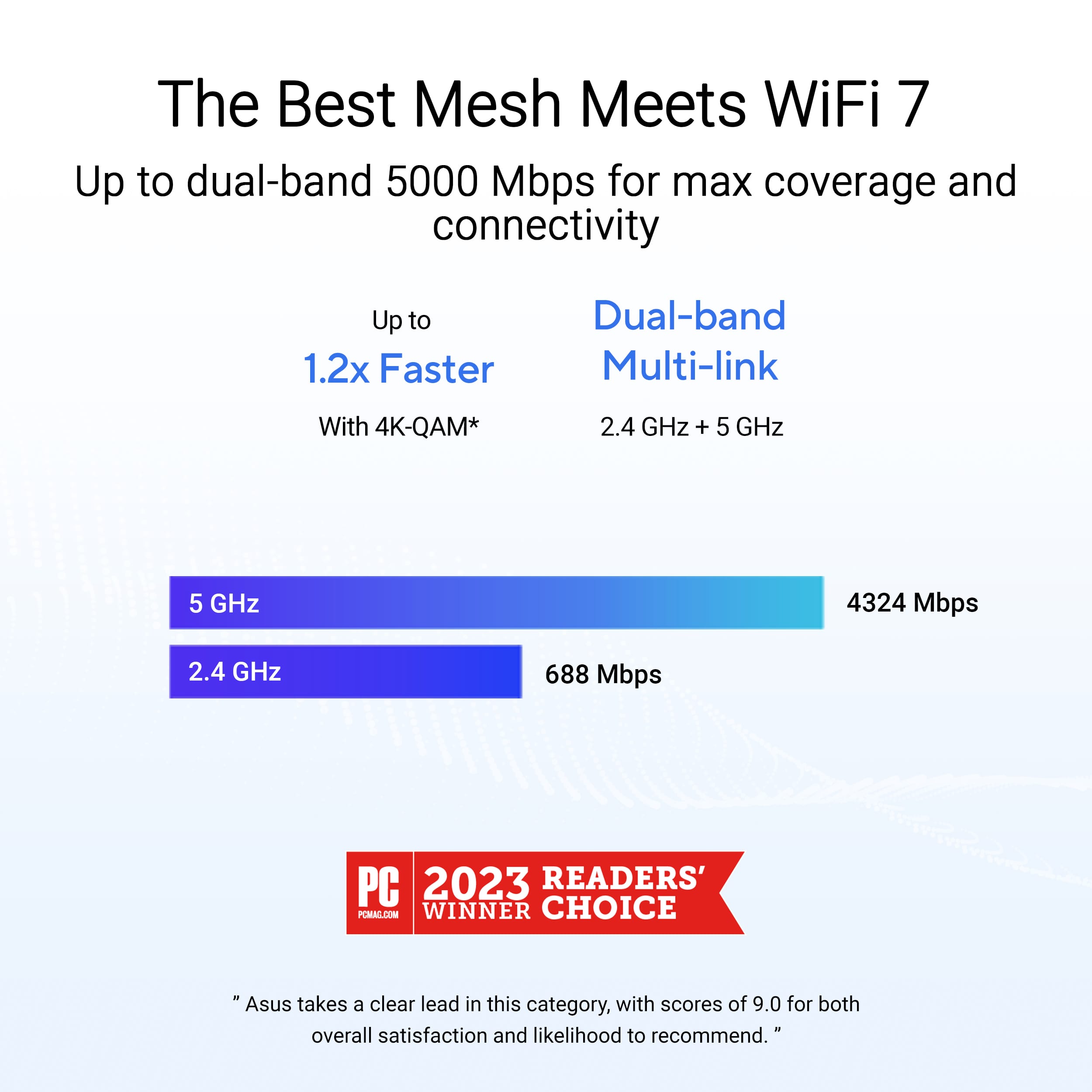
||Posted . Owned for 1 week when reviewed.This reviewer received promo considerations or sweepstakes entry for writing a review.one of the best mesh wifi with in built 2.4 and 5 ghz so that smart home system connectivity is very easy.
I would recommend this to a friendDo not purchase
||Posted . Owned for less than 1 week when reviewed.This reviewer received promo considerations or sweepstakes entry for writing a review.Do not buy.... Customer service is the worst experience ever. Called, and they walked through resting the router and still have the same issue on 2 different sets. Now theu wont help or even answer the phone. Placed on hold and hung up numerous times. Dont waste your time or money buy a diffent brand. Thankfully, Best Buy has great customer service and returned for a different brand.
No, I would not recommend this to a friendBrand response from ASUS Answers
Posted .Dear Whzzup,
Thank you for your feedback.
We do understand your dissatisfaction with the quality of your recent customer service experience and the inconvenience this may have caused. We do value our customers and take negative customer service experience very seriously. This is not the quality of service expected from ASUS. We continuously strive to improve our approach and processes in order to achieve customer service excellence. If you need further assistance with the warranty service for the product, please email me at [email protected] and I would be more than happy to help. Or you are most welcome to call Product Support Hotline at: 1(888) 678-3688. Also, you can chat with an ASUS live support agent from the link: https://www.asus.com/us/support/article/1135/.
Thank you for choosing an ASUS product.
Regards,
Rodel
ASUS Customer Loyalty
- Cons mentioned:Connectivity
Poor quality wifi
||Posted . Owned for 1 month when reviewed.This reviewer received promo considerations or sweepstakes entry for writing a review.Connection drops between nodes even when nodes are close to each other.
No, I would not recommend this to a friendBrand response from ASUS Answers
Posted .Dear Jviz,
We're sorry to hear that the ZenWifi BE5000 Wi-Fi signal is often disconnected and we apologize for the inconvenience caused. To troubleshoot this issue, we recommend following the steps in the FAQ below. Should the issue persist, please contact our support team at https://www.asus.com/us/support/CallUs to investigate the problem further or assist with repairing the device.
We stand behind our products and continuously strive to improve our products and processes to achieve customer service excellence. For more information, email us at [email protected] and include the case number "N2412010246-0002" as a reference. We will do our best to resolve your case quickly. Your feedback is very important to us and enables us to improve our support channels. Thank you for choosing ASUS.
Best Regards,
Chantae
ASUS Customer Loyalty US Support
[Troubleshooting] WiFi signal is often disconnected - https://www.asus.com/support/faq/1030641/
Rubbish
||Posted . Owned for 4 months when reviewed.This reviewer received promo considerations or sweepstakes entry for writing a review.Absolute Garbage ... does not work as intended ....
No, I would not recommend this to a friendBrand response from ASUS Answers
Posted .Dear kiraandkengamer,
We regret to learn that you are experiencing connectivity issues. To troubleshoot this issue, we recommend following the steps in the FAQ below. Should the issue persist, please contact our support team at https://www.asus.com/us/support/CallUs to further investigate the problem or assist with repairing the device.
We stand behind our products and continuously strive to improve our products and processes to achieve customer service excellence. For more information, email us at [email protected] and include the case number "N2412010246-0020" as a reference. We will do our best to resolve your case quickly. Your feedback is very important to us and enables us to improve our support channels. Thank you for choosing ASUS.
Best Regards,
Schottky
ASUS Customer Loyalty US Support
FAQ-[Troubleshooting] Failed Internet access through router https://www.asus.com/us/support/faq/1030645/
Great Wi Fi!
||Posted . Owned for 1 week when reviewed.This reviewer received promo considerations or sweepstakes entry for writing a review.They have virtually eliminated all buffering on my wi fi connected devices!
I would recommend this to a friend- Pros mentioned:Coverage, SpeedCons mentioned:Setup

Great coverage & speeds, wonky registration though
|Posted .This reviewer received promo considerations or sweepstakes entry for writing a review.We had been renting our router from our ISP & it wasn't until about 2 months ago that I saw that we were actually paying for it. Silly me, having been in the ISP world and working for numerous ISPs where we just gave customers the router for free I figured that was the case with our ISP but alas it was not. So, in order to save ourselves $7/month (and we just found out a week ago that is going up to $10/month) I decided to get us the ASUS ZenWiFi BE5000 Mesh system. Unboxing & First Setup ASUS fit a lot into a relatively small packaging setup. You have 1 router & then 2 satellite APs. That said it is clearly marked that 1 is the router & the other 2 are satellite APs. However, I did not notice this at first. It just so happened that I selected the right one to be the router AP thankfully. That said it tells you to plug them in and set them X feet apart (it might have been 1 meter?). I didn't see that and had the two APs stacked on top of each other. Oh well, it didn't matter because they all set up mostly fine. I say mostly fine because when setting them up I had an issue with my ISP (Spectrum) where I could not get online no matter what I tried. So what I did was clone the MAC address of my prior router by inputting that router's MAC manually in the ASUS web wizard and then I was able to connect with no issues. This could be a Spectrum issue as I saw another reviewer said they could never get their system to go online, or it could be an ASUS issue. Once I did this though it was pretty smooth sailing past that. Unboxing & First Setup Rating: 4.5/5 Additional Configuration During setup I went ahead & segmented our network for IoT items to be on a different network than the rest of our network. This is now security 101 because we all know how absolutely abysmal IoT devices are when it comes to security maintenance. It is sad that is where we are today. Anyway, doing this was super simple because the guided setup asked me if I wanted to do that (yep! sure do!). Also, because of the WWE moving to Netflix totally in Canada (and other countries) but only moving RAW to Netflix in the USA I decided I wanted to get a VPN and set myself to Canada to be able to watch the Canadian Netflix. This router allowed me to do that with ease by using my NordVPN subscription. A particular NETworking device seller who is proud of their GEAR only wishes they were this user friendly. Seriously, ASUS slam dunked this for me. It allows me to do split-tunneling where only certain devices connect via the VPN. Phenomenal! There are a ton more features & functions that I am still playing around with but so far I really like how easily & safely this allows everything to be set up. It's not going to be pro-sumer grade, but it doesn't say it is, it is very high end consumer grade, and I love it so far! Additional Configuration Rating: 5/5 Registration We had another slight hiccup with registering these to my ASUS account. I was trying to enter the serial number of the router to register it (was going to do the router and then the two APs) but it kept saying it wasn't valid. I thought "OK, it's because they are so new" but I contacted support anyway. This is when I was told it was because I needed the serial number from the box as it is a set and that is the set's serial number. It should really say this in the box, and on the box, and even in the app, in my opinion. Luckily our recycling hadn't ran yet or I would have never been able to actually register these. Other than that small, and I mean very small, inconvenience, registration was smooth sailing just like most everything else. Registration Rating: 4/5 Speeds Now, for me, this is another area where the ZenWiFi BE5000 truly shines. It wasn't until I had installed these & been playing around in the web GUI that I found that we actually have symmetrical internet now (600 down/600 up) and have had it for a couple months now I guess. Even over WiFi I am able to pull 660Mbps down and 640Mbps up. That is on the Spectrum network and also off of it (using speed test servers on the Spectrum network and also servers owned by other ISPs in other locations). Spectrum must have really good connections both on & off network to facilitate this happening. Sahweeet! Speeds Rating: 5/5 Coverage With this system I am able to put the router right next to the modem, put 1 AP at the front of the house on the top left, and the 1 other AP at the back of the house in the basement. With this setup we have 360 degree coverage in our home, and I no longer drop out when in the driveway, front yard, back yard, side yard, heck even in the parking lot next to our home. It has truly upped our game here at our home. Coverage Rating: 5/5 Conclusion When it is all said & done the minor issues are just that: minor issues. They are not deal breakers for me, just things to be aware of if you have Spectrum & also what to do once you need to register the system. I have had much worse router systems before, but I don’t know that I have ever had one that was so easy to set up, had such great coverage, such great speeds, and so on. Sure, I’ve had some pro-sumer grade networking gear, and even had Enterprise gear before and they have a TON of features. But for a system that is set it & for get it I think the ASUS ZenWiFi BE5000 is the best I’ve tested so far. And with this being a dual band system I cannot even begin to imagine what the ASUS tri-band & quad-band ZenWiFi system performs like because this is a truly great system. I used to not like Mesh and would rather have the most powerful router money could buy, but with APs and Mesh having advanced so far it (the ZenWiFi BE5000) has converted me & made a true believer in the technology out of me. Bravo ASUS, Bravo. Conclusion Rating: 23.5/25 (I know the rating *should* mean I give it less than 5 stars, however, I can't do half stars here and so I am not going to dock it a full star and bring it down to 4 stars when it is obviously deserving of more than 4 stars; so 5 stars it is!)
I would recommend this to a friend Stopped working out of the blue
||Posted . Owned for 1 month when reviewed.This reviewer received promo considerations or sweepstakes entry for writing a review.First time buying Asus for a router, worked great for about 2 weeks. One day it just stopped working. Nothing changed, nothing was moved around. No reason whatsoever, it just stopped working.
No, I would not recommend this to a friendBrand response from ASUS Answers
Posted .Dear Roberto,
We're sorry to hear that the WIfi BE5000 router stopped working and we apologize for the inconvenience caused. To troubleshoot this issue, we recommend following the steps in the FAQ below. Should the issue persist, please contact our support team at https://www.asus.com/us/support/CallUs to further investigate the problem or assist with repairing the device.
We stand behind our products and continuously strive to improve our products and processes to achieve customer service excellence. For more information, email us at [email protected] and include the case number "N2412010246-0003" as a reference. We will do our best to resolve your case quickly. Your feedback is very important to us and enables us to improve our support channels. Thank you for choosing ASUS.
Best Regards,
Chantae
ASUS Customer Loyalty US Support
[Troubleshooting] ASUS router or adapter is No Power/No Boot/Power LED is not ON - https://www.asus.com/support/faq/1050634/
- Pros mentioned:SpeedCons mentioned:Setup
Great WiFi, but tries to be too helpful
|Posted .This reviewer received promo considerations or sweepstakes entry for writing a review.So, I really wanted to give this a 3.5.. but going with 4, because 3 is a little harsh. I have been using MESH WiFi systems now for almost 10 years. It is nice to have an affordable WiFi 7 compatible Mesh system, so this is has been a very good replacement for one of the systems I maintain. At this home, there isn't a way to run Cat-6 lines, so we rely on WiFi and the Mesh system here is running very good. After setup, the WiFi 7 connectivity to the main Router, is cranking 700+ mbs, with my iPhone 16. Great speeds. All our WiFi devices are connecting nice, and even those not on WiFi 7, are gettin 200-300mbs so doing really really good. It was easy to setup as our old SSID, and same password, so most devices reconnected without an issue, some just need to cycle power. They are small, about the size of 3 pieces of bred stacked on top of one another. BUT.. .my first .5 star of is with the power adapter. The cord is WAY WAY too short, we couldn't even put one on top of the desk hutch, and run the cord straight down to a power strip, and to get a short extension cord. My big issue though, is the "wizard" style of setup. I had a really difficult time getting node #3 to connect wirelessly. Went through all sorts of resets and trials, but just couldn't get it to connect. And there was no easy way to do anything manually. Had to rely on its own software to "find" things. Support was pretty quick on a reply, and told me there was a firmware update. Which I had to connect the node via wire, and then was able to do the firmware update. then was able to get node #3 to connect. The lights are challenging... Yellow, Green, Blue, Red, and White. Was trying to identify what they all meant, but Yellow seemed to be booting, Green was still part of the Bootup, Blue was in pairing or setup mode, Red I presume something was bad, so just unplugged, White leaned normal operations. Once I got them all setup, I was able to turn off the LED's in two visible locations... big lag though from clicking the button to turn it off, and it actually doing it. Caused me some frustrations, as I just thought something was wrong. The app is pretty good for doing most things, but still found I needed to connect via laptop, to get the full picture of the system. Overall... for the price, this has been a very good Mesh system.
- Pros mentioned:Coverage, SpeedCons mentioned:Setup
Complicated setup, great performance.
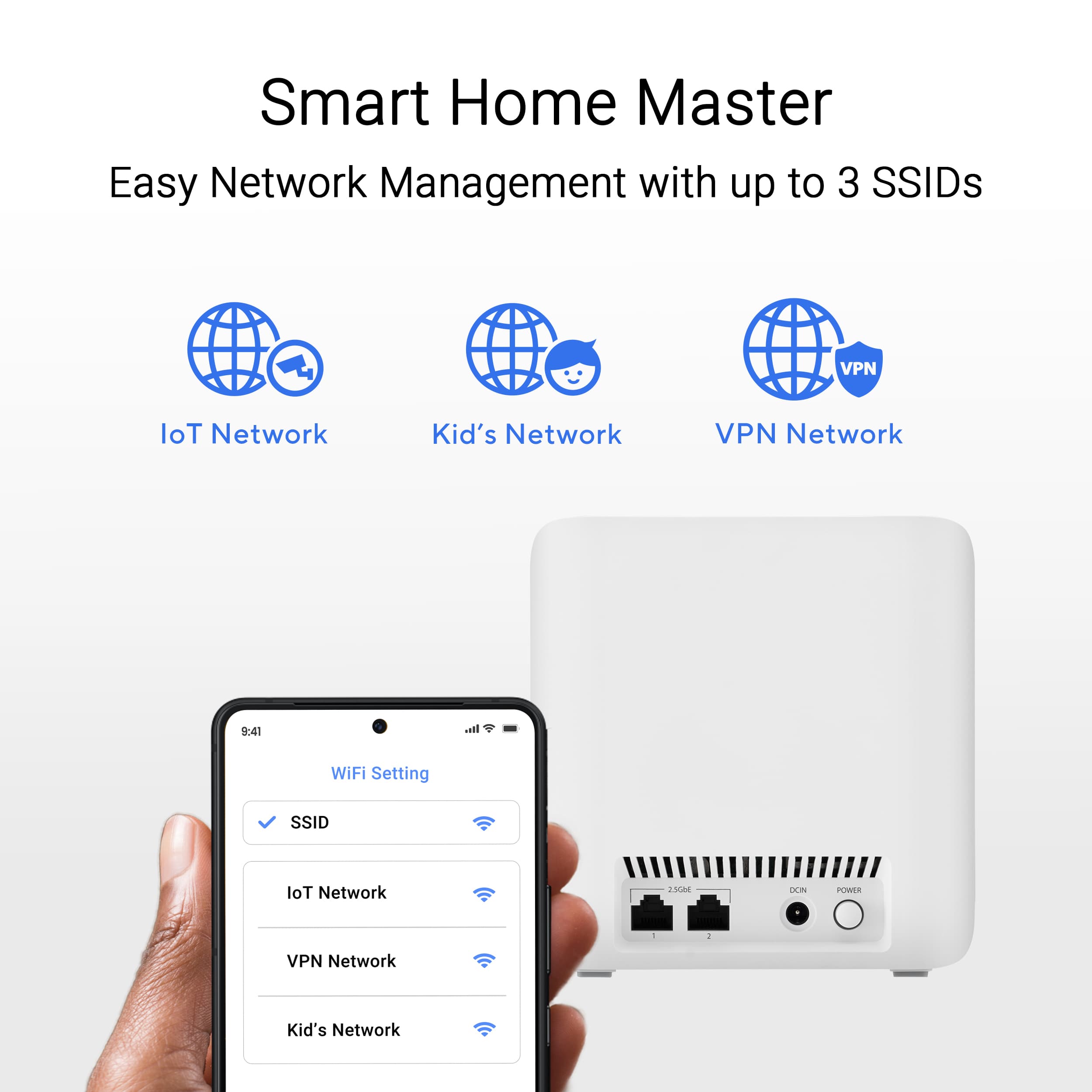
|Posted .This reviewer received promo considerations or sweepstakes entry for writing a review.The Asus Zen WiFi BE5000 is a great mesh network that offers the latest WiFi 7 but setting it up can be a headache. This Mesh kit come with 3 nodes, one of which acts as the main mode and the other 2 are extenders. You will still need a modem in order to connect this all together. Setting up your new network, will require a little bit of knowledge. The instruction manual tells you to download the Asus router app to set up your new network, but I had no luck getting it to work using the app. Fortunately, I was able to set it up via ethernet cable and logging into the router’s web GUI, which is what I had to do. The Three nodes provide excellent coverage across my entire house, with no dead spots. One of my favorite things I like, my device doesn’t lag when switching to a different node, it’s incredible smooth and seamless. The network allows for both 5ghz and 2.4ghz bands to run simultaneously without a hitch. You can also turn on a legacy IoT mode, this allows you to add older devices that require a 2.4ghz network only…for example connecting my Sonos amp to my network requires a 2.4ghz network only or else it fails to connect. To fix this solution the router automatically adds a IoT band for connecting such products. This is an incredibly important feature to have when adding smart home devices. The speeds that the ZenWiFi offer, are incredible. The new WiFi 7 offers blazing fast speeds, that are like nothing I have ever experienced before. Downloading app updates are instantaneous and downloading larger game files take a quarter of the time they did before. I am extremely impressed with this network’s speeds. Overall, I am very impressed with ZenWiFi BE5000. Setting up the router did take a lot of effort and research, but once I was able to everything up and running, I was blown away by the performance. Great coverage across my entire house, zero dead spots and blazing fast speeds, I would definitely recommend this to anyone.
I would recommend this to a friend - Pros mentioned:Range, SpeedCons mentioned:Setup
Great...once it works.
|Posted .This reviewer received promo considerations or sweepstakes entry for writing a review.The bigger your living space is, the more valuable a mesh network becomes. I've been using a mesh network for quite some time, and while it worked well, who doesn't want more speed? The ASUS - ZenWiFi BE5000 boasts faster speeds with Wifi 7 and a bigger range than the mesh router I was currently using. While I can confirm the speeds were faster, it was awfully hard to get the Asus Zenwifi BE5000 set up with my ISP. For transparency, I saw via other reviews that the Asus ZenWifi BE5000 can be a bit more difficult to set up with Spectrum internet. I can confirm it definitely takes more steps than just plugging up wires, but I can also confirm it does work. When I originally plugged everything in and power cycled my modem, I couldn't get internet connection from the ZenWifi BE5000. After disconnecting it, I saw I could still access the net via my ISP provided modem. After Google searching possible solutions, I found myself on Asus' website (which, they do recommend to check out via the included instructions) . The site provided a couple of potential workarounds for issues connecting to the internet and BAM! It worked after changing settings in the web GUI. Relocating the nodes required a few power cycles to get reconnected to the network, but they eventually got back to working. As for speeds, with the same distance as my previous mesh network, I doubled my max speed without an increase in latency. I've seen others mention drops or disconnects, I haven't experienced that at all. Once set up, my connection has been fast, and steady. My experience with the ASUS ZenWifi BE5000 has been great...once I got it to work. While I would recommend the product, I would also suggest to check out the support site if you run across problems with set up, as I've seen a few people say their ISPs weren't as friendly with the device.
I would recommend this to a friend - Pros mentioned:Coverage, SpeedCons mentioned:Connectivity
Tons of Coverage And Speedy With WiFi 7
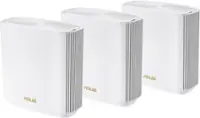
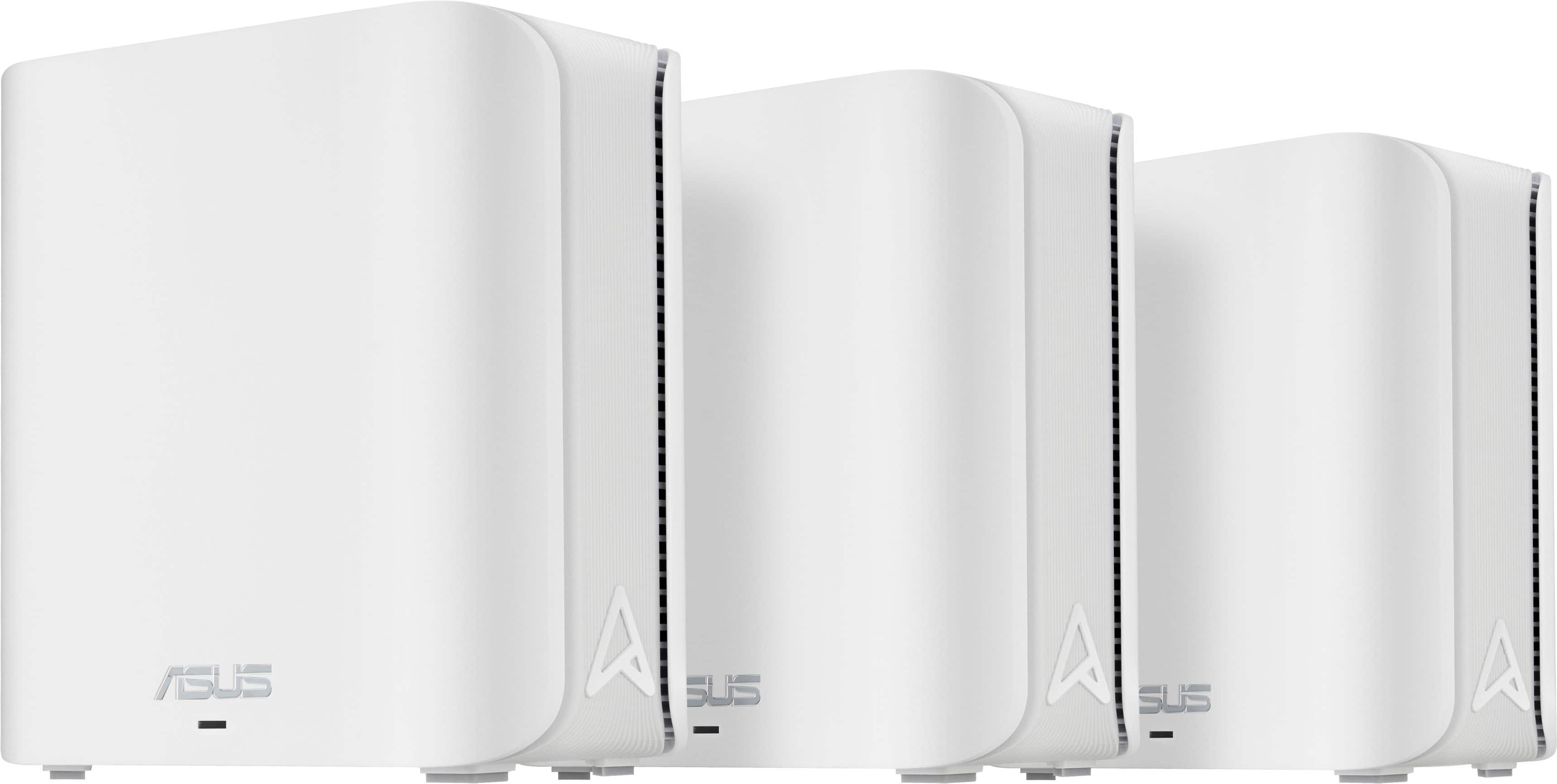
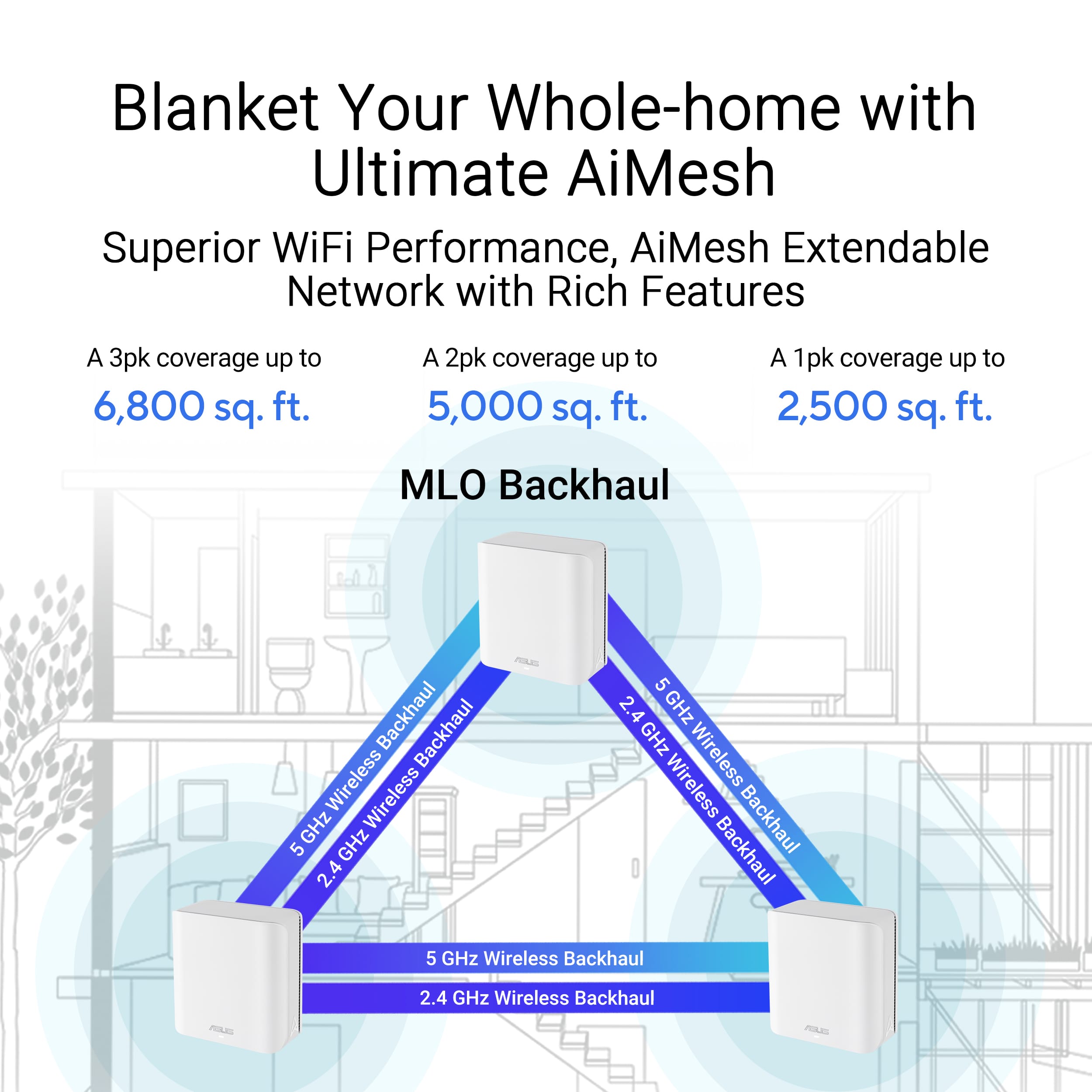
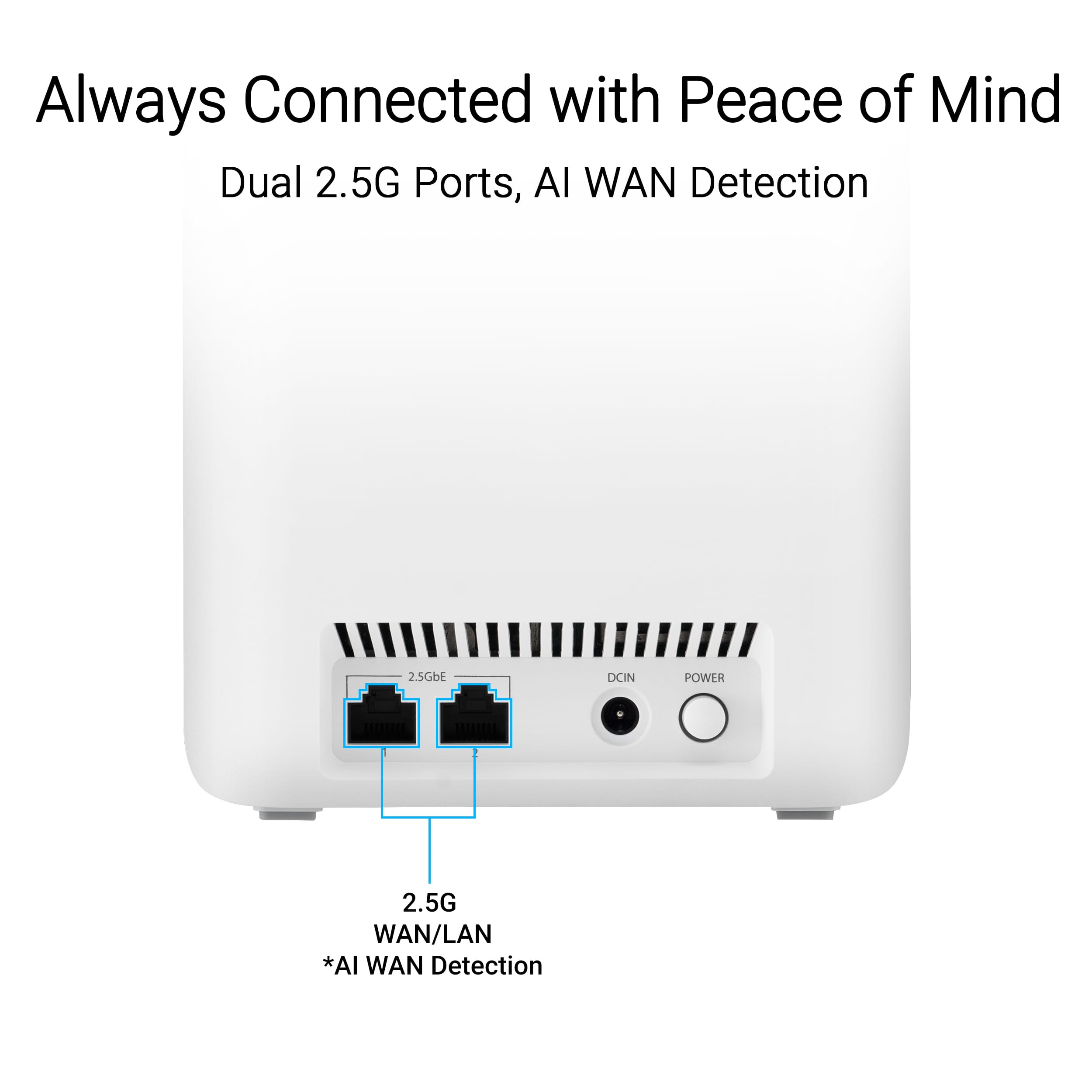
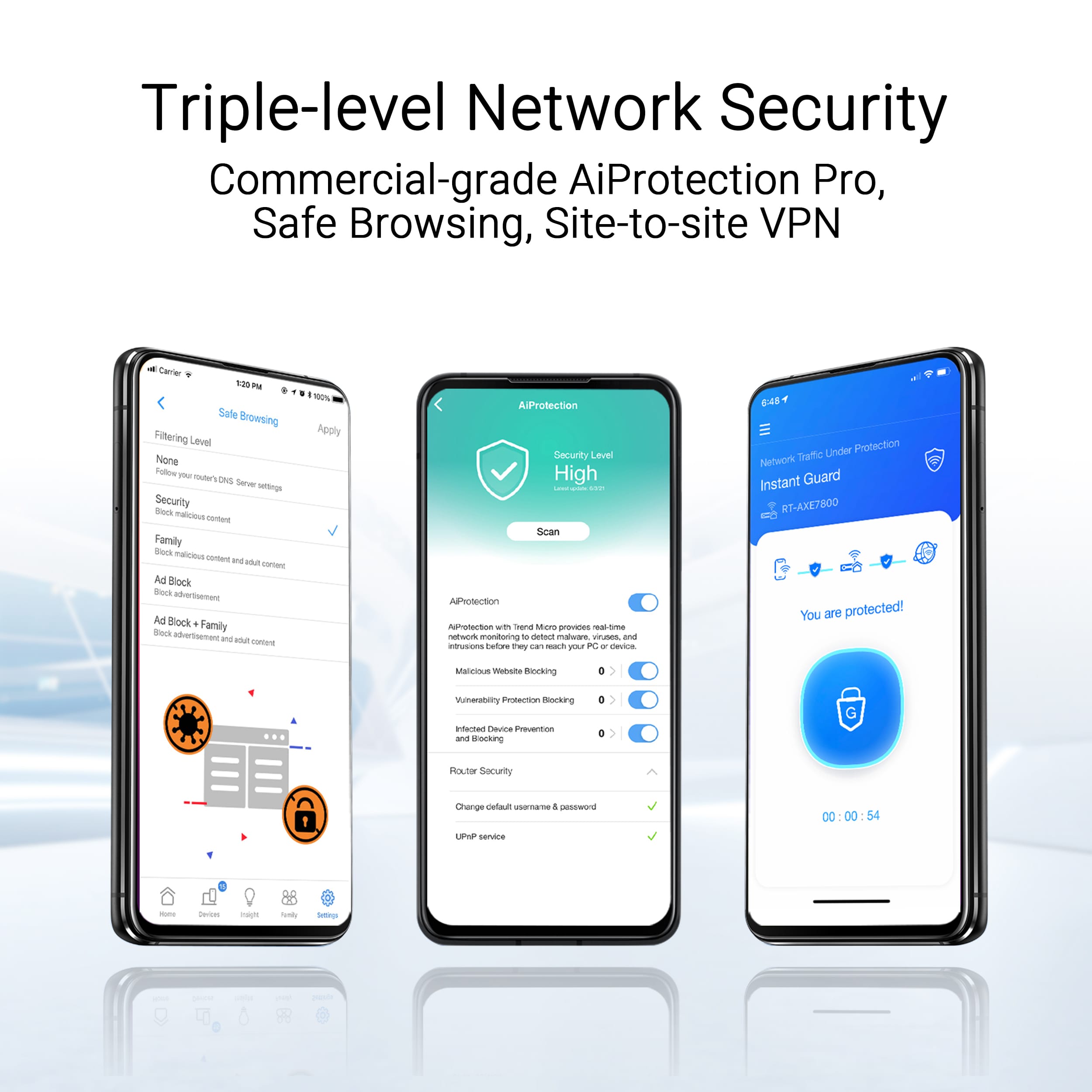
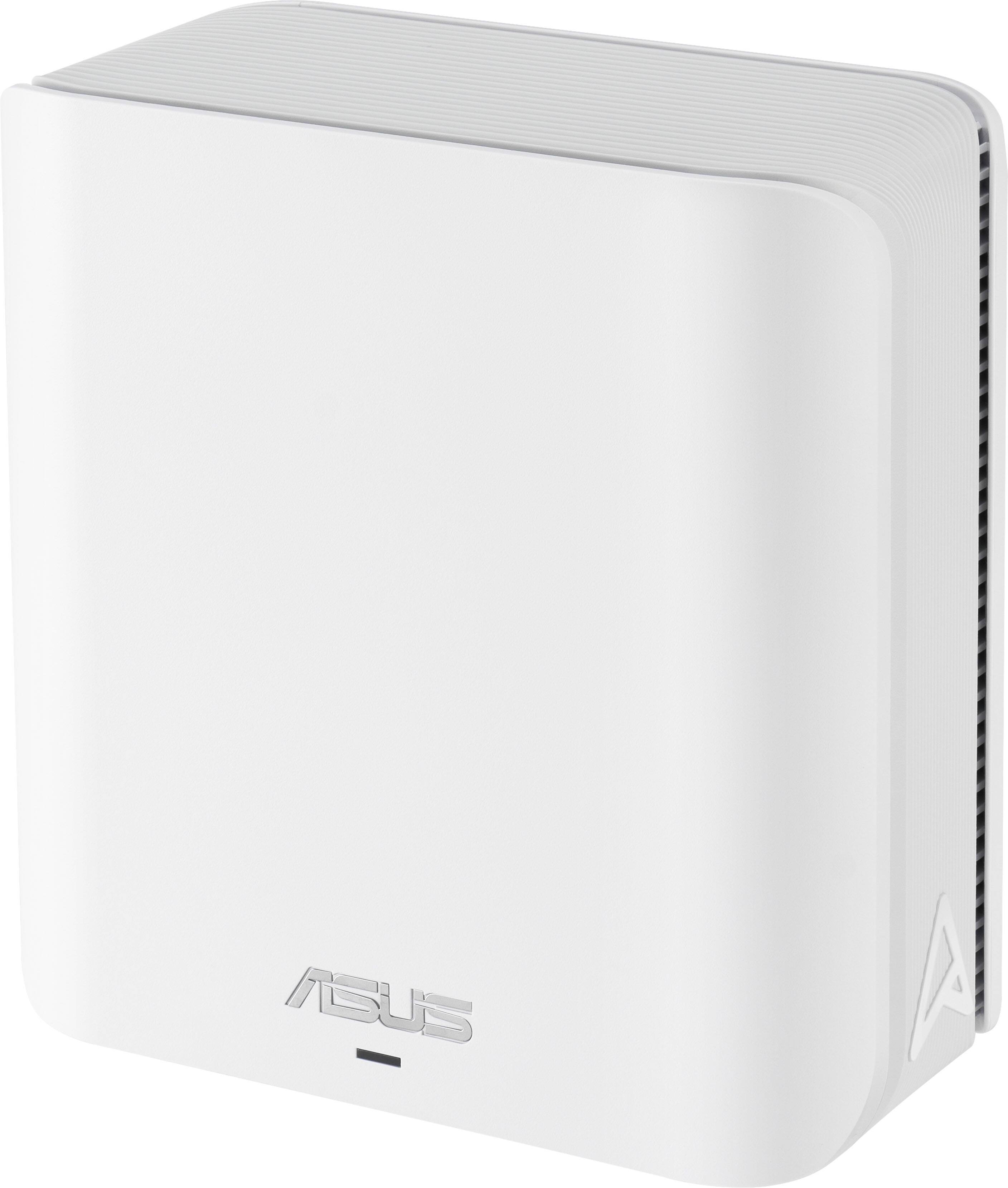
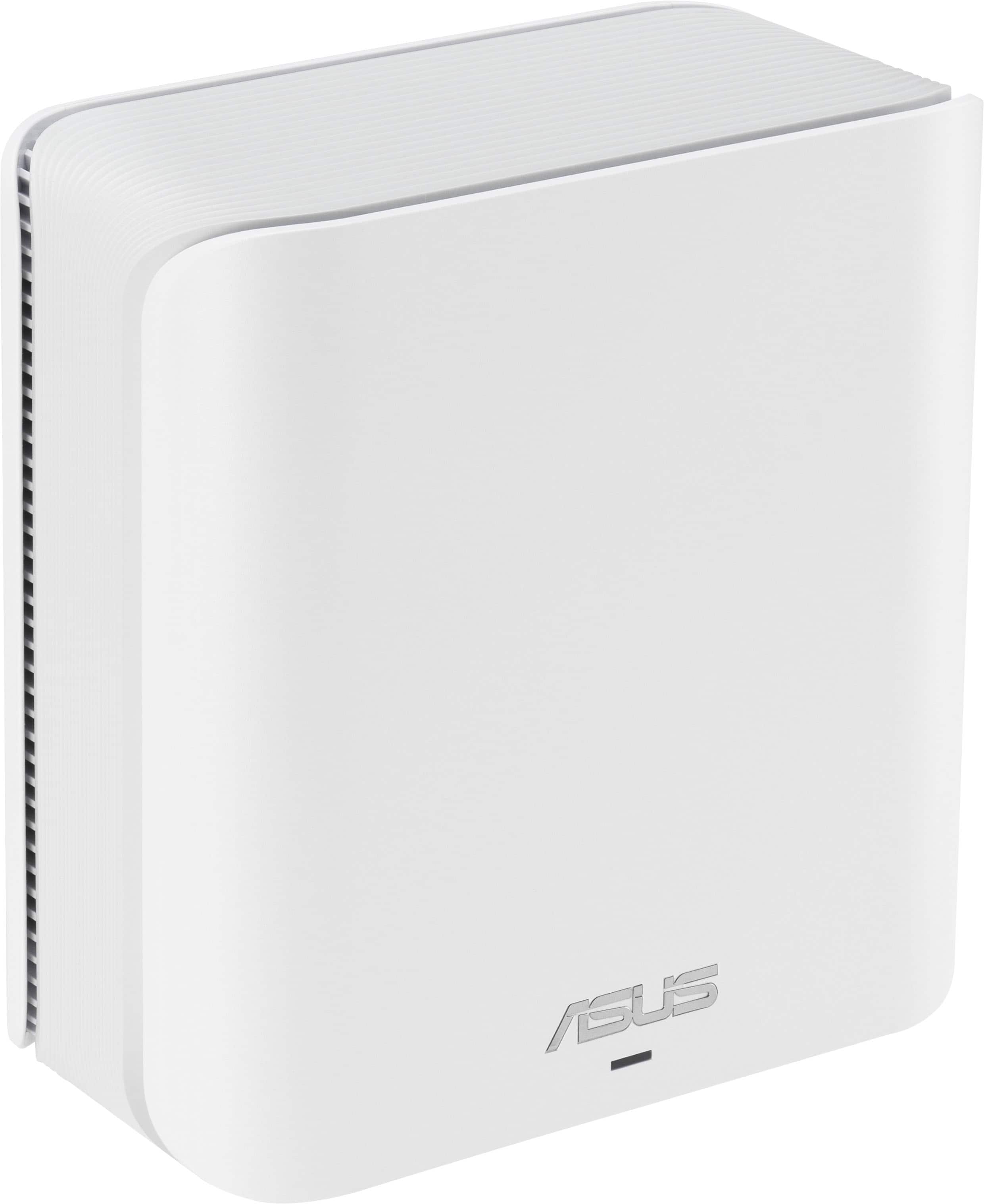
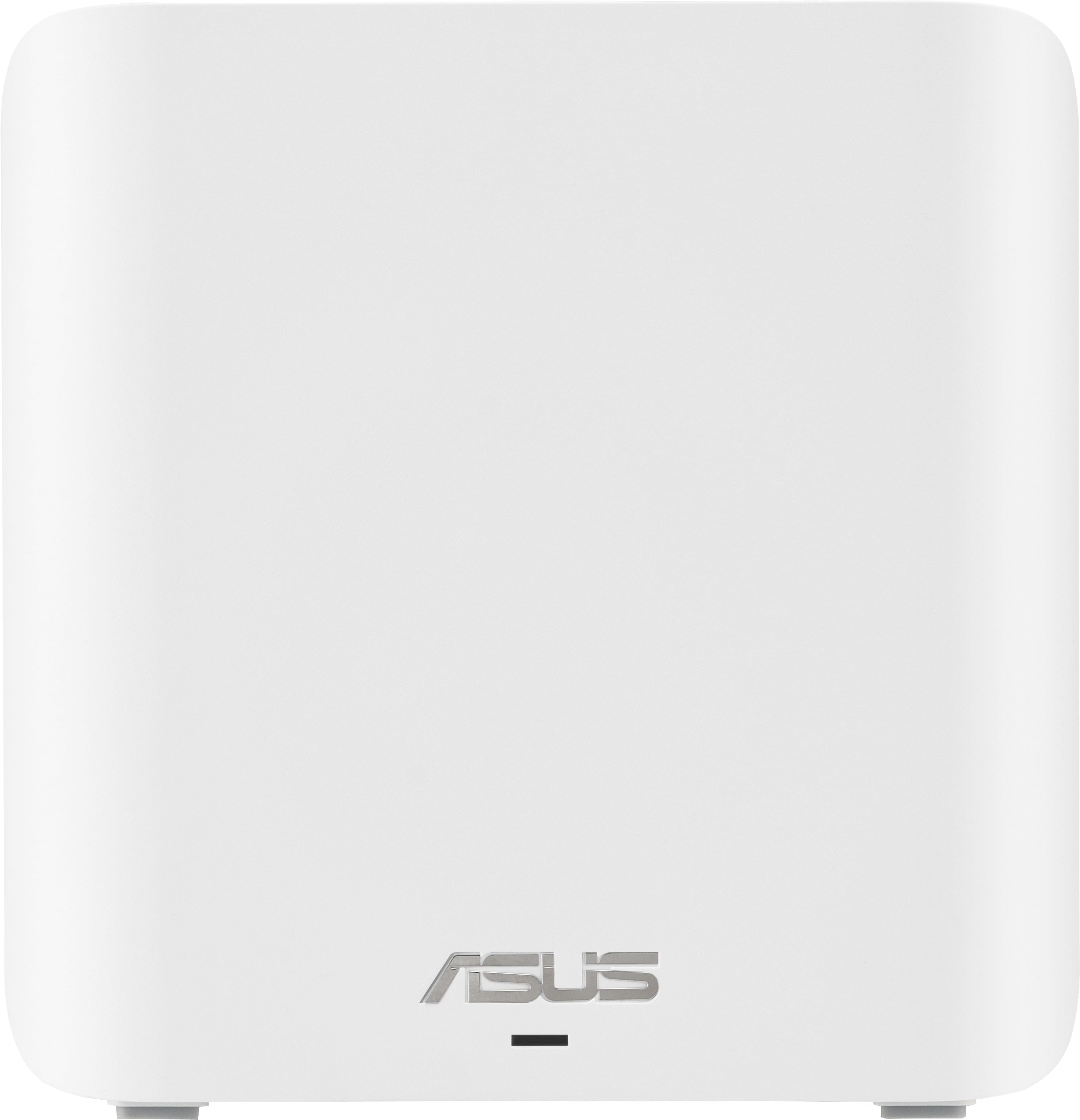
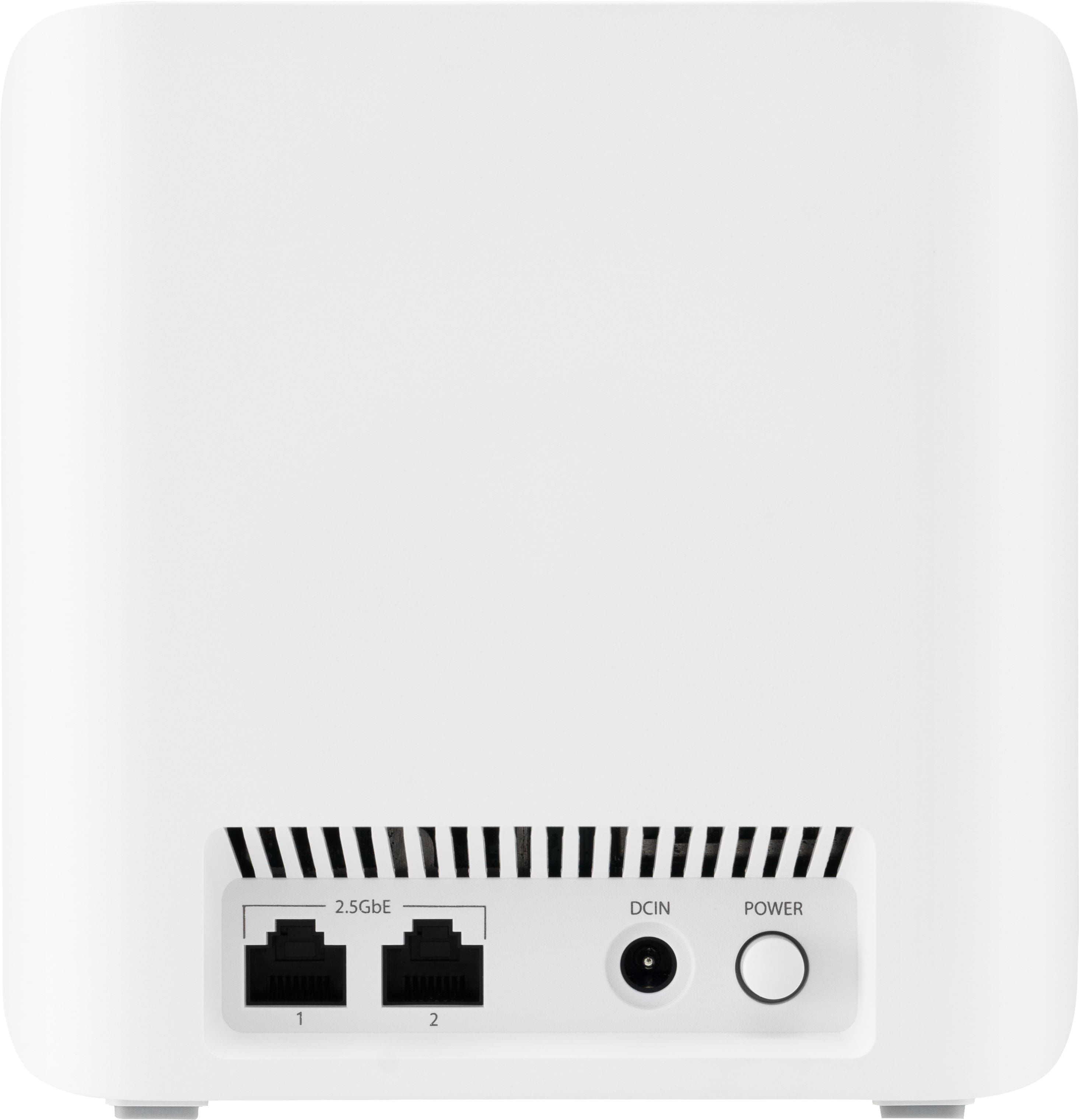
|Posted .This reviewer received promo considerations or sweepstakes entry for writing a review.I have used mesh routers in the past and have liked them. Since my older mesh router is only a WiFi 5, this was something I knew I needed. I like the style and color of this router. The antennas are internal and the router is white. It looks great on my TV stand and gives me more room and doesn’t look as cluttered. Setup is not very difficult, as long as you follow the directions. Make sure to start with the node that has the sticker with “Hi, I’m Main Unit, start with me” on it. This is the node you will connect to your modem. You will also need to download the Asus Router app to your phone. Once you have your main unit hooked up to the modem and plugged in, just follow the instructions on the app. The app lets you update firmware, set up a VPN, manage your nodes, set up guest access and can even help protect your devices with network security. This system states it covers up to 6800 square feet. I have about a 2200 square foot home with two floors and have a weak signal upstairs. With this system, I have had no problems and the speed is MUCH quicker up there. I placed my main node on the first floor next to my modem. The second node is at the top of the stairs, on the other side of the house. My third is in my garage, where the signal was pretty much nonexistent. I now have a great signal and speed throughout the house and even into my yard and patio. As this system is WiFi 7, I have found that all of my smart lights and smart speakers seem to react quicker. My newest laptop has a WiFi 7 card and I am so pleased with the internet speed I get on it. I usually run about 150 – 170 MBPS and with this system, and now I get around 250 MBPS. I can actually play games while using the WiFi instead of being hooked up with an Ethernet cable. The only downfall I have is that each node only has 2 Ethernet ports. If you have quite a few things that need to be hooked up via an Ethernet cable, you will need to get a splitter, unless you scatter things throughout your home. Personally I like having all my hubs in one area. I highly recommend this mesh WiFi 7 system for coverage, speed and it looks great under my TV.
I would recommend this to a friend - Pros mentioned:SpeedCons mentioned:Connectivity
Feature packed, but give slow WiFi
|Posted .This reviewer received promo considerations or sweepstakes entry for writing a review.A mesh wifi system should, in theory, be better than a single unit. That’s not been my experience with ASUS’s ZenWiFi BE5000. It does a lot of great things, but falls short in its primary role of providing high bandwidth across a wide area. I really like ASUS products and I wanted to like this one. Their products are feature packed at a reasonable price. The BE5000 meets or exceeds that definition. You can configure it with Nord VPN or other commercial providers so your streaming stick or TV can appear to be in Japan, Canada, or in the US. The VPN can be tied to a specific SSID (Network name) so you can easily toggle back and forth. That said, you can’t select a specific server or city in the router interface like you can with some other manufacturers. This will also act as a VPN server with services such as OpenVPN, so you can router your phone or PC traffic through your home WiFi and add security to your public connections without paying a monthly fee. Similarly, you can create separate networks for guests or for IoT devices. This segregation is useful for network security and for performance reasons. On most routers, keeping IoT and other low bandwidth devices allows the other SSID to run significantly faster. A known issue with WiFi in general is that your speed is limited to the slowest device on the network. While on other routers, the separate network allowed me to connect WiFi 7 devices at full speed (1+ Gps), this router limited my phone and my PC to a mere 80 Mbps. Without using a separate network, this dropped to 60 Mbps. Admitly, this was a slight bright spot as my single position router was only delivering 25 Mbps in a far flung room in the house. The mesh router was arguably better on the slow side. That’s not really why I’d buy a router with the latest features, though. Overall, I’d recommend a mesh system from TP Link, Netgear, or Linksys in place of this ASUS. Not all WiFi 7 routers are created equal. I’d love to recommend this ASUS router based on the features alone, but at the end of the day a router’s core job is to deliver internet service. This just doesn’t get the job done.
No, I would not recommend this to a friendBrand response from ASUS Answers
Posted .Dear Dan0Sterling,
Thank you for your feedback
We do understand your disappointment with the product and the inconvenience this may have caused if you are experiencing connection problems. If your IoT devices are legacy devices, these may not work properly with WIFI-7, please check updates for these devices. Also, try connecting these manually to either 2.4GHz or 5GHz. Also, we recommend updating the Mesh router firmware if it is running with an older version. Firmware is available for download at: https://www.asus.com/us/supportonly/zenwifi%20be5000/helpdesk_bios/ . Should you need further assistance with the product, please email me at [email protected] and I would be more than happy to help. Or, you are most welcome to call Product Support Hotline at: 1(888) 678-3688. Also, you can chat with an ASUS live support agent from the link: https://www.asus.com/us/support/article/1135/.
Thank you for choosing an ASUS product.
Regards,
Rodel
ASUS Customer Loyalty