Customer Ratings & Reviews


- Model:
- ZenWIfi BE5000 3-PK
- SKU:
- 6594274
Rating by feature
- Setup
Rating 3.5 out of 5 stars
- Range
Rating 3.8 out of 5 stars
- Signal Strength
Rating 3.8 out of 5 stars
Customers are saying
Customers find value in the ZenWiFi BE5000's speed and coverage, with many reporting excellent speeds from the main router and ample coverage for their homes. The performance, range, and signal strength are also generally well-received. However, some customers have experienced connectivity issues and difficulties during the initial setup process.
This summary was generated by AI based on customer reviews.

WiFi7 mesh system for whole home internet
|Posted .This reviewer received promo considerations or sweepstakes entry for writing a review.I was hoping to extend the range on our current wireless router to further in the backyard, while our current router works amazing at indoors coverage I was hoping to get extended range with this mesh system from Asus. We use Verizon whole home Internet so on average the speedtest app reports over 350mbps, so I know we get reasonably quick ISP speeds constantly. Set up - out of the box all 3 devices look very similar with only one designation, a small sticker than says primary unit start with me. The other two nodes are have nothing to designate they not the primary. Every one has the exact same connection options and single power cable. Quick set up guide is very basic so having some exposure to networking would be a plus. I did not reach out to any support when setting up. There is helpful LED indicators on each device that aids in successfully setting up the system. One thing I did notice was any updates or changes to settings, even power cycling a node takes quite a few minutes to formalize and have the node/system come back online. Performance and Compatibility - Big show out or high five to Asus for a well designed app and provide tons of both real time data and setting details. Might be the best one from the major brands that I have interacted with. I cheated and disabled the SSID on our existing wireless router to try and simplify my set up and most devices connected without any issues. I ran into some challenges with the default set up recommending I create a IoT network SSID. Our front door video doorbell did not like connecting to the standard network and other “smart” devices often had connection issues. I deleted this network profile and still had some issues where when you searched for the wireless network it wasn’t visible on certain devices. Ultimately, I choose to split the ISP signal with both wireless routers because I only needed the range for streaming further in backyard. For all other day to day, we reverted back to the other router and it seemed to fix some of the connection issues. Full disclosure, I didn’t fully research some of my issues because of the options I had to fall back to. I am VERY happy with the Asus product and feel someone who would see it through would be happy with end results. I did see an increase in signal strength vs a few year old Netgear Nighthawk wireless router. Again, I was very happy with how that existing router supported our family of 4 and all our devices and streaming/working from home. This mesh system allows you to stay fairly basic if thats all you require and will provide you outstanding signal strength. If you need to customize or prefer to stay away from default settings this system allows you tons of neat security and design functionality to support as specific settings you choose to utilize. Signifiant bang for your buck when it comes to comparing to other comparable products.
I would recommend this to a friend- Pros mentioned:Coverage, Speed
Increased coverage and stronger signal
|Posted .This reviewer received promo considerations or sweepstakes entry for writing a review.This ASUS ZenWiFi BE50005000 was a massive upgrade and well worth it. It was replacing a much older router that had always worked well and reached every area of the house, but was starting to have issues. Since it was much older technology, many things interfered with the signal in certain areas, and we really wanted something that would reach outside further with a strong signal. We knew that a mesh system would be best as the house is a "U" shape and the router was in a front corner of the house, and the house is 3,200 sq/ft. This ASUS hit all the minimum specs I wanted. Setup was nearly seamless. I plugged them all in and downloaded the app, chose the system and it started setting up. The only speedbump was that it didn't connect to the internet right away, which was normal. I've set up many routers and mesh systems and this has happened before. I had to power cycle the modem twice for it to connect, but once connected it was awesome. The speed and coverage are everything that we wanted and expected. I took the 2 satellites to the opposite ends of the house and now we have a strong connection everywhere in the house and outside like we wanted. I would recommend this ASUS - ZenWiFi BE5000 to anyone.
I would recommend this to a friend - Pros mentioned:Range, Speed
Enabling IPv6 made it perform flawlessly
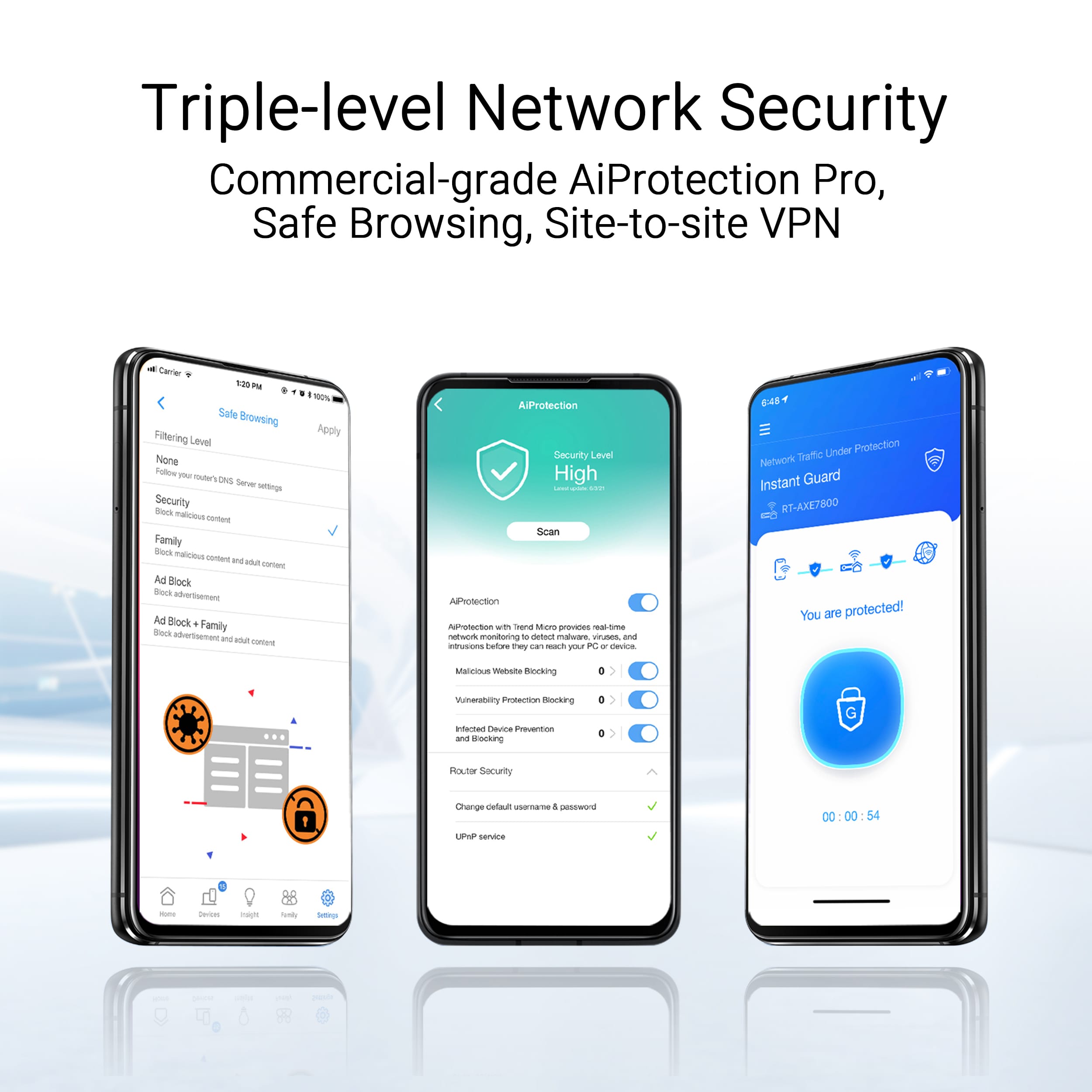
|Posted .This reviewer received promo considerations or sweepstakes entry for writing a review.I really love Asus over most other brands I have used with routers that are geared towards home users, I believe they have a good balance of an easy to use set up but the ability to do some advanced configurations that I want. With that said there is one main issue that I have for recommending Asus to people that have no networking capability at all. I have Xfinity for my internet provider, so your experience may vary depending on who you have. However, directly out of the box it had an extremely hard time finding an IP address and even said my internet provider’s DHCP wasn’t working properly. I changed the DHCP mode to normal from aggressive which worked the first time. However, we had a power blip and it stopped working completely after that. I started looking in the settings again and I went to the IPv6 tab was separate and had WAN settings in it, once I enabled IPv6 it has worked flawlessly since. I feel like this is something that should be enabled by default. Now to what I love about this. It is not locked down. Several of the newer mesh network systems are locking settings period or behind a paywall that is subscription based. Family settings among the chief of the paywall settings. I find this annoying and would only recommend those type of ones to the most tech illiterate. I love that I have control over my network versus paying a company so that I can access my network fully. I also love that my I can access the routers from my desktop and not be told that I can only use my phone. I do almost everything phone first including some configurations but sometimes, desktop access is just nice. Also, for any advanced settings the desktop web configuration just works better. This router has an excellent balance of app configuration and web configuration. One feature I really enjoy is the instant guard feature/app. It sets up a VPN between your phone and home network. It is a simple, secure, and free way to add security to your phone versus paid VPN services. There are other ways to get this done but it enables almost anyone to be able to do it. Also, if you happen to have Xfinity TV and like to watch the local football games (because you only pay for basic) that are one the local channels; those are only available to watch on Xfinity Mobile app thing if your on your home Wi-Fi, or if you happen to have this feature turned on. There is some fun stuff you can do with VPN as well, if you have something like NordVPN or want to set up a connection using OpenVPN to one of the free ones out there you can create a dedicated SSID that is VPN protected or just assign specific devices to that VPN, the way this could get useful is if you have two homes with TVs (lake cabin or something) but want to use something like Hulu at both of them, you could set up a dedicated IP with NORD and create a VPN profile at both places to point to that same IP address and you would get around the issue of not being able to use your subscription at both of your homes. There is simplified QoS which allows you to drag the priority of the type of devices that you would like to have priority. I set Work From Home first and then streaming devices and so on. I also love that I can have a multitude of Wireless LANs. I set one up that mimics my old Wi-Fi so that everything would just connect, then I set up an IOT one and two new ones and am separating the kids, adults, and smart devices. Chromecast worked great from the main to the IOT network. Overall, this is one of my favorite mesh systems once I figured out the IPv6 issue. I love how simple it is but powerful it is at the same time. I would easily recommend it, just remember to enable IPv6.
I would recommend this to a friend - Pros mentioned:Range, Speed
No More Dead spots, Full Speed Ahead, Easy Setup
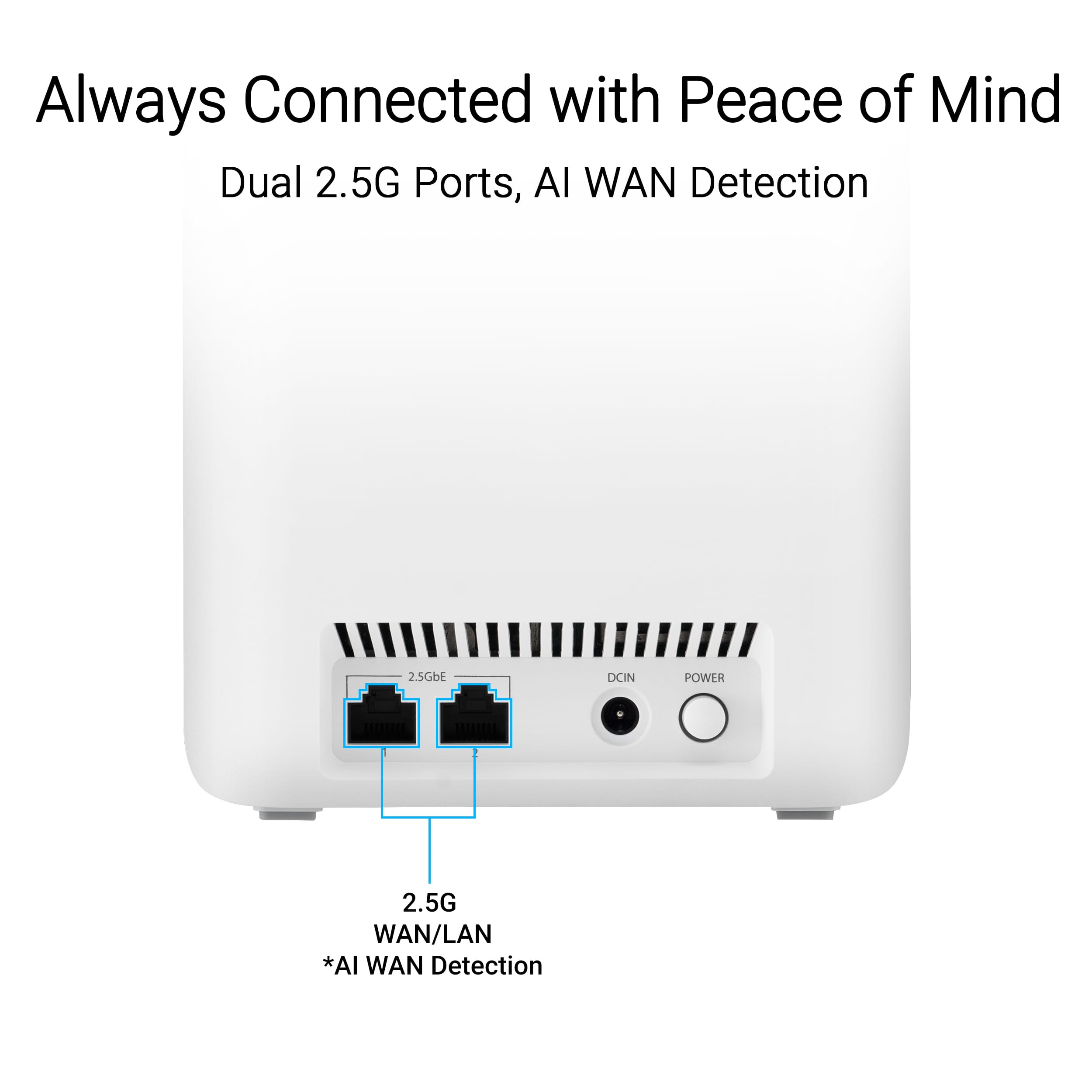
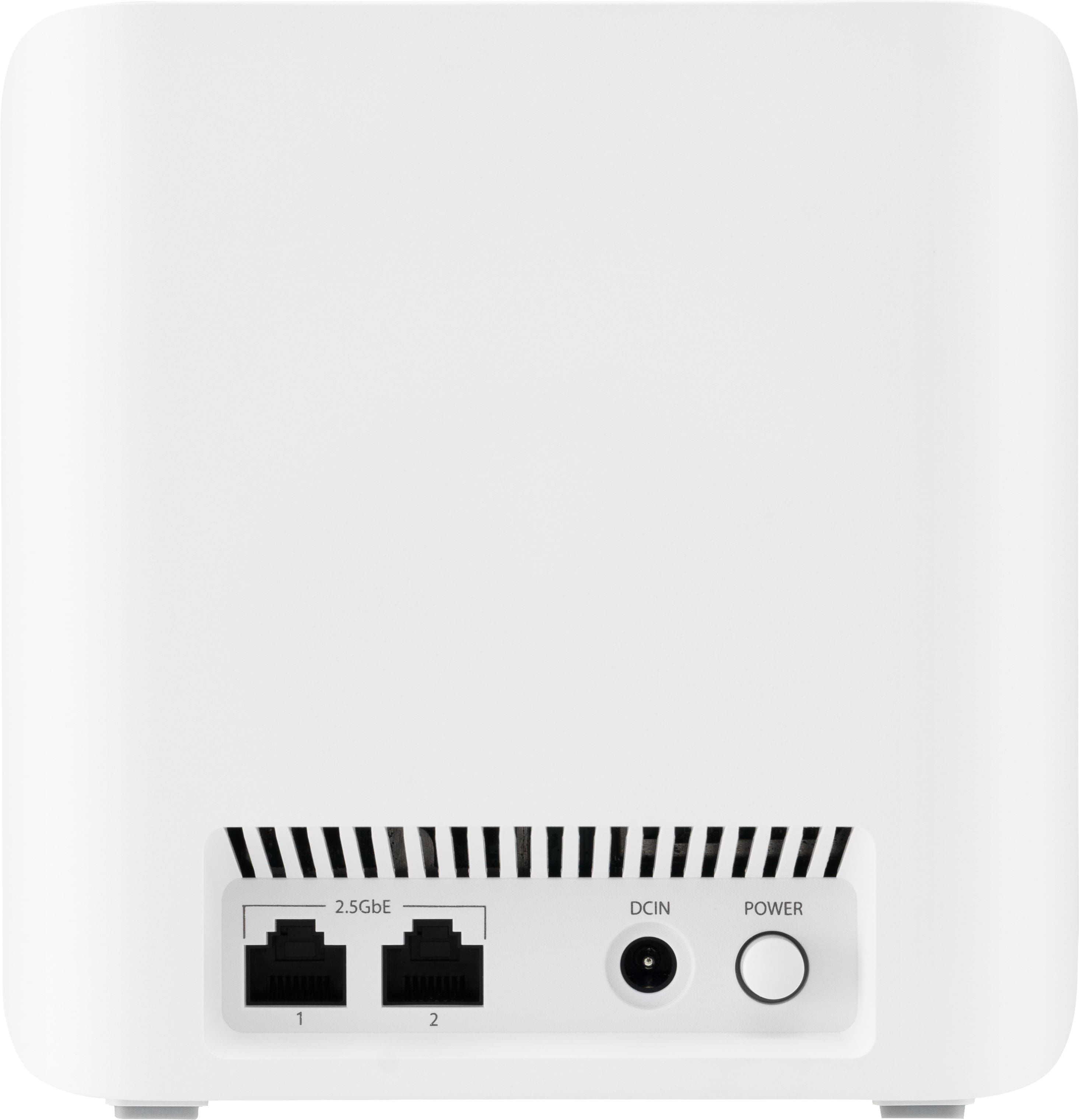
|Posted .This reviewer received promo considerations or sweepstakes entry for writing a review.I read the instructions and found the setup easy. There are 3 nodes, one of these nodes has a sticker with “Hi, I’m Main Unit, start with me” on it. This is the node you will plug your cable modem into, and this will function as your router. Be sure to unplug the power to your cable modem before you swap the new router in and begin setup. Then power up your modem and new Asus router and allow a minute or two for them to bond. Your cable modem lights will indicate when this has occurred. Each node has two RJ45 network connections. The first node setup as a router will use one to connect to your cable modem leaving one available. You can use these jacks to daisy chain the three nodes to each other using CAT6 or higher network cable. This is useful if your home has challenging features for Wi-Fi to get through, such as a centrally located masonry fireplace, or a masonry wall from an addition. Or you can connect a PC, a printer, NAS, or in my case, a VOIP telephone from work that worked perfect. Two ports are usually more than most people need. But if you are one of the few like me who need more, a small inexpensive 5+ port switch can be plugged to any or all nodes to provide more ports as needed. The higher the speed the switch supports, the more it will cost. Wired Speed is 2,500 megabits per second and Wi-Fi Speed is a staggering 5 gigabits per second, this is far more the fastest speed offered by most home ISP’s, 1 to 1.5 megabits per second. Probably overkill for most home networks today where access from a device to the Internet is all that is needed. But in a large home or home with obstacles to Wi-Fi, you tend to lose speed, sometimes allot. With this much bandwidth you can lose over half your speed to Wi-Fi and still get all your ISP can provide. This speed is also great if you are backing up to a Network Attached Disk or sharing files with another PC on your home network. This high speed will allow for very fast file transfers or backups. For devices that support speeds over 1gbps, be sure to use CAT6 or higher network cables which supports 10 gbps speed. CAT5e only supports up to 1 gbps, lower numbers even less. My Last router cost $500 and it worked great, except for my office at the far end of the house on the floor above my router. Three walls with metal ducting, plumbing pipes and electrical wire on top of the distance was too much to get the bandwidth I pay my ISP for. The speed was barely adequate, and there was the occasional drop where my apps would just pinwheel waiting for the signal to come back. I also was never could use my IP phone in my office. I’ve been on the verge of running a CAT6 cable to my office, but the layout of walls in my house made that a daunting task. This Asus mesh solved that issue, With the three nodes spread out over two floors I am able to get my max internet speed anywhere in my house or yard, including my office. And with a node now in my office, I can use my hard-wired IP phone and share my color laser printer. And both work great, I am getting the full 300 mbps speed I subscribe to from my ISP, my phone calls are rock solid as are my print jobs sent from my downstairs PC. If you cannot connect at full speed everywhere in your house, I recommend ASUS ZenWiFi BE5000 Mesh system. And if your house is over 3,000 or has some challenges that degrade the wi-fi signal. You can hard wire the nodes, or add additional nodes (up to 50!) to reach anywhere.
I would recommend this to a friend - Pros mentioned:Coverage, Speed
Great WiFi 7 Mesh System by Asus
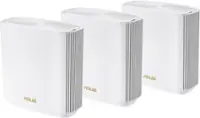
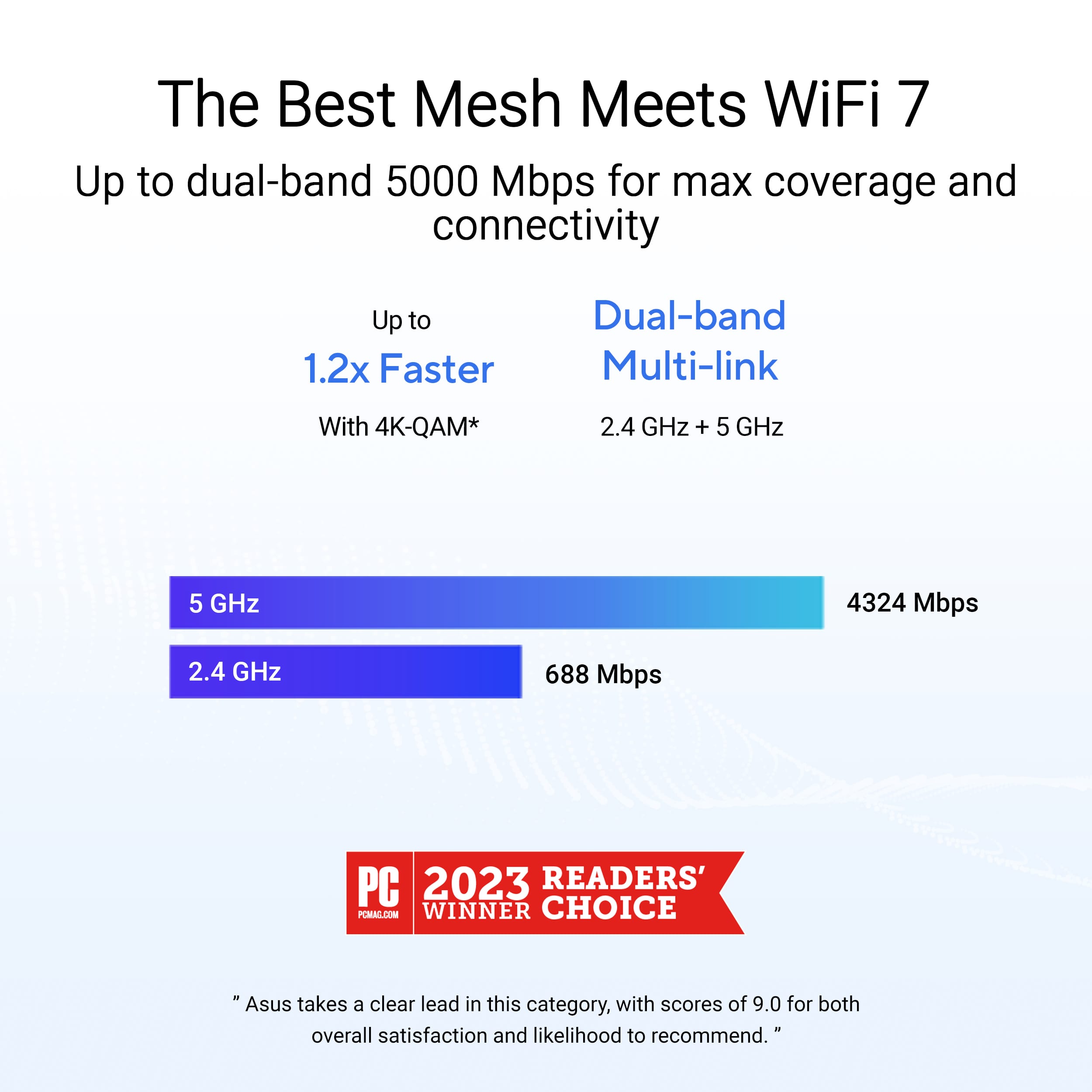
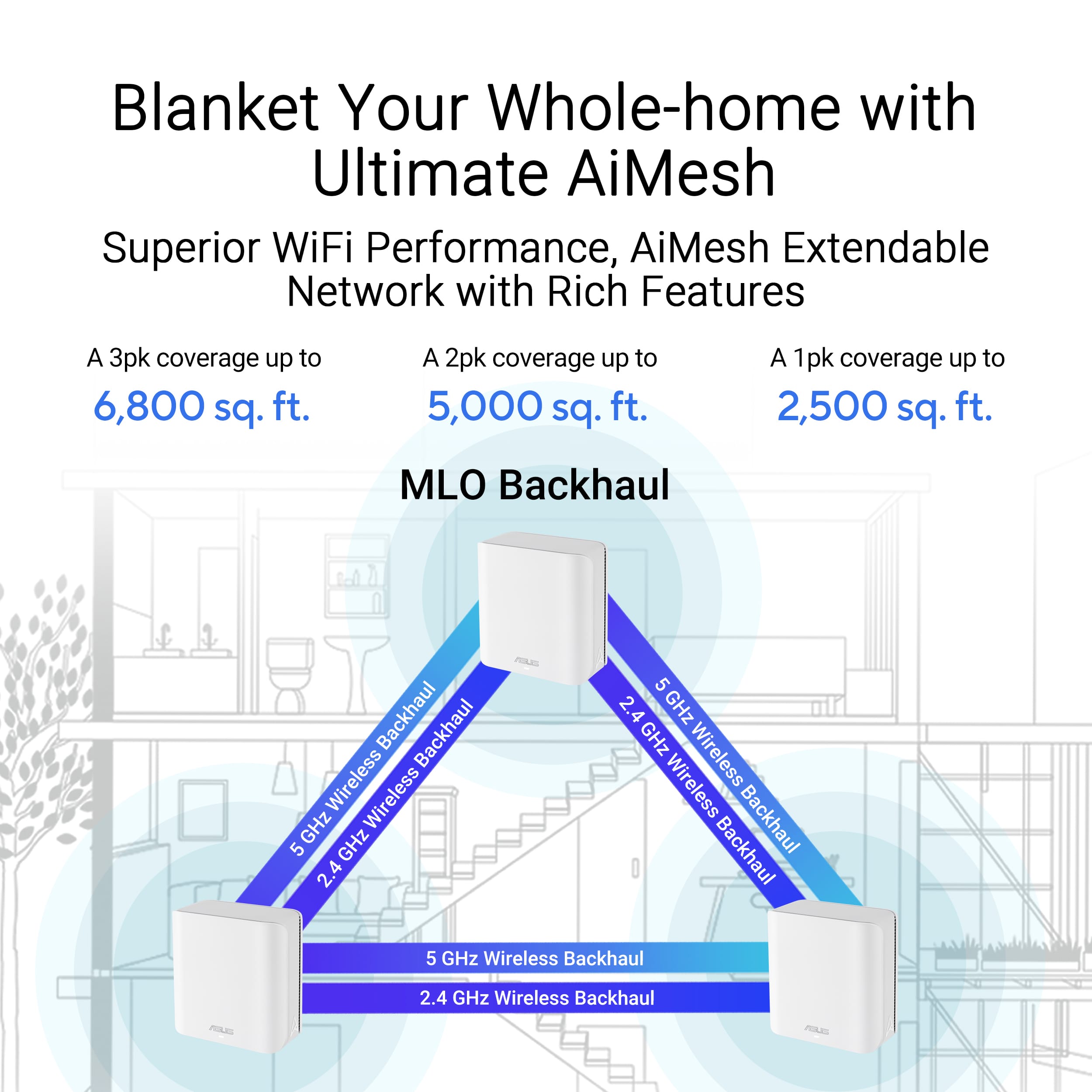
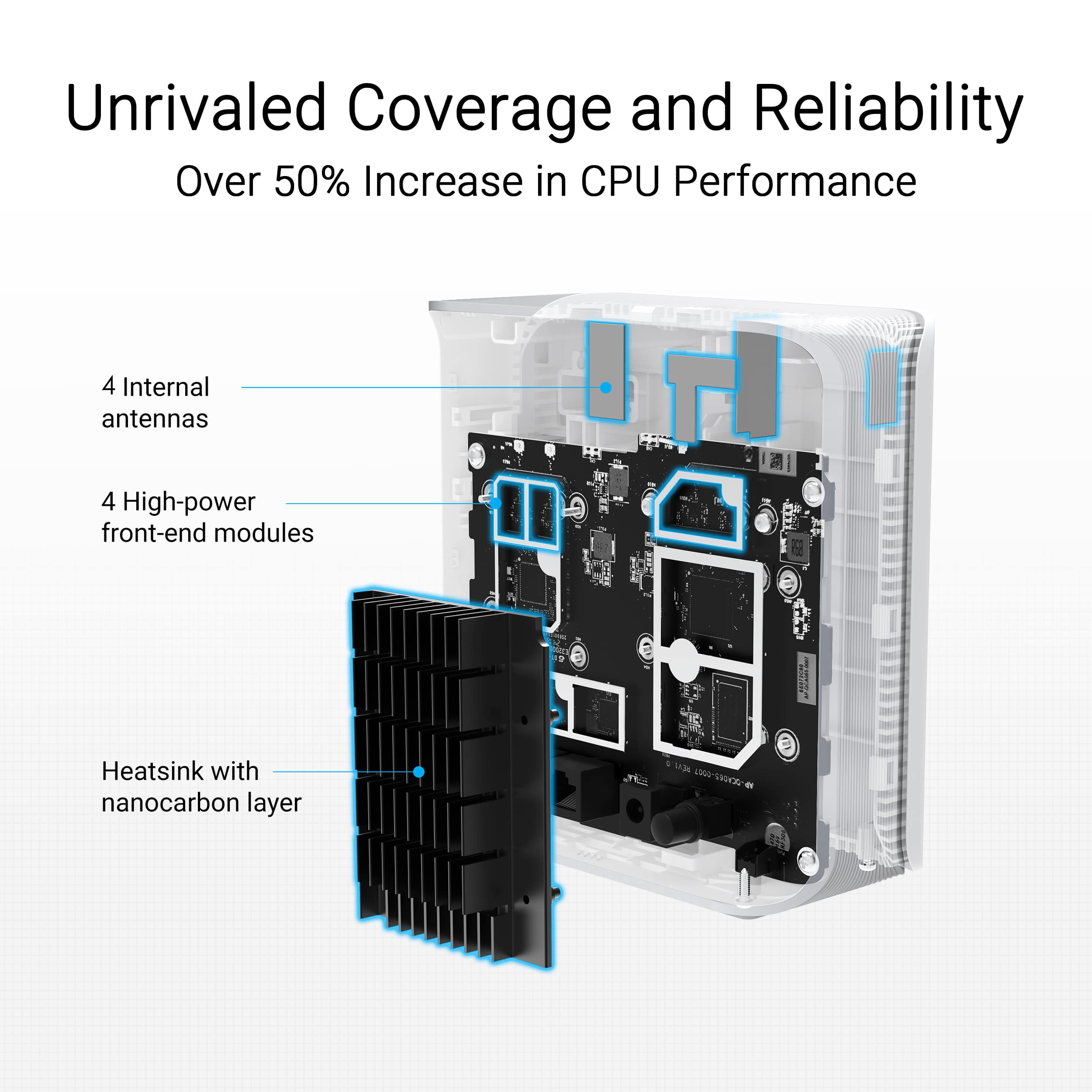
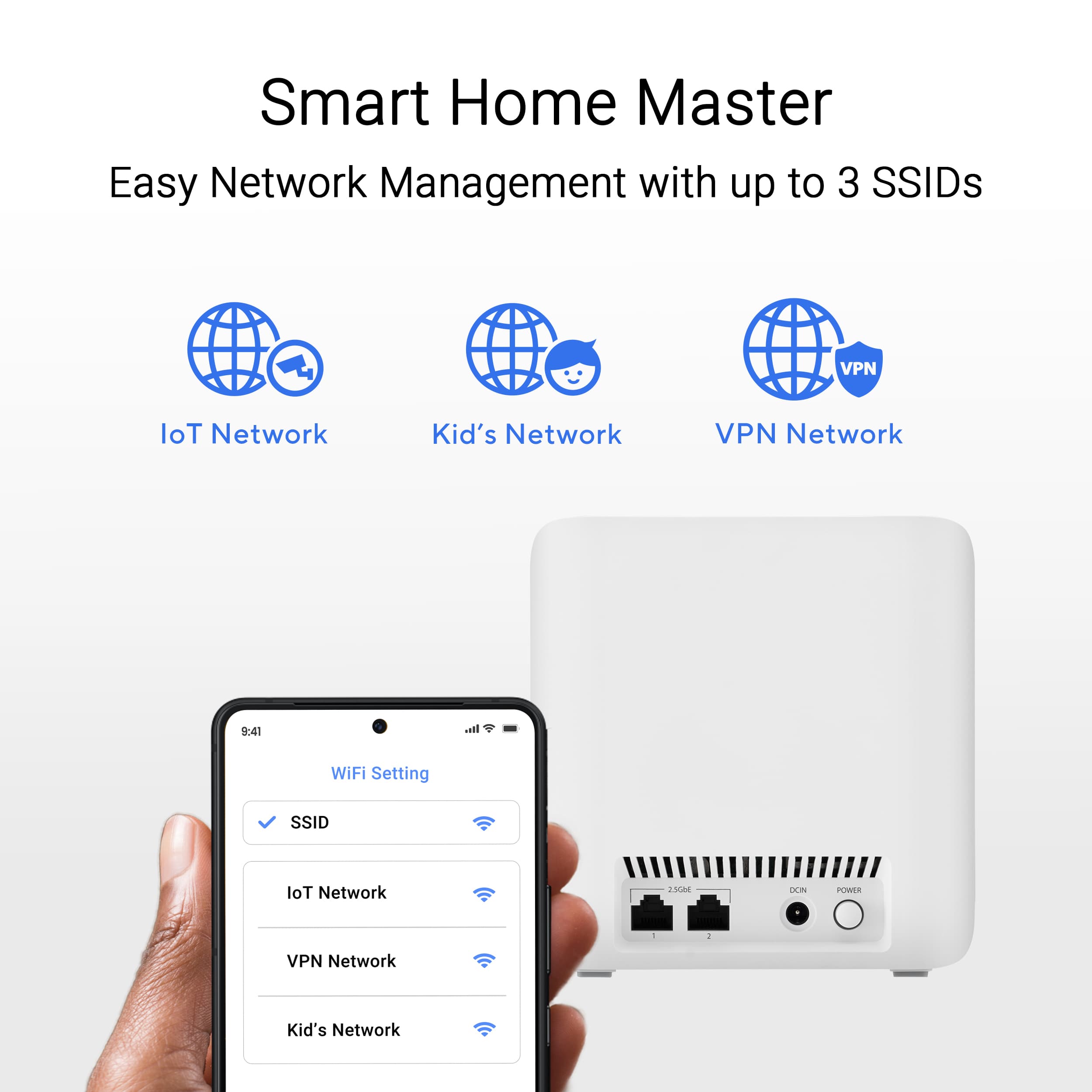
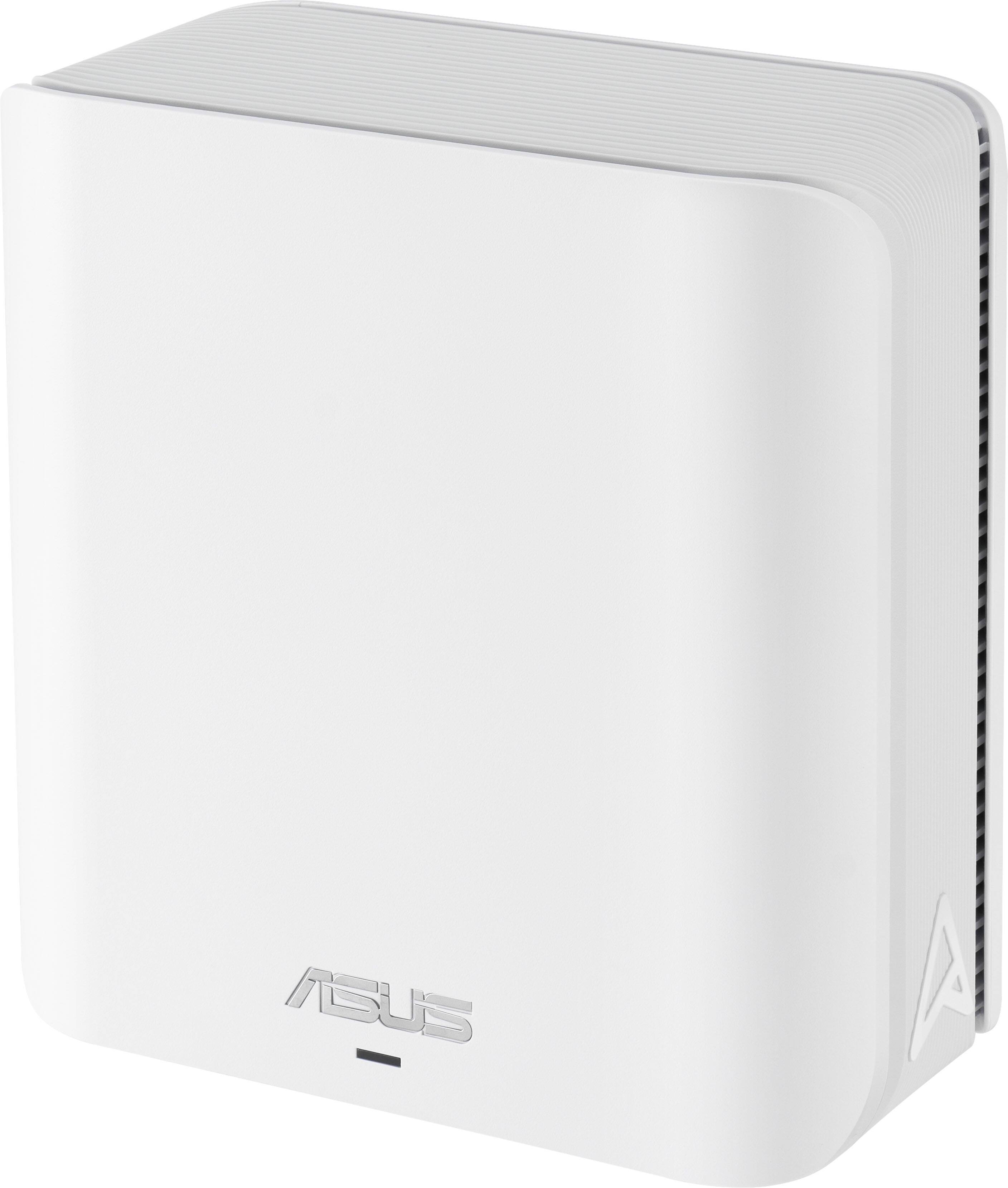
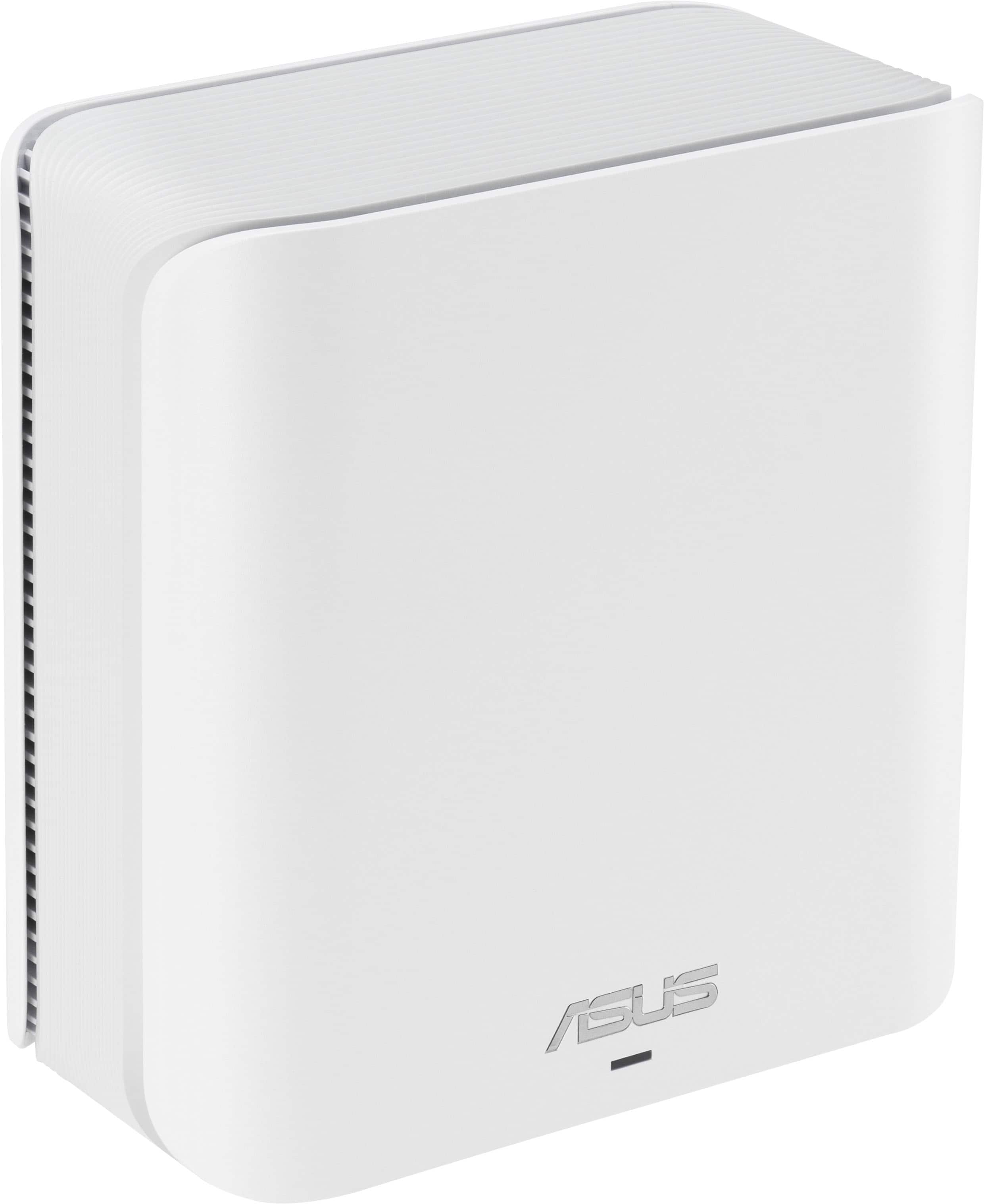
|Posted .This reviewer received promo considerations or sweepstakes entry for writing a review.This wifi 7 Asus router is pretty slick looking, and packs a punch. Setup of the units were pretty straight forward, plug in units, download app install, setup, done. The app you use to setup the router is pleasantly user friendly, the entire time from start to finish of setting up the wifi network and finalizing the firmware updates on all the devices took about 20 minutes. The unit is Alexa compatible, but i'm not sure why you would want to hook this up to Alexa, the only useful feature I could see would be to "voice enable your guest network" the other voice commands seem odd such as to "pause internet" or "upgrade firmware", I cant think of one time I would want another device to control my firmware upgrades, I just prefer to be present on a computer or app for such things, but hey it's a feature and is available if you want to use it. pros fast WiFi 7 [be] (2.4GHz up to 688 Mbps /5GHz up to 4323 Mbps) 4 internal antennas up to 6,800 sq ft of coverage cons None that I could personally find. The app worked flawlessly, everything I needed to setup was right there and worked quickly and as it should. Running wifi speed tests provided steady fast streams, without issues. Overall this mesh router system by Asus feels like a good product. I haven't experienced any drops, nor lag during some online gaming on my laptop, seems to be running fine. The mesh units have 2 2.5gbps ports, which is pretty cool... the 1 on the primary unit is used for your wan connection but the rest can be used to 'semi'-hardwire things so if you're needing something more solid give that a shot. I think if you're looking for a good mid level wifi 7 mesh system, this would definitely be a good one to use.
I would recommend this to a friend - Pros mentioned:Ease of use, Performance
Excellent WiFi 7 Mesh Network for Less
|Posted .This reviewer received promo considerations or sweepstakes entry for writing a review.Easy setup and amazing coverage through the included nodes. This is an excellent starter-level mesh system that brings the latest WiFi standard for less and does so with pretty impressive performance for the price point. Asus actually makes extremely good networking equipment, and with a potential ban on one major manufacturer looming next year, this is an awesome choice for someone who wants a state-of-the-art mesh system without breaking the bank. Setup through the web and app is a breeze. I didn't tweak too many default settings, so perhaps more advanced features may be missing from this model, but I was able to get a home mesh system up and running in no time. I had no issues connecting the main node to my Xfinity Motorola modem. Network coverage, once all the nodes are situated, is amazing. I had to walk into the street, past my driveway, before my phone was no longer able to find the network. Coverage inside the house is great. Provided you deploy one node per floor, your whole house will be covered with a speedy Internet connection. And as said before, getting into the router's settings is made easy by Asus' software. This is a mesh system I can strongly recommend for anyone who's interested in a mesh system employing current WiFi standards, but doesn't need or isn't concerned with adjusting granular settings that are better understood by IT professionals. There are more expensive models for that, but if what you need is an easy-to-set-up, state-of-the-art mesh system, then you shouldn't overlook this. Great right out of the box and minimal hassle. Plus, AI tech is (hopefully) workin the background to ward off threats and maximize network efficiency. Highly recommended.
I would recommend this to a friend - Pros mentioned:Speed
God little system
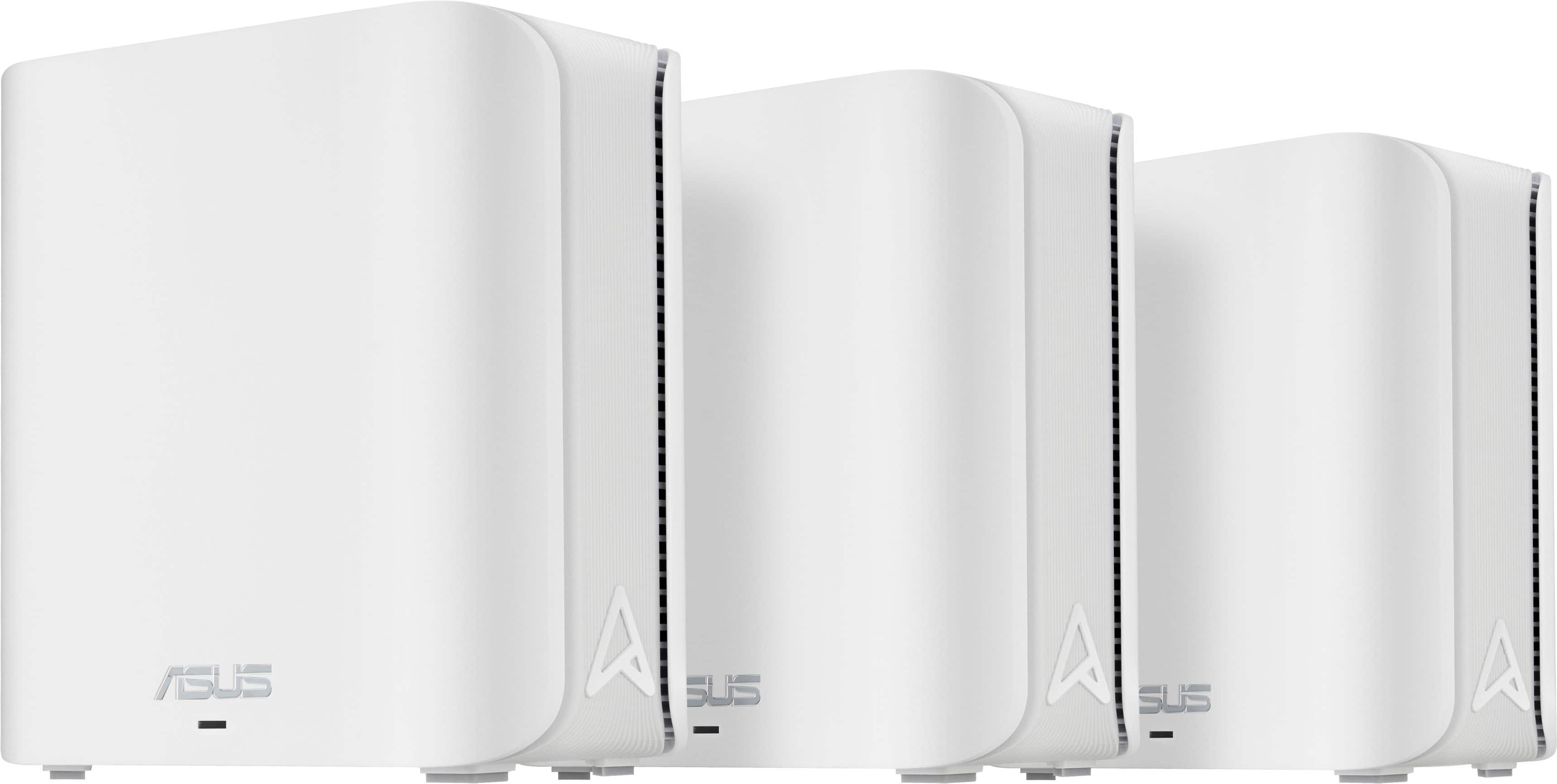
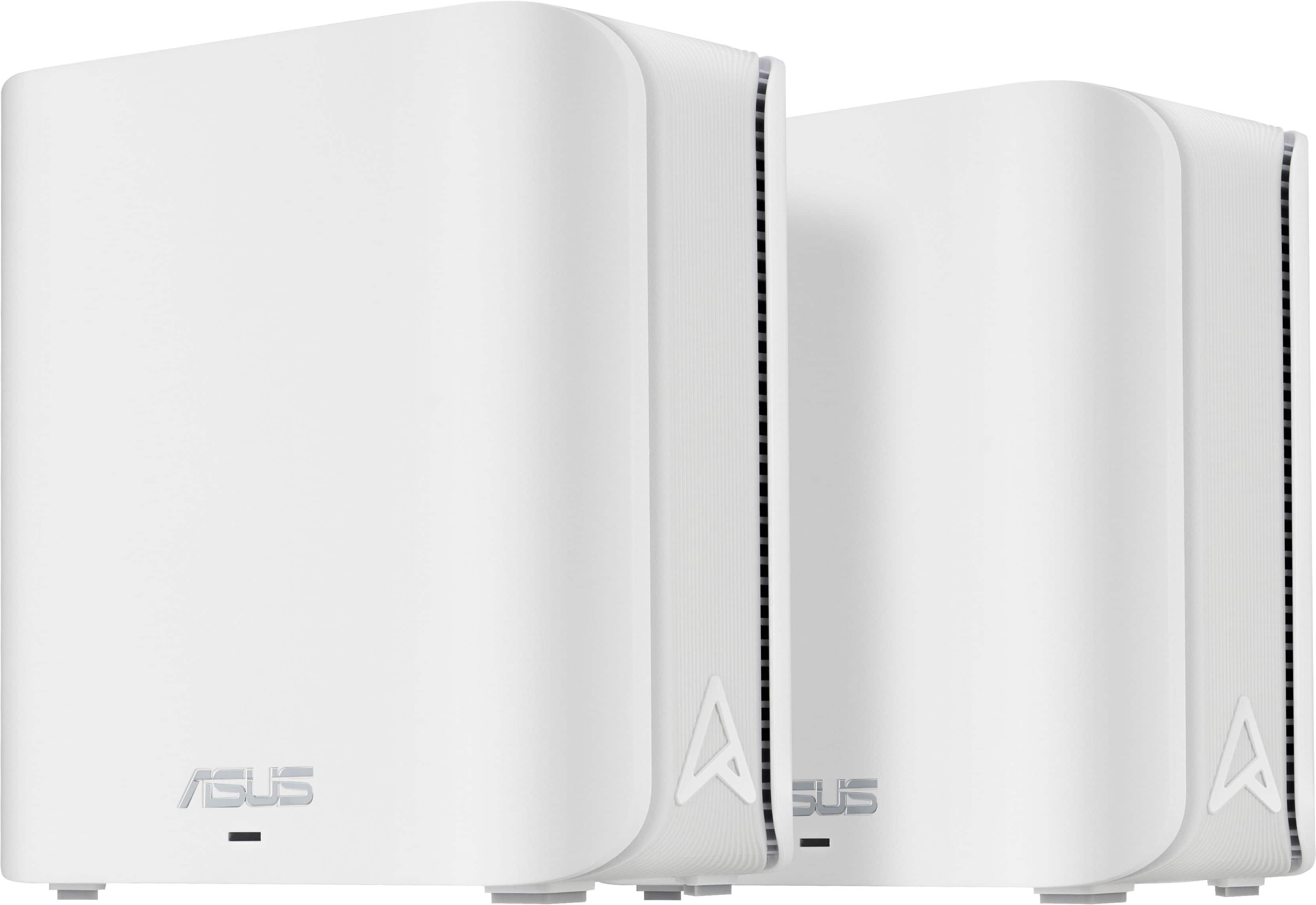
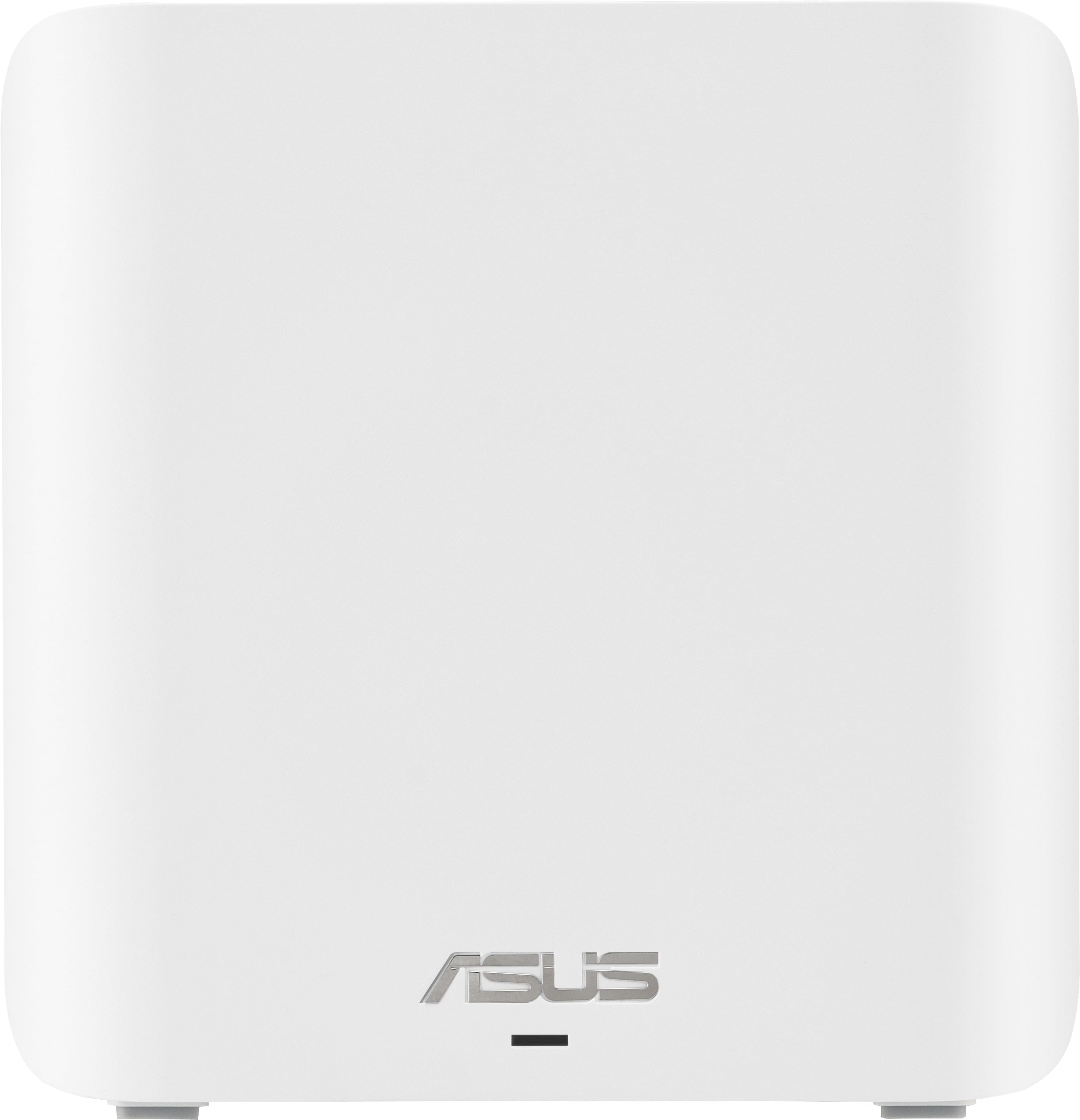
|Posted .This reviewer received promo considerations or sweepstakes entry for writing a review.I have always thought that these mesh wifi systems were a bit overkill unless you have a huge house but I was wrong. The design is pretty simple, small white square like body for each piece(router and satellites), bright white in color and bright lighting for each function. While they don't match my decor, they also aren't an eyesore. These were also packed well in the manufacturer box, which is good for shipping in my case. Once taken out, I set everything up where it was going and downloaded the app. I followed the instructions and began the setup process. Setup was overall very easy, however I did have an issue connecting to my modem at first. For whatever reason my modem, provided by my ISP, wasn't playing nice with this mesh system. I got a replacement and everything connected with no issues. Once all of that was completed, I setup the satellites and got all those configured. I immediately noticed a difference in my wifi speed on my phone and laptop. That is impressive as it wasn't slow before but it is faster, for sure, now. I have many devices connected to the wifi, such as my phone laptop, my shield tv pros, my Xbox and my tablet. Everything performs well, with all having noticeably better speeds. My gaming and streaming experience was very pleasant. Usually it took a few to load but now it's almost instant, which is awesome. In my living room, where the main router is, I have it hardwired into my desktop pc and my main Xbox. The speeds on those are the same as with my previous router, as expected since they were always hardwired. But they perform and that is what is important to me. Overall, I am very happy with this ASUS product.
I would recommend this to a friend - Pros mentioned:Speed
Amazing platform!
|Posted .This reviewer received promo considerations or sweepstakes entry for writing a review.I've been using a mesh WiFi network past eight years. Then 802.11a/b/n was the thing which worked pretty well given the number of devices I would have connected to WiFi. Fast forward to today where almost everything in the home is an IoT device not to mention the number of streaming devices and WiFi only laptops, tablets and mobile devices. From both a capacity and from a connectivity standpoint it was time for a change. The ASUS Zen WiFi checks all the right boxes. This system has more functions than most home users would need but yet setup and configuration could be done by almost anyone who can follow simple instructions. Once the basic steps have been completed (plugging in and waiting for the lights to be a certain color) all the setup is done from your mobile device. Download the app and it guides you through the rest. A novice user could accept all the defaults and be up and running. Someone with a network background can adjust MAC filtering settings, binding devices to APs, turn on QoS and even configure backhaul options. Start to finish, I had everything up and running in about 20 minutes. This platform works on both 2.4 and 5Ghz and out of the box you have the option to have the system create an IoT network to connect devices like appliances and TVs. This is a MLO (Multi-Link Operating) system meaning it can send and receive simultaneously across different bands and channels. The short of it is the system is speedy! The main router is a 4 core processor that keeps everything moving along nicely. If you log into it from a PC you have a nice dashboard and access to every function you could possibly want. As someone who has managed a small company network, this system is extremely impressive with equal, and in some cases, better functionality than the business network. Very happy with the system.
I would recommend this to a friend - Pros mentioned:Speed
Mesh Wifi is Amazing!
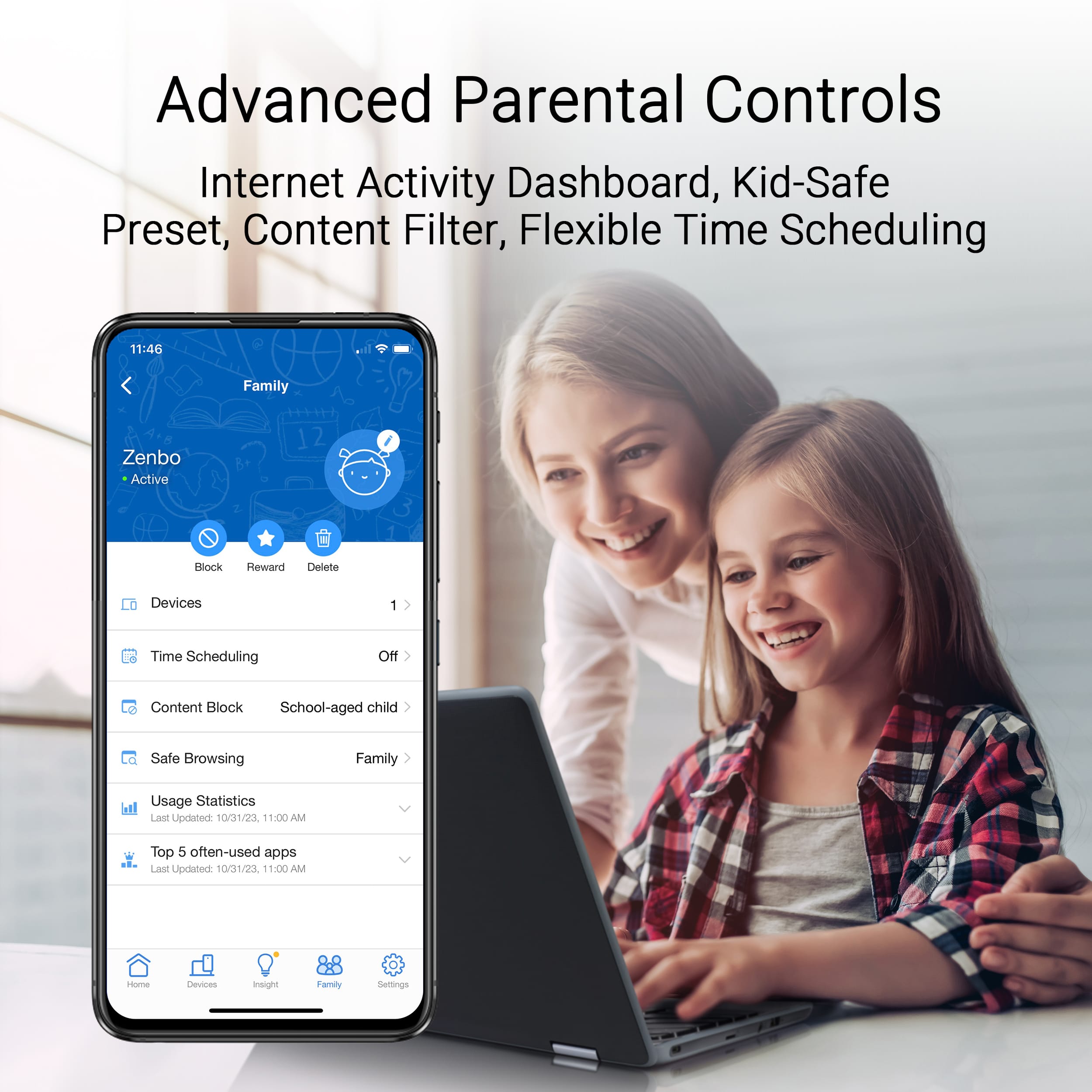
|Posted .This reviewer received promo considerations or sweepstakes entry for writing a review.Honestly, I do not know how I functioned so long without a mesh wifi system. Previously, I was using your typical wifi router. I set it up right next to my wifi modem and, the further away I moved from my router, the more mediocre my wifi connection was! Those days are gone! The ASUS ZenWIFI BE5000 mesh wifi system works flawlessly. It came very well packaged. I opened the box, downloaded the smartphone app to my android device, and I followed the setup instructions. Basically, setup included connecting the main mesh wifi node (indicated by a sticker on the node) to my gateway. After that, I simply plugged in the main node and the two mesh nodes and they automatically connected to each other. Each individual node has RJ45 ports on the back so you can hardwire devices to each node! The app I downloaded made setup a breeze. I was able to adjust my SSID and password. I was also able to adjust where each node was located in the house so I could differentiate each one from the others. There are so many custom settings you can do! The wifi 7 speeds and connections are amazing! No matter where I am at in my house, I am getting consistent speeds around 700mbps or more download speed! One other cool feature I like is being able to turn off the LED lights on the individual nodes. One of the nodes is on our bedroom and the LED light was very bright at night. I was able to turn the light off from the app so it no longer bothers me! This is a great setup for all your wifi needs!
I would recommend this to a friend Good product
Posted .This reviewer received promo considerations or sweepstakes entry for writing a review.These mesh nodes and router are spectacular. A little bit of a nuisance to set up but once active good to go. I wish they were wifi 6e but the router does exactly what i need and then some.
I would recommend this to a friend- Cons mentioned:Connectivity
It wants to be a good mesh system
|Posted .This reviewer received promo considerations or sweepstakes entry for writing a review.I have an older system and I was excited to upgrade but what a disappointment. I decided to read all the directions, quick set up and other documents I could find before I even unpacked the system, which is new for me, normally it is pretty intuitive. It took me 2 hours to get the main node connected to the internet. It then took me another 2 hours to get the other nodes up and running with a call to tech support. At this point in time a call to tech support to set up a mesh system is pretty silly, especially given I know what I'm doing. Once the system was set up, at this point I only set up one network because I'm 4.5 hours in. I named the Wi-Fi network the same as my old one with the same password and none of my items would auto connect... So now I'm setting up the 65 things I have on my network. Don't even think about connecting anything older with a 2.4 ghz connection. I will say after about 3 hours of trying and troubleshooting I did get an smart plug to connect, but all the others, no deal. I turned off Wi-Fi 7 and the 5 ghz network, no luck. Then all of a sudden the whole system stops, back to the drawing board and started set up from the beginning. Similar problems with setup the second time, but it went much faster since I knew what to do. At some points I will ask Google to turn on some lights or something and the reply is "cannot find your wireless network", still haven't solved that problem. I think the solution is to go back to my old system and chalk this up to a mistake. I cannot recommend this system knowing there are better options out there.
No, I would not recommend this to a friendBrand response from ASUS Answers
Posted .Dear Justjohnne,
Thank you for feedback.
We do understand your disappointment and the inconvenience this may have caused if you are experiencing issues setting up the Mesh routers successfully. To resolve the issue, try to connect your old router, login and delete the SSID in the Wireless settings. Disconnect the old router and connect the new router using the same SSID as the old one. By using the same SSID, you don't need to reconfigure each individual devices. Additionally, place the routers in the center of the area you want to cover, avoid placing the router near metal objects, electronic devices or direct sunlight, position the router on a flat, hard surface and halfway between the floor and ceiling. Additionally, dense building materials, such as gypsum, concrete walls and planks can affect Wi-Fi signal penetration. Also, we recommend updating the Mesh router firmware if it is running with an older version. Firmware is available for download at: https://www.asus.com/supportonly/zenwifi%20be5000/helpdesk_bios/
Should you need further assistance with the product, please email me at [email protected] and I would be more than happy to help. Or you are most welcome to call Product Support Hotline at: 1(888) 678-3688. Also, you can chat with an ASUS live support agent from the link: https://www.asus.com/us/support/article/1135/.
Thank you for choosing an ASUS product.
Rodel
ASUS Customer Loyalty
- Cons mentioned:Setup
Upgrade your Wifi
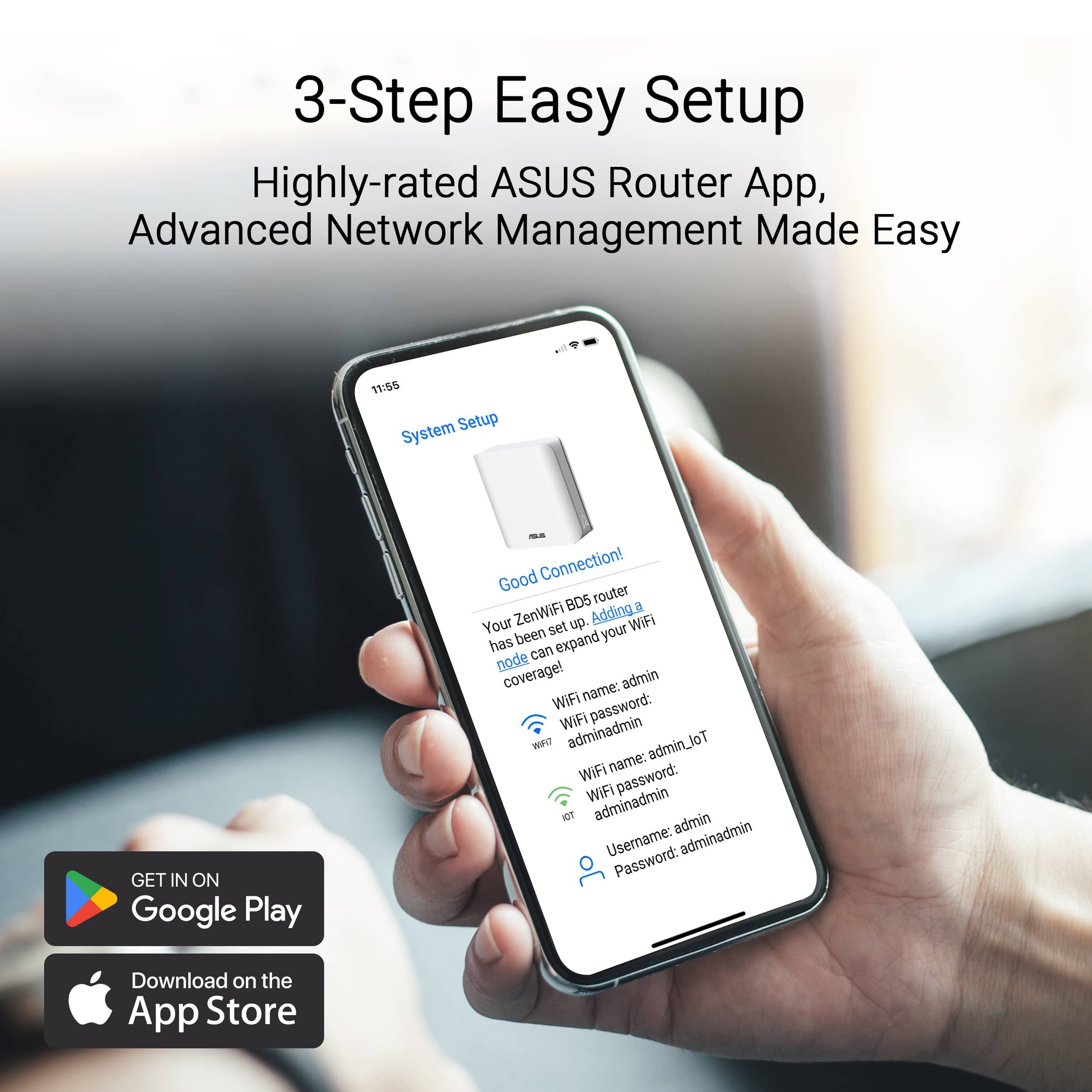
|Posted .This reviewer received promo considerations or sweepstakes entry for writing a review.I have spent some time with the Asus Mesh Router System. Unboxing the looks of the modules are actually nice and sleek. That’s feel quality and are not too giant either. Instal process went as well as most new routers go. It was easy but still had some hiccups. They do mark the router that starts as the main router so you know which one to plug in first. I used the Asus Router app during the setup and it made it fairly easy to setup. You scan the router modules QR code and connect to it and then you are off to the races to setup the device. It had a few hiccups on the initial setup. After a few tries I was able to connect and get it started. The mesh nodes took a second to add. It seems they should connect automatically but I had to connect to them manually one by one through the app. Just had to check the MAC addresses on the bottom of the nodes to make sure I was naming them right. Once they were hooked up I ran the firmware update and we were off to the races. The Asus ai mesh has a ton of features and settings. You are able to see what’s connected and prioritize what type of activity is most important to you. I also have one of the nodes connected via Ethernet backhaul which helps with my overall network. Haven’t had any issues updating my WiFi and my internet has been very stable throughout the house. Definitely a great router for the cost and performance and features.
I would recommend this to a friend Not bad at all for power users
|Posted .This reviewer received promo considerations or sweepstakes entry for writing a review.I don’t have any complaints about this WiFi system. It’s connected to my devices without issue. Setup was pretty simple and easy and just overall painless, and when I logged into the router from my computer later I found a bunch of extra options that weren’t in the app (such as AP mode). Asus has software you can install that will scan your network for the router or nodes so you can get their IPs and log into them, which is really nice to have. The signal has been strong and reliable, and I’ve never yet dealt with crashes or slowdowns. The nodes are small and don’t take up a ton of space, and I appreciate that the lights on them aren’t blue. The coverage area is also fantastic - I haven’t noticed any weak spots in my house after setup, and it feels like the WiFi outdoors is just about bearable now (with my previous router, it would connect but would have incredibly slow speeds that caused most apps to say I’m offline). So, overall, I really like this mesh system. It’s got new enough tech for future proofing, it has an app for easy setup that it guides you through, and it’s got all the technical features I like to use in a router accessible in the web interface and fully implemented. I’ve had no connectivity issues, and it’s honestly been the most pleasant WiFi system yet to integrate into my home network. I really like it, and I really recommend it, especially if you do gaming or need actual administrative features on your router.
I would recommend this to a friendGreat Consistent Coverage/Speeds
|Posted .This reviewer received promo considerations or sweepstakes entry for writing a review.This is exactly what was needed for my home. The Asus ZenWiFi BE5000 is great if you have a larger space that doesn't reach the wifi everywhere. This is a great fix and a better solution then just a range extender. The mesh systems will provide better overall coverage and more consistent speeds compared to a typical range extender. For the mesh system creates a unified network, basically the nodes are a router in itself. I always had trouble with my wireless security camera outside of my house not getting a strong signal. Once I got this setup installed, and relocated the nodes throughout my home, I got a more reliable and stronger signal to my cameras. This has given me a better peace of mind at home. The install setup process was very simple. I currently have an Asus Router I am using with this mesh network. There is one node that has a sticker on it to start with it, be sure to do so. Then using the Asus App I set up each node at a time. Once connected I just simply moved the nodes to where I wanted them in the house and my network is now more consistent and better speeds throughout!
I would recommend this to a friend- Cons mentioned:Connectivity
Won't connect to the Internet with Spectrum modems
Posted .This reviewer received promo considerations or sweepstakes entry for writing a review.The BE5000 does not work with Spectrum modems. Physically and electrically they connect, but the router never connects to the Internet. ASUS says a new firmware may correct the problem, but pray tell, without and Internet connection how do you load the new firmware. I am taking back the unit tomorrow as this device after 5 hours of work just will not connect. It seems to work OK as a LAN. A very expensive LAN with no WAN capabilities. This problem with ASUS and Spectrum seems to date back at least 5 years.
No, I would not recommend this to a friendBrand response from ASUS Answers
Posted .Dear Nathan G,
We're sorry to hear that the ASUS ZenWiFi BE5000 is unable to connect to Spectrum modems and we apologize for any inconvenience this may have caused you. What you've experienced was not intentional. Your feedback is greatly appreciated and will be forwarded to our Product Team for review.
We stand behind our products and continuously strive to improve our products and processes to achieve customer service excellence. If you require any further assistance, please email us at [email protected] and include the case number "N2412010246-0009" as a reference. We will do our best to resolve your case quickly. Your feedback is very important to us, and it enables us to improve our support channels. Thank you for choosing ASUS.
Best Regards,
Chantae
ASUS Customer Loyalty US Support
Garbage
Posted .This reviewer received promo considerations or sweepstakes entry for writing a review.These WIFI nodes are trash!!!!! Inconsistent network connectivity with random drops from the network. Completely unreliable, absolute waste of money! This is in addition to there being no web based portal to manage the devices as they require you to download their app to do 90% of the administration.
No, I would not recommend this to a friendBrand response from ASUS Answers
Posted .Dear MeWa,
We're sorry to hear that the ZenWIfi BE5000 wi-fi signal is often disconnected and we apologize for the inconvenience this has caused. To troubleshoot this issue, we recommend following the steps in the FAQ below. Should the issue persist, please contact our support team at https://www.asus.com/us/support/CallUs to further investigate the problem.
We stand behind our products and continuously strive to improve our products and processes to achieve customer service excellence. For more information, email us at [email protected] and include the case number "N2411009568-0003" as a reference. We will do our best to resolve your case quickly. Your feedback is very important to us and enables us to improve our support channels. Thank you for choosing ASUS.
Best Regards,
Chantae
ASUS Customer Loyalty US Support
[Troubleshooting] WiFi signal is often disconnected - https://www.asus.com/support/faq/1030641/