Customer Ratings & Reviews

- Model:
- B0DGQVD8FG
- |
- SKU:
- 6625863
Customer reviews
Rating 4.6 out of 5 stars with 406 reviews
(406 customer reviews)Rating by feature
- Video Quality4.7
Rating 4.7 out of 5 stars
- Mobile App4.6
Rating 4.6 out of 5 stars
- Sound Quality4.6
Rating 4.6 out of 5 stars
Customers are saying
Customers are delighted by the video doorbell's clear video quality, overall performance, and wide field of view. The simple setup and long battery life are also appreciated. While the connectivity and motion detection are satisfactory, some customers feel the night vision could be improved.
This summary was generated by AI based on customer reviews.
Rated 4 out of 5 stars
Blink doorbell
||Posted . Owned for 1 week when reviewed.This reviewer received promo considerations or sweepstakes entry for writing a review.We like the doorbell, however it has gone offline 2 times since being installed once was internet problem the other not sure why it went offline. Easy fix. We have only had it installed for 1 week.
I would recommend this to a friend- Pros mentioned:Overall performance
Rated 5 out of 5 stars
Good value
||Posted .This reviewer received promo considerations or sweepstakes entry for writing a review.A nice upgrade from the original Blink doorbell. No complaints here.
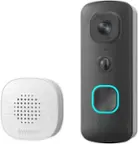
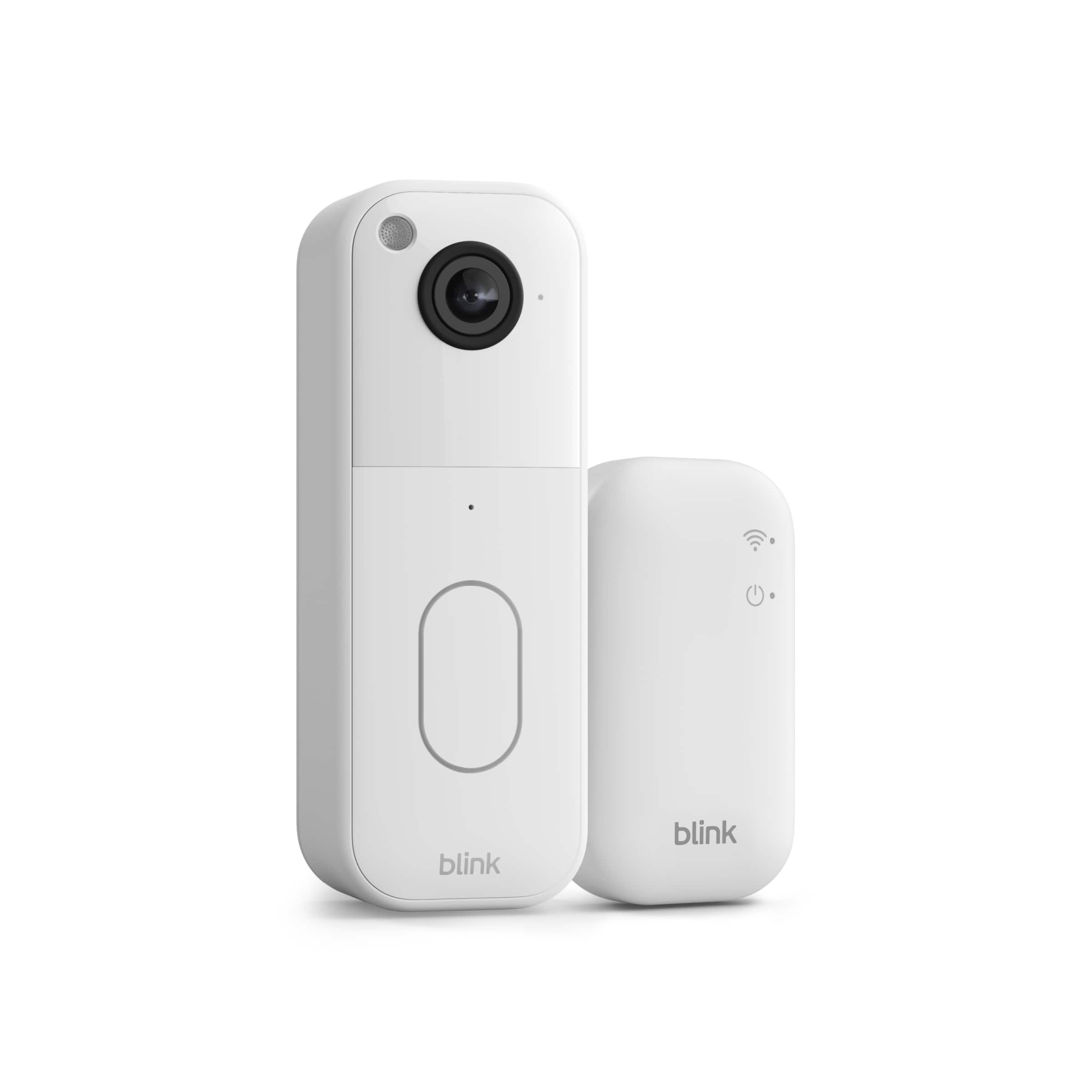
This review is from Blink - Video Doorbell - Head-to-toe HD view, two-year battery, simple setup, Sync Module Core included - Black
I would recommend this to a friend - Pros mentioned:Overall performance
Rated 5 out of 5 stars
Good product
||Posted . Owned for 1 month when reviewed.This reviewer received promo considerations or sweepstakes entry for writing a review.It is a good product it was working good so far made the good choice
This review is from Blink - Video Doorbell - Head-to-toe HD view, two-year battery, simple setup, Sync Module Core included - Black
I would recommend this to a friend - Pros mentioned:Video quality
Rated 5 out of 5 stars
Good Quality
||Posted . Owned for 2 weeks when reviewed.This reviewer received promo considerations or sweepstakes entry for writing a review.Looks good and video quality is good. Been using since very long .
This review is from Blink - Video Doorbell - Head-to-toe HD view, two-year battery, simple setup, Sync Module Core included - Black
I would recommend this to a friend - Pros mentioned:Overall performance
Rated 5 out of 5 stars
Blink door camera
||Posted . Owned for 1 month when reviewed.This reviewer received promo considerations or sweepstakes entry for writing a review.I love it now I could see who is coming near my property thank you
This review is from Blink - Video Doorbell - Head-to-toe HD view, two-year battery, simple setup, Sync Module Core included - Black
I would recommend this to a friend - Pros mentioned:Overall performance
Rated 5 out of 5 stars
Door bell
||Posted .This reviewer received promo considerations or sweepstakes entry for writing a review.One of my best purchases! My daughter loves to ring the door bell!
This review is from Blink - Video Doorbell - Head-to-toe HD view, two-year battery, simple setup, Sync Module Core included - Black
I would recommend this to a friend - Pros mentioned:Video quality
Rated 5 out of 5 stars
Blink
||Posted . Owned for 3 weeks when reviewed.This reviewer received promo considerations or sweepstakes entry for writing a review.Great camera very easy to use. along with the ai detection makes in continent
This review is from Blink - Video Doorbell - Head-to-toe HD view, two-year battery, simple setup, Sync Module Core included - Black
I would recommend this to a friend - Pros mentioned:Video quality
Rated 5 out of 5 stars
Best Camera So Far
||Posted . Owned for 1 month when reviewed.This reviewer received promo considerations or sweepstakes entry for writing a review.Love the camera - the quality if better than the ring in my opinion.
I would recommend this to a friend - Pros mentioned:Video quality
Rated 4 out of 5 stars
Blink Video Doorbell Good
||Posted . Owned for 3 weeks when reviewed.This reviewer received promo considerations or sweepstakes entry for writing a review.Video is clear. Sound is delayed when speaking, which can be frustrating. Otherwise very satisfied.
This review is from Blink - Video Doorbell - Head-to-toe HD view, two-year battery, simple setup, Sync Module Core included - Black
I would recommend this to a friend - Pros mentioned:Overall performance
Rated 4 out of 5 stars
Blink Doorbell
||Posted .This reviewer received promo considerations or sweepstakes entry for writing a review.Picture is clear. I live in the country so signal / receiving pictures is not very accurate.
This review is from Blink - Video Doorbell - Head-to-toe HD view, two-year battery, simple setup, Sync Module Core included - Black
I would recommend this to a friend - Pros mentioned:Overall performance
Rated 5 out of 5 stars
Good deal on Blink Doorbell
||Posted . Owned for 2 weeks when reviewed.This reviewer received promo considerations or sweepstakes entry for writing a review.Easy to install. Satisfied with the product and the price.
I would recommend this to a friend - Pros mentioned:Overall performance
Rated 5 out of 5 stars
Great Product Must Buy
||Posted .This reviewer received promo considerations or sweepstakes entry for writing a review.Phenomenal product installed it in literally 10 minutes with the module setup and WiFi setup and download time! Picture quality is amazing!
I would recommend this to a friend - Pros mentioned:Setup
Rated 5 out of 5 stars
Blink doorbell
||Posted . Owned for 1 month when reviewed.This reviewer received promo considerations or sweepstakes entry for writing a review.Great product , easy to install...................
This review is from Blink - Video Doorbell - Head-to-toe HD view, two-year battery, simple setup, Sync Module Core included - Black
I would recommend this to a friend Rated 5 out of 5 stars
Amazing doorbell
||Posted . Owned for 2 weeks when reviewed.This reviewer received promo considerations or sweepstakes entry for writing a review.It was amazing it tracks all movement there Is at my door it helped me fing my cat a couple of times.
This review is from Blink - Video Doorbell - Head-to-toe HD view, two-year battery, simple setup, Sync Module Core included - Black
I would recommend this to a friend- Pros mentioned:Video quality
Rated 5 out of 5 stars
Recording
||Posted . Owned for 3 months when reviewed.This reviewer received promo considerations or sweepstakes entry for writing a review.Perfect, on front and shop company, good camara and speker
This review is from Blink - Video Doorbell - Head-to-toe HD view, two-year battery, simple setup, Sync Module Core included - Black
I would recommend this to a friend - Pros mentioned:Setup
Rated 5 out of 5 stars
Blink Video Doorbell
||Posted . Owned for 3 weeks when reviewed.This reviewer received promo considerations or sweepstakes entry for writing a review.Blink - Video Doorbell is easy to install and set up. The price was more affordable than a Ring Doorbell. Very happy with the purchase!
I would recommend this to a friend - Pros mentioned:Overall performance
Rated 5 out of 5 stars
Doorbell
||Posted . Owned for 3 weeks when reviewed.This reviewer received promo considerations or sweepstakes entry for writing a review.Doorbell works great. Havent had any complaints about it. I would definitely recommend it
This review is from Blink - Video Doorbell - Head-to-toe HD view, two-year battery, simple setup, Sync Module Core included - Black
I would recommend this to a friend - Pros mentioned:Video quality
Rated 5 out of 5 stars
Blink door bell
||Posted . Owned for 3 weeks when reviewed.This reviewer received promo considerations or sweepstakes entry for writing a review.Exellent product and easy to install, the quality of the is 100% recomended very clear. I totally recommend.
I would recommend this to a friend - Pros mentioned:Video quality
Rated 5 out of 5 stars
Best product ever!
||Posted . Owned for 1 week when reviewed.This reviewer received promo considerations or sweepstakes entry for writing a review.Installing was so easy! And the picture is definitely 4k!! The price is so good for every little detail it offers! Money well spent!
I would recommend this to a friend - Pros mentioned:Overall performance
Rated 5 out of 5 stars
Blink doorbell
||Posted . Owned for 2 months when reviewed.This reviewer received promo considerations or sweepstakes entry for writing a review.Works great and the app makes it easy to look at videos and answer the door
This review is from Blink - Video Doorbell - Head-to-toe HD view, two-year battery, simple setup, Sync Module Core included - Black
I would recommend this to a friend