Customer Ratings & Reviews
- Model:
- B0DGQVD8FG
- SKU:
- 6625863
Rating by feature
- Video Quality
Rating 4.7 out of 5 stars
- Mobile App
Rating 4.6 out of 5 stars
- Sound Quality
Rating 4.6 out of 5 stars
Customers are saying
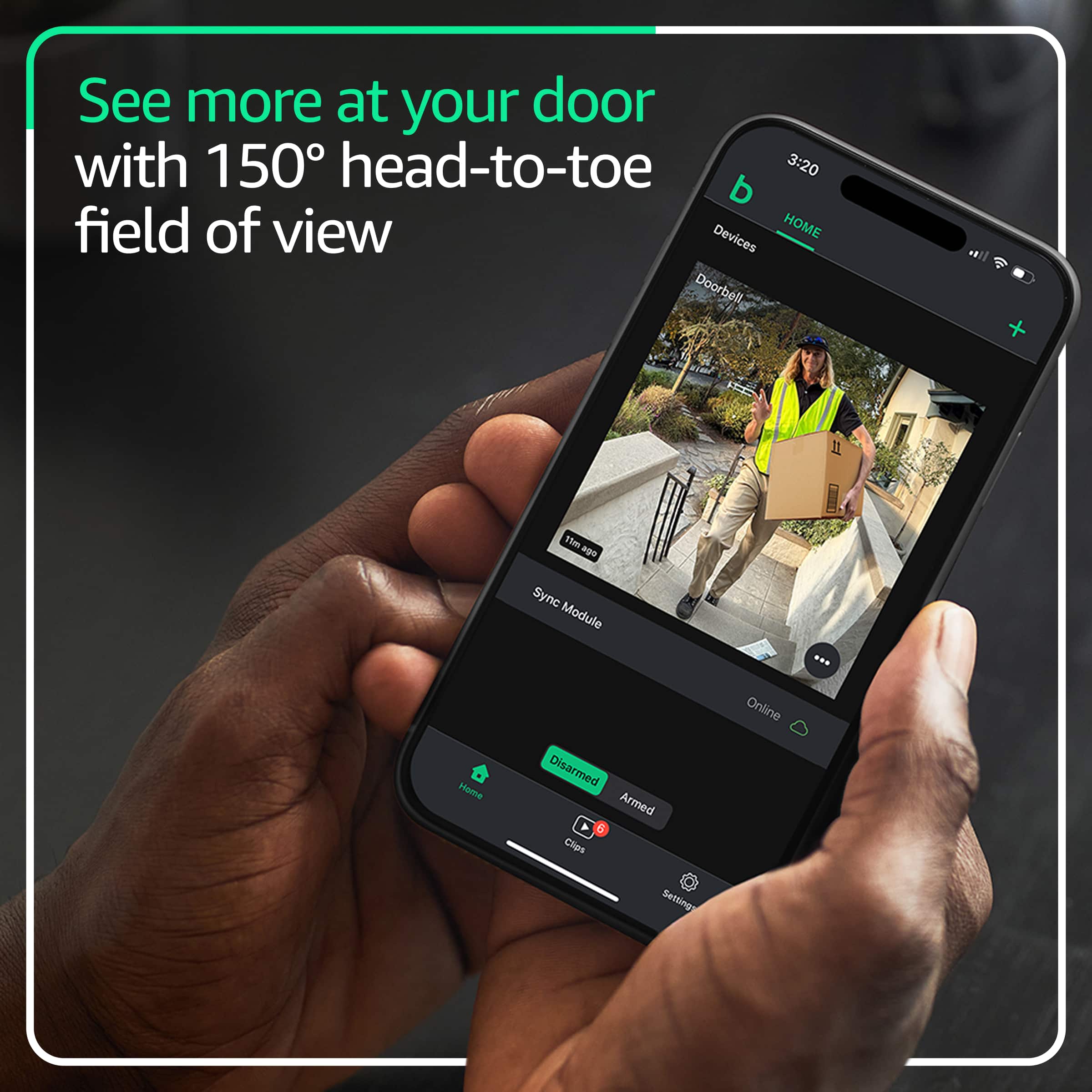
Customers are delighted by the video doorbell's clear video quality, overall performance, and wide field of view. The simple setup and long battery life are also appreciated. While the connectivity and motion detection are satisfactory, some customers feel the night vision could be improved.
This summary was generated by AI based on customer reviews.
Mister
||Posted . Owned for 2 weeks when reviewed.This reviewer received promo considerations or sweepstakes entry for writing a review.Helpful sales person. easy installation. Easy and Quick
I would recommend this to a friendI've had it for over 5 years
||Posted . Owned for 1 week when reviewed.This reviewer received promo considerations or sweepstakes entry for writing a review.Good quality, good record, it's small for a good space
I would recommend this to a friendmister
||Posted . Owned for 2 weeks when reviewed.This reviewer received promo considerations or sweepstakes entry for writing a review.Easy installation. Fair price. Helpful sales person.
I would recommend this to a friendOne of the best for the price
||Posted .This reviewer received promo considerations or sweepstakes entry for writing a review.Excellent device. Nice looking. Reliables. Feels secure
I would recommend this to a friendBlink doorbell
||Posted . Owned for 1 week when reviewed.This reviewer received promo considerations or sweepstakes entry for writing a review.Easy install, easy add to the already existing service.
I would recommend this to a friendRing my bell
||Posted .This reviewer received promo considerations or sweepstakes entry for writing a review.Well worth the upgrade. Much greater viewing area.
I would recommend this to a friendBlink Door Bell and Camera
||Posted .This reviewer received promo considerations or sweepstakes entry for writing a review.Good product, ordered online, and did customer pickup line.
I would recommend this to a friendimpressive!!!
||Posted .This reviewer received promo considerations or sweepstakes entry for writing a review.I never use something as much immersive like this item
I would recommend this to a friend- Pros mentioned:Overall performance
Not worthy the price
||Posted .This reviewer received promo considerations or sweepstakes entry for writing a review.Great product buy it doesn’t worth the price paid for it. And then, a week later the price was lowered
I would recommend this to a friendBrand response from Amazon Devices Customer Support
Posted .Thank you for your feedback FidmarvelsA.

Would buy again
||Posted . Owned for 3 weeks when reviewed.This reviewer received promo considerations or sweepstakes entry for writing a review.Works well but sometimes motion detection doesn’t work correctly.
I would recommend this to a friendTotal disaster - not reliable - not recommend
||Posted .This reviewer received promo considerations or sweepstakes entry for writing a review.Worst ever! I bought this with Sync Module 2 to try to overcome subscription costs of Nest by storing motion clips locally. First, the app in iphone has many bugs (checkboxes dont show on iphone! they show in other devices), most of settings don’t work properly (clip length, sensitivity, etc.. all seem random), takes too long to show live view, may times it would even error out, some motion not detected (even close ups), sometimes I get motion notifications but does not save. By design, it wont even save to SD if you check live view during detected motion. Totally useless and unreliable. Support replies with generic template answers. If anything, this product should be recalled!
No, I would not recommend this to a friendBrand response from Amazon Devices Customer Support
Posted .Hi Koka! Thank you for your feedback about the Blink Video Doorbell with Sync Module 2. I'm sorry to hear you're experiencing such significant frustration with the app functionality, local storage issues, and overall reliability. The Blink Video Doorbell with Sync Module 2 is designed to save clips locally to a USB flash drive connected to the Sync Module 2 for no additional subscription fee. However, as you've noted, there is a known limitation where the system will not save clips to local storage if you access live view during a detected motion event. This is by design but understandably frustrating when you want both real-time monitoring and reliable recording. Regarding the app issues you're experiencing on iPhone, ensure you have the latest version of the Blink Home Monitor app installed from the App Store, as updates often address bugs and improve stability. For settings that appear to toggle off after being turned on (like notification preferences), try force-closing the app completely and reopening it, or uninstalling and reinstalling the app to clear any corrupted data. To address slow live view performance and timeout errors, verify your Blink Video Doorbell has a strong Wi-Fi connection (2.4 GHz network required), restart your Sync Module 2 by unplugging it for 30 seconds, ensure your home internet connection has sufficient upload bandwidth for video streaming, and move your Wi-Fi router closer to the doorbell or add a Wi-Fi extender if signal strength is weak. For inconsistent motion detection, adjust motion sensitivity settings in the app, create customized activity zones to focus on specific areas, ensure the camera lens is clean and unobstructed, and verify the doorbell is mounted securely according to installation instructions. f these troubleshooting steps don't resolve the persistent app bugs, settings issues, and performance problems you're experiencing, this indicates more fundamental software or hardware defects that warrant escalation. Amazon Customer Service is available 24/7 at 1-888-280-4331 to assist with additional troubleshooting. Thank you for providing this detailed feedback about your experience.
Spend the money on something else
||Posted . Owned for 2 weeks when reviewed.This reviewer received promo considerations or sweepstakes entry for writing a review.I’d give a zero if I could. Product stopped working after 2-1/2 weeks of owning. Best Buy won’t take the return and blink customer service is no help at all. All they will do is sent you the same crappy product that broke within weeks. Camera buffers during live view so you can’t actually see who’s at your door.
No, I would not recommend this to a friend- Pros mentioned:Battery life, Field of view, Video quality

solid, dependable doorbell camera
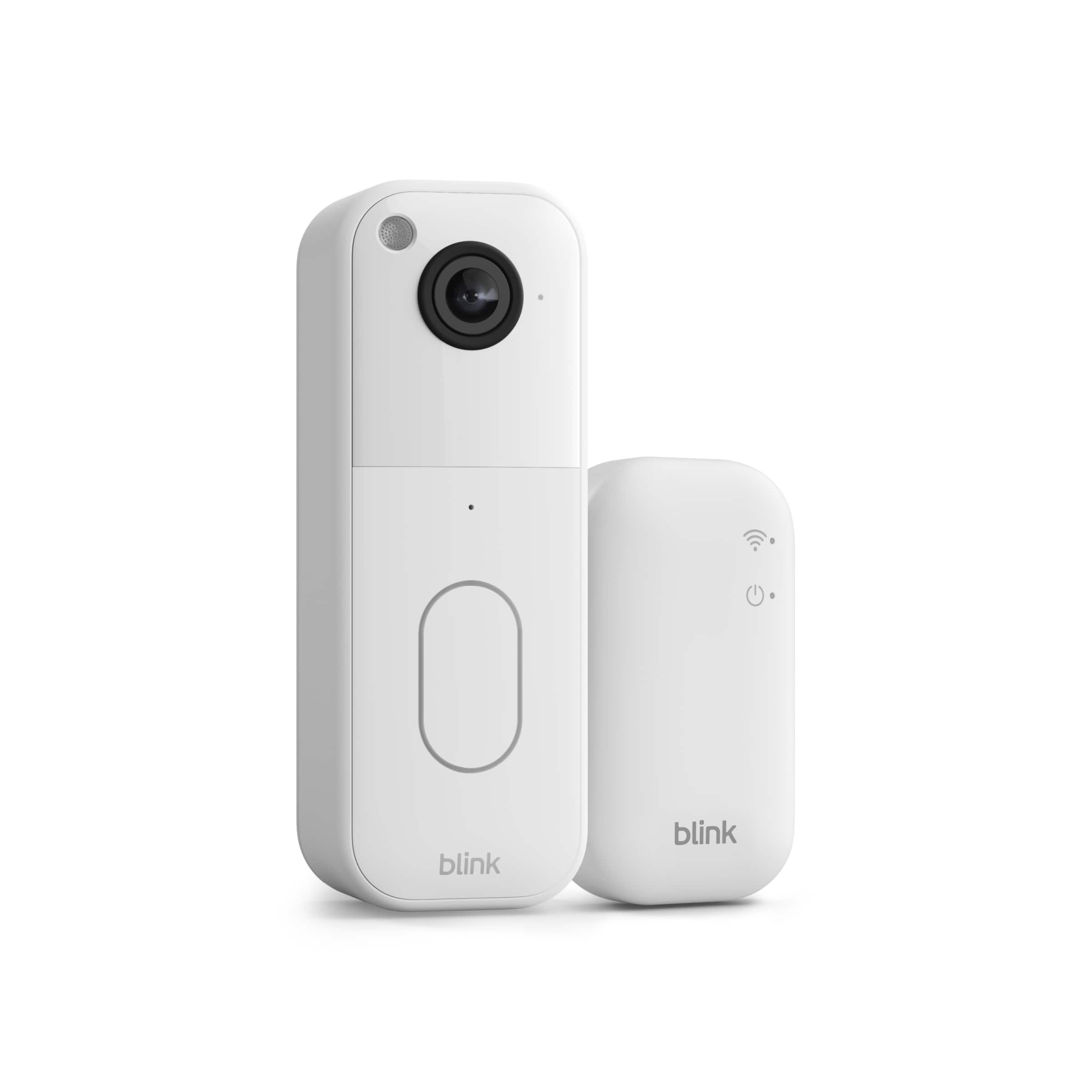
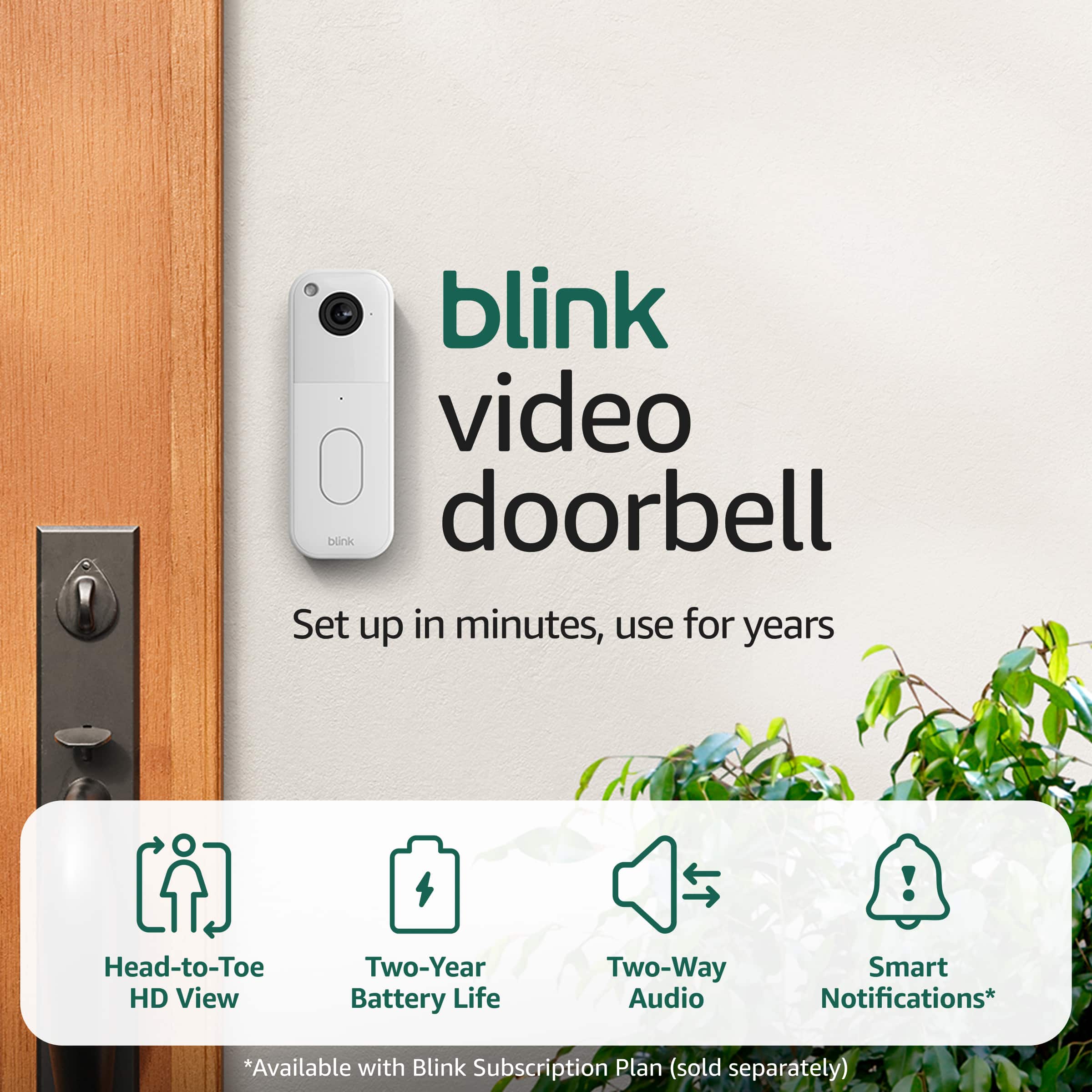
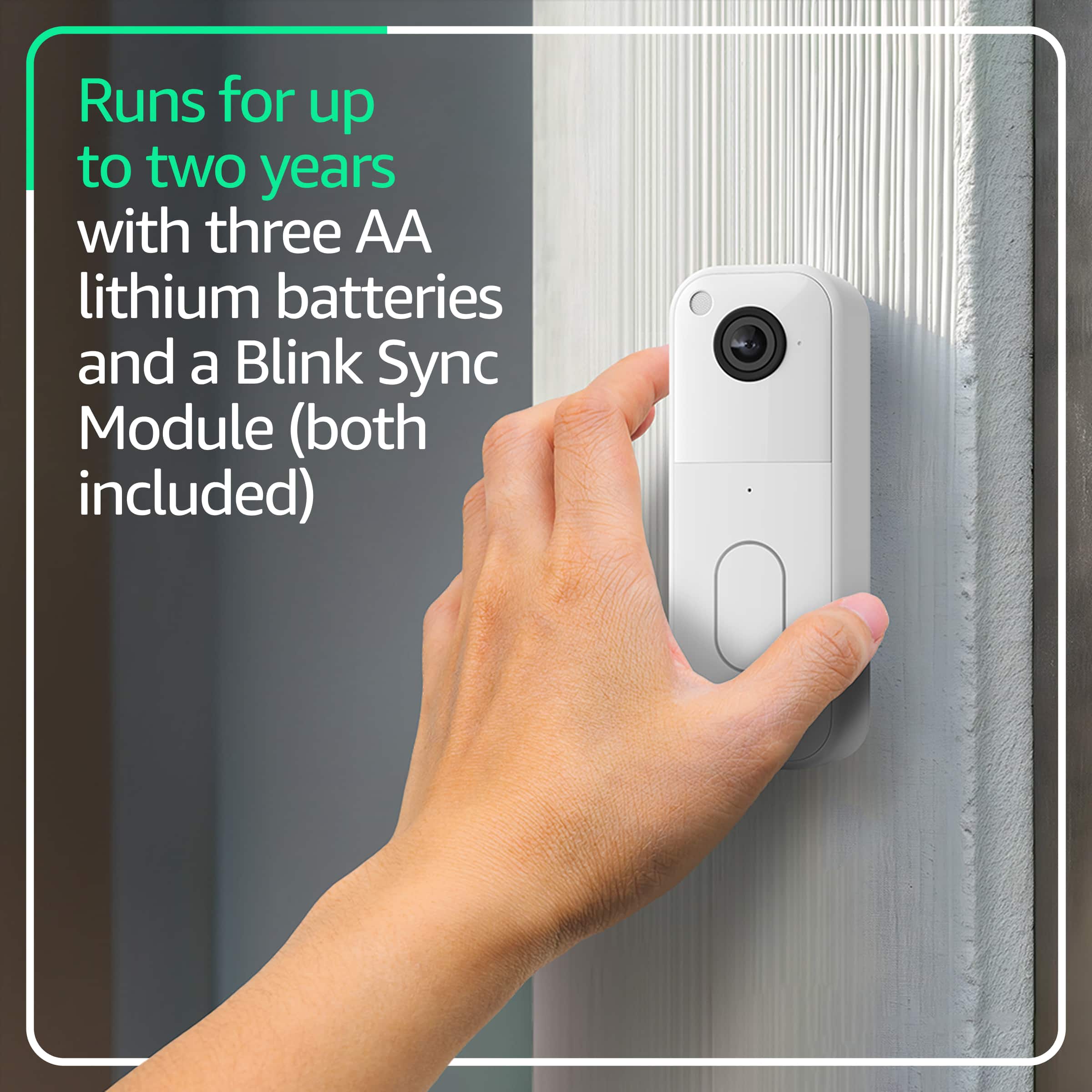
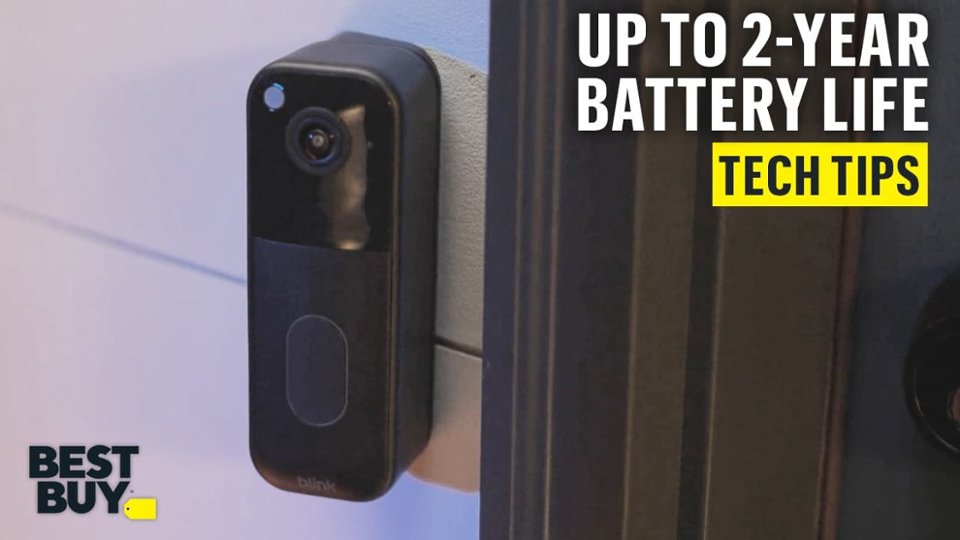
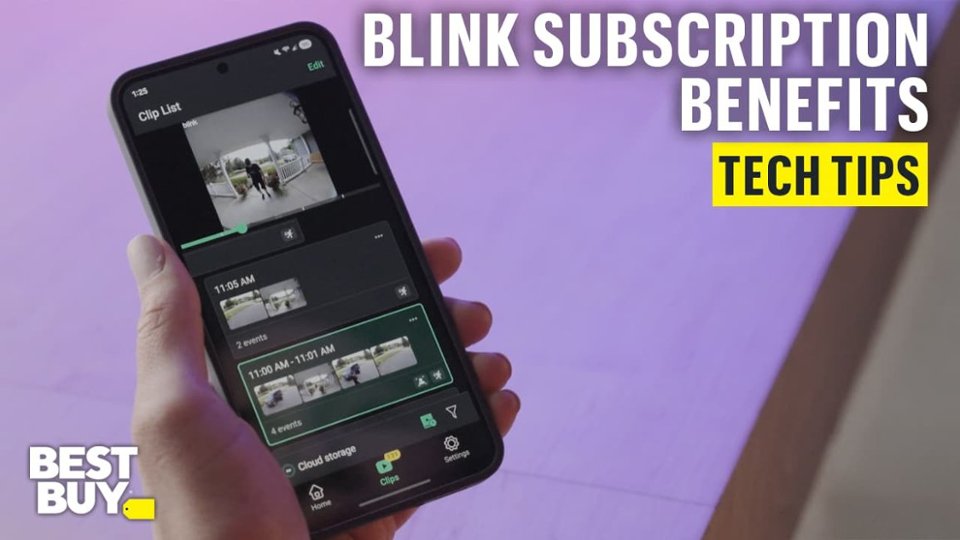
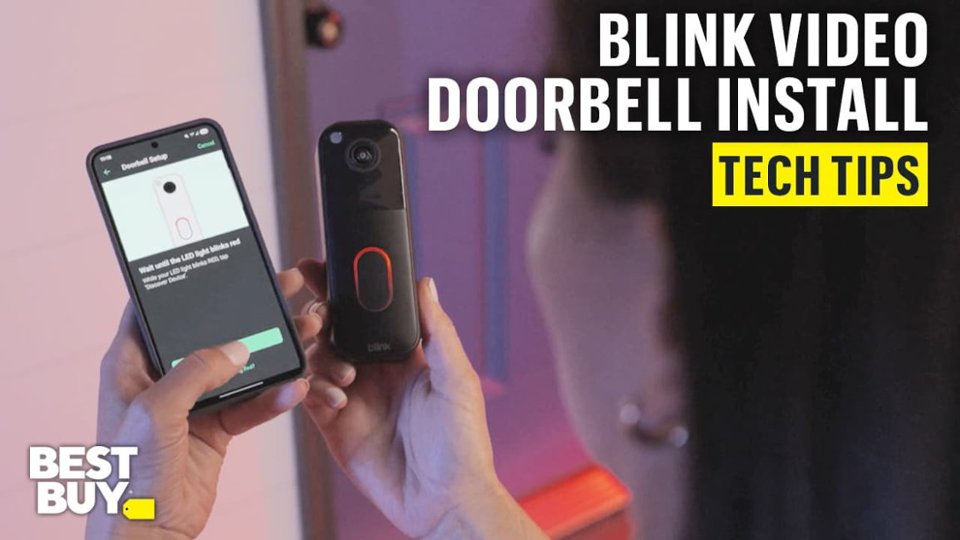
|Posted .This reviewer received promo considerations or sweepstakes entry for writing a review.I have been using the Blink Video Doorbell (Black, Second Generation) for a few months, and I have overall been quite impressed with it. The setup was very easy; I went with the wire-free installation, and I spent less than 30 minutes on everything. The included Sync Module Core made connecting everything to the Blink app easy and dependable. The video quality is really good during the day and at night, using infrared night vision. The head-to-toe HD view captures an impressive area to monitor, which is great for tracking package deliveries. I really appreciate the two-way talk feature through the app. I have been able to communicate with visitors when I’m not home, which is convenient. I have been pretty impressed with the battery life as well. The included lithium batteries are advertised to last up to two years, and while I obviously can't confirm that yet, the battery indicator hasn't dropped much yet. I actually subscribed to the Blink Subscription Plan after the free trial at no cost. It simply offers convenience in storing and viewing clips. I also connected it to my Alexa device, simply to make checking notifications easier. One downside if not wired is that you do need another separate device for the indoor chime; but overall, I think it's a solid, dependable doorbell camera.
I would recommend this to a friend - Pros mentioned:Video quality
Blink doorbell
||Posted .This reviewer received promo considerations or sweepstakes entry for writing a review.Easy to use but won’t connect to my wifi anymore. Great video quality when it’s actually working.
I would recommend this to a friendBrand response from Amazon Devices Customer Support
Posted .Hi KrystaS,
Thank you for your feedback on the Blink doorbell. I am sorry to hear it is not connecting to your wifi. If your Blink Doorbell won't connect to Wi-Fi, restart your router and doorbell, check/re-enter the Wi-Fi password in the app, check for signal interference (move closer), and if needed, reset the Sync Module. If these steps do not help and you are still experiencing issues, you can reach out to Amazon Customer Support 24/7 at 1-888-280-4331.
Bad product
||Posted . Owned for 1 month when reviewed.This reviewer received promo considerations or sweepstakes entry for writing a review.Don’t even work anymore, worked for 2 days and now the camera, can’t even see live anymore
No, I would not recommend this to a friendBrand response from Amazon Devices Customer Support
Posted .Hi GeorgeJ,
Thank you for sharing your feedback about the Blink Video Doorbell. We're truly sorry to hear that your device stopped working after just 2 days and that you're no longer able to access the live view.
We understand how frustrating and disappointing this must be, especially when you were counting on the doorbell for home security. A device that stops functioning so quickly is clearly not meeting the quality standards you should expect from a Blink product.
This sounds like it may be a defective unit. We'd recommend reaching out to Amazon Customer Service at 1 888-280-4331 for immediate assistance. They should be able to help troubleshoot the issue or arrange a replacement if the device is indeed defective. You can also check if a simple restart of both the doorbell and the Sync Module Core resolves the connectivity issue, though given the complete failure you're describing, a replacement may be the best solution.
We sincerely apologize for this experience and appreciate you taking the time to share this feedback with us.
- Pros mentioned:Battery life, Video quality
Nice Video Doorbell
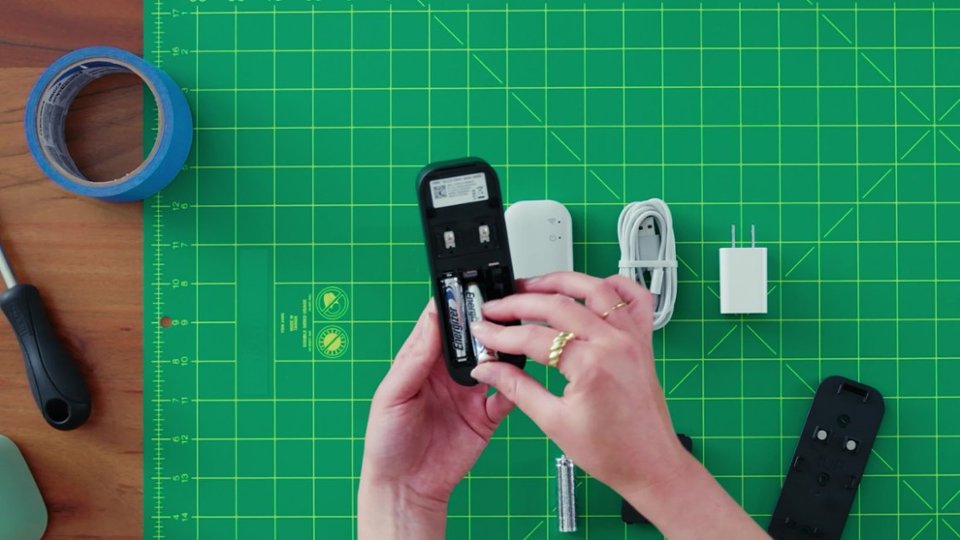
|Posted .This reviewer received promo considerations or sweepstakes entry for writing a review.Packaging: Safe and strongly packaged, the Blink was not complicated to unbox or set up. The screws, wires, and all little parts came packed separately in little plastic sachets. The sync module, main wire, and video cam came neatly packed in the box in a perforated packet. In a nutshell, the packaging was done very well. I also appreciated that the packaging included clear icons and labels on each plastic pouch, which made identifying each component easier. There was minimal wastage, and the compact box design made it easy to store extra parts for future use. Look: The black video cam has a very intuitive design. We got the black model. The design is simple and standard: a black rectangle with a camera on the top half and a push-button “bell” in the lower half. However, the elliptical doorbell shape (as opposed to circular in the previous generation and most other doorbells) is unique and gives us the experience of an analog switch. The sync box is wired and needs a dedicated power outlet. I appreciated that it is wired instead of plugged in, since plugged-in sync boxes can often make the second plug point less usable. A different doorbell cam I own can be un-inserted only with a pin. This one can be snapped in and out very easily. Also, the back can be snapped out using a flat pin instead of a pointed one (or a safety pin or anything pointy). This also means that I cannot lose the flat pin. The matte finish also helps hide fingerprints and dust, which makes the device look clean even after regular use. Manual: The manual can be accessed by scanning the QR codes behind the cam and sync. However, I made the mistake of inserting the battery before starting the installation process. I had to eventually take it out. The step-by-step installation includes connecting wires, inserting batteries, downloading the app, syncing, etc., in a very intuitive and methodical way. In addition to the printed QR codes, the Blink app itself guides you through the setup with simple visuals and interactive prompts, which made the process almost foolproof. It would be helpful, though, if a small printed manual were included for people less comfortable with digital instructions. Batteries and Wiring: Three lithium batteries are included with a stated two-year life. This is probably dependent on how active the front door is. I wish I could recharge the doorbell instead of waiting for the batteries to die. The cam can be hard-wired to an existing system. There are two wires that I did not use. Also, a chime is not included. So, one needs to either buy a chime or connect the Blink with Alexa or Alexa Echo for audio or A/V information if there is someone at the door. I did notice that the doorbell conserves battery well in lower-traffic areas, so if your door doesn’t get frequent visitors, the battery may indeed last for over a year. A battery status indicator in the app helps keep track of remaining charge, though I wish it gave more specific percentages. Camera: The camera gives a circular fish-eye-like image. This makes the shapes a little lopsided. However, in good lighting, the images are really clear and HD quality. In low light, the images are grainy. The sound is only moderately satisfactory. While sound on my phone was pretty loud and clear, guests found my voice glitchy. Clips that are stored are just a few seconds long. That way, it is very difficult to understand the event. Clips get deleted in 60 days. This is what a basic subscription is providing at this time. It would be useful if users had the option to extend clip durations or receive multiple back-to-back clips in a single notification. There is no AI face or package detection but that is not a big problem. App: The app is moderately customizable. Since we are on the main road, the Blink was activated every time a car passed 20 feet away from the door through a row of pine trees. While this is evidence that the motion detection is really strong, I was able to change the setting on the app. However, it cannot differentiate between animals and humans like ADT. The doorbell can be synced with Alexa, which is cool. The app’s interface is clean and minimal, with quick access to device settings, clip history, and notification controls. However, sometimes the live feed takes a few seconds to load, especially on slower Wi-Fi. There is a “do not disturb” setting for notifications, which is helpful at night, though I would like the option to mute only motion alerts while keeping doorbell rings active. Nutshell: Overall, if followed closely, the step-by-step guide makes installation quite easy. The trick is to stick to the steps of when to download, sync, or insert batteries. Interconnecting the doorbell with other devices (chime or Alexa or phone) completes the process. Since a chime for indoors is not provided, the products provided in the box are not enough to help warn you when someone is outside. The device is an economical option that serves the purpose with basic options, satisfactory connectivity, and a standard, nifty look. For someone already in the Amazon ecosystem, this doorbell offers seamless integration with Echo devices, enabling real-time announcements when someone presses the doorbell or triggers motion.
I would recommend this to a friend Wrong color
||Posted .This reviewer received promo considerations or sweepstakes entry for writing a review.I ordered black and received white. The delivery was fast.
I would recommend this to a friendHidden costs
||Posted . Owned for 1 month when reviewed.This reviewer received promo considerations or sweepstakes entry for writing a review.The sales person did not tell us that you needed to have a monthly subscription to be able to fully use the equipment.
No, I would not recommend this to a friendBrand response from Amazon Devices Customer Support
Posted .Hello, RonO. Thank you for taking the time to leave a review on the Blink Video Doorbell. I'm sorry to hear that you weren't informed about the subscription before your purchase. Without a subscription, you can still use several valuable features of the Blink Video Doorbell. You'll have access to two-way audio so you can speak with visitors at your door, HD live view, motion detection alerts sent directly to your phone, and chime app alerts when someone rings the doorbell. These core features work right out of the box and provide solid functionality for monitoring your front door. Additionally, if you want to save video clips without paying for a subscription, you have the option to use local storage. By connecting a USB drive to a Sync Module 2 or an SD card to a Sync Module XR (sold separately), you can store your video recordings locally. If you have any questions or need help with the device, I recommend contacting Blink Customer Support at 1-833-392-5465. Thank you again, have a great day!
Ring DoorBell
||Posted . Owned for less than 1 week when reviewed.This reviewer received promo considerations or sweepstakes entry for writing a review.It kept going offline. It wouldn’t show when someone rung the doorbell. I had to replace 2 of these doorbells. I would not recommend
No, I would not recommend this to a friendBrand response from Amazon Devices Customer Support
Posted .Hello LatonyaK,
Thank you for your feedback on the Blink Video Doorbell. I am sorry to hear it is going offline and not alerting you with motion. To troubleshoot your Blink doorbell going offline, ensure your Blink app and device are updated. If the issue persists, check your doorbell's Wi-Fi signal strength in the app's device settings and move your router or Sync Module closer if the signal is weak. You can also try removing and re-adding the doorbell from your Blink system, ensuring its batteries are good, or contacting Blink Support for further assistance. You can reach them at 1-888-280-4331. I hope this information is helpful.
Sad product
||Posted . Owned for 1 week when reviewed.This reviewer received promo considerations or sweepstakes entry for writing a review.Too hard to use. Too many emails and passwords to submit to blink and amazon. Need a subscription. I do not recommend.
No, I would not recommend this to a friendBrand response from Amazon Devices Customer Support
Posted .Hi Daniel,
Thank you for sharing your feedback on the Blink Video Doorbell. We're sorry to hear that the setup experience felt overwhelming — you're absolutely right that getting started shouldn't feel like navigating a maze of accounts and passwords.
We understand your frustration with the account requirements and the subscription model. While the Blink system does require an Amazon account to unlock its full range of features, we hear you that this adds steps that can feel like a lot just to get your doorbell up and running.
If you'd like, our support team would be happy to walk you through a simplified setup process and help clarify which features are available without a subscription — there's quite a bit you can do without one! Please feel free to reach out to us at 1-888-280-4331 or through the Amazon app, and we'll do our best to make the experience smoother for you.
We appreciate you taking the time to share your thoughts — feedback like yours helps us improve.