Customer Ratings & Reviews
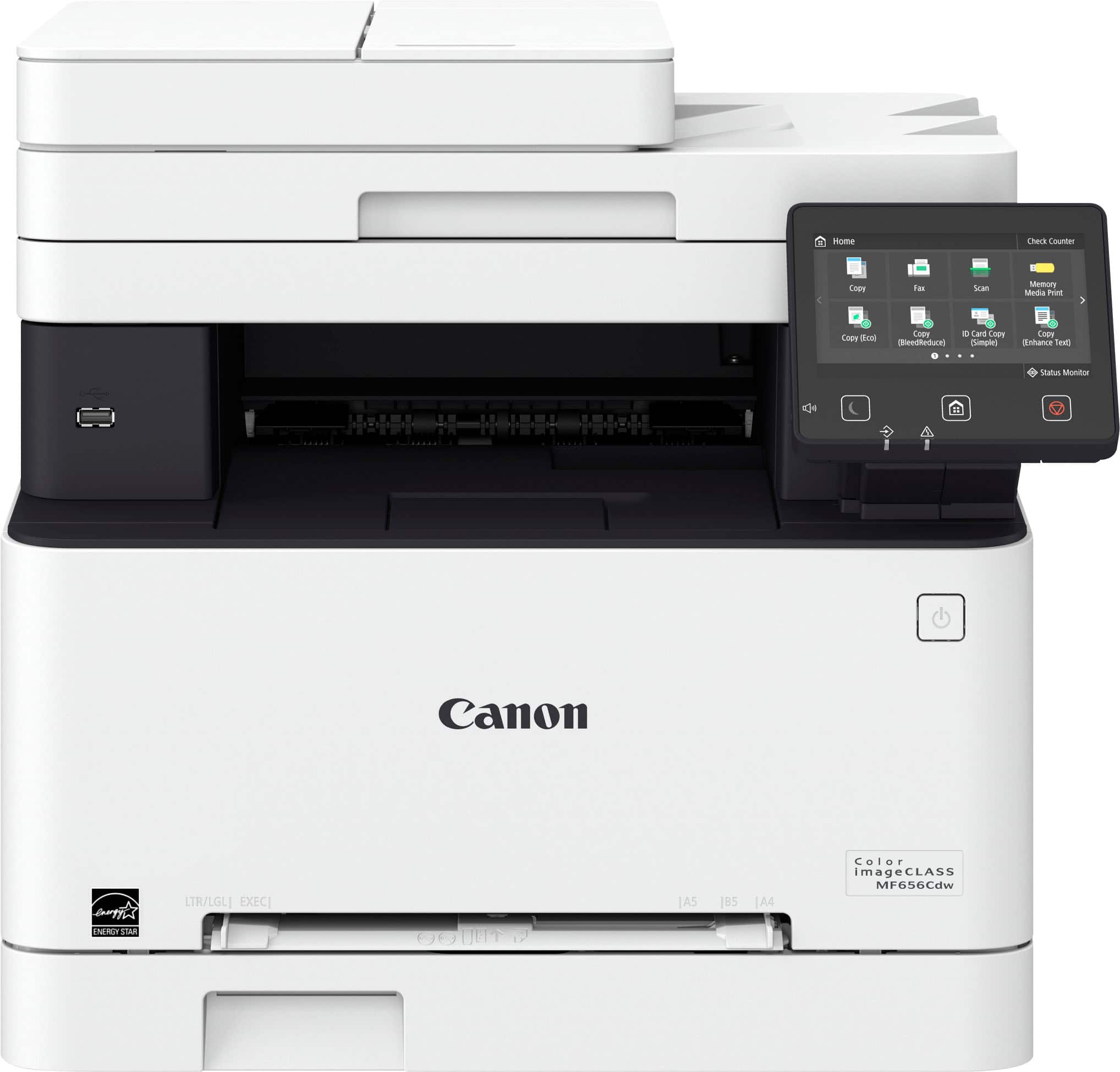
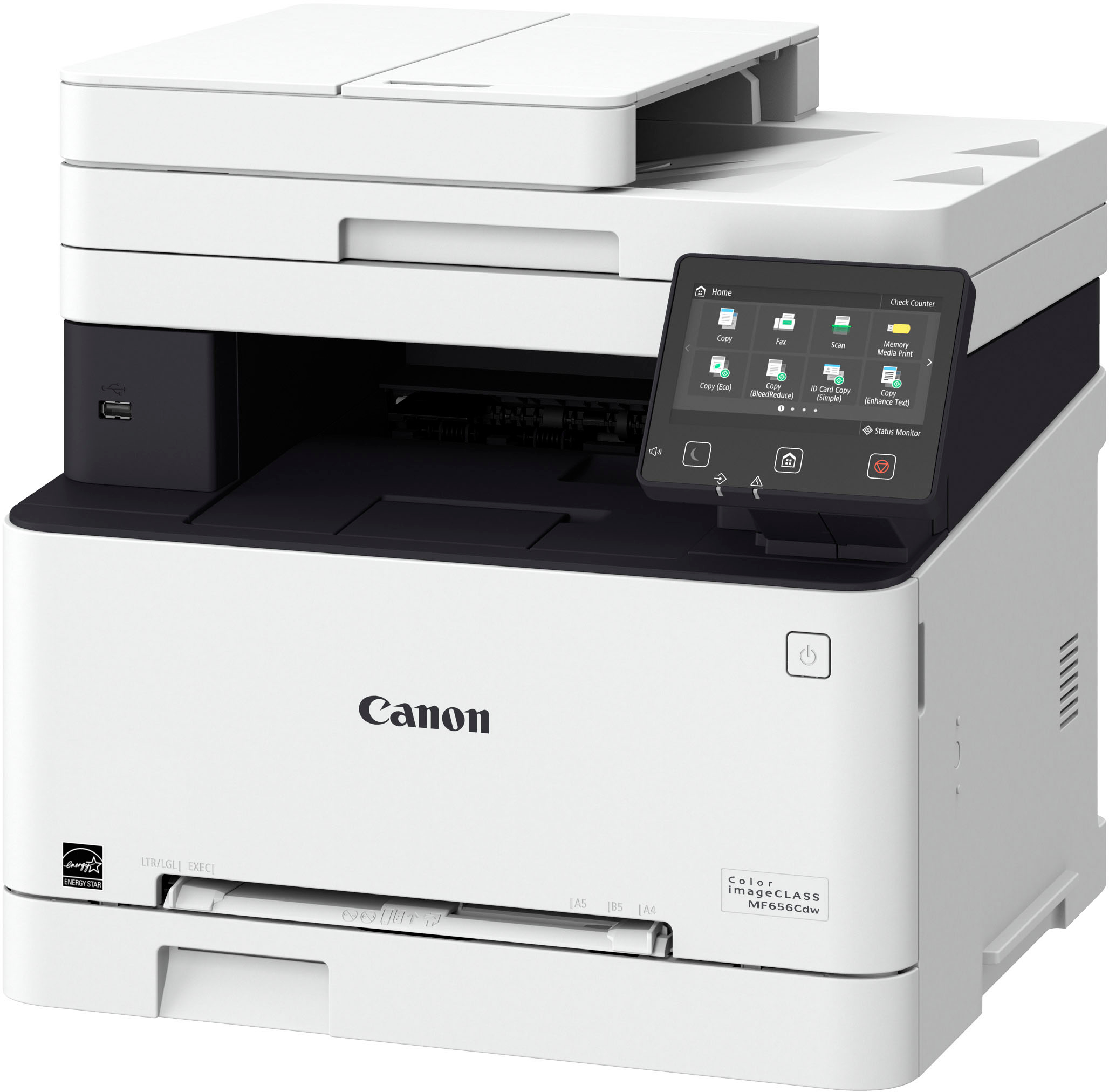
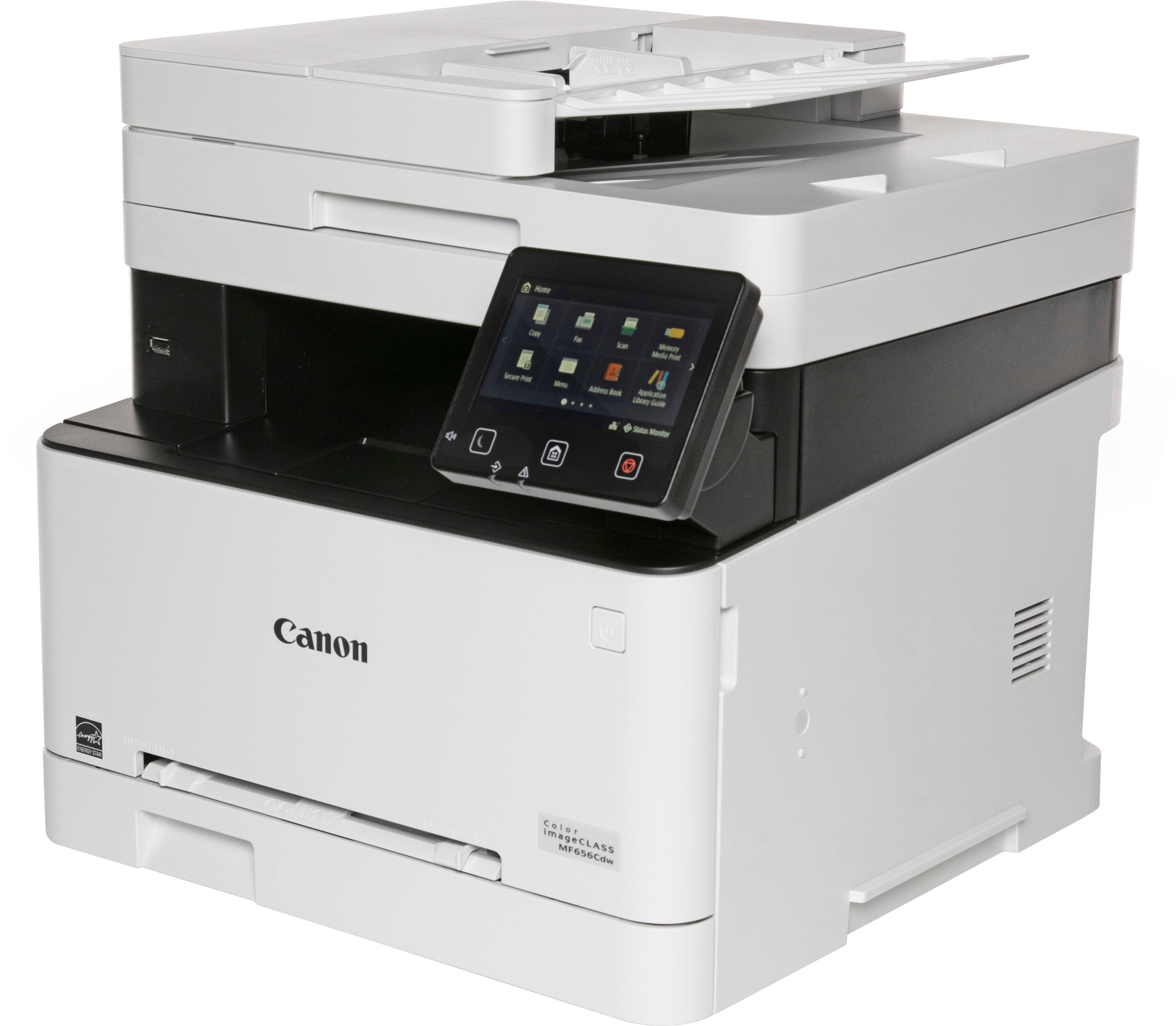
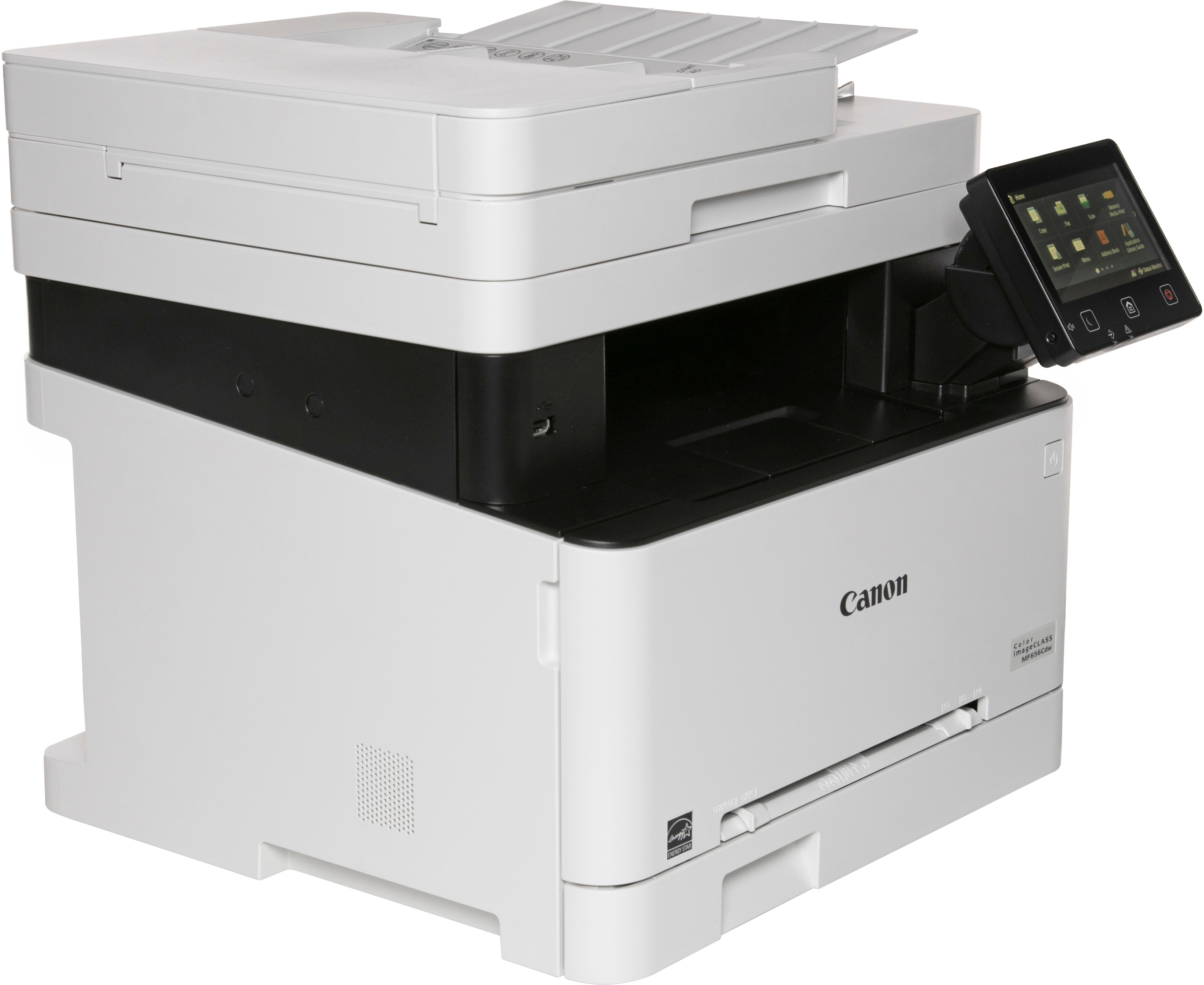
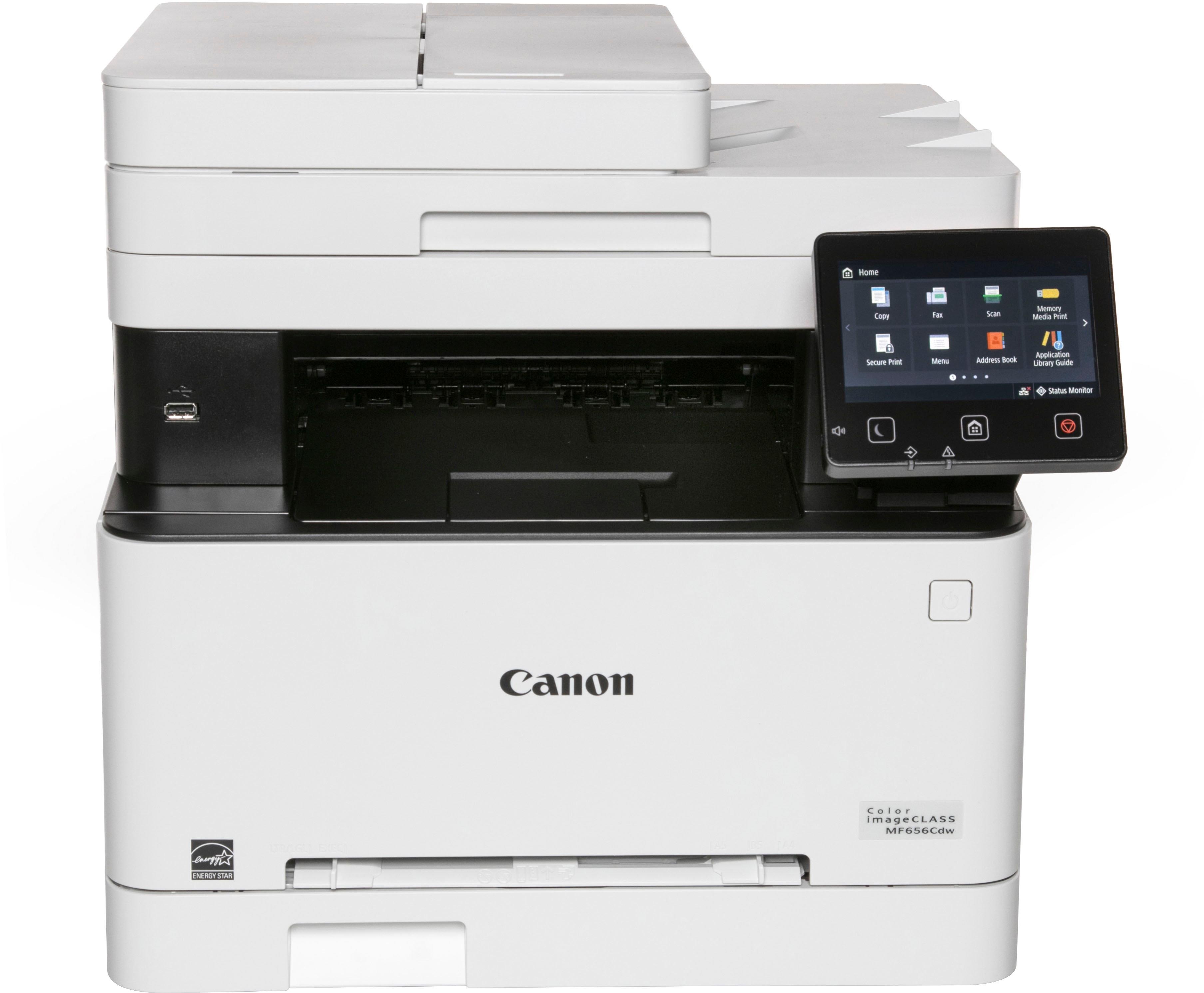
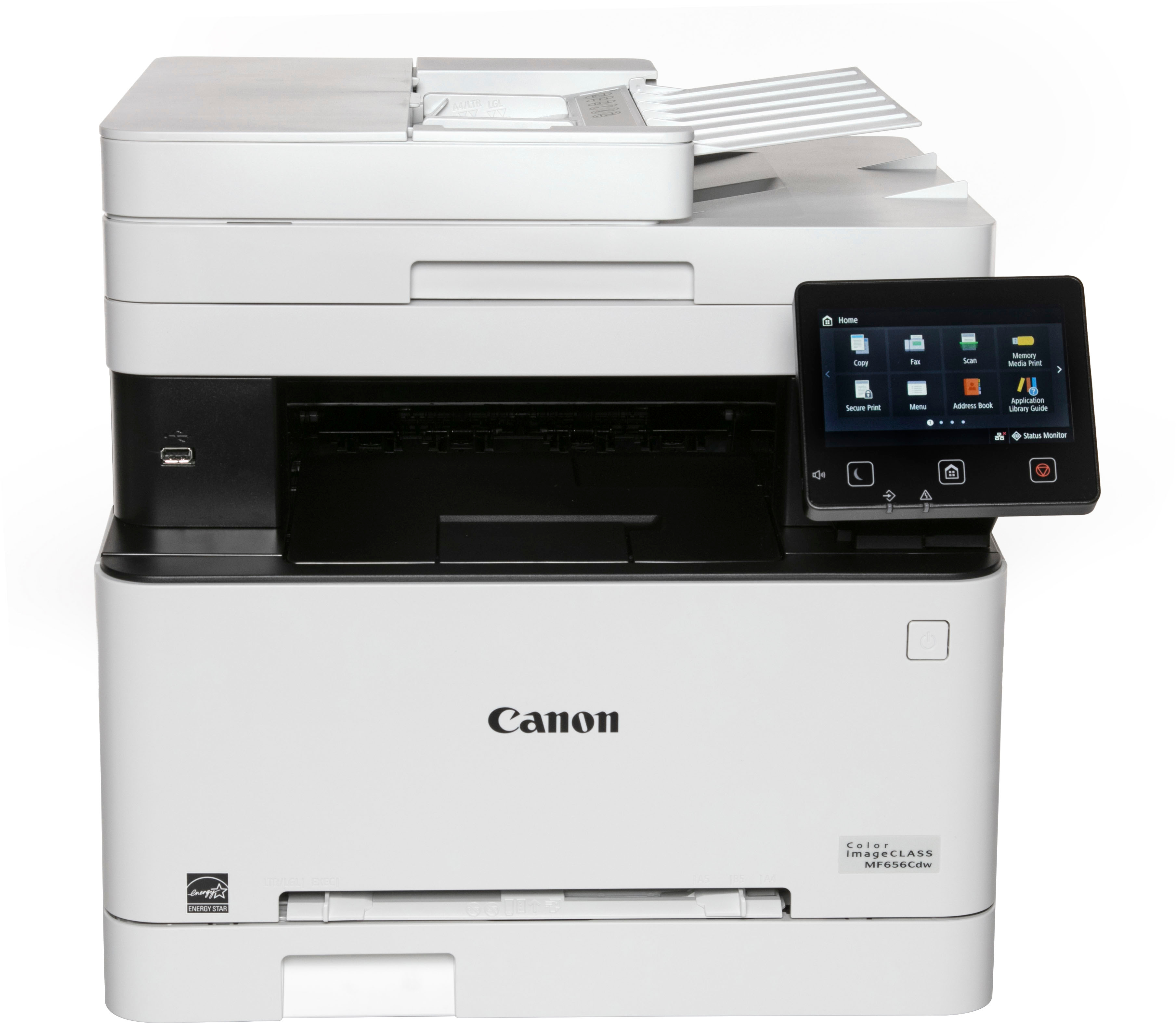
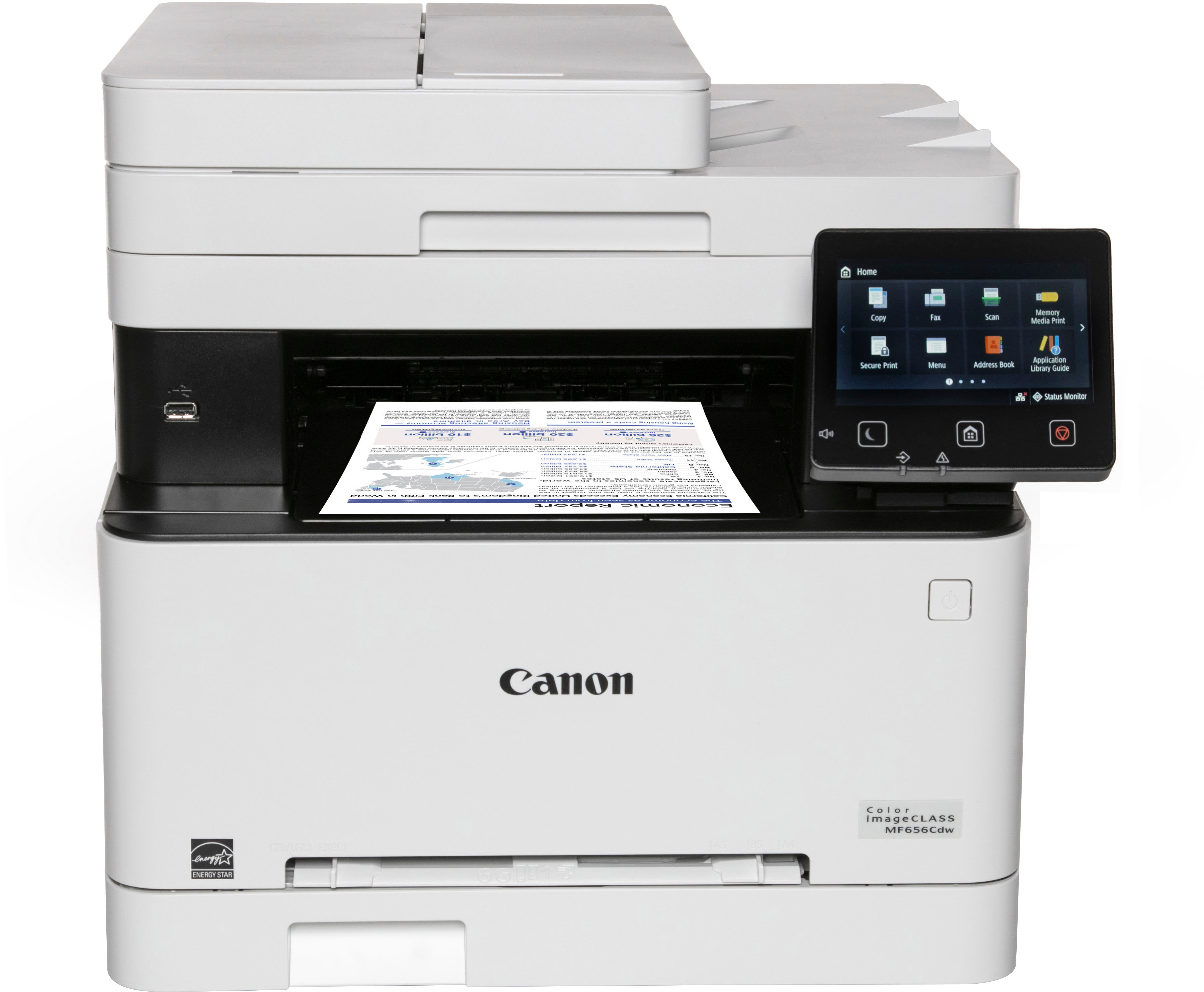
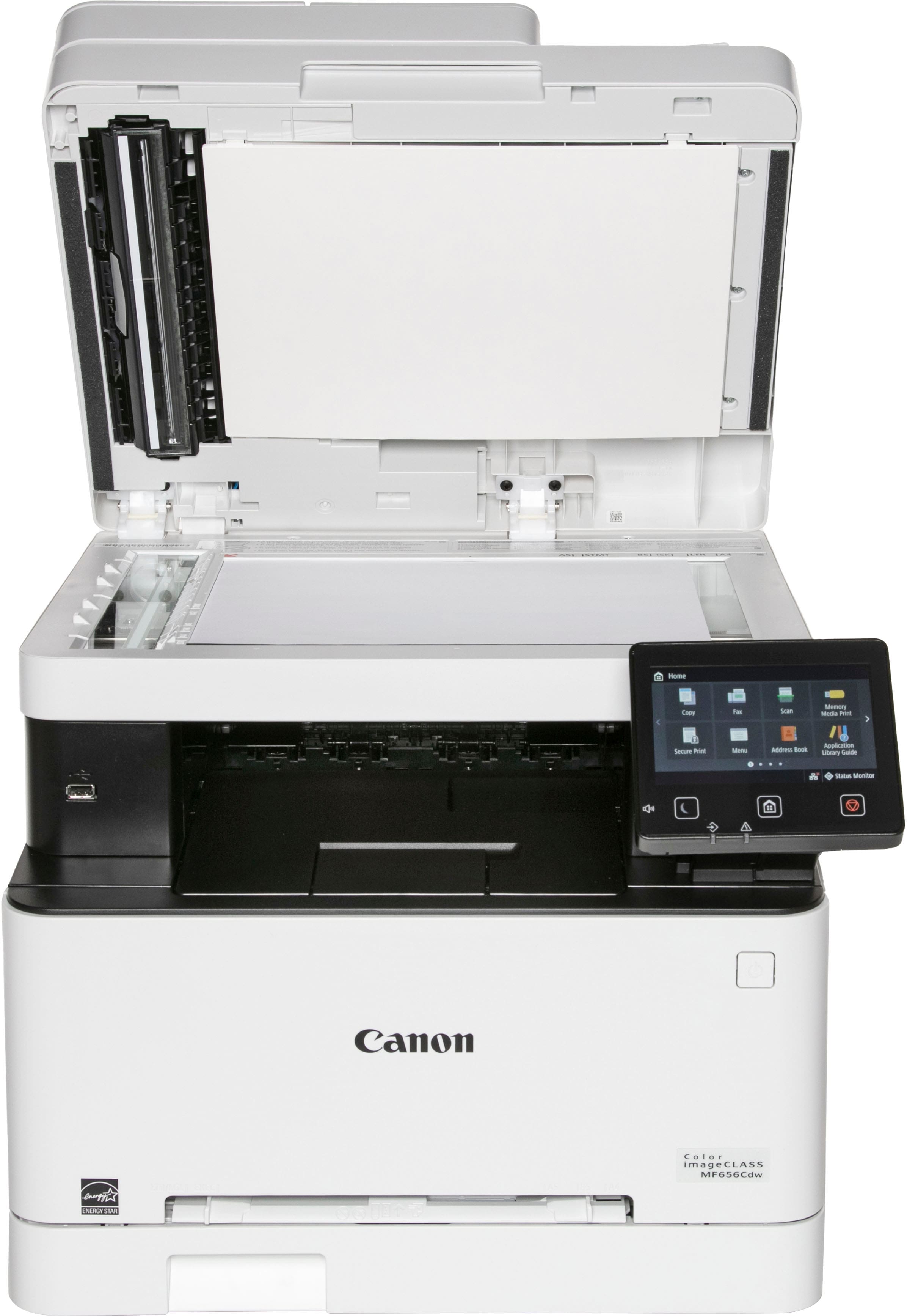
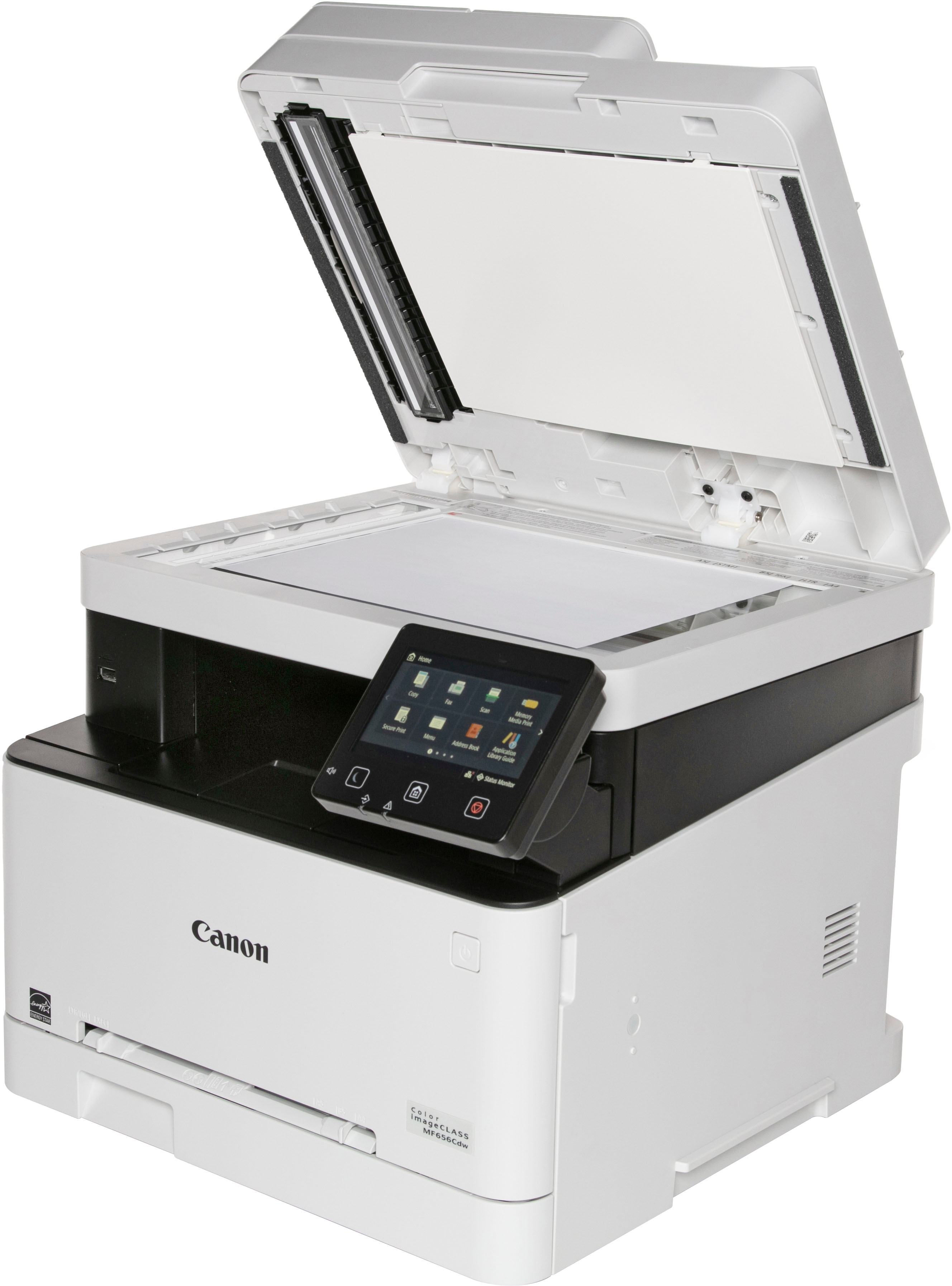
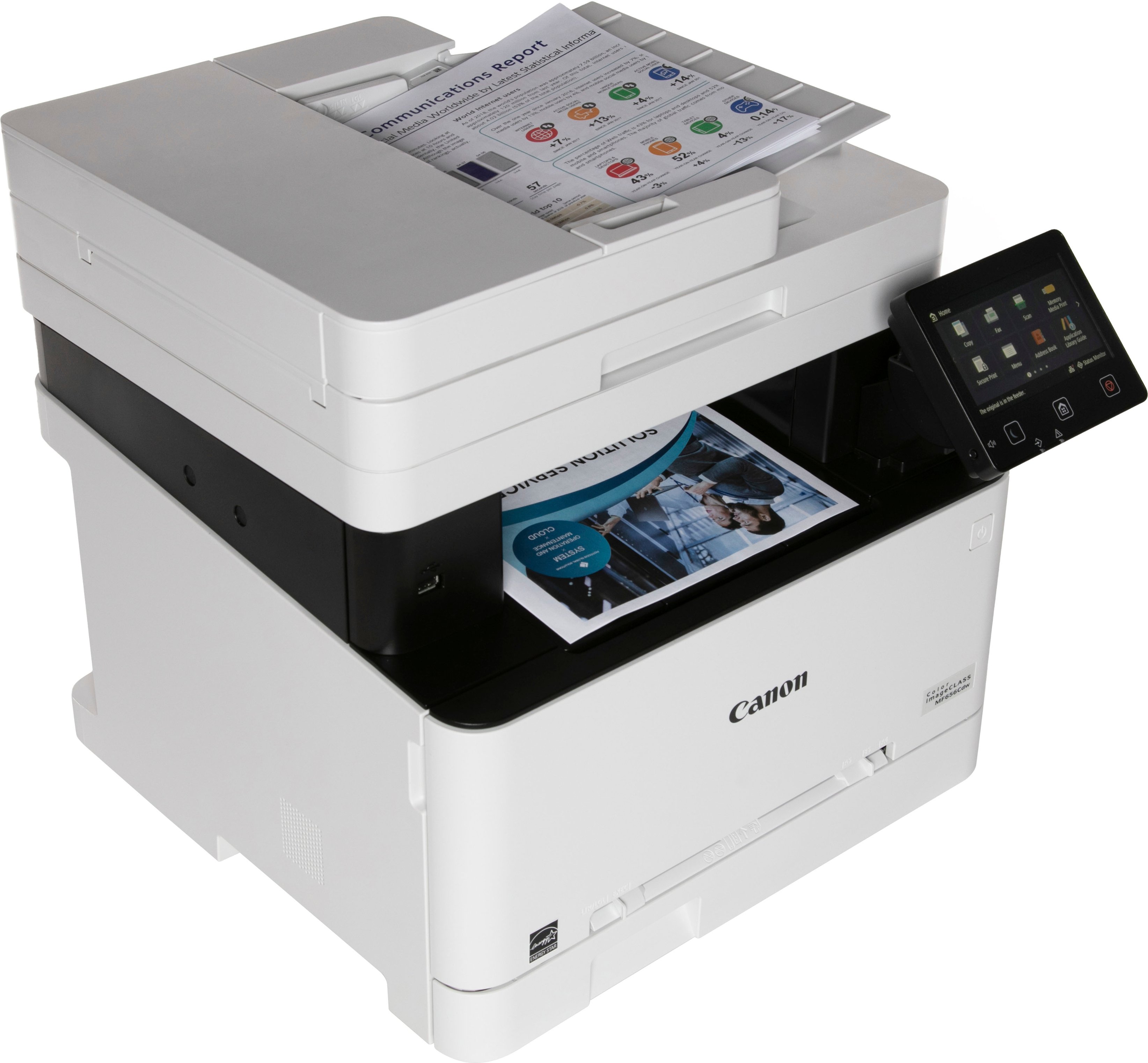
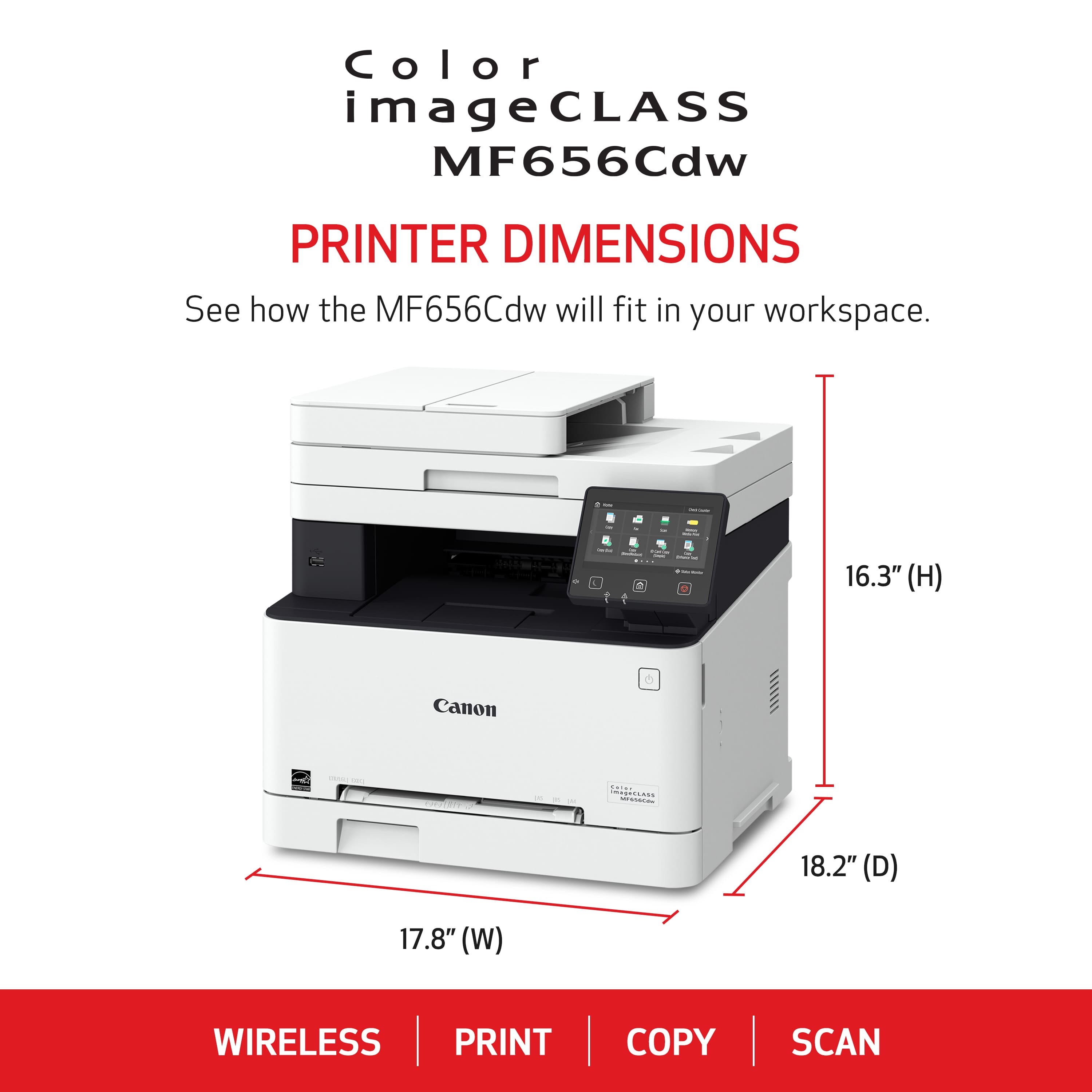

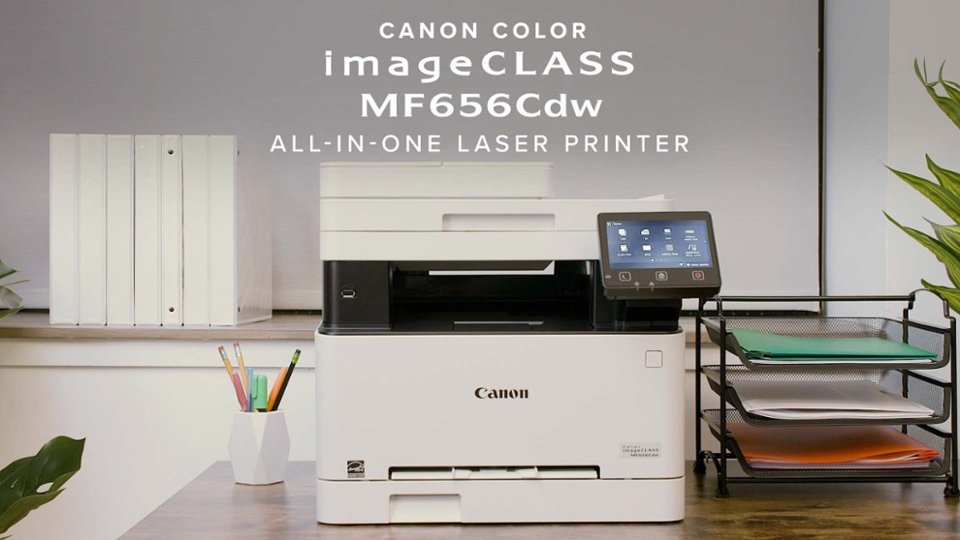
- Model:
- 5158C002
- |
- SKU:
- 10732212
Customer reviews
Rating 4.5 out of 5 stars with 186 reviews
(186 customer reviews)Rating by feature
- Value4.5
Rating 4.5 out of 5 stars
- Quality4.6
Rating 4.6 out of 5 stars
- Ease of Use4.4
Rating 4.4 out of 5 stars
Rated 5 out of 5 stars
My Canon
||Posted . Owned for 3 weeks when reviewed.This reviewer received promo considerations or sweepstakes entry for writing a review.Love this machine. Best printer i have ever purchased .Would recommend this product to anyone looking to purchase a new printer
This review is from Canon - imageCLASS MF656Cdw Wireless Color All-In-One Laser Printer with Fax - White
I would recommend this to a friendRated 5 out of 5 stars
Love this Printer!
||Posted . Owned for 3 weeks when reviewed.This reviewer received promo considerations or sweepstakes entry for writing a review.This Canon printer is the Best-- works fast and is easy to use! I had switched to another brand, which was a disaster and so frustrating to use. This is a great choice for me, since I mainly need it for office (though at home) printing! BTW, Brock, my installer, was fantastic! Poor guy had a flat tire on the way here, and changed it himself in order to save our appointment. I highly recommend him and appreciate his patience in setting up my new printer. Great Job!!
This review is from Canon - imageCLASS MF656Cdw Wireless Color All-In-One Laser Printer with Fax - White
I would recommend this to a friendRated 5 out of 5 stars
MFC656cdw Review
||Posted .This reviewer received promo considerations or sweepstakes entry for writing a review.Love the printer/copier/scanner. Very good quality of prints in clarity and color. The only downside - it was a bit difficult to setup with a VPN. Had to actually call customer support to help in completing the setup. When scanning from a desktop PC, I still need to disable the VPN. Originally had to disable the VPN to print, but was able to find a workaround from VPN provider to now print without disabling, have not found a workaround for the scanning piece yet. Other than than that - fantastic printer with all the extras that we wanted
This review is from Canon - imageCLASS MF656Cdw Wireless Color All-In-One Laser Printer with Fax - White
I would recommend this to a friendRated 5 out of 5 stars
Worth every penny!
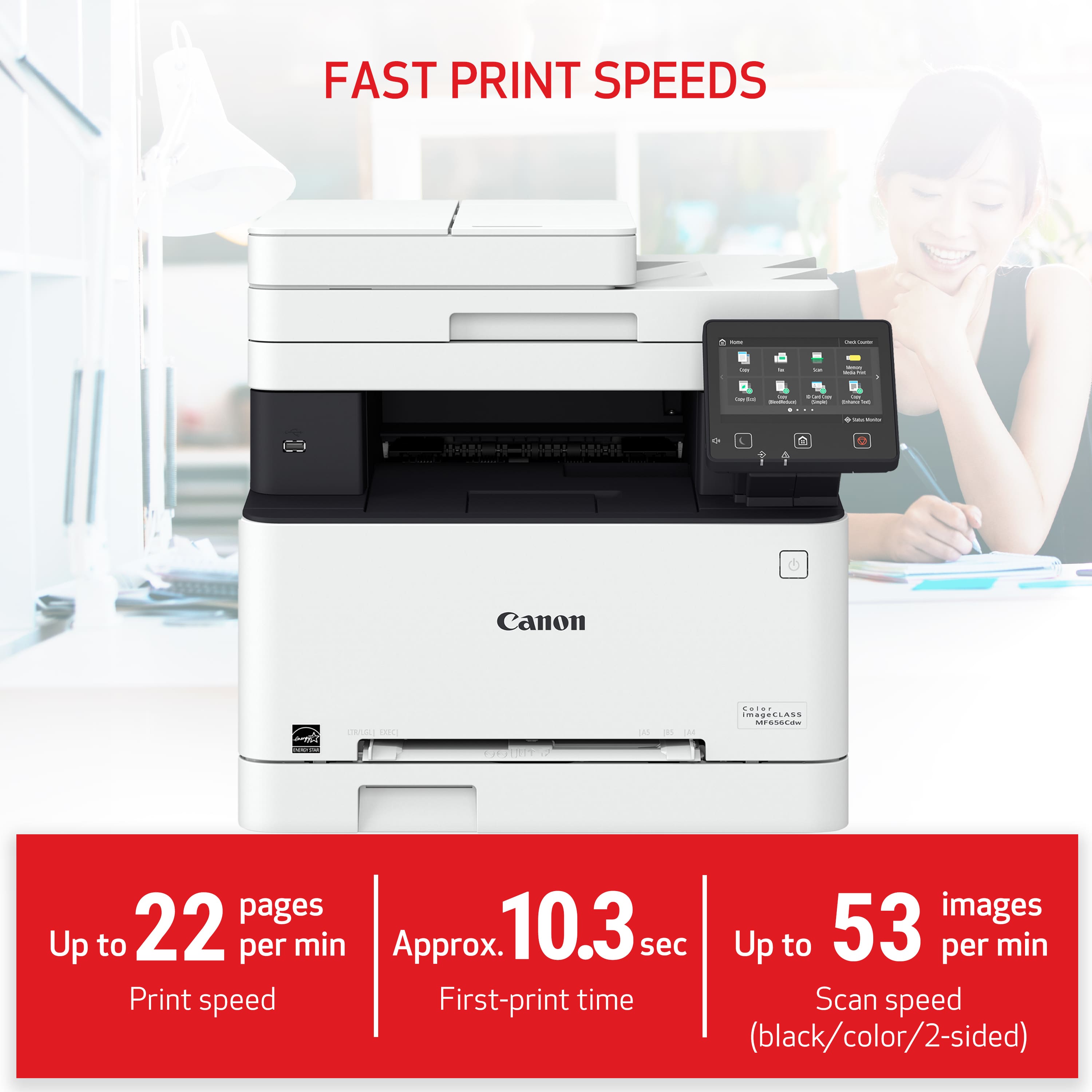
||Posted . Owned for 1 month when reviewed.This reviewer received promo considerations or sweepstakes entry for writing a review.Excellent print quality for office work. Have not used for photograph printing as that was not the intent of purchase. Prints quickly (see device details for pages per minute info.). Easy to setup and use. It does print faster via USB / direct connection but that will be pretty much all printers. Highly recommend for anyone who does not print every day.
This review is from Canon - imageCLASS MF656Cdw Wireless Color All-In-One Laser Printer with Fax - White
I would recommend this to a friendRated 5 out of 5 stars
Pleased piano teacher
||Posted . Owned for 8 months when reviewed.This reviewer received promo considerations or sweepstakes entry for writing a review.Printing is beautiful. It does sheet music very well, though sometimes the toner ink can be a bit reflective, but it’s worth not to have runny in when my students drop their books in the snow! Color is bold. I love that I can print from anywhere in my home. The copier works well also and it is fast. It also does double sided very well.
This review is from Canon - imageCLASS MF656Cdw Wireless Color All-In-One Laser Printer with Fax - White
I would recommend this to a friendRated 5 out of 5 stars
Very crisp printing.
||Posted .This reviewer received promo considerations or sweepstakes entry for writing a review.Very nice looking printer and works well. It is great for a small office looking to get big. Printing is very crisp!
This review is from Canon - imageCLASS MF656Cdw Wireless Color All-In-One Laser Printer with Fax - White
I would recommend this to a friendRated 5 out of 5 stars
Canon MF656 Cdw Printer
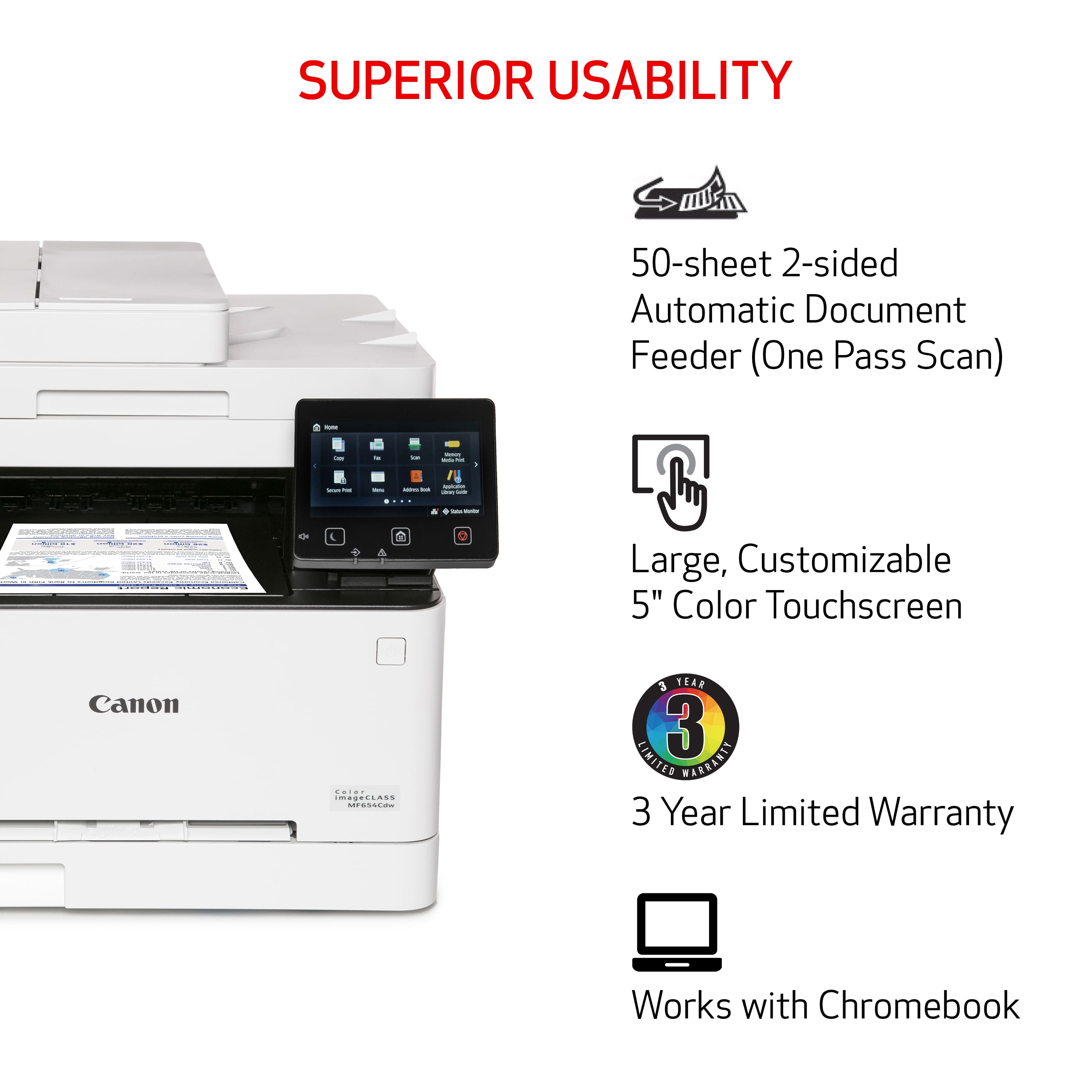
||Posted . Owned for 1 month when reviewed.This reviewer received promo considerations or sweepstakes entry for writing a review.This is my second ImageClass printer. Had MF634 from 2018-2025. Worked great. Replaced with MF656 May 2025. Mostly used to scan documents to a network server with some color printing. The 656 like the 634 supports 2 sided scanning. Buy this model instead of the 654 if you need 2 sided scanning. Initial setup can be challenging. Cannon tech support helps a lot if you get stuck. 800-828-4040. Would buy another one if necessary.
This review is from Canon - imageCLASS MF656Cdw Wireless Color All-In-One Laser Printer with Fax - White
I would recommend this to a friendRated 4 out of 5 stars
Great printer for SMB or WFH needs
||Posted . Owned for 1 month when reviewed.This reviewer received promo considerations or sweepstakes entry for writing a review.So far, so good. My last printer (a HP laserjet MFP b&w) lasted for a good 12 years. I've worked from home since 2012 and it was a reliable printer and scanner. I'm sure this one will be the same. I knocked off a star not because I'm unhappy with the product but because, like all printers, the management functionality is always an afterthought. Like Cisco, HP, Brother, and other vendors I've worked with in IT, GUI design is an afterthought. The menu and management functionality is no worse than anyone else but that isn't a very high bar. The print quality is excellent, and the breadth of features is more than enough for most SMB or WFH needs. Heavy printers may want an additional paper tray, but other than those few things, I wouldn't have any problem recommending this to others...for now. We will see if Canon has built a product that will last as long as my old HP.,
This review is from Canon - imageCLASS MF656Cdw Wireless Color All-In-One Laser Printer with Fax - White
I would recommend this to a friendRated 1 out of 5 stars
Don't waste your money on this.
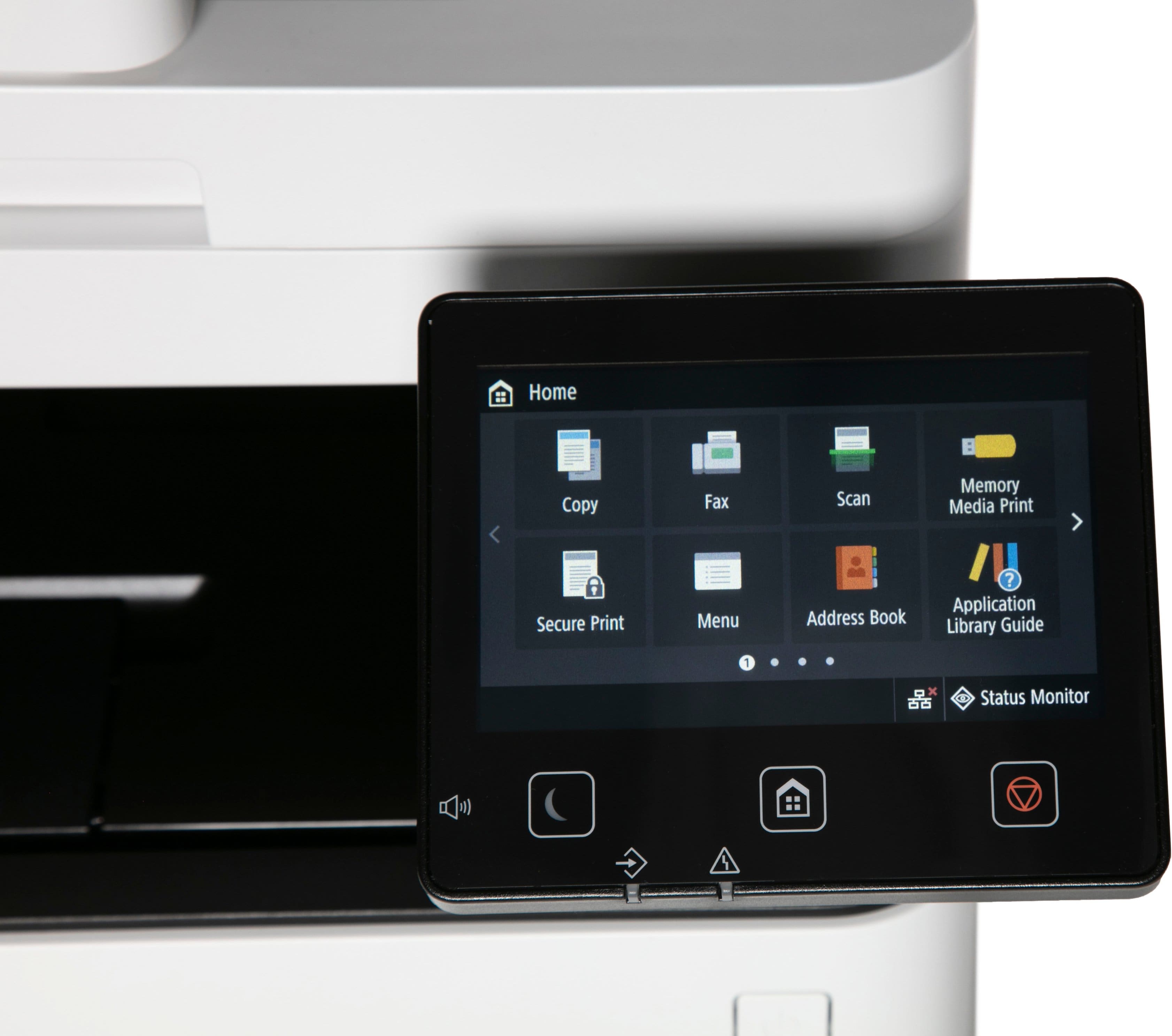
||Posted .This reviewer received promo considerations or sweepstakes entry for writing a review.My HP all-in-one printer gave up the ghost after over a decade. I don't print as much as I used to and I also wanted to find an all-in-one with cheaper replacement toner cartridges. The cost of HP replacement toner cartridges is outrageous. I found this Canon ImageCLASS MF565Cdw on sale and it has everything I was looking for. All-in-one, cheaper toner cartridges, good print quality and ease of set up from the reviews I read. Well don't believe everything you read. Unfortunately I didn't open and try to use this before the Best Buy return window closed. I have an Apple MacBook Pro running Sequoia 15.6.1 and trying to connect this machine was an extremely frustrating experience. I still am not able to recognize the scanner or fax after so many attempts I just want to destroy this machine. There isn't an app or at least not one I have found and I'm not sure a third party app would work. I miss the HP app. I had to buy a usb memory stick to scan because I can not get the machine to connect to my MacBook Pro and I tried wireless and hardwired with zero success. So I scan to the USB stick then move to another peripheral to be able to get the documents loaded on my MacBook Pro. The document feeder worked once correctly before it started to jam and crumple the right side of each document. I ended up having to scan each page individually on the bed. The touch pad is a pain when entering information because the letters are small and anyone who has bigger hands will experience continual mishits. I ended up using a tablet stylus to enter information. The only good thing is the printer quality is good. A total waste of money and time. This machine is junk right out of the box. Definitely the worst experience I have ever had with a new all-in-one laser printer. I will be purchasing a HP.
This review is from Canon - imageCLASS MF656Cdw Wireless Color All-In-One Laser Printer with Fax - White
No, I would not recommend this to a friendRated 5 out of 5 stars
Great printer so far
||Posted . Owned for 2 months when reviewed.This reviewer received promo considerations or sweepstakes entry for writing a review.We don’t print a lot and hope this printer will meet the need of having one that doesn’t waste a lot of supply every time it has been idle for a while. So far so good and the print quality is very good. Duplex printing, scanning, and copying work well.
This review is from Canon - imageCLASS MF656Cdw Wireless Color All-In-One Laser Printer with Fax - White
I would recommend this to a friendRated 5 out of 5 stars
Great Top Level Laser Printer for home
||Posted .This reviewer received promo considerations or sweepstakes entry for writing a review.Great printer! Easy to set up and high quality print.
This review is from Canon - imageCLASS MF656Cdw Wireless Color All-In-One Laser Printer with Fax - White
I would recommend this to a friendRated 5 out of 5 stars
Good Buy
||Posted .This reviewer received promo considerations or sweepstakes entry for writing a review.easy to set up and easy to operate quality printing
This review is from Canon - imageCLASS MF656Cdw Wireless Color All-In-One Laser Printer with Fax - White
I would recommend this to a friendRated 5 out of 5 stars
Quality color laser printer in an easy package
||Posted .This reviewer received promo considerations or sweepstakes entry for writing a review.Fast, easy to align the collated pages when printing back to front. Reliable printer with good quality image reproduction. I wouldn't consider the printer photo ready, but with some tweaks, you can make a significant improvement in how the printer handles photos and high resolution graphics. Canon has always been good about providing user tweaks, and this printer is no exception. Good all around printer and easy to use.
This review is from Canon - imageCLASS MF656Cdw Wireless Color All-In-One Laser Printer with Fax - White
I would recommend this to a friendRated 5 out of 5 stars
Great buy
||Posted . Owned for 1 month when reviewed.This reviewer received promo considerations or sweepstakes entry for writing a review.So far this is a good printer. Good print quality, easy to set up, and easy to use.
This review is from Canon - imageCLASS MF656Cdw Wireless Color All-In-One Laser Printer with Fax - White
I would recommend this to a friendRated 4 out of 5 stars
Great printer
||Posted . Owned for 3 weeks when reviewed.This reviewer received promo considerations or sweepstakes entry for writing a review.Other than weighing 60#, setup was intuitive and speed seems better than expected. Print quality great.
This review is from Canon - imageCLASS MF656Cdw Wireless Color All-In-One Laser Printer with Fax - White
I would recommend this to a friendRated 5 out of 5 stars
Duplex Printing and Scanning is a must
||Posted . Owned for 3 weeks when reviewed.This reviewer received promo considerations or sweepstakes entry for writing a review.I have been shopping for this MFD for a long time waiting for it to drop in price. I really enjoy the duplex printing and love the duplex scanning. The Canon drivers and apps are excellent and I was happy to kick my old HP laser to the curb.
This review is from Canon - imageCLASS MF656Cdw Wireless Color All-In-One Laser Printer with Fax - White
I would recommend this to a friendRated 5 out of 5 stars
Great Home Printer
||Posted . Owned for 3 weeks when reviewed.This reviewer received promo considerations or sweepstakes entry for writing a review.The Canon imageCLASS MF656CDW printer is perfect for a small office or home user. No more wasted money from throwing away dried up inkjet cartridges! Setup was extremely easy, and connecting to our Wi-Fi network was easy. We got a great price from Best Buy on sale. Yes, the purchase price is more than the typical inkjet printer, but you should be ahead financially if you factor in the cost of inkjet cartridges. The unit prints quickly and quietly. A few downsides: the weight (over 40lbs) and the height might be an issue for some.
This review is from Canon - imageCLASS MF656Cdw Wireless Color All-In-One Laser Printer with Fax - White
I would recommend this to a friendRated 5 out of 5 stars
Great Product, truly impressed!
||Posted . Owned for 3 weeks when reviewed.This reviewer received promo considerations or sweepstakes entry for writing a review.Has thus far exceeded my expectations. At this price point to have a Color Laser with double sided printing and with this quality is truly awesome! Only complaint is that its a bit louder than my previous laser printers.
This review is from Canon - imageCLASS MF656Cdw Wireless Color All-In-One Laser Printer with Fax - White
I would recommend this to a friendRated 5 out of 5 stars
Nice new affordable printer
||Posted . Owned for 3 weeks when reviewed.This reviewer received promo considerations or sweepstakes entry for writing a review.So far so good - I moved to Canon from HP so there is a big difference in management. PROTIP when fist going through the configurations on the printer screen do not skip the part about enabling remote access. I thought this meant from the Internet, so I skipped it - turns out, it's remote from your local network (hmmm, poor choice of words I think). Took me many google searches and the online user manual (because it doesn't come with a paper version) to finaly find where to enable it so you can configure a lot (not all) from the web interface. Prints great, scans great - no complaints so far.
This review is from Canon - imageCLASS MF656Cdw Wireless Color All-In-One Laser Printer with Fax - White
I would recommend this to a friendRated 5 out of 5 stars
Canon Print
||Posted . Owned for 1 month when reviewed.This reviewer received promo considerations or sweepstakes entry for writing a review.Great machine. Does everything you need. Excellent prints. No worry about ink drying up. Only drawback it's big and heavy.
This review is from Canon - imageCLASS MF656Cdw Wireless Color All-In-One Laser Printer with Fax - White
I would recommend this to a friend