Customer Ratings & Reviews


- Model:
- CH-9226765-NA
- SKU:
- 11526701
Rating by feature
- Value
Rating 4.7 out of 5 stars
- Quality
Rating 4.6 out of 5 stars
- Ease of Use
Rating 4.7 out of 5 stars
Great job!
||Posted . Owned for 3 weeks when reviewed.This reviewer received promo considerations or sweepstakes entry for writing a review.Went straight to the keyboard I wanted after picking up my monitor and the woman at customer service helped me to buy the keyboard and she was very nice and ready to answer any questions I had!
I would recommend this to a friendGreat peripheral
||Posted .This reviewer received promo considerations or sweepstakes entry for writing a review.Works like it should. Im ver ly hard on keyboards as well is my 3yr old. She loves to watch and pick at the keys and smack them. Once spilled milk on it. Thing is still working like new.
I would recommend this to a friendAwesome keyboard
||Posted . Owned for 2 months when reviewed.This reviewer received promo considerations or sweepstakes entry for writing a review.This is a great keyboard. I have huge hands and it's difficult to find a good keyboard that fits and is good quality. This one is both. Just be careful with how you program the programmable keys. They take some getting used to.
I would recommend this to a friendSpeedy
||Posted . Owned for 3 weeks when reviewed.This reviewer received promo considerations or sweepstakes entry for writing a review.Easy and fast connection makes use in it fast and smart
I would recommend this to a friend“It feels good!”
||Posted . Owned for 6 months when reviewed.This reviewer received promo considerations or sweepstakes entry for writing a review.I brought this as a work keyboard! I love it, people always swing by my office and compliment my keyboard! The buttons feel good when typing, I can’t really explain it. But I would buy again! The Macro Keys are the best feature!
I would recommend this to a friendLove it
||Posted . Owned for 10 months when reviewed.This reviewer received promo considerations or sweepstakes entry for writing a review.This keyboard is amazing. I used it for work and gaming. Its very comfortable to use. Works great never had a issue.
I would recommend this to a friendAwesome keyboard
||Posted . Owned for less than 1 week when reviewed.This reviewer received promo considerations or sweepstakes entry for writing a review.Excellent keyboard and able to have macros programmed without using software
I would recommend this to a friendIts glowy
||Posted . Owned for 1 week when reviewed.This reviewer received promo considerations or sweepstakes entry for writing a review.This keyboard lights up and syncs with your typing and monitor
I would recommend this to a friendLong lasting
||Posted . Owned for 1.5 years when reviewed.This reviewer received promo considerations or sweepstakes entry for writing a review.Has held up on my work computer for over 2 years with no issues!
I would recommend this to a friendCorsair or SteelSeries?
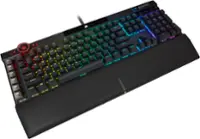
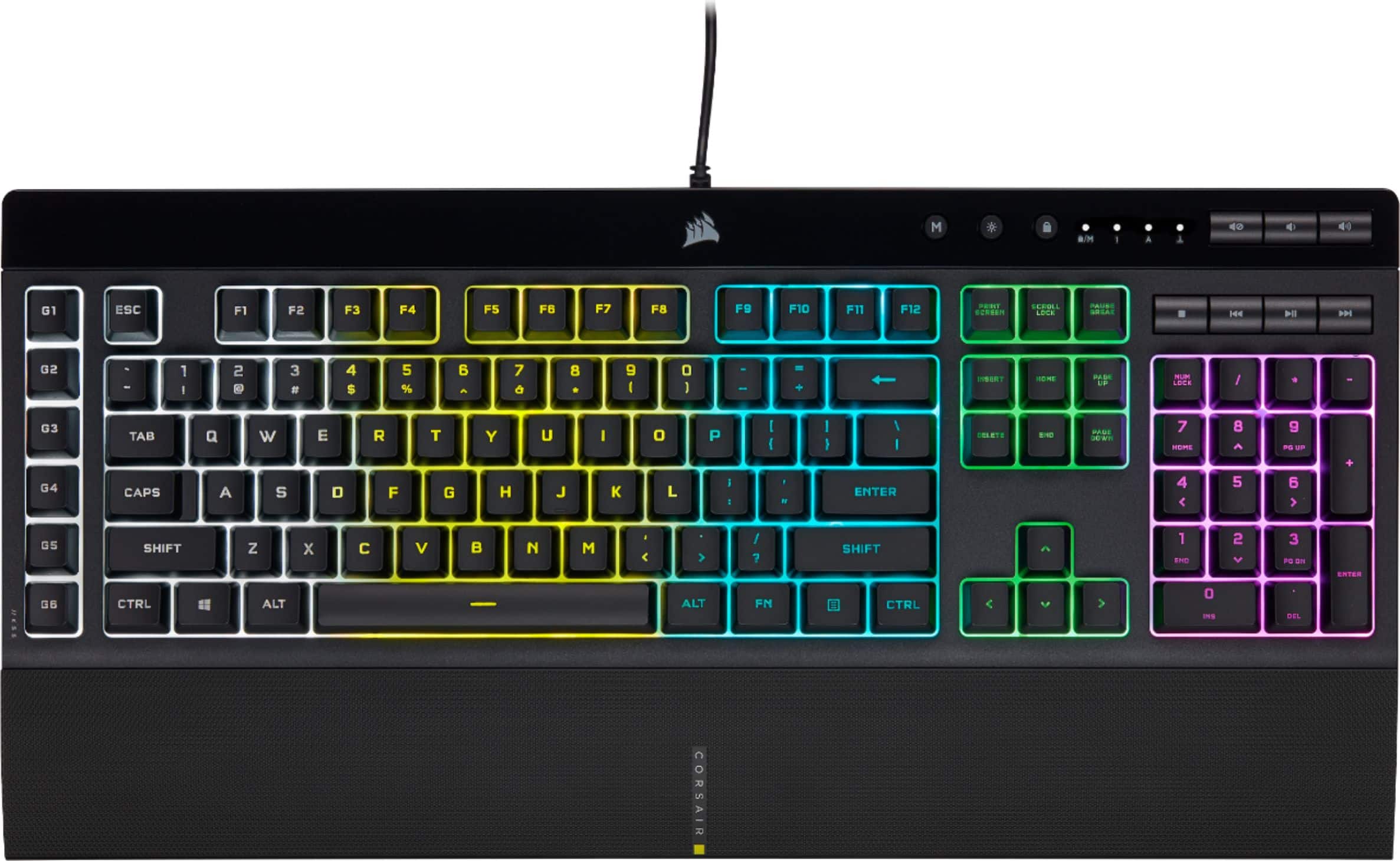
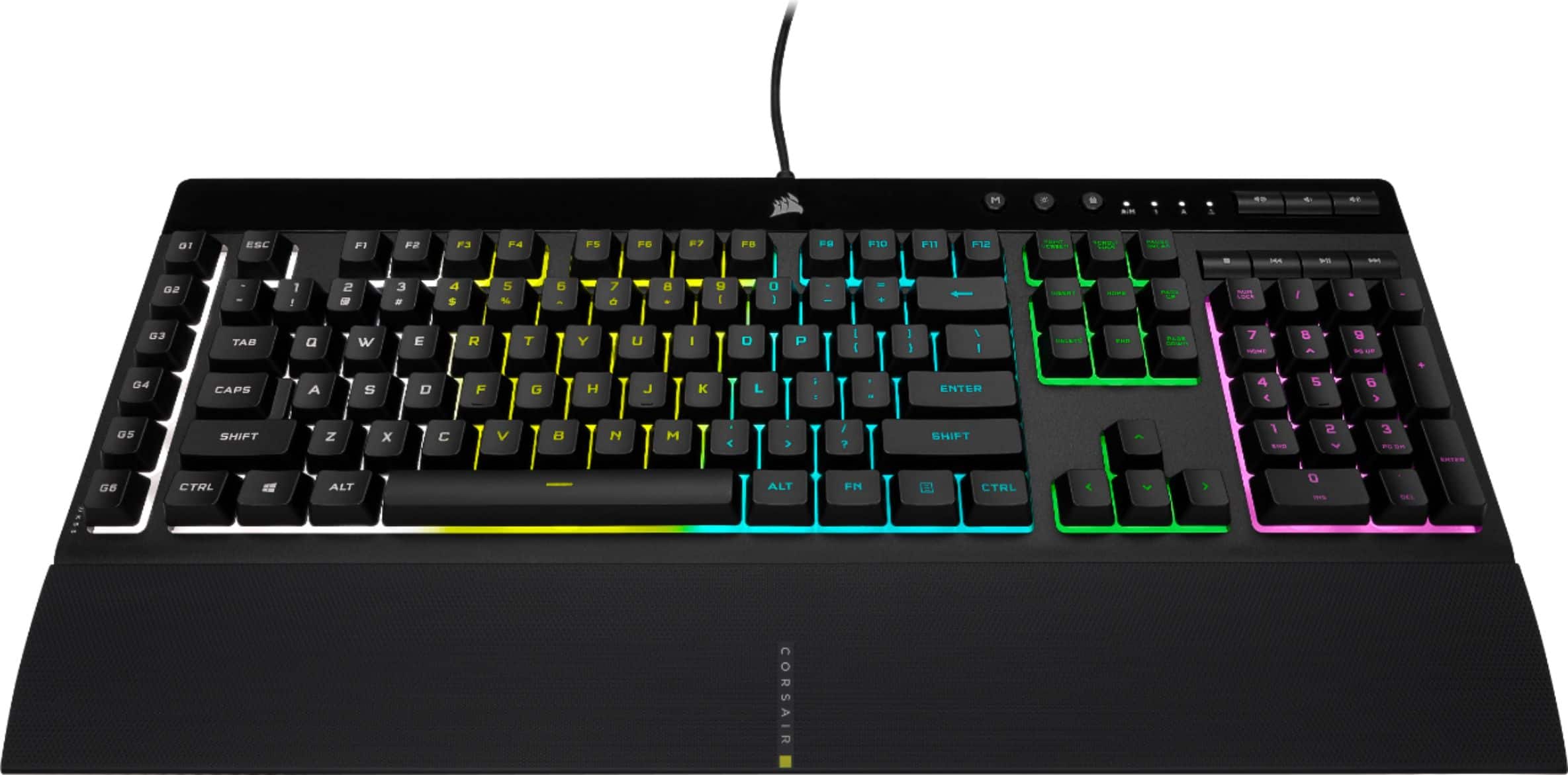
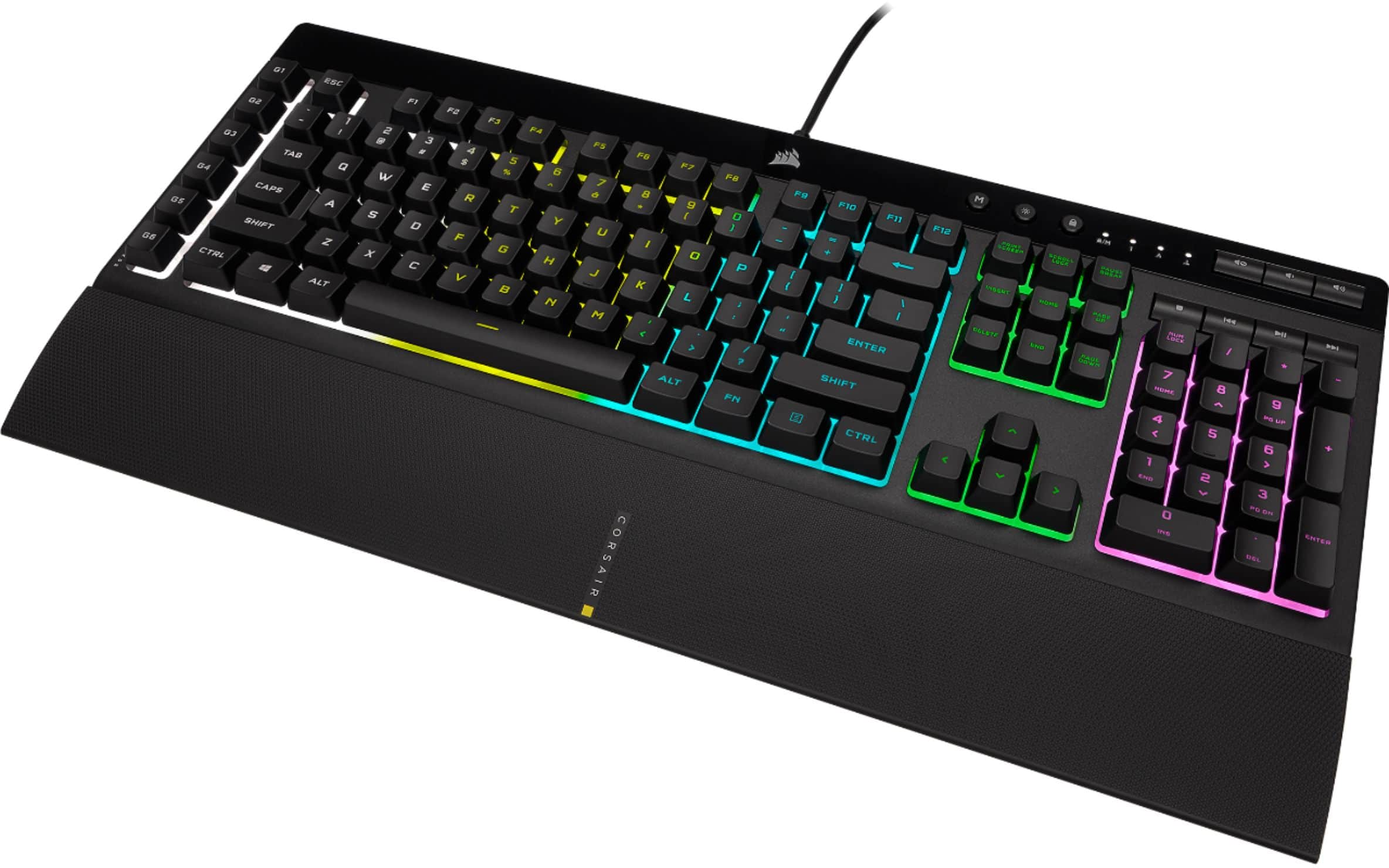
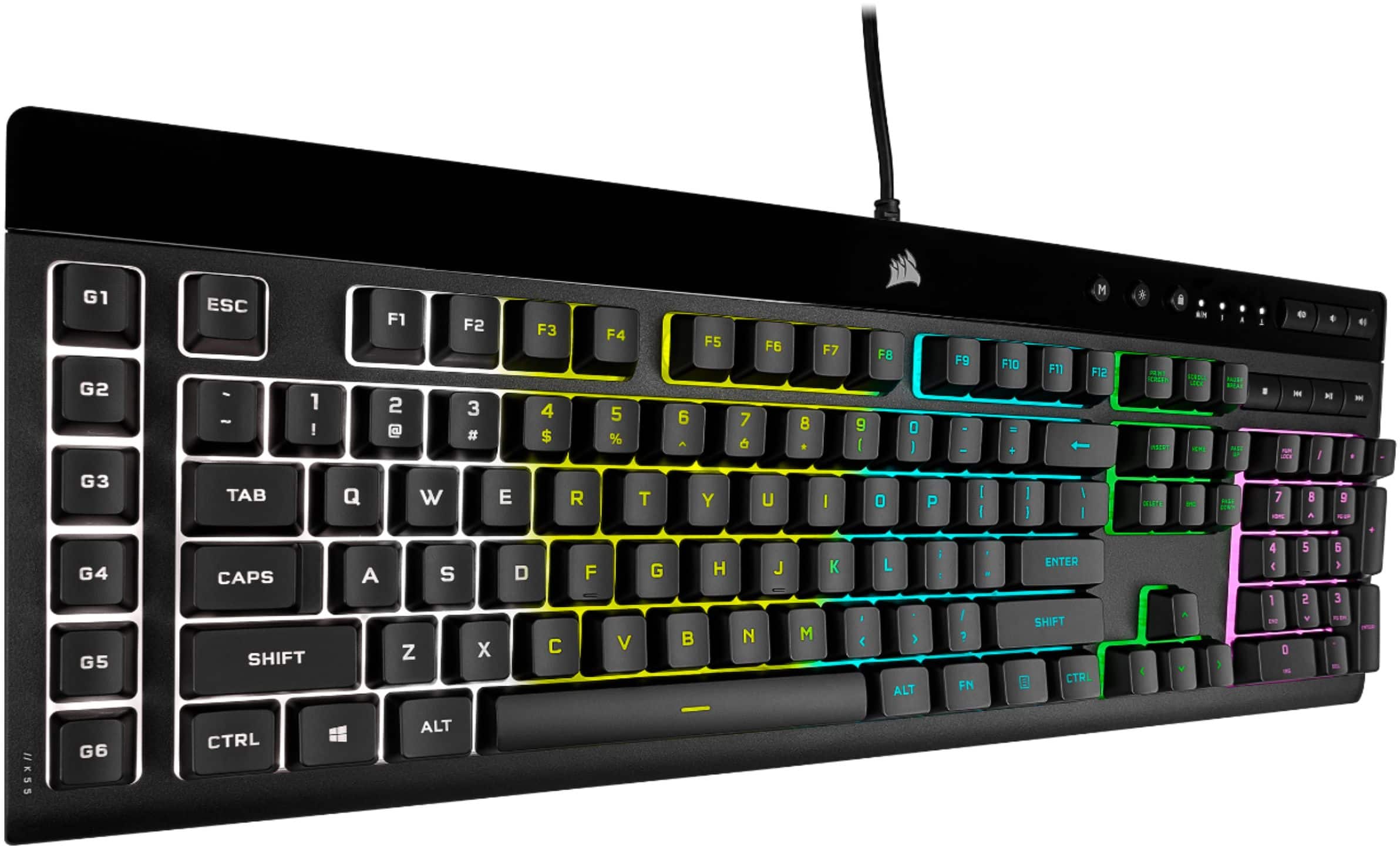
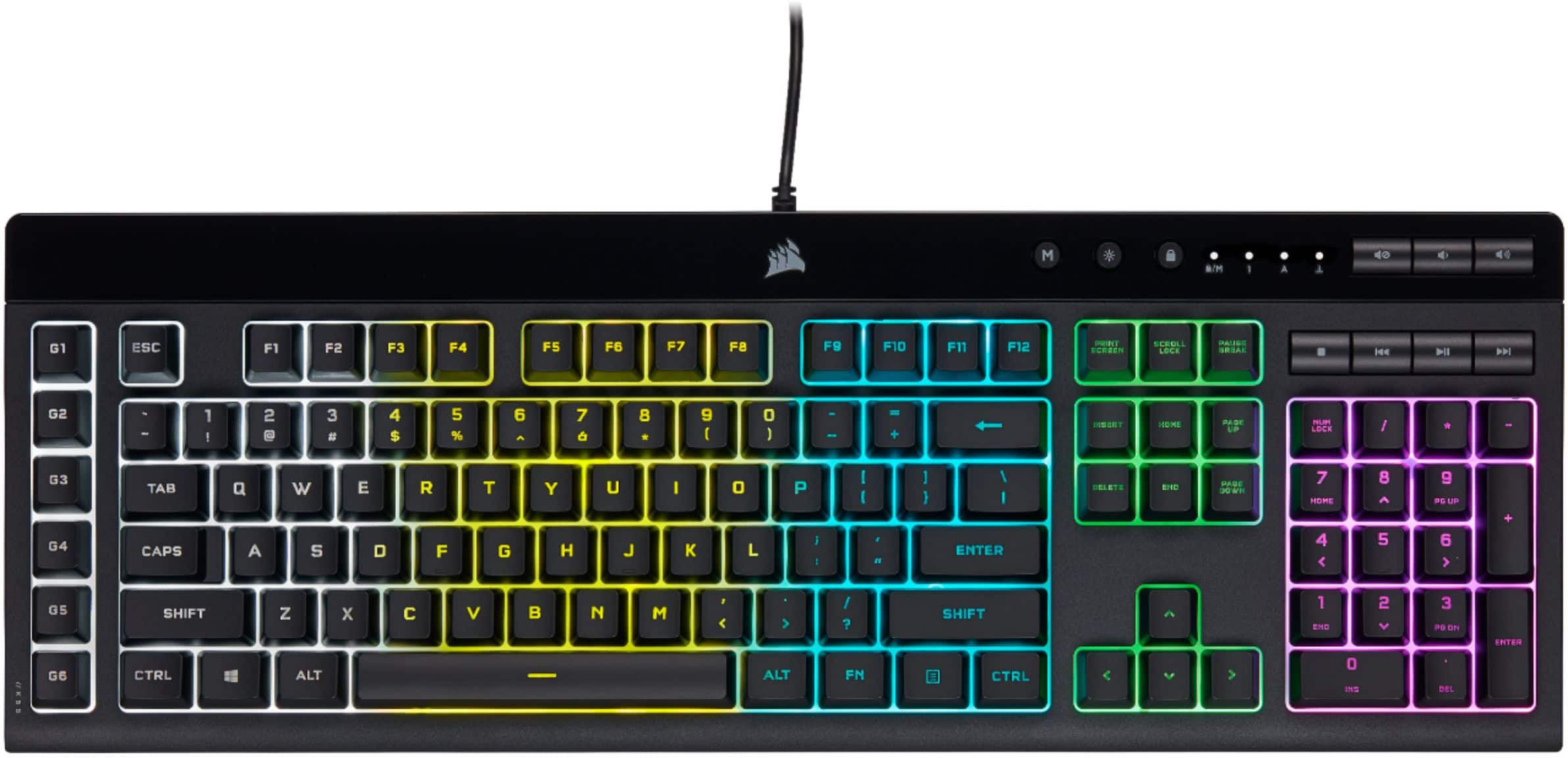
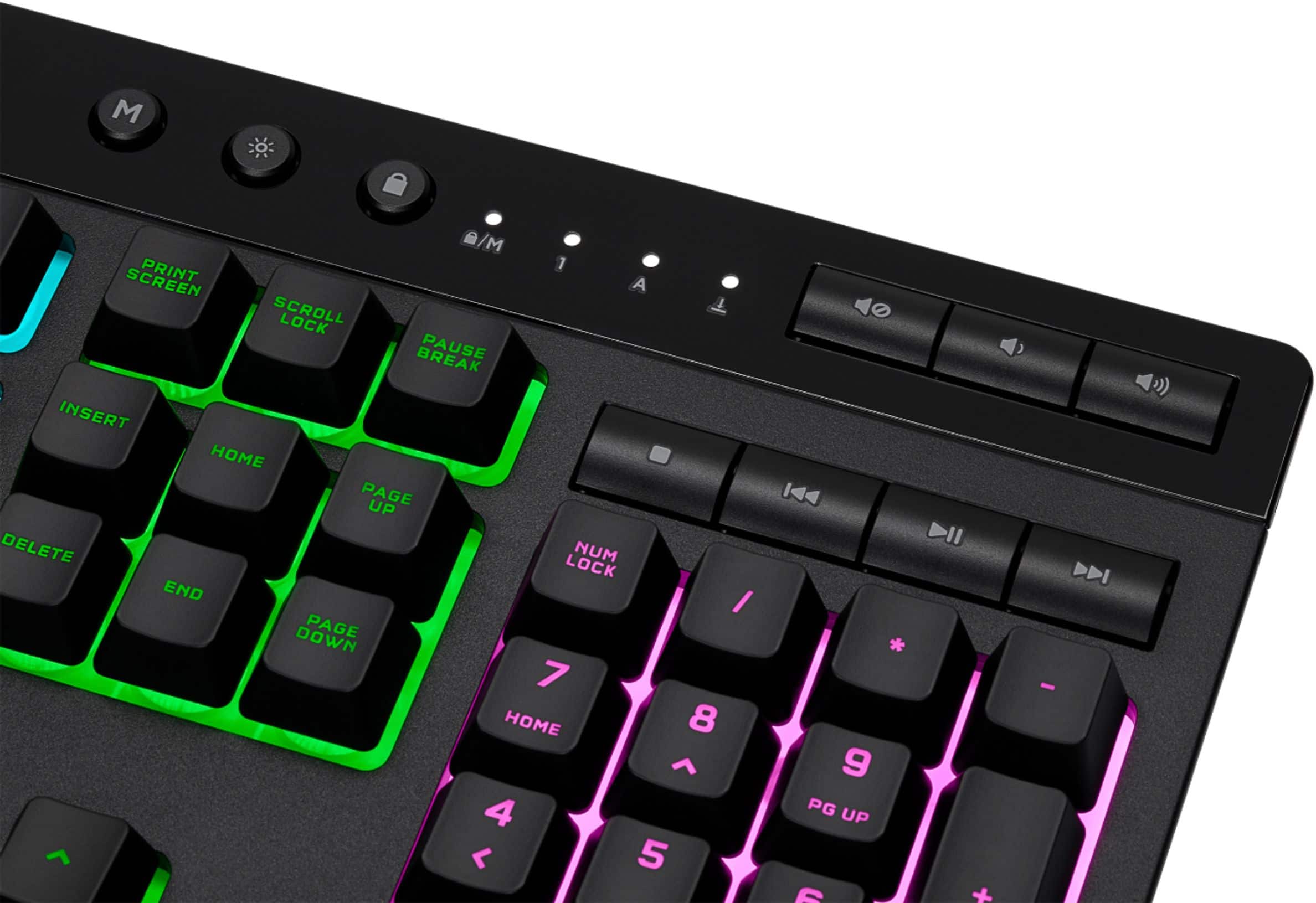
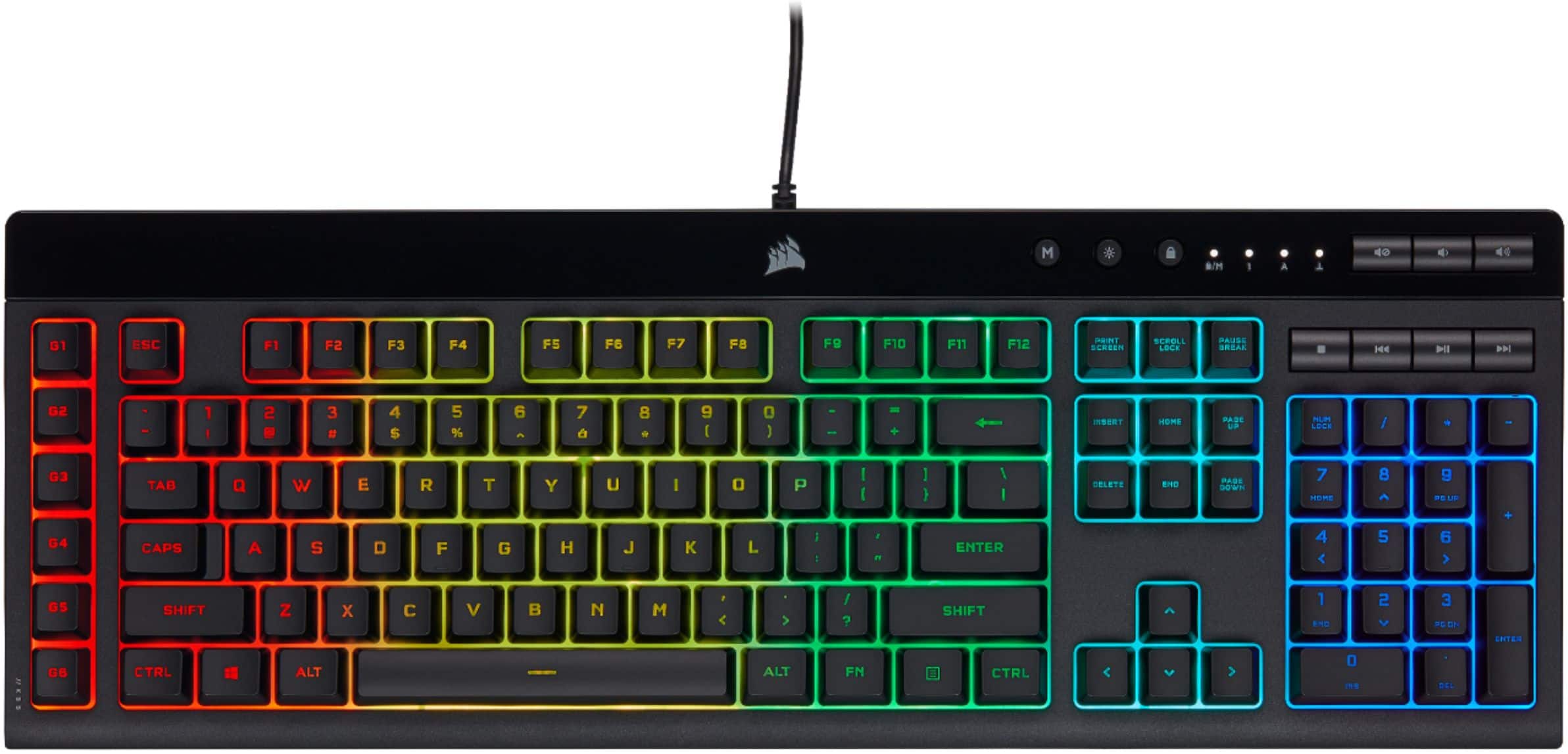
||Posted . Owned for less than 1 week when reviewed.This reviewer received promo considerations or sweepstakes entry for writing a review.After building a new computer i decided to try a new keyboard with it, so i picked up the Corsair K55. My previous Keyboard was the renowned SteelSeries. With that being said these Keyboards are EXTREMELY similar. I like the magnetic handrest on the steelseries, where the corsair's is attached by two pressure indentations. However the corsair one i find slightly nore comfortable. The keynoise is about the same on both of them. Corsair has the same quickkeys that the steelseries has minus the SS volume roller which is also a push key on the CA which is its one downfall in comparison. What it lacks in the roller it makes up for in its sidebar "G Keys" that can easily be programmed for scene switches or whatever your heart desires which i rather enjoy having directly on the keyboard freeing my elgato up for other things. In conclusion a buyer would be happy with either keyboard and although they are both fantastic i think the corsair will be my go to especially since its biggest pro is the much lower price tag compared to the SS.
I would recommend this to a friendGreat keyboard for the price
||Posted . Owned for 1 week when reviewed.This reviewer received promo considerations or sweepstakes entry for writing a review.The keyboard works fairly well. It is not too loud although I am always looking for a silent keyboard that is not a flat panel. The lights are really customizable. I like it about the same as my Steel Series keyboard except this one is cheaper and takes up less space, although my Steel Series had more programmable keys, but for nearly half the price, I'm not complaining. I also rarely use more than a few programmable keys at any given time.
I would recommend this to a friendCORSAIR - K55 RGB PRO Keyboard
||Posted . Owned for 1 week when reviewed.This reviewer received promo considerations or sweepstakes entry for writing a review.Great keyboard for a good price. I like that the keys aren't super clicky and doesn't feel cheap. The ICUE software is easy to use and the lights on the keyboard aren't blinding like other keyboards. The volume controls are really helpful and so are the disable windows button button and the light dimmer. I haven't had a chance to use the macro keys yet but you can configure them with an Elgato stream deck through ICUE.
I would recommend this to a friendWired is better in most cases
||Posted . Owned for 1 month when reviewed.This reviewer received promo considerations or sweepstakes entry for writing a review.I love corsair products. already own wireless versions of these. never had a major issue the wired one i like it even more. for example the wireless version of this wont alway change colors with the icue app. wired does it because it is... wired. i recommend wired unless you aren't near the pc
I would recommend this to a friendAmazing
||Posted . Owned for 1 week when reviewed.This reviewer received promo considerations or sweepstakes entry for writing a review.Works great, love the lights. Very easy to use with games. I would recommend this to everyone.
I would recommend this to a friendGamer Hubby-Approved
||Posted . Owned for 3 weeks when reviewed.This reviewer received promo considerations or sweepstakes entry for writing a review.I bought this for my hubby because he’d completely worn his other one out. He loves the wrist rest and the cable is much longer than his previous one.
I would recommend this to a friendPretty good Keyboard
||Posted . Owned for less than 1 week when reviewed.This reviewer received promo considerations or sweepstakes entry for writing a review.Good full sized keyboard for gaming, very silent too
I would recommend this to a friendLower Your Expectations
||Posted . Owned for 1 week when reviewed.This reviewer received promo considerations or sweepstakes entry for writing a review.I gave it 3 stars but it's by no means a BAD keyboard, it's just meh. I prefer lower profile keys and wanted the mechanical feel. This keyboard has membrane keys so the touch feels like your basic sort of cheaper keyboard. The RGB is split into 5 sections so you won't get individual keys to work. If you have Hardware Monitor on your computer, expect that to not work once you install the iCue software to control RGB. THe attachable write rest is nice. The main complaint is that this keyboard stopped working CONSTANTLY. In order to fix it, you have to unplug the USB from the PC, hold the ESC key, then plug it back in and continue holding the ESC key for 2-3 seconds then release and it will work again. That's ridiculous to have to do every single day.
No, I would not recommend this to a friendBrand response from Corsair
Posted .Hello Taylor,
That's not normal behavior of the keyboard, please contact our team directly right on our site for assistance.
-Art
Plug and Play and just works as it should.
||Posted . Owned for 1 week when reviewed.This reviewer received promo considerations or sweepstakes entry for writing a review.Easy plug and play backlight being adjustable is great as I leave it off most of the time. Keys aren't loud which is a bonus. I didn't want a wireless keyboard and options for wired keyboards are becoming extremely limited.
I would recommend this to a friendSolid Keyboard.
||Posted . Owned for 1 week when reviewed.This reviewer received promo considerations or sweepstakes entry for writing a review.Great keyboard with nice RGB lighting use it for gaming and everyday use very happy with it.
I would recommend this to a friendCool keyboard
||Posted . Owned for 1 month when reviewed.This reviewer received promo considerations or sweepstakes entry for writing a review.Its nice and i like the lights on it and it types nice and soft and the keyboard is cool .
I would recommend this to a friend