Customer Ratings & Reviews

- Model:
- CH-931F000-WW
- SKU:
- 6604495
Rating by feature
- Value
Rating 4.6 out of 5 stars
- Quality
Rating 4.8 out of 5 stars
- Ease of Use
Rating 4.7 out of 5 stars
Customers are saying
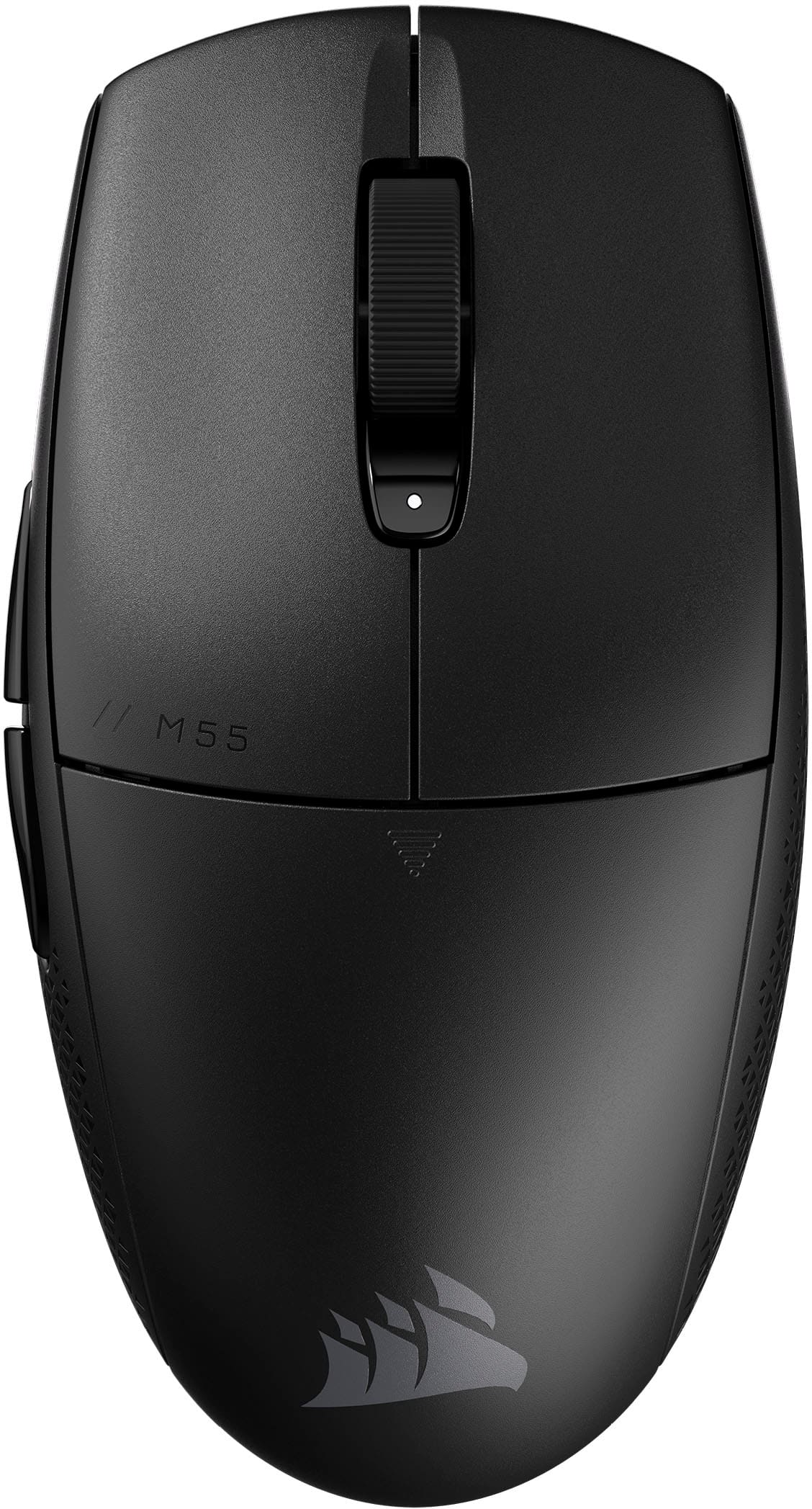
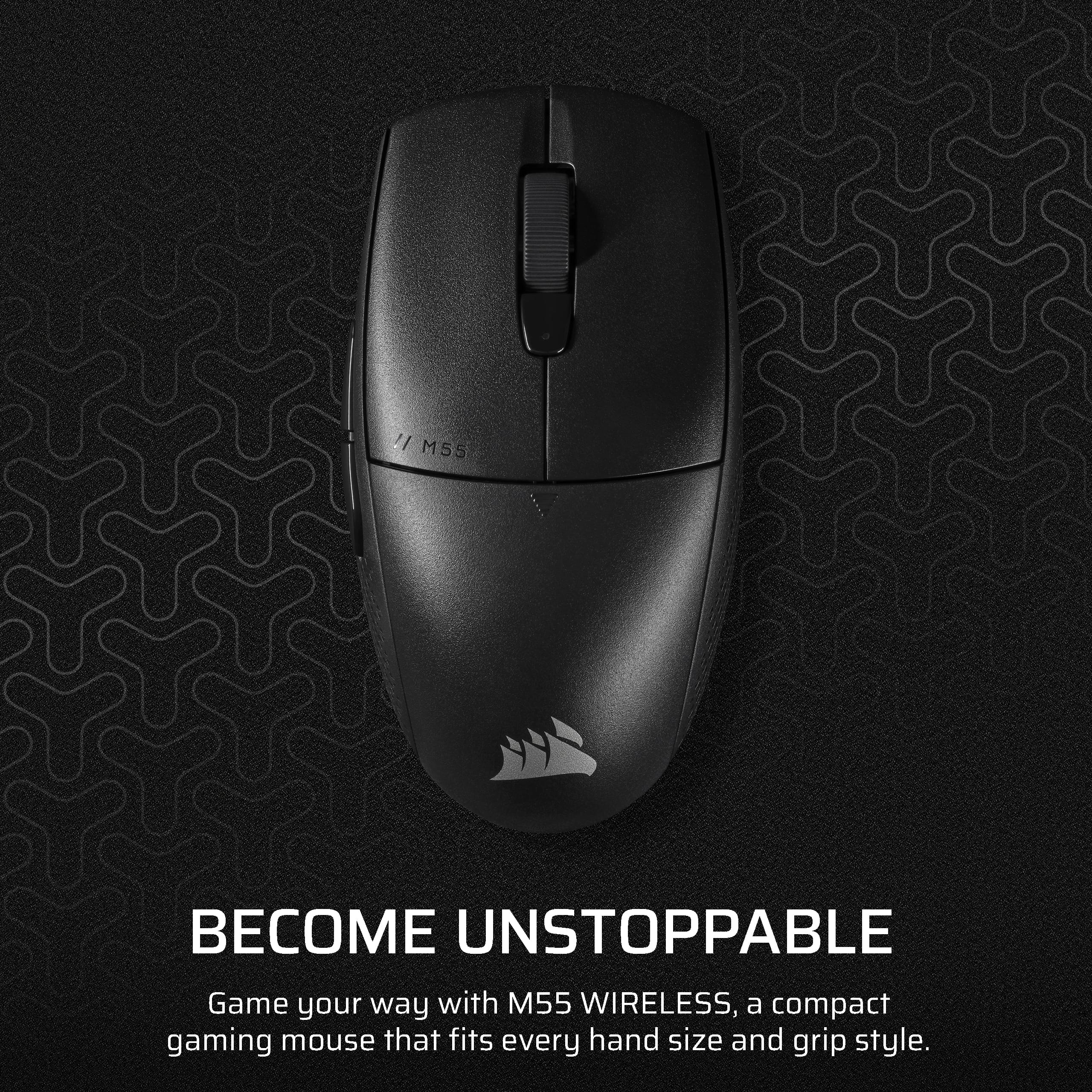
Customers have good things to say about the M55 Wireless Optical Gaming Mouse, especially its portability, weight, and battery life. Users appreciate the reliable connectivity and sturdy build quality. The mouse's effortless glide and comfortable grip are also well-received, along with its precise tracking and responsive sensor. However, some customers feel the mouse is undersized.
This summary was generated by AI based on customer reviews.
Very good
||Posted . Owned for 3 weeks when reviewed.This reviewer received promo considerations or sweepstakes entry for writing a review.Is a perfect mouse for the computer, excellent quality
I would recommend this to a friendAmazing product
||Posted . Owned for 2 weeks when reviewed.This reviewer received promo considerations or sweepstakes entry for writing a review.Great product works perfectly for my small hands.!
No, I would not recommend this to a friendMoise
||Posted . Owned for 1 week when reviewed.This reviewer received promo considerations or sweepstakes entry for writing a review.Decent mouse for the price. Good sensitivity and relies on a normal AA battery
I would recommend this to a friendGreat Mouse
||Posted .This reviewer received promo considerations or sweepstakes entry for writing a review.Long lasting battery! Love to use the buttons on the side for gaming!
I would recommend this to a friendGreat choice at a good price
||Posted . Owned for 1 month when reviewed.This reviewer received promo considerations or sweepstakes entry for writing a review.Got this for my boyfriend and I laptop and it works great!
I would recommend this to a friendFast and accurate
||Posted . Owned for less than 1 week when reviewed.This reviewer received promo considerations or sweepstakes entry for writing a review.Fast and accurate you would buy this mouse for boys
I would recommend this to a friend- Pros mentioned:Battery life, Connectivity, Weight

I Love the Click!
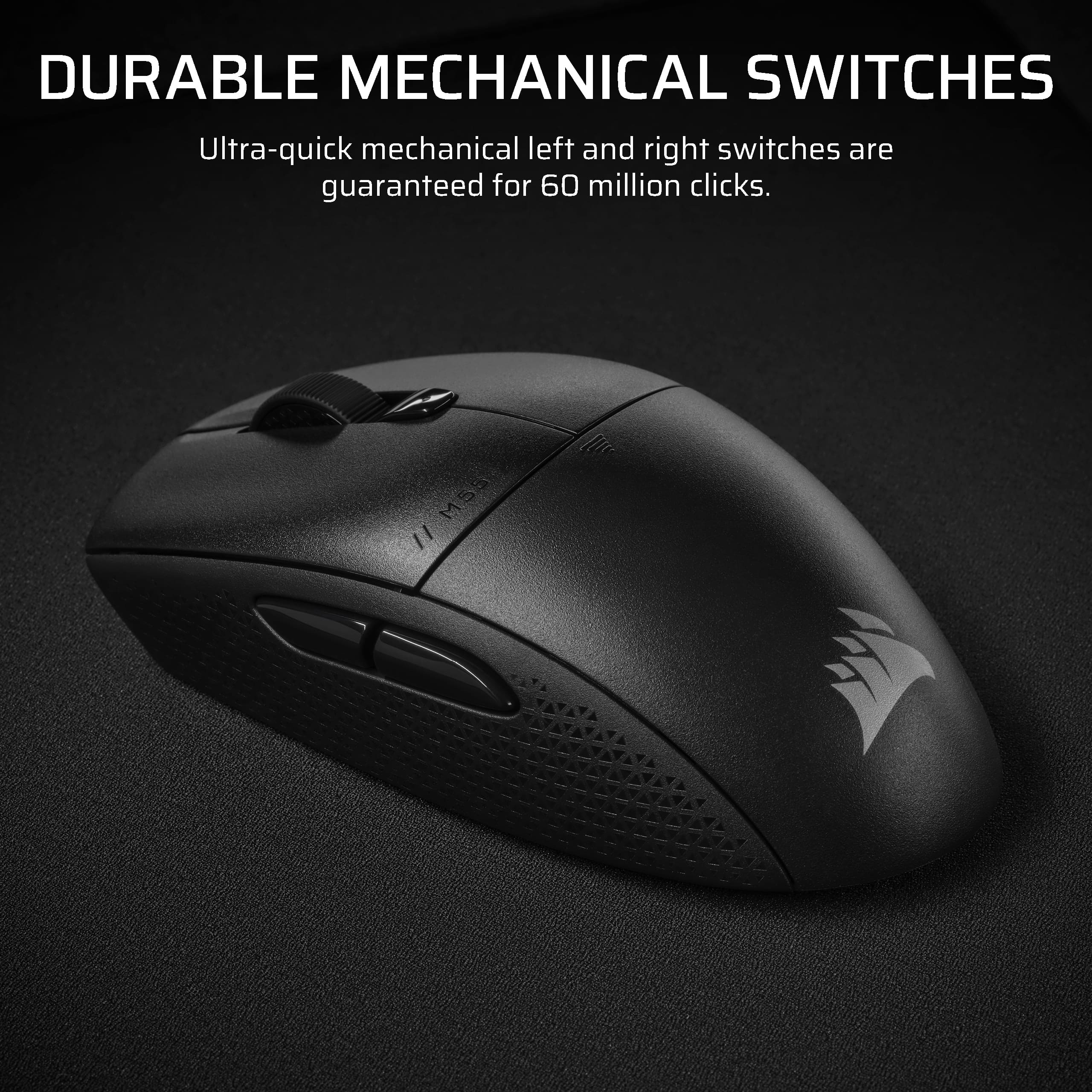
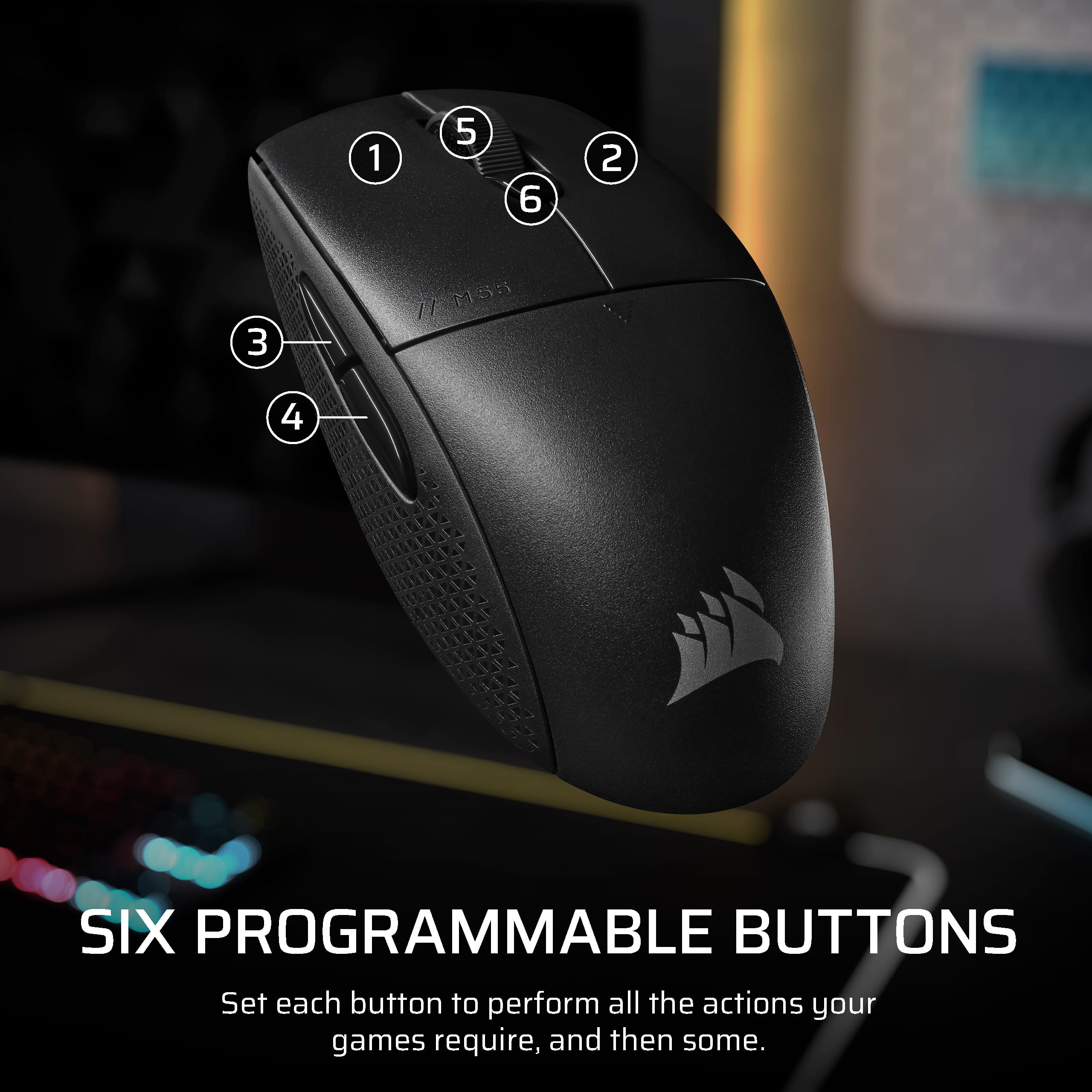
|Posted .This reviewer received promo considerations or sweepstakes entry for writing a review.The Corsair M55 is a lightweight, full size, fun to use mouse. Designed for gaming but built for everyone in mind. With a 24,000 dots per inch laser any move in by a hair will be registered by the mouse which is great for tedious tasks. The device connects two way either a 2.4GHz transmitter (USB type A) which offers Corsairs Slipstream Wireless technology which states you will have 0 lag or you can connect via Bluetooth. The device also boasts 185 hours of battery life off one single AA battery. I would imagine the battery would last the full 185 hours using the transmitter over Bluetooth but this information was not provided. As I stated earlier the mouse is lightweight but is well designed with textured grips and 6 customizable buttons. The mouse is very clicky and makes noise which I like. If you want a silent mouse that doesn’t make a clicking noise when you “click” you should look elsewhere as this one will drive you nuts. Corsair states this mouse is guaranteed for 60 million clicks. I’m not sure how they measure and record that for your warranty claim. For gaming and general use this mouse is an excellent choice while it doesn’t light up with RGB lights it does the rest of the job well and can be linked with Corsair’s iCUE software to customize the mouse’s buttons. iCUE allows you to customize the mouse for different programs so when your not gaming you can have your buttons customized for daily tasks and for when your in games the buttons can be changed. Overall I am happy with this mouse.
I would recommend this to a friend 50 characterssssss
||Posted . Owned for 3 months when reviewed.This reviewer received promo considerations or sweepstakes entry for writing a review.Works great. No complaints. 50 characterssssssssss.
I would recommend this to a friendGood mouse
||Posted . Owned for 3 weeks when reviewed.This reviewer received promo considerations or sweepstakes entry for writing a review.Light weight, good hand feel. I use this mouse for travel and it’s great
I would recommend this to a friendGood budget mouse
||Posted . Owned for 3 months when reviewed.This reviewer received promo considerations or sweepstakes entry for writing a review.I’ve bought this thing a while ago and it’s been working grega
I would recommend this to a friend- Pros mentioned:Battery life, Connectivity, Portability
Great Mouse for Gaming and Work
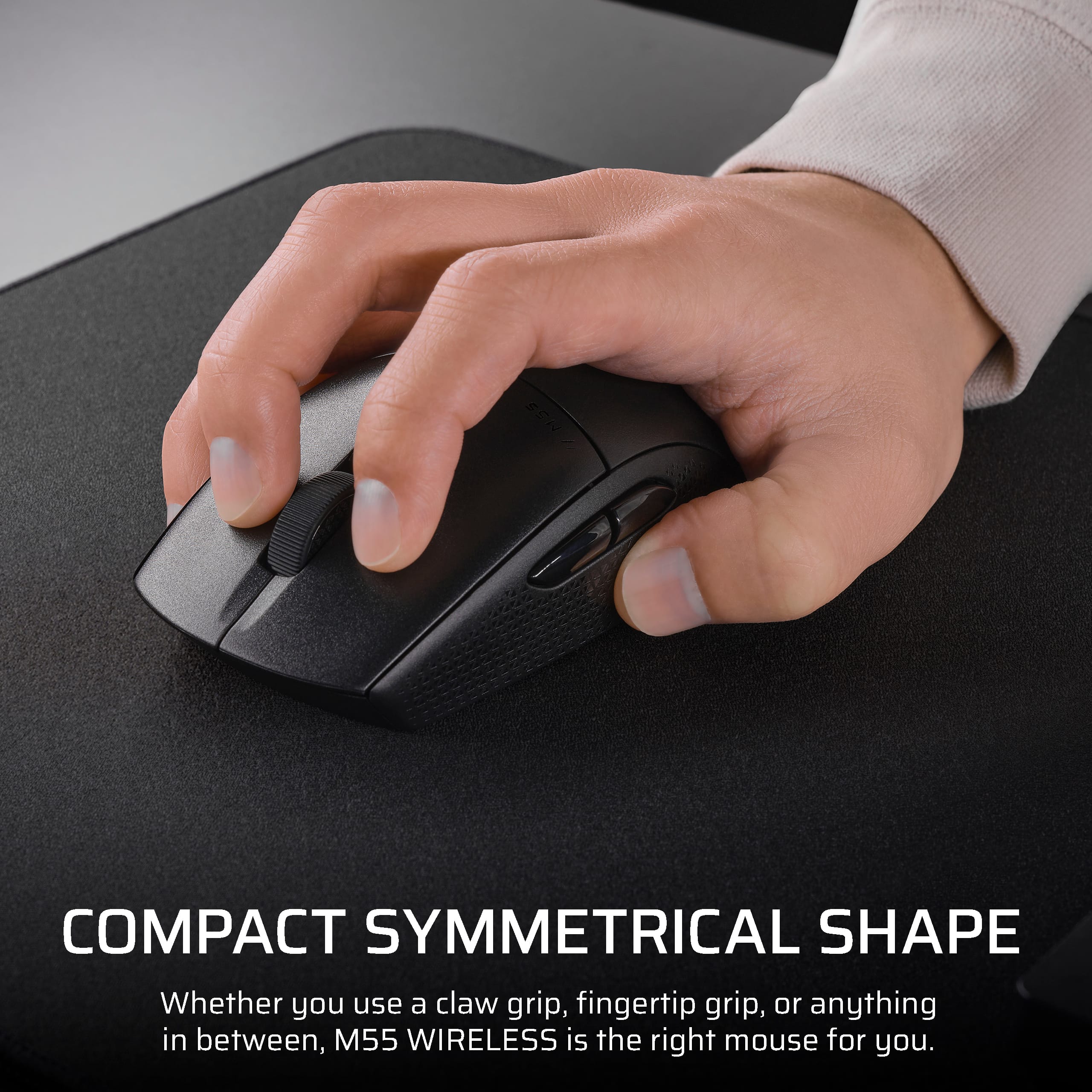
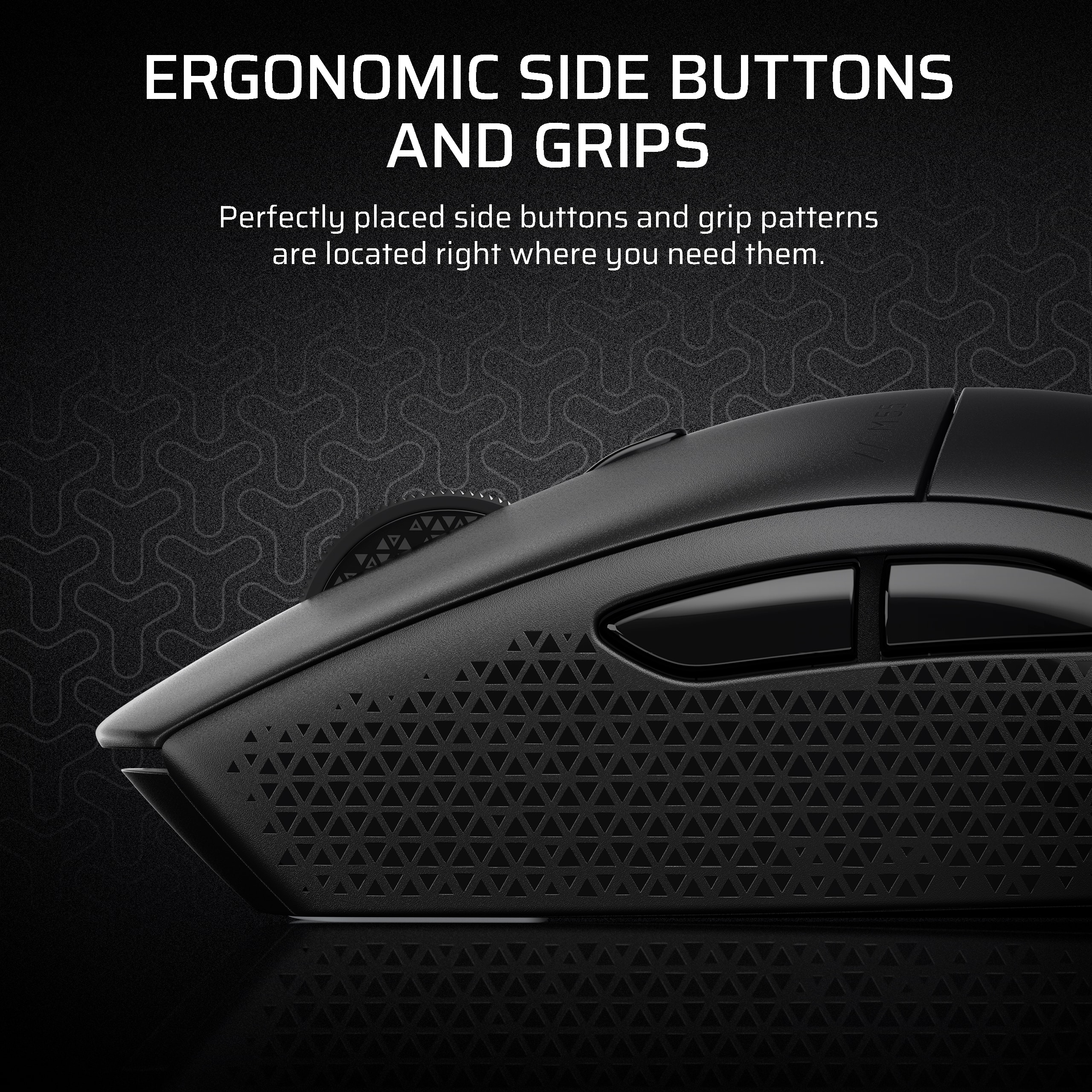
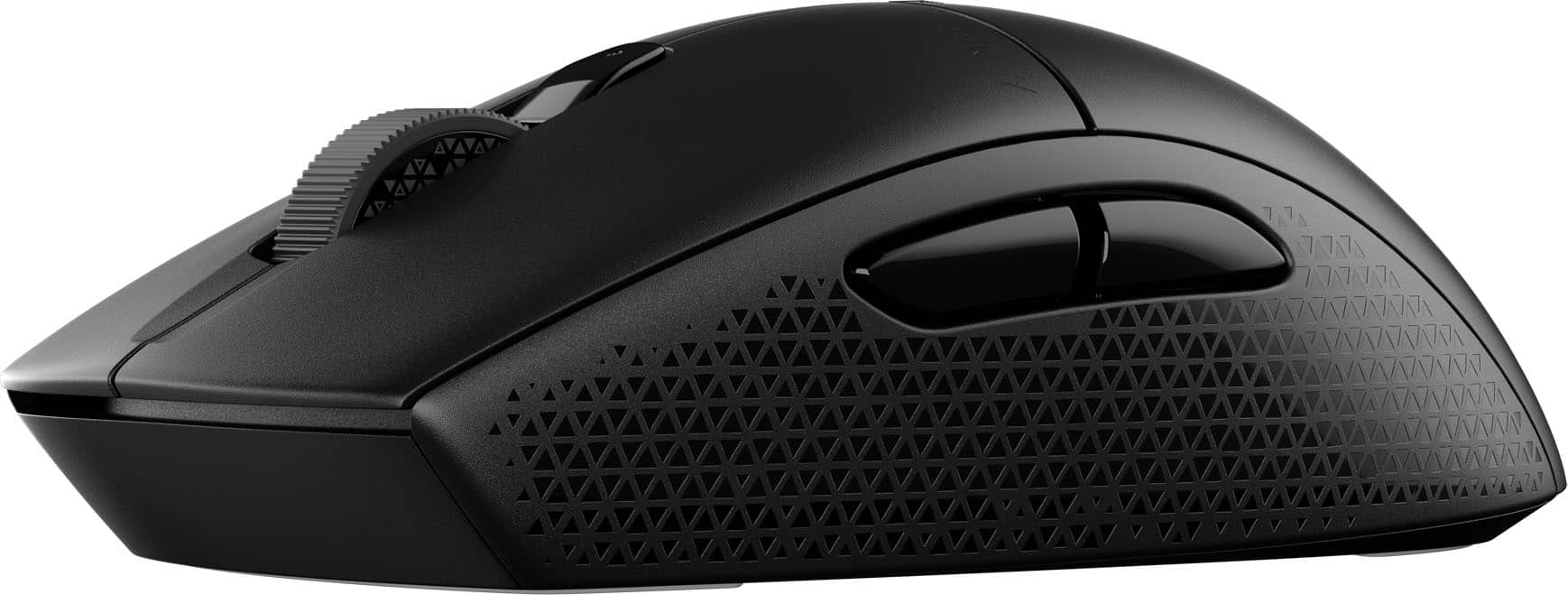
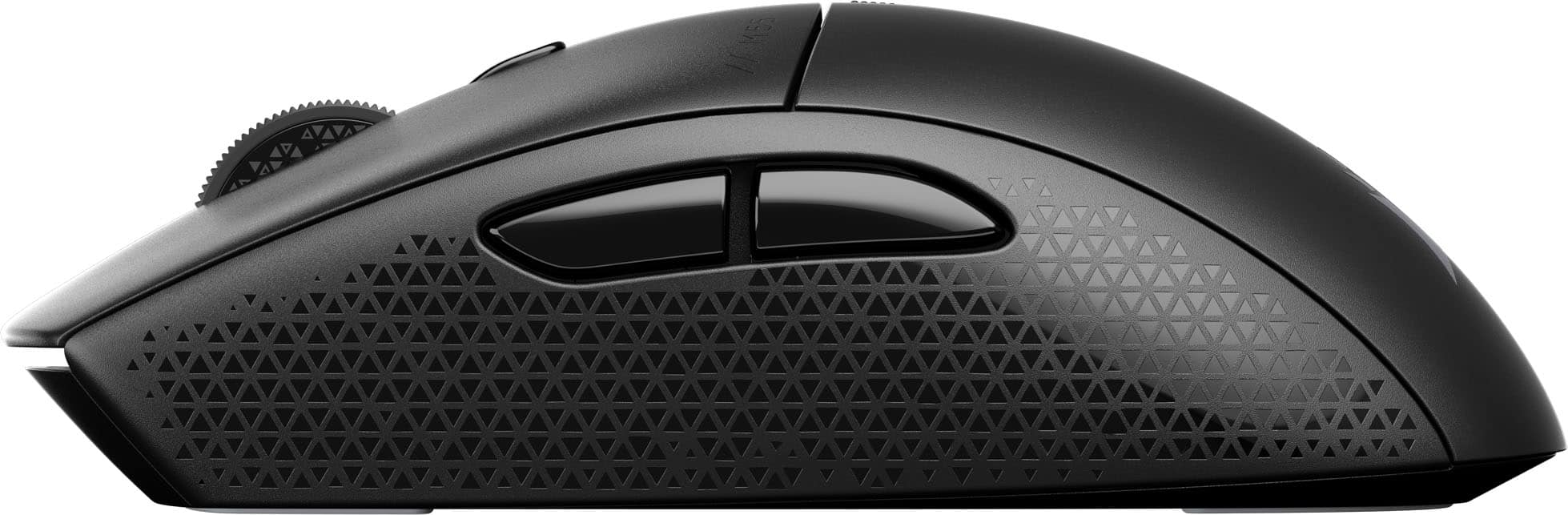
|Posted .This reviewer received promo considerations or sweepstakes entry for writing a review.I have been using the CORSAIR M55 WIRELESS mouse over the past week, and it has rapidly established itself as my primary device for both competitive gaming and lighter tasks such as spreadsheet management. One of the first features that impresses me is the mouse's sleek and compact design, characterized by its perfectly symmetrical shape. This design accommodates various grip styles, allowing for a comfortable claw grip during intense gaming sessions and a relaxed palm grip when engaging in casual browsing. From a technical perspective, the M55 incorporates SLIPSTREAM 2.4 GHz wireless technology, which ensures that all actions, including clicks and movements, are transmitted with near-zero latency. Additionally, the mouse can easily switch to Bluetooth connectivity for portability. The battery life is remarkable, with Corsair claiming up to 185 hours on a single AA battery. The mouse features a 24,000-DPI optical sensor that tracks even the most minute movements with precision. The inclusion of a dedicated DPI button allows for immediate sensitivity adjustments, facilitating a smooth transition from tasks such as sniping to rapid building in games like Fortnite. Furthermore, the textured tri-hex side grips ensure the mouse remains secure in hand, even during high-stakes moments that induce perspiration. I also appreciate the understated, retro aesthetic of the design. For individuals who prioritize functionality over embellishments and seek a reliable, cost-effective wireless gaming mouse from a reputable brand, the M55 WIRELESS comes highly recommended.
I would recommend this to a friend Solid choice
||Posted . Owned for 1 week when reviewed.This reviewer received promo considerations or sweepstakes entry for writing a review.Wife loves it, works much better than her last mouse
I would recommend this to a friendMouse
||Posted . Owned for 3 weeks when reviewed.This reviewer received promo considerations or sweepstakes entry for writing a review.20 bucks mouse is nice the mouse has 5 different sensitivity modes
I would recommend this to a friendgood mouse
||Posted . Owned for 3 weeks when reviewed.This reviewer received promo considerations or sweepstakes entry for writing a review.Not the best mouse but definitely good for the price and purpose
I would recommend this to a friendN/A
||Posted . Owned for 1 week when reviewed.This reviewer received promo considerations or sweepstakes entry for writing a review.gREAT PRODUCT, EASY TO USE. FITS COMFORTABLY IN HAND,
I would recommend this to a friendFire
||Posted . Owned for 1 week when reviewed.This reviewer received promo considerations or sweepstakes entry for writing a review.Llllgfffffffffffffs disbudding fifth cloud city using
I would recommend this to a friend- Pros mentioned:Battery life, Portability, Weight
Affordable Gaming Mouse w/ Impressive Performance
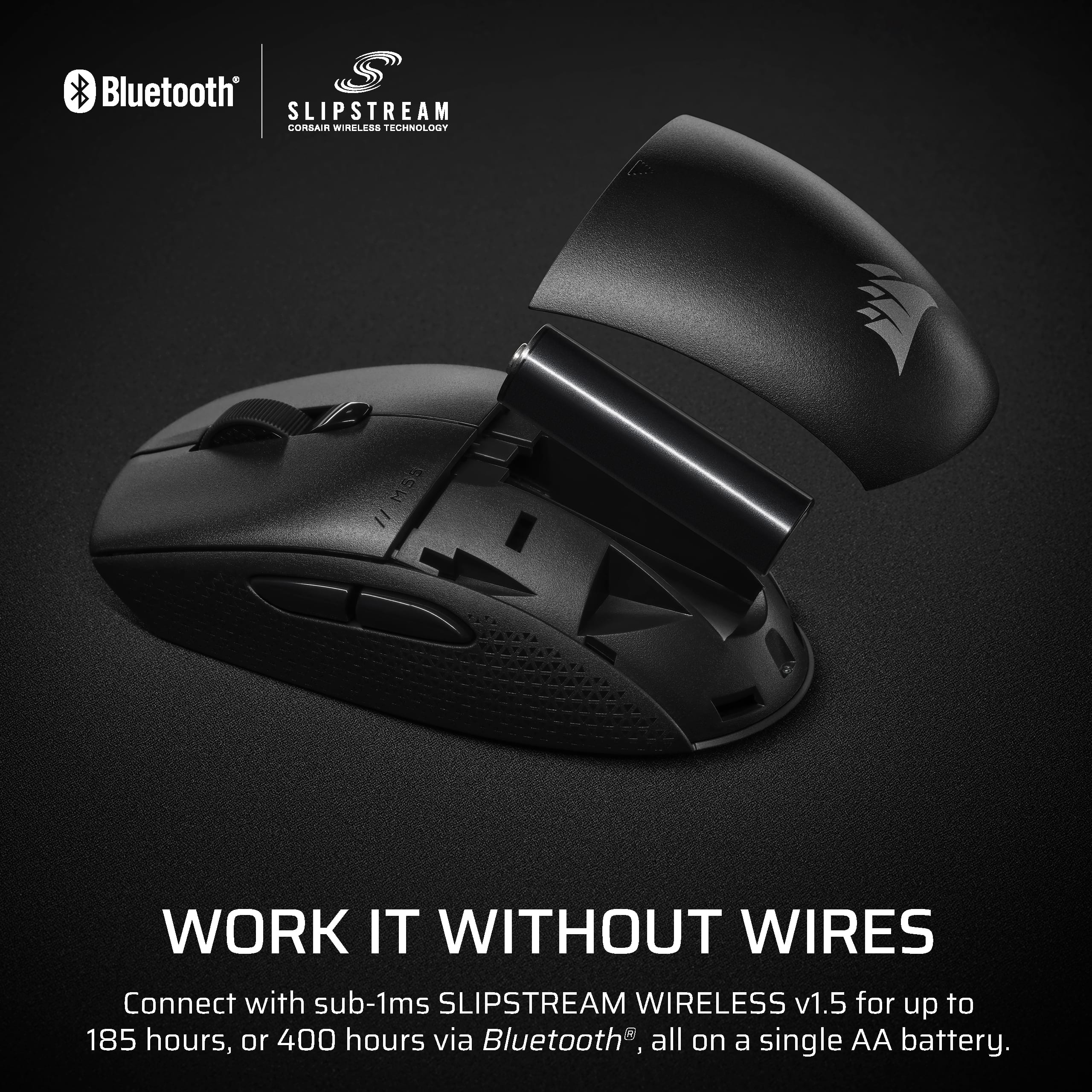
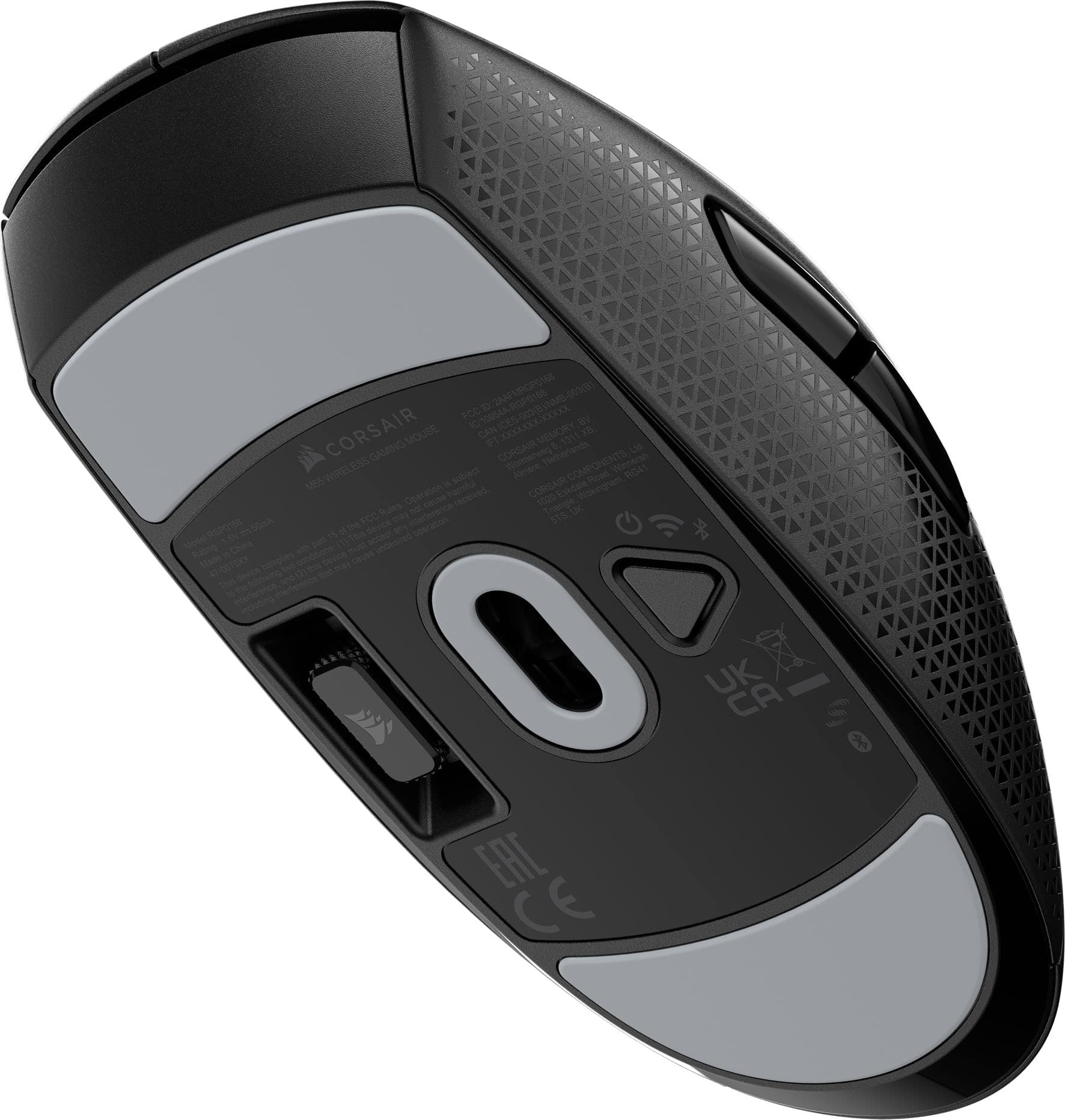
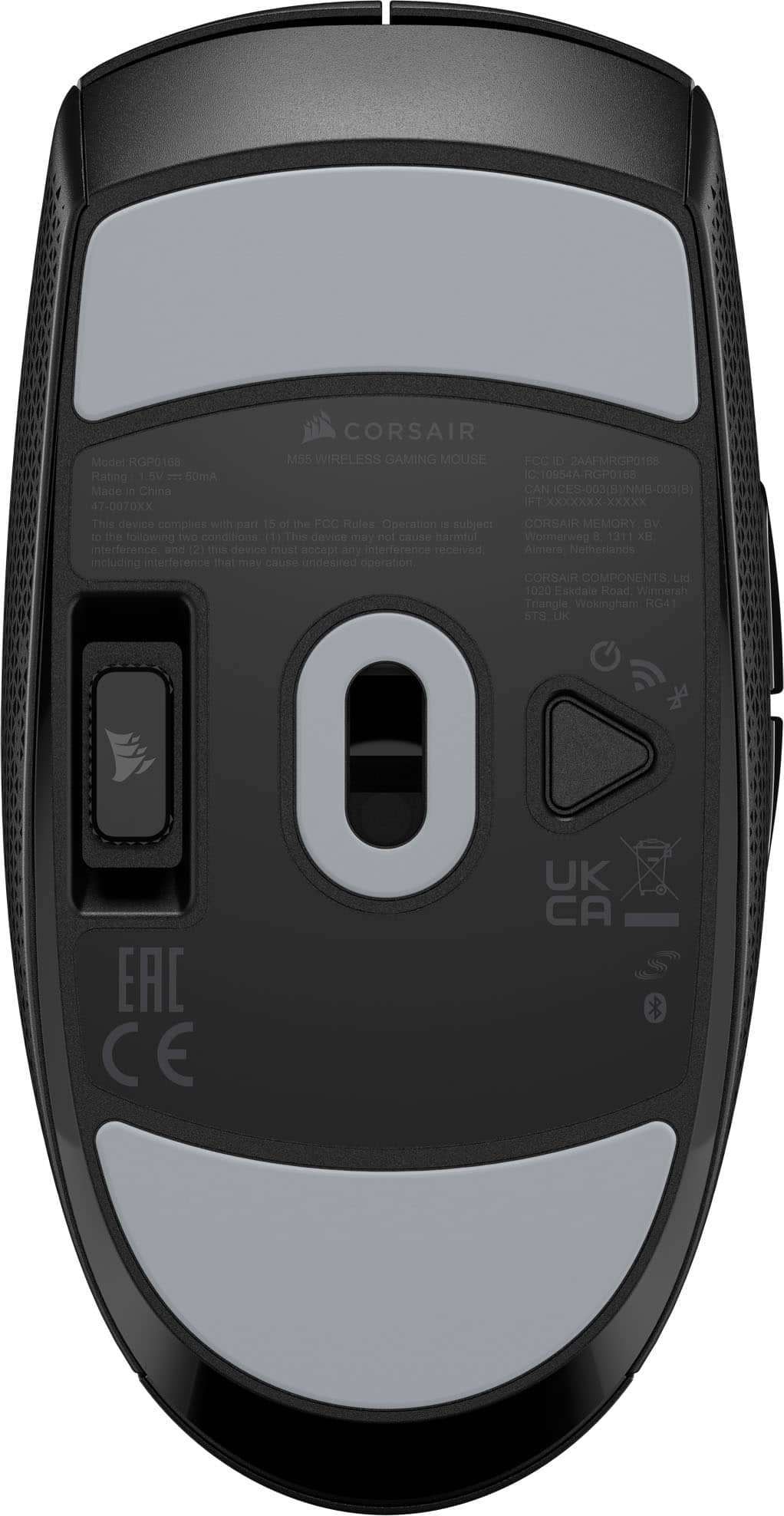
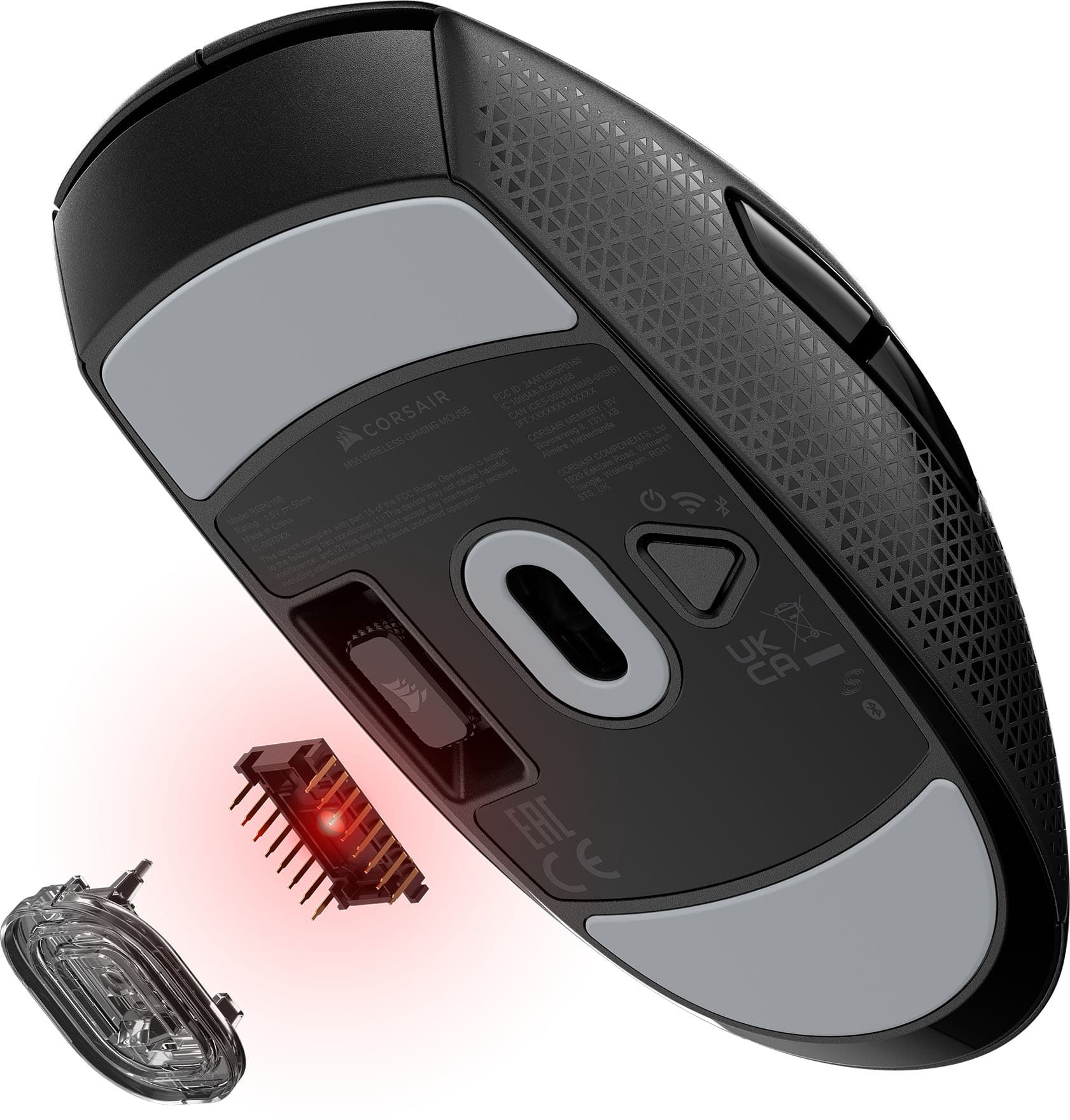
|Posted .This reviewer received promo considerations or sweepstakes entry for writing a review.Lightweight Strong battery life on Bluetooth (400 hrs) and 2.4 GHz USB dongle (185 hrs) with just a single AA battery. Comfortable to use. Built-in storage for the USB dongle. 2-year warranty. As for the design, it’s slightly smaller compared to other gaming mice. The symmetrical design works well for both right- and left-handed users. The sides are textured to prevent slipping during intense gaming sessions. The button layout is more beneficial for right-handed users. It has a total of 6 buttons, all of which can be programmed. Regarding gaming performance, I haven’t experienced any latency. The connection remains strong with no drops, whether using the USB dongle or Bluetooth. It performs just as well as my other gaming mouse, which retails for twice the price. Overall, this gaming mouse offers excellent performance, impressive battery life, and a comfortable, user-friendly design. Whether you’re using Bluetooth or the USB dongle, it delivers smooth, lag-free gameplay. For its price, it provides great value, matching the performance of higher-end models.
I would recommend this to a friend - Pros mentioned:Build quality, Portability, Weight
Great Mouse
|Posted .This reviewer received promo considerations or sweepstakes entry for writing a review.I really like the size of this mouse. I have large hands, XXL, so over the years I have adapted to a very much fingertip mouse grip. This mouse, even being ambidextrous, is a really nice length and width for comfort and portability. The mouse will work both as BT or with a dongle. If you are gaming, I highly recommend using the dongle, slightly less latency. I actually use the dongle on one computer and BT on the other even with my KVM. It makes it a little easier to keep the work laptop awake while on my personal machine. A quick click on the underside button switches between BT and dongle. The mouse is powered by a single AA battery, it supposedly will last up to a year on one battery. Settings can be changed with the Corsair iCue software. There is no lighting, button assignments, sensor speed and power settings are pretty much all that is available in iCue. Performance wise, it does a great job tracking and is smooth gliding. The sensor works well on almost any surface, I do recommend a good gaming pad though. There is a lot to say for a good gaming pad. The battery compartment is under the hand rest, simply slide down from the buttons to open. A quick ALERT if you will. When opening the device, the packaging is a bit odd. The dongle is not in the mouse slot, and if you are not paying attention and are in a well lit area when opening, you will miss the dongle being in part of the cardboard that holds the mouse in place during shipping. If you can't find it, go back to the insert and you will find the black dongle on the black cardboard. One of those times when the packaging having a different color would make sense or having the dongle be a different color or a colored piece of plastic to alert that it is there. Maybe a while outline around the dongle in the packaging. Considering my only gripe is about packaging, it is safe to say this is a highly recommended mouse.
I would recommend this to a friend - Pros mentioned:Portability
Solid Travel Option
|Posted .This reviewer received promo considerations or sweepstakes entry for writing a review.Given the size of this mouse I would generally consider this a travel mouse or an option as an everyday mouse for someone with smaller hands. The Good: The shape of the mouse is pretty comfortable for a smaller sized mouse. The main buttons have a very nice tactile click and quick reset. The wheel has a nice feel to it and operates easily. The side buttons are easy to actuate, also with nice clicks, but are not in the way while moving the mouse around. The excellent glide feet on the M55 definitely help prevent mis presses on the side buttons as they are great and the mouse moves very smoothly across a variety of surfaces. Since I would consider this more of a travel mouse as stated earlier, I am happy to see a storage spot for the USB dongle on the underside of the mouse. I much prefer this placement instead of having to open the battery compartment to store the dongle. The Neutral: Speaking of the battery compartment, this is not a rechargeable mouse. It utilizes a single AA battery. This to me is one of those six in one hand, half a dozen in the other. AA batteries are easy to come by and they usually have a nice long lifespan, while most of my rechargeable travel mice seem to wind up discharged every time I pull them out of my bag. The advantage is using it as a wired mouse is always an option but then, that seems to become my default use method. This mouse is also on the heavier side, which I generally tend to prefer but I know this is not the case for everyone. These two attributes really boil down to personal preference. The Bad: This could ultimately bring one of the neutral points into the bad, but because of the placement on the AA battery inside the mouse, it is very back heavy. You can really feel it kind of being out of balance during faster movements. Since I don't generally game with a travel mouse and prefer a controller on the go, this won't affect me much but it could definitely be a deal killer for someone looking to leverage the M55s great gliding and good sensor for gaming.
I would recommend this to a friend - Pros mentioned:Battery life, Connectivity
M55 wireless mouse from Corsair
|Posted .This reviewer received promo considerations or sweepstakes entry for writing a review.The M55 wireless mouse feels ergonomic in either hand. I have always used the mouse in my left hand without reconfiguring and buttons. The mouse fit comfortability in my left hand. Not utilizing a mouse pad, the skates glide perfectly on the desktop. Most of the functions of the M55 are adjustable via software. You can program each button to match any key or key combinations. The left button is the only button which cannot be reprogrammed, but you can have fun the others. The battery is reported to last up to 185 hours on Wi-Fi or up to 400 hours on Bluetooth. Switching between Wi-Fi and Bluetooth is accomplished by pressing a triangle shaped button on the bottom of the mouse. There is also a spot on the bottom for storage of the Wi-Fi dongle. The tactile feel of the buttons is just about right. Each button has a distinct click. Using the application affords adjustability of the light to track the mouse movements. The Dots Per Inch are adjustable up to 24 thousand. Battery level is also tracked via the iCUE application. The weight of the mouse is heavier than my other wireless mice. The mouse is heavier in the rear than the front. This was noticeable when I had to pick up the mouse to reposition it. There is also no instructions for operating the mouse with-in the packaging.
I would recommend this to a friend