Customer Ratings & Reviews


- Model:
- CH-9314014-WW
- SKU:
- 6622828
Rating by feature
- Value
Rating 4.6 out of 5 stars
- Quality
Rating 4.8 out of 5 stars
- Ease of Use
Rating 4.7 out of 5 stars
Customers are saying
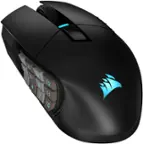
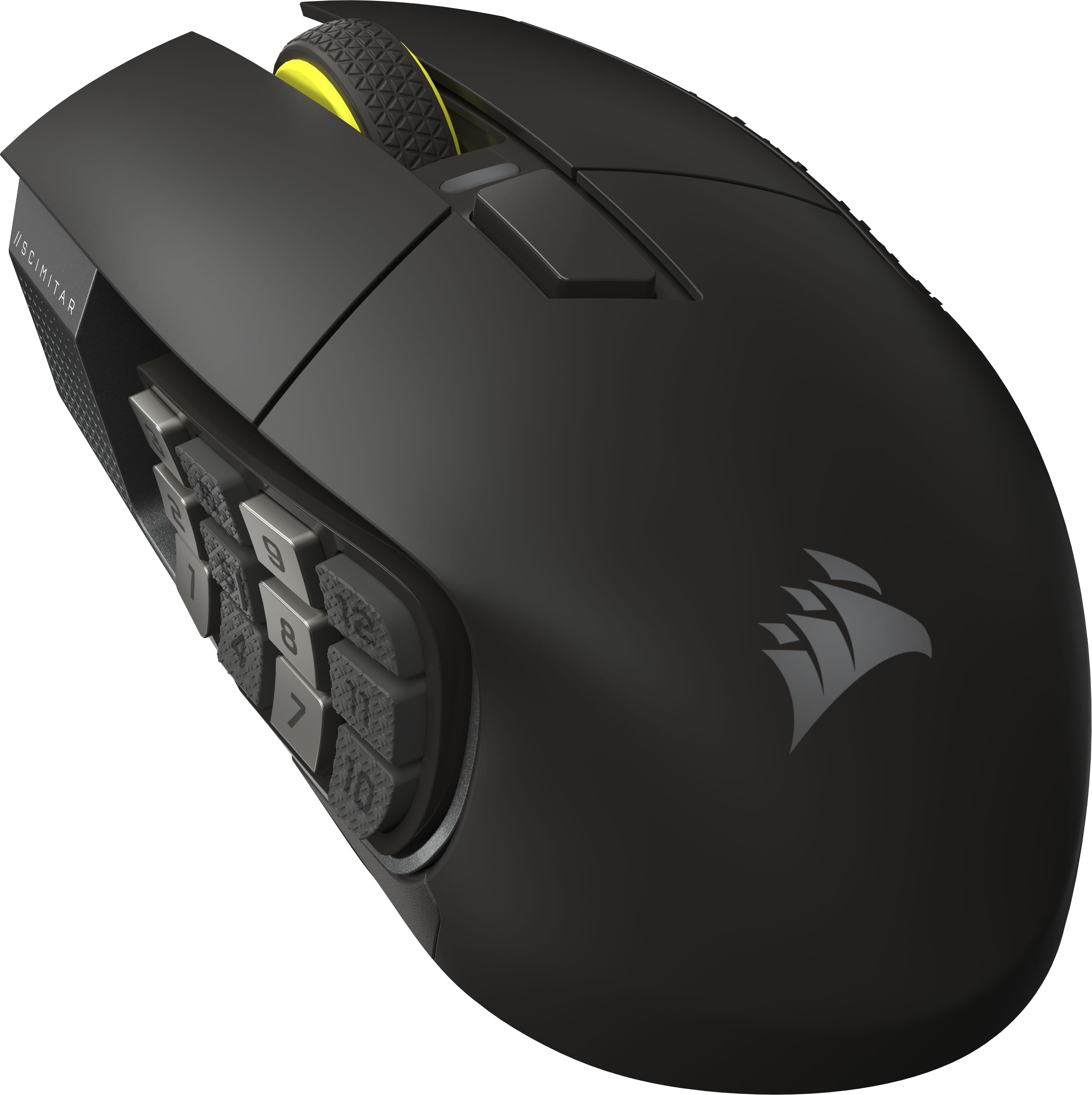
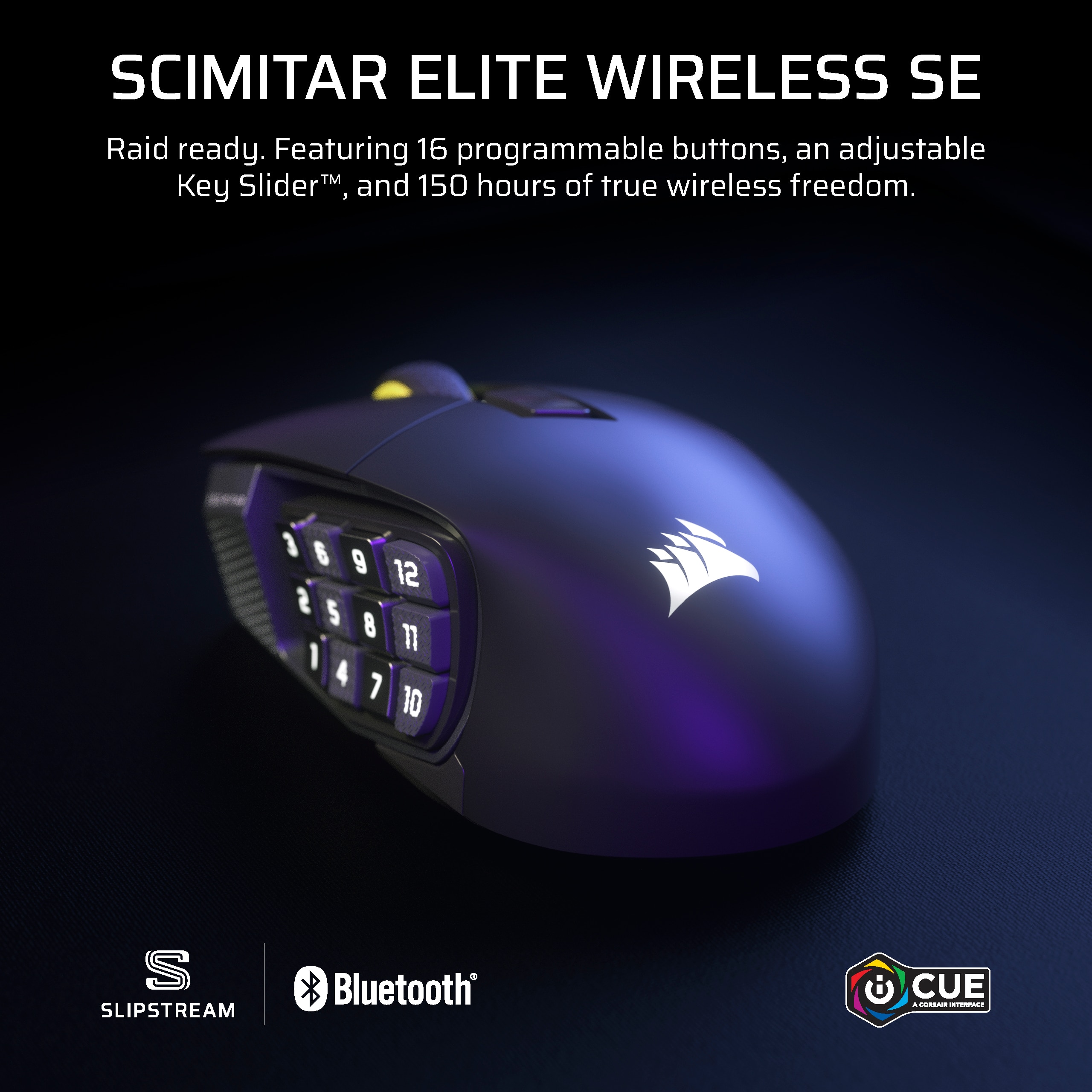
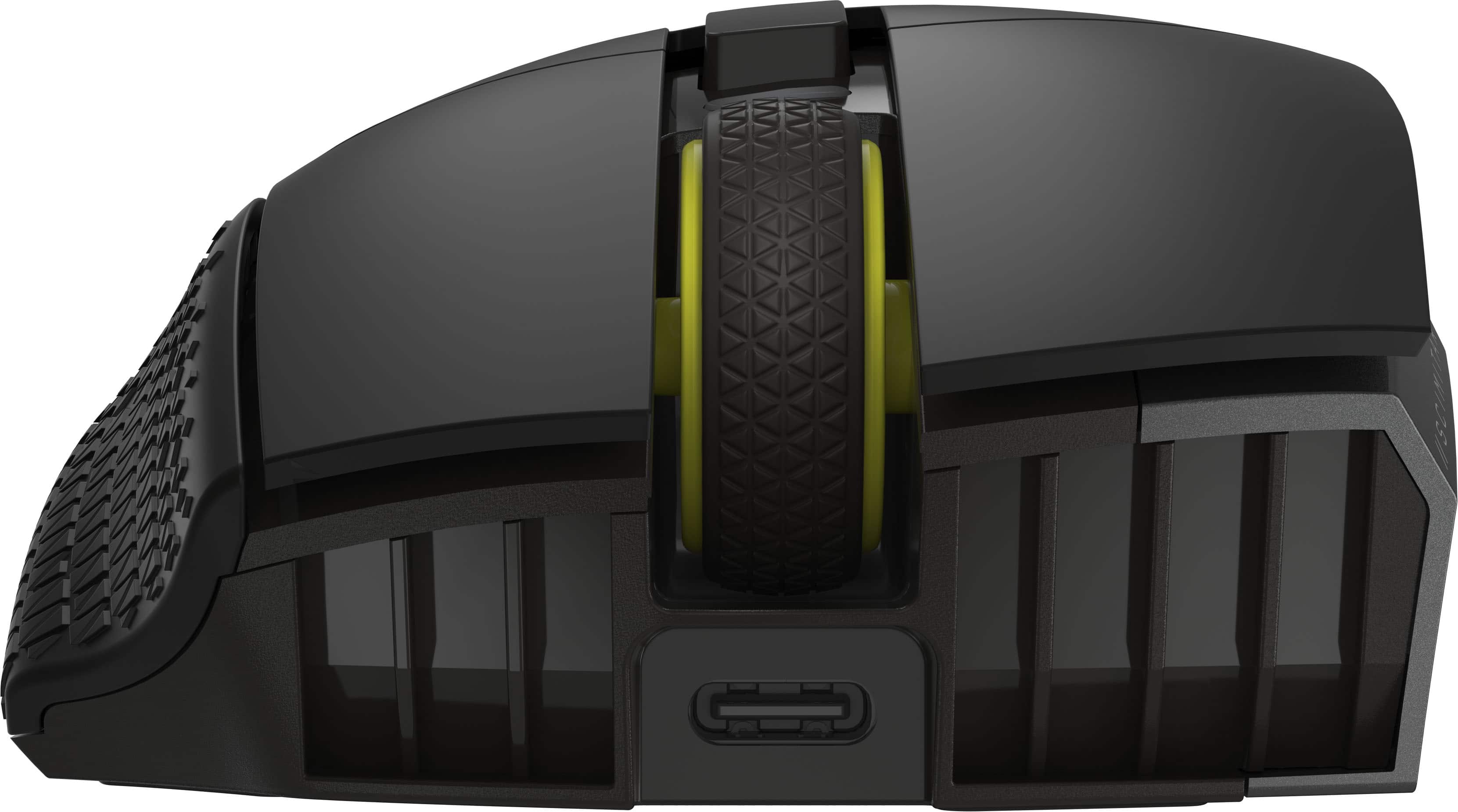
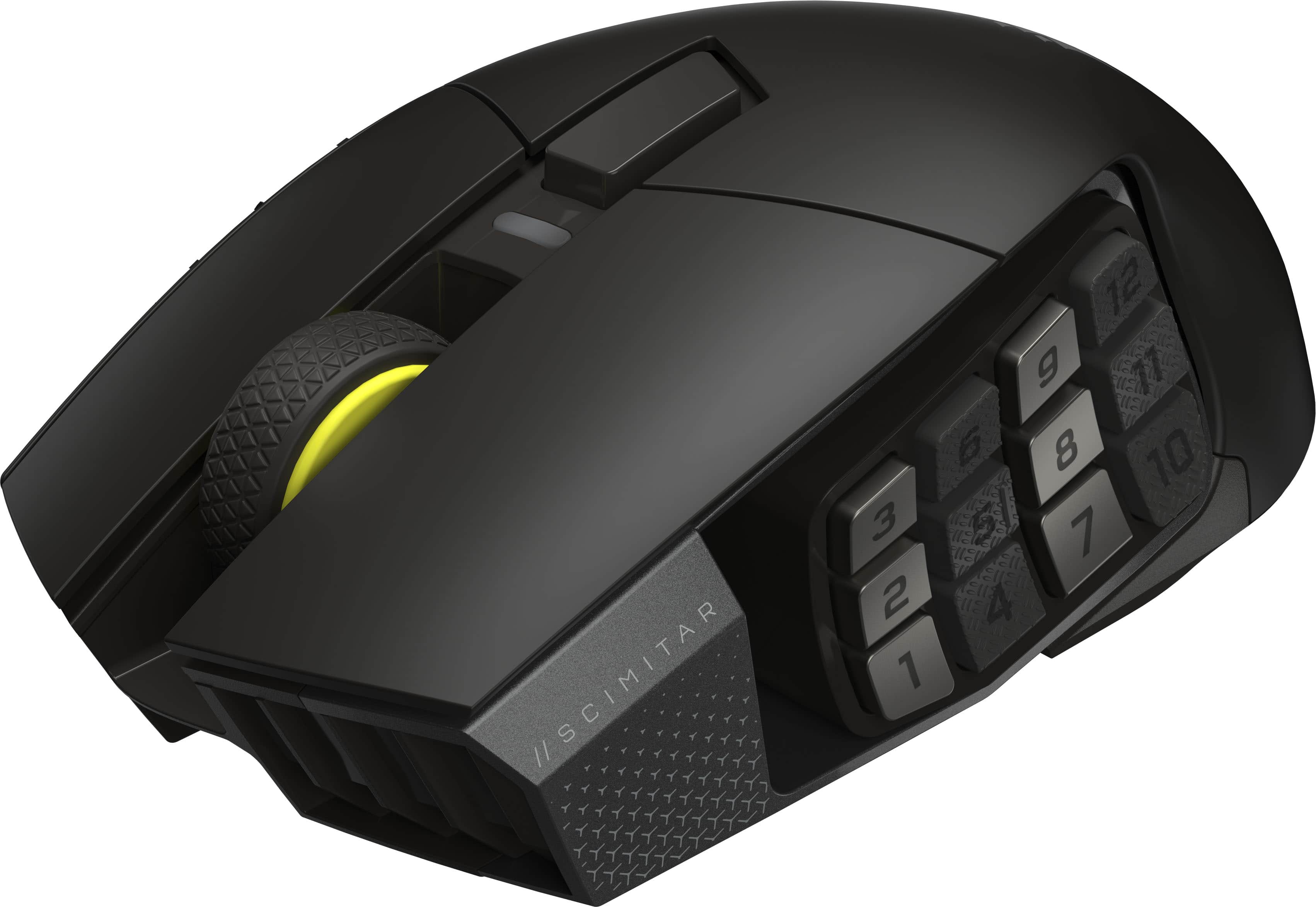
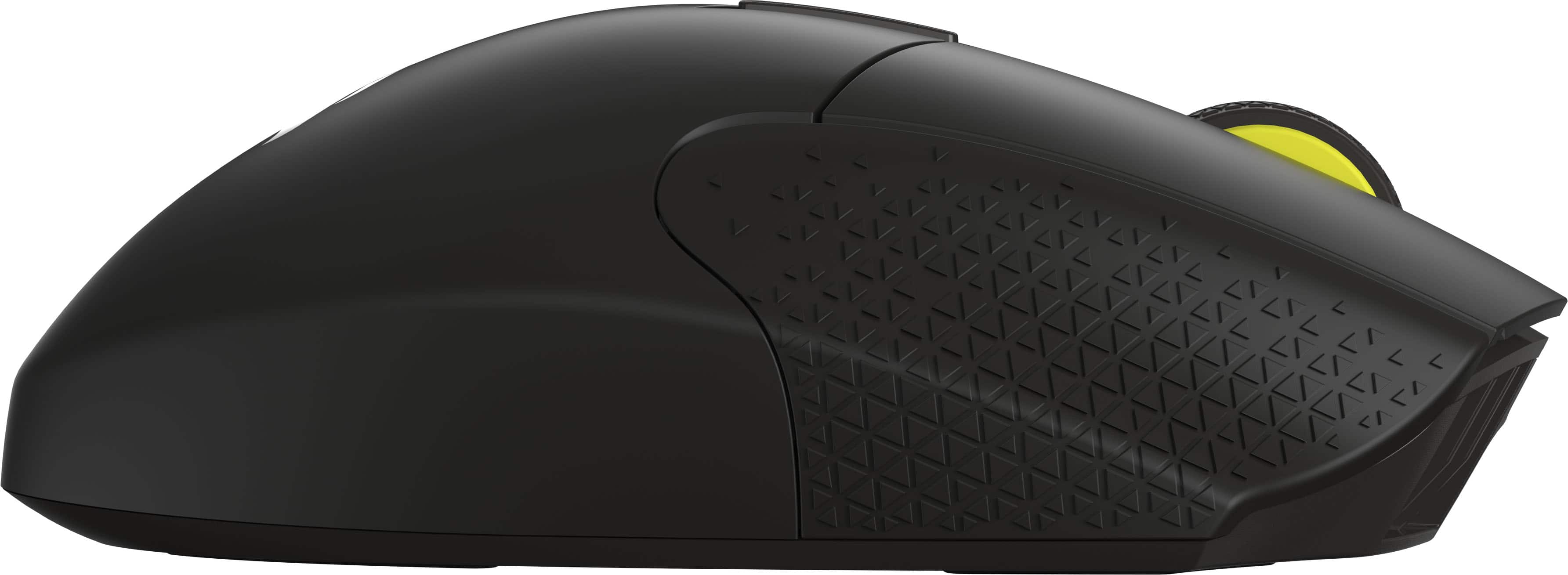
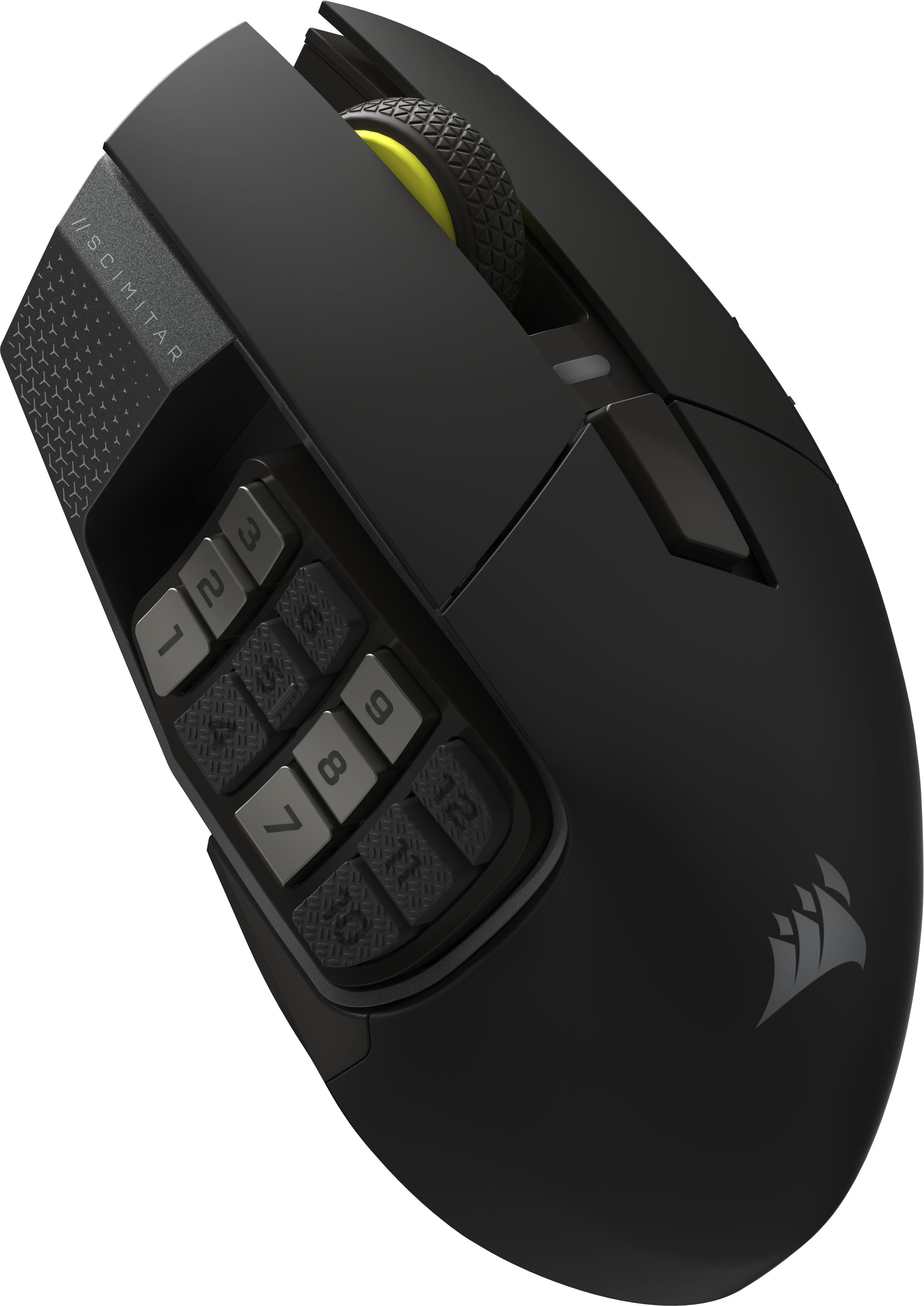
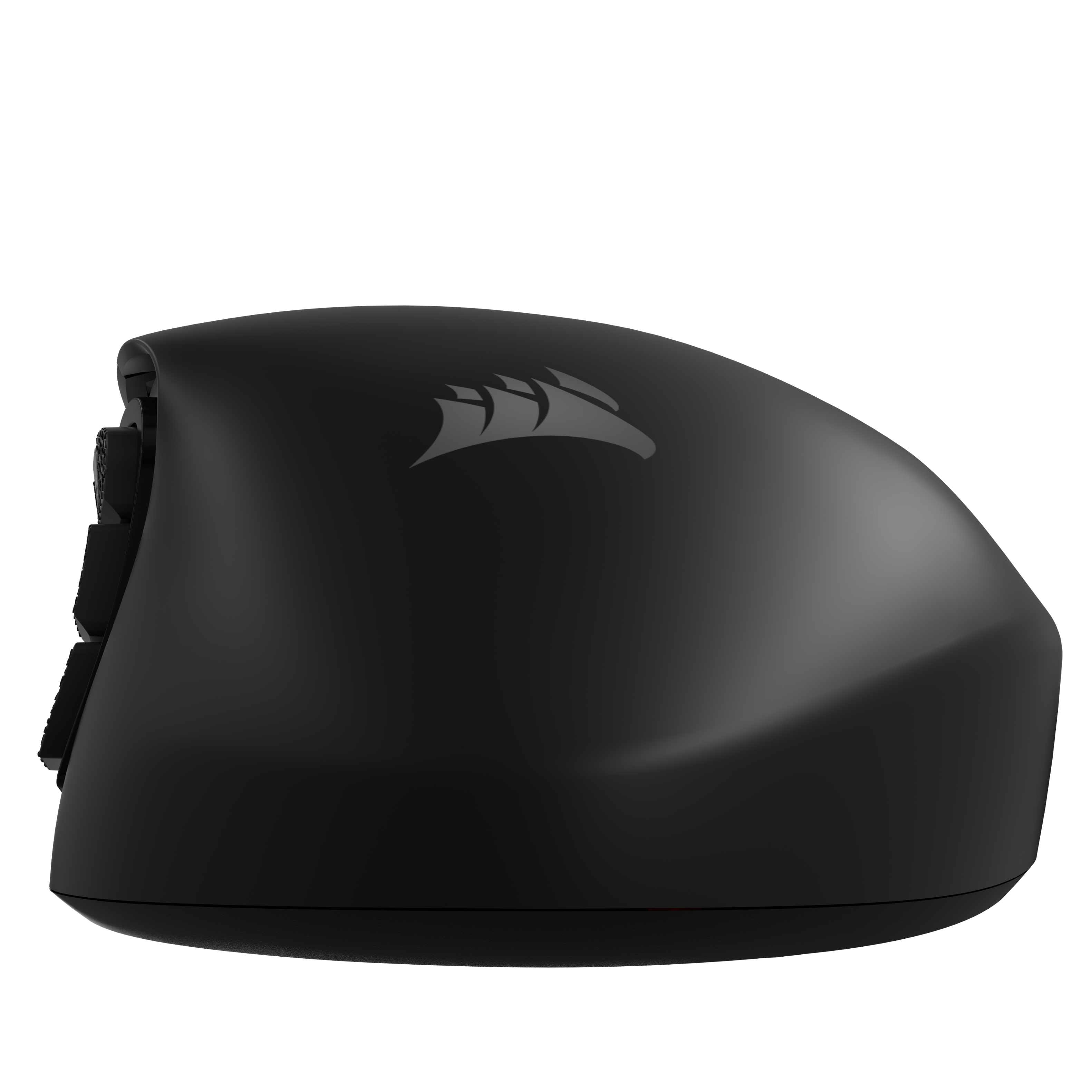
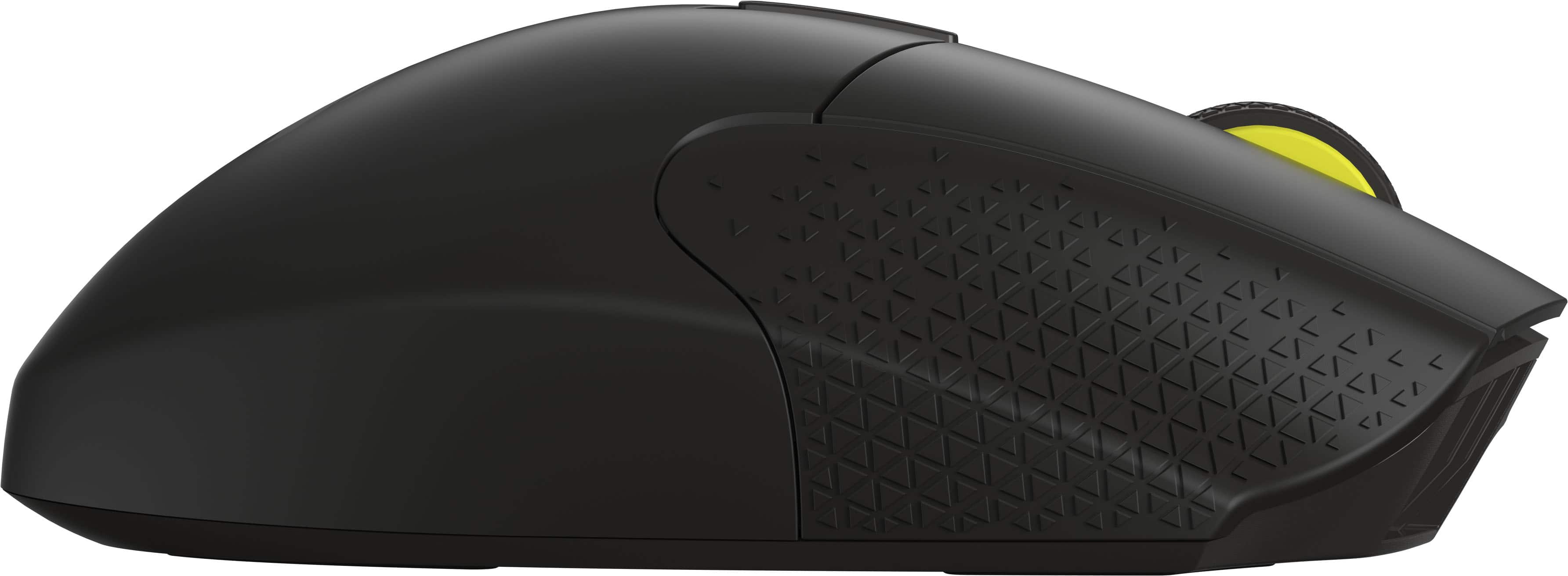
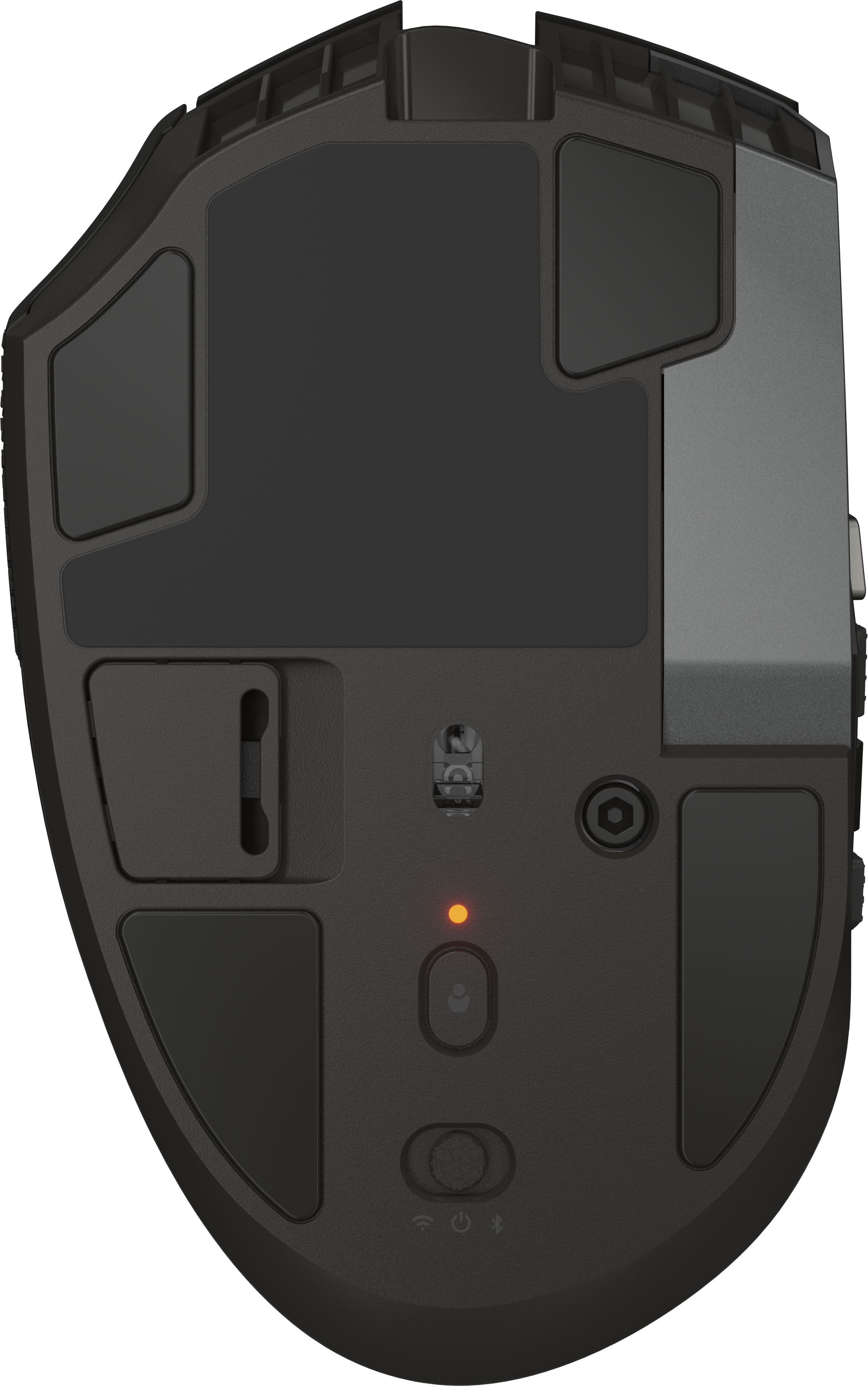
Customers are delighted by the Scimitar Elite Wireless SE Gaming Mouse, praising its programmable buttons, overall performance, and long-lasting battery. The mouse's ergonomic design and adjustable weight contribute to comfortable, extended use, while its connectivity options and accuracy are also appreciated. Some users with larger hands find the size to be less ideal.
This summary was generated by AI based on customer reviews.
Lots of buttons !
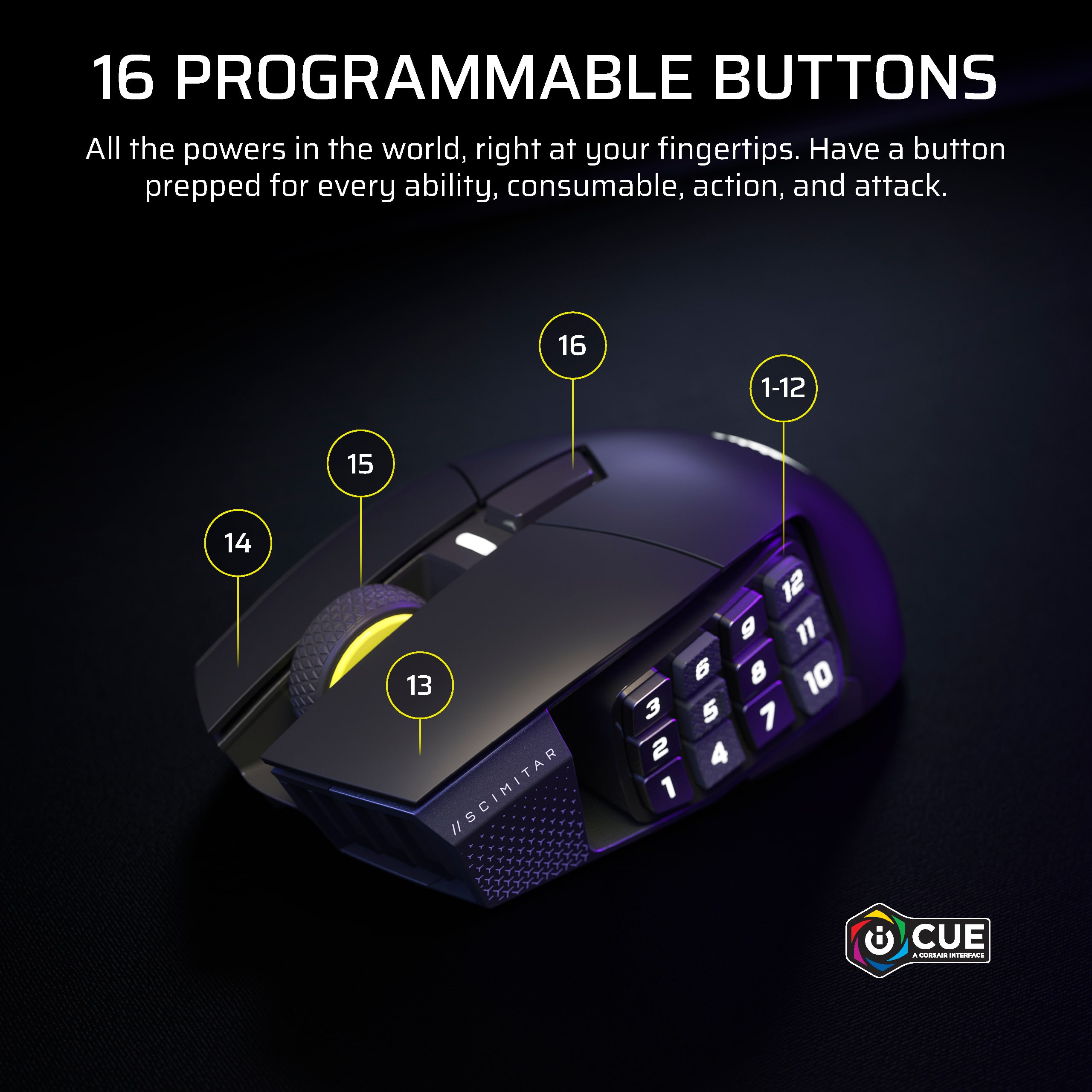
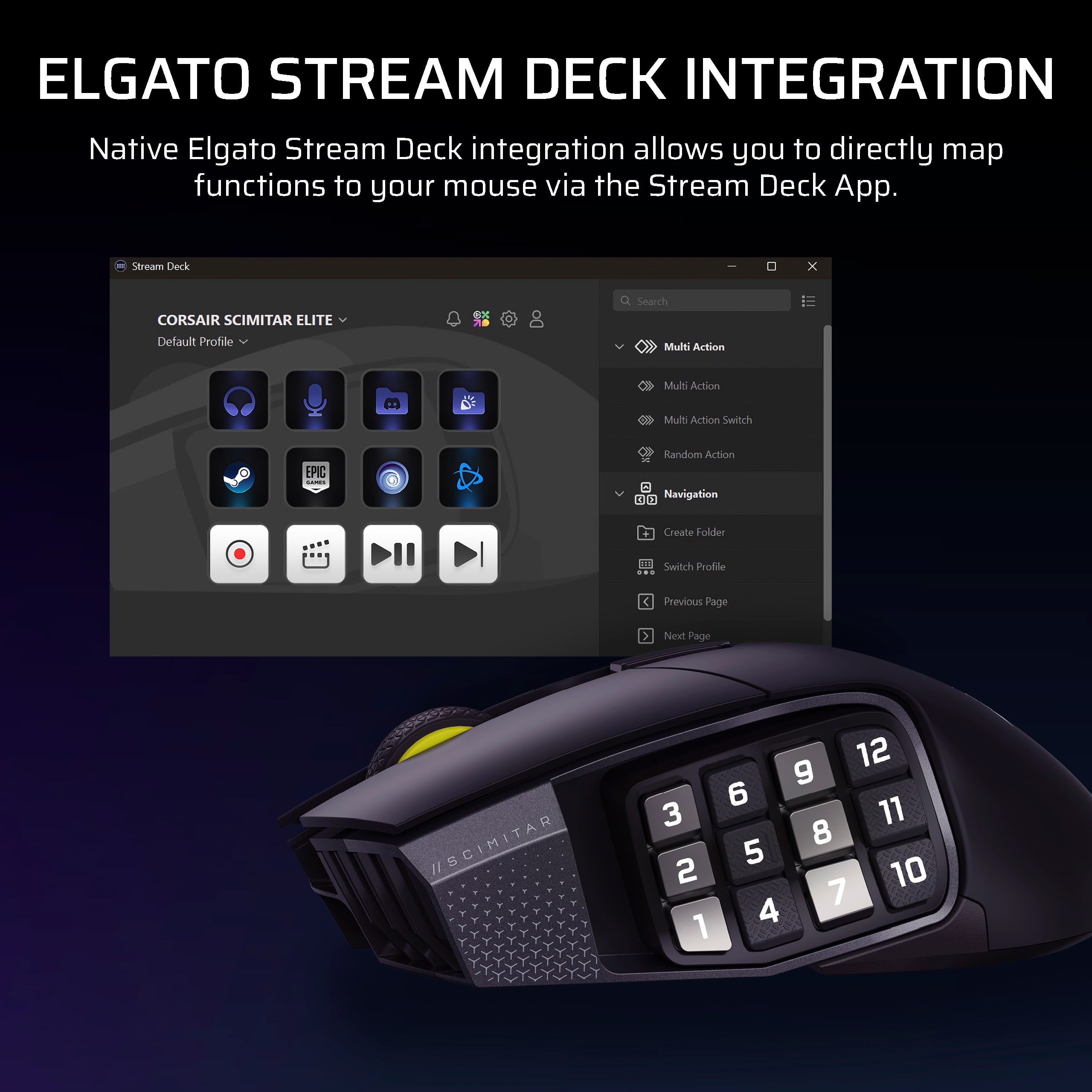
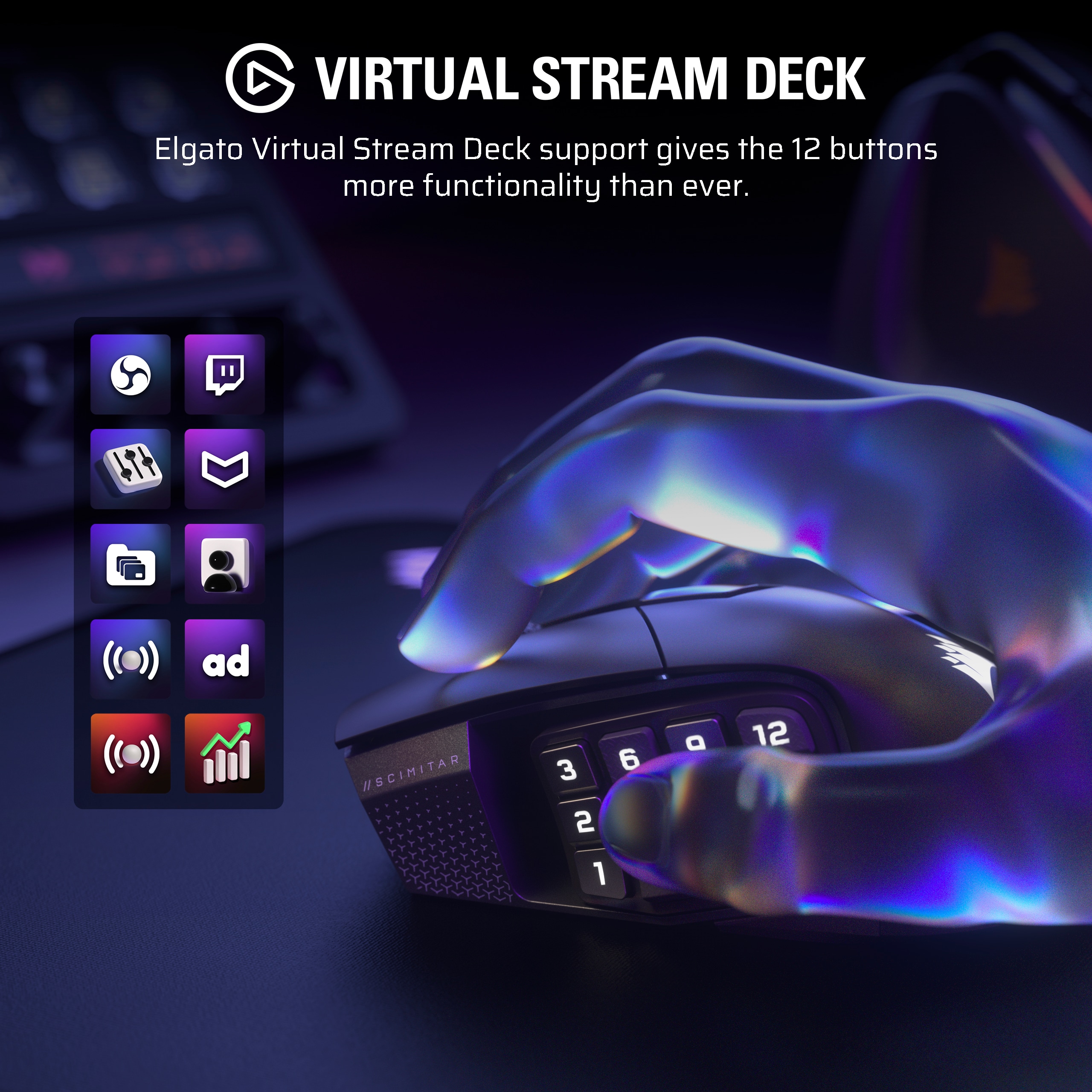
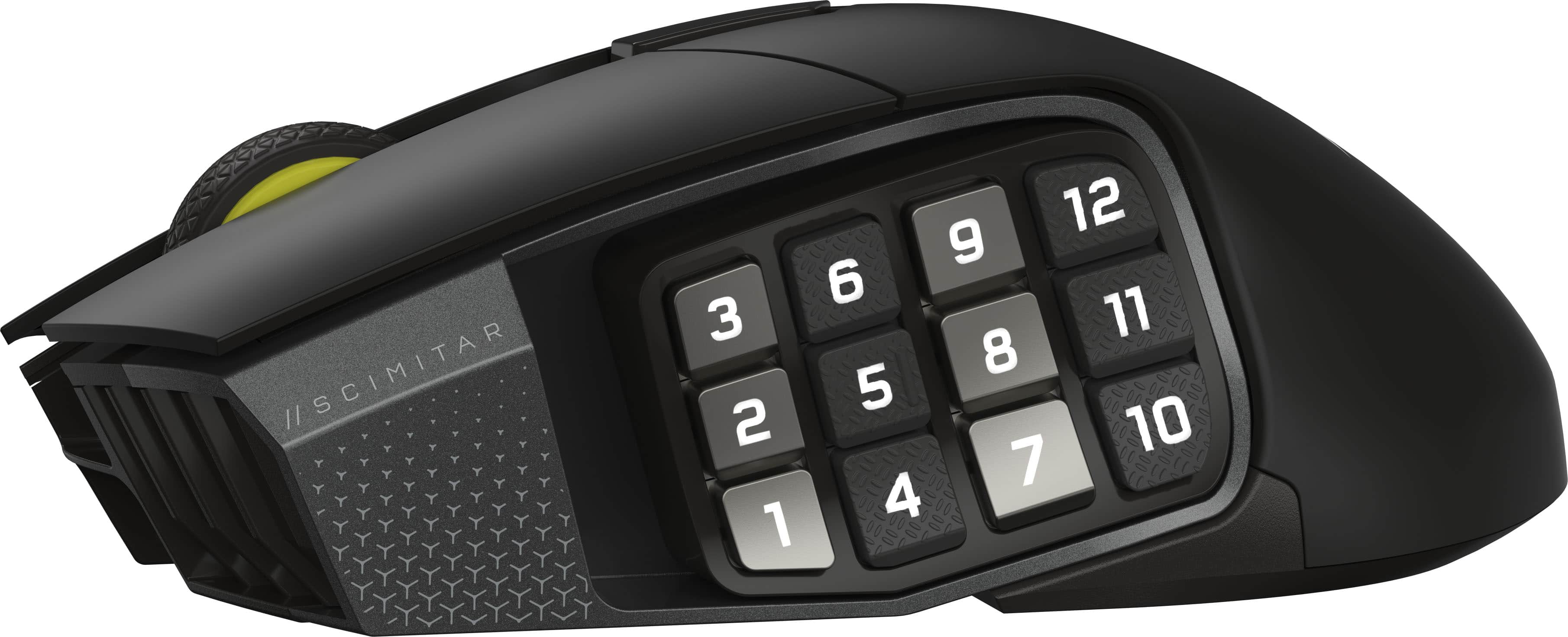
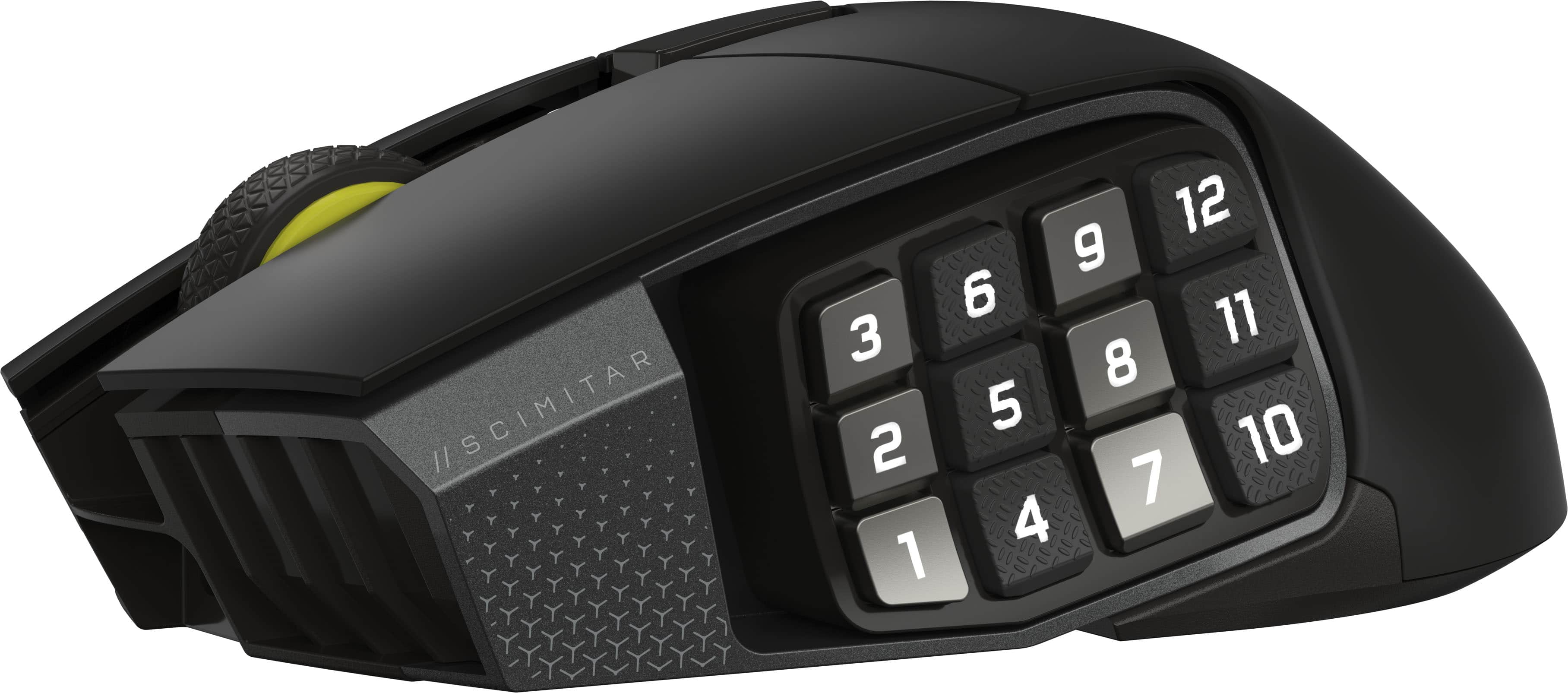
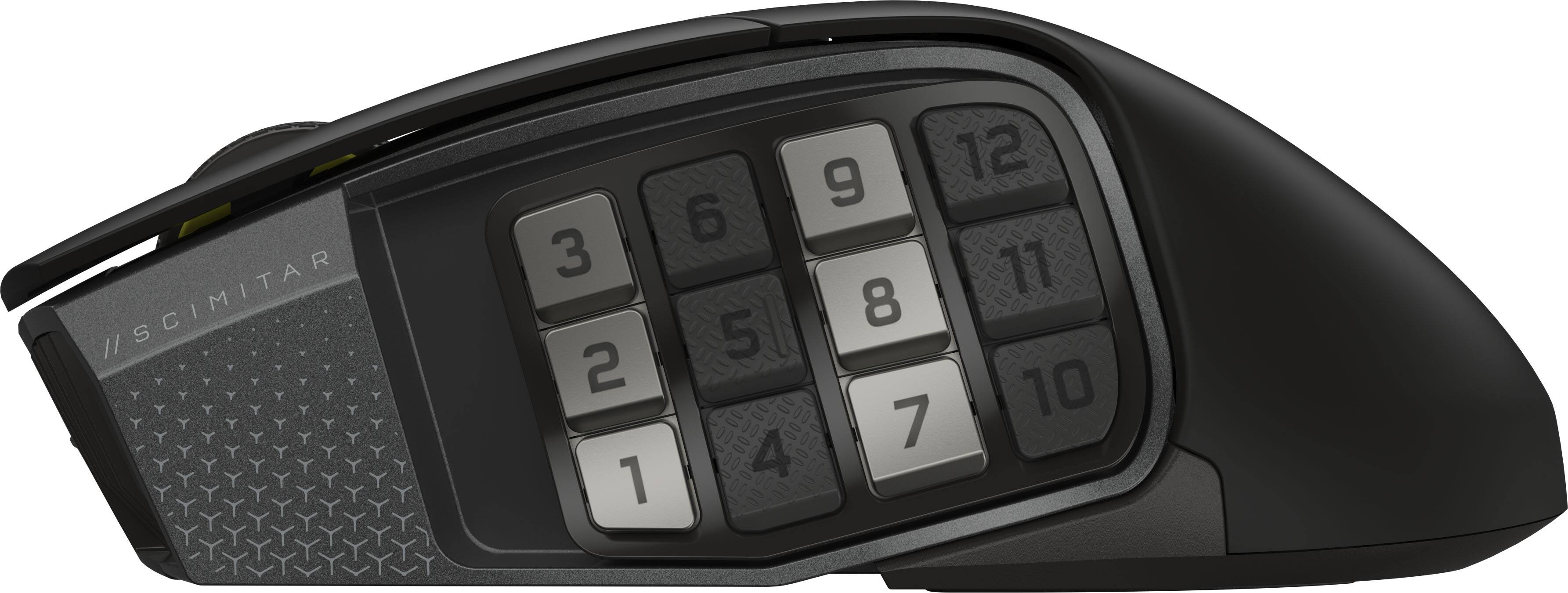
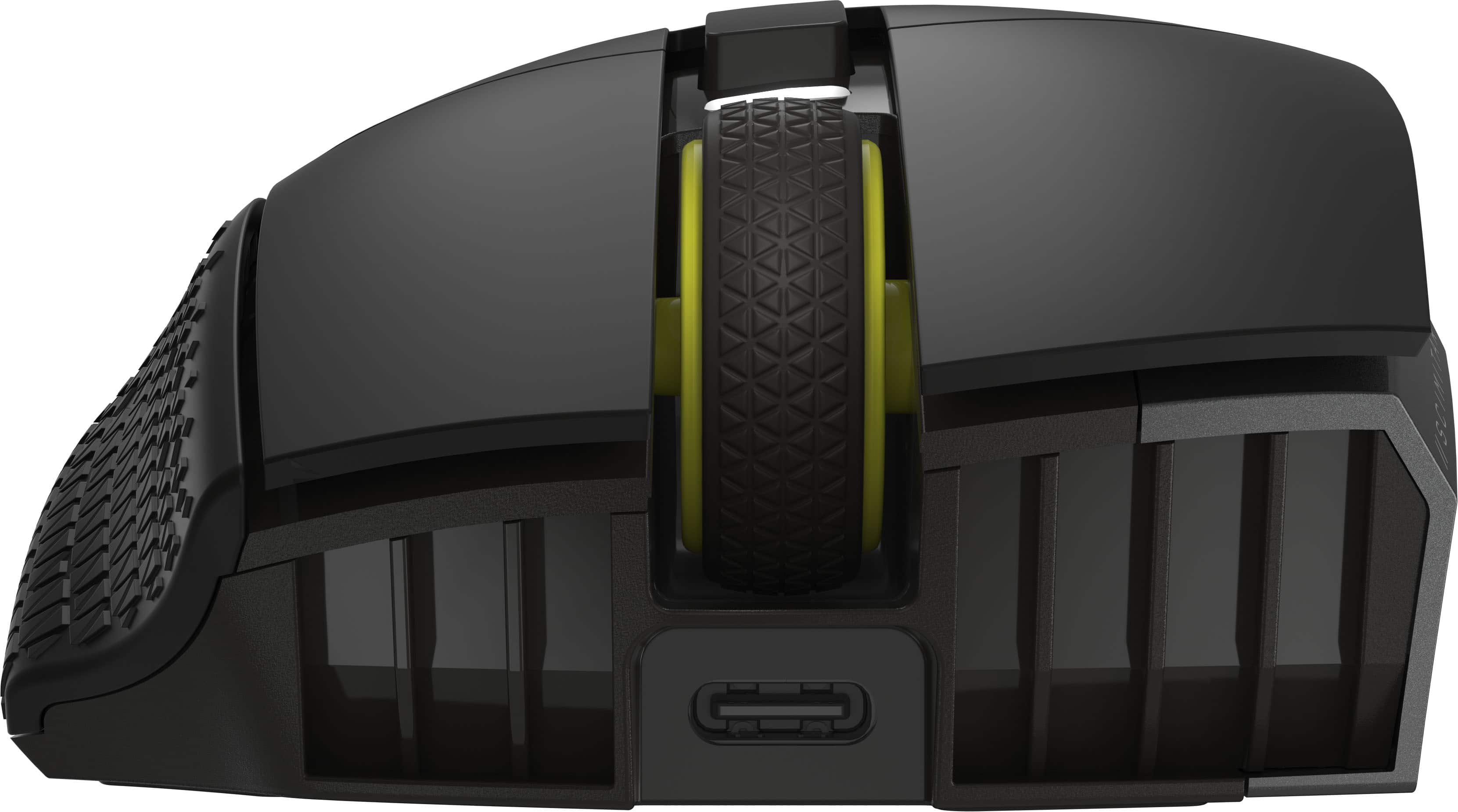
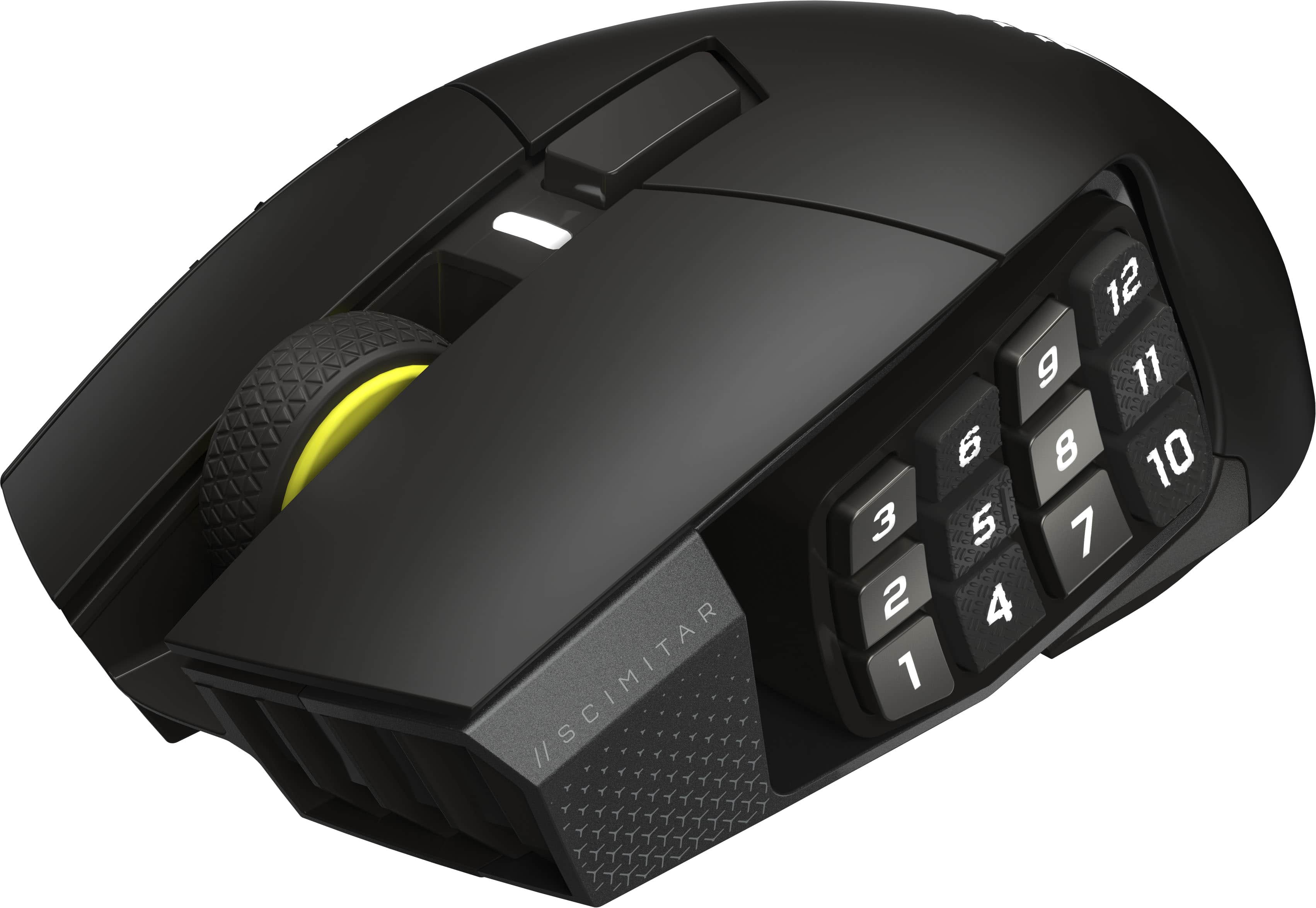
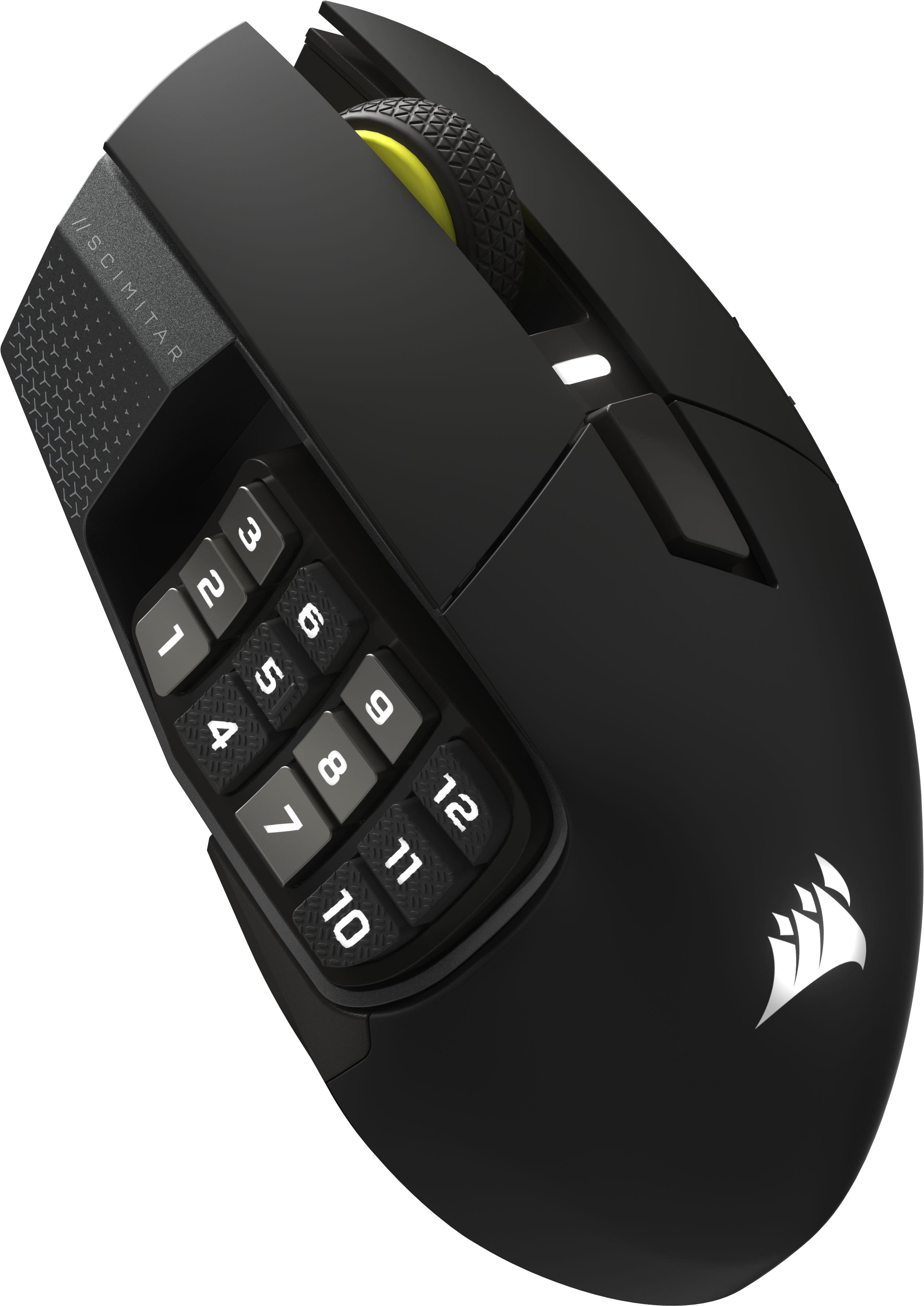
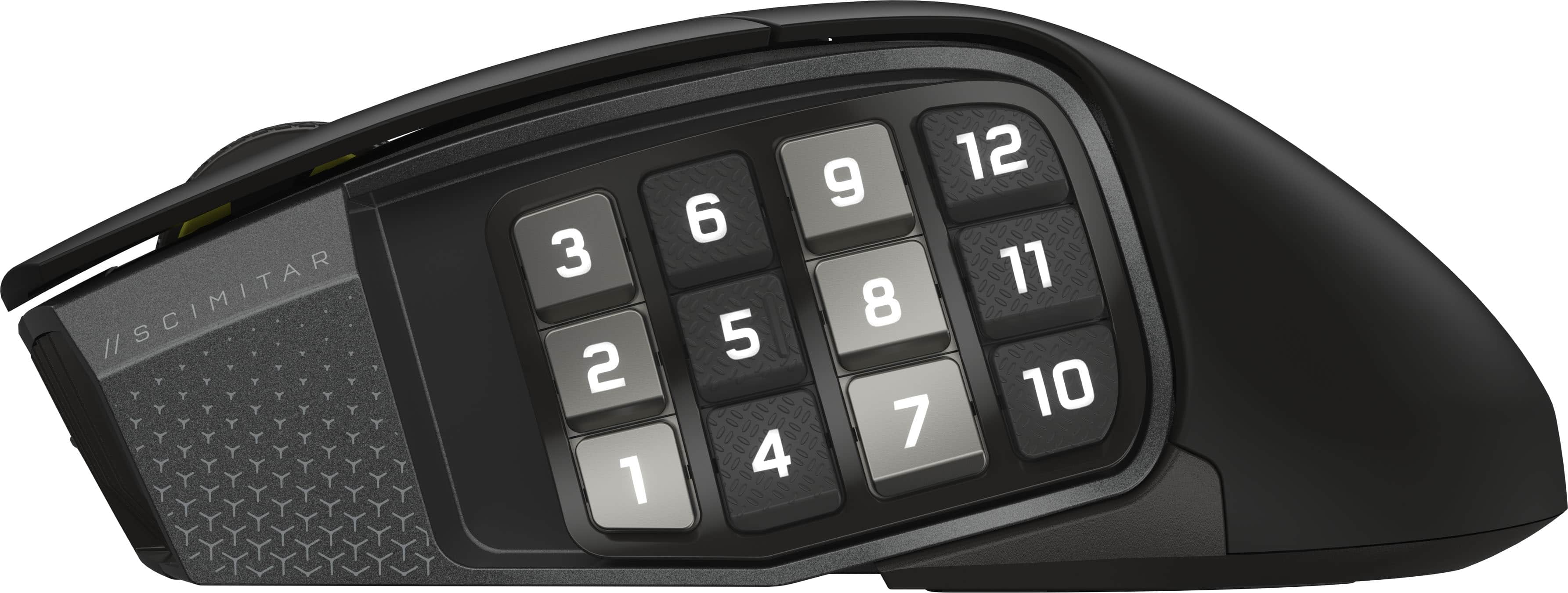
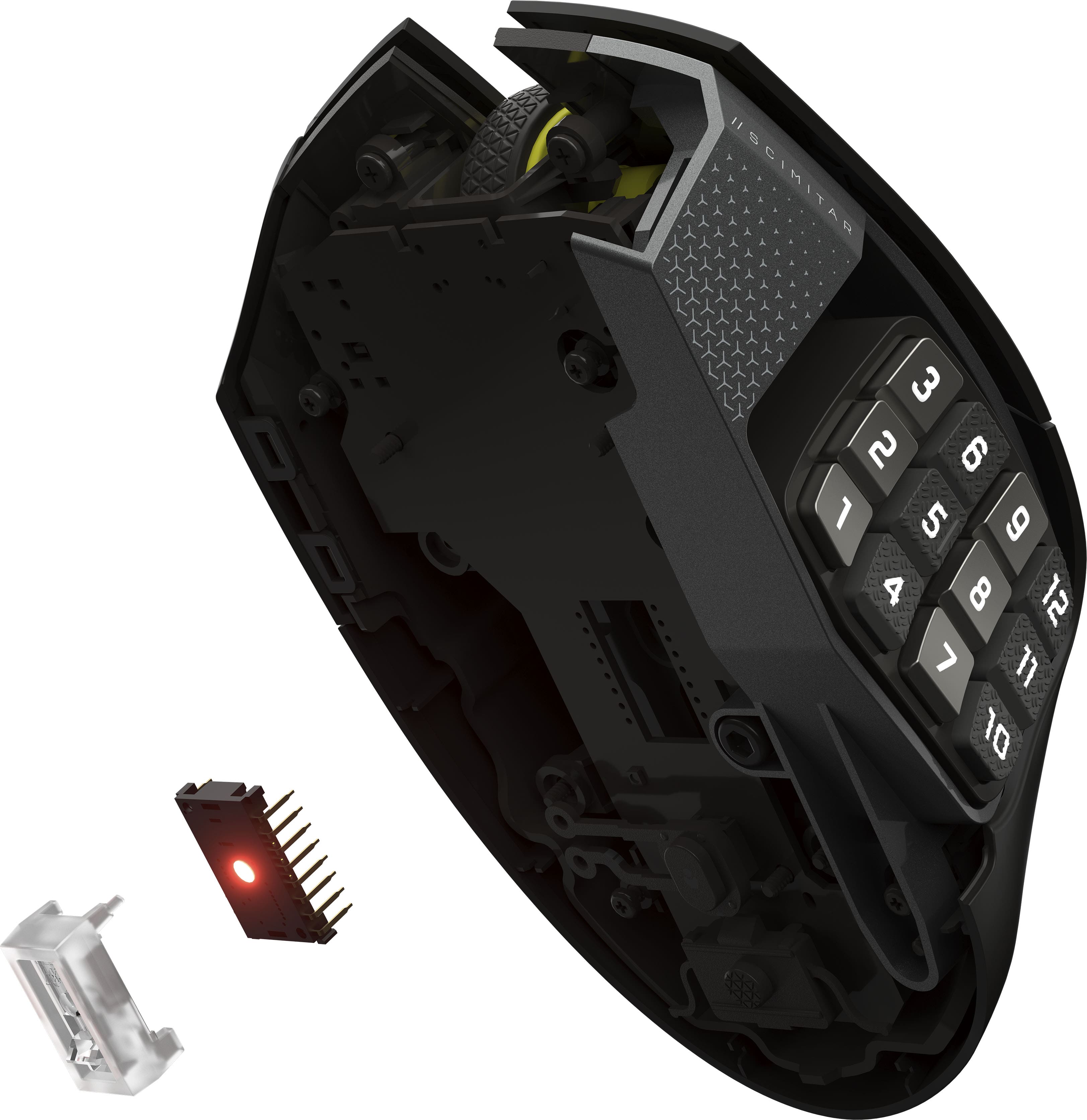
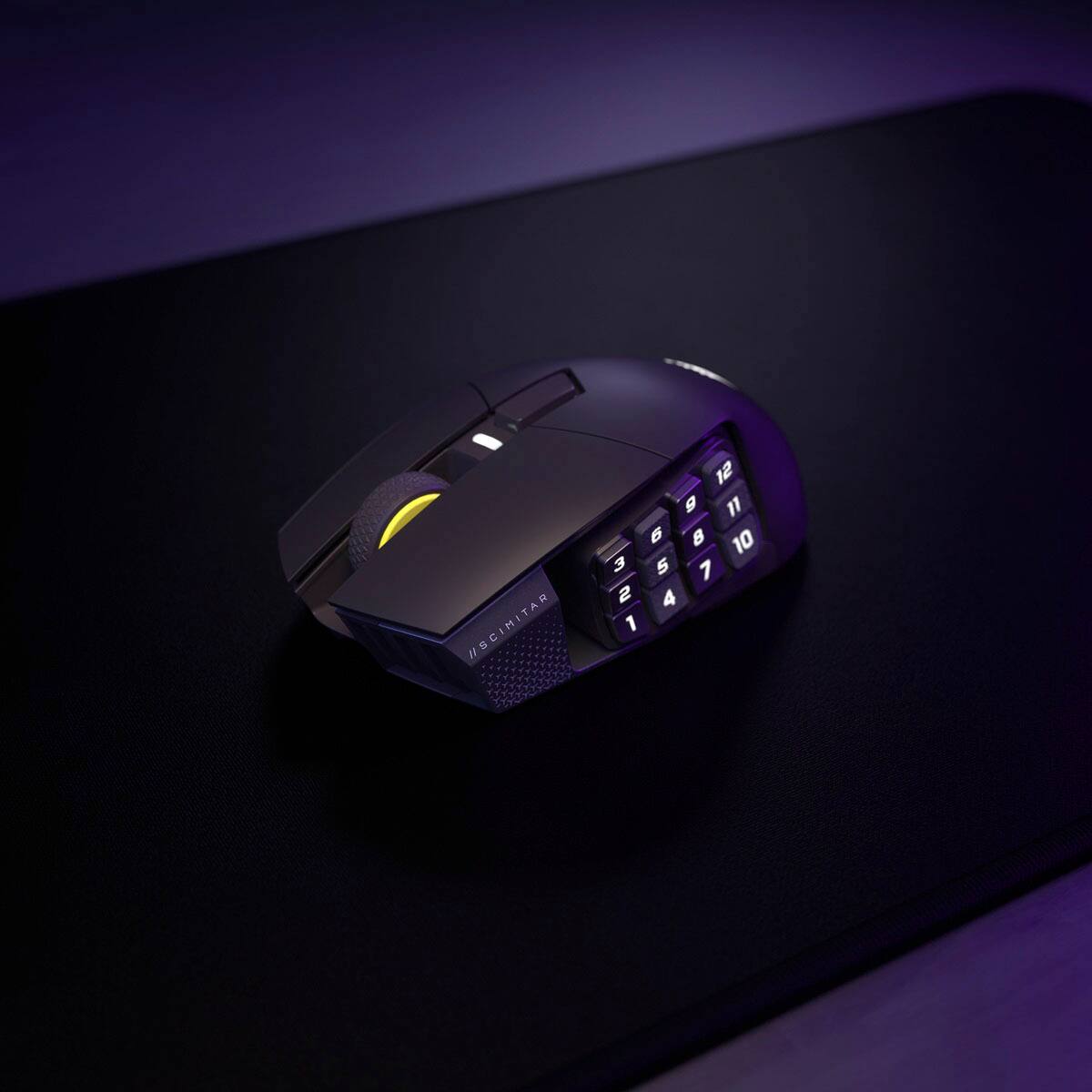
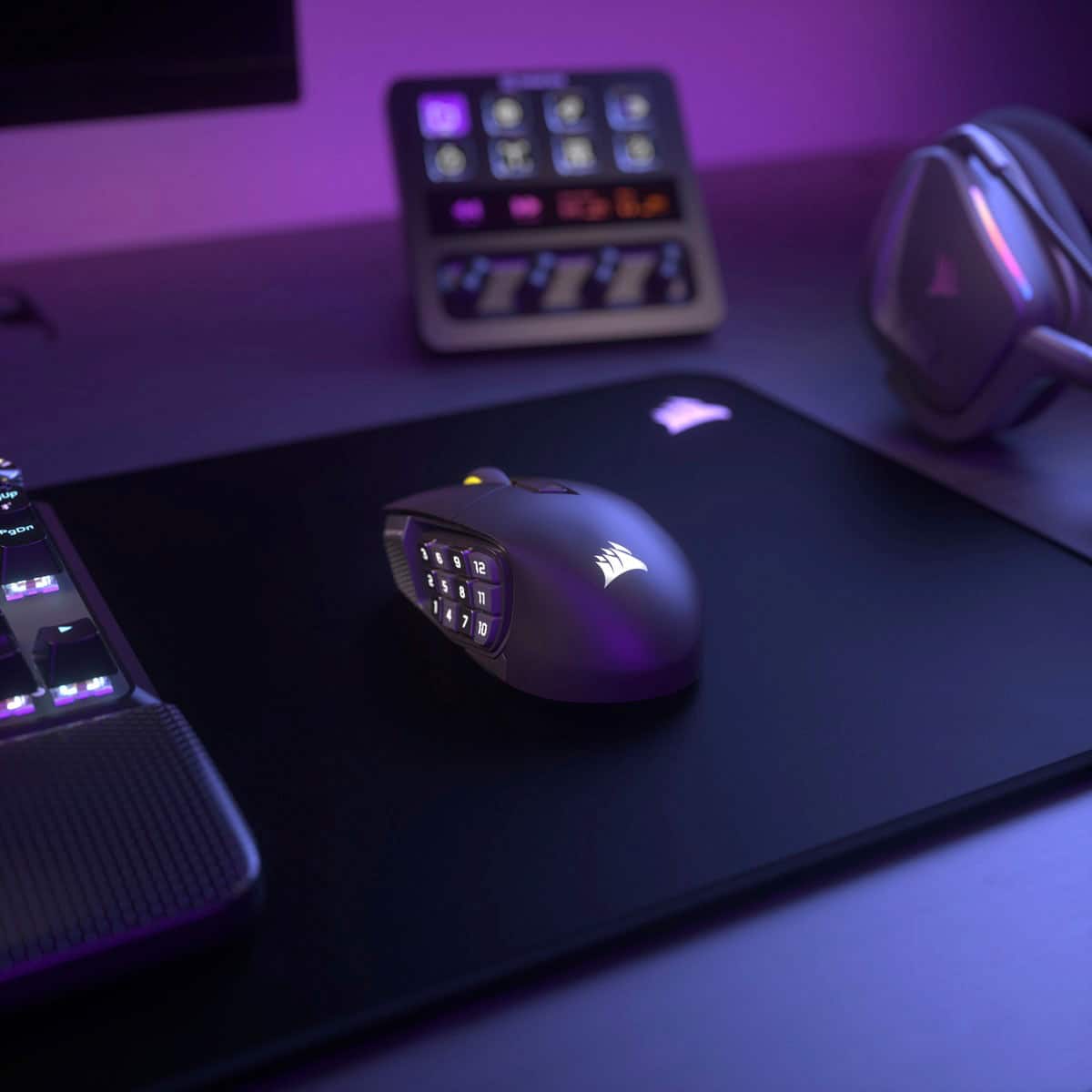
||Posted .This reviewer received promo considerations or sweepstakes entry for writing a review.Great price to performance especially on sale. Lots of buttons to map control many things at your finger tip. Precision tracking with 2.4 ghz and Bluetooth. Here’s the banger the mouse combines the functions of a mouse and Elgato stream deck into one. I’m not a big streamer but I do map the 12 side buttons to different functions like volume control. There’s a profile switch buttons too so 12 function buttons turn into many more sky is the limit.
I would recommend this to a friendUpgraded
||Posted . Owned for 1 month when reviewed.This reviewer received promo considerations or sweepstakes entry for writing a review.Nice and light weight with a quick response time. Upgraded to this from my old Logitech.
I would recommend this to a friend- Pros mentioned:Battery life
Love it
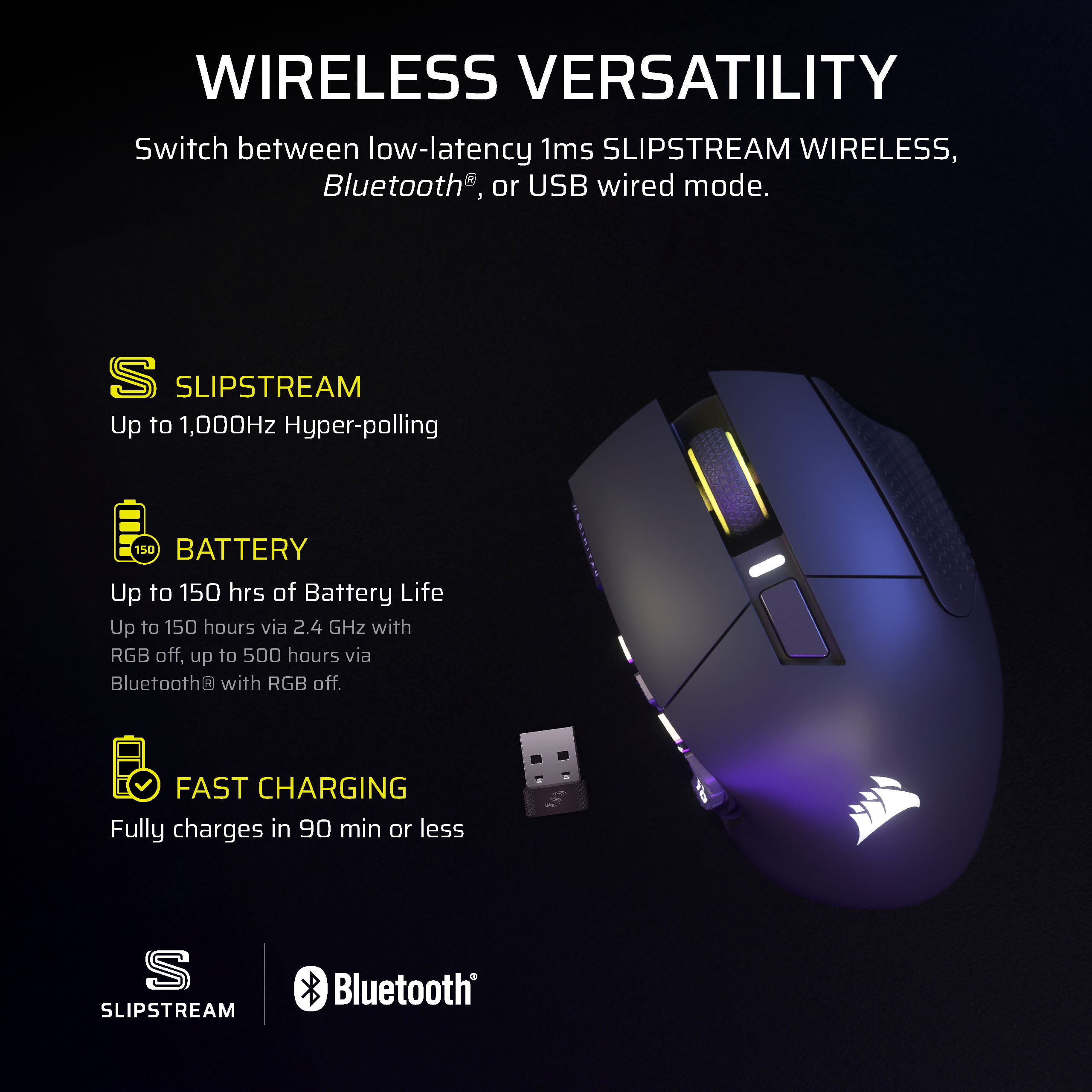
||Posted .This reviewer received promo considerations or sweepstakes entry for writing a review.Great battery lige, easy plug and play set up. Quality mouse
I would recommend this to a friend Better than Naga V2
||Posted .This reviewer received promo considerations or sweepstakes entry for writing a review.Best competitor to the Razer Naga V2Pro..feel excellent in hand and clicks are precise and accurate. The only negative is ICue software—most who know pcs will know this software can be challenging—once familiar with it works more consistently that razer synapse and less system taxing than armory crate or steel series engine.
I would recommend this to a friendCorsair Scimitar Gaming Mouse
||Posted .This reviewer received promo considerations or sweepstakes entry for writing a review.Great MMO gaming mouse! For all types of gaming. It has plenty of programmable buttons.
I would recommend this to a friendFantastic mouse for productivity
||Posted . Owned for 2 weeks when reviewed.This reviewer received promo considerations or sweepstakes entry for writing a review.Finally a replacement for the discontinued Logitech G602. If you like to pickup the mouse while moving this is the mouse for you. The software is fantastic to use.
I would recommend this to a friend- Pros mentioned:Button functionality
excellent mouse
||Posted . Owned for 1 month when reviewed.This reviewer received promo considerations or sweepstakes entry for writing a review.Very well made and its great to have all the buttons.
I would recommend this to a friend - Pros mentioned:Battery life
Great mouse
||Posted . Owned for 1 week when reviewed.This reviewer received promo considerations or sweepstakes entry for writing a review.Great feel, responsive great battery excellent mouse
I would recommend this to a friend A beautiful but not ergonomic mouse dependent on e
||Posted . Owned for 2 weeks when reviewed.This reviewer received promo considerations or sweepstakes entry for writing a review.It is a beautiful mouse, but the software is very erratic. It would be the perfect mouse if you could use all the functions without relying on having to use the software and mapping the keys and RGB into the memory of the device. Something really innovative would be if they added the back and forth keys. Another important point is that it gets very tired of your hand, it is not ergonomic and it is very unnatural, I think this is important for MOBA games like WOW and for fast games like League of Legends. Take this into consideration a lot because a carpal tunnel is almost certainly a carpal tunnel.
I would recommend this to a friend- Pros mentioned:Connectivity
Mouse
||Posted . Owned for 2 weeks when reviewed.This reviewer received promo considerations or sweepstakes entry for writing a review.Great product, easy to use. No trouble connecting.
I would recommend this to a friend 
Corsair
|Posted .This reviewer received promo considerations or sweepstakes entry for writing a review.Bought this mouse for a new MMO ive been playing and its great allows for easy inputs and is very comfortable.
I would recommend this to a friendStream deck in the palm of your hand
||Posted .This reviewer received promo considerations or sweepstakes entry for writing a review.Puts all of the usefulness of the Stream Deck into the palm of your hand, I'm loving how much more efficient it's making me vs my old setup
I would recommend this to a friendGreat Mouse
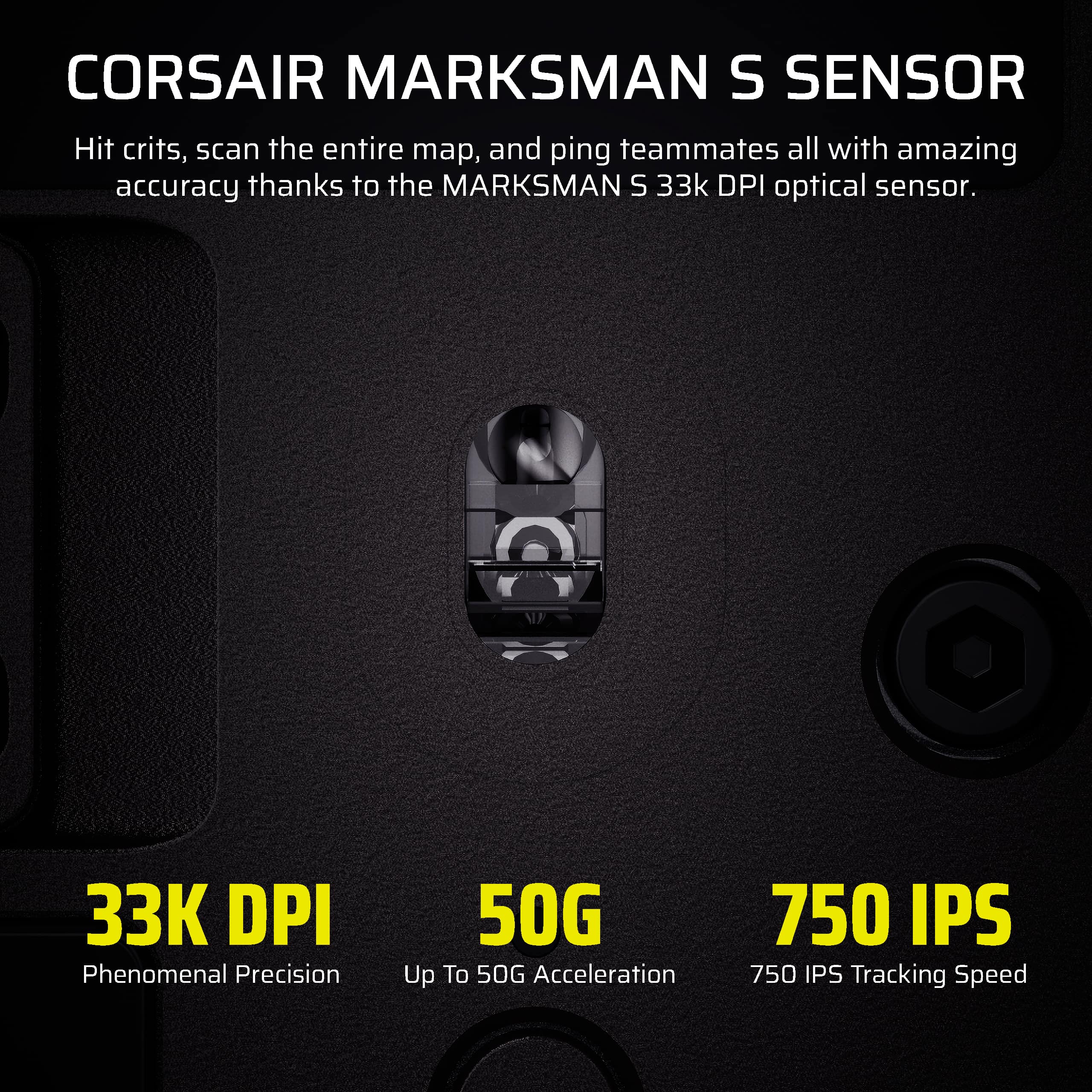
||Posted .This reviewer received promo considerations or sweepstakes entry for writing a review.great mouse, exceptional sensor. I almost never buy wireless devices - it's 2.4 option actually plays like it's wired... rare but true. only downside is ICUE but nothing new there.
I would recommend this to a friendGreat mouse
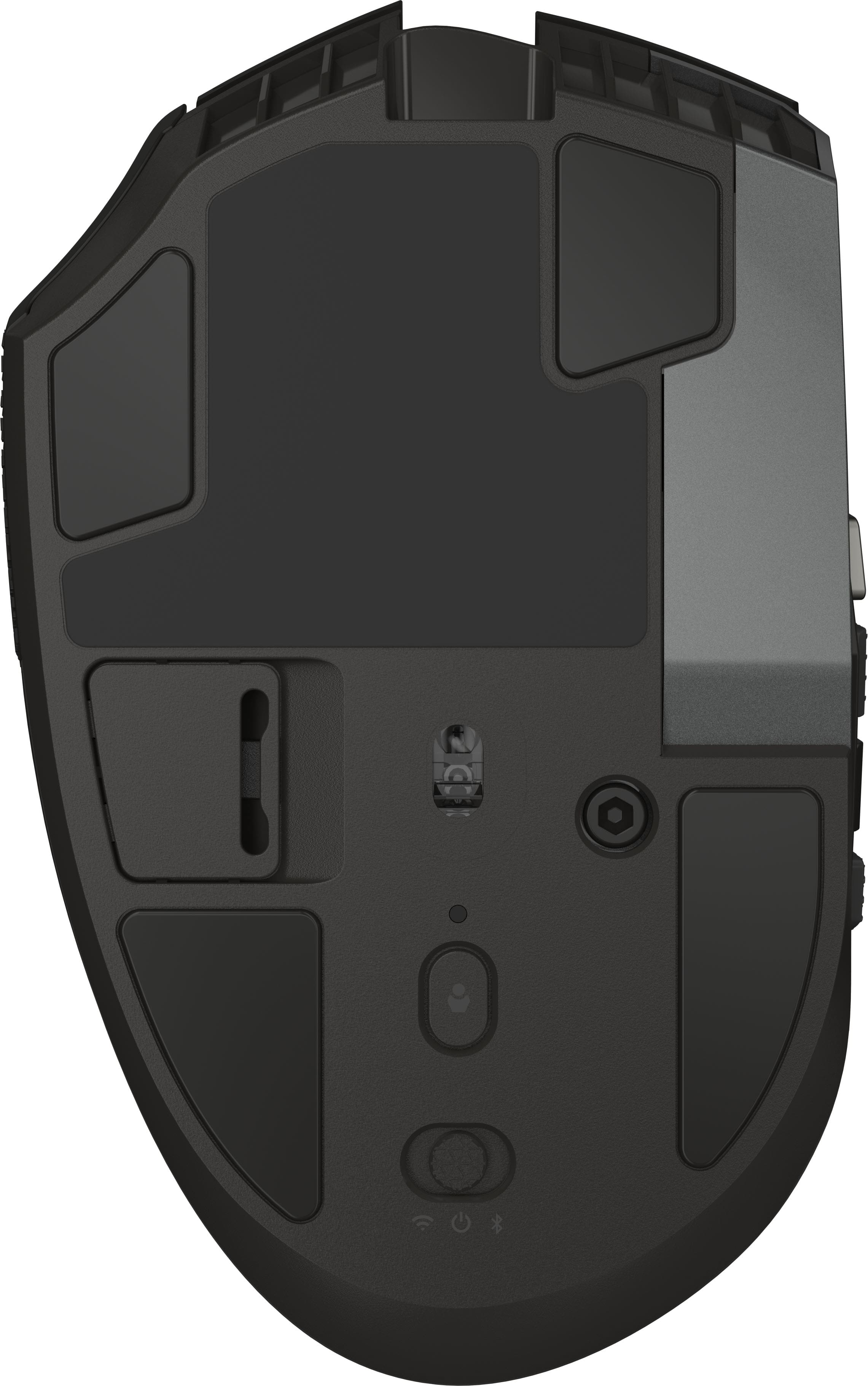
||Posted . Owned for 1 week when reviewed.This reviewer received promo considerations or sweepstakes entry for writing a review.Feels just like the corded version. No notable input lag. Charging port is located in the front so when you’re charging, it’s just like the corded version.
I would recommend this to a friendGood mouse
||Posted . Owned for 2 months when reviewed.This reviewer received promo considerations or sweepstakes entry for writing a review.very good mouse, best for now if you are playing MMORPG
I would recommend this to a friend- Cons mentioned:Size
Not the best Corsair gaming mouse
||Posted . Owned for 1 week when reviewed.This reviewer received promo considerations or sweepstakes entry for writing a review.This device is too small for a large hand and with all of the buttons on the thumb it is impossible to actuate the thumb buttons for Forward and Backward. too mouse
No, I would not recommend this to a friend Review
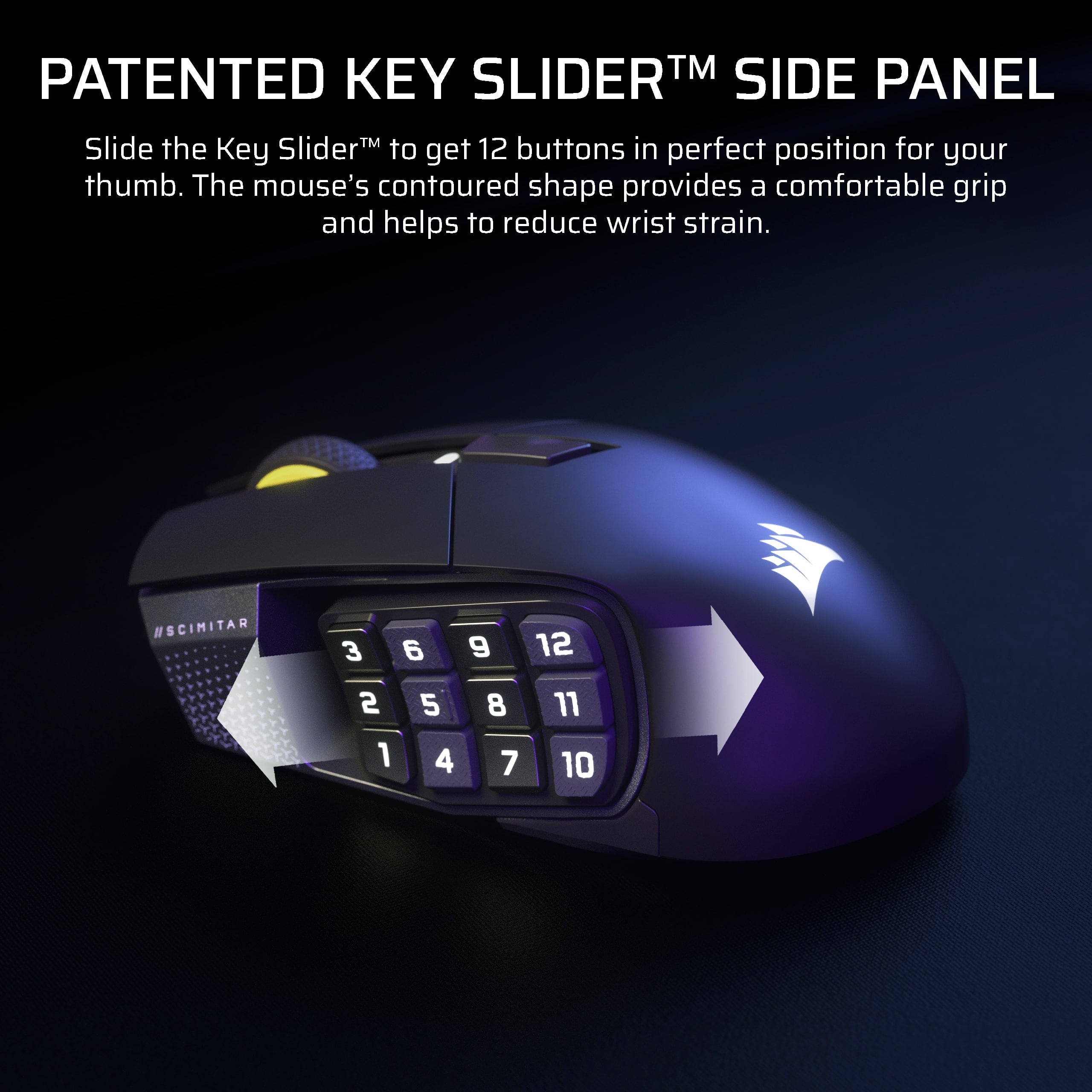
||Posted .This reviewer received promo considerations or sweepstakes entry for writing a review.Loved this product ! Really easy to use ! Love that you can adjust the numbers pad!!
I would recommend this to a friendWas a gift
||Posted .This reviewer received promo considerations or sweepstakes entry for writing a review.Purchased for my son and he said it was easy to set up and use.
I would recommend this to a friendGood one
||Posted . Owned for 2 weeks when reviewed.This reviewer received promo considerations or sweepstakes entry for writing a review.So far...happy ,good price,good product,wireless,rpg viable
I would recommend this to a friendHard to go wrong
||Posted . Owned for 2 weeks when reviewed.This reviewer received promo considerations or sweepstakes entry for writing a review.Big fan of this mouse. The added sude keys makke playing my MMOs and MOBAs way easier.
I would recommend this to a friend