Customer Ratings & Reviews

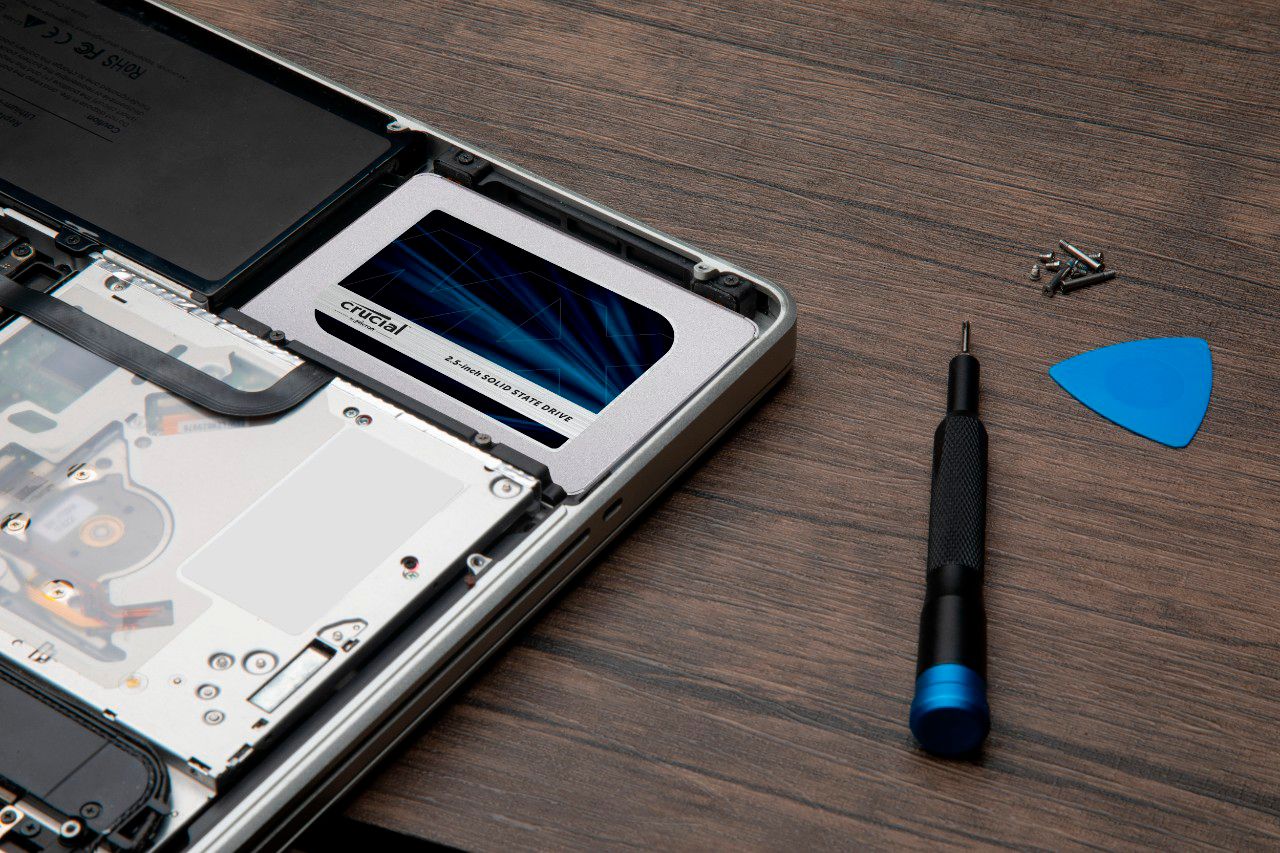

- Model:
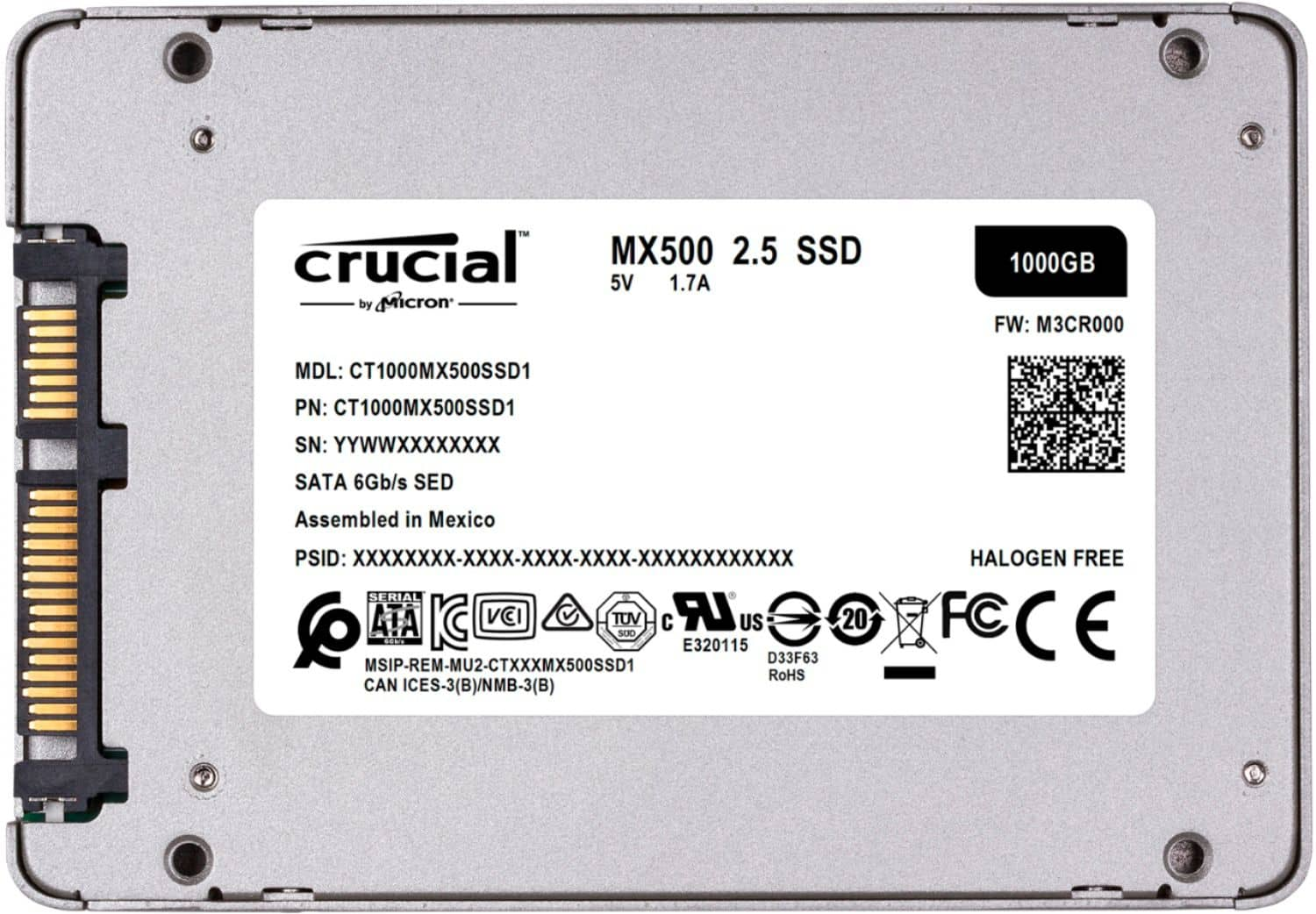
- CT1000MX500SSD1
- SKU:
- 6254400
Rating by feature
- Value
Rating 4.8 out of 5 stars
- Quality
Rating 4.8 out of 5 stars
- Ease of Use
Rating 4.8 out of 5 stars
Customers are saying
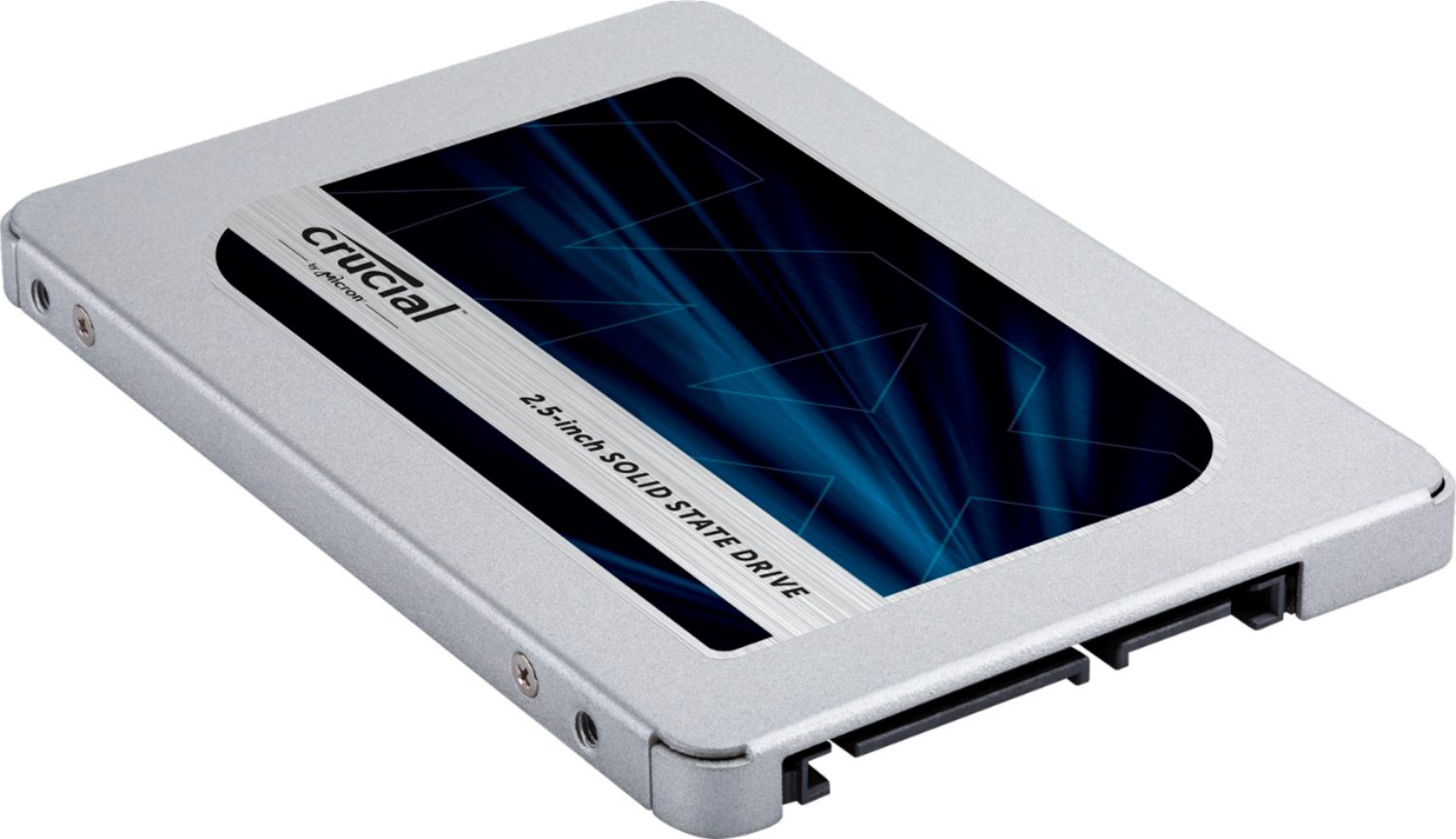
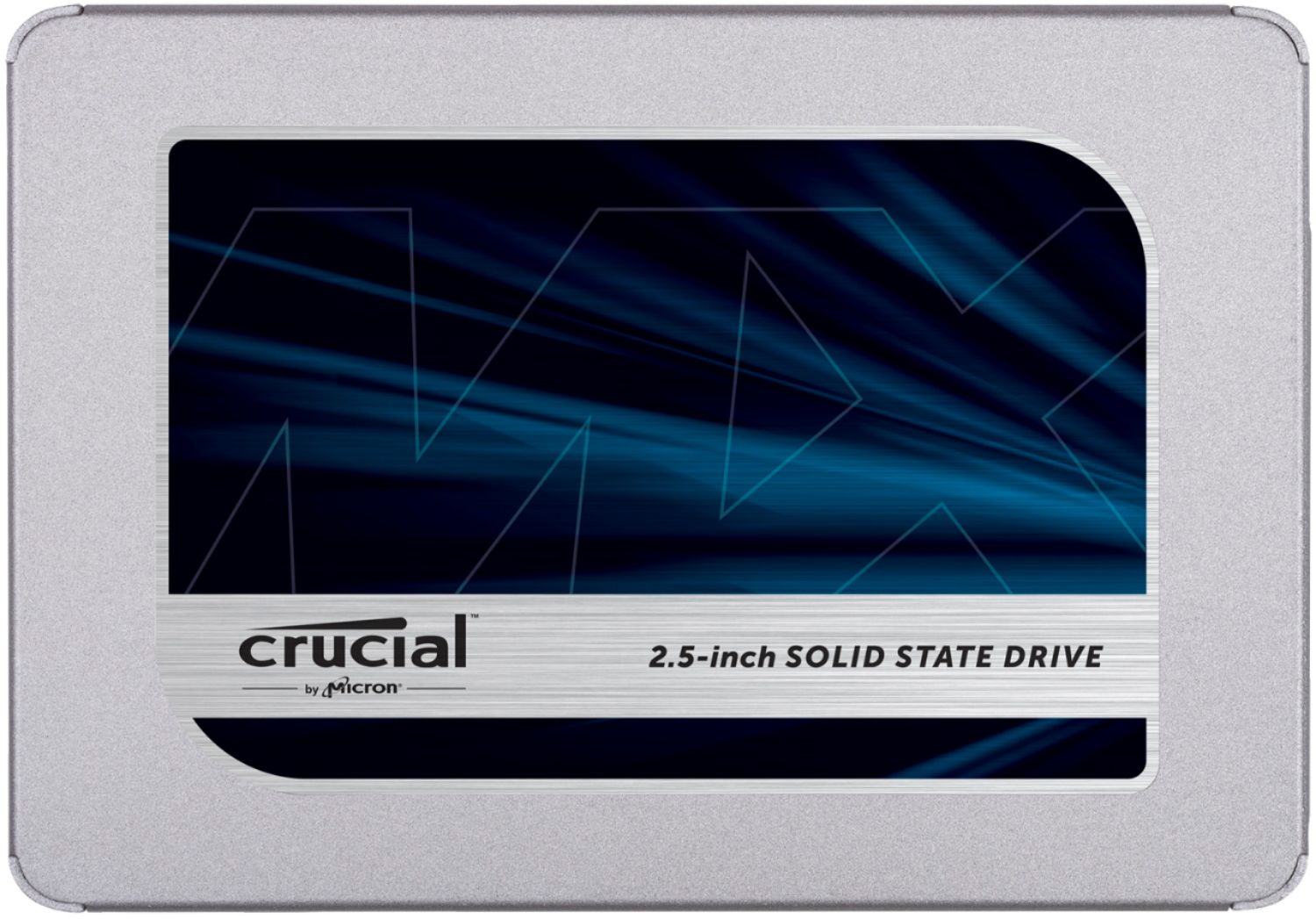
Customers find value in the MX500 1TB Internal SSD SATA's performance, ease of use, and affordability. Many appreciate its significant storage capacity and straightforward installation process, resulting in faster boot times. Positive feedback highlights the drive's excellent performance and value for its price. While some users experienced compatibility issues or heat concerns, these were less frequently reported.
This summary was generated by AI based on customer reviews.
Nice
||Posted . Owned for 2 weeks when reviewed.This reviewer received promo considerations or sweepstakes entry for writing a review.yeah so i’ve gotta say man, this is really really nice.
I would recommend this to a friendAmazing
||Posted . Owned for 1 week when reviewed.This reviewer received promo considerations or sweepstakes entry for writing a review.Works like a charm. No issues and booted no problem.
I would recommend this to a friend- Cons mentioned:Compatibility
Never even saw it on the bios list
||Posted . Owned for 9 months when reviewed.This reviewer received promo considerations or sweepstakes entry for writing a review.Was not recognized by the bios even trying multiple cables. Would not recommend
I would recommend this to a friend Worked 20 minutes then died.
||Posted . Owned for 2 weeks when reviewed.This reviewer received promo considerations or sweepstakes entry for writing a review.Drive worked for 20 minutes, then was no longer detectable by Windows 11. This was my first and last Crucial drive, based on my experience I cannot recommend.
No, I would not recommend this to a friendGeek Squad fail
||Posted .This reviewer received promo considerations or sweepstakes entry for writing a review.The new hard drive seems to be working fine . However, Best Buy Geek Squad service on pick up day left much to be desired. I was incorrectly told th original hard drive had been restored.
No, I would not recommend this to a friend- Cons mentioned:Compatibility
Didn't work
||Posted . Owned for 3 weeks when reviewed.This reviewer received promo considerations or sweepstakes entry for writing a review.Crucial website said this would work in my desktop. It did not. Thier tech supports only remedy was to reboot my pc 3 times.
No, I would not recommend this to a friend died 10 min use
||Posted . Owned for less than 1 week when reviewed.This reviewer received promo considerations or sweepstakes entry for writing a review.Died 10 min after instaled copied 1 small test file. Shut down reboot File gone catastrophic failure write protected Wasted a lot of time trying to figure out what went wrong hours
No, I would not recommend this to a friendGood value
||Posted .This reviewer received promo considerations or sweepstakes entry for writing a review.Good quality, decent speeds. Easy to install and good value
I would recommend this to a friendnot that fast
||Posted .This reviewer received promo considerations or sweepstakes entry for writing a review.works ok but it is not particularly fast compared to other ssd drives that I own and use
I would recommend this to a friendPoor Product
||Posted . Owned for 2 weeks when reviewed.This reviewer received promo considerations or sweepstakes entry for writing a review.The drive was plagued with random read/write errors from day 1 and eventually my PC failed to POST with this drive installed. I removed it and went back to my smaller Western Digital SSD and the PC works perfectly. I'll be returning this for a refund and buying WD instead. Highly disappointed.
No, I would not recommend this to a friendGreat
||Posted . Owned for 2 weeks when reviewed.This reviewer received promo considerations or sweepstakes entry for writing a review.it is working as expected. laptop boots up quickly.
I would recommend this to a friendDied in less than a month
||Posted . Owned for 3 weeks when reviewed.This reviewer received promo considerations or sweepstakes entry for writing a review.Bought it at the beginning of July as a backup drive. Now it is no longer detected by any of my computers via SATA or USB adapter while my other 2.5" drives are.
No, I would not recommend this to a friendEarly failure
||Posted . Owned for 3 weeks when reviewed.This reviewer received promo considerations or sweepstakes entry for writing a review.It started to format and then disappeared. Appears to have been early total failure. Product returned.
No, I would not recommend this to a friendUse and Bad product
||Posted . Owned for 5 months when reviewed.This reviewer received promo considerations or sweepstakes entry for writing a review.I have this product for about five to six month and died on me. When I received this product, the box was all wrinkled and it looked like a used product. I think it was a used product that was fixed up and sold to me.
No, I would not recommend this to a friend- Pros mentioned:Speed

Performance Booster
|Posted .This reviewer received promo considerations or sweepstakes entry for writing a review.Crucial MX500 1TB 3D NAND SATA 2.5 Inch Internal SSD If you’re like me and have an older laptop with a mechanical hard drive then this Crucial MX500 1TB 3D NAND SATA 2.5 Inch Internal SSD is a perfect upgrade. My laptop has decent specs but is just sluggish with a painfully slow boot time and programs that take forever to launch. I was confident the MX500 SSD with would make this old machine fly. In the box you find only the MX500, a spacer, and a guide. The guide simply directs you to visit the Crucial website. There you can view the installation guide and download the hard drive cloning software. Not just any software. Crucial provides the best software available with a copy of Acronis True Image. You need this software only if you want to copy your existing hard drive so you can keep all your laptops existing files and programs. You can also just go the route of replacing your existing drive with the MX500 and start from scratch with a fresh install of Windows 10. I opted to clone my drive. Download and install True Image on your laptop. I then used a USB to SATA adapter to attach the MX500 to my laptop. The cloning process is a breeze. In the software you simply select your source original drive and your target drive is the MX500 and start the cloning process. In my case the process took less than ten minutes but I didn’t have a ton of data on my original drive. Next you have to actually install the MX500. Don’t be intimidated. Anyone can do this. Unplug your laptop and remove the battery first. In most cases this installation involves simply removing a few screws and popping in the new drive. The entire cloning and hard drive installation process took me just over thirty minutes. It was now time to boot up my new improved laptop. As expected my boot time was dramatically reduced from minutes to about ten seconds. As I used my laptop through the course of a work day it was like a transformed machine. Programs snapped open instantly and saving files from USB drives was substantially faster. I knew the Crucial website stated the MX500 read specification was 580 MB/s and the write specification was 510 MB/s but I wanted to test my personal performance. Using an SSD speed test utility that I downloaded I was thrilled to see that these specifications were spot on. My results from running repeated sequential read was about 560 MB/s and my sequential write tests were in the ballpark of 510 MB/s. Impressive! Right where they should be. The Crucial MX500 is a simple and cost effective way to breath new life into your old laptop. Highly recommended performance booster.
I would recommend this to a friend - Pros mentioned:Speed
When speed and reliability are CRUCIAL!!!
|Posted .This reviewer received promo considerations or sweepstakes entry for writing a review.Here we are in the wonderful digital age where 1TB hard drives thirty years ago seemed like a pipe-dream. Tell them that the hard drive in question can achieve almost 600MB/s sequential read speeds, and you probably would have been sent to the funny farm, just now being released from captivity. Now, whereas most others are using this drive as their OS (Windows, or linux - etc) I am using it as storage. I've had an old 120GB SSD drive I've been meaning to upgrade and transplant into another PC. Installation was a breeze. Your PC just needs a free SATA cable (or SATA port if you have another cable) and power cable and you are off and running! Cables (as industry standard, it seems) are not included. Now, my main PC is exclusively SSD or NVME drives! That was the reason why this did not go as my boot drive. As in my case (no pun intended) I'm using an NVME drive for it. In saying the above, this drive is multitudes faster than any other SSD drive (6) in my PC. Files zip from one drive to another in no time. I had an ISO I've been meaning to put on a drive that I "trust" from A BD-R disc for "safety in duplicity" My (name not disclosed) BD-RW drive is an external one, but is connected with a USB C 3.2 cable. My jaw dropped. I put the disc in, and dragged the above mentioned ISO over to the newly installed drive. I went to make a cup of coffee - and upon my return the file had completed its transfer 3 minutes prior! It says a lot when a computer consisting solely of SSD (and one NVME) drive, gets the jaw drop from this new SSD drive. I feel confident that any data I place on this drive will be safe and secure. This is my first "Crucial" brand drive. And the confidence is due to the integrated power loss immunity. That is the one scary thing about SSD drives. If power is cut to your PC, you may end of with a fried drive, or have files that were in use/being transferred at the time of the power loss become corrupted. So knowing that Crucial had this in mind in the development of this drive puts my mind at ease. And for those that need it (I don't), you can rest assured that your data is secure due to the AES 256 bit hardware encryption. All in all this is a fantastic upgrade to my PC bumping up my total storage to a crazy amount. And everything is zippy and faster than before! If you are currently on the fence about which 1TB SSD to purchase, you can be confident that Crucial is the one for you!
I would recommend this to a friend - Pros mentioned:Ease of use
Lasted 4 hrs unfortunately.
||Posted .This reviewer received promo considerations or sweepstakes entry for writing a review.Easy to install, the program was good, but unfortunately, mine died within 4 hrs. was installing GTA4, and get a drive failure message. restarted the PC, and the start up took forever, once the SSD was unplugged, PC worked like normal. Gonna return it, and get another one, hopefully it's a good one, or else i'll just get a samsung drive.
No, I would not recommend this to a friend Disappointment
||Posted . Owned for 3 months when reviewed.This reviewer received promo considerations or sweepstakes entry for writing a review.I bought a lemon and was too late for me to return it. I could not initialize it and kept giving me an error. I went through the command prompt and Disk Manager and kept giving me an error. Waste of money!!
No, I would not recommend this to a friend- Pros mentioned:Storage
Fast Drive and Easy to Install
|Posted .This reviewer received promo considerations or sweepstakes entry for writing a review.Boot up time and software load times were just sluggish on my seven year old laptop with a spinner drive. I decided to finally swap out the spinner drive with a Crucial MX500 2.5” internal SSD. Now that I have an SSD, I wished I had changed out my spinner years ago. The boot time with my old spinning drive was nearly a minute. With the Crucial MX500, the boot time went down to ten seconds. Programs also loaded much faster. It was like the SSD breathed new life into my aging laptop. Upgrading to an SSD made this laptop fun to use again! Crucial makes the process of installing the SSD drive as easy and painless as possible. Recognizing that there are some of us who are new to this, the Crucial website: crucial.com/support/ssd provides the step-by-step guide to install the drive. What is nice is that it basically holds your hand every step of the way. Crucial partnered with Acronis to provide the cloning software needed to migrate all the data and operating system from your old spinning drive to the MX500. The only additional cable you’ll need to purchase, if you don’t already have it, is a SATA-to-USB cable to perform the migration of data during the cloning process. Once you have your SSD up and running, Crucial also provides an additional free software to download called the Storage Executive which helps optimize the performance of the MX500. With the Storage Executive, it can monitor the drive’s temperature, download the latest firmware, provide diagnostic data such as the number of hours the drive has been used, and even enable a performance boost to the drive via Crucial’s Momentum Cache feature. Additionally, Crucial stands behind its drive with a five year limited warranty. This is really an excellent SSD to get. It’s got plenty of storage at 1tb and the reduction in boot time and program load times will astound you. Without a doubt, I highly recommend the MX500.
I would recommend this to a friend not worth, just breaks
||Posted . Owned for 11 months when reviewed.This reviewer received promo considerations or sweepstakes entry for writing a review.only lasted 10 months!!!!!!!!!!!!!!!!!!!!!!!!!!!!!!
No, I would not recommend this to a friend