Customer Ratings & Reviews

- Model:
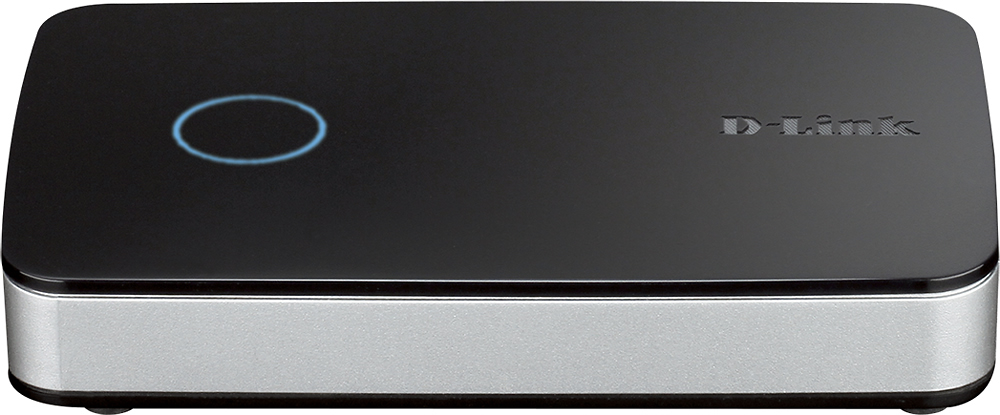
- DNR-202L
- SKU:
- 2453816
to a friend
Customers are saying
Customers express satisfaction with the mydlink 4-channel DVR, particularly for its easy setup process. Many customers found the physical setup to be straightforward. Customers also appreciate the quality of the tech support, describing it as "very good." The motion detection feature is another positive aspect, with customers reporting that it effectively captures movement.
This summary was generated by AI based on customer reviews.
Good product for small areas
||Posted .This reviewer received promo considerations or sweepstakes entry for writing a review.I would recommend this product for those looking for recording device for small areas and few cameras.
I would recommend this to a friendThere has to be a better way to record video
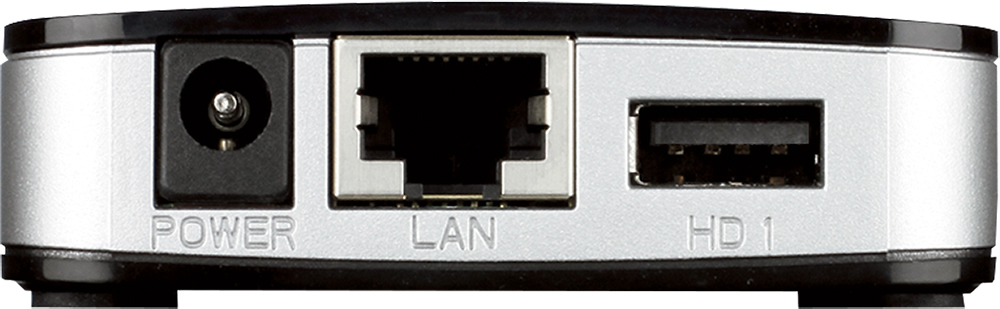
||Posted .This reviewer received promo considerations or sweepstakes entry for writing a review.The concept is good, but the software will not run on Windows 10 EDGE, or current versions of Chrome. I had to default to Internet Explorer - and install certificates, Java, and special Active -X control permissions just to get live video on my computer through this NVR. Adding storage is simple - plugging in to one or both USB drives, but it requires you to FORMAT any drive you plug into it - so be prepared to by a new HDD or transfer everything off the one you want to use before plugging it in.
No, I would not recommend this to a friendWorked as intended
||Posted .This reviewer received promo considerations or sweepstakes entry for writing a review.Was easy to install and set up, discovered my cameras right away.
I would recommend this to a friendOk DVR for D-Link cams
||Posted .This reviewer received promo considerations or sweepstakes entry for writing a review.This works ok. Had issues setting up but figured it out.
I would recommend this to a friendGreater modem for surveillance
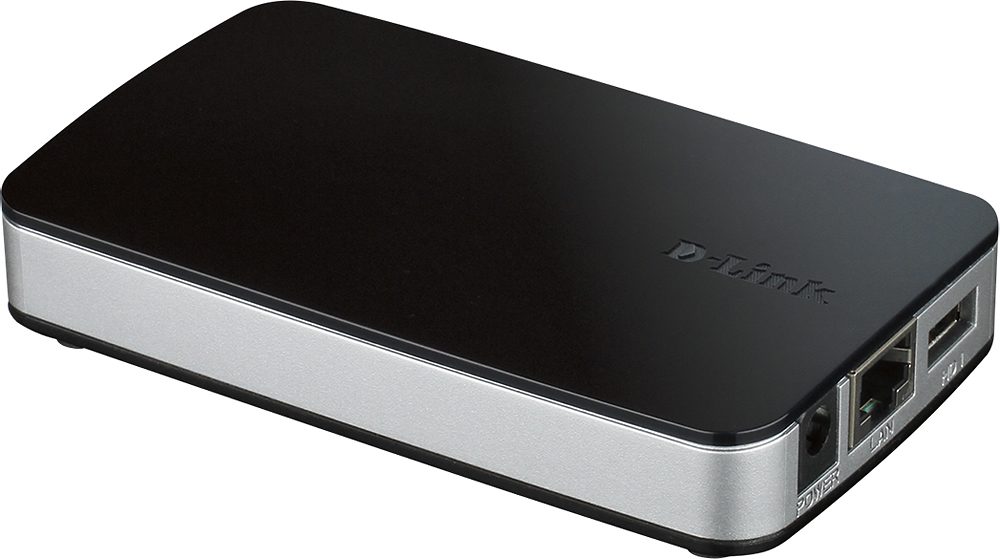
||Posted .This reviewer received promo considerations or sweepstakes entry for writing a review.Nice looking looking, small modem that doesn't take up Too much space.. For dlink system this is a must have Wish it was the case but cannot record without buying This particular modem..
I would recommend this to a friend- Cons mentioned:Overall performance
Returned after many attempts to get it working
||Posted .This reviewer received promo considerations or sweepstakes entry for writing a review.Fairly easy to set up, but the web interface didn't allow live playback even though there was a tab. The portable hard drive plugged into the unit filled up but the data was unable to be read. Downloading the Dview software didn't help. After installing, re-installing and researching solutions from Dlink, I finally had to return the item due to not working as advertised. I'm also disappointed that DLink would not build in the memory and playback software, so a person could access remotely or just plug into usb on their computer. Pretty poor product overall.
No, I would not recommend this to a friendBrand response from D-Link Support
Posted .We thank you for your feedback as we really do appreciate and value your input. We are sorry to hear you encountered issues with the set up and that you have returned the product. For future reference, please do not hesitate to contact D-Link technical support. Most of the time a agent will be able to diagnose the problem and guide you through a step by step solution process. We thank you for choosing D-Link.

Great product!
||Posted .This reviewer received promo considerations or sweepstakes entry for writing a review.Easy plug-and-play set up. So far so good! Has been recording anything that moves. After a recent theft at our house it gives us some additional feeling of security.
I would recommend this to a friendBrand response from D-Link Support
Posted .D-Link appreciates the feedback and we are glad to hear that you are enjoying the product. If you ever run into any issues. note that our technical support team is always here for help. They can be reached anytime by calling 1-877-453-5465. Thank you for being a D-Link customer.
Ok for simple viewing
||Posted .This reviewer received promo considerations or sweepstakes entry for writing a review.This worked great for keeping an eye on my pets when I was not at home , but I don’t feel it’s advanced enough for home security system and you must have an outlet near anywhere you want to place one which makes it mildly inconvenient to get perfect placements
I would recommend this to a friendGreat but could do more.....
||Posted .This reviewer received promo considerations or sweepstakes entry for writing a review.Good compact size but picture not too clear. Maybe it's my videocams?
I would recommend this to a friend- Cons mentioned:Connectivity
Not so great
||Posted .This reviewer received promo considerations or sweepstakes entry for writing a review.Hard to configure. Will not connect w 5222l and my other cams. I have vuezone, dlink 5222l, belkin cam hd and srio1 ptz. This NVR is connected on my netgear ac1900 with 1TB harddrive connected USB1. When is connected to router my dlink 5222l stop working and gave me blank screen. Also my other cams quit working.
No, I would not recommend this to a friendBrand response from D-Link Support
Posted .We want to thank you for the review as we take the input into great consideration. Please note that the DNR-202L only supports mydlink cameras. The blank screen may be caused by a Java issue. Try opening up the Java Control Panel on your computer, and select the Security tab and then click on the Edit Site List button and then click on Add in the Exception List window and enter in using the HTTPS prefix, the URL used to access your mydlink account. Be sure to click OK after entering all of your information has been entered correctly and be sure to disable any and all firewalls or antivirus software applications running while you try and connect this device for viewing access in your mydlink account. If you want to contact our technical support team for assistance call the number 1-877-453-5465. Thank you for being a D-link customer
Very Good Technology - Documentation Needs Work
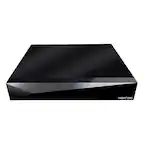
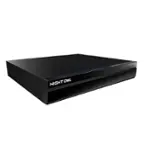
Posted .This reviewer received promo considerations or sweepstakes entry for writing a review.I spent 3 weeks researching options to add video surveillance to my home security system. I looked at various systems including FrontPoint and cloud services as well as hard wired CCTV options. After looking at various options and reading hundreds of reviews I decided to give the DLINK suite a shot, since I already had a robust analog security system in place and a solid home WIFI network. I selected 3 of the DCS-2630L HD 1080p 180 degree wide eye cameras to start with and not wanting our home video in the cloud, I also selected DNR-202L as the recorder (basically plugs into an Ethernet port on your wireless router and when connected to as USB drive simply acts as your in-home video server where all your video is saved.) I am very pleased with the technology for both the camera and the DNR. They work extremely well. I love the fact that the cameras can be motion/sound activated and have 2 way audio, as well as send notifications to my phone if there is motion or sound in the room the cameras are in (I can quickly bring up the camera on my iphone see who is in the room, and actually speak to them). You define zones in your camera's field of view by graphically drawing the zone of interest so that the cameras will monitor motion in that zone and trip the event and notify/record. The ios apps work great to view live video, but are buggy for playback. The web app that you can use to view historical playbacks is quite robust and works much better than the ios app does. DLINK tech support acknowledged they are working on fixing the IOS apps. The tech support is VERY good. They are very responsive, very polite and quickly got me through some of the configuration implementation hurdles I was facing due to not very good documentation. It seems work best during setup if you can have the cameras, the DNR and a configuration laptop all connected to the same wifi hub/router (preferably having the configuration laptop hardwired to the hub/router via an Ethernet cable. Searching the playback archives and playing them back also seems to work best if you are using the web app on a computer that is connected (either wifi or hard wired Ethernet# to the same hub/router that the DNR is. The 3 tech support reps I spoke to were very good including agent # AR004619 that got me through the configuration of all 3 of my cameras very professionally #it turned out that I had fat fingered my wifi password in the camera setup, and he remoted into my configuration laptop and quickly got me straightened out. Had I not fat fingered my wifi password, the configuration probably would have gone much more smoothely where you configure the cameras from you smart phone and don't even need a configuration computer connected to the hub/router. The cameras are very solid, are aesthetically unobtrusive and sit on tables, window sills, etc.. without being in your face. The technology really appears to be solid. Once they fix their ios app bugs this will be a really solid solution for those looking for solid video surveillance solutions at a reasonable price. I did my whole house for $800, and am no looking at adding at least one external/outside camera to the configuration.
I would recommend this to a friendGreat item found difficult to setup
||Posted .This reviewer received promo considerations or sweepstakes entry for writing a review.Purchased this item for surveillance of my business. I found the item to be of good quality, but institutions to setup we're not good.
No, I would not recommend this to a friendWorks good when it works
||Posted .This reviewer received promo considerations or sweepstakes entry for writing a review.The D Link items drop off my network on occasion for no reason (nothing else drops, just the cameras). When it works, it works fine. I can record to a portable hard drive using this so that I can have the footage for later if needed.
I would recommend this to a friendtoo complicated
||Posted .This reviewer received promo considerations or sweepstakes entry for writing a review.this does not record the way it was supposed too i spent hours on the phone and finally returned it
No, I would not recommend this to a friendDVR
||Posted .This reviewer received promo considerations or sweepstakes entry for writing a review.If you don't have the function to record to your camera this add-on helps
I would recommend this to a friend- Pros mentioned:Ease of use
Great dvr for set up and ease of use. Dlink rocks
||Posted .This reviewer received promo considerations or sweepstakes entry for writing a review.I love how easy this is...set up and keeping up with any changes. Dlink cameras are so easy to set up and use.
I would recommend this to a friend - Cons mentioned:Overall performance
Horrible product
||Posted .This reviewer received promo considerations or sweepstakes entry for writing a review.I bought this so that I could record and play back video when I'm not at the shop. It was a pain in the butt to get it going and the website freezes up to much. Not happy at all so I returned it.
No, I would not recommend this to a friendBrand response from D-Link Support
Posted .We want to thank you for your feedback as we truly value and appreciate your comments and concerns. We are sorry that you encountered issues with the DNR-202L and that you have returned it. For future reference please don't hesitate to contact our technical support team. In most cases an agent will be able diagnose the problem and guide you through a step by step solution process. In addition, if you visit www.support.dlink.com, there is information that is designed to enhance the user's experience (video tutorials, user manuals, firmware upgrades, and FAQ's). We thank you for choosing D-Link.
- Pros mentioned:Ease of use
Very Nice and Less Expensive
||Posted .This reviewer received promo considerations or sweepstakes entry for writing a review.This NVR is very nice, easy to use, and cost effective. I like it.
I would recommend this to a friend works good
||Posted .This reviewer received promo considerations or sweepstakes entry for writing a review.A little hard for beginners to setup, but works good after setup.
I would recommend this to a friendGood product, but not what I needed...
||Posted .This reviewer received promo considerations or sweepstakes entry for writing a review.This was a neat product that I thought would do things I was looking to do (like straighten out issues with previous D-Link cameras). While it would, it was overkill and I decided to return it. It was surprisingly small in size and the cabling was a little clunky, but pretty cool.
I would recommend this to a friend