Customer Ratings & Reviews
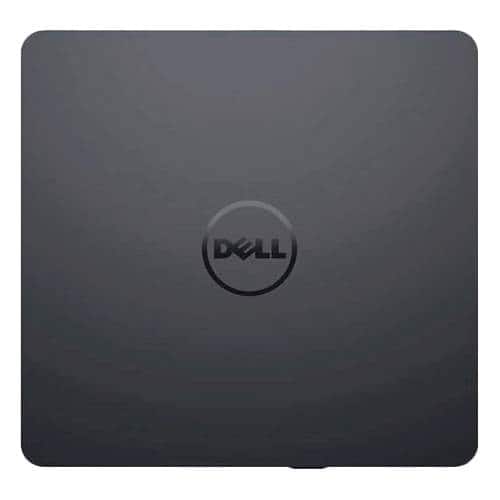
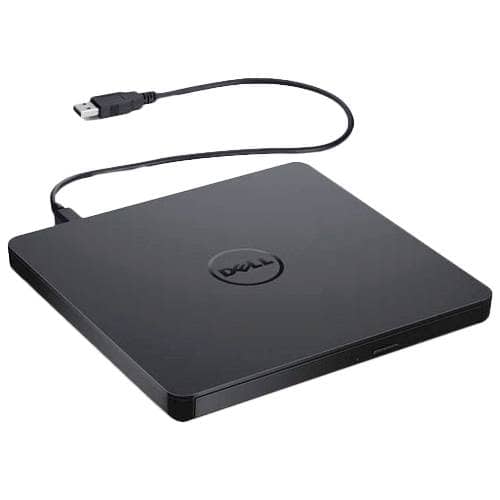
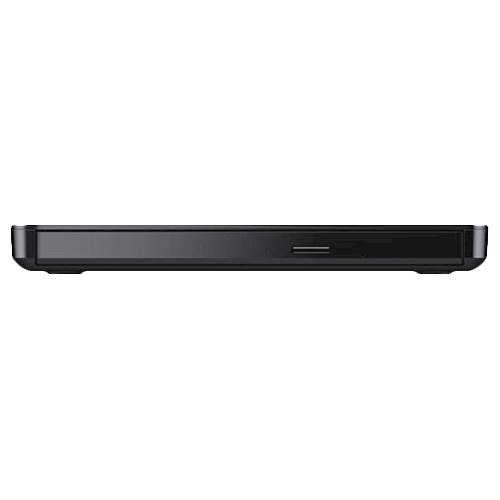
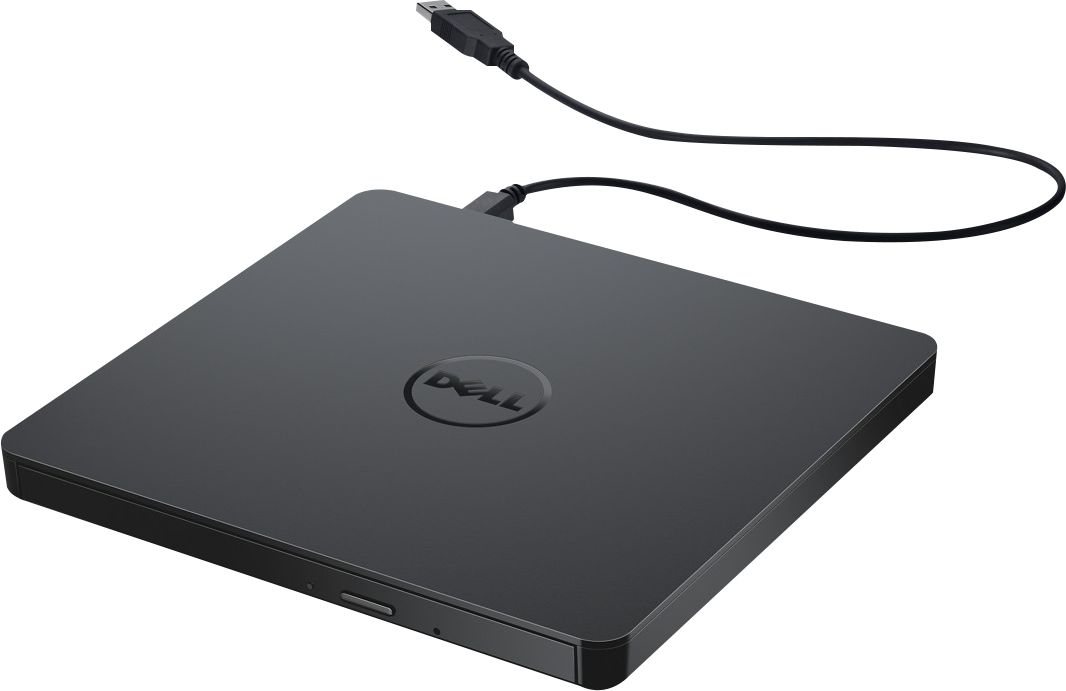
- Model:
- DW316
- SKU:
- 4697703
Rating by feature
- Value
Rating 4.7 out of 5 stars
- Quality
Rating 4.6 out of 5 stars
- Ease of Use
Rating 4.7 out of 5 stars
Customers are saying
Customers enjoy the DW316 8x Slim External USB DVD±RW/CD-RW Drive for its ease of use, overall performance, and convenient USB connectivity. Many appreciate its perfect size, good value, and broad compatibility. While some users have noted occasional noise, the drive is generally well-received for its functionality.
This summary was generated by AI based on customer reviews.
Great Label..Doesn't Like Me..
||Posted .This reviewer received promo considerations or sweepstakes entry for writing a review.Well... In over 45+yrs of "Playing w/Tech Toys, "I've not encountered THIS level of grief b4. Esp. w/a "Relatively Simple" piece of H/W... Hubby thinks it's a coaster. Unit just refuses to "communicate" with ANYTHING, regardless of it's 'breeding'. Windows, Chrome, Android, etc, so - NADA. Good Luck reaching anybody, OR locating the REQ'd drivers when what came with won't come out 2 play. I JUST CAN'T SEEM 2 get "TO help" 2 "GET help"! Doesn't like Windows, Chrome, Android... wait - said that. C what it's done??
No, I would not recommend this to a friendBrand response from YourDellTeam
Posted .Hi MissMyLola,
We appreciate you taking the time to leave us your review. We are sorry to hear that you are experiencing troubles with your Dell USB Slim drive. This is certainly not the experience that we like to hear from our customers. We appreciate your feedback and will use it to help improve our current and future products.
Below, I have provided a link to the User’s Guide for your product, where troubleshooting tips can be found.
User’s Guide: https://dell.to/3HvSW7l
If you are still experiencing issues with your DVD drive after applying the troubleshooting tips above, please contact the Dell Support Team for further guidance at 1-800-624-9896.
Best,
Katarina@Dell
Should you need further assistance, you can contact Dell directly with the information below.
Chat or call: https://bit.ly/DellSupportTeam
Phone number to Dell: 1-800-624-9896
Very good choice for Dell devices
||Posted .This reviewer received promo considerations or sweepstakes entry for writing a review.Very good choice for Dell devices that do not come with an optical drive.
I would recommend this to a friend- Pros mentioned:Ease of use
External dvd
||Posted . Owned for 1 year when reviewed.This reviewer received promo considerations or sweepstakes entry for writing a review.Plug ang play worka great and versitile for switching between any computer
I would recommend this to a friend Ok
||Posted .This reviewer received promo considerations or sweepstakes entry for writing a review.Have no point of reference but I can say it works well and does the job.
I would recommend this to a friendGreat
||Posted .This reviewer received promo considerations or sweepstakes entry for writing a review.working good , but software not working with windows 10
I would recommend this to a friendNo problems
||Posted .This reviewer received promo considerations or sweepstakes entry for writing a review.I've only used the CD burner twice but I haven't had any problems so far.
I would recommend this to a friendGood
||Posted .This reviewer received promo considerations or sweepstakes entry for writing a review.Good. Useful. Helps with cd playing ability. It is ok
I would recommend this to a friendportable dvd drive
||Posted .This reviewer received promo considerations or sweepstakes entry for writing a review.this was very helpful in downloading and making a copy of music.
I would recommend this to a friendExternal USB DVD+RW/CD- Drive
||Posted . Owned for 1 month when reviewed.This reviewer received promo considerations or sweepstakes entry for writing a review.This is very good. I would recommend this.
I would recommend this to a friendokay
||Posted .This reviewer received promo considerations or sweepstakes entry for writing a review.Could not get it to work the first time. Still trying to figure it out.
No, I would not recommend this to a friendworks fine
||Posted . Owned for 1 month when reviewed.This reviewer received promo considerations or sweepstakes entry for writing a review.Works fine.Use at at work and have had no problems
I would recommend this to a friendplugged and play
||Posted .This reviewer received promo considerations or sweepstakes entry for writing a review.just what i needed and didn't break my wallet. just plugged and play!
I would recommend this to a friendDell DVD drive
||Posted . Owned for 3 weeks when reviewed.This reviewer received promo considerations or sweepstakes entry for writing a review.It works but is flimsy and slow. It gets the job done.
I would recommend this to a friendBrand response from YourDellTeam
Posted .Hello don1,
Thank you for taking the time to leave us your review. We would like to thank you for purchasing your Dell USB Slim DVD Plug and Play and we hope this product will serve you well.
Furthermore, we always strive to get better and reviews like yours help us develop products our customers love.
Below I have provided the user guide to your device.
Dell USB Slim DVD Drive User’s Guide: https://bit.ly/3Pg9BlI
If you are experiencing any issues or have any concerns or questions, Please do not hesitate to get in touch with a Dell Representative using the information provided below so that we can help you resolve the issue to your satisfaction.
Chat or call: https://bit.ly/DellSupportTeam
Phone number to Dell: 1-800-624-9896
Best,
Minhaj@Dell
- Pros mentioned:Ease of use
Awesome cd
||Posted . Owned for 3 weeks when reviewed.This reviewer received promo considerations or sweepstakes entry for writing a review.Great cd rom works seamlessly plug and play very easy to setup and use
I would recommend this to a friend Didn't Work for Me
||Posted .This reviewer received promo considerations or sweepstakes entry for writing a review.Didn't work on my Windows 11 Home HP I7 Laptop. Probably me, but I got lost in all the instructions on how to "make it" work.
No, I would not recommend this to a friendNot typical Dell
||Posted .This reviewer received promo considerations or sweepstakes entry for writing a review.I was expecting something with better quality, works like it should
No, I would not recommend this to a friend- Pros mentioned:Price
Must have
||Posted .This reviewer received promo considerations or sweepstakes entry for writing a review.An external drive is important to get if you want to have the accessories to make your Mac Book Air that much better. Inexpensive & works great! Buy!
I would recommend this to a friend - Pros mentioned:Usb
USB Slim DVD Drive
||Posted . Owned for 1 month when reviewed.This reviewer received promo considerations or sweepstakes entry for writing a review.I needed a new external DVD drive and this is a great item to have
I would recommend this to a friend - Pros mentioned:Overall performance
Dell Plug and Play DVD/RW DRIVE
||Posted . Owned for 3 weeks when reviewed.This reviewer received promo considerations or sweepstakes entry for writing a review.This is a nice plug and play dvd/rw drive,performance is excellent
I would recommend this to a friend Play everything
||Posted .This reviewer received promo considerations or sweepstakes entry for writing a review.It's the best for playing my music and my movies hd
I would recommend this to a friend