Customer Ratings & Reviews
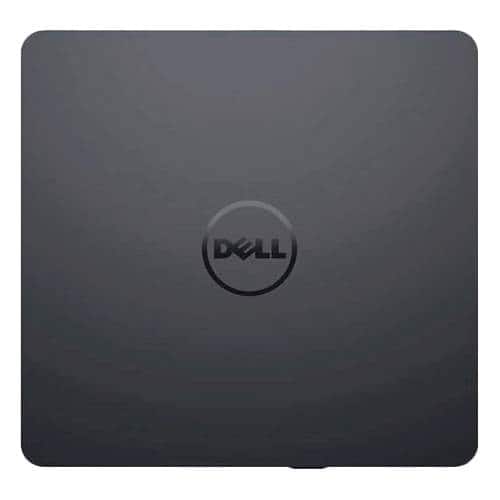
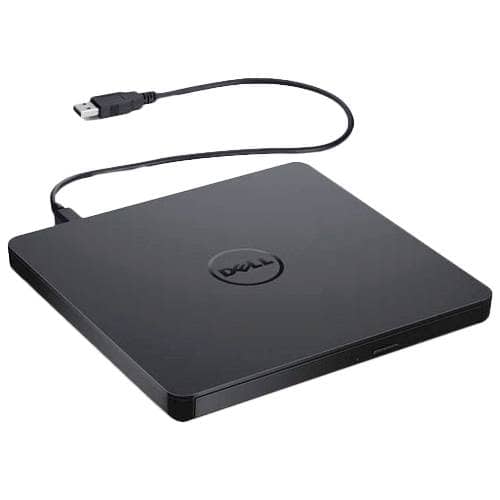
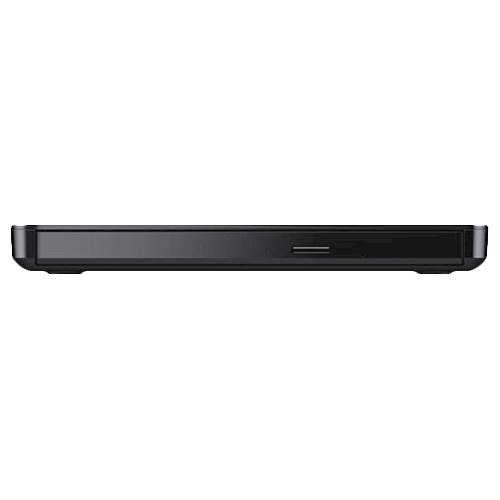
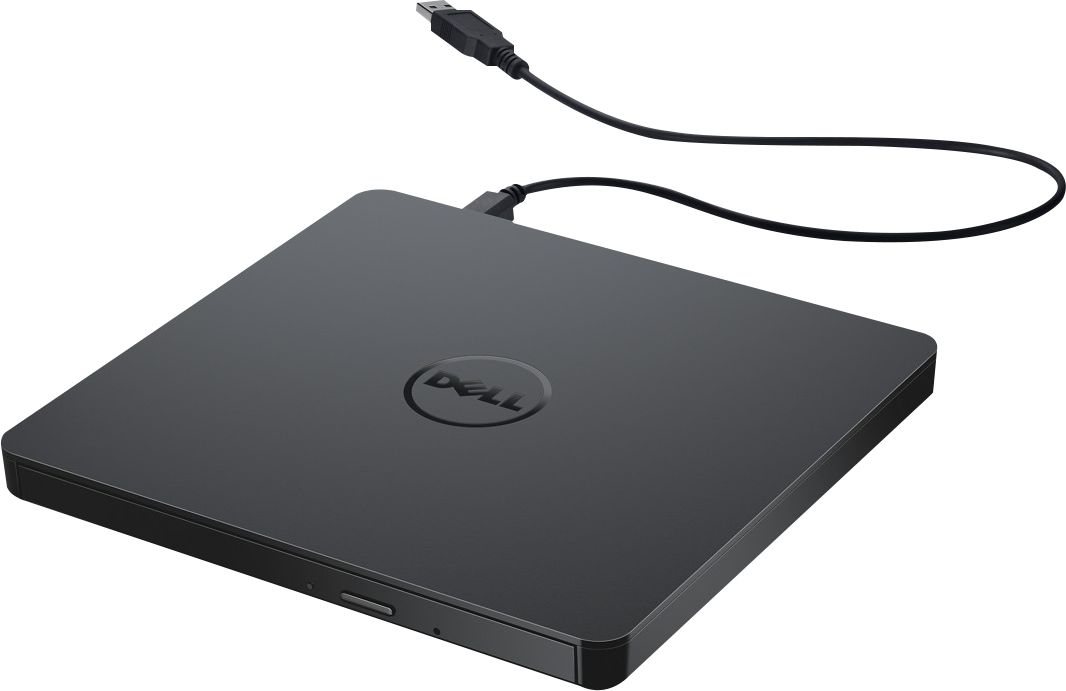
- Model:
- DW316
- SKU:
- 4697703
Rating by feature
- Value
Rating 4.7 out of 5 stars
- Quality
Rating 4.6 out of 5 stars
- Ease of Use
Rating 4.7 out of 5 stars
Customers are saying
Customers enjoy the DW316 8x Slim External USB DVD±RW/CD-RW Drive for its ease of use, overall performance, and convenient USB connectivity. Many appreciate its perfect size, good value, and broad compatibility. While some users have noted occasional noise, the drive is generally well-received for its functionality.
This summary was generated by AI based on customer reviews.
Dell USB external/mobile DVD Drive
||Posted . Owned for 2 weeks when reviewed.This reviewer received promo considerations or sweepstakes entry for writing a review.Works as expected. Very thin and lightweight... good for travel, but also very plastic, not so good for travel!
I would recommend this to a friendDVD rewrite
||Posted .This reviewer received promo considerations or sweepstakes entry for writing a review.Does what it says it does. Doesn't do blue ray. I would buy again.
I would recommend this to a friend- Pros mentioned:Ease of use
Useful gadget
||Posted . Owned for 3 weeks when reviewed.This reviewer received promo considerations or sweepstakes entry for writing a review.Works as described. Useful for people who has laptops without DVD.
I would recommend this to a friend Nice disk drive
||Posted .This reviewer received promo considerations or sweepstakes entry for writing a review.It was a good pairing for the laptop since it didn't have a drive.
I would recommend this to a friendIt’s OK
||Posted .This reviewer received promo considerations or sweepstakes entry for writing a review.The hardware is ok but I really dislike Windows 10.
No, I would not recommend this to a friendexterior dvd/cd player
||Posted .This reviewer received promo considerations or sweepstakes entry for writing a review.cannot get it to work. We have tried everything and there are no instructions
No, I would not recommend this to a friendbasic utility item
||Posted .This reviewer received promo considerations or sweepstakes entry for writing a review.it works, it is nothing sexy, just a good functional DVD drive
I would recommend this to a friendGreat DVD drive
||Posted .This reviewer received promo considerations or sweepstakes entry for writing a review.this is a slick DVD drive, and worth for its price.
I would recommend this to a friendGood
||Posted .This reviewer received promo considerations or sweepstakes entry for writing a review.So far, I have tried one, I might change my review
I would recommend this to a friendInexpensive cd drive
||Posted .This reviewer received promo considerations or sweepstakes entry for writing a review.Good option if a laptop comes without an internal cd drive
I would recommend this to a friend- Pros mentioned:Price
Bought on Sale
||Posted . Owned for 1 month when reviewed.This reviewer received promo considerations or sweepstakes entry for writing a review.Great price when on sale..Great addition to any computer package
I would recommend this to a friend DVD RW Dell
||Posted . Owned for 1 year when reviewed.This reviewer received promo considerations or sweepstakes entry for writing a review.Have had some issues getting the hardware and software to work with my windows 10 dell computer. Seems more trouble than it should have to be.
No, I would not recommend this to a friendBrand response from YourDellTeam
Posted .Hello LogitechWebcam,
Thank you for taking the time to leave us your valued feedback. We sincerely apologize for the difficulties you had setting up your Dell External USB Slim DVD +/- RW Optical Drive. Below I have provided a link to the User's Guide for your optical drive to help with any setup questions you may have.
User's Guide: https://dell.to/3mmFScG
If you require further assistance, you can contact Dell directly with the information below.
Chat or call: https://bit.ly/DellSupportTeam
Phone number to Dell 1-800-624-9896
Best,
Ashley@Dell
- Pros mentioned:Price
Great drive
||Posted . Owned for more than 2 years when reviewed.This reviewer received promo considerations or sweepstakes entry for writing a review.Works great and moderately priced. Would definitely buy it again.
I would recommend this to a friend Dell usb drive
||Posted .This reviewer received promo considerations or sweepstakes entry for writing a review.So far so good. Only needed it for two software installs
I would recommend this to a friendgreat
||Posted .This reviewer received promo considerations or sweepstakes entry for writing a review.very good ...................................................
I would recommend this to a friendThe drive is very slow, I recommend faster speed
||Posted .This reviewer received promo considerations or sweepstakes entry for writing a review.I bought this product as an add on to my laptop computer, since most computers don't have disc drives anymore. This unit is very slow on opening large files. I recommend a faster disc drive such as 16x or 24x speed.
No, I would not recommend this to a friend- Pros mentioned:Overall performance
Slim drive
||Posted . Owned for 3 weeks when reviewed.This reviewer received promo considerations or sweepstakes entry for writing a review.My son was positively satisfied with the quality of this drive
I would recommend this to a friend Good compact drive
||Posted .This reviewer received promo considerations or sweepstakes entry for writing a review.This compact drive has been great for the application needed.
I would recommend this to a friendMiserable quality.
||Posted . Owned for 1 month when reviewed.This reviewer received promo considerations or sweepstakes entry for writing a review.Bought April 24 2024, went dead May 27 2024, after copying about 480 MB of 506 MB in .wav files from a DVD. Since the sound it made changed shortly before it went dead, this was presumably a mechanical failure. Has seen no abuse; has been safely standing on my computer desk for the month, and I live alone. Should have bought the much cheaper non-Dell one. Return window was 2 weeks or so.
No, I would not recommend this to a friendBrand response from YourDellTeam
Posted .Hello LeoninT,
We value your feedback and want to thank you for taking the time to leave a review of your Dell USB Slim DVD+/- RW Drive DW316. We are sorry to hear that you are experiencing issues with your product. That is not the type of feedback we like to hear from our customers, or the type of product Dell intends to deliver. Feedback like yours helps us improve our current and future products.
We would love the opportunity to help you but will need a little more information. Please take a moment to call or chat to speak with Dell at your earliest convenience using the information provided below so that we can help you resolve the issue to your satisfaction.
Chat or call: https://bit.ly/DellSupportTeam
Phone number to Dell 1-800-624-9896
We look forward to making this right for you!
Best,
Minhaj@Dell
Good
||Posted .This reviewer received promo considerations or sweepstakes entry for writing a review.It's good external optical drive to be used with any laptop.
I would recommend this to a friend