Customer Ratings & Reviews
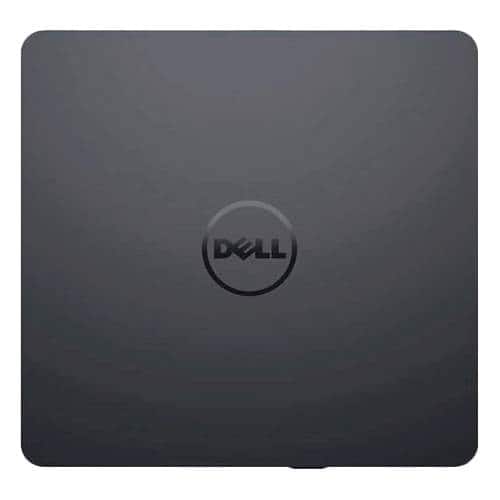
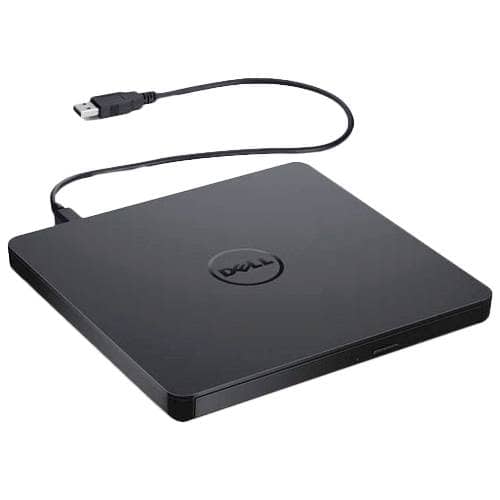
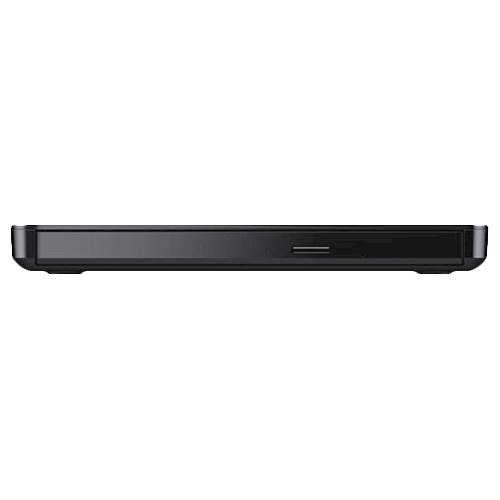
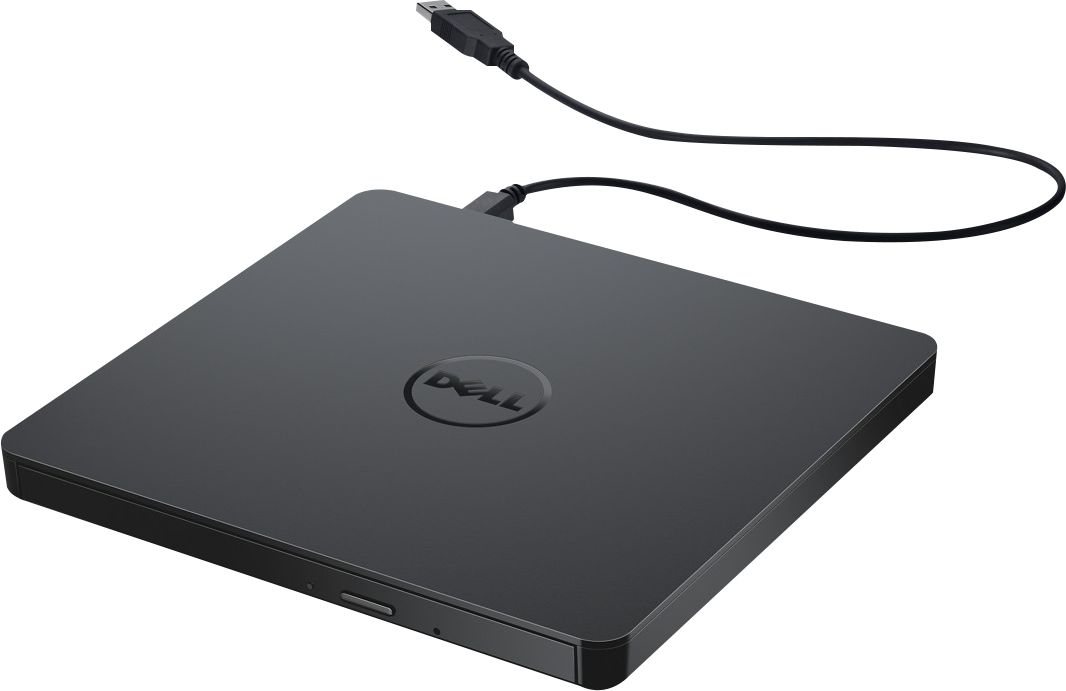
- Model:
- DW316
- SKU:
- 4697703
Rating by feature
- Value
Rating 4.7 out of 5 stars
- Quality
Rating 4.6 out of 5 stars
- Ease of Use
Rating 4.7 out of 5 stars
Customers are saying
Customers enjoy the DW316 8x Slim External USB DVD±RW/CD-RW Drive for its ease of use, overall performance, and convenient USB connectivity. Many appreciate its perfect size, good value, and broad compatibility. While some users have noted occasional noise, the drive is generally well-received for its functionality.
This summary was generated by AI based on customer reviews.
- Pros mentioned:Overall performance
Great accessory for laptop
||Posted .This reviewer received promo considerations or sweepstakes entry for writing a review.Bought this as Christmas present for one of my best friends and she loved it!
I would recommend this to a friend It works
||Posted . Owned for 3 weeks when reviewed.This reviewer received promo considerations or sweepstakes entry for writing a review.It’s not super fast but it gets the job done! When I bought it, the department manager said he would buy this before he would buy a much more expensive LG one
I would recommend this to a friendBrand response from YourDellTeam
Posted .Cdburner,
Thanks for your review. We're glad that you're enjoying your new external drive. If you have any questions you can always check our Product Support Page here: https://dell.to/2HoGYOv.
Best,
Bryan
1-800-624-9896
Good, if a bit pricey, DVD player
||Posted . Owned for 1 week when reviewed.This reviewer received promo considerations or sweepstakes entry for writing a review.Seems a bit overpriced and a little bit flimsy but does the job OK. I needed an external player/recorder and this fit the bill.
I would recommend this to a friendBrand response from YourDellTeam
Posted .Hello retiredlibrarian,
Thank you for your review. We really do appreciate your feedback and will use it to help improve our current and future products. If you come across any further questions, issues, or concerns, please visit the support page of your product https://dell.to/3aTaXyI.
Best regards,
Wendy C.
For further assistance, you can contact Dell directly with the information below Chat or Call:
https://bit.ly/DellSupportTeam.
Phone number to Dell: 1-800-264-9896.
- Pros mentioned:Ease of use
Useful, serviceable
||Posted .This reviewer received promo considerations or sweepstakes entry for writing a review.Much easier than replacing installed drive, and does the job. Can also detach and use with inexpensive laptop when needed.
I would recommend this to a friend No burn
||Posted . Owned for 3 weeks when reviewed.This reviewer received promo considerations or sweepstakes entry for writing a review.well i bought it at best buy and the guy that sold me that all i had to do is plug and play, but that didn't happen so I took it back to best buy and I was told that they were not trained to deal with my kind of problem, so until I can get someone to show me what to do, wedding video of my grandson's wedding and my other grandson's baseball games. I well come back and tell yall how well it will burn a DVDW
No, I would not recommend this to a friendBrand response from YourDellTeam
Posted .Hey There DonT,
We value your feedback and want to thank you for taking the time to leave a review of your Dell USB slim DVD drive plug and play. We are sorry to hear that you are experiencing an issue setting up your device. That is not the type of product Dell intends to deliver or the type of feedback we like to hear from our customers. Below I have provided a troubleshooting link to the manual for your device.
Dell USB Slim DVD drive: https://dell.to/43Hio60
We recommend that you contact Dell directly with the information below if you need further assistance.
Chat or call: https://bit.ly/DellSupportTeam
Phone number to Dell: 1-800-624-9896.
Best,
Summer@Dell
Unable to get job done at times.
||Posted . Owned for 5 months when reviewed.This reviewer received promo considerations or sweepstakes entry for writing a review.Doesn’t always burn disc as it should ,stops in middle of job.
No, I would not recommend this to a friendBrand response from YourDellTeam
Posted .Greetings Bobby,
Thank you for taking the time to leave a review of your Dell USB slim DVD drive plug and play. We are sorry to hear that you are not completely satisfied with the performance of your device. Below I have provided the link to the user’s guide for your device. On page 12 you will find the troubleshooting page. If you continue to experience an issue with your device, we recommend using the toll-free number or chat link below to reach a member of our support team.
We recommend that you contact Dell directly with the information below if you need further assistance.
Chat or call: https://bit.ly/DellSupportTeam
Phone number to Dell: 1-800-624-9896.
Best,
Summer@Dell
Tech issues
||Posted .This reviewer received promo considerations or sweepstakes entry for writing a review.Never worked, neither did the software it came with, Did not work for any of the old CDs or DVDs. Very low quality stuff.
No, I would not recommend this to a friendXxx
||Posted . Owned for 1 month when reviewed.This reviewer received promo considerations or sweepstakes entry for writing a review.Burner efficiency doesn’t set cd correctly and has to be reinserted
I would recommend this to a friendBrand response from YourDellTeam
Posted .Hello Dave,
We want to thank you for taking the time to leave us your review. We are sorry to hear you are having trouble with your Dell - USB Slim DVD+/- RW Drive. Below I have provided a link to the User's Guide for your device to help with troubleshooting. On page 13, you will find troubleshooting solutions for the disc writing feature.
User's Guide: https://dell.to/3ePyoue
If you still experience this issue after you have finished troubleshooting your device, please feel free to reach out to our support team here: https://bit.ly/DellSupportTeam.
If you require further assistance, you can contact Dell directly with the information below.
Chat or call: https://bit.ly/DellSupportTeam
Phone number to Dell 1-800-624-9896
Best,
Ashley@Dell
- Cons mentioned:Noise level
Terrible and loud product
||Posted . Owned for 1 month when reviewed.This reviewer received promo considerations or sweepstakes entry for writing a review.Doesn't do a thing but make a LOT of noise and then stops. Won't recognize any disc including the one that came with it. States it is there but then when you click on it, says nothing is there. What?!?! Tried the manual which is useless. Contacted Dell and they were no help. Waste of money!
No, I would not recommend this to a friendBrand response from YourDellTeam
Posted .Hi Carole,
Thank you for taking the time to leave us your valued feedback. We sincerely apologize for the problems you have had with your Dell DW316. Below a link to the full article should you need further information.
Optical Drive DW316 - https://dell.to/2SygmFv.
After utilizing the troubleshooting options provided above, if the problems are not resolved, please feel free to contact our support team here: 1-800-624-9896.
If you require further assistance, you can contact Dell directly with the information below.
Chat or call: https://bit.ly/DellSupportTeam
Phone number to Dell 1-800-624-9896
Best,
Wendy@Dell
- Pros mentioned:Usb
Disc Happy
||Posted .This reviewer received promo considerations or sweepstakes entry for writing a review.Purchased a new computer that didn't have a drive... this does the job!
I would recommend this to a friend - Pros mentioned:Usb
Best Buy has too many stupid rules
||Posted .This reviewer received promo considerations or sweepstakes entry for writing a review.So Best Buy gets this one (1). The product works great. The fact I am even taking the time to add this review should be enough. Why do I need to make it 20 words or more. Stop putting stupid rules and just make it easy enough to add a comment. we liked it or we did not. And the Display Name below. again WHY!!!!!!!!!!
I would recommend this to a friend - Pros mentioned:Ease of use
compact
||Posted .This reviewer received promo considerations or sweepstakes entry for writing a review.it is compact just plug in usb and use order on line delivery was fast
I would recommend this to a friend - Pros mentioned:Size
This just desn't work
||Posted . Owned for 8 months when reviewed.This reviewer received promo considerations or sweepstakes entry for writing a review.Laptops don't carry a CD portal anymore, which is unfortunate, because this external CD drive doesn't even seem to load into my laptop without the CD not even playing. The software is confusing. I need something you can just plug and go with. But Best Buy doesn't seem to have any other options available. This is the only CD drive I could find in the store.
No, I would not recommend this to a friendBrand response from YourDellTeam
Posted .RussianHiller,
Thanks for your review. We're sorry to hear that your external drive is not working as well as you hoped it would. We'd recommend checking out our User Guide here: https://dell.to/2CpL3Sd.
Best,
Bryan
1-800-624-9896
- Pros mentioned:Ease of use
Good unit for laptop use
||Posted .This reviewer received promo considerations or sweepstakes entry for writing a review.Well built portable unit. Will fit in most laptop carry cases. very easy to use. connects to USB port of computer.
I would recommend this to a friend - Pros mentioned:Size
Good
||Posted .This reviewer received promo considerations or sweepstakes entry for writing a review.No problems with it and it's small enough to carry or put in a bag.
I would recommend this to a friend - Pros mentioned:Ease of use
Great for traveling
||Posted .This reviewer received promo considerations or sweepstakes entry for writing a review.This item is great and easy to store great for a person on the go.
I would recommend this to a friend Waste of Money
||Posted .This reviewer received promo considerations or sweepstakes entry for writing a review.I returned it, had no instructions to download onto PC
No, I would not recommend this to a friendWont work with a Chrome book
||Posted . Owned for 1 month when reviewed.This reviewer received promo considerations or sweepstakes entry for writing a review.There's nothing wrong with it, but it wont work on a Chrome book.
I would recommend this to a friendBrand response from YourDellTeam
Posted .Hi Brad,
We want to thank you for taking the time to leave a review of your Dell USB Slim Drive plug and play. We are sorry to hear that you are experiencing an issue setting your device up with your chromebook. That is not the type of feedback we like to hear from our customers. We have noted the details of your statement and will use them to improve current and future products. Below I have provided troubleshooting steps to help resolve your issue.
1. Drive cable may be connected improperly. Verify the interface cable is connected properly. Disconnect and reconnect the drive. 2
2. . Portable USB drive may not be configured properly. The drive gets its power from the USB interface. The use of non-powered hubs and/or daisy-chaining USB peripherals can keep the drive from getting enough power to function.
3. 3.Try plugging the drive directly into the USB port on the computer.
Dell USB Slim Drive Plug & Play User’s Guide: https://dell.to/3HFhEDY
Should you need further assistance; we recommend that you contact Dell directly with the information below.
Chat or call: https://bit.ly/DellSupportTeam
Phone number to Dell: 1-800-624-9896.
Best Regards,
Summer@Dell
It fulfills it's purpose
||Posted .This reviewer received promo considerations or sweepstakes entry for writing a review.Only works on my laptop. I wanted it to work on my tablet but to no avail. I do like the free program that came with it tho.
No, I would not recommend this to a friendGood price
||Posted .This reviewer received promo considerations or sweepstakes entry for writing a review.This item is light weight and effective for what I bought it for.
I would recommend this to a friend