Customer Ratings & Reviews
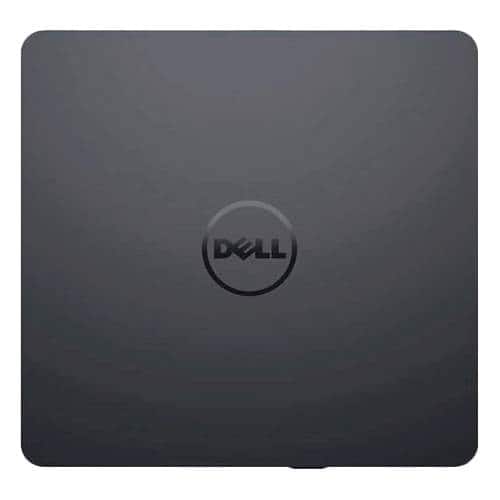
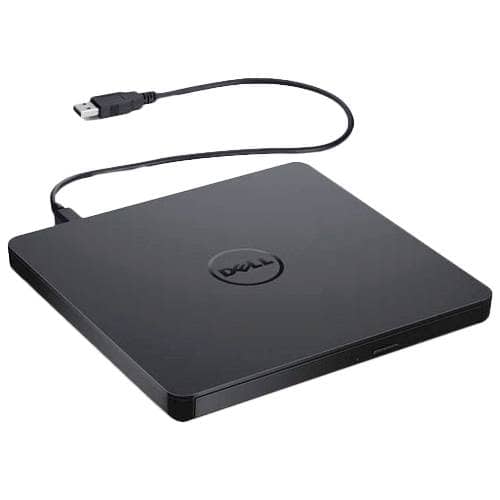
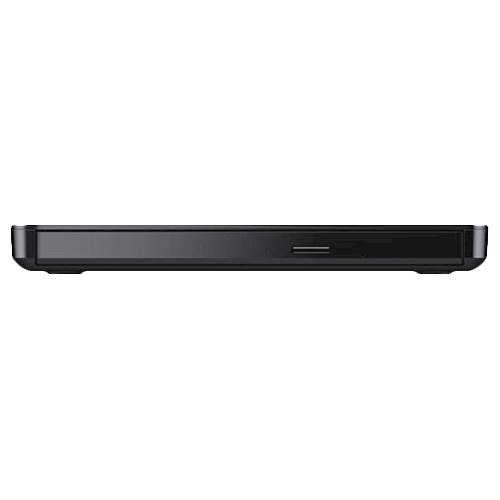
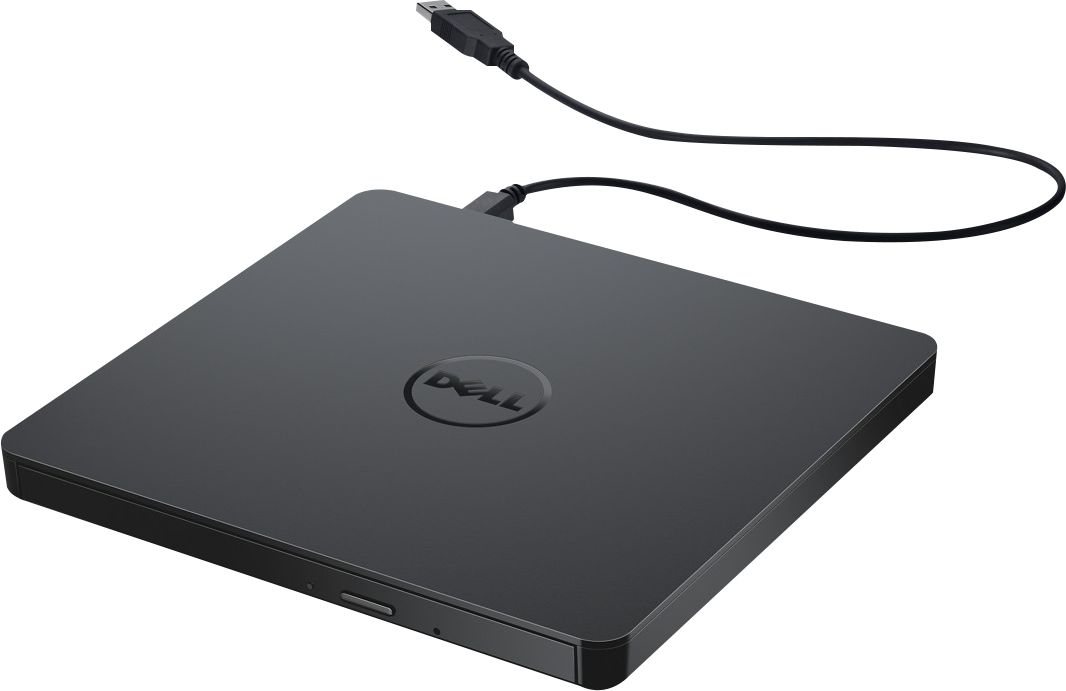
- Model:
- DW316
- SKU:
- 4697703
Rating by feature
- Value
Rating 4.7 out of 5 stars
- Quality
Rating 4.6 out of 5 stars
- Ease of Use
Rating 4.7 out of 5 stars
Customers are saying
Customers enjoy the DW316 8x Slim External USB DVD±RW/CD-RW Drive for its ease of use, overall performance, and convenient USB connectivity. Many appreciate its perfect size, good value, and broad compatibility. While some users have noted occasional noise, the drive is generally well-received for its functionality.
This summary was generated by AI based on customer reviews.
Screen is junk
||Posted . Owned for 1 month when reviewed.This reviewer received promo considerations or sweepstakes entry for writing a review.Laptop works great and does everything we needed it to but the screen on ours broke simply by my wife grabbing the screen when the laptop slid on our stand one day. Screen is not durable at all. Very upset with that aspect of it.
No, I would not recommend this to a friendBrand response from YourDellTeam
Posted .Hello MikeSlider,
Thank you for your review. We're sorry to hear that your product may have taken damage hindering its functions. We really do appreciate your feedback and will use it to help improve our current and future products. We would love to help right away. This article provides information on the policy and repair options when the screen on a Dell laptop is cracked or broken: https://dell.to/3tsfe2v. If you come across any further questions, issues or concerns, please visit the Support Page of your product.
Best regards,
Wendy C.
For further assistance, you can contact Dell directly with the information below Chat or Call:
https://bit.ly/DellSupportTeam.
Phone number to Dell: 1-800-264-9896.
- Cons mentioned:Software
Dell Optical Drive
||Posted . Owned for 1 month when reviewed.This reviewer received promo considerations or sweepstakes entry for writing a review.DVD software provided with Dell-USB Slim DVD+/-RW Drive did not work.
No, I would not recommend this to a friendBrand response from YourDellTeam
Posted .Hi MikeS,
We want to thank you for taking the time to leave a review of your Dell USB slim plug and play. We are sorry to hear that your drive did not work properly. That is not the type of feedback we like to hear from our customers, or the type of product Dell intends to deliver. We have noted the details of your statement and will use them to improve current and future products.
If you continue to experience issues, please reach out to Dell Support directly by using the toll-free number or chat link provided below.
Chat or call: https://bit.ly/DellSupportTeam
Phone number to Dell: 1-800-624-9896
Best,
Summer@Dell
Works as intended.
||Posted . Owned for 1.5 years when reviewed.This reviewer received promo considerations or sweepstakes entry for writing a review.Needed an external drive to install some software on my laptop that does not have a drive. Worked like a charm.
I would recommend this to a friendBeware if you have internal DVD player!!!!
||Posted . Owned for 3 weeks when reviewed.This reviewer received promo considerations or sweepstakes entry for writing a review.I had to return this. After hours with the Geek squad, it was determined that Cyberlink, the software that runs the player would not even load due to the internal player using software from the same company. I was forced to upgrade the software originally installed on my laptop at a greater price than the cost of the external DVD player.
No, I would not recommend this to a friendBrand response from YourDellTeam
Posted .Hi CarolS,
We appreciate you taking the time to leave us your review. We apologize for the troubles you have encountered with your Dell USB Slim drive because it was not working with your system because of the software and that you have ultimately decided to return this product. This is certainly not what we like to hear from our loyal customers. We will share your review with our quality team so improvements can be made now and in the future.
If you come across any questions or have concerns about Dell products, please don’t hesitate to contact Dell Support Team at the information provided below.
Best,
Katarina@Dell
Should you need further assistance, you can contact Dell directly with the information below.
Chat or call: https://bit.ly/DellSupportTeam
Phone number to Dell: 1-800-624-9896
This was a gift
||Posted . Owned for 1 month when reviewed.This reviewer received promo considerations or sweepstakes entry for writing a review.this was a gift and have not had any feedback yet.
No, I would not recommend this to a friendBrand response from YourDellTeam
Posted .Laura,
Thanks for purchasing this product. If you need to share the user manual for the external drive with anyone, you can find it here: https://dell.to/2CpL3Sd.
Best,
Bryan
1-800-624-9896
So far working well but heats up and freezes at ti
||Posted .This reviewer received promo considerations or sweepstakes entry for writing a review.This product has frozen on me several times after use of 1 hour
I would recommend this to a friendBrand response from YourDellTeam
Posted .Meyes,
Thanks for your review on your Dell External drive. We're sorry to hear that your device has frozen on you. If you'd like to see if your drive can be repaired we'd recommend reading Dell's Limited One Year Warranty policy to see if your device qualifies: http://dell.to/2tNsVOs.
Best,
Bryan
1-800-624-9896
very necessary
||Posted .This reviewer received promo considerations or sweepstakes entry for writing a review.I still use DVD and Blue Rays on my laptop should still be standard
I would recommend this to a friend- Cons mentioned:Software
It may work!
||Posted . Owned for 1 week when reviewed.This reviewer received promo considerations or sweepstakes entry for writing a review.Purchased the "good" open box, missing cable, software disc unreadable.... Should have just purchased the new in box....
I would recommend this to a friend Cheap DVD burner
||Posted .This reviewer received promo considerations or sweepstakes entry for writing a review.Lack of quality in material. Has feel of cheap plastic, but functional
No, I would not recommend this to a friendIt Works
||Posted . Owned for 1 month when reviewed.This reviewer received promo considerations or sweepstakes entry for writing a review.I have not had a chance to use it much we will see
No, I would not recommend this to a friendBrand response from YourDellTeam
Posted .Frankey,
Thanks for your review. If you do have any questions about using your external drive you can refer to our product support page here: https://dell.to/2CpL3Sd.
Best,
Bryan
1-800-624-9896
Got it Done! Great little device.
||Posted . Owned for 3 weeks when reviewed.This reviewer received promo considerations or sweepstakes entry for writing a review.I had been having difficulty storing a DVD to a disc. Finally this little dwvice helped me get it done.
I would recommend this to a friendIt does the job
||Posted .This reviewer received promo considerations or sweepstakes entry for writing a review.I hope you have enough memory to download the software?
I would recommend this to a friendBrand response from YourDellTeam
Posted .jw32507,
The amount of storage that a computer has depends on the model that this device is being used with. If you'd like to free up more storage on your computer we'd suggest removing programs that you do not plan on using. You can follow these steps to remove programs:
Uninstalling or removing software or applications that you do not use or do not need from your PC can help speed up your PC. Applications may include background processes, system services, context menu entries and other things that can slow down your PC.
Uninstall applications you no longer need using Programs and Features (previously called Add/Remove Programs). Unnecessary applications occupy space on your hard disk drive.
1. Press the Windows logo key + R on the keyboard.
2. In the Run dialog box, type appwiz.cpl and press the Enter key.
3. In the list, select a program and click Uninstall.
You can read the full article here - http://dell.to/2tSulGV.
If you have questions about your new External Drive you can visit our Product Support Page here: http://bit.ly/2N8c7bq.
Best,
Bryan
1-800-624-9896
Disappointed
||Posted . Owned for 3 weeks when reviewed.This reviewer received promo considerations or sweepstakes entry for writing a review.Does work but is very flimsy and cheaply made. Do not know if it will hold up for long. If it is needed only ocassionally then it has it place.
No, I would not recommend this to a friendBrand response from YourDellTeam
Posted .Hey DavidJ,
Thank you for taking the time to leave a review of your Dell USB Slim DVD Drive. We are sorry to hear that you are not completely satisfied with the quality of your device. That is not the type of product Dell intends to deliver or the type of feedback we like to hear from our customers. We have noted the details of your statement and will use them to improve current and future products.
Should you need further assistance; we recommend that you contact Dell directly with the information below.
Chat or call: https://bit.ly/DellSupportTeam
Phone number to Dell: 1-800-624-9896.
Best Regards,
Summer@Dell
DOES NOT WORK ON WIN 11
||Posted . Owned for 3 weeks when reviewed.This reviewer received promo considerations or sweepstakes entry for writing a review.Great product but does NOT WORK on Windows 11. Even the GEEK Squad couldn't make it work. The Driver does not load. The driver needs to be updated someday.
No, I would not recommend this to a friendBrand response from YourDellTeam
Posted .Dear Sierra,
Thank you very much for your review. We apologize for the trouble you came across with your Dell USB Slim DVD Drive because it is not working.
We will share your comments about these issues with our quality team, so future improvements can be made.
For your reference, I have included a link to the User’s Guide for your product if needed in the future:
User’s Guide: https://dell.to/3FVSfmU
If you have any questions, issues, or concerns, please use the information below to contact Dell Support directly for further guidance.
Best,
Katarina@Dell
Should you need further assistance, you can contact Dell directly with the information below.
Chat or call: https://bit.ly/DellSupportTeam
Phone number to Dell: 1-800-624-9896
- Cons mentioned:Software
Not worth it
||Posted . Owned for 1 month when reviewed.This reviewer received promo considerations or sweepstakes entry for writing a review.This product is not worth it. It made me download the software multiple times.
No, I would not recommend this to a friendBrand response from YourDellTeam
Posted .Hey Caleb,
Thank you for taking the time to leave a review of your Dell USB slim DVD plug and play. We are sorry to hear that you are not completely satisfied with your device. That is not the type of product Dell intends to deliver or the type of feedback we like to hear from our customers. We have noted the details of your statement and will use them to improve current and future products.
If you continue to experience issues, please reach out to Dell Support directly by using the information provided below.
Should you need further assistance, you can contact Dell directly with the information below.
Chat or call: https://bit.ly/DellSupportTeam
Phone number to Dell: 1-800-624-9896
Best,
Summer@Dell
Functions as it should but cheap build
||Posted .This reviewer received promo considerations or sweepstakes entry for writing a review.Functions as it should, so far. Will it Last a year???
No, I would not recommend this to a friendDVD Drive
||Posted . Owned for 1 month when reviewed.This reviewer received promo considerations or sweepstakes entry for writing a review.This device is very good if a person wants to be able to upload data currently in CDROMS.
I would recommend this to a friendDon’t se with Apple computer
||Posted . Owned for 3 weeks when reviewed.This reviewer received promo considerations or sweepstakes entry for writing a review.I had problems using this item with my App,e computer. I ended up having to buy an Apple player. I wasted my money on this. Was not happy that the Best Buy sales associate claimed it would work perfectly
No, I would not recommend this to a friendNOPE!!! :/
||Posted . Owned for 1 year when reviewed.This reviewer received promo considerations or sweepstakes entry for writing a review.Used it a total of 6 times since 12/21. Today I tried to burn a an MP3 disc and it won't play the final disc. Only get static and the burner/player makes a grinding sound. It has literally sat on top of my PC tower untouched and barely used. I expected more from Dell.
No, I would not recommend this to a friendBrand response from YourDellTeam
Posted .Greetings DavidG,
We thank you for taking the time to leave a review of your Dell USB DVD plug and play. We are sorry to hear that you are experiencing an issue with system noise. That is not the type of feedback we like to hear from our customers, or the type of product Dell intends to deliver. We would love the opportunity to help resolve your issue. At your convenience we recommend using the toll-free number or chat link below to reach a member of our support team.
Should you need further assistance; we recommend that you contact Dell directly with the information below.
Chat or call: https://bit.ly/DellSupportTeam
Phone number to Dell: 1-800-624-9896.
Regards,
Summer@Dell
fair
||Posted .This reviewer received promo considerations or sweepstakes entry for writing a review.fair, given the fact that I returned the product . .
I would recommend this to a friend