Customer Ratings & Reviews
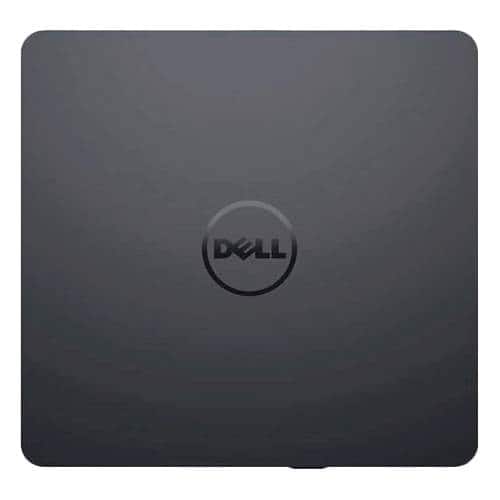
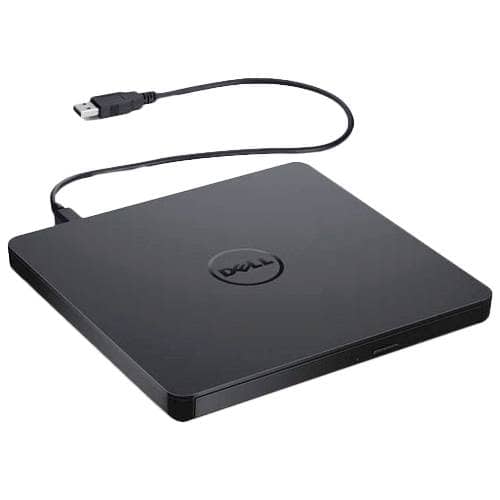
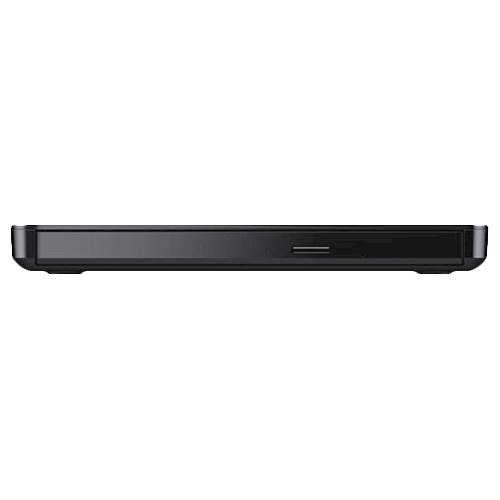
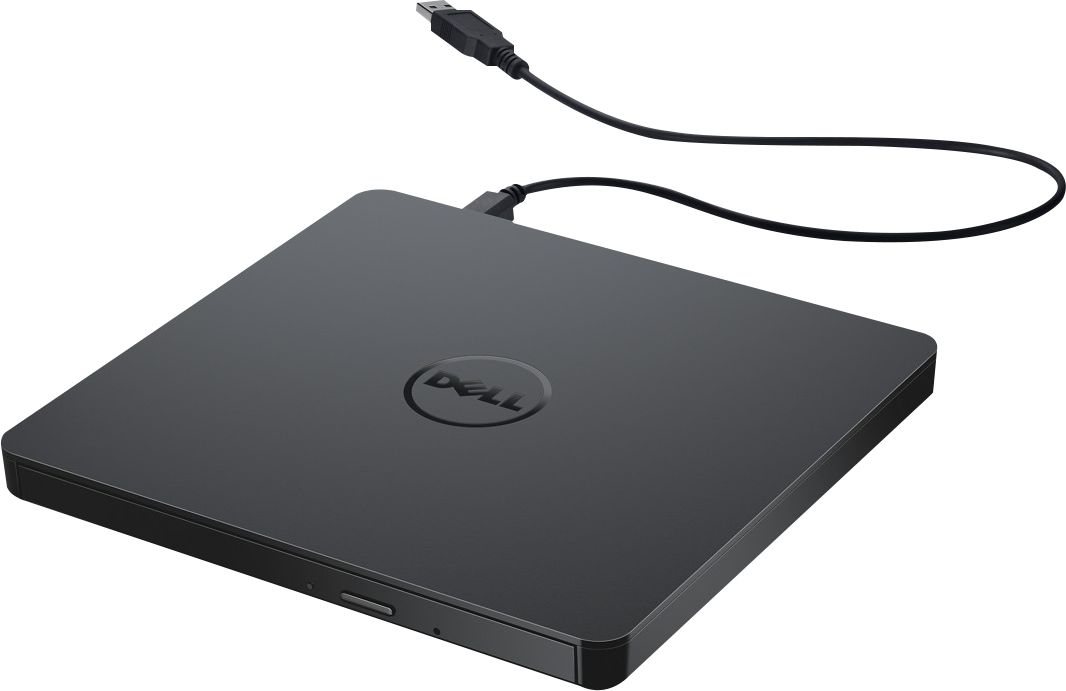
- Model:
- DW316
- SKU:
- 4697703
Rating by feature
- Value
Rating 4.7 out of 5 stars
- Quality
Rating 4.6 out of 5 stars
- Ease of Use
Rating 4.7 out of 5 stars
Customers are saying
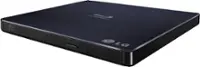
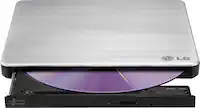
Customers enjoy the DW316 8x Slim External USB DVD±RW/CD-RW Drive for its ease of use, overall performance, and convenient USB connectivity. Many appreciate its perfect size, good value, and broad compatibility. While some users have noted occasional noise, the drive is generally well-received for its functionality.
This summary was generated by AI based on customer reviews.
included DVD app freezes and won't work
||Posted . Owned for 1 year when reviewed.This reviewer received promo considerations or sweepstakes entry for writing a review.would not buy again. I cannot get it to play DVD's using included app. The player app opens, then freezes. I have to ctrl-alt-del or reboot to get rid of it. I am not real impressed with the app. The drive works fine, reads CD of all types just fine. I have not written to it so cannot give a review on that aspect
No, I would not recommend this to a friendBrand response from YourDellTeam
Posted .Hello HughMan8E,
Thank you for taking the time to leave a review of your Dell USB plug and play. We are sorry to hear that you are not completely satisfied with your device and are experiencing an issue with your device freezing. That is not the type of feedback we like to hear from our customers, or the type of product Dell intends to deliver. We have noted the details of your statement and will use them to improve current and future products.
If you still experience any issues please reach out to us at: https://bit.ly/DellSupportTeam
Chat or call: https://bit.ly/DellSupportTeam
Phone number to Dell: 1-800-624-9896
Best,
Summer@Dell
Don't Buy
||Posted . Owned for 3 weeks when reviewed.This reviewer received promo considerations or sweepstakes entry for writing a review.would not purchase again or recommend. Does not work and store will not take it as a return due to their 15 DAY RETURN POLICY. VERY DISSATISFIED. P.S. "at this time no one is answering the phones in the store", is the message I received.
No, I would not recommend this to a friendBrand response from YourDellTeam
Posted .Hello NotHappy,
Thank you for your review. We're sorry about the trouble you have encountered with your External Optical Drive. We have provided steps that can be used to run a test and to help diagnose the issue.
1. If the disc is dirty (fingerprints, etc.), clean it with a non-abrasive
cloth from the disc center hole to the outside.
2. If the disc is scratched and warped, do not insert it into the drive.
3. If the disc is inserted upside-down, reinsert it in the proper
direction.
4. If the drive is not recognized, refer to section 1 above.
5. Check to see that the necessary software applications are installed correctly.
You can read the full article here - https://dell.to/3mvaJ4x.
Best regards,
Wendy C.
For further assistance, you can contact Dell directly with the information below Chat or Call:
https://bit.ly/DellSupportTeam.
Phone number to Dell: 1-800-264-9896.
Hmmm. Not what I would have expected from Dell.
||Posted .This reviewer received promo considerations or sweepstakes entry for writing a review.It works but not consistently which makes it sort of unreliable. Stalls, freezes and skips. Plus, it doesn't play Blu-Ray discs. Dell needs to beef up Quality Control producing these units.....or go back to the drawing board altogether.
No, I would not recommend this to a friend- Pros mentioned:Size
A legacy must-have
||Posted .This reviewer received promo considerations or sweepstakes entry for writing a review.A must have if you have a lot of older files and software on DVD or CD. It's not sporty but it gets the job done and its small footprint makes it ideal for someone on the go.
I would recommend this to a friendBrand response from YourDellTeam
Posted .Charles,
Thanks for your review. We're happy that you are satisfied with the performance of your external drive. If you have any questions about it, you can check out our product page: https://dell.to/2HoGYOv.
Best,
Bryan
1-800-624-9896
Lasted about 13 months.
||Posted . Owned for 1.5 years when reviewed.This reviewer received promo considerations or sweepstakes entry for writing a review.Didn’t buy again. Lasted about 13 months. The port on the back didn’t last. Used this for my laptop on my desk but apparently just the movement of unplugging at the computer wore it out on the drive.
No, I would not recommend this to a friendBrand response from YourDellTeam
Posted .THLND,
We're sorry to hear that your external drive did not last as long as you hoped it would. We hope that if you need another external drive in the future that you will consider Dell products.
Best,
Bryan
1-800-624-9896
CD/DVD Drive
||Posted . Owned for more than 2 years when reviewed.This reviewer received promo considerations or sweepstakes entry for writing a review.Needed a CD drive for the laptop previously purchased. Has been great.
I would recommend this to a friend- Cons mentioned:Noise level
Not my best purchase
||Posted . Owned for 1 year when reviewed.This reviewer received promo considerations or sweepstakes entry for writing a review.Noisy, it def makes a lot of sound and takes forever to upload.
I would recommend this to a friendBrand response from YourDellTeam
Posted .Hey Moooooo,
We want to thank you for taking the time to leave a review of your DW316 USB Slim drive plug and play. We are sorry to hear that you are experiencing system noise with your device. That is not the type of feedback we like to hear from our customers, or the type of product Dell intends to deliver. We have noted the details of your statement and will use them to improve current and future products.
We recommend that you contact Dell directly with the information below if you need further assistance.
Chat or call: https://bit.ly/DellSupportTeam
Phone number to Dell: 1-800-624-9896.
Best,
Summer@Dell
Drive
||Posted . Owned for 3 weeks when reviewed.This reviewer received promo considerations or sweepstakes entry for writing a review.Ok, kind of fimsy, and easily breakable Workable I wouldn't purchase agan
I would recommend this to a friendBrand response from YourDellTeam
Posted .Hey RoLo,
Thank you for taking the time to leave a review of your Dell USB Slim DVD plug and play. We are sorry to hear that you are not completely satisfied with your device. That is not the type of feedback we like to hear from our customers, or the type of product Dell intends to deliver. We have noted the details of your statement and will use them to improve current and future products. If you need further assistance I have provided the toll-free number and chat link below for our Dell Support Team.
If you still experience any issues or need further assistance, please reach out to us at: https://bit.ly/DellSupportTeam
Chat or call: https://bit.ly/DellSupportTeam
Phone number to Dell: 1-800-624-9896
Best,
Summer@Dell
Outta the loop!
||Posted . Owned for 9 months when reviewed.This reviewer received promo considerations or sweepstakes entry for writing a review.With my Mac it doesn’t have a place to go.. you get downloads from websites. Unless I’m missing something.
No, I would not recommend this to a friendI have if I needed
||Posted . Owned for 3 months when reviewed.This reviewer received promo considerations or sweepstakes entry for writing a review.Haven’t use it later but I have if needed. Let you know later’nn
I would recommend this to a friendI like it
||Posted . Owned for 1 month when reviewed.This reviewer received promo considerations or sweepstakes entry for writing a review.I like it because it's good and it's good because I like it.
I would recommend this to a friendDefective
||Posted . Owned for 5 months when reviewed.This reviewer received promo considerations or sweepstakes entry for writing a review.I bought an open box portable disk drive to go with my 15 inch laptop. Sometimes it works and sometimes it doesn’t. But you CANNOT get the geeks to look at it. They want me to leave my computer and the disk drive. I use my laptop everyday and can’t afford to leave it with them. It would take two minutes or less to look and tell me what’s wrong. If it is the disk drive, I just get another one and I am a happy camper. Instead they would rather have an unhappy customer who will tell everyone that I know.
No, I would not recommend this to a friendBrand response from YourDellTeam
Posted .ashbyt505050,
Thanks for your review and we're sorry to hear that your external drive is not working the way that you hoped it would. We'd recommend looking at our user guide to see if there are answers to any of your concerns: https://dell.to/2CpL3Sd.
Best,
Bryan
1-800-624-9896
- Pros mentioned:Ease of use
Wonderful DVD Drive
||Posted . Owned for 1 month when reviewed.This reviewer received promo considerations or sweepstakes entry for writing a review.I just bought this product last month and used it with my laptop to view old dvds. Very easy to connect and it worked great.
I would recommend this to a friendBrand response from YourDellTeam
Posted .Diane,
We're glad that your new external drive is working well for you. If you have any questions about your external drive you can check our Product Guide here: https://dell.to/2HoGYOv.
Best,
Bryan
1-800-624-9896
dvd burner drive
||Posted .This reviewer received promo considerations or sweepstakes entry for writing a review.I have a touch screen dell that doesn't have a drive, my old computer as a backup for media burned out, so this is a help for my needs
I would recommend this to a friendGreat Job!
||Posted . Owned for 3 weeks when reviewed.This reviewer received promo considerations or sweepstakes entry for writing a review.Works great! Dell Quality. Wonderful Service/Sales.
I would recommend this to a friendFaulty Product, Good Retailer
||Posted . Owned for 3 weeks when reviewed.This reviewer received promo considerations or sweepstakes entry for writing a review.It skipped and did a short repeat every 30 seconds or so. Not slamming the brand, mine might have just been a lemon. Best Buy accepted the return no problem, so kudos for them.
No, I would not recommend this to a friendBrand response from YourDellTeam
Posted .Dear MarkS,
Thank you for taking the time to leave a review of your Dell USB Slim plug and play. We are sorry to hear that you were experiencing an issue with your device and had to return it. That is not the type of product Dell intends to deliver to our customers. We have noted the details of your statement and will escalate them to our quality team for improvements in current and future products.
Should you need further assistance; we recommend that you contact Dell directly with the information below.
Chat or call: https://bit.ly/DellSupportTeam
Phone number to Dell: 1-800-624-9896.
Best,
Summer@Dell
Beware - Software included does not work on Win10
||Posted . Owned for less than 1 week when reviewed.This reviewer received promo considerations or sweepstakes entry for writing a review.Very Dissapointed. DVD play is good but the Cyberlink Software that comes with the play does not load on a Windows 10 Home laptop. Called Cyberlink Technical Support 3 times and Dell Technical Support and they are ZERO help. What garbage is this?
No, I would not recommend this to a friendBrand response from YourDellTeam
Posted .Hello LOVEMYSHOW,
Thank you for your review. We apologize for the trouble you have come across with the Cyberlink Software that comes with your product. We would love to help right away! We provided a link to an attachment that can help with troubleshooting this issue: https://dell.to/33lPZo0.
If you still come across anything that troubles you, please visit the support page of your product.
Best regards,
Wendy C.
For further assistance, you can contact Dell directly with the information below Chat or Call:
https://bit.ly/DellSupportTeam.
Phone number to Dell: 1-800-264-9896.
Good option; does what it says it does
||Posted .This reviewer received promo considerations or sweepstakes entry for writing a review.This is a great option to have a disc drive for a laptop without a disc drive. I would probably recommend to spend the extra bucks to get the drive that can read/write BluRay disc.
I would recommend this to a friend- Cons mentioned:Noise level
Hank
||Posted . Owned for 3 weeks when reviewed.This reviewer received promo considerations or sweepstakes entry for writing a review.Sounds like a rocket making on taking off. And vibrates like car with a flat tire.
No, I would not recommend this to a friendBrand response from YourDellTeam
Posted .Hi Hank,
We want to thank you for taking the time to leave us your valued feedback. We are sorry for the issues you are having with your Dell USB Slim DVD±RW drive. We will share your comments with our quality team so improvements can be to current and future products.
If you require further assistance, you can contact Dell directly with the information below.
Chat or call: https://bit.ly/DellSupportTeam
Phone number to Dell 1-800-624-9896
Best,
Ashley@Dell
Use older technology with new
||Posted .This reviewer received promo considerations or sweepstakes entry for writing a review.This is great to have! It can be used on Devices without cd/dvd hardware or perfect if your internal drive fails
I would recommend this to a friend