Customer Ratings & Reviews
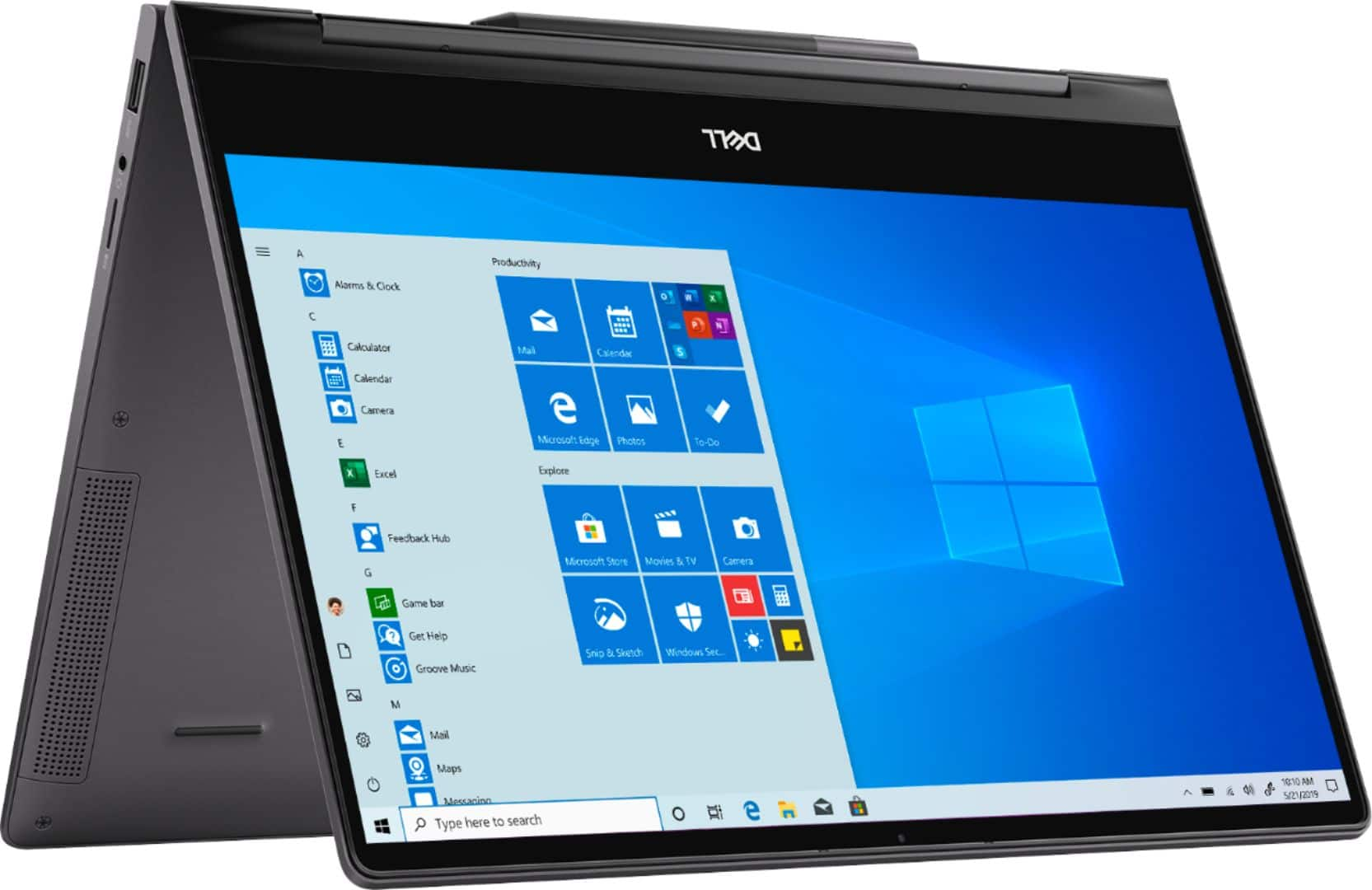
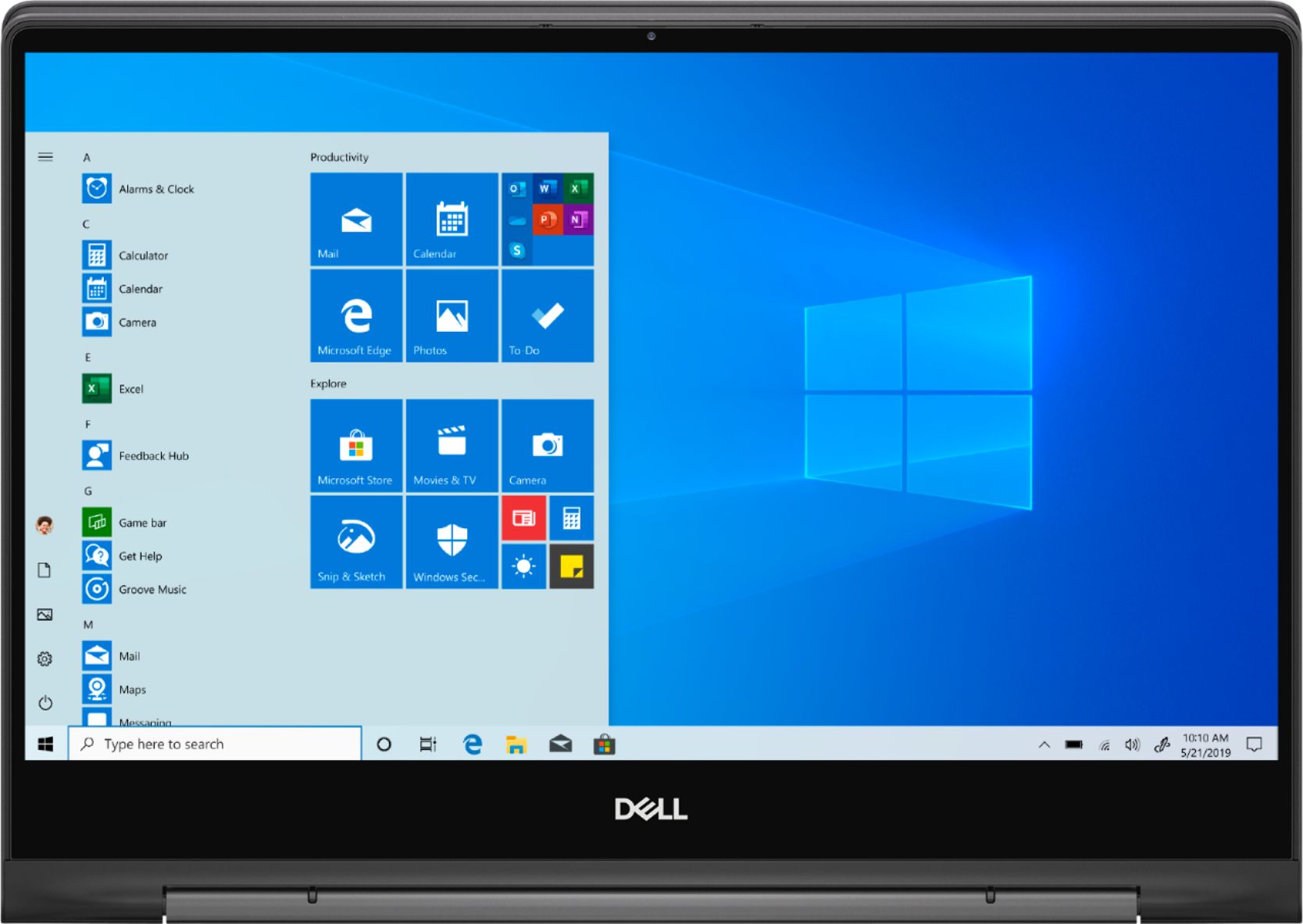
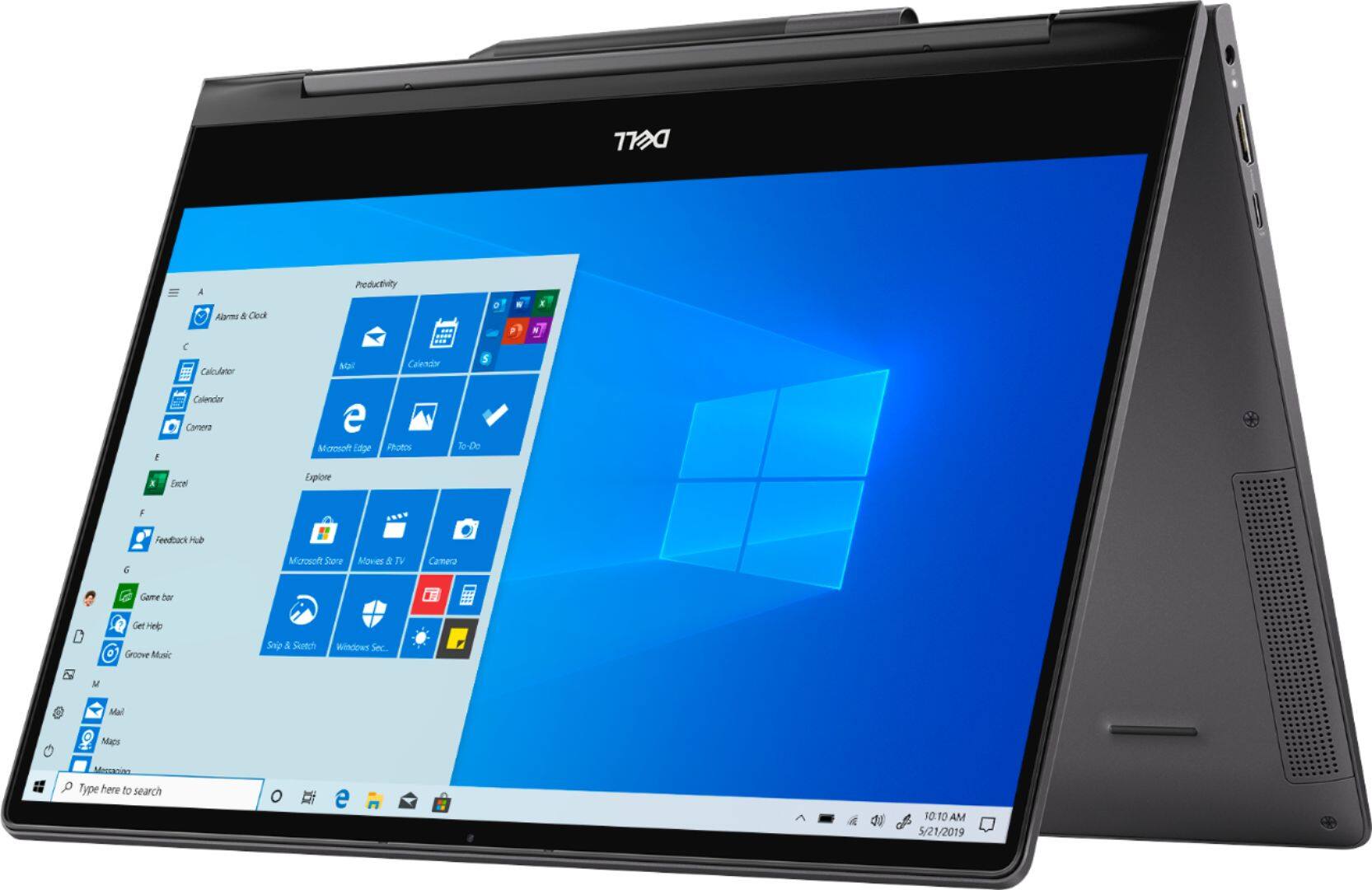
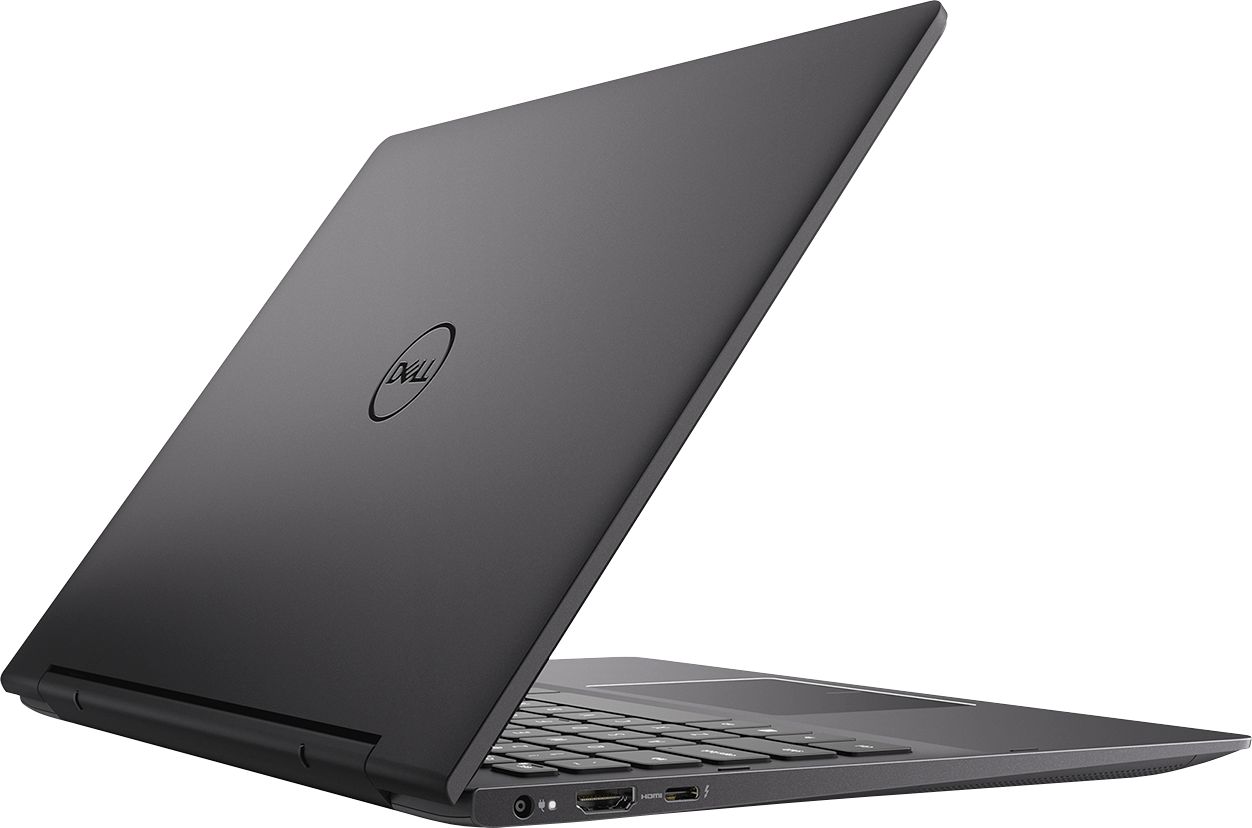
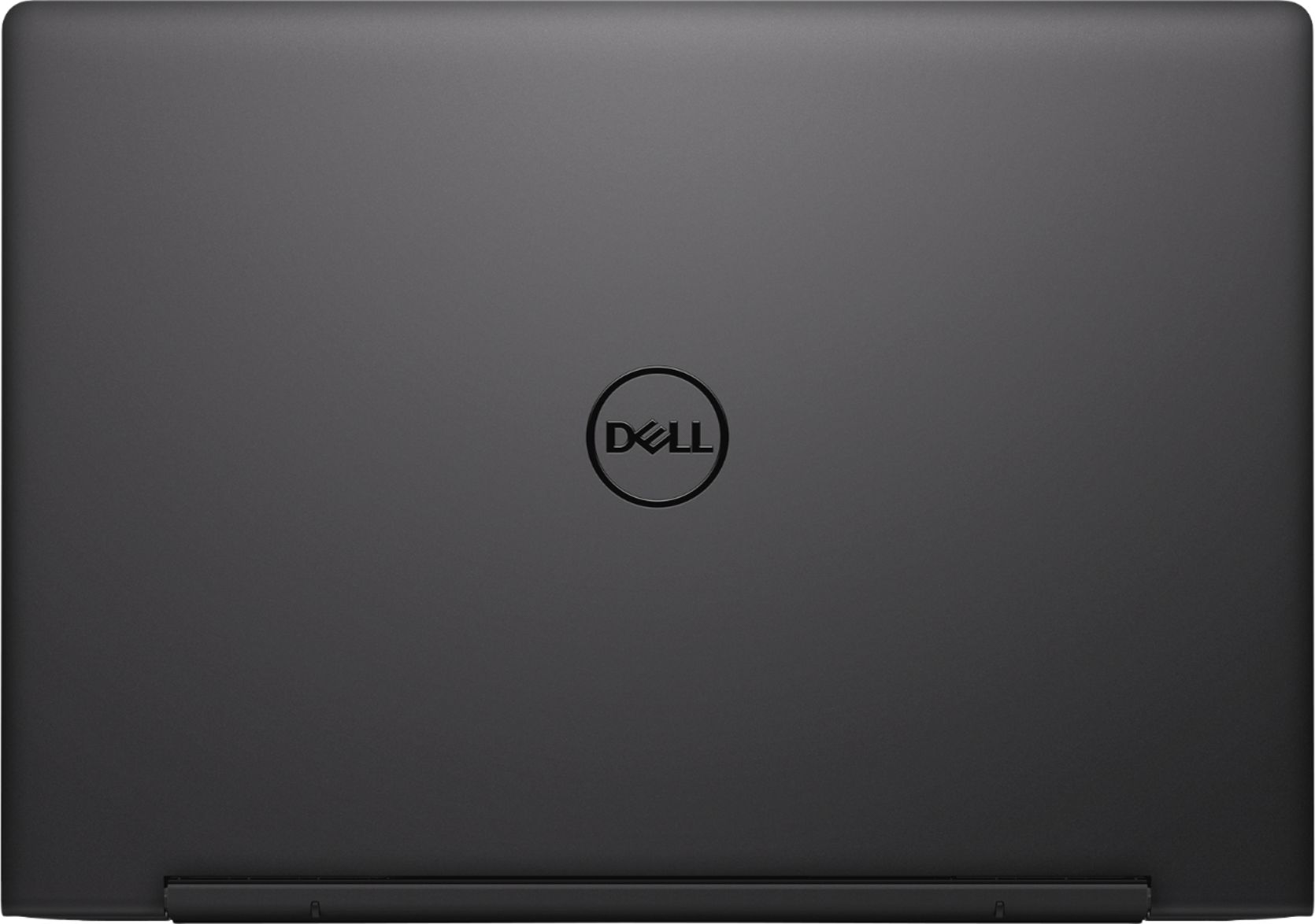
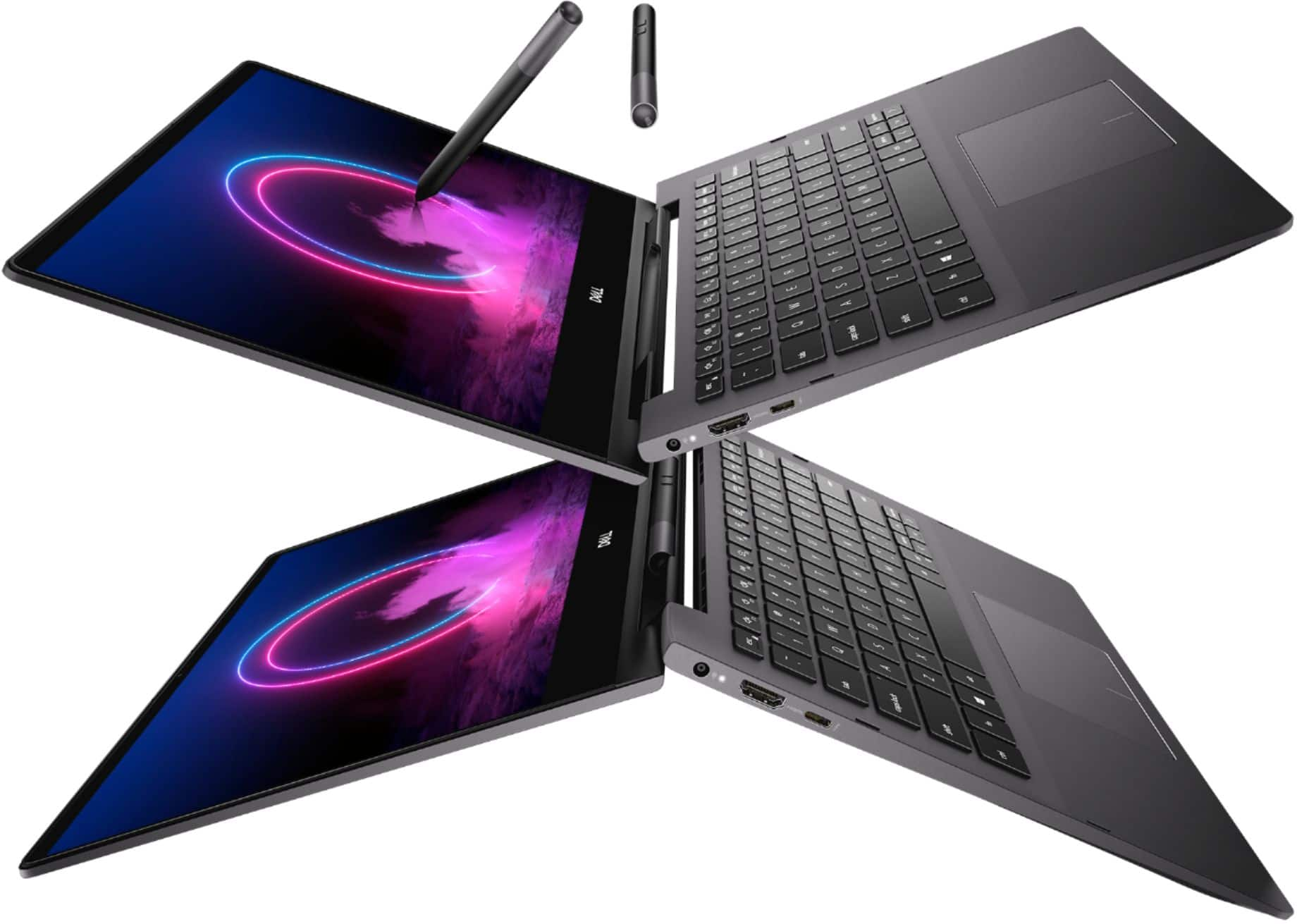
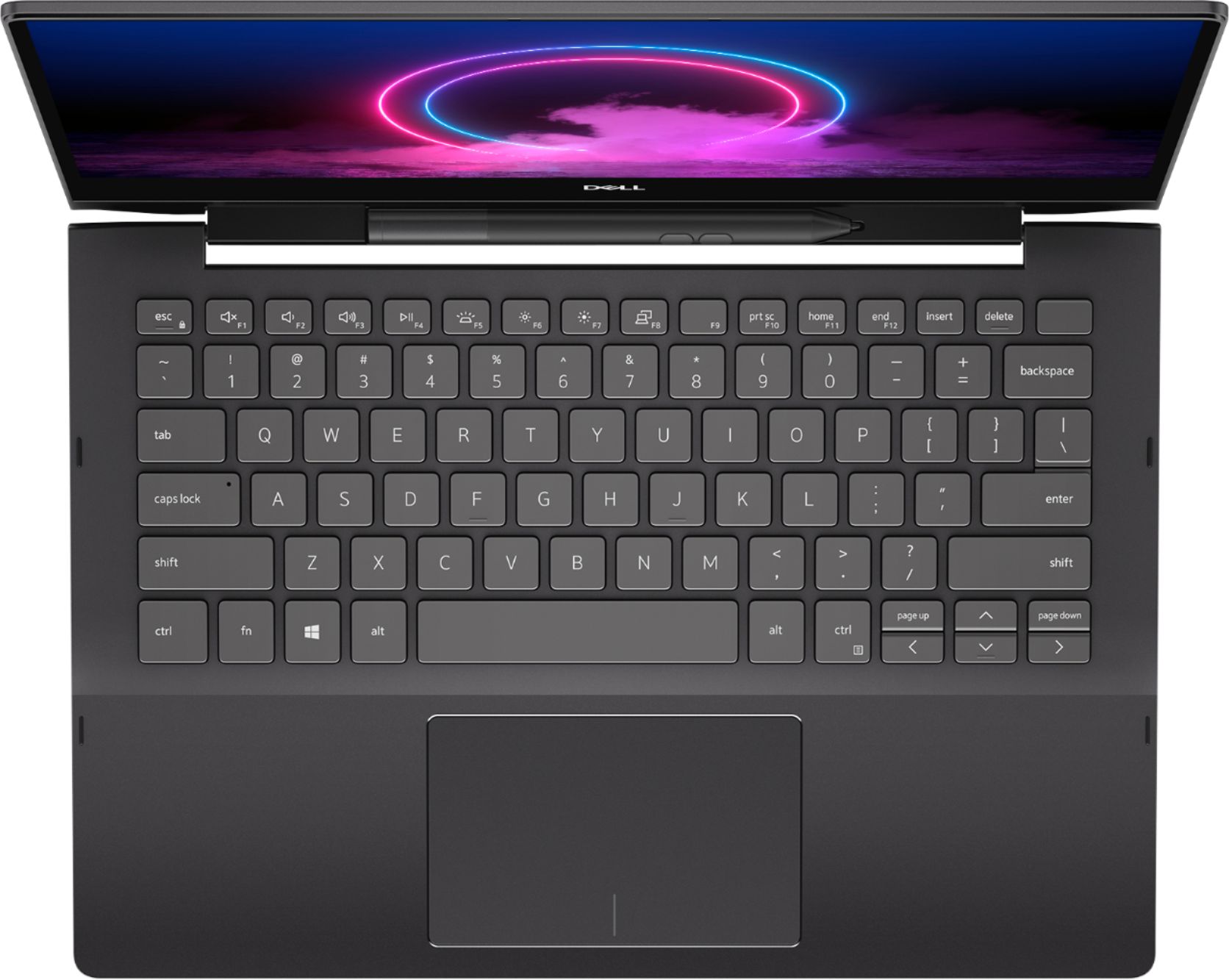
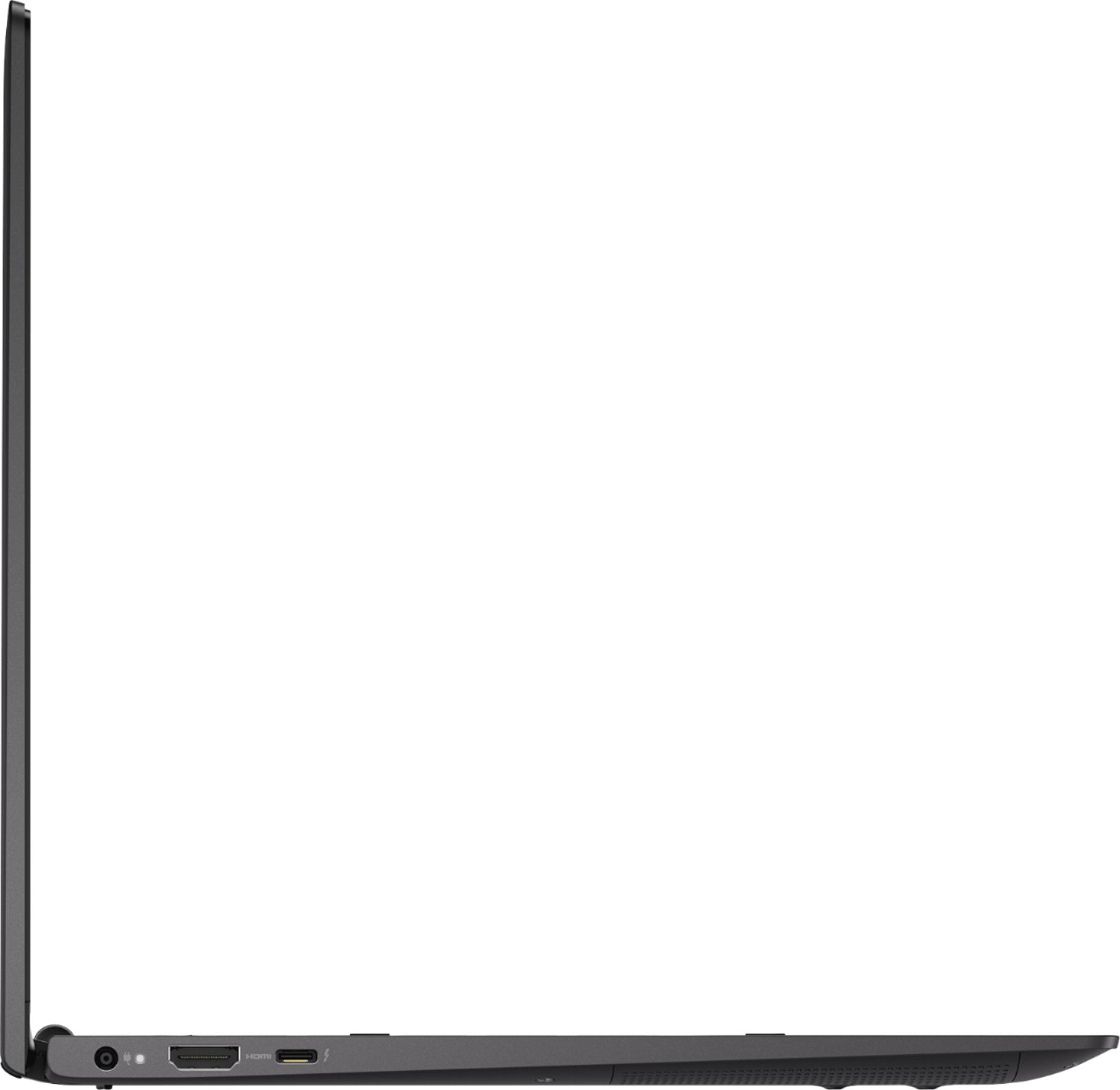

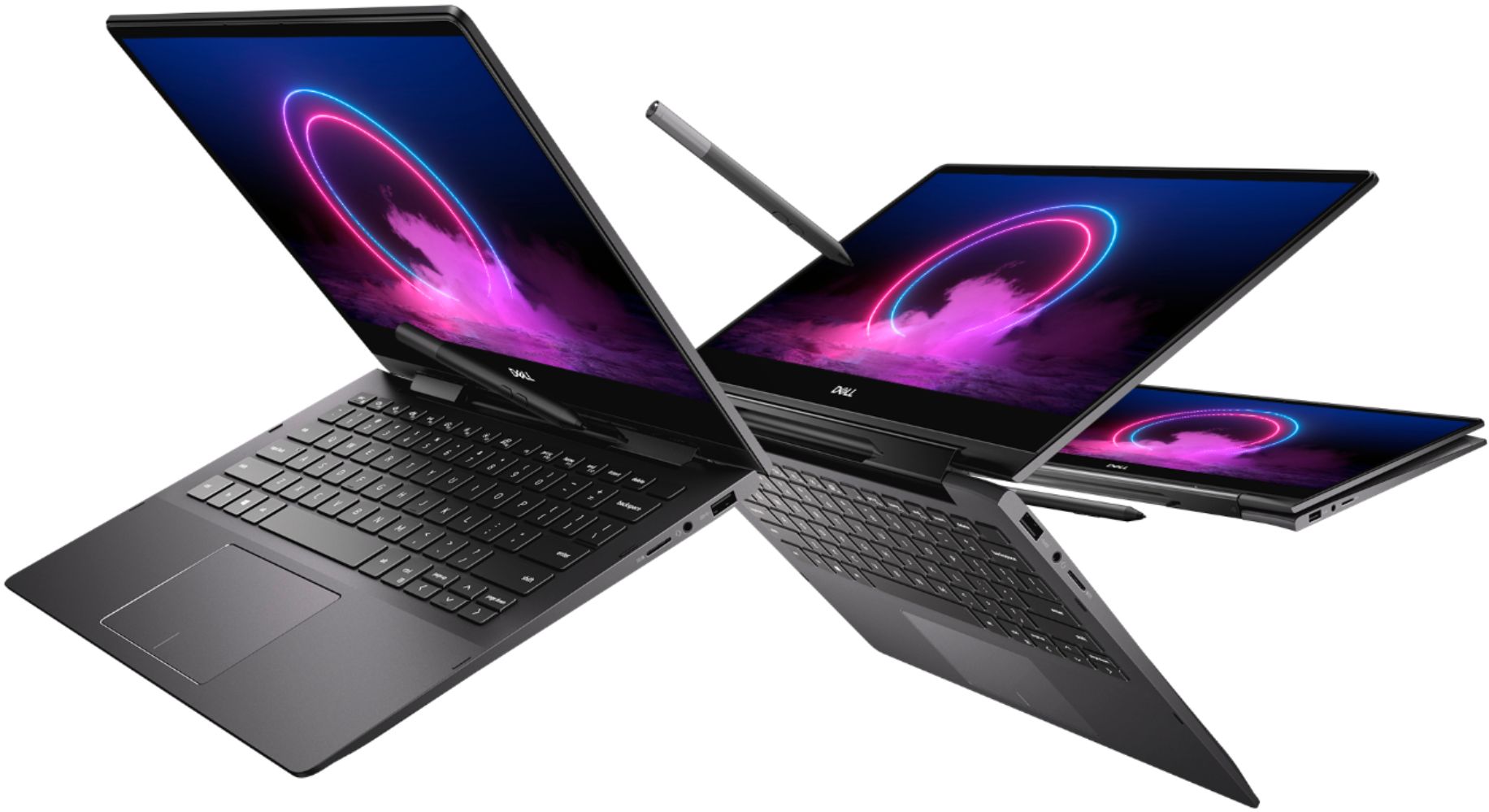
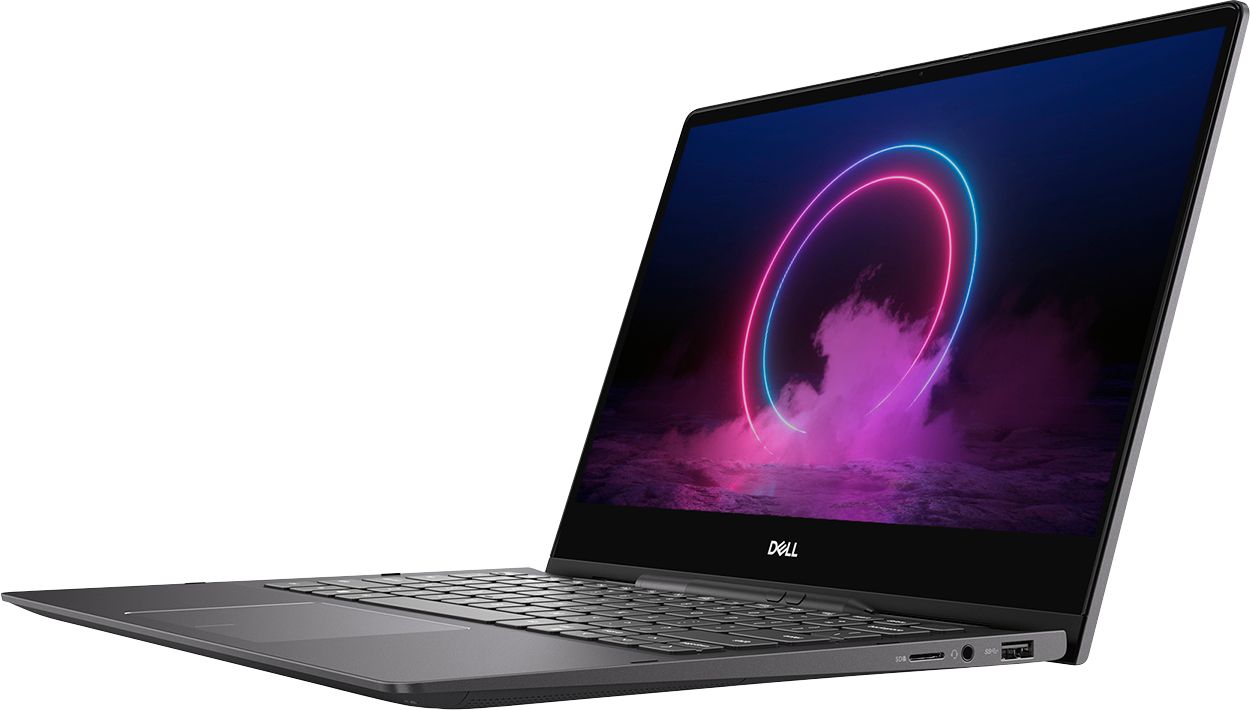






- Model:
- I7391-7520BLK-PUS
- SKU:
- 6373028
Rating by feature
- Battery Life
Rating 3.7 out of 5 stars
- Speed
Rating 4.2 out of 5 stars
- Display
Rating 4.2 out of 5 stars
Customers are saying
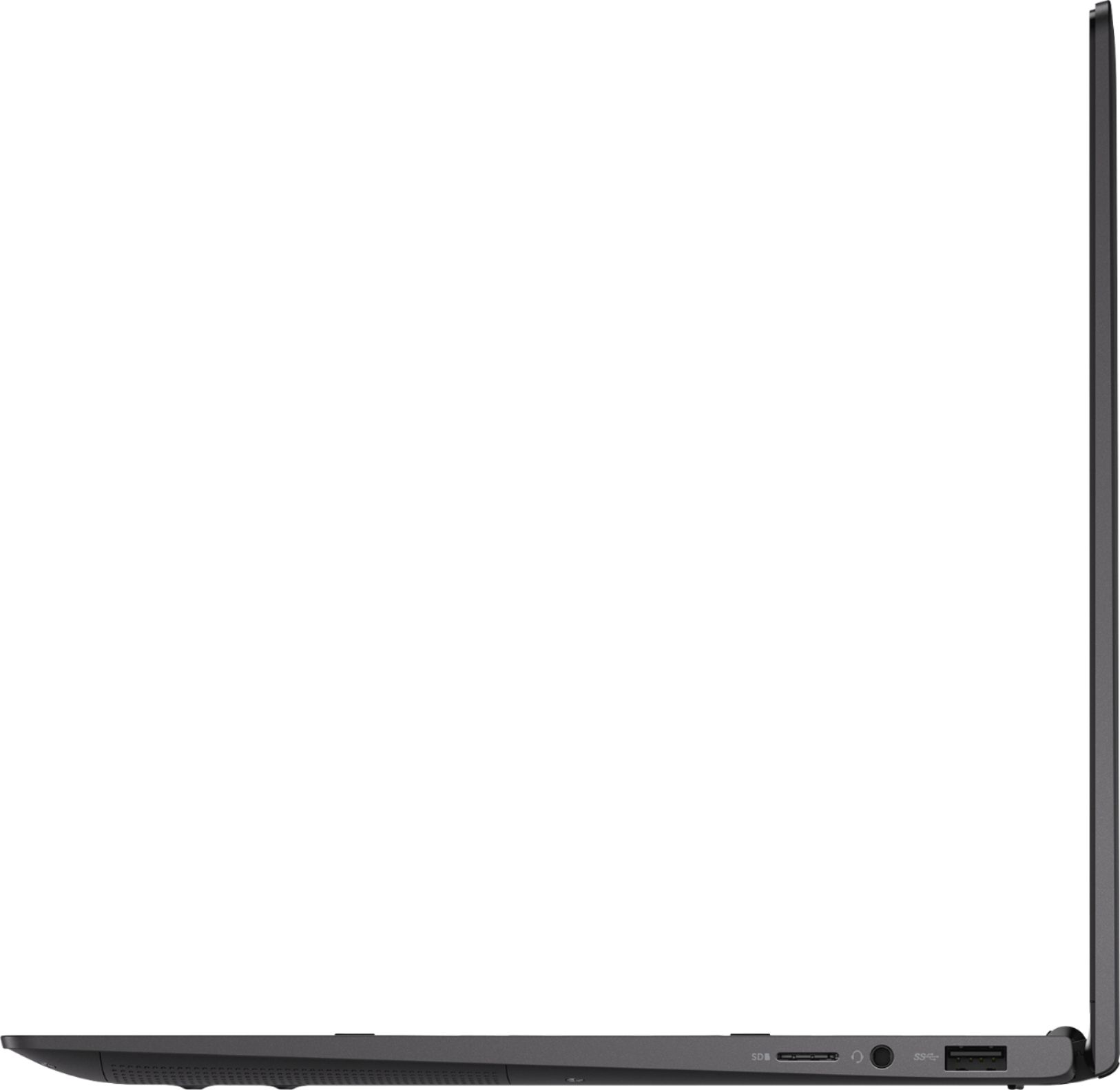
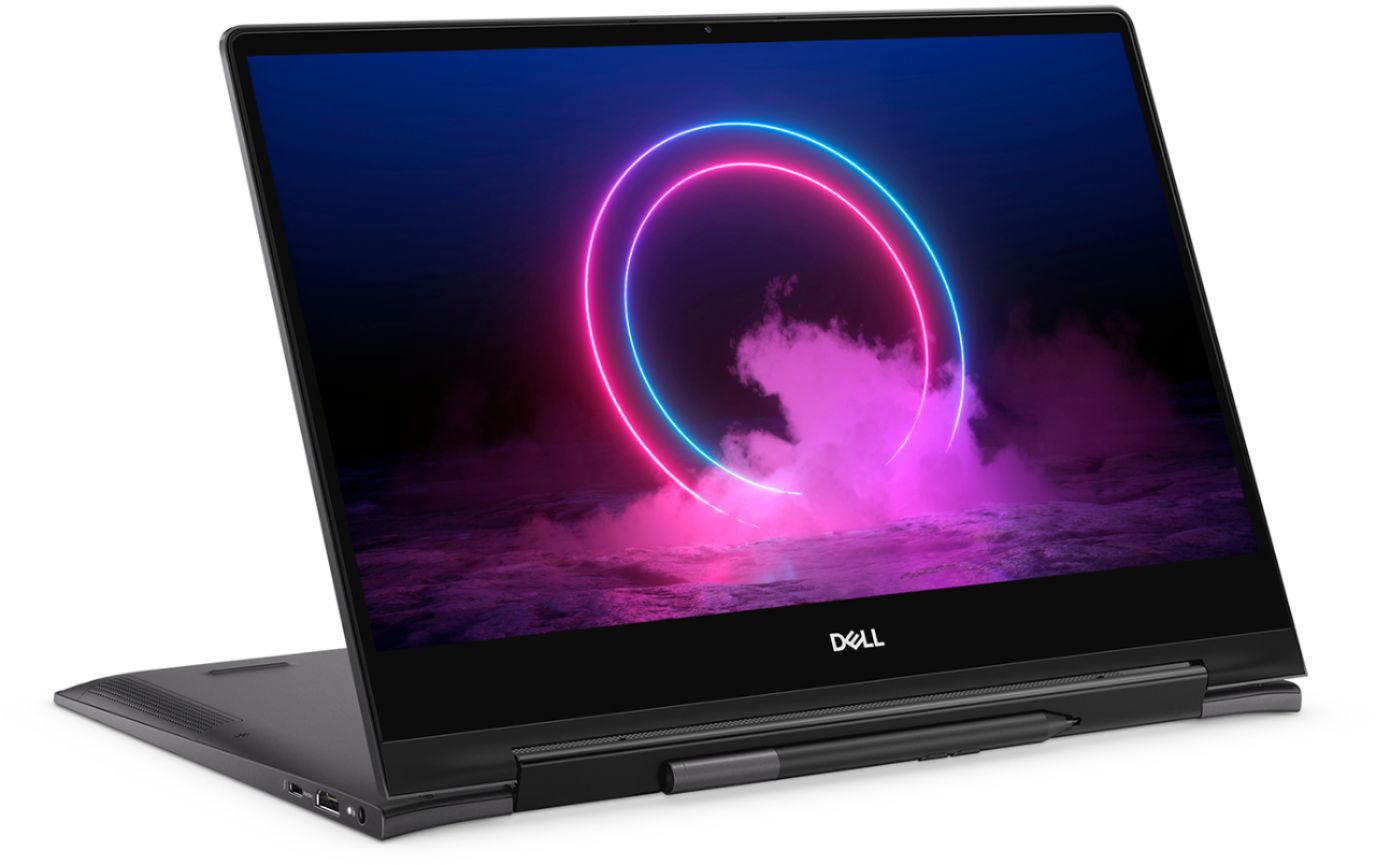
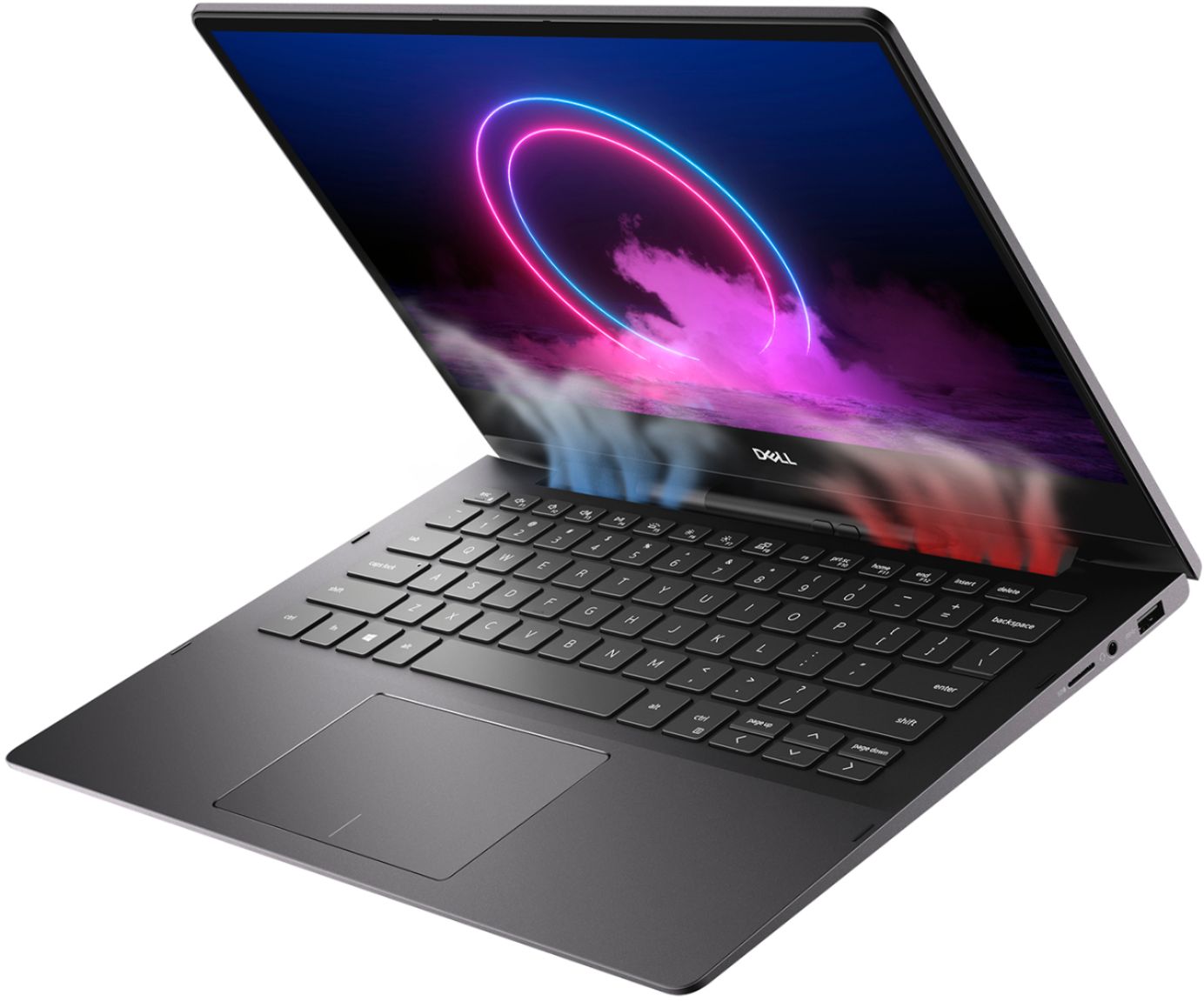
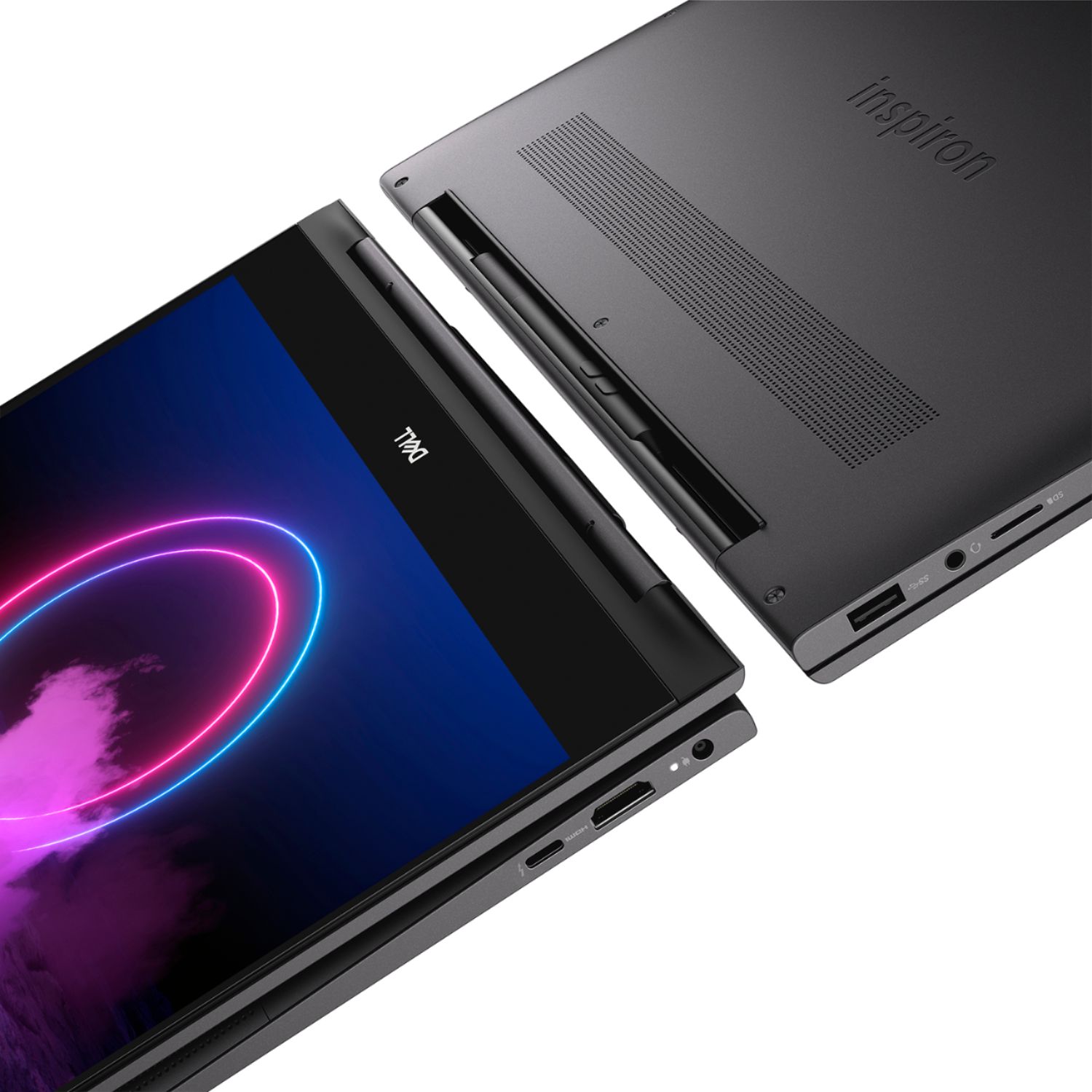
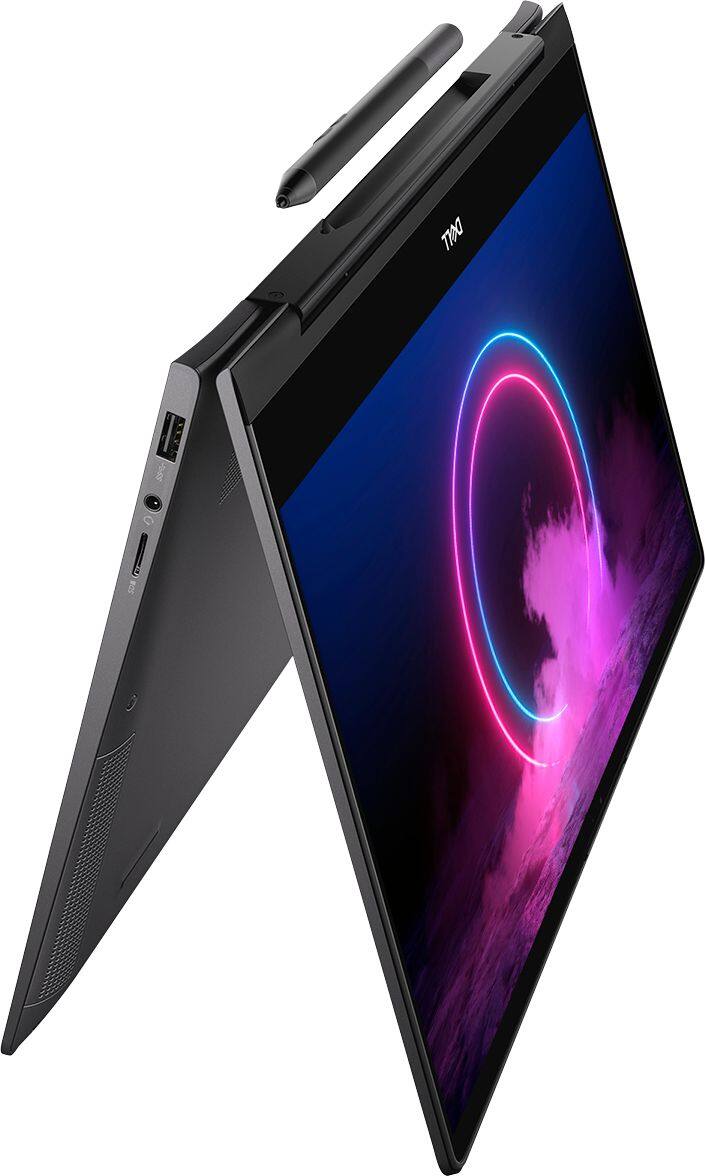
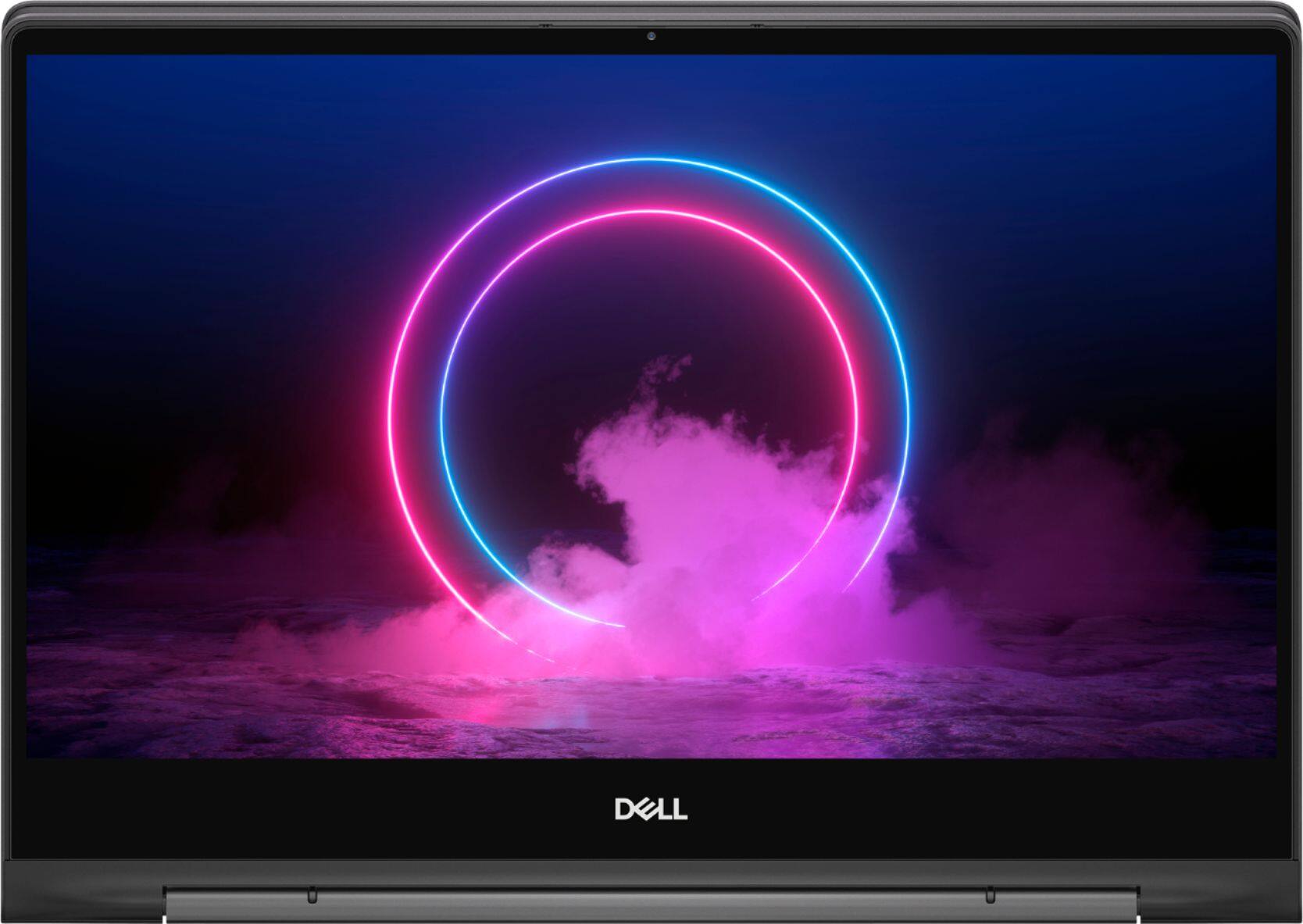
Customers value the Inspiron 13.3" 2-in-1 laptop's performance, touchscreen functionality, light weight, and ease of use. Many appreciate its compact size and the included pen. However, significant concerns exist regarding overheating, battery life, and fan noise. Some users also reported issues with the camera and internet connectivity.
This summary was generated by AI based on customer reviews.
Silverdale BB is BEST in WA
||Posted . Owned for 3 weeks when reviewed.This reviewer received promo considerations or sweepstakes entry for writing a review.I've had years of great dealings with the Silverdale WA Best Buy, but when I had a chance to deal with the Marysville WA Bets Buy, I realized how lucky I am. Fast, courteous, and very competent. If there is a reward for the BEST of Best Buy it should go to Silverdale.
I would recommend this to a friendBuen rendimiento a bajo costo
||Posted . Owned for 3 weeks when reviewed.This reviewer received promo considerations or sweepstakes entry for writing a review.Durante poco tiempo de uso se evidencia buen rendimiento
I would recommend this to a friend- Cons mentioned:Fan noise
Hardware problems
||Posted . Owned for 1 month when reviewed.This reviewer received promo considerations or sweepstakes entry for writing a review.I was very disappointed with this product. There must be something wrong in manufacturing. I had to return the laptop 3 times - I tried the replacements they sent me but each machine had an issue. One had a keyboard problem, one had a microphone problem, and the last had a fan that ran all the time. There are hardware problems with this machine. Buyer beware.
No, I would not recommend this to a friendBrand response from YourDellTeam
Posted .Gdgchiqui1,
We're sorry to hear about the issues that you've been having with your new computer. There were a series of recent driver updates that were released for your computer which you can find here: https://dell.to/2PPb4BI. We hope that once everything is up to date on your computer that it will operate the way you intended it to.
Best,
Bryan
1-800-624-9896
- Pros mentioned:Processor speed
Do not recommend.
||Posted . Owned for 11 months when reviewed.This reviewer received promo considerations or sweepstakes entry for writing a review.I'd had this pc in for service going on my third time. So I've been without it for at least 6 weeks after buying it so far. Hardware doesn't live up to Dell's reputation for solid machines. I've very disappointed in this laptop. I bought it because Dell has a reputation for making good machines that will last. Not this time! If it wasn't always breaking it has sufficient memory, speed and features but I can't recommend it or it's later model.
No, I would not recommend this to a friendBrand response from YourDellTeam
Posted .Dear Valued Customer,
We're sorry that you're not more satisfied with your new Dell 2-in-1. We'd recommend checking out our Product Support Page for answers to questions that you may have once you receive your computer back: https://dell.to/2Qk5Uh7.
Best,
Bryan
1-800-624-9896
Okay for price.
||Posted . Owned for 1 month when reviewed.This reviewer received promo considerations or sweepstakes entry for writing a review.It’s a good device, the only issue we have with it, is that the speakers are pretty horrible. They’re extremely staticky and are often hard to hear when playing music or watching videos.
I would recommend this to a friendBrand response from YourDellTeam
Posted .Billy,
We're sorry that your laptop's sound quality is not what you hoped it would be. We'd recommend checking to see if there are any audio driver updates available for your computer here: https://dell.to/2PPb4BI.
Best,
Bryan
1-800-624-9896
Almost perfect for my needs
||Posted . Owned for less than 1 week when reviewed.This reviewer received promo considerations or sweepstakes entry for writing a review.Everything is perfect with the device. Except the back light from the display. It's annoying to try to watch a movie with those weird lights coming from 2 corners (in mu case)
No, I would not recommend this to a friendBrand response from YourDellTeam
Posted .Davidaguirre,
We're sorry to hear that your laptop is not meeting all of your needs. Here's an article related to Screen Bleeding if you're interested: https://dell.to/2QX6ima.
If you have any technical questions about your computer you can check our Product Support Page here: https://dell.to/2Qk5Uh7.
Best,
Bryan
1-800-624-9896
- Cons mentioned:Fan noise
This product is horrible. Please Do Not Buy!
||Posted . Owned for 2 months when reviewed.This reviewer received promo considerations or sweepstakes entry for writing a review.I will post details soon; including the BestBuy customer service experience with this product. For Now: After 2 weeks use, webcam failed/fan failed. Sent it to dell to be fixed.... webcam fixed, fan still running very hot on light usage (web browsing), laptop stopped working unplugged//battery failed or system not reading battery....
No, I would not recommend this to a friendBrand response from YourDellTeam
Posted .Fesse,
Thanks for your review and we're sorry to hear about the issues that you've had with your laptop so far. We're glad to hear that your webcam has been fixed. If you'd like to see if your fan can run a little better for you, perhaps you can try to update your BIOS:
Update the BIOS: An out-of-date BIOS can cause loud fan noises by having an outdated temperature table for the system. Refer to update BIOS and follow the instructions to update the BIOS on your computer. You can also follow up with our Technical Support Team here - 1-800-624-9896.
You can read the full article here - http://dell.to/2ENlXfz.
If you are having issues with your battery still, here are some tips to help extend your battery life:
Change the Power Plan:
1. On the notification area of the taskbar, right-click the Battery icon.
2. On the options list, click Power Options.
3. Select a power plan on the battery meter, such as Power Saver or Balanced. Windows 10 has a built in 'Battery Saver' mode that can be activated to extend your system's battery life. The Battery Saver mode will monitor and limit background activity and other features such as push notifications. You do have the option to enable or disable this mode within settings or within advanced Battery Saver settings, you can customize the mode to best suit your needs.
a) Click on the Action Center icon in the taskbar and select the tile for Battery Saver.
b) If running Cortana then type Battery Saver into the search box and select from the results.
Within the Battery Saver settings page, you will be able to turn on and off the feature and customize the feature to best meet your needs.
c) Turn Battery Saver On or Off.
d) Additional settings available via the Battery use and Battery saver settings links.
e) Battery use shows further info on apps and their power usage.
f) Battery Saver Settings screen allows you to customize further Battery Saver feature.
You can read the full article here - http://dell.to/2vfXWf4.
Lastly, if you'd like to check to see if your computer needs any updated software and drivers, you can check the product support page here: https://dell.to/2PPb4BI.
Best,
Bryan
1-800-624-9896
Great Performance & Bright Screen
||Posted . Owned for 1 month when reviewed.This reviewer received promo considerations or sweepstakes entry for writing a review.Bought this for my son to take to college. The processing power is significantly better than his existing laptop. The screen is very bright and clear. I am sure he will get good use of the machine during his college studies.
I would recommend this to a friendLooked great but had issues with the pen working.
||Posted . Owned for 3 weeks when reviewed.This reviewer received promo considerations or sweepstakes entry for writing a review.The pen would not connect to the computer correctly and there was a white spot on the monitor as well. It was pretty pricy so took it back since there issues
No, I would not recommend this to a friend- Cons mentioned:Battery life
DON'T BUY THIS
||Posted . Owned for 11 months when reviewed.This reviewer received promo considerations or sweepstakes entry for writing a review.Do not buy this laptop! After 1 year and a month (1 year warranty) the laptop will no longer charge. Tried contacting Dell Support but they offer no help unless you pay $70 and mail the laptop in to them. If you need a computer you plan on using for more than a year i advise buying something else. This laptop is now just an expensive paper weight.
No, I would not recommend this to a friend Keyboard has problems
||Posted . Owned for 4 months when reviewed.This reviewer received promo considerations or sweepstakes entry for writing a review.Overall, this is a good computer. But the keyboard is very sensitive, and after only three months, the keys are loose and one is popping out. In order to fix it, I would have to send the computer in. Who can be without their work computer for two weeks? And this shouldn't be an issue with a brand-new laptop. It just shouldn't. It is poor quality control from Dell.
No, I would not recommend this to a friendBrand response from YourDellTeam
Posted .Daisy,
Thanks for your review and we're sorry to hear about the condition that your new Dell laptop keyboard is in. If you have any technical questions about your computer you can always refer to our Product Support Page here: https://dell.to/2Qk5Uh7.
If you'd like to read more about Dell's One Year Limited Warranty on our products you can read it here: http://dell.to/2tNsVOs.
Please reach out to Dell's Technical Support Team with any questions that you may have: http://dell.to/2sH7Qlm.
Best,
Bryan
1-800-624-9896
Awesome quality.
||Posted . Owned for 3 months when reviewed.This reviewer received promo considerations or sweepstakes entry for writing a review.I love the quality of the computer. Nothing about feels or looks cheap. I LOVE that there a little place on the laptop to put the stylus and it doesn't fall out even when it is folded in the tablet form.
I would recommend this to a friend- Cons mentioned:Camera quality, Fan noise, Heat
Just Average
Posted .This reviewer received promo considerations or sweepstakes entry for writing a review.I bought this during COVID as a replacement for my Surface Pro, which was being replaced under warranty. I simply could not be without my computer for two weeks. I depend on it for work. The Dell is OK. It was fairly inexpensive and I could get it in 48 hours. The screen has good resolution. The pen works well and is convenient. The device is small and easy to throw in a bag if I need to take it somewhere. Now the negatives. (1) It frequently loses connectivity with the internet, which is a big inconvenience. (2) It has McAfee pre-installed, which is also a huge inconvenience. I use another security app, so all I want is to uninstall it. (3) I have been getting DAILY updates from Dell. Isn't that a little overkill? Now for the SUPER negatives. (1) The camera. It's not even a megapixel. I do a LOT of video conferencing and I shouldn't have to plug in an external webcam in the ONLY USB port. (2) It runs hot. The fan runs almost constantly. (3) Did I mention there's only ONE USB port? I'm keeping the device, but I don't expect it to live forever. I would recommend it with reservations. If you depend on your webcam, don't expect it to be great, and don't even think of using it in a recording studio, because the fan noise will drive you crazy. That being said, the device is sufficient for most casual users.
I would recommend this to a friendBrand response from YourDellTeam
Posted .JCL22508,
Thanks for your review and we're sorry to hear that your computer is not performing the way that you hoped it would. If you'd like to try to resolve your WiFi connectivity issue we'd recommend the following:
1. Download and install the latest Wireless Card driver. (https://dell.to/2th3Tpe) After updating the driver, re-establish the connection with the Wireless Access Point and check the wireless performance.
2. If the issue persists, proceed to step 3.
3. Power-cycle the local network. Shut down the Dell system, the Wireless Access Point/Router and the Modem. Wait a minimum of 60 seconds before powering up the components in the following order:
4. Power ON the Modem, and wait for it to boot fully.
5. Power ON the Wireless Access Point/Router, and wait for it to boot fully.
6. Power ON the Dell system.
7. Open Network and Sharing Center
8. In the left side navigation pane, click on Change Adapter Settings
9. Right click on the wireless connection icon and select Properties followed by the Configure button
10. Under Wireless Options, select the Wireless N mode
11. For Windows 8 or later systems click the Advanced tab and look for 802.11n Mode on the right you will be given the option to Enable or Disable. If the mode is not visible you may need to update your drivers and firmware.
12. From the drop-down menu, choose Disable followed by Ok
13. This should restore the wireless download and upload speed. Internet speed can be tested at http://speedtest.net.
If you'd like your computer to operate at a cooler temperature, here are some tips:
Tips for Proper Usage:
1. Dell does not recommend placing portable systems directly on your lap. Due to reductions in the thickness of modern portable systems, heat transfer can be an issue.
2. Using a portable system (Laptop) on a hard, flat, non-cloth surface will increase airflow and reduce heat from underneath and inside the system.
Using the portable system on a blanket, pillow, or other types of cloth will cover up the fan cause the computer to overheat and can cause permanent damage.
3. It is recommended to use the portable system in a Room temperature of 0°C to 35°C (32°F to 95°F) with a Humidity level no greater than 90%.
4. Use compressed air to clean the vents on a regular basis.
5. Using a cooling pad can decrease heat and increase performance.
6. If you want to know the temperature limitations for your system, go to the Dell Support Website, look up your system model then open the user guide under the manuals link.
You can read the full article here - http://dell.to/2uJ8AdG.
Best,
Bryan
1-800-624-9896
Outstanding service
||Posted . Owned for 1 month when reviewed.This reviewer received promo considerations or sweepstakes entry for writing a review.Amid closure due to pandemic, the need for an additional laptop became evident. I was able to purchase one with outstanding service of the gentleman who helped me. Thank you for going the extra mile.
I would recommend this to a friendDell Laptop
||Posted . Owned for 1 month when reviewed.This reviewer received promo considerations or sweepstakes entry for writing a review.This was a gift for stay at home work,when I turned it on ot was fast to setup. The technology is great and the sound is amazing. Its perfect! I would rwcommend this because its worth your money!!
I would recommend this to a friendTHE BEST laptop and ultraportable!!
||Posted . Owned for 3 weeks when reviewed.This reviewer received promo considerations or sweepstakes entry for writing a review.I researched laptops for a month before buying this computer. It is everything I hoped it would be - fast, great screen brightness and resolution, fast SSD, and one of the best keyboards ever on a laptop.
I would recommend this to a friend- Cons mentioned:Internet connectivity
WiFi drive broke 4 days after purchase
||Posted . Owned for 2 weeks when reviewed.This reviewer received promo considerations or sweepstakes entry for writing a review.Very poor. Had to buy a new one now I have two. Store says when they reopen they will take the broken one in return and reimburse the money put out for the second computer. Bad time for this to happen, who lives without the internet now.
No, I would not recommend this to a friendBrand response from YourDellTeam
Posted .Unhappy,
We're sorry to hear about the WIFI on your computer. We're glad that you were able to exchange your system for a new one. Please keep in mind that Dell's products come with a One Year Limited Warranty that you can find out more about here: http://dell.to/2tNsVOs.
Best,
Bryan
1-800-624-9896
- Cons mentioned:Battery life
Very poor battery
||Posted . Owned for 3 weeks when reviewed.This reviewer received promo considerations or sweepstakes entry for writing a review.I plugged it in, charged it up and turned it on. Charing was quick I was impressed...must have been 45 mins anger full charge i was at 6% i am very disappointed in Dell for this reason...I purchased a Samsung pro 9 I am very satisfied with the pro.....do not go with this laptop unless you intend to keep it plugged in all the time.......
No, I would not recommend this to a friendBrand response from YourDellTeam
Posted .Spencer,
We're sorry that your computer's battery is not lasting as long as you hoped it would. We'd recommend the following tips to help extend the life of your computer's battery:
Change the Power Plan:
1. On the notification area of the taskbar, right-click the Battery icon.
2. On the options list, click Power Options.
3. Select a power plan on the battery meter, such as Power Saver or Balanced. Windows 10 has a built in 'Battery Saver' mode that can be activated to extend your system's battery life. The Battery Saver mode will monitor and limit background activity and other features such as push notifications. You do have the option to enable or disable this mode within settings or within advanced Battery Saver settings, you can customize the mode to best suit your needs.
a) Click on the Action Center icon in the taskbar and select the tile for Battery Saver.
b) If running Cortana then type Battery Saver into the search box and select from the results.
Within the Battery Saver settings page, you will be able to turn on and off the feature and customize the feature to best meet your needs.
c) Turn Battery Saver On or Off.
d) Additional settings available via the Battery use and Battery saver settings links.
e) Battery use shows further info on apps and their power usage.
f) Battery Saver Settings screen allows you to customize further Battery Saver feature.
You can read the full article here - http://dell.to/2vfXWf4.
Best,
Bryan
1-800-624-9896
- Cons mentioned:Battery life
Poor quality of powering components / battery
||Posted . Owned for 1.5 years when reviewed.This reviewer received promo considerations or sweepstakes entry for writing a review.Now even two years and the laptop broke, it doesn't power up! This is the 2nd laptop that has power/battery issues in less than 2 year's. I am very disappointed with Dell's quality, motover considering that warranty is just for 1 Yr! I do not recommend this brand.
No, I would not recommend this to a friendBrand response from YourDellTeam
Posted .Hello Oswald,
We want to thank you for taking the time to leave us your valued feedback. We sincerely apologize for the power-up issues you are experiencing with your Dell Inspiron 7391 2-in-1 laptop. Below I have provided a link to help resolve this issue. On that page, you can choose between, no power, no post, no boot, or no video. Once you choose which issue you are having you can find the options to help troubleshoot and resolve that problem. We would also suggest making sure all your drivers and downloads are up to date on your PC. I have also given you a link below to the Drivers and Downloads page for your computer.
Resolve boot-up issues: https://dell.to/3sdfce6
Drivers and Downloads page: https://dell.to/3nf4cNw
If the issues are still not resolved after applying the troubleshooting tips above, we recommend contacting the Dell Support Team at the information provided below for further guidance.
Best,
Katarina@Dell
Should you need further assistance, you can contact Dell directly with the information below.
Chat or call: https://bit.ly/DellSupportTeam
Phone number to Dell 1-800-624-9896
Great value for the money
||Posted . Owned for 3 months when reviewed.This reviewer received promo considerations or sweepstakes entry for writing a review.Best value for the money. Almost bought an xps from Costco until I saw an open box of this. Item was almost new except for the best buy tag to mark as open box.
I would recommend this to a friend