Customer Ratings & Reviews

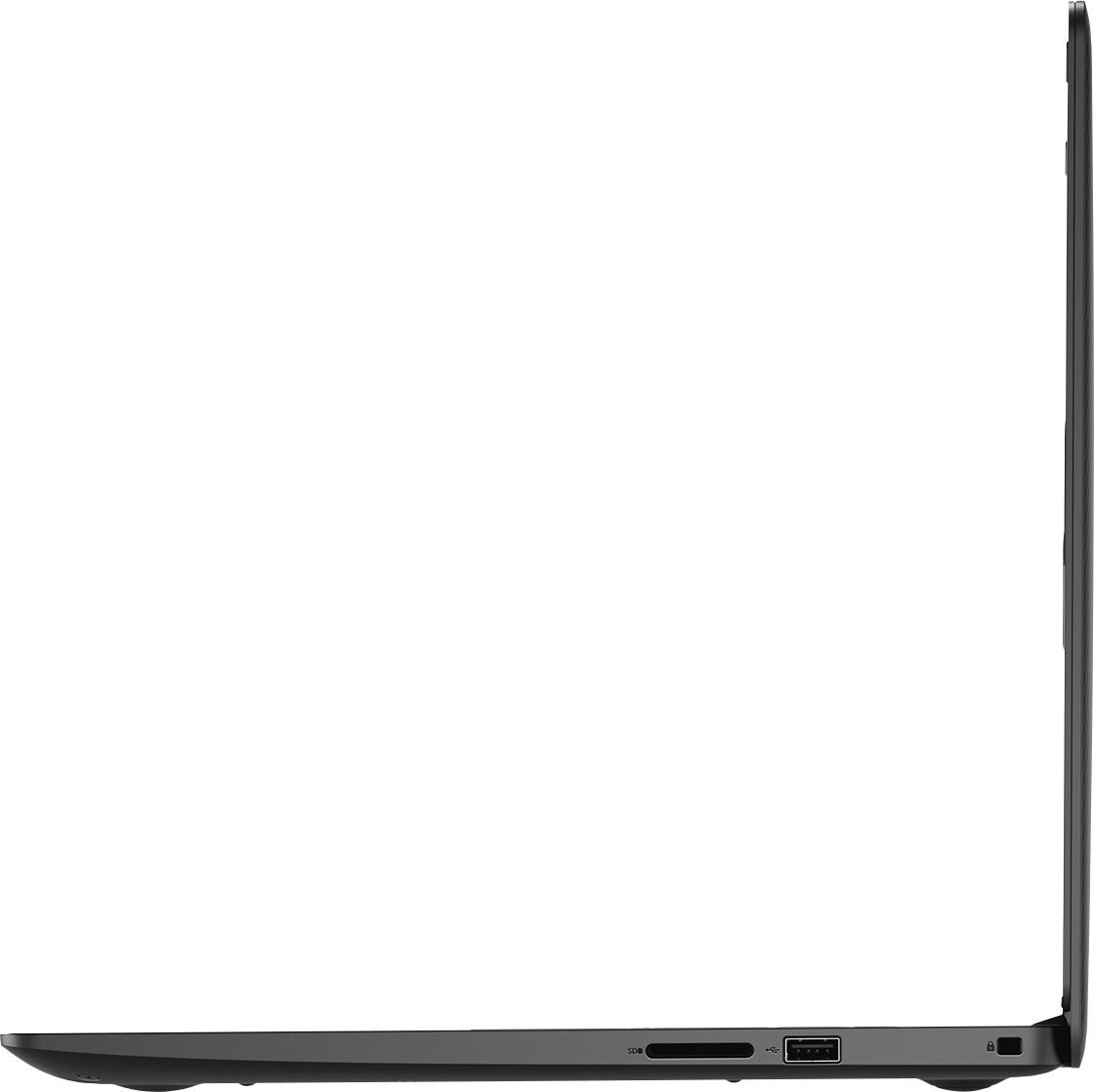
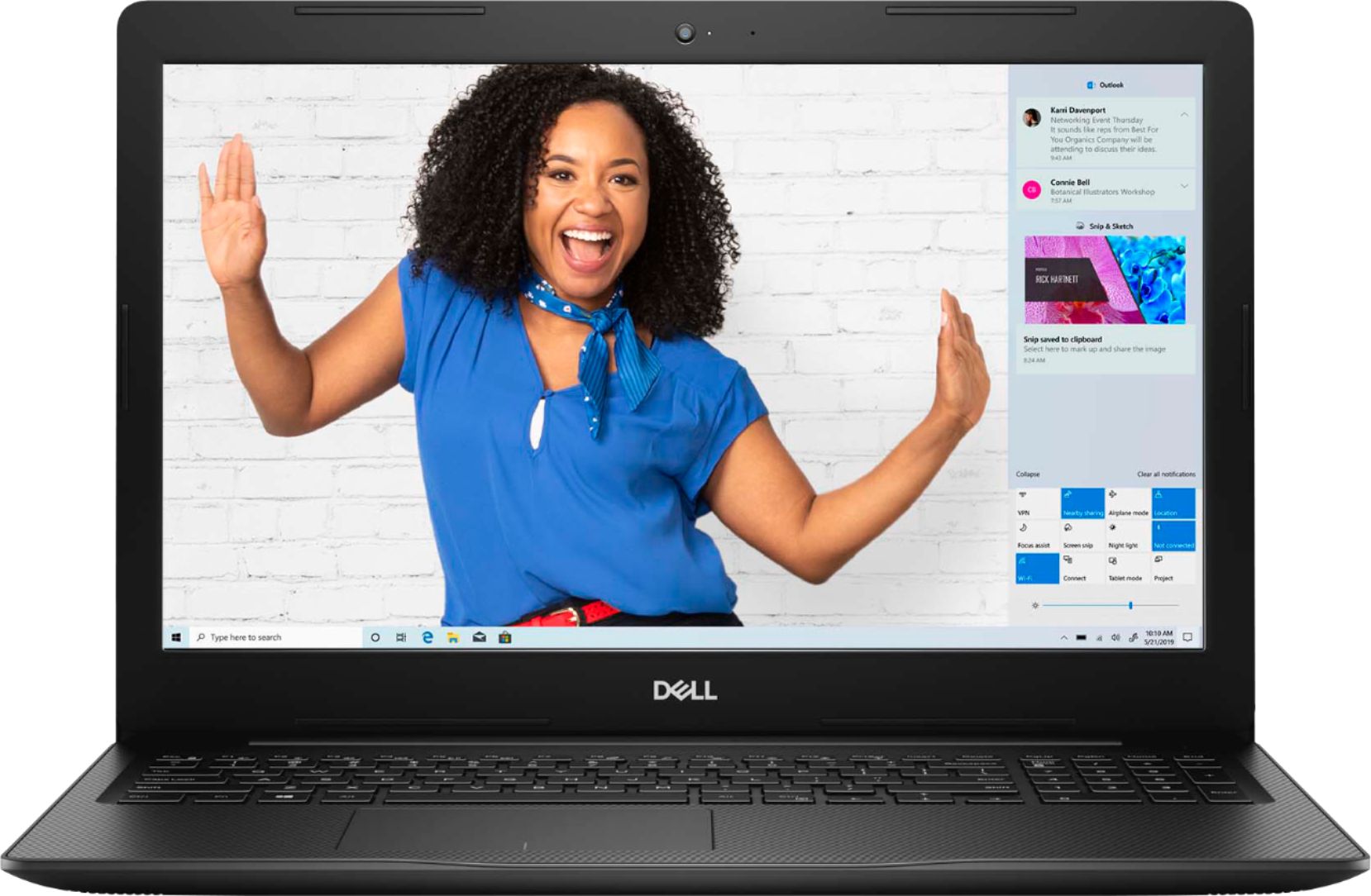
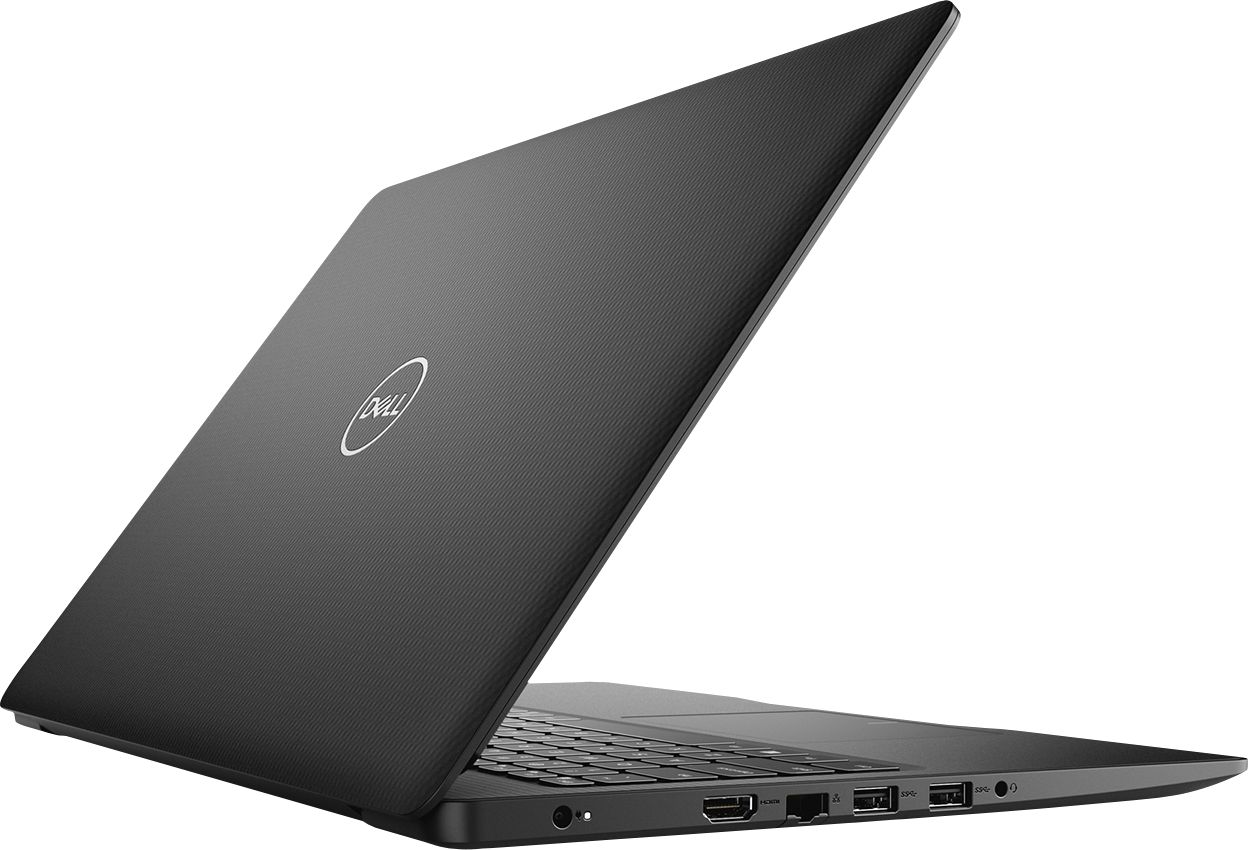


- Model:
- I3583-3867BLK
- SKU:
- 6387169
Rating by feature
- Battery Life
Rating 4.4 out of 5 stars
- Speed
Rating 4.3 out of 5 stars
- Display
Rating 4.5 out of 5 stars
Customers are saying
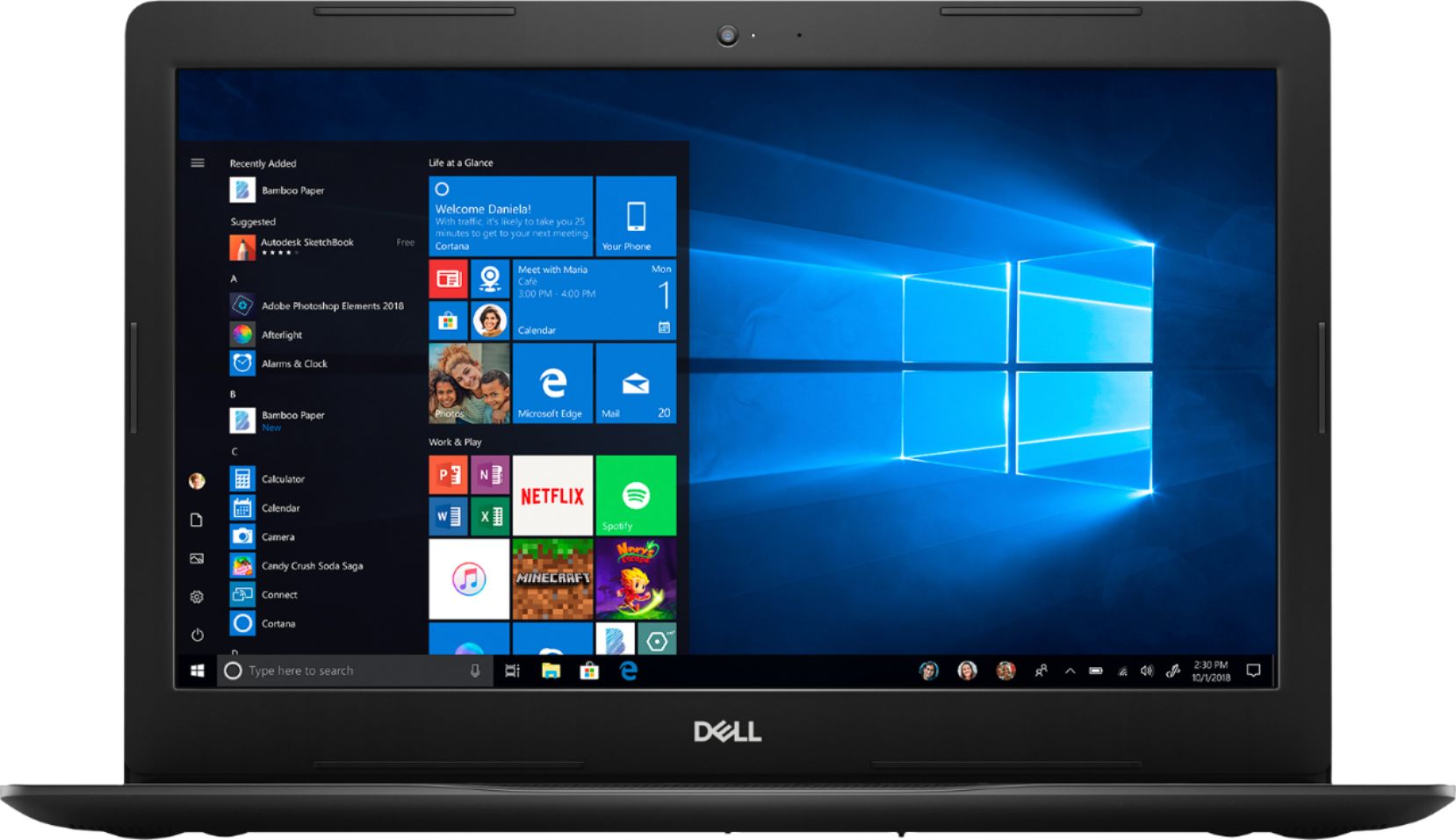
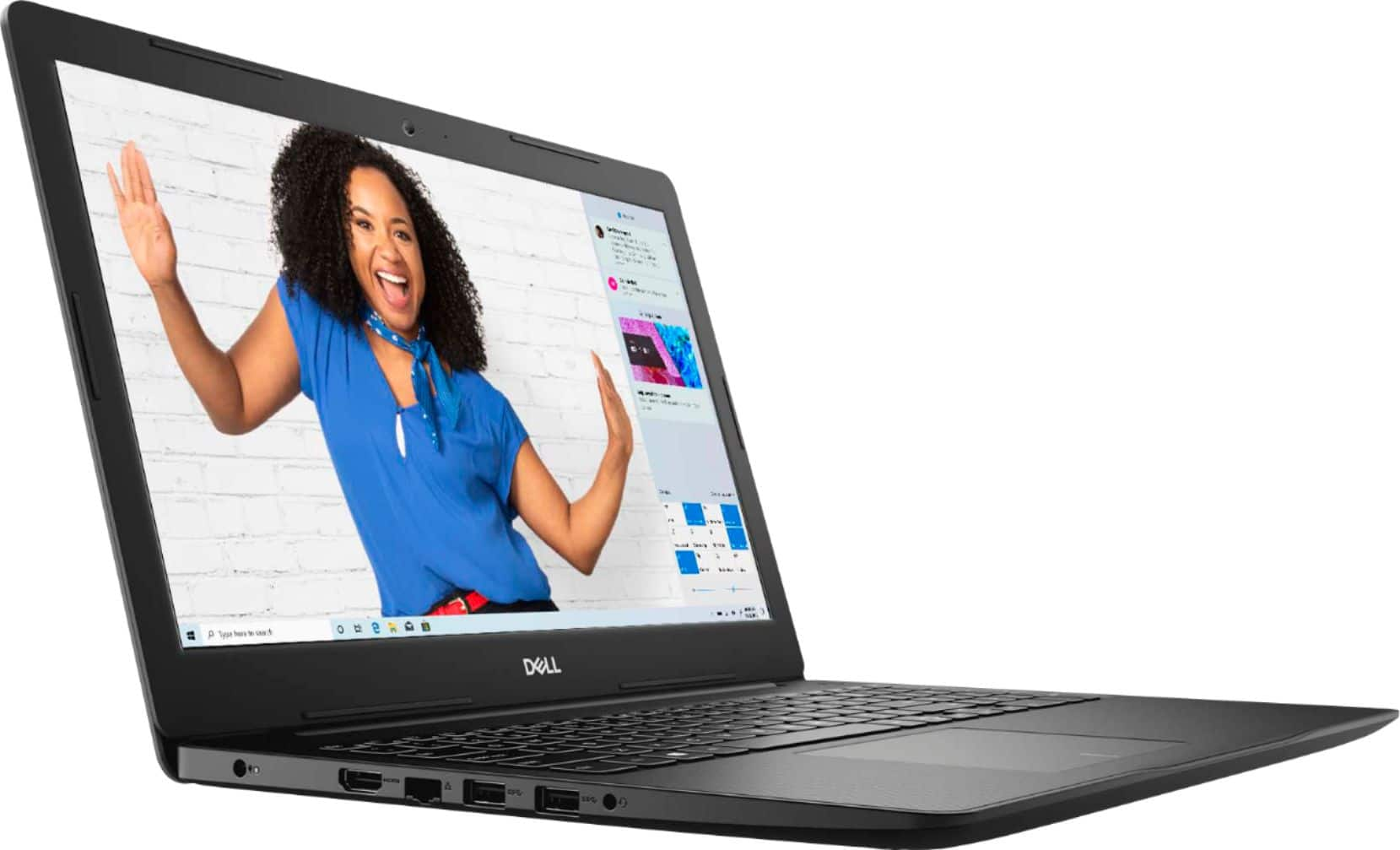
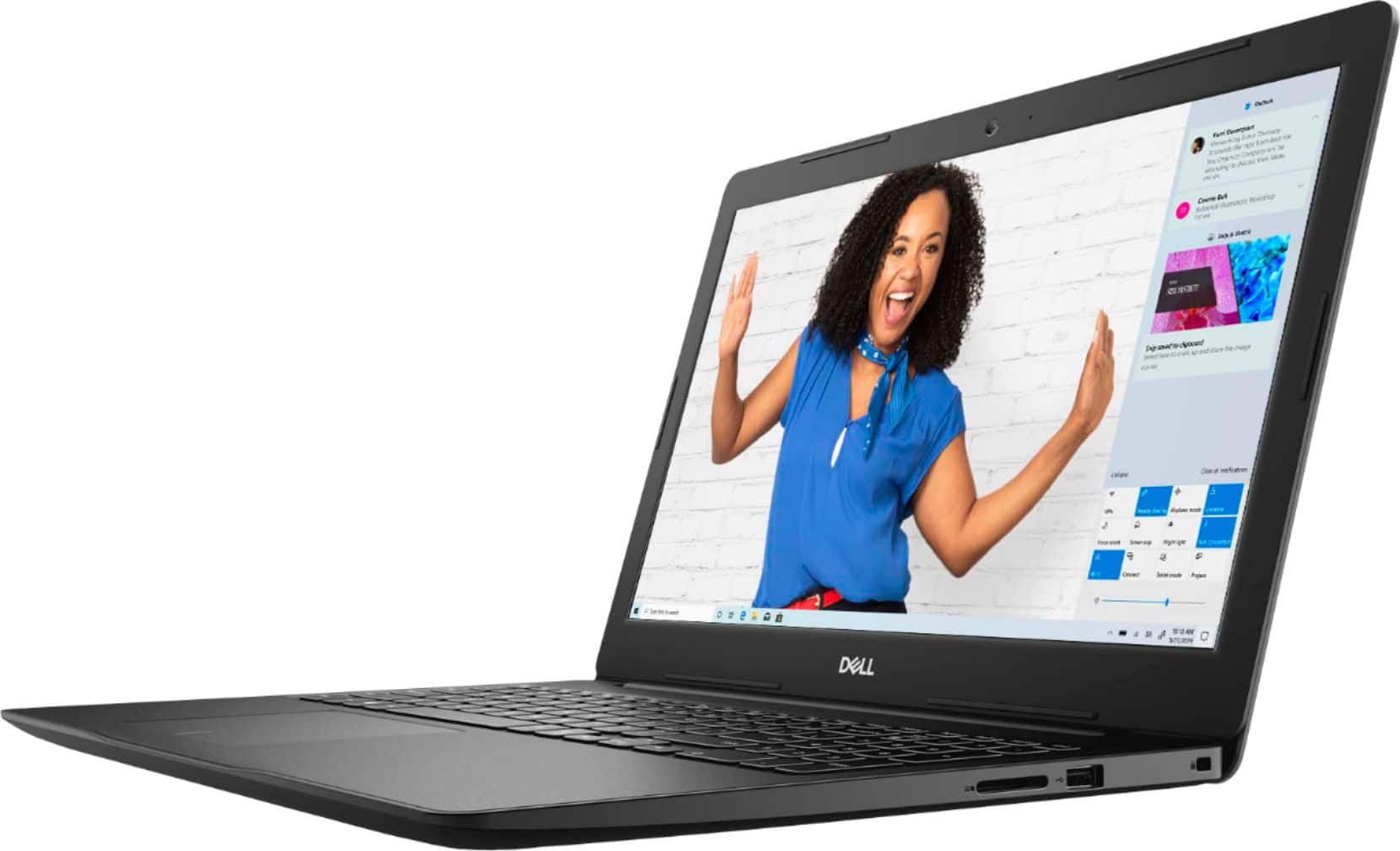
Customers are positive about the price, touch screen, and ease of use of the Inspiron 15.6" Touch-Screen Laptop. They appreciate the good value for the features included, enjoy using the touch screen feature, and find the laptop easy to use and navigate. However, customers are negative about the storage space, battery life, and Windows 10 operating system. They feel the storage is insufficient, the battery drains quickly, and Windows 10 requires a learning curve.
This summary was generated by AI based on customer reviews.
- Pros mentioned:Easy to use, Speed
Great computer. Very nice for the price
||Posted . Owned for 2 weeks when reviewed.This reviewer received promo considerations or sweepstakes entry for writing a review.My wife and I enjoy doing things on our new computer. It’s very fast and easy to use
I would recommend this to a friend - Pros mentioned:Easy to use, Speed
Excellent
||Posted . Owned for 1 year when reviewed.This reviewer received promo considerations or sweepstakes entry for writing a review.Excellent, fast, very light, easy to use, Dell its a excellent brand.
I would recommend this to a friend - Pros mentioned:Price, Touch screen
Laptop
||Posted . Owned for 11 months when reviewed.This reviewer received promo considerations or sweepstakes entry for writing a review.Awesome laptop. Love the touch screen feature and price was very good
I would recommend this to a friend - Pros mentioned:Easy to use, Touch screen
Awesome Laptop
||Posted . Owned for 5 months when reviewed.This reviewer received promo considerations or sweepstakes entry for writing a review.Very pleased with this purchase. Easy to setup and love the touchscreen.
I would recommend this to a friend - Pros mentioned:Price, Touch screen
nice laptop
||Posted . Owned for 7 months when reviewed.This reviewer received promo considerations or sweepstakes entry for writing a review.touch screen and options for every day use are good as well as price
I would recommend this to a friend - Pros mentioned:Easy to use, Speed
GREAT LAPTOP
||Posted . Owned for 1 month when reviewed.This reviewer received promo considerations or sweepstakes entry for writing a review.FAST. EASY TO USE. INSTRUCTIONS FOR USE AS A BEGINNER FOR A LAPTOP ARE GOOD.
I would recommend this to a friend - Pros mentioned:Easy to use
Excellent BUY!!!
||Posted . Owned for 1 year when reviewed.This reviewer received promo considerations or sweepstakes entry for writing a review.So easy to set up and use. I brought this computer for my mom who is at the beginner stage of computer use. The touch-screen ability really makes it easier for her to use. She loves it and so do I now that I am not getting those constant telephone calls asking, "how do I...". Hahaha!! Thanks Dell for manufacturing this model.
I would recommend this to a friend - Pros mentioned:Touch screen
touch screen laptop
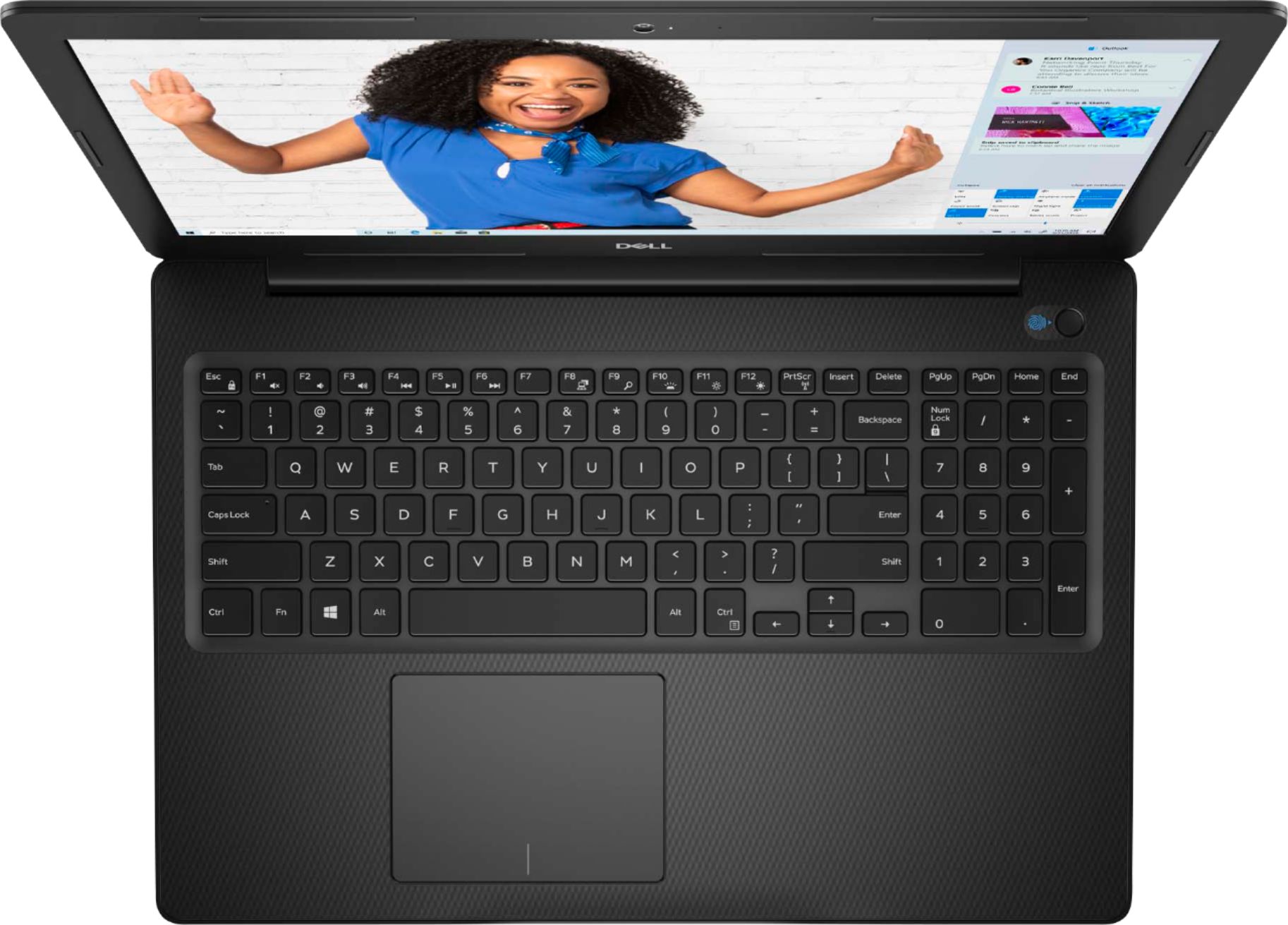
||Posted .This reviewer received promo considerations or sweepstakes entry for writing a review.I love the separate keypad which also makes a larger laptop screen. Since this is my first touch screen purchase, time will tell how satisfied I am. I'm also aware that the Office package is only a trial, but since I don't have Internet, that part of the purchase will have to wait for a trip to a wi-fi location.
I would recommend this to a friend - Pros mentioned:Easy to use, Touch screen
Great Buy
||Posted . Owned for 1 month when reviewed.This reviewer received promo considerations or sweepstakes entry for writing a review.Easy setup, works great and easy to maneuver the hands on screen
I would recommend this to a friend - Pros mentioned:Touch screen
Great computer!
||Posted . Owned for 1 month when reviewed.This reviewer received promo considerations or sweepstakes entry for writing a review.Great computer, light weight, big screen, love the touch screen
I would recommend this to a friend - Pros mentioned:Touch screenCons mentioned:Battery life
Great for minimal use
||Posted . Owned for 3 weeks when reviewed.This reviewer received promo considerations or sweepstakes entry for writing a review.I am so use to a MAC but I needed a laptop today so I got this. I love the touch screen feature. I haven't had it for a month and the battery life seems to be going to low faster. I wish the screen quality was better. It will work for now.
I would recommend this to a friendBrand response from YourDellTeam
Posted .HelloTee,
Thanks for your review. If you'd like some tips to extend the life of your computer's battery, you can try these:
Change the Power Plan:
1. On the notification area of the taskbar, right-click the Battery icon.
2. On the options list, click Power Options.
3. Select a power plan on the battery meter, such as Power Saver or Balanced. Windows 10 has a built in 'Battery Saver' mode that can be activated to extend your system's battery life. The Battery Saver mode will monitor and limit background activity and other features such as push notifications. You do have the option to enable or disable this mode within settings or within advanced Battery Saver settings, you can customize the mode to best suit your needs.
a) Click on the Action Center icon in the taskbar and select the tile for Battery Saver.
b) If running Cortana then type Battery Saver into the search box and select from the results.
Within the Battery Saver settings page, you will be able to turn on and off the feature and customize the feature to best meet your needs.
c) Turn Battery Saver On or Off.
d) Additional settings available via the Battery use and Battery saver settings links.
e) Battery use shows further info on apps and their power usage.
f) Battery Saver Settings screen allows you to customize further Battery Saver feature.
You can read the full article here - http://dell.to/2vfXWf4.
If you'd like to troubleshoot your screen's display, you can read these articles: https://dell.to/2CLF6yC.
Best,
Bryan
1-800-624-9896
- Pros mentioned:Easy to use, Speed
Just perfect for my dad
||Posted . Owned for 3 weeks when reviewed.This reviewer received promo considerations or sweepstakes entry for writing a review.Perfect laptop for my dad, it's fast enough and easy to use.
I would recommend this to a friend - Pros mentioned:Price, Touch screen
Great Value
||Posted . Owned for 3 weeks when reviewed.This reviewer received promo considerations or sweepstakes entry for writing a review.This computer was prices great and I love the touch screen!
I would recommend this to a friend - Pros mentioned:Price
Love the television
||Posted . Owned for 3 weeks when reviewed.This reviewer received promo considerations or sweepstakes entry for writing a review.High-quality television, competitive price, easy to set up.
I would recommend this to a friend - Pros mentioned:Easy to use, Price
Great computer at a great price!
||Posted . Owned for 2 weeks when reviewed.This reviewer received promo considerations or sweepstakes entry for writing a review.Great computer at a great price! Easy to setup and use.
I would recommend this to a friend - Pros mentioned:Price
Excellent Price!
||Posted . Owned for 1 month when reviewed.This reviewer received promo considerations or sweepstakes entry for writing a review.Large screen, light weight, super fast, great price.
I would recommend this to a friend - Cons mentioned:Storage
Basic fast and affordable laptop
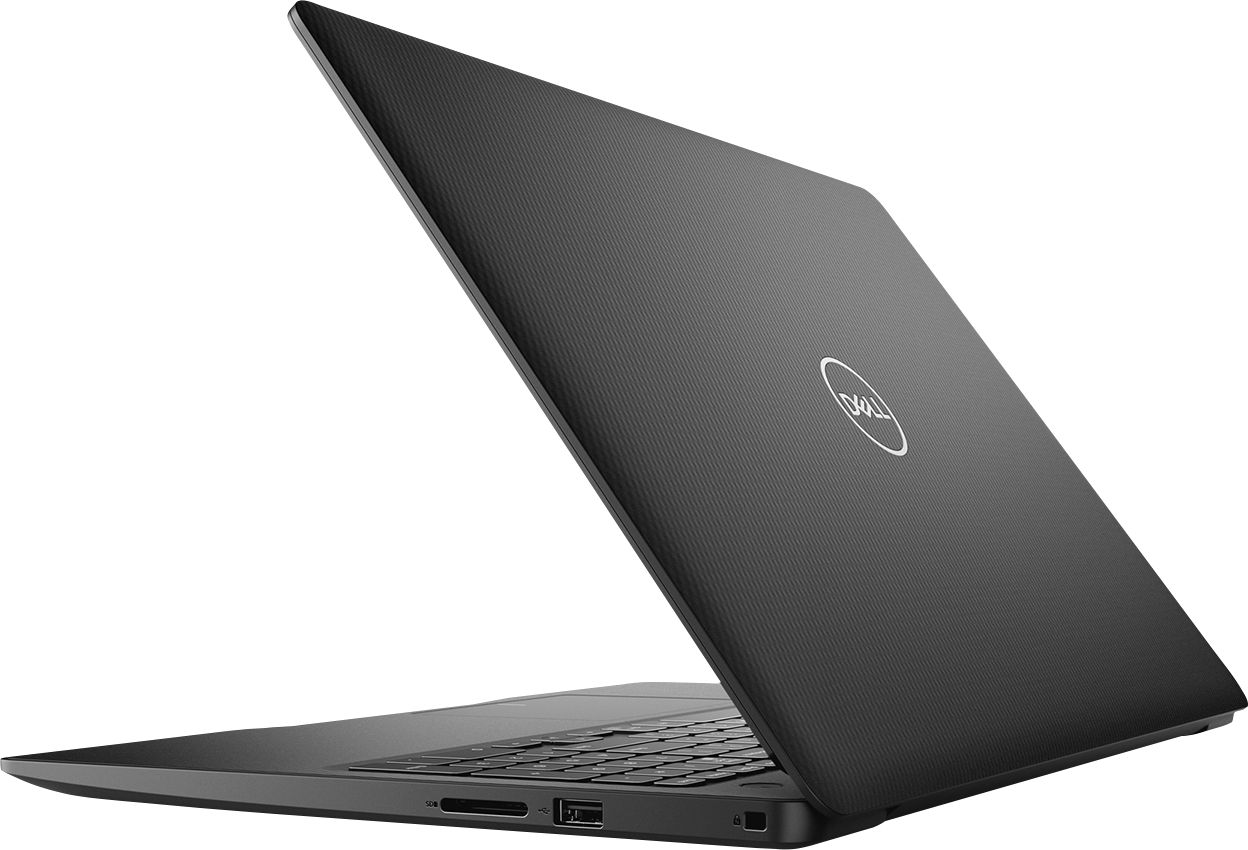
||Posted . Owned for 3 weeks when reviewed.This reviewer received promo considerations or sweepstakes entry for writing a review.This is a Dell with an i3 processor, and 8gb of Ram, enough power for basic use, targeted for students and regular web browsing, and office use, best paired with external storage due to the limited SSD, only 128GB... Feels good not that cheap but be careful when carrying around, power plug laptop insert a little bit cheap also
I would recommend this to a friend - Pros mentioned:Easy to use, Touch screen
Great Laptop
||Posted . Owned for 3 weeks when reviewed.This reviewer received promo considerations or sweepstakes entry for writing a review.I use it a lot, easy to use, nice big touch screen.
I would recommend this to a friend Great buy for basic task
||Posted . Owned for less than 1 week when reviewed.This reviewer received promo considerations or sweepstakes entry for writing a review.This computer is packed with goodies. Even allows a ram upgrade or a 2.5 ssd upgrade. My issues is the corners cut to get the $285 price I paid. The plastic is very flimsily and cheap feeling with that being said. The screen is capped at 1366x768 Not to mention the horrible washed out LCD panel. Another issue is the cooling placement is horrible. Out the box I was getting 75-92 degrees Celsius on idle with a loud fan to accompany this heat. I did open and reapply thermal solution to the heat sink because manufacturers like especially dell are known to just slap a big blob of it everywhere making the cooling bad. After replacing with arctic silver the laptop stayed cool. If you are using this laptop on a bed and aren’t tech savvy I’d say your looking at about 6-18 months of life after the coolant burns out from bad air flow. Please make sure you use this on a flat surface or a laptop mat to ensure good airflow. Also games? Forget it. Basically can play old titles and the sims. I had better gaming performance from HPs 14” laptop rocking a AMD Radeon 5 graphics. Which is interesting because I thought the intel UHD 620 was more performance driven but the R5 whooped it and I bought that laptop the other day new on sale for $200. So yes I would recommend it but there’s a few unpleasant trade offs. That if your fine with this is a great laptop. I did take it back for the HP though.
I would recommend this to a friendBrand response from YourDellTeam
Posted .Tyler2times,
Thanks for your review. We're sorry that this computer did not completely meet your needs. In the future you can consider updating the BIOS on your computer to help with the fan noise.
Here are some suggestions to keep your computer operating at a cooler temperature as well:
Tips for Proper Usage:
1. Dell does not recommend placing portable systems directly on your lap. Due to reductions in the thickness of modern portable systems, heat transfer can be an issue.
2. Using a portable system (Laptop) on a hard, flat, non-cloth surface will increase airflow and reduce heat from underneath and inside the system.
Using the portable system on a blanket, pillow, or other types of cloth will cover up the fan cause the computer to overheat and can cause permanent damage.
3. It is recommended to use the portable system in a Room temperature of 0°C to 35°C (32°F to 95°F) with a Humidity level no greater than 90%.
4. Use compressed air to clean the vents on a regular basis.
5. Using a cooling pad can decrease heat and increase performance.
6. If you want to know the temperature limitations for your system, go to the Dell Support Website, look up your system model then open the user guide under the manuals link.
You can read the full article here - http://dell.to/2uJ8AdG.
We hope that you will consider Dell again in the future.
Best,
Bryan
1-800-624-9896
- Pros mentioned:Touch screen
Great Computer
||Posted . Owned for 1 month when reviewed.This reviewer received promo considerations or sweepstakes entry for writing a review.Nice computer. Nice size and weight. Love the touchscreen.Everything was going well until last week when it would not start up. Press the power button 10 times and nothing happened. Finally it started up and has since. Hope this is not going to be an issue.
I would recommend this to a friend