Customer Ratings & Reviews

- Model:
- I7378-7571GRY-PUS
- SKU:
- 5823027
to a friend
Customers are saying
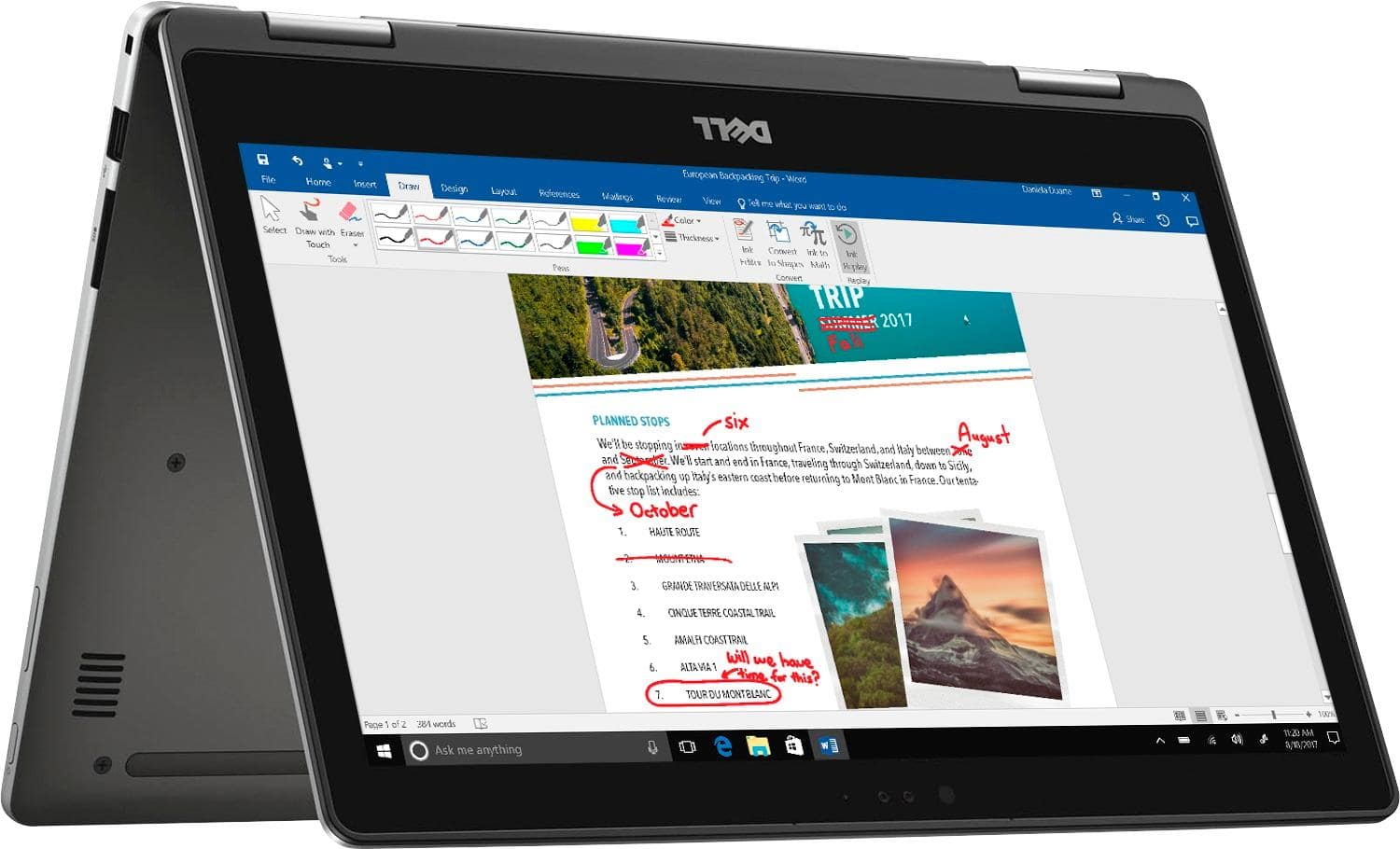
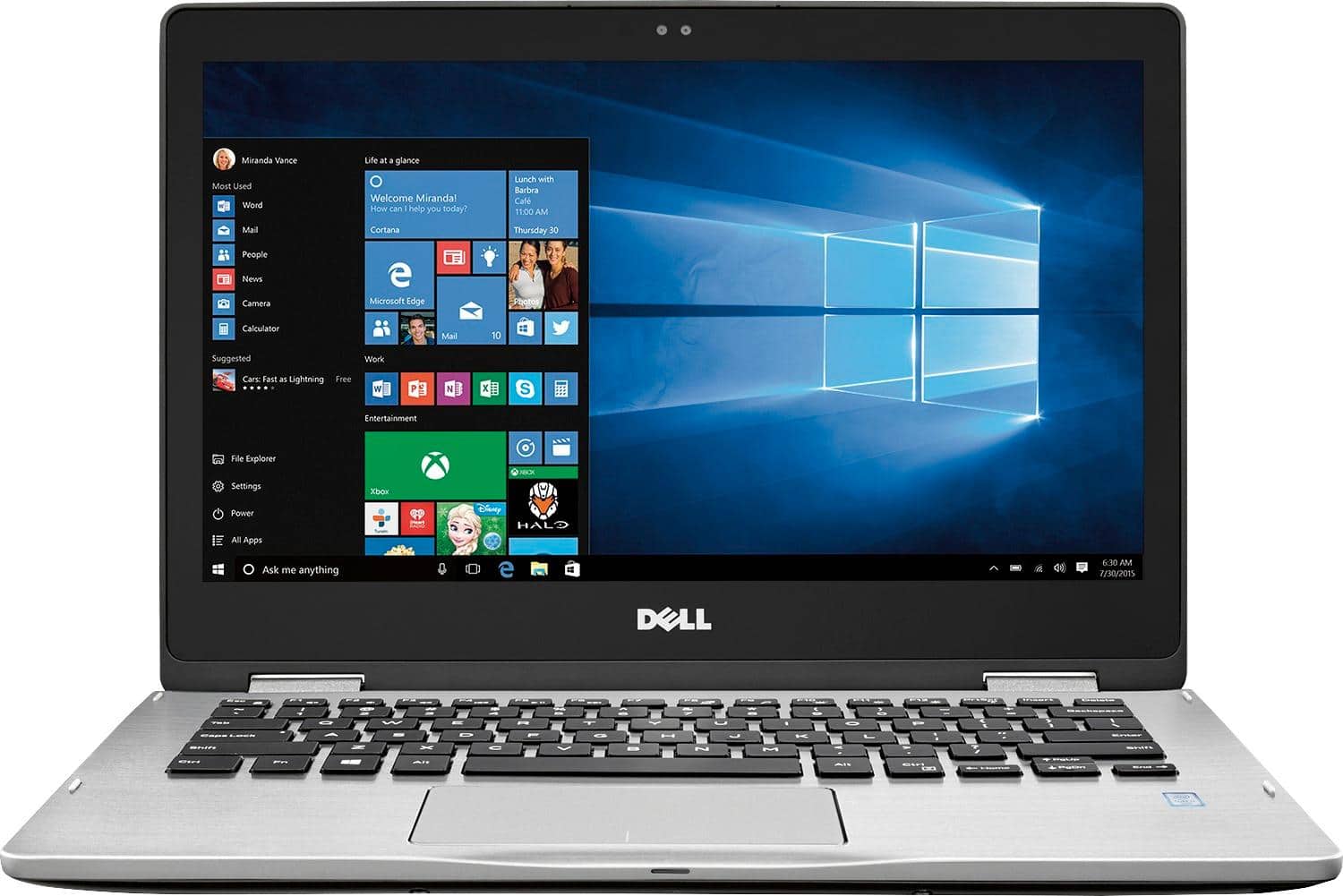
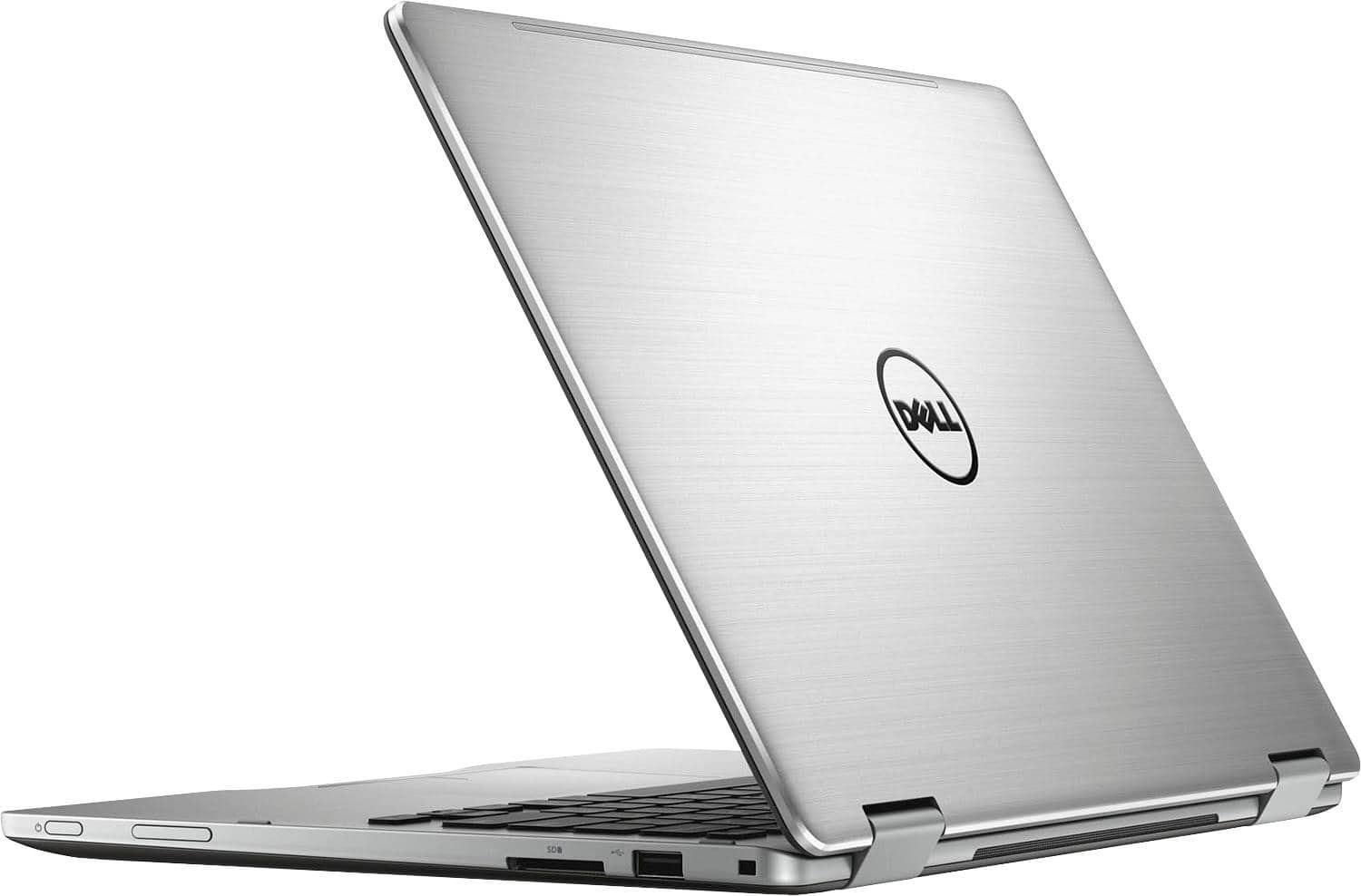
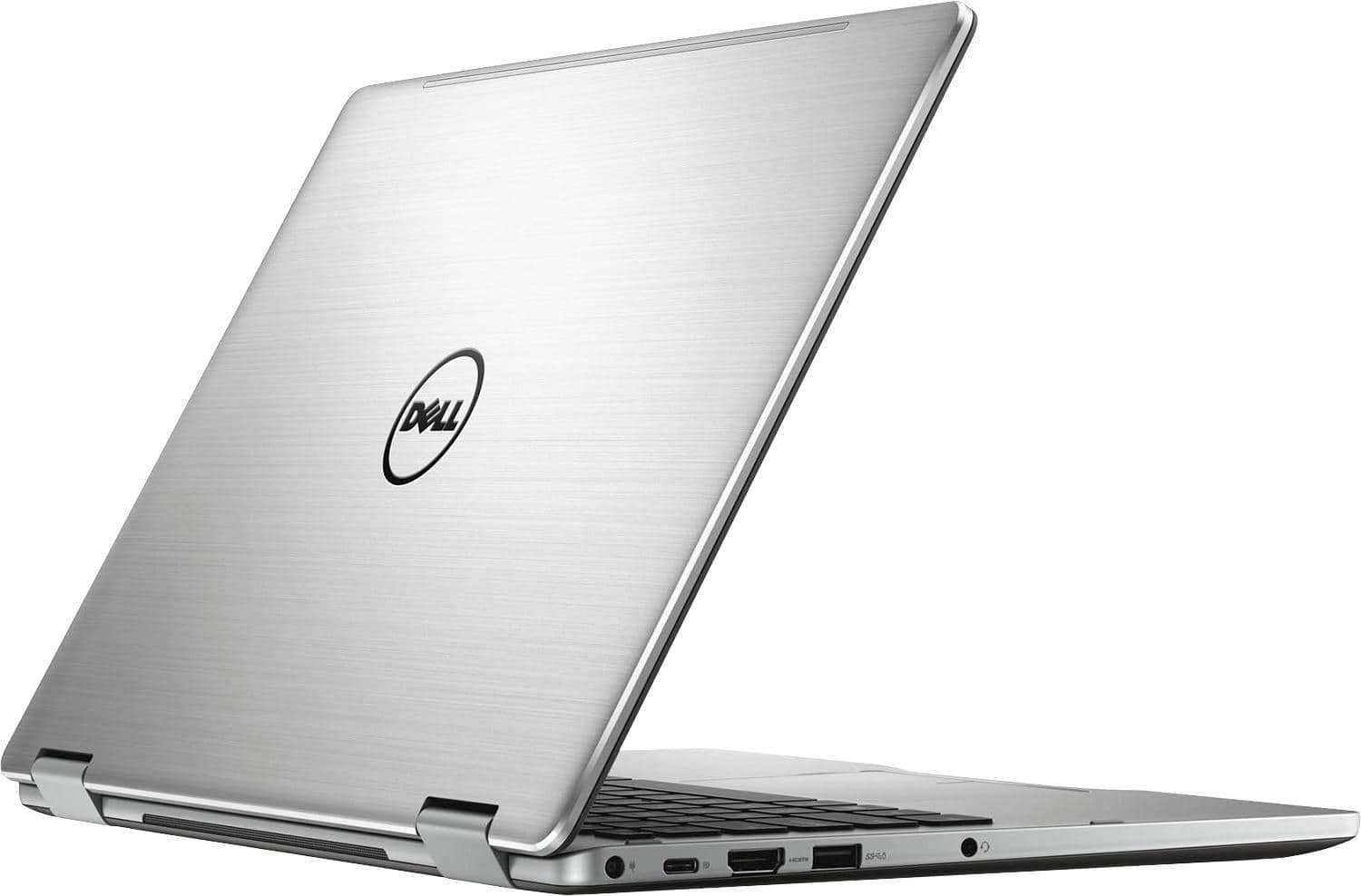
Customers express satisfaction with the Inspiron 2-in-1 laptop's touch screen, performance, lightweight design, and long battery life. They appreciate the backlit keys and overall design. However, some users have concerns about the fan noise and overheating issues, while others wish for more storage space.
This summary was generated by AI based on customer reviews.
Runs animation programs decently
Posted .This reviewer received promo considerations or sweepstakes entry for writing a review.Pro. I have had this laptop of many years, almost 5. Although not advertised this laptop has supported many of my big programs like photoshop, maya, zbrush, premiere pro etc. And laptop had always run them smoothly. The only time I had issues was with a rush and maya when exporting full resolution stuff. Cons. The display is not that great Poor battery life The laptop has poor audio sound quality After a couple years the top screen started to physically fall apart.
I would recommend this to a friend- Pros mentioned:PriceCons mentioned:Fan
"You get what you pay for" rings true.
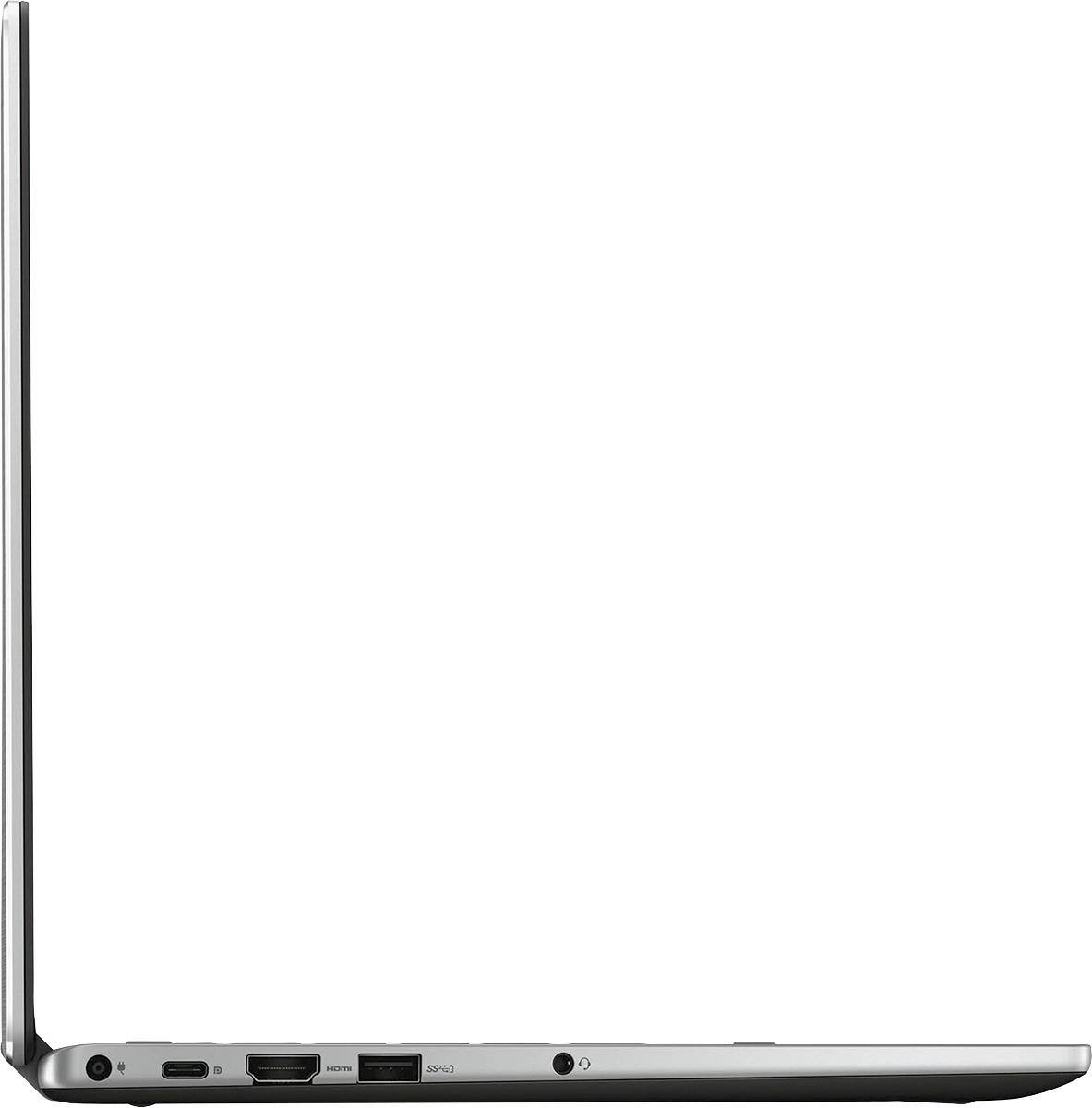
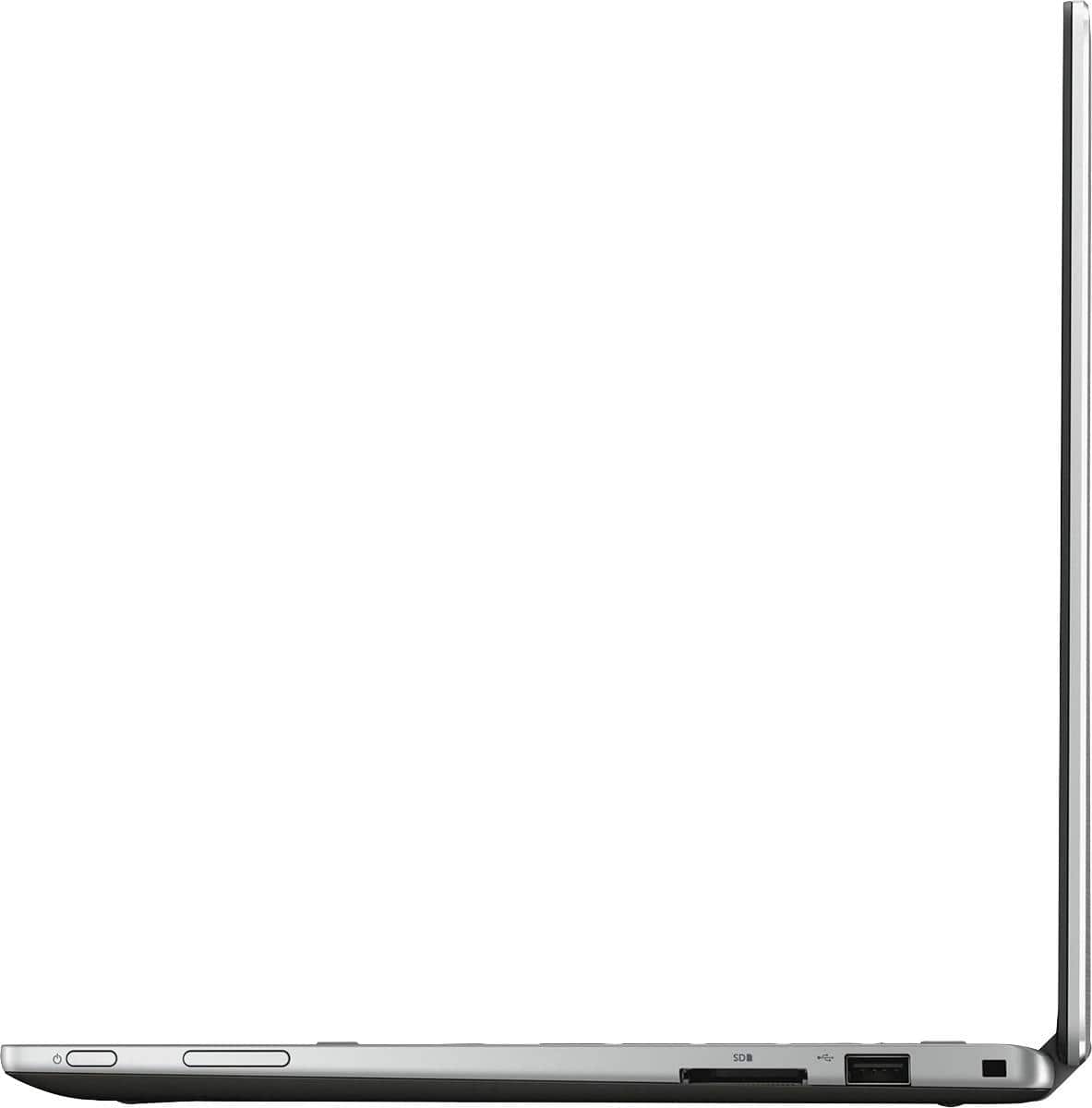
Posted .This reviewer received promo considerations or sweepstakes entry for writing a review.I purchased this laptop for school as well as an on-the-go alternative to my desktop at home. Dell is a well-known brand and the specs looked awesome for the price(I paid just over $700 for it during a sale including my student discount). However, Dell appears to have cut a few corners with this model: the fan is loud, the display is not full HD despite the claim, and the unit is far clunkier than it needs to be. Also, one of the two standard USB ports is 2.0 instead of 3.0; pairing a 2.0 with a USB-C is insulting. If you can pick this up on sale, it's a decent—if unnecessarily bulky and dated—laptop. Otherwise, I'd recommend some of the options on the Surface line from Microsoft—which is what I exchanged this for.
No, I would not recommend this to a friendBrand response from YourDellTeam
Posted .Dear CaptainD, We're sorry to hear that you were unhappy with your recent Dell laptop purchase. There are a few causes to fan noise that we'd recommend you consider with your next Dell laptop. Please consider that the fan could be loud because of:
1. An out-of-date BIOS.
2. Obstructions in the fan or vent area.
3. Physical damage.
4. Dust accumulation in the fan or vent area.
5. Usage while not on a flat surface or proper ventilation clearance.
6. Using near a heat source or in a hot environment.
For additional tips and troubleshooting, you can read the full support article for fan noise here - http://dell.to/2uGDHo5.
- Cons mentioned:Overheating
Ruining my career
Posted .This reviewer received promo considerations or sweepstakes entry for writing a review.Spent over 1K on this thing and it has let me down. It crashed over 25 TIMES. I have never damaged it or had liquids near it. At first it was loud and overheated. Then it went to BSOD in the middle of class and work - frequently. I lost EVERY FILE on my laptop on one of the crashes - causing significant delay and stress. I sent it to Dell for repair - terrible service because I turned it back on and it crashed 5 TIMES after the "repair." I asked for replacement and they ignored me. i want my money back, even if it is 3 months later. My entire life is on this laptop and it is a complete disappointment.
No, I would not recommend this to a friendBrand response from YourDellTeam
Posted .CarlaSanchez - Thanks so much for your review and for your Dell laptop purchase. We're so sorry to hear that you are having this much trouble with your new laptop. One thing we could recommend is having you troubleshoot what is causing the blue screen errors by following these steps:
1. At the desktop, click the Search the web and Windows box and type "problem reports".
2. Select View all problem reports to view a list of errors that have occurred on your computer and possible solutions for them, such as updating drivers, flashing your system BIOS, or checking for updates to the software.
3. Under the Source column, look for Windows and under Summary, look for Shut down unexpectedly.
4. Right-click the line item and select Check for a solution.
You can read the full article here - http://dell.to/2u98Cct.
All Dell products come with a One Year Limited Warranty, you can view the terms of our warranty here - http://dell.to/2tNsVOs.
If you need to contact Dell's Technical Support team for any reason you can always reach out to them here - http://dell.to/2sH7Qlm.
We hope that these tips help your computer perform the way you had hoped it would. - Bryan
Perfect all purpose Laptop
Posted .This reviewer received promo considerations or sweepstakes entry for writing a review.This laptop is very slim and very light not to mention the fact that it looks gorgeous. Feels quality and is very quiet. Laptop is an i7, 12gb ram, and 256gb ssd; there's nothing more to say about it--it's fast. Battery life is very good 8+ hrs for general use. Reason for 4 stars is because the laptop did come with a number of bloatwares (preinstalled programs that were of no use to me). I removed them all. The laptop DOES come with a light up keyboard in two modes; low mode and high mode. It's very nice when typing in dim lighting. Overall, a very good laptop. I'm very satisfy with my purchase.
I would recommend this to a friendValue for money
Posted .This reviewer received promo considerations or sweepstakes entry for writing a review.Excellent Product!! Value for money!! Easy to use and looks good
I would recommend this to a friendHorrible service after the sale
Posted .This reviewer received promo considerations or sweepstakes entry for writing a review.As it turns out, there are no benefits for purchasing through Best Buy. If it does not work, they will tell you to call Dell. Dell support was with a gentlemen that was having a party at his house and significant noise in the background, only to tell me to ship it back to Dell and wait 12-24 days to see if they can fix it. The integrated camera did not work out of the box. So much for quality.
No, I would not recommend this to a friendBrand response from YourDellTeam
Posted .Hello Valued Customer - Thanks for your review. We're sorry to hear that you've had trouble with your new laptop since you received it. All Dell products do come with a One Year Limited Warranty if you do believe that the issue that you're having cannot be fixed. You can read the terms of our Warranty here - http://dell.to/2tNsVOs.
If you'd like to reach out to our Dell Technical Support Team again here are the best ways to reach them - http://dell.to/2sH7Qlm. We hope that your new computer will function the way that you intended it to soon. - Bryan
Touch pad is not working
Posted .This reviewer received promo considerations or sweepstakes entry for writing a review.I got this laptop for good deal with great configuration but within five days, I had a very bad experience. Touch pad has stopped working. I have requested Best Buy for exchange and have to see if it has same problem.
I would recommend this to a friendBrand response from YourDellTeam
Posted .@SSLK we're sorry to hear that you're experiencing issues with the trackpad on your new Dell Laptop. We'd recommend that you take a minute to read the following Dell Support article related to troubleshooting touchpad issues - http://dell.to/2uAiIWe. We hope that these tips help resolve any issues that you've been having with the touchpad on your device.