Customer Ratings & Reviews


- Model:
- I3275-A356BLK-PUS
- SKU:
- 6334303
Rating by feature
- Value
Rating 3.7 out of 5 stars
- Quality
Rating 3.7 out of 5 stars
- Ease of Use
Rating 3.8 out of 5 stars
Customers are saying
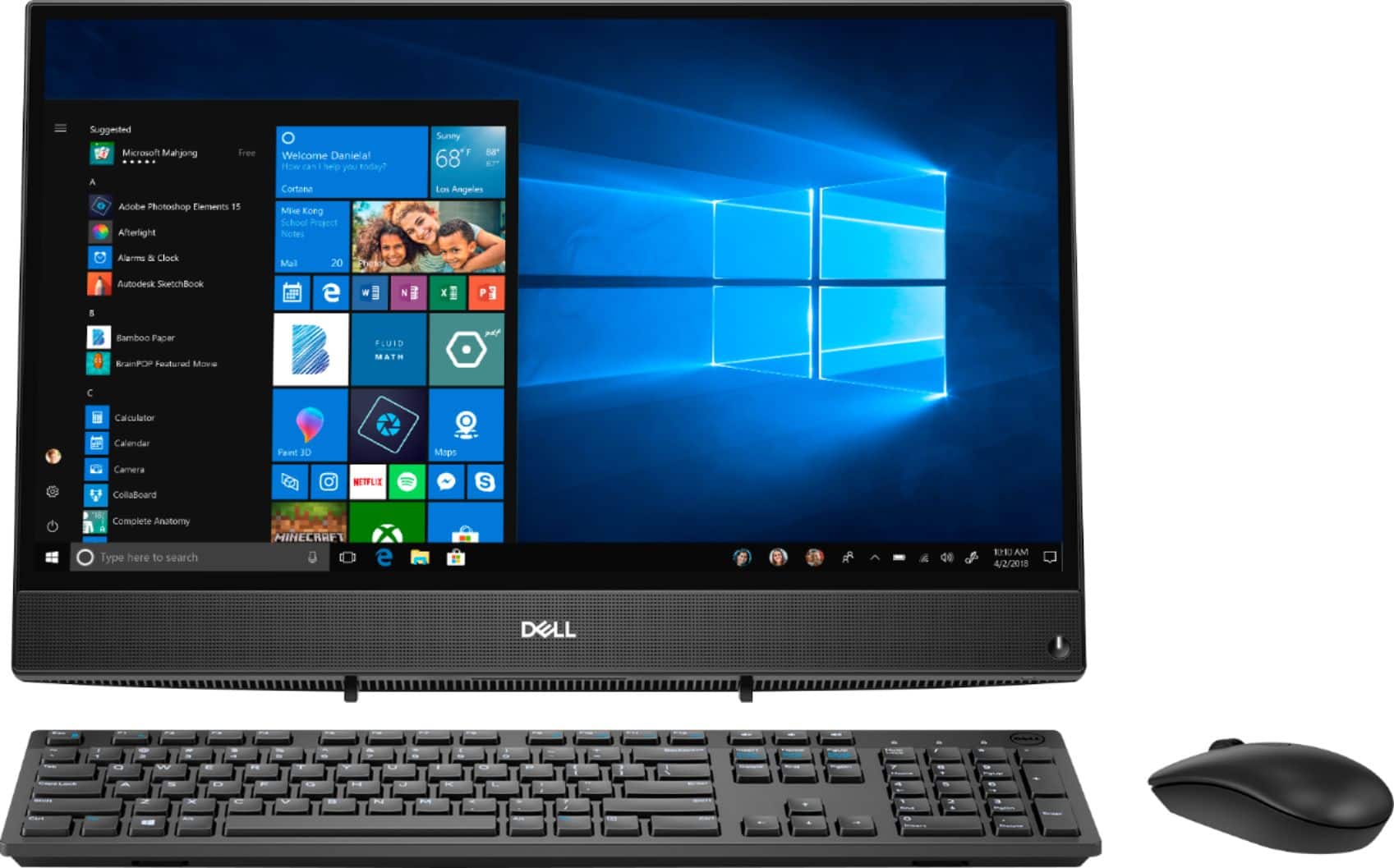
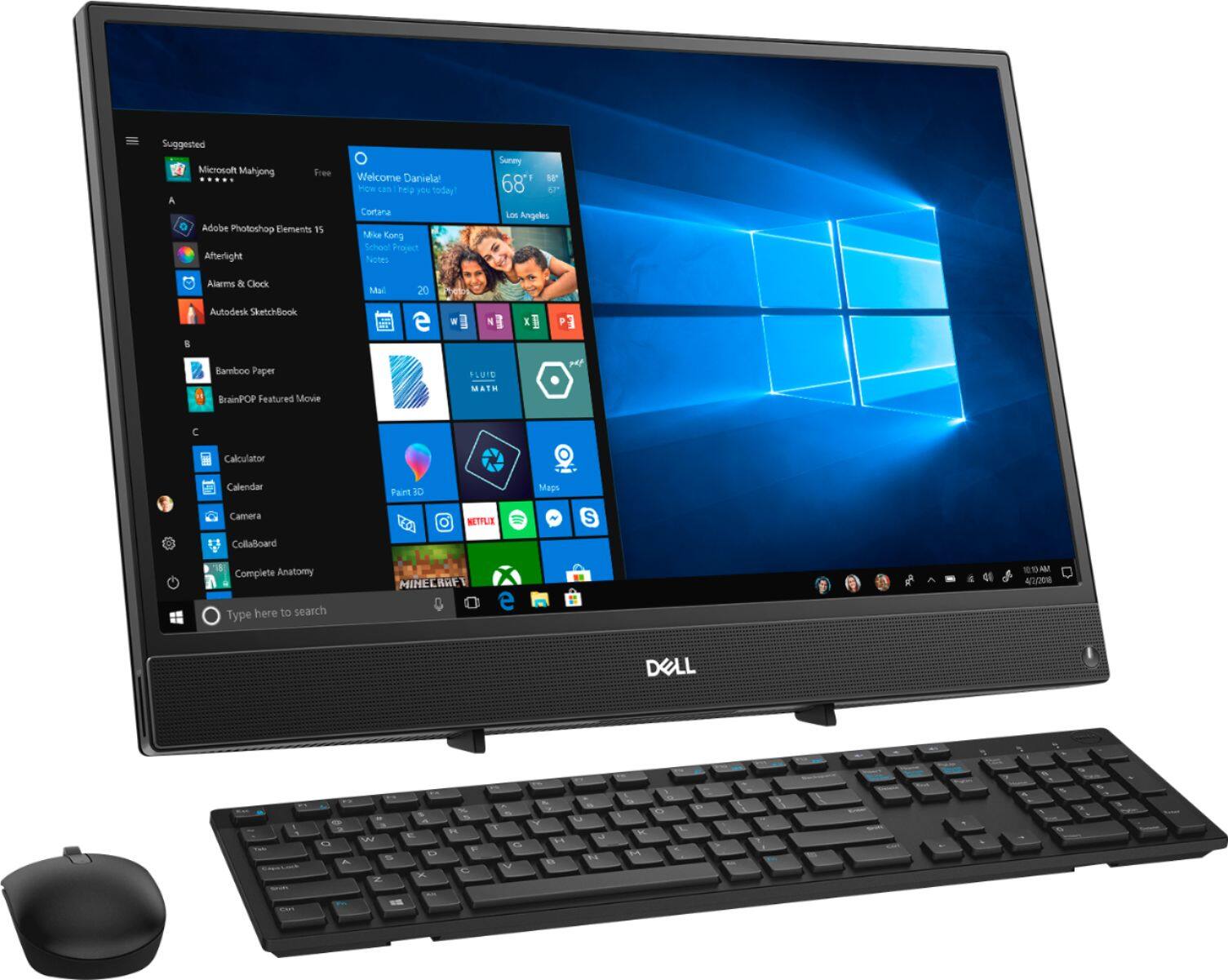
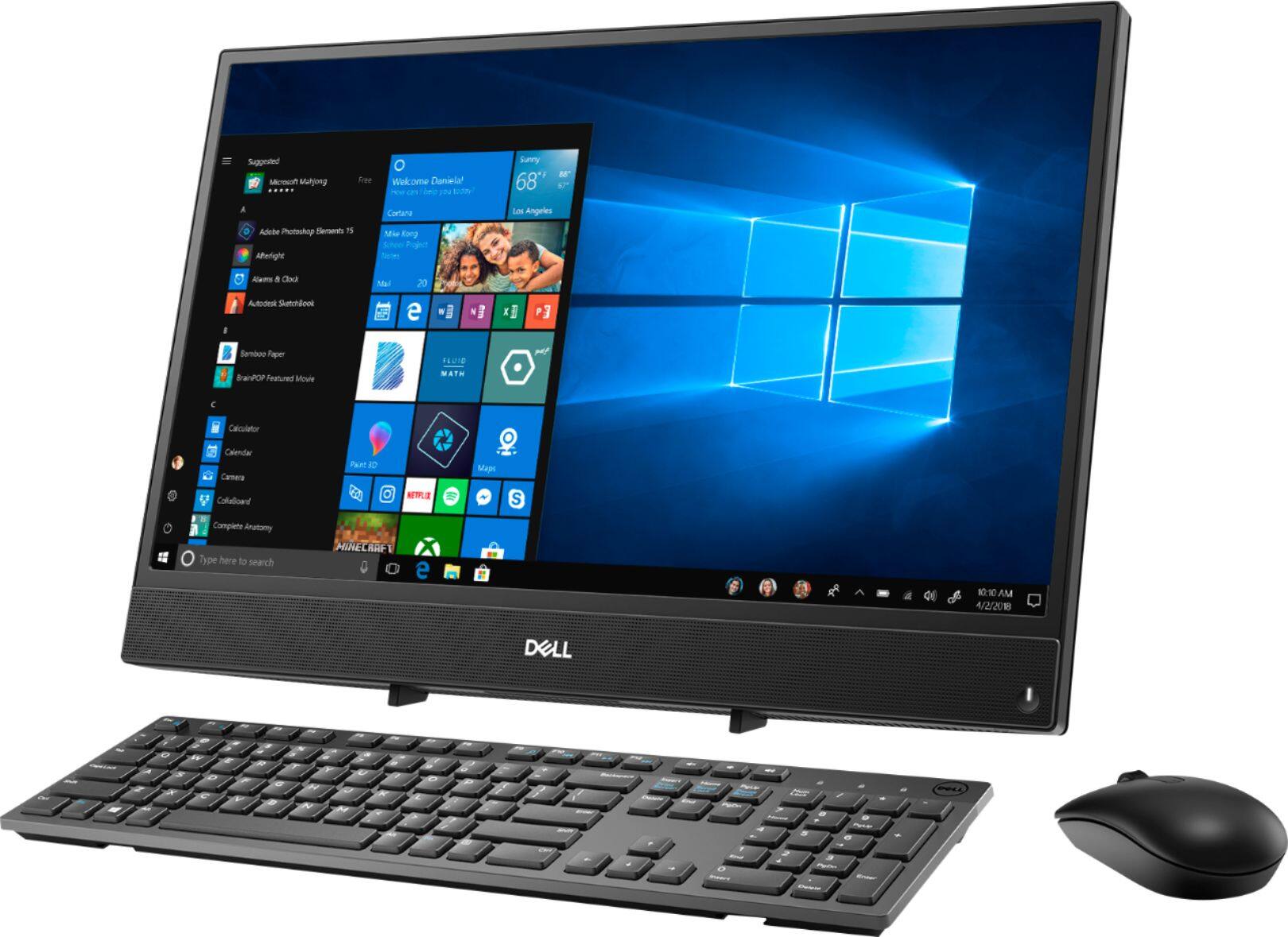
Customers highly value the ease of use and touch screen functionality of the Inspiron 21.5" All-in-One, with many praising its user-friendly design and responsive touch capabilities. The affordable price point is also frequently cited as a positive aspect. However, some users express concerns regarding the system's performance and limited RAM, suggesting potential limitations for demanding tasks. A few also mention issues with the included mouse and the absence of a built-in camera.
This summary was generated by AI based on customer reviews.
- Pros mentioned:Touch screen
Decent for cost
||Posted . Owned for 3 weeks when reviewed.This reviewer received promo considerations or sweepstakes entry for writing a review.Not the best on the market but decent for price and to be touch screen
No, I would not recommend this to a friendBrand response from YourDellTeam
Posted .Skuba,
Thanks for your review. We're glad that you're enjoying your new All-In-One. If you have any questions about your computer you can visit our Product Support Page here: https://dell.to/2u32zX8.
Best,
Bryan
1-800-624-9896
- Cons mentioned:Performance
DIDNT LIKE IT
||Posted . Owned for 3 weeks when reviewed.This reviewer received promo considerations or sweepstakes entry for writing a review.OVERALL THINK I GOT RIPED OFF FOR OVER 500 DOLLARES SHOULD GOT BETTER QAULITY CAME WITH GENIRIC KEY BOURD AND MOUSE NOT ANY THING SPECIAL IT FREEZES ALOT AND WONT HARDLY RUN EVEN FB BUT IM DEALING WITH WANTED TO TAKE BACK BUT DIDNT WANT THE HOUSEL ANY WAY ALL I THINK I GOT SCREWED
No, I would not recommend this to a friendBrand response from YourDellTeam
Posted .GREGORY,
We're sorry to hear that your computer is freezing on you. We'd recommend the following steps to help resolve the freezes that you're experiencing:
1. Turn off your Chromebook, then turn it back on.
2. Close all your apps and browser windows.
3. If a specific tab in your browser causes your Chromebook to crash or freeze, hard refresh the page: Ctrl + Shift + r.
4. If you've installed any new apps or extensions recently, uninstall them.
5. Reset your Chromebook.
6. Recover your Chromebook.
You can read the full article here: http://bit.ly/2XkwjwG.
Best,
Bryan
1-800-624-9896
- Cons mentioned:Speed
kind of slow
||Posted . Owned for 2 months when reviewed.This reviewer received promo considerations or sweepstakes entry for writing a review.got this for my home office and it does the job just kind of slow
I would recommend this to a friendBrand response from YourDellTeam
Posted .law1139,
Thanks for your review. If you'd like to see if your computer can perform a little faster you can run the Windows Performance Troubleshooter:
1. Close all open windows.
2. Press the Windows logo key + X key on the keyboard.
3. Click Control Panel.
4. Click System and Security.
5. Under Security and Maintenance, select Troubleshoot common problems.
6. Under System and Security, click Run maintenance tasks.
7. Follow the on-screen instructions and prompts to complete the process.
8. Restart the PC.
You can read the full article here - http://dell.to/2tSulGV.
Best,
Bryan
1-800-624-9896
- Pros mentioned:Touch screenCons mentioned:Speed
Absolutely terrible.
||Posted . Owned for 1 month when reviewed.This reviewer received promo considerations or sweepstakes entry for writing a review.While the user interface is nice and the touchscreen has its abilities, this computer is slower than a snail. Not only can it not run small games like Minecraft, it can’t even run google chrome. Terrible. Honestly a waste of money.
No, I would not recommend this to a friendBrand response from YourDellTeam
Posted .Watko,
We're sorry to hear that you're not satisfied with your All-In-One's speed. We'd recommend running the Windows Performance Troubleshooter to see if there is anything you can do to help your computer run faster:
1. Close all open windows.
2. Press the Windows logo key + X key on the keyboard.
3. Click Control Panel.
4. Click System and Security.
5. Under Security and Maintenance, select Troubleshoot common problems.
6. Under System and Security, click Run maintenance tasks.
7. Follow the on-screen instructions and prompts to complete the process.
8. Restart the PC.
You can read the full article here - http://dell.to/2tSulGV.
Best,
Bryan
1-800-624-9896
Great computer for a student entering high school
||Posted . Owned for 1 month when reviewed.This reviewer received promo considerations or sweepstakes entry for writing a review.It is good for a student who likes to play games and has a lot of school work. To do. And it doesn’t take up a lot of space
I would recommend this to a friend- Cons mentioned:Performance
Major issue
||Posted . Owned for 1 month when reviewed.This reviewer received promo considerations or sweepstakes entry for writing a review.Too slow and freeze multiple times Using the internet sickens me
No, I would not recommend this to a friendBrand response from YourDellTeam
Posted .Tvplus,
Thanks for your review, we're sorry to hear about the freezes that you're experiencing. Please follow these steps to help diagnose the freezing on your computer:
1. Turn off your Chromebook, then turn it back on.
2. Close all your apps and browser windows.
3. If a specific tab in your browser causes your Chromebook to crash or freeze, hard refresh the page: Ctrl + Shift + r.
4. If you've installed any new apps or extensions recently, uninstall them.
5. Reset your Chromebook.
6. Recover your Chromebook.
You can read the full article here: http://bit.ly/2XkwjwG.
If you'd like to see if your computer can perform faster for you we'd recommend running the Windows Performance Troubleshooter:
1. Close all open windows.
2. Press the Windows logo key + X key on the keyboard.
3. Click Control Panel.
4. Click System and Security.
5. Under Security and Maintenance, select Troubleshoot common problems.
6. Under System and Security, click Run maintenance tasks.
7. Follow the on-screen instructions and prompts to complete the process.
8. Restart the PC.
You can read the full article here - http://dell.to/2tSulGV.
Best,
Bryan
1-800-624-9896
- Cons mentioned:Mouse, Speed
Extremely slow, didn’t come as advertised.
||Posted . Owned for 1 month when reviewed.This reviewer received promo considerations or sweepstakes entry for writing a review.This is by far the slowest PC I have owned. It was advertised as “open box, all parts included”. It literally didn’t have anything with it. No keyboard, mouse, not even a charger. Very dissatisfied and disappointed.
No, I would not recommend this to a friendBrand response from YourDellTeam
Posted .Matt,
Thanks for your review and we're sorry to hear about your purchase experience. We'd recommend running the Windows Performance Troubleshooter to see if your computer can perform any faster for you:
1. Close all open windows.
2. Press the Windows logo key + X key on the keyboard.
3. Click Control Panel.
4. Click System and Security.
5. Under Security and Maintenance, select Troubleshoot common problems.
6. Under System and Security, click Run maintenance tasks.
7. Follow the on-screen instructions and prompts to complete the process.
8. Restart the PC.
You can read the full article here - http://dell.to/2tSulGV.
Best,
Bryan
1-800-624-9896
- Cons mentioned:Speed
It’s ok
||Posted . Owned for 3 weeks when reviewed.This reviewer received promo considerations or sweepstakes entry for writing a review.It’s a little slow. The processing speed is slower than I expected.
No, I would not recommend this to a friendBrand response from YourDellTeam
Posted .Hello David, slow speeds can frustrate anyone and we regret you're dealing with this. We'd like to offer a solution of this situation.
Please download the BIOS update: 1. Restart the system and press F12 when the Dell Splash logo appears to display the One Time Boot Menu. 2. Using arrow keys, select USB Storage Device and press Return 3. The system will boot to a Diag C:\> prompt 4. Run the file by typing the full filename e.g. O9010A12.exe and hit Return 5. The BIOS Update Utility will load, follow the instructions on the screen.
At your convenience, please call our tech support at 1 (800) 999-3355.
Chris
Inflexible Monitor Design
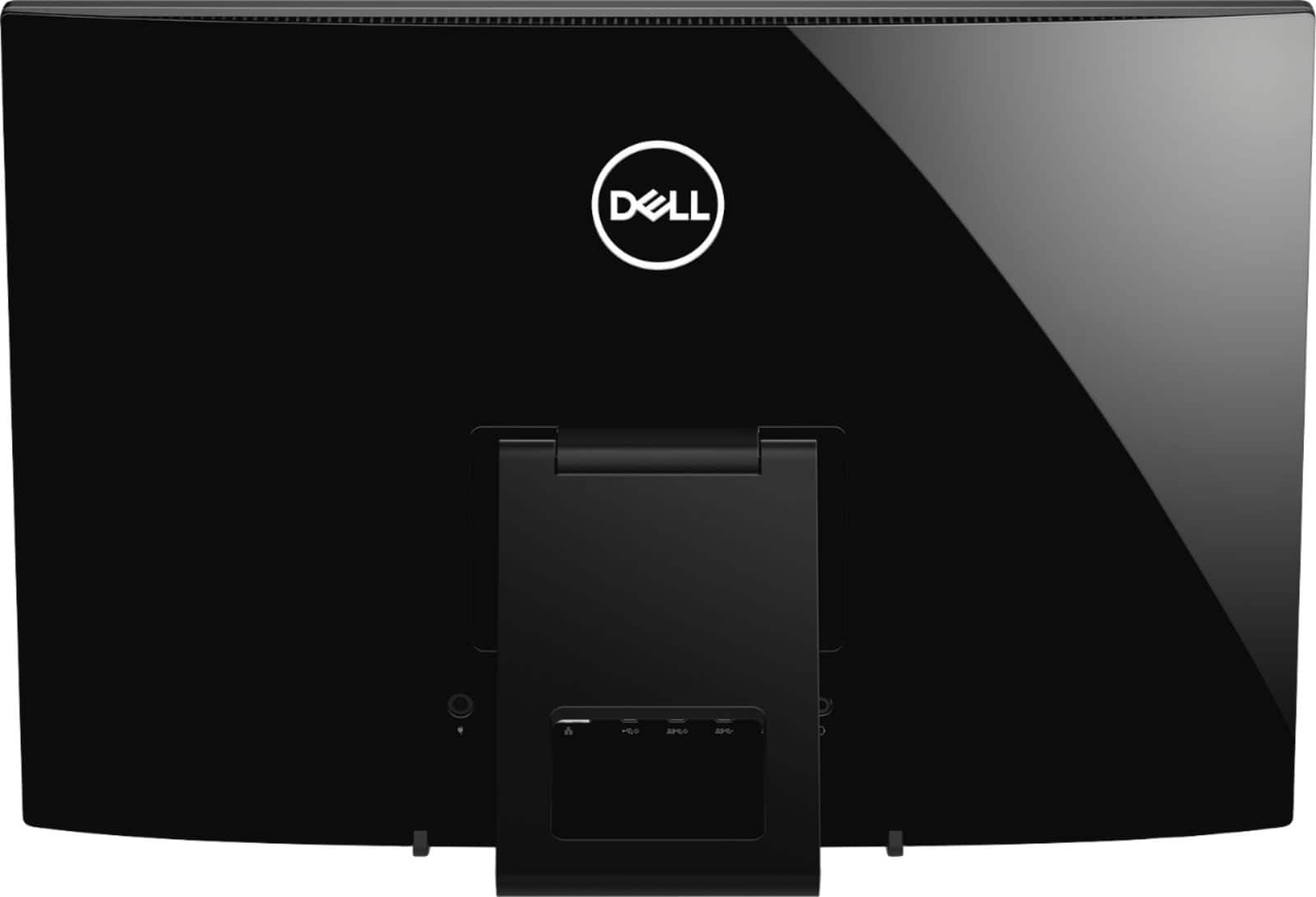
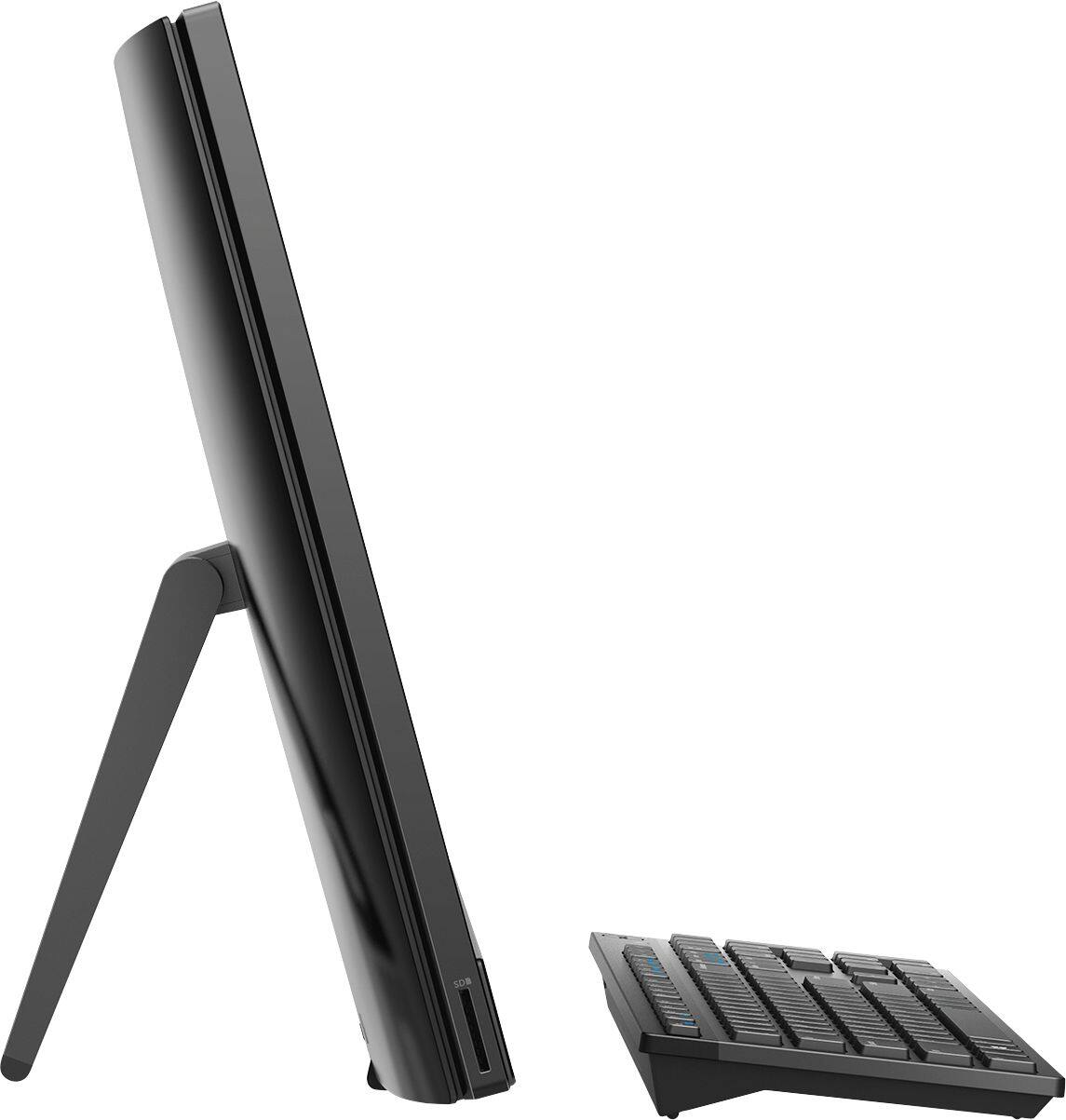
||Posted . Owned for 2 weeks when reviewed.This reviewer received promo considerations or sweepstakes entry for writing a review.I cannot speak to the actual computer workings because I returned this Dell Inspiron All-in-One a day after I bought it. I did not like the design of the monitor...(1) It sits flat on the desk so you cannot put anything in or around it on the desktop without blocking, somewhat, view of the screen. (2) The ports in the back are located right underneath the flap that holds the monitor up so they are very difficult to access, even with the hole in the flap. (3) Because it sits flat on the desk, you cannot tilt it up or down for glare-resistance. I never even got around to trying out the computer workings, the monitor was too user-UNfriendly.
No, I would not recommend this to a friend- Pros mentioned:Touch screen
Very nice
||Posted . Owned for 1.5 years when reviewed.This reviewer received promo considerations or sweepstakes entry for writing a review.Bought this at the beginning of the pandemic back in 2020 for a work pc. Works great touchscreen works great. Pretty decent processor.
I would recommend this to a friend Good basic desktop
||Posted . Owned for 3 weeks when reviewed.This reviewer received promo considerations or sweepstakes entry for writing a review.Was looking for something just for web browsing and YouTube video or other streaming services. The all in one looks good for its price range. Doesn’t look too plastic or cheap.
I would recommend this to a friend- Cons mentioned:Speed
Seems slow for a digital C: drive
||Posted . Owned for 3 weeks when reviewed.This reviewer received promo considerations or sweepstakes entry for writing a review.Slow to boot, find and display files. Might help to add memory.
No, I would not recommend this to a friendBrand response from YourDellTeam
Posted .Elder,
Thanks for your review. We're sorry that your computer is booting a little slower than you'd like it to. We'd recommend the following tips to limit the number of programs that launch at startup:
1. Close all open windows.
2. Press CTRL + Shift + ESC key together on the keyboard.
3. In the Task Manager window, click Startup tab.
4. Select the program or application that you want to disable from loading during startup.
5. Right-click and select Disable.
6. Repeat Step 4 & 5 for all the programs or applications that you want to disable from loading during startup.
7. Restart your PC.
You can read the full article here - http://dell.to/2tSulGV.
We hope that this helps your computer perform better for you.
Best,
Bryan
1-800-624-9896
great purchase
||Posted . Owned for 4 months when reviewed.This reviewer received promo considerations or sweepstakes entry for writing a review.I purchased this in May and have since added more Ram and a hard drive. It runs much smoother and faster now. It was needed with the kids doing online learning at the beginning of school. Great purchase so far.
I would recommend this to a friend- Cons mentioned:Performance
Computer is very slow. Our old one worked better.
||Posted . Owned for 1 month when reviewed.This reviewer received promo considerations or sweepstakes entry for writing a review.This computer was a big disappointment. I would not buy it.
No, I would not recommend this to a friendBrand response from YourDellTeam
Posted .Hello Jack,
Thanks for your feedback. We're sorry that your computer is running slower than you hoped it would. We'd recommend running the Windows Performance Troubleshooter to see if there are ways to speed up your computer's overall speed:
1. Close all open windows.
2. Press the Windows logo key + X key on the keyboard.
3. Click Control Panel.
4. Click System and Security.
5. Under Security and Maintenance, select Troubleshoot common problems.
6. Under System and Security, click Run maintenance tasks.
7. Follow the on-screen instructions and prompts to complete the process.
8. Restart the PC.
You can read the full article here - http://dell.to/2tSulGV.
Best,
Bryan
1-800-624-9896
- Pros mentioned:Touch screen
Great computer
||Posted . Owned for 1 month when reviewed.This reviewer received promo considerations or sweepstakes entry for writing a review.Efficient, big screen and good quality. Cant beat the price compared to other All-In-One computers. Works just as good as a desk top in my eyes for what I need it for.
I would recommend this to a friend - Cons mentioned:Ram
The computer is loading slowly, it cuts in and out
||Posted . Owned for 1 month when reviewed.This reviewer received promo considerations or sweepstakes entry for writing a review.I can't use skype successfully or zoom, it is very inadequate. I am not satisfied. I had to pay a technician to come in virtually and set me up as you gave me an appointment date 5 weeks later than my purchase. I am out hundreds of extra dollars and the computer is not working well for my needs. I've been told I need 8 or more bits or whatever they are for my work and this has only 4. If someone has helped me more adequately I would have gladly bought the next model up. I am very dissatisfied and I hope you can make good somehow on this purcase.
No, I would not recommend this to a friendBrand response from YourDellTeam
Posted .Barb,
We're sorry that your new computer is not meeting all of your needs. In order to ensure that all of the latest drivers and software are installed on your computer we'd recommend running the Dell Support Assist App. If you have any technical questions about your computer you can check our Product Support Page here: https://dell.to/2u32zX8.
Best,
Bryan
1-800-624-9896
- Cons mentioned:Speed
I will never purchase an open-box item again!
||Posted . Owned for 1 month when reviewed.This reviewer received promo considerations or sweepstakes entry for writing a review.I purchased this desktop as an open-box item. It was noted that there was a small cosmetic blemish, but everything with the operating system was perfect. Well was that the farthest thing away from the truth! As soon as I turned it on it was slow and nothing seemed to work. I had a computer technician come set it up because I wasn’t even able to get Microsoft Office to download onto it. Well, the technician found the worst trojan he’s ever seen a computer infected with, another virus, and a two malware infections. 3-hours & $$ later the desktop finally works. I am very disappointed Best Buy sold me this item in the condition it was in without mentioning anything.
No, I would not recommend this to a friend - Pros mentioned:Touch screen
Easy setup
||Posted .This reviewer received promo considerations or sweepstakes entry for writing a review.This is a nice touch screen unit for very casual use.
No, I would not recommend this to a friendBrand response from YourDellTeam
Posted .Darren,
Thanks for your review and we're happy to hear that your computer is meeting your needs. If you have any questions you can check our Product Support Page here: https://dell.to/2u32zX8.
Best,
Bryan
1-800-624-9896
- Cons mentioned:Performance
Nice a package but too slow
||Posted . Owned for 1 month when reviewed.This reviewer received promo considerations or sweepstakes entry for writing a review.Should have been built with an SSD drive which would have improved the performance. I’m planning on spending the money ($80) and installing one. This will also require shrinking and cloning the original HDD. Disappointed with Dell on this.
No, I would not recommend this to a friendBrand response from YourDellTeam
Posted .Borat50,
Thanks for your review and we're sorry that the performance of your new All-In-One is not meeting your needs. After you install an SSD drive on your computer you can always run the Windows Performance Troubleshooter to see if there are settings that you can adjust to help your computer run better for you:
1. Close all open windows.
2. Press the Windows logo key + X key on the keyboard.
3. Click Control Panel.
4. Click System and Security.
5. Under Security and Maintenance, select Troubleshoot common problems.
6. Under System and Security, click Run maintenance tasks.
7. Follow the on-screen instructions and prompts to complete the process.
8. Restart the PC.
You can read the full article here - http://dell.to/2tSulGV.
Best,
Bryan
1-800-624-9896
- Cons mentioned:Speed
Piece of crap!
||Posted . Owned for 1.5 years when reviewed.This reviewer received promo considerations or sweepstakes entry for writing a review.This is literally the WORST COMPUTER I’ve ever purchased in my life! I’ve always been an HP person but decided to give this one a try. Worst mistake! It’s beyond slow! When I start it up, it takes 5 minutes. When I open my web browser it takes 5 minutes. And when I try to open my folders, it freezes. I just can’t anymore! My 2011 HP desktop computer is better than this crap. I haven’t even downloaded any programs because of how slow it is. I even decided to reset the settings to factory settings to see if it would speed it up and even that took 5 hours to complete. I wish I was exaggerating. Never again will I buy a Dell.
No, I would not recommend this to a friendBrand response from YourDellTeam
Posted .Susana,
Thanks for your review. Here are some tips that may help with speeding up the performance of your new All-In-One:
1. Restart your computer regularly.
2. Run the automated tools provided in the SupportAssist Tool.
3. Run a complete hardware diagnostic test.
4. Scan your computer for malware.
5. Restore your Dell computer using Windows System Restore.
6. Reinstall Microsoft Windows.
You can read the full steps associated with each of these recommendations here: https://dell.to/3n29QjE.
Best,
Bryan
1-800-624-9896