Customer Ratings & Reviews


- Model:
- I3275-A821BLK-PUS
- SKU:
- 6196006
Rating by feature
- Value
Rating 3.4 out of 5 stars
- Quality
Rating 3.2 out of 5 stars
- Ease of Use
Rating 3.5 out of 5 stars
Customers are saying
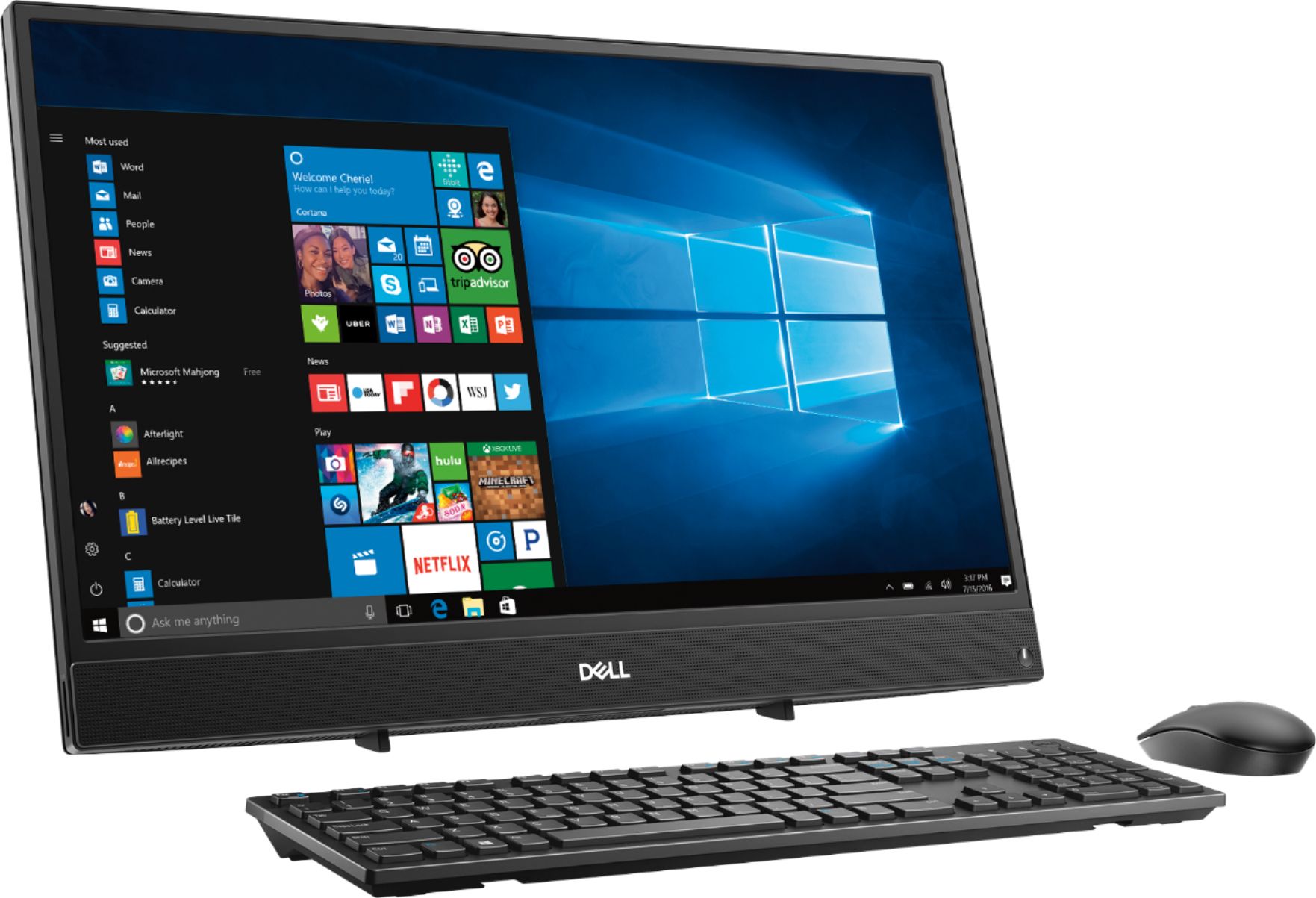
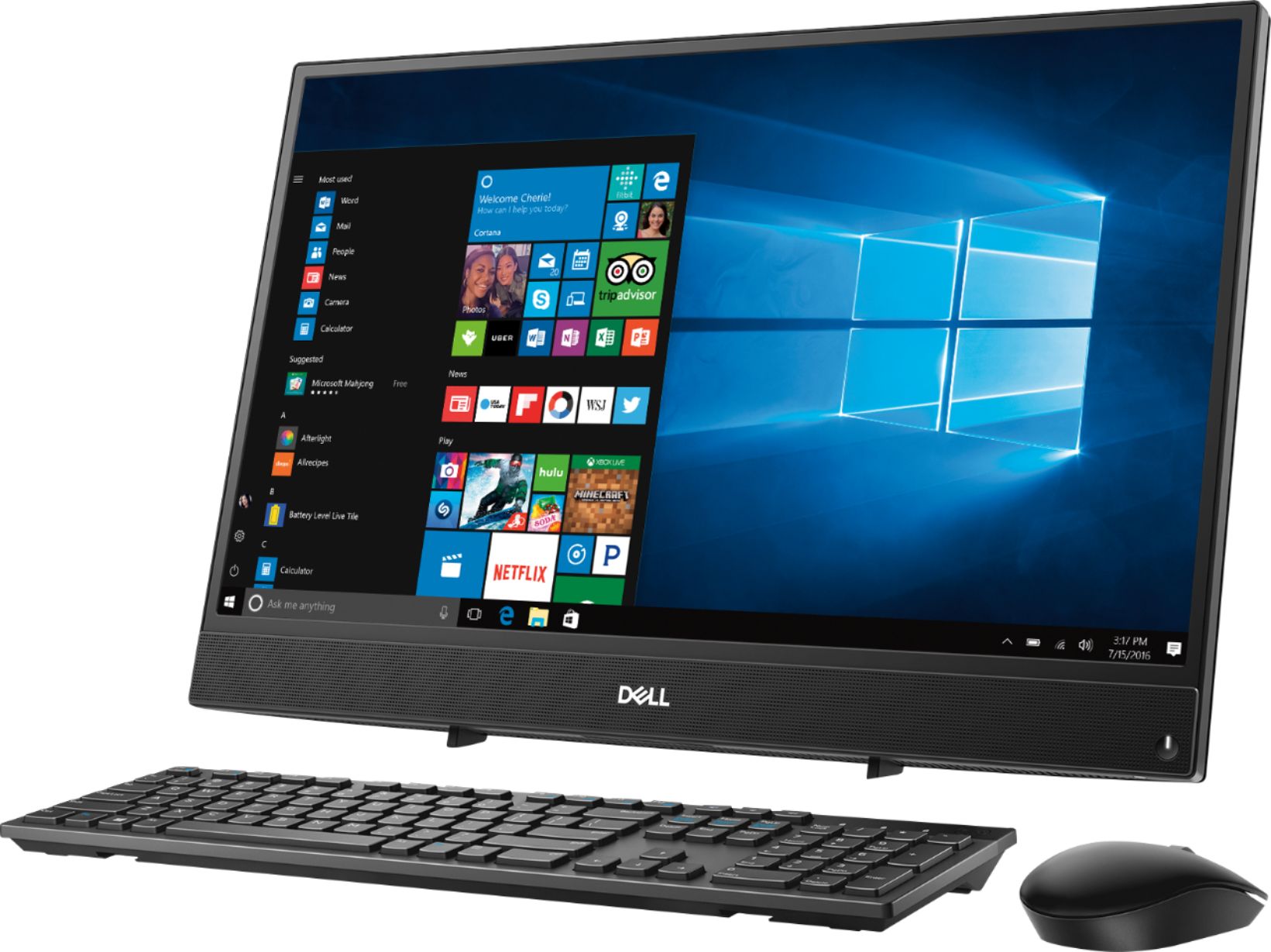
Customers commend the Inspiron 21.5" All-in-One's touch screen, ease of use, and affordable price, finding it compact and attractive. However, some users experienced slow performance and noted limitations in RAM and hard drive speed, suggesting that the system may not be suitable for demanding tasks.
This summary was generated by AI based on customer reviews.
- Cons mentioned:Speed
Not very good
||Posted .This reviewer received promo considerations or sweepstakes entry for writing a review.Very slow PC ok for a modest PC user but to slow for me
No, I would not recommend this to a friendBrand response from YourDellTeam
Posted .Jfrompa,
Thanks for your feedback. We're sorry that your new computer is running slower than you'd like it to. We'd recommend running the Windows Performance Troubleshooter to see if it helps your computer run faster for you:
1. Close all open windows.
2. Press the Windows logo key + X key on the keyboard.
3. Click Control Panel.
4. Click System and Security.
5. Under Security and Maintenance, select Troubleshoot common problems.
6. Under System and Security, click Run maintenance tasks.
7. Follow the on-screen instructions and prompts to complete the process.
8. Restart the PC.
You can read the full article here - http://dell.to/2tSulGV.
Best,
Bryan
1-800-624-9896
- Cons mentioned:Processor
Average PC
||Posted . Owned for 2 months when reviewed.This reviewer received promo considerations or sweepstakes entry for writing a review.I should have brought one with a better processor.
No, I would not recommend this to a friendBrand response from YourDellTeam
Posted .Brown21,
Thanks for your review and we're sorry that your computer is not performing as well as you hoped it would. We'd recommend running the Windows Performance Troubleshooter to see if there are ways to improve your computer's performance:
1. Close all open windows.
2. Press the Windows logo key + X key on the keyboard.
3. Click Control Panel.
4. Click System and Security.
5. Under Security and Maintenance, select Troubleshoot common problems.
6. Under System and Security, click Run maintenance tasks.
7. Follow the on-screen instructions and prompts to complete the process.
8. Restart the PC.
You can read the full article here - http://dell.to/2tSulGV.
Best,
Bryan
1-800-624-9896
A challenge for someone used to Windows Vista.
||Posted .This reviewer received promo considerations or sweepstakes entry for writing a review.Only one disappointment with the computer. There is no way to download music from CDs not purchased over the web and delivered electronically. This also applies to the inability to watch DVDs. These items would be pointed out to anyone that asked about the computer.
I would recommend this to a friendDon't get it twisted!
||Posted .This reviewer received promo considerations or sweepstakes entry for writing a review.Don't get it twisted. Dell is still one of the most awesome computers that money can buy. I bought this unit as a open box and have had an excellent experience using it. The music player is the best because it is still a way for us to expand our music libraries in many ways. Whether you decide to create and listen to your music playlist while surfing the internet or saving your music to a compatible mp3 player, you can count on Dell for many uses. Great for all students across the board! Even if your not in school I believe everyone will enjoy owning a dell.
I would recommend this to a friend- Cons mentioned:Hard drive, Speed
Get a better computer
||Posted .This reviewer received promo considerations or sweepstakes entry for writing a review.This computer is super slow and super irritating. You spend 80% of your time waiting for it to boot programs and once they are booted you’ll spend the other 20% waiting for the program to catch up.
No, I would not recommend this to a friendBrand response from YourDellTeam
Posted .Hi Hoogle,
We're very sorry to hear that your computer is not performing as fast as you'd like it to. We'd recommend running the Windows Performance Troubleshooter on your computer to see if there are ways to speed up your computer's performance:
1. Close all open windows.
2. Press the Windows logo key + X key on the keyboard.
3. Click Control Panel.
4. Click System and Security.
5. Under Security and Maintenance, select Troubleshoot common problems.
6. Under System and Security, click Run maintenance tasks.
7. Follow the on-screen instructions and prompts to complete the process.
8. Restart the PC.
You can read the full article here - http://dell.to/2tSulGV.
Best,
Bryan
1-800-624-9896
- Pros mentioned:Touch screen
Great computer
||Posted .This reviewer received promo considerations or sweepstakes entry for writing a review.I like that it does not take up a lot space. It’s work well. It’s got a fast processor and a nice size screen for me. Also like at the squeeze of fingers that I can resize the screen images
I would recommend this to a friend Great computer at a great price!
||Posted . Owned for 3 weeks when reviewed.This reviewer received promo considerations or sweepstakes entry for writing a review.Picked this open boxed item up for a little over $500. So far I'm very happy with it. With 8 GB & a 1 TB of memory it does an awesome job. I'd probably give it a higher rating but I haven't checked all its features yet.
I would recommend this to a friend- Cons mentioned:Speed
Would not get again
||Posted .This reviewer received promo considerations or sweepstakes entry for writing a review.Slow, Slow, Slow overloaded with downloads, which is making it slow. I've been trying to whittle it away but haven't been able to improve it much. The streaming is terrible.
No, I would not recommend this to a friendBrand response from YourDellTeam
Posted .bestbuycustomer,
Thanks for your review. We're sorry to hear that your computer is running slower than you'd like it to. We'd recommend running the Windows Performance Troubleshooter to see if it will help speed up your computer:
1. Close all open windows.
2. Press the Windows logo key + X key on the keyboard.
3. Click Control Panel.
4. Click System and Security.
5. Under Security and Maintenance, select Troubleshoot common problems.
6. Under System and Security, click Run maintenance tasks.
7. Follow the on-screen instructions and prompts to complete the process.
8. Restart the PC.
You can read the full article here - http://dell.to/2tSulGV.
Best,
Bryan
1-800-624-9896
- Pros mentioned:Ease of use
Great desktop for a technically challenged elder
||Posted .This reviewer received promo considerations or sweepstakes entry for writing a review.It has taken me some time to learn my way around Windows 10 and the new computer, but I'm really liking it now. Got a new keyboard and mouse also, so still lots to learn.
I would recommend this to a friend - Pros mentioned:Touch screen
Great gift for a college Student
||Posted .This reviewer received promo considerations or sweepstakes entry for writing a review.I bought this for my daughter who is starting on another degree. She wanted a more up to date computer and one with a touchscreen. She loves her new Dell.
I would recommend this to a friend - Cons mentioned:Speed
Sharp, but slow
||Posted .This reviewer received promo considerations or sweepstakes entry for writing a review.For its processor speed - which is not great to begin with - interface with this machine tends to be slow as heck. Delayed typing, touch screen that delays before acknowledging that you're touching it, stuff like that.
No, I would not recommend this to a friendBrand response from YourDellTeam
Posted .jackrasityr,
We're sorry that your new computer is not performing the way you had hoped it would. If you'd like to see if you can speed up your computer we'd recommend running the Windows Performance Troubleshooter:
1. Close all open windows.
2. Press the Windows logo key + X key on the keyboard.
3. Click Control Panel.
4. Click System and Security.
5. Under Security and Maintenance, select Troubleshoot common problems.
6. Under System and Security, click Run maintenance tasks.
7. Follow the on-screen instructions and prompts to complete the process.
8. Restart the PC.
You can read the full article here - http://dell.to/2tSulGV.
If you'd like to re-calibrate your touch screen you can follow these steps: Below are the steps required to calibrate your Touchscreen.
1. Restart the Computer and the Monitor
2. Recalibrate the touch-screen. Steps to calibrate touch-screen:
3. Go to Control Panel and select Tablet PC Settings.
4. Under Display tab, select Calibrate.
5. Choose Pen or Touch input.
6. Perform the point calibration that appears on the screen to correct the linearity problems.
7. Save the calibrated data.
You can read the full article here - http://dell.to/2uLztub.
We hope these tips help your computer perform the way you'd like it to.
Best,
Bryan
1-800-624-9896
- Pros mentioned:Touch screen
Great purchase
||Posted . Owned for 2 months when reviewed.This reviewer received promo considerations or sweepstakes entry for writing a review.This was a great purchase for me and my family. Since my 4 year old does not know how to use a mouse and because it’s touch screen it works well for him
I would recommend this to a friend - Pros mentioned:Touch screen
Great value!
||Posted .This reviewer received promo considerations or sweepstakes entry for writing a review.This is a great computer for the price. I really love it. It does everything I need, has a very nice clear screen, and it was everything I hoped for.
I would recommend this to a friend - Pros mentioned:Touch screen
Great PC
||Posted .This reviewer received promo considerations or sweepstakes entry for writing a review.My new 3-in-1 Dell PC is fantastic. It will take me some time to learn all that it can do, but for now, it is handling all my work and business tasks.
I would recommend this to a friend - Cons mentioned:Speed
Good desktop
||Posted .This reviewer received promo considerations or sweepstakes entry for writing a review.Excellent computer but unfortunately windows 10 come with it's own drawbacks. Too many programs running at once which slows the computer tremendously
I would recommend this to a friend - Pros mentioned:Touch screen
Great Product
||Posted .This reviewer received promo considerations or sweepstakes entry for writing a review.This all on one unit was easy to setup. Touch Screen is an added bonus for the area that this is used in.
I would recommend this to a friend - Cons mentioned:Speed
Absolute garbage
||Posted .This reviewer received promo considerations or sweepstakes entry for writing a review.I have two of these one is worse than the other and I set them both up exactly the same right out of the box all I’m using them for is my employees to be able to connect to the Internet to clock in and clock out and honestly this thing is a slow as molasses whether it’s the Internet and app or anything else it’s just slow slow slow and the quality of the body of this thing is cheap would not recommend this to anyone matter fact I wish I could return them both but I’ve held onto them too long trying to work through the problems. Sad.
No, I would not recommend this to a friendBrand response from YourDellTeam
Posted .JeremyFL,
Thanks for your feedback. We're sorry to hear that your computers are not working as well as you hoped they would. We'd recommend running the Windows Performance Troubleshooter to see if there are ways to speed up your computer:
1. Close all open windows.
2. Press the Windows logo key + X key on the keyboard.
3. Click Control Panel.
4. Click System and Security.
5. Under Security and Maintenance, select Troubleshoot common problems.
6. Under System and Security, click Run maintenance tasks.
7. Follow the on-screen instructions and prompts to complete the process.
8. Restart the PC.
You can read the full article here - http://dell.to/2tSulGV.
Best,
Bryan
1-800-624-9896
- Cons mentioned:Processor, Speed
Why Dell?
||Posted . Owned for 1 year when reviewed.This reviewer received promo considerations or sweepstakes entry for writing a review.Don't waste your money on this. It is complete trash. Sooooooo Slooooooow. Save up and get better specs and processor.
No, I would not recommend this to a friend like the size; design could be better
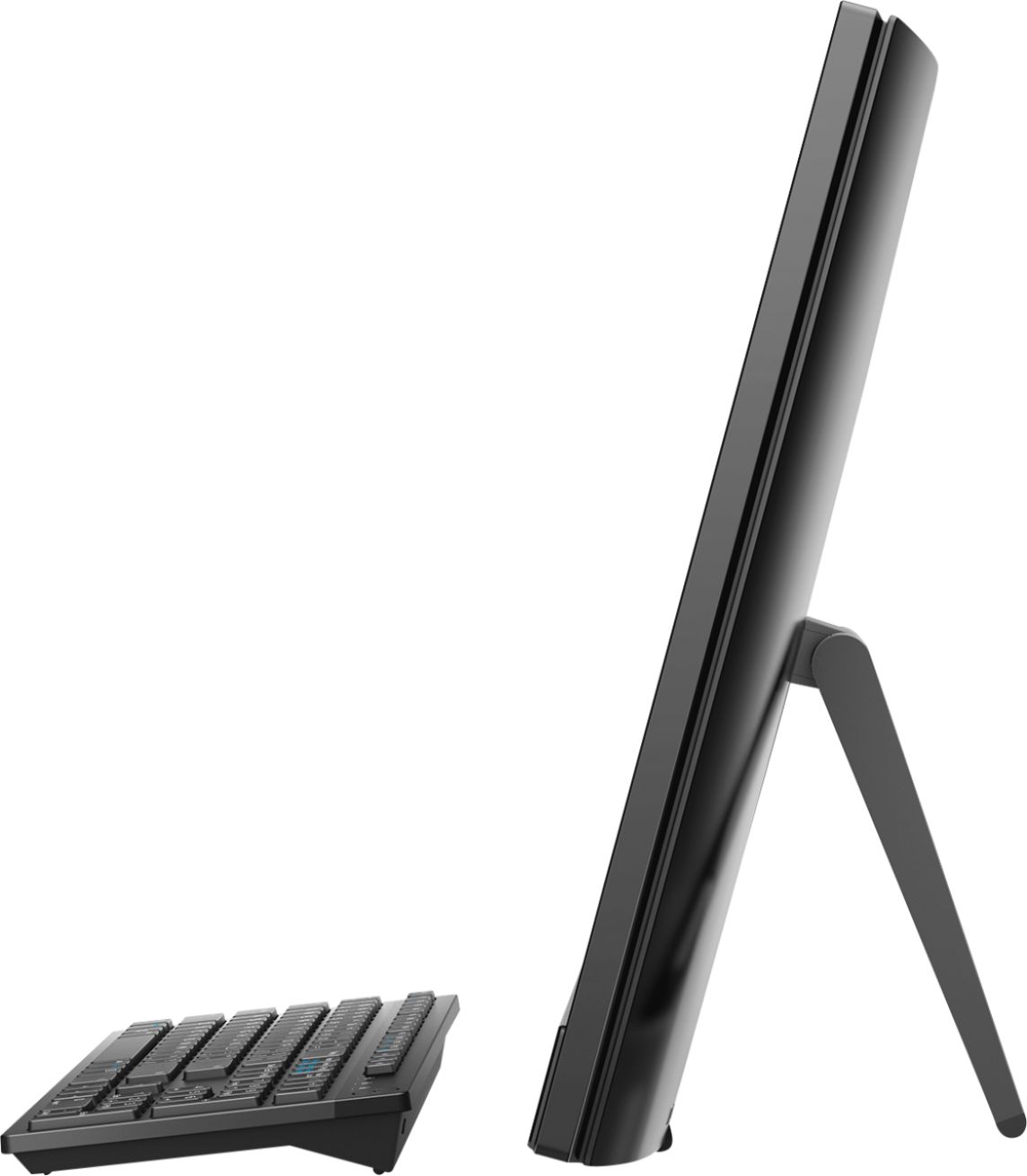
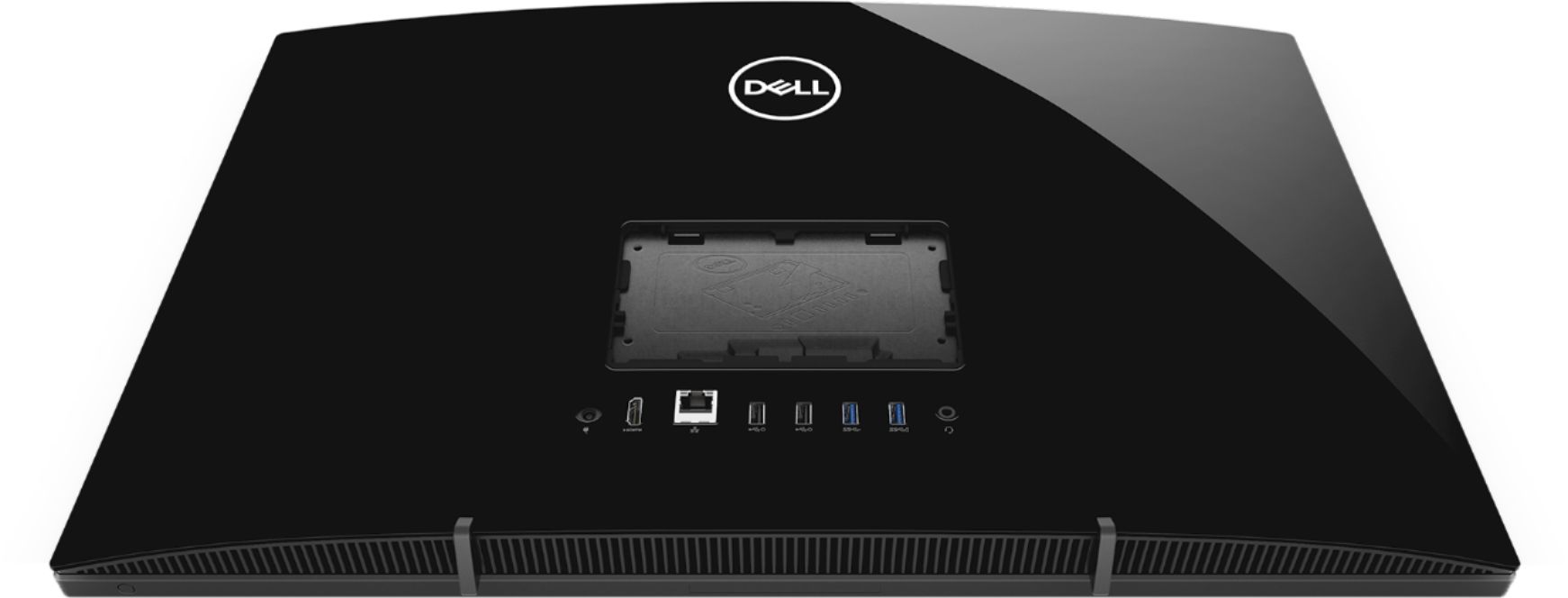
||Posted .This reviewer received promo considerations or sweepstakes entry for writing a review.I like the fact that this is so compact--the whole thing is just slightly larger/thicker than a monitor! That being said, the USB ports are on the back of the monitor, requiring you to turn the thing completely around to awkwardly access them!
I would recommend this to a friendBrand response from YourDellTeam
Posted .McMe,
We're glad that for the most part this All-In-One is working well for you. If you do have questions about your new computer you can refer to our Product Support Page here - https://dell.to/2u32zX8.
Best,
Bryan
1-800-624-9896
- Pros mentioned:Touch screen
Great laptop.
||Posted . Owned for 1.5 years when reviewed.This reviewer received promo considerations or sweepstakes entry for writing a review.This is by far the best laptop I’ve ever purchased. It is fast and you’re able to have multiple screens running.
I would recommend this to a friend