Customer Ratings & Reviews



- Model:
- i5400-7910SLV-PUS
- SKU:
- 6440241
Rating by feature
- Value
Rating 4.5 out of 5 stars
- Quality
Rating 4.8 out of 5 stars
- Ease of Use
Rating 4.6 out of 5 stars
Customers are saying
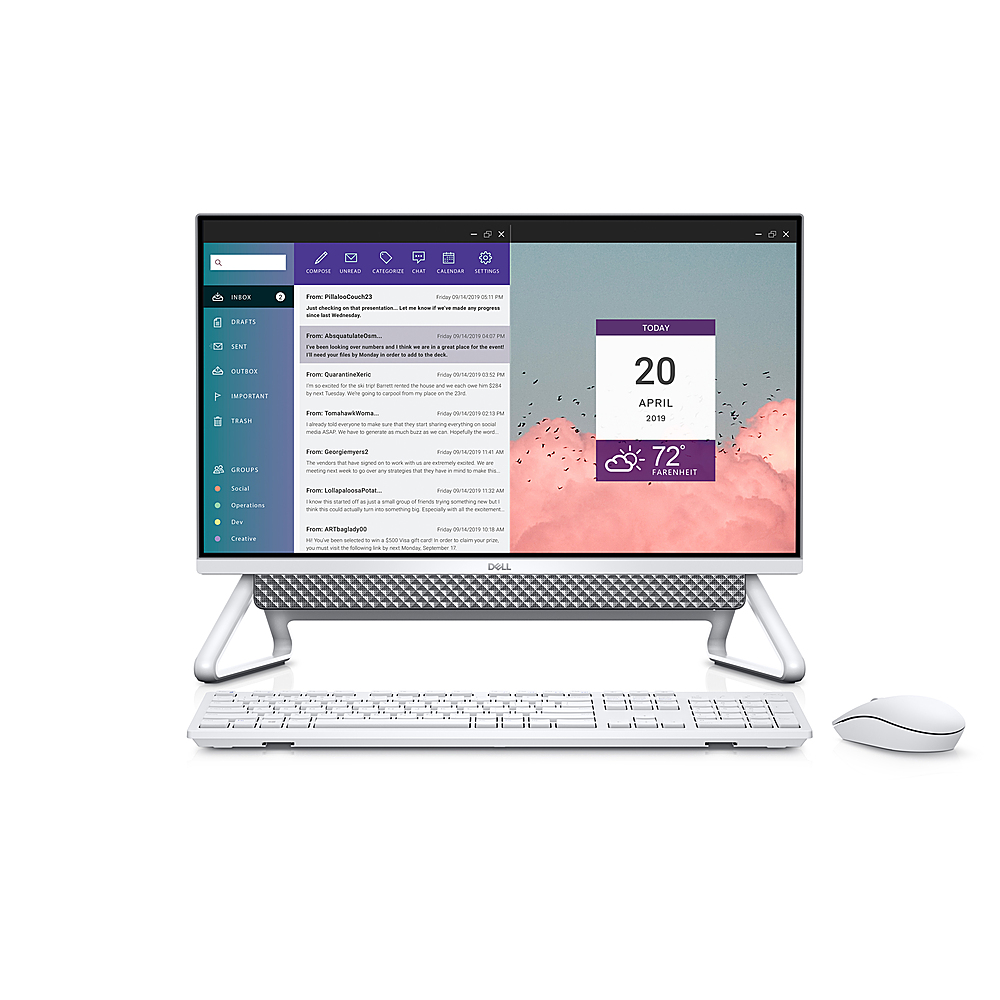
Customers regard the Inspiron 24" All-in-One's performance and large screen as significant strengths, with many praising its smooth operation and ease of setup. The touch screen functionality and matte screen are also frequently highlighted as positive aspects. Overall, users express satisfaction with the computer's capabilities and user-friendliness.
This summary was generated by AI based on customer reviews.
- Pros mentioned:Performance
Dell Inspiron 24"
||Posted . Owned for 3 weeks when reviewed.This reviewer received promo considerations or sweepstakes entry for writing a review.So happy with it. So far everything works well and running smoothly.
I would recommend this to a friend Dell
||Posted . Owned for 1 month when reviewed.This reviewer received promo considerations or sweepstakes entry for writing a review.Awesome my son loves it. Worth the money shipped fast
I would recommend this to a friendDell Purchase
||Posted . Owned for 3 weeks when reviewed.This reviewer received promo considerations or sweepstakes entry for writing a review.Just got device set up so far I like it, hard to write a good review 2 days in
I would recommend this to a friendLoved the computer; except for the problem
||Posted . Owned for 1 month when reviewed.This reviewer received promo considerations or sweepstakes entry for writing a review.I like the features on the Dell. Currently it is with the Geek Squad. Tomorrow will make 7 days it has been at Best Buy. Something was wrong with the camera leaving an imprinted blur. Waiting to hear some news
I would recommend this to a friendBrand response from YourDellTeam
Posted .Dear Valued Customer,
We want to thank you for taking the time to leave us your review. We are sorry to hear you had an issue with the camera in your Inspiron 5400 AIO. We are happy to hear you are getting that issue taken care of and happy to hear you are enjoying the features of your system.
If you require further assistance, you can contact Dell directly with the information below.
Chat or call: https://bit.ly/DellSupportTeam
Phone number to Dell 1-800-624-9896
Best,
Ashley@Dell
unbelievable product; beats expectations!
||Posted . Owned for 1 week when reviewed.This reviewer received promo considerations or sweepstakes entry for writing a review.awesome products. i just can't keep loving this product, and with a great and affordable price
I would recommend this to a friendMissed
||Posted . Owned for 1 month when reviewed.This reviewer received promo considerations or sweepstakes entry for writing a review.My last tower from Dell had a CD player/ recorder ; I miss it ! and I miss using all the CD’s I previously purchased.
No, I would not recommend this to a friendBrand response from YourDellTeam
Posted .Considerations,
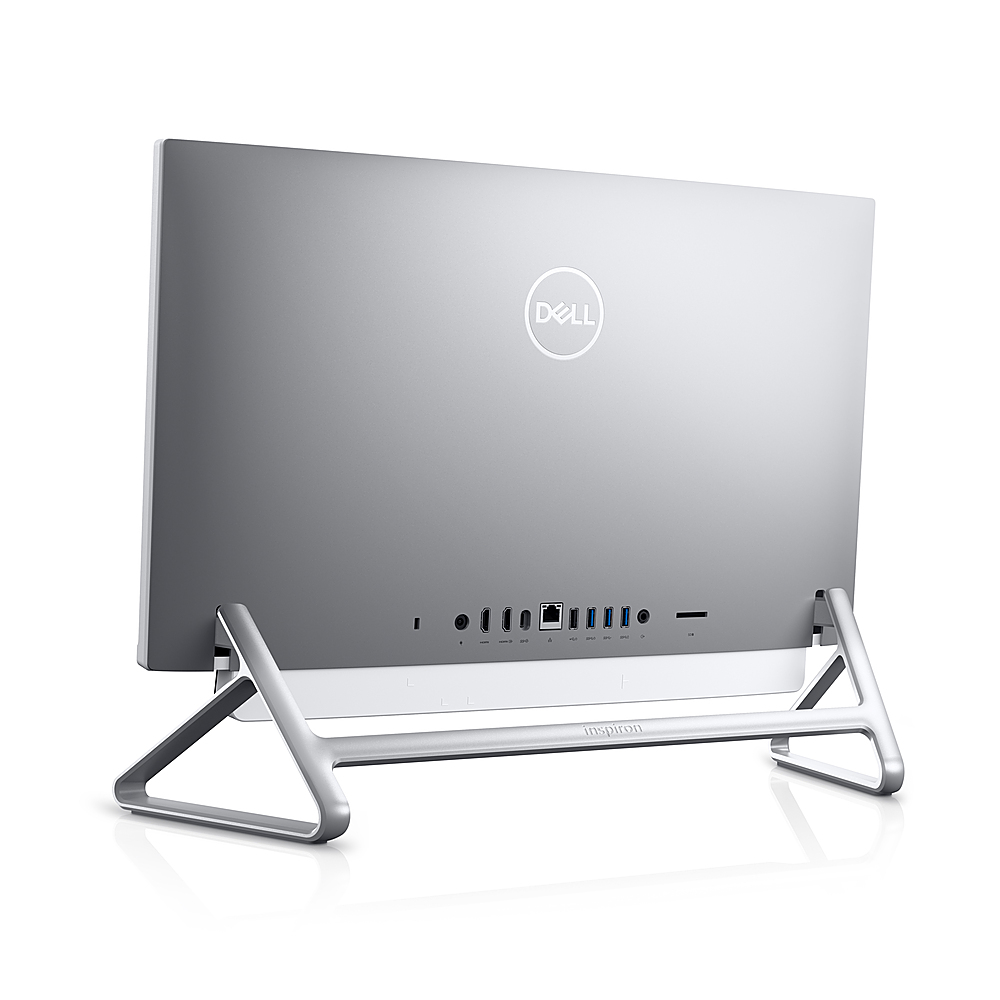
Thanks for your review and we're sorry that your new All-In-One does not include a CD drive. We'd recommend Dell's External Drive that will help with CDs and DVDs like you are used to using on other computers: http://bit.ly/2N8c7bq.
Best,
Bryan
1-800-624-9896
Good all in one for business
||Posted . Owned for 2 weeks when reviewed.This reviewer received promo considerations or sweepstakes entry for writing a review.I bought 3 of them for my small office. My teams love it
I would recommend this to a friendcontinual reboot cycle
||Posted . Owned for 1 week when reviewed.This reviewer received promo considerations or sweepstakes entry for writing a review.Within a few days of unpacking, it went into a continual reboot cycle with a new error message each time. The tech guy at BB determined it was a hardware issue. Fortunately, it happened within a week so not much data was lost.
No, I would not recommend this to a friendBrand response from YourDellTeam
Posted .Hello Cuppa,
Thank you for taking the time to leave us your valued feedback. We sincerely apologize for your experience. This is certainly not what we like to hear from our loyal customers. We are happy to hear you were assisted by a tech and got the issue diagnosed. To help with possible boot-up issues, I have provided a link to an article, which suggests doing a hard reset on your PC. I have given you the steps to perform the hard reset below.
Perform a Hard Reset
1. Turn off the computer.
2. Disconnect the AC adapter or power cable from the computer, and remove the battery (for Dell laptops with removable battery).
3. Disconnect all devices such as USB drives, printers, webcams, and media cards (SD/xD).
4. Press and hold the power button for 15 to 20 seconds to drain residual power.
5. Connect the AC adapter or power cable and the battery (for Dell laptops).
6. If your Dell computer can turn on but is unable to boot into Windows, identify the symptoms and follow the appropriate troubleshooting guide.
7. If your Dell computer is not able to turn on, follow the troubleshooting guide for no power symptom in the table below.
Dell Computer Does Not Turn on or Boot into Windows: https://dell.to/3pgWIvE
If you require further assistance, you can contact Dell directly with the information below.
Chat or call: https://bit.ly/DellSupportTeam
Phone number to Dell 1-800-624-9896
Best,
Ashley@Dell
Geeked up
Posted .This reviewer received promo considerations or sweepstakes entry for writing a review.So happy with this Dell computer. Service at the store, geek squad and after having it home to enjoy. Awesome experience.
I would recommend this to a friend