Customer Ratings & Reviews
- Model:
- DY0HX
- SKU:
- 6455641
to a friend
- Cons mentioned:Overheating
heating up
||Posted . Owned for 2 weeks when reviewed.This reviewer received promo considerations or sweepstakes entry for writing a review.everything is fine but getting too hot while using. it is too hot you can't even keep in your lap
No, I would not recommend this to a friendBrand response from YourDellTeam
Posted .Hi Heating,
Thank you for your feedback and review. We apologize for the trouble you came across with your Inspiron 5000. Below are steps that can help with overheating in the future.
1. Dell does not recommend placing portable systems directly on your lap. Due to reductions in the thickness of modern portable systems, heat transfer can be an issue.
2. Using a portable system (Laptop) on a hard, flat, non-cloth surface will increase airflow and reduce heat from underneath and inside the system.
Using the portable system on a blanket, pillow, or other types of cloth will cover up the fan cause the computer to overheat, and can cause permanent damage.
3. It is recommended to use the portable system in a Room temperature of 0°C to 35°C (32°F to 95°F) with a Humidity level no greater than 90%.
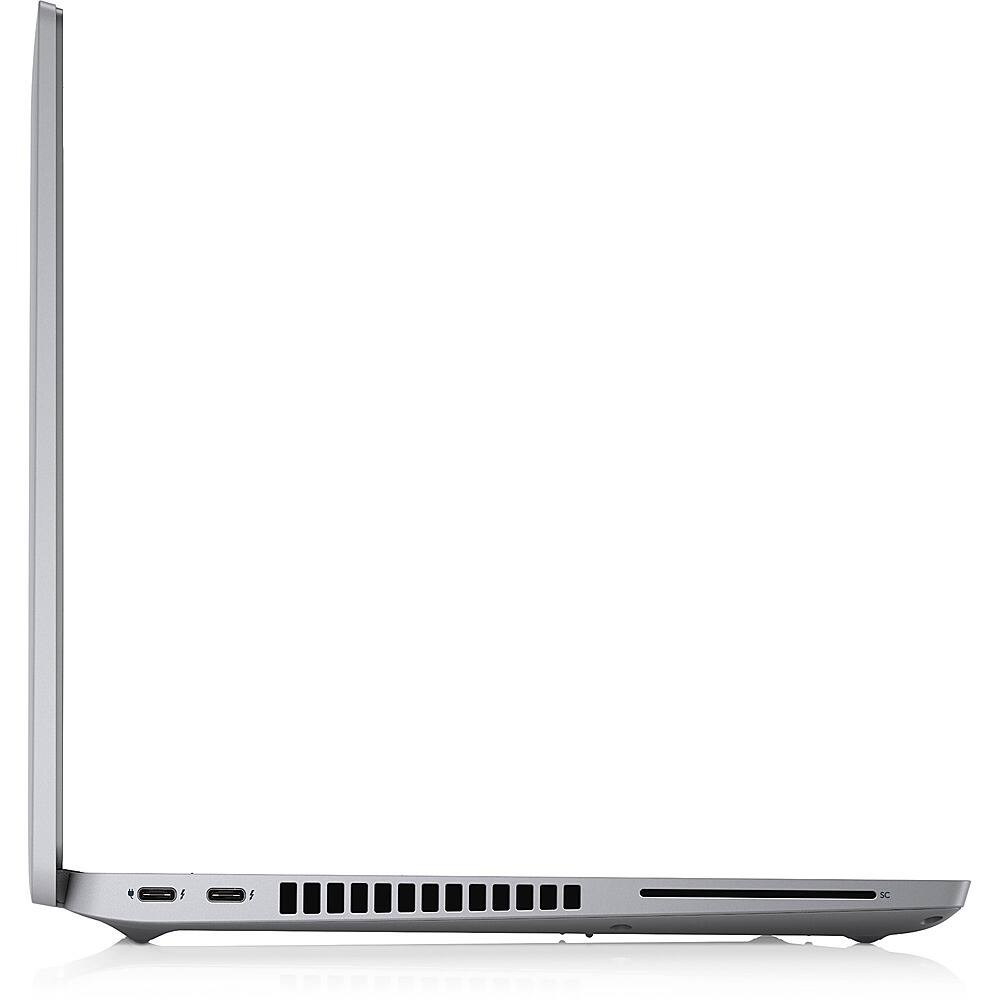
4. Use compressed air to clean the vents on a regular basis.
5. Using a cooling pad can decrease heat and increase performance.
6. If you want to know the temperature limitations for your system, go to the Dell Support Website, look up your system model then open the user guide under the manuals link.
This article contains further details that can help with your overheating: http://dell.to/2uJ8AdG
After utilizing the troubleshooting options provided, if the problem is not resolved, please reach out to our support team here: 1-800-624-9896.
If you require further assistance, you can contact Dell directly with the information below.
Chat or call: https://bit.ly/DellSupportTeam
Phone number to Dell 1-800-624-9896
Best,
Ashley@Dell















