Customer Ratings & Reviews
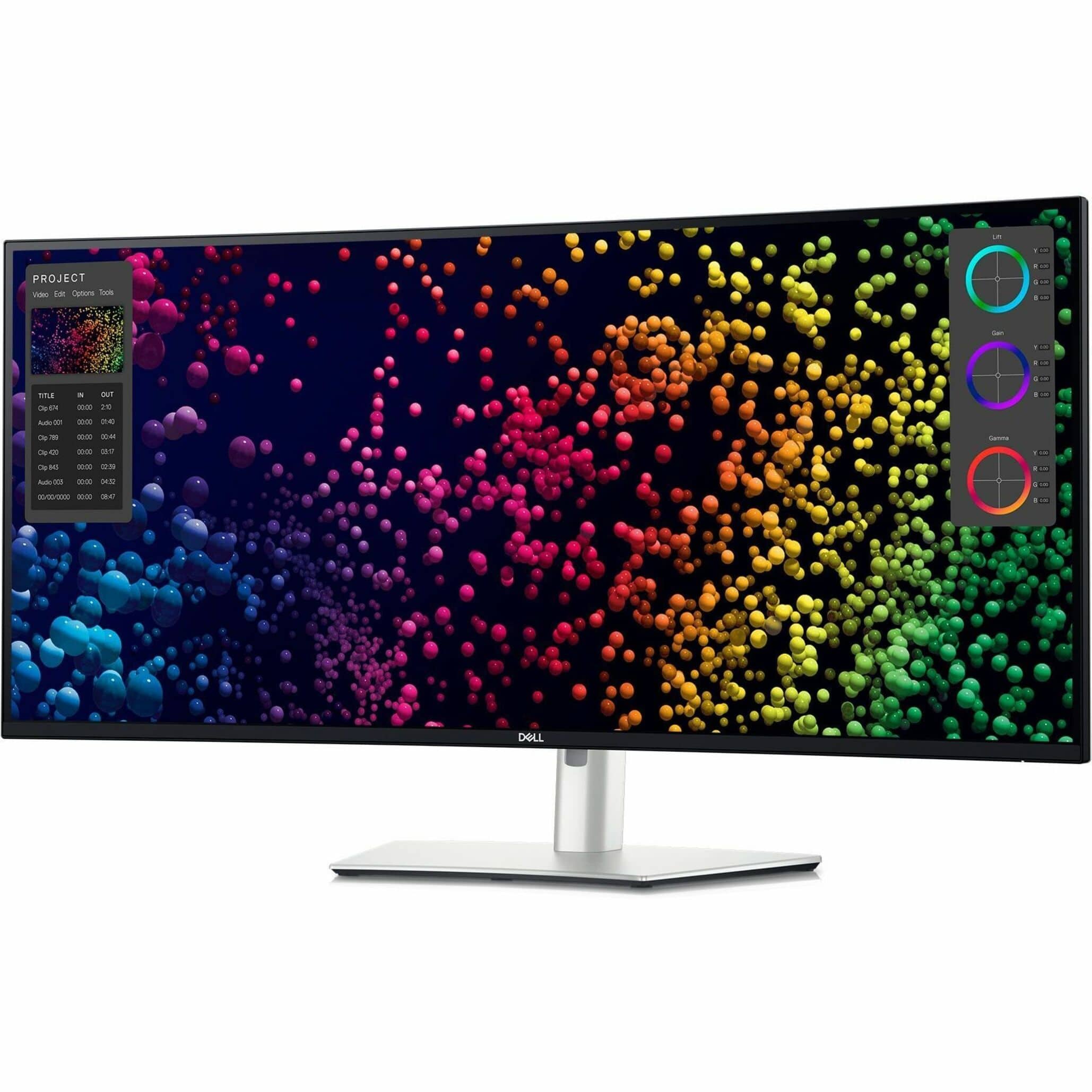
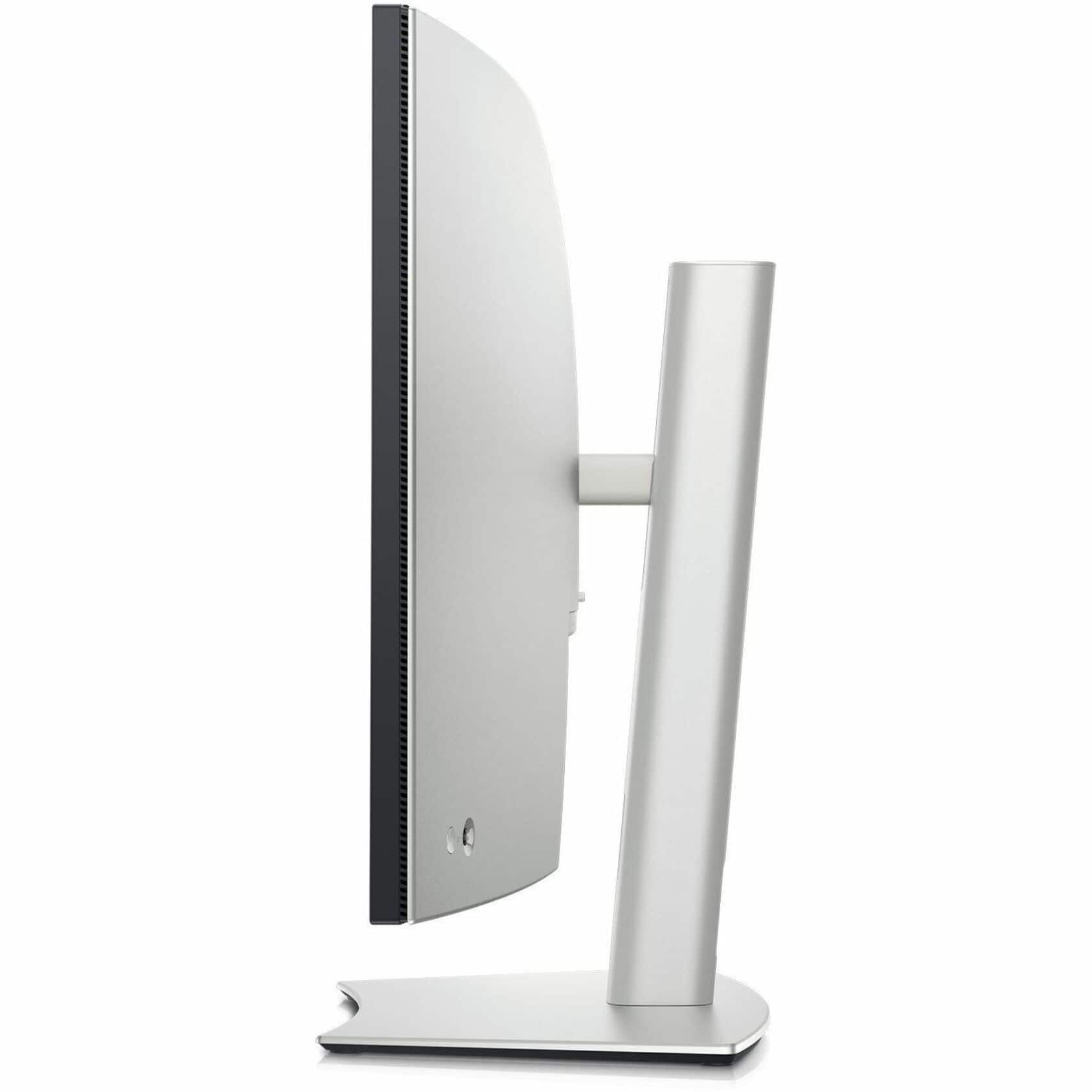
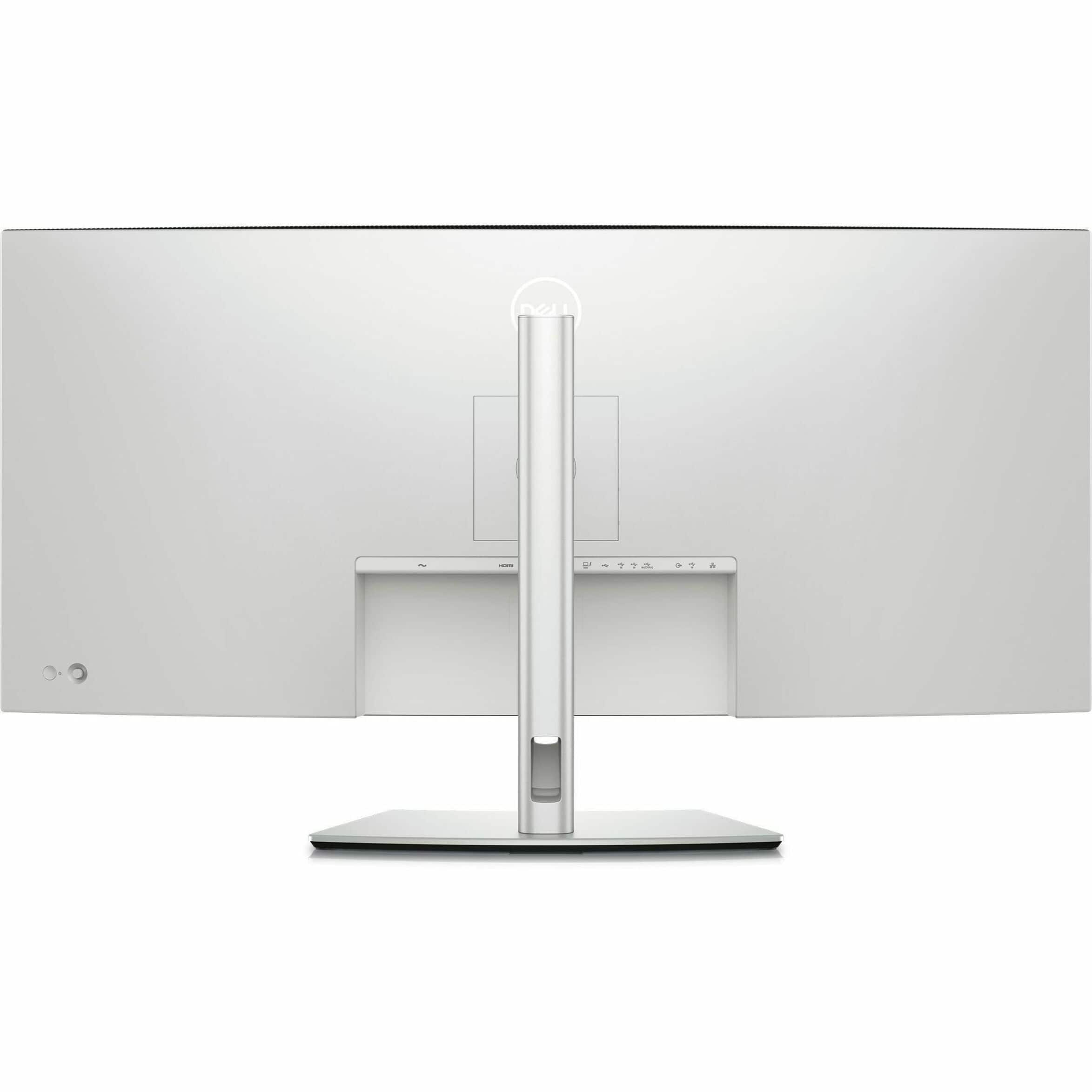
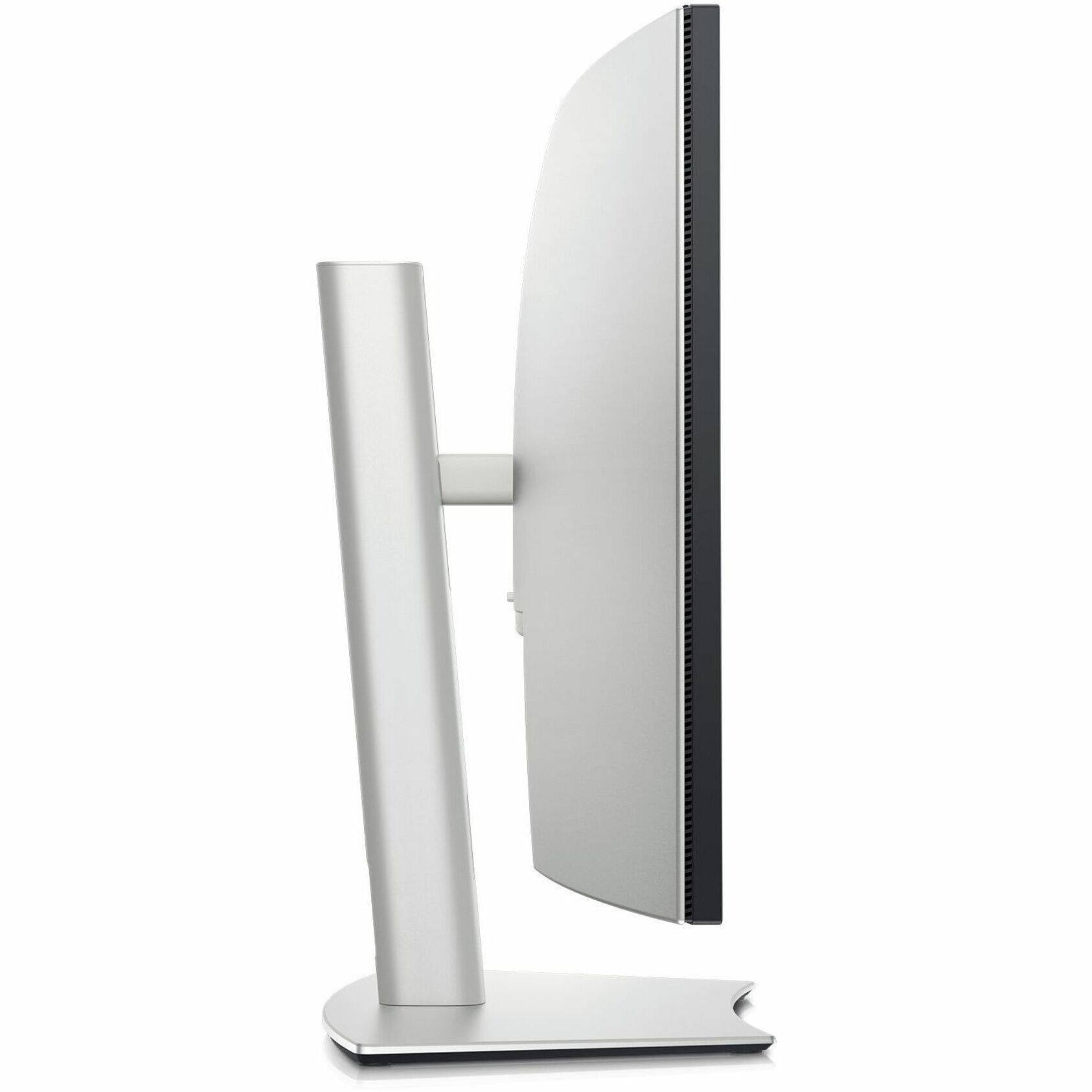


- Model:
- DELLU4025QW
- |
- SKU:
- 12864727
Customer reviews
Rating 4.9 out of 5 stars with 24 reviews
(24 customer reviews)Rating by feature
- Display Quality4.9
Rating 4.9 out of 5 stars
- Ease of Use4.8
Rating 4.8 out of 5 stars
- Features4.9
Rating 4.9 out of 5 stars
Customers are saying
Customers are delighted by the exceptional color accuracy and high resolution that provide a superior viewing experience. Users also frequently praise the monitor for its excellent connectivity options and smooth 120Hz refresh rate. Overall, the product is highly regarded for its impressive technical performance and versatility.
This summary was generated by AI based on customer reviews.
Rated 5 out of 5 stars
Awesome Monitor
||Posted . Owned for 2 weeks when reviewed.This reviewer received promo considerations or sweepstakes entry for writing a review.Great monitor! Good for both gaming and work. Love it!
This review is from Dell - UltraSharp 39.7" IPS LED Curved 120Hz Monitor with HDR (USB, HDMI) - Black, Silver, Dual Color
I would recommend this to a friendRated 5 out of 5 stars
Great for the theater room
||Posted .This reviewer received promo considerations or sweepstakes entry for writing a review.Looks great. Installation was done well and on time.
This review is from Dell - UltraSharp 39.7" IPS LED Curved 120Hz Monitor with HDR (USB, HDMI) - Black, Silver, Dual Color
I would recommend this to a friend- Pros mentioned:Color accuracy, Resolution
Rated 5 out of 5 stars
Probably the best 5K2K Ultrawide In the Market.
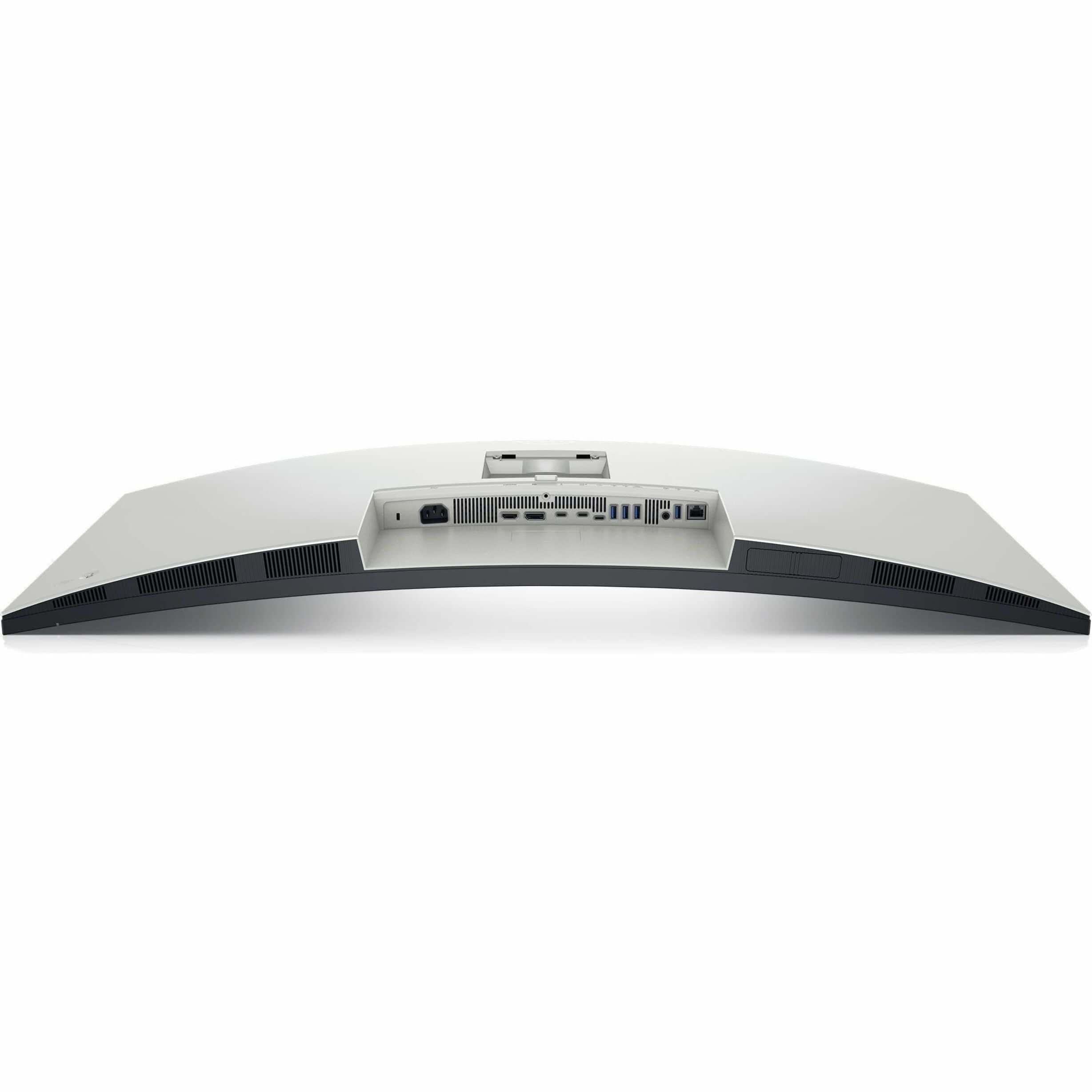
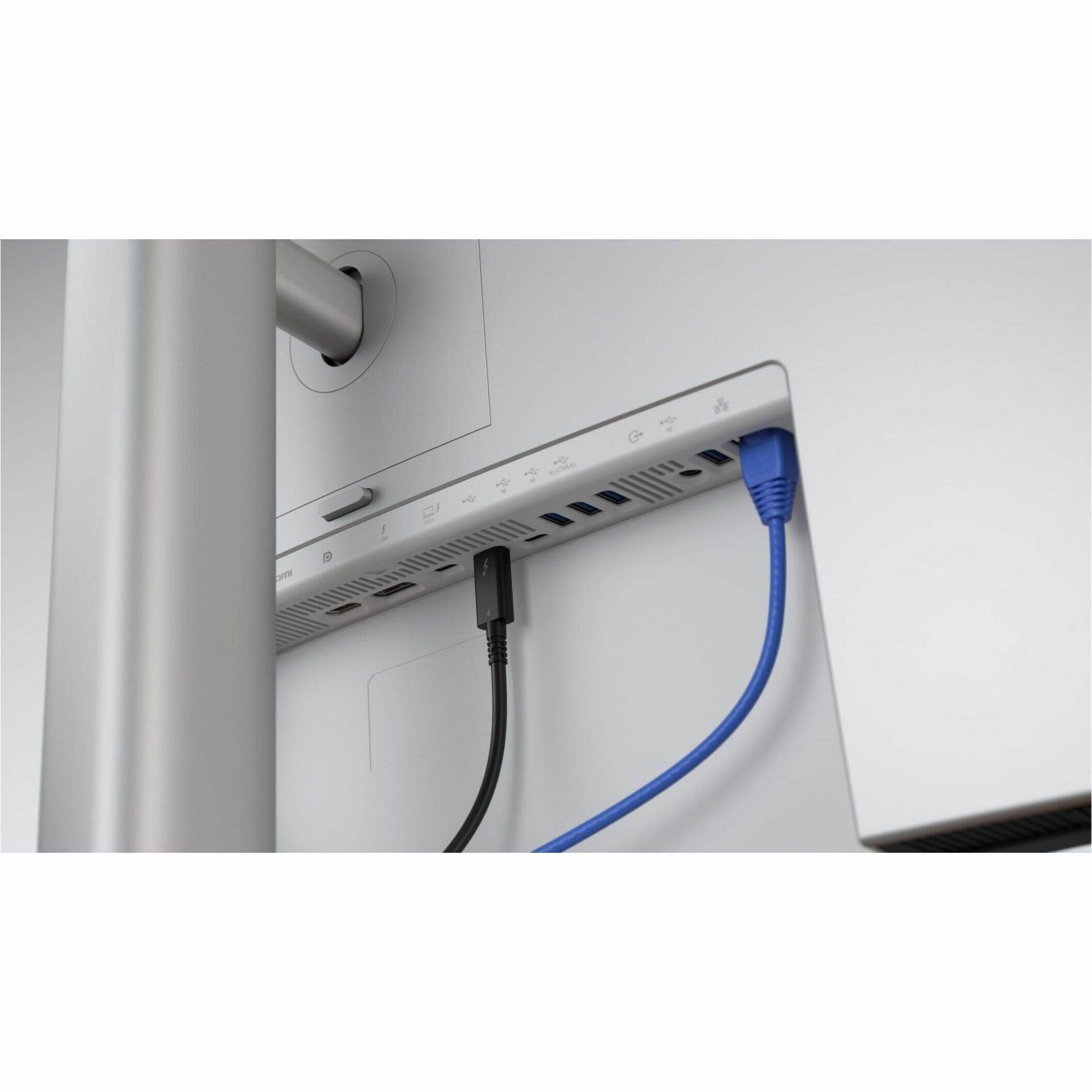
Posted .This reviewer received promo considerations or sweepstakes entry for writing a review.This is a great monitor, picture quality is outstanding with great color fidelity. Coming from a standard 28 inches16X9 Samsung 4K monitor, which I also purchased here on Amazon, sometimes I do notice blurriness on some photos specially if you put them full screen, but this is understandable being that even with the high pixel density on this monitor low quality images will look a little blurry in full screen or when expanded more than %100 of their native size. (Not a monitor's fault). Also, if you want to compensate for that, and you have great vision like 20/20, then you can change the scaling on Windows to just %125 instead of the recommended %150. However, for people like me with not the best vision, then everything becomes a tiny bit too small to look at comfortably. And also at such lower scaling some websites serve smaller lower quality images (specially on sites using WordPress) and this I do not like either. To the user "JVH" who posted a review complaining about the monitor changing sources unexpectedly, this is a feature, you may disable it on the Monitor Menu settings or using Dell Display Manager software which you may install and will give you easier access to the monitor features, or just accessing the built-in monitor Menu. On the monitor, however, you can just go to the Menu using the joystick, then go to "Input Source", then "Auto Select" and change it to OFF. This is a huge monitor, and you need plenty of space on your desk to use it. I also agree the ports in the monitor are placed facing downwards (a trend on most new monitors these days) which makes it hard to reconnect cables if unplugged. Regarding the KVM switch it has worked fine for me for the most part, however the network switch mode doesn't work very well, and it's complicated to switch sources if you use the network switch instead of the KVM USB mode. I also wish more than 2 computers could be connected to the monitor with the USB KVM mode, more than two computers can only be used while utilizing the KVM Network mode. There are only three color modes built in "Standard", "Movie" and "Game". Default color modes and presets are not as many as in other monitors and I find the default colors either too yellow or washed out for my taste, however I selected Movie mode for now then play a little with the brightness/contrast and color saturation and I have gotten to look good for my taste. You also have options to change the Color Temperature, Color Space or you can skip all prebuilt picture modes and select "Custom Color" this is ideal for those who really know what they are doing and that's what I'll probably switch to when I have time to play with it. I have been holding on from buying an ultrawide for years because I was not willing to downgrade from 4K to any of those ultrawide ones with very low resolution. This is finally a 5k2k that wouldn't make me feel like I was downgrading instead of upgrading. Other than the few cons, this is an excellent monitor and I would recommend it to anyone.
This review is from Dell - UltraSharp 39.7" IPS LED Curved 120Hz Monitor with HDR (USB, HDMI) - Black, Silver, Dual Color
I would recommend this to a friend - Pros mentioned:Color accuracy, Connectivity
Rated 5 out of 5 stars
another GREAT display from Dell
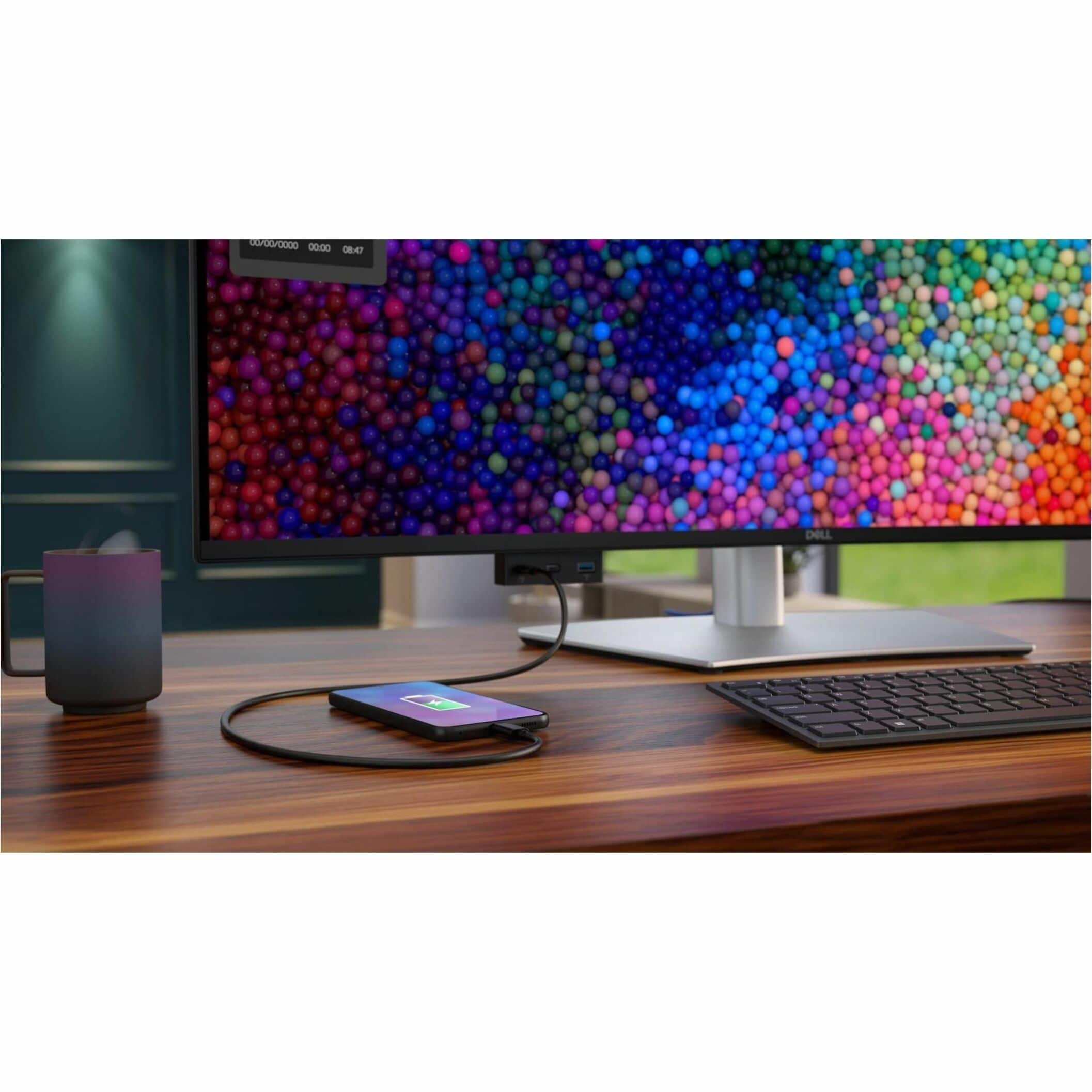
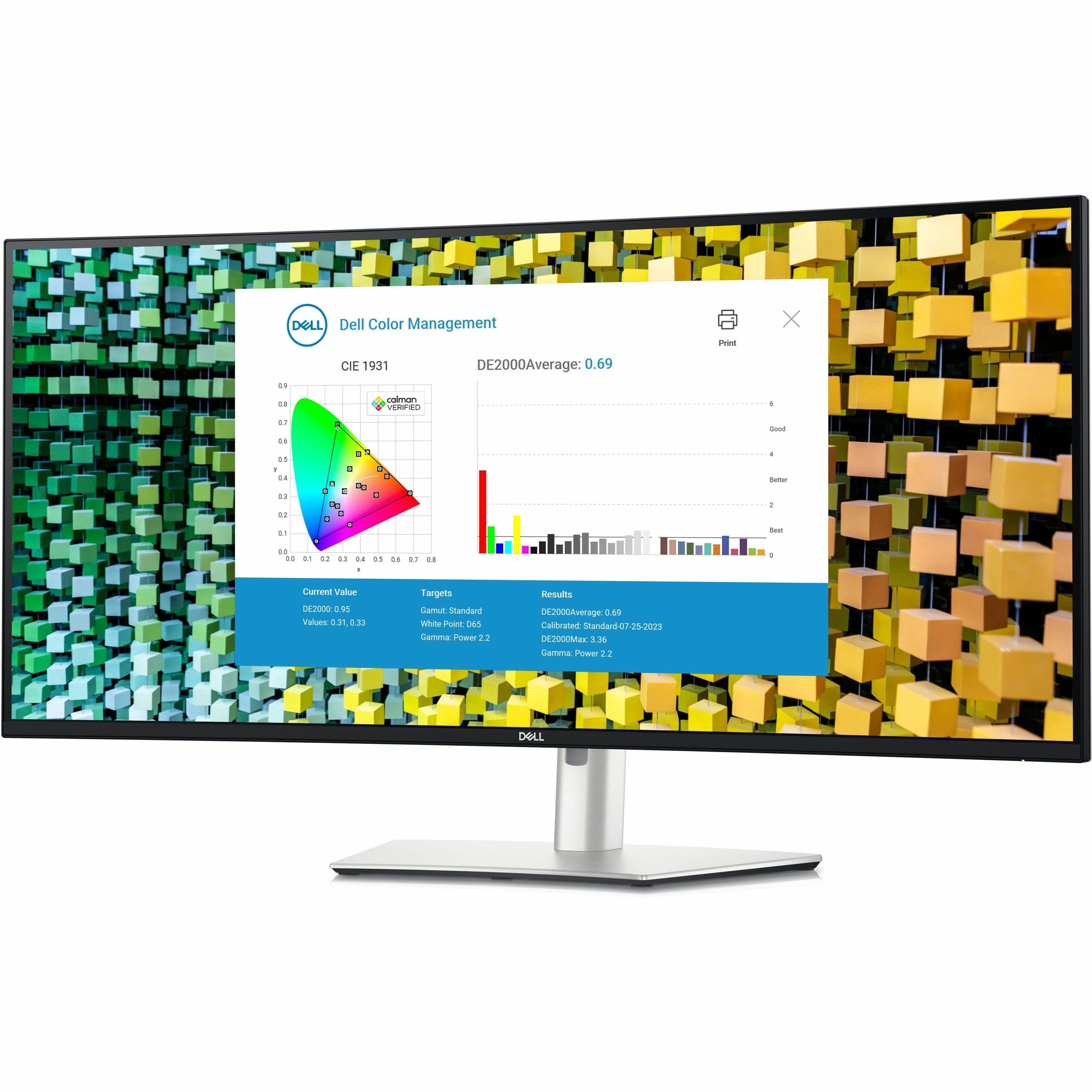
Posted .This reviewer received promo considerations or sweepstakes entry for writing a review.I've used Dell Ultrasharps before and they are GREAT. I've been using iMac 27s running BootCamp Windows 10 in recent years and I think it's safe to say their 27 is the best monitor available. A couple of weeks ago I decided to go to a gaming Lenovo Legion for the speed and upgradeability. I thought about getting a 27" Apple display but it was so expensive for a non-reflective 27 that I decided to try this 40" curved Dell and I'm glad I did. The curved screen makes the size easier to deal with and easier on the eyes. The extreme size of this one and the color accuracy is as expected, from Dell Ultrasharp and non reflective screen is very nice to have as well. I've been a busy commercial real estate photographer near Gatlinburg and the Great Smoky Mtns National Park for 20 years, and color accuracy is EXTREEMLY important, so I'm very happy with this display. Although it is color calibrated at the factory, which is very impressive, I did run my Spyder color calibrator on it and got a little closer to perfect color accuracy according to my color monitor test images. GREAT monitor. Thanks Dell ! PS The little pop out panel under the front of the monitor was a pleasant surprise. It makes it SO easy to plug in a memory card reader or charge my phone without having to go to the back of the monitor and fiddle around with all the ports there.
This review is from Dell - UltraSharp 39.7" IPS LED Curved 120Hz Monitor with HDR (USB, HDMI) - Black, Silver, Dual Color
I would recommend this to a friend