Customer Ratings & Reviews
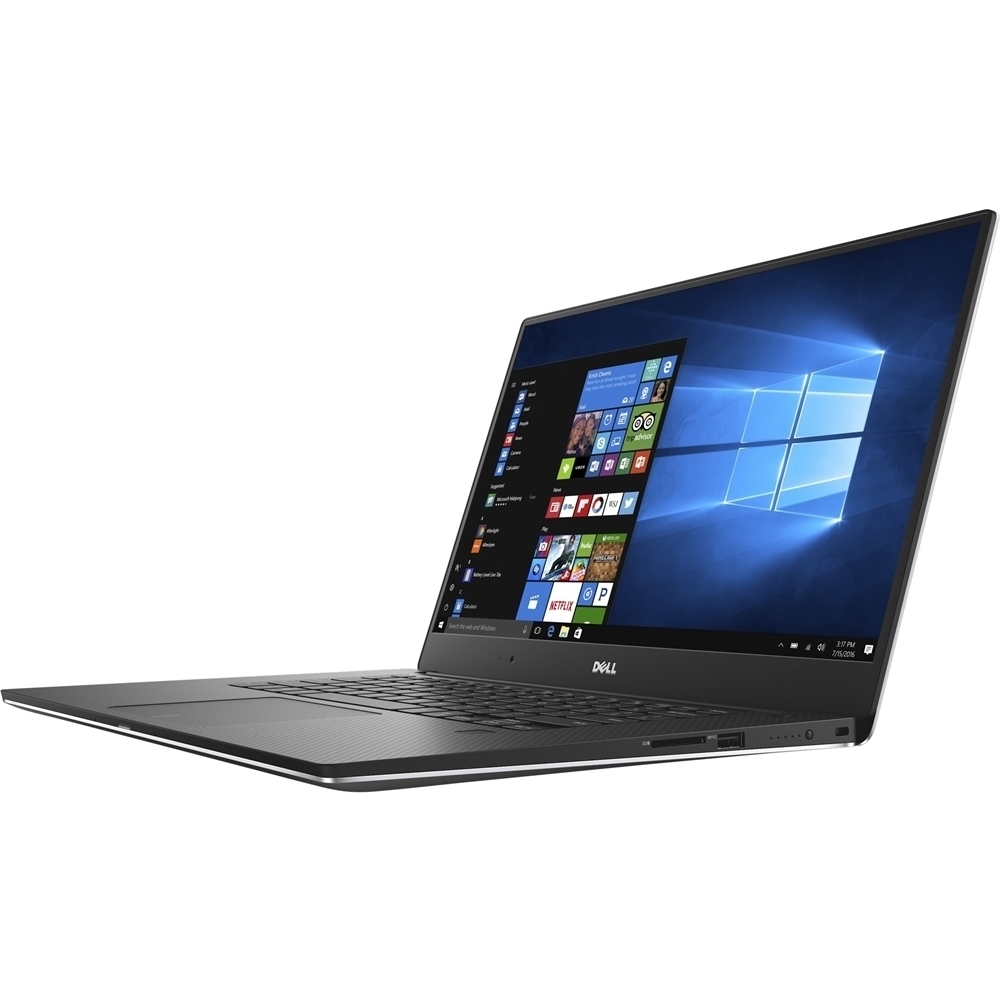
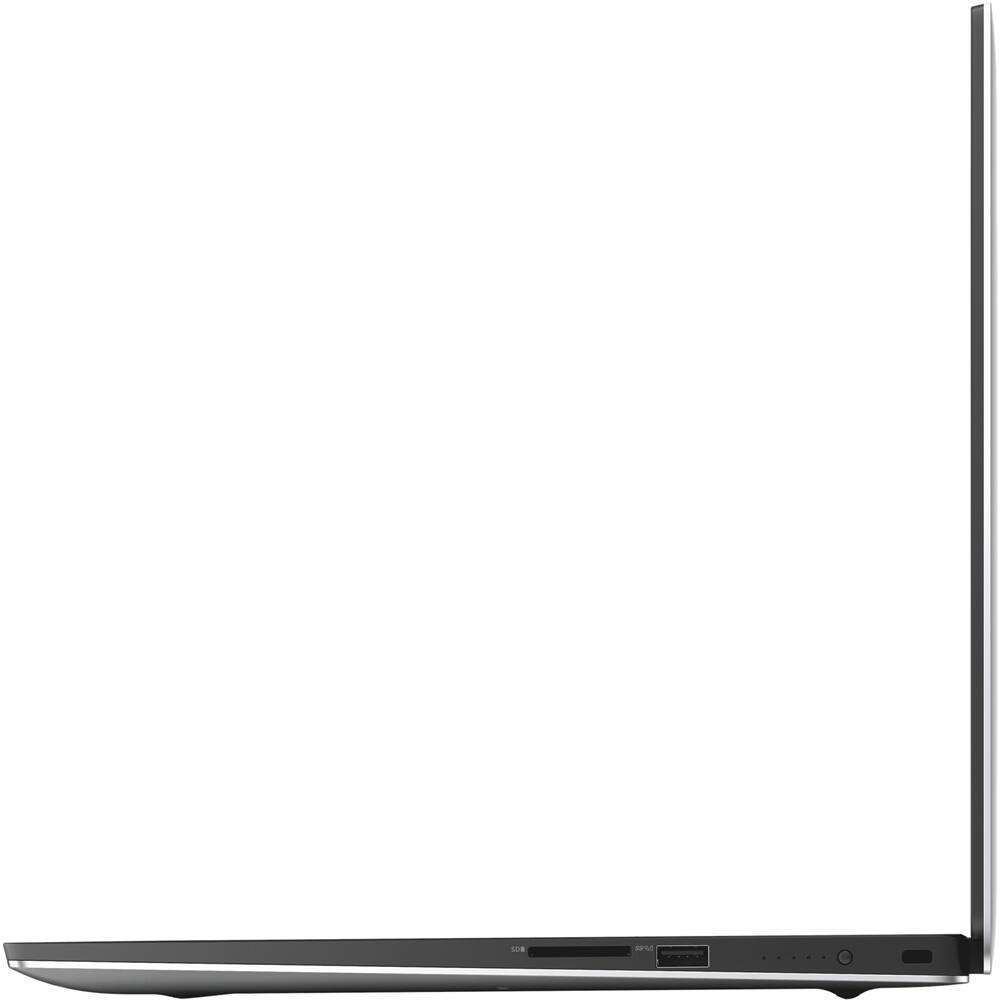
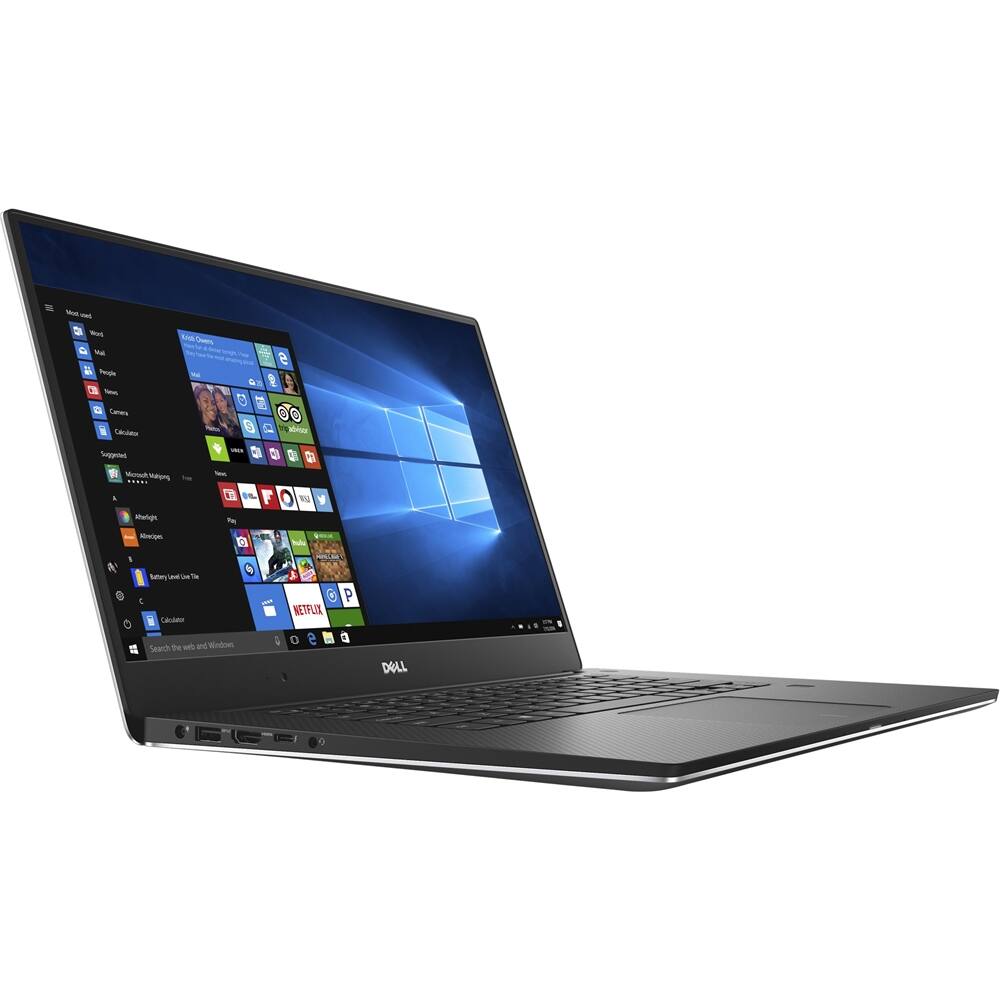
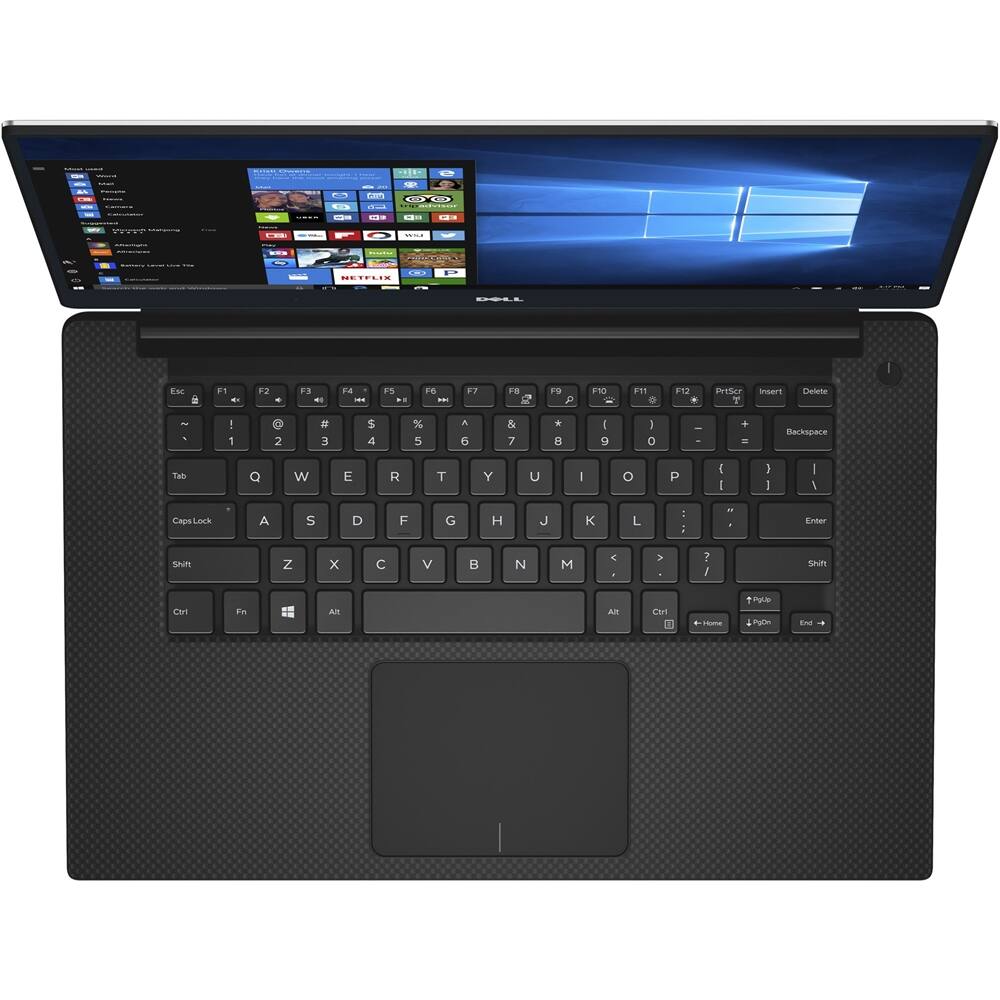
- Model:
- XPS9560-7001SLV
- SKU:
- 5784589
to a friend
Customers are saying
Customers express satisfaction with the XPS 15.6" laptop's stunning 4K display, fast performance, and powerful capabilities. They appreciate the exceptional build quality, light weight, and good graphics. Overall, customers are pleased with the laptop's performance and features.
This summary was generated by AI based on customer reviews.
- Cons mentioned:Loud fans
Nice laptop but bad quality
Posted .This reviewer received promo considerations or sweepstakes entry for writing a review.I bought this laptop despite the bad reputation for its speakers, camera, flickering screen,fans, among others. It is a beautiful laptop but the Problem I had with mine was fans were coming very loud every time even when it was idle, and the big big big issue which bothers me the most , was when I plugged the headphone Jack it only had sound by one side only, the right side only this was very annoying for me and I didn't want to deal with dell tech support so I took it back to the Best Buy store and got my money back. Buy it under your own risk
No, I would not recommend this to a friendBrand response from YourDellTeam
Posted .Hello Andre, we appreciate the time you took to leave us a review about our product. We love that you find the laptop visual appealing. However, we regret to hear you aren't 100 percent happy. Please follow these steps for headphone issues: 1. Go to "Control Panel." 2. Click on "Sound." 3. Make sure you are on the "Playback" tab. 4. Click on the device you are trying to fix. 5. Now click the "Configure" button and follow the prompts. (Be sure you also click the "Test" button). 6. Once that is complete, click the "Properties" button. 7. When you are done with your changes, in "Properties", click "Apply" and then "OK." 8. Then click "OK", again, on the main "Sound window." A great resource is Dell Supportassist, which is located in the 'start' menu under 'all programs' in the Dell folder. Have you reached out to our support team? If not, please call them - 1 (800) 999-3355.

Shoddy quality and dismal customer service
Posted .This reviewer received promo considerations or sweepstakes entry for writing a review.I gave it one star because negative ratings are sadly not possible. After being a loyal Dell user for over 20 years, both at home and in my different businesses, I regret that Dell may have finally lost my business after spectacularly failing to live up to the "high-end" product and "premium" service they sold me. This may have been the last money I ever spend on a Dell product. Six months ago I bought an XPS 15 for my son's use at school. At the time I also paid for Dell's "premium-next day" technical support. For starters, the "high-end" XPS I bought 6 months ago has required repeated service and part replacements and seems to be a lemon. In the 1st month alone technicians had to replace first the motherboard and then the sound card module. Now, after only 6 months, the laptop won't turn on and requires two more part replacements, including yet another motherboard. After 3 days talking to Dell support by phone, I learned that a technician cannot be here until the first week of january, 3 weeks from when I first called them, EVEN THOUGH I PAID FOR "PREMIUM NEXT-DAY" ON-SITE TECHNICAL SUPPORT. Apparently, for Dell, "next day" means "three weeks from today". Leaving my son stranded without a computer at school for 3 weeks is simply not an option (which is why I bought "next-day premium support" to begin with). It has now been almost a full week since I first called and I have spent over 3 hours on the phone with customer support, and still no resolution is in sight. Since Dell is apparently unwilling or unable to fix this laptop anytime soon, my reward for being a loyal Dell customer is that I had to urgently get another computer for my son, while the "high-end" incredibly unreliable XPS sits dead at home like a $2,000 paper weight, waiting for Dell to get their act together. Do yourself a favor and stay well away from Dell products or their alleged "premium" technical support.
No, I would not recommend this to a friendGreat, reliable laptop!
Posted .This reviewer received promo considerations or sweepstakes entry for writing a review.Holds up well, reliable and good laptop. A little on the heavy side but overall satisfied with my purchase!
I would recommend this to a friend- Pros mentioned:Performance
A good friend of mine Dell XPS
Posted .This reviewer received promo considerations or sweepstakes entry for writing a review.A good friend of mine Dell XPS i7 laptop. Well I was using Dell i7 for years. Great price and great performance. Always steady.
I would recommend this to a friend - Pros mentioned:4k display
Great Laptop
Posted .This reviewer received promo considerations or sweepstakes entry for writing a review.Bought this laptop because it is loaded with everything that will make it be a good machine for years(4K, SSD, latest processor). Works great. Fast. Screen is beautiful. No Issues, Dell seams to have worked out the kinks. Definitely will buy again. Wish Dell made a 17 inch model as well.
I would recommend this to a friend - Cons mentioned:Battery life
overall it's ok
Posted .This reviewer received promo considerations or sweepstakes entry for writing a review.It is a nice set up. I wish I had gotten a slightly larger size, but not really that big of a deal. The graphics are crisp, easy to navigate, especially if you are a Windows based person. My biggest con on this, is the battery. I can't believe how fast it sucks power. I got this for work, I am on it all day. I have to make sure I'm in a spot that I can plug it in or it dies before my day ends. Now I'm wishing I spent the extra $1000 and got the Mac Book. Oh well, live and learn I guess.
No, I would not recommend this to a friendBrand response from YourDellTeam
Posted .Hello tarab1971,
Thanks for your review. We're sorry to hear that your new computer's battery is not lasting as long as you hoped it would. We'd recommend the following tips to help preserve your battery life:
Change the Power Plan:
1. On the notification area of the taskbar, right-click the Battery icon.
2. On the options list, click Power Options.
3. Select a power plan on the battery meter, such as Power Saver or Balanced. Windows 10 has a built in 'Battery Saver' mode that can be activated to extend your system's battery life. The Battery Saver mode will monitor and limit background activity and other features such as push notifications. You do have the option to enable or disable this mode within settings or within advanced Battery Saver settings, you can customize the mode to best suit your needs.
a) Click on the Action Center icon in the taskbar and select the tile for Battery Saver.
b) If running Cortana then type Battery Saver into the search box and select from the results.
Within the Battery Saver settings page, you will be able to turn on and off the feature and customize the feature to best meet your needs.
c) Turn Battery Saver On or Off.
d) Additional settings available via the Battery use and Battery saver settings links.
e) Battery use shows further info on apps and their power usage.
f) Battery Saver Settings screen allows you to customize further Battery Saver feature.
You can read the full article here - http://dell.to/2vfXWf4.
We hope that your battery life is extended after using these tips.
Best,
Bryan
1-800-624-9896















