Customer Ratings & Reviews
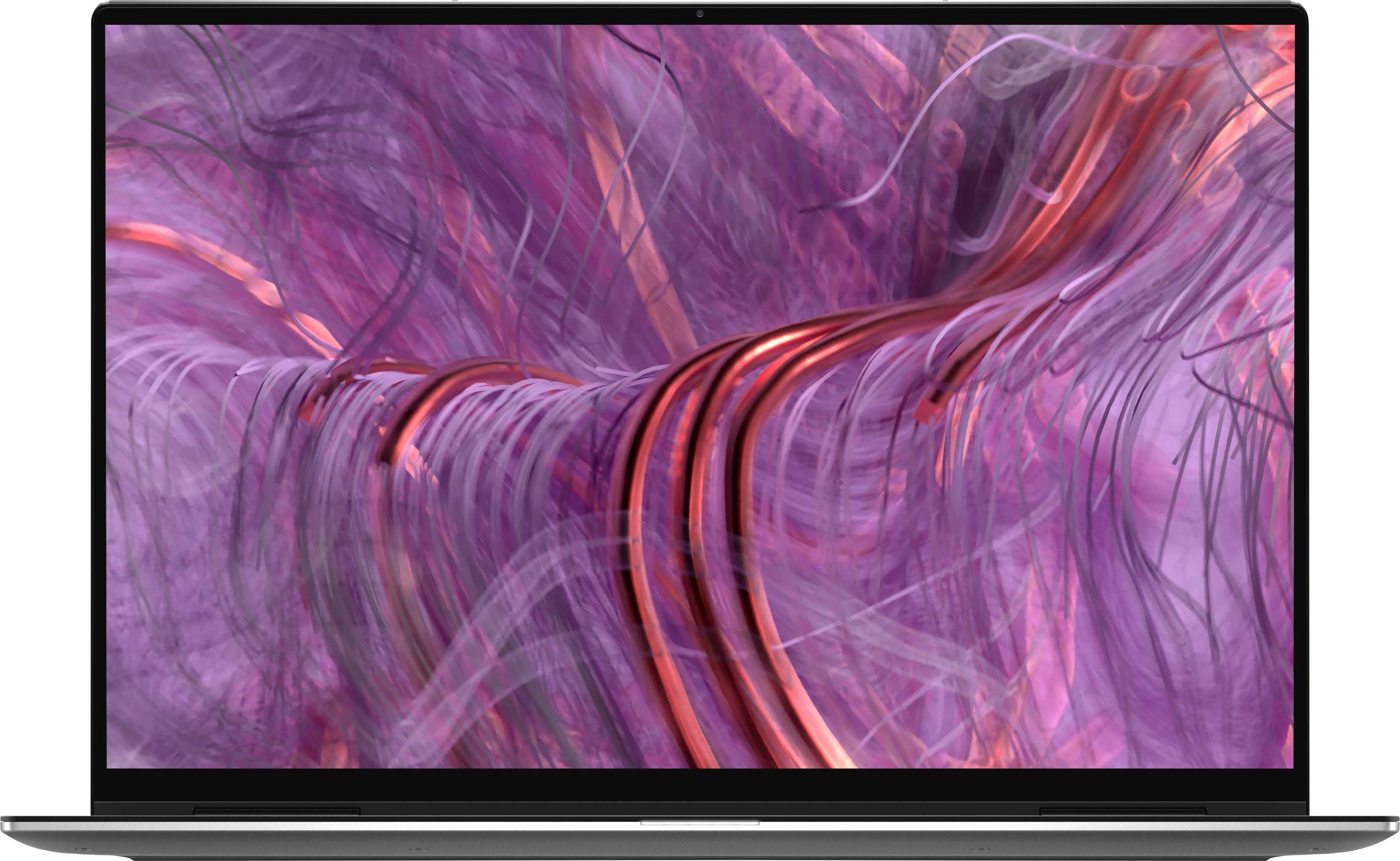
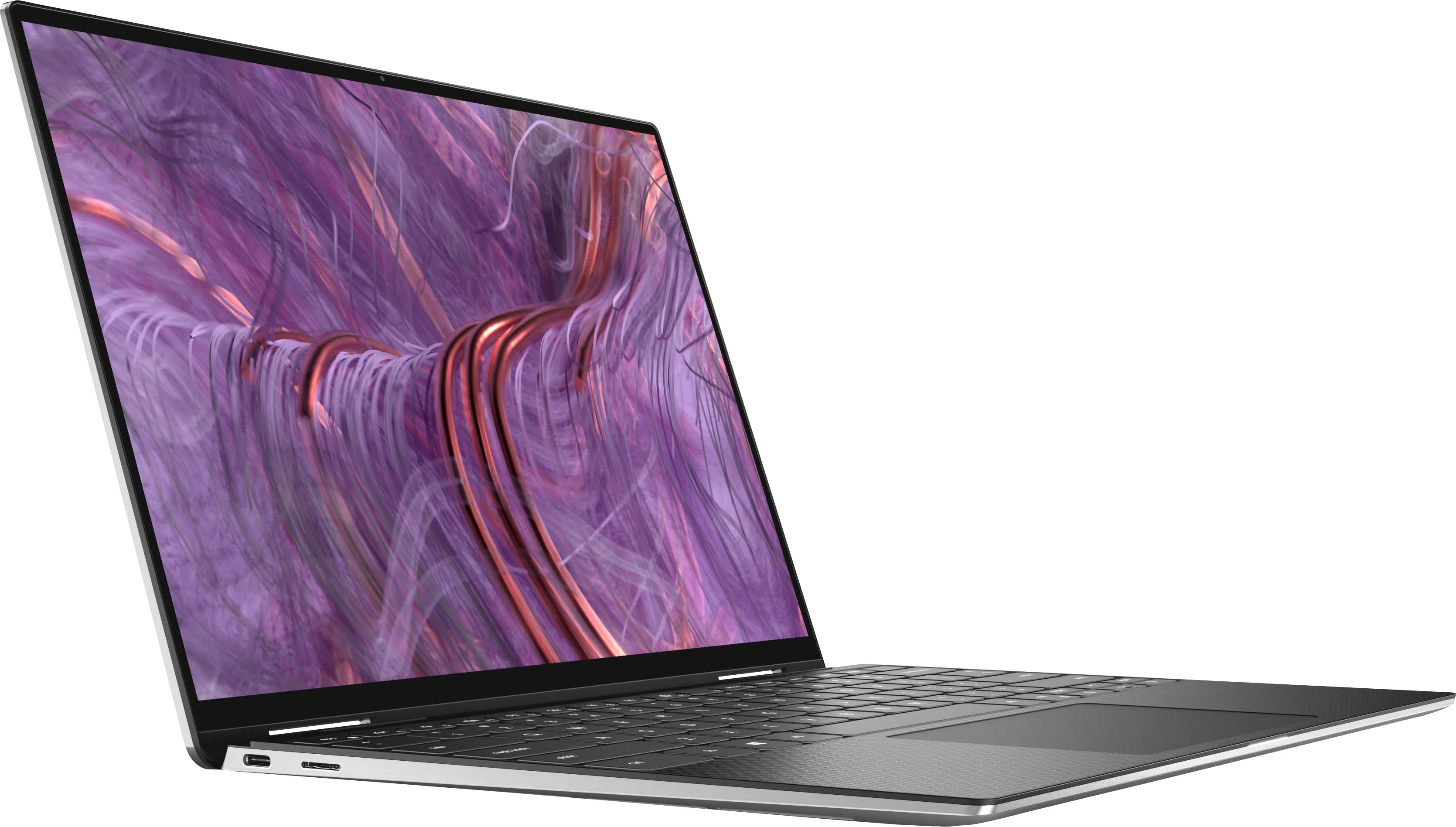
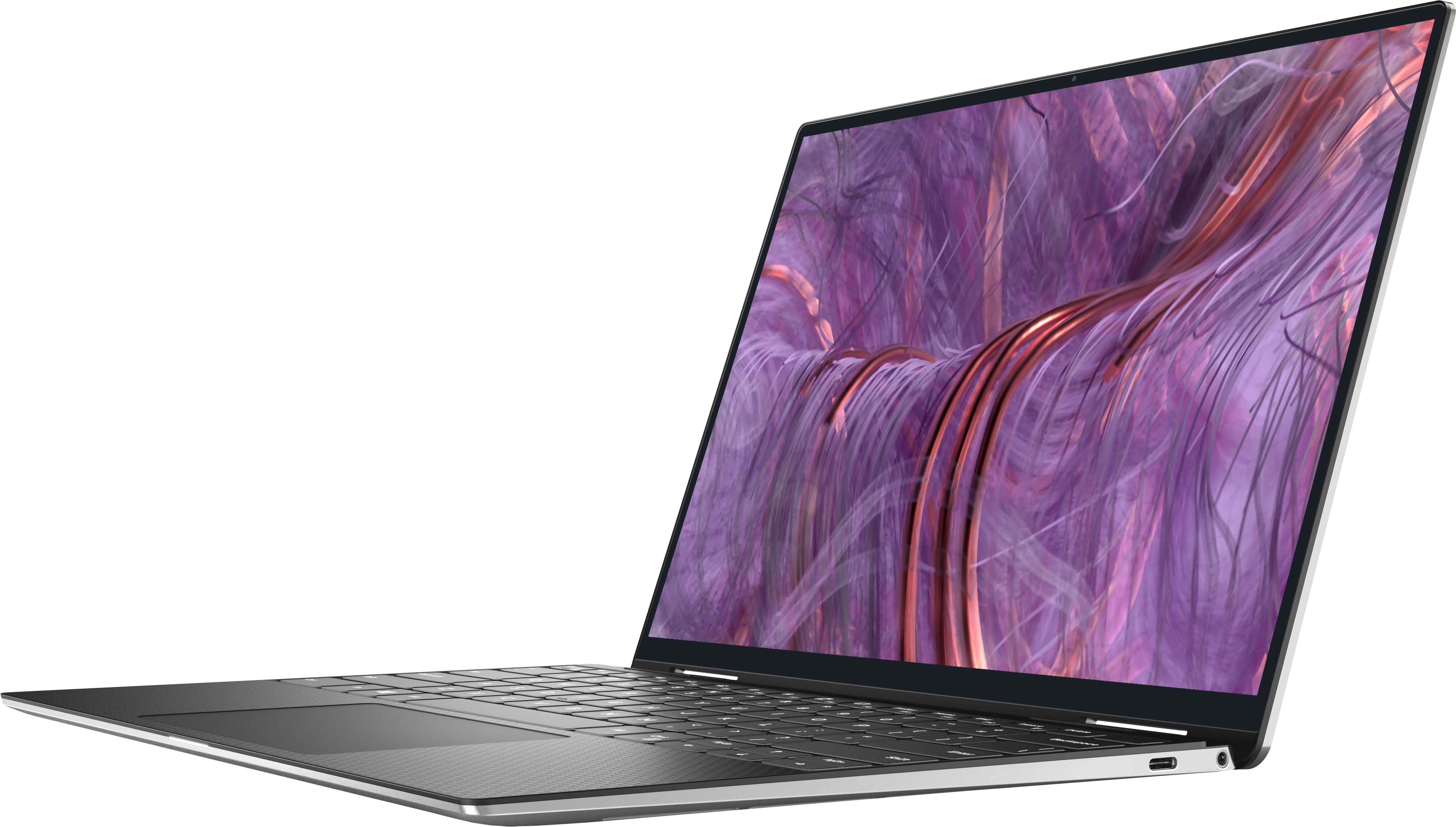
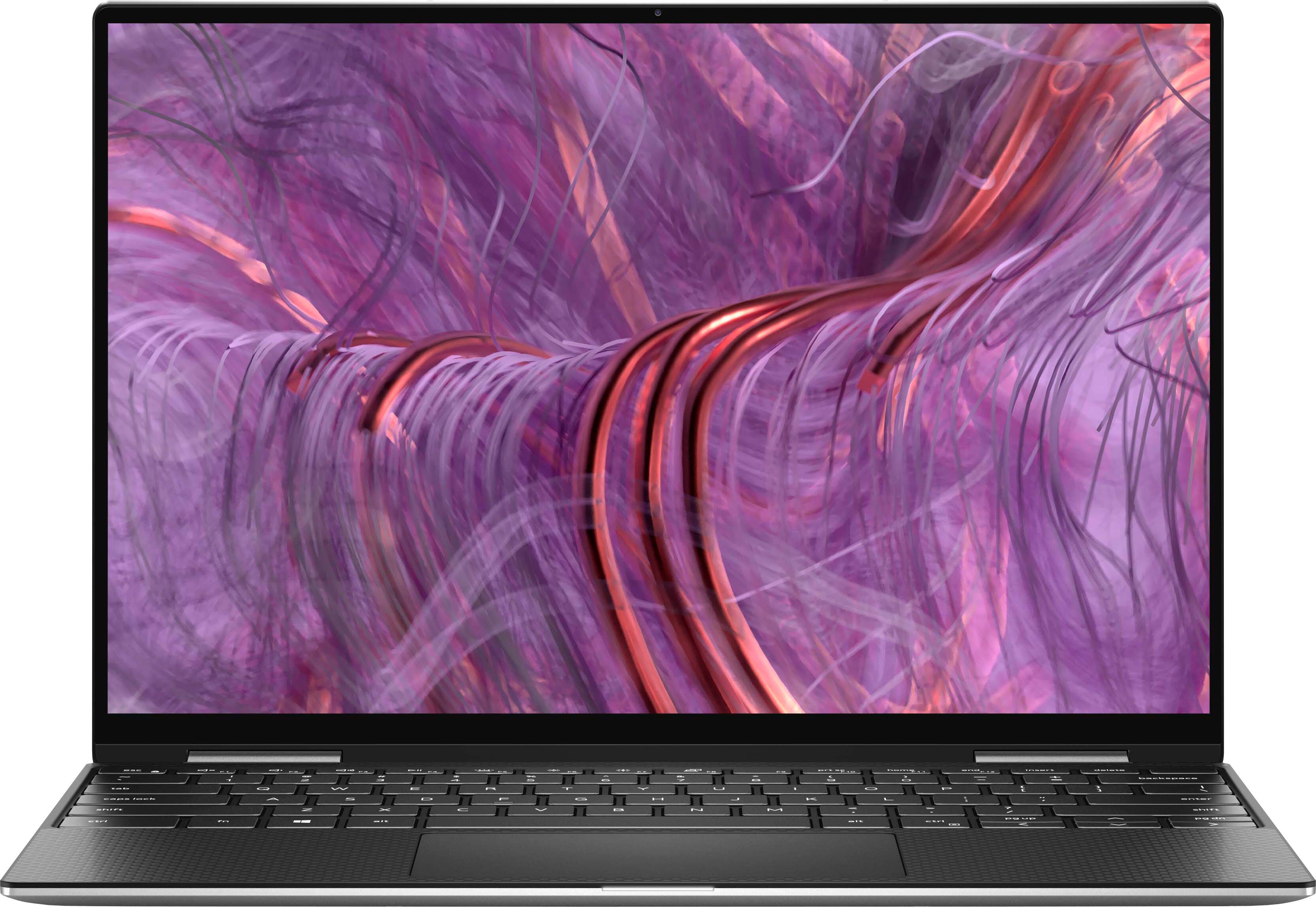



- Model:
- XPS9310-7115SLV-PUS
- SKU:
- 6443791
Rating by feature
- Battery Life
Rating 3.9 out of 5 stars
- Speed
Rating 4.4 out of 5 stars
- Display
Rating 4.8 out of 5 stars
Customers are saying
Customers often highlight the impressive screen, solid performance, long battery life, and sturdy build quality of the XPS 2-in-1 13" laptop. They appreciate the ease of setting up and using the device, as well as its portability. However, some customers have expressed concerns about the limited number of ports and the occasional unreliability of the fingerprint reader.
This summary was generated by AI based on customer reviews.
- Pros mentioned:Performance, ScreenCons mentioned:Bloatware, Ssd

Awesome 2-in-1 laptop with latest gen intel CPU!
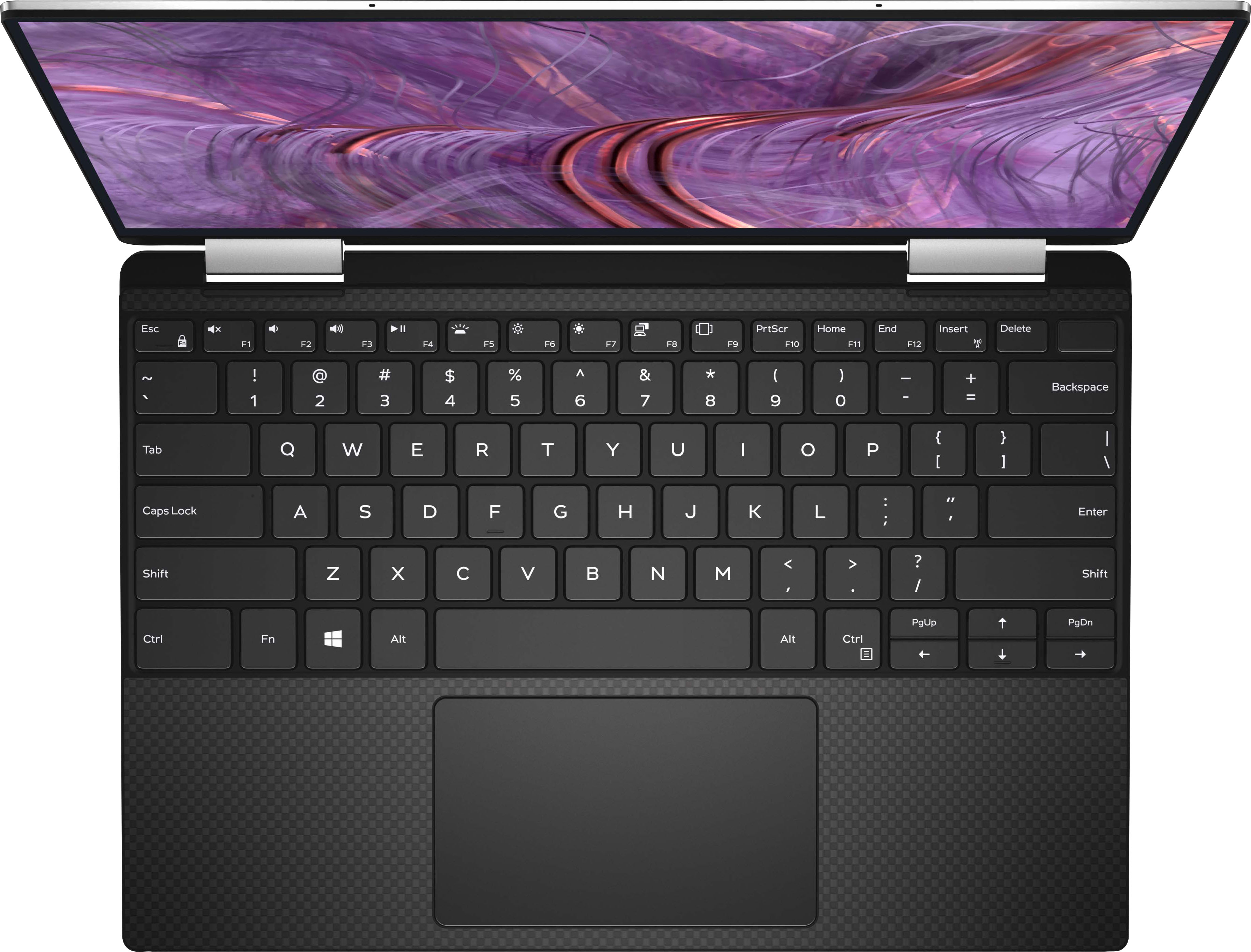
|Posted .This reviewer received promo considerations or sweepstakes entry for writing a review.My general impression of this 2-in-1 laptop is that between the form factor, battery life, and high-powered CPU in this device, it will please any student or professional on the go who is looking for the combined functionality of a tablet and a laptop. This keyboard is absolutely pure bliss. It takes all my favorite elements of a keyboard that includes tactility and proper placement of keys and combines them with perfect attack, stroke depth, and creates a wonderful typing experience on a laptop with a footprint this thin and small in general. The keys are best suited to burst-typing in my opinion. I achieved over a 60-second 10fastfingers.com test about 83WPM typing, which is right up there with my favorite of all time 2015 Macbook Pro keyboard. The only aspect of the keyboard that I dislike is the pg up and pg down buttons being directly above the left and right arrow keys. More than once, even in the typing of this review, I have accidently tapped either of those keys and launched myself away from where I was intending to navigate. I would suggest to dell a software method of turning these pg up and pg down keys off and making it so you can just use a key combination like windows key+up or down key instead. The FHD screen of this model is what I consider perfect for a laptop this size and for the usages I intend of future schoolwork, Word processing, web navigation, and productivity work in general. Most professional reviewers will agree that small laptop screens such as these gain subjectively marginal visual benefits for increased pixel density but can suffer greatly with shortened battery life as the battery gets taxed trying to power the increased demand of a higher-resolution screen. The stock resolution of 1920 X 1200 looks fantastic in my opinion as it gives you more vertical space to navigate on a screen this size. It also came stock at 150% zoom for icon size etc. and I think this works nicely too for the visual appeal of the laptop and navigation. As a primary Apple MBP user, I am heartily surprised by how much I am enjoying the touchscreen functionality of this 2-in-1 laptop. Sometimes, it just feels nice when sitting on the couch to flip the screen over and go into touch screen mode, navigating around with simple gestures and touches of the incredibly responsive screen. The only thing to note here is that, because of the beautiful infinityedge display here that all but eliminates bezels around the entirety of the laptop screen, you really don’t have much to hold onto. While this is not as focused and functional in tablet mode as a dedicated tablet, it will likely please anyone who is looking for a two-in-one. Tests: On Cinebench R15 OpenGL it got 77.22fps. Awesome. On CPU is got 270cb. Both of these figures are incredibly respectable and would have been considered impossible four years ago on an Ultrabook device when I first got into laptops and reviewing them. The trackpad I would say is serviceable but not my favorite I have had on a laptop. It appears to be a springboard type trackpad when means the bottom will have good action when pressing the keyboard to click but the top requires a firmer press. After all my experiences with force touch trackpads with Apple, I just cannot hold any trackpad in higher esteem than those. But this one is nice and relatively large considering the absolutely tiny footprint of this 13.4” screen laptop. The wifi antenna for this is the Killer Wi-fi AX1650s 160MHz and is soldered onto the motherboard, so you will not be replacing it. Historically, I have not been a fan of Killer for my wifi network adapters as I have found their drivers to be unstable and to have caused drops of connection in previous laptops I have owned of Dell make like my old Alienware 17 R4. Thus far in this laptop though, I have not noticed any issues in the connectivity or internet speeds. The SSD in this particular model is an NVME drive made by KIOXA, and there is something wrong with this drive. In initiating the CrystalDiskMark test, this drive emitted a God-awful squealing noise audible from a couple feet away from the laptop. It is a sound remarkably like coil whine. Within a minute of initiating the benchmark test, the fan of the laptop ramped up and upon touching the very top right of the keyboard deck I realized that the laptop was getting hot! According to HWmonitor, the temperature of the laptop got up to 100 degrees Celsius, which for me us unheard of for just the simple read/write testing of an SSD! I even got a replacement model of this laptop and tried the test again, and sure enough it was the same result. A disclaimer here though is that the laptop only did this the first time the test was initiated. In future iterations of the test, I did not have that issue. I have to offer some nitpicks here, just as I hope that Dell may read them and consider. First, as with many Windows devices, this laptop comes with a large amount of bloatware that is unnecessary given how high end this device is. McAfee is annoying and invasive and seems to pop up on your screen at the most random of times to interrupt your work and remind you to download their anti-virus software. This was annoying and I uninstalled it quickly. I also dislike how, with all Windows devices, Microsoft absolutely ASSAULTS YOU with their insistence that you use their Microsoft Edge browser. I find it patronizing and distracting to be going about my everyday tasks and to be constantly interrupted. On a Dell specific note, I dislike the popups from their support assist software. Basically, I hate distractions in my workflow and anything like the above-mentioned items that could be eliminated I will hold a laptop maker accountable for. The speakers also, while decent, do distort quite a bit at max volume. This is an issue I feel could have been eliminated with more R&D, but is forgivable given that many users will just use headphones anyways. Altogether, aside from the quirk with the first-time coil-whine noise on the CrystalDiskMark test, I have found good success with this laptop. It has definitely found its way into my daily workflow and is a nice upgrade to my previous daily driver windows laptop I used previously. Thanks for reading and hope this review helped you!
I would recommend this to a friend - Pros mentioned:Battery life, ScreenCons mentioned:Ports
Stylish & Sleek but could have been more powerful
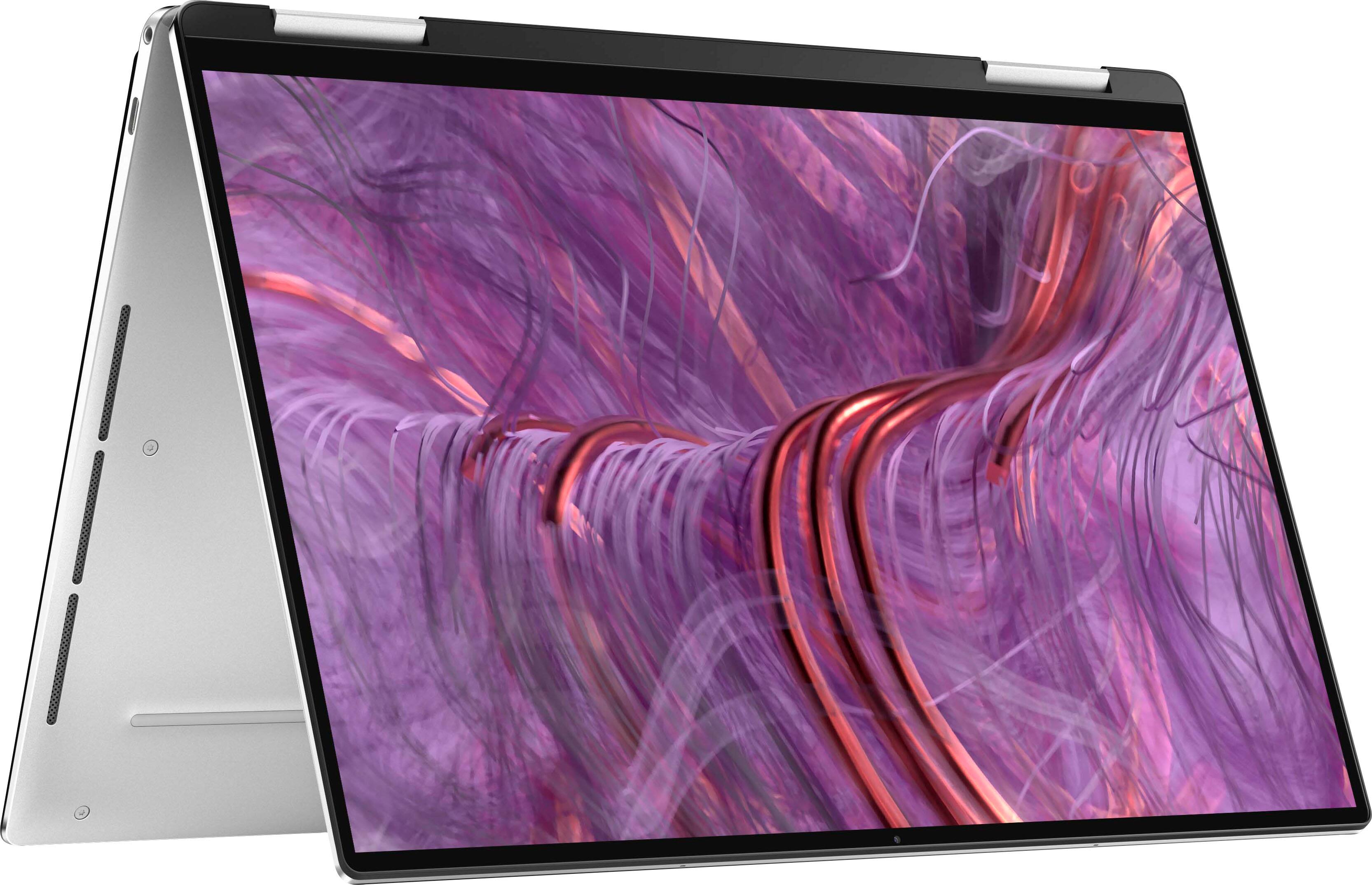
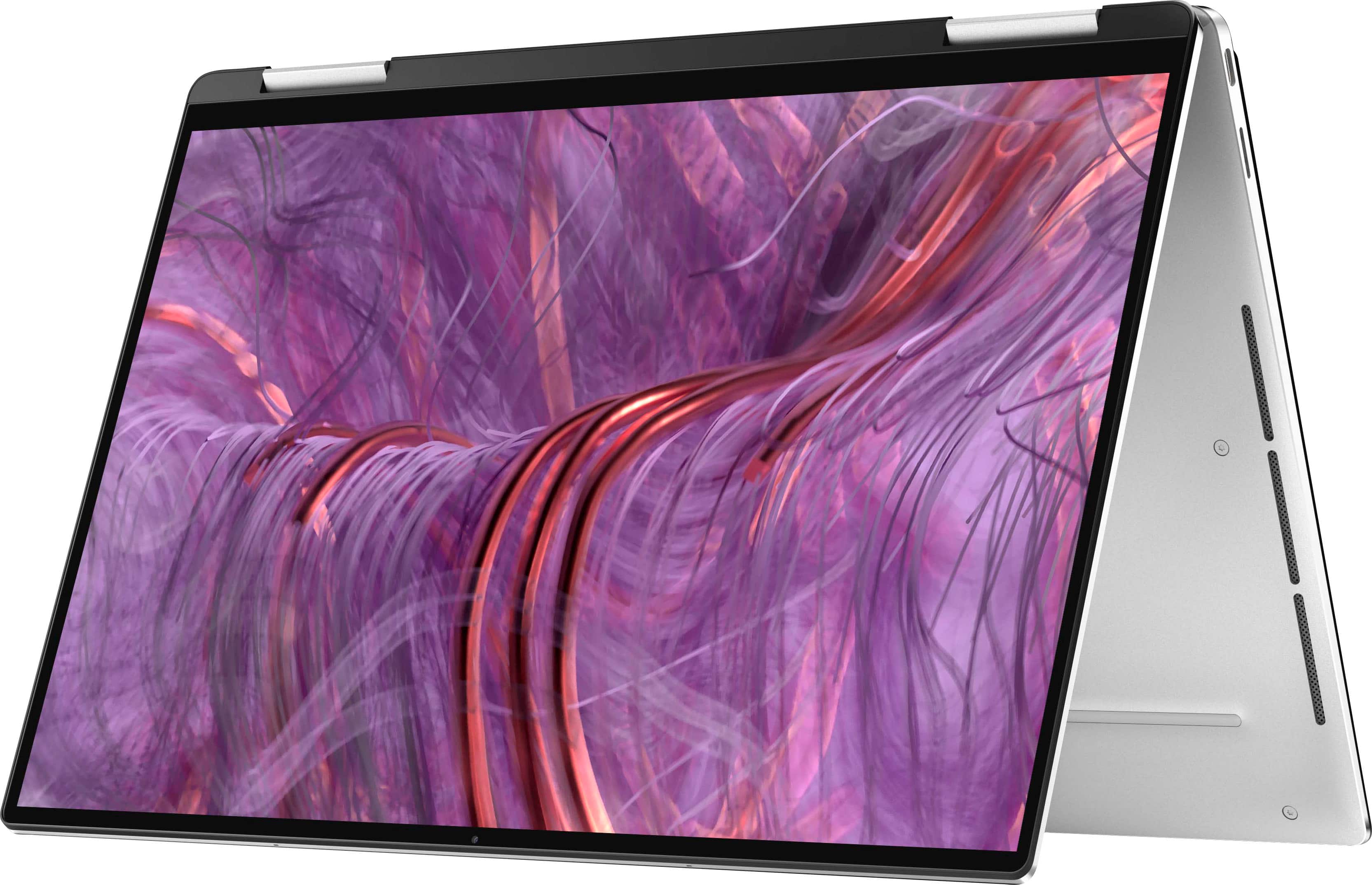
|Posted .This reviewer received promo considerations or sweepstakes entry for writing a review.Pros: 1. Processor - Intel® Evo™ Platform - Core™ i7 - 11th Generation processor for super fast performance, Intel Wifi 6 connectivity for faster connection, Intel Iris Xe graphics for more vivid colors 2. Design - Diamond Cut Sidewalls provides a jaw dropping sleek aluminium exterior. 2 in 1 design makes it a delight to use it like a tablet or tent-shape for watching movies. 3. Display - FHD+ Infinity Edge display provides a 16:10 aspect ratio there by providing 7% larger screen than before. 4. Keyboard - Improved Edge to Edge Backlit Keyboard with Fingerprint embedded in the Power button makes typing really smooth and easy to use in the night. 5. Charger and Battery - This laptop comes with a 45W USB C charger which provides fast charging and the battery i believe lasts upto 8 to 9 hours with about 30% brightness. 6. Port - Thunderbolt 4 port provides upto 40 GB/s transfer rate which is amazing especially for people who use this laptop for transferring photos and videos 7. Sound - Waves Max Audio delivers clear and loud sound which makes the speakes truly outstanding 8. Weight - This Ultrabook is so sleek which is very similar to Macbook Pro that it weighs only 2.9 pounds making this laptop truly portable and a joy to have especially during travel. Cons: 1. Just 8 GB memory - 16 GB memory would have made this laptop more powerful for people who use it mainly for Gaming or video editing but still it doesn't make a big difference for people who use it for every day activities like browsing and watching movies. 2. Ports - Lack of USB A port could be something which many might have complaints about even though the laptop comes with a USB C to USB A convertor. 3. Display - Shiny screen could sometimes cause glare.
I would recommend this to a friend - Pros mentioned:Build quality, Performance, ScreenCons mentioned:Ssd
Thin and light, heavy price to swallow...
|Posted .This reviewer received promo considerations or sweepstakes entry for writing a review.The Dell XPS 13" 2 in 1... the TLDR: too pricey for low end specs, not recommended. Lets begin with the stuff that the Dell XPS 13" 2 in 1 excels at: > Portability - This little guy is very lightweight coming in a tad shy of 3 lbs and the super slim bezels account for a very portable and small footprint workhorse. > Build Quality - The aluminum chassis is top notch with little flex from the screen and keyboard. Aside from the biometric fingerprint power button being misaligned (i was able to nudge it around with my nail to re-align it), there were no noticeable blemishes or observable flaws. This laptop feels like it is durable and can endure many years of use (or abuse depending on the user, wink wink)! > Keyboard - Travel and consistency of keys lead to a very comfortable typing experience. The only gripe i have with the keyboard is the page up/down keys sitting above the directional left/right keys, which leads to unintentional page scrolling when i am attempting to use the arrow keys to navigate. > Screen - The adoption of the 16:10 screen ratio is one that greatly appreciated, especially for productivity needs. > Performance - The Intel i7-1165G7 provides enough computational power for my needs (Software Engineering). Without running benchmarks, i was able to practically feel the zippiness of the CPU in compilation and execution times and how this CPU clearly outpaces my 4th gen i7-4770k rig. When running benchmarks, i was very surprised to see how much processing power the new 11th gen CPUs produce. Though the CPU is capable, the system does bottleneck due to the meager 8GB of RAM. Please consider your workflow and buy the right/required amount of RAM you will absolutely need because the RAM is soldered and not user upgradeable! > Thunderbolt 4 Ports - Having two Thunderbolt 4 ports is quite nice, especially now that i'm used to the dongle life (both a pro & a con). The versatility of these ports is amazing and pretty much any peripheral can be connected from USB drives to monitors. I was able to drive my two 4K monitors effortlessly (one connected via a Thunderbolt 3 dock via the first Thunderbolt 4 port and the other into the second Thunderbolt 4 port). Please note, the XPS also comes with one USB Type-C to Type-A dongle, allowing users to connect one peripheral. Things that the Dell XPS 13" 2 in 1 struggles with: > Battery Life (i would like to preface this with the fact that battery life will vary based on usage, so please take my feedback for this particular aspect with a grain of salt) - I could hardly go beyond 5 hours before needing to plugin. Though i do run pretty intensive software (as i'm a Software Engineer), i would've liked to see at least 7 hours out of this machine before charging up as this is an Intel Evo certified product. I typically set the brightness to anywhere around 60% to 80% for normal use, but noticed that if i set the brightness to 40% or less, i can eke out almost 7 hours of use before needing to juice up. Using the laptop on 40% brightness or less though is less than optimal for me and perhaps other users, so i definitely wanted to point that out especially if computationally expensive workflows are common for you and battery life is your biggest concern. Please bear in mind though, my same usage on other laptops, such as my Surface Pro 6 or 2015 Macbook Pro 15, net me around 2-3 hours of usage; so relatively speaking, the XPS' battery life is actually pretty good (and maybe the 9+ hours of battery life requirement for Intel Evo certified laptops are intended for lighter work flows?). > Audio - The audio from the speakers in this laptop sounds tinny and when bumping the volume north of 55%, micro-vibrations can be felt from the chassis. I would like to note that the 3.5mm audio jack produces pretty clean audio though. The laptop was able to decently drive my Audio-Technica ATH-R70x open-back headphones (470 ohms) decently without requiring an amp. > Ports - There are two Thunderbolt 4 ports (both a pro & con), which has me often reaching for my dongles if i need to plugin additional peripherals (e.g., mouse, thumb drive, etc.) when i'm not docked. Adoption of the USB Type-C form factor is still not there yet, as most peripherals are still USB Type-A; would have loved to see one USB Type-A port on the XPS but it has been omitted for obvious reasons. The last port provided, as mentioned previously, is a 3.5mm audio jack which can be used for microphone + headset output and produces very good audio relative to my hardware. Though this machine feels premium, there are many things that, especially at this price point, warrant me to highly recommend against it: > RAM - For the price, there is only 8GB of RAM. There are many other laptops in this price range that offer double the RAM. > SSD - The SSD comes in at 256GB. As with the RAM, there are other laptops in this price range that offer at least double the storage. > Screen Resolution - Laptop comes with FHD+ resolution, which is 1920 x 1200. Would have liked to at least have a QHD+ resolution for more clarity, especially at this price point. Other laptops in this price range provide 4K panels. If you need a 2 in 1 laptop under 14" and 3 lbs, this laptop is a great choice especially when it is on sale. The build quality is top tier and processing power is quite adequate for mostly every day use. However when not on sale, i find it hard to recommend due to the relatively small amount of RAM & storage that comes along with the high price tag.
No, I would not recommend this to a friendBrand response from YourDellTeam
Posted .Hello VangTfz,
Thank you for your feedback. We sincerely appreciate it and we will surely take it into consideration. If you have any questions, feel free to contact Dell Support at 1-800-624-9896.
Best regards,
Anthony P.
- Pros mentioned:Battery life
"Pretty" Impressive
|Posted .This reviewer received promo considerations or sweepstakes entry for writing a review.I got this XPS 13 and another 15.6" Intel 11th gen i7 1165G7 processor, Evo, Intel Iris Xe, within a few weeks of each of other. I'm a software developer, and I finally have some future travel plans. I plan to take an additional USB3 C PD monitor with me. I want to travel as light as possible, but still be productive. I previously traveled with a 17" notebook, as a few years back it had the highest quality monitor, and for my development needs I needed a large monitor. But today's best notebooks have improved the quality of their monitors significantly (brighter and higher resolution) and the quality of the embedded graphics boards continues to get better and better. The 11th gen Intel i7 with 4 cores and 2 threads, is a great processor, that sips power and generates nominal heat. Both of theses computers can run on batteries between 8 and 12 hrs (depending on how they are being used, and screen brightness) This was unthinkable 4 or 5 years ago. And the ability to drive a second, or third monitor with a single cable was not possible. Now in order to make modern computers more portable some other functionality has changed. This XPS 13 has two Thunderbolt 4 ports and 1 Micro SD card slot. Notebooks used to have 4 to 5 USB ports, and CD/DVD drives, but in order to get this computer under 3lbs (2.9) things have been made more modularised, and if you need more ports, you can add them, if you need those ports to be extremely fast you can do that too (at a price). Thunderbolt 4 provides a number of "pay as you go" options, a HQ USB 3.2 docking station is about $100, the same type of Thunderbolt 4 docs probably runs $100-$150 more but offers 40mb/s transfer rates vs 10/20mb/s rates for a USB 3.1 or 3.2 adapter. But there are only 2 devices that approach this rate today, a nvme M.2 SSD drive and 4K monitors. SD cards come no where close, nor do the fastest USB thumb drives. I did testing and they are more than 10x slower, so the advantage of having 10-15 devices connected to you notebook offers a huge amount of flexibility.. Leave 10+ devices on your desk by disconnecting a single cable. This is a new convenience, that modern notebooks with Thunderbolt 3 or 4 ports offer, and even USB 3,2 Gen 2 with PD (power delivery) comes very close. The last photo shows the port adapter I decided to use with the XPS 13. To let you follow along with my thought process, the first two images show how similar the thickness of these computers is, the second compares the screen size, it's a little deceptive because the XPS's bezel is smaller than it's counterpart. The XPS 13 has a 13.4" display, the other is 15.6". The XPS weighs 2.9lbs, the other 4.3lbs. I said is did some benchmarking, the CPU numbers were, not surprisingly pretty equivalent. The XPS has 4 channel memory vs 2, which should make it faster (if it has enough, my unit only had 8GB, which actually slowed down avg access) it's counterpart had more than 32gb, which improved it access speed across the different channels. The XPS has new type of onboard modular memory, it CL 20, 4 channel; it technically was faster than it's counterparts CL18, dual channel memory. But from my general windows 10 testing, windows prefers at least 16gb memory to become really efficient (just running multiple browser windows. I show you the back of the XPS13 (2-in-1) to tell you the innards are different from the those not called 2-in-1. All XPS 13 have onboard memory (get at least 16gb); but the 2-in-1 does not have a upgradable nvme m.2 drive. And my benchmarks show about 2500 ops for the included SSD, vs 3400 ops on my upgraded comparison computer (the smaller 256gb size might have also hurt it's potential performance). I did a number of other networking test and the XPS 13 was exceptional. But after typing on it for hours I loved it's 3 levels of back lighting on the keyboard. but the key travel was short, had less feel than I'm used to. I have year old MacBook Air, I'd say the Del's XPS 13 key travel is similar. As a developer that does a lot of typing, this was a bit of a concern. I'd concentrated on the form factor, and screen size, and performance so much in my comparison. I didn't think that the keyboard might make that much difference. To be honest I'm still pondering which I will take with me, I wish I'd gotten more RAM. I can take external SSD to deal with the drive size differences. I love the look of the XPS 13, a smaller package the does what I need, but I'm not sure I can live with the keyboard for a long period of time. The graphics performance is darn good, the image quality most excellent, the SSD speed ok, takes (10s) longer to boot than what I compared against. I do wish the XSP 13 2-in-1 was upgradable, there are bigger faster SSD's, and there will continue to be). I was not aware the SSD could not be upgraded, but it's not a deal breaker. I do like the notebook, almost love it, but not positive it's the perfect match for my needs (I'm sure I'll keep it, just use it differently).
I would recommend this to a friend - Pros mentioned:Performance, ScreenCons mentioned:Fingerprint reader
Best Windows Laptop I've Ever Used
|Posted .This reviewer received promo considerations or sweepstakes entry for writing a review.I love my MacBook Pro, but I also need a Windows machine for work. I've grown tired of the Surface Pro's and was underwhelmed by my Pro 7. It was time for a new laptop; I wanted something lightweight, touch screen, 2 in 1, and premium. This Dell has been amazing for me so far. It comes very nicely packaged along with a USB-C charger and a USB-A to C adapter. From the moment I took it out of the box, I knew that this was a premium laptop. It is incredibly sturdy while also being very lightweight. The metal finish looks and feels great as does the material around the keyboard and trackpad. As a Mac user, I have already switched to USB-C peripherals along with a thunderbolt dock that extends to 2 27" 4k monitors. This Dell has an SD card reader and two Thunderbolt 4(!) ports which is all I need. I love that this has the latest Thunderbolt technology since I am so vested in that environment. The setup of Windows was quick and easy and within minutes I was up and running. After running some Windows updates, I put this beauty to the test and was amazed by its' processing speed, exceptional trackpad and solid keyboard. The keyboard layout is perfect, the backlit keys are nice and bright and the display is gorgeous. The speakers don't blow me away, I was expecting a little more from them. The only other con for me is the fingerprint reader, it does not work 9/10 times. I redid my prints a few times and finally gave up and went with Windows Hello instead. I would much prefer the fingerprint reader and am a bit disappointed that it is useless. Next I hooked this up to my Thunderbolt dock and was so happy to see the output in 4k on both displays, my Surface couldn't do that! As far as performance, I have been blown away by this XPS. I run Zoom meetings, Teams, stream Youtube TV, Disney+, etc, and have not had a single issue or lag. I have not been the biggest Windows supporter, but with the right machine, it's a great system. This is by far the best Windows machine I have ever used and might just be the best laptop I've ever used period.
I would recommend this to a friend - Pros mentioned:Battery lifeCons mentioned:Fingerprint reader
It's like a Windows version of the Macbook Air
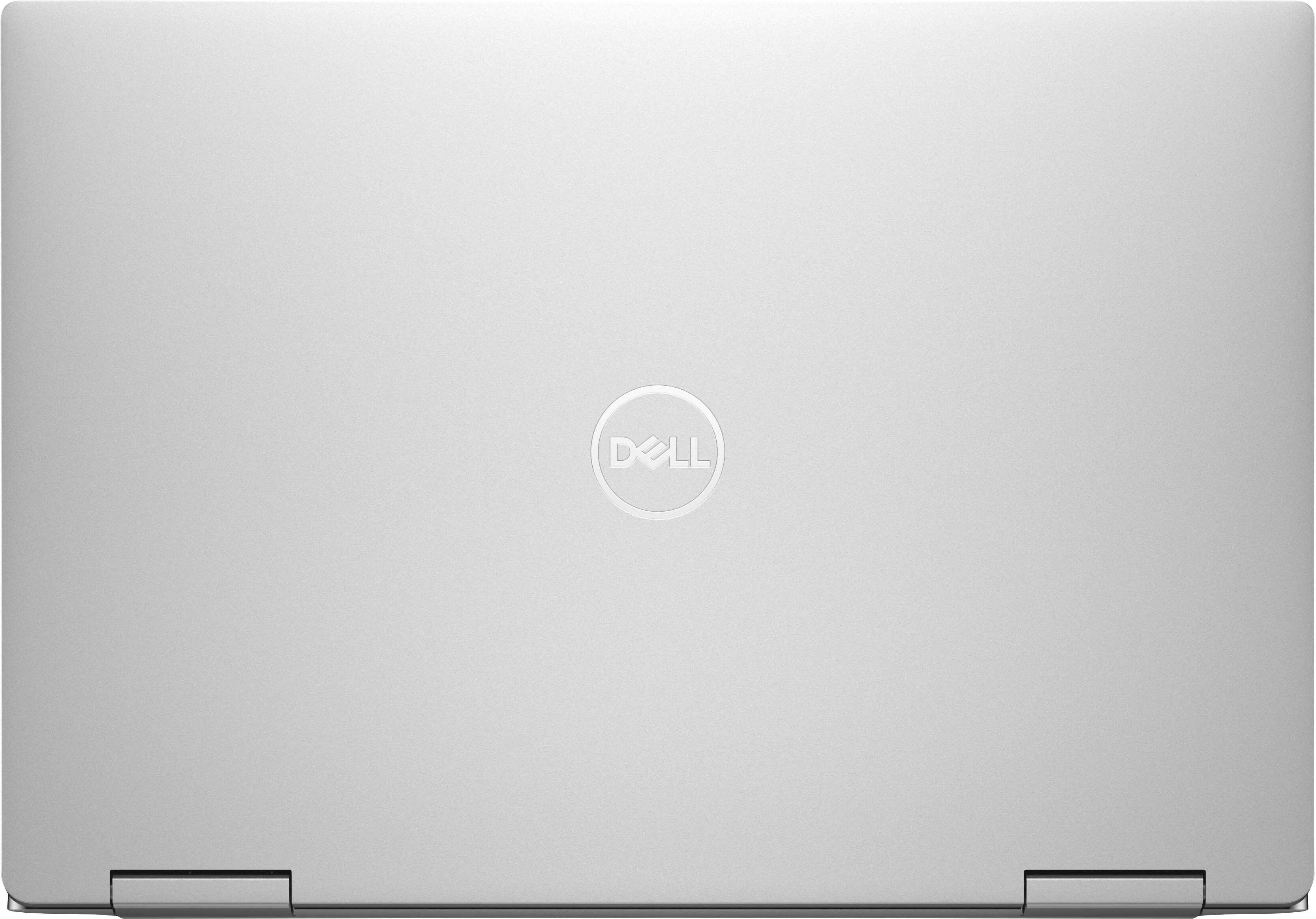
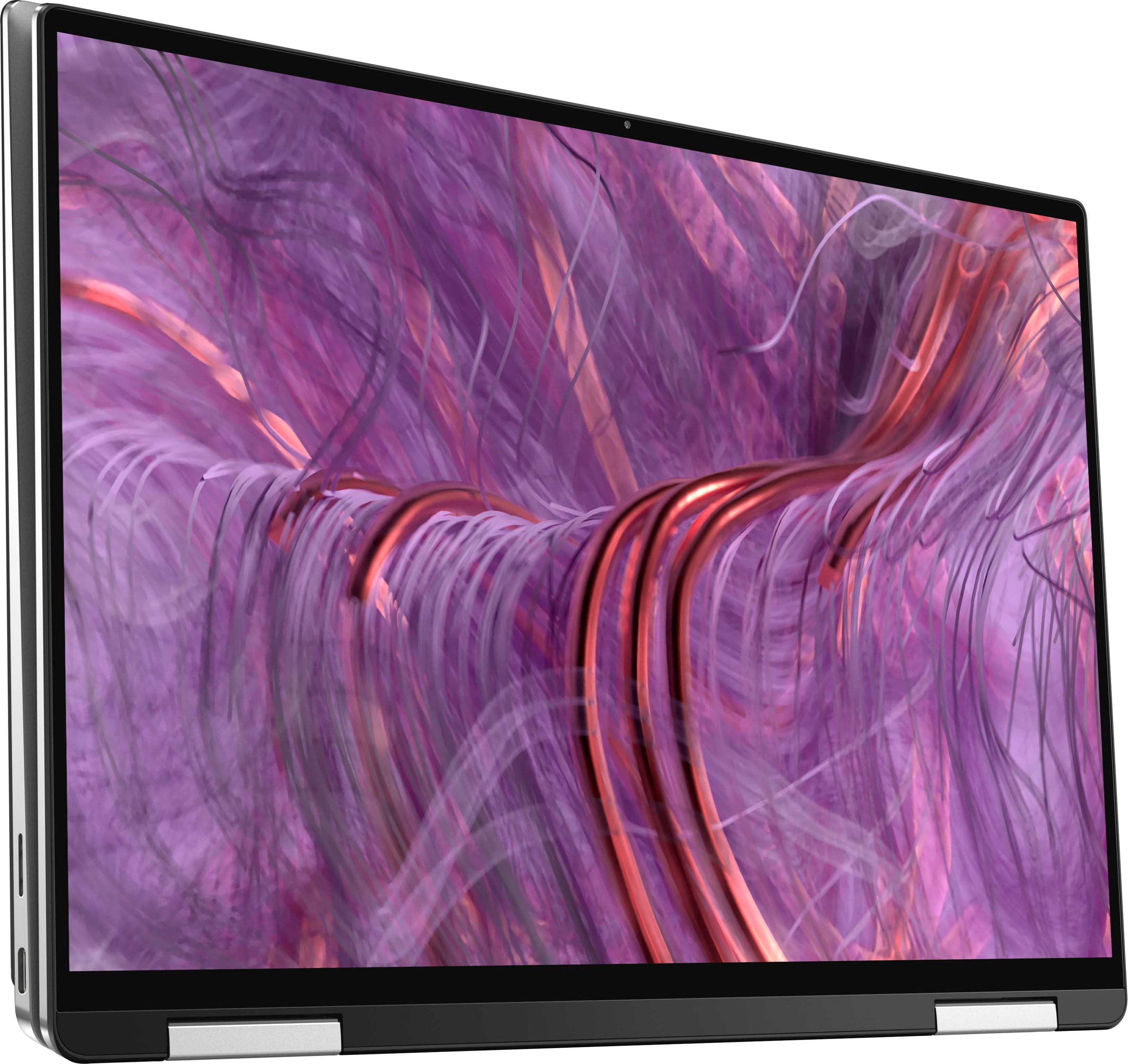
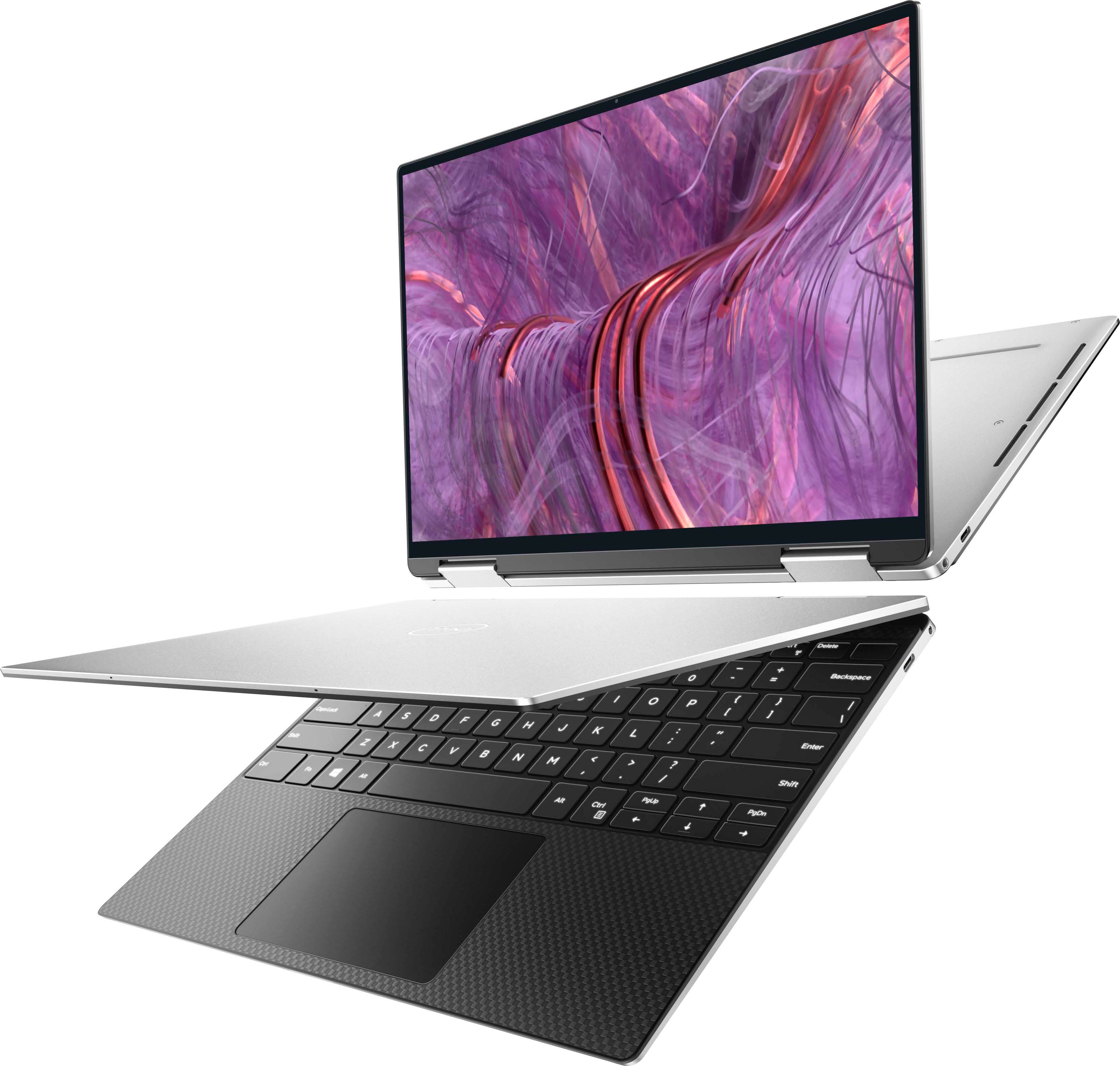
|Posted .This reviewer received promo considerations or sweepstakes entry for writing a review.## Design The Dell XPS 13 9310 2-in-1 laptop has a sleek aluminum exterior (similar to the Macbook). The keyboard is comfortable to type on (although there is no numeric keypad) and the back-lighting is appreciated for late-night work. The power button doubles as a fingerprint reader that works with Windows Hello to allow you to login and unlock quickly. The display is a touchscreen and it can fold around back to use the laptop as a tablet (the keyboard becomes disabled in this state). You can also fold it in a tent shape which makes it ideal for watching videos. ## Display The FHD+ IPS displays look great from most angles, but I sometimes notice some light banding near the top and bottom of the screen. Otherwise, the screen is bright and colorful. Movies and videos look great on it, but the display is shiny and the glare can be very distracting if you're in a bright room. While the laptop seems smaller than many 13 inch laptops, that's thanks in part to the almost bezel-less display. You still get a nice 13 inch display in a smaller form factor. This particular model does not have a 4K display, but still looks sharp regardless. ## Performance While Windows seems to load quickly on the XPS 13, I prefer to use Ubuntu so I installed Ubuntu 20.04 on it. Dell doesn't officially support Ubuntu on this particular model, however the WiFi, sound, brightness and volume controls all worked out-of-the-box. One hardware component that did not work out of the box on Ubuntu was the fingerprint scanner. Performance is snappy and the XPS 13 can handle running several applications (or a bunch of browser tabs) simultaneously. This is thanks in part to Intel's 11th generation i7 processor in the laptop. Web pages load quickly and the processor can handle javascript-heavy sites without batting an eye. Photo editing and light video editing are also fine on this system. This particular model comes with 8GB of RAM and 256GB of SSD storage, which is a little on the low end, but is more than adequate for web browsing, document editing, coding and online meetings. If you're doing heavy video editing or gaming, you'll probably want a machine with beefier specs and storage. ## Battery Life Even on Ubuntu, I found the battery life to be very good for web browsing and working on documents. I'd estimate around 7-9 hours of battery life in these scenarios. Ubuntu also seems to sleep and resume properly when opening and closing the lid with minimal battery drain while sleeping. The XPS 13 recharges with a modern USB-C Power Delivery connection, allowing you to easily pick up a new charger if you misplace the included one. There are two USB-C ports, but no standard USB-A port on this system. Therefore, you may want to look into a USB-C hub if you want to connect external drives or peripherals with a "regular" USB connector. ## Summary Overall, you can think of this system as the Macbook Air of Windows machines. It's lightweight, compact, has a sleek aluminum exterior, and has great performance for work and school. And if Windows is not your cup of tea, Ubuntu 20.04 seems to run fine on it as well, although it is not officially supported.
I would recommend this to a friend - Pros mentioned:Easy setup
The Little 2-in-1 That Packs the Power
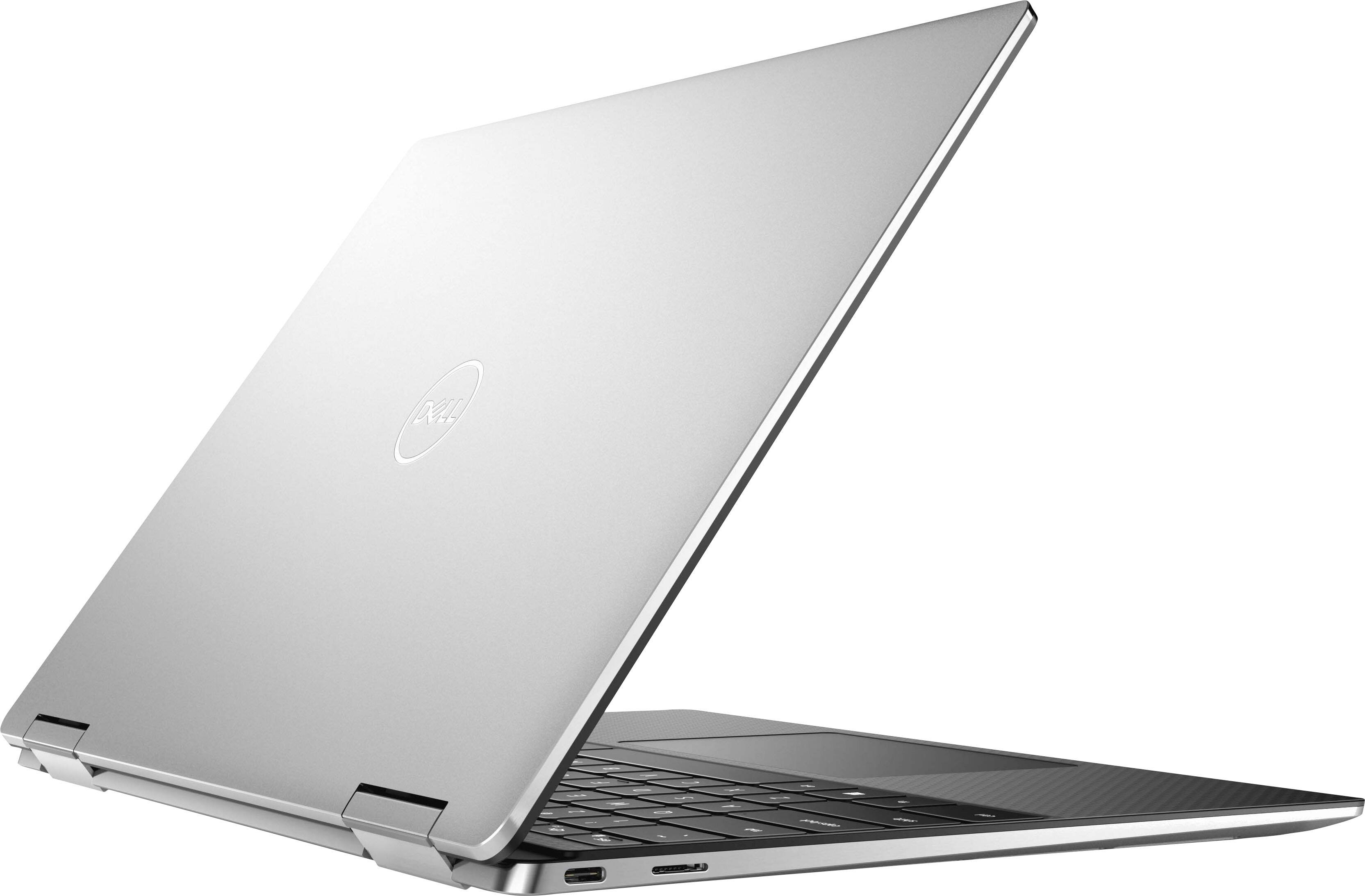
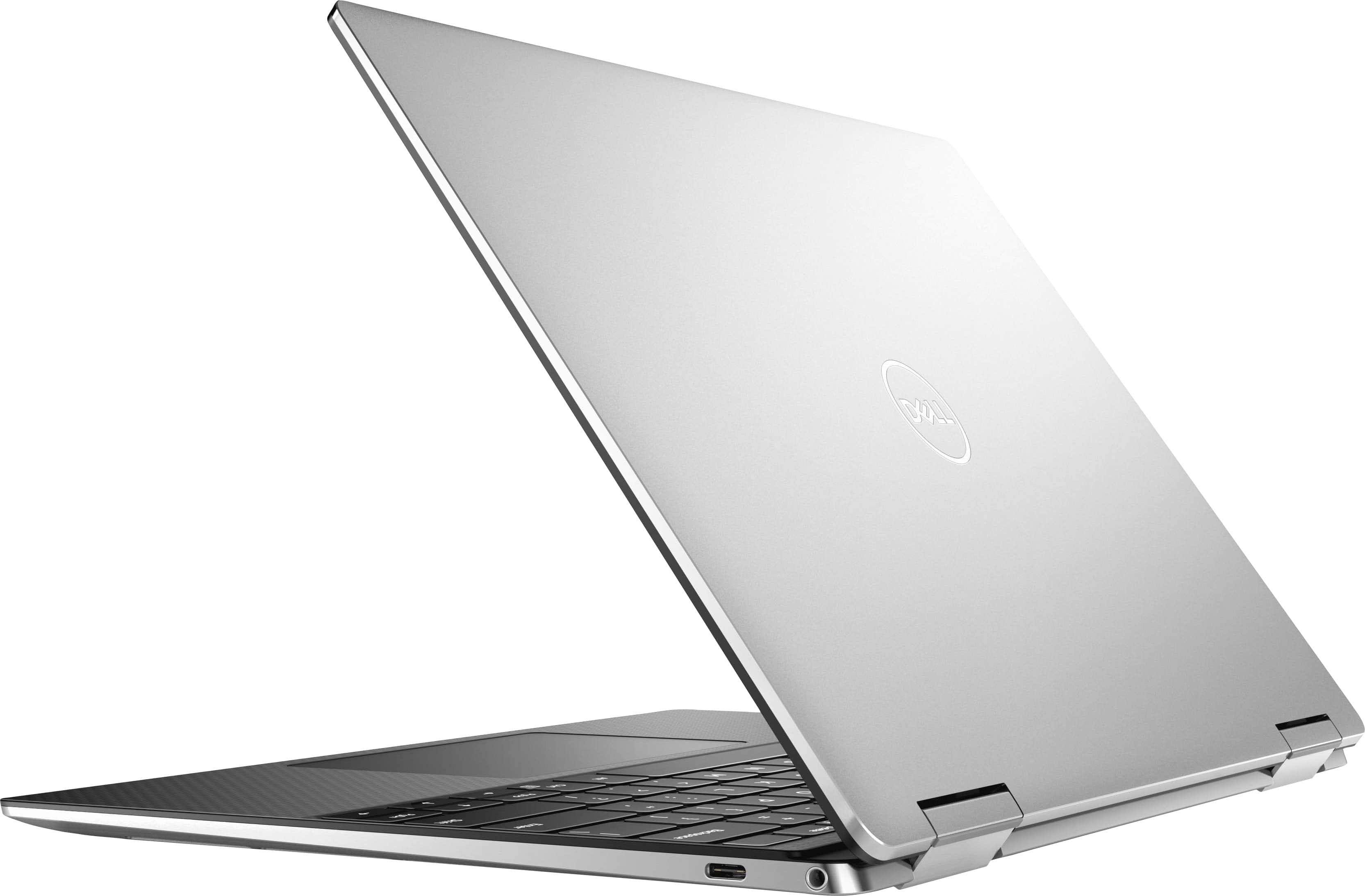
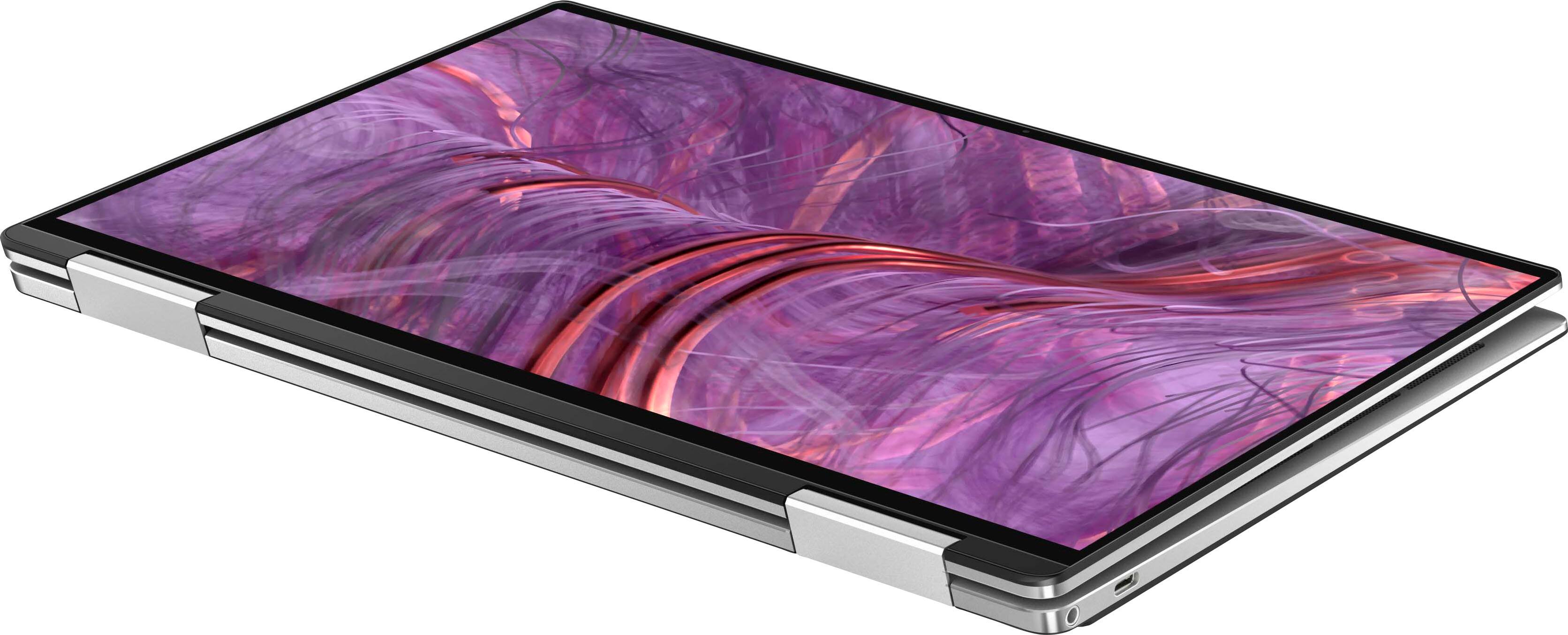
|Posted .This reviewer received promo considerations or sweepstakes entry for writing a review.I use both Mac and Windows machines for my work and entertainment. The Dell XPS 13” 2-in-1 laptop is my current Windows machine. It’s the XPS9310-7115SLV-PUS and ships with 8GM of RAM and a 256GB SSD and touts the Intel Evo Core i7 processor. The reasons for choosing this model were the low profile, sleek overall build with the next to bezel-less FHD+ touchscreen and ability to use as a laptop or tablet. So far, the XPS has lived up to or exceeded my expectations. What’s in the box: the XPS 9310 2-in-1 unit, a 45W AC adapter with USB-C connector, a USB-C to SUB-A adaptor and paperwork/quick start guide. The system includes a McAfee® LiveSafe™ 12 Month Subscription and Microsoft Office 30 Day Trial. In terms of a quick start guide, it's pretty straight forward as there is nothing to really set up. Connect the 2 pieces of the power cord and plug in the unit, and you’re ready to customize your system. First Impressions: The Dell XPS 13 is a very modern and low-profile build, using a unique hinge to keep the unit symmetrical when using as either a laptop or tablet. The platinum silver cover and diamond cut sidewalls lend to a high-end look and feel and protects while looking great! It’s small, light and streamlined with minimal in/outputs. Once turned on, the FHD+ touch screen (1920 x 1200 native resolution) is bright and seems larger than 13.4” due to the low-bevel design. Using Cortana to set up, I set the system to use facial recognition using the HD 720P webcam that is included. There’s also a fingerprint reader built into the power button. Performance: I loaded up some of my everyday apps including Microsoft Office and proceeded to open a few up and run multiple apps simultaneously. I then joined a Zoom video meeting to put it into real world environment. The XPS, even with just 8GB RAM plugged along quicker than my current MacBook Air. Applications and windows opened quickly and the video meeting was crisp and without lag. The Wi-Fi 6 hardware seems to connect easily and streaming was superb with no lag. In today’s streaming world, the Dell XPS was up to the challenge! Battery Life: First off, the 45W power cord is very compact and great for the road warriors out there. There is a charging indicator light on the front edge of the system to confirm charging. The battery life is excellent in either laptop or tablet mode. It can easily run for multiple days before needed to be recharged. Other Features: The keyboard is essentially full size which makes it nice for the power users out there. It’s backlit for use in darker environments and the keys have a short throw with a nice haptic click. There’s also a fingerprint reader built into the power button for a simple login. The FHD+ touchscreen is 13.4” and I found it to be super responsive in tablet mode. The finish seemed to help reduce fingerprints and smudges as well, although the anti-glare finish did pick up glare in sunnier environments. The viewing angle, brightness and crisp graphics all make for a above average user experience. USB-C to USB-A adaptor – as this system is sleek, there are only the 2 USB-C (Thunderbolt 4) an SD card slot and an earphone jack built in. For users who want to add peripherals, the included dongle is a nice touch. With it, any USB-A peripherals are supported. It’s small enough to simply throw in your bag when on the go. Pros: - Very well built and modern sleek design is a plus for anyone looking to take the system on the rode - Very efficient and powerful system in either laptop or tablet mode - Lightweight and easy to use in either mode - Loved the touch and throw of the keyboard - Display is bright and crisp, even in brighter environments - Ease of setup and use Cons: - Although it’s touted as “easy open” I found it to be a challenge to open as there is no lip on the leading edge - Although quiet, the unit did heat up a bit when used in my lap on the couch Overall, the Dell XPS 13.4” 2-in-1 system is a very well-made system with enough processing power to support most users out there. Sure, if you are a power user, step up to the unit with double the RAM and storage size. This system is lightweight and sleek and great for use as a laptop or tablet at home, the office or on the road. I would certainly recommend this unit to anyone looking for a 2-in-1 setup.
I would recommend this to a friend - Pros mentioned:Screen
VERSATILE : Productivity + Media : Laptop/Tablet
|Posted .This reviewer received promo considerations or sweepstakes entry for writing a review.As a primary MacBook user who splits time between that and full sized Alienware R9 desktop, I use them here as general reference points for comparisons. Upon first open this laptop is incredibly sleek and well constructed. Just opening the box presented an almost Apple like opening experience, and I knew we were in for something really great. The arrival of this machines comes timely, as a recent Nvidia GeForce firmware update bricked my Alienware R9 which we used for near 24/7 surveillance monitoring and occasional MS Flight Sim 2020 and other high-end gaming. I was hoping unrealistically that this XPs 2-in-1 might serve as a direct replacement for the Alienware R9, though launching the graphically intensive Forza Horizon 4 I was informed the graphics card measures in below the low setting. Despite the warning the game does load and run seemingly fine, and it’s not a major inconvenience to play with limited textures, and performed surprisingly well. Most buyers of this however I suspect will be for productivity, and that’s where this unit particularly excels. Launching apps, Word, Excel, PPT, Chrome, etc was swift and snappy. I feared the 8 GB memory might prove limiting but I was able to open dozens of tabs in Edge without issue. Compared with my older daily use MacBooks this takes a second to adjust to. While very similar form factors, and barely any weight difference, typing had a slightly different feel to it, easy adjustment. Slightly more awkward is the trackpad. It’s size is a tad bit smaller, but clicking feels much more forceful , particularly at the top near the space bar. Prolonged usage and I don’t notice it as much now. One other area this machine excels at is audio video presentation, with a 16:10 near widescreen film ratio, and very capable speakers. Particularly convincing was the Dolby Atmos leaf demo, I heard buzzing away from and under the machine while writing this outdoors I had to look underneath for a bumble bee or yellow jacket. Nope, XPS speakers. Nice. ** Note **: I had experienced some intermittent network connectivity and throughput problems, likely related to my Ubiquiti UniFi Network, but looking into the issue and noting reddit I saw others with the same network card report issues. Fortunately Killer Networking just released version 3.0.1536 this past Friday March 26th, and my speeds dramatically increased. If you experience network anomalies I caution to please install beta drivers at your own risk, though I’ve had zero issues since doing so, your mileage may vary. PROS +practicality with flip lid +touch built into the OS +super sleek, moreso than expected +incredible screen resolution +bright screen (better in sunlight than MacBook) de +adjustable backlit keyboard +sub 3 pound weight w/ better performance +dual ThunderBolt 4 ultra fast connectors w/ power +Dolby Atmos convincing audio demo +Dell support (plus a year of 20 GB Dropbox ) CONS -touchpad harder to click (near the top) -Killer Wi-Fi 6 AX 1650s 160Mhz wireless adapter issue (**Fixed with Killer Control 3 March 26th beta**) -requires dongle for legacy USB peripherals -RAM limited to industry standard 8 GB -Storage limited to industry standard 256 GB SSD CONCLUSION This is a power packed fully fledged computer encased in a portable form factor. While I’d have preferred 16 GB RAM and 512 GB SSD as baselines for power users at this price point, the included 8GB/256 SSD get by just fine. The addition of flippable touch screen makes this truly a dual usage device, and without needing to carry around an external tablet keyboard. The only knocks I have are half star for networking issue (possibly my network) and price. Recommend.
I would recommend this to a friend Powerful road warrior
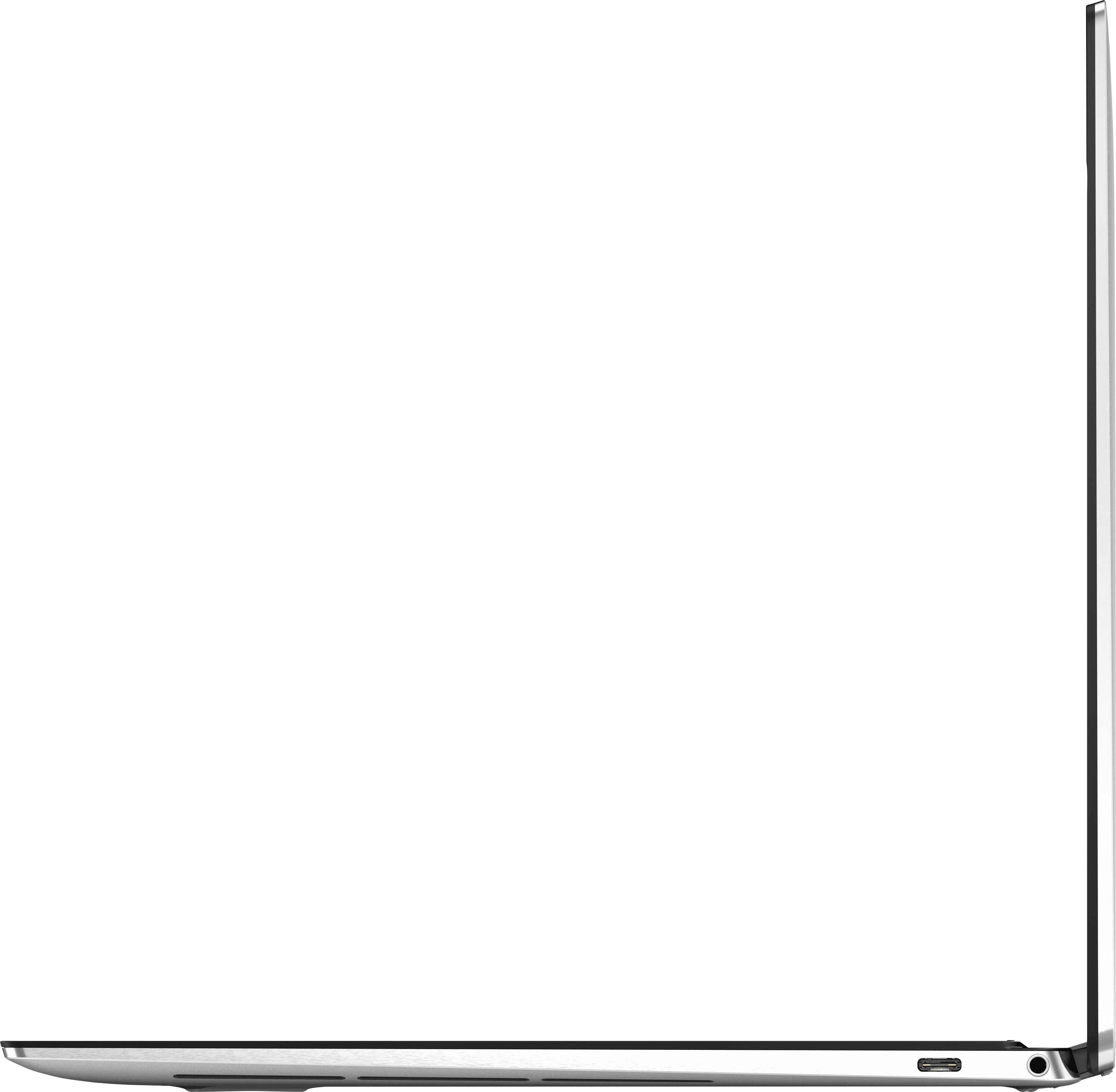
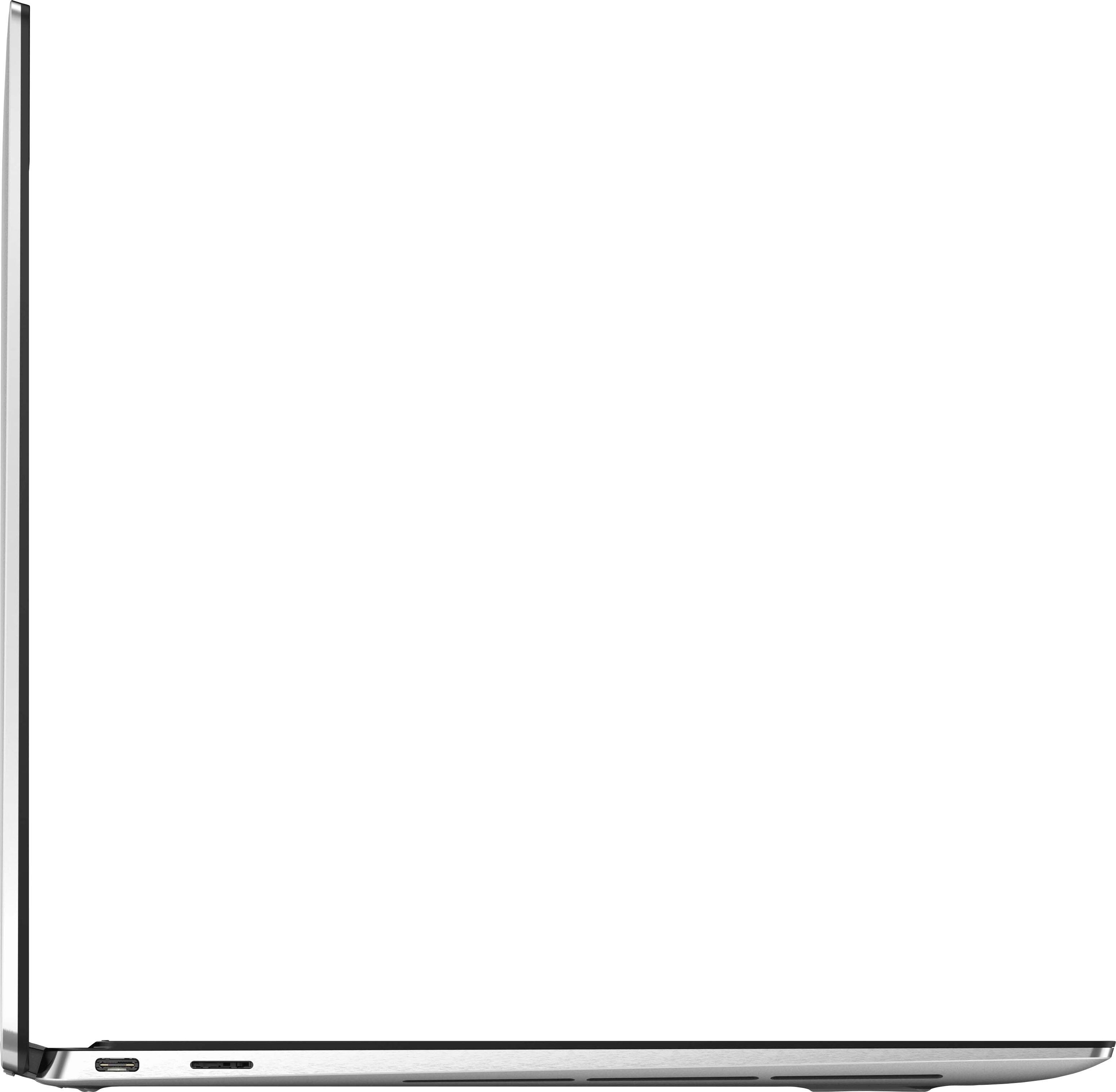
|Posted .This reviewer received promo considerations or sweepstakes entry for writing a review.We are used to having a pretty powerful portable electronic devices on us all the time - classroom, cafe, park or plane seat. This laptop is a great choice for working on the go. Powerful Intel 11th Gen Core i7 processor (Tiger Lake-U) with 4 processing cores, 8Gb on board memory and 256 Gb NVME SSD drive (made by KIOXIA) - you are ready for some serious tasks. Bright 13.4" touch capable screen with 1900x1200 top resolution is clearly visible even in a bright sunlight. Why touch you ask? This machine can easily be turned into a tabled just by folding the keyboard over. If you still prefer a "laptop" kind - backlit keyboard with a huge touchpad is at your service. Laptop surface has a very pleasant texture. External connectivity is handled by a 802.11ax WiFi adapter (also called WiFi 6) capable with 1500Mbit/s transfers (which is faster than a gigabit Ethernet cable connection), Bluetooth, 2 Thunderbolt 4.0 ports (one on each side), micro SD card reader and 3.5" headphone jack. USB-C to USB-A port adapter is included in the box just in case you need to connect an older device. Power adapter is rated at 45W and is really tiny, it fits on the palm of your hand! Laptop is powered by 51Wh Lithium battery. One downside is upgradeability, back cover is easy to remove (just in case you need to clean the fans out) just by unscrewing a bunch of T5 screws at the bottom, however there is hardly anything you can upgrade (see pictures). Overall - if you need a super portable machine with some power behind it - this XPS 13 got you covered! Just make sure to verify the machine specifications as upgrade is hardly possible.
I would recommend this to a friendSleek Yes, but I miss the built in USB-A ports
|Posted .This reviewer received promo considerations or sweepstakes entry for writing a review.This laptop is on the higher end price point wise. I was expecting near perfection. I have one a third of the cost that does a lot of the same things (laptop to tablet function etc, so I was excited to see how much better it performed.) As a tablet, it is great. The sound and picture quality when watching movies is excellent. The colors are vivid and clear. It runs fast and smooth and connects to wifi easily. When doing video calls, the picture of the other caller is crisp and good. However, my image that I send out looks hazy. I tried several apps and changing my background lighting to rule that out. The setting were on the best quality as well. Verdict: the web cam under performs. Now, as a laptop I was so disappointed to find there were no USB-A ports (the bigger standard looking USB). There are 2 USB-C ports (the size of the newer cell phone charger USBs). The laptop can be plugged into with the power cord from either side on the USB -C ports. There is an SD card slot and a head phone jack port. That's it. No HDMI port either. The only reason I can think of is to keep it "sleek". Instead, the laptop now needs that adapter it comes with, and it's aggravating. When you plug that in, there goes the sleekness out the window. A Bluetooth mouse is practically a must. The other laptop I have (that I referenced earlier that was 1/3 the cost) came with 2 USB -C ports, an HDMI port, a charging port, a head phone jack port, and USB- A port. As a laptop, this needs a USB extender/adapter to allow for all the ports it's missing. The keys on the keyboard work fine. They don't depress deeply at all. It's not a satisfying experience when typing for me. Almost like I'm typing on a flat board that doesn't give much feedback. I play piano and can type at least 80 words per minute, so maybe that is why I care to mention it. Again, probably done to keep it "sleek." And finally, when charging the laptop, the indicator light stays white just to let you know it's charging. It won't change to a different color when it's fully charged though. So depending on what you are after, this could be the right purchase for you. If you are wanting a more traditional laptop experience, I would not choose this. If you are after more of a tablet experience with a little laptop stuff on the side, this might be for you. I had to go 3 stars for the camera deficiencies, high price point, and missing USB and HDMI ports. Those are important for my day to day uses. Sleekness is a cool feature but does not replace functionality. And I can't say I'd recommend it to a friend because the price point is too high for me to not get all the key things I'm looking for in a laptop, and have a web cam that doesn't look crisp in today's remote work/school necessities. I want to look good on my end of the webcam too, just sayin.
No, I would not recommend this to a friendBrand response from YourDellTeam
Posted .Hello,
Thank you for your input and feedback. We apologize for the issues you have come across with your product and have noted the details of your statement to help improve our products now and in the future. We would love to help you as soon as possible. Please, use the information below to contact Dell Support at your earliest convenience. Below I have provided some insight that will assist in the webcam issue.
1. Close any applications that are using the webcam (this may include web pages). Save and close any applications that you are working on as the computer will need to restart.
2. Press and hold the Windows key, and then press the q key.
3. In the search box type device manager.
4. Select Device Manager (Control panel) in the list of results.
5. Touch or click the plus (+) sign to the left of Cameras or Imaging Devices.
- Note: When there is no listing for Cameras or Imaging Devices, "Contact Technical Support."
6. Touch and hold or right-click Integrated Webcam or USB camera.
7. Touch or click Uninstall.
8. Confirm the uninstall process by clicking OK.
9. Once uninstalled, restart the computer.
- Note: Windows 10 will automatically detect and install the Webcam drivers.
10. When the Webcam does still does not function, the webcam software should also be uninstalled and reinstalled after the drivers are installed. Contact the Webcam software provider for assistance.
If you still come across issues with your webcam, this link can be used for further solutions and details: http://dell.to/3m00ioA
For additional support, please call Dell directly at 1-800-624-9896
Best,
Lexy@Dell
Chat or Call:
https://bit.ly/DellSupportTeam
- Pros mentioned:Screen
Elegant and functional design. Nice clicky keys.
||Posted . Owned for 1 week when reviewed.This reviewer received promo considerations or sweepstakes entry for writing a review.I got this laptop for my 77 YO father. It was the 4th attempt. (*sigh*) He seems happy enough with it so far. It's light and the touchscreen is kindof a must for older people with dexterity issues. I spent some time setting things up for him and I'm convinced this is at least the nicest feeling laptop I've ever used. The buttons are nice and clicky with great feedback. The metal case is pretty swanky, and it's way more than enough for what he's going to do with it. I can't say anything negative about the display. I think the only criticism I can give it is no usb 3.0, but there's a dongle included and I realize you cant have that interface with such a slim design.
I would recommend this to a friend - Pros mentioned:Screen
Excellent loaded laptop - great screen.
||Posted . Owned for 3 weeks when reviewed.This reviewer received promo considerations or sweepstakes entry for writing a review.Excellent Windows laptop, which I need for school. I actually prefer Chromebooks, but this is a high quality, well-made and beautiful machine. It is in the upper price bracket, but is loaded with what you expect for that price. The screen is especially high quality and sharp. This is another reason I out out the cash - I have poor vision, and this machine is ideal for that. Dell needs to get with user trends. People hate battery powered stylii - make them rechargeable w/o little cylindrical, weird and hard-to-find batteries, better to just plug the stylus in via a C charging port, and you're off to the races.
I would recommend this to a friend - Pros mentioned:Battery life, Easy setup
High efficient device
||Posted . Owned for 1 month when reviewed.This reviewer received promo considerations or sweepstakes entry for writing a review.Great device, easy to set up and wonderful battery power
I would recommend this to a friend - Pros mentioned:Easy setup
Great Computer!!
||Posted . Owned for 1 week when reviewed.This reviewer received promo considerations or sweepstakes entry for writing a review.Absolutely love the computer!! Came efficiently and in perfect form!! Setting it up was so easy and am so happy with the computer!! It is so nice and it works so well! Would totally recommend this computer to anyone who was looking for an efficiently working computer!!
I would recommend this to a friendBrand response from Intel team
Posted .Hello there. Thank you for your great review on this Dell - XPS 13" 2-in-1 Touch-Screen laptop. We are glad to introduce to you our Intel® Evo™ Platform. All Intel® Evo™ platform-based laptops such this one, are designed to deliver the remarkable responsiveness, battery life, connectivity, audio, displays, and thin and light designs you need to move freely and stay productive wherever you are.
Thank you for choosing Intel!
- Pros mentioned:Build quality
One of the Best 13in 2 in 1's.
||Posted . Owned for less than 1 week when reviewed.This reviewer received promo considerations or sweepstakes entry for writing a review.Great 2 in 1, build quality is solid, similar to the HP Spectre, super small. If you need one of the smallest 13 inch this is your laptop. I chose to return this item due to the low specs. It does have an 11th gen processor but 8gb ram and 256 hdd for the price is too expensive.
I would recommend this to a friend - Pros mentioned:Build quality
First Dell, very nice
||Posted .This reviewer received promo considerations or sweepstakes entry for writing a review.Excellent laptop, excellent build quality, open box is great deal
I would recommend this to a friend - Pros mentioned:Performance, ScreenCons mentioned:Fingerprint reader
Very nice two-in-one offering from Dell!
|Posted .This reviewer received promo considerations or sweepstakes entry for writing a review.Like the majority of the population I've grown up on Windows PC's. With the price tag that Macs have, it was never really a feasible option, especially while raising a family. With the exception of my work PC, I've switched over to a MacBook Pro and strictly used it alone over the last 2 years. I was tired of the updates, viruses, 3rd party software issues, and countless other problems that seemed to be inherent to a Windows system. Started with my iPhone. I saw what a phone and computer should be. A smooth operating machine with very little privacy concerns. Two years into my Mac, I'm still falling victim to the learning curve that is Mac. I missed the PC systems that I grew up with, and was familiar with. With SSD drives now standard for the most part in PCs I wanted a good reliable system with the latest Windows offering. I've owned HP, Compaq, Acer, Toshiba, Lenovo... you name it. One brand stood out to me as best in class, and that's Dell. I've had Dell laptops and a nice desktop. This touchscreen two-in-one Dell XPS rivals my MacBook Pro for performance and capabilities. The design is strong, well thought out, and built solid like my Dells of old. I was worried about the hinges, especially being a tablet hybrid. Not to worry with this, it's very sturdy. The trackpad was one of my favorite things about my MacBook. This trackpad is identical , and functions very much like the Mac. You can zoom in and out right with the trackpad, and you can sideswipe left and right with 2 fingers when internet surfing to go back and forward, just like the Mac. It is VERY responsive and delicate as well, the slightest touch will function as a left mouse click. No need to hammer the trackpad. The venting is worth mentioning as well. they are perfectly designed on the bottom of the unit to not be smothered when the unit is sitting on a table, or your lap, and prevents overheating efficiently. There are 2-USB C ports for accessories, and it comes with a micro-SD slot which a MacBook does not have. Screen is very vivid and the touchscreen is on point. The touchscreen feature never meant much to me when determining what machine to purchase until I got this unit. I find myself more and more using the touchscreen for speed and ease of us. Will definitely be more of a factor in my next purchase, Much lighter than my MacBook as well which is appreciated! There are 2 cons that i've experienced so far, and they may get easier with time. I've only had a couple weeks to play with this system. The first one is the tablet aspect. When I have the unit folded over, on numerous occasions I've pressed things on the taskbar which effectively pops things up on the screen undesirably while I'm trying to do something. There's got to be a way around that, and I just havent figured it out yet. The second con for me is the fingerprint reader. I've programmed every finger I have, and programmed multiple fingers at once, but for the life of me, I'm unable to get it to work. Every single time I have to enter my PIN as a last resort since it does not register my fingerprints. It would be nice, since one of my favorite things about my Mac is the ability to open the system with my watch with a a simple tap. Sound is great for a 13" laptop! The keyboard has nice easy light settings, high, medium/low, and off, which can be toggled from a key on the keyboard. This is a nice little system, with a fast SSD drive, plenty of storage, with a speedy Intel i7 core chip. Hope this review helps!! Dell remains my PC of choice, glad to see they're still making a quality product!! M
I would recommend this to a friend Great smaller laptop. Very quick
||Posted . Owned for 1 week when reviewed.This reviewer received promo considerations or sweepstakes entry for writing a review.Great little laptop. I was not sure about Windows 11 but it seems to run very well on this machine. No issues with any compatibility. Would recommend the machine.
I would recommend this to a friendBest computer
||Posted .This reviewer received promo considerations or sweepstakes entry for writing a review.Thank you to the guy that sold me this computer. This computer was the best present my girlfriend said. It allows her to use all programs she needs.
I would recommend this to a friendUsed for work
||Posted . Owned for 1 week when reviewed.This reviewer received promo considerations or sweepstakes entry for writing a review.Use this device for work, very robust device. I am happy with it and have no complaints
I would recommend this to a friend