Customer Ratings & Reviews

- Model:
- ME10111
- SKU:
- 6612704
Rating by feature
- Setup
Rating 4.9 out of 5 stars
- Range
Rating 4.7 out of 5 stars
- Signal Strength
Rating 4.7 out of 5 stars
Customers are saying
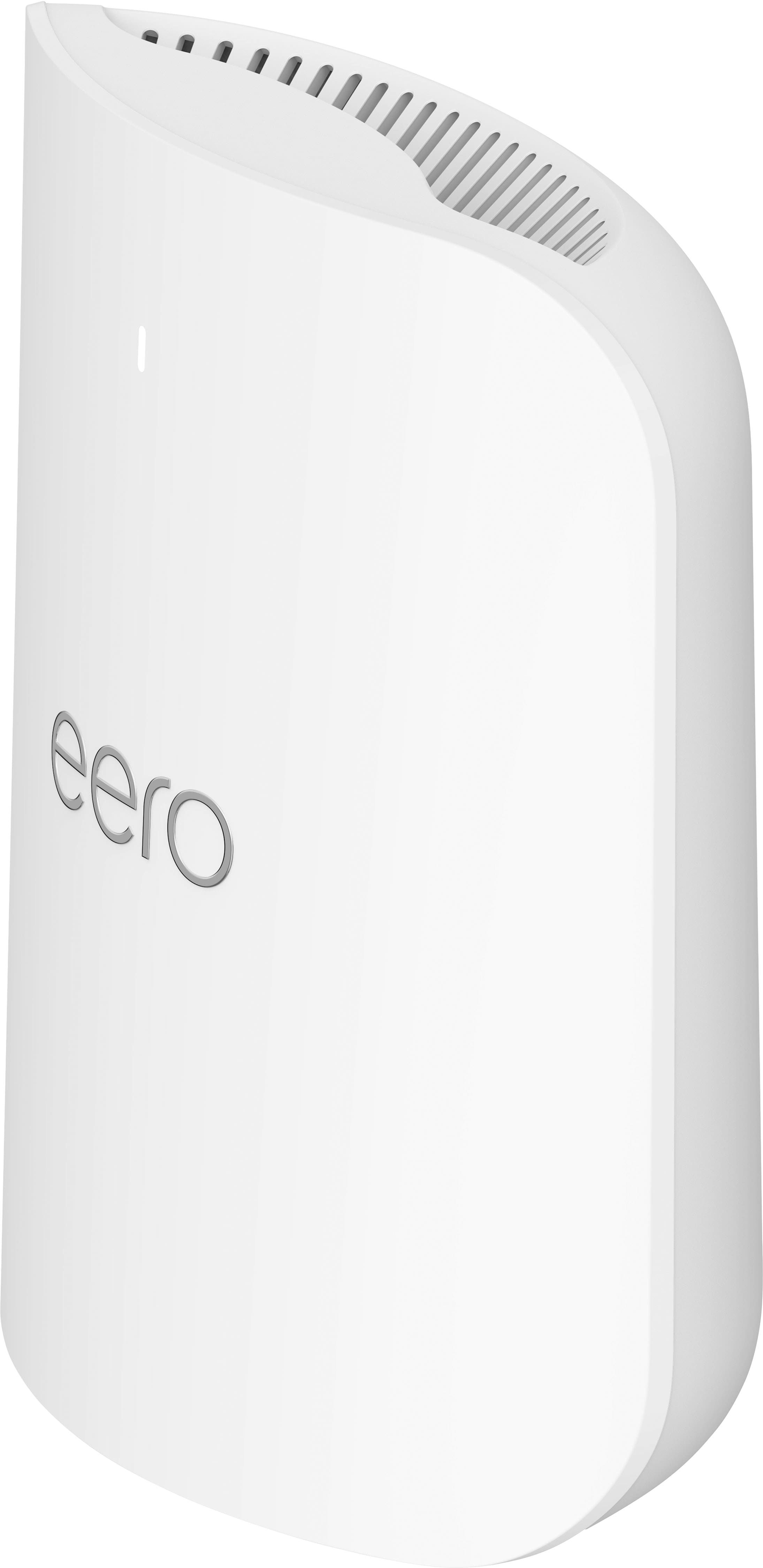
Customers have good things to say about the Pro 7 Tri-band Mesh Wi-Fi 7 Router, especially regarding its overall performance and easy setup. Users are also pleased with the router's coverage and speed, noting improvements in signal strength and range. Furthermore, customers appreciate the reliable connectivity options and ease of use.
This summary was generated by AI based on customer reviews.
- Pros mentioned:Overall performance
Perfect for reaching cameras outside
||Posted .This reviewer received promo considerations or sweepstakes entry for writing a review.The Internet around my house is working great and I like the app
I would recommend this to a friend - Pros mentioned:Coverage
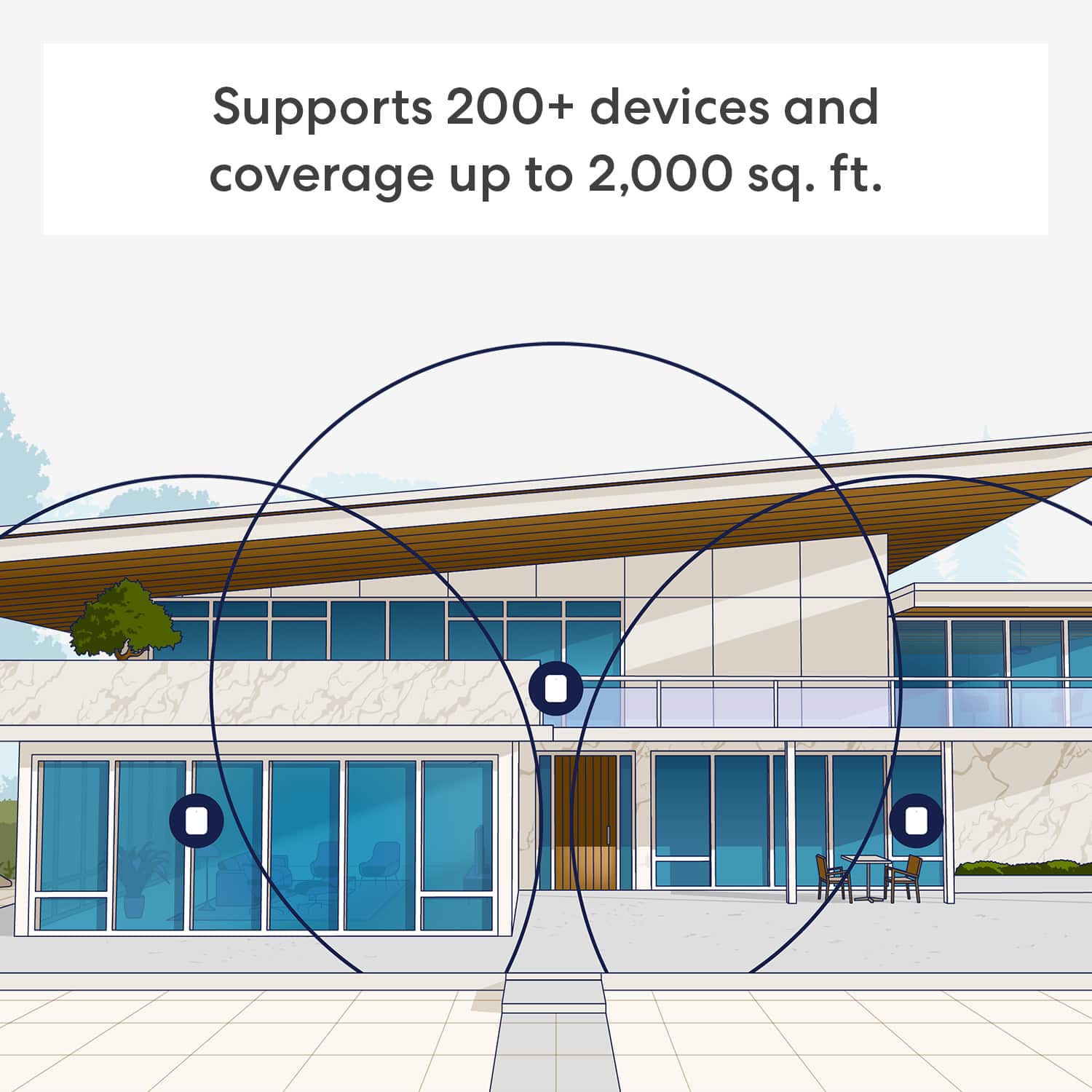
3 mesh routers with great coverage that rocks
||Posted .This reviewer received promo considerations or sweepstakes entry for writing a review.The best of routers. It covers 2 stories house and all the way to the garage too
I would recommend this to a friend Easy setup, fewer dropped connectioins
||Posted .This reviewer received promo considerations or sweepstakes entry for writing a review.Bought to replace 3 year old ORBI mesh wifi with slower chip. Easy to setup and improved performance. I normally have 50+ devices connected with 1 or 2 people streaming at one time. Have experienced fewer drops since moving over to the eero Pro 7. I would recommend.
I would recommend this to a friend- Pros mentioned:Overall performance
I love it
||Posted . Owned for 2 months when reviewed.This reviewer received promo considerations or sweepstakes entry for writing a review.The product is amazing and it really does help maximize your WiFi.
I would recommend this to a friend Buy this without concerns
||Posted . Owned for 2 weeks when reviewed.This reviewer received promo considerations or sweepstakes entry for writing a review.This is my 3rd eero network and it is awesome. The hardware is bulletproof (and foolproof), the software is great and the support is excellent.
I would recommend this to a friend- Pros mentioned:Overall performance
Awesome Router Setup
||Posted . Owned for 2 months when reviewed.This reviewer received promo considerations or sweepstakes entry for writing a review.Best router ever. No words will be enough as it was a life safer specially with WFH scenarios. Works and beats any mesh routers by miles!!!
I would recommend this to a friend Router tri band
||Posted . Owned for 1 month when reviewed.This reviewer received promo considerations or sweepstakes entry for writing a review.The eero app makes setup a breeze—you’ll have your network up and running in minutes, and management is simple for everyday users. It’s truly a “set-and-forget” Wi-Fi experience for most households.
I would recommend this to a friend- Pros mentioned:Signal strength
Best wifi coverage I've ever had.
||Posted .This reviewer received promo considerations or sweepstakes entry for writing a review.In-home, in the yard, in the garage, we get strong signal everywhere. Bonus that I can plug a device into ethernet from one of the satellite routers to get better speeds on a PC.
I would recommend this to a friend Amazing Mesh Router
||Posted . Owned for 3 weeks when reviewed.This reviewer received promo considerations or sweepstakes entry for writing a review.Great fast internet wifi router. 3 bands to access wifi internet plus also the chance for a guest wifi network.
I would recommend this to a friendGreatest WiFi router ever
||Posted . Owned for 3 weeks when reviewed.This reviewer received promo considerations or sweepstakes entry for writing a review.Excellent. Easy to setup and really love feature of using my echos as an additional hotspot in the home and business
I would recommend this to a friendPerfect solution
||Posted . Owned for 1 month when reviewed.This reviewer received promo considerations or sweepstakes entry for writing a review.We were paying for a gig speed internet, but not receiving anywhere near in many areas of our house. This was perfect. Arguably overkill for a 3000 sqft house. No regrets on the purchase.
I would recommend this to a friend- Pros mentioned:Coverage
Good product
||Posted . Owned for 2 months when reviewed.This reviewer received promo considerations or sweepstakes entry for writing a review.Good coverage in an older home with plaster/lath walls. Easy installation
I would recommend this to a friend Love it
||Posted . Owned for 9 months when reviewed.This reviewer received promo considerations or sweepstakes entry for writing a review.Incredible upgrade from my old google mesh. Intuitive and reliable speeds.
I would recommend this to a friend- Pros mentioned:Coverage
Eero pro 7
||Posted .This reviewer received promo considerations or sweepstakes entry for writing a review.This eero system is working very well so far. No more dead spots in my home.
I would recommend this to a friend - Pros mentioned:Coverage
Eero 7 Pro is AMAZING!!
||Posted .This reviewer received promo considerations or sweepstakes entry for writing a review.Excellent coverage inside and out!!! Best quality and so easy to setup!!! Highly recommend.
I would recommend this to a friend - Pros mentioned:Connectivity
eero wifi
||Posted . Owned for 3 weeks when reviewed.This reviewer received promo considerations or sweepstakes entry for writing a review.They worked out great in my house. Was able to get wi fi to all rooms without a problem. Customer care was super helpful and did everything for me.
I would recommend this to a friend Excellent next gen-router
||Posted . Owned for 3 weeks when reviewed.This reviewer received promo considerations or sweepstakes entry for writing a review.This is a fantastic router under the right circumstances. I had an existing eero 6E tri-band network and upgraded to a two-gig Fios connection. My old set-up didn't allow me to use the two-gig connection wirelessly. This did so quite admirably. It integrated seamlessly into my existing network with no effort whatsoever. It would be an excellent investment if you are interested in investing in the eero ecosystem. You should not mix and match different brands of components to create a cohesive mesh network.
I would recommend this to a friend- Pros mentioned:Overall performance

Way better than alternatives
|Posted . Owned for 2 weeks when reviewed.This reviewer received promo considerations or sweepstakes entry for writing a review.Has been working perfectly since we got it. Replaced an asus thay kept dropping signal.
I would recommend this to a friend - Pros mentioned:Speed
Eero 7
||Posted .This reviewer received promo considerations or sweepstakes entry for writing a review.Excellent product! Totally recommend. Just what i was looking for. Speeds are way better and easy setup.
I would recommend this to a friend - Pros mentioned:Overall performance
Easy setup and works great
||Posted . Owned for 1 week when reviewed.This reviewer received promo considerations or sweepstakes entry for writing a review.Easy setup and works great, but very pricey. Maybe less expensive version works just fine.
I would recommend this to a friend