Customer Ratings & Reviews


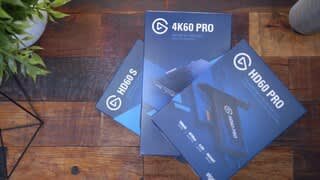
- Model:
- 10025025
- |
- SKU:
- 5180400
Customer reviews
Rating 4.7 out of 5 stars with 457 reviews
(457 customer reviews)Rating by feature
- Value4.5
Rating 4.5 out of 5 stars
- Quality4.8
Rating 4.8 out of 5 stars
- Ease of Use4.5
Rating 4.5 out of 5 stars
Customers are saying
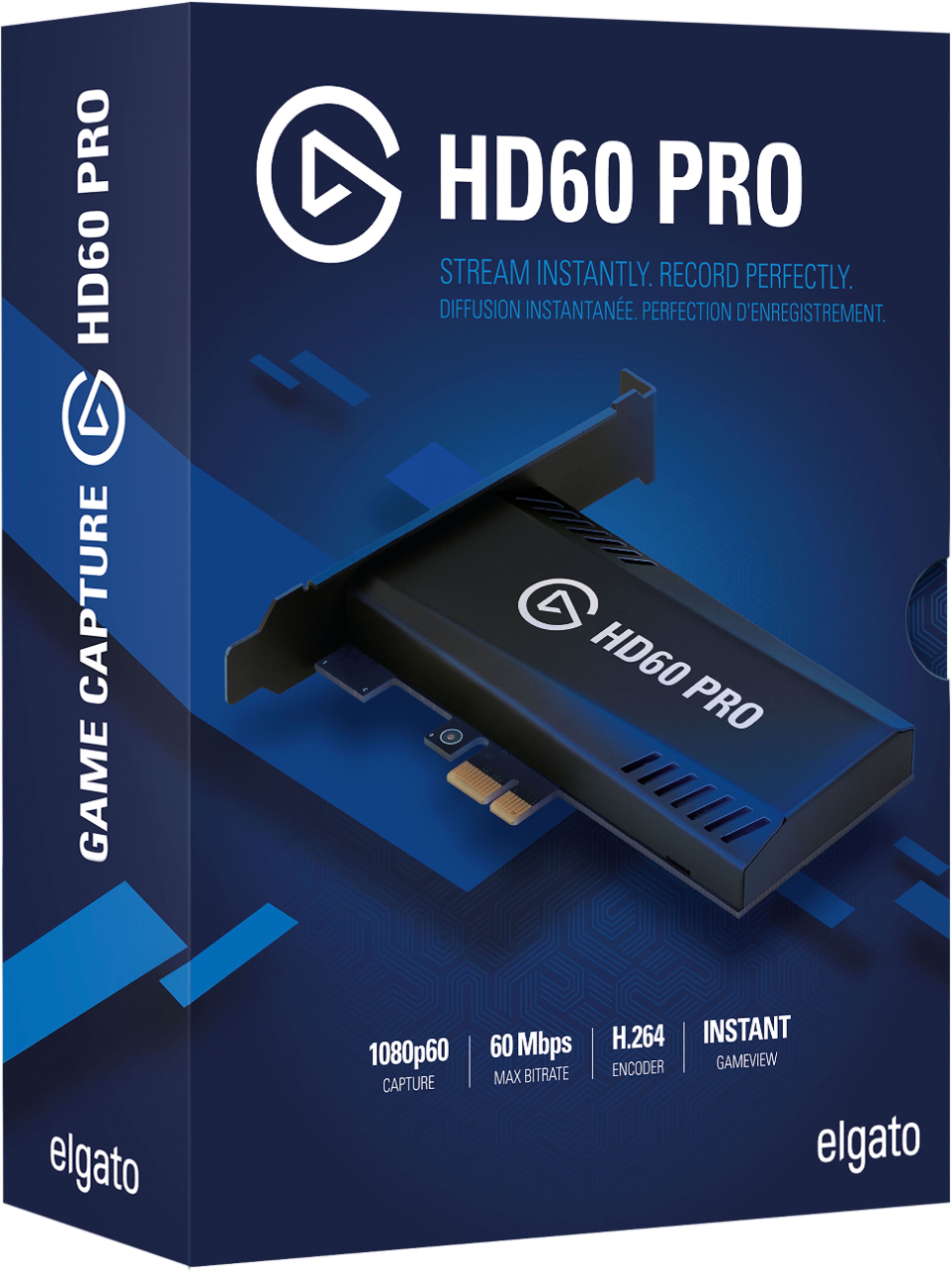
Customers express satisfaction with the Game Capture HD60 Pro's ease of use, video quality, and compatibility with various systems. Many appreciate the streamlined installation process and user-friendly software. While some users noted minor connection issues or a lack of detailed instructions, the overall experience is positive, particularly regarding the device's performance and compact size. The product's ability to capture high-resolution video at a reasonable price point is also frequently praised.
This summary was generated by AI based on customer reviews.
- Pros mentioned:Ease of use, Installation
Rated 5 out of 5 stars
Meets my needs, easy to install!
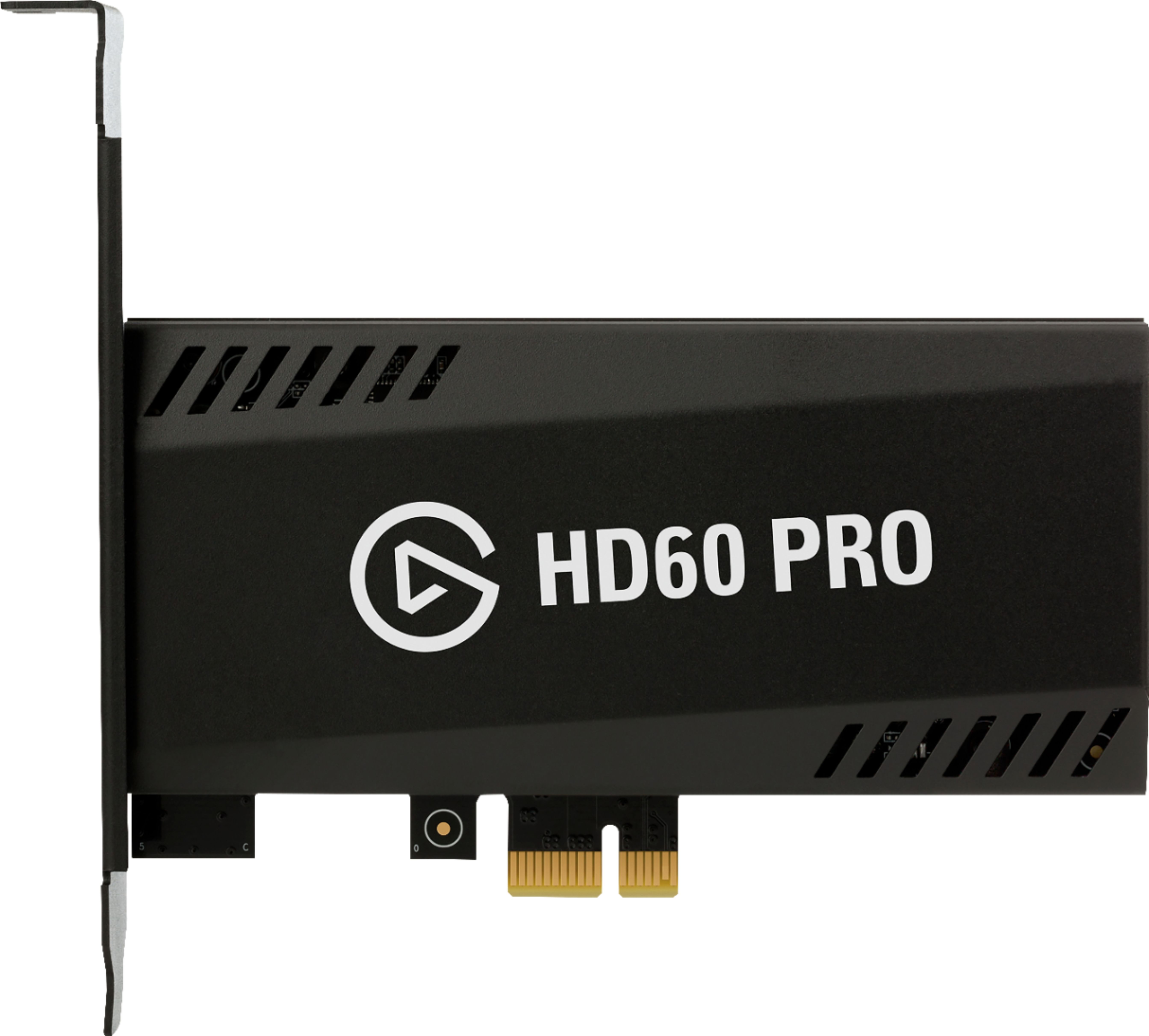
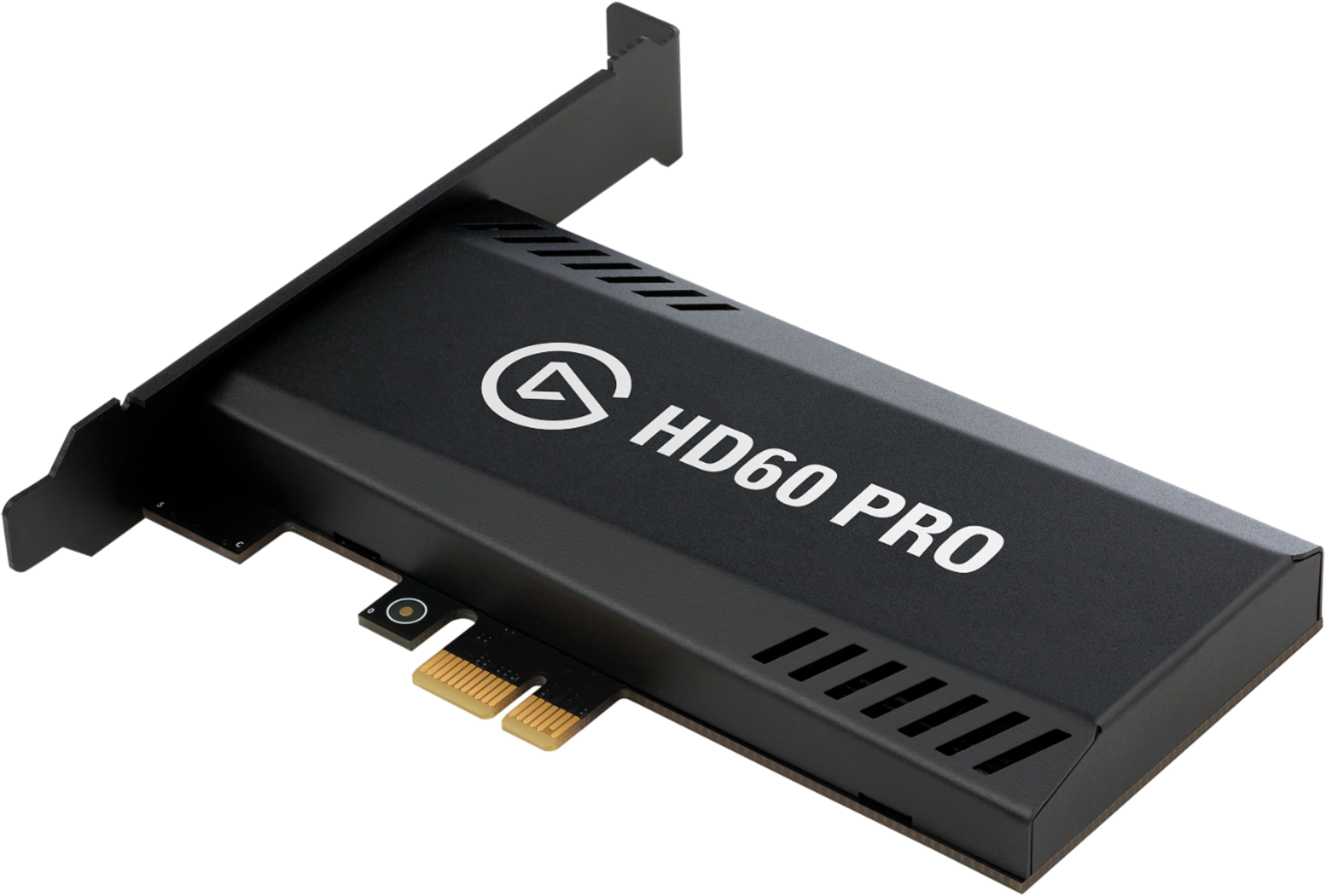
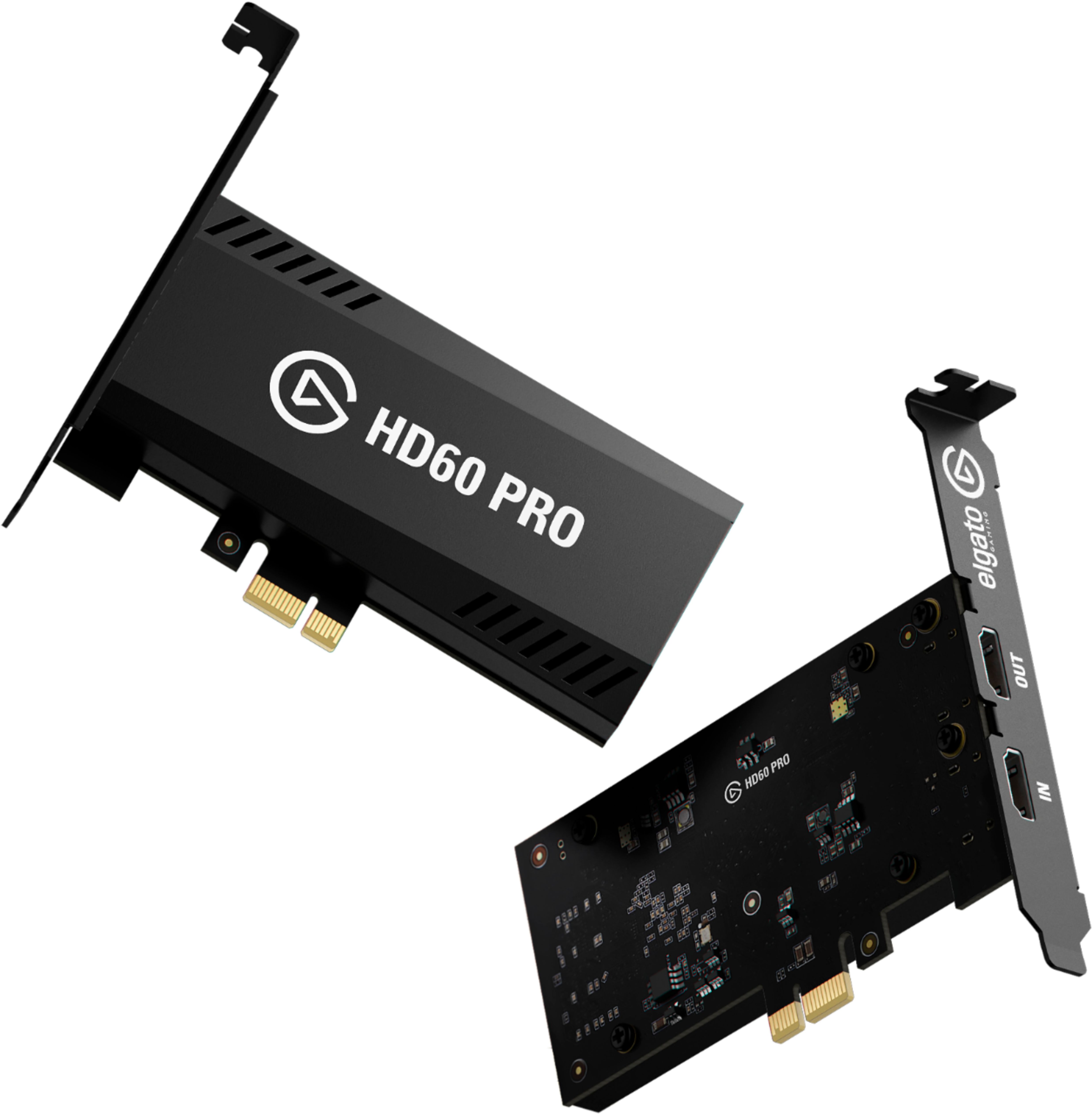
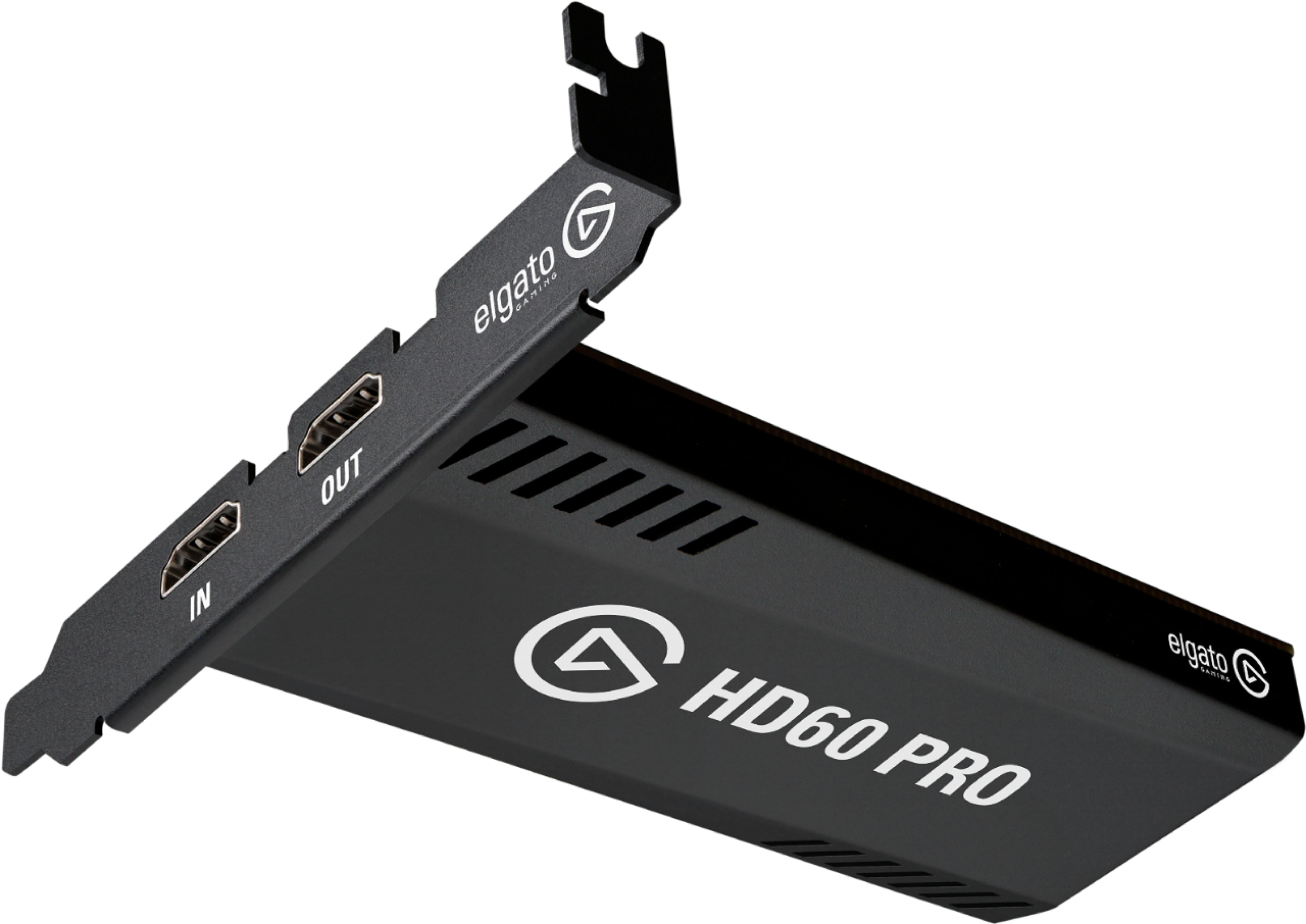
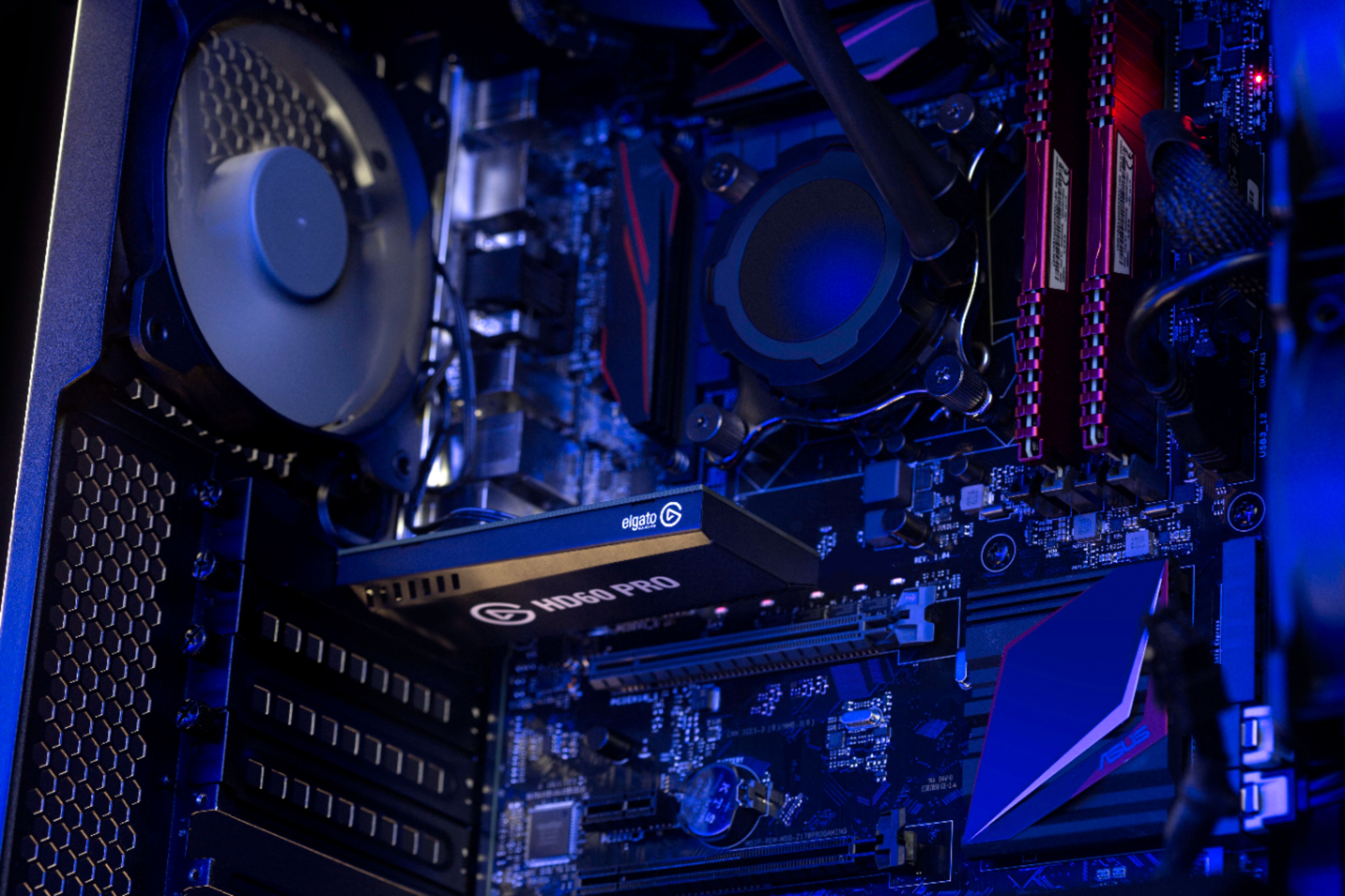
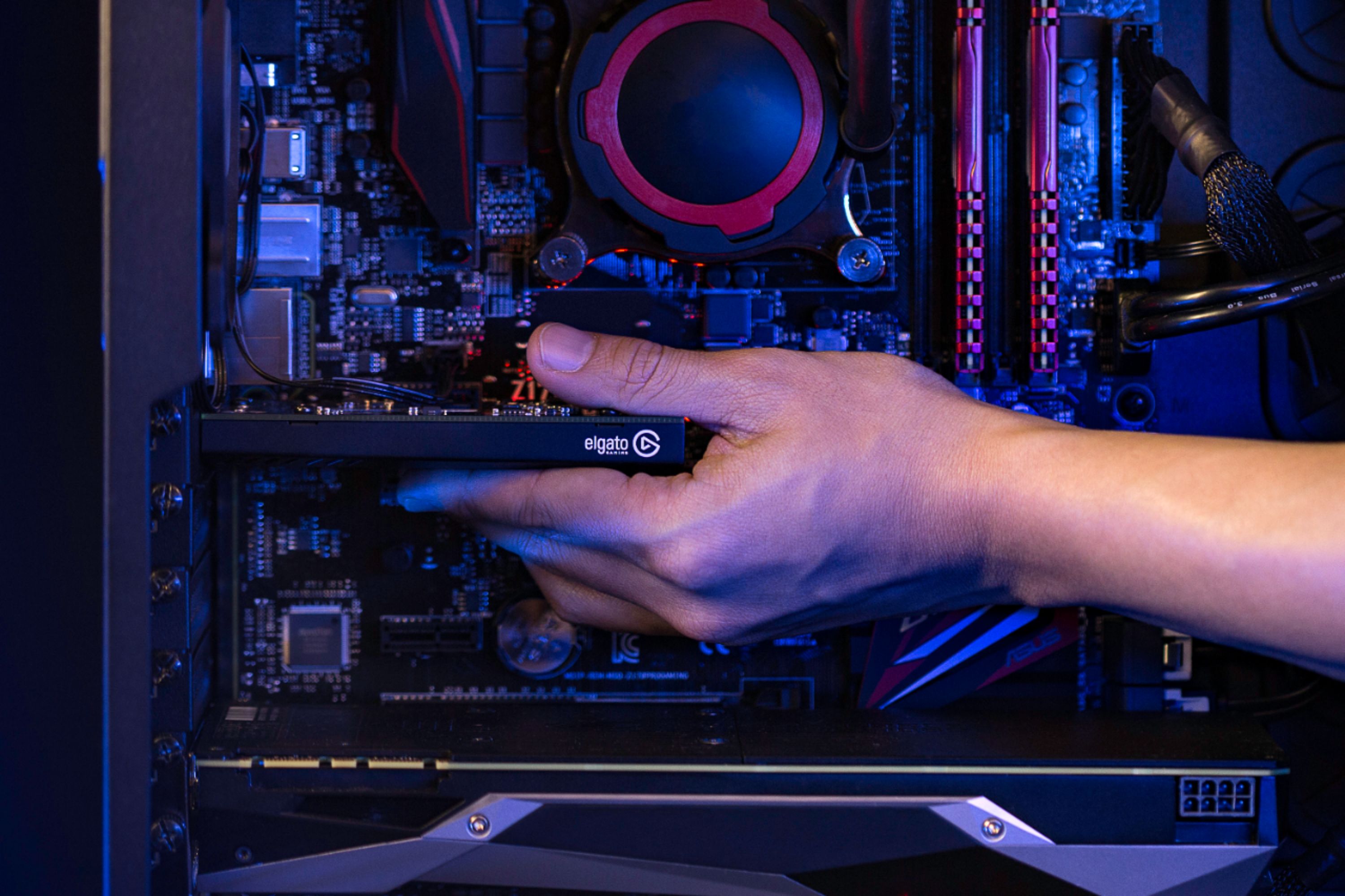
||Posted . Owned for less than 1 week when reviewed.This reviewer received promo considerations or sweepstakes entry for writing a review.Installation of this capture card was extremely easy. All I had to do was open up my PC case, insert the card into a PCl slot, and screw in the little metal plate for the ports in the back. It took a total of roughly 2 minutes, including the time to unscrew the glass panel on my computer case! lol. I primarily use this to stream from my Nintendo Switch. The feedback from the graphics card is so quick and seamless that I actually didn't even use the "OUT" port to plug my Switch into a separate monitor - I am able to play the games on my computer screen with my streaming software. It was easy to set up my OBS studio software to pick up the capture card for streaming - so you're not at all limited to the card's streaming software! This was very welcome news, as I was hoping I would still be able to use OBS. Overall I am extremely satisfied with this purchase. I'm glad I opted for this device instead of an external capture card - I like that I don't have an extra device hanging out on my computer desk - instead, now I can just plug my Switch directly into my computer and stream away! Before purchasing, make sure your computer has a free PCl port and that your setup matches the specifications necessary for this capture card to work in your computer. My PC is fairly beefy so I had no issues, but it's always good to check first! I used Elgato's website to check the system requirements and to download the drivers for this device.
I would recommend this to a friend Rated 5 out of 5 stars
Upgrade over HD 60 S
||Posted .This reviewer received promo considerations or sweepstakes entry for writing a review.If you have a desktop and want to stream/record, you might as well get this. I was using the Elgato HD60 S for over a year. Took some tweaking with some software to get it to work how I wanted it to, but it worked great afterwards. I had a razer blade laptop and recently moved to a desktop computer. Pros over HD60 S - Faster 60 MBPS vs 40 MBPS - Master copy. With this card, you can stream and record at different resolutions. For most, this means you can easily stream at lower bitrate and resolution while keeping a high-quality copy of your footage at the same time for a later upload. CONS compared to HD60 S - Portability If you're not interested in the portability factor, you should definitely get this card. I am doing an unboxing video on my youtube channel "lil rice muncher gaming." If you're interested, check it out!
I would recommend this to a friend- Pros mentioned:Ease of use
Rated 5 out of 5 stars
Elgato HD60
||Posted . Owned for 1 year when reviewed.This reviewer received promo considerations or sweepstakes entry for writing a review.This is an excellent product. I used it for about 6 months before upgrading to the 4K version, but I have no complaints. I was able to connect to OBS Streamlabs to capture all my XBOX One X and more recent Xbox Series X gameplay. The setup was straightforward amd user friendly.
I would recommend this to a friend Rated 5 out of 5 stars
No issues. Easy install
||Posted . Owned for 3 weeks when reviewed.This reviewer received promo considerations or sweepstakes entry for writing a review.I have been using it almost non stop and I must say it is a good product. It get the job done much better than my old Elgato HD60 which was an external capture card. I have a much easier time streaming my PS4 games because I don’t have to deal with delay on video. If you want proof I stream on twitch using the name M8TRIXGames
I would recommend this to a friendRated 5 out of 5 stars
Great Purchase
||Posted . Owned for 1 week when reviewed.This reviewer received promo considerations or sweepstakes entry for writing a review.Extremely easy install. Download link to the program is in the manual. Easy install of HDMI, allowing more use for existing ports in my GC. Streamed a few times so far and the capture time is instant.
I would recommend this to a friendRated 5 out of 5 stars
Works as intended. No issues by far
||Posted .This reviewer received promo considerations or sweepstakes entry for writing a review.As a former regular HD60 user, this saved me a USB port and no delay from capture software.
I would recommend this to a friendRated 5 out of 5 stars
Perfect in every way.
||Posted . Owned for 2 weeks when reviewed.This reviewer received promo considerations or sweepstakes entry for writing a review.Excellent and actually works far, far better than the HD60S.
I would recommend this to a friend- Pros mentioned:Ease of use, InstallationCons mentioned:Lag
Rated 5 out of 5 stars
Outstanding Product
||Posted .This reviewer received promo considerations or sweepstakes entry for writing a review.I bought this for my stream at twitch.tv/revlawl (shameless plug for The Gamer’s Church) with donations so that we could play Switch games. The installation was incredibly easy, and Elgato’s product and customer service was top notch. If you are looking for a capture card, i highly suggest this one for pc players. There is no delay as it acts as a middle transfer between hdmi. The report is solid, and works extremely easily with SLOBS (i’m not aure about OBS but i imagine it’s similar.) Great product, and Best Buy was the cheapest price around with the earliest delivery. Easily a 10/10 experience with the store and product.
I would recommend this to a friend - Pros mentioned:Installation, Software, Video quality
Rated 5 out of 5 stars
More then just streaming
||Posted . Owned for less than 1 week when reviewed.This reviewer received promo considerations or sweepstakes entry for writing a review.Great item and easy to install. Just make sure to download the software AND the driver for the card to get it to work. Lets me stream playing my Switch but also lets me to play other HDMI games on my computer monitor. the application is its own window and can make fullscrean. with a adapter was able to play older n64 and gamecube on my computer and was able to also get display of a other computer as a windows on my main PC with out switching inputs. 10/10 bought for streaming and found 3 other uses for it
I would recommend this to a friend - Pros mentioned:Video quality
Rated 5 out of 5 stars
Will be missed.
||Posted . Owned for 1.5 years when reviewed.This reviewer received promo considerations or sweepstakes entry for writing a review.This was Elgato's ultimate budget capture card. A decent step up from their USB options, and typically found for under $200. This card supported their multi-app functionality, where it could be used in 2 apps simultaneously. They no longer sell a 1080p option that does this. I still have a few of these in my setup connected to 1080p sources, and will likely keep them till they die.
I would recommend this to a friend - Pros mentioned:Ease of use, Video quality
Rated 5 out of 5 stars
Best Capture Card
||Posted .This reviewer received promo considerations or sweepstakes entry for writing a review.Definitely a step above other capture cards. Been using this for about 4 months, no problems, great quality, and simple to use. Would recommend to anyone wanting to record or stream videos.
I would recommend this to a friend - Pros mentioned:Installation, Video quality
Rated 5 out of 5 stars
Easy setup, seamless stream
||Posted .This reviewer received promo considerations or sweepstakes entry for writing a review.I'm running a dual PC setup, and streaming on both (Nvidia shadowplay to Facebook on primary gaming pc and elgato on second stream PC) The setup was very simple, it only took about 5 minutes from unboxing the card to having a display with audio. Very simple setup if you research and have an idea of what your doing. The stream quality is fine, I'm streaming at 720@60 and have had no issues connecting and streaming to my twitch account from elgato's software. Quality of card for your money: I have a fast internet connection (100mbps+ on Ethernet) but I keep the quality low for the rest of my system to keep up. This card can stream at 1080@60fps, but my system (i5 7500, 16gb ram, gtx1060 6gb oc) can only really comfortably handle 720@60. I haven't tried higher but temps indicate that's a no go. If you are considering this, please be aware you will need either a very powerful pc to be able to use this in a one system gaming/streaming setup, or a halfway decent machine if you're considering using this in a dual PC or for console streaming purposes. All in all, this card met my expectations because I did my research. I picked this card because it suited my personal needs better than any other product. If you're throwing this in a system with an Pentium or other low end processor, don't expect to be able to play games and stream.
I would recommend this to a friend - Pros mentioned:Compatibility
Rated 5 out of 5 stars
Best HD capture card
||Posted . Owned for 1 year when reviewed.This reviewer received promo considerations or sweepstakes entry for writing a review.Best HD capture card. I use it for capturing Nintendo switch, and other consoles. It works seamlessly with Streamlabs, OBS, and Elgato’s own software suite. Fits perfectly in any Computer, and does not exceed a 1 slot PCI-E thickness. I have used this for a long time and have had no issues.
I would recommend this to a friend - Pros mentioned:Video qualityCons mentioned:4k, Lag
Rated 5 out of 5 stars
The best card for streaming. Period.
||Posted . Owned for 3 weeks when reviewed.This reviewer received promo considerations or sweepstakes entry for writing a review.Works great recording and streaming Switch content. Absolutely love the feature that lets me see my switch gameplay as a window on my pc with no noticeable lag. This is also the best choice if you only need a capture card for streaming since since Twitch has a hard time with 4k content
I would recommend this to a friend - Pros mentioned:Ease of use, Video quality
Rated 5 out of 5 stars
Perfect product but there is one thing to know!
||Posted . Owned for 3 weeks when reviewed.This reviewer received promo considerations or sweepstakes entry for writing a review.So word to the wise: I have a really beefy brand new gaming PC with an RTX 3070 FTW, my upload speed is 40mb up, and the Nvenc encoder STILL wasn’t enough for smooth 1080p 60fps streaming via twitch. I install this card, and it’s beautiful and stable with no dropped frames. Easy to install. Really good software too. However, if you are running a single PC setup as your streaming and gaming machine, know that there is a significant hit in the frames. I was pushing COD Warzone on maxed out settings averaging 190 FPS, after install and while streaming I only averaged about 120-130 FPS. That’s a substantial drop however it absolutely solved all my issues. Worth every dollar I spent on it. Go for it.
I would recommend this to a friend - Pros mentioned:Compatibility, Installation, Video quality
Rated 5 out of 5 stars
Great for streaming console to PC
||Posted .This reviewer received promo considerations or sweepstakes entry for writing a review.Elgato consistently makes great quality, and this is no exception. I use this for streaming, and the set up was pretty simple. Also, this works incredibly well with OBS and Streamlabs. Well worth the purchase!
I would recommend this to a friend - Pros mentioned:Ease of use, Video qualityCons mentioned:Lag
Rated 5 out of 5 stars
I cant believe I waited this long
||Posted . Owned for 1 week when reviewed.This reviewer received promo considerations or sweepstakes entry for writing a review.I cant believe I've waited this long to get a great capture card for my pc. This has amazing quality and zero latency. Its plug and play for obs as well which is a plus
I would recommend this to a friend - Pros mentioned:Installation, Video quality
Rated 5 out of 5 stars
Worth every penny
||Posted .This reviewer received promo considerations or sweepstakes entry for writing a review.Before getting this capture card, I streamed Xbox One using the app, and the quality was terrible. After getting this card, my quality was a thousand times better. It is a very easy install, you just put it into one of the PCI-E slots on your motherboard, download the software for it, and boom done. It works flawlessly. It might be confused at first but one HDMI goes from the card to your TV, and the second HDMI goes from your card to your console. Glad I bought this, I stream with it quite often. 100% recommend it!
I would recommend this to a friend - Pros mentioned:Ease of use, Installation
Rated 5 out of 5 stars
Seamless Streaming of my Nintendo Switch
||Posted . Owned for 1 week when reviewed.This reviewer received promo considerations or sweepstakes entry for writing a review.I bought this capture card to stream Super Mario 3D All-Stars on Twitch. Although it took a little bit of time to install and familiarize myself to the elgato capture software, it's incredibly easy to use. If you are unfamiliar with any streaming software, there are multiple videos on Youtube explaining how to use it. Installing the card to the motherboard was as simple as opening an expansion slot and plugging it into the port on the motherboard. VERY simple with easy instructions even for a beginner.
I would recommend this to a friend Rated 5 out of 5 stars
Great product
||Posted . Owned for more than 2 years when reviewed.This reviewer received promo considerations or sweepstakes entry for writing a review.Nice slim capture card, near imperceptible delay on computer program compared to external cards
I would recommend this to a friend