The vast majority of our reviews come from verified purchases. Reviews from customers may include My Best Buy members, employees, and Tech Insider Network members (as tagged). Select reviewers may receive discounted products, promotional considerations or entries into drawings for honest, helpful reviews.
Page 2 Showing 21-32 of 32 reviews
Rated 5 out of 5 stars
Sharp images. Auto focus.
|
|
Posted . Owned for 1 week when reviewed.
This reviewer received promo considerations or sweepstakes entry for writing a review.
Very good quality. Auto focus . Easy to use through Google One
I would recommend this to a friend
Rated 5 out of 5 stars
Projector
|
|
Posted . Owned for 1 week when reviewed.
This reviewer received promo considerations or sweepstakes entry for writing a review.
Love this thing, size makes it convenient and easy to move around
I would recommend this to a friend
Rated 5 out of 5 stars
Covenient and great sound
|
|
Posted . Owned for 1 month when reviewed.
This reviewer received promo considerations or sweepstakes entry for writing a review.
Eey good for moving ariund the house borh for gaming and watchng tv.
I would recommend this to a friend
Rated 5 out of 5 stars
Great Projector
|
|
Posted . Owned for less than 1 week when reviewed.
This reviewer received promo considerations or sweepstakes entry for writing a review.
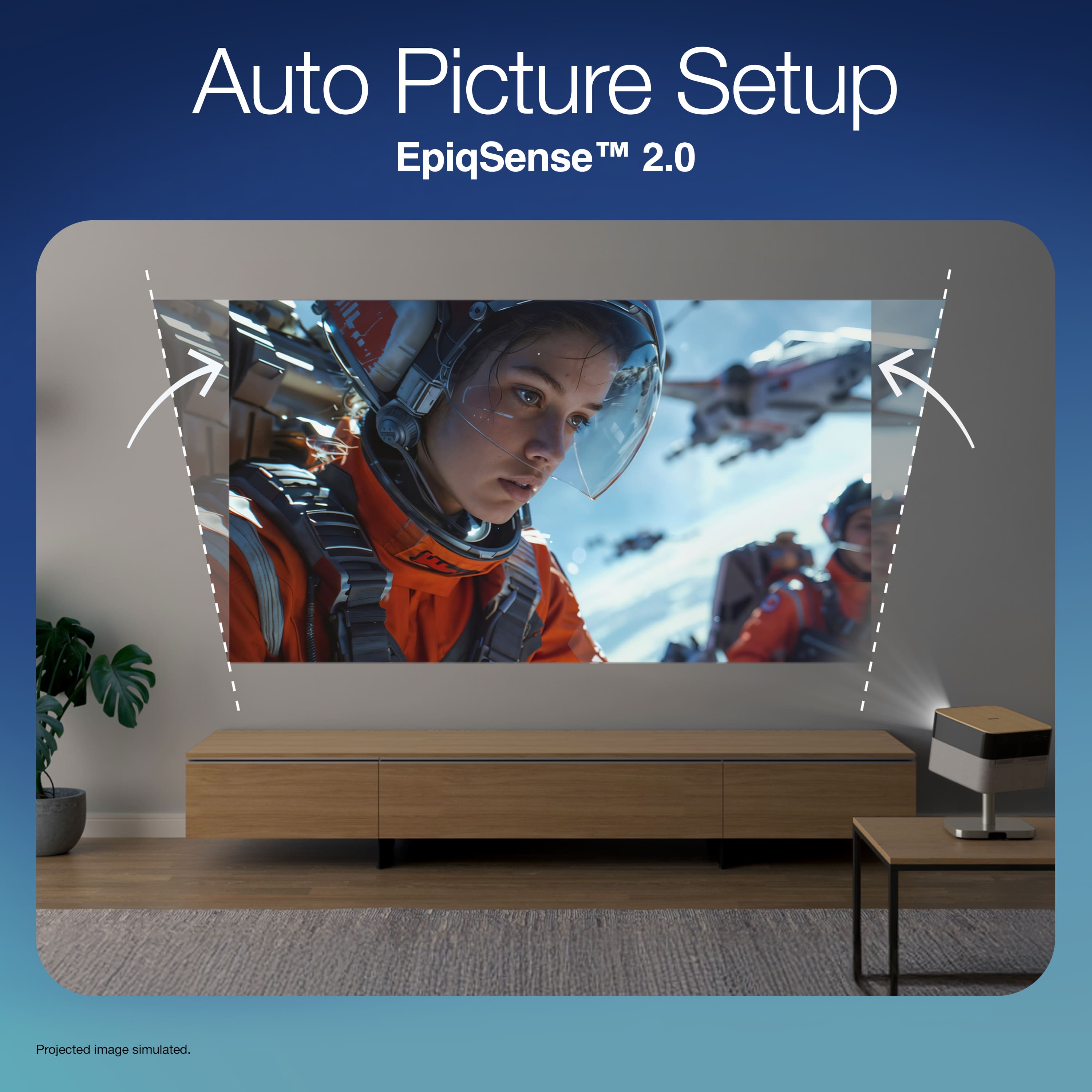
Great home projector. Picture is clear and automatically adjusts size to match wall
I would recommend this to a friend
Rated 5 out of 5 stars
Very good
|
|
Posted . Owned for 2 weeks when reviewed.
This reviewer received promo considerations or sweepstakes entry for writing a review.
Not too dim. Great with ps5. Low latency. Only 1 hdmi port though
I would recommend this to a friend
Rated 5 out of 5 stars
Review
|
|
Posted .
This reviewer received promo considerations or sweepstakes entry for writing a review.
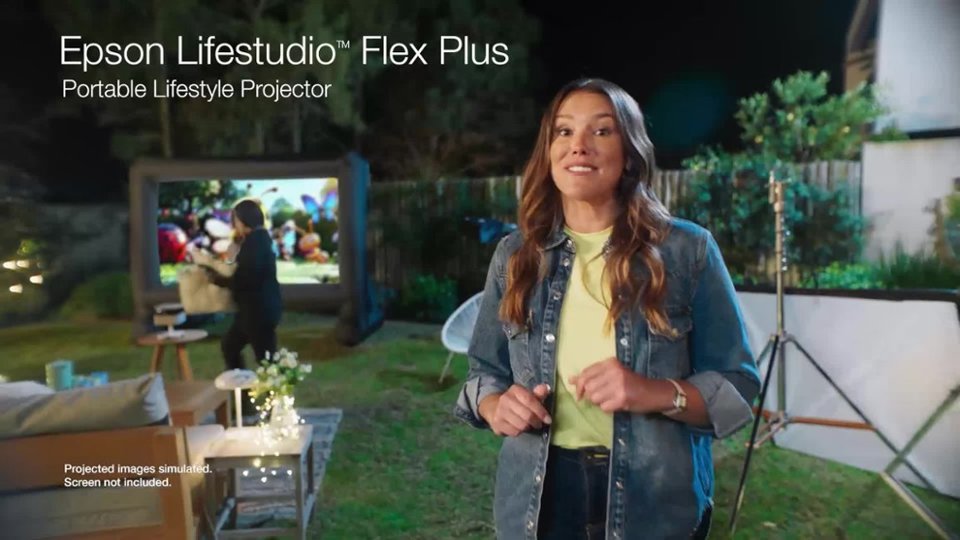
Great for nighttime backyard movie nights for sure. Not great for daytime viewing.
I would recommend this to a friend
Rated 4 out of 5 stars
_______________________
|
|
Posted . Owned for 3 weeks when reviewed.
This reviewer received promo considerations or sweepstakes entry for writing a review.
Christmas gift. They tell me so far it works great.
I would recommend this to a friend
Pros mentioned:
Design, Sound quality
Cons mentioned:
Brightness
Rated 3 out of 5 stars
Style first.
|
Posted .
This reviewer received promo considerations or sweepstakes entry for writing a review.
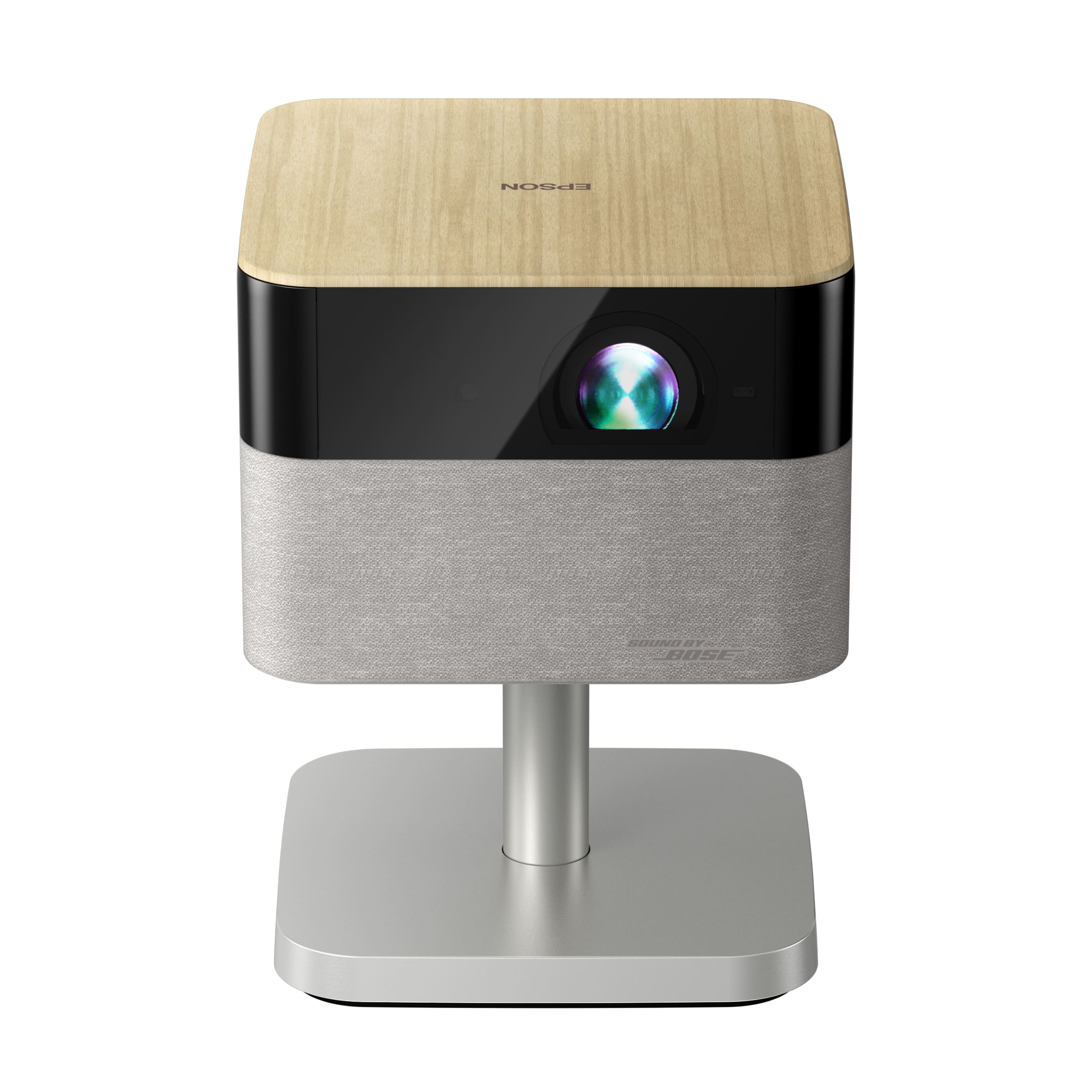
The Epson Flex Plus projector is a good looking projector, very stylish.
The built in stand lets you just plop it down, point it at something and start projecting, sounds great! So in the spirit of the pictures and text on the box, I just pulled this guy out, set it down, turned it on and I was ready to watch some cool stuff….
The automatic picture shape and focus functions are nifty, and it’s nice the unit can adjust on the fly. The stand also allows you to flip the projector up to the ceiling and watch overhead, which is a nice feature. When moving the unit to get the picture bigger, it does its best to make the image square and level. Focus is not quite as accurate as I would have liked as I tried out different positions and walls, I needed to adjust the focus one or two clicks in a couple of spots, but it otherwise was trouble free. This is a great feature suited well to its portable nature.
There is a nice ring of LED lights that shine out from under the Flex Plus’ body. You can adjust them easily with the touch sensitivity around the Epson logo on the top of the unit. These lights are great when the room is super dark to find your way around, I turn them off when watching so they don’t compete with the content.
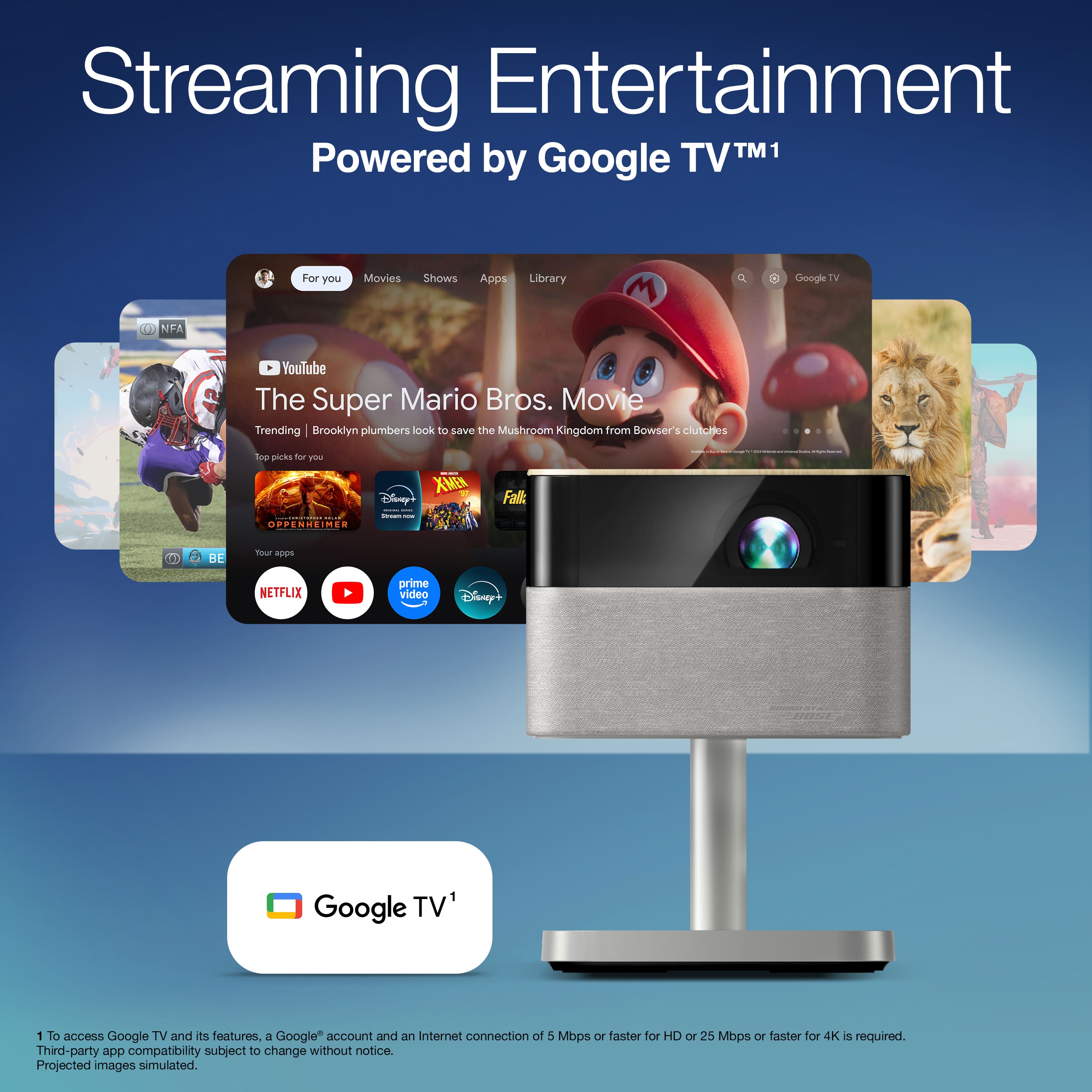
Don’t have or want a google account? Don't bother. The projector is non functional until you sign in. The HMDI and USB inputs do not work without you first signing in or signing up. The box should just say Google rather than Epson. You will be held captive to updates before you can do anything with this unit. It is rather disappointing that Epson has abandoned it’s customers to the whims of another company. The forced GoogleTV integration means this box will become trash if (when) Google decides to stop support for this setup.
The fan noise is entirely too loud for a little thing like this. The fan itself is cheap sounding, quite reminiscent of filmstrip projectors in the 80’s. This would be less of an issue if it were cooling a blazing sun of a projector...
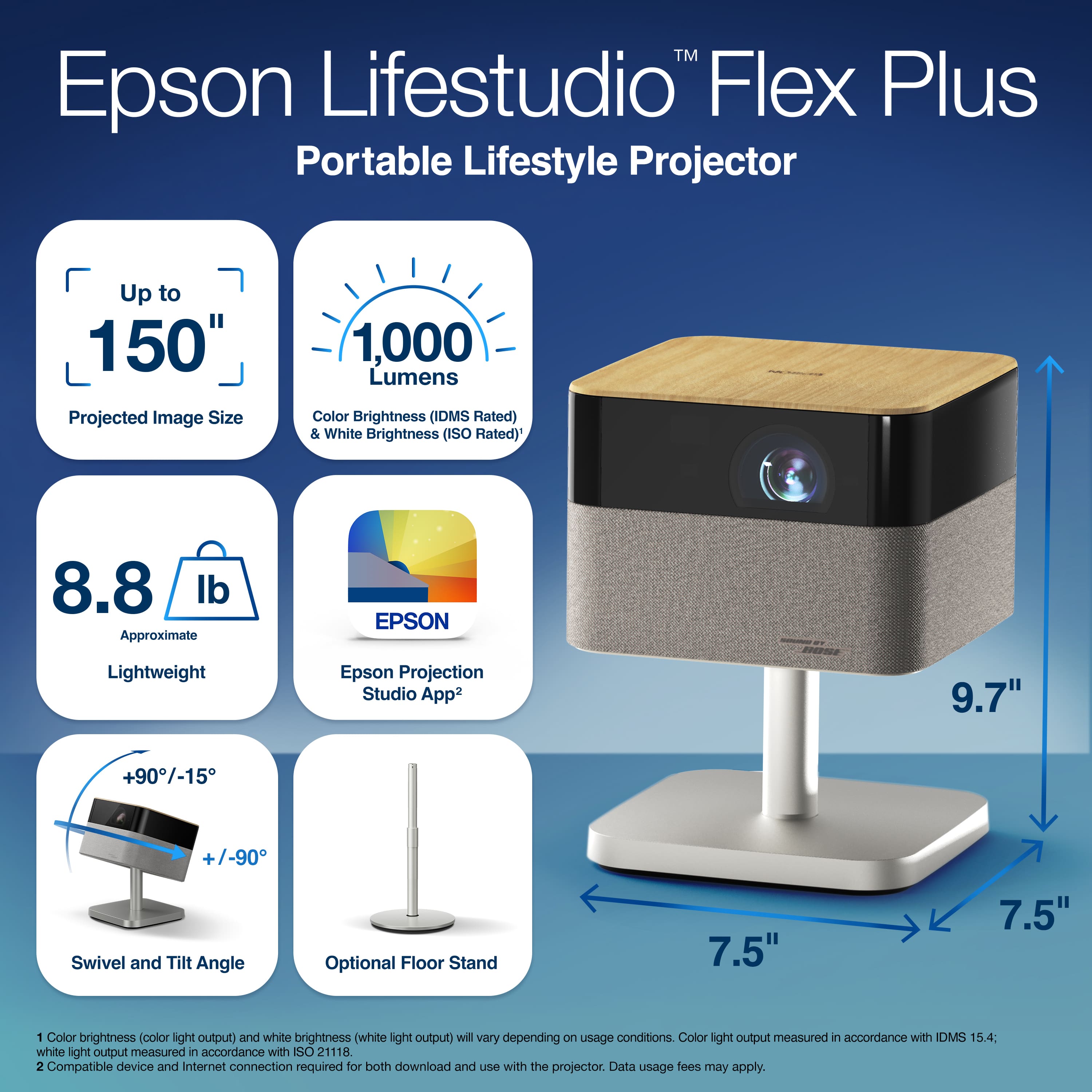
The picture is not particularly bright. It’s not suited for viewing in daylight unless you have some blackout shades. 4K content looks nice, not as good as my TV, but good enough for the purposes of this unit. There is 1000 lumens of brightness available according to the specs. If you’re buying a screen for this projector, make sure it’s a reflective one, if it’s just one of the lightweight screens too much light goes through and you’ll want to cherish every scarce photon with the limited output here.
One of the differentiating features of the Flex Plus that makes it Plus is the USB-C port in the back that promises outlet free enjoyment. The manual states that if you use that port, it can only accept 100 watts of power and the picture will be dimmed. The AC transformer it usually runs on is 180 watts.
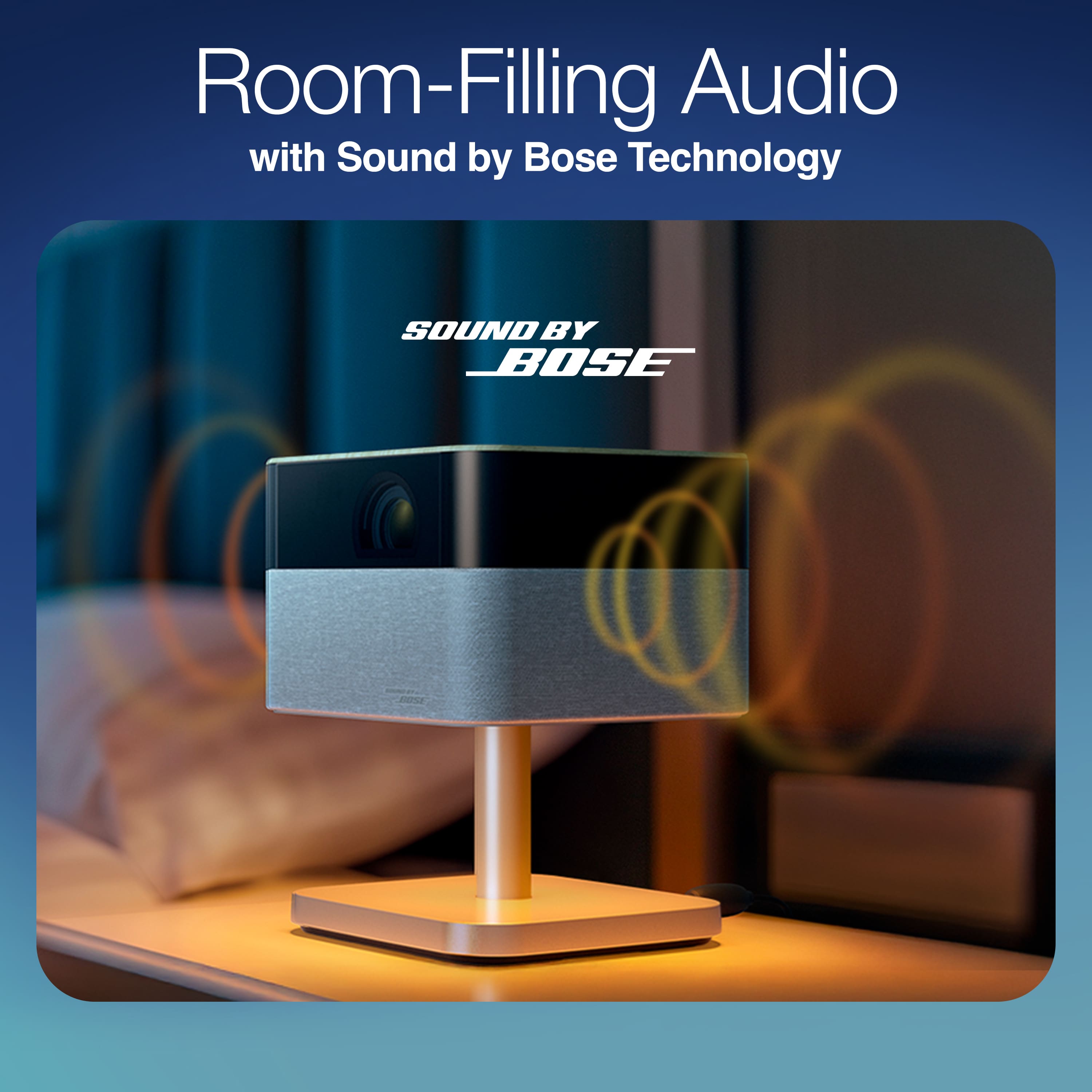
The sound is good, if you turn it up too much the system starts ducking to prevent clipping. It’s impressive how much sound comes out of this little box’s speakers. One of the issues here is that Bose engineered sound is competing against the bottom-of-the-barrel fan. Outdoors, the Flex Plus’ ability to connect to an external with bluetooth or the 3.5mm jack will be very helpful.
The remote feels generic and cheap, with none of the pleasant styling of the unit itself. It connects via bluetooth quickly. It works. You do not have to have the remote paired for it to work as a standard IR remote.
Overall, I would say styling of something that you aren’t looking at while it’s working isn’t a good reason to compromise on the actual functions of the unit.
If it was significantly brighter, or if it ran off power for a couple of hours at full tilt, or if the fan wasn’t so prominent, the value proposition of the Epson would be better.
I do not recommend this projector.
No, I would not recommend this to a friend
Brand response from Epson
Posted .
Hi Buddy Brown, thanks for taking the time to post a review. We are sorry to hear you aren’t completely satisfied. Your Epson Flex Plus projector includes a 2 - year limited warranty, plus free technical support for the life of your product. If you need help, please contact Epson Support at (562) 276-4382; Hours: Monday – Friday, 7 a.m. – 4 p.m. PT. Sincerely, Joseph – The Epson Team.
Pros mentioned:
Focus, Sound quality
Cons mentioned:
Brightness
Rated 5 out of 5 stars
A Great Project for its Price With Few Flows
|
Posted .
This reviewer received promo considerations or sweepstakes entry for writing a review.
This project is an excellent choice for one in terms of its price range. While not perfect, I can still recommend it.
Build Quality and Size:
The quality of build is excellent as all parts seem to be built with high quality fancy components. I look at this, and it really makes me think it is at a much higher price point. They claim this is a portable unit, but it really isn’t. The size is someone large to be portable, but it really weighs a lot, and not portable.
Setup:
Setup of the hardware couldn’t be easier. You put the projector where you want it, plug the power brick between it and the wall outlet and you are done. Setting up the software requires you to download an app on your phone and create an Epson account. I am a little tired of having to download apps and creating accounts for everything, but I guess that is the way things go now. Going through the app, it will tell you step by step how to set everything up, which is probably unnecessary since it should be obvious how to. The projector runs on Google TV and sets up the same way and any Google TV product. You will need to create a Google account if you don’t already have one (I do). While initially setting up, you will be required to log into your Google account, and the software will do all its updates. This takes a long time. The next step is to select the streaming services that you use. This will create icons on the screen for each service you have. There are a bunch of picture, sound, input, and general settings. I really didn’t need to change anything to make it work better. The default settings worked fine for me. Overall, the setup was very easy and didn’t have any problems.
Picture Quality:
The picture is very sharp, especially with 4K. The colors while decent, are a little washed out and not very vibrant, even with HDR. The focus works well although it doesn’t happen until the projector has been on for a couple of minutes. The initial screen when powered up is very out of focus, so you think there is something wrong until it finally decides to focus. The self-adjusting position works well and compensates for angle, rotation, focus, and distance. While it works great, there is something strange I noticed. There is a very faint frame in the background where the image would be if it didn’t self-adjust. While slight, it is noticeable even when watching content. The brightness is fine from bright rooms down to dark rooms. Including light from outside, I didn’t have any trouble seeing the picture. Overall, the picture quality is very good, but not great.
Sound Quality:
The sound quality is excellent, with a wide range of frequencies including a lot of rumble, but this should be expected from Bose sound. This is especially true if sitting in the correct position. It is best to sit somewhere behind the projector, even offset to the side of it and while you can notice that it is not quite coming out of the screen, it pairs well with the screen. Sitting in front of it doesn’t work as well since you can hear that it is coming from behind you and nowhere near the screen. Overall, the sound quality is very good, especially if you are sitting in the right place.
Remote Control:
The remote control is simple but standard for a TV. It has power, direction buttons and enter, home, volume, brightness, input, and buttons to start the most common streaming services. I do always question which services they choose since every remote is different. There is also a voice command that after pressing it, you can use it to search using your voice. This worked incredibly well and was accurate 100% of the time, and this feature is great since you no longer must use the directional buttons to search for items. One thing that is unfortunately missing is play and pause buttons. I think you can do it with every app but the way you do it is different, and I generally had trouble figuring it out. A dedicated button would have been great. In addition, there is a button to select the Google account being used, a button that brings you directly to settings, a button that brings you directly to typical picture settings, and a button that allows you to manually focus the projector, but I think it does a great job of automatically focusing it anyway.
Noise:
The unit is reasonable quiet, and you only hear the fan when it is quiet in the room. While playing content, you can’t even hear it.
Lighting:
The unit is the projector sitting on a pole which sits on a plate. There is a light that shines from the bottom of the project to the plate on the bottom lighting up. You can adjust the brightness of it by tapping the top of the projector to cycle through all the brightnesses. I leave it on but honestly have no idea what it is useful for.
Inputs:
There are inputs for HDMI and USB-A, as well as the stream app input (sort of speak). The HDMI input works as expected and the USB input allows you to view media saved to it. There is a USB-C connection that says PD, but I didn’t use it or know exactly which direction it is.
App:
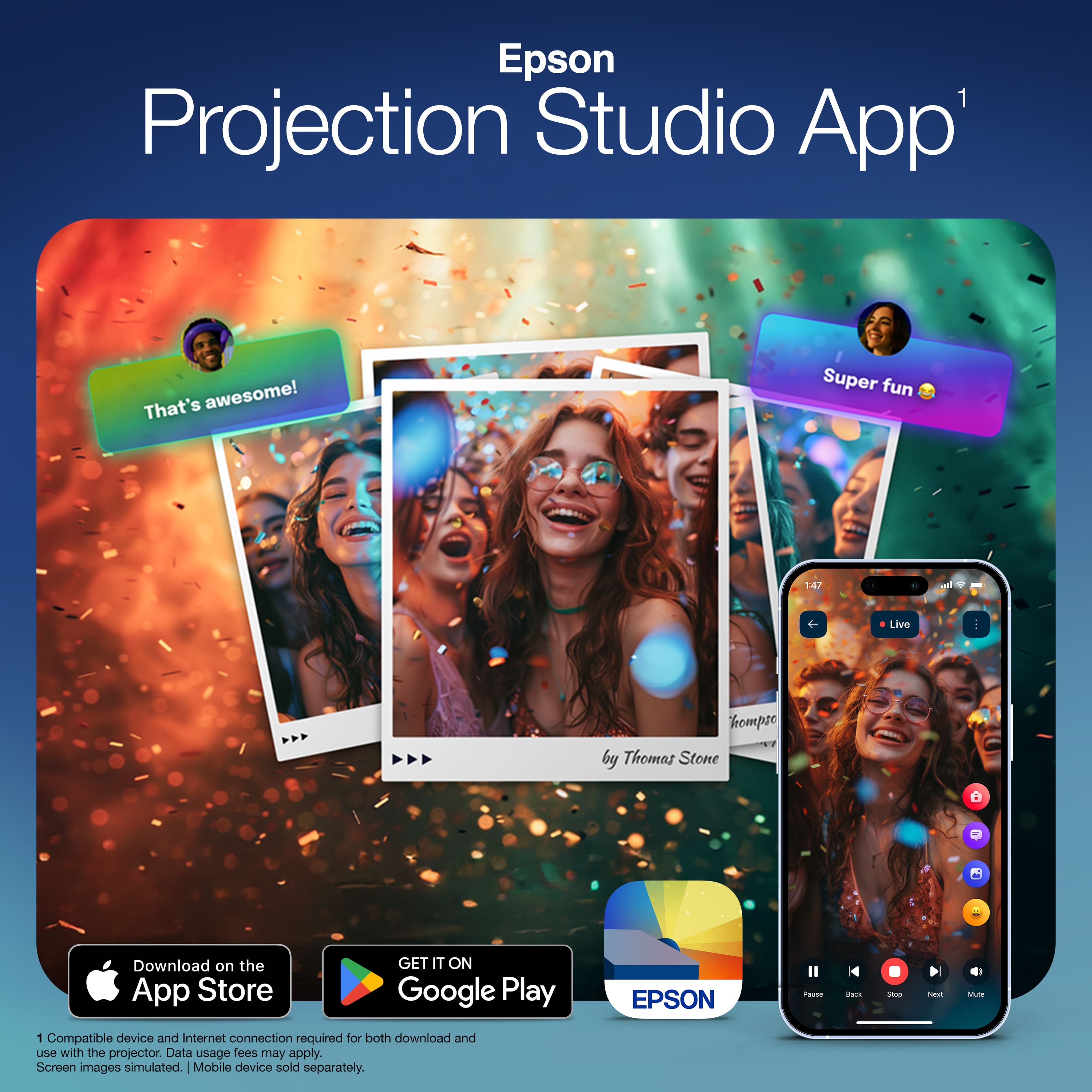
I found the app to be very convoluted and not easy to figure out. I paired easily to the projector without any problems, except for some reason, it lost the pairing after a couple of days and had to pair it again, but again very simple. There is a remote on the screen which is a simplified version of the real remote control. I don’t see the point of it when you can just use the real remote and have all the buttons. The app allows you to play personal videos but no matter how hard I tried, I was never able to figure out how it works. The app really needs some work to simplify it and make it make more sense, and like I said, not forget the connection.
Google TV:
This uses Google TV and if you have ever used it before, all you see will be very familiar.
When you are on the home screen, it will display various videos that you might be interested in. Below that, it displays all the apps it can play from. This screen is probably overkill since a lot of it may not apply to you.
The live screen will show you a guide of channels from your services or free services.
The free screen will show you in a matrix of various movies that are free to you from free services, mostly paid for by ads. There are decent movies to select from.
The shop screen is a matrix of movies you can buy here, again a decent selection. I believe this is paid for by your Google wallet, although honestly I never bought anything directly from this screen.
The app screen shows you all the streaming services you have installed on the system, which ones are available to install, although you selected your apps to install during setup of the system. Normally I would say to only use your apps list but for some reason there are more apps listed there that are installed beyond what I selected during initial setup. Can’t explain it.
From the main screen, you can turn on the screen saver (which are photos on your Google drive. You can also go into settings here. There are a ton of settings to not go into. I didn’t touch any of them and are satisfied with its performance.
Summary:
In summary, this is a fine projector for its price point and while more expensive one may be better, this is fine for my use. Google TV works great (and is my favorite of the different streaming interfaces available). While there are places that could be improved most noticeably the colors in the picture, and the convoluted app which I will never touch again, there aren’t really negatives I can give it. I would recommend it.
I would recommend this to a friend
Pros mentioned:
Focus, Portability, Sound quality
Rated 5 out of 5 stars
Awesome projector - at home or on the go (ish)
|
Posted .
This reviewer received promo considerations or sweepstakes entry for writing a review.
I've been fiddling with at home projection for about a dozen or so years now and in that time have tried all manner of setups - usually for movies, sporting events and sometimes video games - so I'm pretty familiar with the goods and bads of projection. And this Epson Lifestudio Flex Plus 4K is an awesome projector a ton of great features for a solid price. While not the HIGHEST end model, it should satisfy most users across a variety of use cases and I can highly recommend it for most folks.
To test this project, I first took it to my normal projection space - a light controlled space with a 100" projection screen. I simply plopped the Epson projector down next to me, pointed it at the screen, plugged it in and turned it on. Like any Google TV setup, ALL controls are through the Google Home landing page (so you do have to log in to even use the basic functionality, which I can see some folks disliking - but that's how the Google TV ecosystem works). You do NOT have to buy anything through Google and can always just set it to use an HDMI source from the Google TV landing page. Setup was quick and easy as I have another Google TV device.
Once set up, I was blown away by the brightness, focus and auto-keystone alignment on this model - while it's not as bright as my typical projector (less than half the lumens - though that one was more thabn double the price) it was easily usable with the lights on and with the lights out I actually turned it down. The auto-keystone and auto-focus keeps the picture the right shape and in solid focus even when I had the projector at a fairly extreme horizontal angle to the screen. This makes it much more plug and play than most projectors I've used over the years as does the stand which makes the projector easy to place / aim where you want it.
Aside from the picture / focus / keystone, there are two other standout features here. The first is the sound - most projects lack speakers, and those that do are nothing to write home about. For my normal setup, I use a separate surround sound system. While the Bose speakers here are inherenlty limited by size of the device, they're solid speakers that product clear and loud sound that can certainly fill a room. For an on the go movie night (indoors or out), I'd have no problem using them.
Second is the ability to power the projector off of USB-C - though you're limited to a lower maximum brightness, this still provides amazing flexibility to use USB-C battery packs and project anywhere, great for outdoor movie nights!
So if you're in the market for a portable (or at home) projector and don't mind the form factor here (the big downside is that you can't really effectively wall or ceiling mount the projector), this is a great option for at home projection. Give it a try today!
I would recommend this to a friend
Pros mentioned:
Portability, Sound quality
Rated 4 out of 5 stars
Powerful, Portable, and Perfect for Outdoor Movies
|
Posted .
This reviewer received promo considerations or sweepstakes entry for writing a review.
From the moment I unboxed the Epson Lifestudio Flex Plus, the first impression was how solid and thoughtfully engineered it feels. The chassis has a weight and finish that inspire confidence—it doesn’t feel plasticky or cheap. This weight could have been a negative as the shipping box come slightly damaged BUT Epson did a great job strategically designing the packaging and nothing was damaged. Setting it on its built-in tiltable stand feels robust, and the hinge has just the right resistance so it stays put without wobble. The power and data ports are well placed so that routing cables is clean and intuitive. In short: it feels like a device meant to travel and to last, not a toy that’ll fall apart after a few uses.
One of the big strengths of this projector is how easy it is to get up and running—even outdoors. There is an app that will help you maximize the full potential of the projector so I did download another phone app to really test all the capabilities. The auto-setup feature detects the wall or screen, adjusts focus, corrects keystone, and aligns automatically within seconds so you don’t have to wrestle with menus or manual adjustments. In practice, moving the projector or tilting it slightly off-axis just sees the image snap back into place. Outdoors, once the ambient light is low, it’s surprisingly painless to get a crisp, even image with minimal effort.
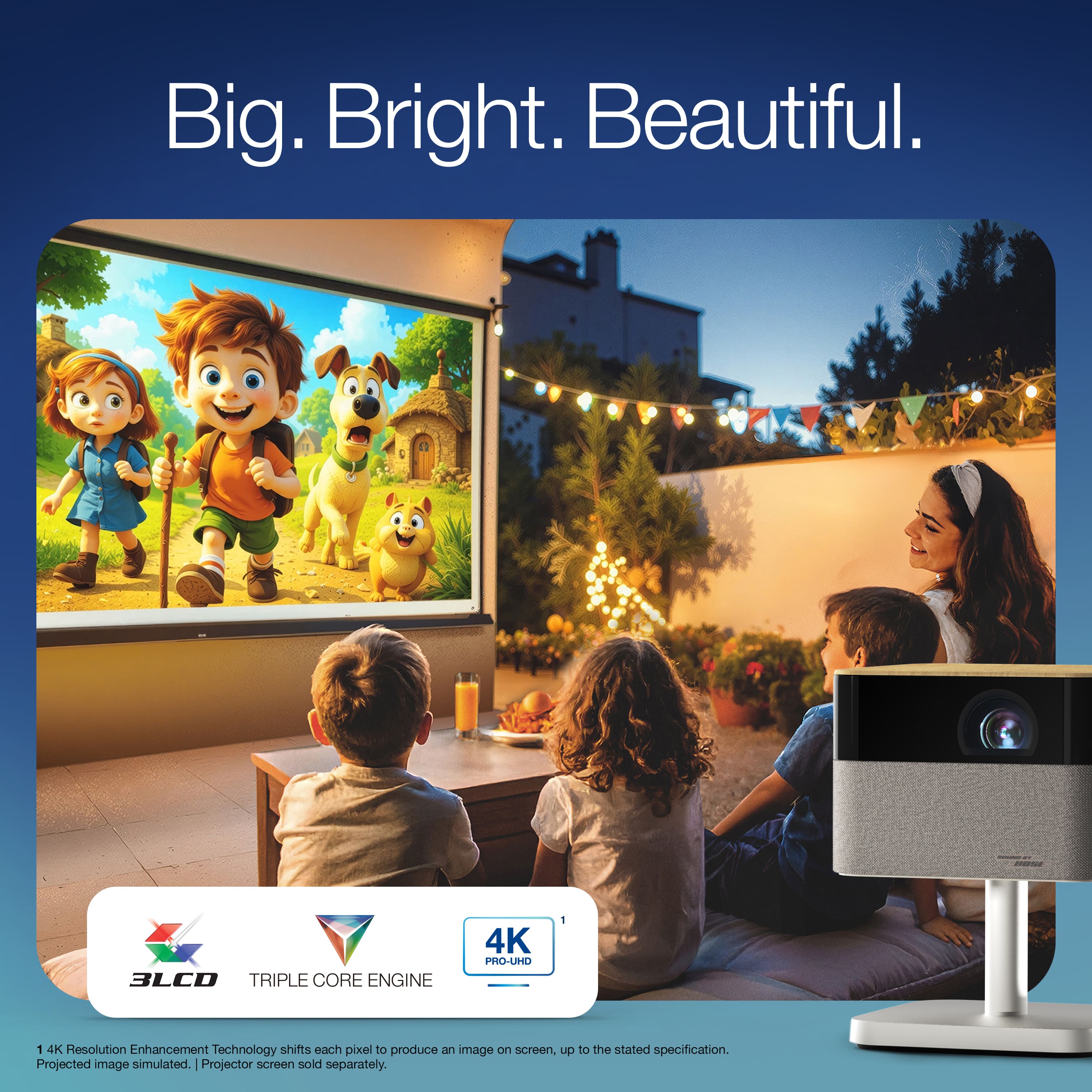
Once the image is up, the picture quality is impressive for a portable projector. It supports up to 4K PRO-UHD resolution (via pixel shifting) and delivers 1,000 lumens of both color and white brightness. You can project up to a 150-inch diagonal screen with a 16:9 aspect ratio, HDR10 and HLG support, and 10-bit color processing for vibrant tones and smooth gradients. The automatic screen sizing feature works reliably—just one tap and it corrects the image perfectly to your surface. The under-glow light adds a stylish touch, creating a subtle ambient glow that looks especially great when using it outdoors at night. Full disclosure, the documents that come with the projector lack a lot of the how-to, so I had to utilize Youtube for some of the information on controlling the ambient lights and using the remote to do some manual adjustments.
The built-in Bose sound system is what truly sets the Flex Plus apart. The speakers deliver a surprisingly rich and full-bodied sound with real depth and clarity. Dialogue is crisp, and the bass has warmth that fills a backyard space without needing an external speaker. It’s powerful enough for outdoor movie nights and casual gatherings, providing a cinematic feel without any extra setup. Combined with the strong build quality, effortless setup, and striking visuals, the Epson Lifestudio Flex Plus is a premium, portable projector that feels as good to use as it looks.
I utilized both the included AC power cable for standard wall outlets but where this projector will get the most use and power from will be when we set up outside for movie nights or spontaneous sporting events on a big screen outside. You can also power this projector with a USB-C cable and portable power station. One note is bright environments will give the project a run for its money when it comes to projecting a visible image. It prefers darker environments.
I would recommend this to a friend
Pros mentioned:
Portability, Sound quality
Rated 5 out of 5 stars
High Quality Picture & Sound Fashionable Projector
|
Posted .
This reviewer received promo considerations or sweepstakes entry for writing a review.
The Epson - Lifestudio Flex Plus 4K Pro-UHD Portable Lifestyle Smart Projector with Sound by Bose Technology is a high quality 3LCD, HDR, wireless projector that fits in any environment and looks like a piece of fine furniture. It is easy to setup and includes a wireless remote. It runs Google TV OS and has all of the major apps available.
I setup the projector on my back screened in porch. I have a 100 inch screen and the projector completely filled the screen from corner to corner from a distance of about 8-10 feet. I used the projector at night and during late afternoon hours. At night, the picture is brilliant, bright and colorful and rivals the experience of a 4K tv in addition to being much more immersive because of its 100 inch size. In late afternoon, the picture is still very good but lacks some of the punch provided st night. The sound is surprisingly good using the Bose Technology.
I highly recommend the Lifestudio Flex Plus 4K Pro. It is stylistic, easy to use, and has a picture quality that rivals more expensive projectors.