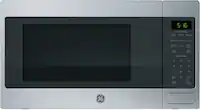
Customer Ratings & Reviews
- Model:
- GCST11N1WSS
- SKU:
- 10187321
Rating by feature
- Performance
Rating 4.6 out of 5 stars
- Cook Settings
Rating 4.6 out of 5 stars
- Quality
Rating 4.5 out of 5 stars
Great Microwave!
||Posted . Owned for 3 weeks when reviewed.This reviewer received promo considerations or sweepstakes entry for writing a review.Needed a replacement microwave for work. Fit the bill as this one is small enough for our needs and works great.
I would recommend this to a friendPerfect for my kitchen
||Posted . Owned for 1 month when reviewed.This reviewer received promo considerations or sweepstakes entry for writing a review.Works great. Child lock works really good and it's quite.
I would recommend this to a friendGreat quality
||Posted . Owned for 3 weeks when reviewed.This reviewer received promo considerations or sweepstakes entry for writing a review.Perfect quality, right size for the space at my sister kitchen
I would recommend this to a friendGood microwave
||Posted . Owned for 3 weeks when reviewed.This reviewer received promo considerations or sweepstakes entry for writing a review.Nice size countertop microwave with the features I was looking for.
I would recommend this to a friendWaoarks welL
||Posted . Owned for 3 weeks when reviewed.This reviewer received promo considerations or sweepstakes entry for writing a review.So far it has pe4formed well. No issues. H3ats food throughout
I would recommend this to a friendGood microwave for the price
||Posted . Owned for 3 weeks when reviewed.This reviewer received promo considerations or sweepstakes entry for writing a review.Good value based on price that I paid. However, a few things to note - it's a bit loud, there's a child lock that needs to be disabled, and the door button takes a bit of effort to press in order to open it.
I would recommend this to a friendGreat microwave!
||Posted .This reviewer received promo considerations or sweepstakes entry for writing a review.Works great and I love the safety lock feature which you can remove if you don’t care for it. Matches nice with my other stainless steel appliances.
I would recommend this to a friendMicrowave
||Posted . Owned for 3 weeks when reviewed.This reviewer received promo considerations or sweepstakes entry for writing a review.It is a good microwave. It is easy to use. It is just the right size.
I would recommend this to a friendPretty good
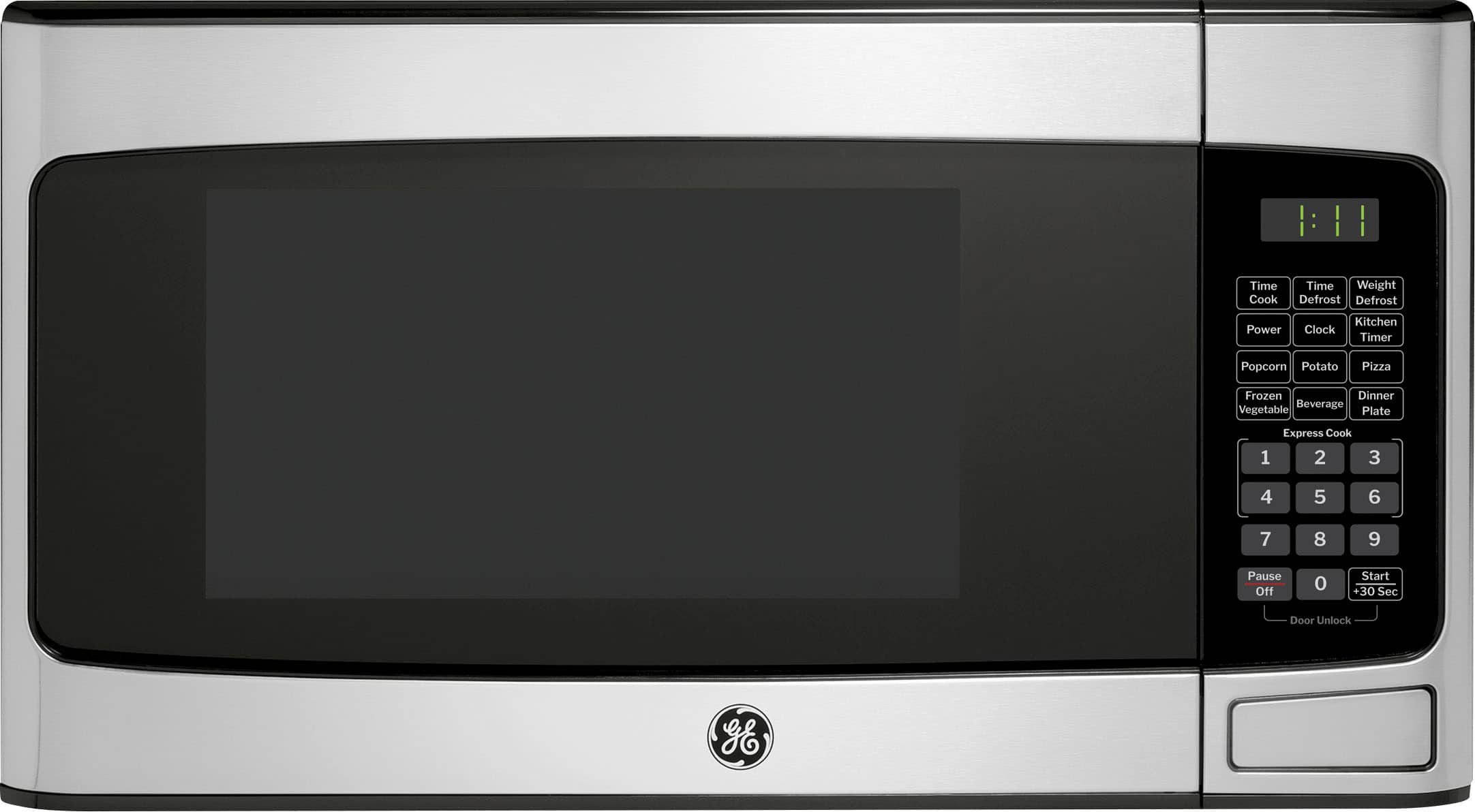
||Posted . Owned for 1 month when reviewed.This reviewer received promo considerations or sweepstakes entry for writing a review.Very nice. A little dissapointed on how dark the control panel is. There is no lights to see the featues
I would recommend this to a friendGreat purchase
||Posted .This reviewer received promo considerations or sweepstakes entry for writing a review.Love this microwave. Its works great and its made well. Good price.
I would recommend this to a friendMicrowave
||Posted .This reviewer received promo considerations or sweepstakes entry for writing a review.Love my microwave great value and great features. Fits perfectly on my countertop.
I would recommend this to a friendGreat brand!
||Posted .This reviewer received promo considerations or sweepstakes entry for writing a review.Very easy to use, I like the fact that there is a lock button for safety the children.
I would recommend this to a friendGreat microwave
||Posted .This reviewer received promo considerations or sweepstakes entry for writing a review.I purchased this for my parents since they had their last GE countertop microwave finally die on them almost 10 years later. They really liked the design an apparently the dimensions havent changed by an inch. This is basically hte same microwave they purchased 10 years ago but just updated to be more efficient with power. Would highly recommend
I would recommend this to a friendGE microwave
||Posted . Owned for 3 weeks when reviewed.This reviewer received promo considerations or sweepstakes entry for writing a review.This GE microwave is the best works great and worth the money, I recommend this product.
I would recommend this to a friendGreat price
||Posted .This reviewer received promo considerations or sweepstakes entry for writing a review.Easy to use and clean. It brings a very modern look to the kitchen and is very useful.
I would recommend this to a friendGE
||Posted . Owned for 3 weeks when reviewed.This reviewer received promo considerations or sweepstakes entry for writing a review.I love my GE microwave. It's easy to use and very quiet. The sales rep was very helpful in chooseing it.
I would recommend this to a friendSpend a little more and get better microwave
||Posted . Owned for 3 weeks when reviewed.This reviewer received promo considerations or sweepstakes entry for writing a review.Okay microwave, does the job. Gave it 3 stars because after each use the microwave oven door locks. In order to get access to your food you need to press the cancel button for the lock to disengage. If you have kids or even if you’re not paying attention you will keep pushing on the open door button trying to just open a door only to realize it’s locked and you have to search on the non light keypad for the unlock/cancel button.
No, I would not recommend this to a friendBrand response from GE Answers
Posted .Thanks for taking the time to share your thoughts. Its helpful to note that the Child Lock feature can be disabled by following these steps. 1. Press and hold the “7” key for 3-5 seconds or until you hear a beep. Release. 2. Press the “9” key. Release. 3. Press the “0” key. Release. -- There will be two short beeps and the display will flash “UnLo” to confirm the default condition has been updated successfully. For more details, see page 10 of the Owner’s Manual, which can be viewed at the bottom of the Features tab on the product page of the Best Buy website. Lauren@GEAppliances

Good for the price!
||Posted . Owned for 1 month when reviewed.This reviewer received promo considerations or sweepstakes entry for writing a review.Nice Microwave for the price. It's a bit hard to open the door because it takes a lot a pressure pushing the button. Our last Microwave lasted 20 years. We hope this one last at least 10 years.
I would recommend this to a friendThey just work
||Posted .This reviewer received promo considerations or sweepstakes entry for writing a review.Brought 3 of these for office break rooms, they work great.
I would recommend this to a friendMicrowave
||Posted .This reviewer received promo considerations or sweepstakes entry for writing a review.works great, exactly what I expected when I ordered it!
I would recommend this to a friend