Customer Ratings & Reviews
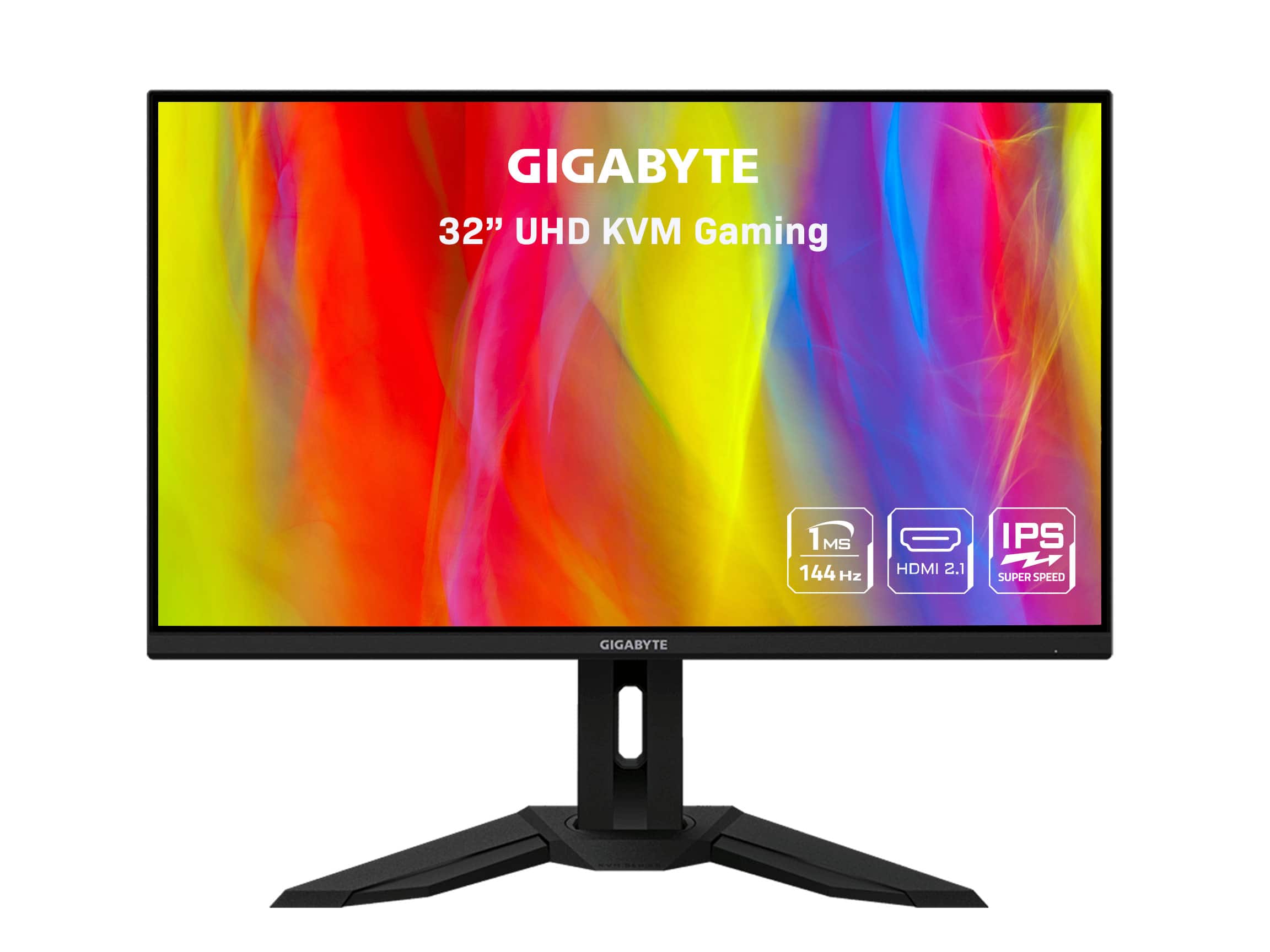
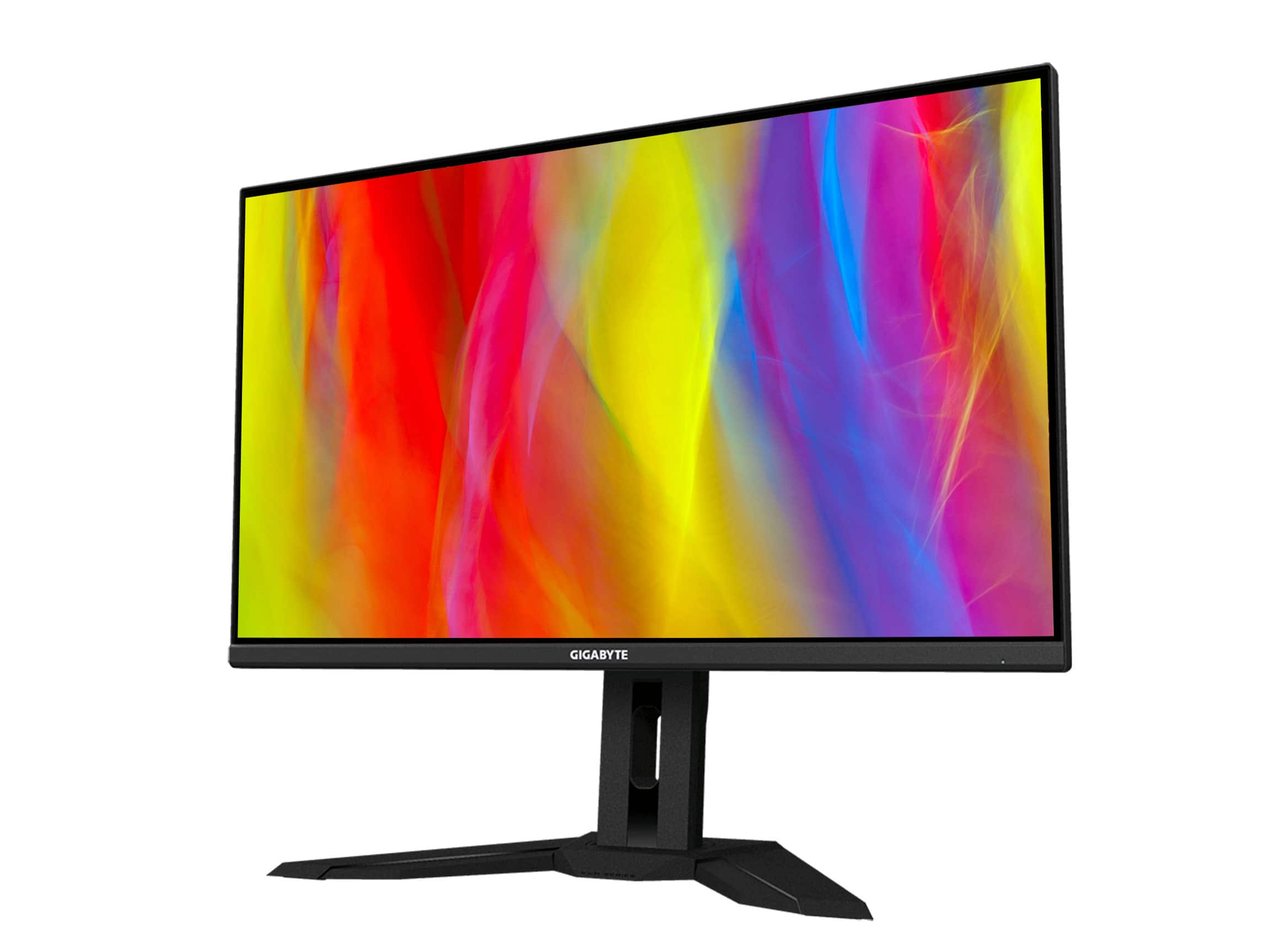
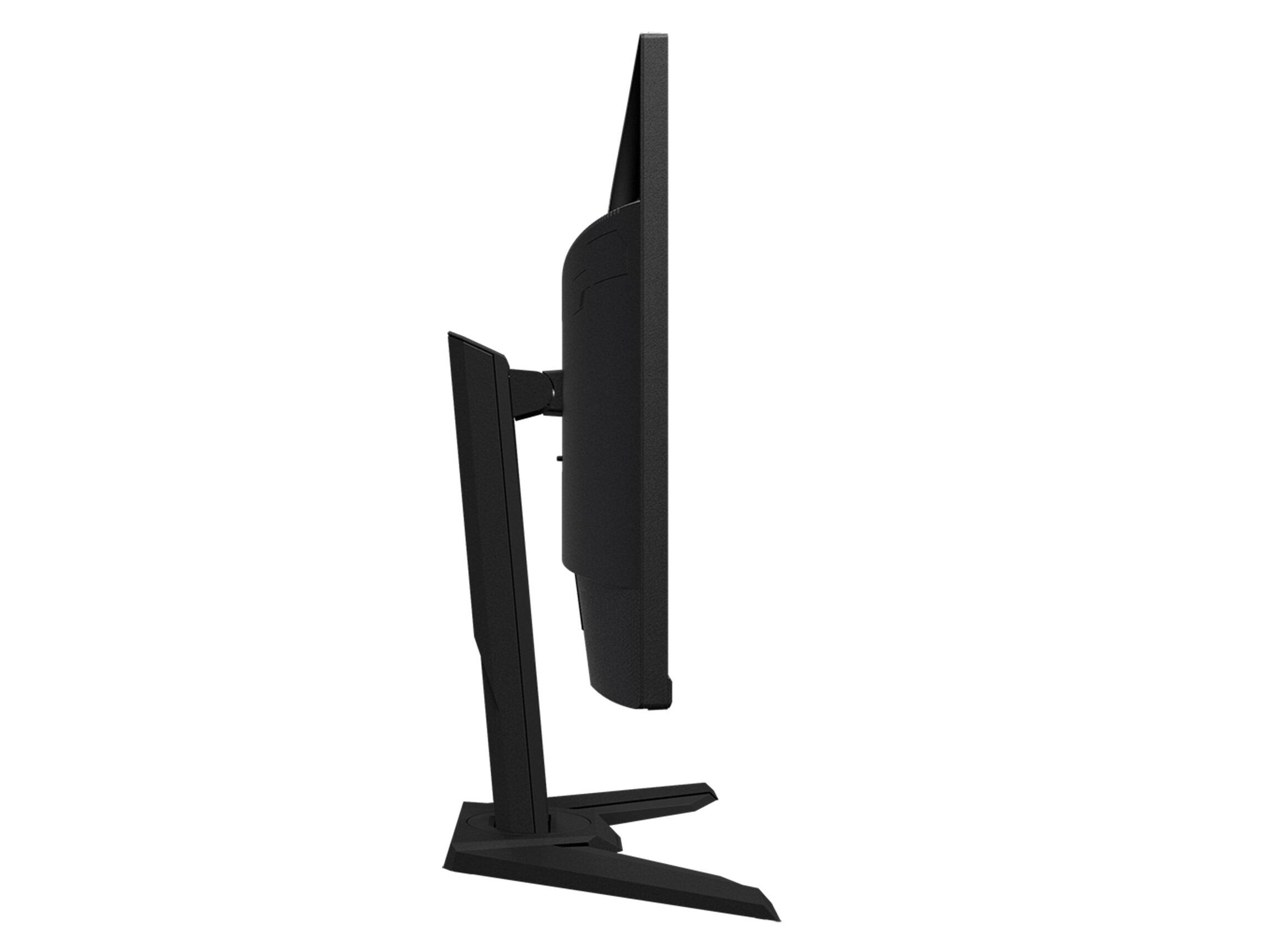
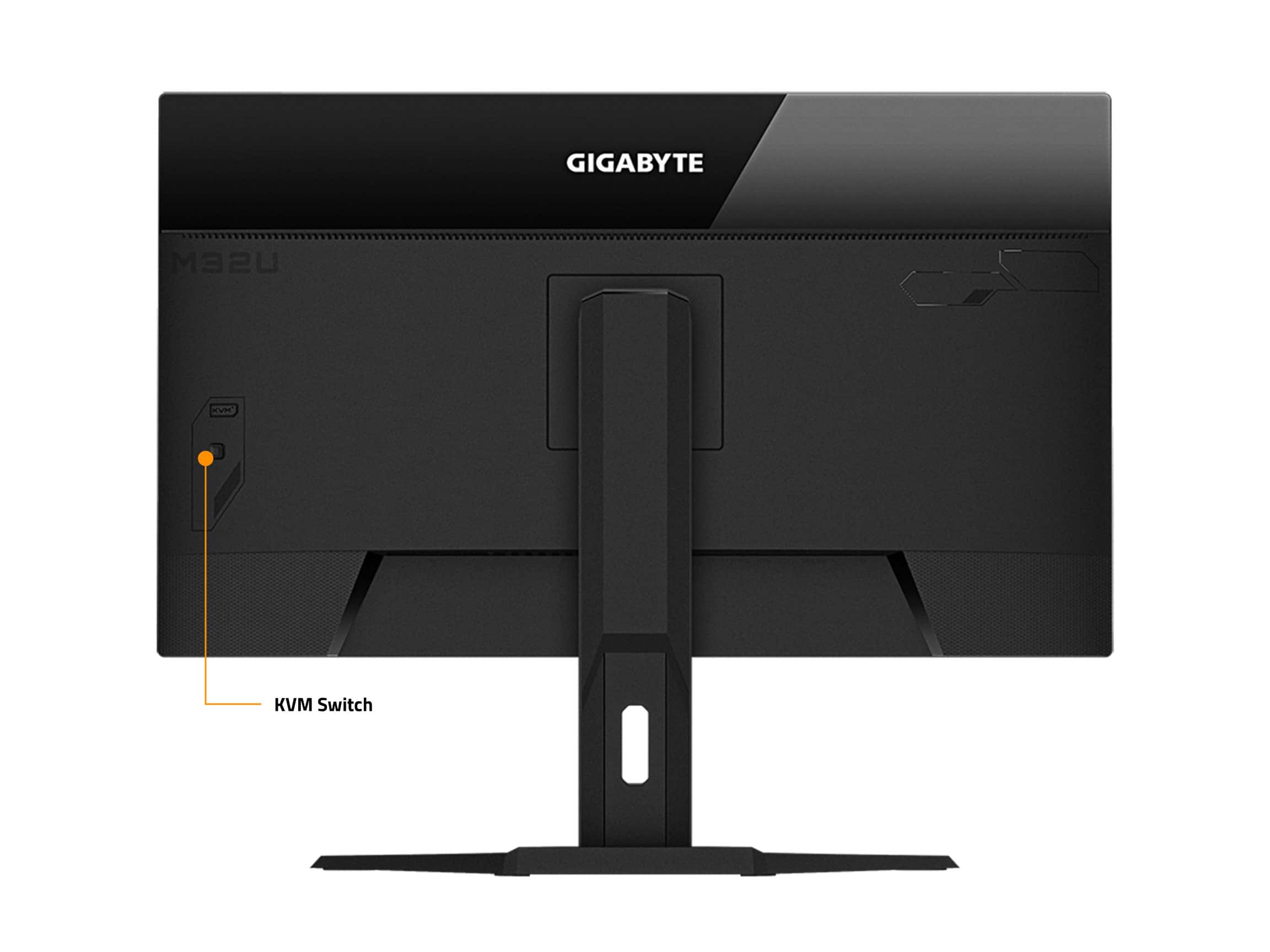
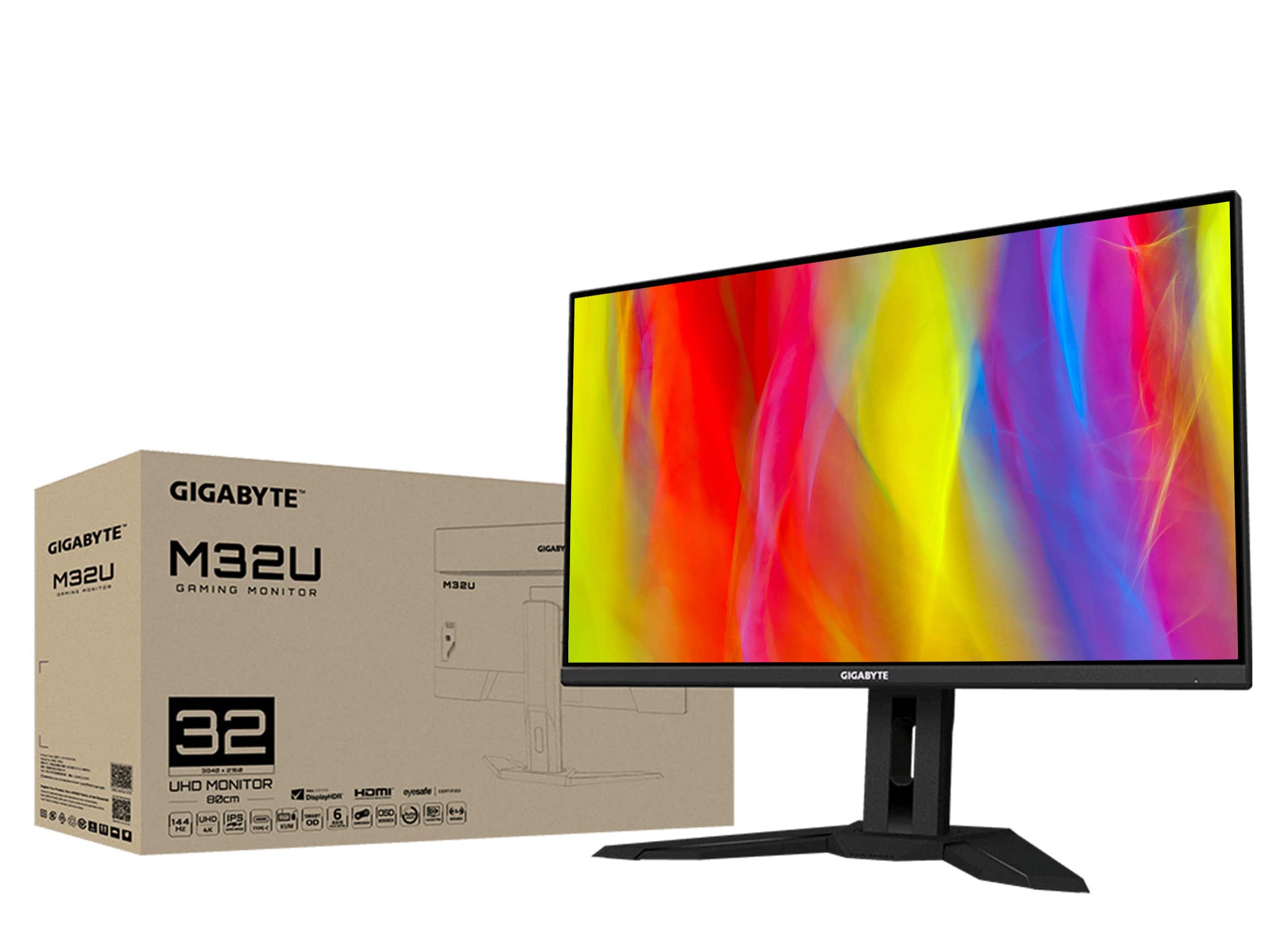
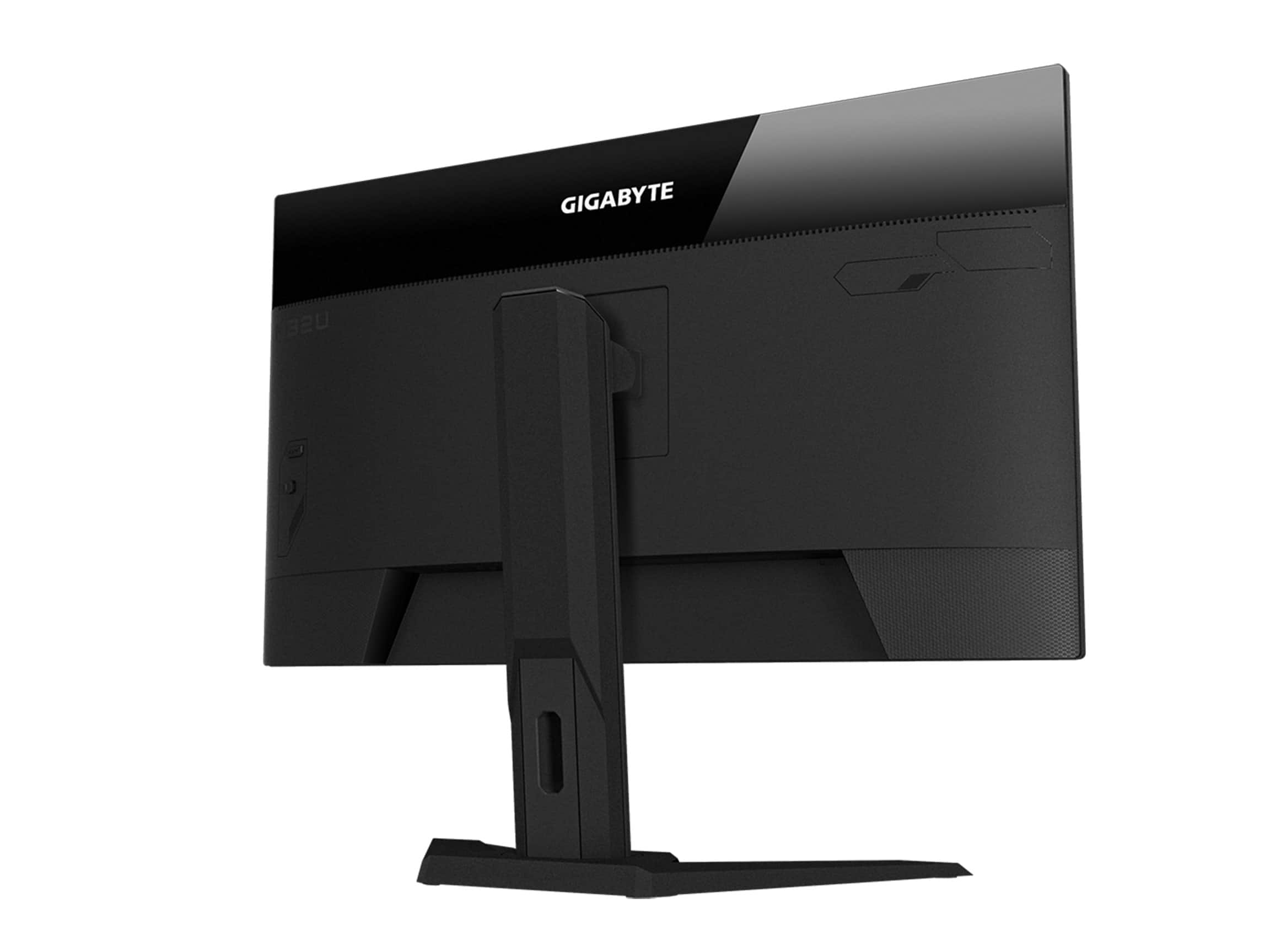
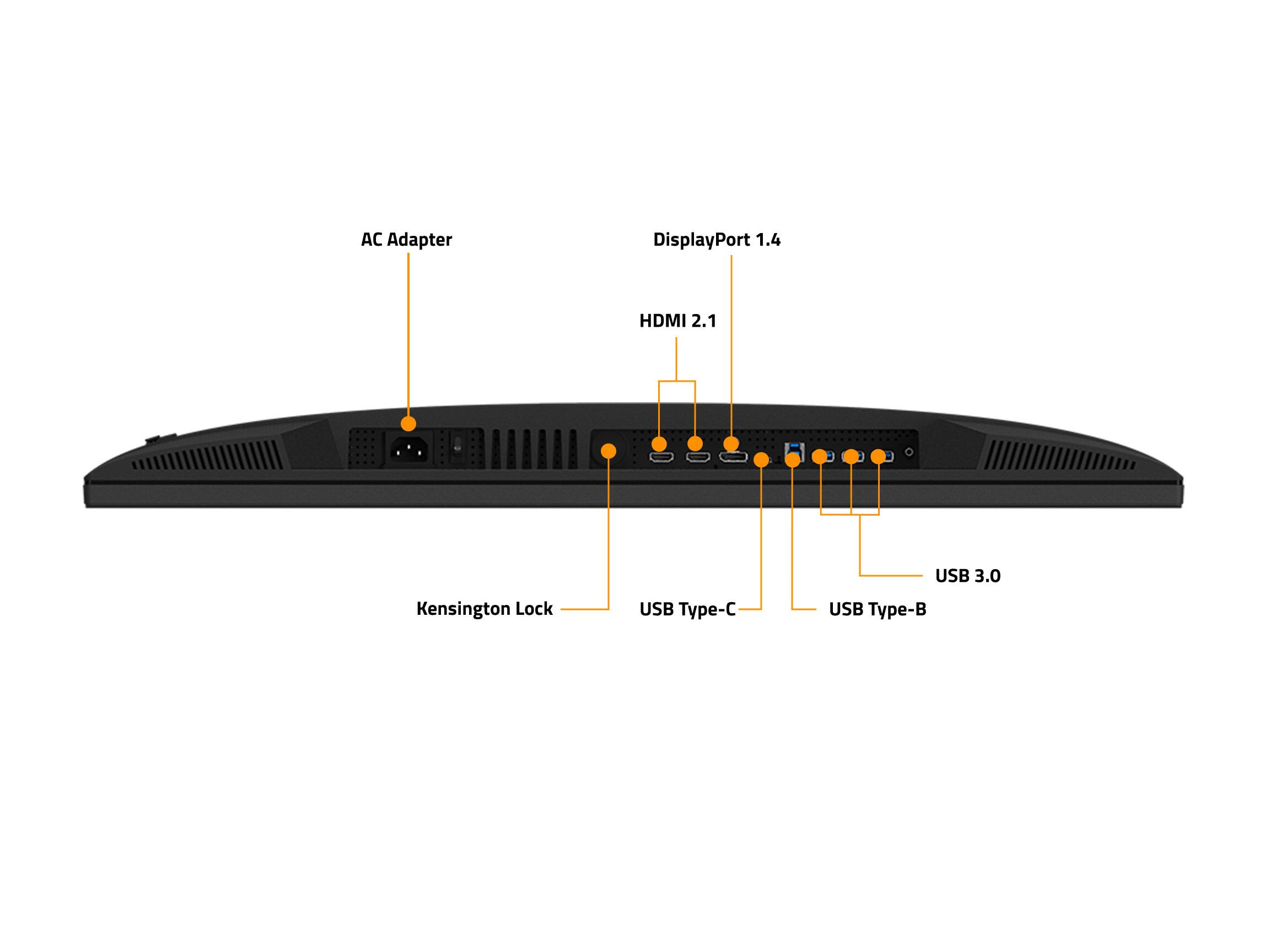
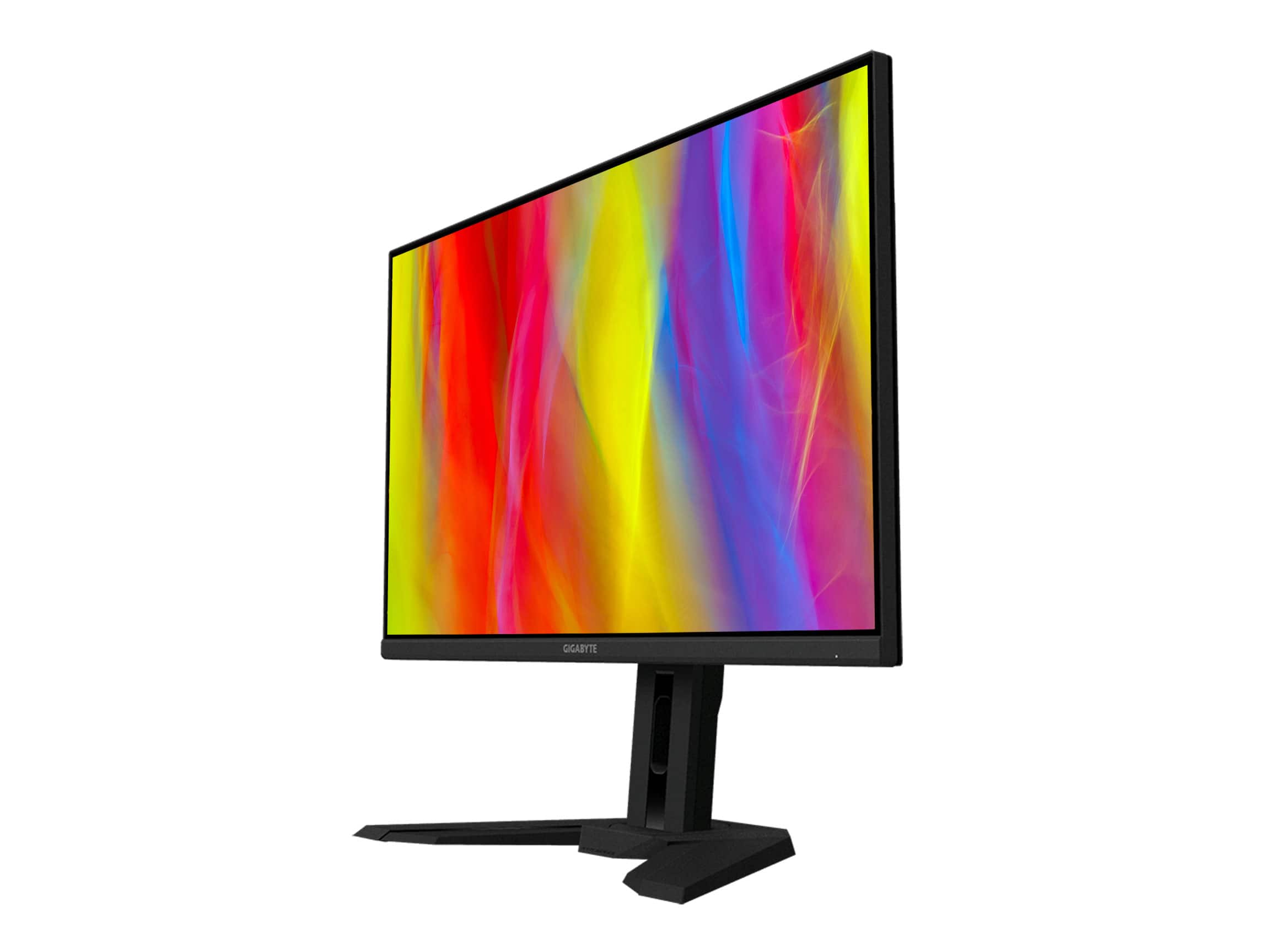
- Model:
- M32U-SA
- |
- SKU:
- 6483969
Customer reviews
Rating 4.5 out of 5 stars with 166 reviews
(166 customer reviews)Rating by feature
- Display Quality4.7
Rating 4.7 out of 5 stars
- Ease of Use4.6
Rating 4.6 out of 5 stars
- Features4.7
Rating 4.7 out of 5 stars
Customers are saying
Customers have good things to say about the picture quality, refresh rate, and color accuracy of the M32U monitor, with many praising its performance in games and HDR capabilities. Some users noted issues with dead pixels and IPS glow, though others reported no such problems. The built-in speakers received mixed reviews, and while the monitor is considered high-quality, its price point was mentioned as a potential drawback for some. Overall, the positive feedback on visual performance outweighs the negative comments on minor issues.
This summary was generated by AI based on customer reviews.
- Cons mentioned:Defect
Rated 2 out of 5 stars
Dead pixel, late arrival, beat up box
||Posted . Owned for less than 1 week when reviewed.This reviewer received promo considerations or sweepstakes entry for writing a review.Dead pixel on arrival, the box was also punctured and beat up, also arrived a day late (on track) I know one pixel isn’t like wow… but I did pay a lot of money for this monitor.
No, I would not recommend this to a friend Rated 1 out of 5 stars
Received Damaged Box and Item AND DOA
||Posted . Owned for less than 1 week when reviewed.This reviewer received promo considerations or sweepstakes entry for writing a review.Monitor arrived on time but the box was damaged. After opening, monitor had a very noticeable chip exactly where the damage on the box was. On top of that, IT WAS DEAD ON ARRIVAL AND WOULDNT TURN ON!!!!! Seriously!!!! ? Returning. Hopefully I can get a better unit!
No, I would not recommend this to a friend- Pros mentioned:Refresh rate
Rated 5 out of 5 stars
Good all around 4k monitor
||Posted . Owned for 1 month when reviewed.This reviewer received promo considerations or sweepstakes entry for writing a review.32in is perfect for 4k,144 hz of smooth framerates, contrast better than I thought for a ips panel. Hdr ok for a 400 certified does help color pop a little. No dead pixels,didn't notice any light bleed,just a little scratch on the bottom of the screen.lt does have dimming zones but only 16 zones, it does help a bit, the black levels do seem somewhat better. A good all around monitor.
I would recommend this to a friend Rated 4 out of 5 stars
Great monitor with hit or miss QC
||Posted . Owned for 1 week when reviewed.This reviewer received promo considerations or sweepstakes entry for writing a review.There are absolutely QC issues with this brand and model in general, however you can get a great panel with no issues. I purchased two of these when they became available. One had 4 dead pixels and some bad backlight bleed. However the second one had no dead pixels, no bleed, and no coil whine, which I've read some of these have. If you can get a good one without issues, I highly recommend this. I love mine and not sure I can go back to a smaller screen ever again. I definitely thought both of them were DOA though as there's a power supply on/off switch next to the plug that is not mentioned anywhere in the manual. Only reason I found it was from feeling around underneath at the various ports. You have to have that switched on then you can use the toggle/menu button on the back.
I would recommend this to a friend- Pros mentioned:Refresh rateCons mentioned:Backlight bleed, Pixel quality
Rated 4 out of 5 stars
you get what you pay for
||Posted . Owned for 2 weeks when reviewed.This reviewer received promo considerations or sweepstakes entry for writing a review.Overall, for the price that I got it for (525) it soes everything it should. 120 fps and 4k for my Xbox Series X. Gameplay is smooth and colors are vibrant. But, you are reminded that this is a budget monitor by the horrible (I mean BAD) HDR and awful local dimming. In addition, my first unit had several dead and stuck pixels and my second one (replacement) had a little backlight bleed, which I ultimately decided to keep because it is pretty common for this monitor and IPS panels overall. Besides the awful HDR and clear quality control issues, this monitor is a win, especially for 525 (just hope you dont loose the panel lottery).
I would recommend this to a friend - Pros mentioned:Refresh rate
Rated 5 out of 5 stars
Excellent monitor
||Posted .This reviewer received promo considerations or sweepstakes entry for writing a review.I have decided to upgrade my old 32'' 4K LG to this monitor. I wanted to have higher refresh rate and IPS. I sow a lot of reports about backlight bleeding and I was afraid I will see it on my monitor, Still decided to buy and it good I did, no bleeding! Quality of picture is very high. Monitor gives you features to fine tune almost every aspect of monitor and it is good. Some people see ghosting , but this can easily be eliminated by adjusting Overdrive settings. Balanced gives best between speed and quality. Having USB-C input is a big advantage over other monitors in the same class! Because MacBook Pro with M1 (Pro/Max) has only HDMI 2.0 you cannot achieve 144Hz refresh rate on HMDI. For that you need USB-C connection. Gaming on this monitor is just like another level! Very smooth picture, of course if your video card can handle 4k with faster than 60 fps. HDR is good, not the best one , but still very noticeable. I just played Destiny 2 with HRD enabled and can tell the difference is huge!
I would recommend this to a friend - Pros mentioned:Overall performance, Refresh rate
Rated 5 out of 5 stars
The Perfect Gaming Monitor
||Posted . Owned for less than 1 week when reviewed.This reviewer received promo considerations or sweepstakes entry for writing a review.After so much time of looking for the perfect monitor, this is it. 32" 4K 144Hz for only $800. I don't need to say more than that. The color is beautiful and very vibrant. The amount of adjustable settings is pretty immense. And the picture is just gorgeous, if you needed a reason to upgrade to this monitor, this is it. I absolutely love this monitor, clean picture and very smooth but fast. Pros: - Vibrant Colors - Fast Refresh Rate - Very Smooth - Detailed Setting Adjustments - Crisp Clear Picture - Very Affordable Cons: When setting up the monitor don't forget to hit the I/O switch on the bottom of the monitor for power to turn on. I didn't notice the small button was off and it doesn't mention anything about it in the setup manual. Other than that, NONE.
I would recommend this to a friend - Pros mentioned:Connectivity
Rated 5 out of 5 stars
A feature-full, well-priced monitor
||Posted . Owned for 2 months when reviewed.This reviewer received promo considerations or sweepstakes entry for writing a review.I bought this monitor after looking at options in the 4k, 32-inch range. This monitor was a decent deal (~$650), and so I went for it. Thus far, it's been a great monitor, and a vast improvement over my old 2560x1440 27". I run it simultaneously on two computers: a 15" 2018 Macbook Pro, and a 5th-gen Thinkpad X1 Extreme. The Macbook is hooked up via Displayport-to-USB-C for the display, and USB-B-to-C for the keyboard/mouse; the Thinkpad is hooked up via a single USB-C port for display/USB hub. I run both Linux Mint 21 and Windows 11 on the Thinkpad. The monitor works great on all systems (with a few caveats that I'll explain below). The stand is farily sturdy, and it has adjustments for height and pitch. It also has some fun features like picture-in-picture and picture-by-picture for viewing both input signals simultaenously (switchable via a dedicated KVM switch on the back). Settings in the OSD are fairly extensive, and navigation utilizes a delicate joystick on the back. The joystick took a bit of getting used to, but it's now second nature to me, especially with the configurable quick-access directional settings. This monitor has been great for both productivity at 60Hz (8-hours of coding and conference calls each day) and gaming at 120Hz (Elden Ring, Deathloop, etc), but there are a few quirks that I want to mention for potential buyers: 1) This monitor sports a built-in KVM switch, and that's great for going between inputs. However, make sure to go into the monitor settings and turn System -> Other Settings -> Input Auto Switch to OFF, so that the KVM won't try to auto-switch between inputs (at least not quite as aggressively). 2) Resolutions on OS X: I'm running OS X 12.6 (Monterey). For the first month or so of owning this monitor, I had a devil of a time using it at any resolution that wasn't an even divisor of its native resolution (3840x2160 or 1920x1080). Any other resolution under OS X caused extremely laggy behavior; the mouse moved smoothly, but there was significant delay when dragging windows, tab switching in Chrome, typing into text boxes, etc -- basically anything that required the renderer to update. (This was _not_ a problem on either Linux or Windows.) After dealing with this for a while and basically more or less resigning myself to having better picture quality with worse performance, I started poking around in various settings and looking around on discussion groups to try and figure out the problem. At some point I found a discussion of OS X and HiDPI which suggested that OS X always wants to look "Retina", even if that doesn't make sense for the particular display. I went to About This Mac -> System Information and found the information about the integrated Radeon GPU; lo and behold, the stated resolution was 5120x2880 - twice the actual resolution I had selected (2560x1440)!! It turns out that OS X, in its zealous pursuit of "Retina" everywhere, was setting the screen resolution *higher* than the monitor can handle, and then scaling it by 50% to try and get high resolution images! I looked around and found an amazing tool, SwitchResX, which offers some signficant resolution configuration (including setting custom scan rates -- beyond my paygrade on that one). SwitchResX let me select a non-HiDPI 2560x1440 resolution (among other useful non-standard resolutions like 3008x1692), and this monitor has been great ever since. Easily worth the shareware fee. Anyways, tl;dr, this is a great monitor with some quirks, not all of which are its fault. I'm posting this whole novella b/c it was such a PiTA to find any information on OS X's arcane scaling problem. Hopefully somebody else finds this useful.
I would recommend this to a friend - Pros mentioned:Overall performance, Refresh rateCons mentioned:Pixel quality
Rated 5 out of 5 stars
BestBuy took care of dead pixel.
||Posted . Owned for 1 week when reviewed.This reviewer received promo considerations or sweepstakes entry for writing a review.After ordering my first monitor, and realizing that it had a dead pixel I was disappointed. However, after reaching out to customer service they did not hesitate to send me a new one. I have it connected to my 14 inch MacBook and PS5, and it runs great. Honestly, after playing at 120 fps, I regret not getting it sooner.
I would recommend this to a friend Rated 5 out of 5 stars
Best Value at Best Buy!
||Posted . Owned for 2 weeks when reviewed.This reviewer received promo considerations or sweepstakes entry for writing a review.True gamers will want a 27-28. Show offs will buy a 43. 32 hits the spot just right for a monitor that I had mounted on my desk. I’ll admit it. I didn’t use the stands that they came with in favor of retaining desk space. Paired with my PS5, the visuals are crisp. The brightness is well balanced without blurring the color contrast. The feel and movement don’t appear to compromise on motion. Lastly, for $700 compared to other monitors in the same size… it’s hard to beat. In all, a definite product to consider at least in your short list of monitors to consider when purchasing.
I would recommend this to a friend- Pros mentioned:Connectivity, Refresh rate
Rated 5 out of 5 stars
Great monitor top of the list and great price
||Posted . Owned for 1.5 years when reviewed.This reviewer received promo considerations or sweepstakes entry for writing a review.120 hz i think 120 fps 2.1 hdmi port 32 in it has pretty much everything checks all the boxes of and it 4k u wont find anything else with these specs at this price people.. i reaearched for a few weeks.. the next best monitors are over thousand dollers and sometimes will not have what this montior is pumping out. O and it is g sync which is also great. I have had mine for about a year and a half and i love it
I would recommend this to a friend - Pros mentioned:Refresh rate
Rated 5 out of 5 stars
Loving my new monitor
||Posted . Owned for 1 month when reviewed.This reviewer received promo considerations or sweepstakes entry for writing a review.This is my first 4K monitor, and I love it so far. Also never had a monitor with greater than 60 Hz refresh so it’s a big upgrade all around for me. I considered going OLED but I use the monitor for work (in addition to gaming), so I was concerned about OLED burn in from task bar, menus, etc. seems like newer OLEDs have gotten more burn in resistant, but not quite enough for me to be comfortable just yet. So this LED monitor was a great alternative, and a lot cheaper too. I love the built in hub/KVM switch and that you can connect to two different computers, one with USB-A, one with USB-C. No need for a separate KVM switch or plugging/unplugging. My only minor criticism is that the provided stand does not offer pivoting. So if you wanted to use it in portrait mode, you would need to do something, such as buying a monitor arm. Most people won’t care about that though.
I would recommend this to a friend - Pros mentioned:Overall performance
Rated 4 out of 5 stars
Great Monitor
||Posted .This reviewer received promo considerations or sweepstakes entry for writing a review.Great monitor, great performance, have only had one issue that after 2 years of use sometimes I have to turn it on and off again to get it to work on boot up. But this issue has not been persistent.
I would recommend this to a friend - Pros mentioned:Overall performance, Refresh rate
Rated 5 out of 5 stars
Best 4K monitor to date!
||Posted . Owned for 1 month when reviewed.This reviewer received promo considerations or sweepstakes entry for writing a review.Overall very great monitor. Excellent on the Xbox series X! It has a feature where you can create your own custom crosshair overlay which is a must for me as I play mostly FPS games. Colors vibrant! Blacks was great but not the best compared to an OLED. 4K 120hz on the Series X was extra crispy! If I didn't get an OLED monitor this would be my go to monitor!
I would recommend this to a friend - Pros mentioned:Refresh rate
Rated 5 out of 5 stars
Well worth the money
||Posted . Owned for 3 weeks when reviewed.This reviewer received promo considerations or sweepstakes entry for writing a review.I bought this monitor to use as an external display for my macbook air M2, and for my PS5. It has plenty of options to tweak the image output so even though I didn’t like the way it looked straight out the box, I managed to tweak it to my liking. Unfortunately the image scaling for my macbook isn’t great if i choose to have actual 4k resolution for the display but that’s just apple products not working well with non apple products. It looks fine at a slightly lower resolution so if you’re also a macbook user trying to use this as a display be aware of this. It was one of the cheapest options for a 4k monitor with high hz rates but it doesn’t feel or look cheap. It comes with an adjustable stand and it does the job for me so it saved me money on a monitor arm. So far i’m glad with my purchase.
I would recommend this to a friend Rated 5 out of 5 stars
You won't regret it!
||Posted . Owned for 11 months when reviewed.This reviewer received promo considerations or sweepstakes entry for writing a review.After almost a year of having this monitor, I am still able to appreciate how amazing it looks. Bright colors, great clarity, and great size at a reasonable price! Built in speakers are awful but then again, I don't expect any monitor to have speakers so I can easily overlook this.
I would recommend this to a friend- Pros mentioned:Overall performance
Rated 5 out of 5 stars
Good monitor
||Posted .This reviewer received promo considerations or sweepstakes entry for writing a review.Actually super happy with it. Was tough to pick one for my son without breaking the bank but I am extremely happy.
I would recommend this to a friend - Pros mentioned:Overall performanceCons mentioned:Pixel quality
Rated 3 out of 5 stars
Good, except for dead pixel issue.
||Posted . Owned for less than 1 week when reviewed.This reviewer received promo considerations or sweepstakes entry for writing a review.Great picture quality, easy to set up and use. Bold colors with good accuracy. Works great with my PS5 and as a second monitor for my Mac mini. However be advised that you are likely to receive a unit with a dead pixel somewhere on the display. I had my first unit replaced through the Best Buy protection plan due to a dead pixel. I received a brand new replacement unit with a dead pixel in a different spot on the display. It's not hard to ignore it, but it is something to be aware of at this price point.
No, I would not recommend this to a friend - Pros mentioned:Overall performance
Rated 5 out of 5 stars
Big and Bright for your desktop
||Posted . Owned for 2 weeks when reviewed.This reviewer received promo considerations or sweepstakes entry for writing a review.This M32U has an absolutely large and beautiful screen. 4K gaming has never looked so good. I am coming from a 24" 1080p 60Hz monitor and this was an incredible upgrade. The brightness and color are outstaning. My only complaint is the power button is on the rear right side so you have to reach around to turn the monitor on as well as access the calibration features. It's very awkward with certain desk setups. Picture-wise, this monitor is amazing.
I would recommend this to a friend Rated 5 out of 5 stars
Excellent monitor
||Posted . Owned for 1 month when reviewed.This reviewer received promo considerations or sweepstakes entry for writing a review.was skeptical on buying a monitor from gigabyte, but was shocked on the quality of this display. Colors bright and vibrant! 7900xtx runs with this display amazingly!! great price perfect size. Can def recommend .
I would recommend this to a friend