Customer Ratings & Reviews
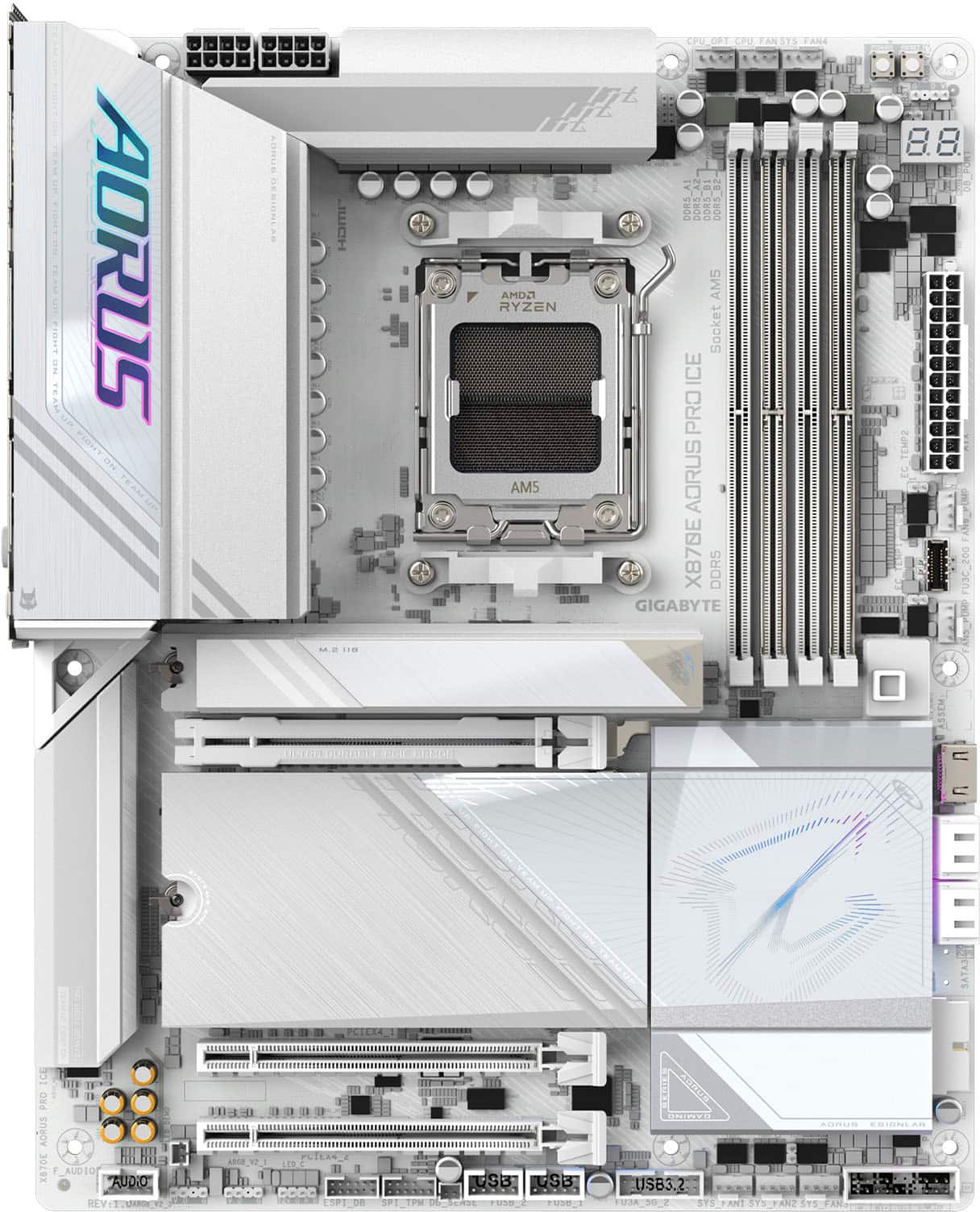
- Model:
- X870E AORUS PRO ICE
- |
- SKU:
- 11013272
Customer reviews
Rating 4.5 out of 5 stars with 29 reviews
(29 customer reviews)Rating by feature
- Value4.3
Rating 4.3 out of 5 stars
- Quality4.6
Rating 4.6 out of 5 stars
- Ease of Use4.3
Rating 4.3 out of 5 stars
Rated 5 out of 5 stars
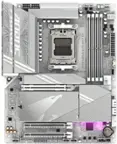
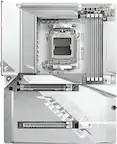
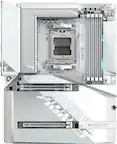
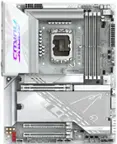
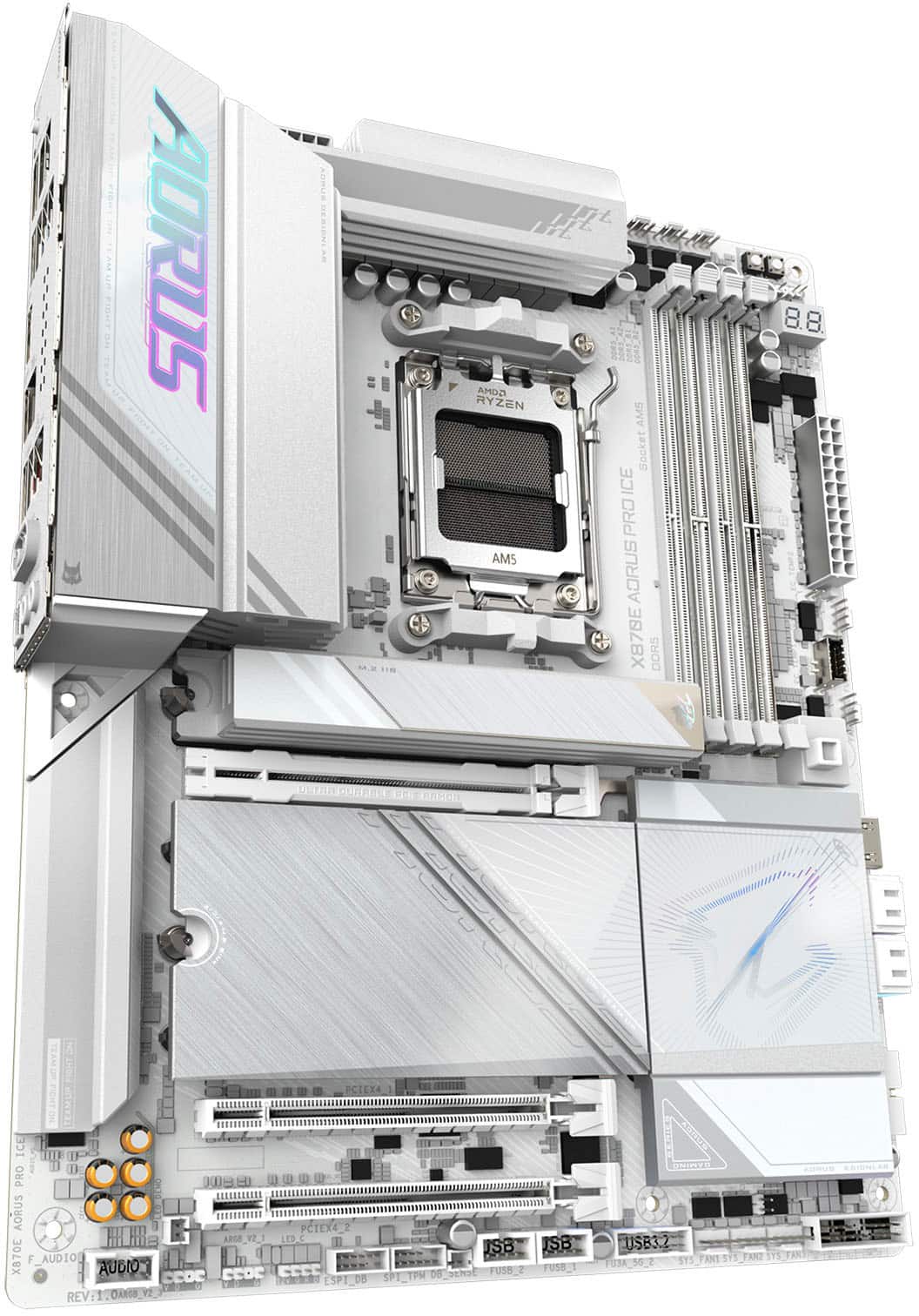
Excellent MOBO for white build
||Posted . Owned for 1 month when reviewed.This reviewer received promo considerations or sweepstakes entry for writing a review.Excellent MOBO for an all white build! Definitely recommend
This review is from GIGABYTE - X870E AORUS PRO ICE (Socket AM5) AMD X870 ATX DDR5 Wi-Fi 7 Motherboard - White
I would recommend this to a friendRated 4 out of 5 stars
Pretty good.
||Posted . Owned for 2 weeks when reviewed.This reviewer received promo considerations or sweepstakes entry for writing a review.The motherboard is beautiful and worked pretty well out of the box, I will note that the upper right hand corner of the motherboard was slightly bent, a tad auspicious perhaps, but It's been working for a few weeks now without issue. Idk if that should have made it past any quality control. Not bestbuys fault. Very good motherboard for white builds very clean.
This review is from GIGABYTE - X870E AORUS PRO ICE (Socket AM5) AMD X870 ATX DDR5 Wi-Fi 7 Motherboard - White
I would recommend this to a friendRated 4 out of 5 stars
Gets the job done but flawed.
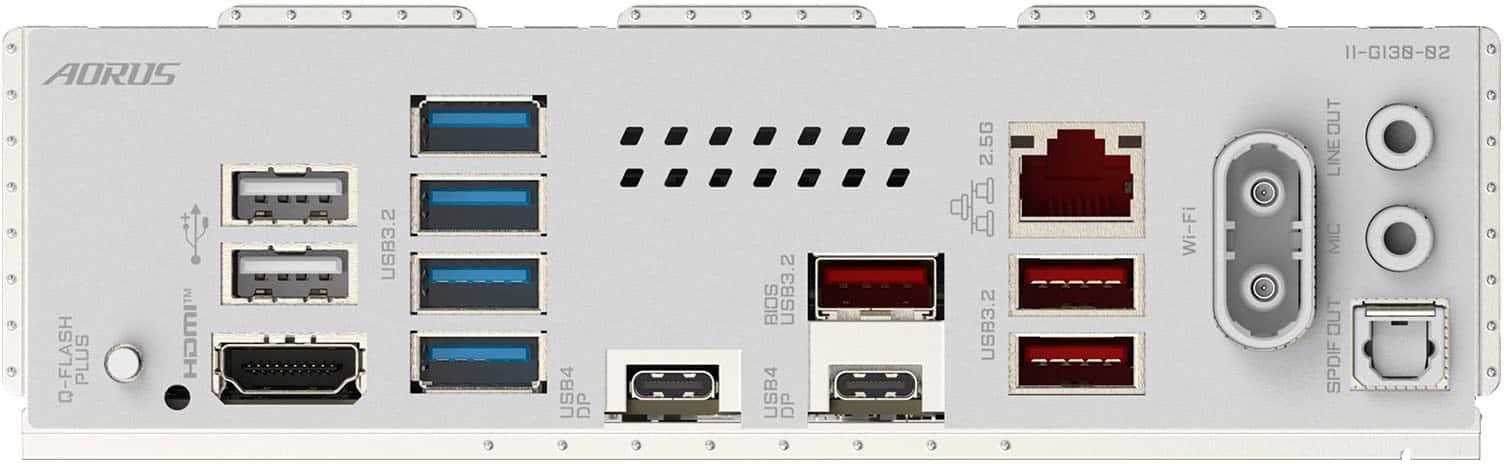
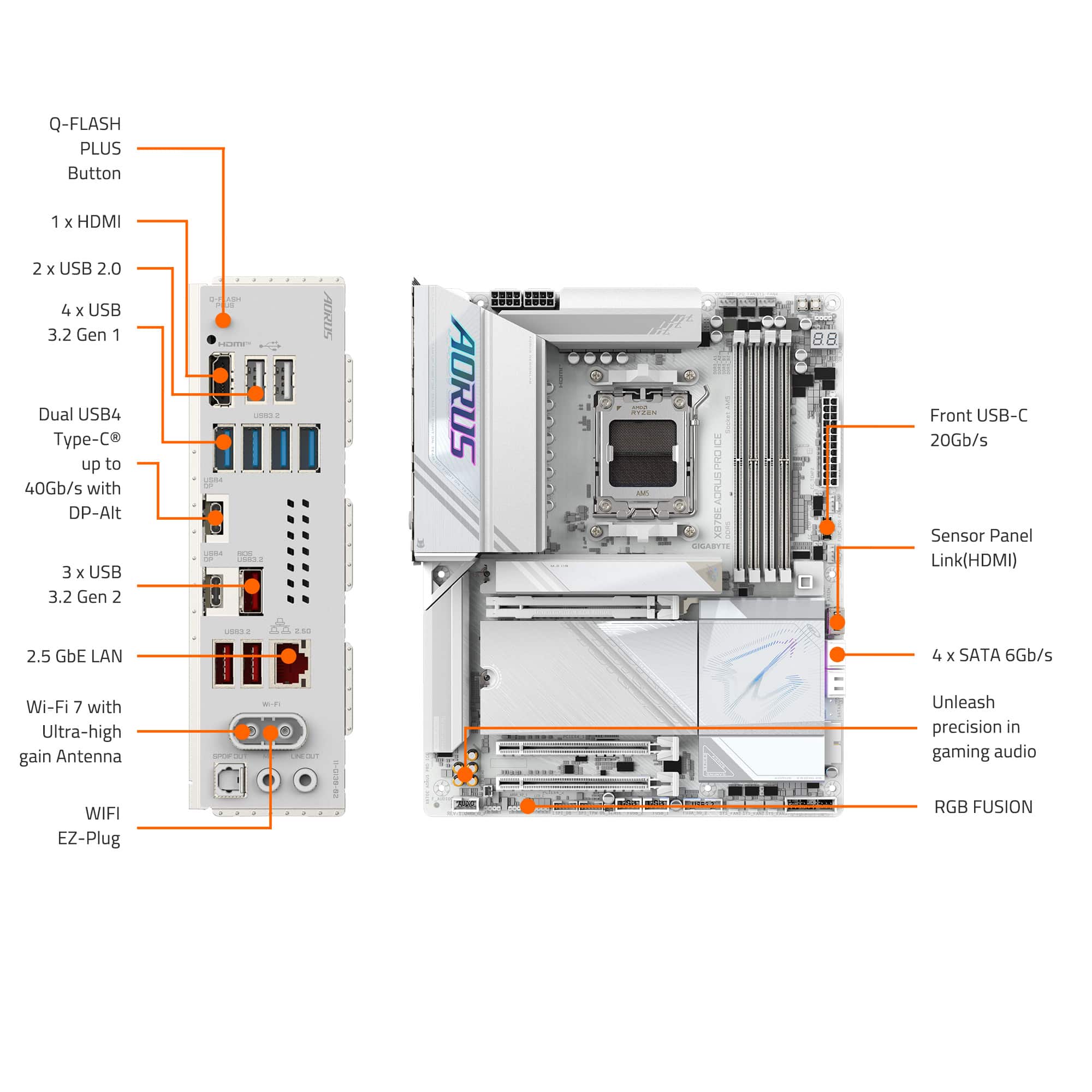
Posted .This reviewer received promo considerations or sweepstakes entry for writing a review.PROS:it’s all white and even the ram slots are white. Rgb is controllable through windows settings. No need for RGB fusion. Decent build quality. I’ve seen better but it’s not too bad. Cons: Latch to take out the gpu is hidden behind the top ssd slot. Need a q-tip or tweezer to push the button in and take out the gpu. CMOS button is hidden behind a plate. Not even sure how to take the plate off to access it. Should have been visible. No CMOS button on the back of the motherboard. Q flash button needs a q tip or tweezer to hit the button just like the latch for the gpu. There is no pump head header on the board. Need to use the middle one on the top labeled cpu_fan. Most boards will have a header named “CPU pump” or something along those lines. This does not affect functionality but super unnecessary. Tips: Use the second and last ram slots if you run two sticks. If you have one ssd, use the top slot. If you have two, use the top slot as your main and your secondary in the third slot. This will help your gpu run at the full lanes. This is not a con but when paired with a 9800x3d, I had to flash the bios to get it to boot. When flashing the bios, rename the file as GIGABYTE.bin. As stated before, your AIO will use the CPU_FAN header on the top right. It’s the middle header
This review is from GIGABYTE - X870E AORUS PRO ICE (Socket AM5) AMD X870 ATX DDR5 Wi-Fi 7 Motherboard - White
I would recommend this to a friendRated 5 out of 5 stars
Perfection
||Posted . Owned for 2 weeks when reviewed.This reviewer received promo considerations or sweepstakes entry for writing a review.Exactly what I needed for my higher end build. Easiest bios ive navegated so far
This review is from GIGABYTE - X870E AORUS PRO ICE (Socket AM5) AMD X870 ATX DDR5 Wi-Fi 7 Motherboard - White
I would recommend this to a friendRated 5 out of 5 stars
Beautiful
||Posted . Owned for less than 1 week when reviewed.This reviewer received promo considerations or sweepstakes entry for writing a review.My first white pc build and I am in love with this board. It has all the ports I need and I am looking forward to updating my router to take advantage of Wi-Fi 7.
This review is from GIGABYTE - X870E AORUS PRO ICE (Socket AM5) AMD X870 ATX DDR5 Wi-Fi 7 Motherboard - White
I would recommend this to a friendRated 5 out of 5 stars
Gigabyte Ice
||Posted . Owned for 1 month when reviewed.This reviewer received promo considerations or sweepstakes entry for writing a review.Operates as promoted, easy set up, and looks great
This review is from GIGABYTE - X870E AORUS PRO ICE (Socket AM5) AMD X870 ATX DDR5 Wi-Fi 7 Motherboard - White
I would recommend this to a friendRated 2 out of 5 stars
BIOS Bug
||Posted . Owned for 3 weeks when reviewed.This reviewer received promo considerations or sweepstakes entry for writing a review.Works Great as long as you dont enable Expo/ XMP. Then the pc wont wake from sleep… cant believe gigabyte hasnt fixed this since the last generation of motherboards
This review is from GIGABYTE - X870E AORUS PRO ICE (Socket AM5) AMD X870 ATX DDR5 Wi-Fi 7 Motherboard - White
No, I would not recommend this to a friendRated 1 out of 5 stars
Trash!!
||Posted . Owned for less than 1 week when reviewed.This reviewer received promo considerations or sweepstakes entry for writing a review.I cant say anything about the board. But what i could talk about is the condition it was shipped in, absolutely zero protection in a big taped up box. How does this make it past anyone at the job!! I made a video shame i cant post it here. Now i will drive 40mile to go back and forth to get a new one cause im not going to make my build to find out the board is bad. What a crappy company lately. and im a $200 dollar a yr member, for what? Wheres my f in gpu that i was promised as a member!!! Just another big company pis in on the little man!!!!!
This review is from GIGABYTE - X870E AORUS PRO ICE (Socket AM5) AMD X870 ATX DDR5 Wi-Fi 7 Motherboard - White
No, I would not recommend this to a friendRated 5 out of 5 stars
Beautiful product
Posted .This reviewer received promo considerations or sweepstakes entry for writing a review.Love the design. Everything is white including DIMM slots. Can't wait to purchase it.
This review is from GIGABYTE - X870E AORUS PRO ICE (Socket AM5) AMD X870 ATX DDR5 Wi-Fi 7 Motherboard - White
I would recommend this to a friend