Customer Ratings & Reviews
- Model:
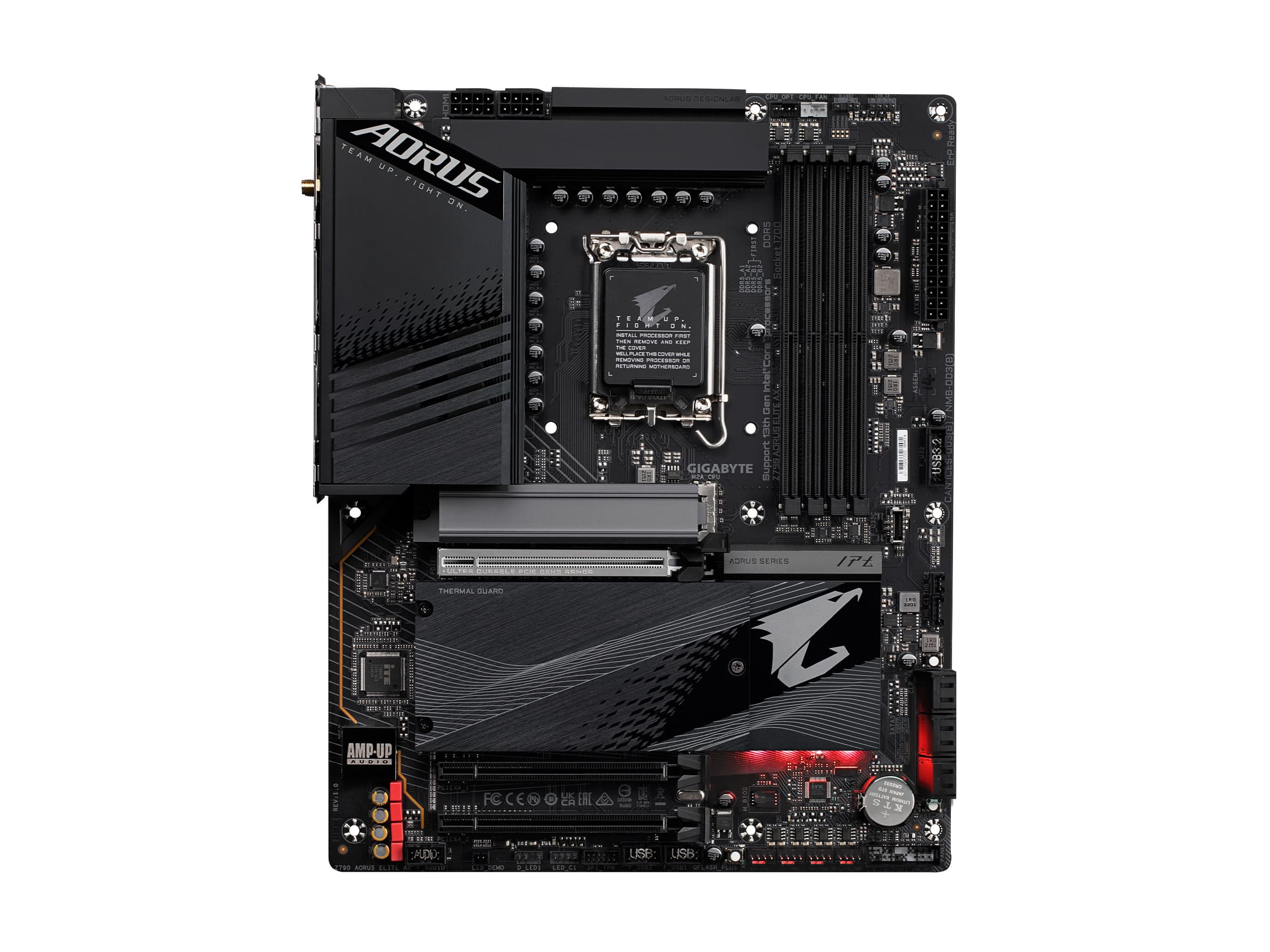
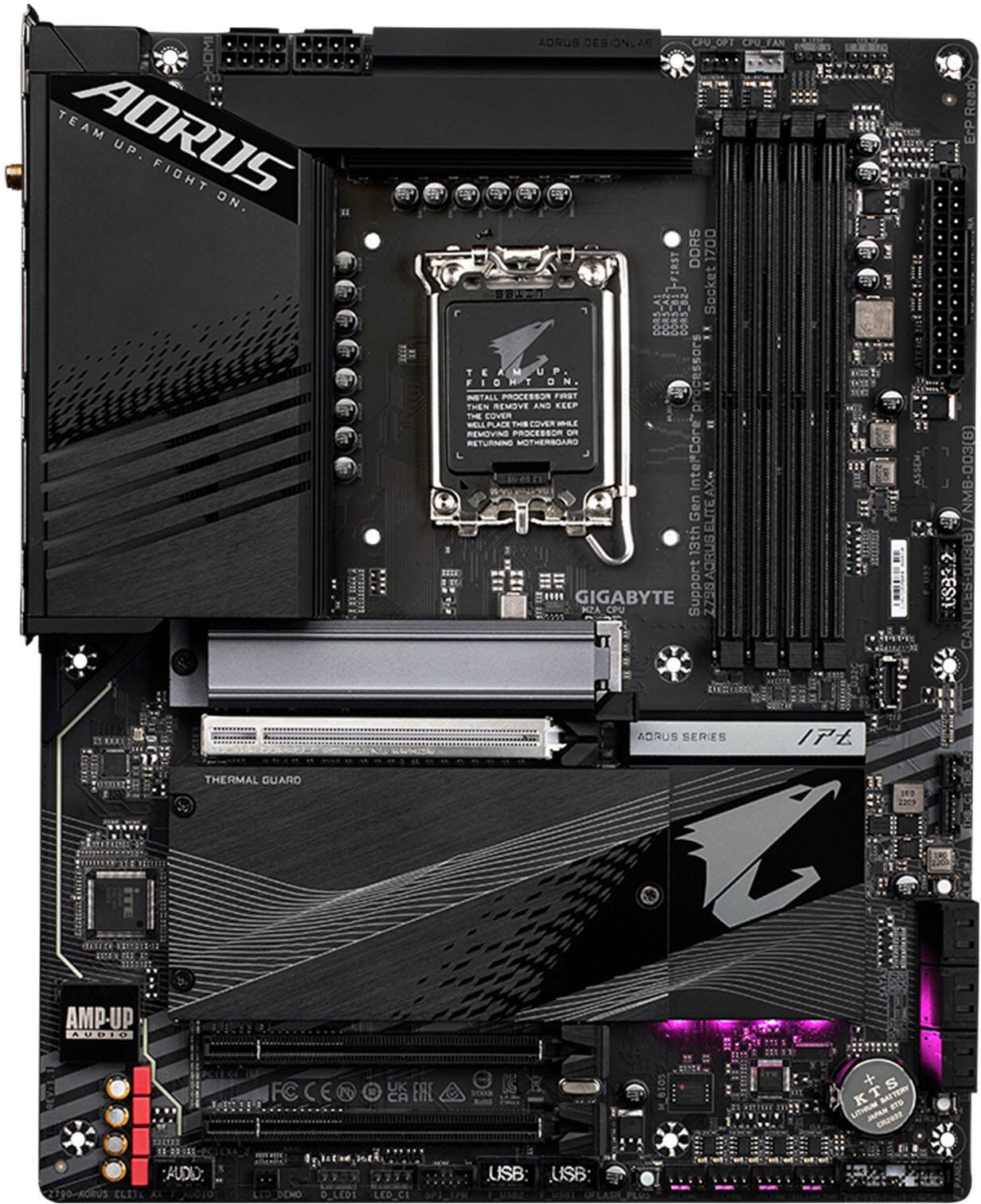
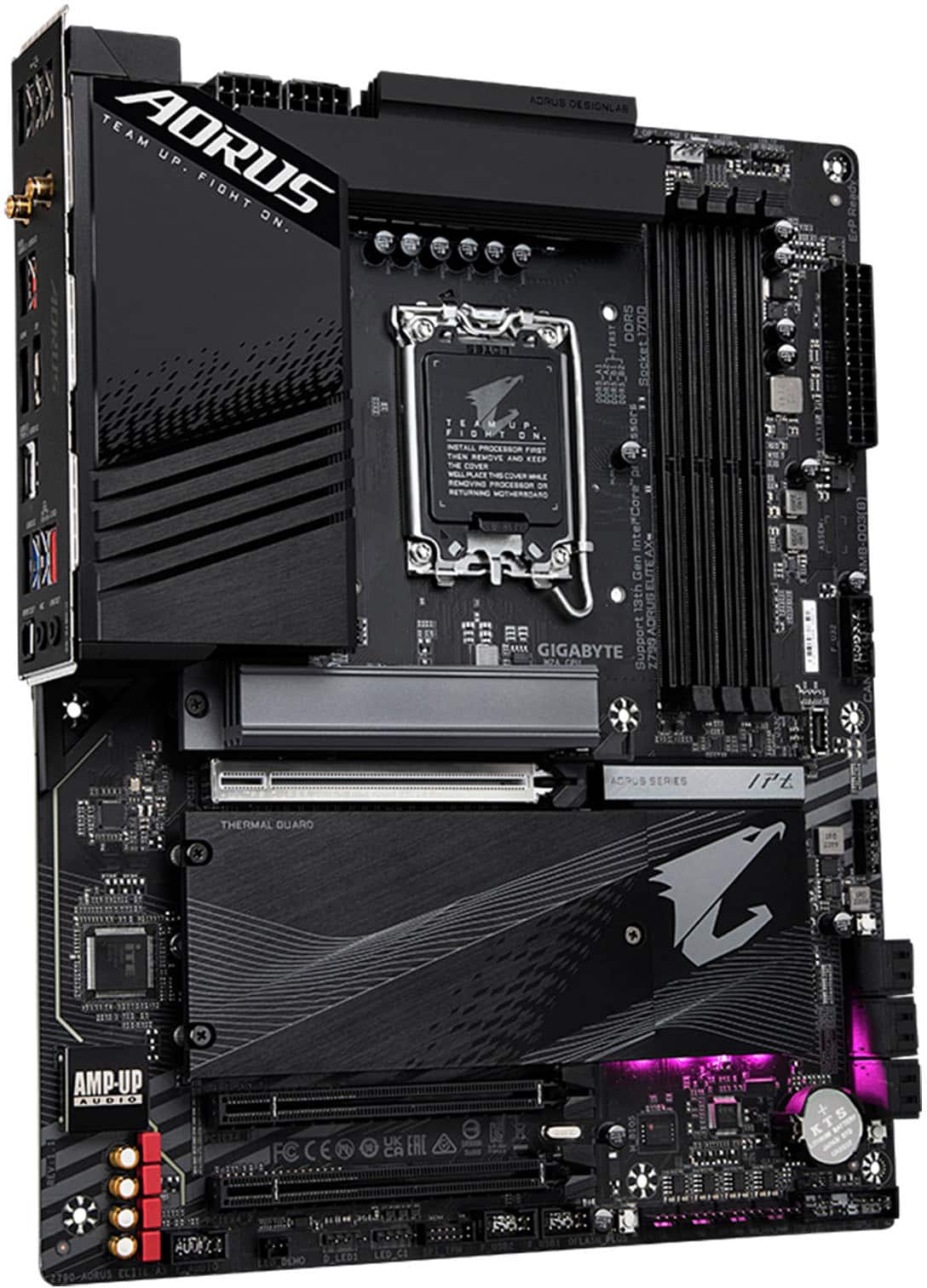
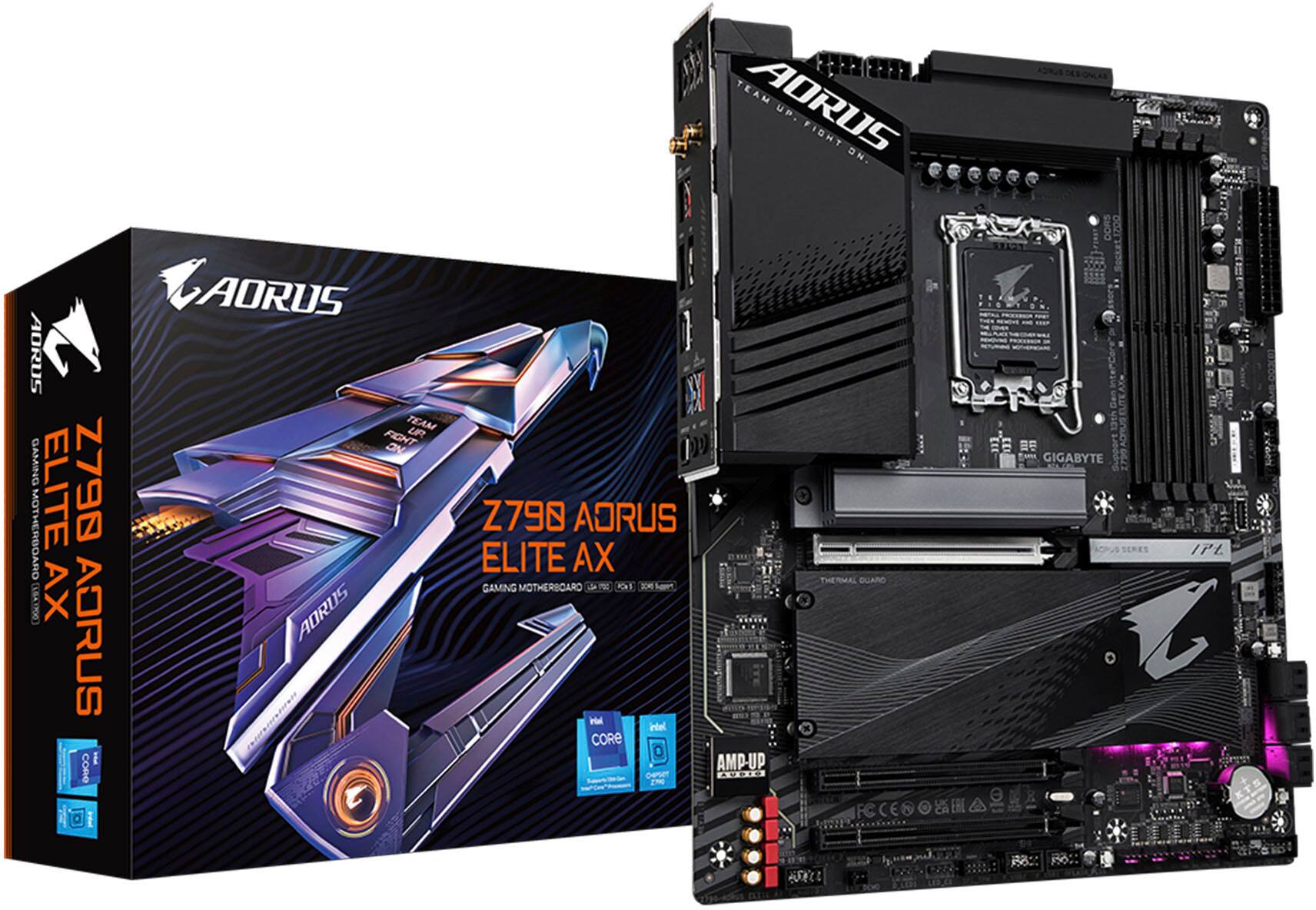
- Z790 AORUS ELITE AX
- SKU:
- 11013359
Rating by feature
- Value
Rating 4.5 out of 5 stars
- Quality
Rating 4.5 out of 5 stars
- Ease of Use
Rating 4.4 out of 5 stars
Best mobo for the price!
||Posted . Owned for 1 week when reviewed.This reviewer received promo considerations or sweepstakes entry for writing a review.Looks study build considering that it’s gigabyte! I have been using Gigabyte and it has never failed me!
I would recommend this to a friendL
||Posted .This reviewer received promo considerations or sweepstakes entry for writing a review.It’s lovely I just dislike that mine didn’t come with screws
I would recommend this to a friendAwesome
||Posted . Owned for 3 months when reviewed.This reviewer received promo considerations or sweepstakes entry for writing a review.Exactly what I needed to fix my computer. Price was also a great deal
I would recommend this to a friendGigabyte motherboard
||Posted . Owned for 1 week when reviewed.This reviewer received promo considerations or sweepstakes entry for writing a review.Great and easy motherboard to build on would recommend to others!
I would recommend this to a friendGreat modern board
||Posted . Owned for 1 week when reviewed.This reviewer received promo considerations or sweepstakes entry for writing a review.Works great, looks great, and plenty of I/O. Not full of useless LEDs either
I would recommend this to a friendMotherboard
||Posted . Owned for 2 weeks when reviewed.This reviewer received promo considerations or sweepstakes entry for writing a review.It’s a really good motherboard preformed well just had a problem with the ddr5 slots or maybe I’m just a noob and don’t know what im doing
I would recommend this to a friend
Great motherboard
|Posted . Owned for 2 weeks when reviewed.This reviewer received promo considerations or sweepstakes entry for writing a review.It works perfectly and has clear labels for everything. Even has an optical cable for audio out!
I would recommend this to a friendBorderline Perfection
||Posted . Owned for 1 week when reviewed.This reviewer received promo considerations or sweepstakes entry for writing a review.Awesome motherboard for my setup but unfortunately doesn’t support xmp or my xmp ready Corsair vengeance ddr5 ram
I would recommend this to a friendBoard
||Posted . Owned for 1 week when reviewed.This reviewer received promo considerations or sweepstakes entry for writing a review.Good, doesn’t work with over 14th gen intel. It’s very light
I would recommend this to a friendWas not for me
||Posted . Owned for 1 week when reviewed.This reviewer received promo considerations or sweepstakes entry for writing a review.Ok board but wound up returning. Went with another board after this one died after about 20 minutes of use. For the price I expect more accessories; there was one SATA cable and an m2 screw and not much else. First Gigabyte board in about 12 years, may try them again next build but we shall see.
No, I would not recommend this to a friend
Z790 Performance On A Budget!!
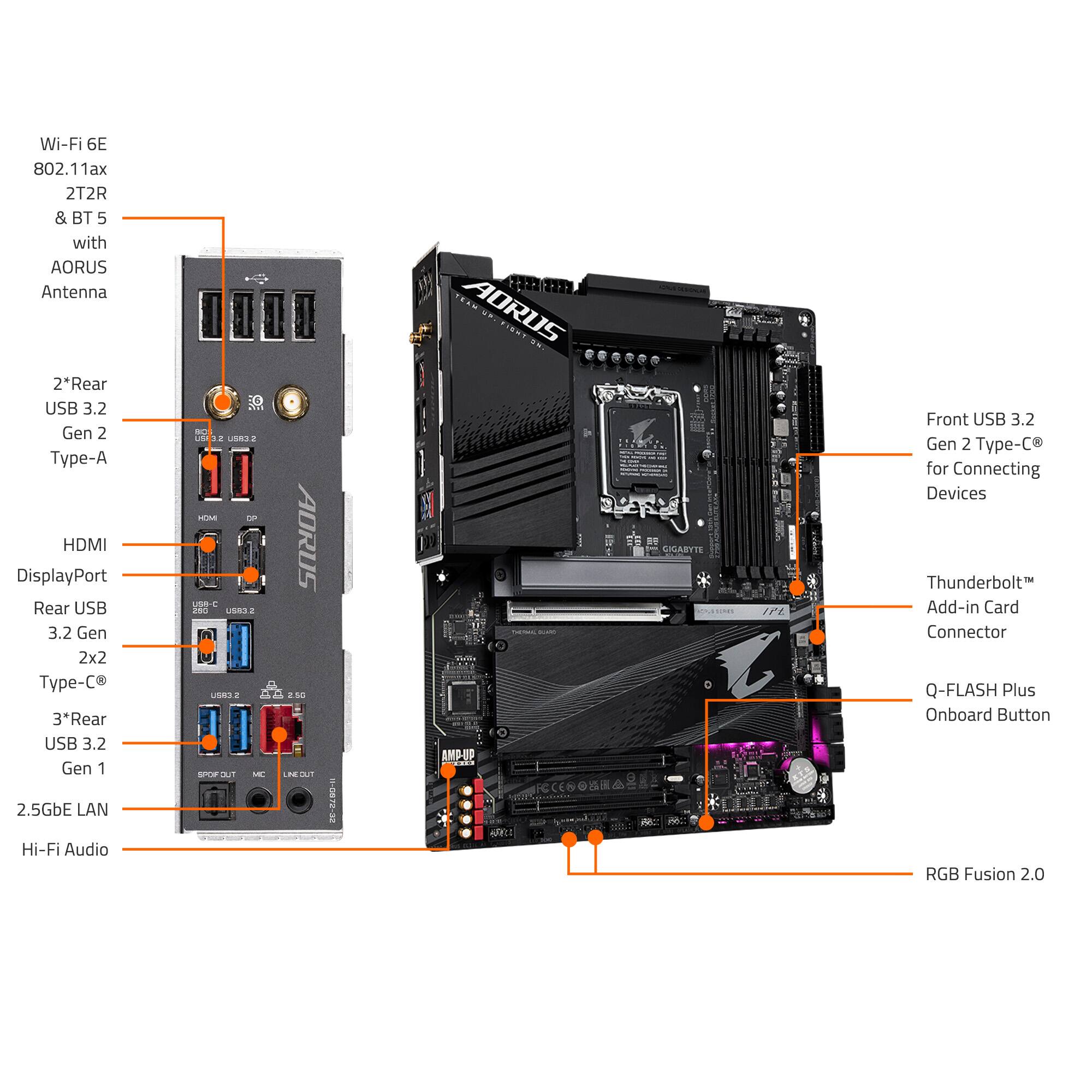
|Posted .This reviewer received promo considerations or sweepstakes entry for writing a review.For computer enthusiasts, building your own machine is often an exciting experience where performance and budget are often linked. Therefore, it should not come as a surprise that aside from your CPU and GPU, the motherboard will be the most important component you choose. It will determine your upgradability in the future as well as your current performance aspirations. As such, and given the recent pricing of motherboards, I was extremely excited to test one of the current midrange boards: the Z790 AORUS Elite AX! As with all ATX boards, the Aorus Elite AX features a similar layout that most should be familiar with; considering its price point, I was extremely pleased to see that the board supports up four M2 slots that run via PCIe 4.0. In addition, I was also really excited to that it has one USB Type-C 3.2 Gen 2x2 that supports 20 Gbps. Furthermore, another positive is that there are two 8 pin power connections for the CPU, especially given how power hungry the 12-14th generation chips are. Another surprising observation was that the back panel plate was already pre-attached to the motherboard; this actually seemed to facilitate the installation in the case as it aligned perfectly. Additionally, I was also glad that the board features some LEDs, yet they are not extremely bright so while they do provide a nice glow, it should not take away from any other LEDs or RGB fans that you may have. With my GSKILL Trident Z5 Royals 32 GB DDR5-6400 MHz installed, all of the LEDs looked awesome! Moving on to the BIOS, I was fairly pleased with the layout of all the main settings. As with most boards, the BIOS will boot to an easy mode view. Upon entering advance mode, all of the CPU and RAM performance settings along with voltages are all organized under the Tweaker tab. On the right hand side of the screen, you will note your CPU temp, voltages, RAM speed, and your main system voltages. For those who want to configure their PL1 and PL2 settings, you can change those by going to the tweaker tab then click on advance CPU settings and scroll down to turbo power limits and set it to enabled and proceed accordingly. You can also disable any one of the P-Cores and E-Cores as well as hyper-threading. Lastly, upon first boot if your mouse speed is slow, you can change it via the Boot tab. Overall, the BIOS was fairly straightforward and organized; most should be fairly content with the number of options provided. Moving on to performance, I wanted to provide some idea on what to expect with the Z790 Aorus Elite AX. While naturally I could not test every setting, I ran Cinebench R23 and CPU-Z benchmark using all of the stock BIOS settings. However, I did set my GSKILL Royals to their XMP profile so they could run at their proper timings. Lastly, I want to mention that this is replacing a twelve year old custom built computer so there should be a drastic performance increase. The results were as follows: I7-14700K - Single: 2,200/ Multi: 35,724 (20 Cores / 28 Threads) I7-3770K - Single: 747/ Multi: 3,816 (4 Cores / 8 Threads) CPU-Z 2.09 Benchmark I7-14700K - Single: 906.8/ Multi: 15,008.5 (20 Cores / 28 Threads) I7-3770K - Single: 401.8 / Multi: 1,976.8 (4 Cores / 8 Threads) As expected, my upgrade was pretty substantial. Connectively, I do want to point out that while running Cinebench R23, HW Info reported a burst of over 300 watts during the multi-core test as expected. The PL1 setting was listed at 280 watts, so you will probably need to spend some time configuring the power settings/voltages via the BIOS. For my last test, I wanted to run was to benchmark on my Crucial X10 Pro SSD and test the speed of the USB Type-C 2x2 port. I manually transferred an 8 GB ISO to the X10 and it finished in about 8 seconds, holding constant at 1.17 GB/s! Lastly, I went ahead and ran CrystalMark 8.0.4 and got the following results: Sequential Read Q8T1: 2,032.24 MB/s / Sequential Write Q8T1: 1,785.94 MB/s Sequential Read 4K Q1T1: 28.91 MB/s / Sequential Write 4K Q1T: 79.81 MB/s In conclusion, the Aorus Z790 Elite AX is an excellent choice for a new motherboard if you are thinking about building a new computer. The board features a minimalistic design, plenty of storage and connectivity options, and is priced fairly well; cheaper in fact than the Z77 Maximus V motherboard I purchased in 2012. While the Z790 chipset will be replaced soon, as expected, this shouldn’t dissuade anyone who is looking to build right now if a computer if needed. However, you should expect to spend some time optimizing the power consumption and/or voltages, especially if you are eyeing the i7 or i9 14th generation. With that said, if this fits the budget, the Z790 Aorus Elite AX comes recommended.
I would recommend this to a friendGreat board for the price
||Posted . Owned for less than 1 week when reviewed.This reviewer received promo considerations or sweepstakes entry for writing a review.Very good. No frills no extra luxuries motherboard does the job it needs to do
I would recommend this to a friendAmazing Motherboard
||Posted . Owned for 1 week when reviewed.This reviewer received promo considerations or sweepstakes entry for writing a review.Amazing motherboard! Works perfectly with my Intel i9 14th Gen!
I would recommend this to a friendGreat product with a very good price
||Posted . Owned for 1 week when reviewed.This reviewer received promo considerations or sweepstakes entry for writing a review.Great motherbord very easy to install easy transaction
I would recommend this to a friendGood for value
||Posted . Owned for less than 1 week when reviewed.This reviewer received promo considerations or sweepstakes entry for writing a review.Good once you get it running, only issue I had was the ram every time I set it to the speed the ram is advertised at the system would freeze on boot up. Recommend setting the ram speed to 4800 the system defaults any higher then there will be issues.
I would recommend this to a friendAvoid unless you like frustration
||Posted . Owned for 1 week when reviewed.This reviewer received promo considerations or sweepstakes entry for writing a review.Instruction/BIOS written by kindergartener. Practically no usable instructions. Manual not included. First one had Ethernet die after a few hours.
No, I would not recommend this to a friendWork fine until it didn't.
||Posted . Owned for 1 week when reviewed.This reviewer received promo considerations or sweepstakes entry for writing a review.Worked good initially and then I could not recessitate it sadly it died on me. Now i am left with no choice but to return it:-(
No, I would not recommend this to a friendGet a strix
||Posted . Owned for 1 week when reviewed.This reviewer received promo considerations or sweepstakes entry for writing a review.Still can’t get more than 1 ram stick to work. Replaced this and cpu. But at this point it works so I’m just dealing with it. Go with the strix
No, I would not recommend this to a friendAverage.
||Posted . Owned for 2 weeks when reviewed.This reviewer received promo considerations or sweepstakes entry for writing a review.Average, I do not recommend this motherboard for new pc builders
No, I would not recommend this to a friendNot really an open box. But a return.
||Posted . Owned for 1 week when reviewed.This reviewer received promo considerations or sweepstakes entry for writing a review.Disappointed in the fact that I thought I was buying an open box. It was really a return. You could tell. Because. where the two slots? look like they have indication like they were use before. Would not buy an open box again. I'll buy a brand new and make sure that it doesn't have the same effects I'll be buying the CPU In around two months. and hopefully. the motherboard will be working correctly. hopefully because of tighter money I will be buying a 12 jen I 9
No, I would not recommend this to a friend