Customer Ratings & Reviews

- Model:
- GA02077-US
- SKU:
- 11201934
Rating by feature
- Value
Rating 4.0 out of 5 stars
- Quality
Rating 4.3 out of 5 stars
- Ease of Use
Rating 4.3 out of 5 stars
Great service
||Posted . Owned for 3 weeks when reviewed.This reviewer received promo considerations or sweepstakes entry for writing a review.East to work with and offered price matching. Thank you
I would recommend this to a friendExcellent Wireless Camera
||Posted . Owned for 2 weeks when reviewed.This reviewer received promo considerations or sweepstakes entry for writing a review.Works as expected, no complaints to date. Battery life is fine, 4-5 weeks on my back deck in normal recording mode
I would recommend this to a friendDont buy this cam
||Posted . Owned for 8 months when reviewed.This reviewer received promo considerations or sweepstakes entry for writing a review.Batteries dont last to long and the Google home app works very slow with this cameras. DONT BUY THIS
No, I would not recommend this to a friendBrand response from Nest Support
Posted .Hello Jesse, thanks for sending in your review. We're sorry to learn that your experience with your Nest Cam was less than ideal when it comes to battery life. Battery life will depend on factors including activity, temperature, and selected camera settings. You can extend the battery life of your camera by adjusting the quality and length of video clips. Our goal is to create an integrated experience and make the Google Home app as the one place you can control all your Google and Nest smart home devices. Your patience is appreciated as we improve further with incorporating your Nest products with the Google Home app. If you need assistance with this, please don't hesitate to reach out to our support specialists and help improve your overall experience. Please contact us on our Google Help page here: https://support.google.com/googlenest/gethelp

Great quality, easy set up.
||Posted . Owned for 3 weeks when reviewed.This reviewer received promo considerations or sweepstakes entry for writing a review.Great quality. Works wonderfully with the app, even I could set it up in minutes.
I would recommend this to a friendGreat camera
||Posted . Owned for 3 months when reviewed.This reviewer received promo considerations or sweepstakes entry for writing a review.Love this camera in my main living room, it’s for security but honesty just funny to catch my family members doing stupid things
I would recommend this to a friendawesome!
||Posted . Owned for 1 week when reviewed.This reviewer received promo considerations or sweepstakes entry for writing a review.Works great. Easy to connect. Worh it for sure connect to all my other nest things and google app
I would recommend this to a friendGoogle nest
||Posted . Owned for 3 weeks when reviewed.This reviewer received promo considerations or sweepstakes entry for writing a review.Very good item!! And it was on sale at best buy best price in town
I would recommend this to a friendCamera
||Posted . Owned for 1 month when reviewed.This reviewer received promo considerations or sweepstakes entry for writing a review.Very good quality product & quick delivery. Easy ordering process
I would recommend this to a friendNot compatible with the Nest app
||Posted . Owned for 3 weeks when reviewed.This reviewer received promo considerations or sweepstakes entry for writing a review.The cameras work fine. Big disappointment they will not work with the Nest app. You can only use them on the Google Home app.
I would recommend this to a friendWorked as expected
||Posted . Owned for 3 months when reviewed.This reviewer received promo considerations or sweepstakes entry for writing a review.Worked well out of box. Does not use Google Nest app if that is what you are used to. You actually access the footage via Google Home app.
I would recommend this to a friendCamera for backyard
||Posted . Owned for 1 month when reviewed.This reviewer received promo considerations or sweepstakes entry for writing a review.Luv the camera for my bkyard.would recommend to my family an friends.luv best buy.
I would recommend this to a friendNEST
||Posted . Owned for 1.5 years when reviewed.This reviewer received promo considerations or sweepstakes entry for writing a review.Love this camera and how it connects to the other nest products all in one
I would recommend this to a friendGoogle camera
||Posted . Owned for 1 month when reviewed.This reviewer received promo considerations or sweepstakes entry for writing a review.Cameras work real well , notify my Apple Watch and phone as soon as a person is detected
I would recommend this to a friendGreat Camera
||Posted . Owned for 11 months when reviewed.This reviewer received promo considerations or sweepstakes entry for writing a review.These work great with easy setup in the google home app. I bought the power cords so no issues with battery life
I would recommend this to a friendWere good
||Posted . Owned for 3 weeks when reviewed.This reviewer received promo considerations or sweepstakes entry for writing a review.Were good !!!!!!!!!!!!!!!!!!!!!!!!!!!!!!!!!!!!!!!!!
I would recommend this to a friendcameras
||Posted . Owned for 1 year when reviewed.This reviewer received promo considerations or sweepstakes entry for writing a review.Wanted cameras for my front and back door. Worked wonderful
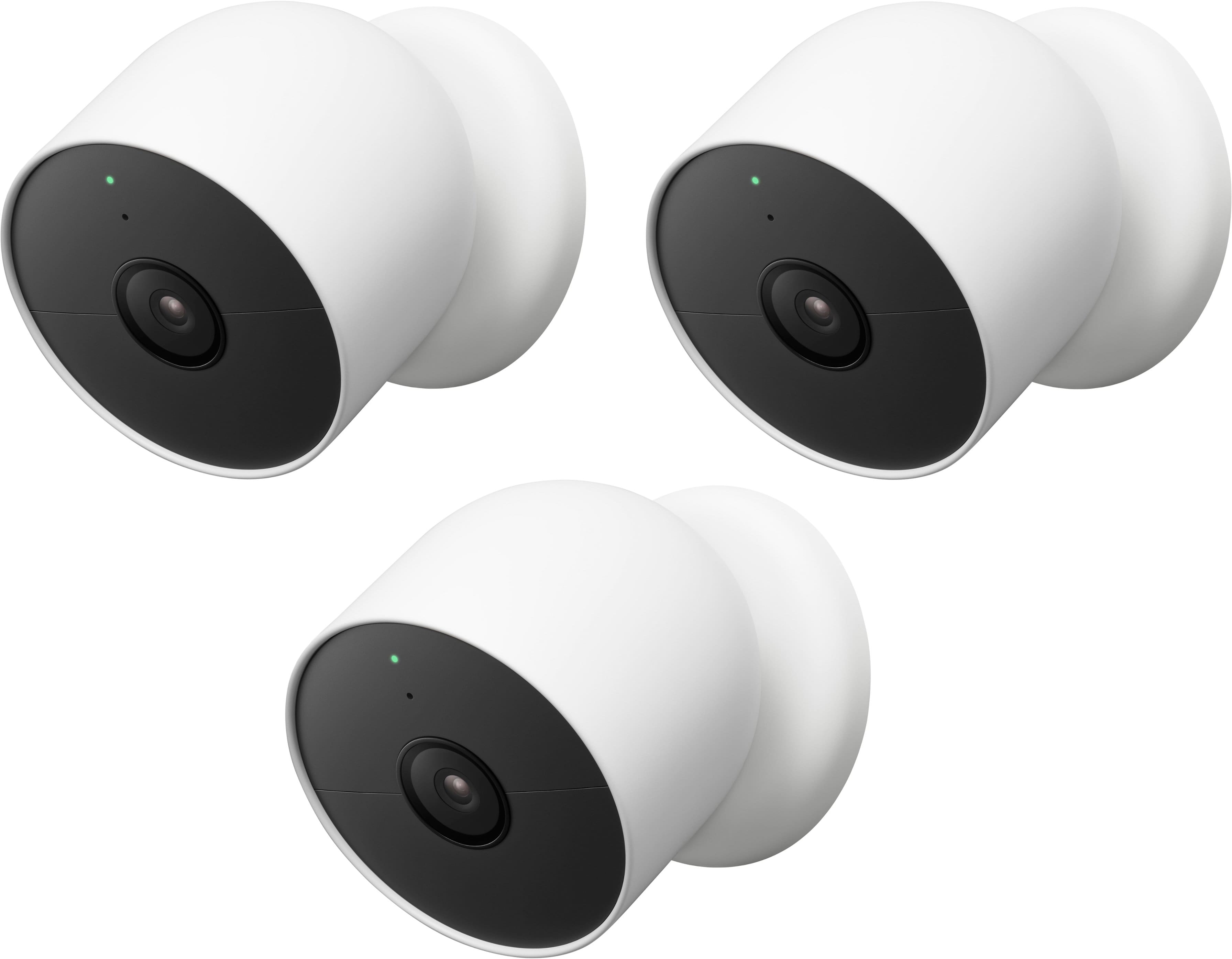
I would recommend this to a friend3 pack google nest cams
||Posted . Owned for 1 month when reviewed.This reviewer received promo considerations or sweepstakes entry for writing a review.Great cameras and easy setup. Would highly recommend
I would recommend this to a friendAmazing camera
||Posted . Owned for 1 month when reviewed.This reviewer received promo considerations or sweepstakes entry for writing a review.I love that this device can detect things far away and the notification arrives almost instantly
I would recommend this to a friendMaybe not what you need
||Posted . Owned for 3 weeks when reviewed.This reviewer received promo considerations or sweepstakes entry for writing a review.Slow to wake up and capture, night video not evidence worthy, misses events… haven’t figured out how to export videos
No, I would not recommend this to a friendBrand response from Nest Support
Posted .Hi JStiff, thanks for taking the time to share your feedback. We’re sorry to hear that you’re having multiple issues with Nest Cam (battery).
For slow display, we could be looking at a possible connectivity issue that affects the overall performance of your Nest Cam. It can be caused by different factors like location and distance of Nest Cam, Wi-Fi router, outdated phone and Google Home app. This may also be caused by Wi-Fi network congestion and Wi-Fi interference with other devices and/or networks. Removing other devices from your Wi-Fi might help. You can also try setting up your device on either the 2.4GHz or 5GHz bands and see which band is more reliable.
Here’s how you can save and download video clips: https://support.google.com/googlenest/answer/9207572
If the issue still persists, we may need to take a closer look in order for us to understand this issue. Feel free to contact our support team. We’d be more than happy to help here: https://support.google.com/googlenest/gethelp
Problem free. Great product. Love the Nest system.
||Posted . Owned for 5 months when reviewed.This reviewer received promo considerations or sweepstakes entry for writing a review.Problem free. Great product. Love the Nest system.
I would recommend this to a friend