Customer Ratings & Reviews
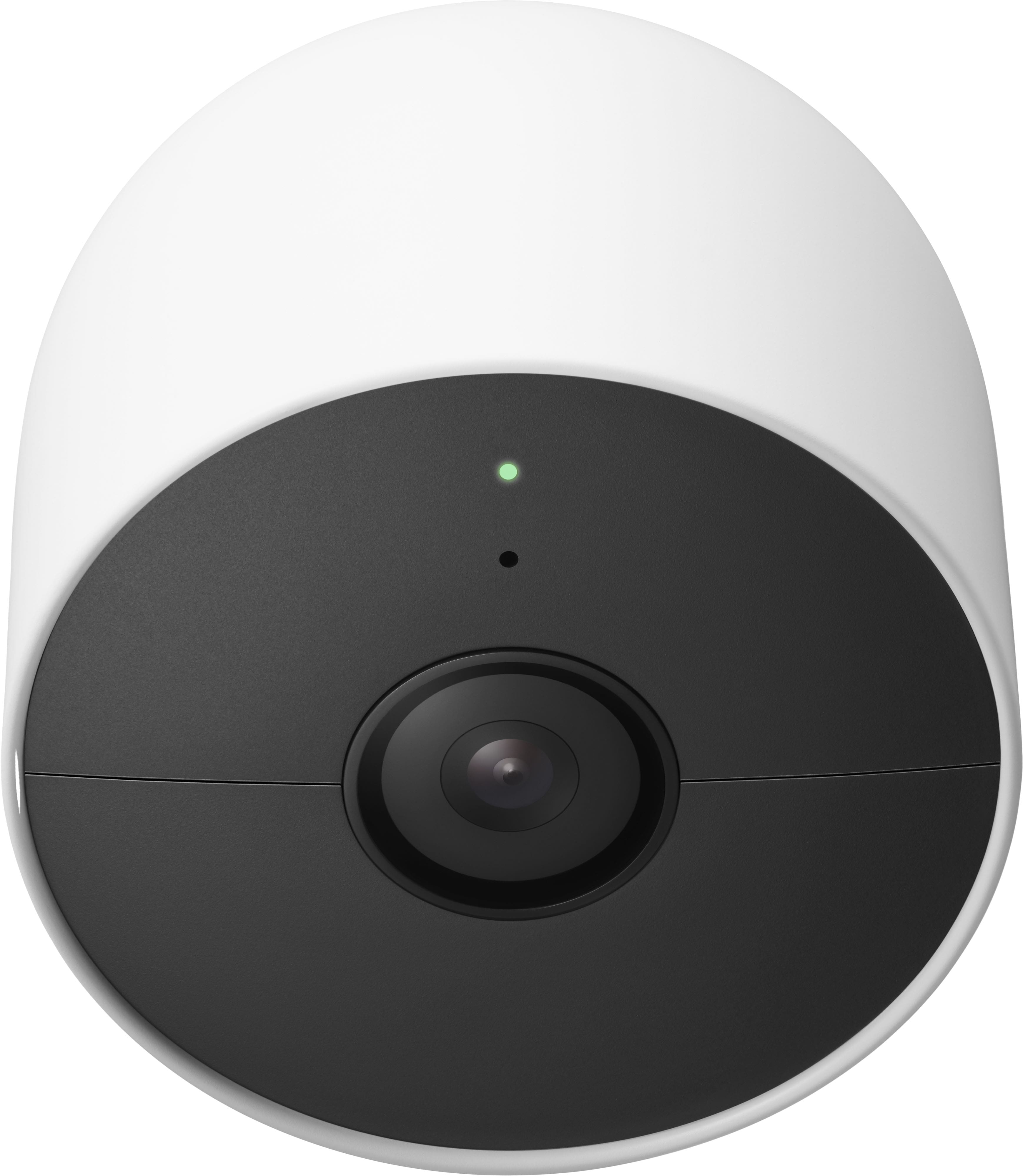
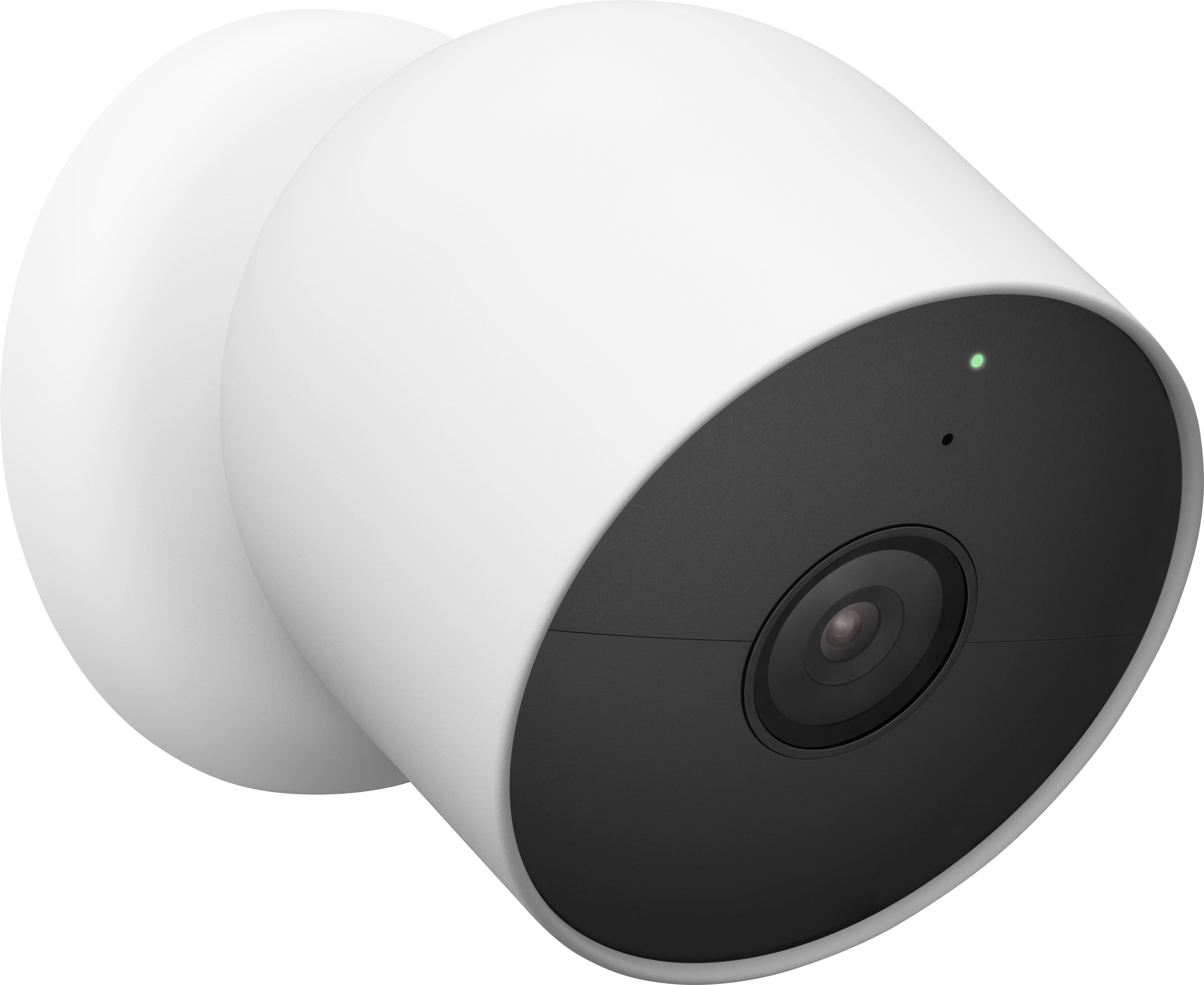

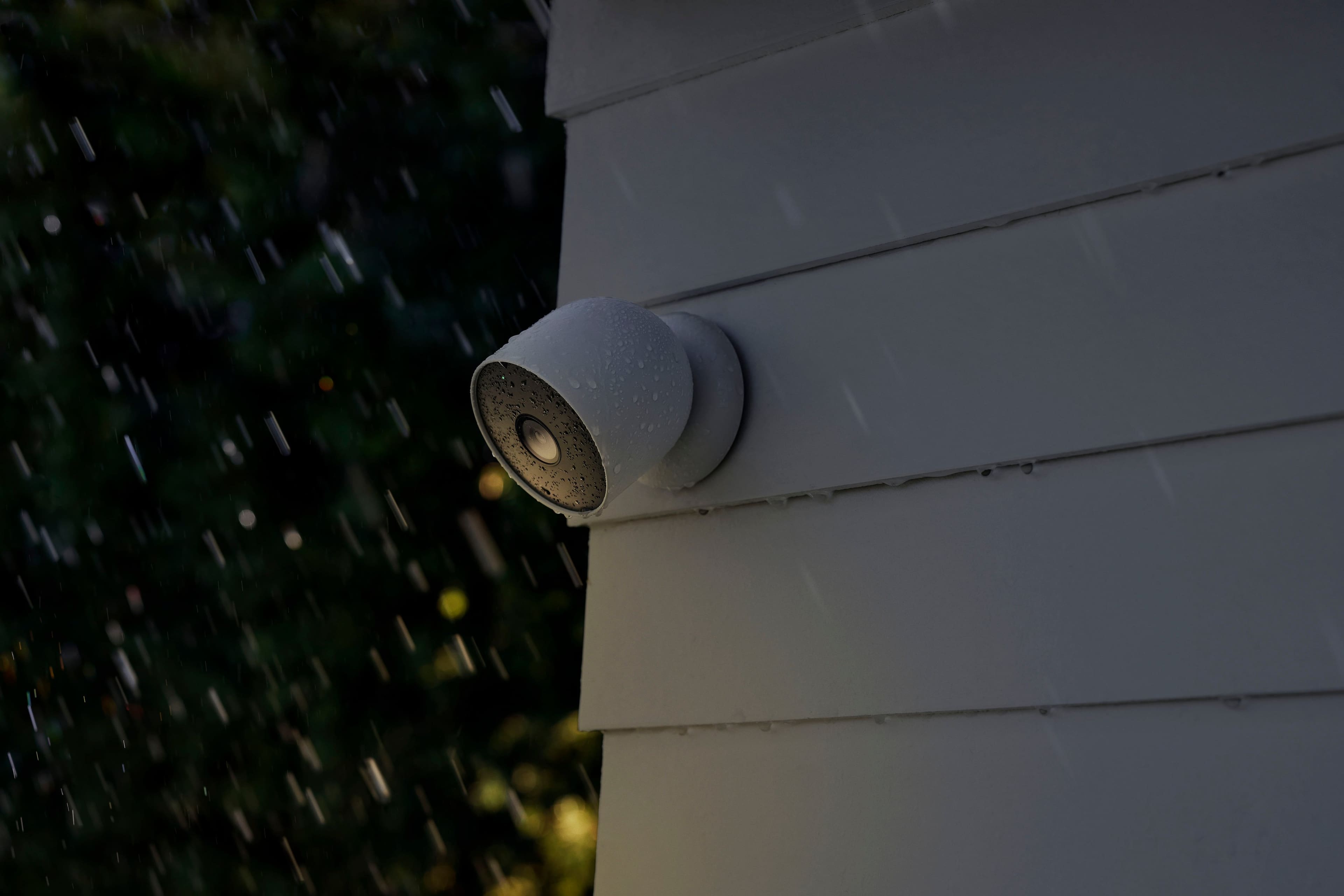
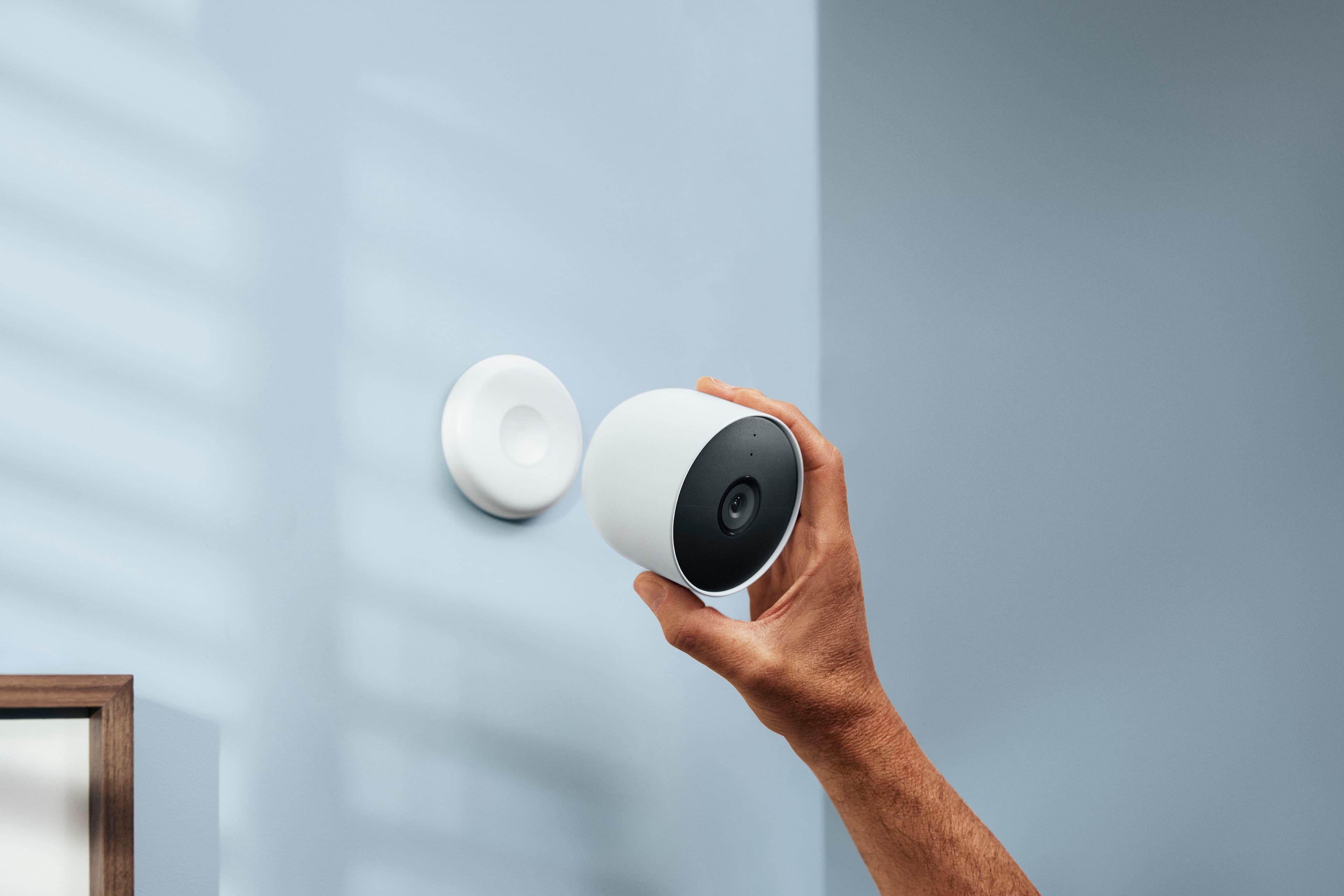
- Model:
- GA02077-US
- SKU:
- 11201934
Rating by feature
- Value
Rating 4.0 out of 5 stars
- Quality
Rating 4.3 out of 5 stars
- Ease of Use
Rating 4.3 out of 5 stars
Nest cam is very good.
||Posted . Owned for 2 weeks when reviewed.This reviewer received promo considerations or sweepstakes entry for writing a review.Great camera for indoor/outdoor use. Nice and clear captures.
I would recommend this to a friendBattery life
||Posted . Owned for 3 weeks when reviewed.This reviewer received promo considerations or sweepstakes entry for writing a review.The battery keeps draining it won’t turn keep a charge
I would recommend this to a friendNest camera
||Posted . Owned for 3 weeks when reviewed.This reviewer received promo considerations or sweepstakes entry for writing a review.Easy setup very fast connected to camera from remote location
I would recommend this to a friendNot worth it
||Posted . Owned for 1 month when reviewed.This reviewer received promo considerations or sweepstakes entry for writing a review.I am really disappointed with this purchase. Google Home, which is what this runs off of is very difficult to operate. Setting everything up was a major pain. Many times these cameras did not catch movement that a normal camera would’ve caught. I would not recommend these cameras to anyone.
No, I would not recommend this to a friendBrand response from Nest Support
Posted .Hi there, Filippelli74. We're sorry to learn that you had a disappointing experience with your Nest Cam (battery). We're constantly working to enhance the Google Home app and improve the performance of the app and how it integrates with your devices. It's important to us that we provide you with the best help possible and identify the cause of the cameras not catching the right moments for you. Please reach out to our dedicated team of specialists on our Google Help page for immediate support here: https://support.google.com/googlenest/gethelp

Good add on
||Posted . Owned for 3 weeks when reviewed.This reviewer received promo considerations or sweepstakes entry for writing a review.Perfect add on to my current nest cameras, can't complaint.
I would recommend this to a friendGood camera, bad software
||Posted . Owned for 2 weeks when reviewed.This reviewer received promo considerations or sweepstakes entry for writing a review.I bought it not knowing the camera can't be added to my other NEST cameras. In order for the GOOGLE camera and my 3 nest cameras, I would have to migrate my nest cameras to the GOOGLE camera. That can be done, but have to cancel the nest subscription and buy a GOOGLE subscription at twice the cost. I returned the camera and will repostion my others.
No, I would not recommend this to a friendBrand response from Nest Support
Posted .Hi there, Freddidit. Thanks for taking the time to share your feedback with us. We do apologize for any disappointment you may be having with the move to the Google Home app, from the Nest app, for the new generation of Nest cameras. It's also unfortunate that you had to return it.
You actually get a lot more value with the new Nest Aware subscription since it lets you pay one amount for all your Google Nest cameras in your home. This includes any new Nest camera you buy, and all your older Nest cameras, rather than paying for each camera which can be more costly. To learn more about the new Nest Aware subscription, check out this link: https://support.google.com/googlenest/answer/9546397
We'd be happy to entertain any questions you have and even walk you through the migration process for your old Nest cameras. Simply reach out to our support team here: https://support.google.com/googlenest/gethelp
Does NOT work with Nest App
||Posted . Owned for 1 month when reviewed.This reviewer received promo considerations or sweepstakes entry for writing a review.If you currently have Nest products and manage them with the Nest app you will be VERY disappointed with this purchase since you can not add it to your existing Nest account. If you have migrated you can add it to your Google Home app but it will NOT show up in your Nest app. In addition, the features are limited within the Google Home app. This is a hige mistake by Google. I have returned this product after about four hours of trying to find a work around.
No, I would not recommend this to a friendBrand response from Nest Support
Posted .Hi JCB3, thanks for sharing your review with us. We're sorry to hear that your experience with the Nest Cam was disappointing. Our priority with this launch was to create an integrated experience with other Google Nest products and to make the Google Home app as the one place you can control all your Nest and other smart home devices with the Google Assistant. If you decide to give our products another go we'd be more than happy to assist you in the future.
Nest was good. Dont buy
||Posted . Owned for 1 week when reviewed.This reviewer received promo considerations or sweepstakes entry for writing a review.Keeps going to save battery although is plugged to electrical 24/7 its crap
No, I would not recommend this to a friendOnly work with google home app, which is 0/5.
||Posted . Owned for 8 months when reviewed.This reviewer received promo considerations or sweepstakes entry for writing a review.Must use with google home app because it doesn’t work with the nest app. Google home takes a long time to load video, the app often crashes, and it is harder to scroll through history. I have 7 of the older version that still work with the nest app.
No, I would not recommend this to a friendBrand response from Nest Support
Posted .Hi there, Calving. We appreciate your feedback. Thanks for sharing your experience with the Nest Cam (battery) and the Google Home app. The new Nest Cam (battery) is designed to work with the Google Home app because Google is transitioning its smart home devices to a unified platform. We understand you might be used to the Nest app, especially since you have other Nest Cams that work well with it. While the Google Home app offers broader functionality for your smart home ecosystem and we apologize if you're experiencing slow video loading or app crashes. We want to know more details of your concern, we recommend reaching out to our dedicated team of specialists on the Google Help Center here: https://support.google.com/googlenest/gethelp
Love it
||Posted . Owned for 2 weeks when reviewed.This reviewer received promo considerations or sweepstakes entry for writing a review.Very clean picture qualities a1 i will buy another one
I would recommend this to a friendGood camera
||Posted . Owned for 3 weeks when reviewed.This reviewer received promo considerations or sweepstakes entry for writing a review.This completes the sight around my house and i love it.
I would recommend this to a friendKeep an eye on things
||Posted . Owned for 1 month when reviewed.This reviewer received promo considerations or sweepstakes entry for writing a review.Does the job! Able to see what I need to see and more.
I would recommend this to a friendHorrible
||Posted . Owned for less than 1 week when reviewed.This reviewer received promo considerations or sweepstakes entry for writing a review.Horrible and big, wasn’t designed well and does nothing more that blink, buy blink it’s cheaper and does a lot
No, I would not recommend this to a friendBrand response from Nest Support
Posted .Hi Jhag, we appreciate your feedback and thanks for sharing your insights about the Nest Cam (Battery). Nest Cam (battery) supports 2 major features that drive the size of the product: on-device computer vision with high compute or performance, and continuous video recording when plugged into power.
Your input helps us better understand our customers’ preferences and needs. If you have any questions or concerns, feel free to visit us anytime here: https://support.google.com/googlenest/gethelp
Best cam ever
||Posted . Owned for 3 weeks when reviewed.This reviewer received promo considerations or sweepstakes entry for writing a review.Best decision i made lately. Really easy to install
I would recommend this to a friendExcellent product
||Posted . Owned for 3 weeks when reviewed.This reviewer received promo considerations or sweepstakes entry for writing a review.Love this camera. Clear and love the notifications.
I would recommend this to a friendGreat product
||Posted . Owned for 3 weeks when reviewed.This reviewer received promo considerations or sweepstakes entry for writing a review.We really like this system and it works very well.
I would recommend this to a friendBattery issue
||Posted . Owned for 3 months when reviewed.This reviewer received promo considerations or sweepstakes entry for writing a review.One camera battery is dead very soon I need to charge it in every week.
No, I would not recommend this to a friendBrand response from Nest Support
Posted .Hello Urvisha, we appreciate you for sharing your review. We're sorry to learn that your experience with your Nest Cam was less than ideal when it comes to battery life. Battery life will depend on factors including activity, temperature, and selected camera settings. You can extend the battery life of your camera by adjusting the quality and length of video clips. If you need assistance with this, please don't hesitate to reach out to our support specialists and help improve your overall experience. Please contact us on our Google Help page here: https://support.google.com/googlenest/gethelp
Do Not Buy
||Posted . Owned for less than 1 week when reviewed.This reviewer received promo considerations or sweepstakes entry for writing a review.Awesome design and build quality. I love how it mounts magnetically.. literally everything else is terrible. I have 2 older Nest indoor wired cameras that I love. This camera cannot be connected to the Nest app; only the Google Home app, which sucks more than my ex. If you want a battery powered camera, go with the Ring Stick-Up. Image quality is 1,000% better
No, I would not recommend this to a friendBrand response from Nest Support
Posted .Hi cms0428, thanks for sharing your feedback about the Nest Cam (Battery). We’re sorry to learn that using Google Home app is disagreeable for you.
New Nest cameras and doorbells are exclusive to the Home app because we wanted to create an integrated experience. But you can still view your existing Nest cameras alongside with the new Nest Cams in the Google Home app. Also, using the Google Home app provides you with a lot of benefits including access to Google's trusted security platform and access to other Google tools and with seamless integration with other Google devices.
As for the image quality, adjusting the video quality in settings to balance high resolution video with longer battery life and lower bandwidth use might be helpful.. For optimal video quality at 1080p, an internet connection upload speed with at least 2 Mbps per camera is recommended (DSL may not qualify). Please check the steps below:
- Open the Home app Google Home app.
- Select your camera.
- Tap Settings Video.
- Under “Video quality,” tap High.
Let us know if you need help, and we'll be more than happy to assist you. You can contact our support team here anytime: https://support.google.com/googlenest/gethelp
Very upset
||Posted . Owned for 1 month when reviewed.This reviewer received promo considerations or sweepstakes entry for writing a review.It won’t connect with existing nest system I haven’t had time to contact anyone yet
No, I would not recommend this to a friendBrand response from Nest Support
Posted .Hi there, thanks for taking the time to share your feedback. We regret to hear that you’re unable to connect your Nest Cam (Battery) with your other Nest devices.
The Nest Cam (Battery) is exclusive to the Home app because we wanted to create an integrated experience. Our long term plan is to use the Google Home app as the one place you can control all of your favorite Nest and other smart home devices, as well as Google Assistant. In the near future, we’ll allow users to set up previous Nest devices and have full control in the Home app. Users with older cameras can view their camera feeds in the Google Home app alongside the new Nest Cams. Our team is working on bringing full functionality to the Google Home app so all of your cameras can be set up and controlled in one place.
Your feedback is important to us as it will greatly help us understand our customers’ needs. If you have any questions or concerns, you can always reach out to our support team. We’d be more than happy to help here: https://support.google.com/googlenest/gethelp
Battery life sucks
||Posted . Owned for 1 month when reviewed.This reviewer received promo considerations or sweepstakes entry for writing a review.Batteries die too fast. Very annoying to remove to constantly charge them.
No, I would not recommend this to a friendBrand response from Nest Support
Posted .Hi there, thanks for your feedback. We're sorry to hear that your nest Cam (Battery) dies too fast, and that you have to constantly charge them.
The battery life will depend on factors including activity, temperature, and camera settings that you select. Users can extend the battery life of their camera by adjusting video quality, length of video clips, time between recorded events, and using activity zones to monitor specific areas. Here are some typical scenarios for your Nest Cam (Battery):
Busy: About 1.5 months battery life (about 20 - 25 recorded events per day)
Typical: About 3 months battery life (about 9 - 12 recorded events per day)
Quiet: About 7 months battery life (about 2 - 4 recorded events per day)
You may want to check on the frequency of events (per day) that you get with your Nest Cam (Battery). If the short battery life isn´t related to the frequency of events, then we may need to have a closer look at your device and understand what may be causing it. You may contact our support team for further assistance by visiting us here: https://support.google.com/googlenest/gethelp