Customer Ratings & Reviews
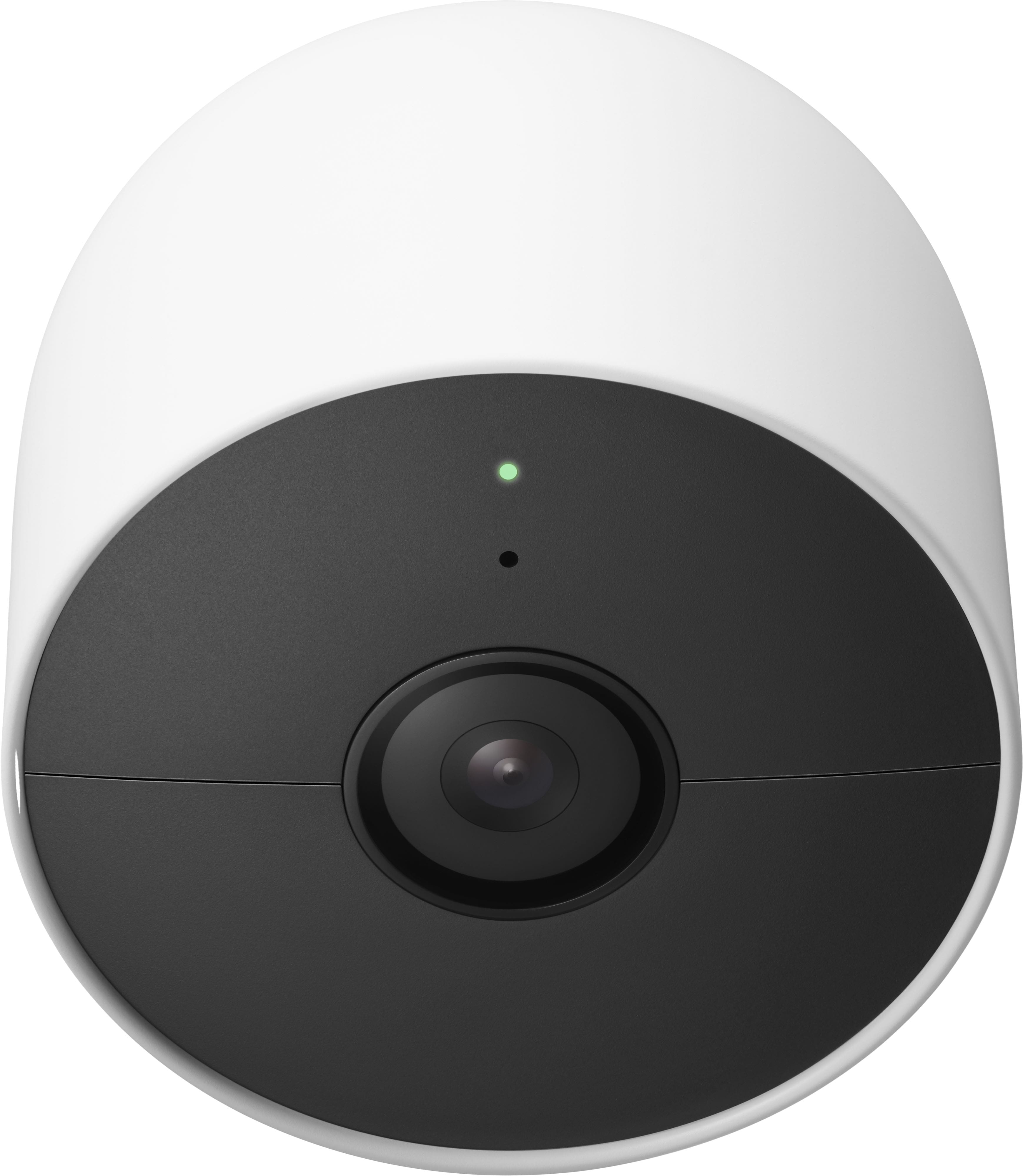
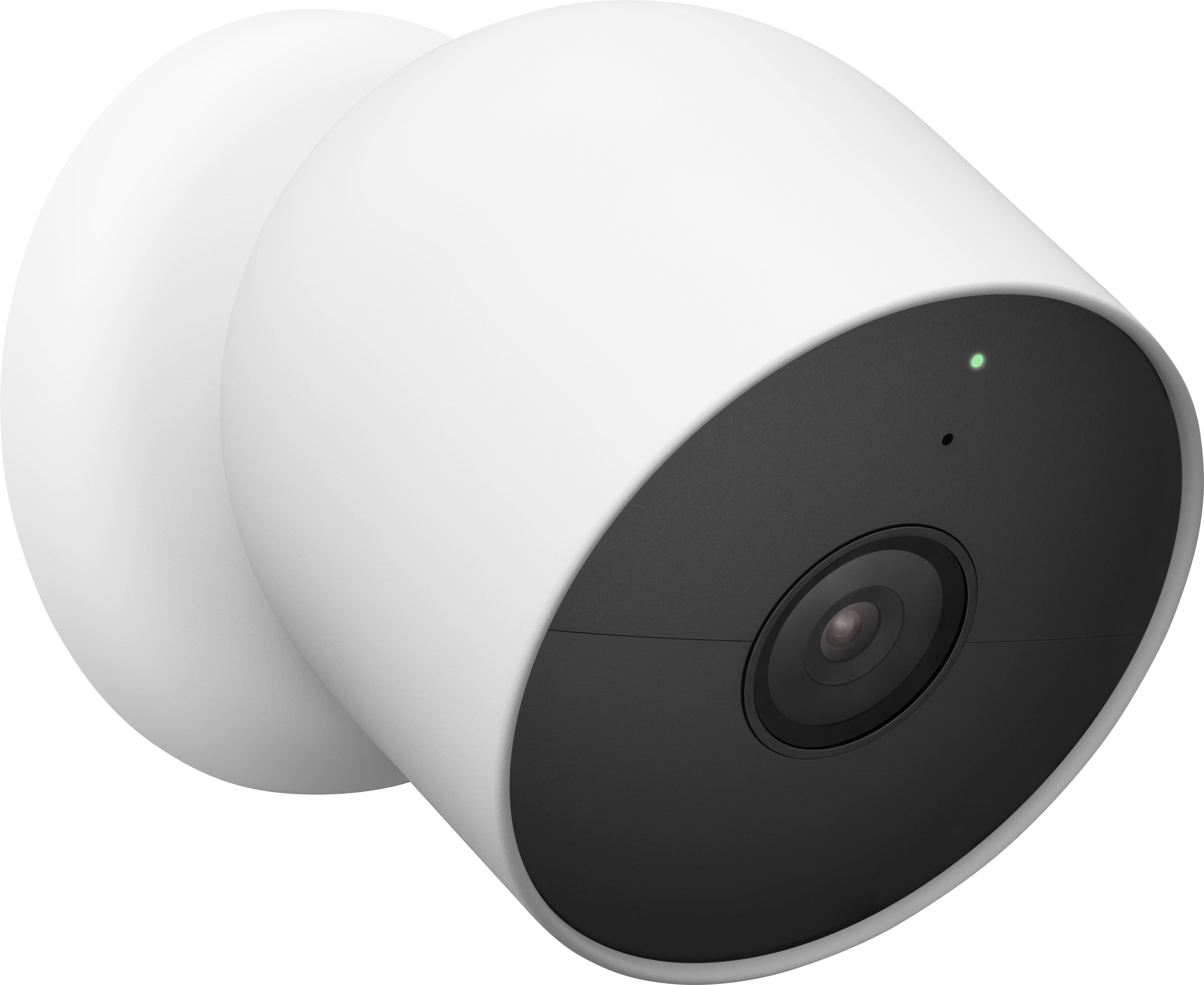

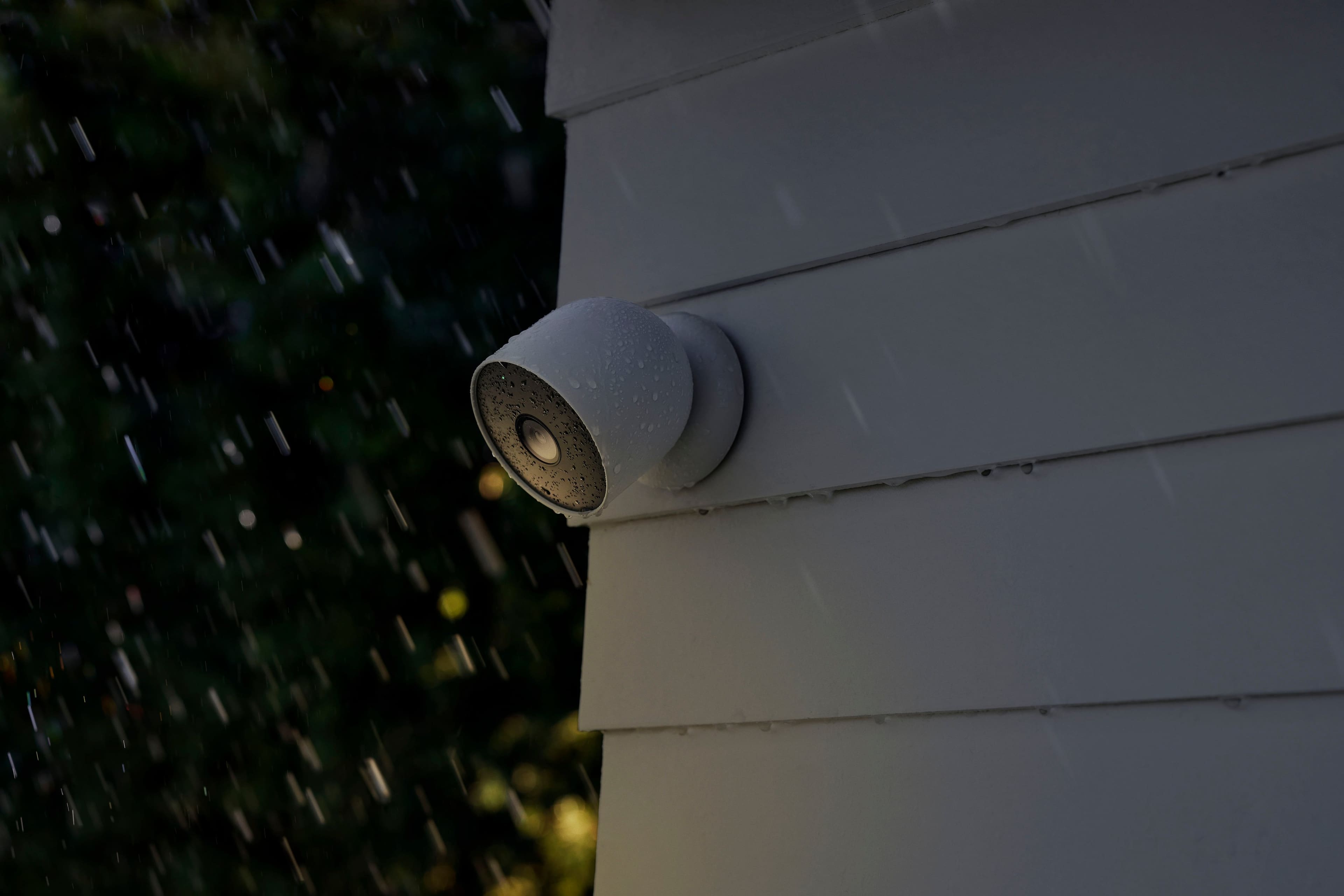
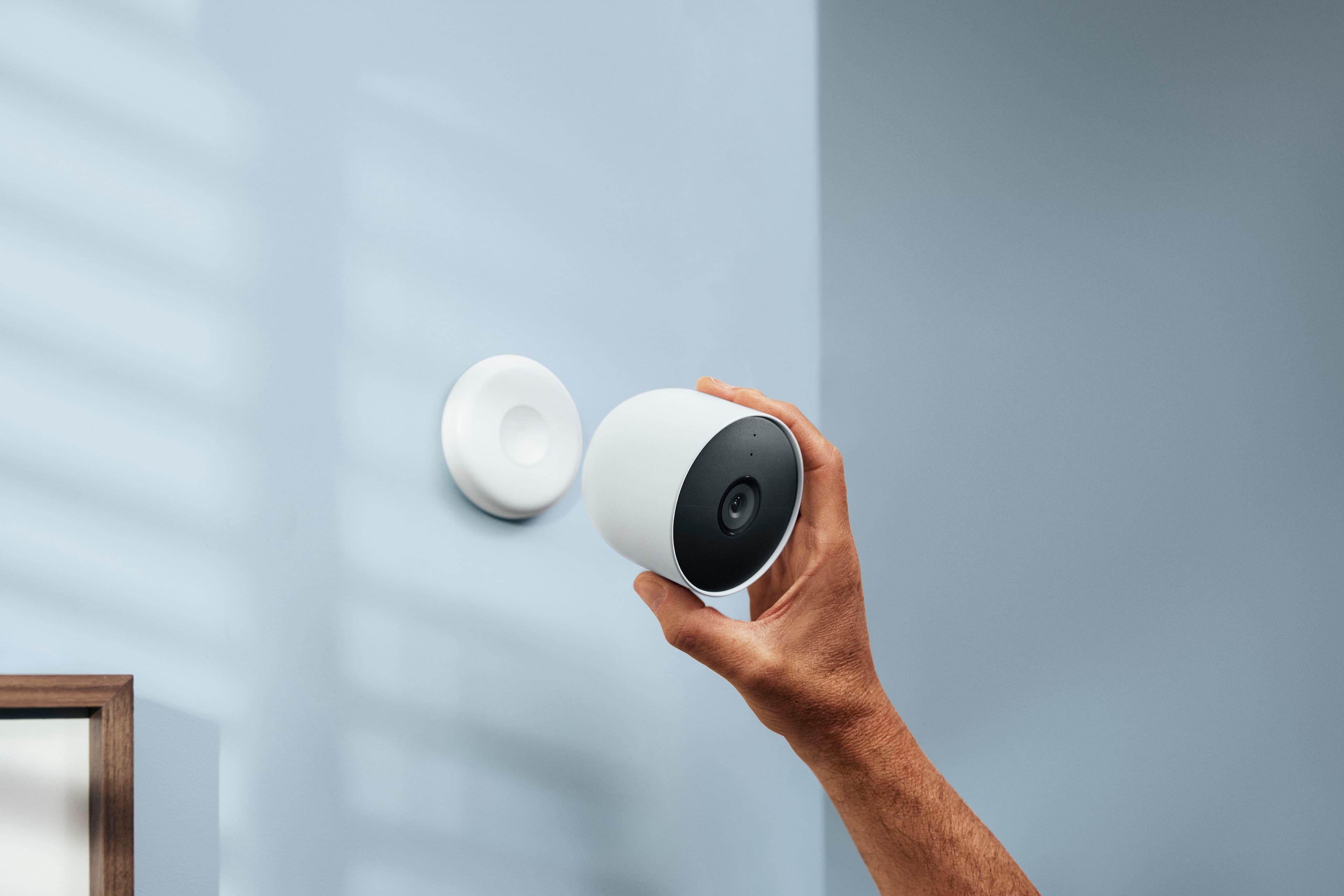
- Model:
- GA02077-US
- SKU:
- 11252885
Rating by feature
- Value
Rating 4.0 out of 5 stars
- Quality
Rating 4.3 out of 5 stars
- Ease of Use
Rating 4.3 out of 5 stars
- Pros mentioned:Camera quality
Great cameras
||Posted . Owned for 3 weeks when reviewed.This reviewer received promo considerations or sweepstakes entry for writing a review.These are great cameras. Video quality is great and they are easy to setup and use. Would definitely recommend.
I would recommend this to a friend - Pros mentioned:Camera quality, Ease of use
Easy set up
||Posted . Owned for 2 months when reviewed.This reviewer received promo considerations or sweepstakes entry for writing a review.Very easy to install.. love the magnetic feature. Clear wide picture.
I would recommend this to a friend - Pros mentioned:Camera quality, Ease of use
I am watching you
||Posted . Owned for 7 months when reviewed.This reviewer received promo considerations or sweepstakes entry for writing a review.Easy to install, easy to setup, fast connect clean vision.
I would recommend this to a friend - Pros mentioned:Camera quality, Ease of use
Camera
||Posted . Owned for 1 month when reviewed.This reviewer received promo considerations or sweepstakes entry for writing a review.Best camera quality and asthetics! 5/5 video quality and easy set up
I would recommend this to a friend - Pros mentioned:Overall performance
Easy Install & Use!
||Posted . Owned for 3 weeks when reviewed.This reviewer received promo considerations or sweepstakes entry for writing a review.Works great to watch the pup when we are gone for the day!
I would recommend this to a friend - Pros mentioned:Installation
Camera
||Posted . Owned for 2 weeks when reviewed.This reviewer received promo considerations or sweepstakes entry for writing a review.I love the ease of setting up the camera to my Google Home. It was effortless.
I would recommend this to a friend - Cons mentioned:Battery life
Decent Camera
||Posted . Owned for 3 weeks when reviewed.This reviewer received promo considerations or sweepstakes entry for writing a review.Solid camera, average battery life when not connected to the charger. But average camera, better than Arlo. Very minimal lag but tends to not have good audio on Android devices.
I would recommend this to a friendBrand response from Nest Support
Posted .Hi Clectro, thanks for taking the time to share your feedback. We’re sorry to hear about the battery issues you have with Nest Cam (battery).
For the battery life, it will depend on factors including activity, temperature, and camera settings that you select. You can extend the battery life of your camera by adjusting video quality, length of video clips, time between recorded events, and using activity zones to monitor specific areas. Here are some typical scenarios:
- Busy - About 1.5 months battery life (about 20 - 25 recorded events per day)
- Typical - About 3 months battery life (about 9 - 12 recorded events per day)
- Quiet - About 7 months battery life (about 2 - 4 recorded events per day)
If you’re willing to try, we recommend checking the frequency of events (per day) that you get with your Nest Cam (Battery). If the short battery life isn’t related to the frequency of events, then we may need to have a closer look at your Nest Cam (Battery) and understand what may be causing it. We’re hoping that you’ll give us another chance to improve your experience. You may contact our support team for further assistance here: https://support.google.com/googlenest/gethelp
- Pros mentioned:Camera quality
Google Nest Outdoor Camera
||Posted .This reviewer received promo considerations or sweepstakes entry for writing a review.Great product. Outstanding picture quality. Easy setup.
I would recommend this to a friend - Pros mentioned:Ease of use
Great Indoor/Outdoor camera
||Posted . Owned for 1 year when reviewed.This reviewer received promo considerations or sweepstakes entry for writing a review.I have many of these and they are easy to use. If using outdoors I recommend getting the security cable. They are easy to take down.
I would recommend this to a friend Major Change Needed
||Posted .This reviewer received promo considerations or sweepstakes entry for writing a review.WIth a few changes this would be a solid system, but until then, I cannot recommend these. What to change: 1. Google should let us decide how often we want to get notifications. For now you can only receive a notification once every 10 minutes during the "cool down" phase - which renders this essentially useless as a security camera. Say you drive away from your house, the camera will notify you of movement - your car, and then you will not receive a notification for the next 10 minutes. OK simple solution is turn the camera off, and turn it on once you clear the camera's field of view. Great! What about a package being dropped off at your house - notification received. But then 5 minutes later a porch pirate comes and steals that package - YOU WILL NOT RECEIVE A NOTIFICATION! This is so crazy to me that Google decided this was a good idea. The theft of the package will be recorded, but you will not receive a notification of it because it was within 10 minutes of that first notification. 2. Battery life is good, losing about 1% a day even in 10 degree weather with about 1 minute of recording per day. But recording time is capped at 3 minutes max on battery. Again, Google, let us decide! 3. Distance - one of our cameras captures distance 30 feet away. The other only about 6 feet. Have swapped the cameras in the locations and nothing changes. 4. Dark color. Some of us do not want these to be so visible. Sure there are skins and covers but the manual clearly states not to cover the cameras, presumably not to affect performance/heat. WIth a few tweaks this would be a solid system, but as of now, for most uses, they are not good enough.
No, I would not recommend this to a friendBrand response from Nest Support
Posted .Hi HaloJones, thanks for sharing the details of your feedback about the Nest Cam (Battery), and we’re sorry to hear of your issues with the event detection, recording, notifications, and its color design.
You can create custom Activity Zones for your camera or doorbell for different types of activities that you want to be notified about. Just use the app to draw a zone around a specific area in your camera’s view. Activity Zones can send specific alerts for activities seen within a selected area of your camera’s view. Learn more using this link: https://support.google.com/googlenest/answer/9207697
Also, you can choose which events your camera or doorbell can detect and record (people, motion, package, etc.). From there, you (and each member of your home) can decide which of those events to get notifications for. If an event is turned off, you won’t get notifications for that kind of activity.
We’re taking your feedback seriously as it helps us better understand our customer preferences and needs, this may help us improve our products and services by knowing what areas we can work on. Meanwhile, you may get in touch with us anytime so we can assist you further and guide you with using the cameras in the Google Home app effectively: https://support.google.com/googlenest/gethelp
- Pros mentioned:Ease of use
Great buy!! Easy to install and use!!
||Posted . Owned for 3 weeks when reviewed.This reviewer received promo considerations or sweepstakes entry for writing a review.Added to my other cameras this was a great deal and once you add the plug in wires it bumps up your security to help protect your house! Easy to install
I would recommend this to a friend - Pros mentioned:Camera quality
Easy to set up, use and video quality great
||Posted .This reviewer received promo considerations or sweepstakes entry for writing a review.Great video quality. It is still new so not sure long term but overall happy
I would recommend this to a friend - Pros mentioned:Camera quality, Ease of use
Great Product
||Posted . Owned for 1 month when reviewed.This reviewer received promo considerations or sweepstakes entry for writing a review.Easy to install and works great. Picture is clear.
I would recommend this to a friend - Cons mentioned:Battery life
Great quality camera
||Posted . Owned for 8 months when reviewed.This reviewer received promo considerations or sweepstakes entry for writing a review.Works great for in home. I use to keep track of dog. Only downside is that if you have settings set to have on for any movement, the battery drains really fast.
I would recommend this to a friend - Pros mentioned:Camera quality, Ease of use
Nest Camera
||Posted . Owned for 1 month when reviewed.This reviewer received promo considerations or sweepstakes entry for writing a review.EASY INSTALLATION AND SET UP. GOOD QUALITY AND SHARP VISION
I would recommend this to a friend - Cons mentioned:Battery life
Solid Cam
||Posted . Owned for 8 months when reviewed.This reviewer received promo considerations or sweepstakes entry for writing a review.Solid camera, misses an occasional alert during a cool down period. The battery only is nice, having the option of plugging in is great. Wish it came with waterproof cord
I would recommend this to a friendBrand response from Nest Support
Posted .Hello there, thanks for posting a feedback about the Nest Cam (battery), and we’re glad that you find it a solid camera.
Google Nest attempts to send you the right number of alerts at the right times, so the camera will trigger a short cooldown period each time a notification is sent. While the duration of the cooldown period varies by alert type (person, sound, motion, etc.) the behavior remains the same. Once an event begins, an alert is sent and the cooldown period begins. Until the cooldown period expires without any new activity of that type, no new alerts of that type are sent.
We hear your concern about having the weatherproof cable included with the purchase of Nest Cam (battery), and we’ll pass it along to the right team as we’re always looking for ways to improve our products and services. Meanwhile, you can use the included power adapter to connect your camera to a power outlet for continuous power. However, please note that the power adapter included with the Nest Cam (battery) is not weatherproof and not intended for outdoor use.
For questions and concerns about the performance and features of the Nest cameras, our dedicated team of support is ready to provide you with assistance here: https://support.google.com/googlenest/gethelp
- Pros mentioned:Installation
Quality Product and Easy to Install
||Posted . Owned for 3 weeks when reviewed.This reviewer received promo considerations or sweepstakes entry for writing a review.Super impressed with the quality of these cameras. I’ve built a great Google Nest and home system. So easy to install. I saw other camera security systems that would have been a nightmare to install with wires and cords all over the place. Google Nest was a great buy, especially since they were on sale.
I would recommend this to a friend - Pros mentioned:Ease of use
Easy to Set Up and Use
||Posted . Owned for 3 weeks when reviewed.This reviewer received promo considerations or sweepstakes entry for writing a review.The camera was easy to set up with the out of the box directions. There are several videos on YouTube, but it was a very straightforward set up. I opted for the optional 15 foot cable over the standard cable as I already have a Google Nest Aware subscription and I wanted to have 24/7 monitoring. Having the back up battery is a nice feature though.
I would recommend this to a friend - Pros mentioned:Camera quality
Our neighbors cars got burned down by arsonists
||Posted . Owned for 1 week when reviewed.This reviewer received promo considerations or sweepstakes entry for writing a review.I felt bad about my neighbors vehicles. They were set ablaze by some local hoodlums. I wanted to make sure my cars had some protection. So I immediately went to best buy and bought this system. Now its both a great deterrent and protector for my vehicles. Great quality video and has two way talk feature.
I would recommend this to a friend - Cons mentioned:Battery life
Overall is good
||Posted . Owned for 2 months when reviewed.This reviewer received promo considerations or sweepstakes entry for writing a review.Not bad. Battery is not the best, but it’s not too bad as long as you set up the camera correctly that it doesn’t drain the battery too much. Recording is good.
I would recommend this to a friendBrand response from Nest Support
Posted .Hi Felipe, thank you for sharing your review on Nest Cam (battery). We're sorry to hear that you're experiencing some battery issues with the device. The battery life will depend on factors including activity, temperature, and selected camera settings. We recommend reaching out to our support team so we can assist you with troubleshooting tips that may help improve the battery life of your Nest Cam. Please contact us on our Google Help page here: https://support.google.com/googlenest/gethelp