Customer Ratings & Reviews
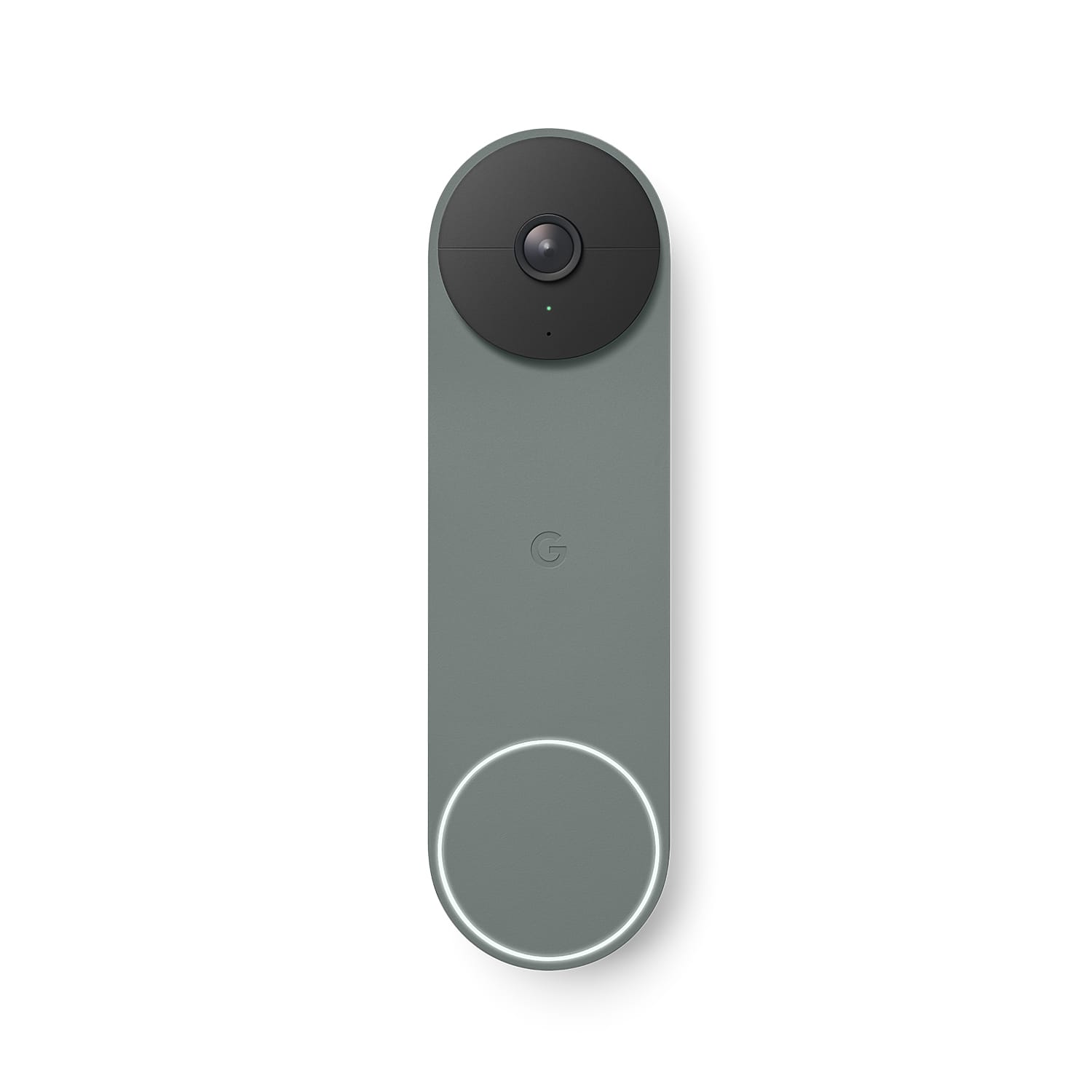
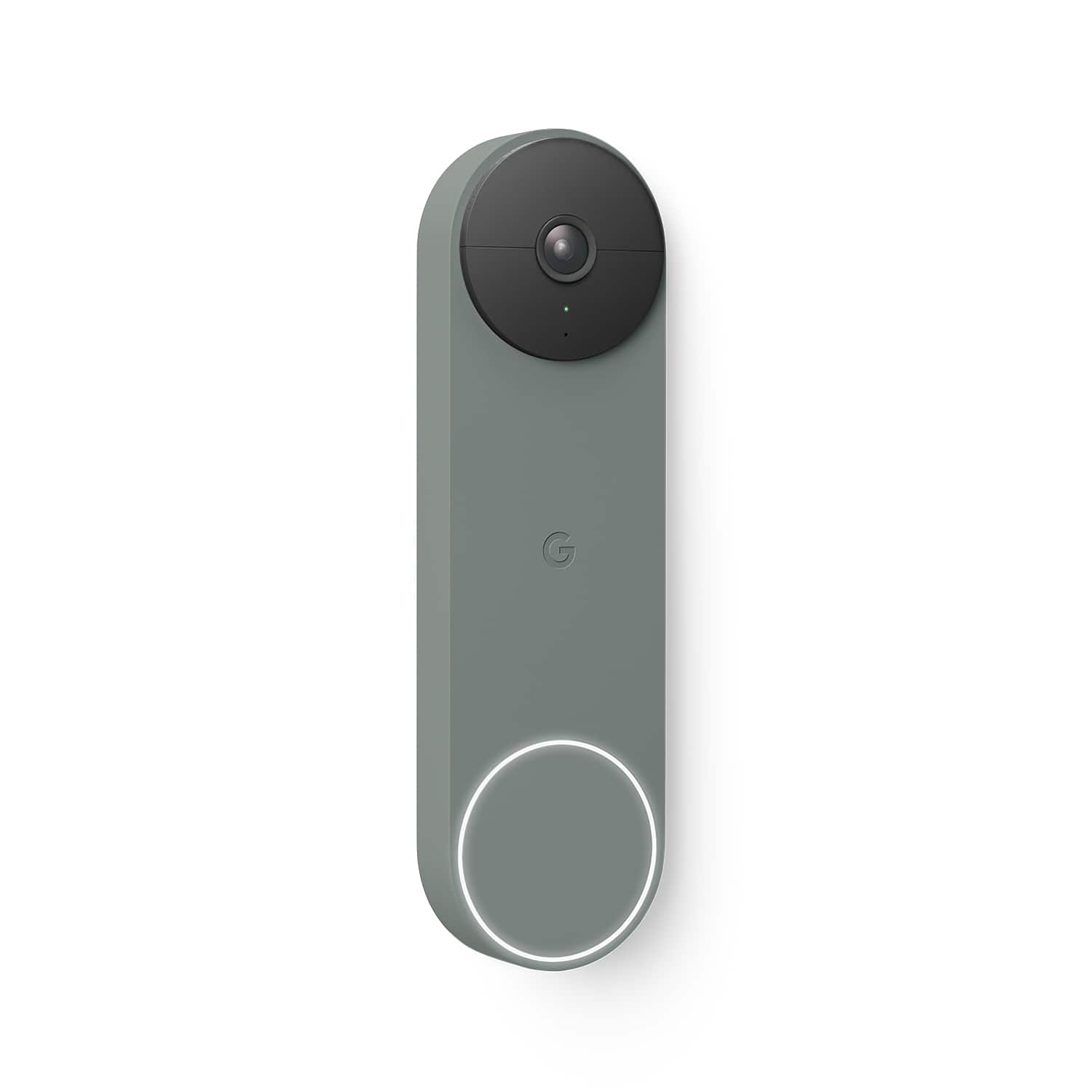
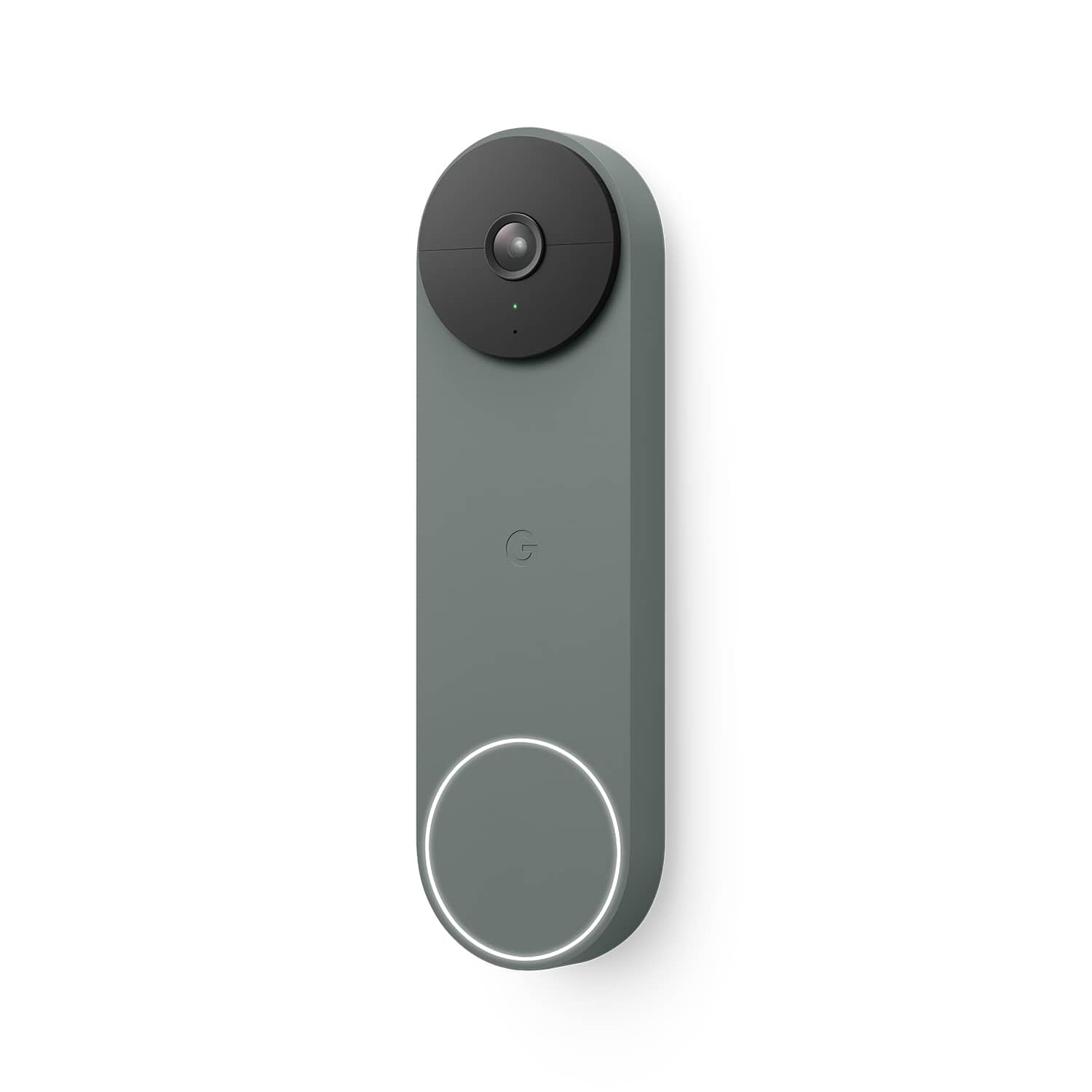
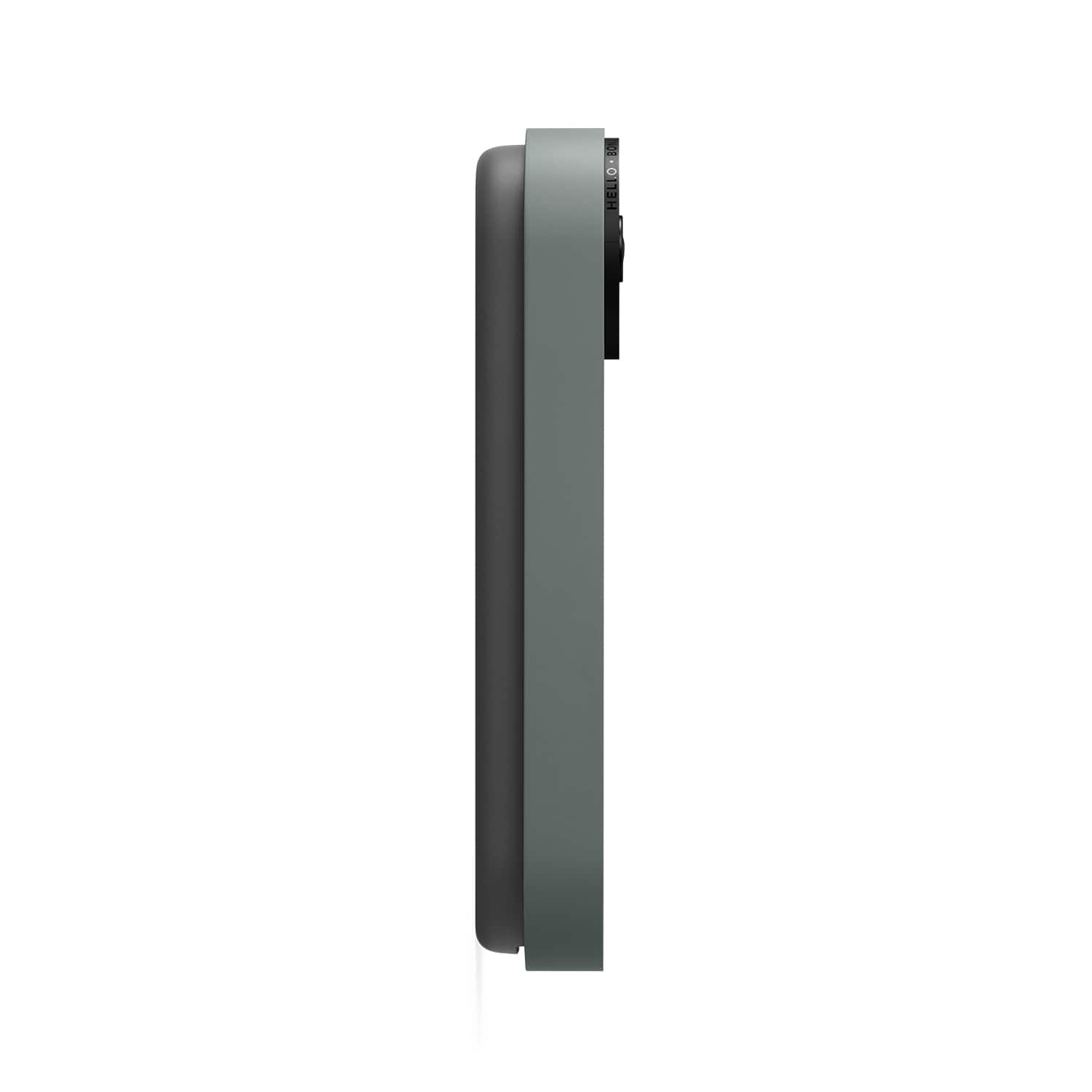
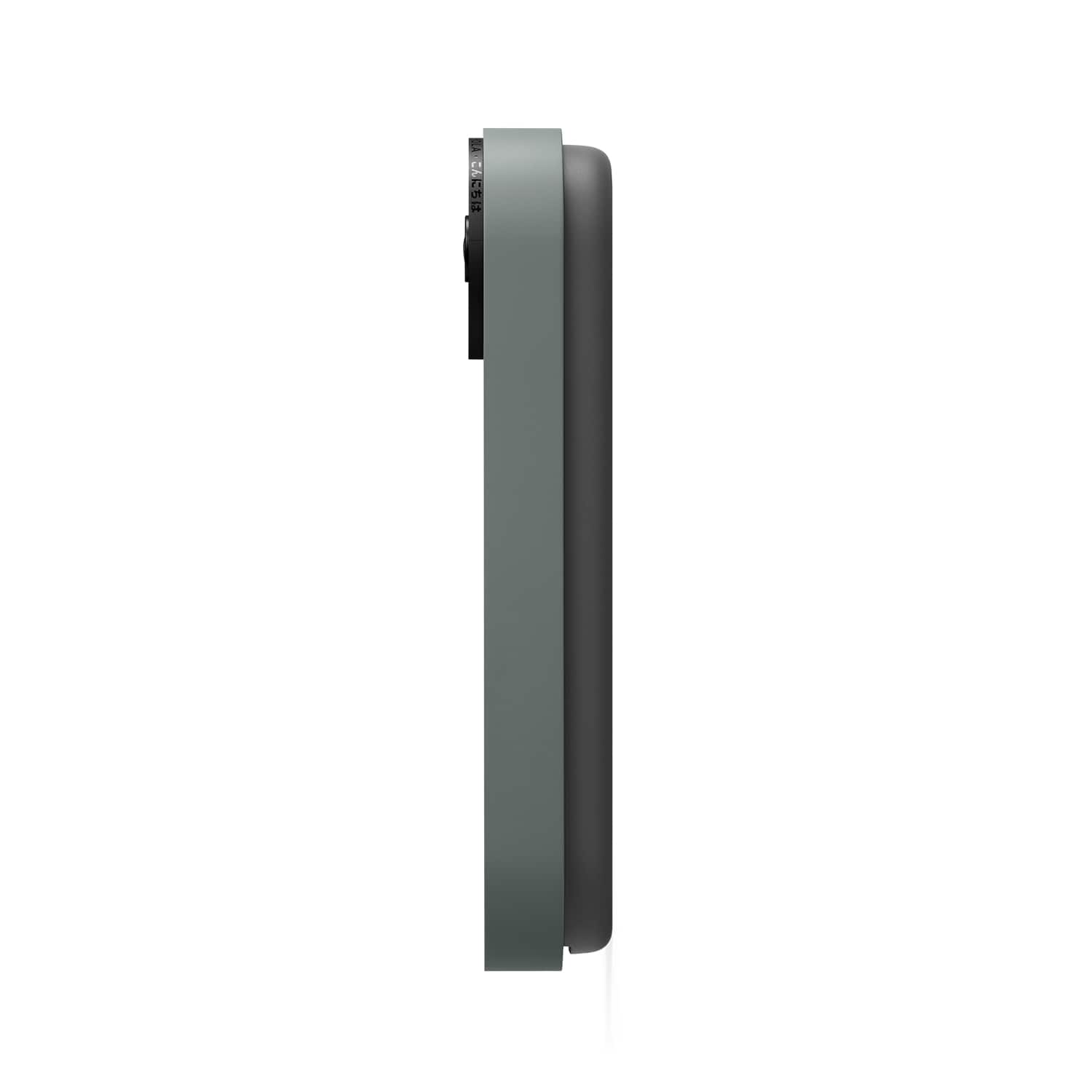




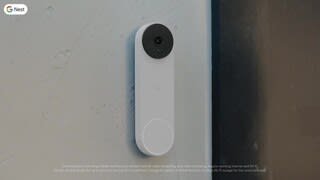
- Model:
- GA02075-US
- SKU:
- 12189359
Rating by feature
- Video Quality
Rating 4.6 out of 5 stars
- Mobile App
Rating 4.4 out of 5 stars
- Sound Quality
Rating 4.5 out of 5 stars
Good product
||Posted . Owned for 8 months when reviewed.This reviewer received promo considerations or sweepstakes entry for writing a review.Battery life could be better but it works just as described! Definitely recommended
I would recommend this to a friendBrand response from Nest Support
Posted .Hi Donte, thanks for leaving feedback to let us know of your concern with the battery life of your Nest Doorbell (battery). The battery life depends on several factors including activity frequency, temperature, and the camera settings you select. For a typical user recording 13-16 events per day, the doorbell’s battery will last about 2.5 months. To extend your doorbell’s battery life, you can adjust its video quality, length of video clips, and time between recorded events. You can also live stream less often, and use activity zones to monitor specific areas. Or to avoid charging the battery more often than you should, you may consider connecting your doorbell to a power outlet with the optional power adapter (sold separately)to keep the battery charged.
You can visit us anytime at the following link if you need additional help, or for any concerns about the Nest doorbell: https://support.google.com/googlenest/gethelp
Great product
||Posted . Owned for 2 weeks when reviewed.This reviewer received promo considerations or sweepstakes entry for writing a review.This product works great and I love the newer look of the camera.
I would recommend this to a friendGreat
||Posted . Owned for 3 weeks when reviewed.This reviewer received promo considerations or sweepstakes entry for writing a review.Perfect camera recording. Clean crisp videos. Upgraded from ring and I have no regrets.
I would recommend this to a friendBest battery video doorbell
||Posted . Owned for 2 months when reviewed.This reviewer received promo considerations or sweepstakes entry for writing a review.Best video doorbell, the quality is way better then any ring product I have ever owned. Google makes the best gear!
I would recommend this to a friendGreat picture quality
||Posted . Owned for 5 months when reviewed.This reviewer received promo considerations or sweepstakes entry for writing a review.Great camera for the money. Wish it had an optional chime.
I would recommend this to a friendBrand response from Nest Support
Posted .Hey there, BadBrian13. We’re glad to hear that you find the Nest Doorbell (battery) with good value. We hear your concern about having an optional chime. While Nest doorbells have sounds that help you know what’s happening (for example, when it restarts), a chime is not included. The good news is when a visitor presses your Nest Doorbell (battery), you can hear an audible alert if you have compatible smart speakers or displays, like Nest Audio or Nest Hub. You can connect a Google speaker or display and set up visitor announcements if you want to get notified when someone rings your doorbell when you’re home. You'll only get visitor announcements on your speakers and displays if they are set up in the same home as your doorbell in the Home app. Or If you choose the optional hard-wired installation, it will work with an existing doorbell chime if you have one.
For help around the performance and features of the Nest doorbell, feel free to contact us here: https://support.google.com/googlenest/gethelp
Super cool
||Posted . Owned for 2 months when reviewed.This reviewer received promo considerations or sweepstakes entry for writing a review.It's a great product. We did have some problems charging, but after a factory reset it was good to go!
I would recommend this to a friendBrand response from Nest Support
Posted .Hi Drocklariv, we appreciate you taking the time to share your feedback about the Nest Doorbell (Battery). We’re sorry to hear that you had some problems with charging, but we’re glad that it was good after the reset. We hope you're making the most out of its features. If ever you come across any concerns that you'd like us to check, we have help available and you'll find our contact details here: https://support.google.com/googlenest/gethelp
Google products
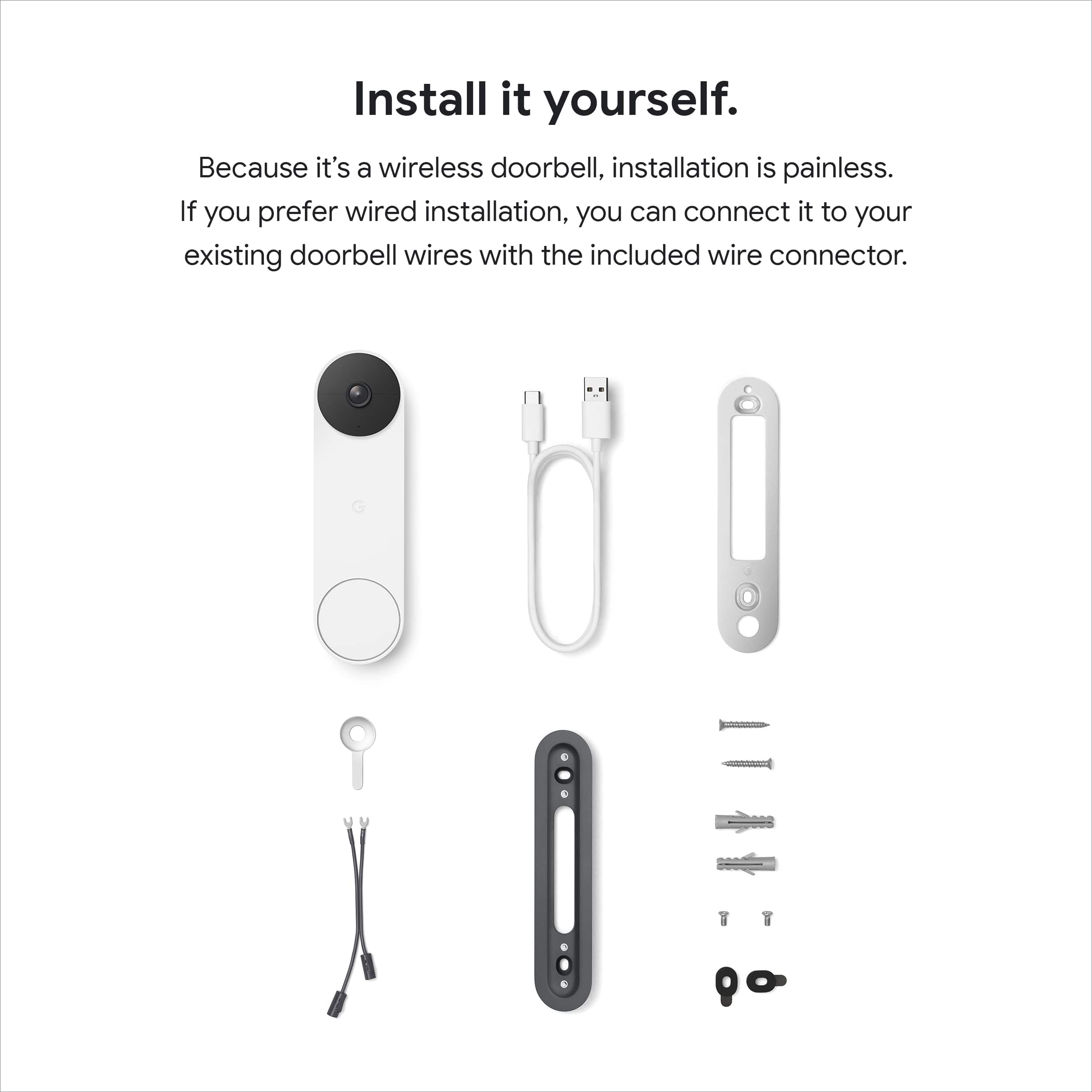
||Posted . Owned for 1 week when reviewed.This reviewer received promo considerations or sweepstakes entry for writing a review.Added security to with the google doorbell. Easy to mount easy install. Thank you !
I would recommend this to a friendGreat quality camera
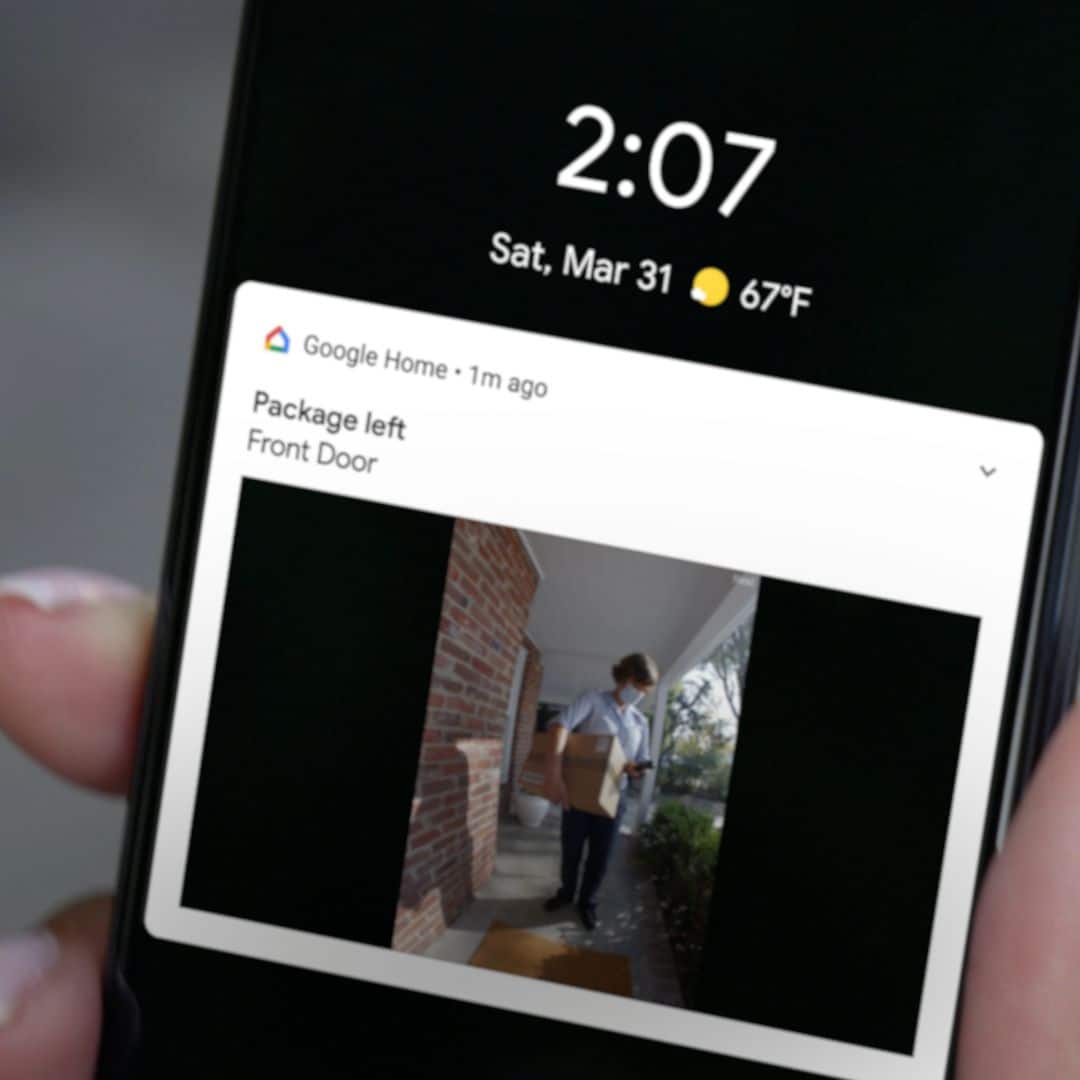
||Posted . Owned for 1 month when reviewed.This reviewer received promo considerations or sweepstakes entry for writing a review.Great video quality. Am able to view my packages being delivered.
I would recommend this to a friendGoogle doorbell.
||Posted . Owned for 1 week when reviewed.This reviewer received promo considerations or sweepstakes entry for writing a review.Definitely a game changer and a great addition to my Google nest set up. Highly recommend it!!
I would recommend this to a friendNo more dealing with unwelcomed solicitors!
||Posted . Owned for 3 weeks when reviewed.This reviewer received promo considerations or sweepstakes entry for writing a review.Works just as the BestBuy AGENT described and we are very satisfied.
I would recommend this to a friendGreat gift idea!
||Posted . Owned for 1 month when reviewed.This reviewer received promo considerations or sweepstakes entry for writing a review.Has great features! Great video and audio quality compared to others Ive seen! Easy to use app!
I would recommend this to a friendBest Smart Doorbell
||Posted . Owned for 1 week when reviewed.This reviewer received promo considerations or sweepstakes entry for writing a review.Switched from a Ring doorbell. Google has it down, notifications tell you when someone has a package and if that package is removed! On top of that, it looks so much more modern than most other options out there
I would recommend this to a friendJust OK
||Posted . Owned for 4 months when reviewed.This reviewer received promo considerations or sweepstakes entry for writing a review.This doorbell is just OK. It doesn't look as high end as I had hoped it would. Great picture quality though.
I would recommend this to a friendPoor Battery Life
||Posted . Owned for 10 months when reviewed.This reviewer received promo considerations or sweepstakes entry for writing a review.Good but the battery doesn’t last very long. Pain in the rear having to charge it all the time. It’s very big compared to the wired model and barely fit in the area I had designated for it.
No, I would not recommend this to a friendBrand response from Nest Support
Posted .Hello there, Traveljack. Thanks for leaving feedback about the Nest Doorbell (battery). We're glad that you find it good, and we hear your concerns about its battery life along with its size. Nest Doorbell (battery) is designed with a built-in rechargeable battery that drives the size of the product, so that it's flexible to use with or without a wired power connection. Also, you can extend the battery life of your doorbell by adjusting video quality, length of video clips, time between recorded events, and using activity zones to monitor specific areas. Check this link for tips on how to save the battery: https://support.google.com/googlenest/answer/10901611. If additional help is required, visit us anytime at the Google Nest Help Page: https://support.google.com/googlenest/gethelp
Doorbell
||Posted .This reviewer received promo considerations or sweepstakes entry for writing a review.Really good product. Battery last a long time. I recommend the product
I would recommend this to a friendNot bad mediocre
||Posted . Owned for 2 weeks when reviewed.This reviewer received promo considerations or sweepstakes entry for writing a review.It’s okay battery dies pretty quick. Easy to set up. Field of view sucks tho
I would recommend this to a friendBrand response from Nest Support
Posted .Hi Pookstar, we truly appreciate your feedback on Nest Doorbell (battery), and we’re sorry to learn of your issues with its battery life, and with the field of view.
The battery life will depend on factors including activity, temperature, and doorbell/camera settings that you select. You can extend the battery life of your camera by adjusting video quality, length of video clips, time between recorded events, and using activity zones to monitor specific areas. This link might be helpful: https://support.google.com/googlenest/answer/10901611
Nest Doorbell (battery) has a 145° diagonal field of view at 3:4 aspect ratio. If you’d like, you can adjust the field of view using the included wedge or purchasing a Made for Google Nest vertical wedge or horizontal wedge.
We’re always here for your support needs. For any concerns or if you need assistance, please let us know anytime and we’ll do our best to help improve your experience: https://support.google.com/googlenest/gethelp
BUY BUY BUY!
||Posted . Owned for 3 weeks when reviewed.This reviewer received promo considerations or sweepstakes entry for writing a review.Seriously a good buy. Easy to install and great battery life. A little hard to remove (in order to charge).
I would recommend this to a friendOver great!
||Posted . Owned for 3 weeks when reviewed.This reviewer received promo considerations or sweepstakes entry for writing a review.Quick respone time, fast charging, easy to use app. Highly recommend
I would recommend this to a friendSolid option for a doorbell camera
||Posted . Owned for 3 months when reviewed.This reviewer received promo considerations or sweepstakes entry for writing a review.Easy set up overall. Works well with the app, Only issue is the occasional connection loss from the Wifi
I would recommend this to a friendBrand response from Nest Support
Posted .Hi jloonz, thanks for sharing your insights with us. We´re glad to hear that you had an easy time setting up Nest Doorbell (Battery). We do apologize for the connection loss from your Wi-Fi network.
We recommend checking for possible congestion in your Wi-Fi network. Removing some of your connected devices can help free up some bandwidth space. You may then check to see if you will still experience the same connectivity issue. You may also check for possible sources of interference such as the thick walls and appliances in your home. Once you verify the presence of congestion, we recommend contacting your Internet service provider to check your connection and upgrade it if needed.
We can help you better with your support needs, if you can reach out to our support team using this link: https://support.google.com/googlenest/gethelp
Sleek look
||Posted . Owned for 2 weeks when reviewed.This reviewer received promo considerations or sweepstakes entry for writing a review.Works great and looks really nice. Its sleek and modern.
I would recommend this to a friend