Customer Ratings & Reviews
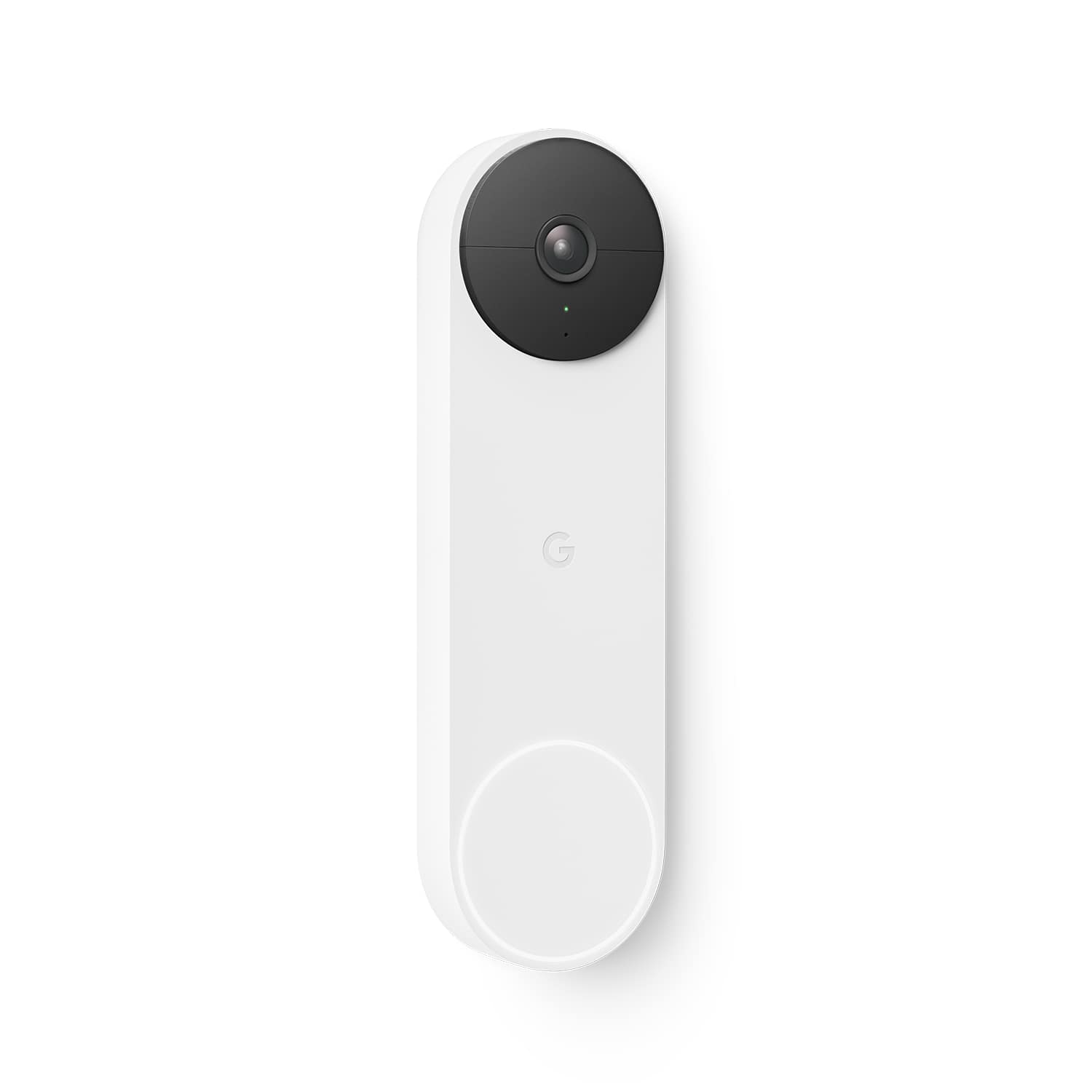
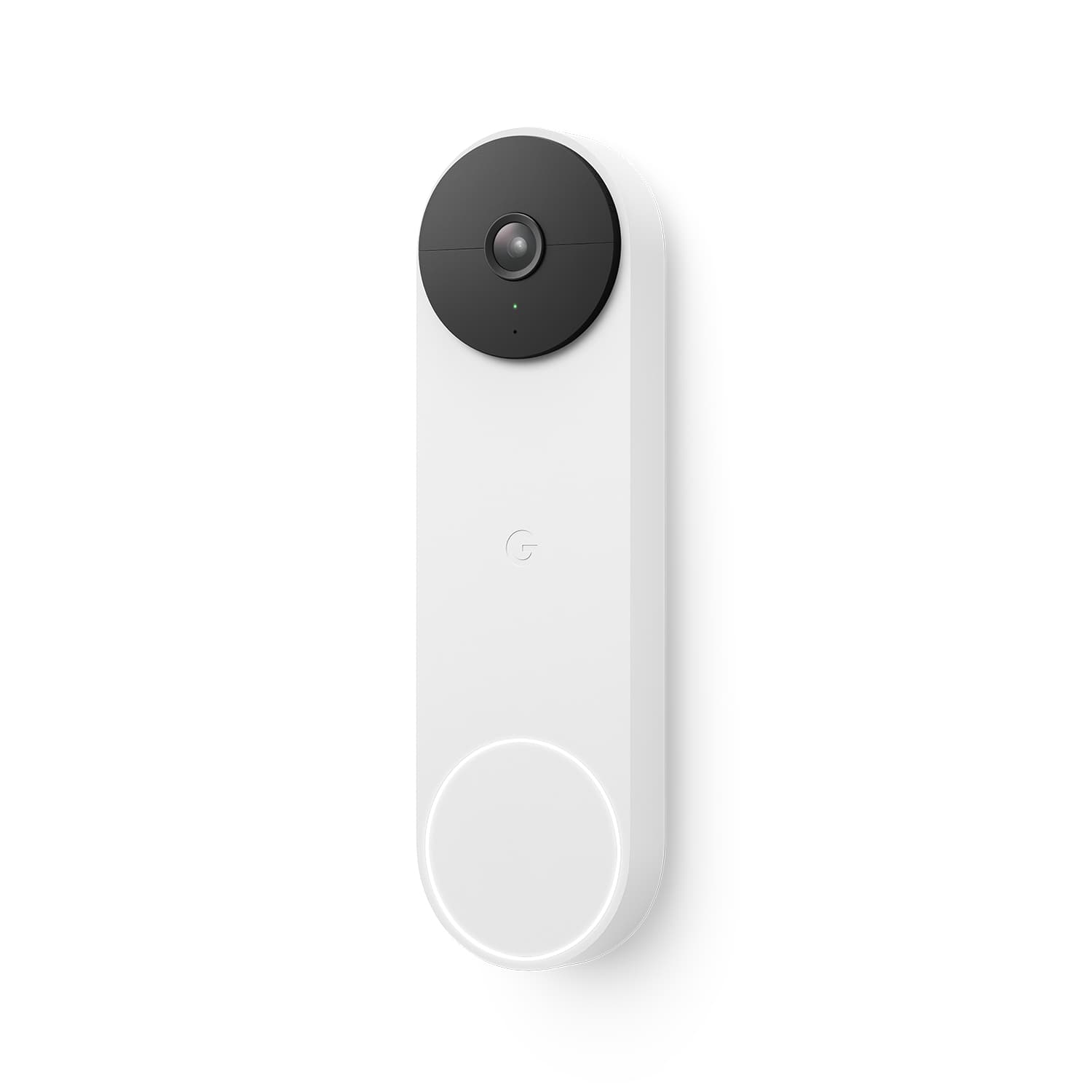
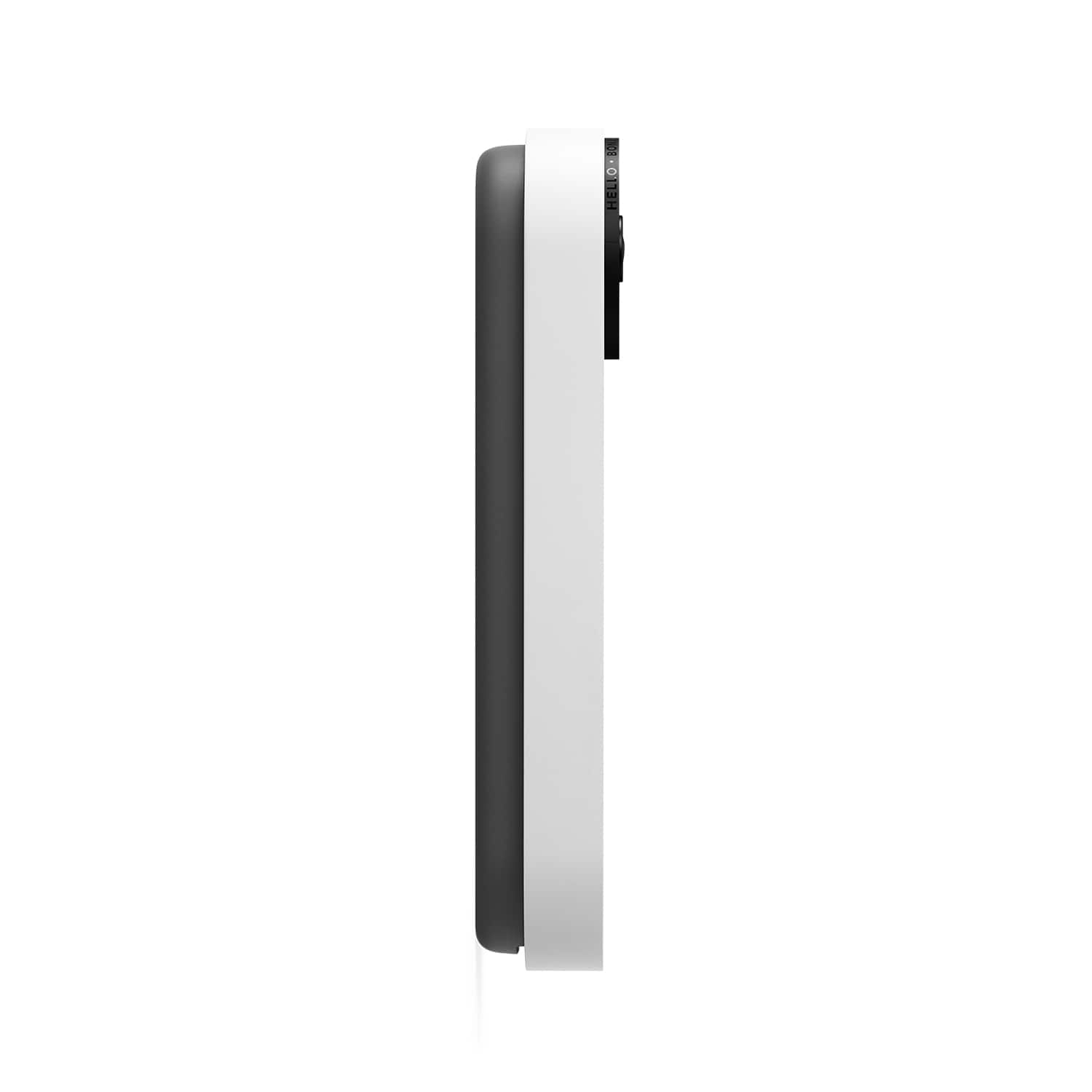
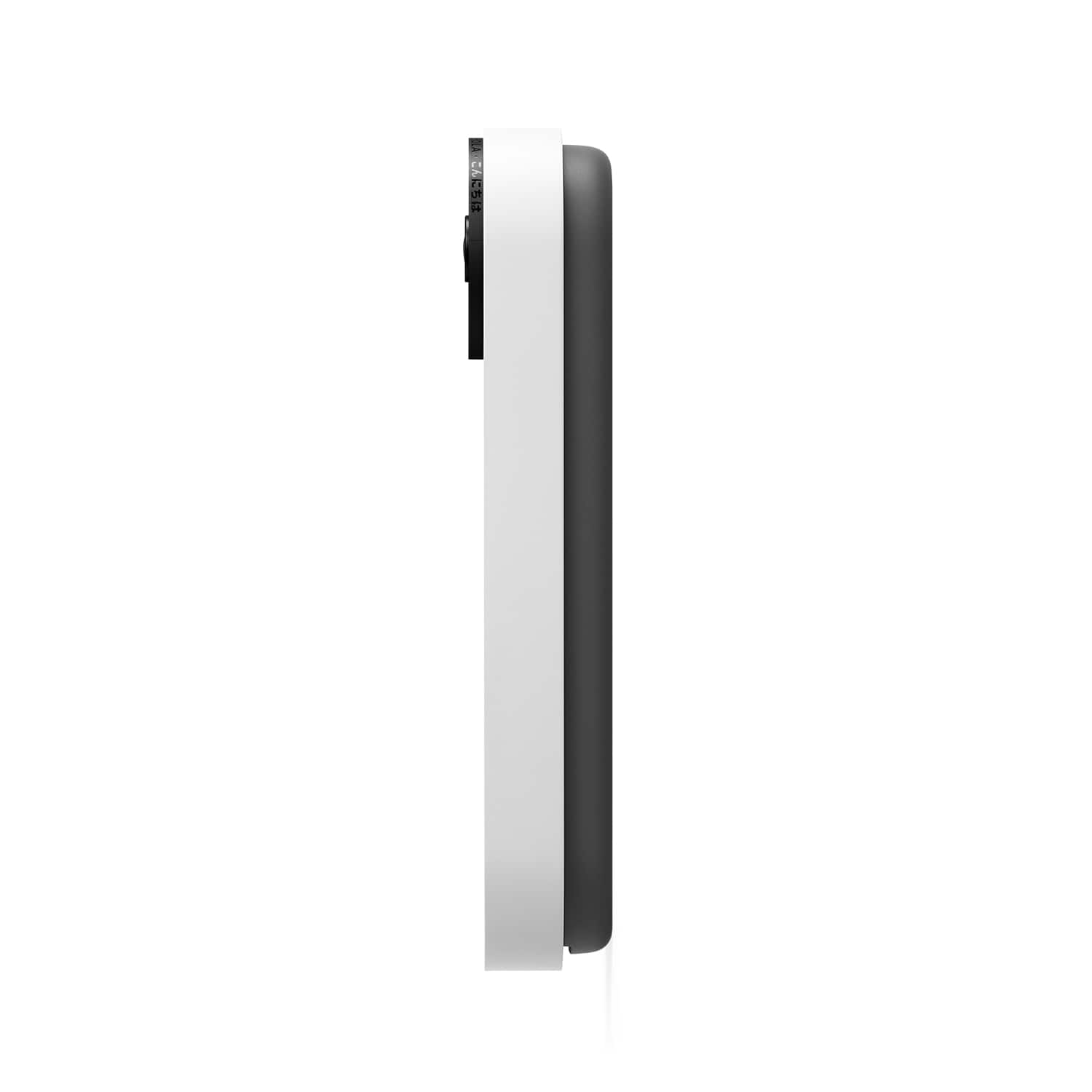

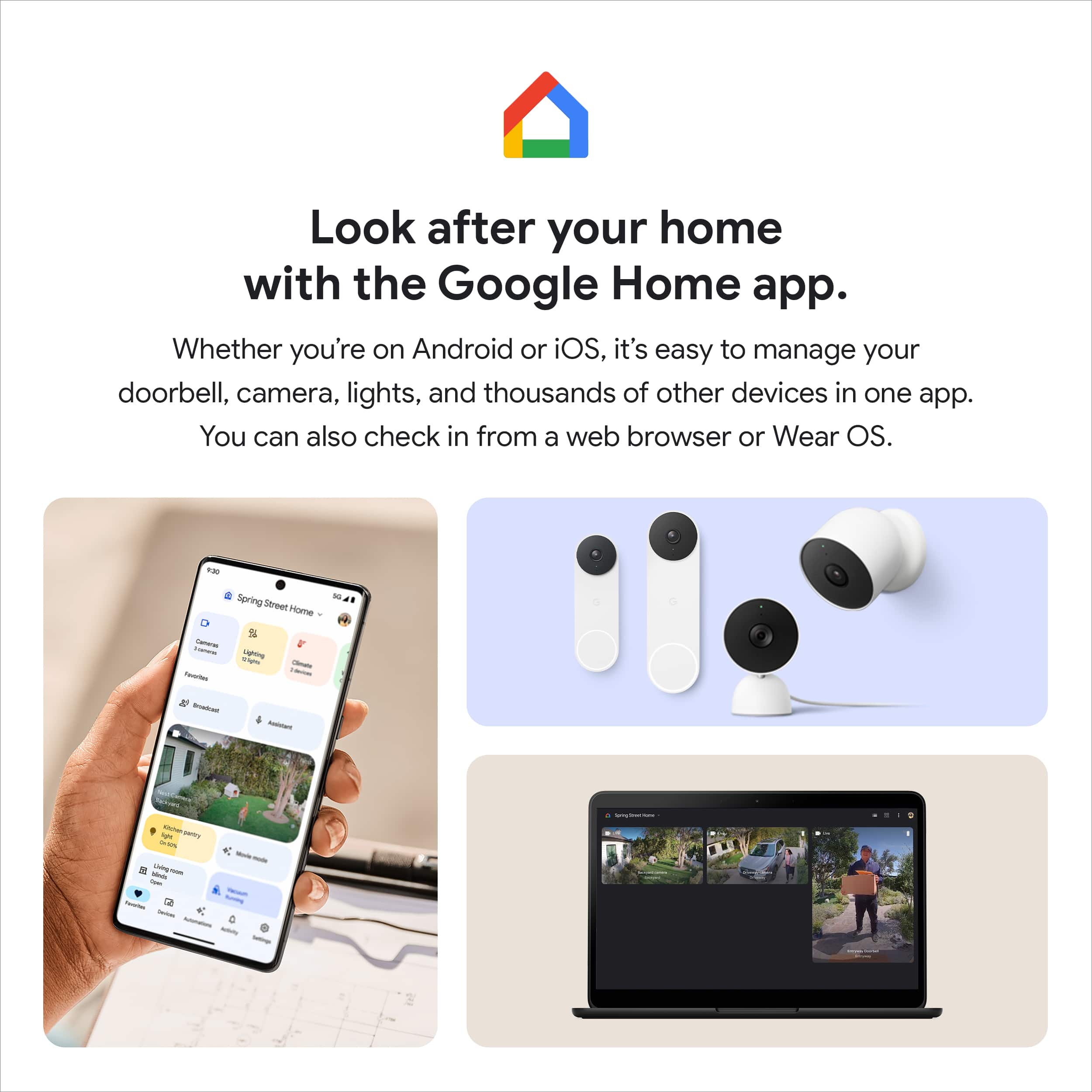
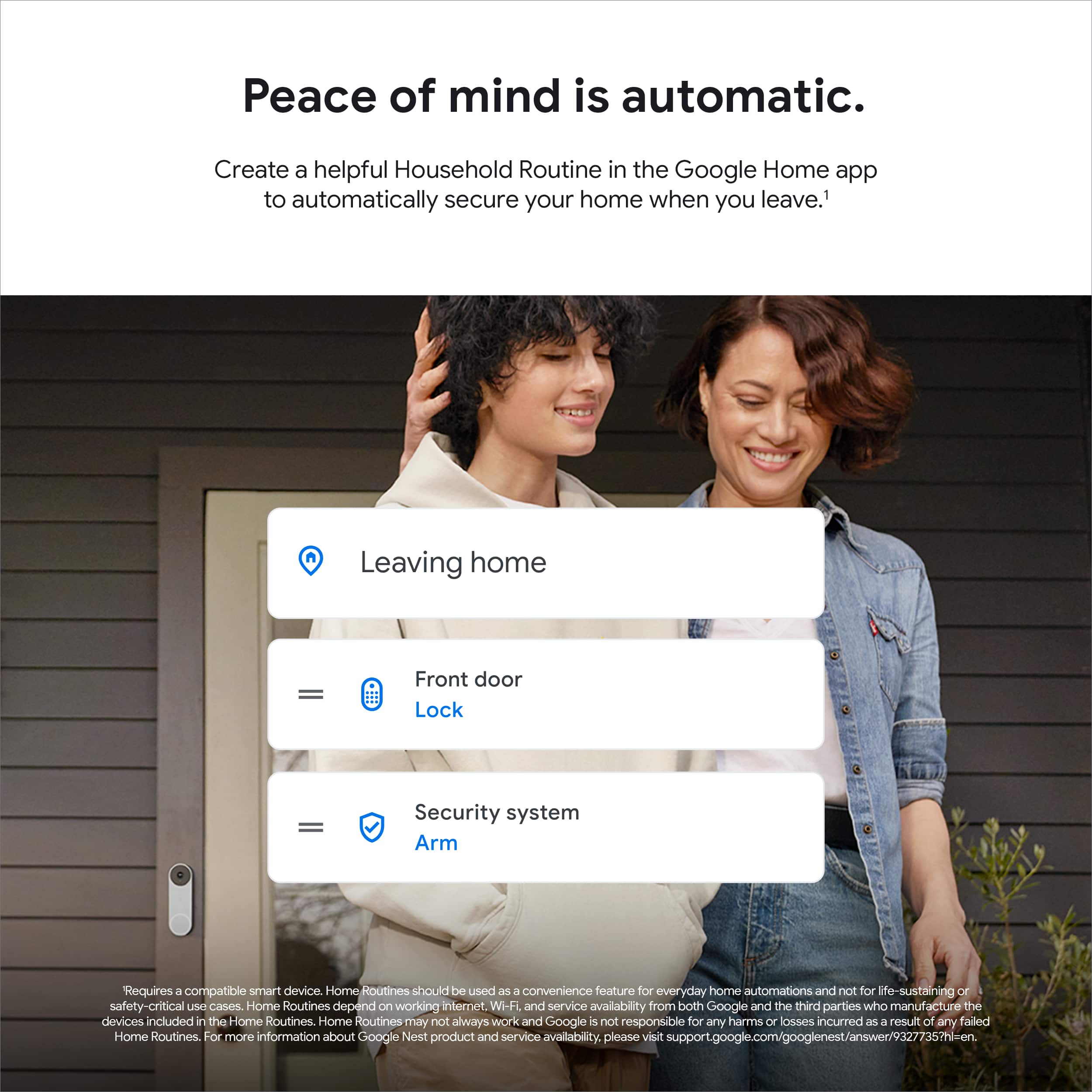
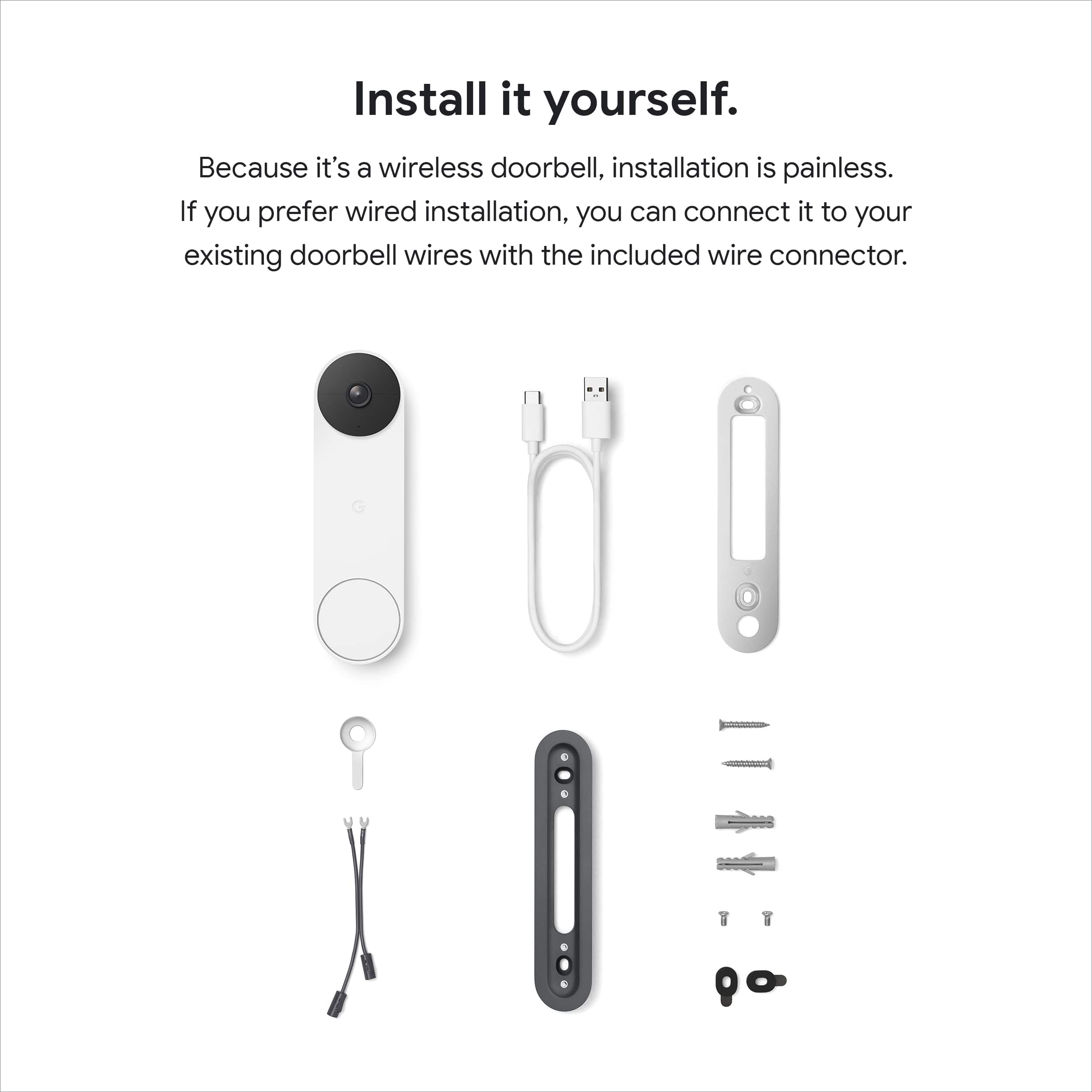
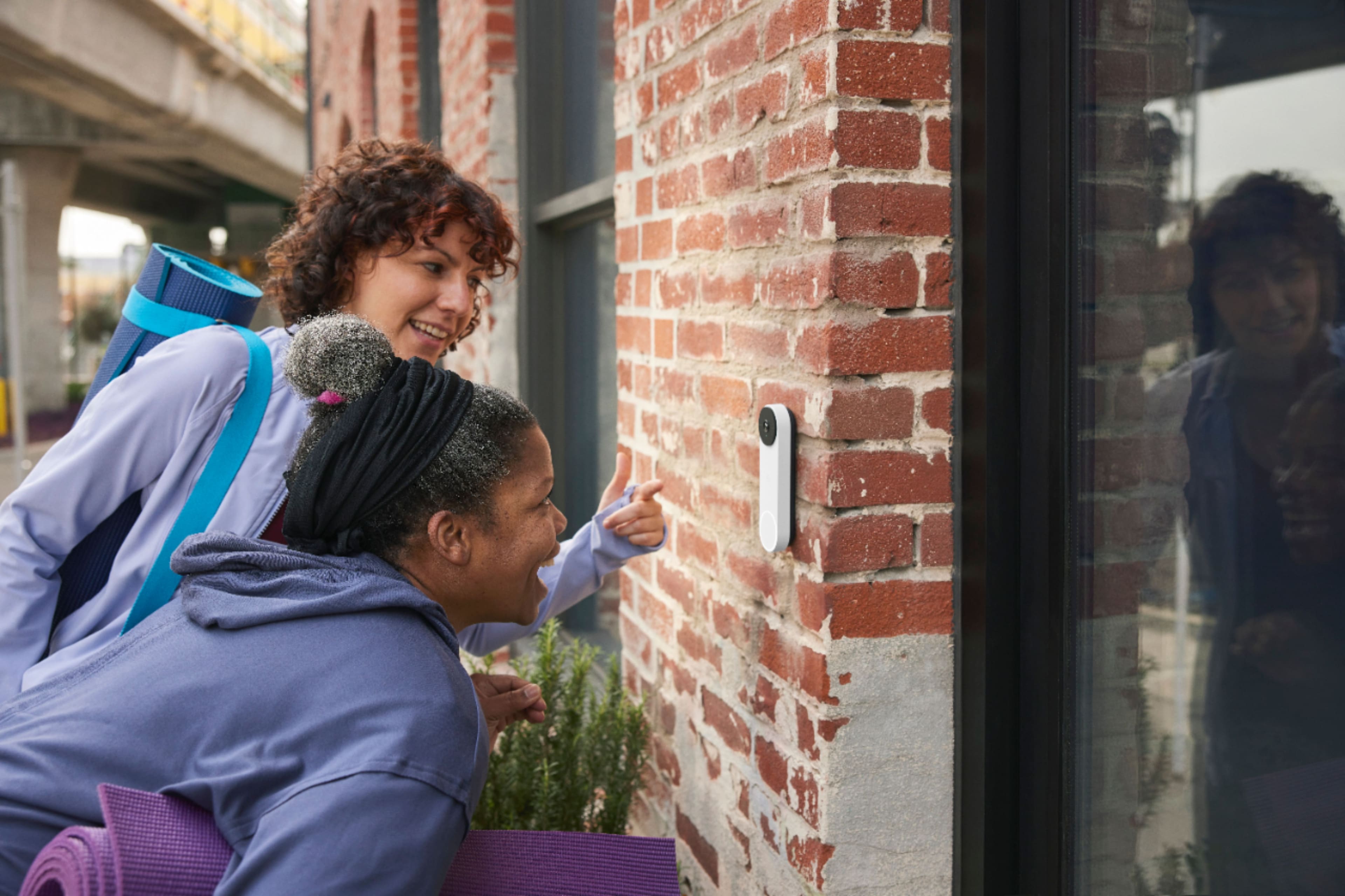




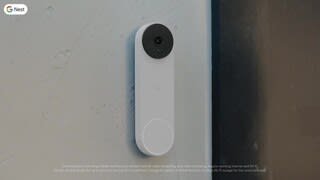
- Model:
- GA01318-US
- SKU:
- 11123926
Rating by feature
- Video Quality
Rating 4.6 out of 5 stars
- Mobile App
Rating 4.4 out of 5 stars
- Sound Quality
Rating 4.5 out of 5 stars
Too Basic
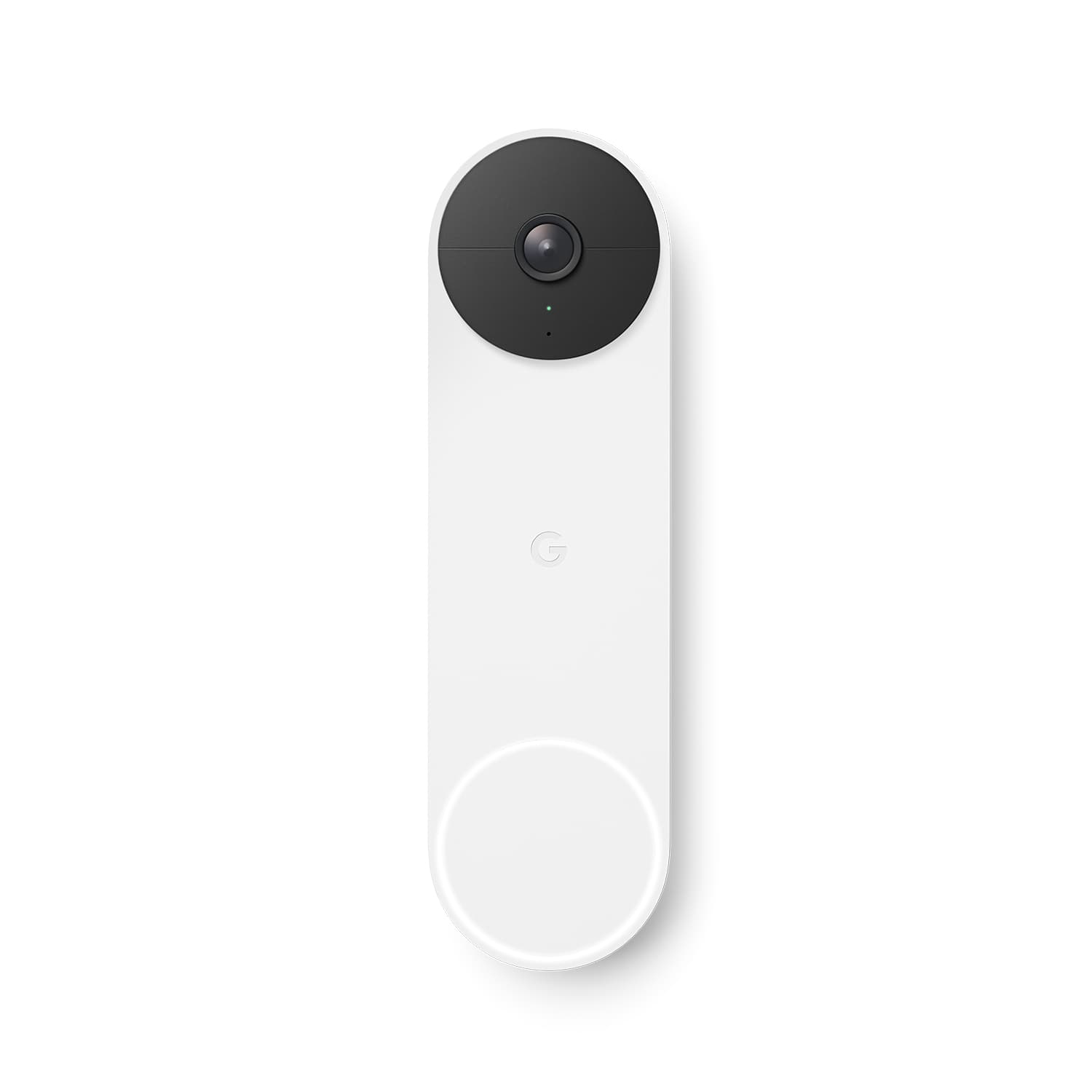
||Posted . Owned for less than 1 week when reviewed.This reviewer received promo considerations or sweepstakes entry for writing a review.Looks great, beautiful aesthetics, but disappointed in the app integration. Features are more basic than I expected. Installs directly into the Google Home app. The Nest app does not support this device, which was not an issue for me; however, it does not allow for streaming on any TV's that may have a Nest app or a built-in Chromecast like previous Nest cameras. I do not have an electric chime and have it setup to receive push notifications on my phone and announcements on our smart speakers. Unfortunately, there is very little personalization available for the speaker announcements. Bought it on launch day, expected a bit more after seeing the ads...
No, I would not recommend this to a friendBrand response from Nest Support
Posted .Hi breth1, thanks for posting a review about the Nest Cam (Battery) . We're sorry to learn of your disappointment with the app integration and its features. Our team is working on bringing full functionality to the Google Home app so all of your cameras and previous Nest devices can be setup and can have full control in one app. Also, there are some compute limitations on some versions of Chromecast that do not allow us to support this yet, but we’re aiming to add support as soon as possible.
We’re taking your feedback seriously to work on improving our products and services, and if there’s anything we can help you with, please let us know here and we’d be happy to help: https://support.google.com/googlenest/gethelp
Happy with it
||Posted . Owned for 3 weeks when reviewed.This reviewer received promo considerations or sweepstakes entry for writing a review.Bigger than I thought it was going to be but great coverage. 2 way talk feature and app are great. Battery seems to be lasting a long time. Great if you don’t want to connect to the indoor chime but the option is still there.
I would recommend this to a friendReview
||Posted . Owned for 1 month when reviewed.This reviewer received promo considerations or sweepstakes entry for writing a review.Better than ring as far as package recognition and video yearly price about the same. I'm content with my purchase
I would recommend this to a friendGreat
||Posted . Owned for 2 weeks when reviewed.This reviewer received promo considerations or sweepstakes entry for writing a review.I like it but the viewing range is very low. I can only see up to a certail angle in front
I would recommend this to a friendBrand response from Nest Support
Posted .Hi there BoomItsOn, thanks for the feedback you shared about the Nest Doorbell (battery). We’re glad that you like it and we hear your concerns about the camera’s field of view. The new Nest Doorbells have a taller, 145° diagonal view, which means you can see people in full, and deliveries left on the ground stay within view, unlike other video doorbells. It comes with a wedge that you can use to adjust the doorbell's camera angle if it's located in a corner. And it can angle your doorbell horizontally up to 20°. To get the camera view you want, you have to adjust the doorbell’s position by hand. Use the Home app to check the camera’s view so you can adjust the position from the mounting plate or wedge if you need to. To use the wedge for a better camera view, make sure to install the wedge then position the baseplate plate over the wedge with the G positioned upright and use the wedge screws to secure it in place.
We care about your experience. Feel free to let us know if there’s anything we can be of help, here: https://support.google.com/googlenest/gethelp
Love it
||Posted . Owned for 3 weeks when reviewed.This reviewer received promo considerations or sweepstakes entry for writing a review.I ordered the wireless doorbell thinking it would be difficult to install to the existing doorbell. I was wrong, it was very quick and easy.
I would recommend this to a friendGreat product
||Posted . Owned for 1 month when reviewed.This reviewer received promo considerations or sweepstakes entry for writing a review.As advertised. It works great. Can easily connect to phone or any other device
I would recommend this to a friendGreat camera.
||Posted . Owned for 1.5 years when reviewed.This reviewer received promo considerations or sweepstakes entry for writing a review.Love it! Hadn’t had a single issue and owned this for 2 years almost.
I would recommend this to a friendGreat camera no wireing
||Posted . Owned for 2 weeks when reviewed.This reviewer received promo considerations or sweepstakes entry for writing a review.This thing is pretty sweet and i dont have to run power cables to it. Im excited that this is available for my house.
I would recommend this to a friendGoogle is great!
||Posted . Owned for 1.5 years when reviewed.This reviewer received promo considerations or sweepstakes entry for writing a review.Works very well. Works as advertised. Google gadgets are high quality and feel very solid, love the packaging as well.
I would recommend this to a friendRecommended
||Posted . Owned for 3 weeks when reviewed.This reviewer received promo considerations or sweepstakes entry for writing a review.Easy install, good value, battery seems to be on track to last about 90 days on a charge
I would recommend this to a friendGreat Product!
||Posted . Owned for 1 month when reviewed.This reviewer received promo considerations or sweepstakes entry for writing a review.Easy installation. Camera has a wide view of the porch so you can easily see a large section of the space in front of the camera. Integration with existing google products allow a “doorbell” to be heard .
I would recommend this to a friendBest product!
||Posted . Owned for 1.5 years when reviewed.This reviewer received promo considerations or sweepstakes entry for writing a review.The most practical way of having security at doorstep.
I would recommend this to a friendGoogle Nest Battery is a Life Saver
||Posted . Owned for less than 1 week when reviewed.This reviewer received promo considerations or sweepstakes entry for writing a review.This has been an answer to our prayers for a great smart doorbell. Not having any electrical run to the door but this was super easy to install and paired great with everything else Google. Highly recommend.
I would recommend this to a friend- Cons mentioned:Battery life
Don't waste your time and money, POC
||Posted . Owned for 1 month when reviewed.This reviewer received promo considerations or sweepstakes entry for writing a review.Super difficult to install and I'm pretty handy. I ended up paying $100 to have it installed. It was installed wired up. Despite that fact, the battery drained after a week. The little tool to "just pop it off" the bracket doesn't do anything. I watched a number of YouTube videos on how to get that thing off the side of my house. Nada. You can't take it off. Hence you can't charge it either. Nor can you take it off the wall without basting it out of the stucco. Thank God the installation was warrantied, but now I have an other appointment to wait for, so they can come and fix it. I just want them to take it off so I can return this piece of crap. There are many cheaper options out there, don 't waste your money! I thought this system was top of the line and easy to use. Yeah, not so much. I've had two different systems beforehand and this is by far the worst.
No, I would not recommend this to a friendBrand response from Nest Support
Posted .Hi GlobeTrotter, we truly appreciate your feedback on Nest Doorbell (Battery), and it’s unfortunate to learn of your difficult experience with the installation, and with removing it from the wall to charge it despite being wired.
To remove the doorbell from the base, aside from using the release tool included in the box, you can also use a flathead screwdriver into the hole at the top of the doorbell, then pull the doorbell up and away from the wall.
We understand that you want to take it off so you can return it. But if you're willing to give us a chance to investigate why the battery drained despite having it wired, visit us anytime at the following link and we’ll do our best to help improve your experience: https://support.google.com/googlenest/gethelp
No ring sound
||Posted . Owned for 4 months when reviewed.This reviewer received promo considerations or sweepstakes entry for writing a review.The doorbell ring doesn’t sound if my google home is playing music. The ring sound is imperceptible if I’m away from my phone.
I would recommend this to a friendBrand response from Google Nest Support
Posted .Hi, Sandra. We're sorry to hear about the inconvenience you're facing with your Nest Doorbell Battery. Your current settings may prevent the chime from ringing. Please follow the next steps:
Home app Open the Google Home app.
Tap and hold your device's tile.
Tap Settings Doorbell Ensure that the Ring indoor chime is on.
Tap More Quiet Time, then tap Cancel if it's active.
You can verify the steps through the following link: https://support.google.com/googlenest/answer/9317473
If the issue persists, please contact us by clicking: https://support.google.com/googlenest/gethelp
Plug and Play no issues so far.
||Posted . Owned for 1 month when reviewed.This reviewer received promo considerations or sweepstakes entry for writing a review.Works like stated. I was able to use the existing door chime wires hence its always powered and if in case of power out it will still notify because of battery.
I would recommend this to a friendPretty good but the app could use some work
||Posted . Owned for 2 months when reviewed.This reviewer received promo considerations or sweepstakes entry for writing a review.The apps UI appears antiquated compared to other google products.
I would recommend this to a friendWork made easier
||Posted . Owned for 1 month when reviewed.This reviewer received promo considerations or sweepstakes entry for writing a review.Wonderful product. It has made my job less stressful. I used to miss deliveries because my vendors would just send my orders without informing me or giving me the tracking.
I would recommend this to a friendA Good Video Doorbell
||Posted . Owned for more than 2 years when reviewed.This reviewer received promo considerations or sweepstakes entry for writing a review.We are happy with this purchase. I would purchase it again.
I would recommend this to a friendCamaras
||Posted . Owned for 2 months when reviewed.This reviewer received promo considerations or sweepstakes entry for writing a review.I like how it recognizes the faces And the videos reply
I would recommend this to a friend