Customer Ratings & Reviews
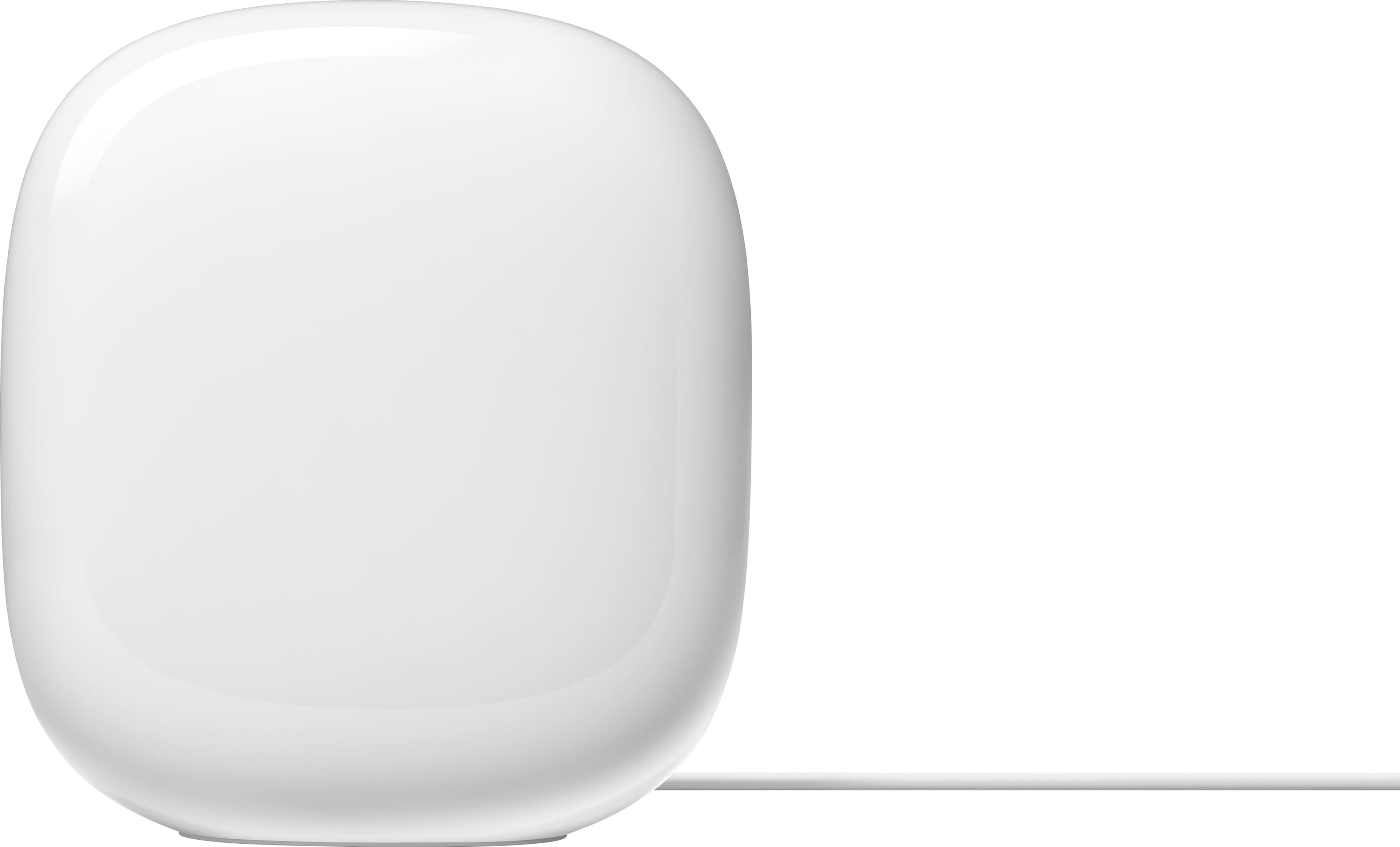
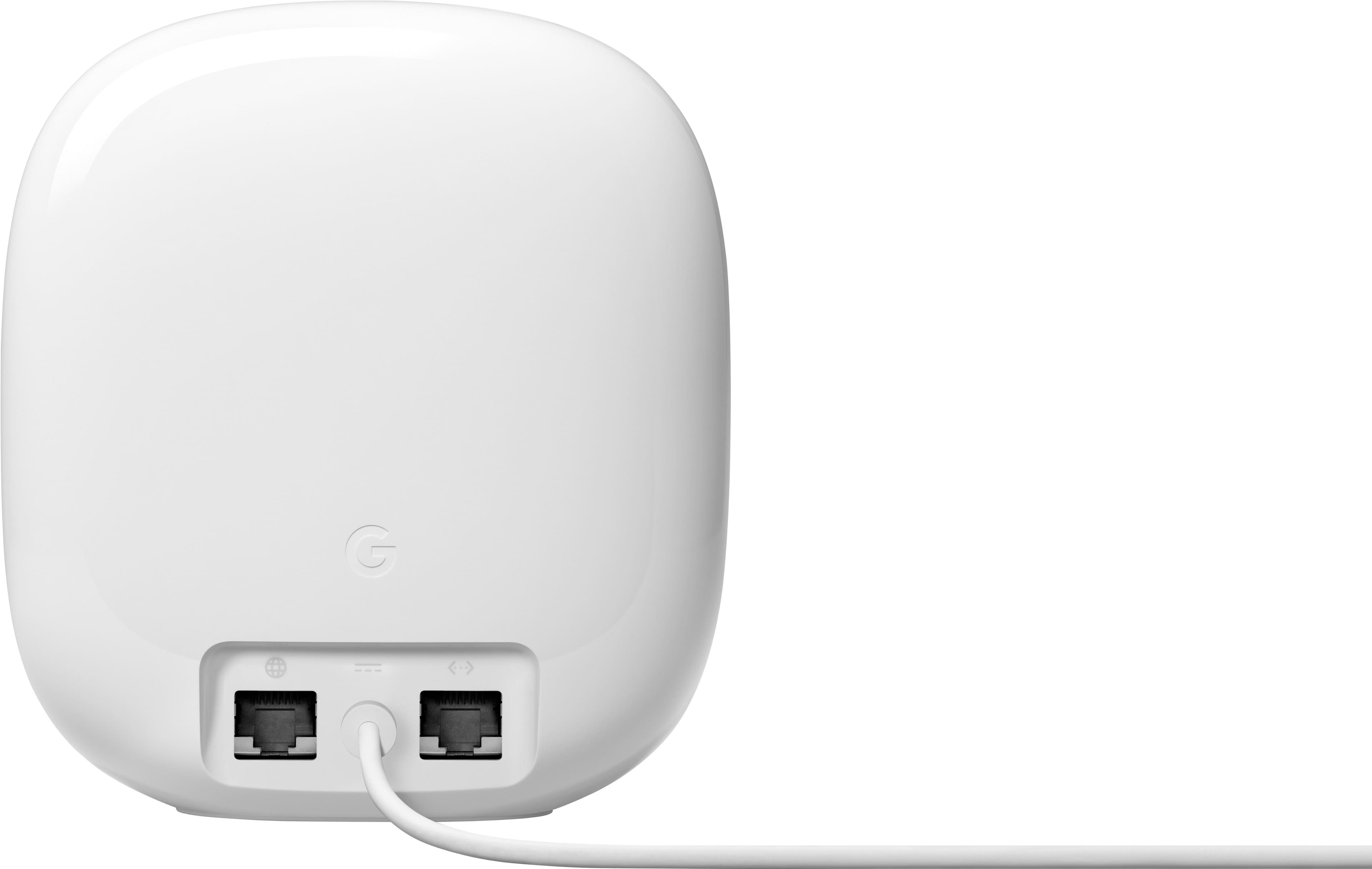










- Model:
- GA03030-US
- SKU:
- 10961714
Rating by feature
- Setup
Rating 4.6 out of 5 stars
- Range
Rating 4.5 out of 5 stars
- Signal Strength
Rating 4.4 out of 5 stars
Easy Set-up
||Posted . Owned for less than 1 week when reviewed.This reviewer received promo considerations or sweepstakes entry for writing a review.These are Great! I upgraded from the original Google Mesh Router. Many reviews have mentioned these are hard to set up, I have all three online and talking to each other in 30-min.
I would recommend this to a friendHorrible Mesh system
||Posted .This reviewer received promo considerations or sweepstakes entry for writing a review.Installed this inside my 1 story 1800 sqft home and the 2 pack couldn’t even cover that. Multiple cameras outside fell offline and I didnt get wifi past my front door. I also had the second node on a wired backhaul for better performance. Probably the worst mesh system I’ve ever used. I was replacing an Eero wifi 5 mesh with this one and let’s just say I went back to that system that gives me much better wifi. Reason I wanted to upgrade is for all the wifi 6 devices in the home to take advantage of higher speeds. Definitely not happening with Google.
No, I would not recommend this to a friendBrand response from Nest Support
Posted .Hi TacoGawd, thanks for trying out the new Nest Wifi Pro. It's unfortunate to hear about the offline issues you encountered and we apologize for any inconvenience this experience may have caused you.
If you're willing to try, here are some helpful steps you might want to try out:
- Check for an internet connection at the Parent Point. Try connecting to the parent point with any laptop or PC device having an Ethernet cable in the LAN port of the primary Wifi router, and check for internet access. If the Wifi device's light flashes yellow or orange to indicate it's offline but allows access to the internet, the issue could be due to a firewall or switch that blocks cloud services. We recommend checking the WAN settings on the primary Wifi router.
- Check if you're having a managed or unmanaged switch upstream from the parent point. If there's a managed switch, enable Bridge Protocol Data Unit (BPDU) flooding. You might need to contact your ISP or manufacturer if you haven't tried enabling BPDU flooding. If there's an unmanaged switch, unplug the switch from the topology of the network.
- Check your modem or router combo for an active firewall and disable it if possible. An active firewall might block cloud services. Not all firewalls can be completely disabled, so to configure the firewall to its lowest security setting can also help. Procedures for how to check and disable firewalls vary with each setup. You may need to check with your ISP. Also, check if you may be having a third-party firewall such as Circle and we recommend disabling it if possible.
- Perform these steps if the app indicates the network is offline but the points are solid white or teal and allows internet access. Forward port 5222 UDP on the upstream router to the parent point's WAN IP. Port 5222 UDP is used for cloud services. Set up a Demilitarized Zone (DMZ) rule for the parent point downstream of the modem and router combo. A DMZ opens all ports upstream for the Wifi device when enabled, which allows it to properly communicate to cloud services.
- In some occasions, bridge mode might have been enabled during setup. Try to disable bridge mode, then check if this resolves the issue. To disable bridge mode, you may try following the steps below:
a. Open the Google Home app.
b. Tap Wi-Fi and then Settings Settings and then Advanced Networking.
c. Tap Network mode and then tap the Wifi router or point and then NAT (standard) mode.
If none of the steps we provided prove to be helpful in fixing the issue, please do not hesitate to contact our support team for further help is troubleshooting and isolating the issue here: https://support.google.com/googlenest/gethelp
Its alright
||Posted . Owned for 1 week when reviewed.This reviewer received promo considerations or sweepstakes entry for writing a review.Not a bad item however there were alot of holes to jump through so that my internet connect could get up to speed. If your going to get mesh wifi, i would recommend somthing else.
No, I would not recommend this to a friendBrand response from Nest Support
Posted .Hey there, we appreciate users who share their experiences with us. We're sorry to hear you've experienced this inconvenience with Nest Wi-Fi Pro. Please share your feedback here: https://google.qualtrics.com/jfe/form/SV_2aStd8wsbcLGvwG
Love it!
||Posted . Owned for 3 weeks when reviewed.This reviewer received promo considerations or sweepstakes entry for writing a review.Works great in my house, I got new wifi and needed an extender to make it to my upstairs bedroom for my at home setup. There's almost no drop off as far as signal goes.
I would recommend this to a friendHuge improvement!
||Posted . Owned for 2 weeks when reviewed.This reviewer received promo considerations or sweepstakes entry for writing a review.Great improvement to my homes WiFi network! We used to have weak signal at one end of my house and now it works great!
I would recommend this to a friendGlobal
||Posted . Owned for 1 month when reviewed.This reviewer received promo considerations or sweepstakes entry for writing a review.Excellent, I can block out the kids wifi on any time, for dinner, beth time, inclusive when we get out of home
I would recommend this to a friendEasy to setup and maintain
||Posted . Owned for 2 months when reviewed.This reviewer received promo considerations or sweepstakes entry for writing a review.Integrates nicely with google home app. Im able to quickly and effectively discconect my kids devices when they dont eat their vegetables
I would recommend this to a friendGood buy
||Posted .This reviewer received promo considerations or sweepstakes entry for writing a review.our house is spread out, we are getting way better wifi since installing which was very easy
I would recommend this to a friendGood coverage, strong network, good speed
||Posted . Owned for 2 weeks when reviewed.This reviewer received promo considerations or sweepstakes entry for writing a review.Overall, great network, could recognize types of devices a little better, and allow to clear no longer connected devices.
I would recommend this to a friendgreat mesh router for a fraction of the price
||Posted . Owned for 1 week when reviewed.This reviewer received promo considerations or sweepstakes entry for writing a review.great product once you get used to the fact they have to be controlled via an app but if you already own other smart devices lt makes it easier
I would recommend this to a friendnest Wifi
||Posted . Owned for 1 month when reviewed.This reviewer received promo considerations or sweepstakes entry for writing a review.bought this to get better signal in garage. Works well so far, have had for about a month.
I would recommend this to a friendMajor improvement from google wifi mesh
||Posted . Owned for 2 weeks when reviewed.This reviewer received promo considerations or sweepstakes entry for writing a review.Transferring from google wifi to nest pro was soooo easy! More coverage and better speeds.
I would recommend this to a friendGoogle nest router
||Posted . Owned for 5 months when reviewed.This reviewer received promo considerations or sweepstakes entry for writing a review.Works well but in one of the bedrooms in our 2 bedroom apartment signal is weak
I would recommend this to a friendMy Google stuff
||Posted . Owned for 3 weeks when reviewed.This reviewer received promo considerations or sweepstakes entry for writing a review.I really like them and looks great. My son loves it in his room.
I would recommend this to a friendrouter nest
||Posted . Owned for 1 month when reviewed.This reviewer received promo considerations or sweepstakes entry for writing a review.very good product and I mean that and as required I am making this require meet the minimun number of characters ti be acceptable.
I would recommend this to a friendGreat 6e connection!
||Posted . Owned for 1 week when reviewed.This reviewer received promo considerations or sweepstakes entry for writing a review.Great Device! Fast and stable 6e connection! up to 100 devices to 1 mesh router
I would recommend this to a friend10x better than Eero
||Posted . Owned for 1 month when reviewed.This reviewer received promo considerations or sweepstakes entry for writing a review.10x better than Eero!! Tried both. Eero dropped connections several times each day. No problems with this! Ever.
I would recommend this to a friendWould refer to friends
||Posted . Owned for 1 month when reviewed.This reviewer received promo considerations or sweepstakes entry for writing a review.I have had no issues with the connections and have noticed a better quality connection and fewer instances of buffering.
I would recommend this to a friendGreat buy
||Posted . Owned for 3 months when reviewed.This reviewer received promo considerations or sweepstakes entry for writing a review.I brought these routers so i could save money & it was the best decision
I would recommend this to a friendAs advertised
||Posted . Owned for 1 month when reviewed.This reviewer received promo considerations or sweepstakes entry for writing a review.Overall great service. Great signal. Havent had a weak connection yet
I would recommend this to a friend