Winter SaleEnds 1/19. Limited quantities. No rainchecks.Shop now

Skip to contentGo to Product SearchGo to Footer
Main Content

Customer Ratings & Reviews
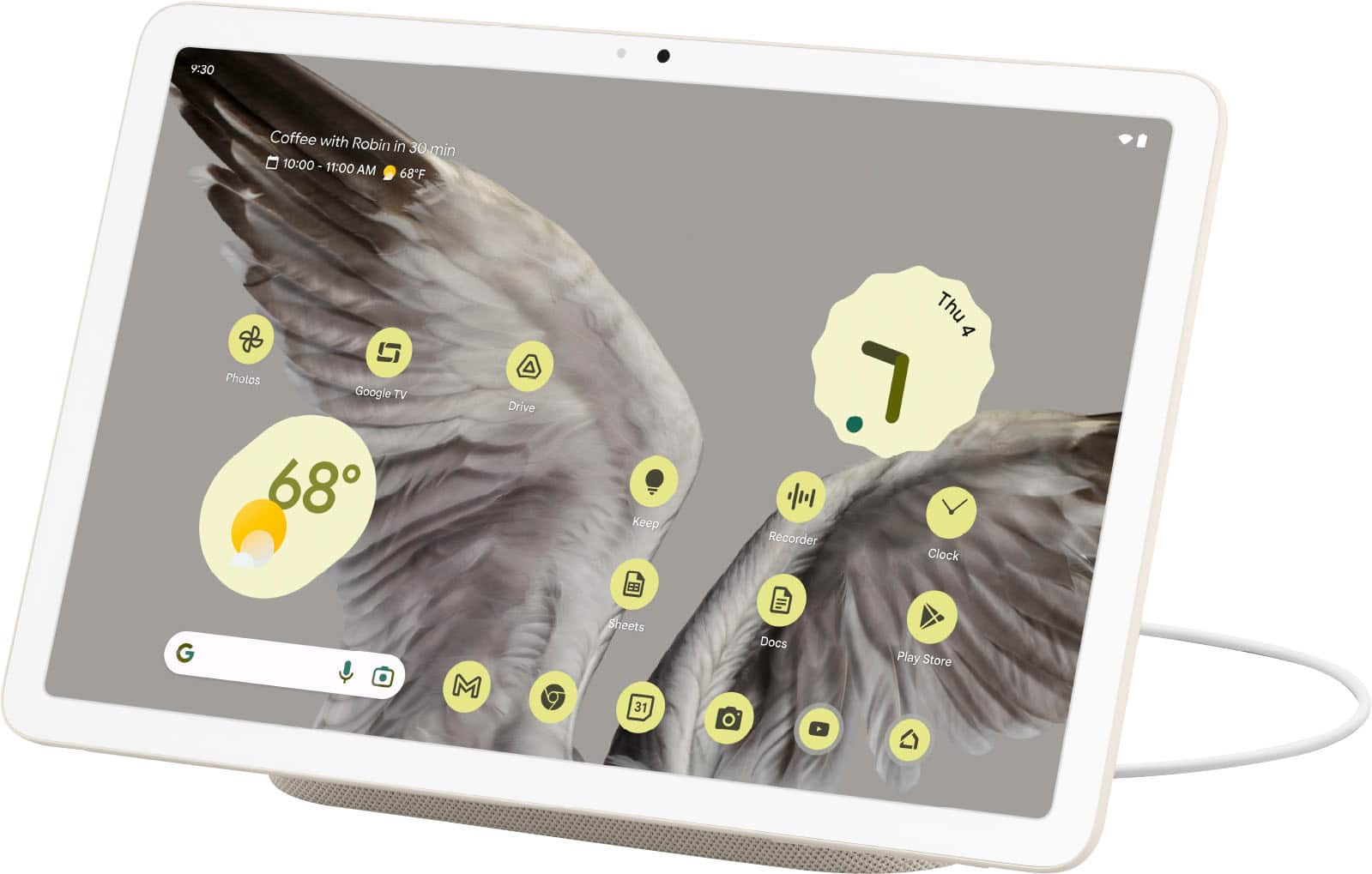
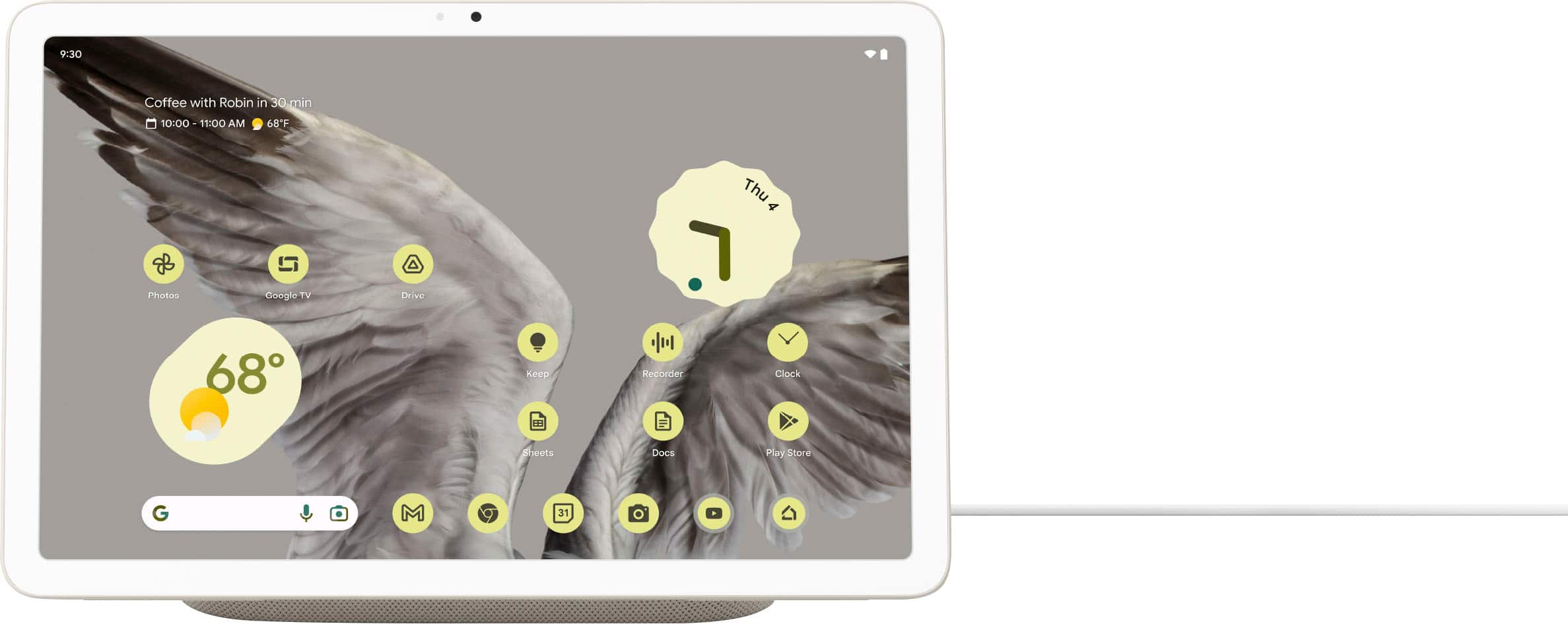
Your price for this item is $499.00

Customer reviews

Rating 4.5 out of 5 stars with 393 reviews

Rating Filter

Rating by feature

  • Battery Life

    Rating 4.7 out of 5 stars

  • Durability

    Rating 4.6 out of 5 stars

  • Display

    Rating 4.7 out of 5 stars

Pros mentioned filter

Cons mentioned filter

90%would recommend to a friend

Customers are saying

Customers are positive about the Pixel Tablet's sound quality, battery life, ease of use, and the convenient charging dock. Many appreciate the tablet's screen size and design, although some find the price point high for the features offered. A common criticism centers around the 60Hz refresh rate, and some users express concerns about storage limitations and the responsiveness of the Google Assistant. Overall, the positive feedback on key features like audio and battery life outweighs the negative comments regarding price and refresh rate.

This summary was generated by AI based on customer reviews.

The vast majority of our reviews come from verified purchases. Reviews from customers may include My Best Buy members, employees, and Tech Insider Network members (as tagged). Select reviewers may receive discounted products, promotional considerations or entries into drawings for honest, helpful reviews.
Applied Filters:
Page 1 Showing 1-20 of 95 reviews
  • Pros mentioned:
    Battery life, Sound quality

    Rated 5 out of 5 stars

    Pixel Tablet

    |
    |
    Posted . Owned for 1 month when reviewed.
    This reviewer received promo considerations or sweepstakes entry for writing a review.

    Excellent tablet and works well as my main smart hub in my apartment. I use it to control lights and my entertainment center. It is just the right size, has the snappy pixel interface, the speaker base can get very loud, and I like that it has the battery protection settings built in. I've played plenty of music and YouTube in a day and I've yet to completely drain the battery. It connects magnetically to the speaker stand without issue with or without the hard case on it. Worth upgrading from a cheap Amazon fire tablet, but I would get it on sale when given the opportunity. I've used it for holiday video chats that were nice and clear as well.

    I would recommend this to a friend
  • Pros mentioned:
    Ease of use, Processor speed, Sound quality

    Rated 5 out of 5 stars

    Smart Pixel Tablet in Town

    |
    |
    Posted . Owned for 2 weeks when reviewed.
    This reviewer received promo considerations or sweepstakes entry for writing a review.

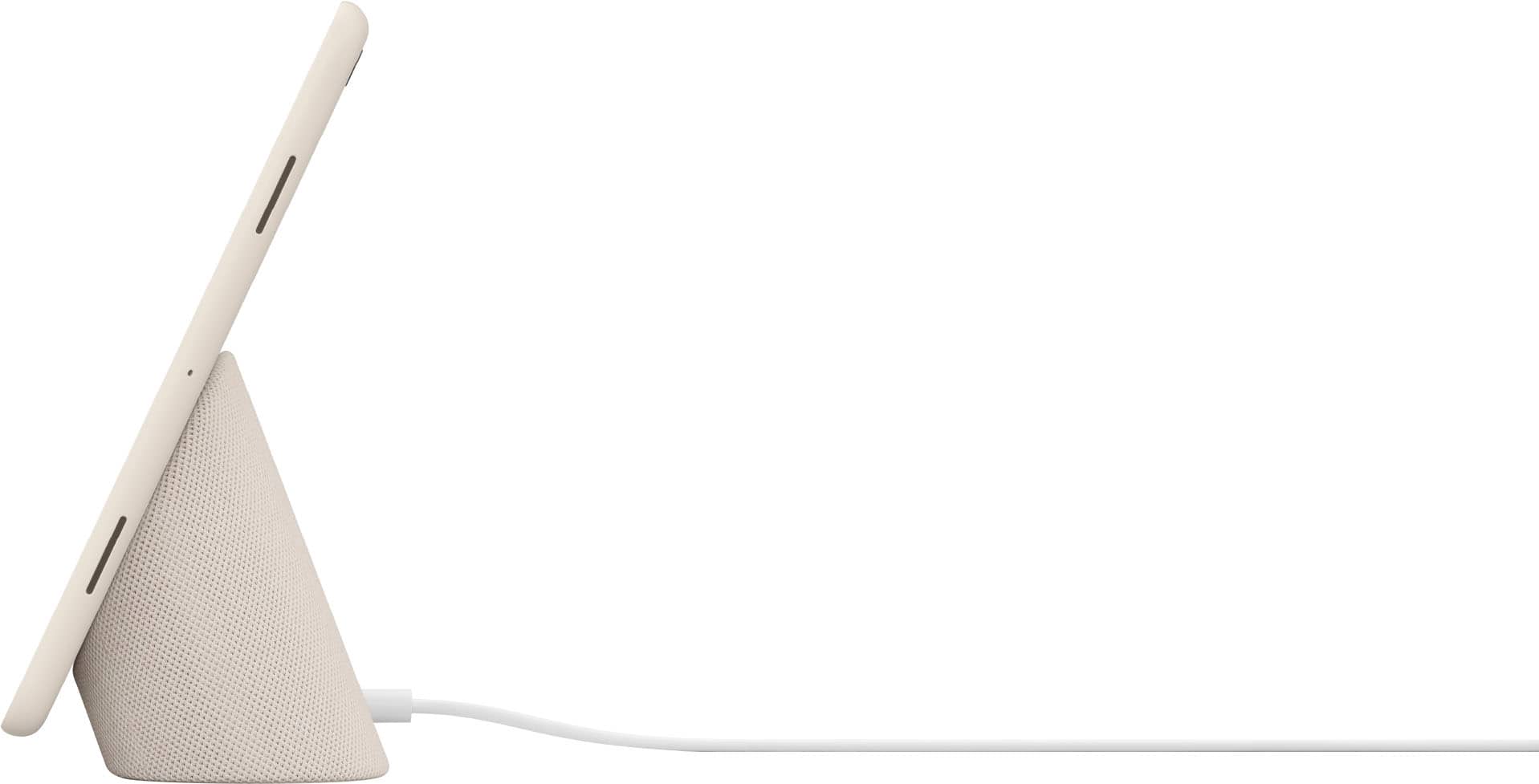
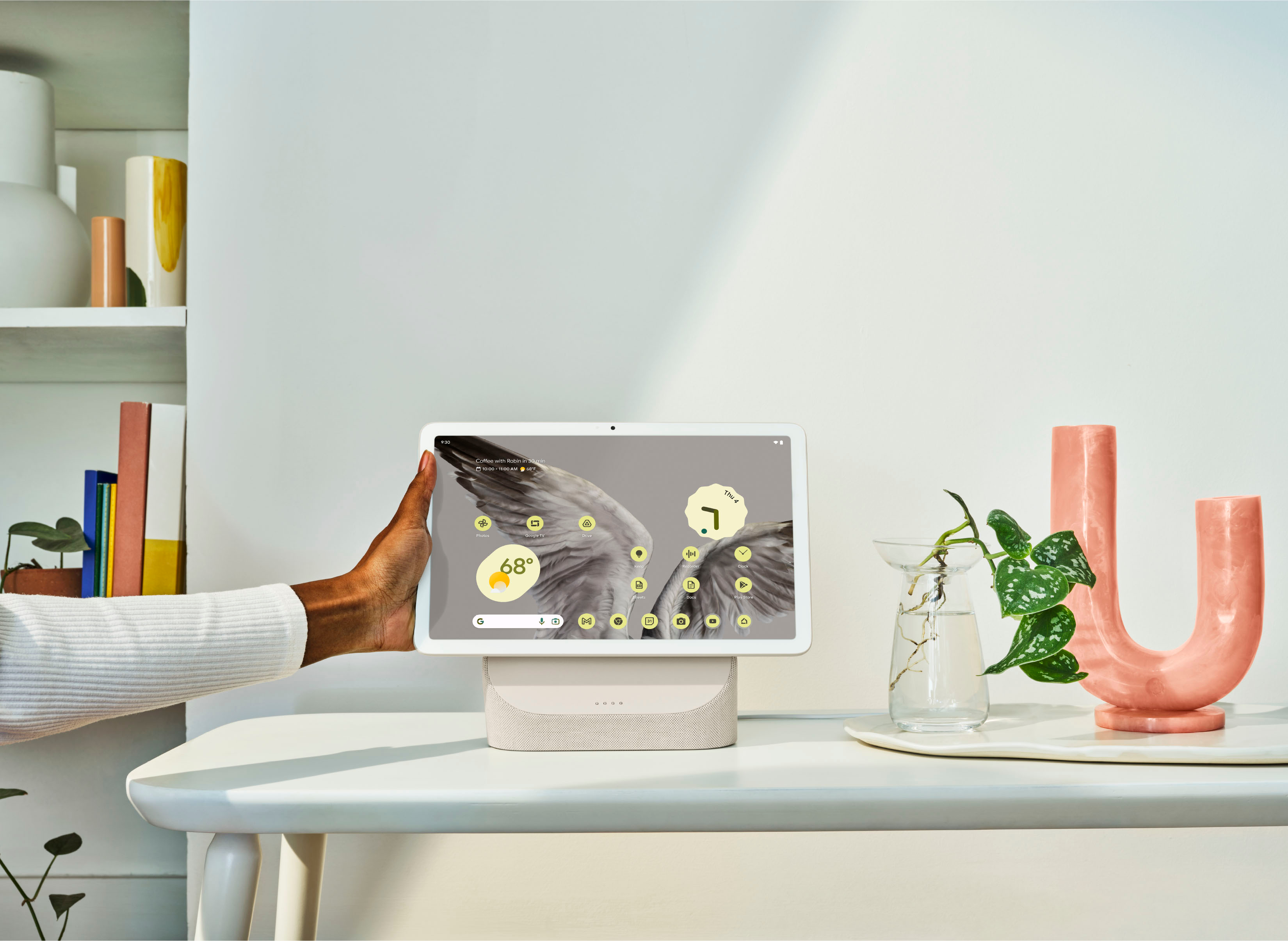
    Easy to setup, plenty of support resources, light and powertful enough, good sound, while on the stand tablet can act as Smart Home Hub for all family members.

    I would recommend this to a friend
  • Pros mentioned:
    Sound quality
    Cons mentioned:
    Price

    Rated 4 out of 5 stars

    Second Screen

    |
    |
    Posted . Owned for less than 1 week when reviewed.
    This reviewer received promo considerations or sweepstakes entry for writing a review.

    Wanted a device to use as a small TV on the side while playing video games on main TV. Deccided to try it since the dock has built in speaker. It sounds better than my M1 iPad Pro when using the dock but the screen is not as good. I have all Apple devices but will probably keep this Android tablet so that can keep my iPad in reach while gaming. It is nice that can cast to it from my Apple devices also. Only complaint so far is the price and the screen is a bit washed out especially if off angle.

    I would recommend this to a friend
    • Brand response from Google Team
      Posted .

      Hey there, xjtb. Thanks for your feedback and for trying out the Pixel Tablet. We appreciate that you like its sound quality along with its ability to cast from your devices, but we’re sorry to hear that the screen is below your preference. We’d be happy to share this with the right team for future improvements. Meanwhile, we suggest checking the following link so you can manage the screen and display settings of your Pixel Tablet: https://support.google.com/googlepixeltablet/answer/13555250

      We’re always here to help improve your experience. For questions or concerns, feel free to contact us anytime at: https://support.google.com/googlepixeltablet madebygoogle

  • Pros mentioned:
    Processor speed, Sound quality

    Rated 5 out of 5 stars

    Best android tablet on the market!

    |
    |
    Posted . Owned for 2 months when reviewed.
    This reviewer received promo considerations or sweepstakes entry for writing a review.

    It's a really good bang for the buck tablet. Snappy and has a great display! The dock really enhances the speaker quality of the tablet.

    I would recommend this to a friend
  • Pros mentioned:
    Processor speed, Sound quality
    Cons mentioned:
    Refresh rate
    Tech Insider Network Member

    Rated 5 out of 5 stars

    Pixel Tablet

    |
    Tech Insider Network Member
    Posted .
    This reviewer received promo considerations or sweepstakes entry for writing a review.

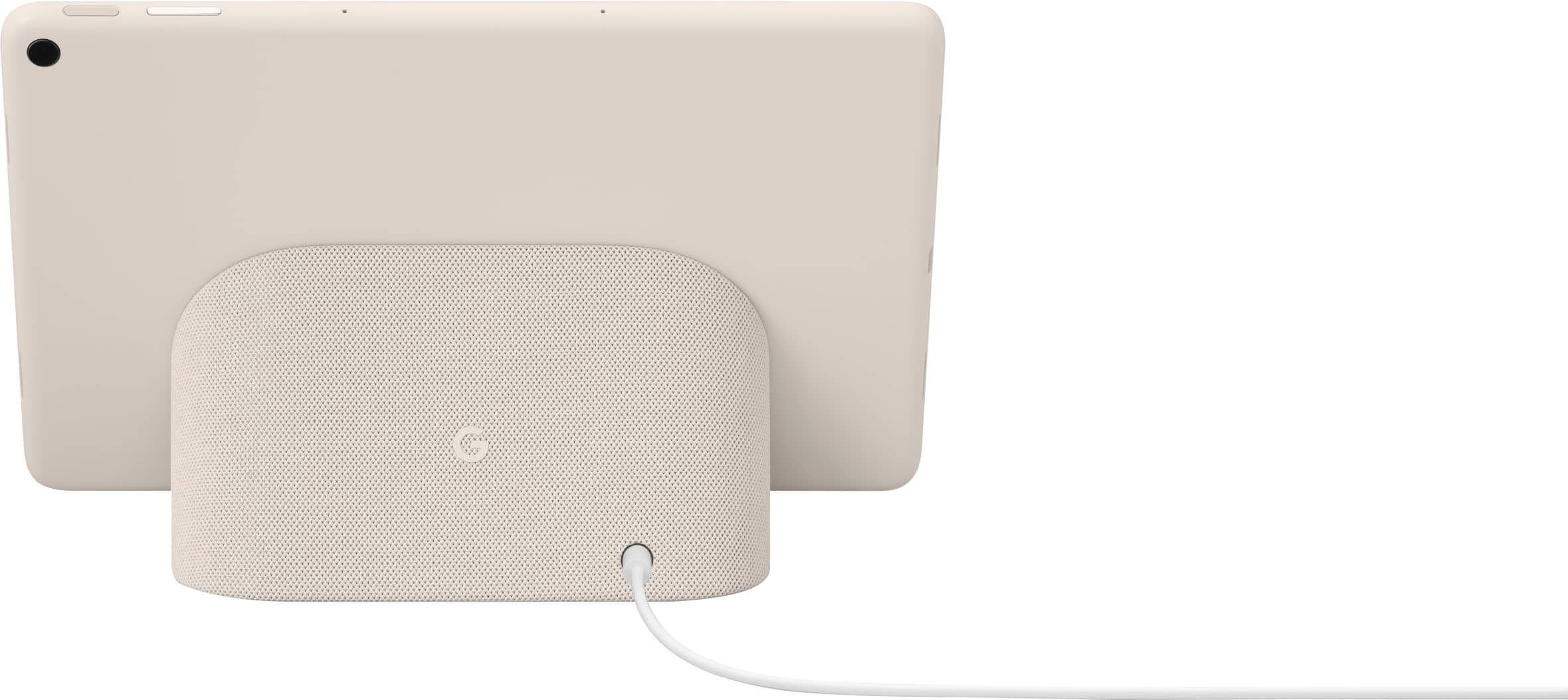
    I couldn't have been more excited to start trying out the new Google Pixel Tablet. It's been quite some time since Google has been in the tablet game and even longer since it's felt like there was a truly solid Android tablet on the market. Now that the Pixel Tablet is here, I feel that both Google now has a fairly solid Pixel ecosystem with either a device for every type of person and this is finally a tablet worthy for all of the Android users out there. Let's dig in a bit deeper. First and foremost, this tablet is intended for folks who are either deep in the Google ecosystem, a technophile (simply loves all things tech) or folks entering an ecosystem for the first time. This tablet has deep roots and integrations with the rest of Googles product lineup. Without either having, or planning to have a wealth of additional Google devices, you will not get the most use out of this tablet. It will absolutely work for anyone and everyone, however, experiences will be missed. Initial setup was simple and straight forward. I connected the included dock to power and turned on the tablet. Google recommends not connecting the tablet to the dock until the initial setup has been done. I walked through the wizard signing into my Google account, setting up my finger print, and chose to "copy" data from my Pixel 7 via USB C cable. The copy took about 10 minutes and I was up and running. I clipped the tablet to the dock and began setting up additional features. All in all, this experience mimics that of the Pixel phone. My tablet also had some updates available which I also ran before diving into anything else. Once I clipped the tablet to the dock, it asks you to setup some preferences. There are a number of "modes" you can set the tablet to, I chose "photo" mode while also displaying the Home app for control of my smart home, which is 100% Google Nest and/or Google Assistant controlled devices. I love seeing pictures of my family shown on the Pixel Tablet while docked. Having a 10.9" digital photo frame on full display is a wonderfully personal touch that make this device very pleasing even when not using it. There are additional options such as a clock, artwork, and weather. The weather screen saver is also a nice touch in addition to photos. It shows animations of the current wether outside, or you can select one with an animated frog, who reacts to how the weather is outside and does tasks in accordance to the weather. For example, it will have a picnic if it is nice a sunny outside, or, wear a rain coat if it is raining. It's very cute and has a lot of personality. The fingerprint unlock is exceptionally fast and accurate. I did not have it fail one time. It is much faster and more accurate than that of the Pixel 6 or 7. I'm sure any fellow Pixel fans out there know this truth all too well. There is a minor indent on the button making it very easy to locate and place your finger where it belongs, each and every time. The Pixel tablet allows for multiple users to be setup. Whomever presses the fingerprint reader will have their own personal profile launched. Each profile allows for individual customizations, apps, and settings. Since this device will likely be available to a household, this is a great touch and I found it to work exceptionally well. For those looking to separate work and personal, it's great for that too. Simply register a different finger for each profile to take advantage of simple sign on. I may be alone on this part, but I am not entirely a fan of widgets. The Pixel tablet supports widgets of many kinds. I opted to setup both Gmail and calendar to see if I'd like it. It was great having both at a quick glance, and unlike my phone, there is more room on the tablet where the widgets become more useful. I think I'll actually stick with this on the tablet where I refuse to use widgets on my phone. It's nice to finally feel like I can make use of these. They're easy to setup, simply long tap on the home screen and select "widgets" and select the one you want. Expanding their size is also easy and with the 10.9" screen, there is a lot of room to take advantage of. Docking and undocking the tablet is simple. The magnet is strong and the tablet sort of "clicks" into place when it's close. Removing it is fairly easy as well. I recommend "twisting" the tablet off the dock as simply trying to just pull it may result in the dock coming with it. The magnet being strong is a major plus to confidence it will not fall off, yet due to this strength, twisting makes removing the tablet far easier. The dock also doubles down as a speaker, but only when the tablet is docked. It cannot be used as a speaker for other devices when the tablet is not docked. I found the speaker to be mostly below average in terms of audio. It's mostly muddy mids with no highs or lows. It's mostly terrible for anyone who cares about, or understand what good audio sounds like. It is however passible for things like listening to Google assistant answer questions, or perhaps a quick notification from the doorbell. I won't be listening to music or watching videos from the dock. It's that bad in my opinion it's almost worthless. It is however, far better than the internal tablet speaker, which are also absolute trash. Consider either options more of a "when sounds it absolutely necessary and you have nothing better around" For movies, I'd highly recommend using a pair of Pixel bud pros, superior audio in that department. Speaking of Pixel bud pros. This is another fantastic tablet feature. When Pixel bud pros are paired to both the tablet and another device, say a Pixel 7, when listening to music on the Pixel 7, then switching to the tablet, and starting anything that plays audio, the buds immediately switch. When I say "immediate" I mean literally, not a millisecond of Audio on the second device is missed. It's amazing. If you get something important, like a call on your phone, they switch back. With each switch, the audio on the device you're moving from pauses until you return. It's almost magical. Major benefit here of being all in the Pixel ecosystem as I mentioned above. I was surprised to find all of the apps I use to have been tablet-optimized. Every singe app worked full screen and felt like it was intended for a tablet. There is a massive list of apps that are in this situation as of writing this. I had trouble actually finding an app that didn't support the full screen to test what that was like. When you do use an app that isn't optimized, it scales to one side of the tablet or the other. Clicking the black area where the app isn't shifts it to one side or the other. I found this to be an excellent design choice in those cases where an app has yet to optimize. Given how many I found to be optimized, this was an area of concern that I quickly have 0 concern over. This will be huge for the future success of this tablet and Android tablets as a whole. This specifically was an area lacking in other models. great to see Google found what seems to be an answer. Outstanding work Google! Video calls are great on this tablet. Using Google meet specifically, comes with some extra features. When docks and in full screen, the tablet will attempt to keep you in the frame even as you shift. There is also a 360 degree background so if you're moving around holding the tablet, it will appear as if you're moving in the actual setting vs just a static background. It's a cool affect. Split screen is also another great feature. With an app open, swiping up slowly brings up the new "taskbar" (which is also another awesome feature) and selecting a new app and dragging it to the side results in both apps displaying at the same time. Having Chrome and Gmail open at the same time for example, or two webpages at the same time is possible. You can also drag photos from Google photos over to an email if you like, or over to a Google doc. It feels very "desktop computer" like. I don't play games on my tablets, so I haven't tried nor care to try it. This tablet does have a "tilt to steer" functionality though, so if you're into racing games you can use the tablet as physical steering wheel in game. It also supports controllers from various brands. You can even connect a mouse and keyboard to the tablet, though mileage will be limited as most games won't support keyboard and mouse as well as controller. I found the overall build quality of this tablet to also be outstanding. The back of the tablet us made of a nano-ceramic coating that feels rubbery as to not have it slip out of your hands, but is easy to clean and looks incredible. There is a USB C port on the bottom as well for fast charging when the dock is not around, or, connecting a device to transfer data, or using a USB C security key. The 2560 x 1600 display looks super sharp, colors look great and text is very readable. It's a 60hz refresh rate, and while not terrible, if you are used to scrolling on anything higher (like 90hz on the Pixel 7) you will notice text is a bit "jittery" when scrolling, however, I think this is a decent trade off given the price and overall performance of this tablet. I found the tablet to feel very fast and snappy running on the Google Tensor G2. This is the same processor in the Pixel 7 and 7 Pro and is more than enough to perform well. I did not find any app to feel sluggish nor did I run into any performance issues of any kind using this tablet for anything I do on a daily basis. The dock is wrapped in similar fabric to the Google home devices. Mine was porcelain color which was like a light cream color. The dock looks and feels extremely well made. My only grip is the sound, as I mentioned above, is terrible. All in all, this is a fantastic Android tablet and a wonderful addition to the Pixel lineup. THIS is the Android tablet to beat! Great job Google!

    I would recommend this to a friend
    • Brand response from Google Team
      Posted .

      Hi there, elitegangsta. Thank you for making Google Pixel Tablet as your tablet of choice for your home. We're glad to hear that your overall experience with the device has been fantastic. Your feedback on the speakers for the device and the dock is appreciated. If you have additional questions about the device or need any assistance, please don't hesitate to contact us on our Google Help page for immediate support here: https://support.google.com/googlepixeltablet/?hl=en#topic=13075701 madebygoogle

  • Pros mentioned:
    Battery life, Ease of use, Sound quality
    Tech Insider Network Member

    Rated 5 out of 5 stars

    A great companion device

    |
    Tech Insider Network Member
    Posted .
    This reviewer received promo considerations or sweepstakes entry for writing a review.

    I think the first thing I noticed while using the Pixel tablet is just how nice everything feels. The tablet itself has a nice finish in the back that's soft to touch and nice to hold. It's not slippery feeling, even though it's made of aluminum, the coating that's on it is very comfortable to hold. The speaker stand that comes with the tablet feels equally nice. It's a soft fabric that easily blends in with other home decor. Using the tablet is also a pleasure. It feels snappy and performs well. Using the same chip that's in Pixel phones can give you a general idea of performance, if you've used one before. In fact, if you have used any Google devices before, you'll be ready to use this tablet in no time. Even if you haven't, it's easy to use, and packed with little features that you'll find useful. I would say the only real issue I have had so far, is apps that aren't optimized for tablets. For instance, an app that hasn't been optimized will just occupy the middle of the screen in landscape view. You can tap to move it on either side of the screen, but you can't use an unoptimized app side-by-side with another unoptimized app. That would make this even better, and maybe Google is working on this feature now. You can just rotate the tablet and use the unoptimized apps in portrait view, basically like it's a large phone. Apps that are optimized work very well, you can easily split the screen with two apps by long-pressing the icon and selecting the split view icon. As you might expect, with the included dock, the Pixel tablet excels at being a home assistant hub. Much like other home assistant devices, docking the tablet makes it look and feel like a home hub. Placing and removing it from the dock is satisfying too. It's magnetically held in place, so it's easy to get it placed properly to let it charge. The tablet also has a fingerprint sensor on the power button. It works extremely quickly too. It's natural to just place your finger there as you're picking it up, and unlocking it all in one motion. It's also impressively quick how audio playing from the dock switches to the tablet and vice versa, when you're removing or placing it on the dock. Speaking of which, the tablet speakers are pretty good. They don't have a lot of bass, but it sounds good on its own. When attached to the dock, you get the added benefit of more bass and better overall sound. The Pixel tablet also is excellent and home control. Much like other hub devices, you can just speak to it, or keep controls on the screen while it's docked. It all works really well. Battery life has been impressive for me too. I often have live streams going while I'm doing other things, and the tablet has been on streaming for hours without issue. Google also smartly implemented a battery charge limiter the prevents if form gully charging while on the dock, so it can keep the battery health optimized. There's a lot to like about this tablet. Even if you're just in the market for a home assistant hub, this does all those things, plus the added benefit of being a tablet. Pros: nice hardware, good software experience, easy to use, good battery life Cons: unoptimized apps can't fully utilize the tablet

    I would recommend this to a friend
    • Brand response from Google Team
      Posted .

      Hey there, dustinw! Thank you for sharing with us the amazing experience you have had so far with your Google Pixel Tablet. We appreciate your feedback on the apps and have taken note. If you are ever in need of any help don't hesitate to reach out to our team of support specialists here: https://support.google.com/googlepixeltablet/?hl=en#topic=13075701 madebygoogle

  • Pros mentioned:
    Battery life, Processor speed, Sound quality
    Tech Insider Network Member

    Rated 4 out of 5 stars

    The Next Evolution of Smart Displays!

    |
    Tech Insider Network Member
    Posted .
    This reviewer received promo considerations or sweepstakes entry for writing a review.

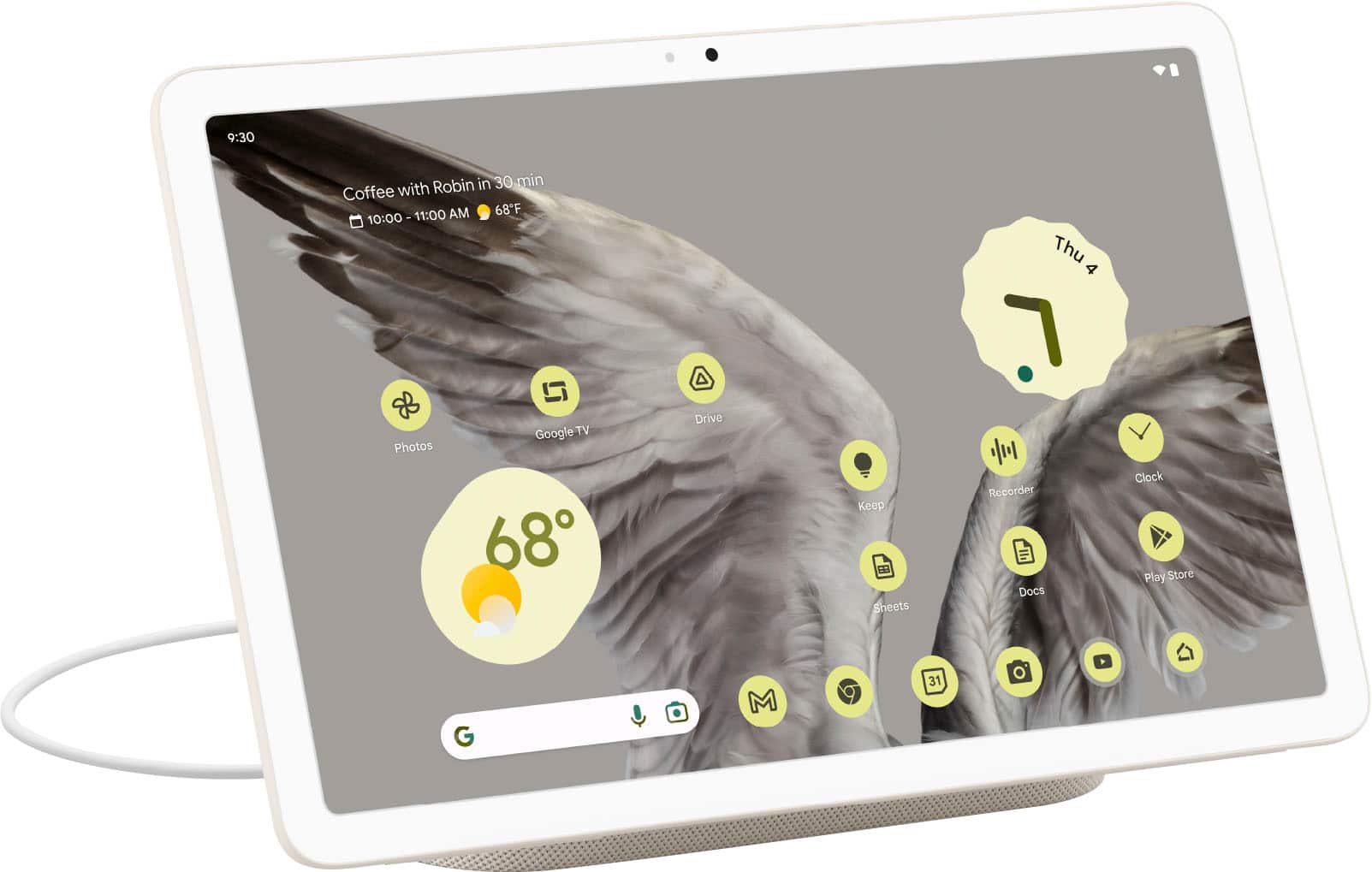
    I’m a big fan of the concept of smart displays. I have the Nest Hub Max in my office and the Nest Hub in my bedroom. I think they are generally useful and great as long as you don’t have to physically interact with it. But the Pixel Tablet (with the included dock) fixes all that, but not without creating some more issues. All in all, it’s the best smart display yet! I just hope they make a pro version in the future. My smart displays really just sit there, which is the point. However I would like more interactivity. This is where the Pixel tablet fixes smart displays. It has apps, a full web browser, and can connect to my bluetooth headphones. It becomes a portable tv for the kitchen, which is where I ended up putting it. I’m using it with voice commands to start timers, adjust house lighting, and look at the doorbell camera. The magic really happens when you just pop the display off the dock and you have a fully functional Android tablet. The tablet is mid-range in quality. The build quality is fine, if a little plasticky. Sound quality is serviceable. Display is good but nothing exceptional. It’s a 60hz display, but Google does a great job of optimizing the software where it almost feels like a 90hz display. The Google G2 processor however is more than satisfactory. It’s fantastically fast and more than enough for the average tablet user. As someone with a Pixel 7 Pro which also has a G2 processor, this tablet has a lot of life in it. Google has done a great job with optimizing apps for tablets, something that has been a problem for years for Android tablets. More and more non-Google apps are being updated to work better for tablets, but you still run into ones that aren’t. Like the NYT Cooking app or Instagram, they show up on the screen only occupying the middle third. I would say that this is a fantastic smart display that happens to also be a tablet and that makes it a good deal. If the tablet was sold on its own, I’m not sure it would be a good deal. When placing the table on the dock, the sound quality substantially increases. The dynamic range is much greater, but it doesn’t match the depth of the Nest Hub Max unfortunately. It is a tradeoff, do you want the best audio quality but with less functionality? Then the Nest Hub Max is the way to go. If you want more functionality and the ability to transform it into a tablet, but with audio that is fine? Then the Google Tablet is the way to go. The Google Tablet is a great step forward for smart displays. Its functionality is so much greater than previous smart displays. While the hardware can’t be improved, the software can always be improved in the future so this tablet will only get better with time. I did end up switching out the Hub Max with the Google Tablet in my kitchen and I’m keeping it that way. Pros: A smart display that’s finally useful! Excellent battery life Speaker dock is a brilliant idea Android has become a lot more useable for tablets Good deal for a tablet and a smart display Can be casted to from phone Cons: Tablet would be unremarkable without dock Dock more fills out tablet sound to an acceptable level rather than elevate it to the sound quality of the Nest Hub Max Dock can’t be used as standalone smart speaker when using tablet elsewhere Missing the big widgets for reminder and appointments that would appear on the Nest Hub screensaver Non Google Android apps have spotty compatibility (NYT Cooking app does not occupy whole screen, just the middle third)

    I would recommend this to a friend
    • Brand response from Google Team
      Posted .

      Hey there, Matt. Thanks for investing high on Google Nest devices, and for sharing your review about the Pixel Tablet. We appreciate you pointing out some features that you like. We’ve taken note of your feedback on certain functionalities and performance. We aim to deliver a great user-experience, and your feedback inspires us to do more. If you have questions about the Pixel Tablet, feel free to visit us anytime and we’ll gladly help: https://support.google.com/googlepixeltablet madebygoogle

  • Pros mentioned:
    Processor speed, Sound quality
    Cons mentioned:
    Refresh rate
    Tech Insider Network Member

    Rated 5 out of 5 stars

    Google is finally back in the tablet market

    |
    Tech Insider Network Member
    Posted .
    This reviewer received promo considerations or sweepstakes entry for writing a review.

    Over the years, I’ve owned many, Android devices, including tablets going back to the Nexus 7. Unfortunately, Google left the tablet market for a couple of years but now they’re back, and so far it’s heading in the right direction. Once the Pixel tablet was announced, I knew it was something I had to have, especially since I have a Pixel phone (and Chromebook, Pixel buds) too. My initial impressions of the tablet are positive. The size is great, not too big or small, the screen is very high quality, and performance is good enough. The dock idea is awesome and is unique in the industry. The speaker in the dock, while better than the on-board tablet speakers, isn’t very powerful and lacks bass. Despite this, it’s nice to snap the tablet onto the dock and continue using (watching YouTube, casting music, etc). While docked, it doesn’t have every feature of a dedicated Nest Home, but that’s not it’s intended purpose anyway. The screen is a high quality LCD; colors are accurate, brightness is adequate, and it’s an overall joy to use. I do wish it had a higher refresh rate than 60 Hz; 120 Hz is the industry standard, but I have confidence the next Pixel tablet will have higher refresh rates. The Tensor 2 processor is powerful enough for daily use, but some games struggle a bit. I think this goes back to the intended purpose of this device, which isn’t to be a gaming powerhouse, but an in-between phone and computer display that is a jack of all trades. Google did a great job with positioning it as such. I’m honestly not sure if the casing is plastic or aluminum, but it has a nice grippy texture which is very appreciated. Using this “naked” is perfect as it’s grippy enough to confidently hold naked. Given that Google’s own case lacks screen protection, it seems Google is positioning this as a home-based device, which is fine by me (especially since I’ve ordered the Pixel Fold for every-day use). Any USI 2.0 stylus will work, which was a pleasant surprise. Of course, it will work with any Bluetooth keyboard if you were wondering. It has cameras that are acceptable for video calls or snapping a pic of a document, but don’t expect anything remotely high quality (as is for tablets in general). Overall, I’m impressed by this device and am glad to see Google is back in the tablet segment. I just hope they stick with it this time so the Android app ecosystem rivals the iPad experience. Pros: • High quality build • Gorgeous display • Quick and accurate fingerprint scanner • Easy to hold “naked” • Unique hybrid functionality • Integrates perfectly into the Google ecosystem • Works with any USI 2.0 stylus Opportunities: • 60 Hz refresh rate • Faster processor • Dock speaker needs more timbre and bass • Feature parity with Google Nest Max (camera home monitoring while docked) • Android apps still have a long way to go for tablet optimization • Dedicated first-party Google keyboard/pen integration Wishes: • “Face ID” like Soli on the Pixel 4 • OLED 120 Hz screen • Beefy “Sonos-like” speaker in the dock

    I would recommend this to a friend
  • Pros mentioned:
    Processor speed, Sound quality
    Tech Insider Network Member

    Rated 4 out of 5 stars

    Tensor G2 tablet with charging dock speaker

    |
    Tech Insider Network Member
    Posted .
    This reviewer received promo considerations or sweepstakes entry for writing a review.

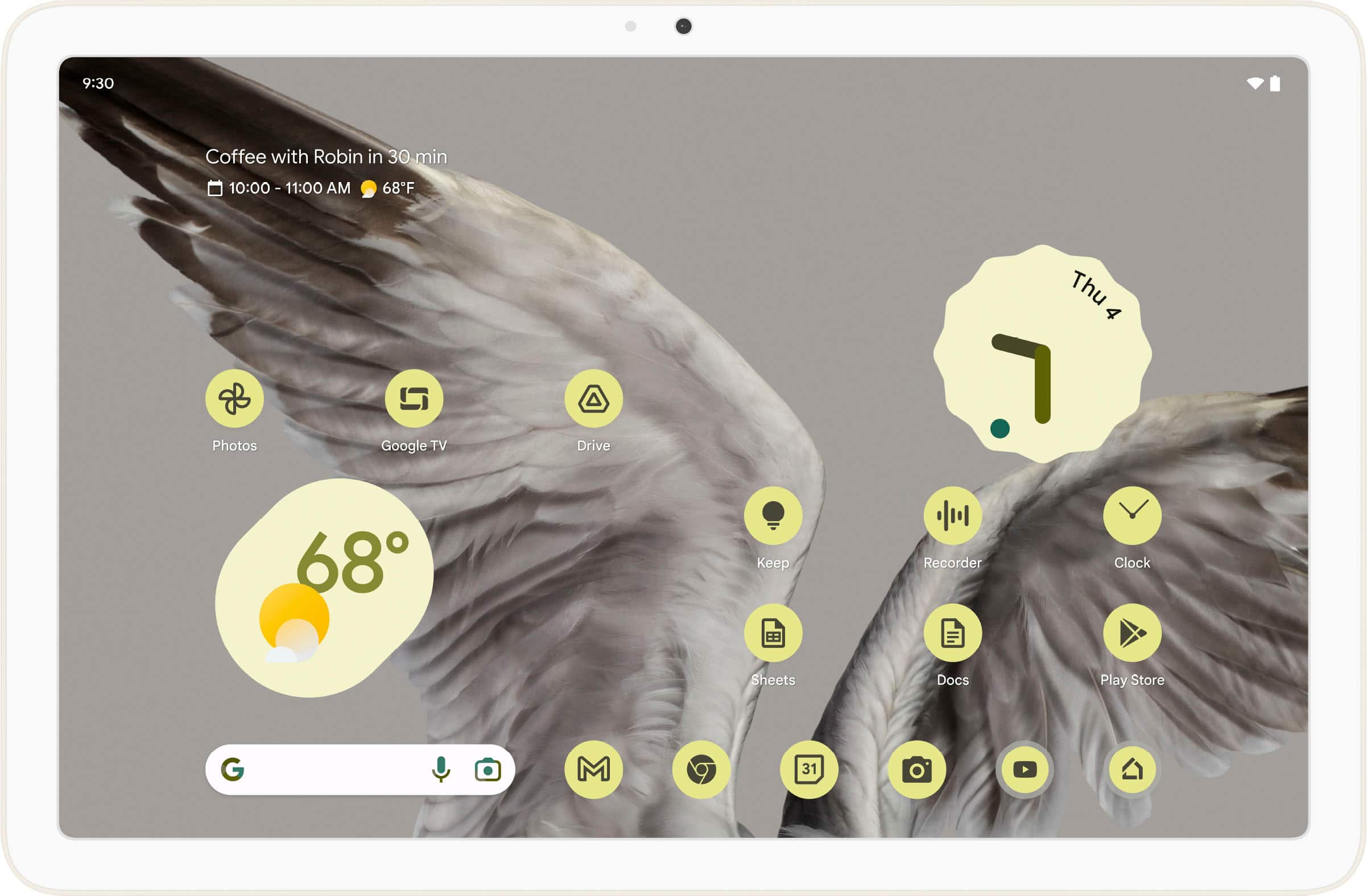
    I fondly remember my very first Android tablet, the original Google Nexus 7 that I used and loved for many years before bigger tablets with more memory and more processing power became available. Google is now making a serious comeback with this Pixel 11” Tablet with Charging Speaker Dock. The one I got is an off-white color called Porcelain and it comes with a midrange 128 GB storage, 8GB of memory and Google’s latest Tensor G2 multi-core processor also found in their Pixel 7 Pro phones which can run at speeds of up to 2.85 GHz. Initial setup is easy and straightforward, just follow the step-by-step on-screen instructions but make sure to first charge your tablet via the speaker-dock or your own USB-C charger (not included). Google set the default charge to stop at 90% to prolong the overall life of the battery, but you can change that in settings later. I would recommend setting up the tablet undocked first, and once you’re done installing/updating all apps, you dock it, which will automatically launch the Hub Mode and Google Assistant setup experience. If you enable these features, it will turn your tablet into a Google Home smart speaker that you can give voice commands to and control many other compatible devices. I found the tablet mics are not as good at far-field performance as the purpose built Google Home or Nest Speakers. The overall built quality is solid, feels somewhat premium and not super slippery as the back has a ceramic finish to it that helps with grip and hides fingerprints/smudges. The power button has a fingerprint reader built-in that works quite well and can register and recognize up to 8 different people who can login with their own profile which is a very useful feature usually only found in Chromebooks or Windows systems. The 11” screen is very crisp running at a resolution of 2560x1600 but only 60Hz. It is also LCD not OLED technology which helps prevent burn-in if used like a Google Nest Hub Max to show a big clock, or photos all day, etc. Not using an OLED screen also keeps the price more affordable. The back and front facing cameras are 1080p and only 8 megapixels so don’t expect to produce professional level photos or videos, but they work well for video conferencing, especially with the native Google Meet app which is capable of “following you around” the room, technically using AI and the Tensor G2 chip to keep you “in-frame”, which works pretty well. What I love the most about this Pixel tablet is the easy integration with Android phones and the dozens of popular Apps that are optimized to run in landscape/tablet mode. You can easily multi-task and run Apps side by side in split screen mode. It even allows you to drag-and-drop from say the Google Photos app to Google Docs or Microsoft Apps or even WhatsApp or the Messaging app that’s connected with your phone - makes for great productivity and convenience. Sound coming out of the four built-in speakers is pretty good, but not loud enough. That’s where the speaker-dock comes-in which provides a fuller sound experience, though still not as loud or filled with bass as my good’ol Google Home Speaker. If there is a next generation of this combo, I would like to see the charger-dock-speaker have a built-in amplifier and sub-woofer of sorts to provide, deeper/louder sound. Also the charger cable should be longer, it’s only about 5ft long so it somewhat limits your placement options. Alternatively, if the speaker had a built-in rechargeable battery, it could more easily be moved around to places like your coffee or kitchen table. All in all this is a great idea, a good performing tablet for music and video streaming and calls, photo and document editing and creation as well as decent gaming.

    I would recommend this to a friend
    • Brand response from Google Team
      Posted .

      Hi there, SUHD! We appreciate your feedback on the Google Pixel Tablet and happy you are enjoying its many features. If you have any questions about the device, please don't hesitate to contact us on our Google Help page here: https://support.google.com/googlepixeltablet madebygoogle

  • Pros mentioned:
    Sound quality
    Tech Insider Network Member

    Rated 4 out of 5 stars

    Excellent all around tablet for Google users

    |
    Tech Insider Network Member
    Posted .
    This reviewer received promo considerations or sweepstakes entry for writing a review.

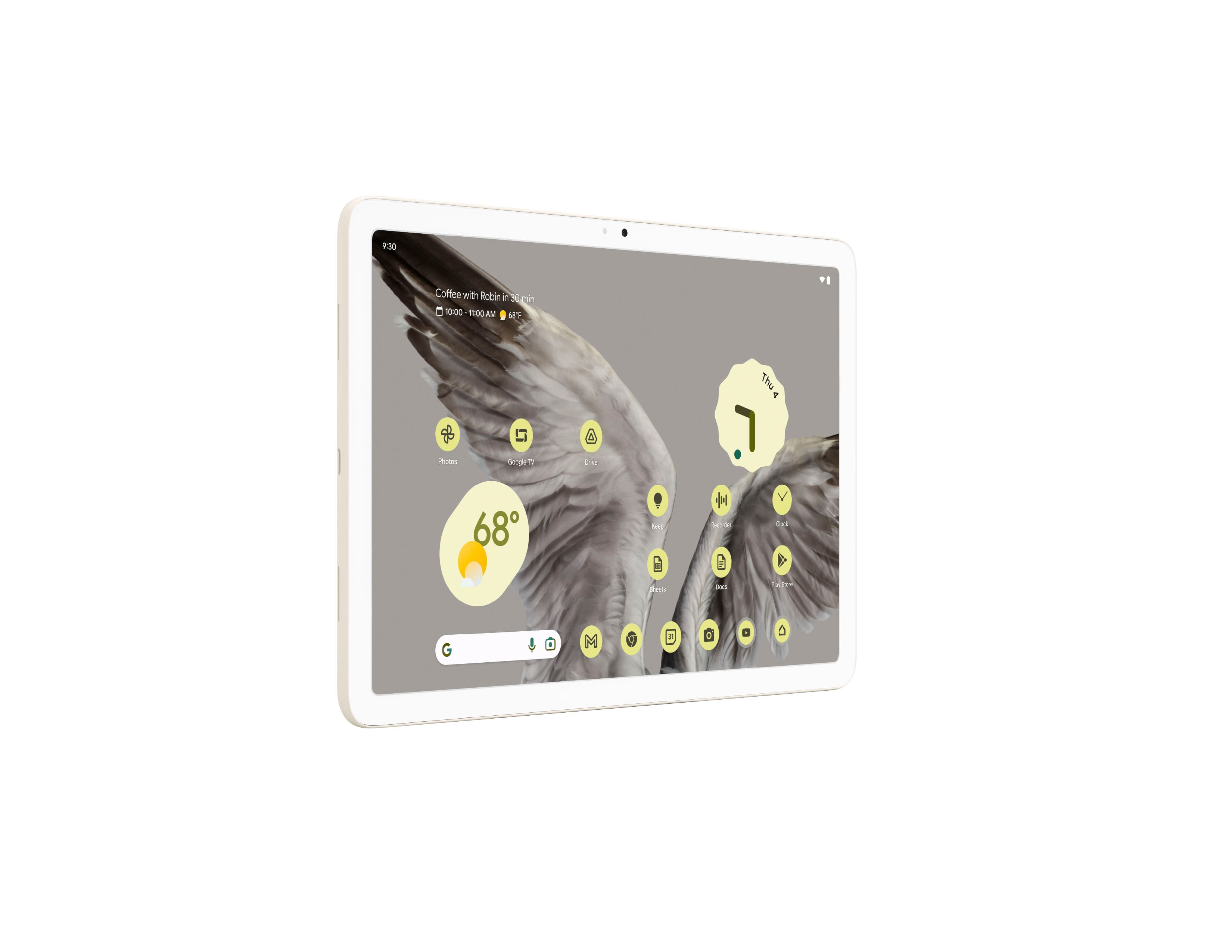
    I haven't used Android tablets in years because I didn't find them very good back then. Then at home we use Chromebooks as well, and since modern 2-in-1 Chromebooks run Android apps, I didn't expect much else from Android tablets running plain Android. However, my first impression is that this tablet flows very smoothly. At around 11" diagonal, its size is perfect for couch surfing, and it's relatively light. Being a Pixel tablet it does have some welcome customizations. This changed my mind about Android tablets. Using the Porcelain finish, the theme of the interface including keyboard and other included Google apps is of earthly colors, and it can optionally customize the app icons as well. I like the consistency. The HDR screen is vibrant, and by default it enhances colors. The actual edges on the screen are curved. Widgets in the tablet stand out because there is so much more space for them to be useful. Particularly the Google TV. If you're a Google TV user, this is very nice as it displays the top choices from different streaming apps that are linked with Google TV. One of the standout features is the included dock. Besides charging the tablet, the dock works as external speakers for the tablet. The dock itself doesn't have any connectivity besides connecting to the tablet. I'm impressed by it's sound given it's compact size: Bass has body and overall sound is very natural and clear. It has certain warmth to it given that bass is good but not does not take over. This sounds as good as other high-end speakers of similar size. The dock uses a proprietary barrel connector and the included power adapter works only with the dock. The cable is attached to the power brick. The tablet also has an USB-C connector which works for data, so I was able to use it with an USB-C hub from a laptop with a mouse and keyboard while charging. However there is no video output. Also there is no docking keyboard, so it's either USB or Bluetooth keyboards, which have the tendency to discharge when needed. So given this this tablet is more for entertainment than productivity, and that's OK with me. When docked, the display can stay on and it comes with different weather and clock screensavers. These are nice but don't provide a whole lot of customization, yet. Integration with Google Home: The Home app itself is what I'd expected in any Android tablet, but with the added benefit that works as a widget when docked and the screensaver is on, somewhat like a Nest hub but not quite. It's good for quickly accessing light settings without unlocking the tablet. When docked, it also works as a cast receiver: any video or music app that supports casting can use it as a screen. This is disabled as soon as it's removed from the dock. And another feature I like is that it's made to be shared across family members: Its supports multiple users as well as a guess mode. This to me reminds me of how Chromebooks work. It has a similar workflow and multiple users can be logged in and switch between them, etc. It has a fingerprint sensor for quick login and authentication built into the power button (The only button besides volume), and although it's very thin I'm surprised how well it works: More consistently than my laptop. The tablet has the Tensor G2 CPU and its Titan security processor, with 8 GB RAM. It has the same background removal features as a Pixel phone and proximity sharing, so finally it's easier to 'drop in' content when using a compatible phone, or copy/paste across other Android devices. Both front and rear camera provide crisp images with 8 MP photos and 1080p video. I also like that it has rubber feet so it's easy to stand up when not using the dock (I'm not using the additional case, just holding it). There is also split screen support, so two apps can run side by side. Overall it's a great tablet to keep in a living room or kitchen. Great sound through the dock and very fluid interface. The Porcelain color finish on my tablet works well.

    I would recommend this to a friend
    • Brand response from Google Team
      Posted .

      Hello there, emiliosic. Thank you for posting your review on the Google Pixel Tablet. We're glad to hear about your awesome experience with the device so far. If you have any questions or want to know more about your Google Pixel Tablet, our dedicated team of specialists are available anytime. You can contact us on our Google Help page here: https://support.google.com/googlepixeltablet/?hl=en#topic=13075701 madebygoogle

  • Pros mentioned:
    Sound quality
    Tech Insider Network Member

    Rated 5 out of 5 stars

    Pixel Tablet vs Nest Hub Max

    |
    Tech Insider Network Member
    Posted .
    This reviewer received promo considerations or sweepstakes entry for writing a review.

    Google has done something revolutionary with this latest generation Pixel tablet. The Pixel has blurred the line between a traditional home hub/display and tablet. While it’s great to have both in the same package, it doesn’t exactly master in the categories it’s meant to replace. More on this later. Out of the box, the Pixel was easy to set up. Hook up to your wifi, and a few updates later, you will be all ready to go. You do need some kind of google profile but that isn’t hard to do if you don’t already have a gmail account. The box includes the 11” tablet, charging dock/speaker and power cable. The tablet can only charge with the supplied dock out of the box. But you do have an option to charge the Pixel tablet with any USB-C if you want to take the tablet out of the house. My household is primarily in the Apple ecosystem with google speakers as the smart home speakers. I use Google Nest home hubs to control my smart lighting, scenes, etc. Linking my iPhone with the Google photos app allows all my google smart displays to display my photo album when the display is idle. The Pixel vs Google Home Hub Max - B+ I have my regular Google displays as a picture frame when idle. The Pixel docked has been great at replicating this. Where it falls short is that I find the “Hey Google” not as sensitive as my regular Google Home Hubs. When the Pixel does respond, it does control my lights and other smart things in my home the same as the Hub Max. The Pixel’s dock size is slightly larger than Hub and smaller than the Hub Max. When docked, the sound is similar to the smaller Hub. If audio quality is your utmost concern, the Hub Max still sounds better and has a much larger bass. The Pixel Tablet itself has decent speakers but adds the bass it lacks when docked. Just don’t expect Hub Max-like sounds. The Pixel vs iPad or similar tablets - A I think the Pixel as a tablet will satisfy most user’s expectations of a tablet. It may not have the highest of specs but the display is high enough resolution, fast enough of speeds and large enough of size to meet most people's needs for a tablet. While we may not want to admit, primary use of a tablet is browsing the web, shopping, basic games and social media. In summary, this latest Pixel is pretty awesome. It replaced my Nest Hub in the kitchen. The size of the screen is similar to the Hub Max in my office and I never knew I wanted such a big screen in the kitchen as well. But the real advantage now is that I will always have a tablet in the kitchen within reach. Having a hub as a charger will also ensure that the tablet is always in the same spot every time. No more hunting for the tablet like I'm constantly hunting for the TV remote. I can now simply make lunch, undock the tablet and use that to stream content while I'm eating. Game changer.

    I would recommend this to a friend
    • Brand response from Google Team
      Posted .

      Hi there, TonyMSP! Thanks for sharing your take on the Google Pixel Tablet. It's great to hear about your positive experience so far. In regards to voice control we suggest that you retrain the device to better recognize your voice. You can do this by going through setting Voice Match again on the device. If you need further assistance or have additional questions, please don't hesitate to contact us on our Google Help page here: https://support.google.com/googlepixeltablet/?hl=en#topic=13075701 madebygoogle

  • Pros mentioned:
    Battery life, Processor speed, Sound quality

    Rated 5 out of 5 stars

    Welcome back Google to tablet market

    |
    |
    Posted . Owned for 2 weeks when reviewed.
    This reviewer received promo considerations or sweepstakes entry for writing a review.

    I am a really huge fan of the Google line of devices. I still have very fond memories of the 2nd generation Google Nexus 7. I was probably one of the few fans of the Pixel Slate. I currently love my Pixelbook Go. So I was disappointed that Google decided to move away from tablets. Now, this new Pixel Tablet really got my attention. I ended up getting the 128gb edition in the Hazel. I really enjoy this 11” screen. The quality is amazing, very clear and crisp. The tensor 2 chip is really responsive and fast. I’ve been using multiple tabs opened and watching videos on it at the same time, and it has not stuttered or any apps crashing at all. The backing feels great to hold, not too slippery as it offers a sturdy grip to hold on to. What makes this even better is the sound dock that accompanies the tablet. Now you have a Google nest home. The speaker system sounds good, could be louder. And that when docked, it charges at the same time where it doesn't fully charge it, keeps it at 90% so to keep battery healthy. The magnet holds it well and does take some practice in undocking without moving the speaker dock around too much. Some improvements lay with the location of the power button. When landscape it is on the upper right corner. When in portrait mode, it is on the lower right right corner and the usb-c port at the top. Also, the Touch ID needs some work as it does not recognize my finger about 50% of the time. Overall, I really love this tablet. I mostly use it as a tablet and love the responsiveness of it. The screen quality is amazing and is great for both entertainment/reading and online surfing. So happy that Google has come back in the tablet market.

    I would recommend this to a friend
  • Pros mentioned:
    Processor speed, Sound quality
    Tech Insider Network Member

    Rated 4 out of 5 stars

    Excellent home hub replacement

    |
    Tech Insider Network Member
    Posted .
    This reviewer received promo considerations or sweepstakes entry for writing a review.

    I replaced one of my Google Home Hubs that was in my living room with this pixel tablet. Google hit it out of the park in some areas where the Home Hub was lacking. Obviously running full Android is a benefit and makes setting up the tablet and loading it up with pictures directly much easier. It’s well built and being familiar with Pixel phones everything is pretty seamless using the Google home app. Being able to dock it to charge and view media and remove it effortlessly seems long overdue. The tablet is fast and the Android experience is excellent using Google optimized apps. It’s a real shame that apps such as Facebook and NewsBreak still are just blown up phone apps. It’s makes no sense because especially in landscape mode they are basically worthless and you should just use the Chrome Browser. This is unacceptable in 2023 and both Google and developers should optimize these apps somehow. Other than the app experience being subpar everything else home hub related is great which is what you probably will be using this for mostly anyway. I also want to point out using the clock at night shows the charging status as shown in the picture below. It doesn’t do that on the smaller home hubs and should be removed as it’s just an unnecessary distraction on a tablet that’s docked anyway. We just want the time Google. Also getting a Google case in a reasonable amount of time right now is nearly impossible. These should’ve been available and ready to go at launch. I would certainly recommend this to anyone already in the Google ecosystem that’s looking for a home hub or an Android tablet with a unique design that does so much more.

    I would recommend this to a friend
    • Brand response from Google Team
      Posted .

      Hi there, bckrupps37. We appreciate you for sharing your positive experience with the Google Pixel Tablet. Your feedback on the optimization of some of the apps is appreciated and we've taken note of it. We suggest reaching out to our support specialists for any inquiries you may have in the future. You can contact us through our Google Help page here: https://support.google.com/googlepixeltablet/?hl=en#topic=13075701 madebygoogle

  • Pros mentioned:
    Processor speed, Sound quality
    Cons mentioned:
    Hey google, Storage

    Rated 3 out of 5 stars

    A very first generation product

    |
    |
    Posted . Owned for less than 1 week when reviewed.
    This reviewer received promo considerations or sweepstakes entry for writing a review.

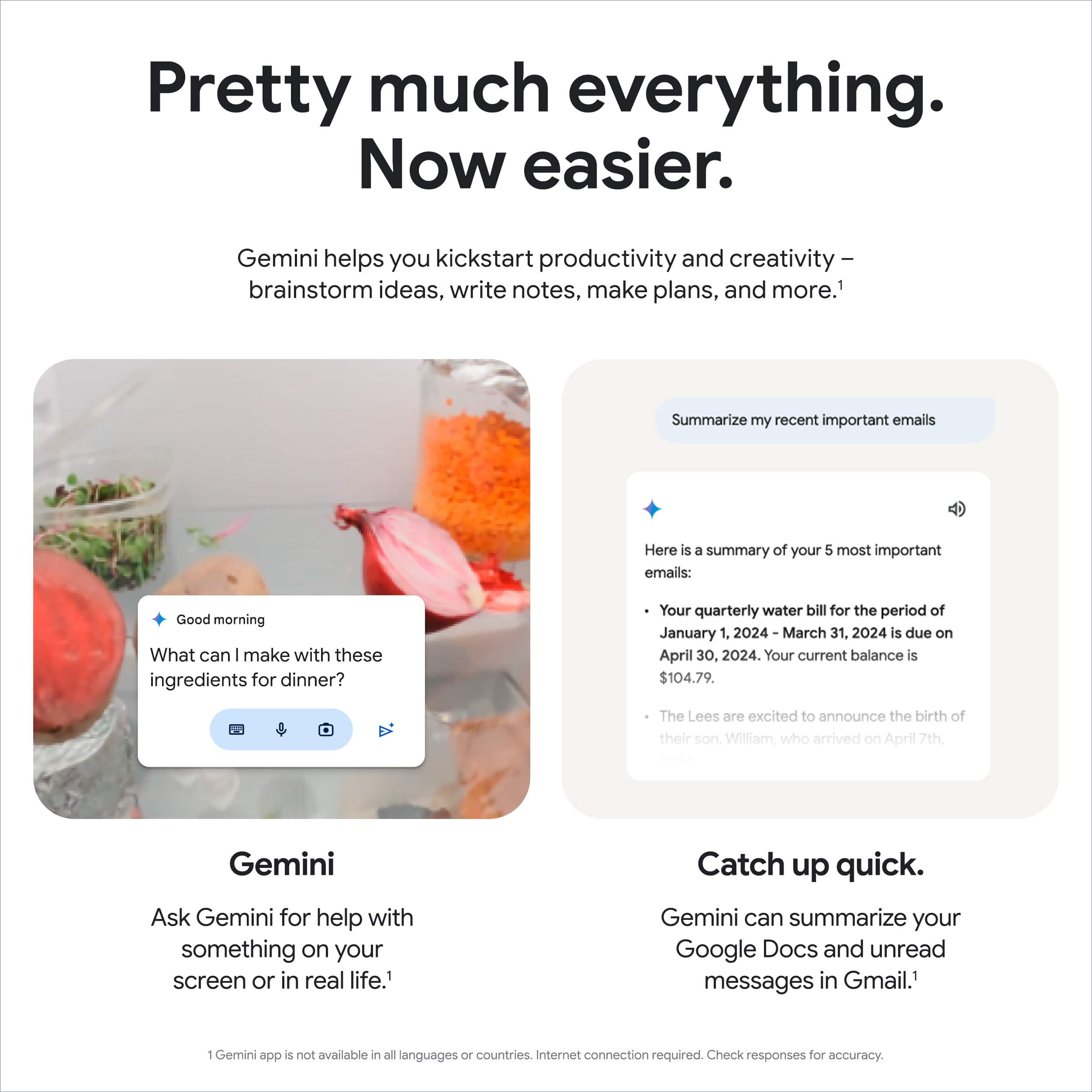
    This is a very first generation product. On one hand this tablet is quite speedy, with Geekbench scores of 1437 single core and 3706 multi core, faster than the Samsung Tab S9 FE in the same price bracket. It lacks a keyboard connector, a stylus, and expandable storage. On the other hand this product screams that it's first generation. The charging speaker dock is just a paperweight without the tablet, even though it sounds decent with the tablet connected, but there's no way to manually cap the battery charge (like you can with Samsung), instead relying on "intelligent charge" to not wear the battery life out quickly by keeping it constantly 100% charged. Trying to remove the tablet moves the base as it is not weighted and the magnet is too strong. The Google Assistant is not as responsive as it is on my Android phone, and cannot do the same things it can on my phone. Asking it to play Thursday Night Football on Prime Video, for example, leaves it saying "Cannot find Thursday Night Football on Prime Video". Asking it to turn on the thermostat fan for 15 minutes (I have a Nest thermostat connected to my Google account) leads it to say it cannot do that. Asking it to open an app requires me to unlock the device, so you can't really use it as a smart display the way you can with, say, an Echo Show. As a tablet, it's 4/5, as a smart display, 2/5, but for $350 there's no comparison.

    I would recommend this to a friend
  • Pros mentioned:
    Battery life, Processor speed, Sound quality

    Rated 5 out of 5 stars

    Perfect tablet for us

    |
    |
    Posted . Owned for 1 month when reviewed.
    This reviewer received promo considerations or sweepstakes entry for writing a review.

    The Pixel Tablet is great - especially for those in the Google Home/Pixel circles. The build quality is top notch, the screen is bright and vivid while not sacrificing quality in low-light situations and the battery life is exceptional with daily browsing and even streaming videos on Netflix, YouTube, Prime, etc. While it does have the previous generation processor versus the Pixel 8, user interactions are smooth with nary a hitch in fluidity. The speaker/dock is genius. Not only do you get a great tablet for consuming media and other tablet tasks, you get a fully fledged, big-screen Google Home/Nest Hub. While it's not the fastest charger, it doesn't take long to get fully charged and the fact that it remains useful while on the dock just adds value to us. Just a note, it can be a little tricky to get the right spot to attach it at first but it becomes very simple after a few tries. Overall, a great value for the money.

    I would recommend this to a friend
  • Pros mentioned:
    Battery life, Sound quality

    Rated 5 out of 5 stars

    Best tablet

    |
    |
    Posted . Owned for 5 months when reviewed.
    This reviewer received promo considerations or sweepstakes entry for writing a review.

    "Google Pixel Tablet is a remarkable device with its sleek design, stunning display, and powerful performance. The user interface is intuitive and easy to navigate, making it a pleasure to use for both work and leisure. The battery life is impressive, ensuring uninterrupted usage throughout the day. Additionally, the integration with Google services provides seamless access to productivity tools and entertainment options. Overall, the Google Pixel Tablet offers an exceptional user experience, making it a top choice for anyone in search of a high-quality tablet."

    I would recommend this to a friend
  • Pros mentioned:
    Ease of use, Processor speed, Sound quality

    Rated 5 out of 5 stars

    I pick Pixel!

    |
    |
    Posted . Owned for 1 month when reviewed.
    This reviewer received promo considerations or sweepstakes entry for writing a review.

    Google has taken everything they know (which is quite literally everything) and put it all into this blazing fast tablet powered by their own Android OS! All the features I loved about my Pixel phone are there, and then some. The resolution borders on hyper-realistic and the sound is impeccable, with or without the docking speaker. The whole system acts like the phones, but even smoother and faster! Definitely pick this one up, even without the dock, it’s well worth the money!

    I would recommend this to a friend
  • Pros mentioned:
    Sound quality

    Rated 5 out of 5 stars

    Awesome tablet

    Posted .
    This reviewer received promo considerations or sweepstakes entry for writing a review.

    Honestly never ever ever liked Apple products and never liked Samsung garbage either. I was debating between this and the one plus tablet. I already have a pixel phone however the two main differences is that the one plus is more for if you use it and type with it a lot and this one can act as a hub and a tablet. I know people knocked on it for not being able to use the speaker separately but its awesome. I had to order a case from Google directly since there isn't any available in store.

    I would recommend this to a friend
    • Brand response from Google Team
      Posted .

      Hi there, ATXDude. Thank you for sharing your review on your Google Pixel Tablet. We're glad to hear that you're enjoying your experience with the device. If you have any concerns or need any assistance with your device, please don't hesitate to reach out to our support team by visiting our Google Help page here: https://support.google.com/googlepixeltablet/?hl=en#topic=13075701 madebygoogle

  • Pros mentioned:
    Sound quality
    Cons mentioned:
    Refresh rate

    Rated 4 out of 5 stars

    Close to Perfect

    |
    |
    Posted . Owned for 2 months when reviewed.
    This reviewer received promo considerations or sweepstakes entry for writing a review.

    This is a excellent tablet. The speakers both docked and undocked are really good. The screen is excellent for being non OLED, and the experience on the tablet is really snappy and smooth and I really like the stock android experience here. My only fault with the pixel tablet is no 90Hz refresh rate. I own a tab s9+ and the pixel tablet really surprised me

    I would recommend this to a friend
    • Brand response from Google Team
      Posted .

      Hey there, Gordon. We’re delighted to hear about your experience with the Pixel Tablet and its rich features. We hear your concern regarding the refresh rate. We’re always striving to learn and improve, and your feedback will be considered in our future endeavors. If you come across any questions around the performance or functionality of the Pixel Tablet, our dedicated team is always ready to lend a helping hand here: https://support.google.com/chromecast/gethelp madebygoogle

  • Pros mentioned:
    Sound quality

    Rated 5 out of 5 stars

    Great Tablet

    |
    |
    Posted .
    This reviewer received promo considerations or sweepstakes entry for writing a review.

    This is my first Pixel Tablet. I purchased this with the Charging Speaker Dock to replace an aging Samsung Tablet. The Pixel Tablet has met and exceeded my expectations! Very nice tablet and makes a great smart display when docked. Also the speakers on the charging dock are very good. I am truly enjoying this purchase and suspect I will migrate my phone to Pixel as well.

    I would recommend this to a friend