Customer Ratings & Reviews
- Model:
- CHDHZ-311-TH
- SKU:
- 12110631
Rating by feature
- Value
Rating 4.6 out of 5 stars
- Quality
Rating 4.8 out of 5 stars
- Ease of Use
Rating 4.5 out of 5 stars
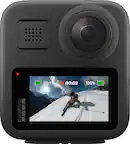
GoPro Max 2
||Posted .This reviewer received promo considerations or sweepstakes entry for writing a review.Great 360 view. Good for hiking! Also good when traveling for site seeing!
I would recommend this to a friendVery good
||Posted .This reviewer received promo considerations or sweepstakes entry for writing a review.Very good. I’ve been wanting these for a long time.
I would recommend this to a friendGoPro max 3
||Posted .This reviewer received promo considerations or sweepstakes entry for writing a review.GoPro max2 360 love this can get everything around u
I would recommend this to a friendWorth the Wait - MAX 2
||Posted . Owned for 2 weeks when reviewed.This reviewer received promo considerations or sweepstakes entry for writing a review.Great camera! Lots of new features and upgrades from the MAX 1.
I would recommend this to a friendLiked this but insta 360 slightly
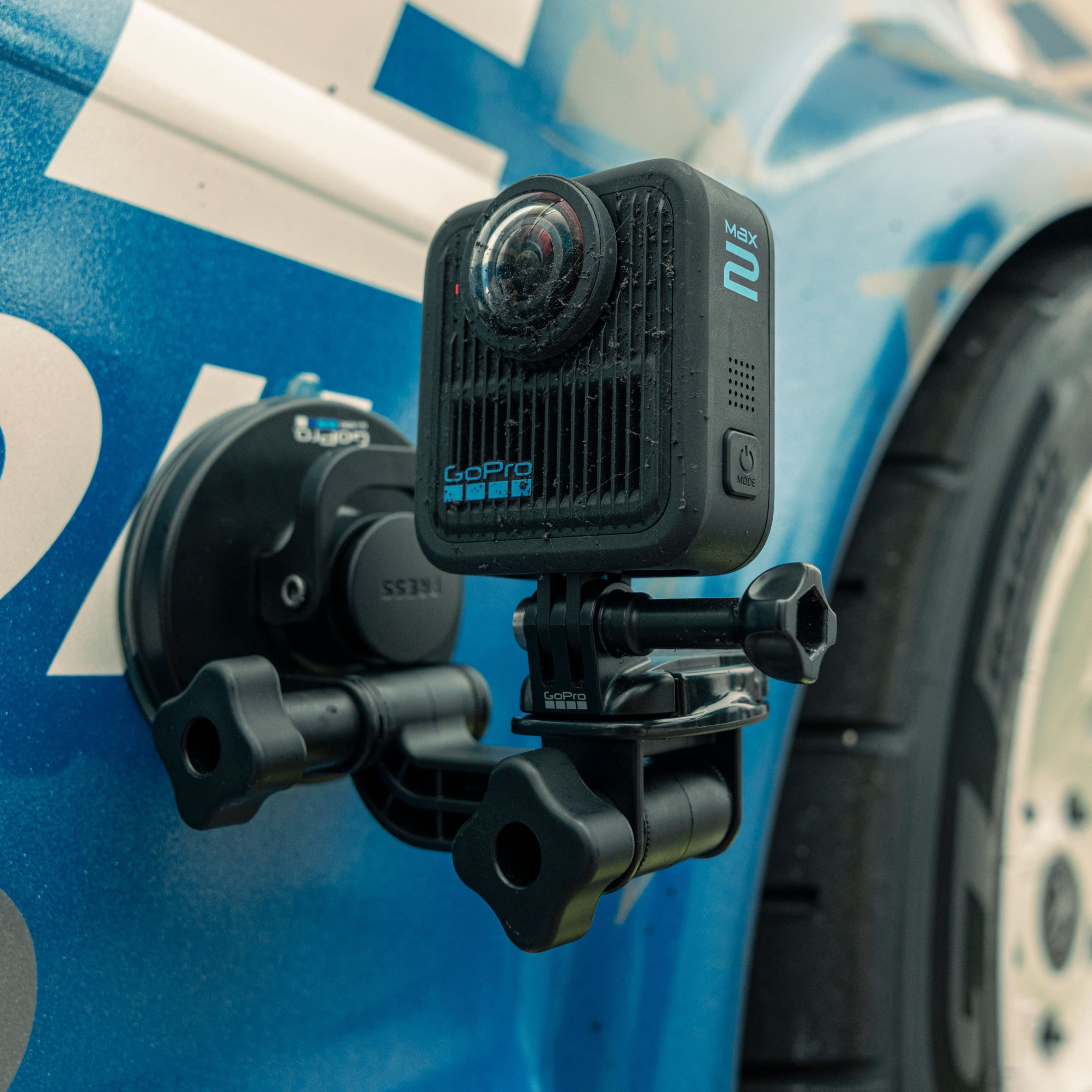
||Posted . Owned for 3 weeks when reviewed.This reviewer received promo considerations or sweepstakes entry for writing a review.Broken and heavy fell off car with mounts better for action shots like biking and outdoor sports not for car content
No, I would not recommend this to a friendGoPro Max 2
||Posted .This reviewer received promo considerations or sweepstakes entry for writing a review.For the price, it wasn’t too bad but it overheat so many times. Then it would just completely shut down and I would have to wait till it cools off. I went with a Insta360 X5.
No, I would not recommend this to a friend
MAXimum 360
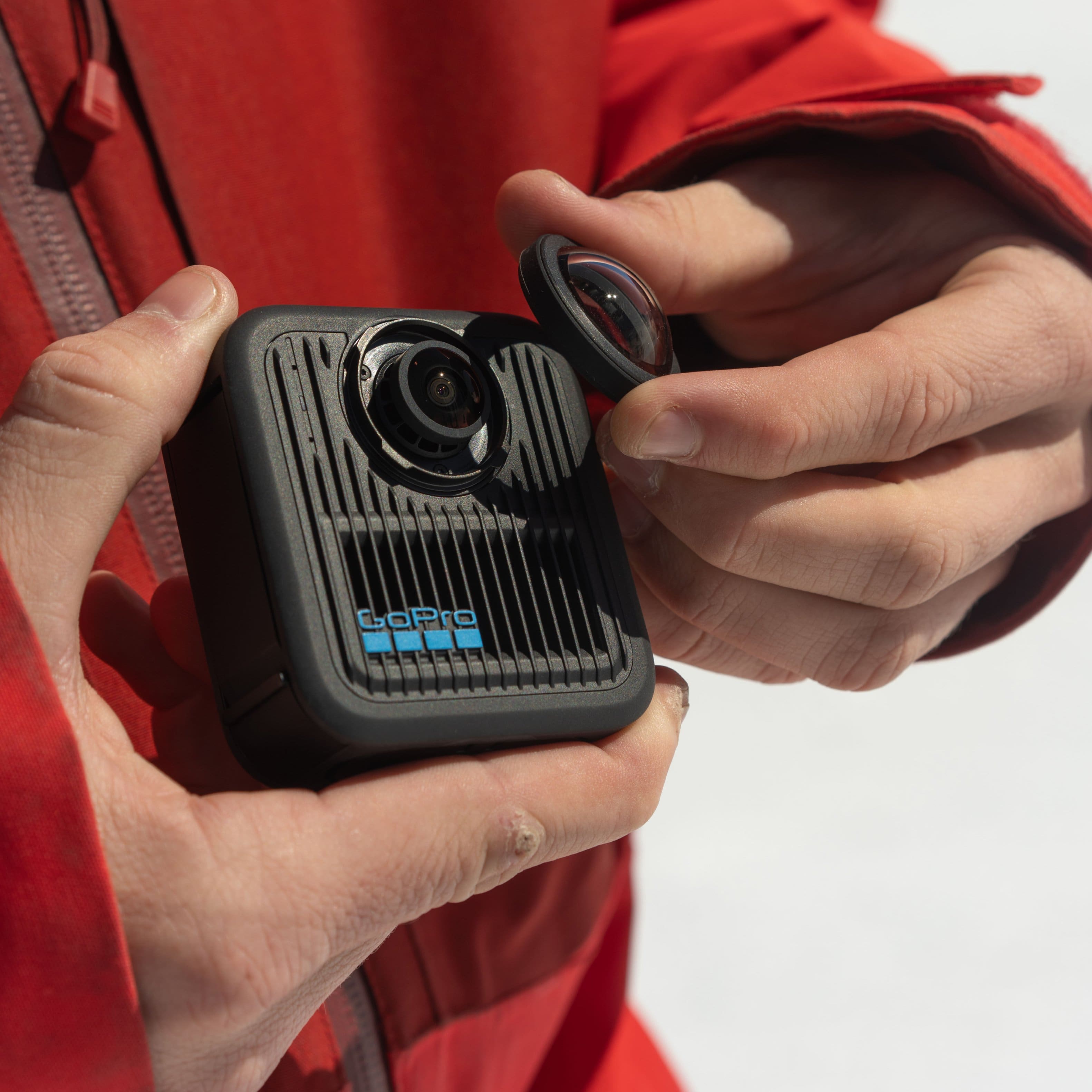
|Posted .This reviewer received promo considerations or sweepstakes entry for writing a review.This kit is a barebones setup. You get only a few things to get you going, the camera, a battery, a USB-C cable, a helmet mount and a microfiber cloth. All other parts needed including a pole mount to make videos with a disappearing mount you need to buy extra. Would have liked to see at least a pole mount because not everyone buying this is riding something that requires a helmet. Documentation is limited to a quick start guide, safety instructions, a card with a QR code to subscribe to GoPro Premium for cloud storage and premium editing tools in the Quik app among other things from GoPro. Once opened you are greeted with a sticker on the screen that prompts you to update the camera before you can use it. If you have never used a GoPro before you need to download the Quik app to your phone. This app allows control of the camera, the ability to access the setting and access to the files of footage. A cool feature that I found is the ability to use either both lenses or a single lens. So this is not just a 360 degree camera as I originally thought. You also have the ability on single lens mode to flip from either the front lens or the rear lens. While testing the camera I notice on the front there is a heat sink below the lens. The camera does run warm while in use. On the quick start guide there is a QR code to learn more about the Max2. This takes you to the website that has a full 42 page manual for the camera, a link to the GoPro YouTube channel to learn from how-to videos and helpful tips and a link to a support page. This is a well thought out way to access more information about the camera without adding bulk to the package with paper manuals. After inserting an SD card the camera let me know that the card I chose was not a good choice to use as it was not a fast enough card for video recording. I found that very intuitive for someone with zero experience using an action camera. Unfortunately the SD card is not the easiest thing to remove once inserted into the camera. If you are not careful the card will shoot across the room by the spring launching it out of the slot when you slip off the card. A key feature of the camera is the replaceable lenses incase they get scratched or damaged. Although I had not found any info on removing them right off, I dd find a marketing video from GoPro on their YouTube channel I saw that they just twist off. The video makes it look easy, however it is quite difficult because they are made to make the camera waterproof so the rubber seal has a lot of friction. Without the lenses on the camera is not waterproof according to other GoPro documentation. With a lot of features I have yet to explore this is going to be a fun camera to use. So far with taking photos the images appear very crisp even at basic settings. A quick 360 video revealed more features within video playback that are pretty cool. The video resolution is very good as well. Overall even with a few shortcomings this is a great little action camera.
I would recommend this to a friendCapture Your life all 360 degrees of it!
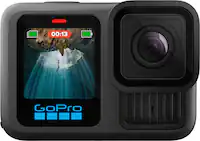
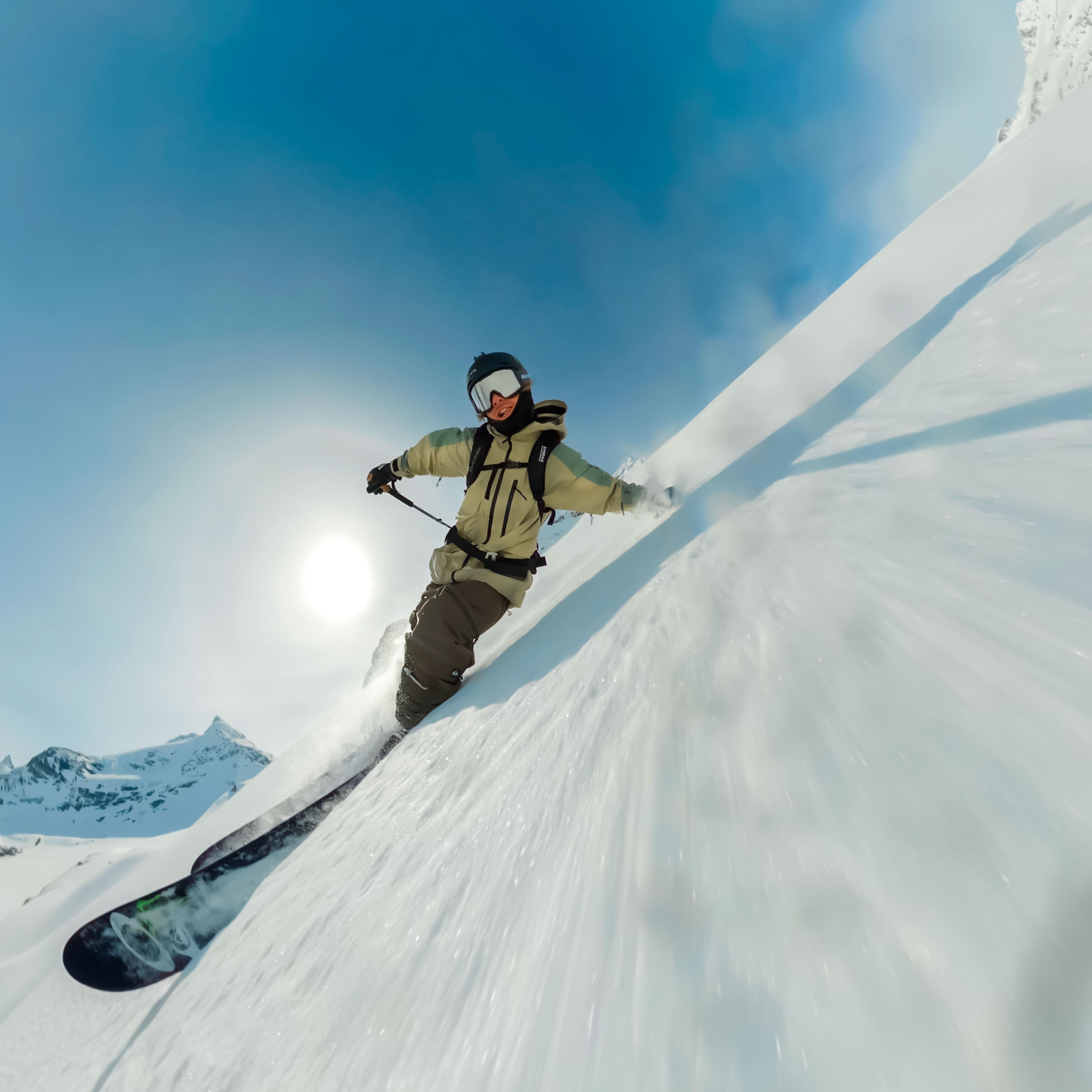
|Posted .This reviewer received promo considerations or sweepstakes entry for writing a review.The GoPro Max 2 is a new upgraded 360° 8K pixel camera from GoPro. The camera size is (W) 64.0mm x (H) 69.7mm x (D) 48.7mm and weighs only 195 gm. It has a 1.82" Touch LCD for on camera controls. GoPro supplies the camera with a 1960mAh Enduro Battery that lasts 60 - 120 min of continuous recording depending on the resolution you are shooting at. The built in GPS geotags the video and if you have a GoPro subscription it will auto upload the video with the built in Wifi. The good news is GoPro gives you a 1 year premium subscription for free with purchase of the Max 2! You get Guaranteed Camera Replacement with exchange for $99USD, Up to 50% off Accessories at GoPro.com, $100 USD Off Your Next GoPro Upon Renewal, Auto WiFi Upload, Automatic Highlight Videos, Live Streaming and Unlimited Cloud Storage of Your GoPro Footage and 25 GB Cloud Storage of Non-GoPro Footage, this is an incredible value. The camera is exceptionally good at taking photos and stitching them together into a seamless 360° view. It is fantastic for Skate boarding, mountain biking, snowboarding, hang gliding and every other sport. The 360° video it produces is great with no significant artifacts. It's also great for hiking and generally touring around and recording all your surroundings without having to concentrate on capturing a certain detail. The images can be cropped and adjusted in post to emphasize whatever you would like. The camera is also capable of using either camera in standalone mode for 4K imaging The cameras have a 1 x2.3.3 inch sensor and F1.3 . The lenses have replaceable glass covers that can be easily replaced if scratched. If you have a subscription with GoPro you can have the camera upload the images to GoPro through Wi-Fi with unlimited storage. The camera accepts a multitude of SD cards. I used a Samsung Pro Plus 1 TB SD card which worked flawlessly. I highly recommend using an SD card that is on the GoPro compatibility list in order to ensure it is fast enough for the camera to capture all those beautiful pixels. The camera comes with a GoPro adhesive mount so you can mount it to your helmet or other flat surface and quickly detach it and use other GoPro mounts with the folding GoPro fingers on its base. I plan on investing in a GoPro selfie stick with a tripod for additional flexibility in filming. The standard selfie sticks are a little too flexible compared to the GoPro model or one of the other more sturdy aftermarket selfie sticks designed for this device.The camera will also use a standard 1/4-20 threaded mount screw mount. The POV mode creates 360 video with each camera capturing > 180 degrees and stitching it together, together with GoPros incredible stabilization (Max HyperSmooth with 360° Horizon Lock) creates an amazing 8K pixel 360 degree video. In the single lens mode you can capture 4k 60fps 180 degree video. The GoPro Quick app handles the video allowing you to Frame it and edit it, one caveat it is Android or IOS only, The Quick desktop app has been discontinued. You can use the GoPro viewer app in Windows 11, it is a neutered app that can play the 360 video or trim it but for professional editing you will have to export it and use the GoPro ReFrame plugin for premiere or Davinci Resolve. You first have to open the video in the Gopro viewer then export it in a compatible equirectangular format. You can edit the exported video in your NLE app using the plugin. You can extend the camera's function even further with Beta firmware that you can download from GoPro Labs, this gives you access to many additional professional features while letting you keep using the standard features. I really love this camera, it creates unique video in stunning detail and is virtually a one click process. If you are a professional then it offers all the bells and whistles you could want for 360 video with more being added all the time. With the premium or Premium+ subscription you have access to your videos from anywhere. I highly recommend this for your 360 Videography.
I would recommend this to a friendGoPro Max2 is a force to be considered!
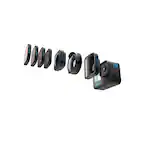
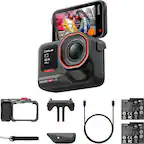
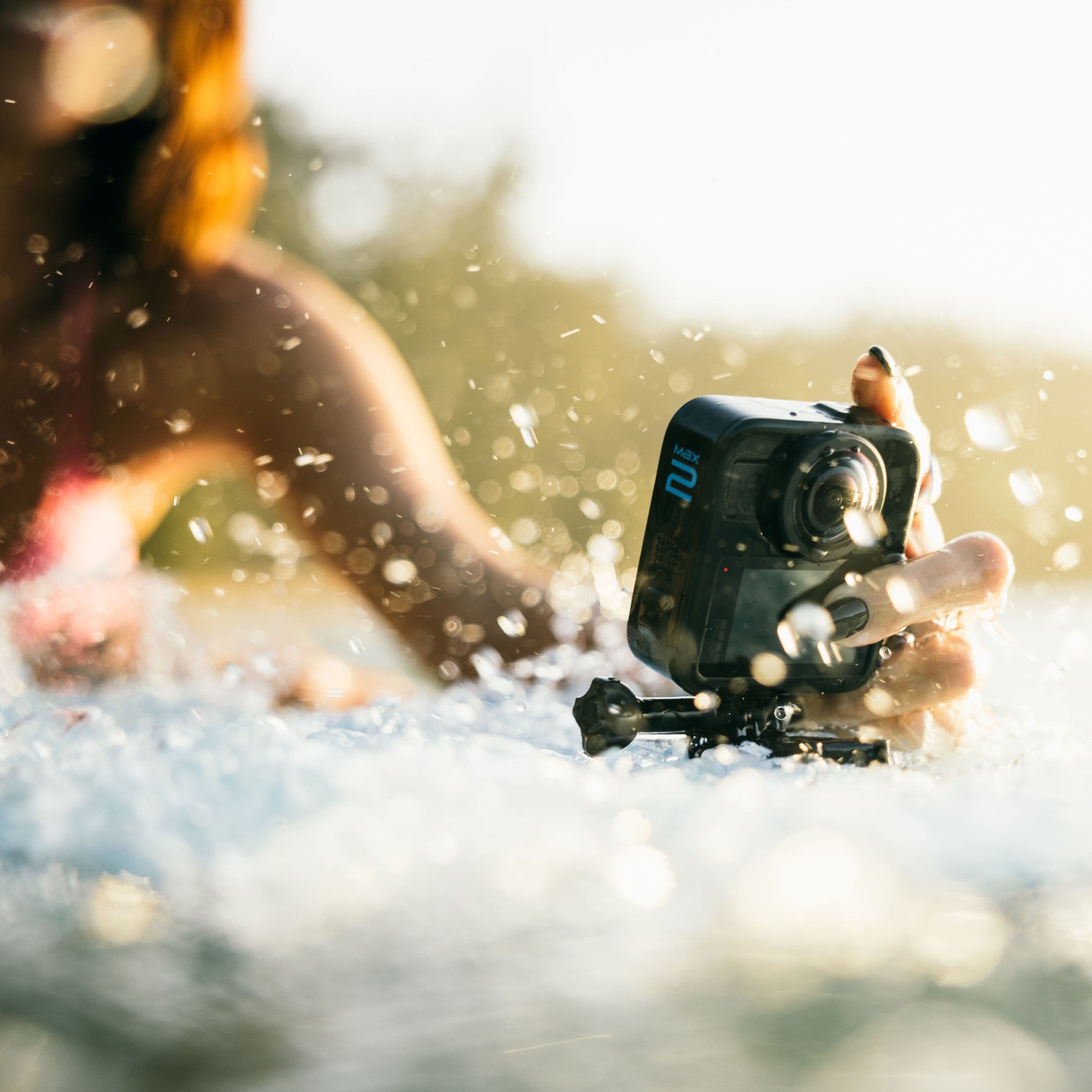
|Posted .This reviewer received promo considerations or sweepstakes entry for writing a review.Its been six years since GoPro has released a 360 camera and this one feels like what the first one should have been. So, opening the Max2 is pretty much typical GoPro packaging. You get some mounts, a battery, usb charging cable, and the camera. Now since I have other GoPro cameras, I have an account setup and the app installed on my phone. If this is your first product from GoPro you will need to do both, register and install the app. Okay onto the details…. GoPro advertises this camera to be “True 8K 360” The first thing I want to say about this is that yes the resolution is 8K, and yes, it’s amazing to have this much resolution in a 360-degree camera, but you must understand that 8K resolution on a 360 camera is spread out throughout the entire spherical image. It’s what enables you to capture video and images in a sphere and be able to pan around and frame your shots after. With that out of the way, the image coming out of this camera is truly amazing. If you’ve owned any of the latest GoPro HERO series, you know that those cameras have amazing colors and clarity. The color profiles are some of the best and they have def brought that over to Max2. Besides the amazing image quality GoPro has made it very easy to edit your footage in their app. You can manually select points in the clip and rotate the video to ensure you are capturing the viewpoint you want and can also select automatic tracking which you can select an object or person, and the app will analyze the video as its playing and keep the object/person in frame for you. One of GoPro’s cool new features is Motion Frame. This lets you move your phone around in the app on a clip you have already captured and recreate the perspective you want. It’s very seamless and makes editing very easy. I’m always happy to see companies innovate. GoPro is touting this to be waterproof up to 16ft. I have not tested this as of now due to the time of year as of writing this review, but from experience I have no doubt about that statement. A HUGE improvement and welcome addition are the ability to replace the lenses on this camera. One of the biggest negatives with prior 360 cameras has been that the lenses protrude from both sides of the camera, and this made durability a huge concern. Well GoPro has addressed this and now the Max2 comes with user replaceable lenses that you can purchase and change yourself. No more sending in your camera and waiting days to weeks for it to be repaired. This change not only makes repairs easier and more affordable but makes you want to take this camera everywhere with you and not have to worry about damaging it if you decide to do some risky recordings. Let’s face it, that’s what makes owning a 360-camera fun. Getting those shots in those situations where you might miss something or not have the framing correct in a fast-paced situation. Something else that is like magic with this camera is when used with a selfie stick the camera will automatically remove the stick from the shot and it will look as if someone else or a drone is taking the footage. This blew me away the first time I experienced this as with normal action cameras you always had to deal with that stick in the shot, but not anymore. I’m not sure exactly how this is done, but it is cool and once you experience this it will be very hard to go back to normal action cameras. Another stand out feature that GoPro is known for is the top tier stabilization. You can take this camera and wave it around, jump up and down, sway left to right and the footage after you use the app will be buttery smooth. This can be helpful when you’re in motion either in a car or on a bicycle, going over bumpy terrain. This level of stabilization is a game changer and just further enhances the experience of using this camera. So, who is this camera for? Well, this all depends. Are you someone who is already in the GoPro space and wants to add to your arsenal? Are you someone who wants a 360-degree camera but needs it to be super simple to operate? Are you someone who wants excellent video quality and top-tier stability? Then I would highly recommend you try this camera out. I would recommend this to any friends or family that are interested in a GoPro and a 360-degree camera.
I would recommend this to a friendGoPro Max 2: A New Dimension in Action Filmmaking
|Posted .This reviewer received promo considerations or sweepstakes entry for writing a review.Having already used several action cameras for trail runs, mountain biking, family vacations, and kayaking/paddleboarding, I approached the GoPro Max 2 with both excitement and some trepidation. This is my first 3D/360-degree action camera, so there’s definitely a learning curve compared to the straightforward “point-and-shoot” HERO-type cams I’ve been using. Out of the box, the build quality feels familiar and rugged in that classic GoPro way—solid buttons, waterproof design, and compatibility with the standard mounting system. The biggest adjustment is shifting from single-lens capture to 360-degree recording, which means I now have to plan for reframing and editing afterward using the GoPro app or desktop software. It’s a different mindset, but one that unlocks creative flexibility I didn’t have before. Remember to purchase a compatible memory card at least 256gigs or larger as this doesn't come with one in the box. In outdoor settings—bright daylight, wide-open trails, and high-motion moments—the Max 2 really shines. Its 8K 360-degree capture delivers crisp, immersive footage, and the stabilization and horizon lock features make even bumpy rides or uneven terrain look smooth. Mounting it on a helmet, chest, or selfie pole gives me the freedom to reframe shots later and capture angles that traditional cameras simply can’t. The waterproof body and rugged design make it perfect for hiking, mountain biking, or paddling trips where I don’t want to worry about the elements. I did notice some distortion while underwater due to the way it captures video but GoPro is expected to release a dive housing to correct this in the near future. For outdoor enthusiasts who want every perspective of their adventure, this camera truly captures the experience. The biggest challenge for me has been mastering the 360 workflow. Because this is my first 3D action camera, I’ve had to spend time learning how to use the GoPro Quik app to preview, reframe, and export clips properly. Unlike my older cameras where I could just trim a clip and upload it, the Max 2 requires more thoughtful editing. The process involves choosing the best viewing angle within the spherical footage, setting motion paths, and exporting to standard video formats. Thankfully, there are tons of helpful tutorials on YouTube, and I’ve been using them to better understand how to get the most from this camera. The extra effort in editing pays off with stunning, dynamic videos that feel far more immersive than anything I’ve shot before. That said, the GoPro Max 2 isn’t perfect. Low-light performance is still limited, especially in darker forest trails or indoor settings, and stitching artifacts can sometimes appear when lighting isn’t consistent. Recording in 8K 360 also drains the battery faster than traditional filming, so I’ve learned to bring extras for longer sessions. While the app is intuitive enough, it still requires patience—editing on a phone screen isn’t ideal for every project. Despite these drawbacks, the combination of hardware quality and post-production control makes the Max 2 a strong contender among high-end action cameras. Overall, the GoPro Max 2 has become a powerful addition to my camera lineup. It offers creative possibilities that none of my traditional action cameras can match, even if it demands more time and learning upfront. For anyone who loves outdoor adventures and wants to tell stories in new, more immersive ways, this camera is worth the investment. Once you embrace the editing workflow and plan your shoots around its strengths, the Max 2 transforms everyday outdoor footage into cinematic, all-encompassing experiences that capture the thrill from every angle.
I would recommend this to a friendCreative way to capture adventures
|Posted .This reviewer received promo considerations or sweepstakes entry for writing a review.GoPro fans can celebrate because a fresh new version of the GoPro Max is ready for us. The GoPro Max 2 is exceeding expectations of both myself, and other GoPro fans alike. Right out of the box the GoPro Max 2 came with everything needed to get started, and the initial camera setup and updating process was very smooth with no hiccups. One of the new specs on this camera that has me and many other GoPro enthusiasts most excited is the true 8k resolution. We can finally make a claim that our videos are truly 8k and not have an asterisk about upscaling, or counting the black unusable pixels. Seeing footage in this true 8k resolution with my own eyes is amazing and makes me excited for all the footage myself and other GoPro users are going to create. The footage seems to be very crisp and smooth, with colors being true and warm. Another feature I love about the Max 2 is the Twist + Go replaceable lenses. Obviously GoPro enthusiasts are going to put this camera through the ringer just as they do all their other GoPro cameras, but having two fairly large and exposed camera lenses can be a little nerve wrecking when going through the thick of your adventures. I personally have always kept lense and screen protectors on my GoPros and have been saved several times, so I know accidents can easily happen. Knowing I can always have spare lenses with me on all my adventures gives me peace of mind and confidence to do what it takes to get the shot, because the rugged camera itself will survive, and any lens damage can easily be swapped out to continue the adventure, this feature is very appreciated. With this camera being so new, I haven’t had the opportunity to take it along on some life changing adventure yet, but I have several big ideas for where this Max 2 360 degree camera will excel. Being a long time attendee of the Indy 500, I always say I want to bring every person I know to the race just to take in the whole atmosphere, the crowd, the flyover, the cars, etc, because no amount of photos or videos ever seem to do it justice. I think this GoPro Max 2 8K camera will be the closest thing I can get to bringing the experience to everyone I know. That is footage I really look forward to taking and sharing on social media, as I know it will be amazing. Not only will this 360 camera always get the shot even if you don’t have a vision for your shot yet, but it will be a great tool for bringing visions like mine to life. GoPro's app that is always improving, is ready for whatever footage you throw at it. Even being a video editing novice, the app and the MotionFrame feature is great for beginners and pros alike. Overall GoPro flexed all their innovation muscles for the new Max 2 360 camera and the content these cameras will create will be spectacular.
I would recommend this to a friendExcellent Waterproof Action Camera Has Everything
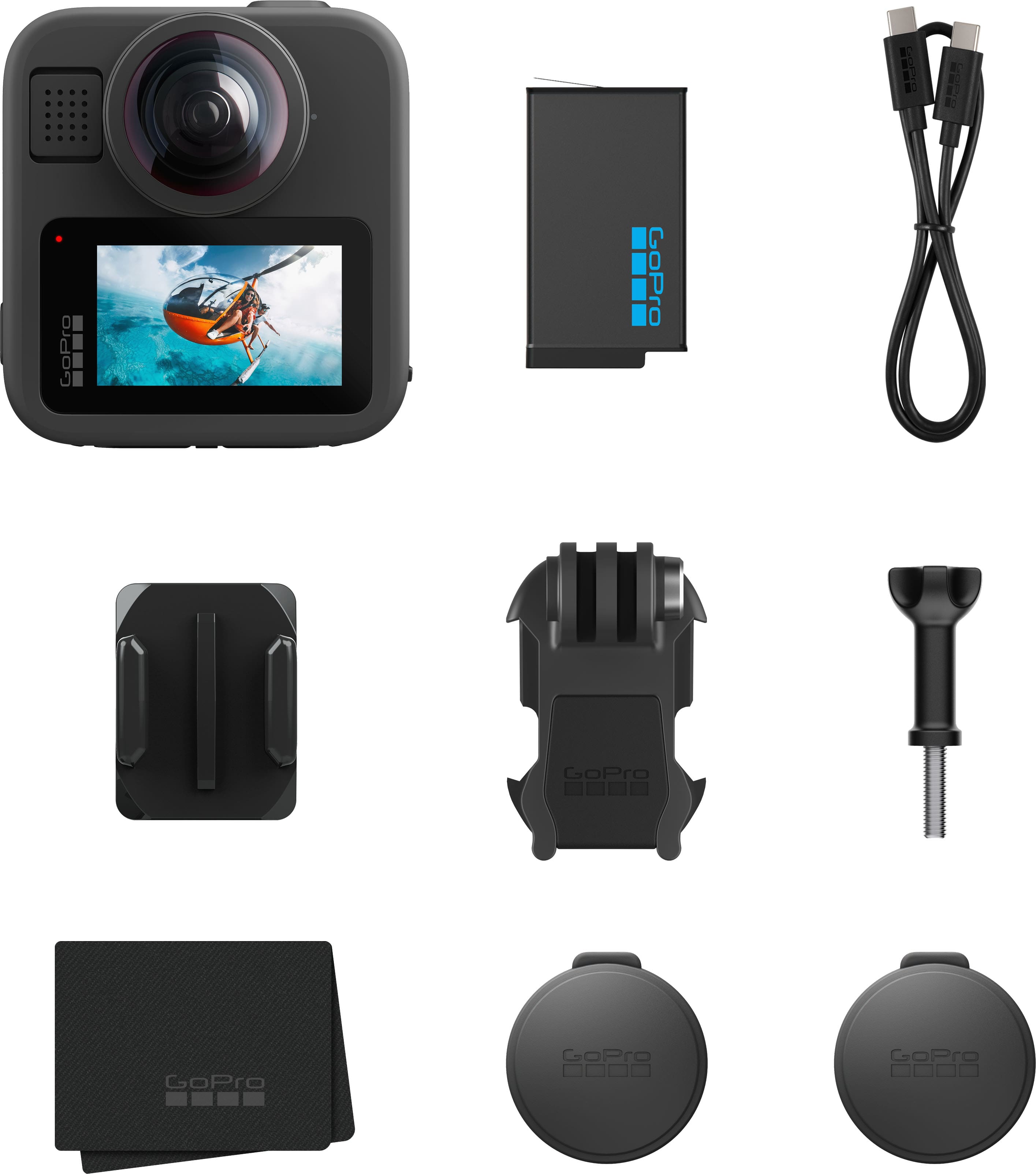
|Posted .This reviewer received promo considerations or sweepstakes entry for writing a review.This GoPro Max2 comes with lens caps, battery, USB-C cable, microfiber lens cloth, adhesive mount, mounting buckle and thumb screw. But it DOES NOT come with an SD card, so one will need to be purchased separately before the camera can be used. It is also VERY IMPORTANT to get the correct micro-SD card, one that is A2 U3 rated. Performance and functionality will suffer if a cheaper A1 U1 micro-SD card is used. Before the camera can be used, the battery and SD card need to be installed, and the camera needs to be charged for 1.5 hours to be fully charged. (Charger is not included either.) The GoPro Quik app needs to be installed on your phone to update the camera initially and also to remotely control the camera, and download, view, and edit videos and photos. This little camera does everything. It has a front and back lens that enables both 360-degree videos and photos. The most impressive feature without a doubt is its true 8K 360-degree video recording. The quality of the 360-degree video is flawless - there's no stitching errors or lines as you pan around it. Shoot 4K linear or various degrees of wide angle using a single lens for photos or videos. Use the default settings or manually adjust settings to fit the environment and light you're shooting in, including saving your own presets. Presets can be saved individually for videos or photos. One of the features I like best about this GoPro is the ability to remotely control it either with the GoPro Quik app or with voice commands. Other notable features include replaceable lenses; they simply twist off and on; the camera has standard camera mounting threads- besides using the adhesive mount and buckle the camera can be pole mounted or tripod mounted for selfies or whatever. The camera is also waterproof. The GoPro Quik app has a unique feature called "Motion Framing" whereby you can reframe (edit) your video by moving the phone around while the 360 footage plays. The app will follow your motion as the virtual camera path. It's literally smart remote framing - very slick! Lastly GoPro has an app called GoPro Player that can be installed on a laptop or desktop so videos and photos can be viewed or edited on a larger screen. If you want a rugged go anywhere action camera that does it all, you can't go wrong with this GoPro Max2.
I would recommend this to a friendNice upgrade to my old GoPro
|Posted .This reviewer received promo considerations or sweepstakes entry for writing a review.I have had a GoPro camera for a long time. I think my model may be the GoPro 4 or 6 Black. It has been a great camera over the years and has been used in a lot of different situations and weather and certainly not babied. So far it has stood up to everything my kids could throw at it and it has captured some really nice video. So, time has moved on and so has technology. It was time to look into an upgrade to the old GoPro, so naturally, I went back to the brand that has served me well. The new GoPro Max2 is a very interesting and functional camera. This model adds a second camera that provides an immersive video experience beyond what a single lens camera can do. The camera even has the unique ability to remove the selfie stick that many of us use from the video. A nice touch for sure. The Max2 can be set for different video settings, but its claim to fame in this department is its ability to film in true 8K while in 360 video mode. The Max2 will max out at 4K and 60 frames in single lens mode, however. There are a world of neat settings and tricks that this camera can do, that I don't even know how to cover them in this review. I even found myself going to youtube to watch a video on how to make setting sdjustments and what some of the features actually do. It is going to be a fun camera to play around with for certain. It has things like 360 max timewarp, object tracking, invisible pole shots, immersive 360 audio, 4K reframe, and star shoot. All of the settings can be adjusted from the GoPro app and the app can even be used to view what the camera is filming in real time and can be used as a remote control for the camera. This is an action camera, so GoPro made the lenses on this camera replaceable in case one was to get scratched. The camera comes with minimal accessories, so you need to plan on what you need to get started. You will certainly have to have a compatible high speed micro SD card to even go through the setup process and of course you will WANT a selfi pole and other attachment accessories to you can get the full benefit from the camera. So far, this has been a nice upgrade from my old camera and it is also nice that my existing accessories are still compatible with this camera.
Best 360 camera on the market!
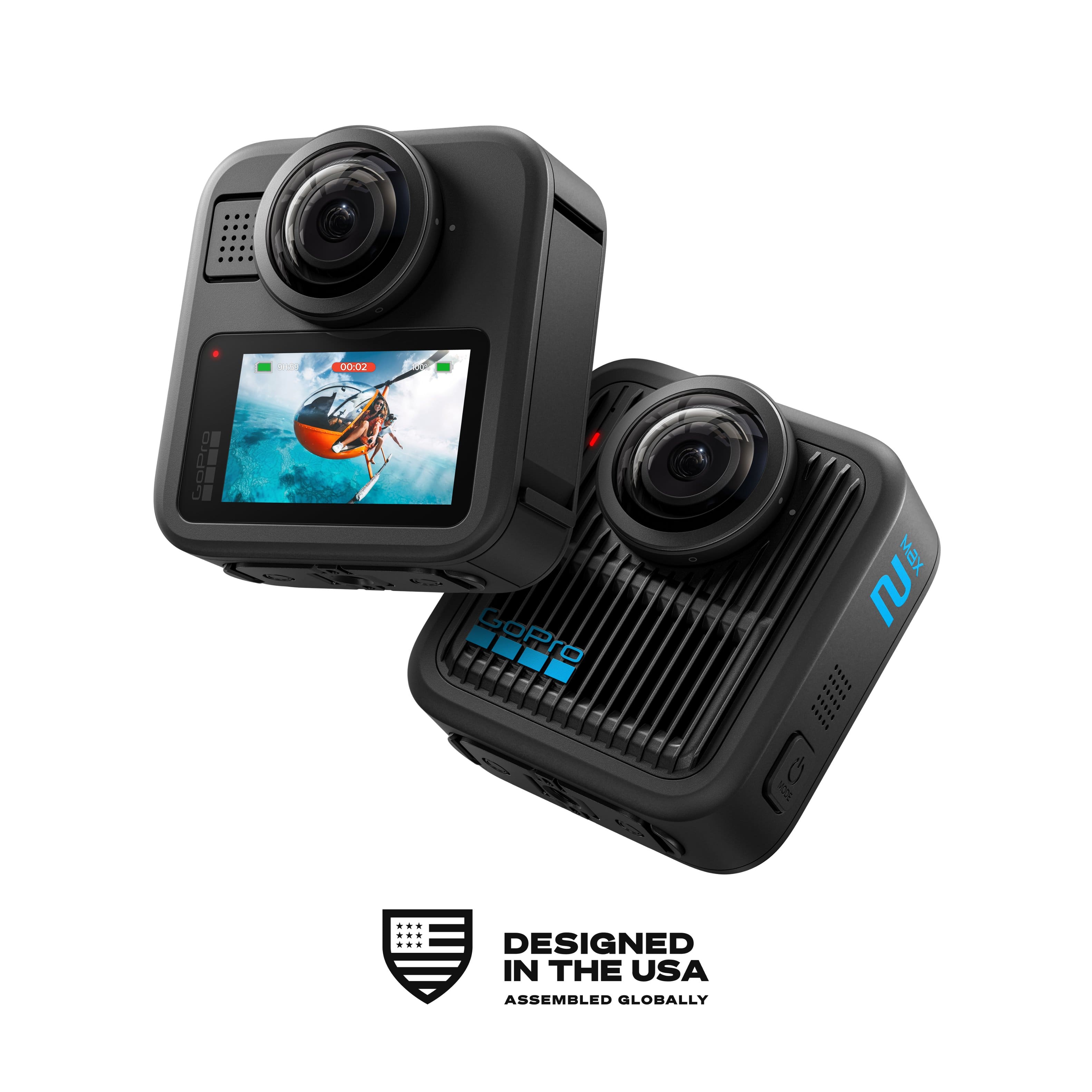
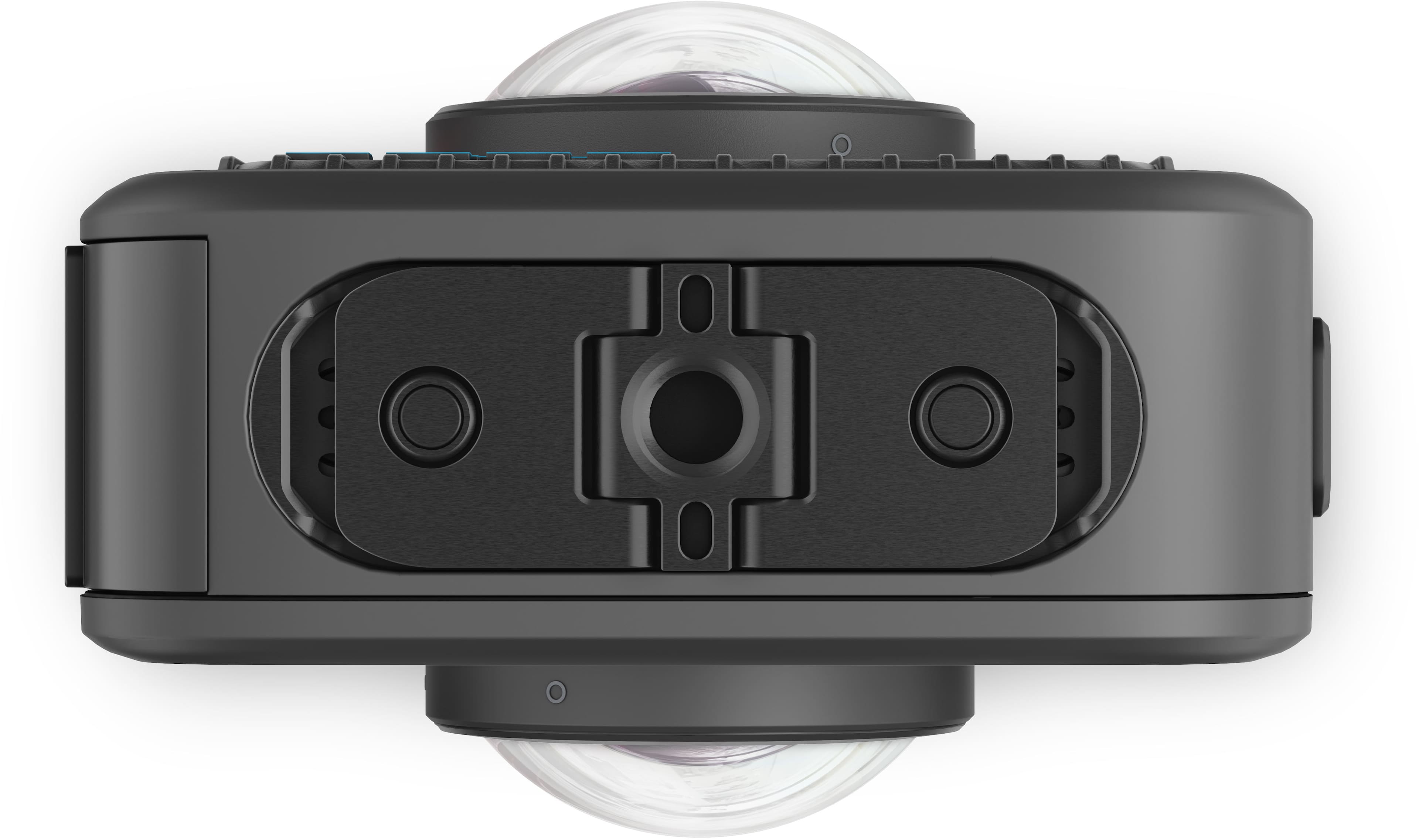
|Posted .This reviewer received promo considerations or sweepstakes entry for writing a review.I have been a huge GoPro fan since around the released of the 3rd one. I have had every black serious camera since then. When GoPro released their first 360 camera (GoPro Fusion) I embraced that as well. However, the technology was new and “clunky.” The Max 2 is my first 360 camera since then and it is a huge upgrade! It has been about 8 years since there initial release of a 360 camera and there have only been the Max and Max 2 since then. Honestly, I prefer this because you feel like you are getting a completely new product vs small upgrades year after year. The Max 2 has a much different design than other 360 cameras on the market. It is almost a square shape that is only slightly larger than a regular GoPro. I love the GoPro sticks to their roots, and it allows the camera to be compatible with previous mounts and many accessories. I think one of the best upgrades on this camera is the replaceable lenses. These cameras are meant to take a beating and the ability to easily swap out the lens is a game changer. The camera is much smaller and lighter than I expected it to be. This makes it easy to mount anywhere and capture the best possible images or videos. On the bottom of the camera there are the standard GoPro mount, and it also has a ¼-20 mount. It can mount to any accessories from GoPro and all others. If you use the ¼-20 to mount a pole, it will instantly become invisible. My favorite accessory is the carbon pole from GoPro which is superlight weight and easy to use. I also love the integrated lcd screen to easily frame your shot or review captures on the go. The Max 2 offers an abundance of shooting modes and resolutions. Up to true 8K video with no upscaling, no counting black, unusable pixels to get to 8K. In addition to the 360 modes, it also has the option to utilize only one camera and capture regular videos/pictures. One of my biggest gripes with my previous GoPro fusion camera is that I had to use two micro-SD cards and then stitch everything together in post. That is not the case with the Max 2. You can easily edit your footage on your phone, and it is ready to share to social media. GoPro also has a feature on your phone call MotionFrame that allows you to easily edit 360 videos by moving your phone to find the best angles. With Max 2 you can enjoy what you are doing and have peace of mind that everything 360 degrees around you is being captured. You never have to aim the camera, and you will not miss a shot. The Max 2 has become my favorite action camera to use. It is small enough to mount when I am snowboarding, cycling, motorcycling, and racing cars. It makes capturing videos much easier and you have peace of mind knowing you can capture everything and decide what the video looks like later. GoPro has been a well-known and trusted brand for a long time. I highly recommend this camera to anyone looking to take their videos and photos to the next level.
I would recommend this to a friendGreat 360 Action Camera That’s Easy to Use
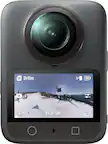
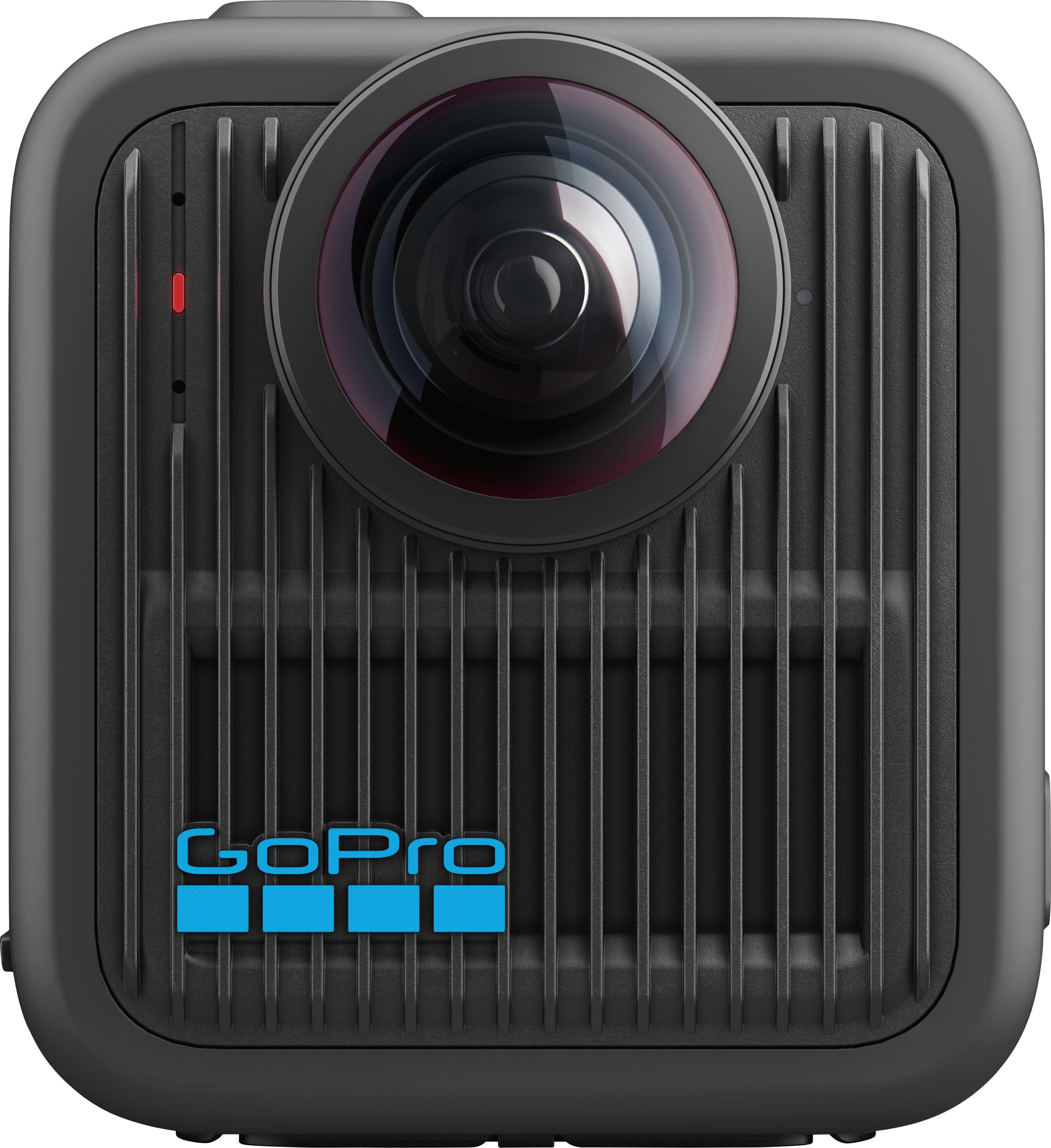
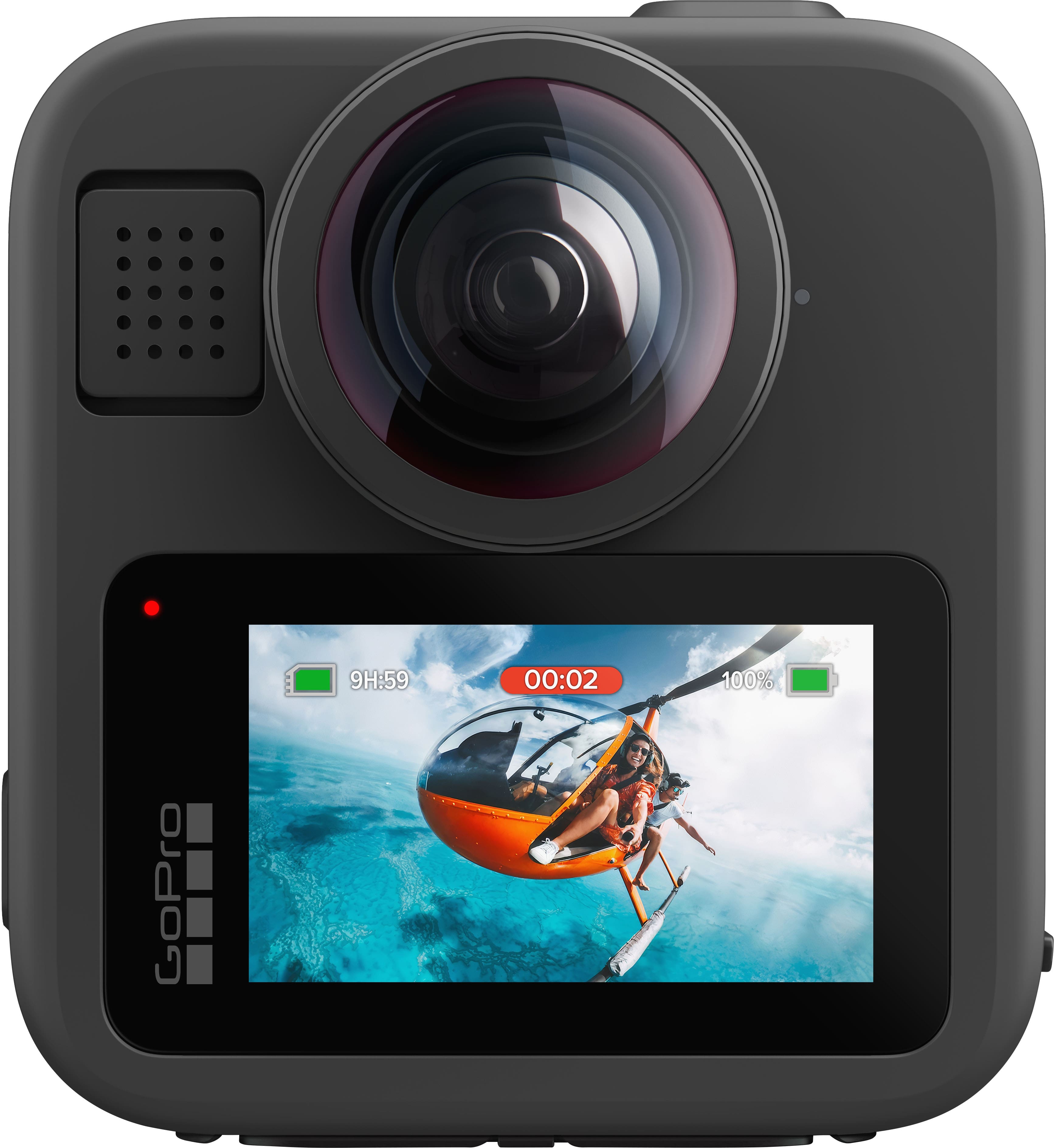
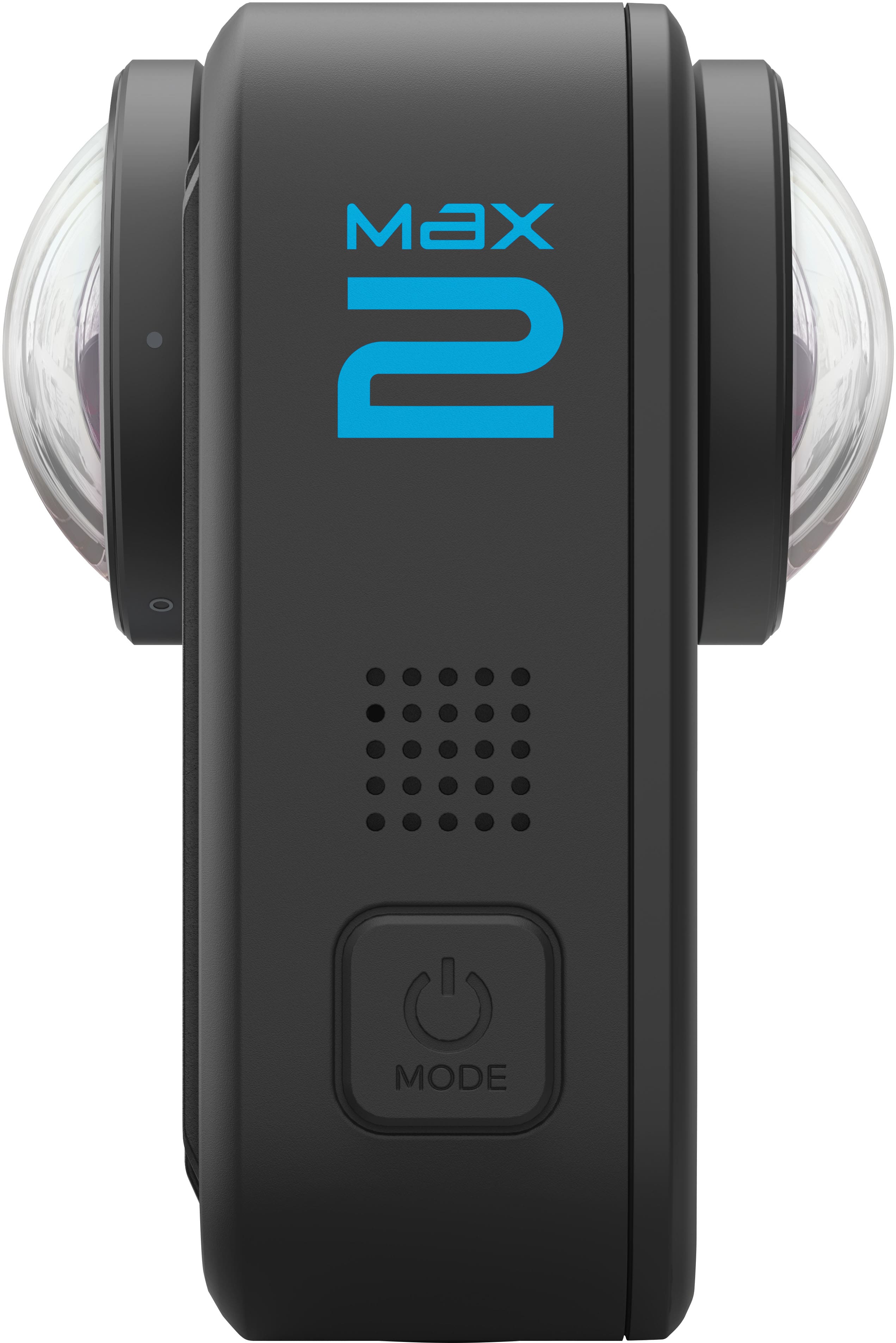
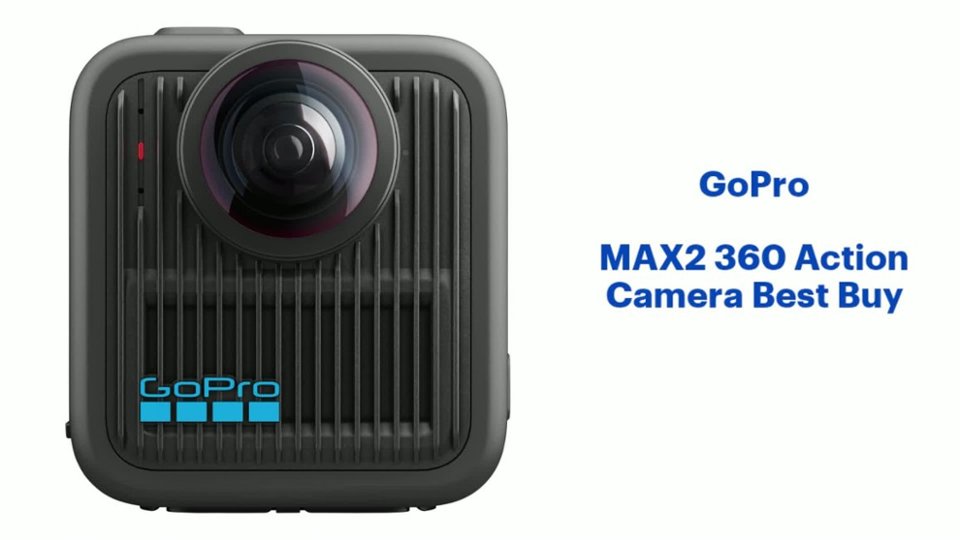
|Posted .This reviewer received promo considerations or sweepstakes entry for writing a review.The GoPro brand is synonymous with action cameras, and up until now I’ve only had experience with its traditional Hero lineup of products, which I use when traveling and outdoors. The Max 2 is my first 360-degree camera, and so far, the experience has been good. The Max 2 keeps GoPro’s familiar black-box design with two buttons, one for power and one for record, dual protruding fisheye lenses on either side, and a small rear LCD touch screen. On the right side is the waterproof slide-out door for the battery and microSD card. On the bottom are GoPro’s standard fold-away mounting “fingers” that many of its mounts use, a standard tripod mount, and magnets for a faster, thumbscrew-less experience with GoPro’s new Magnetic Latch Mount. The large protruding lenses on either side do make them much more susceptible to damage or abrasion during normal use and adds a bit of thickness. The camera does come with lens caps to use when storing or transporting it and luckily the curved glass lenses are replaceable. The camera can capture 8K 360-degree video at 30fps, or up to 5.6K or 4K at 90fps. Outdoors, in daylight, the quality is very good, and I’m always impressed with GoPro’s HyperStabilization and Horizon Lock features. It does take very wide-angle shots and there is no optical zoom, only digital, so zooming in starts to degrade the image quality rapidly, even at 8K. Night performance is not as good as I’d like, grainy and soft, but most people will use these cameras during daytime activities. You don’t need to worry about framing your shot, as the camera will capture everything, you simply choose the best perspective later in editing. It works best if it’s mounted onto something, preferably a thin pole that will be rendered “invisible” when the 360 view is stitched together. It’s cool to capture video that can be played through a VR headset like the Meta Quest, allowing you to relive your own experiences. Handheld works fine too, although you will always have your hand in the shot near the bottom or side where the cameras come together. It’s great if you are wanting to capture something in front of you and your reaction to it, then decide which to frame later in post editing or use your face as a video overlay. The GoPro Quik app handles viewing, recording, and editing 360-degree video. You can tilt and turn your phone in any direction to see what was captured from that angle. One of my favorite editing features in the app is the Object Tracking. It uses AI to keep the camera focused on a subject, perfect for those situations where the camera is in the middle of the action and you want to track a particular person or object like a vehicle or ball. You can also export video in multiple output formats such as landscape for Youtube and portrait for TikTok. The app does encourage you to subscribe to GoPro’s cloud service and locks some features, such as some advanced editing tools and automatic uploading. Overall, I feel like the app does a great job of making 360-degree video accessible to more creators. In the box, you get a curved adhesive mount and mounting buckle for things like helmets, the two lens caps, a usb-c charging cable, microfiber cloth, and some stickers. The base kit only comes with one 1960 mAh Enduro Battery for Max 2, which is not compatible with other GoPros, so you will have to buy spares and chargers specifically for the Max 2. Pros: - Compact and Rugged Design - Up to 8K 30 fps 360-degree Video Capture - 29MP 360-degree Photo Capture - Excellent Video Stabilization and Horizon Lock - Great Slow-motion Support - Bluetooth Microphone Support - 10-bit color support and 300 Mbps bitrate - Replaceable Lenses - Compatible with existing GoPro mounting ecosystem and new Magnetic Latch System - Waterproof (up to 5m) Cons: - Ultra-wide fisheye lenses can be limiting - Poor performance in low light - Some app features locked behind cloud subscription - New Batteries only compatible with Max 2 Overall – The Max 2 is an easy-to-use 360-degree action camera for travel, biking, road-trips, and vlogging, anywhere you want to capture the entire scene as it happens. However, the ultra-wide angle lenses mean less detail if you need to crop or zoom in.
I would recommend this to a friendBeautiful video quality. Gets hot FAST!
|Posted .This reviewer received promo considerations or sweepstakes entry for writing a review.Was really excited to mess around with the camera, both for social media content as well as just goofing off, but alas, I got hit with the flu. Now that I’m somewhat recovered, I spent a day out in the dog park with my puppies wearing a harness that fits GoPro devices. This gave a wickedly sharp vivid picture of playtime from a dog’s eye view. The replaceable glass lenses reduced my anxiety about my dogs jumping around and damaging the lenses. Editing on the iOS app is fairly easy, and can be exported to beefier editing software as well. Really the only issue I had with the GoPro Max 2 was that trying to run long video, it ended up cutting out due to overheating. Kinda disappointing from a videography standpoint. Don’t expect to use this to video a parade via a drone. It won’t last long enough. However, if you plan your shots and just use it to snag some good establishing shots, this will work great. Audio quality is decent, but you are better off using a dedicated audio setup. For YouTubing daredevils trying to make the latest instant gratification videos of snowboarding or shark surfing, etc, this will give you really good video clips for your 45 second clickbait videos.
I would recommend this to a friendFun with Quirks!
|Posted .This reviewer received promo considerations or sweepstakes entry for writing a review.Initial set up did take some figuring out. The battery compartment was hard to open and despite following the instructions, it took a bit to get it open. I also found that the camera did not like certain SD cards, and I had to try a few. Pairing and set up finally worked as the camera updated its software. The camera is a chunky square with 2 bubble type lens. It really needs a selfie stick or some type of mount to properly utilize the 360 camera features. There are camera bubble of front and back. Charging is easy via a port and USC C. Charging was fairly quick, but I found battery life not that great. You really need a few spare batteries. Once in use, I found the camera fun and with good quality recording. The LED screen was helpful in operating the unit. Again, you do need some sort of selfie stick, or handle due to the 360 camera placement. Night vision was decent, and the camera was extemely vesitile. Again, I will get some extra batteries, selfie stick and a few SD cards. I look foward to finally having records of my travels in 360 !
I would recommend this to a friend