Customer Ratings & Reviews
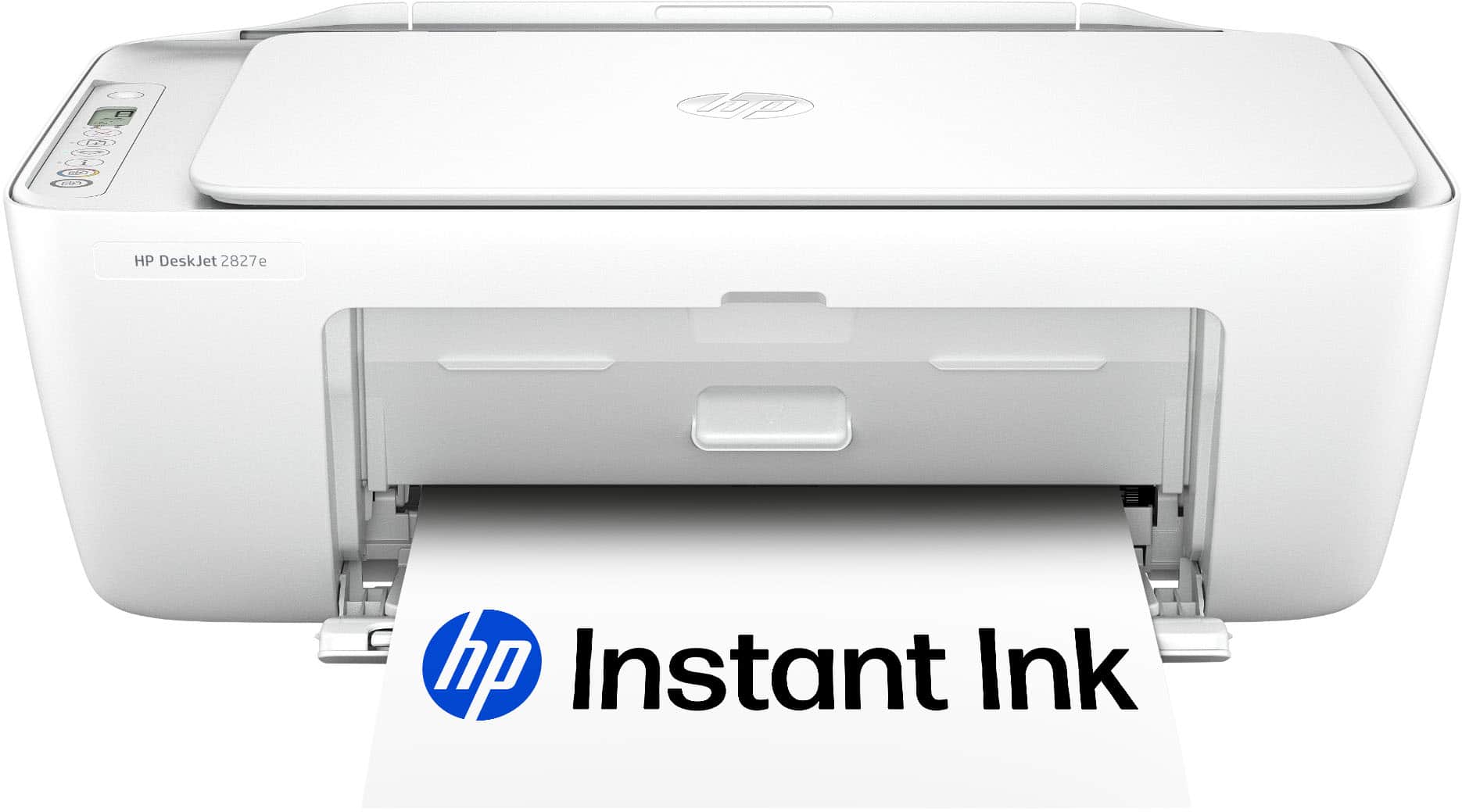






- Model:
- 6W7F5A#B1H
- SKU:
- 6638973
Rating by feature
- Value
Rating 4.6 out of 5 stars
- Quality
Rating 4.5 out of 5 stars
- Ease of Use
Rating 4.5 out of 5 stars
Customers are saying
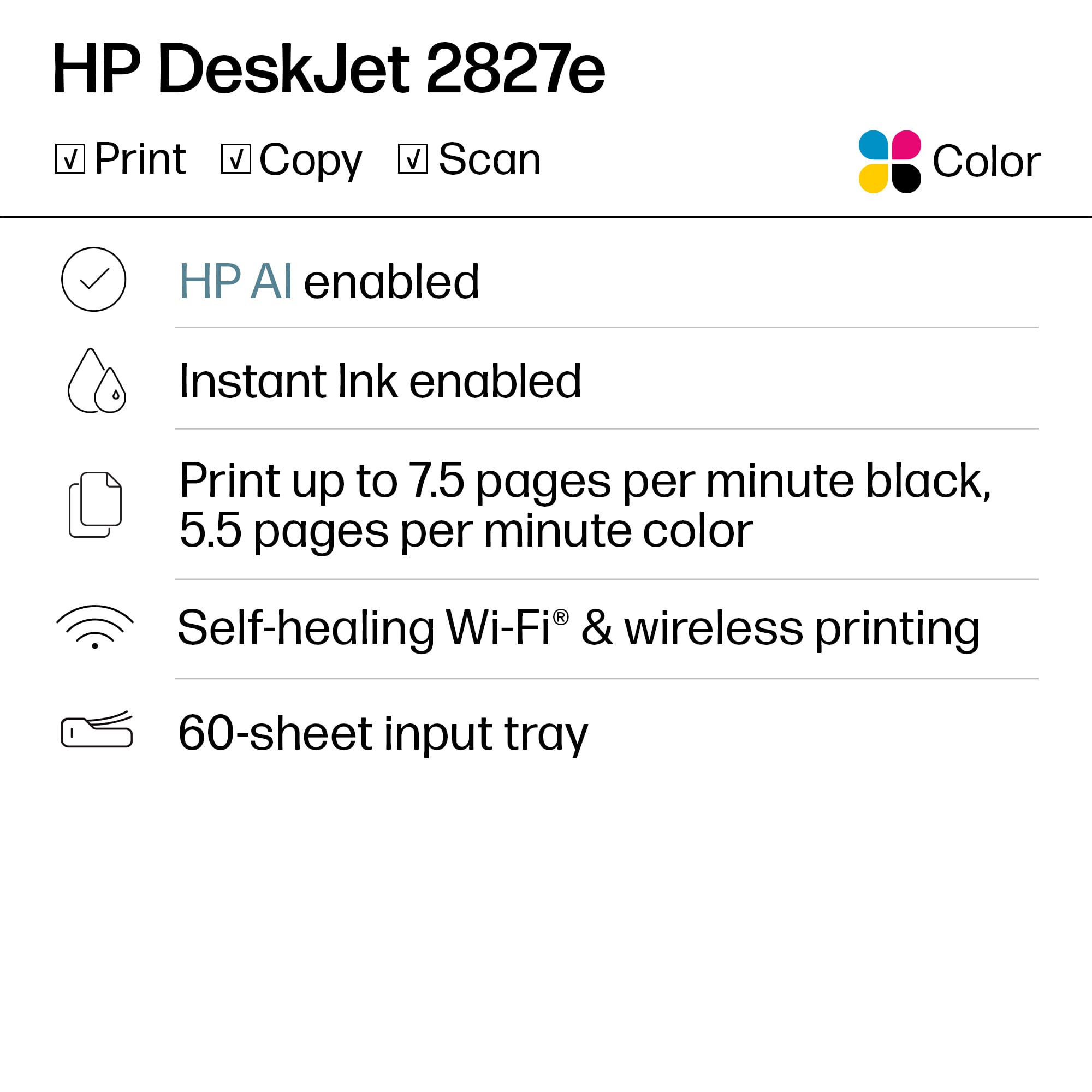
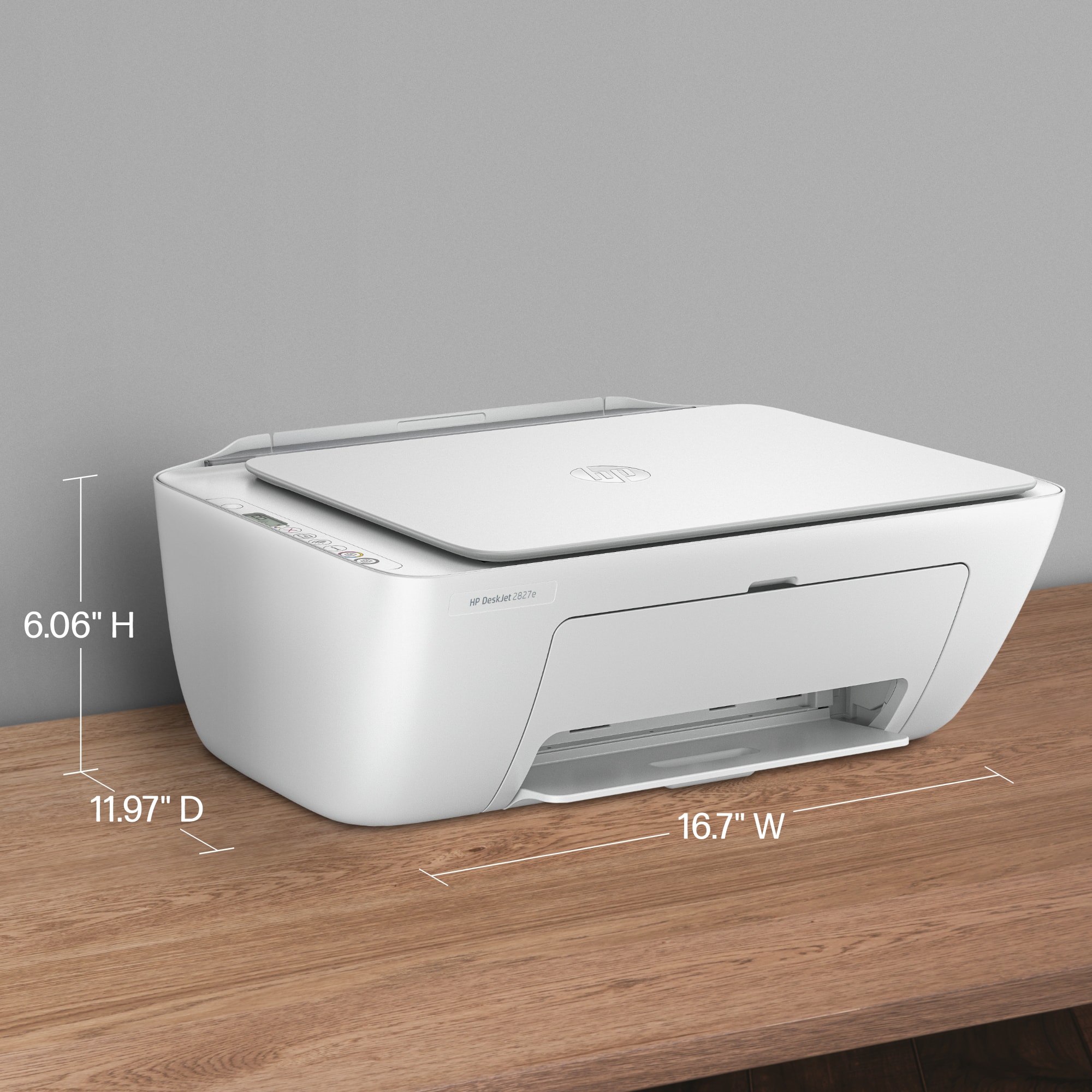
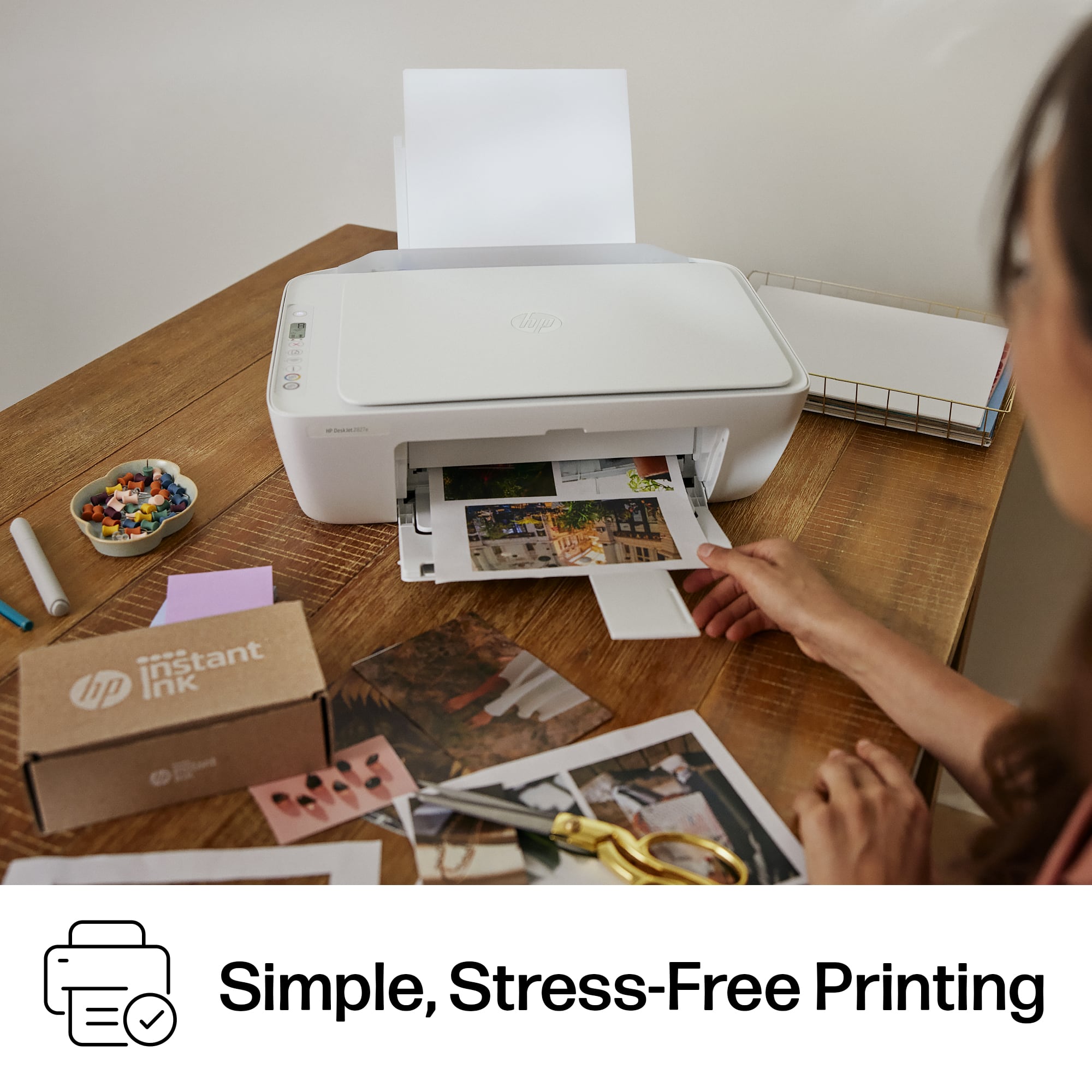
Customers find value in the DeskJet 2827e printer's easy setup, good print quality, and reliable connectivity. Its compact size is appreciated, fitting well in various spaces, and users also note its lightweight design and quiet operation. The printer's user-friendly features contribute to a positive overall experience.
This summary was generated by AI based on customer reviews.
- Pros mentioned:Connectivity, Print quality, Setup ease

Easy !
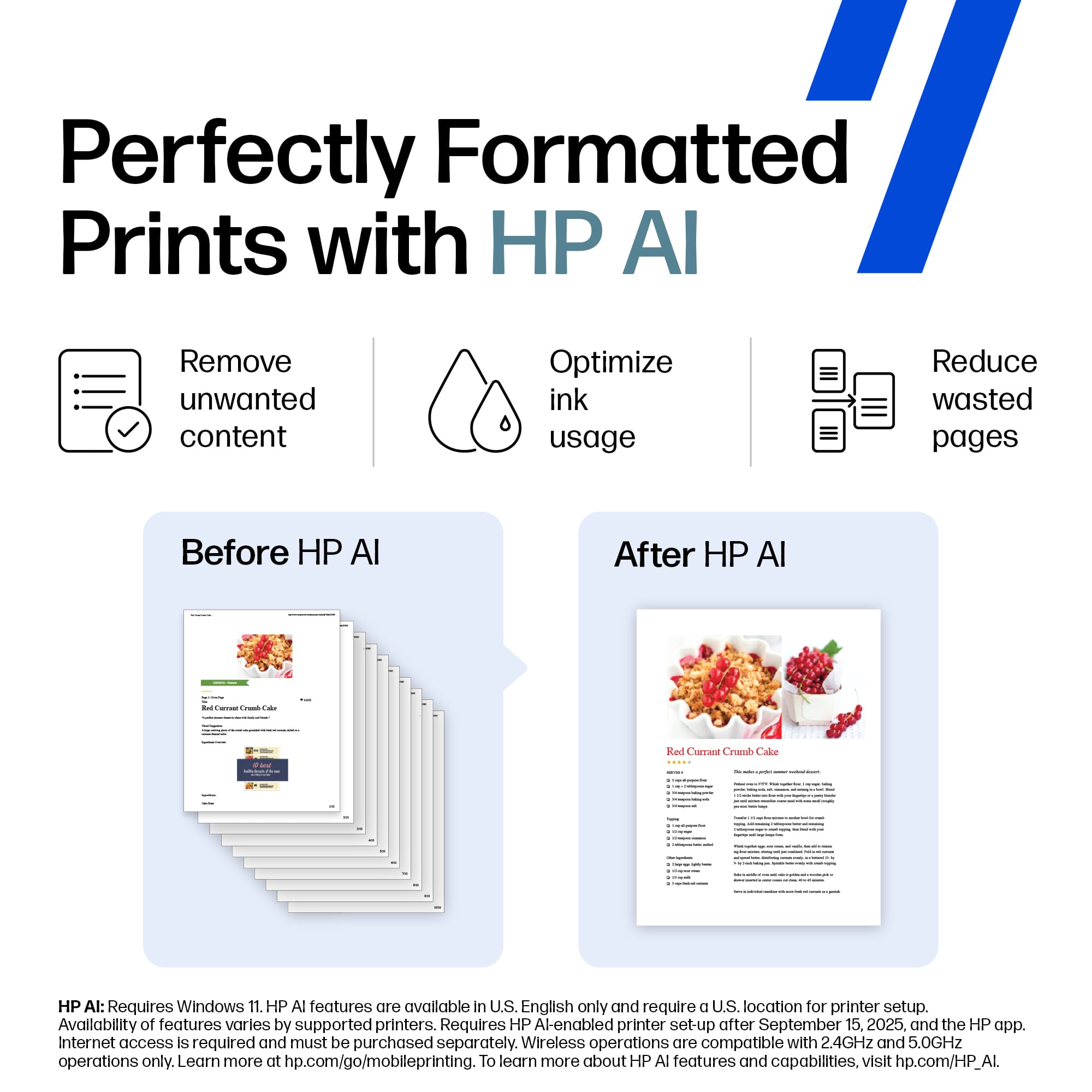
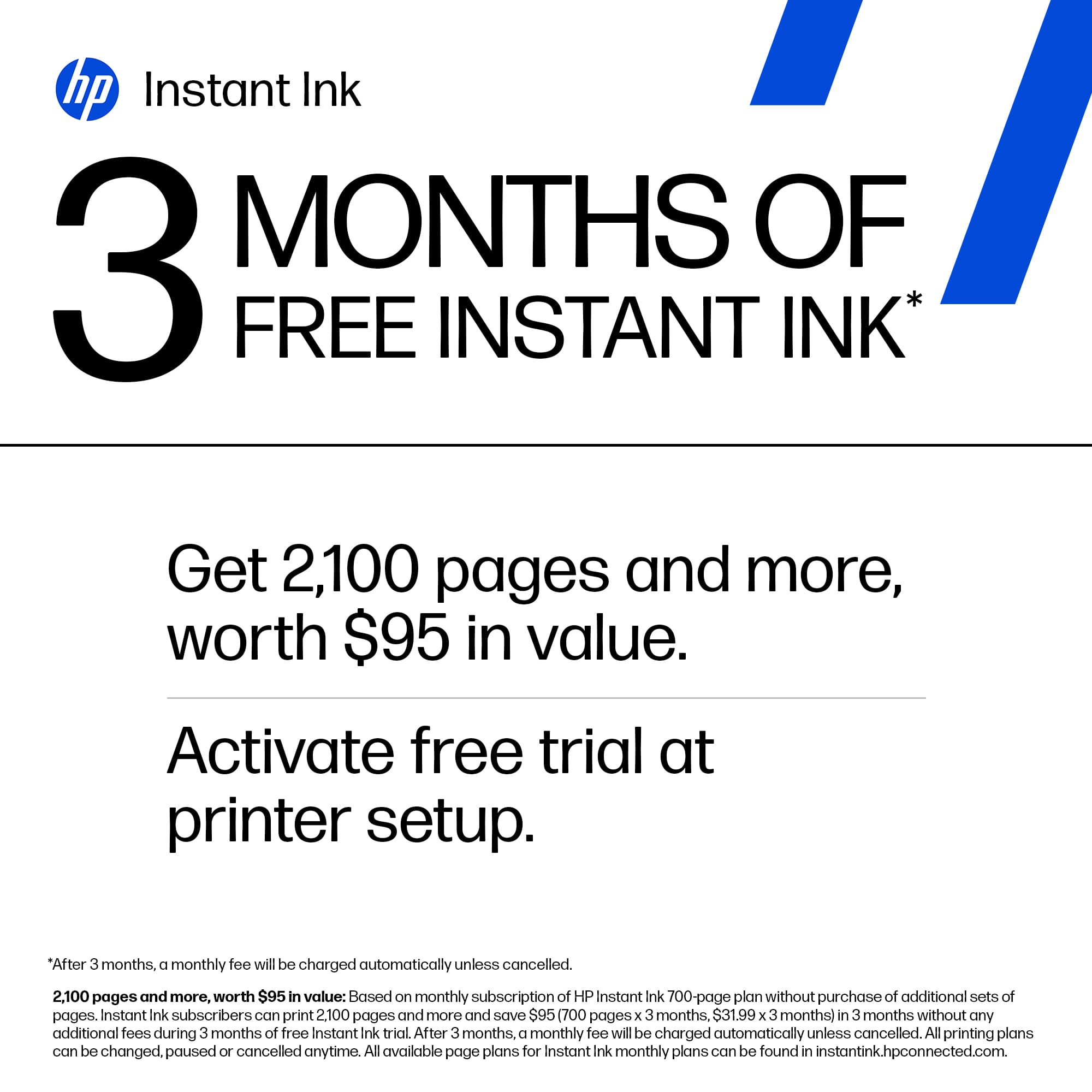
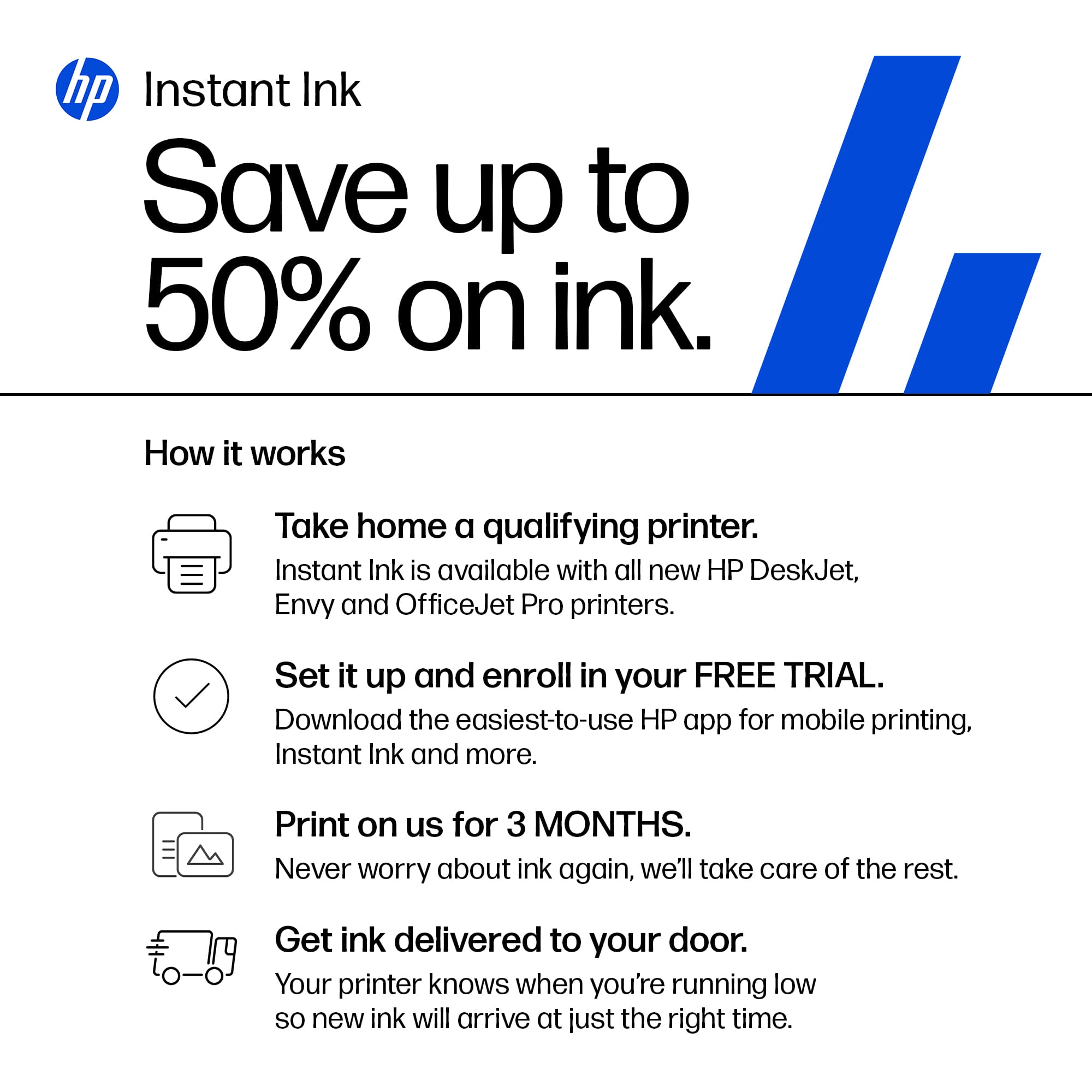
|Posted .This reviewer received promo considerations or sweepstakes entry for writing a review.HP DEskjet 2827e- this is a fairly compact printer that does print, scan and copy. Setup was a bit problematic because it would not recognize my router, but after some adjustments, trails and errors, I finally got it to work. It is wireless or wired, mine is setup for wireless hence the router issue. The printer comes with three months of HP's Instant Ink Service which promises problem free printing for a monthly fee after the trail. It includes the ink and delivery for a scheduled amount of pages per month. It sounds good but have not set that up as of yet. I do find the printer on the slow side for all functions. It is like its thinking. Could be the 'AL' powered printing. I'm usually not in any rush so it hasn't been an issue, but the delays can be confusing while you wait to see it spring into action ! I did find some paper feeding issues, and a few pages had inconsistent print quality. There are 2 print cartridges, black and color. They cost about $30 for a combo pack, and at the moment I cannot tell how long they last. All is all, this is a fairly simple, easy to use printer. Quality is decent be it slow.
I would recommend this to a friend My Printer Still In The Damaged Box Activated??
||Posted .This reviewer received promo considerations or sweepstakes entry for writing a review.I received this printer from FedEx with the bottom flap wide open exposing the printer. I don't know if it's damaged or if all it's parts are still inside the box! I am waiting for an in home appointment to unbox/setup my Smart Vac and was told the tech who comes for that appointment would unbox/setup this printer also. Best Buy tells me this item has already been activated. What? It's still in the box! What a mess. I'm completely disappointed with Best Buy. BEWARE!
No, I would not recommend this to a friend- Pros mentioned:Connectivity, Print quality, Setup ease
Great Budget Printer for Light Home Use
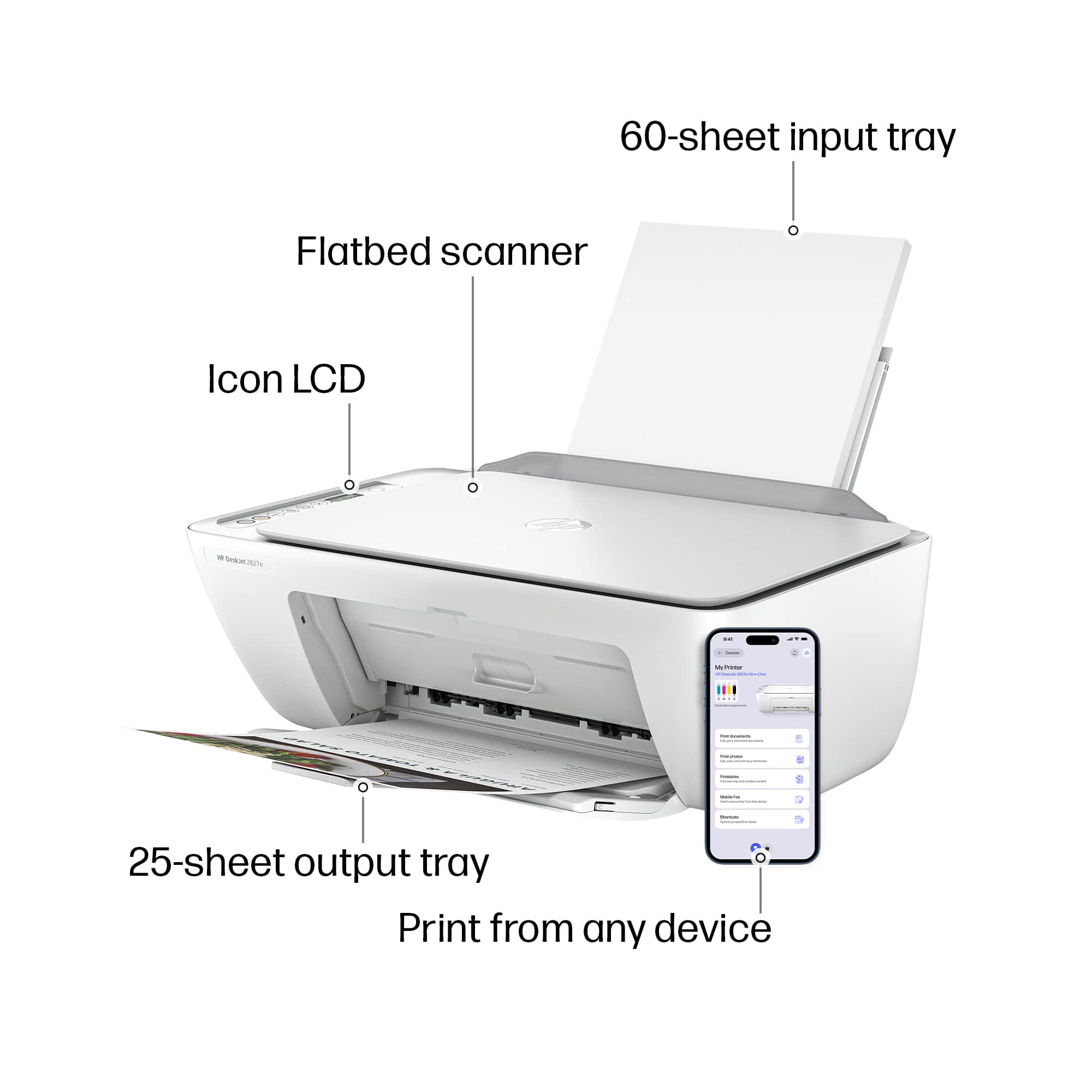
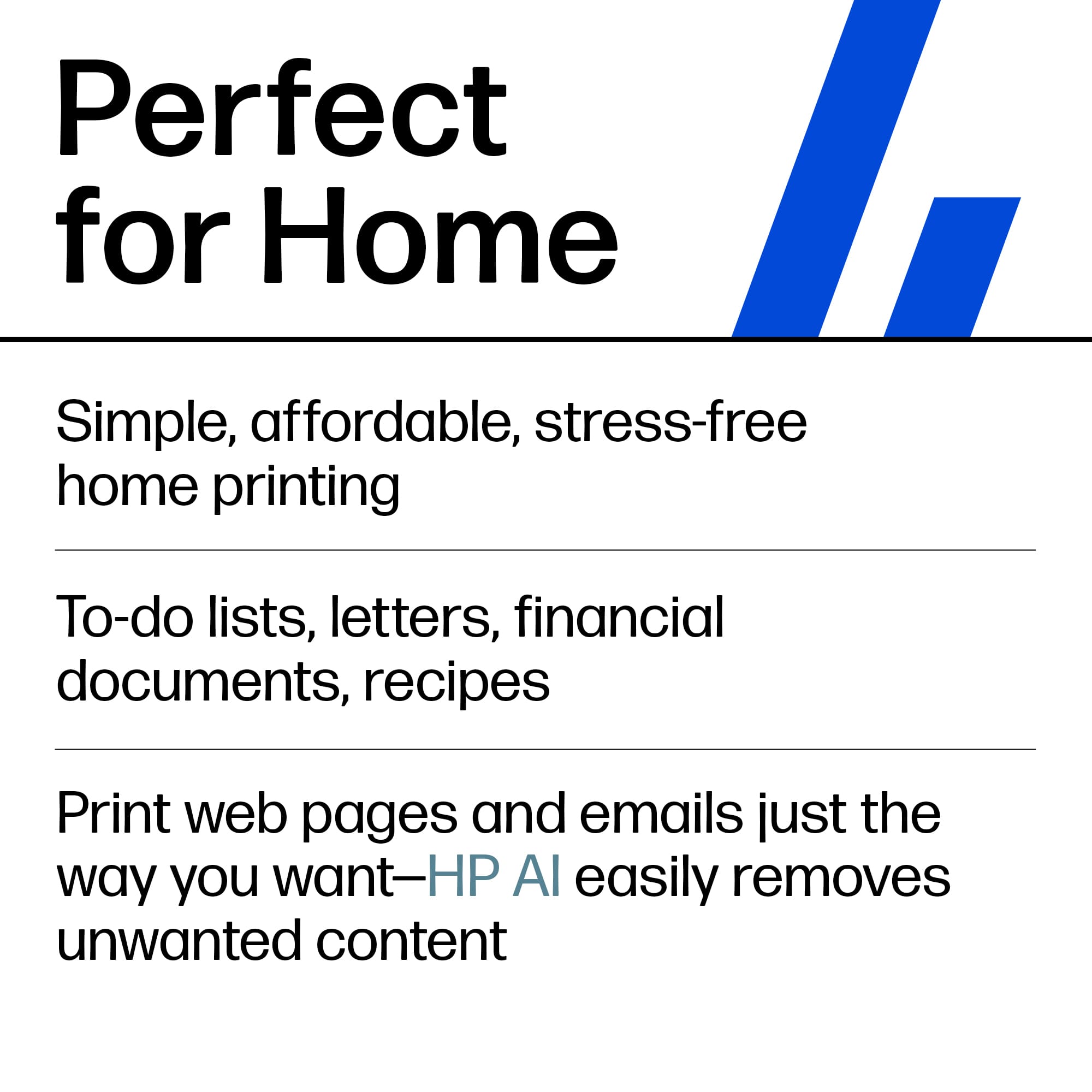
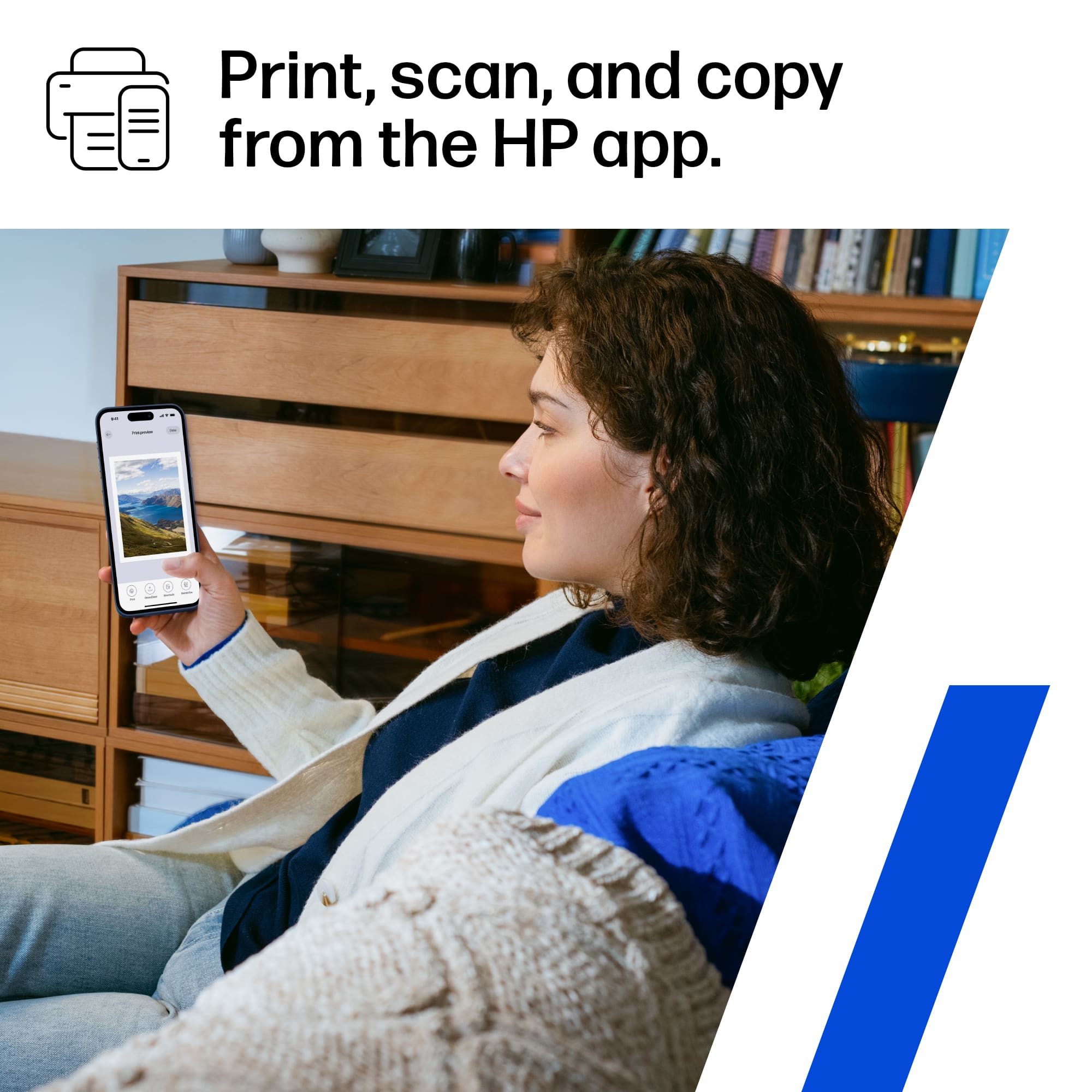
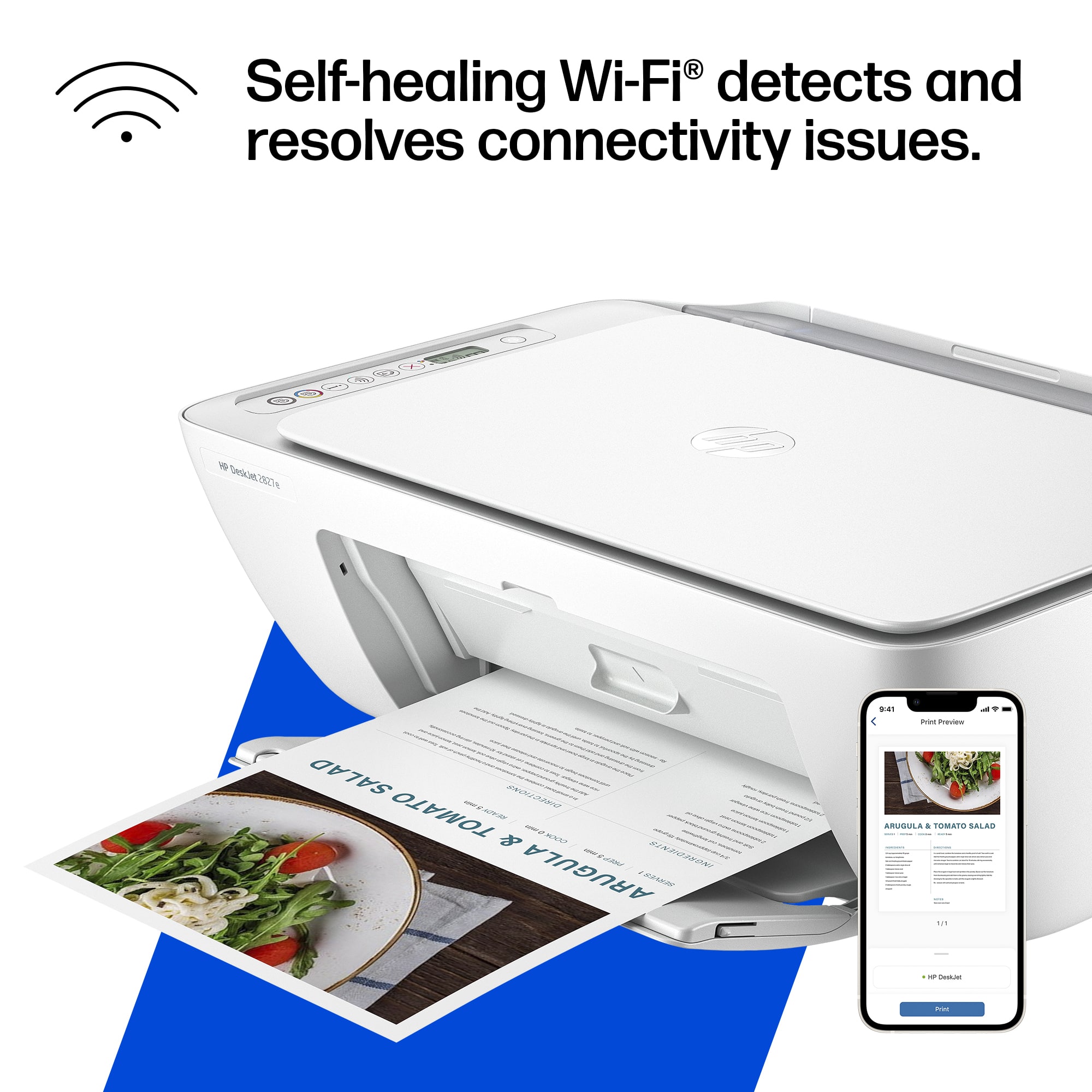
|Posted .This reviewer received promo considerations or sweepstakes entry for writing a review.This HP DeskJet 2827e wireless printer is perfect for anyone that needs an all in one inkjet printer. As long as your home office print requirements are not too demanding, you can't go wrong with this model. Not only is it a printer, but it is also a very serviceable scanner and copier. HP makes setup easy. All it takes is downloading the HP App and following the step by step instructions. After the printer is turned on a QR code appears on the printer LCD screen. Scanning the QR code initiates the setup process which the HP App walks you through. HP has really nailed down setting up a wireless printer and I think most users will really appreciate how easy the process is, I know I did. After the setup was complete, I was easily able to print from every device I tried it with, as long as the device was on the same Wi-Fi network. I was able to print from both my iPhone, Chromebook, and Windows PC. The overall print quality is great, especially for this price range. For demanding print requirements, you will need to look at printers in a higher price range. But for moderate print requirements, I think most users will be satisfied with this printer and the print quality. Blacks and colors are both well produced and legible. HP is offering a subscription service for regular ink cartridge replacements. It is more affordable than buying ink individually and is a good deal if you print a lot of pages. Another benefit of the ink subscription plan is that you don’t have to worry about ink cartridges drying out.. If you are the type of person that does not do a lot of printing, then this wireless printer is an excellent choice. Since many tasks can be done digitally now without printing many people are getting by without a printer. But if you need a budget printer for light print requirements, this model is strongly recommended.
I would recommend this to a friend Imoossible to set up.
||Posted . Owned for 1 month when reviewed.This reviewer received promo considerations or sweepstakes entry for writing a review.This printer says easy setup. But once you open it, it says you have to have a 2.4 G internet speed to set it up. Mine like most is five G. I could not even set it up.I am returning it. After the first time, my internet wouldn't even see the printer.
No, I would not recommend this to a friendPRINTER
||Posted .This reviewer received promo considerations or sweepstakes entry for writing a review.the ink that came with the printer the black was empty so I AM UNABLE TO USE THE PRINTER
I would recommend this to a friendPrinter
||Posted . Owned for 3 weeks when reviewed.This reviewer received promo considerations or sweepstakes entry for writing a review.It’s acceptable for the price, it doesn’t do as much as I had with my previous all in one.
I would recommend this to a friendRetired
||Posted . Owned for 2 weeks when reviewed.This reviewer received promo considerations or sweepstakes entry for writing a review.My wife and I spent over 10 hours with HP technical support as well as Microsoft support trying to get this printer to print from the internet. Nothing they did worked. Too frustrating so we gave up.
No, I would not recommend this to a friendDay One Problems
||Posted .This reviewer received promo considerations or sweepstakes entry for writing a review.This is not a good printer. Since I purchased, I have not been able to use it. There is an ongoing problem with the paper feed. I will be taking in for repairs.
No, I would not recommend this to a friendFrustrated beyond belief
||Posted .This reviewer received promo considerations or sweepstakes entry for writing a review.The printer never connected to my computre. The AI help was not help at all. I was told to call a technician, but it would cost me $5. Then my credit card was rejected. I returned it to my Best Buy store. Those folks were terrific.
No, I would not recommend this to a friendhp suck.printer is toy. no good. microsoft sucks.
||Posted .This reviewer received promo considerations or sweepstakes entry for writing a review.all-in-one new hp printer..anything i try to do, require software, try download software from hp. com. new computer hp-window-11 blocks as it is on s-mode? if u remove s-mode, it can not be undone..and computer may misbehave..
No, I would not recommend this to a friend- Pros mentioned:Connectivity, Print quality, Setup ease
The Best Compact, Wireless & Affordable Printer
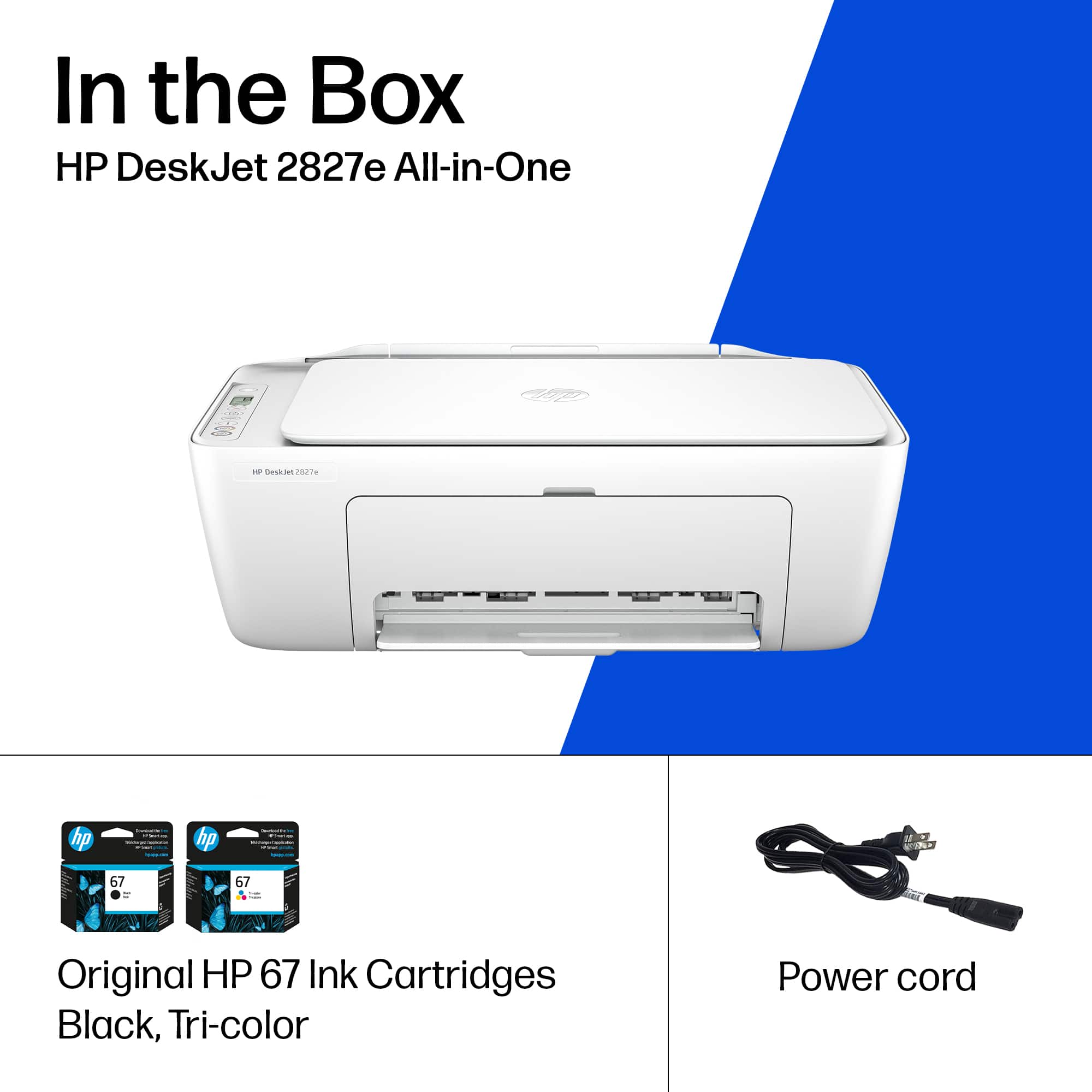
|Posted .This reviewer received promo considerations or sweepstakes entry for writing a review.If you are looking for a wireless printer capable of scanning, copying, and fax - the HP DeskJet 2827e is hard to beat. Setup: This is the second HP I've owned over the last several years and I'm always floored by how easy setting up a printer has become. From opening the box to printing my first page, it took me around 10 minutes. You basically download the HP app, plug in the printer, install the ink and you're ready to go. I didn't experience any issues with connecting to WIFI or discovering the printer in the app. Everything worked as it should - the first time! INK: The ink in this printer is really the only elephant in the room. I would only recommend if you are someone who uses a printer casually. This printer only comes with a 3 month supply of ink so your milage may vary. This is my second printer and I don't expect it to get much use so ink is not a major concern for me. The DeskJet uses a 67 Triple-color color cartridge (3YM55AN#140) and a 67 black cartridge (3YM56AN#140). I've never been a fan of the trim-color cartridges because if you run out of one color, you still have to get a whole new ink cartridge. That being said, there are several advantages to tri-color. 1) The print head is on the cartridge - if the head clogs from sitting for long periods, you don't have to buy a new printer. 2) The cartridges are cheaper than buying individual colors most of the time. 3) Having all 3 colors in one cartridge usually allows for a smaller printer because of the space saved. PRINTING / OTHER: I couldn't find anything wrong with the print quality. After printing the test pages, I didn't have any issues firing off documents or even a few photos. As far as the scanner goes, it's a fairly low resolution but more than capable for the occasional document. This printer is a top-load style, so the 2827e can handle heavier stock without feeding issues. CONCLUSION: The HP DeskJet 2827e is a formidable option for the casual home printer who prioritizes affordability. The 2827e can scan, copy, print and fax - everything you need in a compact and capable package. If you're curious, the cost to replace both ink cartridges is around $47 and you can even subscribe to HP's Instant Ink program if you want to save even more.
I would recommend this to a friend - Pros mentioned:Connectivity, Design, Print quality
Everyday printer for the masses
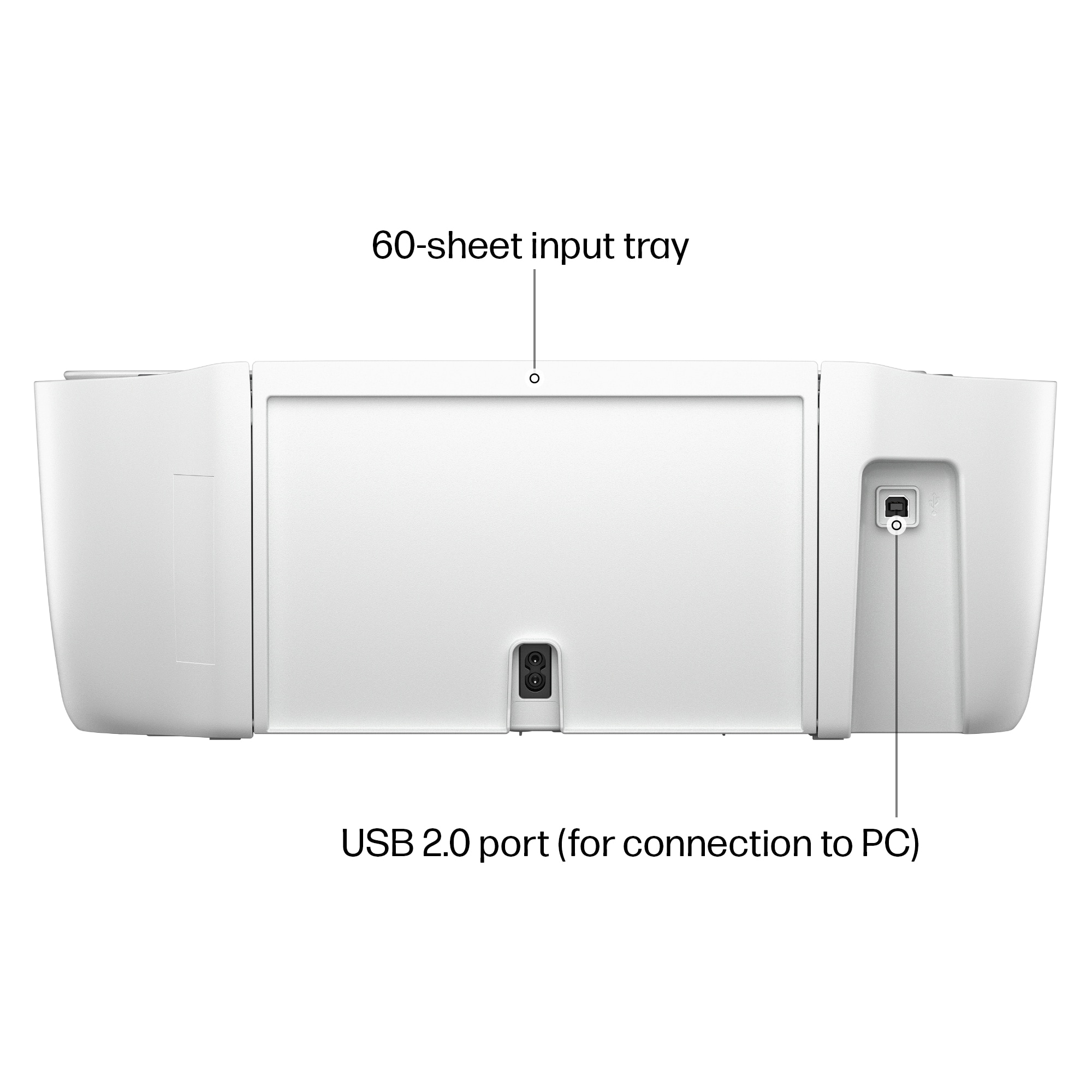
|Posted .This reviewer received promo considerations or sweepstakes entry for writing a review.HP is back with their newest Deskjet, the all-in-one 2827e printer. This printer is a no-frills device that just gets the job done. With a focus on sustainability by using recycled materials and using a space saving design. The HP 2827e is for the everyday user that needs to print on demand. This printer can print, copy and scan documents. First things first, let address one of the most controversial features of the printer. Since this printer is HP+ enabled, which is an option that you can activate during setup. Activating HP+ does allow some perks such as: 3 months of instant ink Smart security that monitors for malware attacks Mobile printing while connected to Wi-Fi 60 sheet input paper tray After activating the HP+ features, you will be required to maintain an internet connection and either subscribe to HP instant ink or purchase original HP ink for the life-cycle of the printer. For me this is a bummer as I’m forced yet into another subscription or required purchase expensive HP ink. After performing a quick test by installing non-HP ink the security features that continuously monitors for incompatible ink cartridges will render aftermarket ink useless. I’ve tried inserting several off brands of ink to test the security of the printer and it gives a message of incompatible ink installed. Outside of this issue, I have no other issues with the 2827e. The print speed is sufficient, and the HP app will suffice for all your mobile printing and scanning needs. This is a well-rounded printer that is marred by firmware that forces you to stay within HP’s ink ecosystem. This printer is best suited for small home offices and everyday users.
I would recommend this to a friend No for me
||Posted . Owned for 2 weeks when reviewed.This reviewer received promo considerations or sweepstakes entry for writing a review.So it was a great bargain you get free ink for six months but you get charged by the page. I don’t need that.
No, I would not recommend this to a friendCant connect to computer via wifi
||Posted . Owned for 3 weeks when reviewed.This reviewer received promo considerations or sweepstakes entry for writing a review.I was not able to get the printee to connect to the laptop via wifi. It should be a simple process, and hp tech support could not troubleshoot auccessdully.
No, I would not recommend this to a friend- Pros mentioned:Print quality, Setup ease, Size
Good Little Printer for Everyday Stuff
|Posted .This reviewer received promo considerations or sweepstakes entry for writing a review.I grabbed the HP DeskJet 2827e mostly for home use, printing forms and random papers for the kids, and honestly it’s been pretty solid so far. Setup was simple, the HP Smart app basically holds your hand through everything, and I had it printing from my phone in like ten minutes. The print quality is decent. Text looks clean, and color prints are better than I expected for the price. It’s not photo-lab good or anything, but for homework, labels, or basic color stuff it does the job fine. The size is another plus, small and easy to fit on a desk or shelf without hogging all the space. I also like that it scans and copies, so I don’t need to mess with extra gadgets. The free 3-month Instant Ink trial was nice too, I didn’t have to worry about running out of ink right away. Now, there’s a few small downsides. Ink gets pricey quick once the trial ends, and the cartridges don’t last super long if you print a lot. It also doesn’t do automatic two-sided printing, so I have to flip the pages myself. Not a big deal for me, but could be annoying if you print big docs. Speed-wise it’s okay, not fast but not painfully slow either. And yeah, it only works with HP cartridges (no off-brand ones), so that’s something to keep in mind. Overall, for a budget printer, I’m happy with it. It’s simple, compact, and does exactly what I need — no fancy bells and whistles, but it just works. If you print light and don’t want to spend a ton, this one’s worth it.
I would recommend this to a friend Vague directions and software is confusing
||Posted .This reviewer received promo considerations or sweepstakes entry for writing a review.This was a christmas present for my parents and me and my husband had a hard time connecting the printer to their HP PC. The directions are vague and the software is confusing to download.
No, I would not recommend this to a friendprinter
||Posted .This reviewer received promo considerations or sweepstakes entry for writing a review.Too hard to figure out. The instructions were too hard for me to figure out. I need something easier to work with
No, I would not recommend this to a friendCRAP!!!
||Posted .This reviewer received promo considerations or sweepstakes entry for writing a review.No instructions to set up the printer were included.
No, I would not recommend this to a friend- Pros mentioned:Connectivity, Print quality, Setup ease
Lightweight, Simple but Good Quality Printing
|Posted .This reviewer received promo considerations or sweepstakes entry for writing a review.The HP DeskJet 2827e was thoughtfully packaged—shrink-wrapped and secure, with everything neatly organized. The printer itself is impressively lightweight, making it easy to move around or reposition as needed. Setup was simple. The illustrated step-by-step instructions were clear and easy to follow. Connecting to Wi-Fi via my phone was seamless, and the HP Smart app immediately recognized the printer and connected without a hitch. Installing the ink cartridges required opening a small door and looking deep inside the unit, which meant lowering your head a bit to see clearly. That said, the cartridges clicked into place easily once aligned. In terms of performance, printing speed was fairly fast, and the output quality was excellent—crisp and clear, perfect for everyday use. One limitation to note: it doesn’t support automatic duplex (double-sided) printing. Since I often print on both sides, this was a minor inconvenience, but not a dealbreaker. Overall, the HP DeskJet 2827e is a reliable, user-friendly printer that’s well-suited for home or small office use. It delivers solid print quality and hassle-free setup, making it a great value for everyday tasks.
I would recommend this to a friend - Pros mentioned:Print quality, Setup ease, Size
Good printer
|Posted .This reviewer received promo considerations or sweepstakes entry for writing a review.The HP DeskJet 2827e is a nice all in one printer for smaller spaces. It’s simple, has a small footprint and works great. Setting up the printer is straight forward. Take off all of the wrapping, tape etc. Plug it in and let the printer do its thing until it positions the ink cartridge tray in the center of the machine. Pop in your sample ink cartridges and you should be in business after the test page prints out. Scanning and copying works well. You can also print from your mobile device should you ever find the need. Using the HP app will give you some more options and advanced settings and tools. It also has some basic info on the printer ink levels, various print functions and overall status of the printer. Overall, we haven’t had any issues with the printer. It prints and copies when we need it to. Think the main down side is having to make the decision on yet another subscription service. The service is pretty cool. I’ve used it and it works but I can see this service definitely not being for everyone.
I would recommend this to a friend