Customer Ratings & Reviews

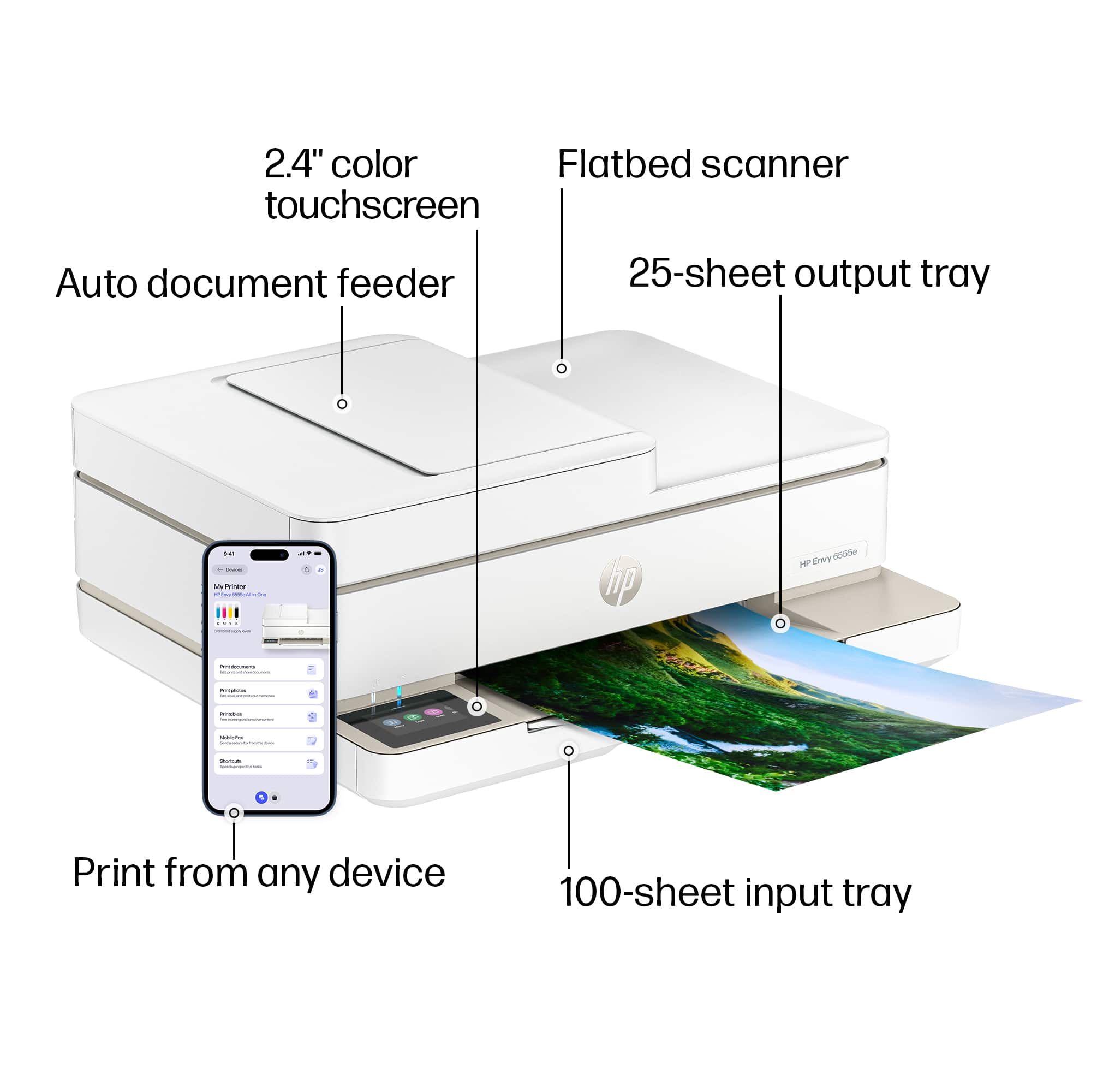
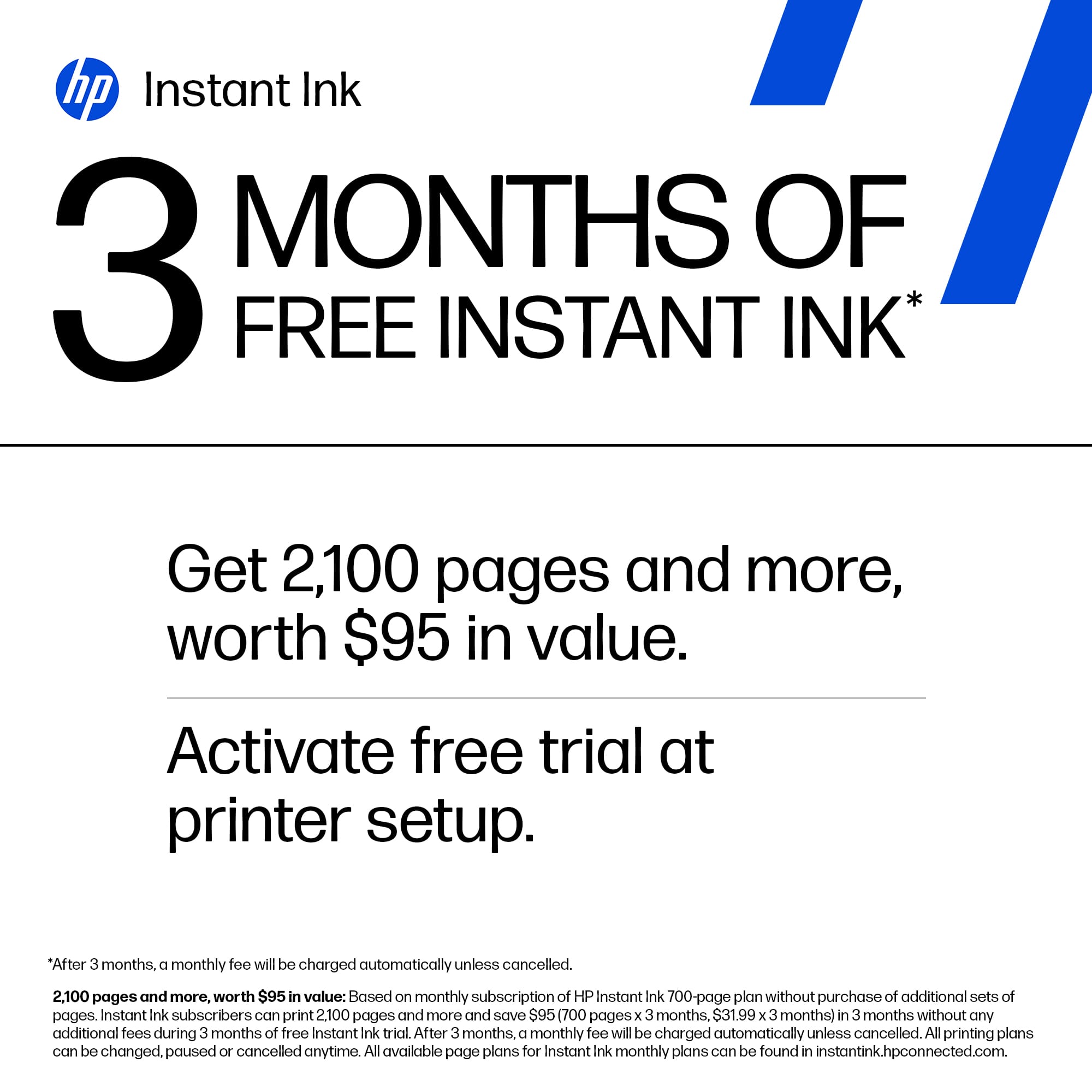
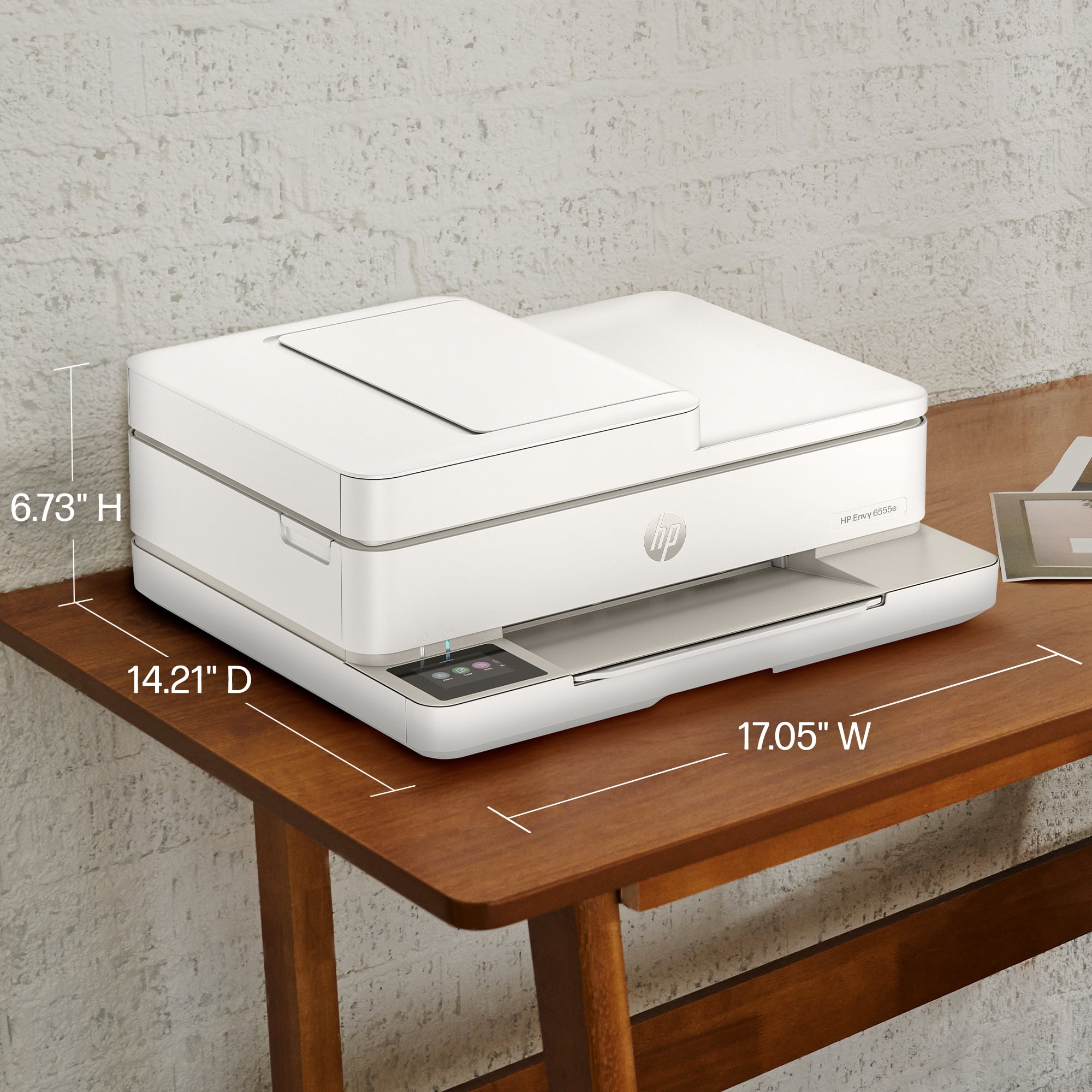
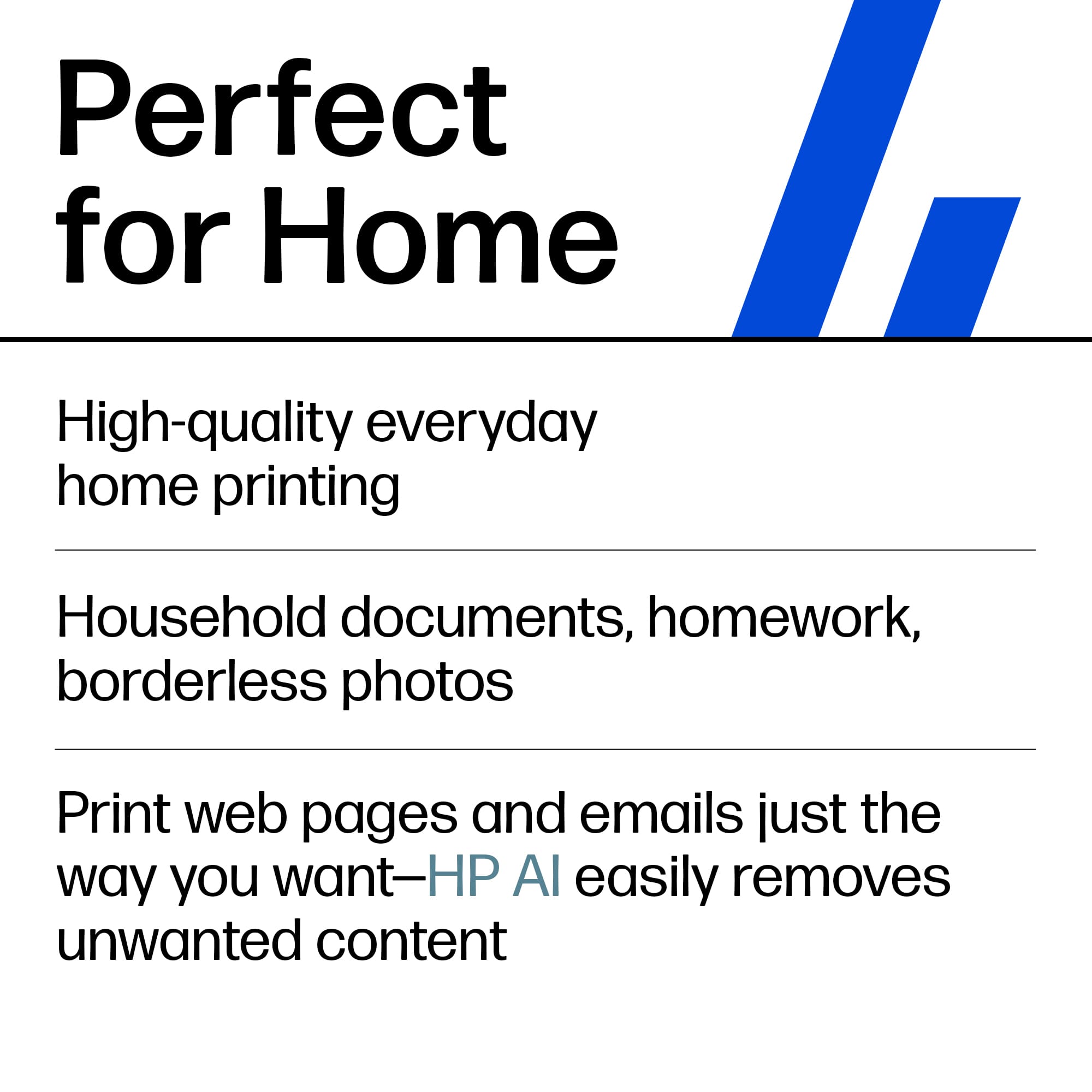










- Model:
- ENVY 6555E/714N5A#B1H
- |
- SKU:
- 10213515
Customer reviews
Rating 4.4 out of 5 stars with 858 reviews
(858 customer reviews)Rating by feature
- Value4.5
Rating 4.5 out of 5 stars
- Quality4.4
Rating 4.4 out of 5 stars
- Ease of Use4.3
Rating 4.3 out of 5 stars
Rated 5 out of 5 stars
new printer
||Posted . Owned for 1 month when reviewed.This reviewer received promo considerations or sweepstakes entry for writing a review.quick and easy set up! easy set up. fits great on the desk
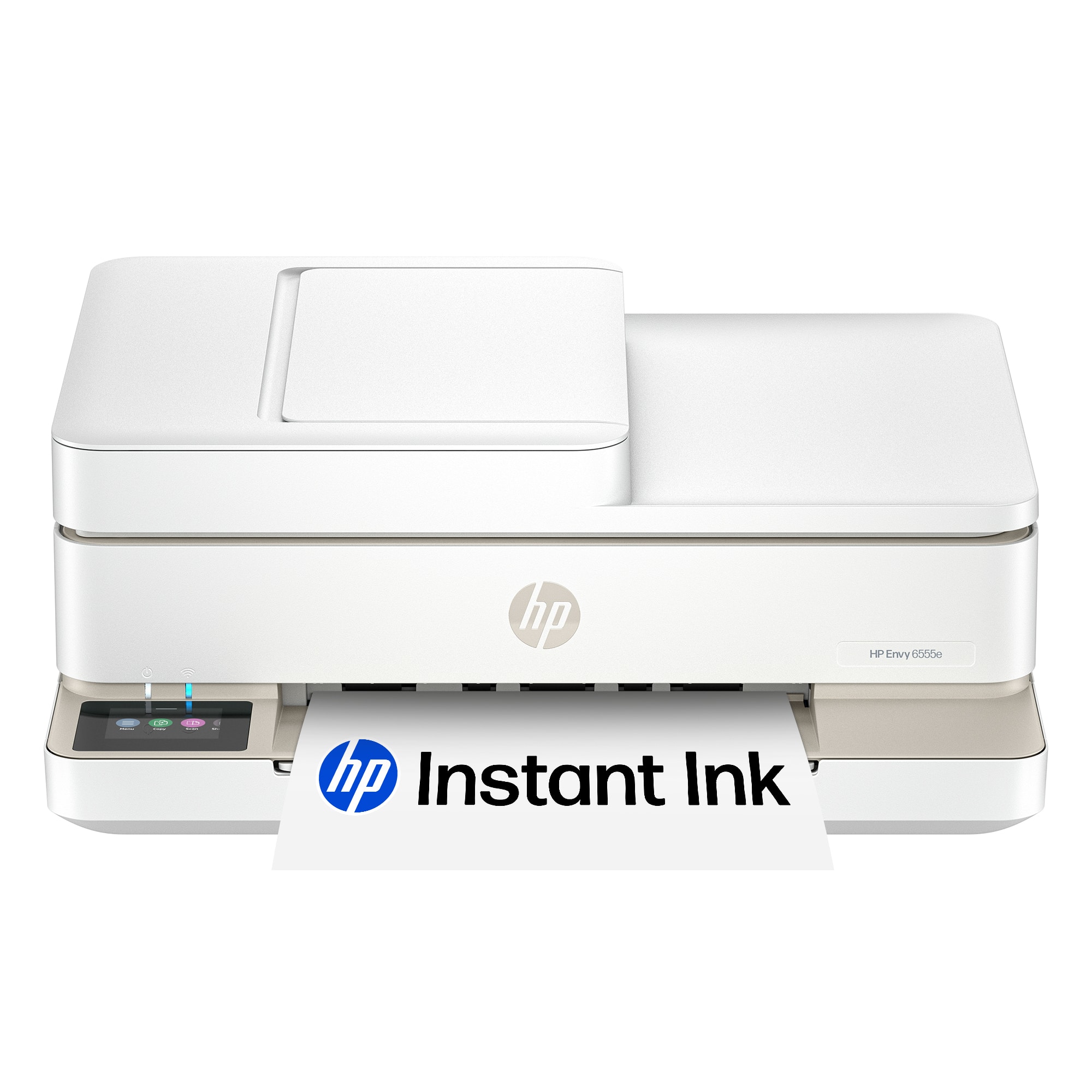
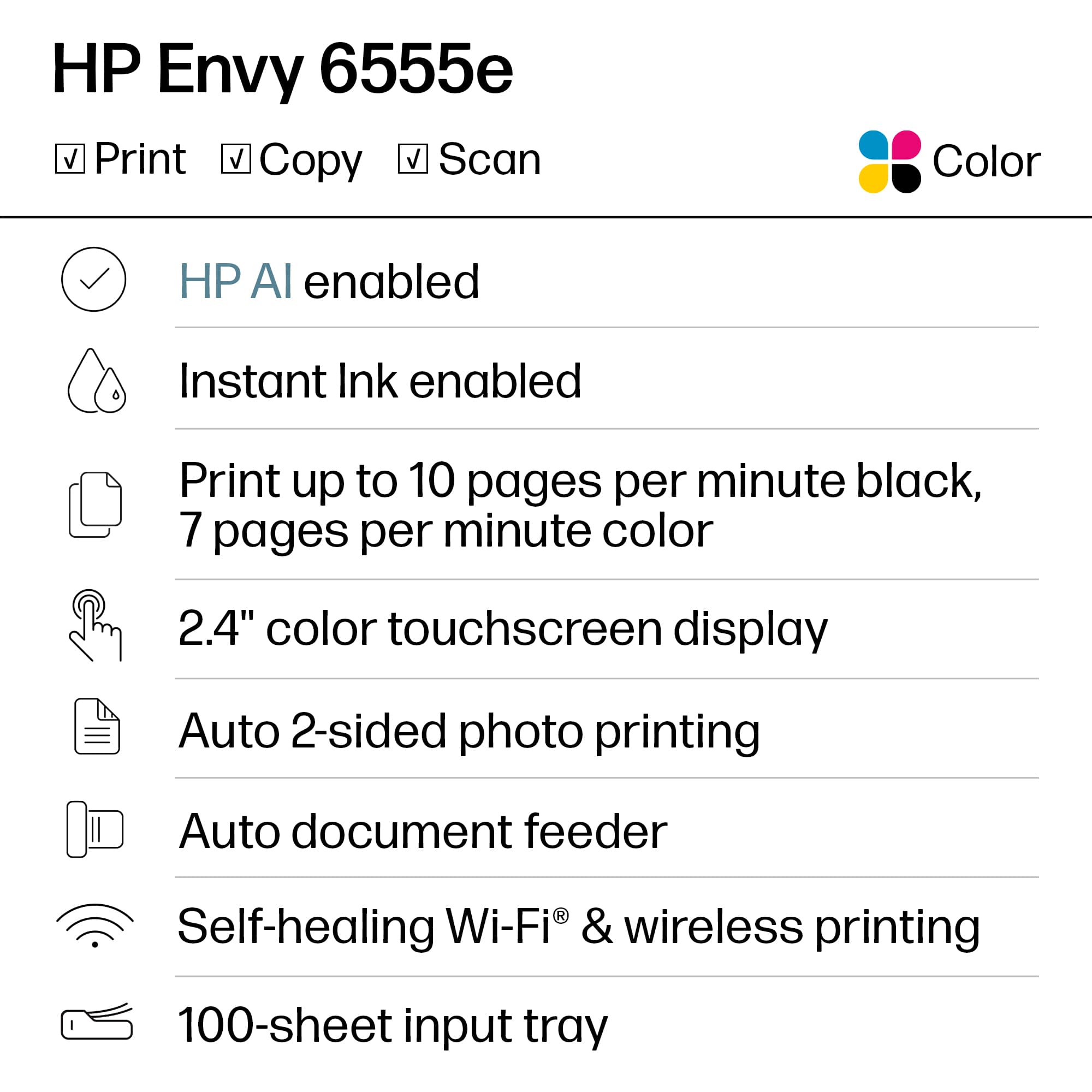
This review is from HP - Envy 6555e Wireless AI-Enabled All-in-One Inkjet Printer with 3 Months of Instant Ink (+1 Bonus Month of Ink w/ Code) - White
I would recommend this to a friendRated 5 out of 5 stars
perefect computer for home use
||Posted . Owned for 1 month when reviewed.This reviewer received promo considerations or sweepstakes entry for writing a review.works great! just what i needed for business abd personal use
This review is from HP - Envy 6555e Wireless AI-Enabled All-in-One Inkjet Printer with 3 Months of Instant Ink (+1 Bonus Month of Ink w/ Code) - White
I would recommend this to a friendRated 5 out of 5 stars
Copier
||Posted . Owned for 1 month when reviewed.This reviewer received promo considerations or sweepstakes entry for writing a review.Excellently made. Works fine.l would recommend this to anyone
This review is from HP - Envy 6555e Wireless AI-Enabled All-in-One Inkjet Printer with 3 Months of Instant Ink (+1 Bonus Month of Ink w/ Code) - White
I would recommend this to a friendRated 5 out of 5 stars
Amazing printer.
||Posted . Owned for 2 months when reviewed.This reviewer received promo considerations or sweepstakes entry for writing a review.The printer is amazing! I’ve printed photos and the quality is as good as if you order them through Walgreens.
This review is from HP - Envy 6555e Wireless AI-Enabled All-in-One Inkjet Printer with 3 Months of Instant Ink (+1 Bonus Month of Ink w/ Code) - White
I would recommend this to a friendRated 5 out of 5 stars
Faithful.
||Posted . Owned for 1 month when reviewed.This reviewer received promo considerations or sweepstakes entry for writing a review.This is an excellent Printer, easy set up, good printing speed, l would purchase it again.
This review is from HP - Envy 6555e Wireless AI-Enabled All-in-One Inkjet Printer with 3 Months of Instant Ink (+1 Bonus Month of Ink w/ Code) - White
I would recommend this to a friendRated 5 out of 5 stars
Great printer
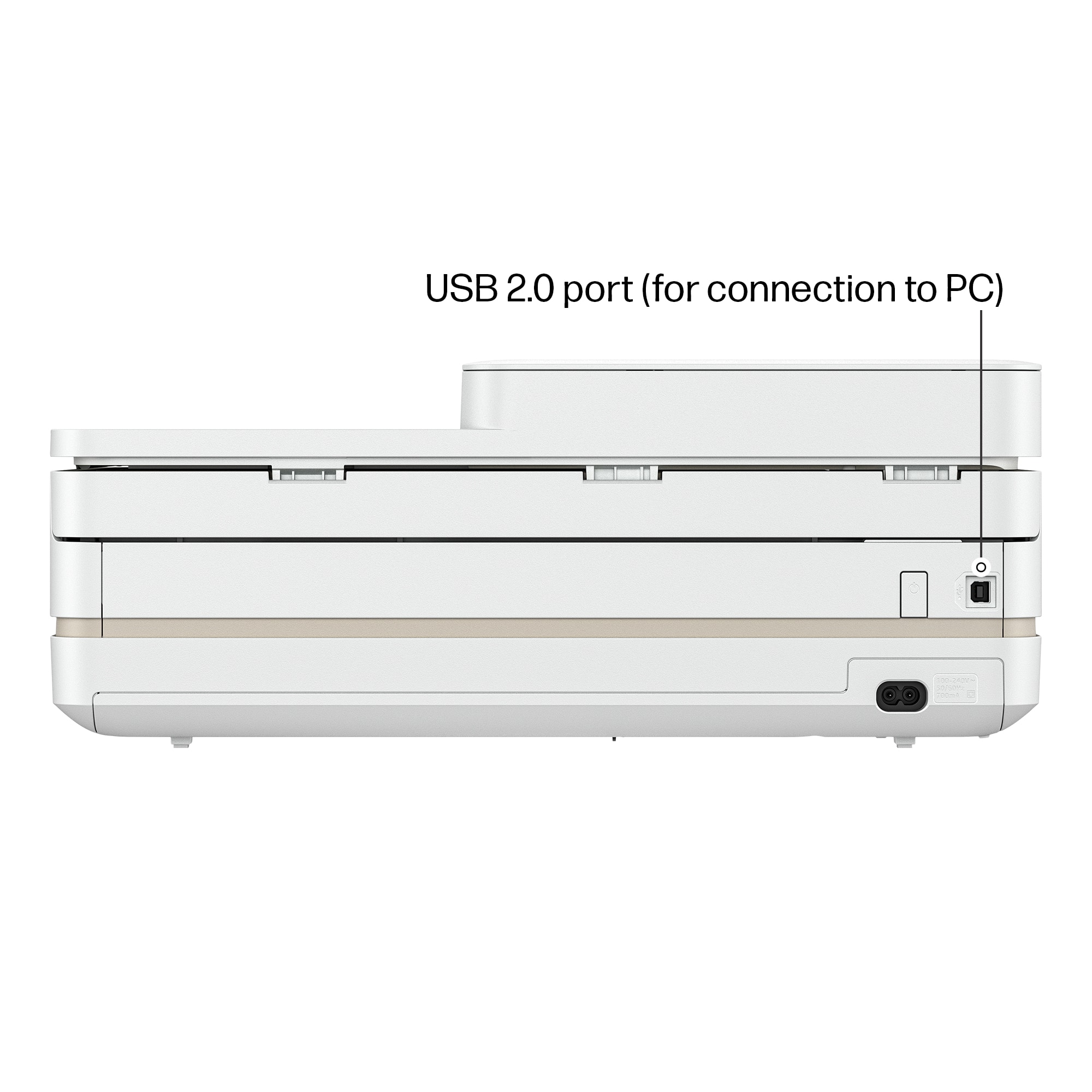
||Posted . Owned for 1 month when reviewed.This reviewer received promo considerations or sweepstakes entry for writing a review.Is great for the price, there are no usb ports, solely wireless. Iuse it for crafts
This review is from HP - Envy 6555e Wireless AI-Enabled All-in-One Inkjet Printer with 3 Months of Instant Ink (+1 Bonus Month of Ink w/ Code) - White
I would recommend this to a friendRated 1 out of 5 stars
DO NOT PURCHASE HP - ENVY 6555e PRINTER
||Posted . Owned for 1 month when reviewed.This reviewer received promo considerations or sweepstakes entry for writing a review.I purchased the HP Envy 6555e wireless All-In-One InkJet Printer to replace my previous HP Envy model, intending it for family use so my teenagers could print their schoolwork. I chose this upgraded version specifically for the scanning feature, which I occasionally need. Unfortunately, the printer has been nothing but a headache from the start. It frequently loses connection to our home network, making it unreliable. The scanning feature, which was a major reason for my purchase, only seems to work through the app, adding unnecessary steps and frustration. I regret not returning it within Best Buy’s two-week return window—now I’m stuck with a printer that barely functions. To make matters worse, HP’s customer service is nonexistent. It’s impossible to get through to a real person, and the online chat system sends you in circles without offering any real solutions. I’m shocked that a company with HP’s reputation allows this kind of poor service to continue. Save yourself the frustration and look elsewhere.
This review is from HP - Envy 6555e Wireless AI-Enabled All-in-One Inkjet Printer with 3 Months of Instant Ink (+1 Bonus Month of Ink w/ Code) - White
No, I would not recommend this to a friendRated 5 out of 5 stars
TerriC
||Posted . Owned for 1 month when reviewed.This reviewer received promo considerations or sweepstakes entry for writing a review.Easy set up.Great color for copies Connects great to phone to make copies of itrms needed
This review is from HP - Envy 6555e Wireless AI-Enabled All-in-One Inkjet Printer with 3 Months of Instant Ink (+1 Bonus Month of Ink w/ Code) - White
I would recommend this to a friendRated 5 out of 5 stars
My printer
||Posted . Owned for 1 month when reviewed.This reviewer received promo considerations or sweepstakes entry for writing a review.We really love the printer An it has come in handy. We wish we would have gotten it done
This review is from HP - Envy 6555e Wireless AI-Enabled All-in-One Inkjet Printer with 3 Months of Instant Ink (+1 Bonus Month of Ink w/ Code) - White
I would recommend this to a friendRated 5 out of 5 stars
Review of HP Envy 6555e printer
||Posted . Owned for 1 month when reviewed.This reviewer received promo considerations or sweepstakes entry for writing a review.I like how easy it is to operate. The color on the copies is excellent.
This review is from HP - Envy 6555e Wireless AI-Enabled All-in-One Inkjet Printer with 3 Months of Instant Ink (+1 Bonus Month of Ink w/ Code) - White
I would recommend this to a friendRated 5 out of 5 stars
Good purchase
||Posted . Owned for 2 weeks when reviewed.This reviewer received promo considerations or sweepstakes entry for writing a review.Meet wit the expectation, easy to install, good price.
This review is from HP - Envy 6555e Wireless AI-Enabled All-in-One Inkjet Printer with 3 Months of Instant Ink (+1 Bonus Month of Ink w/ Code) - White
I would recommend this to a friendRated 2 out of 5 stars
Just OK
||Posted . Owned for 3 months when reviewed.This reviewer received promo considerations or sweepstakes entry for writing a review.This was an upgrade to an older HP printer. This has just been OK so far. Not great. Get error codes often. Takes longer to print. Not as easy to set up. There is a wired option but they don't want you to use it. That's frustrating to only rely on Bluetooth connection. I tried using the wired connection and got even more error codes. It has two bright power lights that stay on constantly. I can't even get it to power off easily. Power button is in the back towards the bottom. Poor design overall.
This review is from HP - Envy 6555e Wireless AI-Enabled All-in-One Inkjet Printer with 3 Months of Instant Ink (+1 Bonus Month of Ink w/ Code) - White
No, I would not recommend this to a friendRated 5 out of 5 stars
Retired Huy
||Posted . Owned for 1 week when reviewed.This reviewer received promo considerations or sweepstakes entry for writing a review.Had to return the Cannon and this works so much better great setup that took minutes to do ❤️
This review is from HP - Envy 6555e Wireless AI-Enabled All-in-One Inkjet Printer with 3 Months of Instant Ink (+1 Bonus Month of Ink w/ Code) - White
I would recommend this to a friendRated 5 out of 5 stars
Everthing I Need!
||Posted . Owned for 1 week when reviewed.This reviewer received promo considerations or sweepstakes entry for writing a review.I purchased a HP Envy 6555e and it is everything I need! Works smoothly, scans like a dream, and the ink is easy to insert!
This review is from HP - Envy 6555e Wireless AI-Enabled All-in-One Inkjet Printer with 3 Months of Instant Ink (+1 Bonus Month of Ink w/ Code) - White
I would recommend this to a friendRated 5 out of 5 stars
Works good!
||Posted . Owned for 1 month when reviewed.This reviewer received promo considerations or sweepstakes entry for writing a review.Yes, it works good. I like the white color, the size of the printer, and the HP brand.
This review is from HP - Envy 6555e Wireless AI-Enabled All-in-One Inkjet Printer with 3 Months of Instant Ink (+1 Bonus Month of Ink w/ Code) - White
I would recommend this to a friendRated 5 out of 5 stars
Printer
||Posted . Owned for 2 weeks when reviewed.This reviewer received promo considerations or sweepstakes entry for writing a review.Good product. prints well, easy to use, wifi friendly
This review is from HP - Envy 6555e Wireless AI-Enabled All-in-One Inkjet Printer with 3 Months of Instant Ink (+1 Bonus Month of Ink w/ Code) - White
I would recommend this to a friendRated 5 out of 5 stars
HP - Envy 655e Wireless All-in-One Inkjet Printer
||Posted . Owned for 1 month when reviewed.This reviewer received promo considerations or sweepstakes entry for writing a review.First time having a wireless printer. I had some issues setting it up but had help from Geek Squad. Unlike my previous printer, I learned that I had to keep this printer on all the time otherwise it wouldn't print & I would have to call Geek Squad to have it re-connected to the network. I basically just wanted to print, copy & scan. Overall, I love this printer, and, it was on sale.
This review is from HP - Envy 6555e Wireless AI-Enabled All-in-One Inkjet Printer with 3 Months of Instant Ink (+1 Bonus Month of Ink w/ Code) - White
I would recommend this to a friendRated 4 out of 5 stars
Good product.
||Posted . Owned for less than 1 week when reviewed.This reviewer received promo considerations or sweepstakes entry for writing a review.Replacing an older hp product. So far it's working out well.
This review is from HP - Envy 6555e Wireless AI-Enabled All-in-One Inkjet Printer with 3 Months of Instant Ink (+1 Bonus Month of Ink w/ Code) - White
I would recommend this to a friendRated 5 out of 5 stars
Printer
||Posted . Owned for 1 month when reviewed.This reviewer received promo considerations or sweepstakes entry for writing a review.We gave had this product for a few months now with no problems
This review is from HP - Envy 6555e Wireless AI-Enabled All-in-One Inkjet Printer with 3 Months of Instant Ink (+1 Bonus Month of Ink w/ Code) - White
I would recommend this to a friendRated 5 out of 5 stars
mr
||Posted . Owned for 1 month when reviewed.This reviewer received promo considerations or sweepstakes entry for writing a review.easy to use. Good quality print. Good value/price.
This review is from HP - Envy 6555e Wireless AI-Enabled All-in-One Inkjet Printer with 3 Months of Instant Ink (+1 Bonus Month of Ink w/ Code) - White
I would recommend this to a friend