Customer Ratings & Reviews
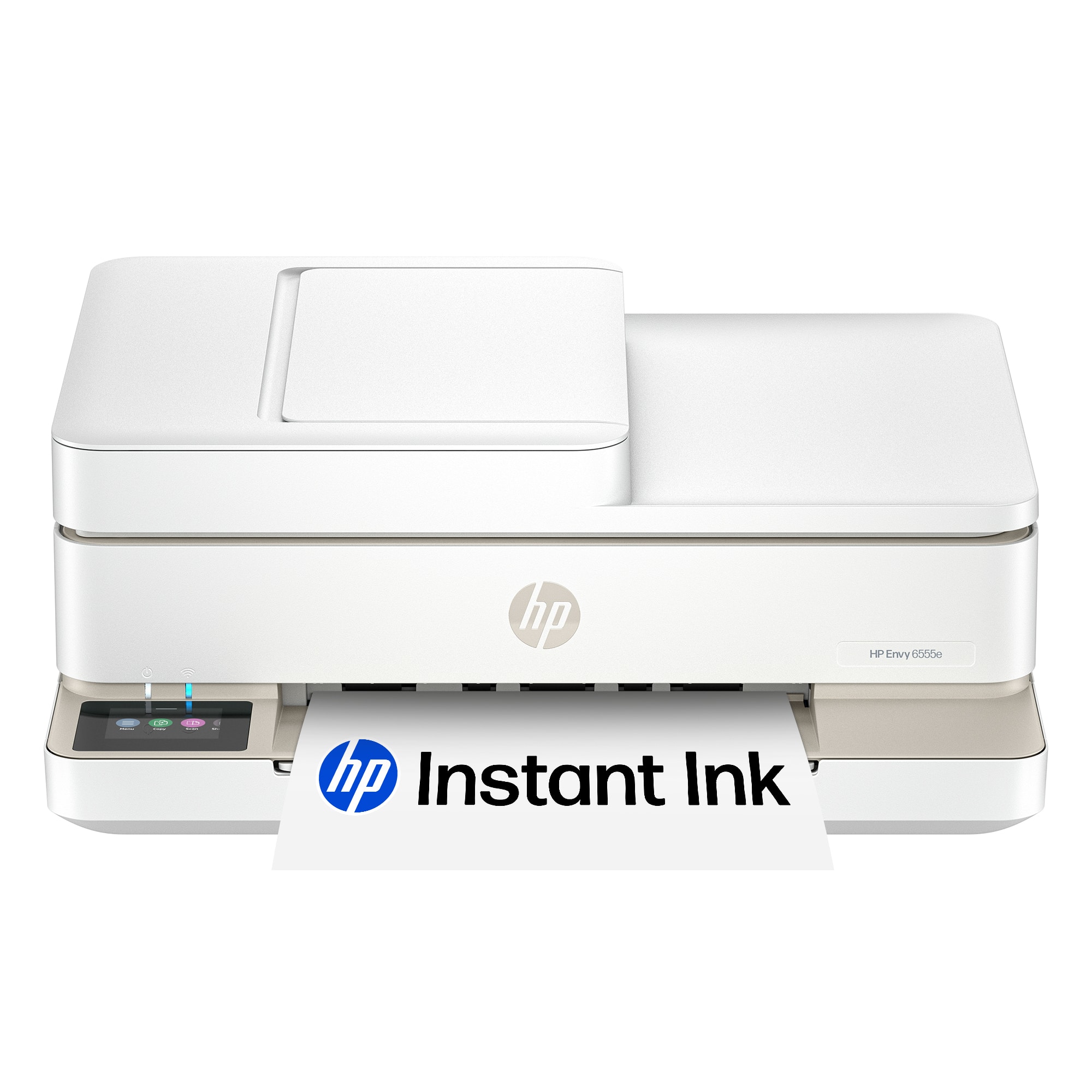

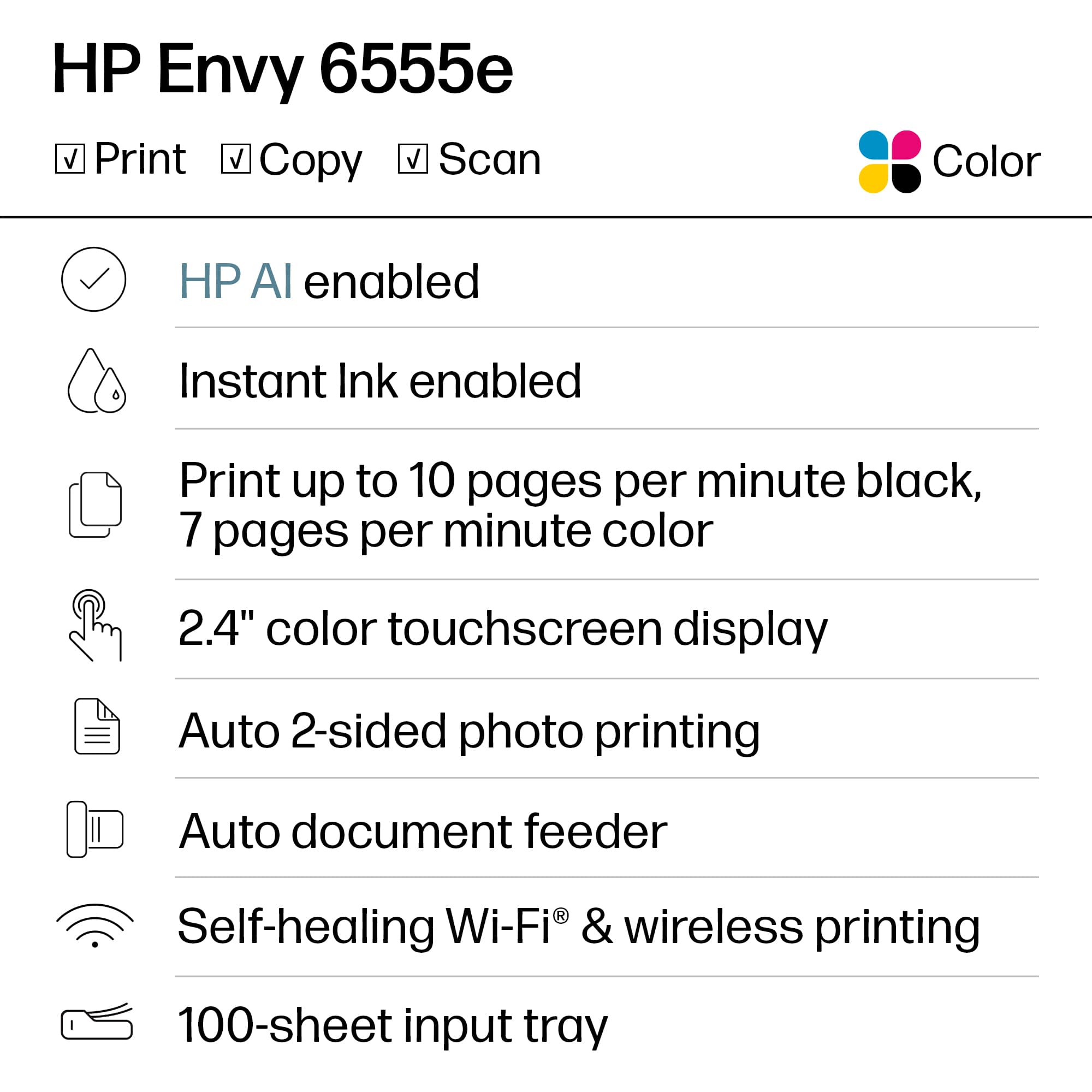
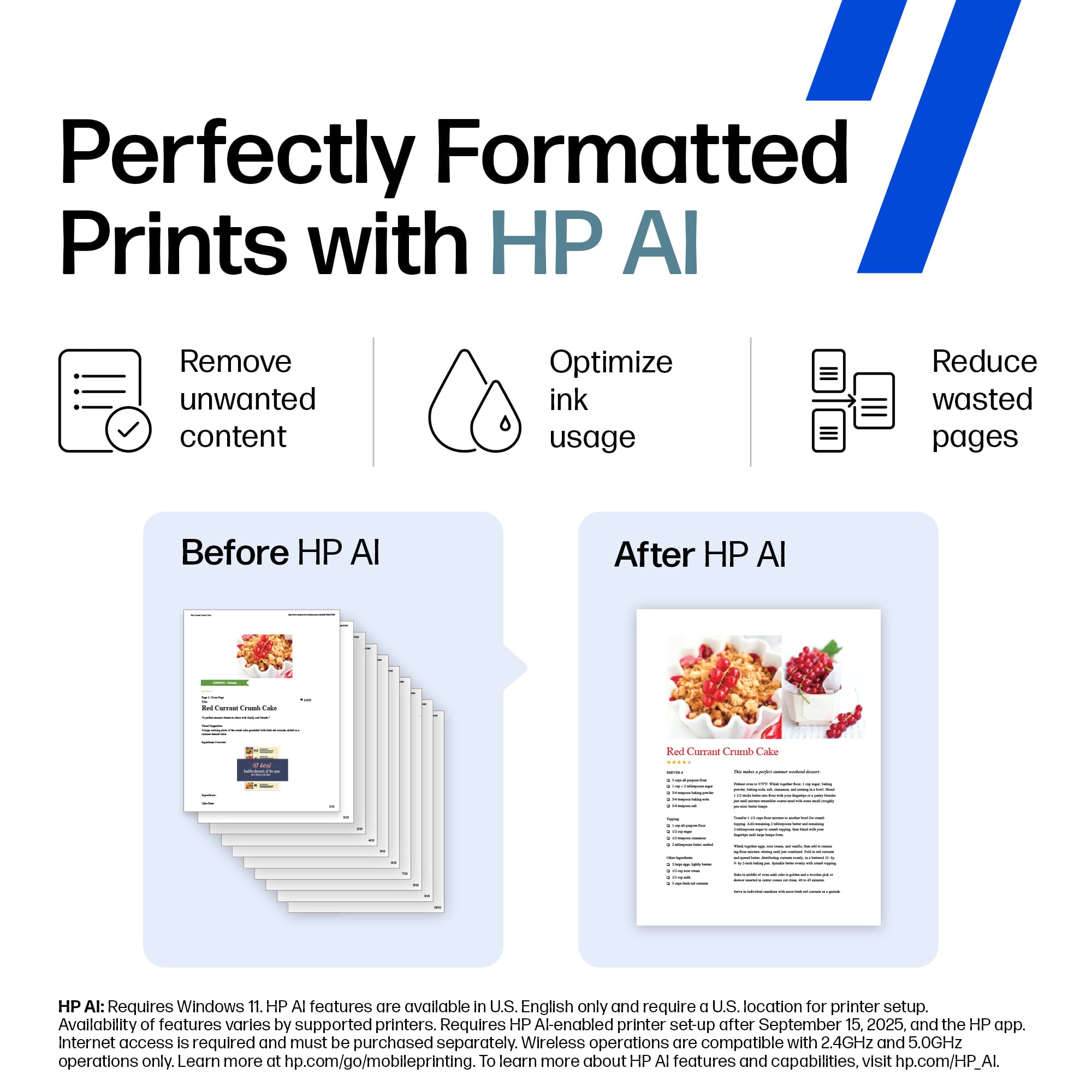










- Model:
- ENVY 6555E/714N5A#B1H
- |
- SKU:
- 10213515
Customer reviews
Rating 4.4 out of 5 stars with 858 reviews
(858 customer reviews)Rating by feature
- Value4.5
Rating 4.5 out of 5 stars
- Quality4.4
Rating 4.4 out of 5 stars
- Ease of Use4.3
Rating 4.3 out of 5 stars
Rated 1 out of 5 stars
A pain to set up with Instant Ink cartridges.
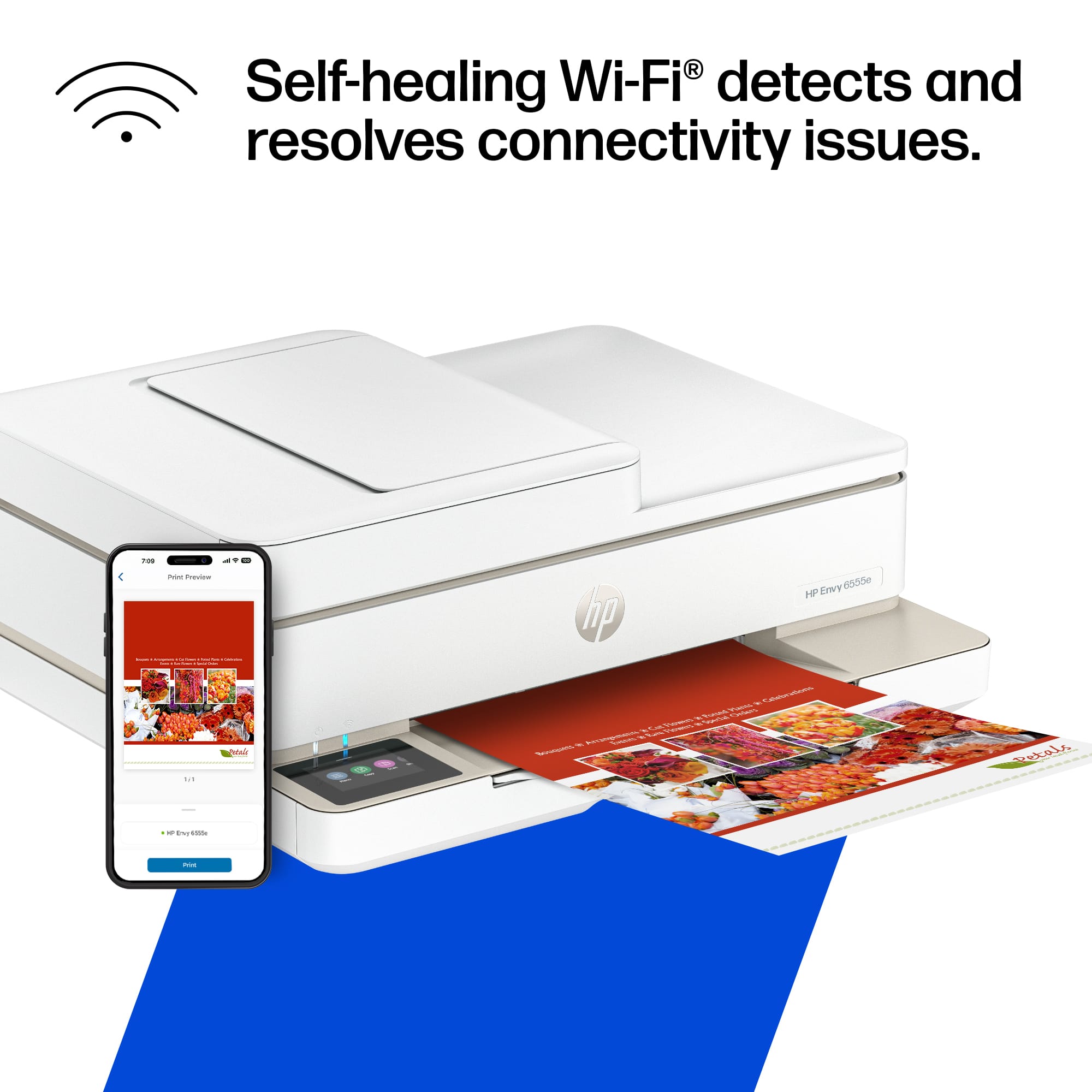
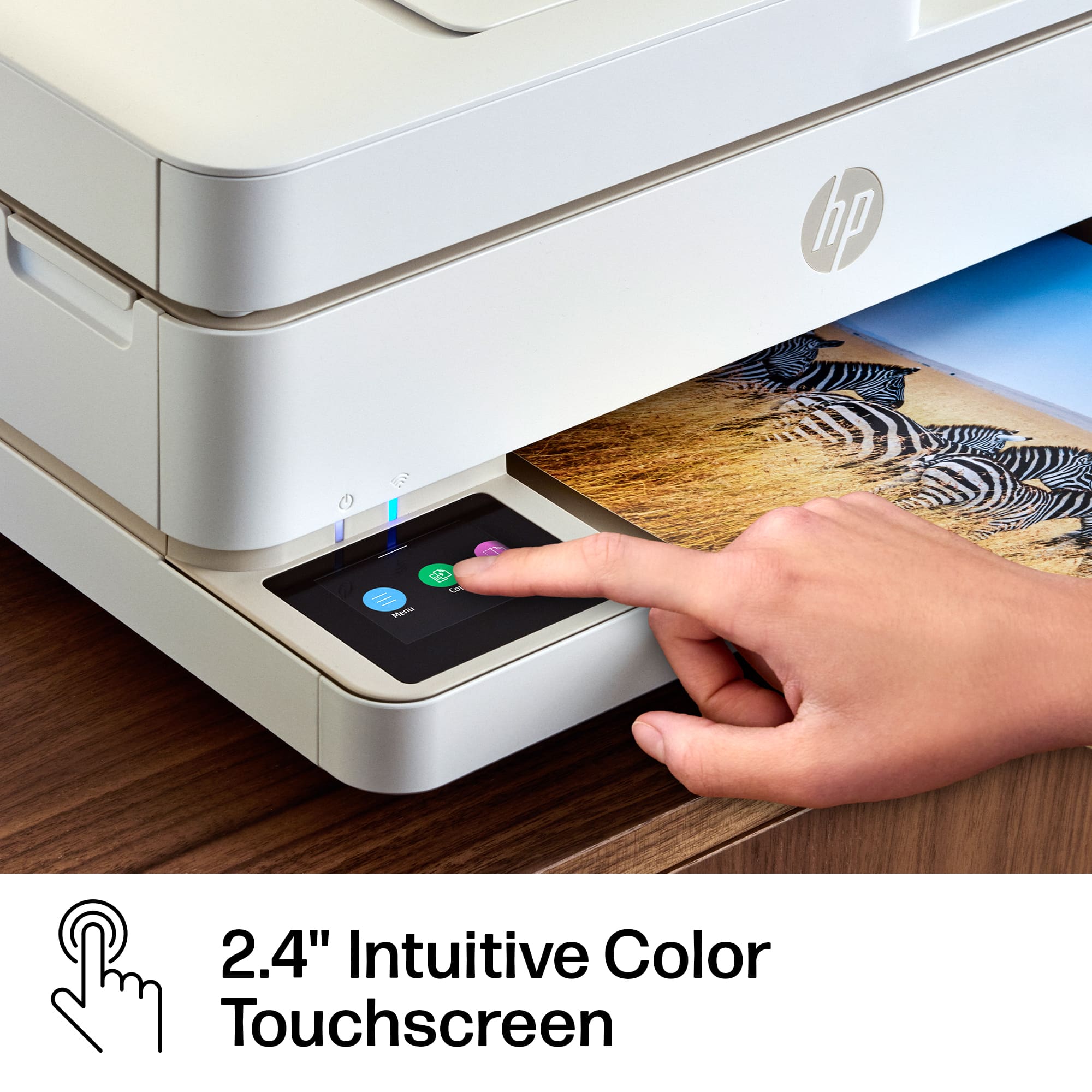
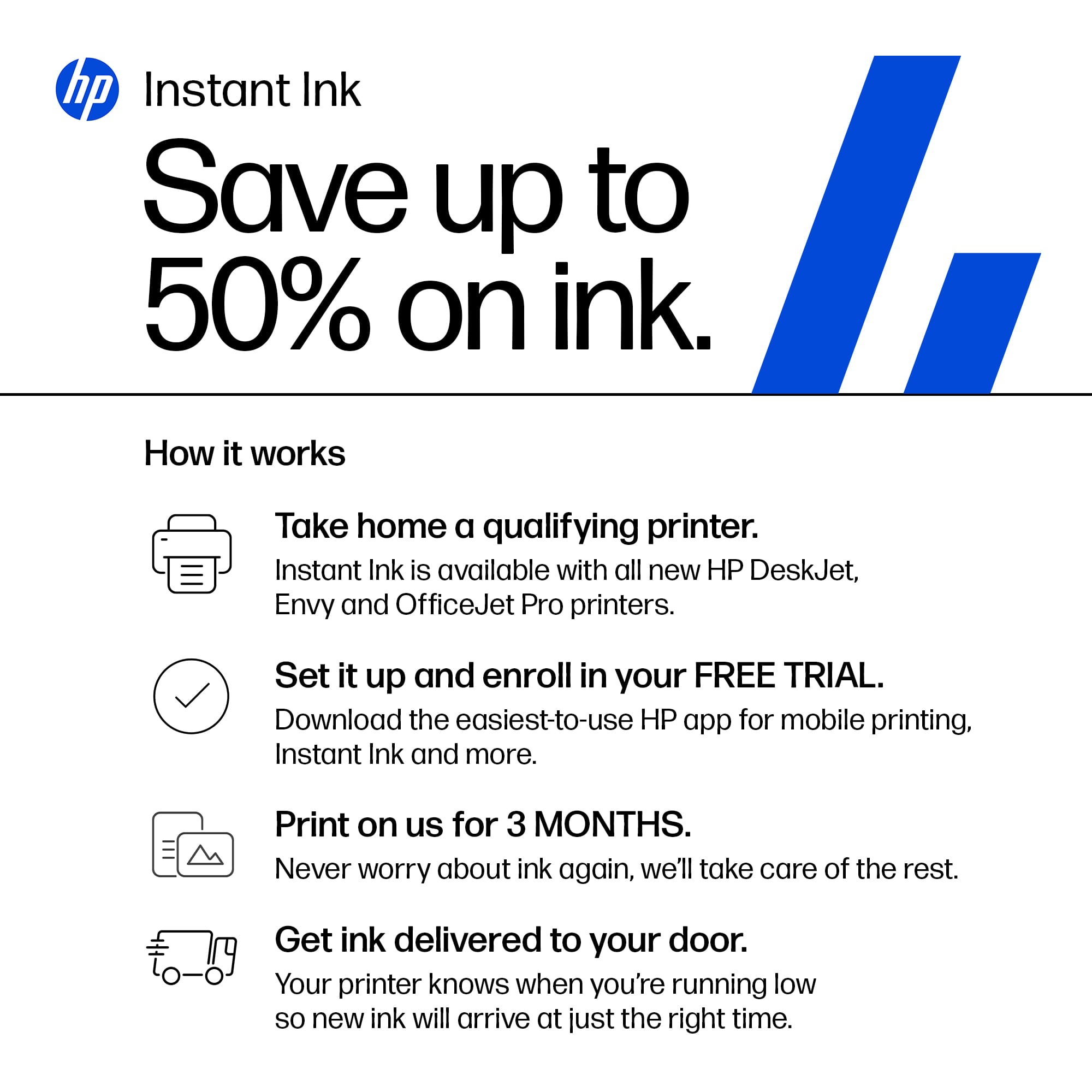
||Posted .This reviewer received promo considerations or sweepstakes entry for writing a review.10/11/2025... Bought this 05/04/25, set it up June 2025 and added Instant Ink deal. Errors continued... Internet not connected, cartridge problem, account problem... Took the HP Instant ink cartridges out, then watched a YouTube video on resetting printer HP Envy 6555e; restored to factory settings with original ink cartridges in... And hallelujah, I can print from my iPhone and my new HP Touch All-in-One 24-CB1144. Three months of reading, reading, reading Support Pages... and finally disconnecting from "added features, HP apps, Instant Ink"... got it to work. Simple is better, for this simple machine. ** Also, the little digital screen is difficult at times & you may have to turn it OFF to clear messages stuck or to get the little touchscreen to apply your entries. Good Luck if purchasing.
This review is from HP - Envy 6555e Wireless AI-Enabled All-in-One Inkjet Printer with 3 Months of Instant Ink (+1 Bonus Month of Ink w/ Code) - White
No, I would not recommend this to a friendRated 1 out of 5 stars
HP is not for me
||Posted . Owned for less than 1 week when reviewed.This reviewer received promo considerations or sweepstakes entry for writing a review.I bought this as a black Friday purchase. It wouldn't complete the set up process...wouldn't even display the home panel (not even an option, just an error message to load paper). I communicated with customer support for almost two hours and got no help. Troubleshooted only 4-5 times, kept asking for access to my computer, even though it wasn't connected to the printer. I told him I was returning it and he told me, "There's nothing wrong with the product." This morning, I packed it up and returned it, replaced it with an Epson. Set it up with no problem.
This review is from HP - Envy 6555e Wireless AI-Enabled All-in-One Inkjet Printer with 3 Months of Instant Ink (+1 Bonus Month of Ink w/ Code) - White
No, I would not recommend this to a friendRated 5 out of 5 stars
Printer efficiency
||Posted . Owned for 3 weeks when reviewed.This reviewer received promo considerations or sweepstakes entry for writing a review.works very efficiently and clearly.... replaces printer that was over 10 yrs old.
This review is from HP - Envy 6555e Wireless AI-Enabled All-in-One Inkjet Printer with 3 Months of Instant Ink (+1 Bonus Month of Ink w/ Code) - White
I would recommend this to a friendRated 5 out of 5 stars
Loving HP
||Posted . Owned for 2 months when reviewed.This reviewer received promo considerations or sweepstakes entry for writing a review.Love the diversity this printer offers me. So far, so good, and so easy!
This review is from HP - Envy 6555e Wireless AI-Enabled All-in-One Inkjet Printer with 3 Months of Instant Ink (+1 Bonus Month of Ink w/ Code) - White
I would recommend this to a friendRated 5 out of 5 stars
Envy 6555e user
||Posted . Owned for 3 weeks when reviewed.This reviewer received promo considerations or sweepstakes entry for writing a review.Very satisfied with this product so far. Not being a computer techy was apprehensive of setup process. Worries were unfounded.
This review is from HP - Envy 6555e Wireless AI-Enabled All-in-One Inkjet Printer with 3 Months of Instant Ink (+1 Bonus Month of Ink w/ Code) - White
I would recommend this to a friendRated 5 out of 5 stars
Printer
||Posted . Owned for less than 1 week when reviewed.This reviewer received promo considerations or sweepstakes entry for writing a review.I have’s set up my new printer yet so I don’t know how to rate it yet but I am impressed with the ink refills offer.
This review is from HP - Envy 6555e Wireless AI-Enabled All-in-One Inkjet Printer with 3 Months of Instant Ink (+1 Bonus Month of Ink w/ Code) - White
I would recommend this to a friendRated 5 out of 5 stars
Perfect for home office
||Posted . Owned for 1 week when reviewed.This reviewer received promo considerations or sweepstakes entry for writing a review.I love the capabilities it provides for my home offices. Paper capacity could be a little more. Great printer!!!
This review is from HP - Envy 6555e Wireless AI-Enabled All-in-One Inkjet Printer with 3 Months of Instant Ink (+1 Bonus Month of Ink w/ Code) - White
I would recommend this to a friendRated 3 out of 5 stars
Non-English speaking representative
||Posted . Owned for 3 weeks when reviewed.This reviewer received promo considerations or sweepstakes entry for writing a review.I cannot get my new printer to scan or copy. When I called to check on compatibility with Windows 10, I couldn't understand the representative and never got an answer
This review is from HP - Envy 6555e Wireless AI-Enabled All-in-One Inkjet Printer with 3 Months of Instant Ink (+1 Bonus Month of Ink w/ Code) - White
No, I would not recommend this to a friendRated 2 out of 5 stars
Not meeting expectations.
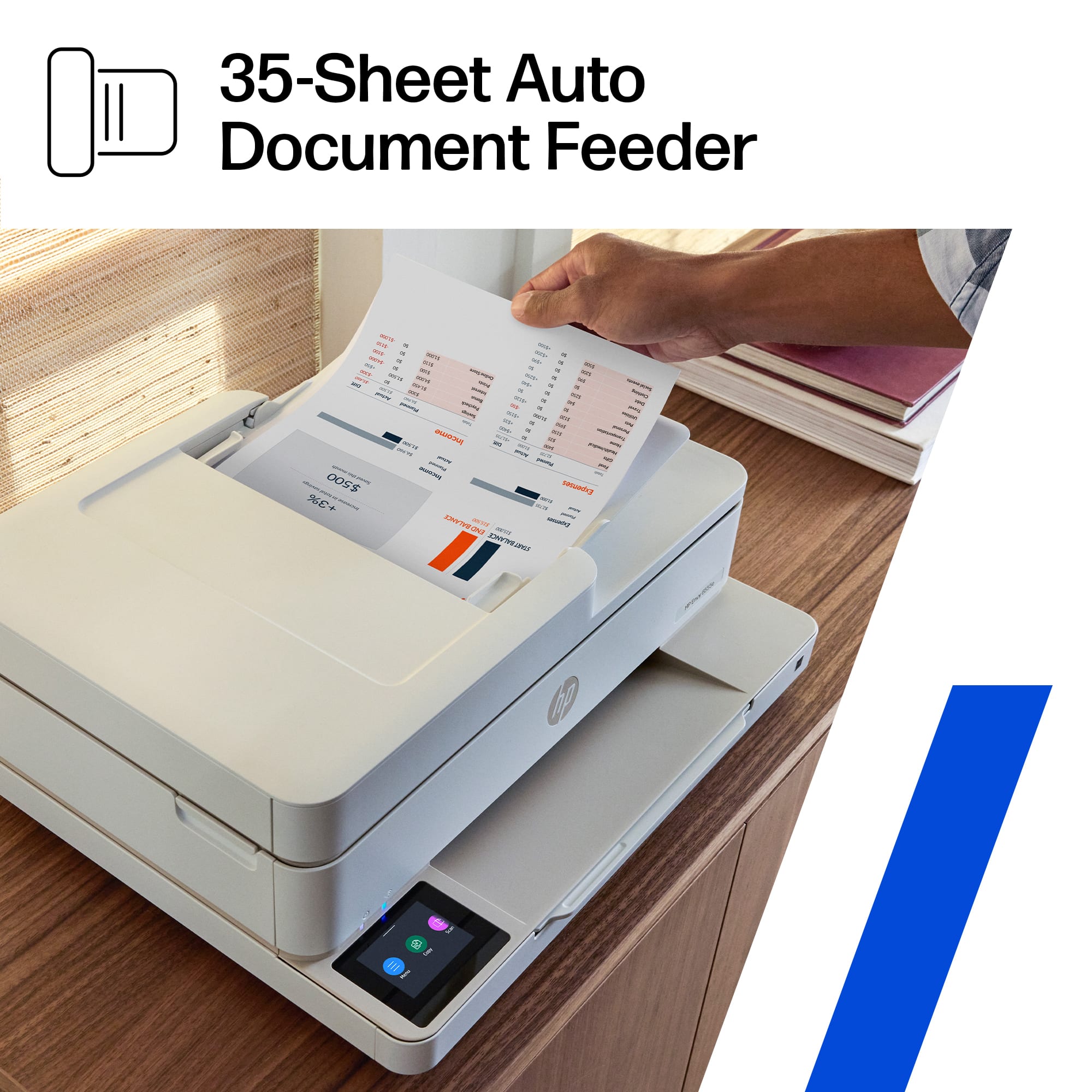
||Posted . Owned for 1 month when reviewed.This reviewer received promo considerations or sweepstakes entry for writing a review.Printer is not working well with my 5 year old computer. I pray over it whenever I scan my church music that it finishes the job. I need to turn on manually and the tech turned off my WiFi due to a weak signal. I can’t use the document feeder for either printing or scanning. Under glass is ok.
This review is from HP - Envy 6555e Wireless AI-Enabled All-in-One Inkjet Printer with 3 Months of Instant Ink (+1 Bonus Month of Ink w/ Code) - White
No, I would not recommend this to a friendRated 5 out of 5 stars
Great Printer
||Posted . Owned for 3 weeks when reviewed.This reviewer received promo considerations or sweepstakes entry for writing a review.Seems great so far. easy install and set up. Also got the ink program.
This review is from HP - Envy 6555e Wireless AI-Enabled All-in-One Inkjet Printer with 3 Months of Instant Ink (+1 Bonus Month of Ink w/ Code) - White
I would recommend this to a friendRated 1 out of 5 stars
WORST PRINTER EVER
||Posted . Owned for 10 months when reviewed.This reviewer received promo considerations or sweepstakes entry for writing a review.WORST PRINTER EVER!!!! I have been very, very sick . seriously ill - so that's why so late in writing this - but in all these years of working with printers - and always very pleased with HP products - this has been just one issue after the next - don't know how many tickets i've opened and still sit here unable to SCAN?? wireless sucks - just want to be able to scan & print - and no one returns calls anymore? need help with this but can not get any
This review is from HP - Envy 6555e Wireless AI-Enabled All-in-One Inkjet Printer with 3 Months of Instant Ink (+1 Bonus Month of Ink w/ Code) - White
No, I would not recommend this to a friendRated 5 out of 5 stars
I love my new HP printer
||Posted . Owned for 3 weeks when reviewed.This reviewer received promo considerations or sweepstakes entry for writing a review.It’s been a minute since I’ve had to purchase a printer.
This review is from HP - Envy 6555e Wireless AI-Enabled All-in-One Inkjet Printer with 3 Months of Instant Ink (+1 Bonus Month of Ink w/ Code) - White
I would recommend this to a friendRated 5 out of 5 stars
HP Printer compact for family ise
||Posted . Owned for 3 weeks when reviewed.This reviewer received promo considerations or sweepstakes entry for writing a review.Customer service Heel Squad was professional and helpful in our purchase so thanks.
This review is from HP - Envy 6555e Wireless AI-Enabled All-in-One Inkjet Printer with 3 Months of Instant Ink (+1 Bonus Month of Ink w/ Code) - White
I would recommend this to a friendRated 3 out of 5 stars
Ok Printer
||Posted .This reviewer received promo considerations or sweepstakes entry for writing a review.My new HP printer is good but not fast enough. Should have upgraded the model.
This review is from HP - Envy 6555e Wireless AI-Enabled All-in-One Inkjet Printer with 3 Months of Instant Ink (+1 Bonus Month of Ink w/ Code) - White
No, I would not recommend this to a friendRated 3 out of 5 stars
Not the best quality
||Posted . Owned for 1 month when reviewed.This reviewer received promo considerations or sweepstakes entry for writing a review.Not the best. Printer has defects and keeps saying i didn’t finish set up but when i try to finish setup it says error with printer.
This review is from HP - Envy 6555e Wireless AI-Enabled All-in-One Inkjet Printer with 3 Months of Instant Ink (+1 Bonus Month of Ink w/ Code) - White
No, I would not recommend this to a friendRated 3 out of 5 stars
Difficult set up
||Posted .This reviewer received promo considerations or sweepstakes entry for writing a review.this was difficult to set up. My son-in-law had to really work on this.
This review is from HP - Envy 6555e Wireless AI-Enabled All-in-One Inkjet Printer with 3 Months of Instant Ink (+1 Bonus Month of Ink w/ Code) - White
I would recommend this to a friendRated 4 out of 5 stars
Printer
||Posted . Owned for 1 week when reviewed.This reviewer received promo considerations or sweepstakes entry for writing a review.Nice product for the price. Was exactly what we needed it for.
This review is from HP - Envy 6555e Wireless AI-Enabled All-in-One Inkjet Printer with 3 Months of Instant Ink (+1 Bonus Month of Ink w/ Code) - White
I would recommend this to a friendRated 5 out of 5 stars
Sandra Jenkins
||Posted . Owned for 1 month when reviewed.This reviewer received promo considerations or sweepstakes entry for writing a review.Love love itin all ot can do! Its not giant to do all it does
This review is from HP - Envy 6555e Wireless AI-Enabled All-in-One Inkjet Printer with 3 Months of Instant Ink (+1 Bonus Month of Ink w/ Code) - White
I would recommend this to a friendRated 4 out of 5 stars
HP Printer
||Posted . Owned for 1 week when reviewed.This reviewer received promo considerations or sweepstakes entry for writing a review.The Envy 6555e is a great value for a quality all-in-one unit
This review is from HP - Envy 6555e Wireless AI-Enabled All-in-One Inkjet Printer with 3 Months of Instant Ink (+1 Bonus Month of Ink w/ Code) - White
I would recommend this to a friendRated 5 out of 5 stars
Great!
||Posted . Owned for 1 week when reviewed.This reviewer received promo considerations or sweepstakes entry for writing a review.Great product & customer service! Best Buy has the best employees.
This review is from HP - Envy 6555e Wireless AI-Enabled All-in-One Inkjet Printer with 3 Months of Instant Ink (+1 Bonus Month of Ink w/ Code) - White
I would recommend this to a friend