Customer Ratings & Reviews


- Model:
- M140W/7MD72F#BGJ
- SKU:
- 10757630
Rating by feature
- Value
Rating 4.5 out of 5 stars
- Quality
Rating 4.5 out of 5 stars
- Ease of Use
Rating 4.4 out of 5 stars

Great basic multifunction printer
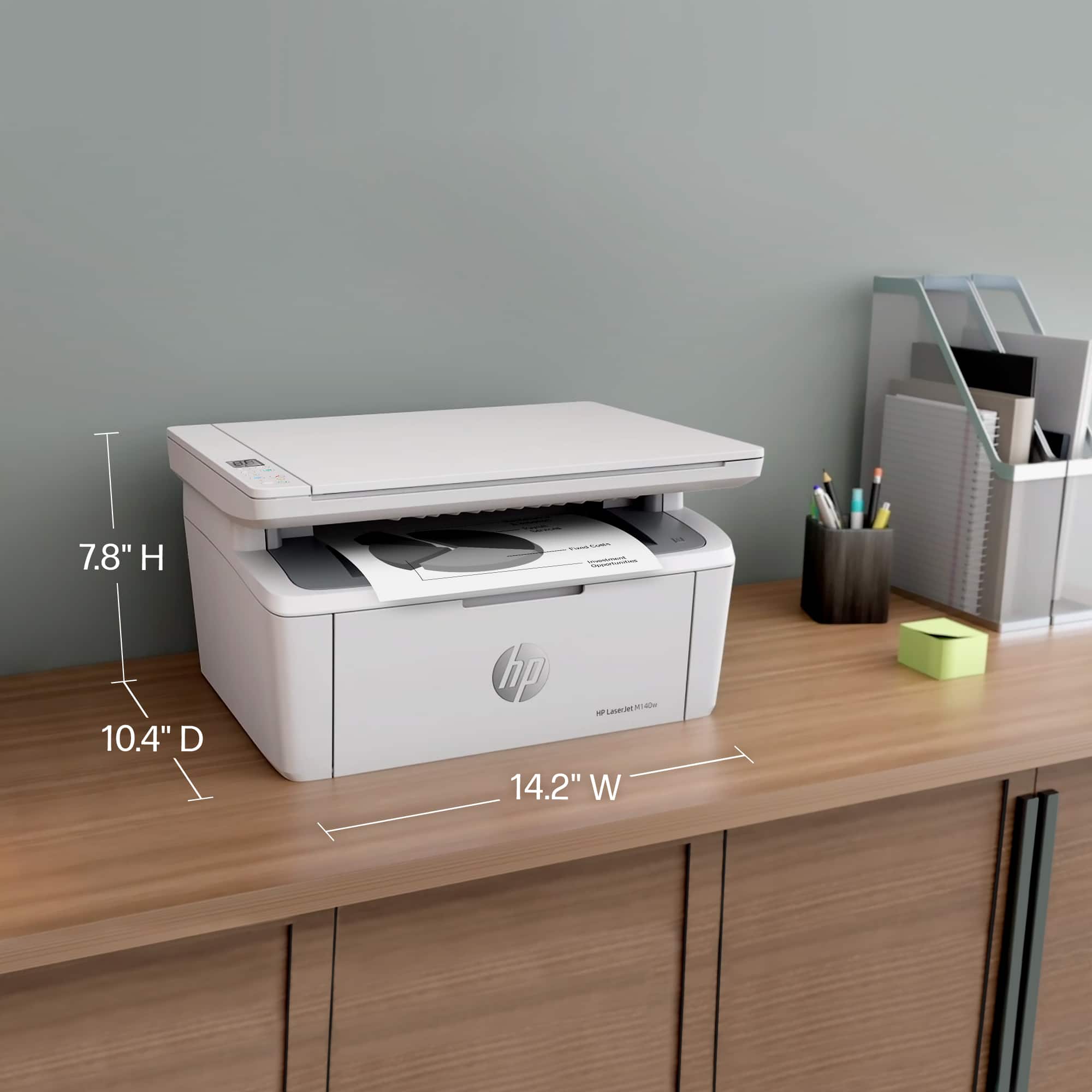
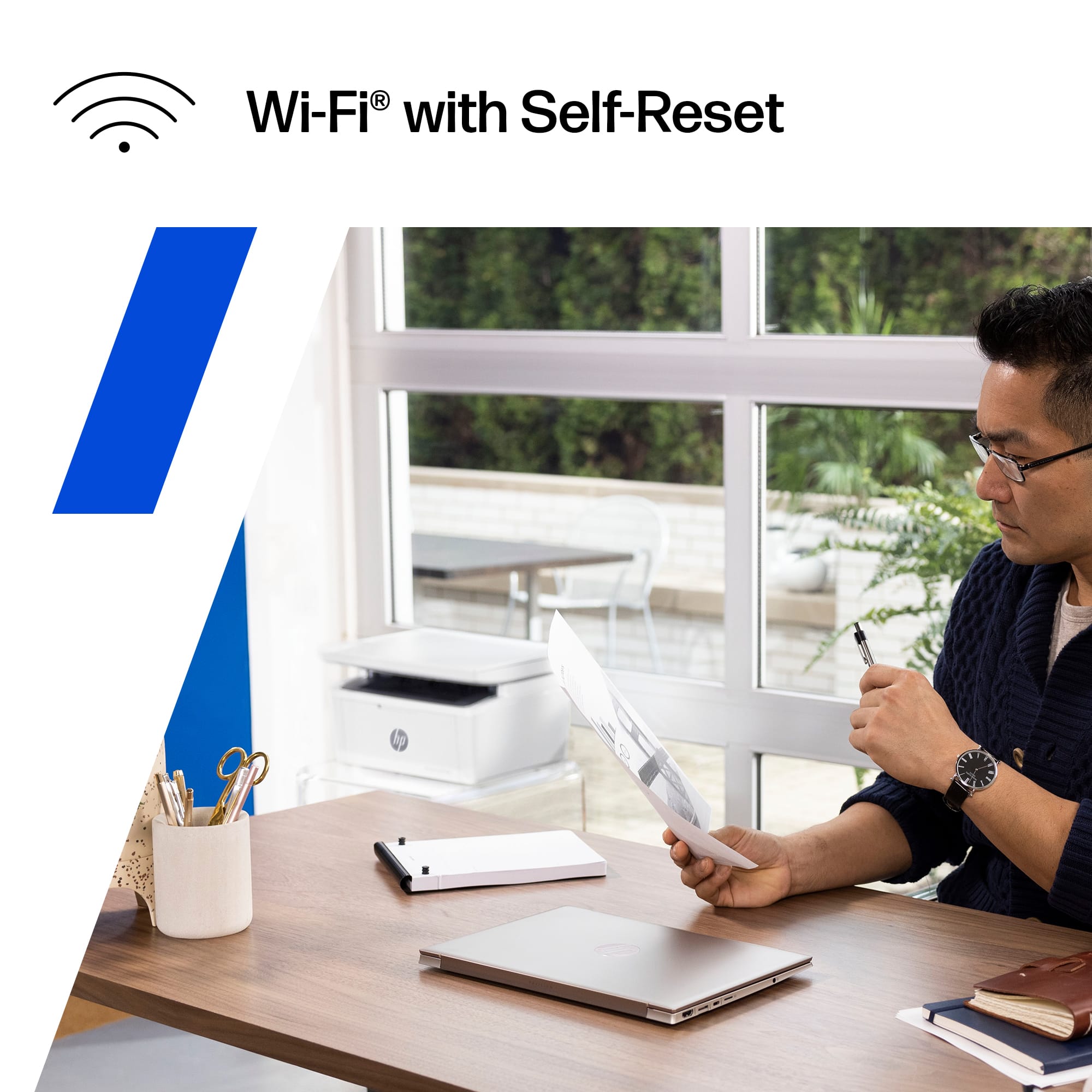
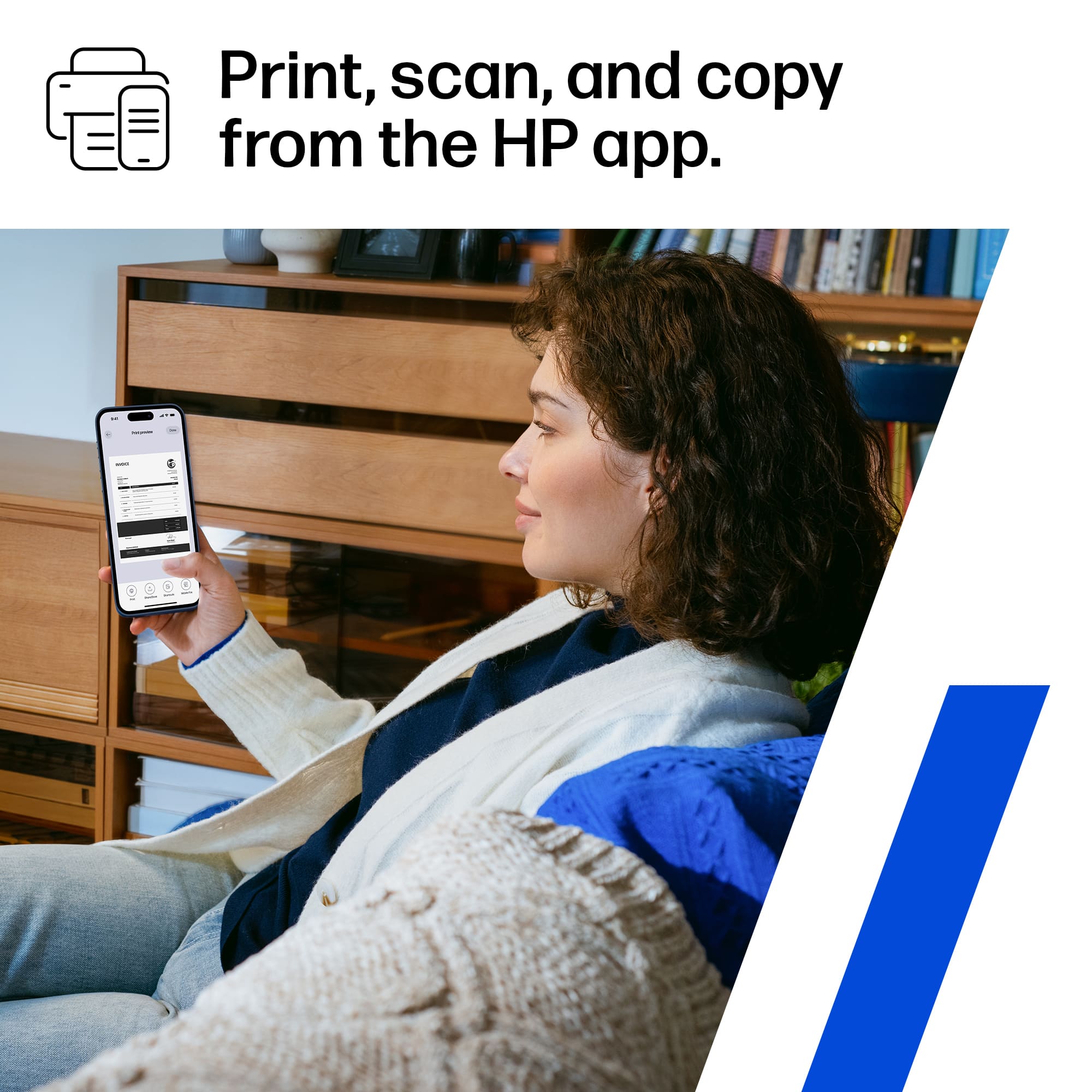
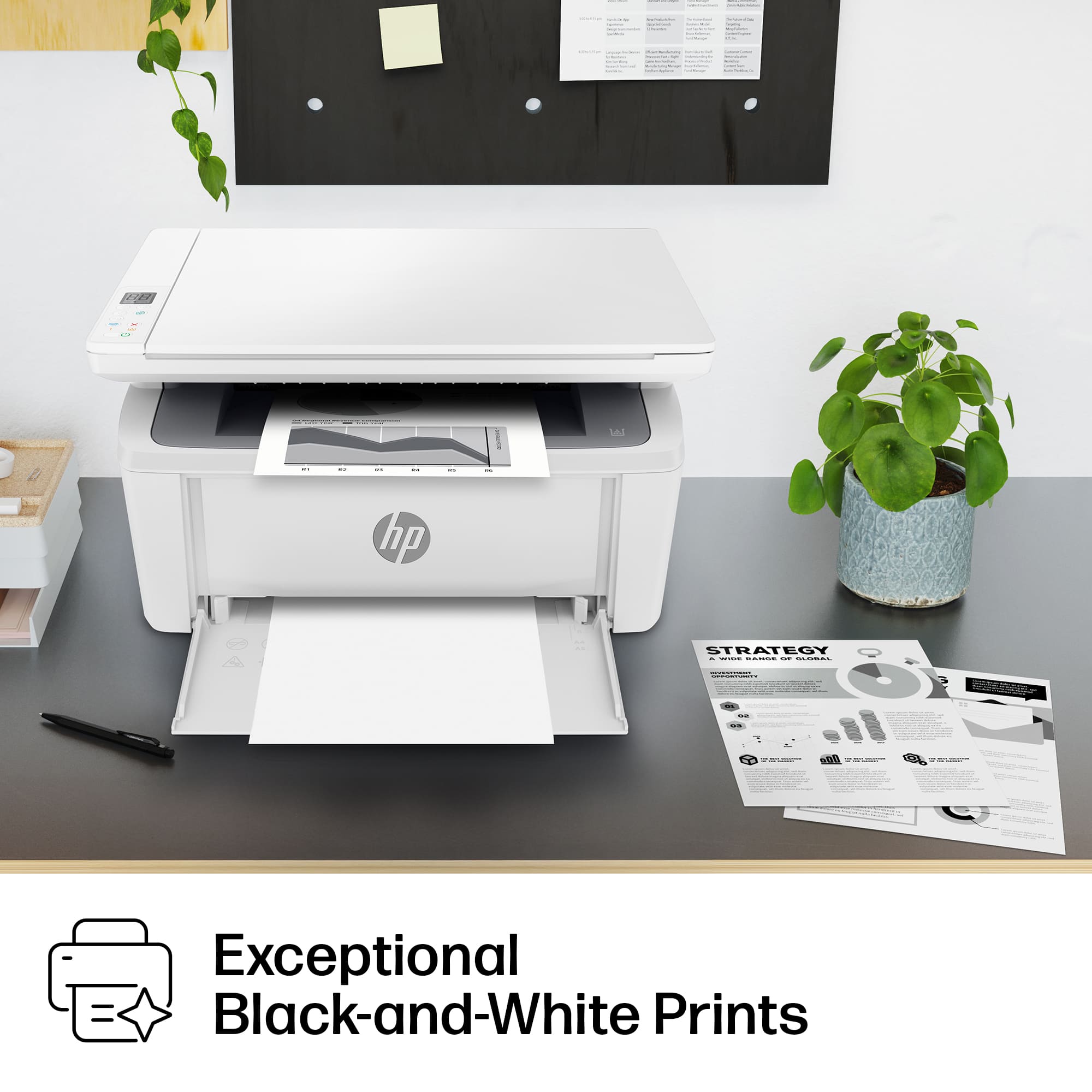
|Posted .This reviewer received promo considerations or sweepstakes entry for writing a review.This is a fantastic multifunction printer/scanner/copier for home or small business use. It has a very small footprint that should be able to fit in any setting. The setup process is very simple and straightforward by using the HP Smart app on your smartphone. It guides you through setup and gets you connected to your wifi network as easy as any other device I have used. Using the HP Smart app allows you to keep track of the amount of toner remaining, and you can use the Instant Ink function to have HP send you a new toner cartridge automatically when the ink gets down to a certain level. You never have to worry about running out or having to go to the store and hope that they have the right cartridge available. The print speed is more than adequate for small office use. The print quality is crisp and clear. This is only a black and white scale printer, so be mindful of that if you have a lot of print jobs requiring color. You can easily print from any of your mobile devices wirelessly. As a general rule, I hate printers and am constantly frustrated with them. So far this one has been very easy to use and reliable. I highly recommend it.
I would recommend this to a friendHP printer tech support
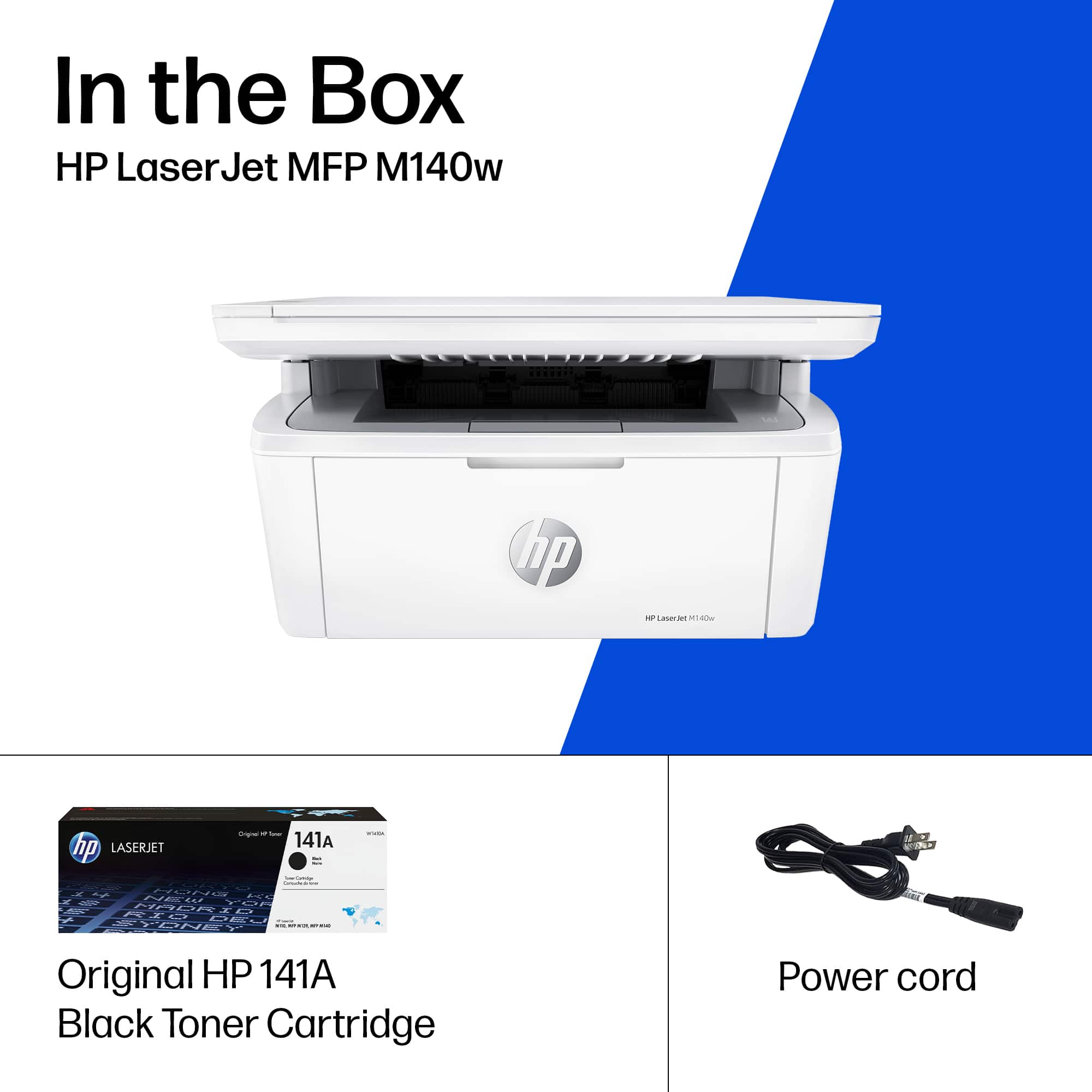
||Posted . Owned for 3 weeks when reviewed.This reviewer received promo considerations or sweepstakes entry for writing a review.Have not used as printer yet. No cord included, nor any recommendation to purchase the appropriate wire connectors. Unable to boot wireless and HP support was very difficult to reach and I have given up for now.
No, I would not recommend this to a friendGreat for school or work
|Posted .This reviewer received promo considerations or sweepstakes entry for writing a review.At this point there are a couple of a things a printer must do, and that is print from a computer and print from a phone/tablet. So it is great to see that HP has been doing such a good job with these features. I was switching over from a different older hp printer and setting up and getting this new one going was easy and quick. Took me about 15 minutes total to unpack setup and get it setup on network and installed on my pc. I was able to print som documents on my phone with no issues and while I’m not always a fan of the hp print app. I had no issues with it and was able to get up and going right away. My favorite part of the printer is that it has such a small footprint, my other printer was such a big monster it took up so much space on my desk so it is very nice having some of that space back. Printer is relatively quiet and works quickly. I was able to print a large number of work documents from my pc rather quickly. Overall this is an incredibly solid printer if you are looking for a no frill but solid printer. It will get done what you need to print and sometimes that’s all you need.
I would recommend this to a friendSuper Fast
|Posted .This reviewer received promo considerations or sweepstakes entry for writing a review.Super Fast! This printer prints documents in seconds. Even though it isn’t color which is fine by me it is way better than the printer sliding back and forth for 30 seconds before your document comes out. The app is much better than competitors and the scanning function is terrific. I usually have to send documents to my accountant and this makes it so easy. The printer itself is as small as it could be for a scanner/printer so it takes minimal space. It looks great and it is super easy to set up. Like some other printers that have trouble connecting to your phone/wifi this one connected on the first try and was up and going. It’s so nice to have documents print like they do at my work, super fast no matter how many copies you need. The documents are very clear and precise on the basic settings. Even though I have a computer, I print everything from my phone and the HPSmart app makes that possible. I would say for the price and if you want a black and white printer for your home this is a great deal. So far I have no complaints as it does everything they promised.
I would recommend this to a friendWorst printer in badbuy
||Posted . Owned for 2 months when reviewed.This reviewer received promo considerations or sweepstakes entry for writing a review.Don't buy this printer Loose wifi connection every few hours. Trouble to connect him back. When I bring printer back to badbuy, guy from customer service said I can't take it back. 14 days gone. ??? What you don't tell me nothing about 14 days for exchange or many back, when I buy printer. Never buy nothing again from HP and badbuy.
No, I would not recommend this to a friendHp printer
||Posted . Owned for 1 month when reviewed.This reviewer received promo considerations or sweepstakes entry for writing a review.Works fine to print but will not accept standard sized paper. I must cut the width by 1/2 inch in order for the paper to fit the tray
No, I would not recommend this to a friendIssues with Wireless Connecting
||Posted . Owned for 1 month when reviewed.This reviewer received promo considerations or sweepstakes entry for writing a review.Prints well and fast but the wireless connecting rarely works. If I was able to connect my phones and computers more consistently, would give it at least 4.
No, I would not recommend this to a friendPretty decent little printer!
|Posted .This reviewer received promo considerations or sweepstakes entry for writing a review.Pretty decent little printer! And the fact that is relatively little (as in small footprint) is one of my gfavorite things about it. We have 2 bubble-jet printers (one in my office, on in my wifes office) and now, 2 laser printers. This little guy went into my wifes office where there was not very much room on her shelf, so this fit the bill perfectly. Why do we have 2 of each type? Well, the bubble-jets we use for when color is important and the lasers, of course, for when speed and crispness of text are important. And lets face it, lasers are far more efficient and considerabely less expensive to maintain. Set-up was no probelm. From unboxing to printing wasmaybe 20 minutes? Not surebecause I was pulled away a couple times, but it was pretty simple. Even a novice should have no problem with initial setup. Printing was relatively quick and the text was crisp, clean and sharp. End of the day, if you are in need of a laser printer that also has a small footprint for your home office, this is a good choice. End of the day, I would reccomend it to a friend!
I would recommend this to a friendprinter
||Posted . Owned for 3 weeks when reviewed.This reviewer received promo considerations or sweepstakes entry for writing a review.Printer went to my address. Geeks. squad went to my former address. Got the credit for the geek squad. No credit for the printer. I got my credit from CITI. So if you want your printer, come pick it up. Thank you.6450 King's Parkway, Humble, 77346.
No, I would not recommend this to a friendDescription incorrect.
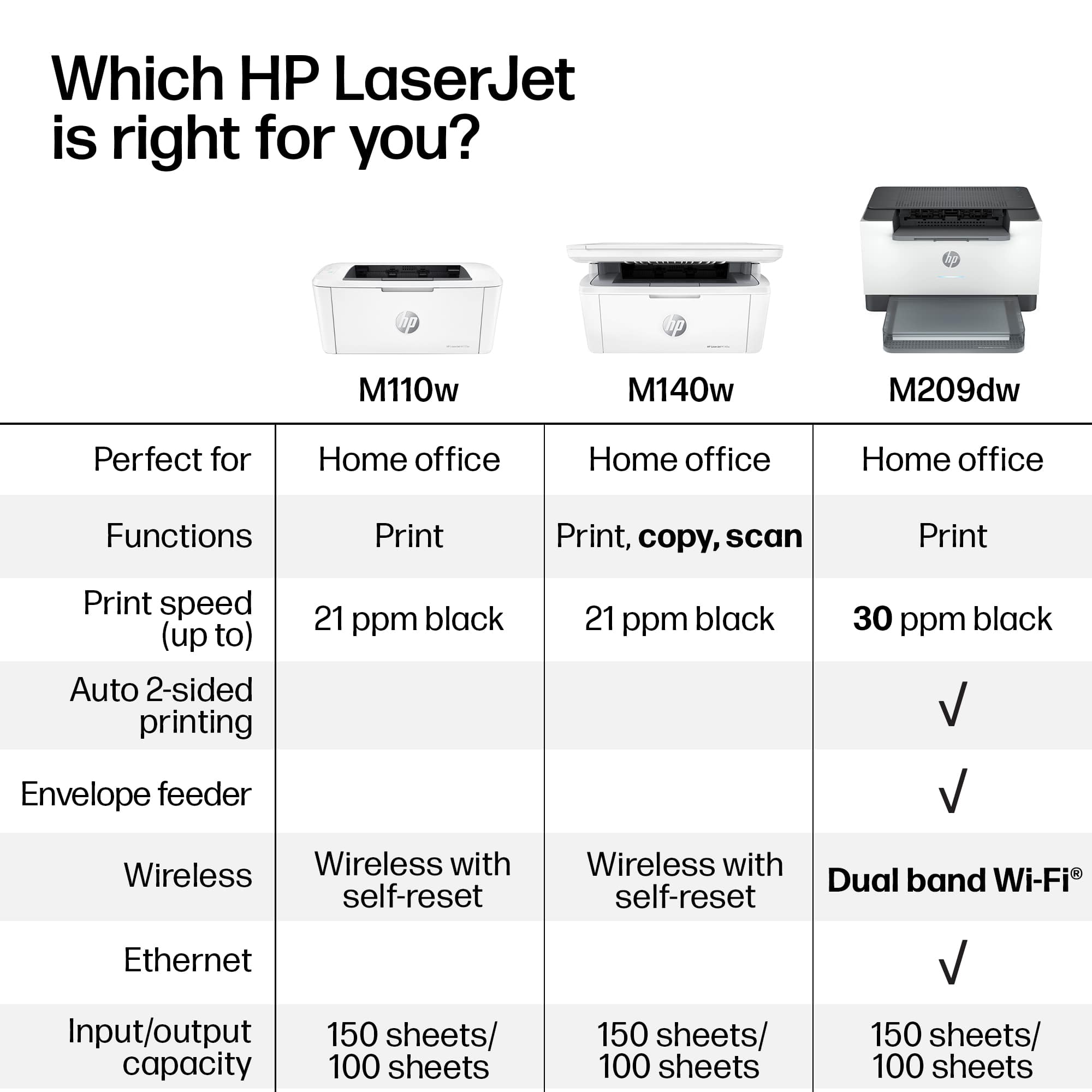
||Posted .This reviewer received promo considerations or sweepstakes entry for writing a review.States that it has a wired connection. It does not.
No, I would not recommend this to a friendBad, bad, bad
||Posted . Owned for 4 months when reviewed.This reviewer received promo considerations or sweepstakes entry for writing a review.This product sucks and so does HP. I just got new ink from HP and the printer still is not working. It is under warranty but they say I won't get a new one for 20+ days. They have no customer service. I highly recommend no one buy this.
No, I would not recommend this to a friendUnhappy Annie
||Posted . Owned for 1 week when reviewed.This reviewer received promo considerations or sweepstakes entry for writing a review.I took 2 of these printers home only to have to return them. I would have a technician install them remotely; they would work when the tech was finished, but the next morning they would not! I truly do not know if it was the fault of the printer or of the technician, but I finally went elsewhere and bought a different model. It has worked very well.
No, I would not recommend this to a friendGreat size for a home office
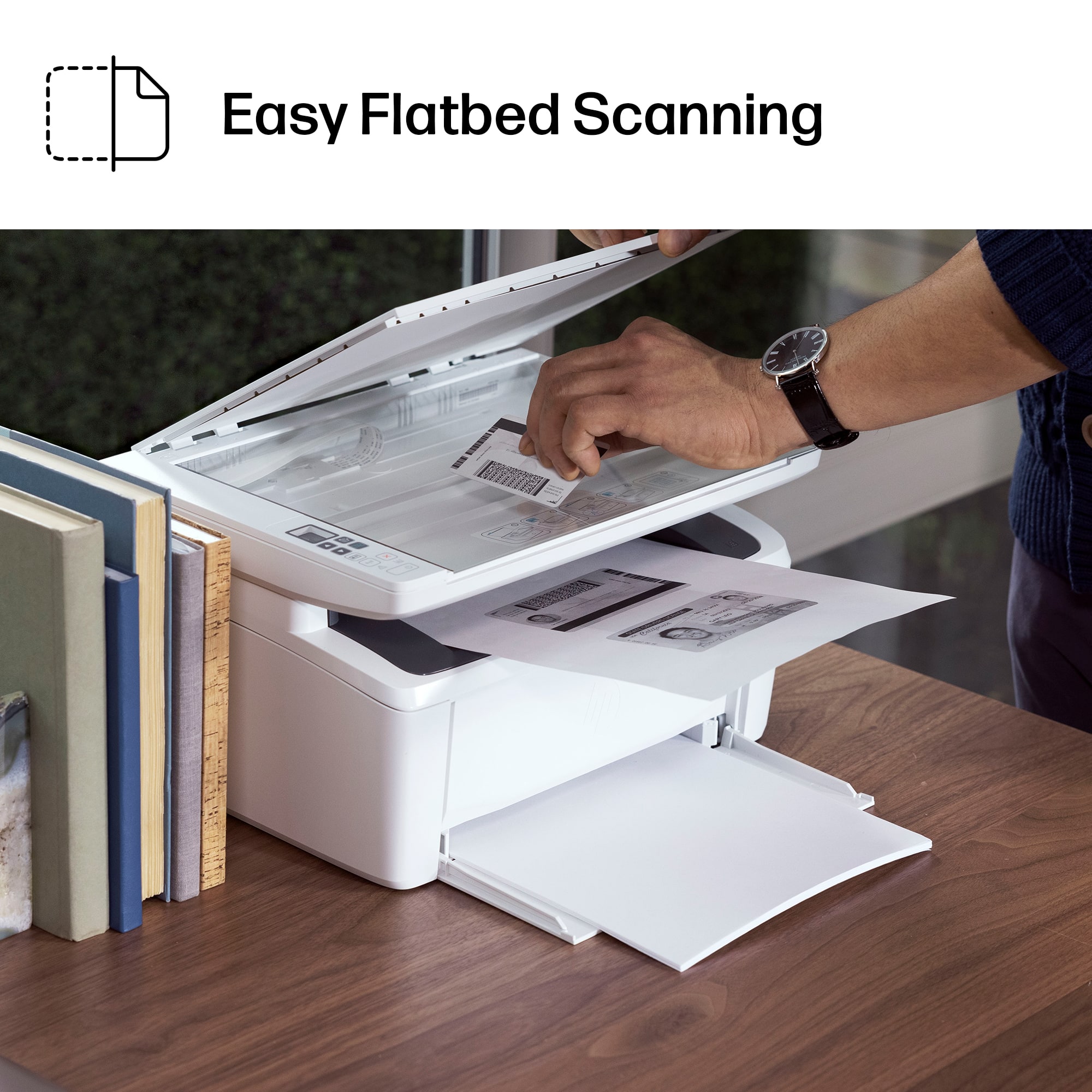
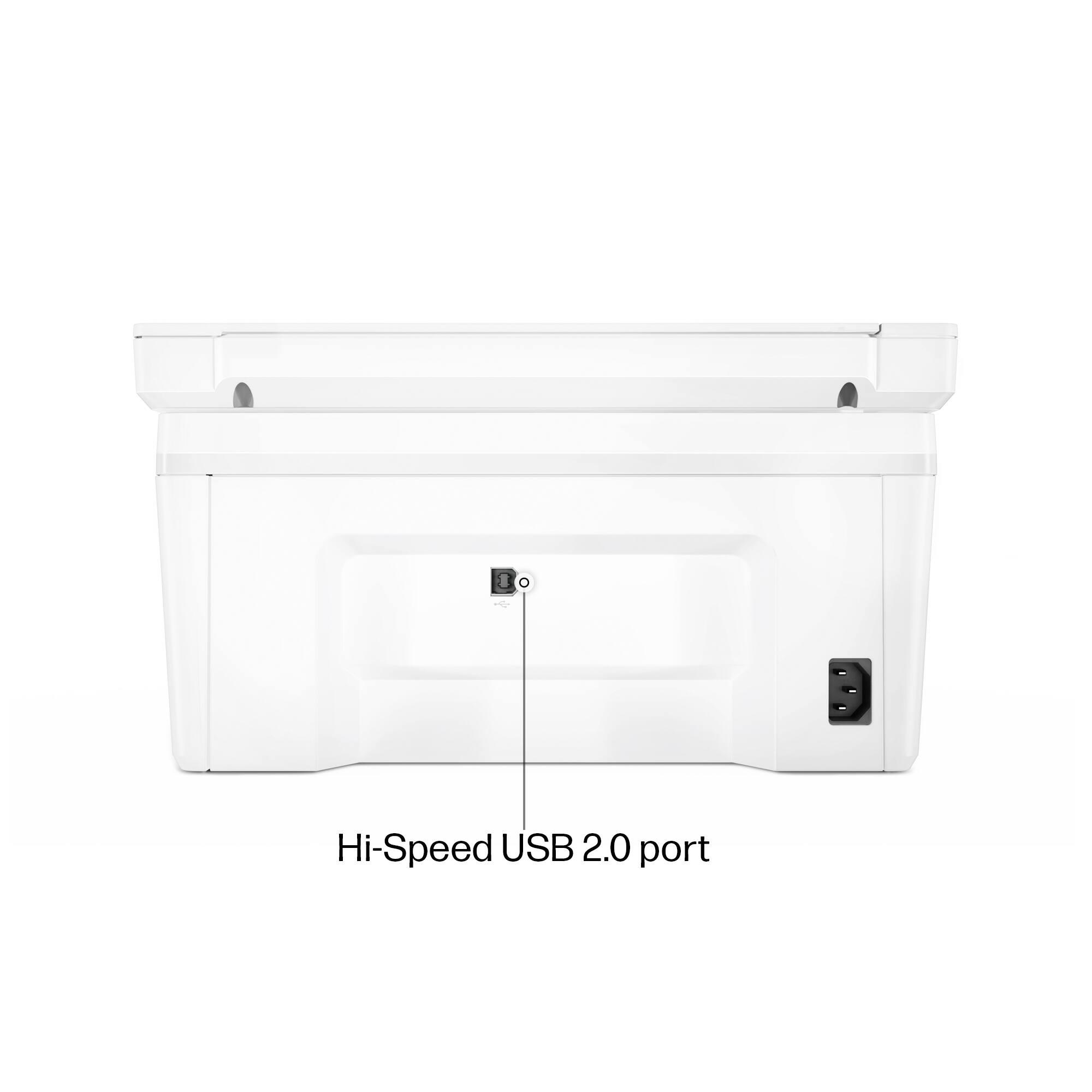
|Posted .This reviewer received promo considerations or sweepstakes entry for writing a review.I have been recently trying to make room in my office, and this printer size was a great replacement for an older laser printer I had. It almost seems too small to be a laser printer, but I guess technology is good at making most things smaller. HP is one of the major printer brands I grew up knowing had quality printers. I’ll share my experience with the printer so far…. The setup was surprisingly crazy easy. There is no hard-wired ethernet port, just wifi and a USB port. I plugged in the power, installed the HP software from my desktop which does not use Wifi, but a physical network cable, and some crazy way it was able to detect to the printer wirelessly! I’ve never seen anything like that and have no clue how it was able to detect the printer without being on my home network nor using any Bluetooth connection that I’m aware of. Either way, I didn’t argue and just moved forward with the setup. The test page printed out real quick, quite impressive with the speed and quality. After my setup, I was able to print, but not scan. I needed to login with an HP account to use the Scan function which I’m not a fan of at all. I think if you buy a piece of hardware, you should be able to use it without the internet and especially without an HP account. Its almost as if I’m losing my privacy needing to have an identifiable account when scanning documents. On top of it, I had lots of trouble trying to connect my account using the Chrome browser. I tried this on 2 computers, my desktop and laptop and neither would work with Chrome. I switched to Edge and it worked. Another unnecessary hurdle to scan documents. The scan feature did work well once setup, with options to scan documents or photos, preview or immediately start scanning. I do not like how there isn’t a document feeder to scan multiple documents, but I knew that from the beginning. I assume to make a small form factor printer, certain cuts had to be made. The scanner is pretty quiet which is a nice, my last one was pretty noisy even though there are less moving parts here. I also tested the mobile printing option, which seemed to work well. You do need to be logged into your HP account to Print and Scan, and also be on the same network (no remote printing from 4G). Again another issue because if I want family members to print or scan to my printer, they will need HP accounts logged into all their devices which is terrible IMO. Overall, the printing works great and speedy (21 PPM) for a small laser printer. Quality is clean and no streaks or smudges, nearly like an ink jet print. Scanning is quiet and does a good job with quality, but you can only scan one document at a time. Setup was amazingly easy, and the printer fits good in a small space. I’m not a fan of the stock paper being exposed but that’s another reason for the small form factor as well. One downside to the paper tray, is if you bump or move the printer some and if the paper just slightly moves out, it will think its out of paper. There is locking or tightening mechanism that I see that can hold the paper more secure. Already experienced this issue twice. The toner cartridge is small, and HP says you can get around 950 printed pages from it which is pretty nice for its smaller size, which is ideal for a home or small office with low to moderate levels of printing. If you are using this in an area that has plenty of internet access and don’t mind setting up an HP account to use your own printer and scanner, this is a good option to have. I’m not sure how well its functionality would be without internet though and because of those 2 dependencies I took away a star. The print, copy, and scan performance is pretty solid though.
I would recommend this to a friendPrinter
||Posted . Owned for 1 month when reviewed.This reviewer received promo considerations or sweepstakes entry for writing a review.Will Not Sync up w/ computer even after 3 months of using properly!
No, I would not recommend this to a friendHard Pass
||Posted . Owned for 1 month when reviewed.This reviewer received promo considerations or sweepstakes entry for writing a review.This printed one document initially. We didn’t need to use it again for about a month or so. It now says error add more paper. It has paper. We’ve gone through every single trouble shooting to fix this nothing work. Now it’s past the return window for Best Buy. Disappointed
No, I would not recommend this to a friendBad choice
||Posted . Owned for 3 weeks when reviewed.This reviewer received promo considerations or sweepstakes entry for writing a review.Wireless did not work right. It had to be within 2 feet by server. Returned it with no problems.
No, I would not recommend this to a friendPrinter
||Posted . Owned for 1 month when reviewed.This reviewer received promo considerations or sweepstakes entry for writing a review.Hard to connect to computer not what i was looking for didnt get much belp in choosing product
No, I would not recommend this to a friendNot for older PC’s
||Posted . Owned for 3 weeks when reviewed.This reviewer received promo considerations or sweepstakes entry for writing a review.I set this up for my dad. He has a 2011 iMac. What a nightmare the setup was for this! The help team couldn’t figure it out either. Finally, after 3 hours I just stumbled into a workaround. Buy a different printer and save yourself all this set up time.
No, I would not recommend this to a friendWorst printer in the market.
||Posted . Owned for 2 weeks when reviewed.This reviewer received promo considerations or sweepstakes entry for writing a review.Absolutely the worst printer I ever had. Took four days to set it up then now does not work. Do not buy this crap!
No, I would not recommend this to a friendConnection issues
||Posted . Owned for 1 week when reviewed.This reviewer received promo considerations or sweepstakes entry for writing a review.This printer is continuously disconnecting, and I have to delete the driver and reinstall.
No, I would not recommend this to a friend



















