Customer Ratings & Reviews
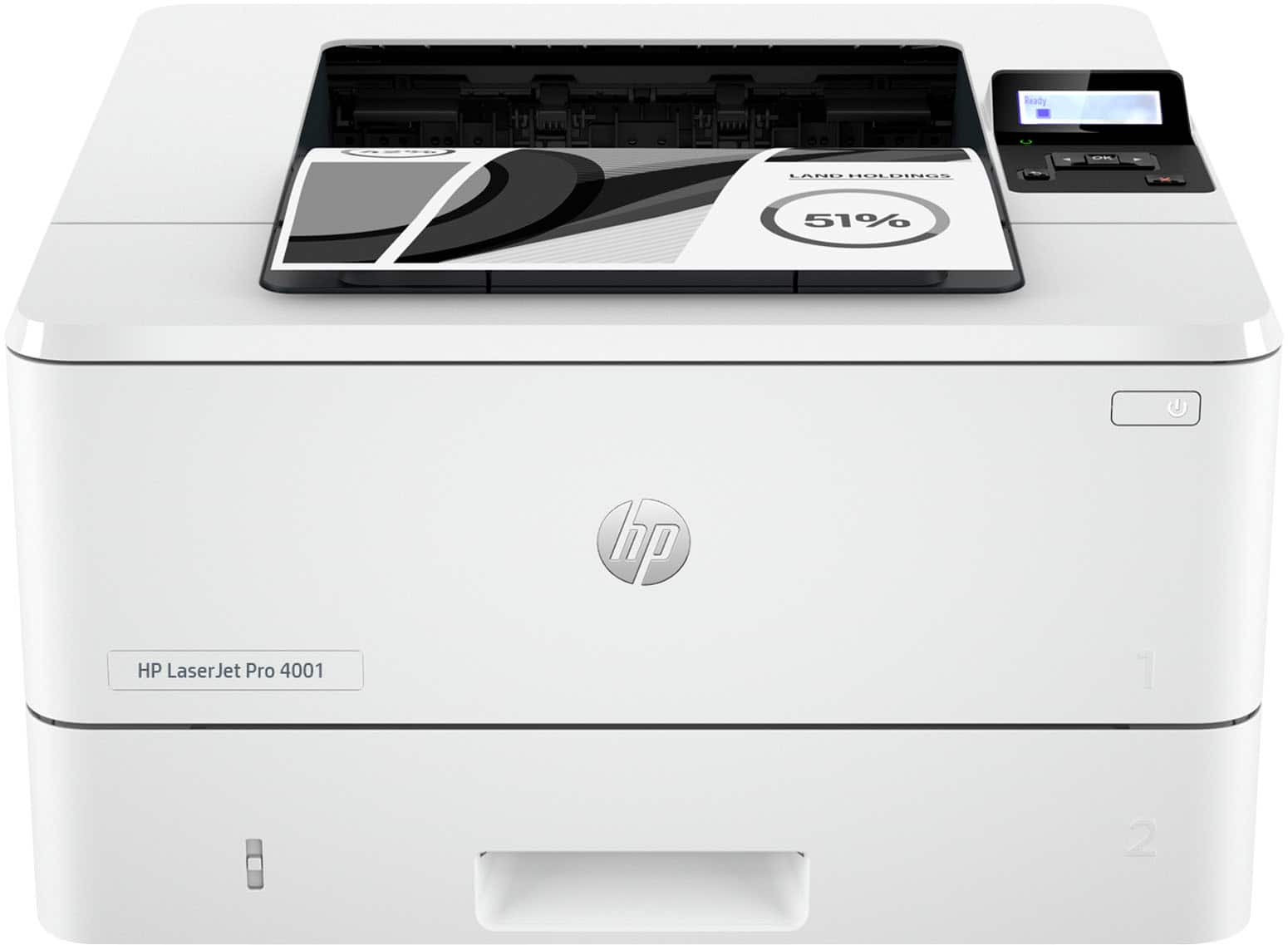
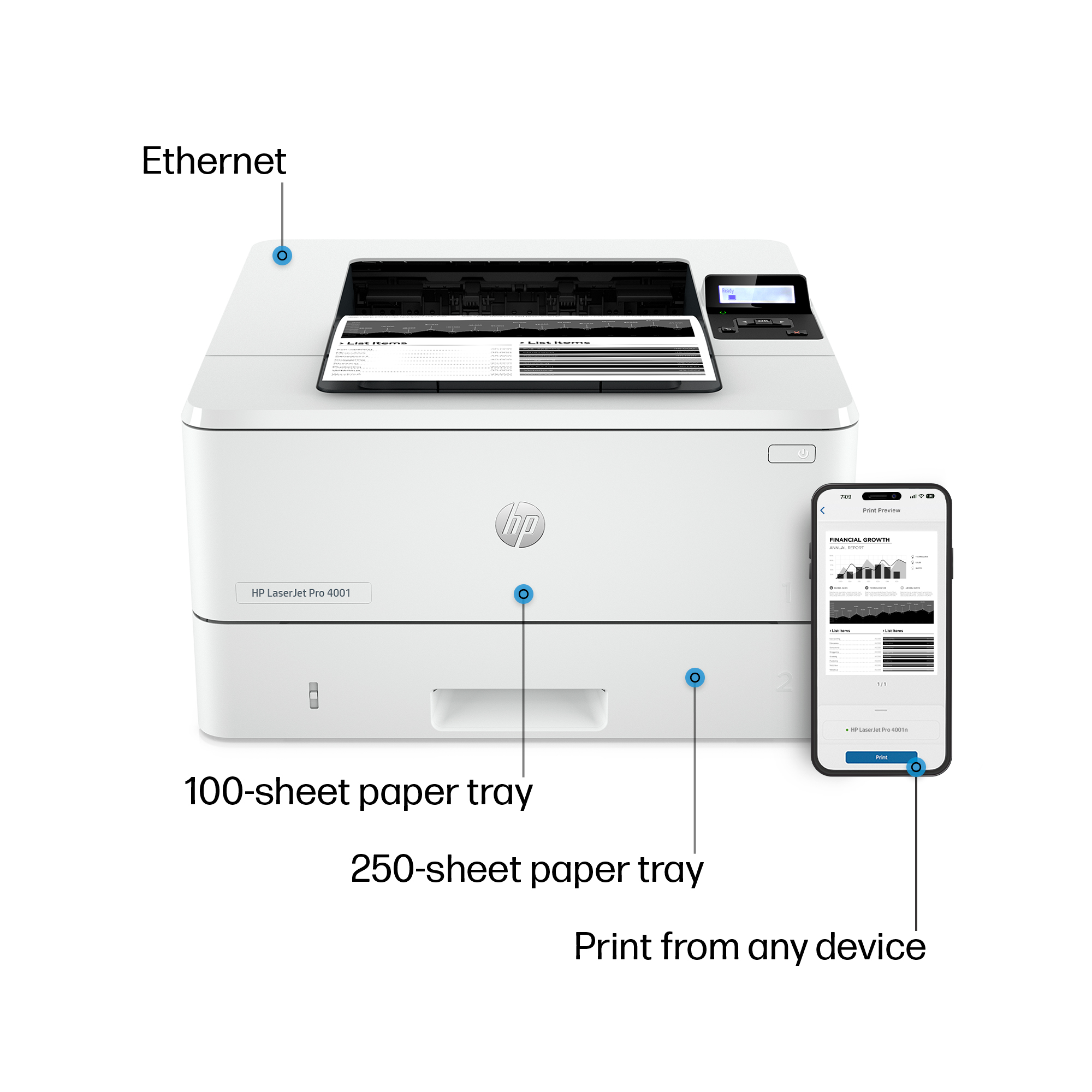
- Model:
- LASERJET PRO 4001N/2Z599F#BGJ
- SKU:
- 6515321
Rating by feature
- Value
Rating 4.6 out of 5 stars
- Quality
Rating 4.6 out of 5 stars
- Ease of Use
Rating 4.6 out of 5 stars
Customers are saying
Customers are delighted by the LaserJet Pro 4001n Black-and-White Laser Printer's excellent print quality and ease of use. The printer's size and overall performance are also well-received. Some customers have noted the absence of WiFi and that the printer can be a little loud.
This summary was generated by AI based on customer reviews.
- Pros mentioned:Ease of use, Print quality, SizeCons mentioned:Wifi

Good Entry Level Black and White Laser Printer
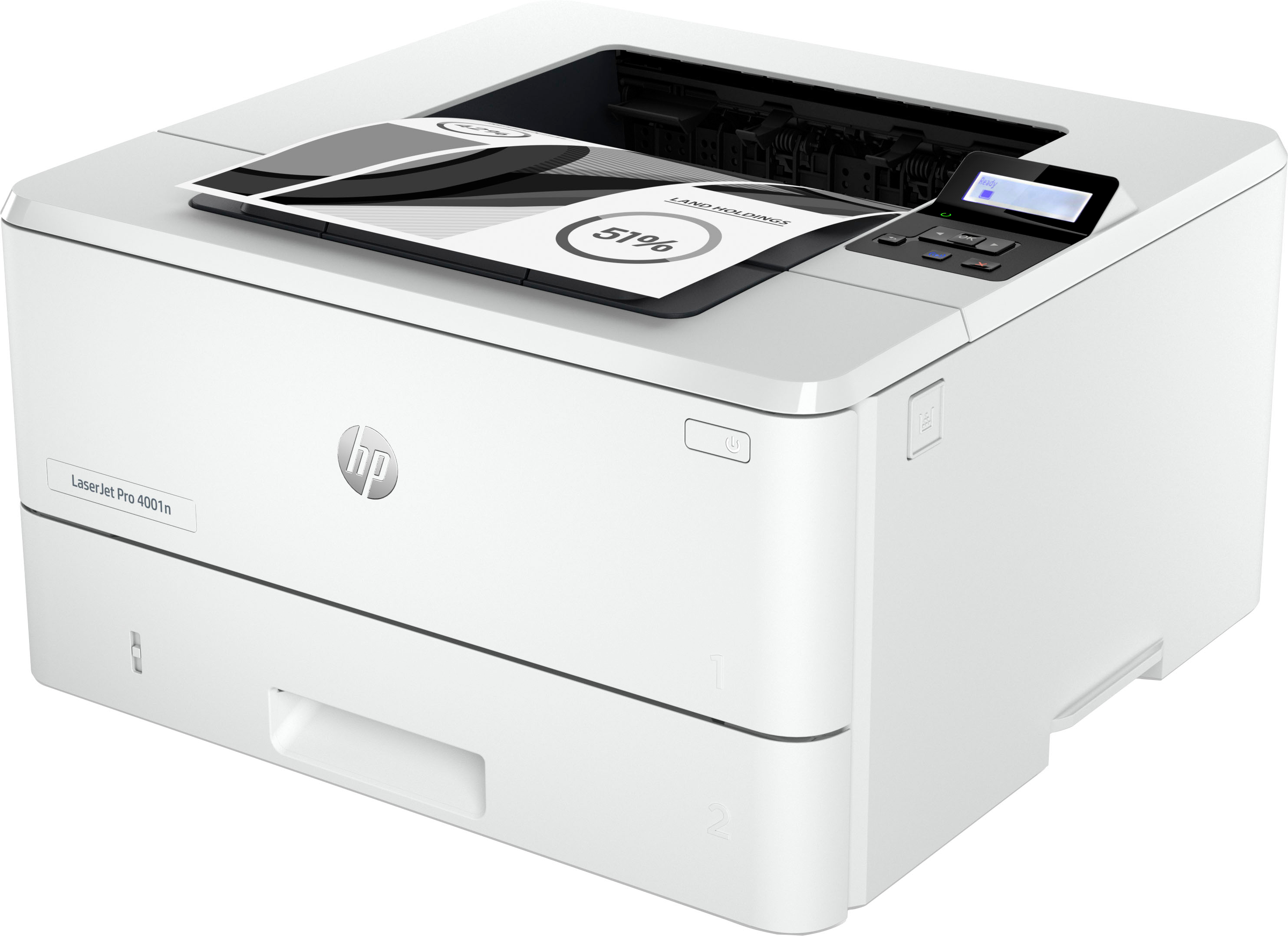
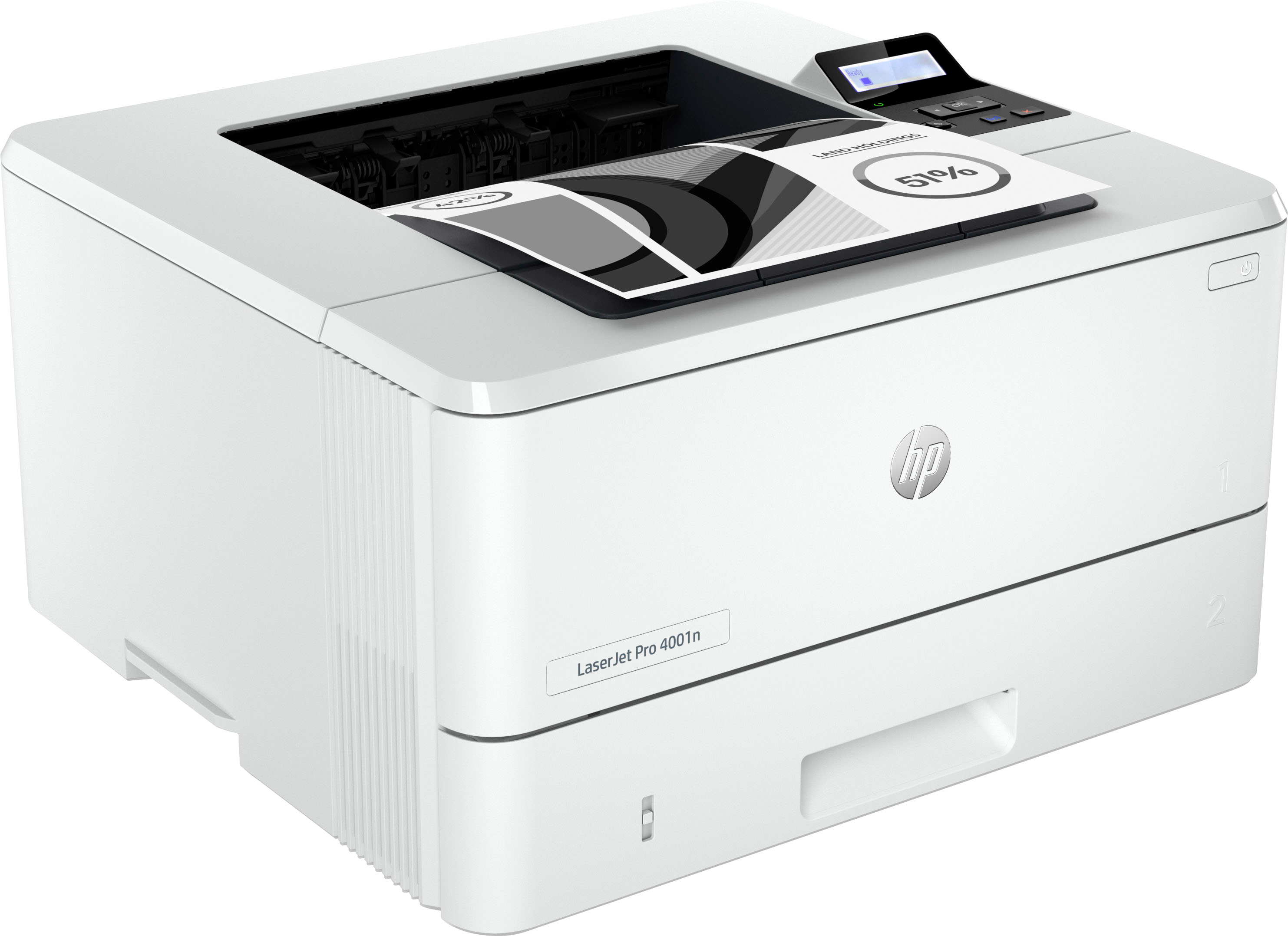
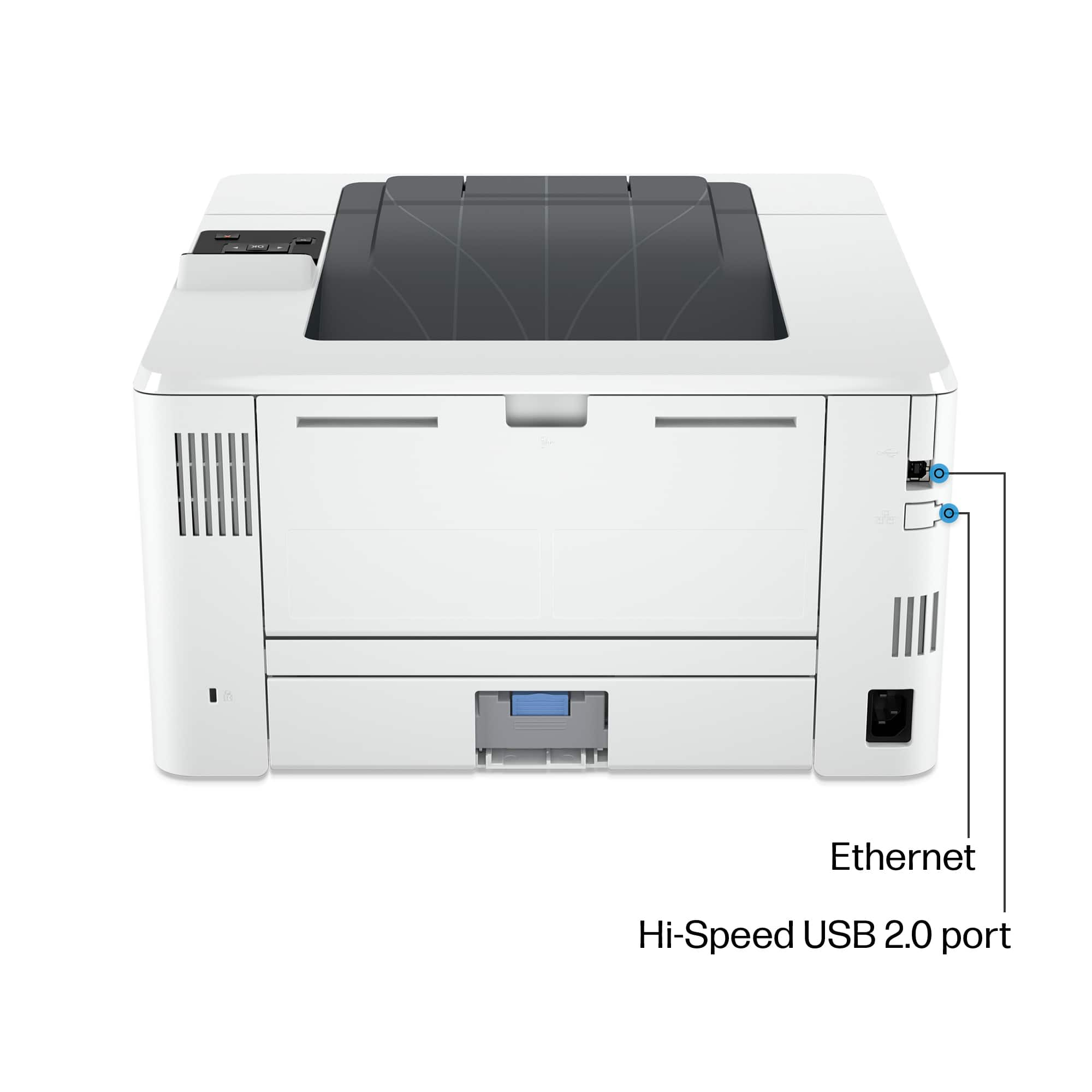
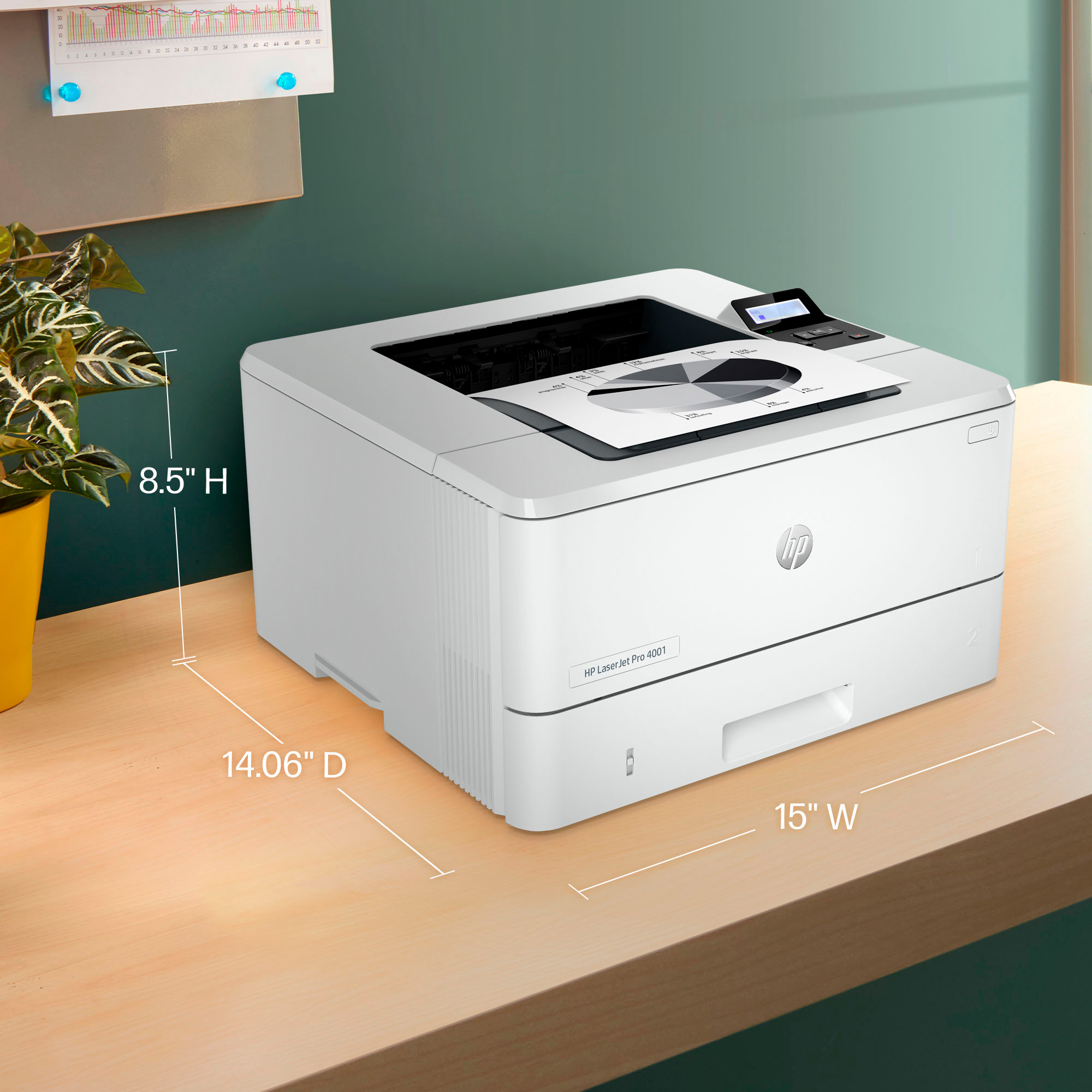
|Posted .This reviewer received promo considerations or sweepstakes entry for writing a review.The HP LaserJet Pro 4001n is a decent entry level black-and-white laser printer. It has a nice compact shape that doesn't take too much space on a desktop. Setup is pretty straight forward and takes just a few minutes following the guide included with the printer. Do note that this is not a wireless printer! It can be directly connected via Ethernet to make remote printing work, but it does not have wireless capabilities. Some users may be put off by having to directly connect this via Ethernet as most folks don't have routers convenient to where the printer will go. Where the printer excels is the speed of printing. At 42 pages per minute, printing large jobs is quick and easy. And with the 1400 total pages capacity of the included ink cartridge, users will be able to print for a while before needing to replace the ink. Sadly, HP has made it so that you have to use authentic HP replacement cartridges as 3rd party ink doesn't work. Seems to be how printer companies are making their money now-a-days. Overall, the 4001n laser printer is a good, entry-level printer, for anyone needing just black-and-white printing without wireless printing capabilities.
- Cons mentioned:Wifi
not wireless
||Posted . Owned for 3 months when reviewed.This reviewer received promo considerations or sweepstakes entry for writing a review.didnt realize its not even wireless. and I was past the return time Frame so now what do I do with it
No, I would not recommend this to a friend - Cons mentioned:Wifi
Typical HP junk
||Posted . Owned for 8 months when reviewed.This reviewer received promo considerations or sweepstakes entry for writing a review.Always disconnects and shuts down. It’s 15 minutes of messing with it trying to get it going again. Most of the time I give up and just use the brother that always works.
No, I would not recommend this to a friend - Cons mentioned:Noise level
Nope. Returning it.
||Posted . Owned for 2 weeks when reviewed.This reviewer received promo considerations or sweepstakes entry for writing a review.Front logo was upside down. And it shrieked when it was printing.
No, I would not recommend this to a friend - Pros mentioned:Ease of use, Print quality, Setup
Senior citizen-Friendly printer-easy to use!
|Posted .This reviewer received promo considerations or sweepstakes entry for writing a review.Sometimes, all you need is simple features when it comes to printing, and this printer delivers on exactly that. Simple setup, ease of use, and fast print speeds all come in handy for a pseudo-home office setup like what my grandpa has. One of the stand-out features of this printer that led me to select it is the self-healing wifi and how easily it can reconnect to my spotty hotspot connection if it drops. We are using this printer out in a rural setting where my grandpa, typical of his generation, still enjoys having everything on the internet like emails and insurance policies, in printed format. He does not have typical wifi, but instead (with my help) will just use hotspot connection off of his cellphone plan. This printer is really forgiving of this slower speed, more so than other printers we have tried. Additionally, because it is a simple black and white printer, it is a little more economical for my grandpa to run and print from than a full color printer, which seem to run out of color ink even when all you are doing is printing in black and white (from the printer head cleaning etc.) This printer model does not have a scanner or any other distracting features, it is just a simple enough printer to use and set up that even my senior-citizen grandpa is starting to feel perfectly comfortable with it! Hope this review helps give a little bit of insight from the user experience case here that you didn’t gain from simply reading the description or specifications on this page.
I would recommend this to a friend - Pros mentioned:Print quality, Setup, Size
Super fast for a well built laser printer
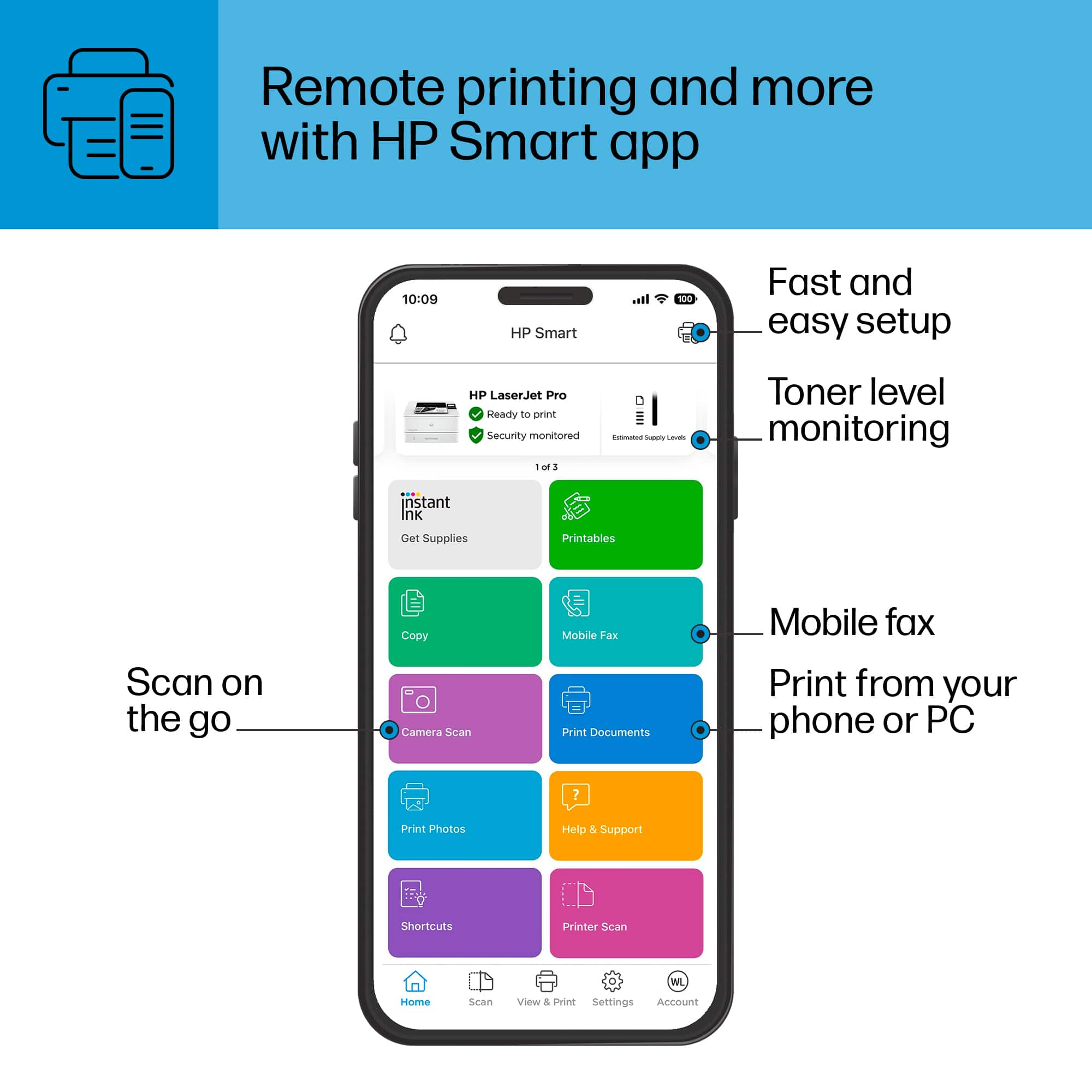
|Posted .This reviewer received promo considerations or sweepstakes entry for writing a review.The HP - LaserJet Pro 4001n Black-and-White Laser Printer is a fairly compact laser printer, smaller than some InkJet printers that also cost more and don’t even come close to the performance. Setup wise, I already had HP Smart software installed from having other HP printers connected on my home network. If you have never used it before, you can download the iOS or Android App that you can use to print from your smartphone. Your best bet is to use Ethernet for connectivity, even though there is also a USB port, but that would limit your printing from other devices on your network. The print speed is unbelievable for such an inexpensive laser printer, up to 42 pages per minute at up to 1200x1200 dpi which renders sharp, clear looking, deep black text and graphics. The only printers I’ve encountered that are faster than this are huge enterprise class multi-function that cost thousands of dollars. This printer is not just fast printing, it also only takes less than 10 seconds to warm up and start printing the first page and also wakes-up pretty much instantly from stand-by mode - impressive. This HP LasetJet Pro printer comes with a black toner cartridge pre-installed that will last nearly 3,000 pages. Despite its relative compact size, the paper tray can hold 350 sheets. This would definitely be a 5-star B&W LaserJet printer if HP managed to include Wi-Fi connectivity while not increasing the price. But if you don’t need to print in-color and have a wired Ethernet connection, I would recommend this HP laser printer over any InkJet printer or more expensive laser printers.
I would recommend this to a friend No more purchases from Best Buy
||Posted . Owned for 6 months when reviewed.This reviewer received promo considerations or sweepstakes entry for writing a review.It was probably a good printer but your Geek Squad killed it and expects me to buy a new one.
No, I would not recommend this to a friendProbably a good machine.
||Posted . Owned for 3 weeks when reviewed.This reviewer received promo considerations or sweepstakes entry for writing a review.Sorry to only give this product 1 star. But it does have limited connection ability. Other then that I am sure it would be great. Bought the product, limited connection. Returned product.
No, I would not recommend this to a friendUnder achiever
||Posted . Owned for 1 month when reviewed.This reviewer received promo considerations or sweepstakes entry for writing a review.It did not do what it professed it go do. Of the salesman told me things that it could do but when I got home, it couldn’t do those things which is why I brought it back
No, I would not recommend this to a friend- Pros mentioned:Print quality, SetupCons mentioned:Wifi
The middle ground between home and office
|Posted .This reviewer received promo considerations or sweepstakes entry for writing a review.The HP Laserjet Pro 4001n black and white laser printer is a great entry level laser jet that should fulfill most home office needs. The included setup guide makes the initial setup a breeze and the fact that the printer does not have WiFi capabilities made it easier to setup as a network printer since your only option is to plug in an Ethernet cable. the biggest issue I have with my current HP printer is that the wifi connection is not always reliable when the printer goes into standby but I did not have similar issue with this one. The Laserjet Pro 4001n also does not have a warm up time unlike other laserjet printers so its always ready to go as soon as you press print. The HP smart app allows you to print directly from the app as well as scan from the app which is great since this printer lacks any sort of scanning ability. The printer is also capable of apple air print. The printer has an output printspeed of 42 pages per minute and the paper tray can hold 350 sheets of paper so you dont's have to keep running to it if you have a large print job. Honestly this Laserjet is adequate for a small office but would be a little inadequate for a large office space
I would recommend this to a friend - Pros mentioned:Print qualityCons mentioned:Wifi
Great small business/home office printer!
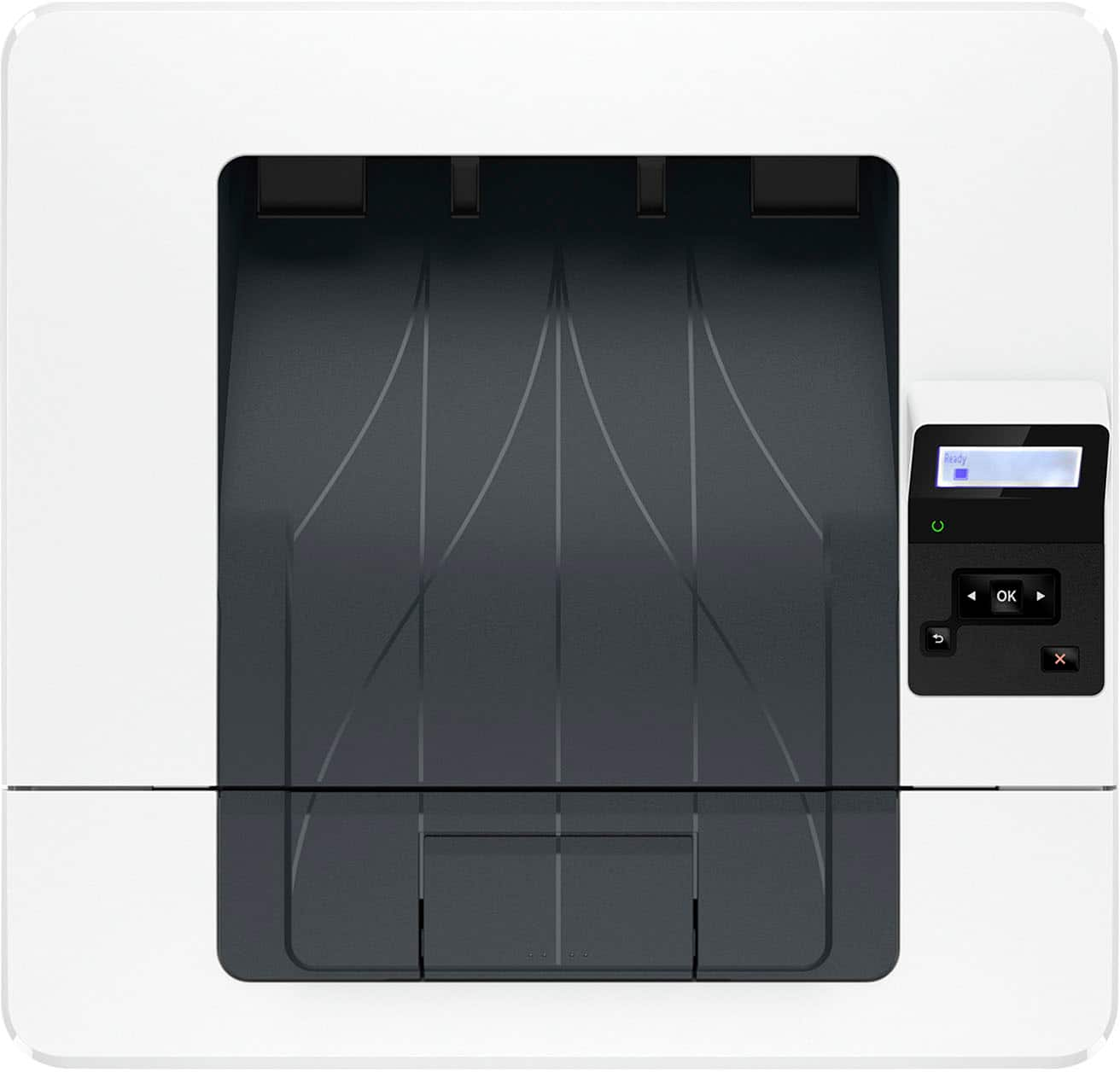
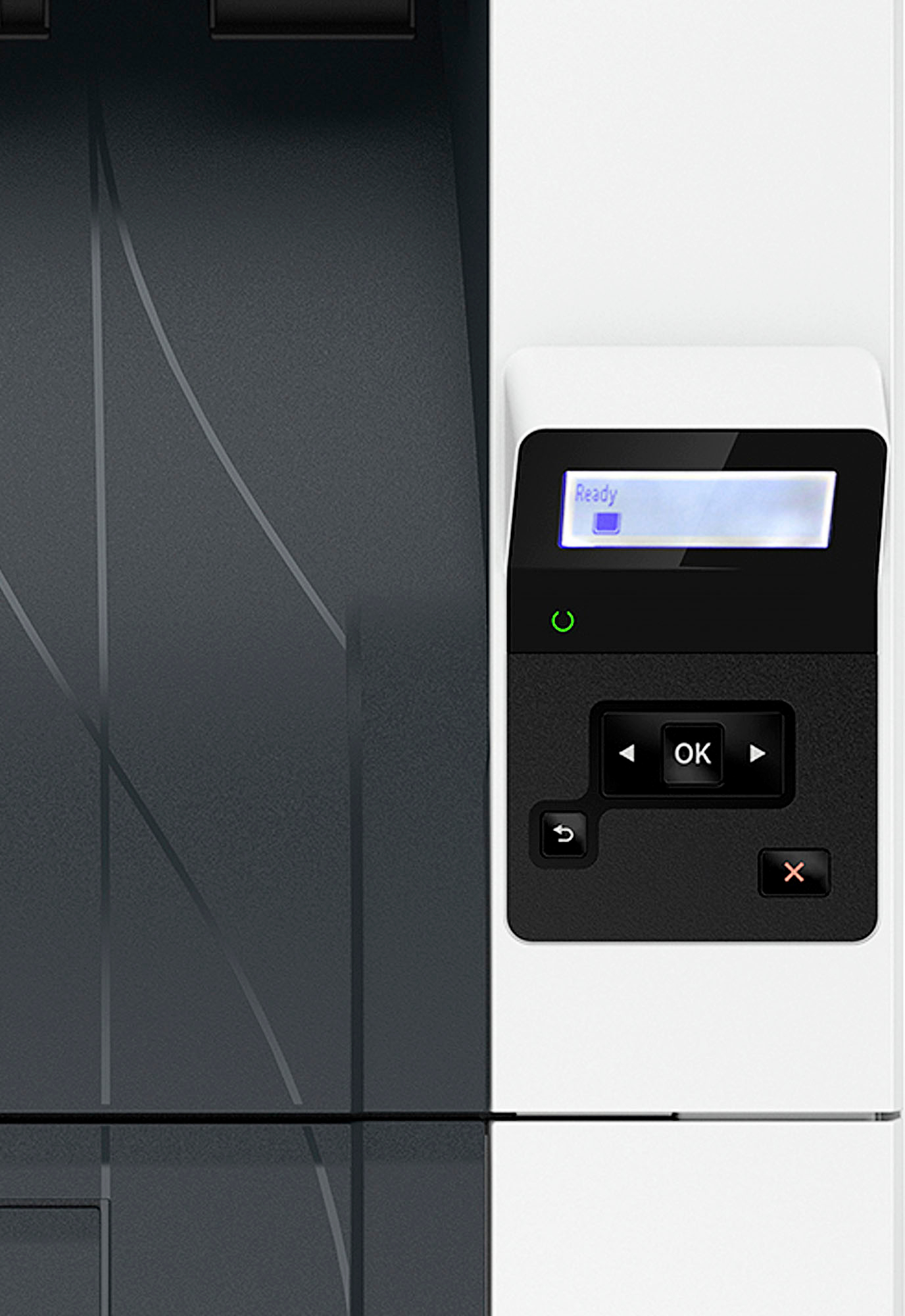
|Posted .This reviewer received promo considerations or sweepstakes entry for writing a review.Setting up this laser printer for a small office or small home office that needs black and white printing is a breeze. It has the option to connect with a USB port or gigabit ethernet port for multi-user network access. The features are simple, no fluff but very functional and most important - easy to use. In terms of print quality, text is crisp, and appears sharp. Pictures look good but are grayscale black/white of course. In terms of high-volume document printing this printer definitely works for printing contracts, legal documents, sales orders/receipts, checks, and much more. It prints very fast for nearly instant on and print speeds. In my testing it does seem to output nearly 30-40 pages per minute easily and has a large capacity paper output bin that can hold all of the paper from the standard bin. There's a visible physical indicator on the printer for paper levels so you can see at a glance what the paper level is and the printer has a display for job status and toner levels and configuration. You can add an additional paper tray (purchased separately) to greatly expand the paper holding capacity and give you the option to put checks/forms in one tray and plain paper in another. I highly recommend connecting this printer with the ethernet port directly to your home or work network for the best printing experience. At first, I was wondering why no WiFI but then remembered another WiFi printer I have that seems to always be disconnected when I try to print from the app and this printer does not seem to have that issue in the testing I've done over the last few days. Very impressed! For those situations that require it, this printer does have print security settings so you can protect your document printing which also happens to block the use of 3rd party cartridges. That said, HP offers the Instant Ink service for toner for this printer, which after setting it up I can say is a great trade-off and offers the peace of mind that you're using genuine cartridges that won't harm your printer or potentially compromise security, which, yes is really a thing and I recommend research on this if you print things that you want protected. While this review isn't about Instant Ink or the cost of toner, I do use this service in my inkjet photo printers and even with high volume, I would say it offers a really good value for what you get, and you NEVER have to worry about ordering toner ever again or worry about getting some random cartridge that may not work and I've lost more than one printer trying to cheap out with 3rd party cartridges so it's well worth just getting the right thing. I do think HP should offer or allow 3rd party certification/sale of remanufactured cartridges and offer an incentive to customers who recycle as opposed to greenwashing marketing on the toner box to say "Designed with health and planet in mind" when locking down cartridges does nothing to help the planet and actually causes more waste. Using Instant Ink of course does help with this but HP should offer more options to entice people to trade in cartridges for a discount. That all said, this is a good all around printer, especially if you're open to the instant ink service and want peace of mind set it and forget it for printing.
I would recommend this to a friend - Pros mentioned:Print quality, Setup
Reliably Great and Fast!
|Posted .This reviewer received promo considerations or sweepstakes entry for writing a review.THIS… Is HP’s LaserJet pro 4001n and quite possibly the fastest printer I have owned. From starting to finishing a print job before I can even get up off my couch, HP is setting the bar high. Lets see how this printer stacks up and more importantly how much of a pain it is to SET UP. That being said, let's take a look! Setup =========== HP really almost had me turned off here as I opened the box to no ink… It is already installed! The setup was honestly the easiest I have probably ever done on a printer, and I really enjoyed the effort that HP has put into the process. The setup guide was easy, and was made easier by the app. I set up the printer next to my router, connected it via ethernet and it pretty much did everything except put the paper in. I do wish that they left the ink cartridges out just so I could see how to install them… but its just like every other standard printer ink cartridge so if you have done it once you have done it here. App =========== This was actually what made me fall in love with HP printers back in college! The app has so many features that eliminate them from needing to be on the printer… or even near it! My absolute hands down favorite feature in the app is the fact that you can scan a document that you have in person, save it to your camera and then also print it off at home. Beyond that you can do several other things such as printing from your phone, ordering new ink (who would have guessed!), check your printer status and levels amongst other neat and cool features. Print Speed and Quality =========== This printer is FAST, and when I say fast I mean it is done printing before I can get into the room most times. The quality is what you would expect from a printer but at speeds that are quite a bit faster. I used a cannon printer before this that would take minutes to boot up and then print from a cold start, however, HP has the magic down to a science as this printer is always ready to go! Conclusion =========== This printer has quickly become a favorite in my house, from not only quick printing speeds but RELIABLY quick print speeds every time to an awesome app to a tray that holds up to 300 pieces of paper… It is almost a no brainer for anyone to hop on the bandwagon that HP has created. I would easily say that my grandma could set this up on her own, and at the very least a quick phone call. I think that while HP advertised this as a quick and speedy printer, the suite of features that the app brings really makes this a super nice product that others will be jealous of. As always, Bestbuy has an excellent return policy and even better customer service, so you never have to worry about buying a product that you don’t like… so why not test it out?!
I would recommend this to a friend - Pros mentioned:Ease of use, Print quality
All Capability Many Will Need at Affordable Price
|Posted .This reviewer received promo considerations or sweepstakes entry for writing a review.This is a powerful laser printer at a more affordable price. HP has left out the WiFi capability which indeed saves you a lot of money if you do not need this capability. But in case the lack of WiFi concerns you, it should be noted that this printer can connect to a network and be available to many computers without each computer being connected to the printer. I’ll review that capability further below. HP retained a very highspeed capability for this laser printer at 42 pages/minute. It is built rock solid. It does not have a multi-page feeder or even a glass to make a single copy; which also kept the price lower. However, for a small office or a connected home, this printer should prove ideal. You have fewer functions mechanically that can fail or need maintenance. It can hold 350 sheets of paper; so for a large office it would not be able to handle the entire printing load. However, for my home offices it is ideal because of its simplified local networking ability. I figured this printer eliminated functions I didn’t need on all my printers and cost me about 50% of a comparable laser printer in terms of speed and build quality – tip of the cap to the engineers at HP. You can use USB or ethernet setups which are both handled nicely by using the HP Smart app on your phone on computer. The HP 4001n can be setup with a USB connection to a single computer. I did this and it was a very simple and fast setup. Then I reset the printer to factory defaults and set it up again, but this time as an ethernet connected printer. You do need to have your computer and this printer on the same network/router – which is actually some security as well. The ethernet capability of this printer is very useful and secure for home or office. In case a user is concerned, this setup is done simply by connecting an ethernet cable to the printer and to a router, and configure the printer using the HP Smart app - you will have now established an online configuration. This means the printer can be used by various computers in your home or office. In effect it will appear to a person in the basement, for example, as a ‘wireless printer,’ since the computer will use its wireless connection to the router to locate and utilize this printer quite easily. Same connectivity anywhere in your house or small office. Be aware that most routers have 3 or 4 additional ethernet ports that you will be able to find and can plug this printer into, so that is not a problem. I have found this little gem to be a solid part of my home network. It is black and white only and handles the load of printing many things like mailing labels, store receipts and Word files. I would highly recommend it.
I would recommend this to a friend - Pros mentioned:Print qualityCons mentioned:Wifi
Quick, Quality, B/W Printer With Key Limitations
|Posted .This reviewer received promo considerations or sweepstakes entry for writing a review.The HP - LaserJet Pro 4001n Laser Printer offers high-quality, high-speed, high-capacity black-and-white printing with a greatly reduced set of features. I've used HP laser printers for many years and have found them to be solid, long-lasting, quality work-horses (especially the black-and-white printers). I love a printer that simply spits out a clean and crisp page with no complaints. HP laser printers have consistently done that for me. As for the HP - LaserJet Pro 4001n Black-and-White Laser Printer, it not only provides an excellent black-and-white printout - it does it at impressive speed. The print speed is matched by an ample paper tray of 350 sheets, making it ideal for large single-sided print jobs. The small function screen is very helpful also. All of this is balanced by significant feature limitations to evaluate when considering this model. • It is black-and-white only (this is the most obvious) • It is NOT WIRELESS. It requires a wired connection (either ethernet or USB). It can be accessed wirelessly by computers only if it is connected via cable to a wireless router. • It does NOT DO DOUBLE-SIDED PRINTS. Personally, I find these limitations a deal-breaker for my uses. I would encourage most people to pay the extra for the models that include wireless access and double-sided printing. Because these are long-lasting printers, that would assure you've got your options covered for a change in use-scenarios. Because it is a good-quality, high-speed, high-capacity printer, I would recommend this to those businesses that have a specific use for a LAN based, black-and-white, high-speed, single-sided-only printer. So, my positive answer to 'would you recommend this product to a friend?' is based on that assumption. Otherwise, choose an upgraded model. You'll be glad you did.
I would recommend this to a friend - Pros mentioned:Ease of use, Print quality
Efficient and Convenient printer for home office
|Posted .This reviewer received promo considerations or sweepstakes entry for writing a review.This high-speed smart printer is perfect for our fast-paced home environment. One of the best features of this printer is its fast printing speed. It effortlessly handles high-demand tasks. Additionally, the HP Smart functionality has been great, allowing us to print and save time with its convenient shortcuts feature. Another major advantage is that this printer requires no warm-up time, which means it's always ready to go whenever we need it. It significantly reduces waiting time, helping us get things done more swiftly. The package includes the HP black toner cartridge, providing approximately 1,400 pages of high-quality prints. The printer setup was straightforward with the included user guide in the package. Setting up printers wherever we need them has never been easier. The Smart Admin dashboard is a fantastic addition. Security is a top priority for us, and this printer delivers on that front. Additionally, the printer's self-healing Wi-Fi feature automatically detects and resolves connectivity issues, reducing interruptions. The mobile printing capability is another valuable feature, enabling us to print directly from our smartphones and tablets with ease. Overall, this printer has been an outstanding addition to our home office, making it easier for our kids to print their homework directly from their tablets and mobile phones. Its efficient performance and convenient features have made a significant impact on our daily printing needs.
I would recommend this to a friend - Pros mentioned:Print quality
Great for the right type of user
|Posted .This reviewer received promo considerations or sweepstakes entry for writing a review.This a great, entry-level laser printer, provided you're the right kind of user. The printer is fast and responsive; long documents like contracts and legal files are printed quickly and easily. Double-sided printing is a snap, too, so you can save on the total number of pages you're pumping out with your print jobs. The paper tray is spacious and won't need to be refilled every ten minutes, unlike other budget laser printers. Printing is only in black and white, but since the primary focus of this device is home office use, that shouldn't be a problem for prospective buyers. Set up is easy, but this is also where the first caution flag gets raised. This model does not have WiFi built in. Your options for setting it up are either through an ethernet connection (i.e. plug it into your router) or a USB connection to a specific laptop or desktop. You really want to set up the the ethernet connection if possible; that way you have full access to mobile printing options from your phone or tablet through HP's app. Plugging into a router, though, may limit or restrict where you can set up the device. A workaround (wink, wink) is using either a wireless range extender or a mesh router system. I had to do this to prevent me from setting up the printer in the basement, where the router is. Once you've got it correctly set up, though, HP's app makes printing easy. There are a number of great options in the software for printing documents of various types, and I didn't have the same "lost in translation" problems with mobile printing that I had with the laser printer this model is replacing. It's easy and efficient to print downloaded PDFs, emails, Word doc attachments, and other files directly from your phone using the HP app. If you've used an HP Inkjet model in the past and were wirelessly printing with it, then you know what I'm talking about. For people using this in a home or small office setting: the printer provides an additional layer of web security for document safeguarding. It's certainly a nice bonus to have if you're printing out files with Social Security numbers or financial documents. For everyday users, however, you have to ask if sacrificing color and ease of placement (no WiFi) is worth it to you. As a laser printer, this device is great. It prints quickly, does not get lost in a hopeless sleep state (I'd love to call out a different manufacturer here), has a great and readable display, and prints with clarity and great fidelity to the original source document. It's everything you want in a laser printer, and the speed gains are well worth it if you're coming from a replace-my-cartridge-in-every-three-days type of model. Just be advised that this model does not do WiFi. This wasn't a deal breaker to me, but it may be for some of you.
I would recommend this to a friend - Pros mentioned:Print quality
Fast, Reliable BW Printing - Low Cost of Operation
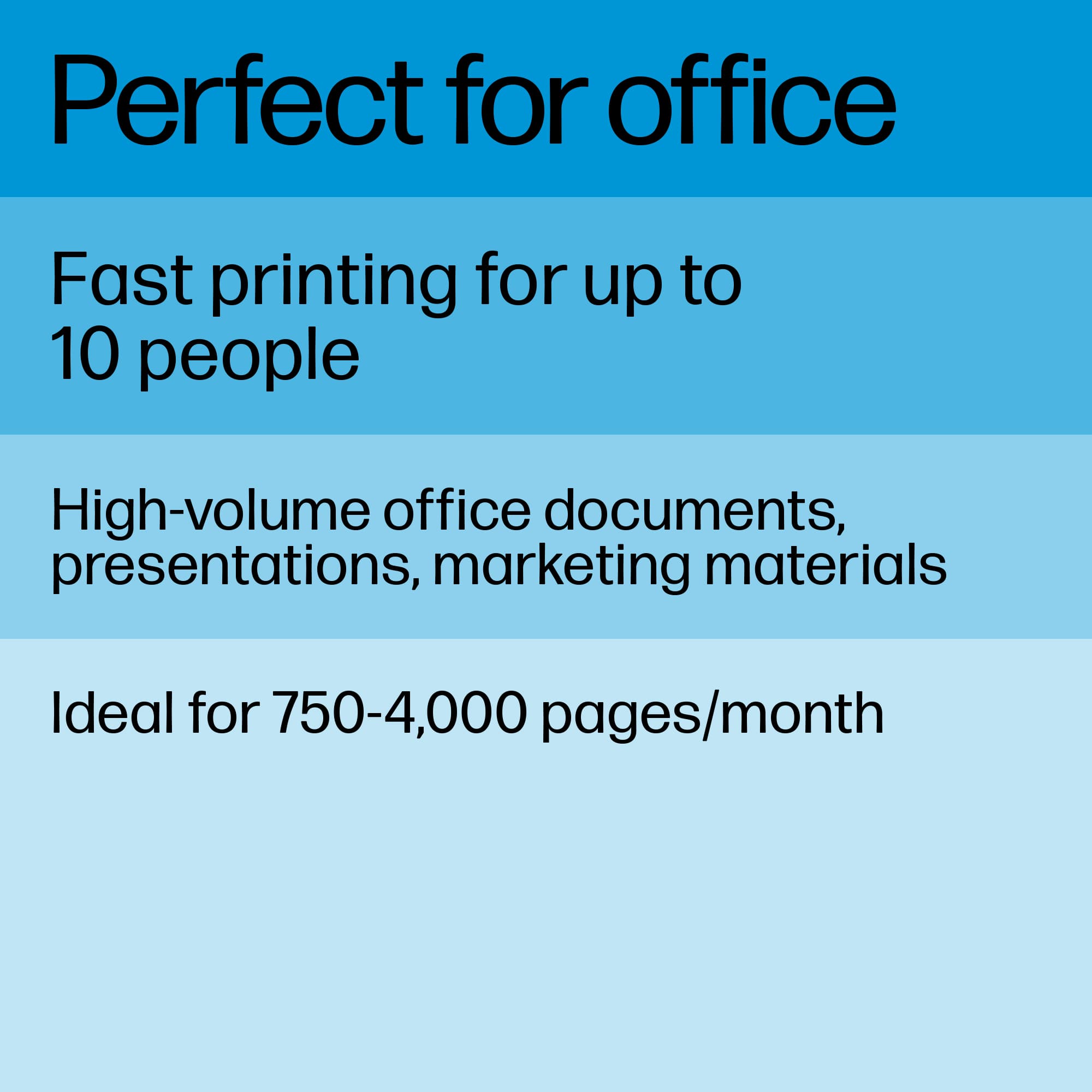
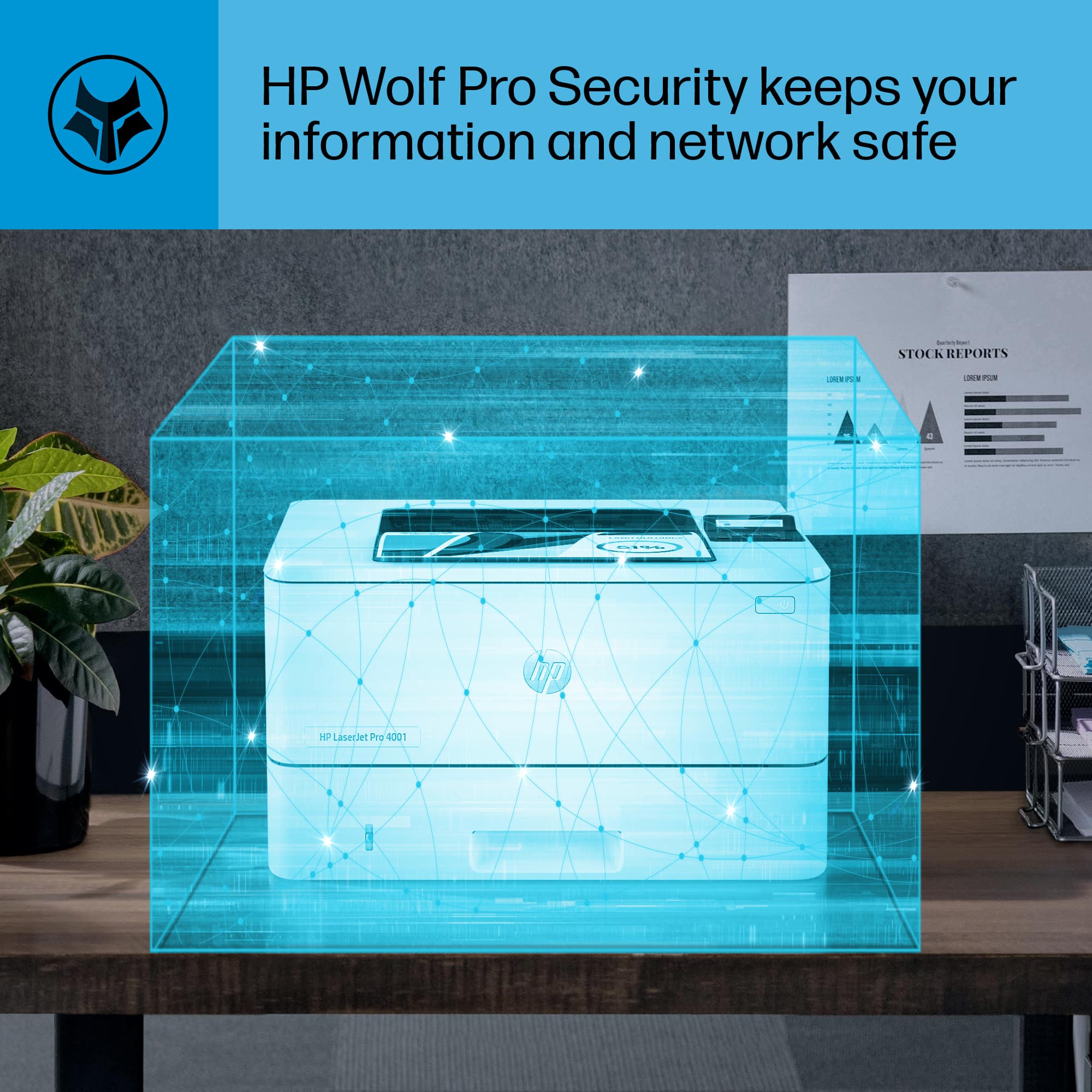
|Posted .This reviewer received promo considerations or sweepstakes entry for writing a review.I can recommend the HP LaserJet Pro 4001n Printer for small to medium-sized businesses, even those with a high-volume printing. It offers fast print speeds, high-quality prints, and features advanced security all at an affordable price. I don't buy ink jet printers because of their high-cost of operation. Toner printers like this one provide a low cost of operation. Small businesses need to keep costs down, and this printer is a cost-effective option. Anyone looking to reduce their printing costs without compromising quality need to check this printer out. The 4001n prints at speeds of up to 42 pages per minute, which is impressive compared to other similar printers in this price range. It also has a maximum print resolution of 4800 x 600 dpi, which ensures that text and graphics are sharp and clear. I appreciate that the printer has a paper capacity of 250 sheets and supports automatic duplex printing. This is not just convenient, but reduces trips to the printer, actually reduce overall printing costs. One standout feature of the 4001n is the security setting feature. The printer comes with HP Wolf Pro security settings, which provide advanced security features for printing sensitive projects, features a secure boot, and firmware integrity POST. These features are usually only available on printers much more expensive and are excellent to ensure that sensitive documents are protected from unauthorized access, and the printer itself from unauthorized use (which reduces cost of ownership). I've compared the 4001n to other similar printers in its class, and in my opinions offers the best value for money. It has a lower cost of operation thanks to its high-yield toner cartridges (up to 9,000 pages per cartridge). This results in cost savings on printing costs, with a cost per page printed to be much lower than the printer it is replacing. In conclusion, the HP LaserJet Pro 4001n is a high-speed B&W printer that is ideal for small (to medium-sized), businesses. It delivers high quality black and white prints at blazingly fast speeds. It is a strong solution for work teams that require high-volume printing. As with all HP products the 4001n printer is designed not only for years of use but HP also engineered it for sustainability, making it eco-friendly with a small carbon footprint. Nothing wrong with that! 5 Stars!
I would recommend this to a friend - Pros mentioned:Print qualityCons mentioned:Wifi
Setup is hard
|Posted .This reviewer received promo considerations or sweepstakes entry for writing a review.So I think if the printer can get set up properly, it really works well. I consider myself fairly tech-savvy and I gotta say I was a bit frustrated with the set up. Out of the box, it has the office aesthetic that we are all used to. Nobody is going to stop and admire the HP LaserJet Pro 4001n for its groundbreaking design. It felt decently built and will at least outlast the toner cartridge it comes with. The "n" in the model number means that it means it can be connected to a network via Ethernet. It does not have wireless connectivity. For some reason, setting the printer up just took a while. It had been a while since I had to go online to the support page to figure things out. The screen bugs out every now and then as well. Once set up, this thing performs as it should. It can function as a workhorse for documents in the offiice. It does not do duplex printing. The print quality is good and I found it generally lived up to the 42 pages/minute. Of note, this is strictly a printer. It does not have any scan or fax capabilities. Another thing that I have not appreciated about the trend of printers these days is the need for accounts and subscriptions. In order to get some of the smart functionality, you need an HP account. HP also pushes their Instant Ink program and locks out third party cartridges. All in all, this is a decent office workhorse if you can get it setup properly.
No, I would not recommend this to a friend - Pros mentioned:Print quality
A reasonable wired-only SOHO printer
|Posted .This reviewer received promo considerations or sweepstakes entry for writing a review.The HP LaserJet Pro 4001n is marketed in a weird place that makes it hard to review. On the one hand, it has wired networking, business-grade speed, and print quality. On the other hand, it lacks wireless capability, duplex printing, and has some consumer grade software gimmicks that detract from the business-class experience. And certainly it is priced a bit higher than a consumer grade printer. Print quality is excellent, actually probably the best I've seen in a black and white printer that costs less than 4 figures. If you find yourself needing to print high quality B&W documents to share with clients regularly, the HP 4001n would be a very good choice on this feature alone. The ProRes 1200x1200 setting looks fantastic with text and graphics. Speed at lower quality settings is extremely good too, as the 42ppm lends itself well to a small office setting. The flip side of this is the HP LaserJet Pro 4001n is pretty much a one-trick pony. It lacks automatic duplex printing so offices that are trying to be paper concious will look for the next up model which has this feature. It only has a 250 page main tray (plus a flip-out 100page tray which gives you a nice dedicated tray for labels or other paper sizes) which is about half what I'd want in a printer being used by more than 2 or 3 people. At the maximum print speed you'll run out of paper in less than 6 seconds. And truthfully I would never deploy a printer in a managed office setting that used a mobile app like HP Smart. While it might be of interest to an attorney or other professional who doesn't have a managed service provider to configure their IT gear, the HP Smart app just firmly pushes this to sub-enterprise grade for me. So if you find yourself occassionally needing to spit out a few hundred good looking black and white pages quickly, the HP LaserJet Pro 4001n might be a great choice. Coupled with a slower color laser printer that does duplex it could meet most small office needs.
I would recommend this to a friend - Pros mentioned:Ease of use, Print quality, Size
Review
Posted .This reviewer received promo considerations or sweepstakes entry for writing a review.It was easy to set up, It does not take up much space and the copies are clear.
I would recommend this to a friend